
On this page
Start here
Quick answer
For a JennAir JDB3600AWP5 whose touch panel does not respond, do not start by replacing the whole dishwasher or accepting a panel quote without checking the control state. JennAir says Control Lock can make every touch command appear dead and recommends disconnecting power for 30 seconds before reconnecting. Confirm the model, lock indicator, display state, door behavior, and whether the unit has power. The model parts list identifies a console assembly and an electronic control as separate listed service items, but it does not guarantee current stock, a substitute, price, or compatibility. If the panel remains dead after the safe external checks, get a model-specific diagnosis and a written repair-versus-replacement quote.
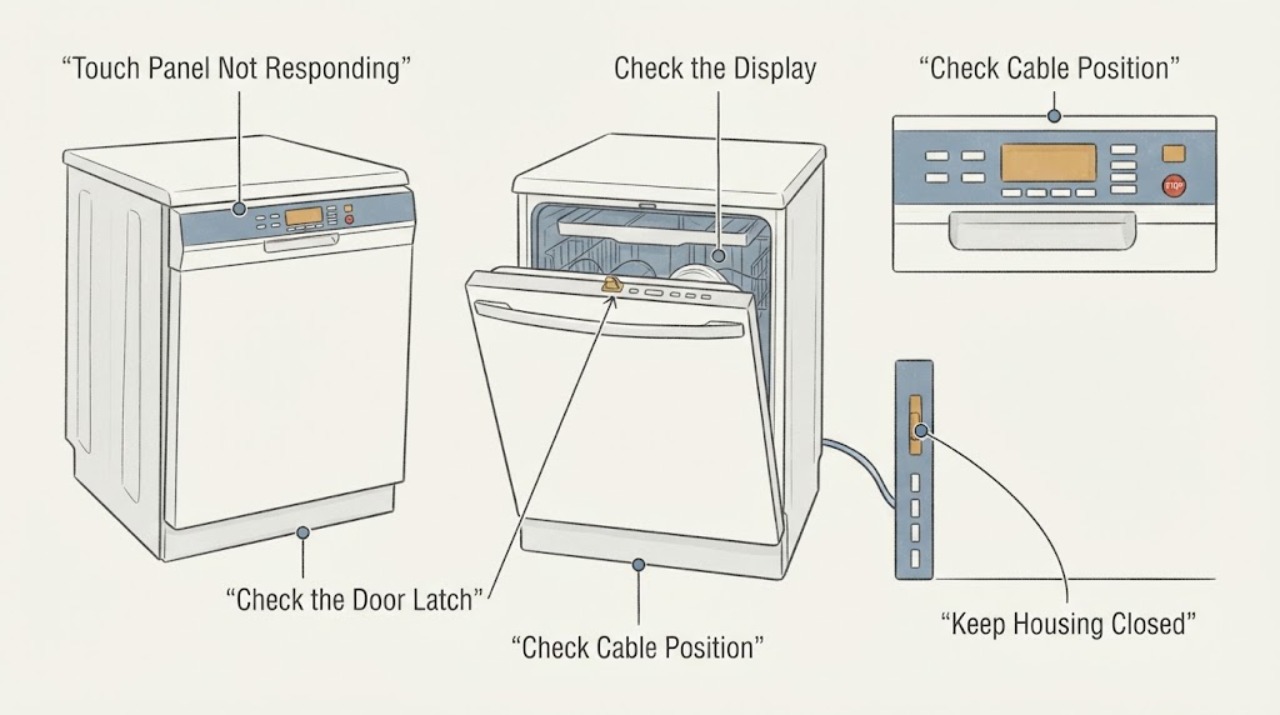
Work through in order
Diagnostic checks
Use only checks that match the exact appliance or system and its official guide.
-
Check 1
Record the model and serial label, then observe the panel without repeatedly pressing it: note whether the display is dark or lit, whether a padlock or Control Lock indicator is on, whether any key beeps, and whether the door closes and latches squarely.
Expected result: A lock indicator is lit, the panel is dark, the panel lights but ignores touch, the door will not latch, or the model is not JDB3600AWP5.
Next step: Use JDB3600AWP5 literature for the lock and door behavior. If the model differs, stop applying this model-specific procedure and locate the correct manual.
Stop if: Do not force the door, bypass the latch, pull out the built-in dishwasher, or remove the door panel.
Why this matters
Why: JennAir identifies Control Lock as a condition that disables touch commands, while a dark panel or latch failure can point to a different power or door path. A different model may use a different lock sequence or control layout.
-
Check 2
If the Control Lock indicator is present, use only the exact JennAir control-lock instruction for this model; JennAir's general guide describes holding the dedicated Control Lock key or the labeled Options key for about three seconds.
Expected result: The lock indicator clears and touch commands respond, or the panel remains unresponsive after the model-authorized unlock attempt.
Next step: If the panel responds, close and latch the door and run only a normal cycle as the manual directs. If it remains unavailable, continue with the safe power check without forcing controls.
Stop if: Do not guess a key combination from another JennAir or Whirlpool model, enter service diagnostics, or pry at the touch panel.
Why this matters
Why: An active lock can make a working panel appear dead. If the lock cannot be cleared using the correct model instruction, the symptom still does not identify a failed panel or board.
-
Check 3
When the area is dry and there is no leak or electrical hazard, disconnect power once for 30 seconds: unplug only a safely accessible cord, or turn off the dishwasher's breaker if it is hard-wired, then restore power.
Expected result: The display and touch panel return, the panel remains dark, or the panel returns briefly and becomes unresponsive again.
Next step: If the panel returns, monitor one normal start. If it stays dead or fails again, leave the dishwasher off and arrange qualified JennAir service.
Stop if: Do not reset near water, smoke, burning odor, damaged wiring, or a repeatedly tripped breaker; do not keep cycling power.
Why this matters
Why: JennAir documents a 30-second control reset for an unresponsive dishwasher. No change or recurrence points to a supply, connection, console, latch, or control diagnosis rather than a confirmed part.
-
Check 4
From a dry, safe position, check the accessible household breaker and the visible power connection only; do not remove an electrical-panel cover or dishwasher panel. Note whether other appliances on the circuit have power and whether the breaker trips again.
Expected result: The breaker is off, the breaker trips again, the visible connection is damaged, or external power appears normal while the dishwasher panel is still dead.
Next step: Correct one obvious external breaker state only if safe. For a repeat trip, damaged connection, or continued dead panel, leave power off and contact a qualified electrician or JennAir servicer.
Stop if: Do not test live wiring, tighten terminals, open the junction box, or reset a breaker repeatedly.
Why this matters
Why: A supply problem can make all controls appear unavailable, while a repeat trip or normal supply with no panel response needs qualified electrical or appliance diagnosis.
-
Check 5
Before accepting a control-panel replacement quote, ask the technician to identify whether the diagnosis concerns the console assembly, electronic control, door switch or latch, wiring, or supply, and compare that name with the JDB3600AWP5 model parts list.
Expected result: The quote names a specific component and test result, says the original part is unavailable, offers a substitute, or recommends replacing the complete dishwasher without a component diagnosis.
Next step: Request the component status, approved substitute information, labor, warranty, return terms, and a written repair-versus-replacement comparison. Use the exact model and serial number for every parts inquiry.
Stop if: Do not order a console, control board, latch, or complete dishwasher solely from the symptom, a cross-model listing, or an unverified availability claim.
Why this matters
Why: The model parts list shows separate control-panel and latch components, but it does not confirm current availability or substitute fit. A touch symptom alone cannot justify a specific part or complete appliance replacement.
Use your observations
Decision map
Find the observation that best matches what you see, then follow the next safe action.
-
PATH 01Next step
What you see
The padlock or Control Lock indication is present and the panel responds after the model-specific unlock instruction.
Do this next
Use the dishwasher normally only after the door latches and the exact manual permits operation. Do not replace the panel based on the original locked symptom.
Why this path and its safety boundary
Why it matters: The panel was locked rather than proven electrically failed. JennAir documents that Control Lock disables touch commands.
-
PATH 02Next step
What you see
The panel returns after JennAir's one 30-second power cycle but becomes unresponsive again.
Do this next
Stop repeated resets, record when the failure returns, and arrange model-specific JennAir service.
Why this path and its safety boundary
Why it matters: The reset cleared a temporary state without proving the underlying console, connection, latch, or electronic control is healthy.
-
PATH 03Next step
What you see
The panel stays dead after the lock, door, and one-time power checks, while the breaker and visible supply appear normal.
Do this next
Leave the dishwasher off and request a technician's component-level diagnosis before buying a discontinued panel or replacing the whole appliance.
Why this path and its safety boundary
Why it matters: A control, console, door-switch, wiring, or supply fault remains possible, but the symptom does not distinguish the part. The JDB3600AWP5 list contains separate control-panel and electronic-control entries for service reference.
-
PATH 04Next step
What you see
The breaker trips again, the power connection is damaged, water is near electrical parts, or there is smoke, burning odor, arcing, or a hot or damaged cord.
Do this next
Stop using the dishwasher, keep clear, and isolate power or water only from a dry, safe external control if possible. Arrange qualified electrical or appliance service and use emergency procedures for active smoke or fire.
Why this path and its safety boundary
Why it matters: This is an electrical, water, or fire safety stop and cannot be treated as a parts-availability problem.
Helpful context
Understand the symptom
A dead touch panel does not identify the failed part
On the JDB3600AWP5, an unresponsive touch panel can be a locked control, a temporary control state, a power or connection issue, a door-related start condition, or a failed console or electronic control. JennAir's own guidance puts Control Lock and a short power cycle ahead of service. The model parts list also separates the console assembly from the electronic control, so a technician needs to test the control path before naming one part or recommending a replacement dishwasher.
Check the lock, power, and door state in that order
Look for a padlock or Control Lock indication. JennAir says an active lock can disable every touch command even when the dishwasher appears to have no power. If the lock is not active, check the accessible power state and door latch without removing panels. A dishwasher can also refuse to start when the door is not securely latched. Use the exact JDB3600AWP5 literature for any model-specific control sequence.
Use one documented control reset
When there is no leak, water near electrical parts, smoke, burning smell, or other hazard, JennAir instructs owners to disconnect the dishwasher from power for 30 seconds and reconnect it. A plug can be removed only when it is dry and safely accessible; for a hard-wired unit, the breaker is the external isolation point. If the panel remains dead after that one reset, repeated cycling is unlikely to identify whether the console, wiring, or control is at fault.
Handle a discontinued or expensive panel quote carefully
The JDB3600AWP5 parts list records the model family and lists a console assembly, door switch, electronic control, and latch assembly as separate control-panel and latch components. That list is useful for checking what a technician means by panel or control, but it does not promise that an original part is still manufactured, that a substitute is approved, or that a quoted price is correct today. Ask for the failed component, test result, part status, return terms, labor, and any available approved substitute in writing. Compare that repair scope with the cost and fit of a replacement only after the diagnosis is specific.
When checks do not resolve it
Need a professional?
Arrange qualified JennAir appliance service when the panel remains dead after the documented lock and one-time power checks, the door will not latch, or a component or discontinued-part decision is needed. Stop immediately for a repeat breaker trip, water near electrical parts, smoke, burning odor, arcing, shock, or damaged or hot wiring. Do not open the dishwasher door panel, bypass the latch, or test live wiring.
Common questions
FAQ
Why is my JennAir JDB3600AWP5 touch panel not responding?
Check Control Lock first, then the accessible power state, door latch, and JennAir's one 30-second control power cycle. If the panel remains dead, possible causes include the console, electronic control, door switch, wiring, or supply, and the touch symptom alone cannot identify one failed part.
Should I buy the replacement touch panel if the original part is discontinued?
Do not buy it from the symptom or a generic listing alone. Ask a qualified servicer to name the failed component and confirm the JDB3600AWP5 model, current availability, approved substitute, warranty, and return terms. The model parts list distinguishes a console assembly from an electronic control but does not guarantee that either is currently available.
Does a bad touch panel mean I need a new dishwasher?
No. JennAir documents lock and control-reset checks, and the JDB3600AWP5 parts list identifies separate control-panel and electronic-control components. Compare a written component repair quote with replacement only after the technician establishes the actual fault and the installed unit's repair options.
Read the exact guide
Official sources
- Controls Not Responding - Dishwasher - Product HelpJennAir · Opened the official JennAir product-help page for controls that do not respond. It gives symptom-level guidance applicable to the JDB3600AWP5; the exact owner manual controls model-specific behavior.
- UNDERCOUNTER DISHWASHER Parts List W10432370 Rev. BWhirlpool Corporation / Jenn-Air service documentation · Opened the model-specific service parts list. It explicitly covers JDB3600AWP5, JDB3600AWS5, and JDB3600AWX5; it is used to distinguish listed component categories, not to assert current inventory, price, substitute fit, or return policy.
- Using Control LockJennAir · Opened the official JennAir Control Lock guide. It explains that an active lock makes the control panel unresponsive and that the exact model may use a dedicated key or labeled Options key.
Community feedback
Share a repair observation
Share a plain-text repair observation. Accepted observations are published automatically; this page may take a moment to update.