
Jennair appliance guidance
Jennair Dishwasher Repair Guides
Troubleshooting and repair guidance for published Jennair Dishwasher problems, symptoms, and maintenance questions.
Published Jennair Dishwasher guides
Choose the guide whose symptom or condition most closely matches what you are seeing.
-
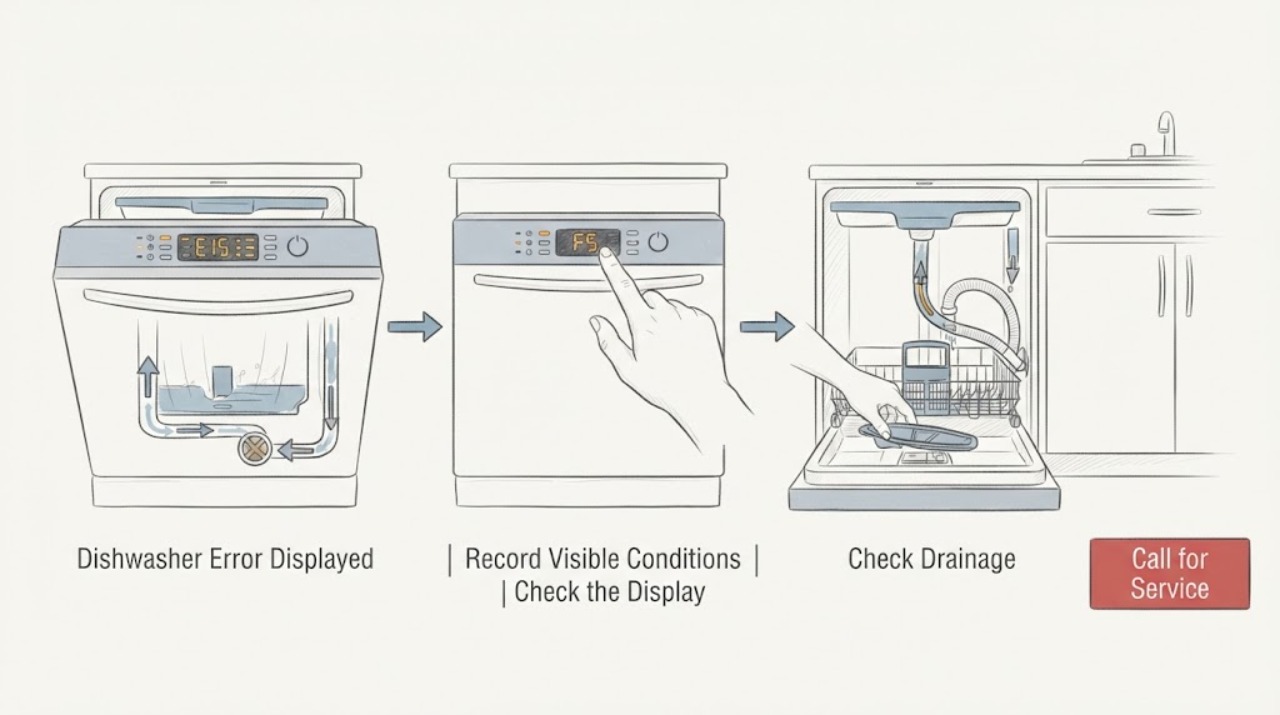
JennAir Dishwasher Error Displayed
Do not decode a JennAir dishwasher error from a universal chart. First record the exact model, the full digital code or the two groups of LED flashes, and whether the dishwasher is filling, draining, paused, or showing water or a leak.
-
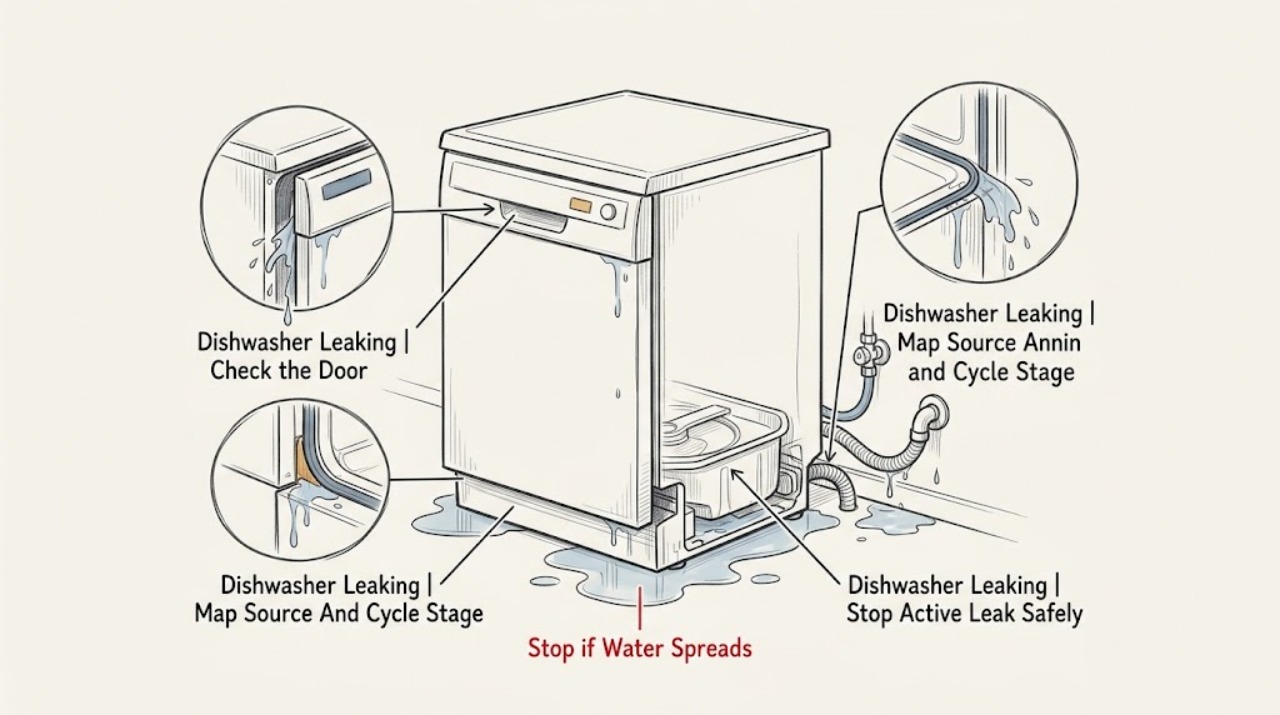
Jennair Dishwasher Leaking: Find the Source Safely
Stop the JennAir dishwasher if water is actively escaping, pooling under the cabinet, reaching an electrical connection, or producing foam; switch off power and the water supply only from a safe, dry position, and do not keep running cycles to find the leak.
-
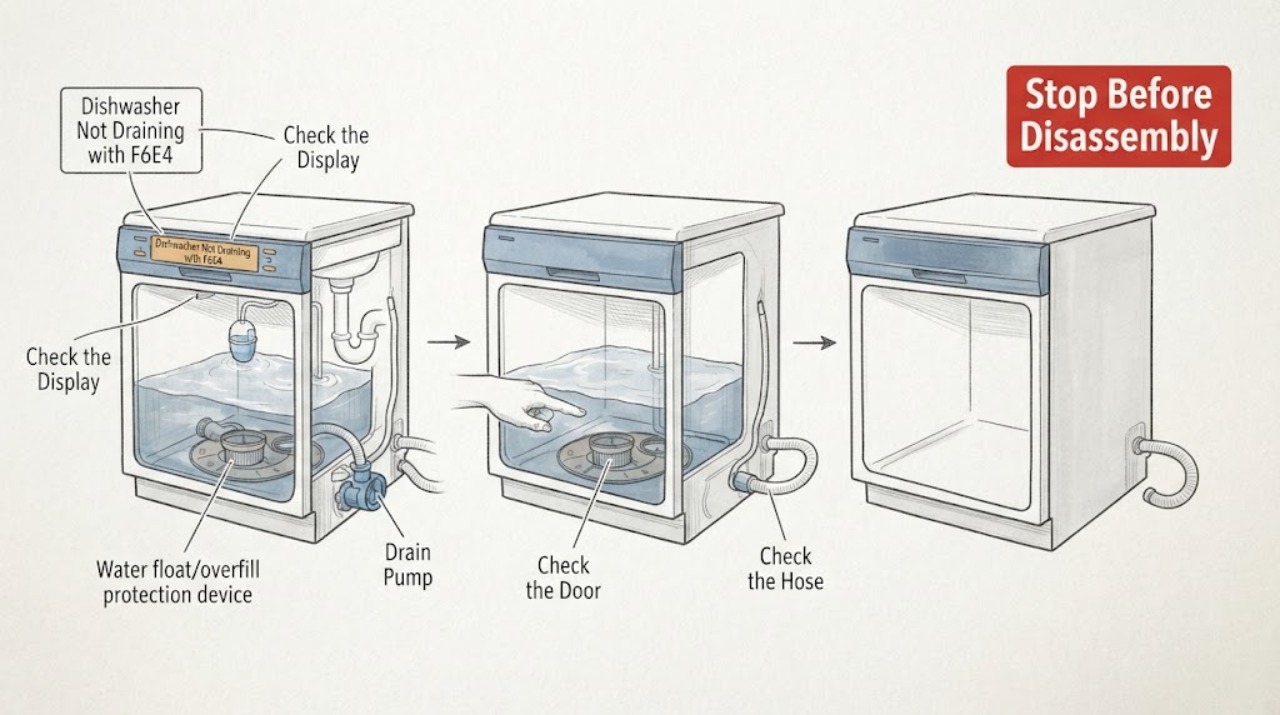
JennAir Dishwasher Not Draining with F6E4: Check the Float Before the Pump
On a JennAir dishwasher, F6E4 should not be treated as proof that the drain pump is dead. The opened Whirlpool Product Help entry for the dishwasher version of F6E4 identifies a water float switch and says to check whether the dishwasher is level, then cycle power; it does not identify a pump failure from a sound.
-
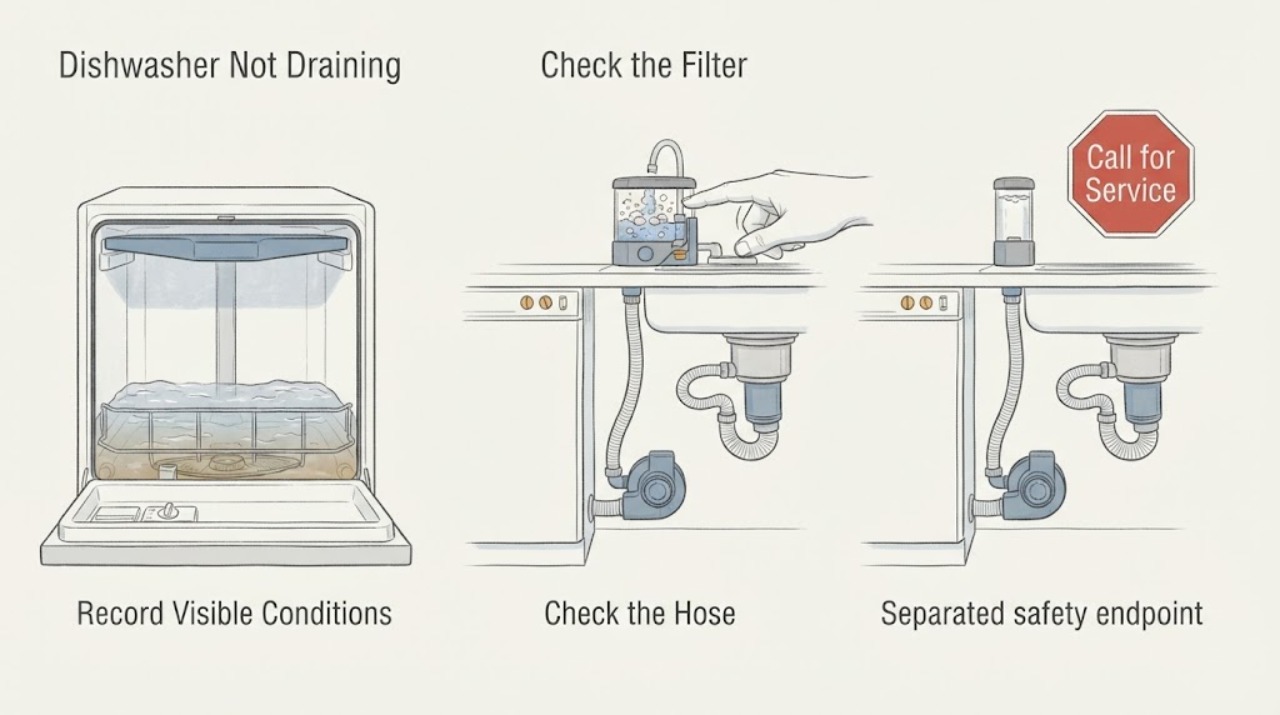
JennAir Dishwasher Not Draining: Check the Filter, Hose, and Sink Connection
A small amount of water in the filter area can be normal on JennAir models, but water covering the tub floor or returning after drain-out calls for a safe check. First stop the cycle, keep clear of standing water near electrical parts, and disconnect power from a dry safe position according to the model instructions.
-
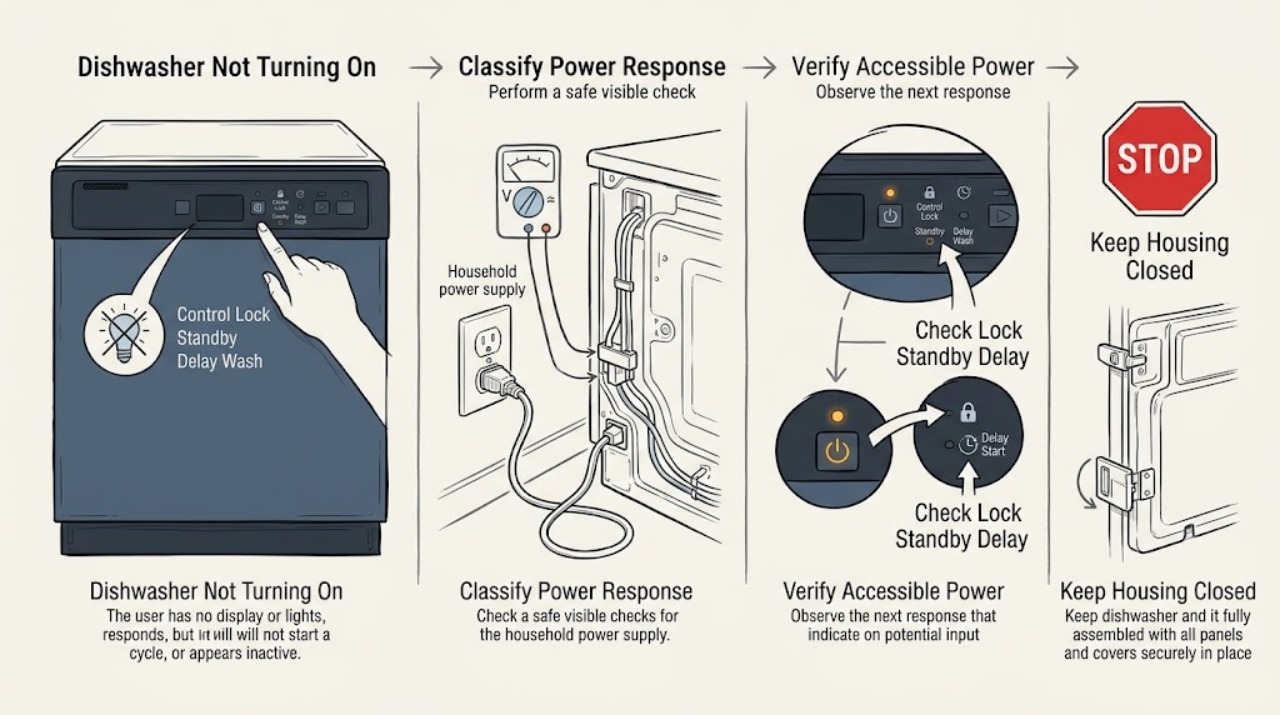
JennAir Dishwasher Not Turning On: Check Power, Lock, Delay, and Door
First decide whether the JennAir dishwasher has no visible power or has power but will not begin a cycle. For a dark panel, check the accessible plug or dedicated breaker once and stop if the connection is hot, damaged, or trips again.
-
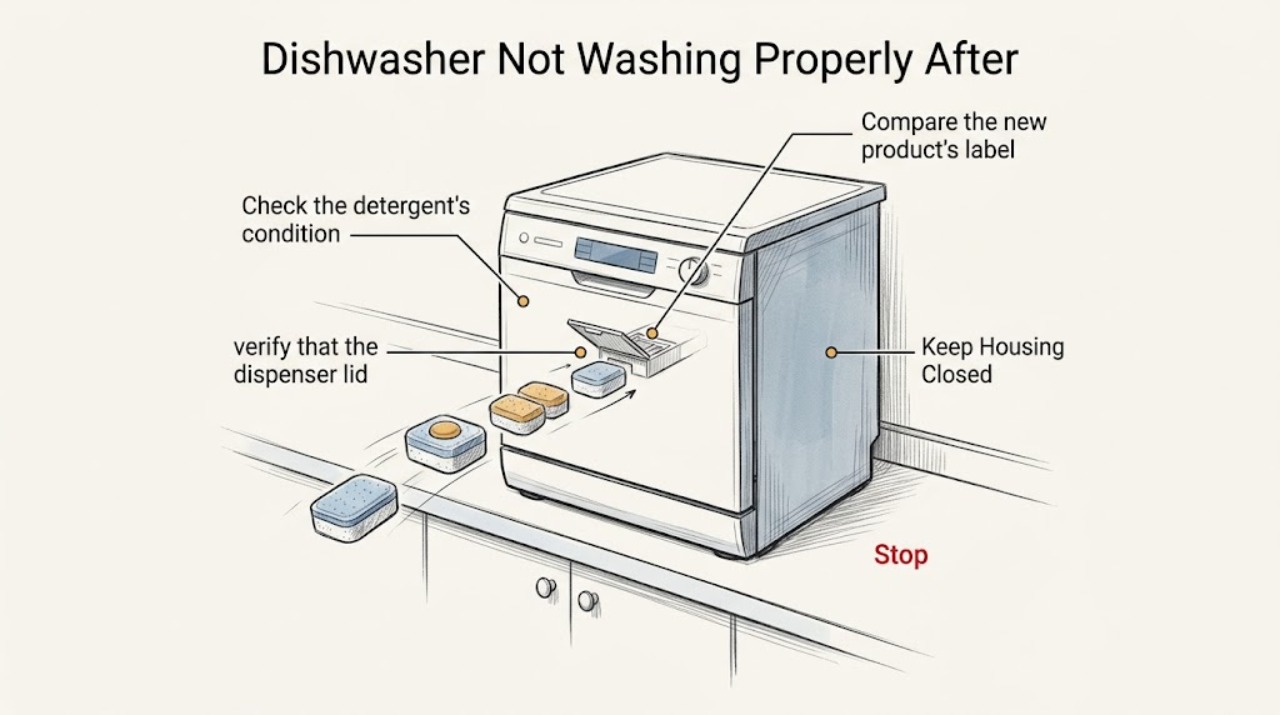
JennAir Dishwasher Not Washing Properly After Changing Detergent Tablets
If a JennAir dishwasher began leaving food or detergent residue after you changed tablet products, treat the tablet, dispenser, cycle, water temperature, loading, and water hardness as separate checks. JennAir recommends fresh, high-quality pre-measured tablets or packs in the main dispenser, with the lid closed, and automatic dishwasher detergent only.
-
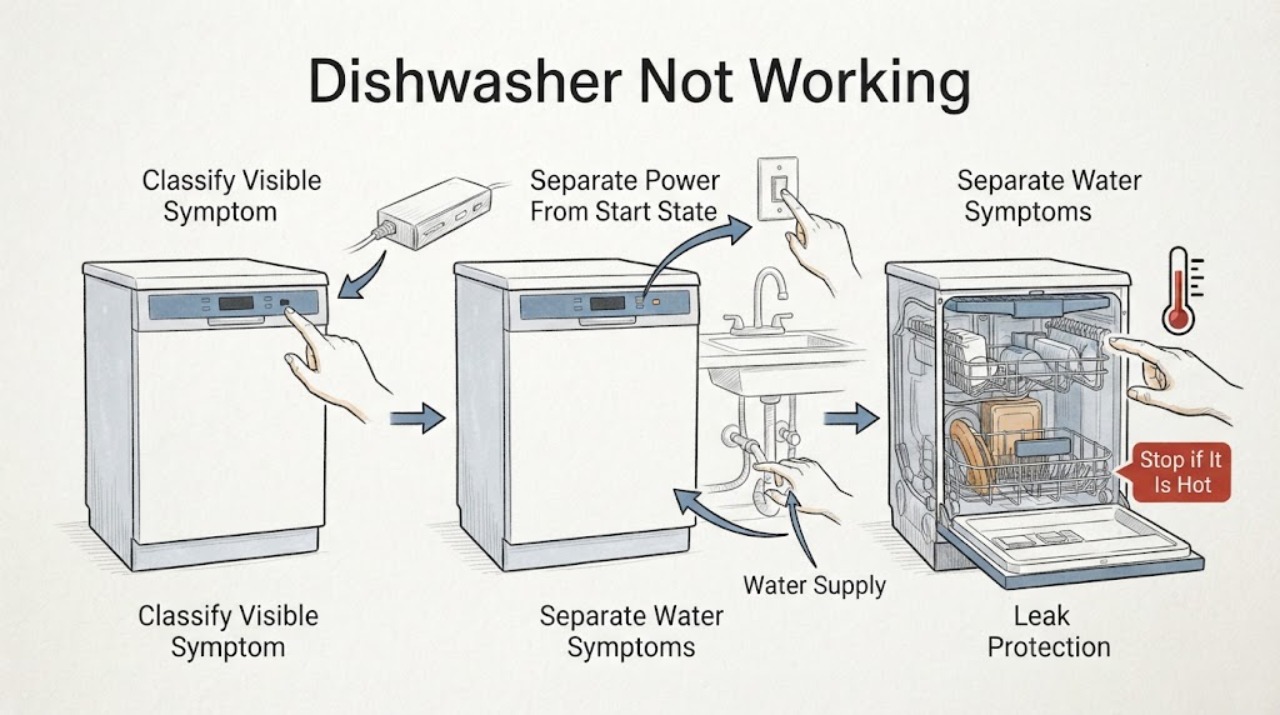
JennAir Dishwasher Not Working: Find the Right Troubleshooting Route
Treat "not working" as a symptom to classify, not as one failed part. First note whether the panel is completely dark, the panel lights but Start does nothing, the cycle stops, water is on the floor, water remains at the end, or a code or flashing pattern appears.
-
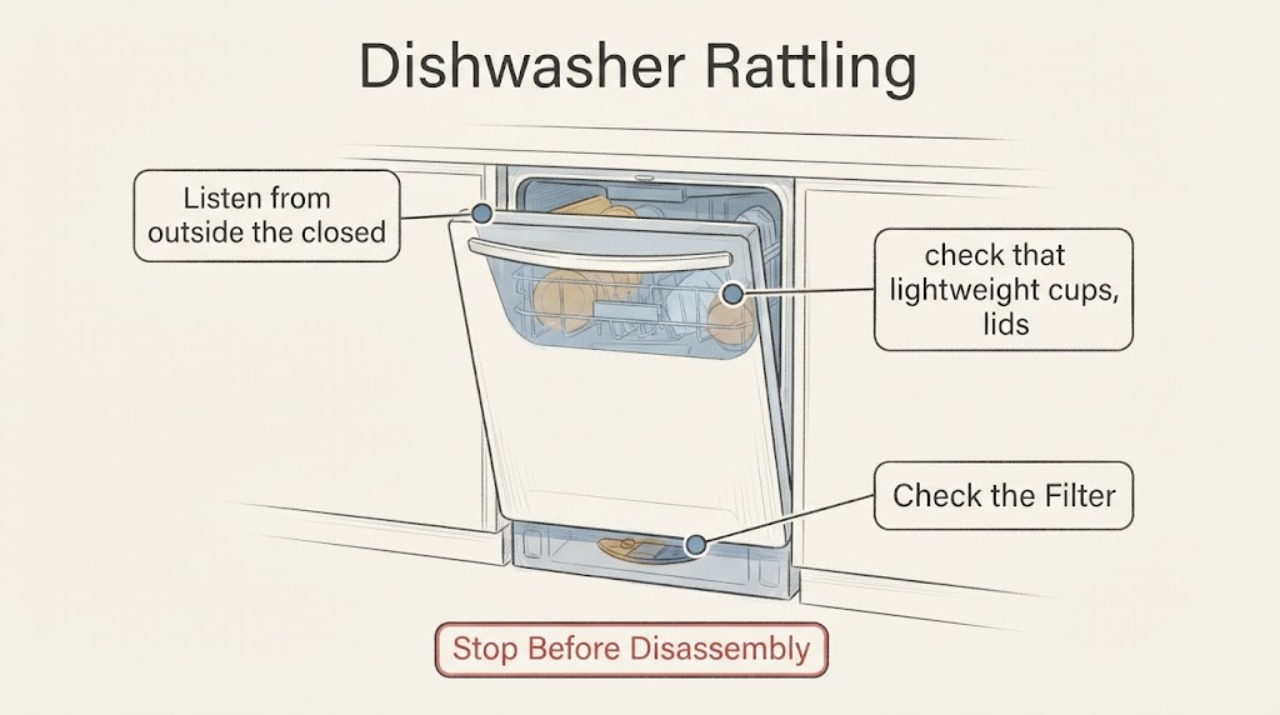
JennAir Dishwasher Rattling: Separate Load Noise From a Mechanical Fault
A JennAir dishwasher rattle is first classified by cycle phase and load. JennAir says rushing water, hums, swishing, drain gurgles, and dispenser clicks can be normal, while lightweight items can rattle when they move.
-
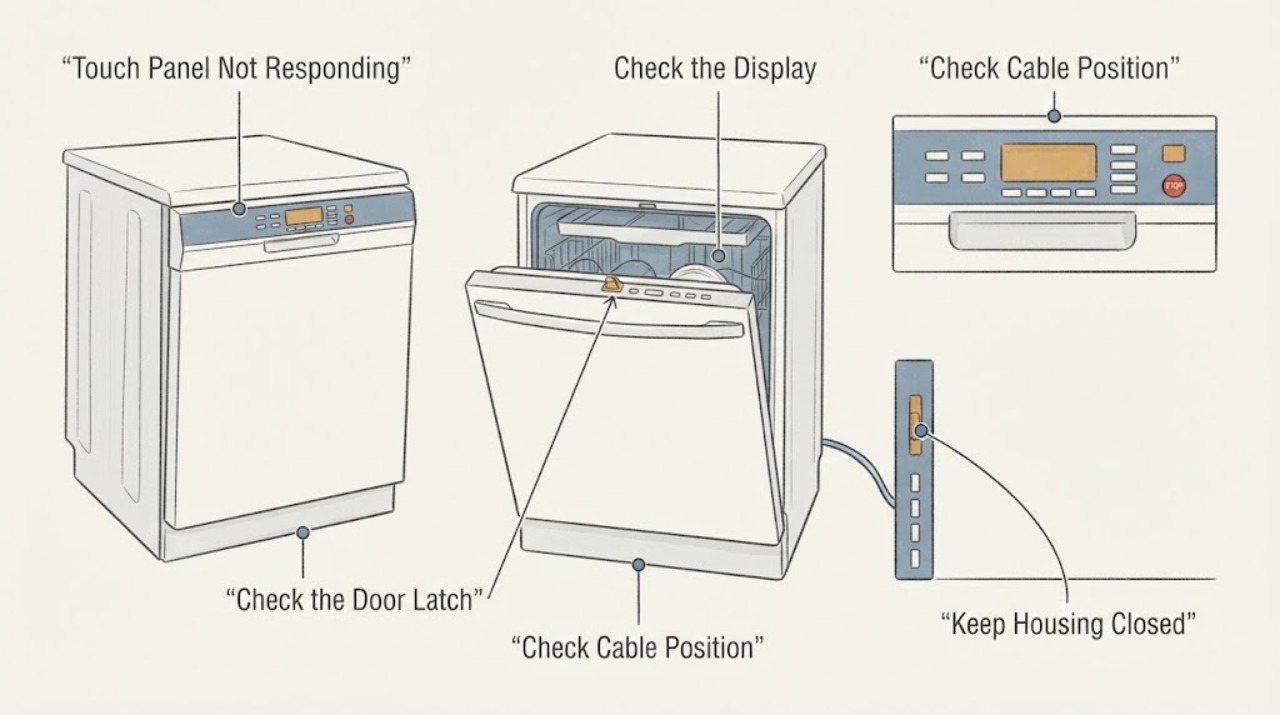
JennAir JDB3600AWP5 Touch Panel Not Responding: Check These Steps Before Replacing It
For a JennAir JDB3600AWP5 whose touch panel does not respond, do not start by replacing the whole dishwasher or accepting a panel quote without checking the control state. JennAir says Control Lock can make every touch command appear dead and recommends disconnecting power for 30 seconds before reconnecting.
-
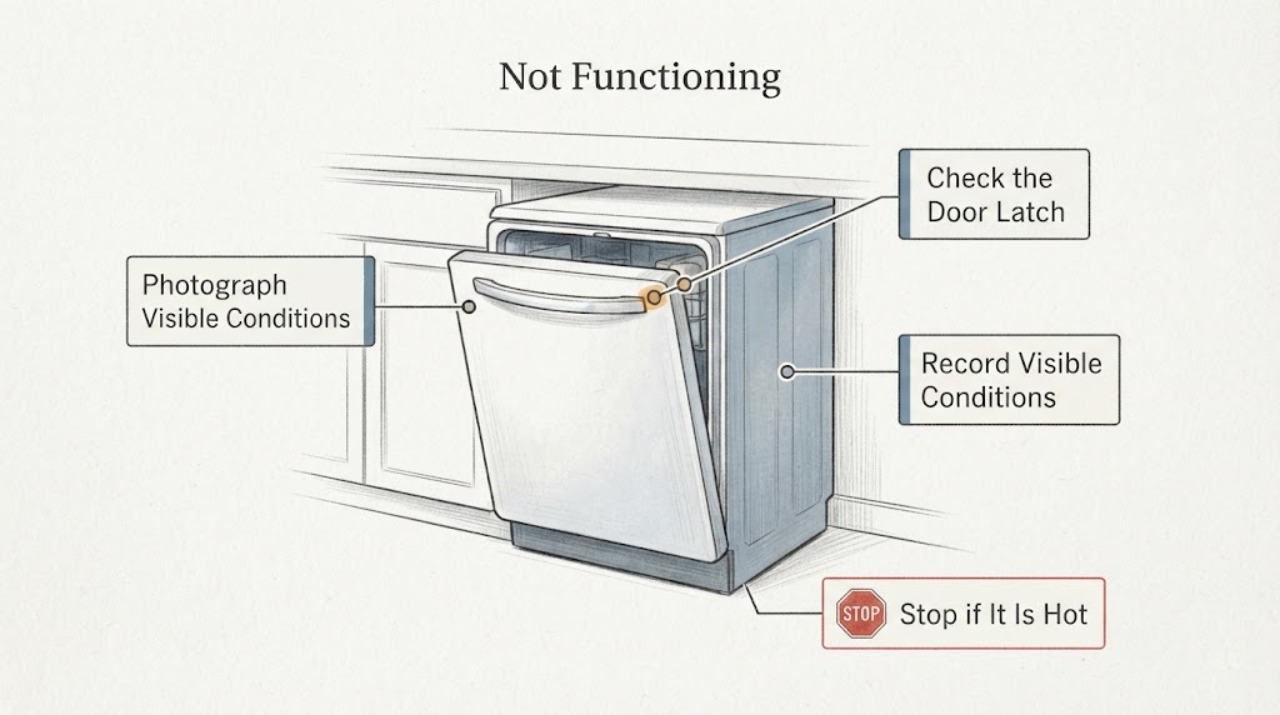
JennAir JDB9800CWX2 Not Functioning: How to Check a Discontinued Part
Treat a non-functioning JennAir JDB9800CWX2 as an identification and safety problem before searching for a discontinued part. Record the complete model and serial numbers, the exact symptom, and any display or light pattern.
-
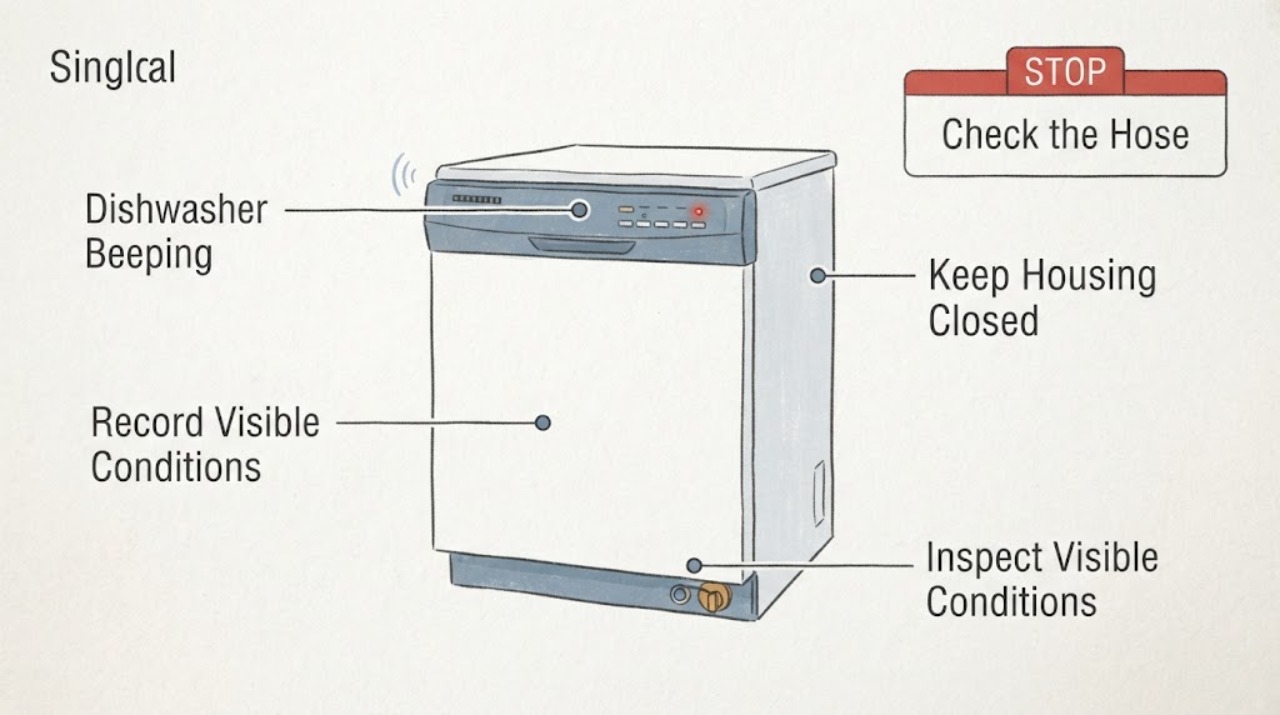
JennAir JDPSG244LS2 Dishwasher Beeping: Read the Alert Before Service
A JennAir JDPSG244LS2 that beeps is not automatically reporting a failed part. First record whether the sound is a single end-of-cycle signal or a repeating pattern, and check whether the Clean or another status light is flashing.