
On this page
Start here
Quick answer
Identify the sound and whether it changes when the robot stops or a cleaning part is removed. A new rattle, scrape, or repeated knocking can come from hair or debris around the main or side brush, brush bearings, front caster, or wheels; some operating noise also varies by surface and cleaning mode. Stop the robot before inspection, clean only the accessible named part, and request iRobot support for a persistent harsh sound, loss of movement or cleaning, liquid, heat, or odor.
Before you begin
Safety first
- Inspect only with the robot stopped and powered off; leave drive, battery, and internal repairs to qualified support.
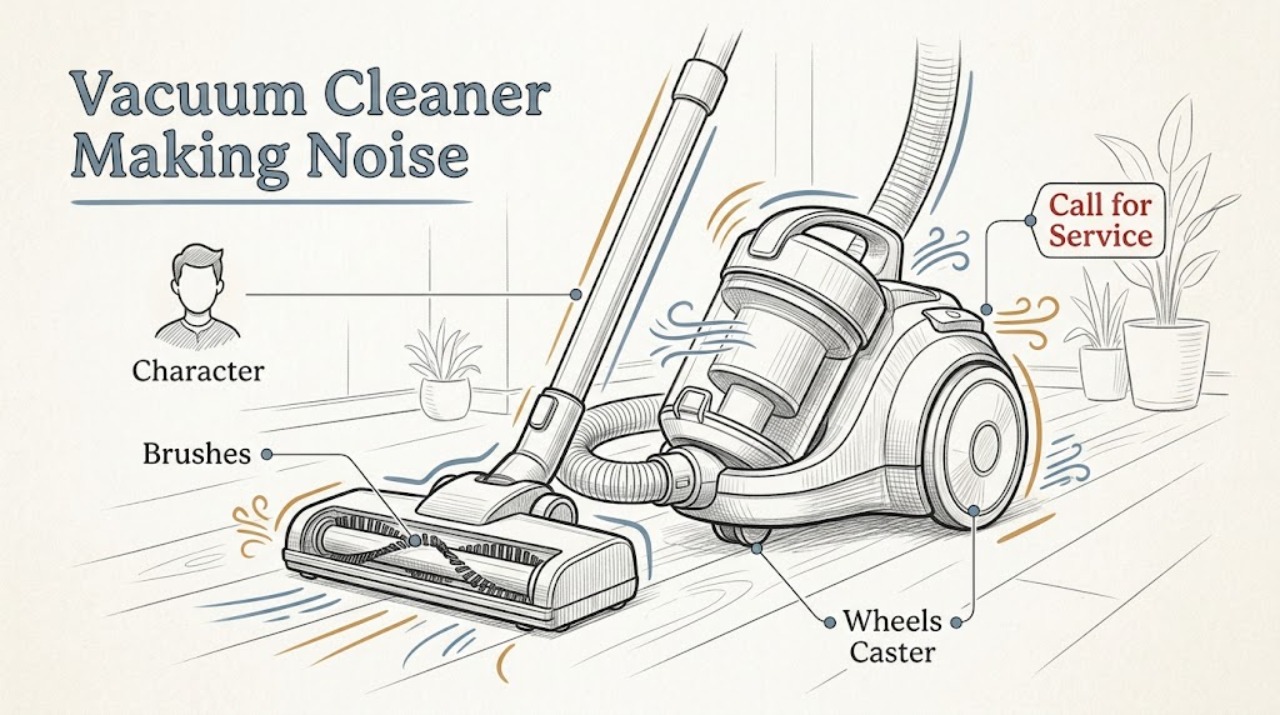
Work through in order
Diagnostic checks
Use only checks that match the exact appliance or system and its official guide.
-
Check 1
Listen briefly on the normal floor and note whether the sound is a rattle, scrape, clicking, grinding, or a louder-than-usual operating sound; stop if it is harsh or accompanied by heat or odor.
Expected result: The sound is a new mechanical noise, a steady operating sound, or it changes with the floor or cleaning mode.
Next step: Continue only with the robot stopped for inspection and record the series.
Why this matters
Why: Sound character and context separate a possible brush or wheel obstruction from normal operating variation; sound alone cannot identify a failed part.
-
Check 2
Stop the robot, remove the main brushes as directed for the series, and clear hair or debris from the brush ends, caps, bearings, and vacuum path; reinstall every bearing and cover.
Expected result: Hair or debris is wrapped around a brush or bearing, the brush does not rotate freely, or the brush path is clear.
Next step: Run a brief supervised test only after correct reassembly; do not run without brush bearings.
Why this matters
Why: iRobot warns that buildup can damage Roomba and directs regular brush and vacuum-path care; a clear path makes the noise source less certain.
-
Check 3
Inspect the accessible side wheels and front caster for hair or debris and verify they move freely by hand with the robot powered off.
Expected result: A wheel or caster is obstructed or resists movement, or all wheels move freely.
Next step: Clear only visible debris and reinstall the caster; contact support if a wheel still resists or the noise continues.
Why this matters
Why: A restricted wheel can create clicking, scraping, or uneven movement; free movement shifts attention to the brush, surface, or internal drive.
-
Check 4
Run one short test on the same floor and note whether the noise stops after one part was cleaned, follows the robot everywhere, or appears only on one surface.
Expected result: The noise clears, follows movement, or persists unchanged.
Next step: Stop testing if the sound is harsh or the robot loses movement, and save the observation for iRobot Customer Care.
Why this matters
Why: A change after cleaning supports an accessible obstruction; a persistent movement-linked sound may involve a drive or internal bearing and needs support.
Use your observations
Decision map
Find the observation that best matches what you see, then follow the next safe action.
-
PATH 01Next step
What you see
The sound stops after hair is removed from a brush, cap, bearing, or vacuum path.
Do this next
Keep the brush assembly correctly installed and follow the care schedule for the series.
Why this path and its safety boundary
Why it matters: An accessible brush obstruction was the likely source.
-
PATH 02Next step
What you see
The sound changes with a wheel or caster and that part remains stiff after visible debris is cleared.
Do this next
Stop using the robot and contact iRobot support; do not force the wheel or open the drive assembly.
Why this path and its safety boundary
Why it matters: A wheel, caster, or drive issue remains possible.
-
PATH 03Next step
What you see
The sound is a stable operating variation with normal movement and cleaning, or a harsh sound persists with all accessible parts clear.
Do this next
Monitor a stable normal sound; arrange service for a persistent scrape, grind, knock, loss of movement, heat, odor, or liquid.
Why this path and its safety boundary
Why it matters: Stable operation can be normal, while persistent harsh noise needs a model-specific diagnosis.
Helpful context
Understand the symptom
Use the change in sound as evidence
A sound that disappears after one accessible part is cleaned is different from a sound that continues with every part clear. Do not run the robot with a missing bearing or loose cover.
When checks do not resolve it
Need a professional?
Provide the Roomba series, sound character, floor or mode where it occurs, whether cleaning a brush or wheel changed it, and any movement or error symptoms.
Safety scope: Inspect only with the robot stopped and powered off; leave drive, battery, and internal repairs to qualified support.
Common questions
FAQ
Can hair around a Roomba brush cause a loud noise?
Yes, buildup around brushes, caps, bearings, or the vacuum path can affect operation. Stop the robot, clean the accessible assembly, reinstall it correctly, and seek support if the noise returns.
Should I keep running a Roomba that is grinding?
No. Stop it before inspection. A persistent scrape or grind, stiff wheel, loss of movement, heat, odor, or liquid is a service boundary.
Read the exact guide
Official sources
- Main Brush Care: All Roomba® ModelsiRobot · All Roomba models; brush shape and release method vary by series
- Poor Pickup: Roomba® e, i, and j series, and Combo 10 MaxiRobot · Roomba e, i, j, and Combo 10 Max series; exact model instructions govern other series
Community feedback
Share a repair observation
Share a plain-text repair observation. Accepted observations are published automatically; this page may take a moment to update.