
Roomba appliance guidance
Roomba Vacuum Cleaner Repair Guides
Troubleshooting and repair guidance for published Roomba Vacuum Cleaner problems, symptoms, and maintenance questions.
Published Roomba Vacuum Cleaner guides
Choose the guide whose symptom or condition most closely matches what you are seeing.
-
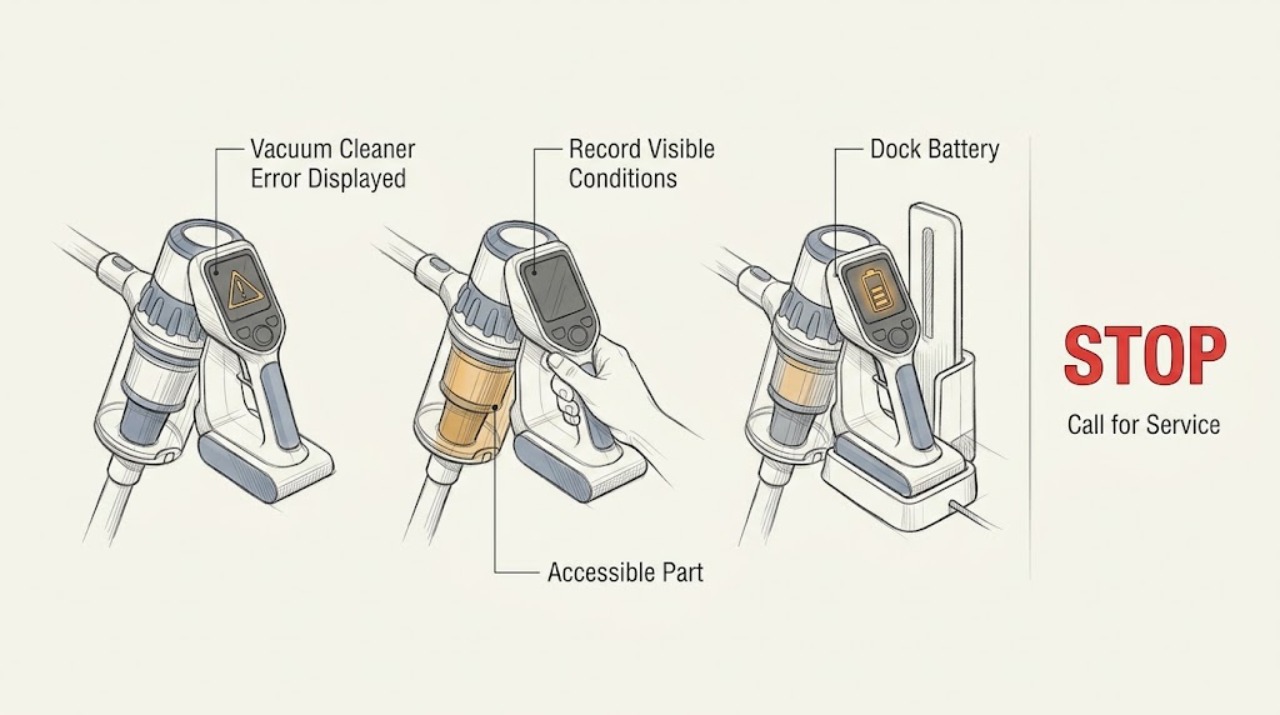
Roomba Vacuum Cleaner Error Displayed: Read the Code Before Cleaning Parts
Record the exact Roomba error number, voice message, light-ring pattern, or app notification before trying a fix. iRobot's error chart maps different messages to a stuck wheel, extractor, bumper, cliff sensor, bin detection, docking, or discharged battery, and the exact chart varies by series. Perform only the indicated accessible check, then contact iRobot if the message returns or the robot has liquid or physical damage.
-
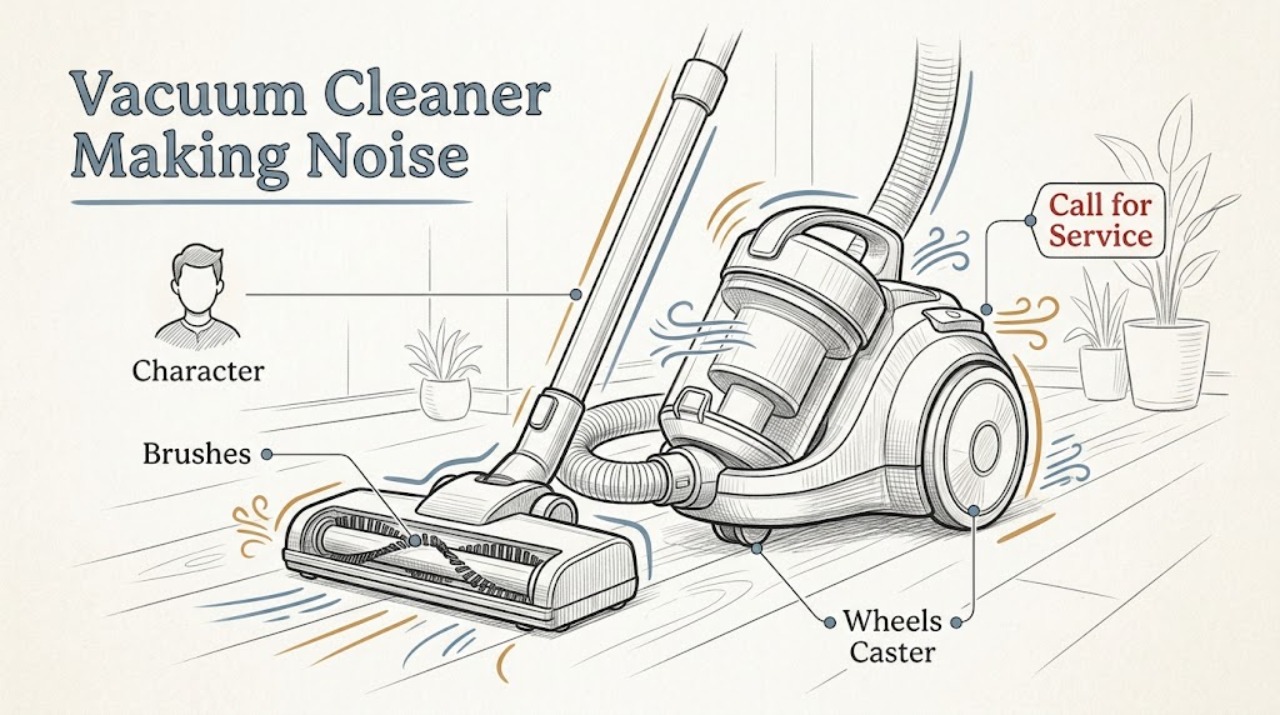
Roomba Vacuum Cleaner Making Noise: Isolate Brushes, Wheels, and Normal Operation
Identify the sound and whether it changes when the robot stops or a cleaning part is removed. A new rattle, scrape, or repeated knocking can come from hair or debris around the main or side brush, brush bearings, front caster, or wheels; some operating noise also varies by surface and cleaning mode.
-
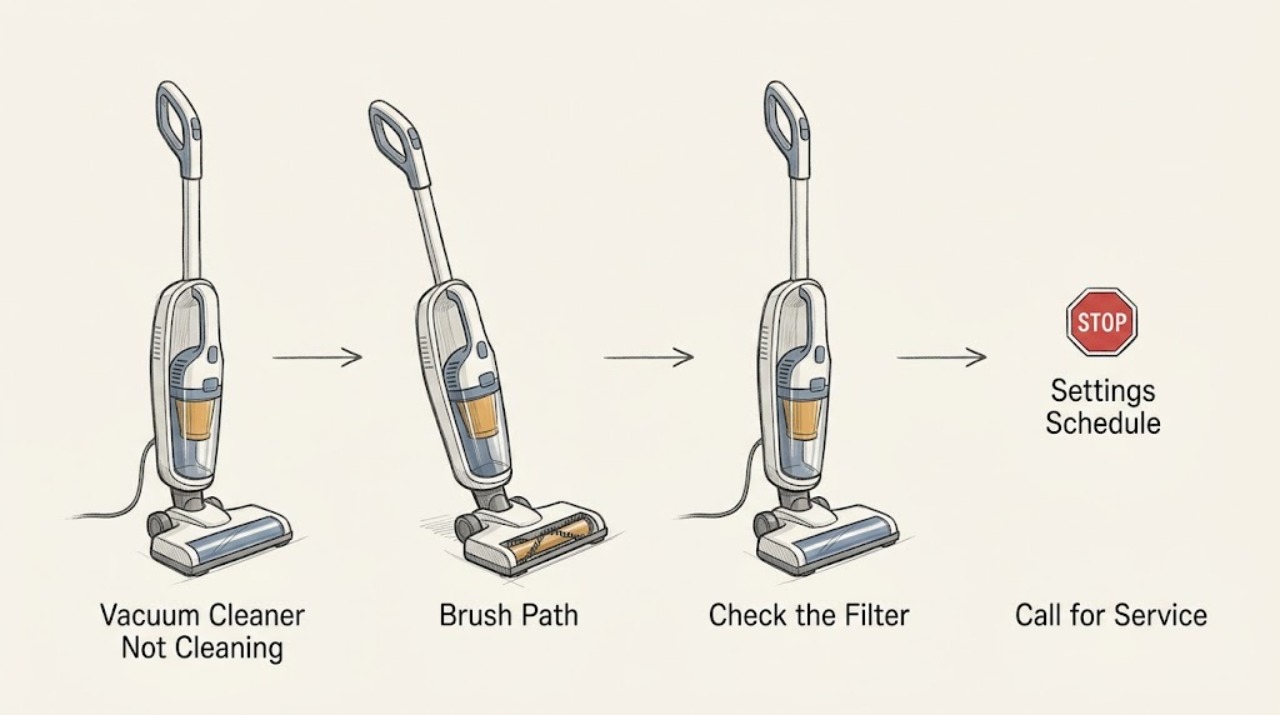
Roomba Vacuum Cleaner Not Cleaning: Check Bin, Filter, Brushes, and the Cleaning Path
Check the dustbin and filter first, then the vacuum path, main brushes, side brush, and cleaning settings. iRobot says a full bin, dirty or blocked filter, hair on the rubber brushes, or a blocked vacuum path can cause poor pickup or leave debris behind; care steps vary by Roomba series. Empty and clean only the accessible parts, keep washable items completely dry before reinstalling, and request support if suction or movement does not recover.
-
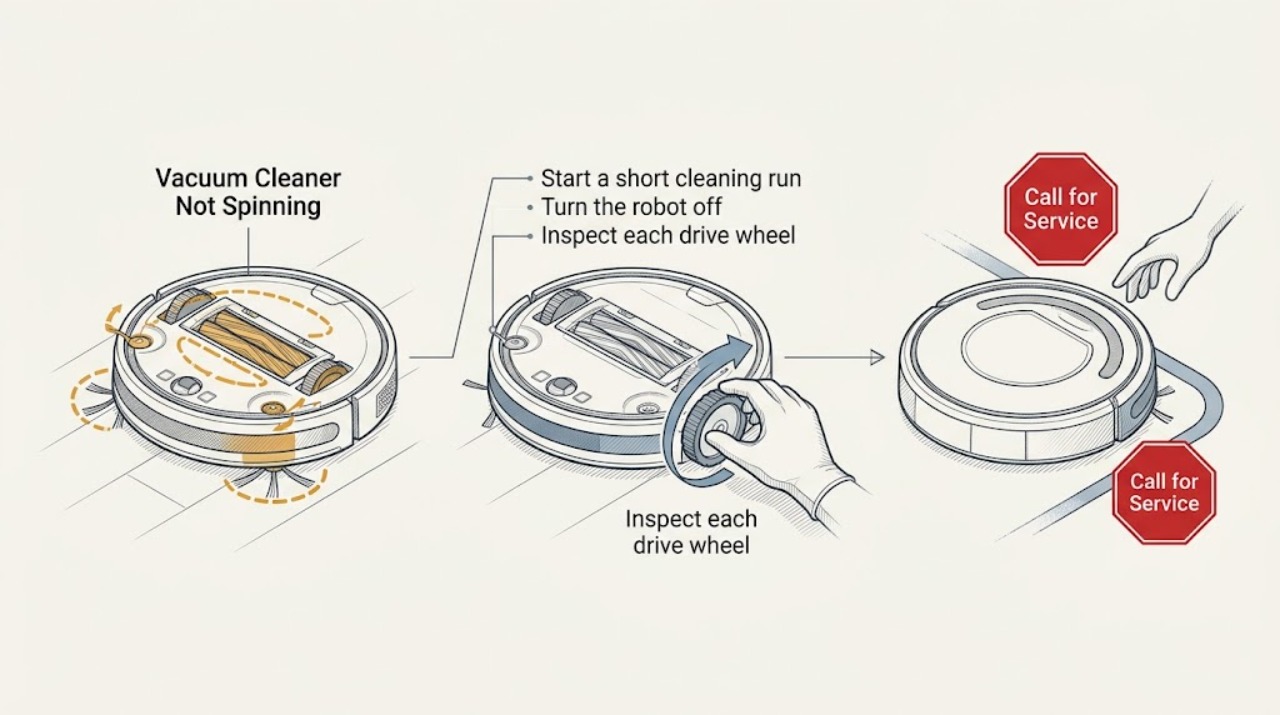
Roomba Vacuum Cleaner Not Spinning: Separate Brush, Wheel, and Drive Problems
First identify what is not spinning: the main brushes, side brush, or the robot's wheels. Remove hair and debris with the robot powered off, then check the app or the robot's spoken error. If a clean brush or wheel still will not move, stop before opening the drive assembly and arrange iRobot service.
-
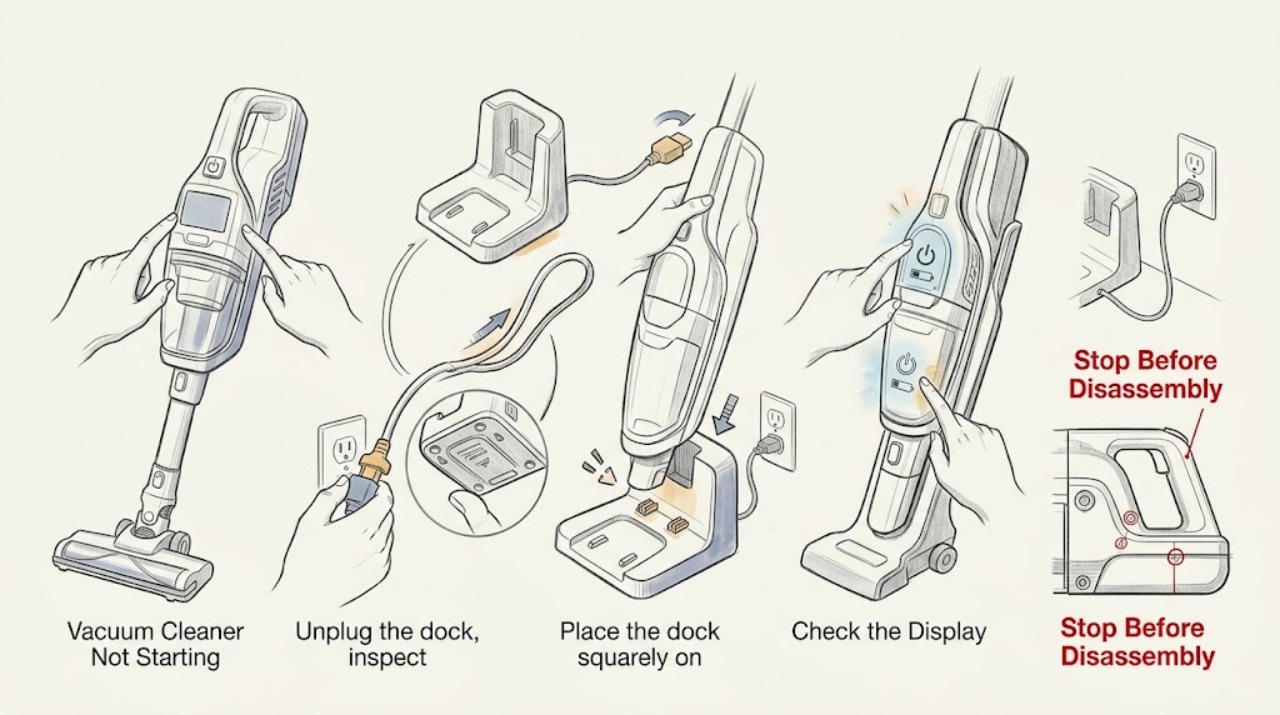
Roomba Vacuum Cleaner Not Starting: Check Dock Power, Battery State, and Error Messages
A Roomba that will not start may be too low to run, not recognized by its dock, or stopped by a brush, bin, wheel, or charging error. Check the dock and charging contacts first, note any app or light message, and perform the model-appropriate reboot only once. If it still will not start after a full charge, arrange iRobot support.
-
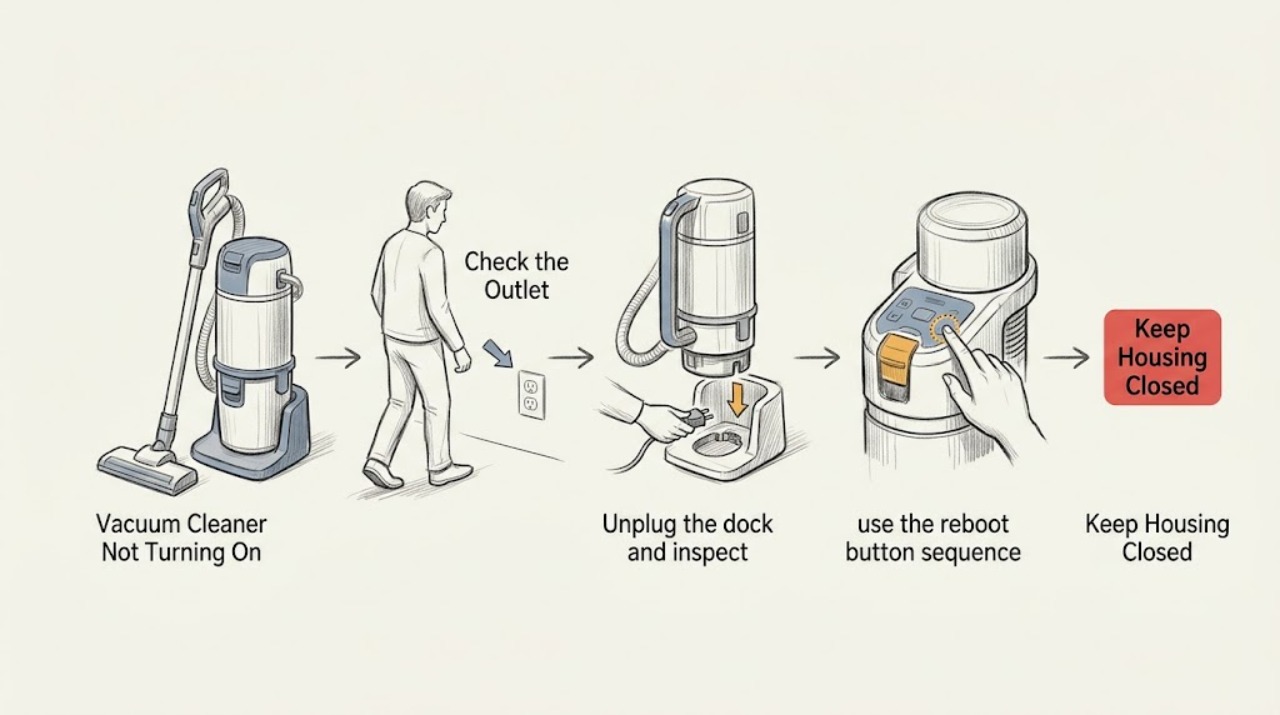
Roomba Vacuum Cleaner Not Turning On: Follow the Charging Path Before Service
When a Roomba shows no lights or response, verify the dock has power and the robot is aligned with its charging contacts. Clean only accessible contacts, then use the correct reboot or battery-reinstallation guidance for the model. If all indicators remain off, stop and contact iRobot support rather than opening the electronics.
-
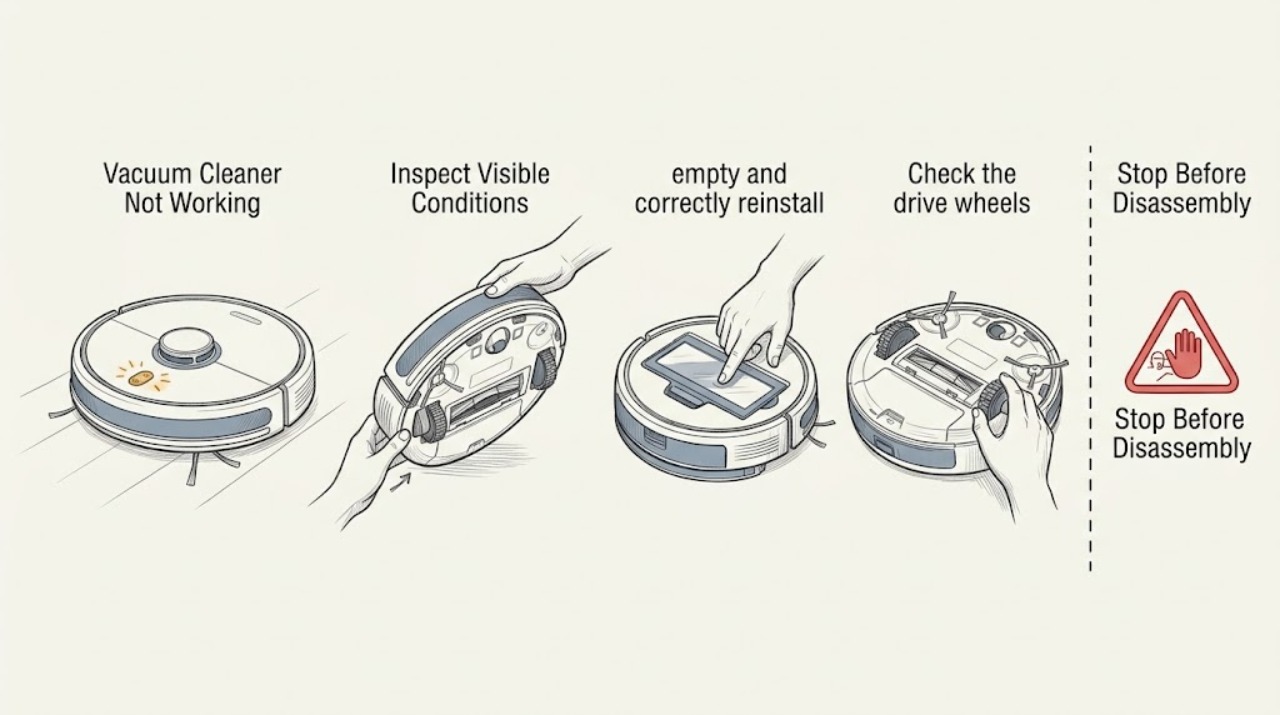
Roomba Vacuum Cleaner Not Working: Use the Error Message to Choose the Safe Next Check
“Not working” is too broad to diagnose until you note whether the Roomba is dark, refuses to leave the dock, drives without cleaning, or stops with an error. Read the app or spoken message, check only accessible bin, brush, wheel, and dock conditions, then reboot once. Persistent or damaged conditions require iRobot support.
-
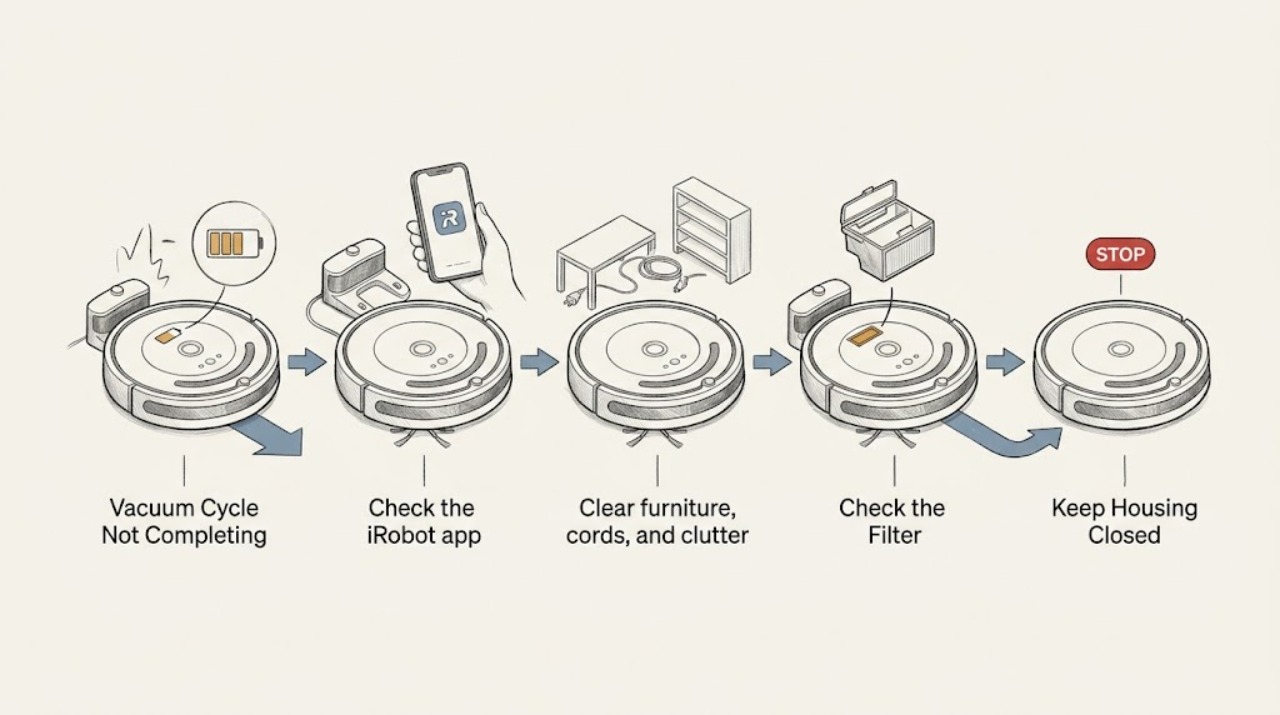
Roomba Vacuum Cycle Not Completing: Check Battery, Dock Access, and Cleaning Stops
If a Roomba cleaning cycle does not complete, first check whether it is returning to charge, stopping with an app/error message, or ending in place. iRobot says supported models can recharge and resume when they start from the Home Base, while a blocked dock or a robot not started from the dock can end the job. Check dock access, battery charge, bin, brushes, and wheels before a reboot; use the exact model guidance.