
On this page
Start here
Quick answer
First establish when the Samsung dryer is supposed to cool. Samsung dryers can blow room-temperature air in Air Fluff, enter an unheated cool-down phase near the end of a cycle, and continue tumbling without heat when Wrinkle Prevent is enabled. If the display shows END or the cooling phase and the drum is not overheating, that behavior may be normal. If the dryer stays hot after the cycle, never enters the expected cool-down, will not stop spinning, or shows a vent or error alert, stop relying on the setting, check the model-specific cycle and vent guidance, and request service if the safe checks do not resolve it.
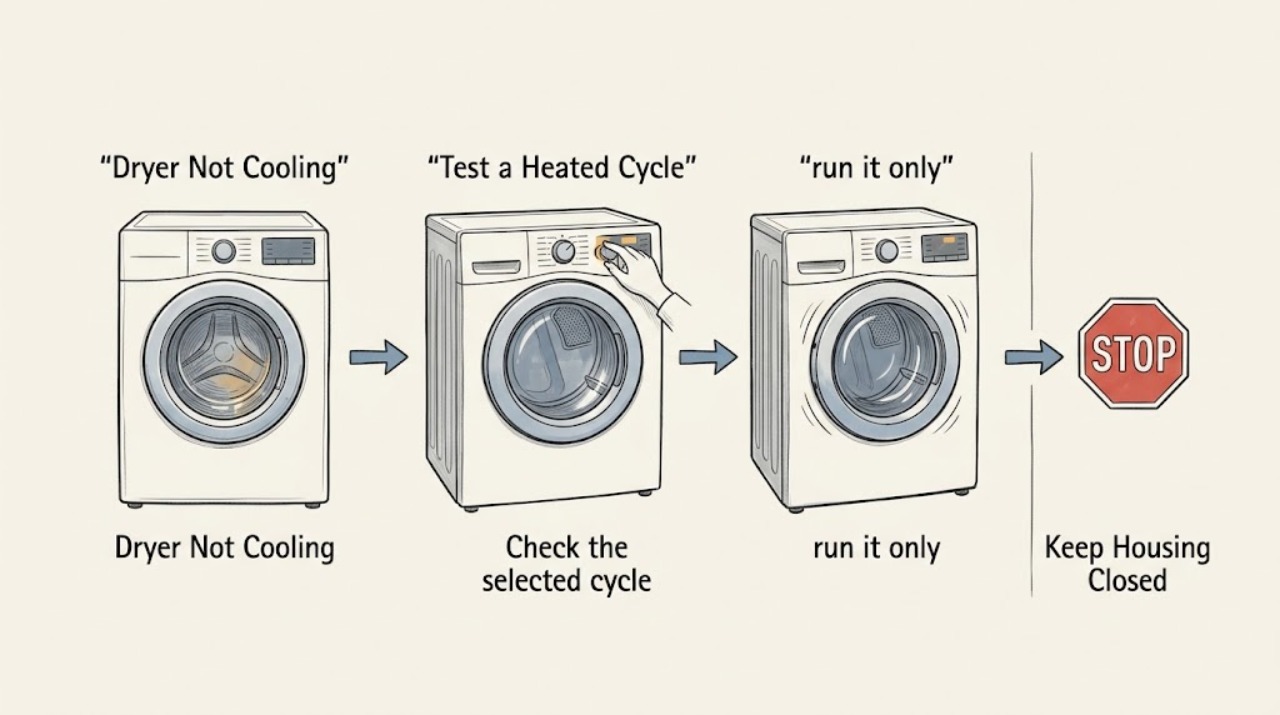
Work through in order
Diagnostic checks
Use only checks that match the exact appliance or system and its official guide.
-
Check 1
Record the exact point at which cooling seems to fail: during a heated cycle, when the display says Cooling, after END, or while Wrinkle Prevent is active.
Expected result: The dryer is blowing room-temperature air during Air Fluff or a documented cool-down, or it remains hot after END, keeps heating, or keeps running when Power is pressed.
Next step: If the behavior is the expected no-heat phase, compare the cycle with the model manual. If the dryer remains hot, will not stop, or is overheating, stop the cycle and continue only with the safe checks below.
Why this matters
Why: Room-temperature air in a no-heat or cool-down phase is expected behavior. Continued heat after the cycle or failure to stop is a different control, airflow, or service condition.
-
Check 2
Check the selected cycle and options against the full Samsung model manual, including Air Fluff, Perm Press, Eco Dry, Steam, and Wrinkle Prevent where present.
Expected result: The selected cycle intentionally uses no heat or a longer unheated cool-down, or a setting such as Wrinkle Prevent is tumbling after END; alternatively, the cycle should be heated and should have completed cooling but has not.
Next step: If the setting explains the behavior, open the door or press Power only according to the model instructions. If the dryer remains hot in a cycle that should be cooling, do not bypass the setting or repeatedly restart it; inspect the vent and error state next.
Why this matters
Why: Samsung says cycle behavior and available settings vary by model. Air Fluff uses room-temperature air, Perm Press extends the unheated cool-down, and Wrinkle Prevent can keep tumbling without heat, so a no-heat phase alone does not prove a cooling fault.
-
Check 3
If the dryer has a Vent Blockage test, run it only with the empty, sufficiently cooled drum and the exact button sequence in the Samsung manual.
Expected result: The test reports 0 or End, a blockage result such as CLg/C80/C90, a temperature-not-ready result, or a door/load error.
Next step: If blocked, stop using heated cycles until the exhaust route is cleaned. If the test is unavailable or returns a normal result while the dryer still will not cool or stop, continue with the manual-based inspection and service boundary rather than guessing at a thermostat or control part.
Why this matters
Why: Samsung uses the test to assess exhaust duct status. A blockage result makes restricted exhaust a stronger explanation for retained heat or poor cool-down; Ct, dc, or C1/CL1 means the test conditions were not met rather than proving a cooling-component failure.
-
Check 4
With the dryer off and cool, clean the lint filter and inspect the accessible exhaust route; on a ventless model, follow the manual's heat-exchanger and optional-filter cleaning instructions instead.
Expected result: The lint filter or exhaust route is restricted, the outside hood cannot open freely, a ventless model shows a heat-exchanger cleaning alert, or all accessible airflow paths are clean.
Next step: Clean only the components and route described for the model, and do not operate without the lint filter. If the vent is damaged, inaccessible, or remains restricted, use a qualified vent professional or Samsung service.
Why this matters
Why: Samsung identifies restricted venting as a way heat and moisture can remain in the dryer and says ventless models may require heat-exchanger or optional-filter cleaning. A clean accessible path makes an internal control or temperature-sensing fault more likely, but does not identify the failed part.
-
Check 5
Check the display for an error or maintenance alert, then power-cycle the dryer using the model's normal controls only after it has stopped and cooled safely.
Expected result: An error code or vent alert returns, the panel and drum respond normally after the reset, or the dryer again stays hot, will not stop, or trips power.
Next step: Record the exact code and model number. If the alert or symptom returns, leave the dryer off and request Samsung service; do not open panels, test live wiring, or substitute a thermostat, fuse, or control board by appearance.
Why this matters
Why: Samsung notes that codes can require service and that an unresolved dryer that will not stop or power off is not normal. A reset that changes nothing does not identify a safe user-replaceable cooling part.
-
Check 6
After the setting, airflow, and alert checks are clear, make one supervised normal-cycle observation from outside the drum and stop if the temperature or run state is abnormal.
Expected result: The dryer enters its documented cool-down and stops normally, or it remains unusually hot, keeps heating after END, continues spinning after Power, or produces a burning smell or smoke.
Next step: If abnormal, stop the cycle, disconnect power at the breaker or plug only when safe, and arrange Samsung or qualified appliance service. Do not run additional confirmation cycles.
Why this matters
Why: Normal cool-down and shutdown support a cycle or airflow explanation. Persistent heat, an unending run state, smoke, or burning odor exceeds routine maintenance and may involve a control, heater, sensor, or safety circuit that cannot be distinguished safely from public guidance alone.
Use your observations
Decision map
Find the observation that best matches what you see, then follow the next safe action.
-
PATH 01Next step
What you see
Do this next
Use the full model manual to confirm the cycle's sequence. Open the door or press Power according to the manual if you want the post-cycle tumbling to end; do not treat room-temperature airflow alone as a defect.
-
PATH 02Next step
What you see
Do this next
Stop using heated cycles, check the model-specific vent test and accessible lint/vent path after the dryer cools, and request service if the symptom persists or returns.
-
PATH 03Next step
What you see
Do this next
Leave heated cycles off and clean or have the exhaust route cleaned according to the model guidance. Do not defeat a vent safety alert or keep running the dryer while the duct is restricted.
-
PATH 04Next step
What you see
Do this next
Follow the model's heat-exchanger cleaning procedure and cycle documentation. If the alert returns after the permitted cleaning or the dryer remains hot, request service with the exact model number.
-
PATH 05Next step
What you see
Do this next
Stop using the dryer and disconnect power only if safe. Do not reach into a moving drum, remove panels, or continue test cycles; arrange Samsung or qualified appliance service.
Helpful context
Understand the symptom
Not cooling can describe two opposite symptoms
A Samsung dryer may be in a normal unheated phase even while the panel says Cooling, or it may remain hot when the cycle should be cooling down. Air Fluff deliberately uses no heat, Perm Press has a longer unheated cool-down, and Wrinkle Prevent can tumble without heat after a cycle. The model manual controls the exact display and cycle behavior, so identify the panel state and timing before treating the symptom as a failed component.
Protect the vent and the appliance
Do not reach into a moving drum or repeatedly run a hot dryer to see whether it eventually cools. Samsung links restricted exhaust with retained heat and moisture, and its support guidance treats a dryer that will not stop or power off as a service issue after the basic setting and power checks.
Only after diagnosis
Potential parts
- model-specific temperature-control, heater, or control component
The official troubleshooting pages establish the normal cool-down and airflow checks but do not identify a universal failed cooling part. Consider a part only after a model-specific service diagnosis.
Confirm the complete model number and Samsung parts documentation; do not select a thermostat, thermal fuse, sensor, heater, or control board by symptom or appearance alone.
When checks do not resolve it
Need a professional?
Stop and arrange service if the dryer stays hot after a cycle that should be cooling, continues heating after END, will not stop spinning or power off, trips the breaker, repeatedly shows an error or vent alert after the permitted checks, or produces smoke or a burning smell. Disconnect power only when safe and do not run additional test cycles.
Common questions
FAQ
Why is my Samsung dryer blowing cool air?
Cool air can be normal during Air Fluff, a documented cool-down phase, or Wrinkle Prevent after END. Check the selected cycle and model manual first. If the dryer is supposed to be heating but has no warmth during the active drying portion, use Samsung's separate no-heat troubleshooting path rather than treating normal cool-down as a fault.
Why does my Samsung dryer stay hot after the cycle ends?
First confirm that the cycle has actually reached its documented cool-down and that Wrinkle Prevent is not changing the post-cycle behavior. If it remains hot, keeps heating, will not stop, or shows a vent alert, stop using it and check the permitted vent and error guidance; persistent symptoms require service.
Can a blocked vent make a Samsung dryer fail to cool?
Samsung says a restricted exhaust can keep heat and moisture inside the dryer and can trigger a vent blockage result or alert. Let the dryer cool, clean the lint filter and accessible exhaust path as directed, and do not continue heated cycles while the duct is restricted.
What should I do if my Samsung dryer will not stop spinning during cooling?
Check whether Wrinkle Prevent is enabled: Samsung says it can tumble without heat after a cycle and stop when the door is opened. If the drum or panel still will not stop after the documented setting and power checks, leave the dryer off and request service; do not reach into the moving drum.
Read the exact guide
Official sources
- Clothes are not dry after Samsung ventless dryer cycleSamsung Support US · Ventless-model guidance only; it distinguishes cooling-process behavior and heat-exchanger maintenance from traditional vented models.
- Cycles, settings, and features on your Samsung dryerSamsung Support US · General Samsung guidance; cycle names and availability vary by model, so the owner's manual controls exact behavior.
- Clothes are not dry after using Samsung dryerSamsung Support US · General Samsung dryer troubleshooting used here for separating cycle state, vent, and service symptoms; exact model instructions control.
- How to clean your Samsung dryerSamsung Support US · General Samsung maintenance guidance; gas/electric and model-specific access instructions still apply.
- Samsung dryer will not stop spinning or power offSamsung Support US · Manufacturer troubleshooting for post-cycle tumbling and shutdown behavior; exact controls vary by model.
- Run a Vent Blockage test on your Samsung dryerSamsung Support US · Only models that provide the Vent Blockage test; button combinations and result codes vary by model.
Community feedback
Share a repair observation
Share a plain-text repair observation. Accepted observations are published automatically; this page may take a moment to update.