
Samsung appliance guidance
Samsung Dryer Repair Guides
Troubleshooting and repair guidance for published Samsung Dryer problems, symptoms, and maintenance questions.
Published Samsung Dryer guides
Choose the guide whose symptom or condition most closely matches what you are seeing.
-
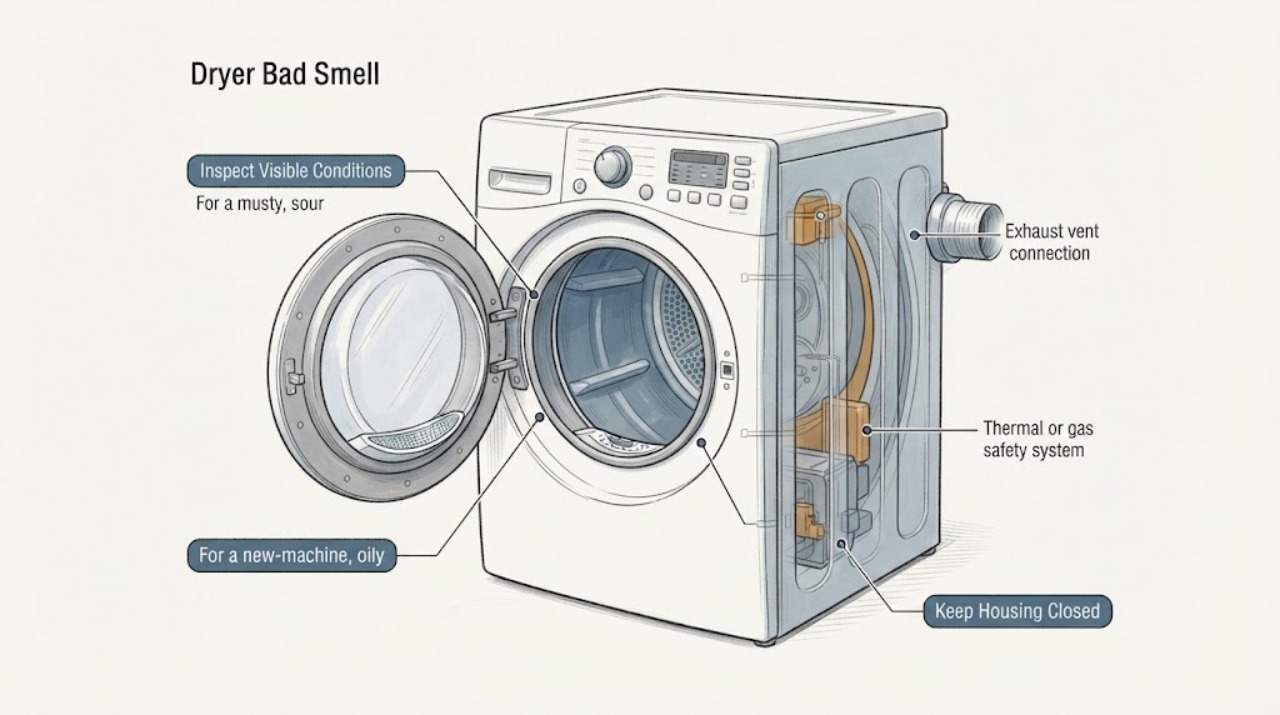
Samsung Dryer Bad Smell: Separate Moisture, Residue and Burning Odors Safely
A Samsung dryer odor should be sorted by what it smells like and what happens with heat. A musty, sour or mildew odor can come from damp clothes or the washer rather than the dryer.
-
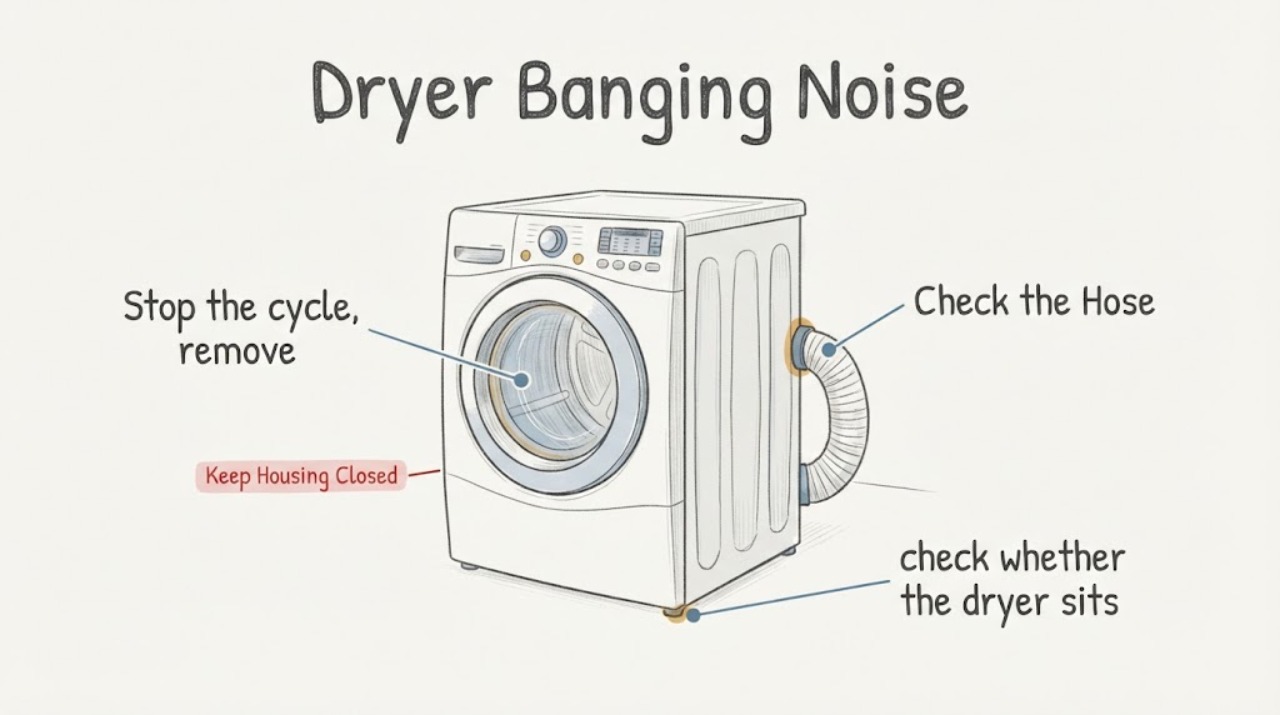
Samsung Dryer Banging Noise: Check the Load and Installation Before Service
A Samsung dryer banging or thumping does not by itself prove that rollers with a shaft were the failed parts, and the supplied repair-title evidence cannot establish whether a quoted $570 was fair. Samsung says to separate load-related thumping from noise that remains with an empty drum: overloaded loads or items with large buttons, snaps, or zippers can thump against the drum, while an empty-drum noise needs service.
-
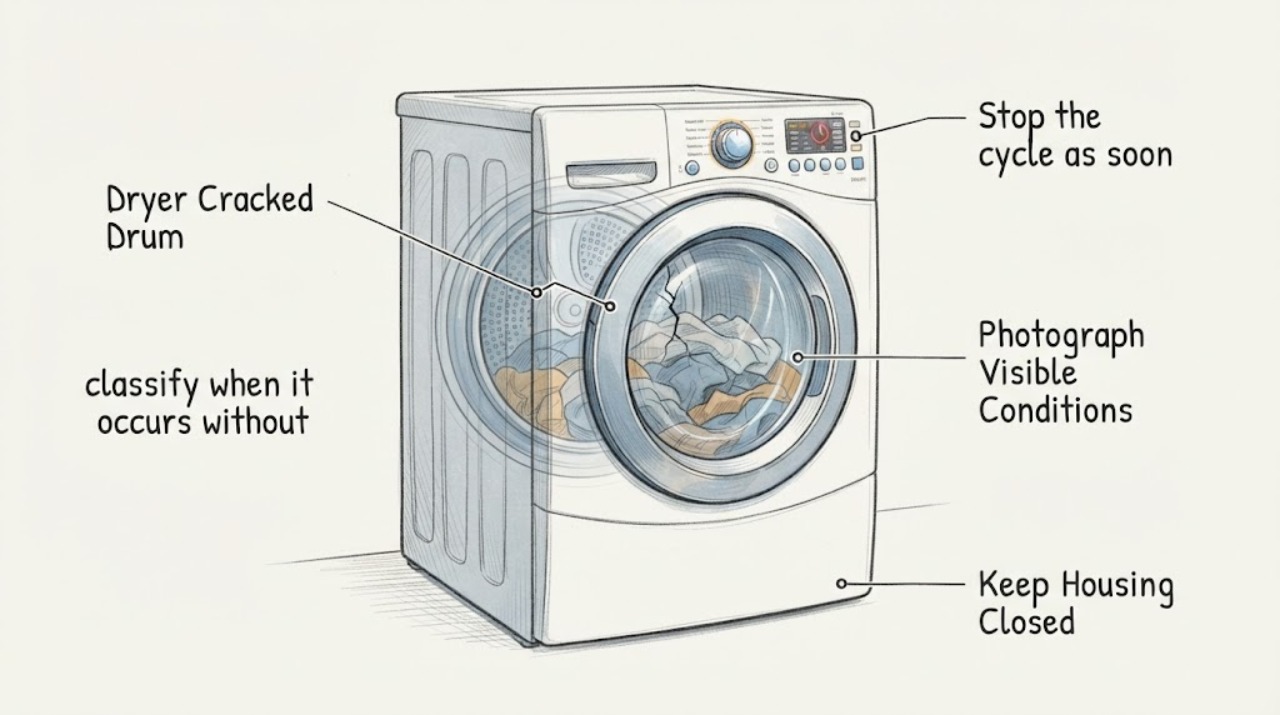
Samsung Dryer Cracked Drum: Stop Running It and Arrange Model-Specific Service
Do not run the Samsung dryer again after seeing a crack, hearing a new clunk, or seeing the drum deform as it turns. Turn it off, disconnect power when safe, remove clothing carefully and take photos of the crack, surrounding rubbing/damage and the full rating label.
-
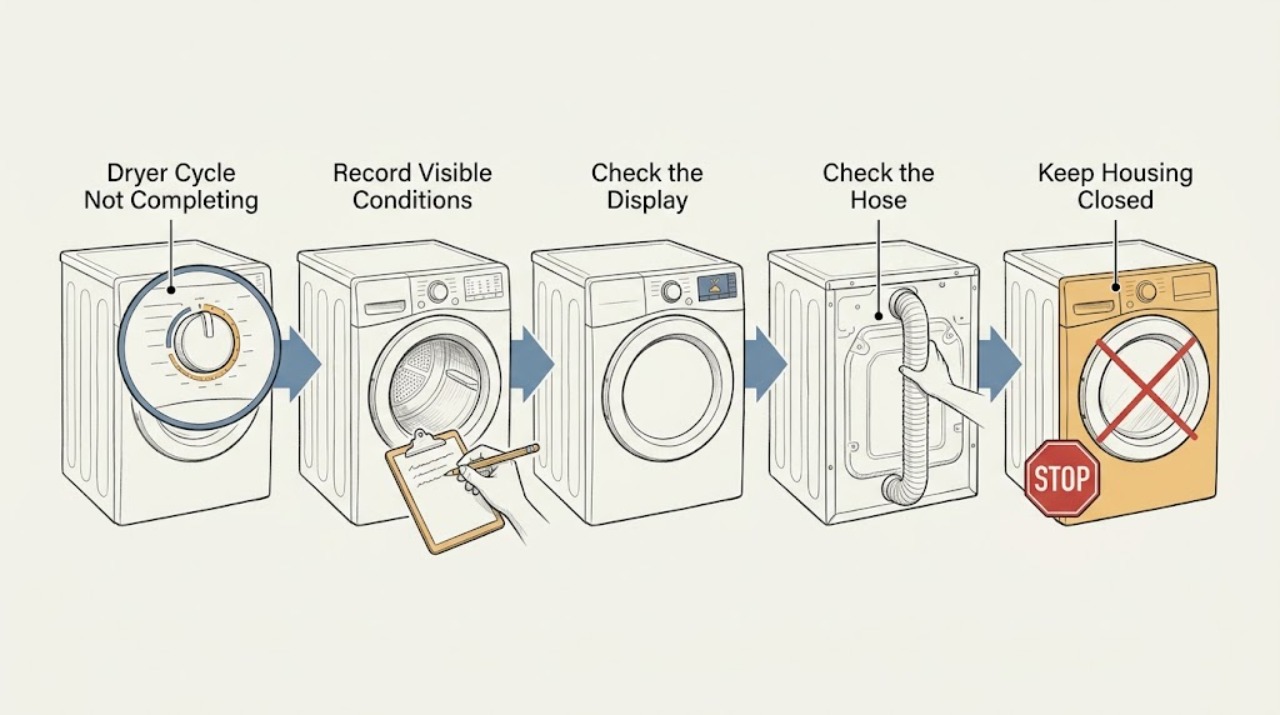
Samsung Dryer Cycle Not Completing: Find the Stop Stage Safely
First identify what ‘not completing’ means: the dryer may be stopping early, stopping mid-cycle, leaving clothes damp, or continuing to tumble after END. Samsung says Wrinkle Prevent can tumble without heat after a cycle, while an actual failure to stop, repeated mid-cycle shutdown, an error or a cycle that ends too soon needs a different path.
-
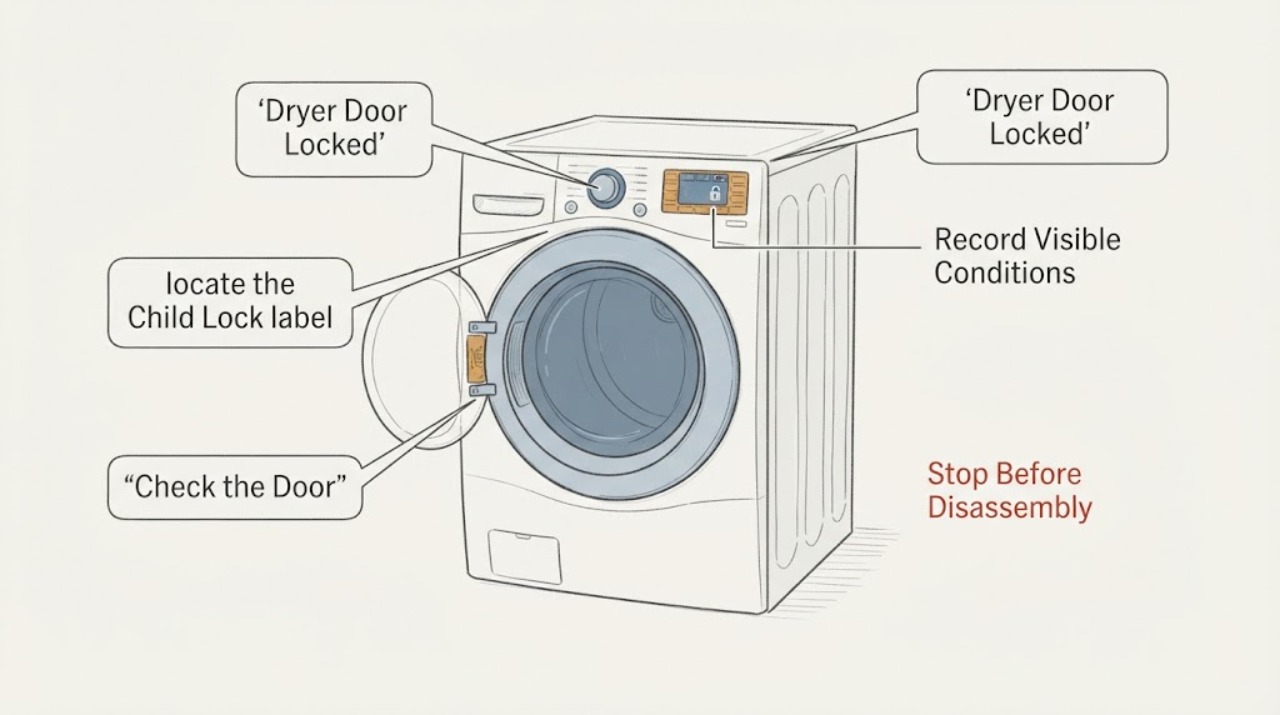
Samsung Dryer Door Locked: Safe Checks Before Service
A Samsung dryer door that will not open may be held by Child Lock on some models, an active or just-finished cycle, a door or latch sensing problem, or a control error. First keep the drum stopped and safe, then note whether the Child Lock icon, CL, or a door-related code is displayed.
-
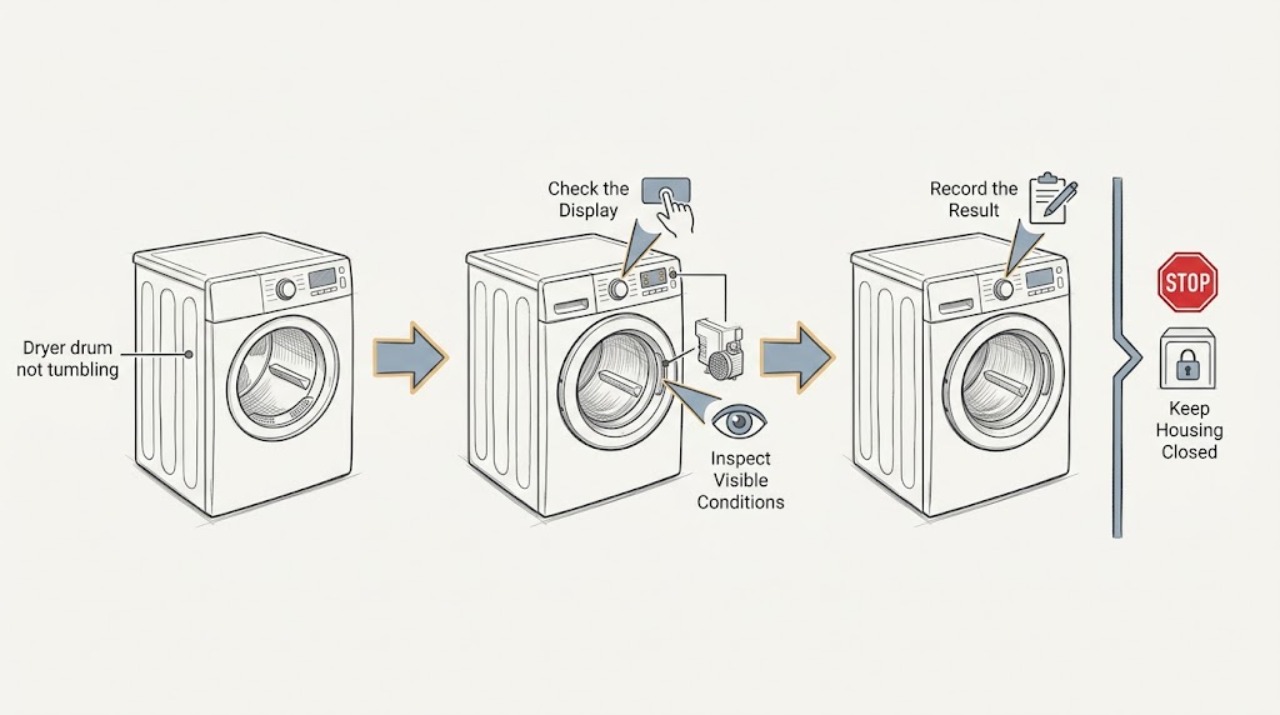
Samsung dryer drum not tumbling: What to Check and What to Do Next
If a Samsung dryer powers on but the drum does not tumble, first determine whether the cycle actually started. Check for an exact error code or blinking-light condition, make sure Child Lock is off, close the door fully, select Time Dry, and use the model's Start control while watching whether the timer counts down.
-
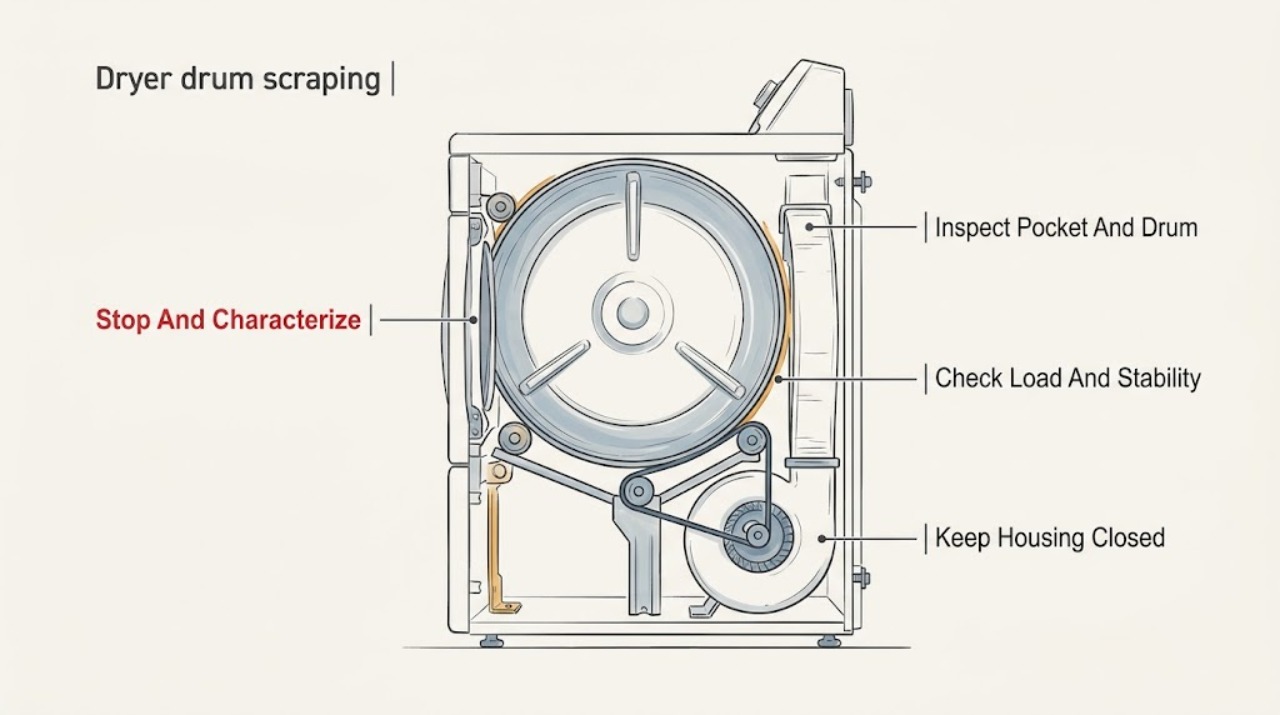
Samsung dryer drum scraping: What to Check and What to Do Next
A Samsung dryer drum that scrapes may be contacting a coin, button, pen, zipper, or other loose object; a heavy or uneven load can also create rubbing, grinding, or vibration. An unlevel dryer, loose pedestal or vent, or a worn internal rotating part is possible when the sound persists without laundry.
-
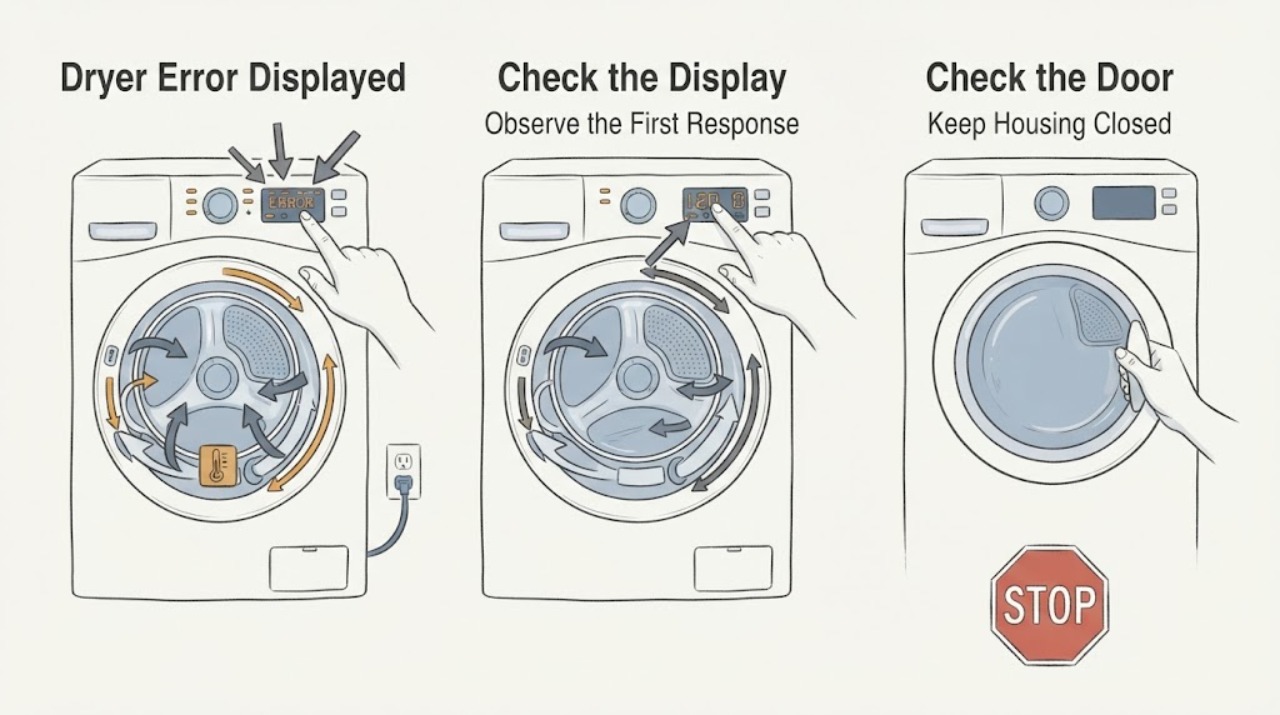
Samsung Dryer Error Displayed: Identify the code before troubleshooting
Do not diagnose a Samsung dryer from a partial character or a code copied from another model. Photograph the complete display or the exact blinking-light pattern, record the model and the programme stage, and first rule out smoke, burning odour, abnormal heat, sparks, gas odour, or a repeated electrical trip.
-
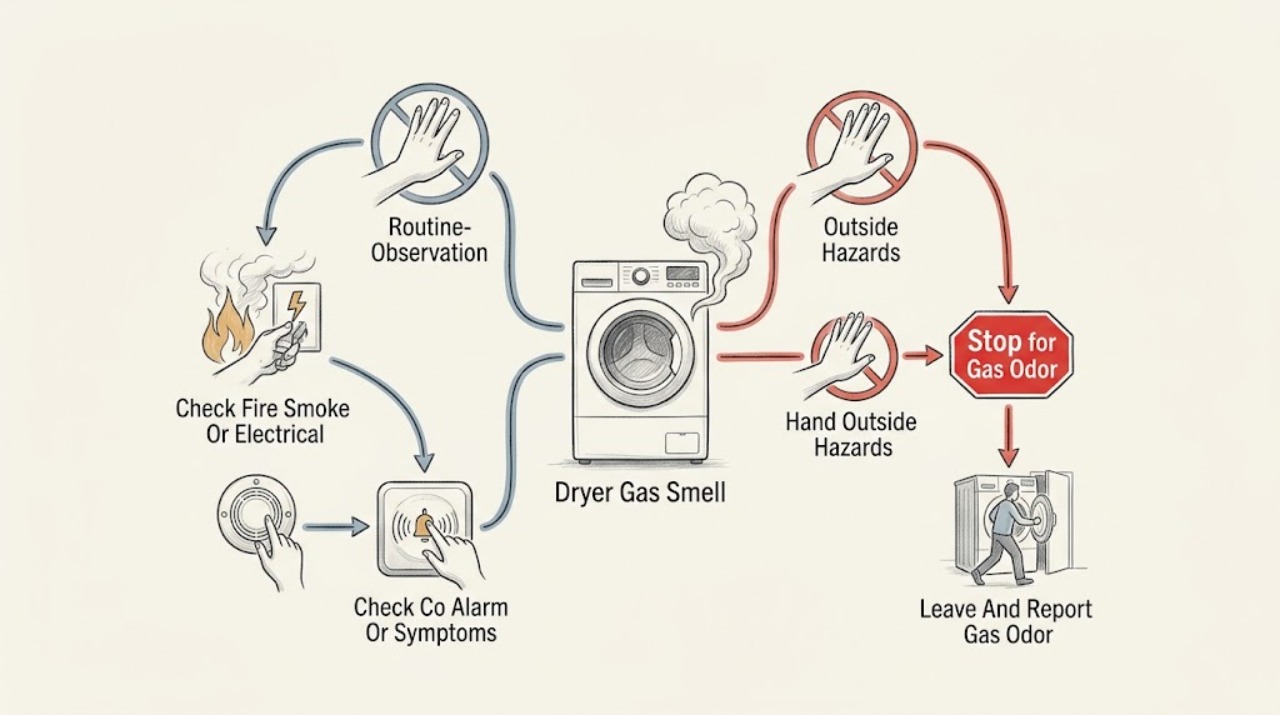
Samsung Dryer Gas Smell: Stop, Evacuate, and Get the Dryer Checked
If you smell gas near a Samsung gas dryer, do not press buttons, operate electrical switches, use a phone inside, light a flame, or restart the dryer. Leave the building and contact emergency or gas-leak help from a safe location.
-
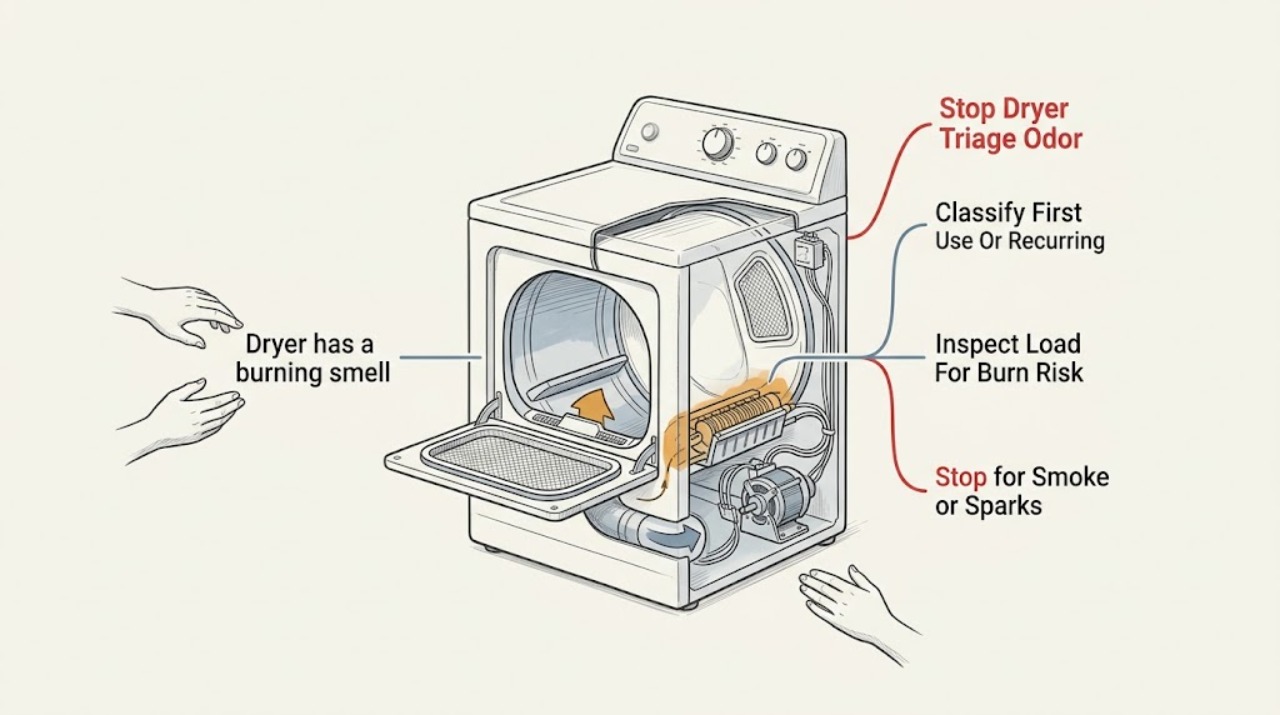
Samsung dryer has a burning smell: What to Check and What to Do Next
Stop the Samsung dryer and separate a harmless first-use odor from an active safety problem. Samsung says a new dryer may release shipping oil residue and that an empty run of about 15 minutes can dissipate that odor, but this exception does not apply to smoke, gas odor, an electrical smell, abnormal heat, or a burning smell that continues.
-
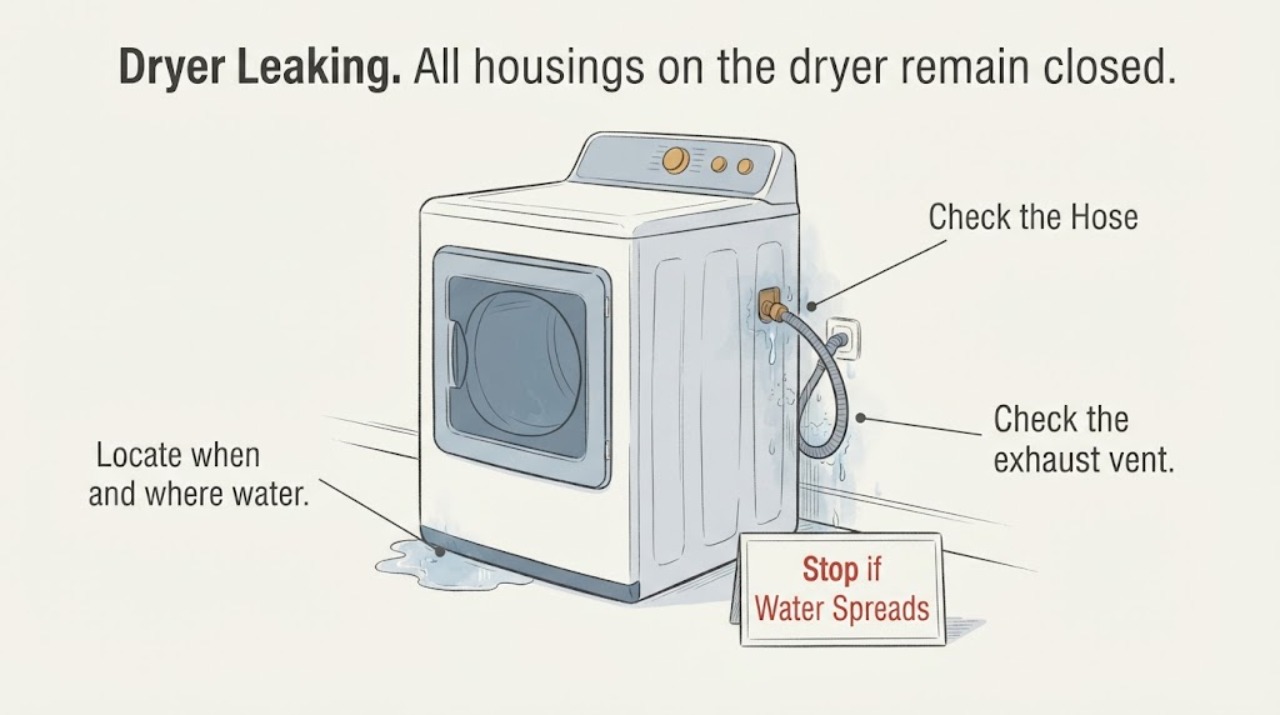
Samsung Dryer Leaking: Find the Water Source Safely
Start by locating where the water appears. On a Samsung steam dryer, moisture left in the drum after a steam-dry cycle can be normal, but dripping from the water supply hose calls for an inspection of the hose, cracks or holes, and both end gaskets or O-rings.
-
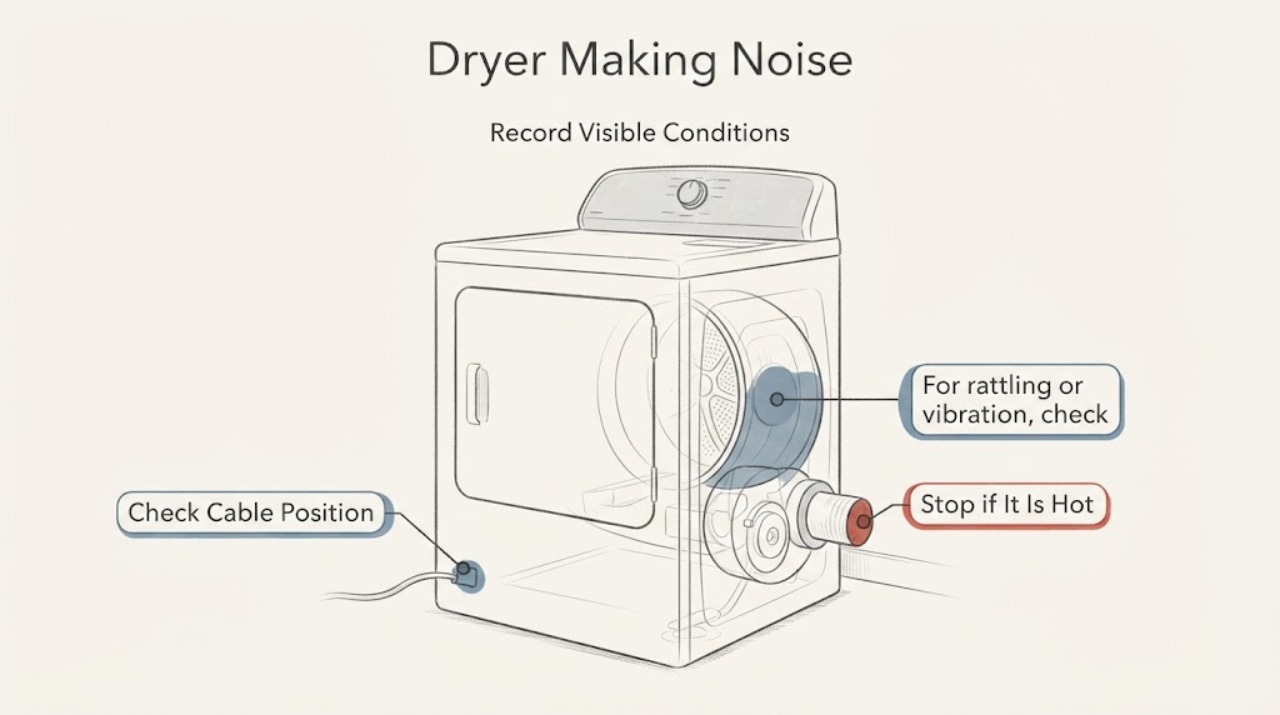
Samsung Dryer Making Noise: Identify the Sound Before You Replace a Part
Classify the sound by type and stage before opening anything. Rattling commonly comes from a loose object, an unsecured exhaust vent or cord, or an unlevel dryer; thumping only with clothes often points to the load or overloading; squealing, squeaking, or grinding should be stopped and retested only with a normal light load; and a soft humming or buzzing can be the blower motor.
-
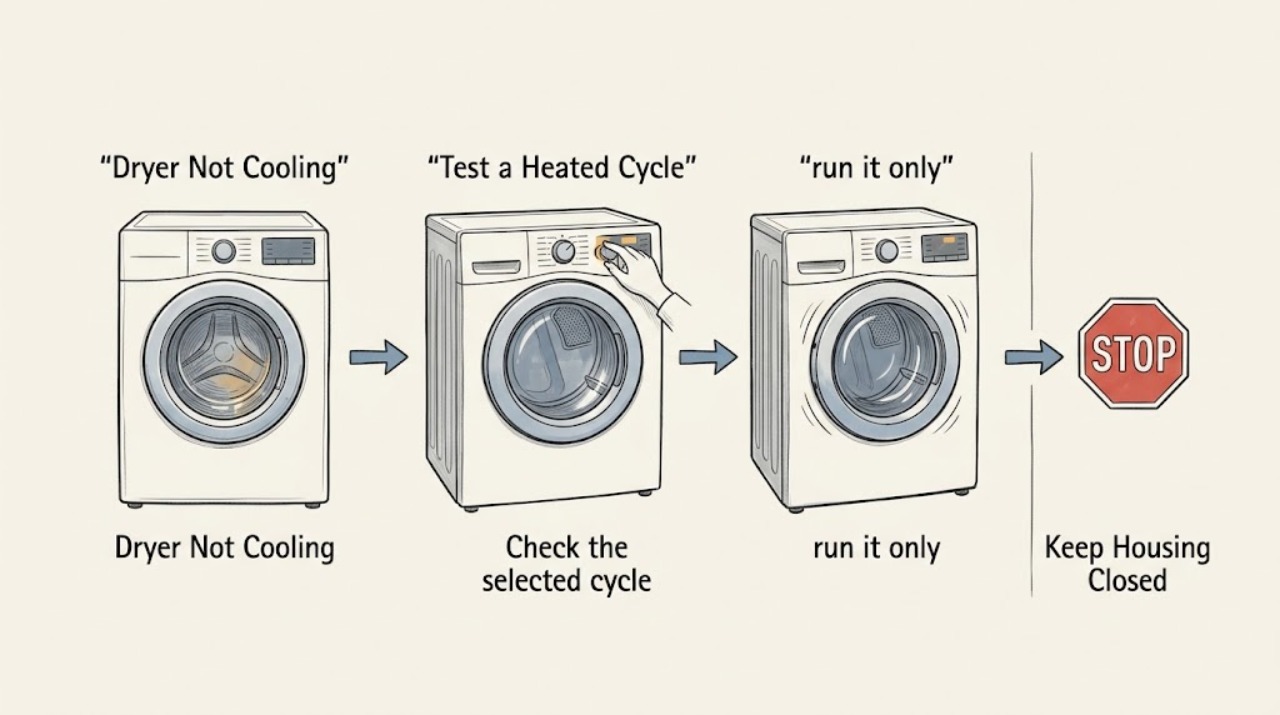
Samsung Dryer Not Cooling: Separate Normal Cool-Down From a Fault
First establish when the Samsung dryer is supposed to cool. Samsung dryers can blow room-temperature air in Air Fluff, enter an unheated cool-down phase near the end of a cycle, and continue tumbling without heat when Wrinkle Prevent is enabled.
-
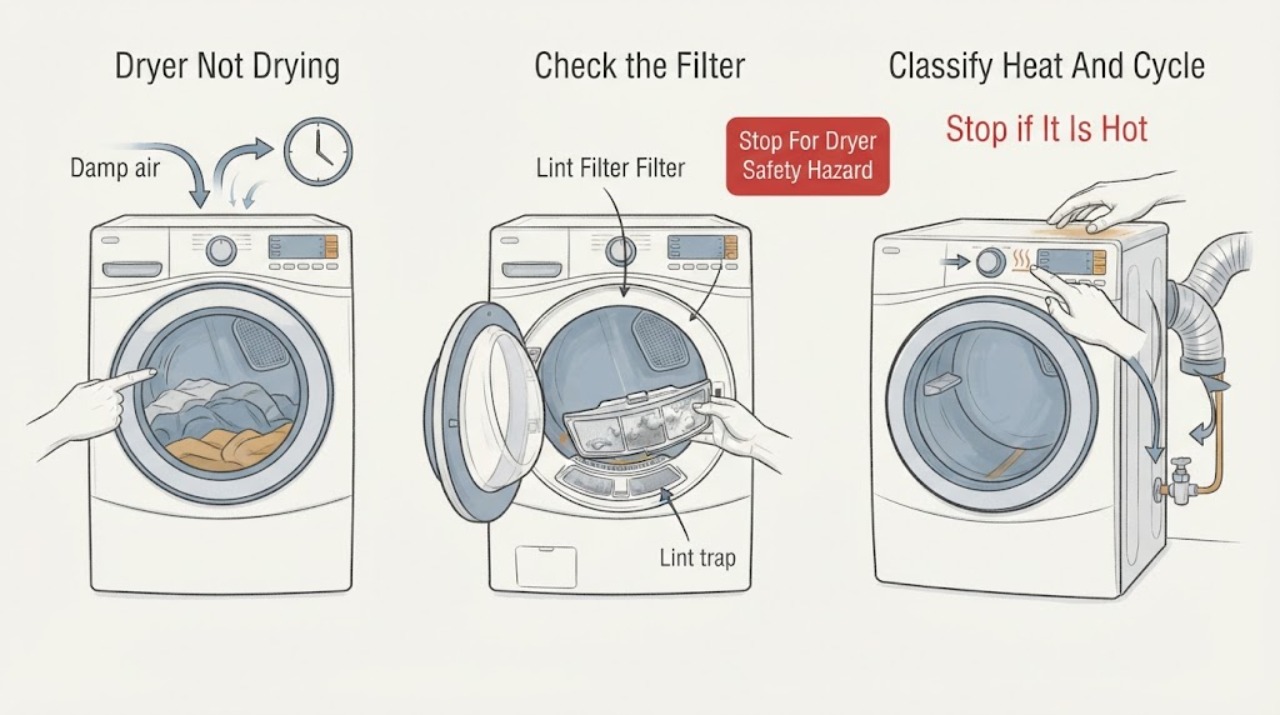
Samsung Dryer Not Drying: Check Heat, Airflow, and the Cycle
If a Samsung dryer leaves clothes damp, first decide whether it has no heat, weak heat with a long cycle, or normal heat but an early Sensor Dry stop. Use the correct cycle, turn off Eco Dry only if the model has it and you need more heat, clean the lint filter, and check the exhaust path or heat exchanger according to the model.
-
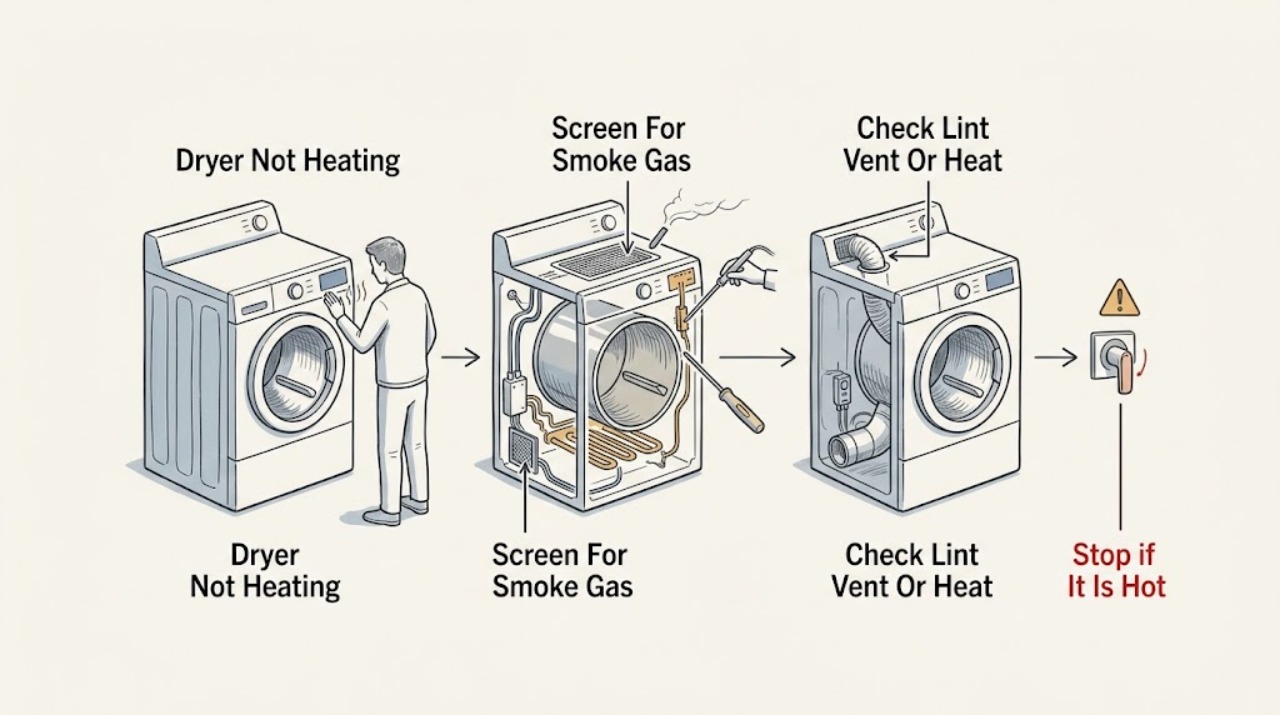
Samsung Dryer Not Heating: Check the Cycle, Airflow, Power, and Error Codes
If a Samsung dryer is not heating, first decide whether it has no heat at all or is merely warm, slow, or in a cooling portion of the cycle. Use a model-supported Time Dry or another cycle that should heat, turn Eco Dry off if applicable, and check the lint filter and exhaust path.
-
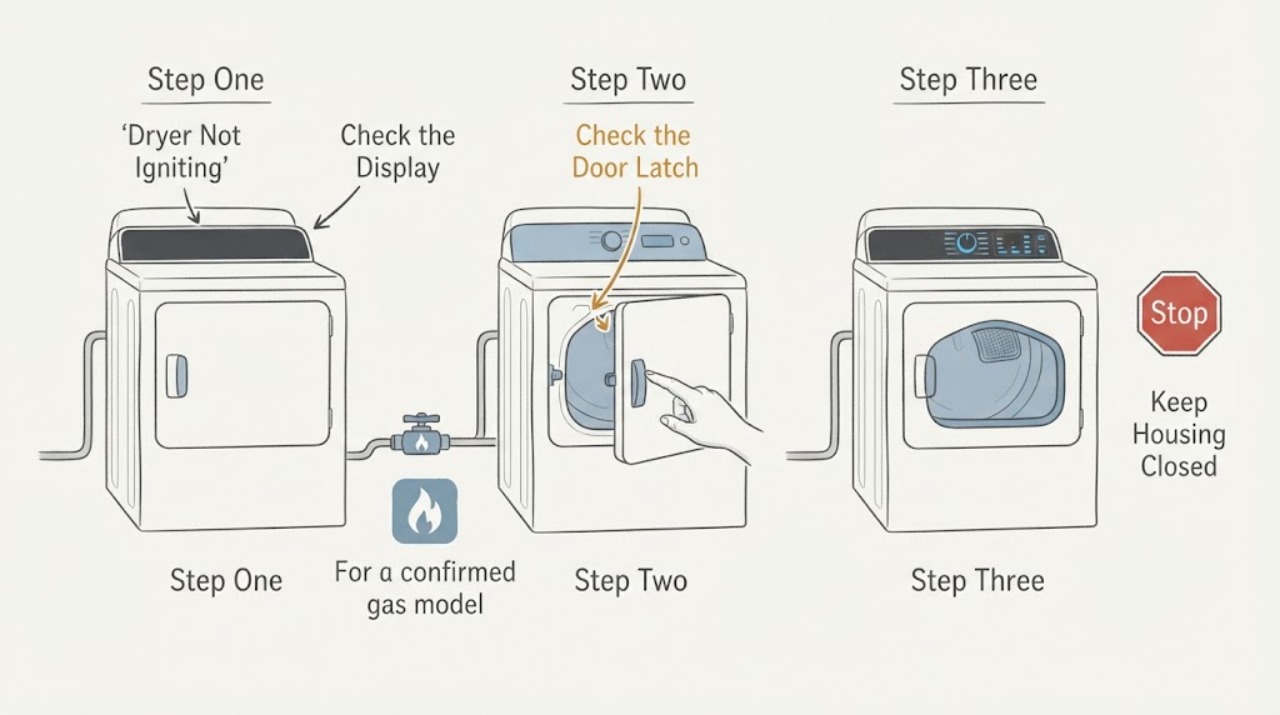
Samsung Dryer Not Igniting: Confirm Fuel Type, Airflow and Safe Heat
First confirm that the Samsung dryer is actually a gas model. Electric and heat-pump dryers do not have a gas burner or igniter, so a no-heat complaint on those models follows a power, cycle, airflow or heater path instead.
-
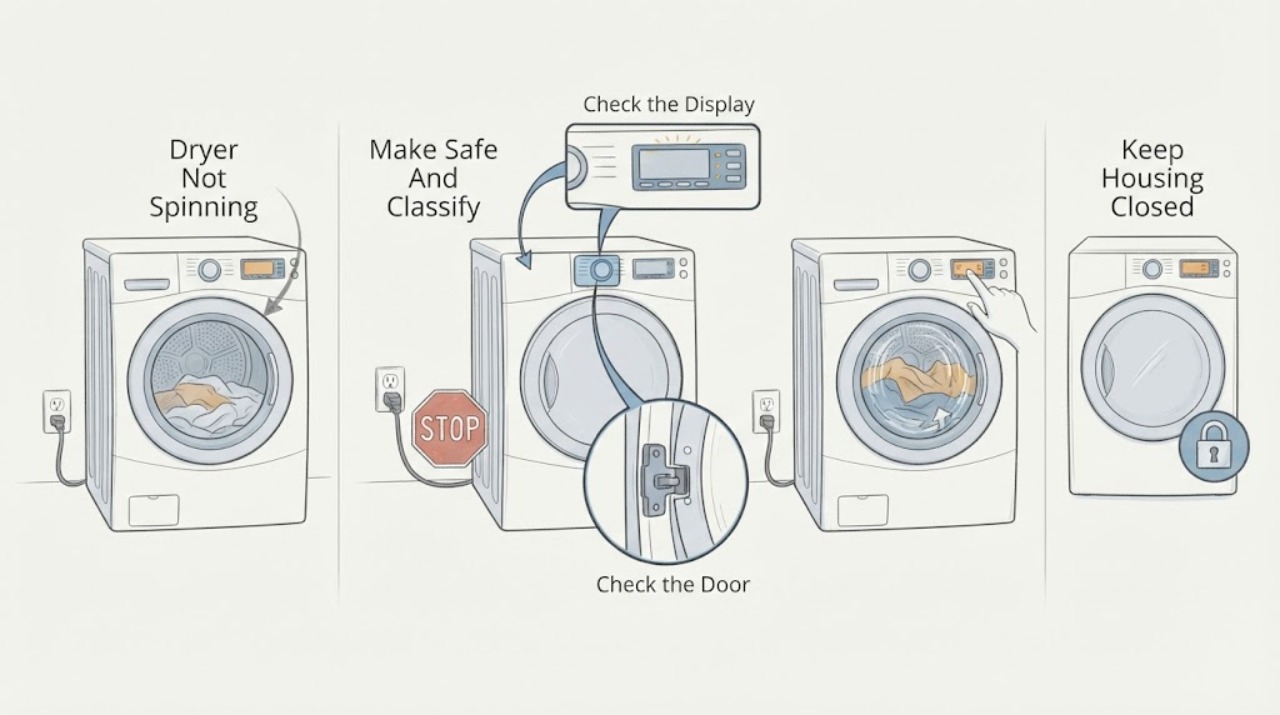
Samsung Dryer Not Spinning: Check the Start Path Before Service
If a Samsung dryer powers on but the drum does not tumble, first check whether an error or Child Lock is blocking Start, close the door fully, and run a short Time Dry test while confirming that the timer counts down. If the timer counts down but the drum remains still, Samsung says service is usually required; do not remove panels or reach into the drive system.
-
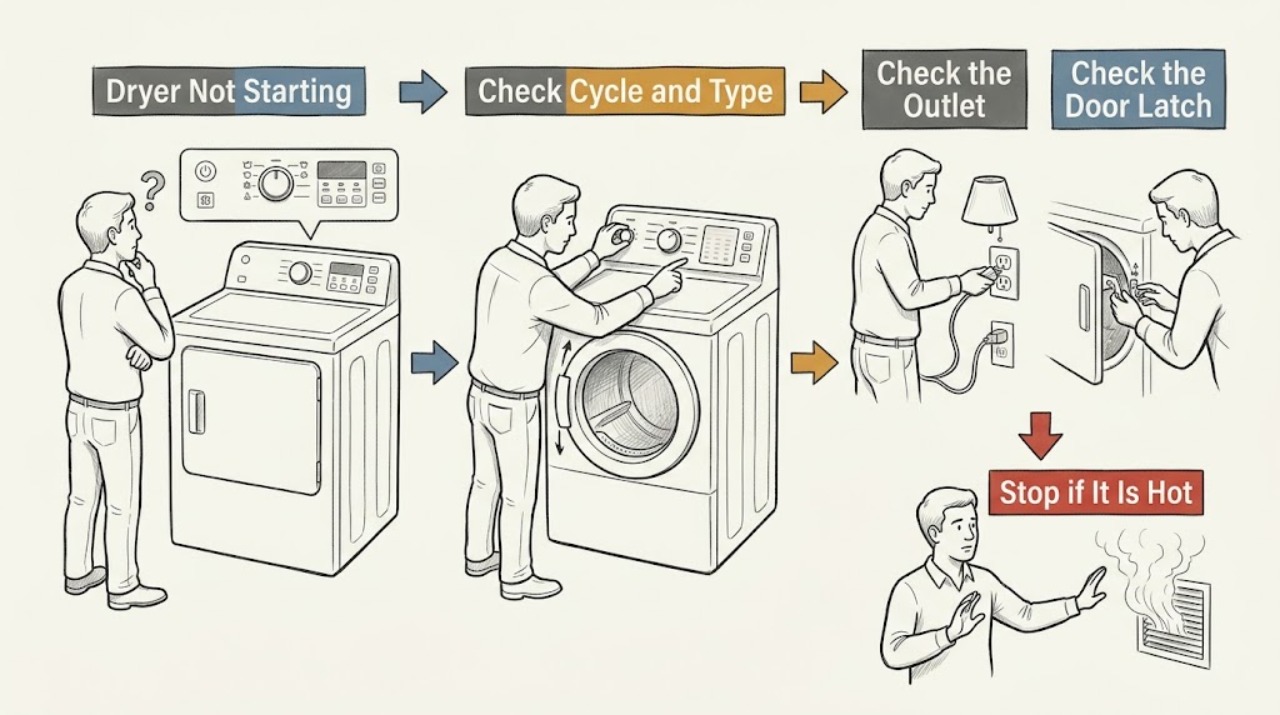
Samsung Dryer Not Starting: Check the Door, Controls, and Power Safely
First separate a completely dead dryer from one whose display works but will not start. Check the power connection and breaker from a dry, safe position, then confirm the door is closed and latched, Child Lock is off, the intended cycle is selected, and Start is pressed or held as the model requires.
-
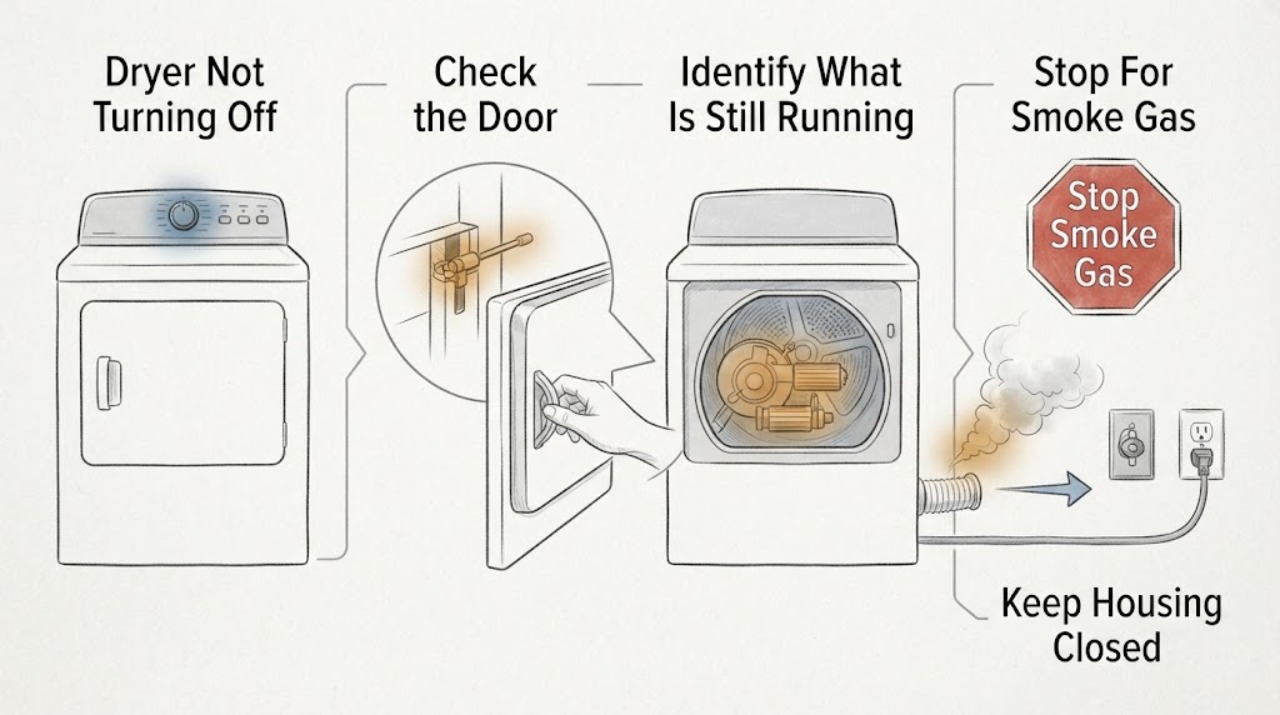
Samsung Dryer Not Turning Off: Check Wrinkle Prevent before Calling for Service
A Samsung dryer may keep the panel or drum light on after a cycle, and Wrinkle Prevent can tumble clothes intermittently without heat after the cycle ends. Open the door or press Power as the model instructs to distinguish that normal post-cycle behavior from a dryer that continues spinning, heating, or ignores controls.
-
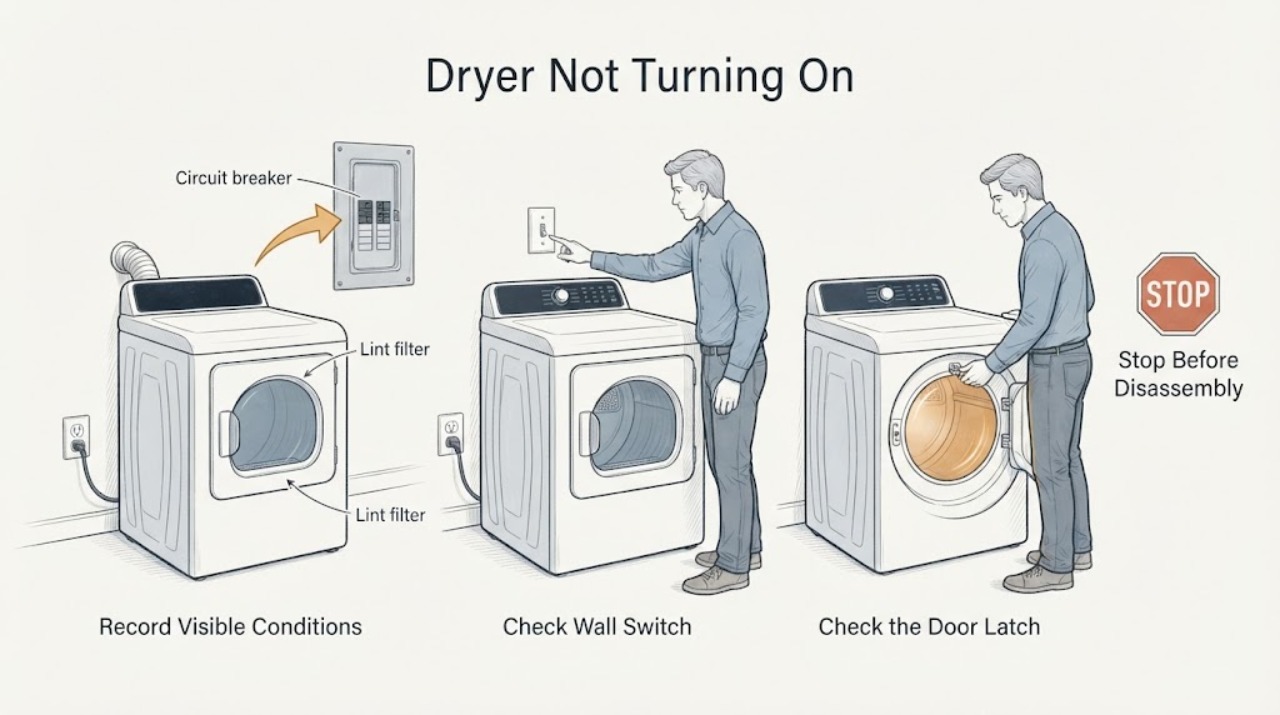
Samsung Dryer Not Turning On: Check Power, Door, Controls, and Codes
First separate a completely dead dryer from one with a display that will not start. Record the model, gas or electric type, display or blinking lights, door state, exact error, and whether the problem began after installation, a power event, a spill, or a previous cycle.
-
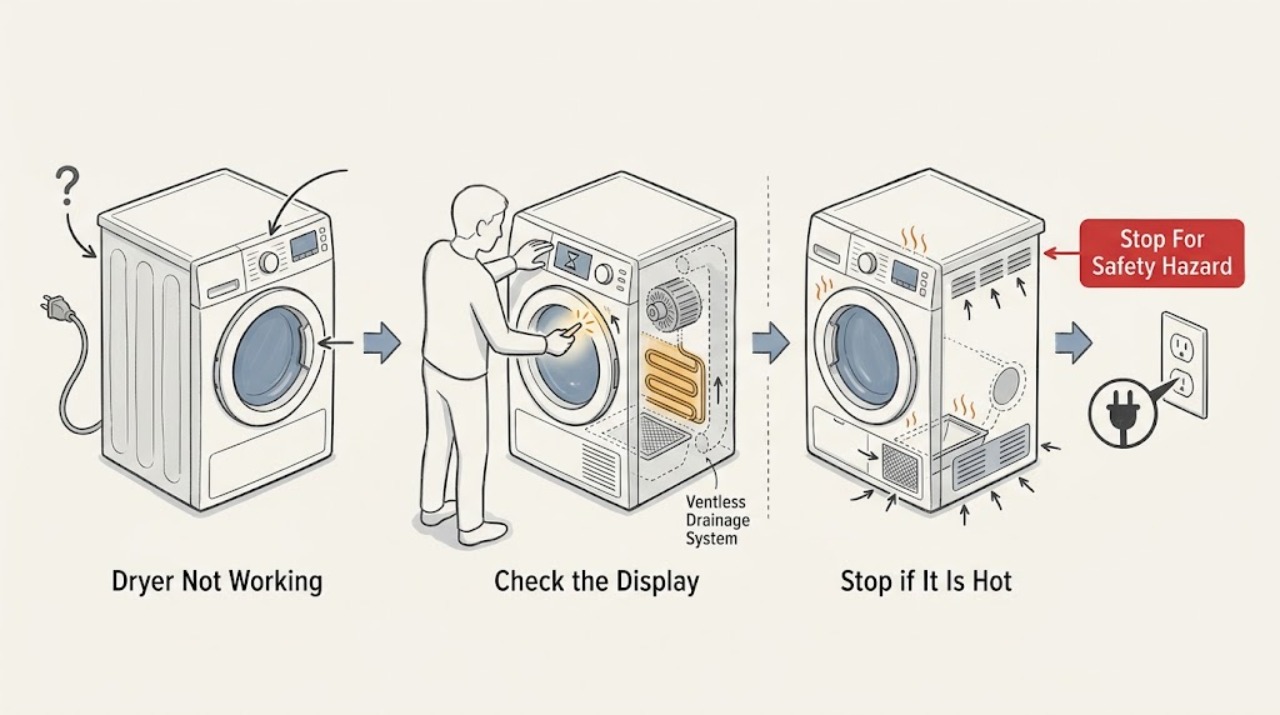
Samsung Dryer Not Working: Separate No Power, No Heat, and Mid-Cycle Stops
First decide whether the Samsung dryer has no display or light, turns on but will not start or tumble, tumbles without heat, or stops during a cycle. From a dry, safe position, check the power connection and breaker, door closure, Child Lock or cycle state, and the selected programme.
-
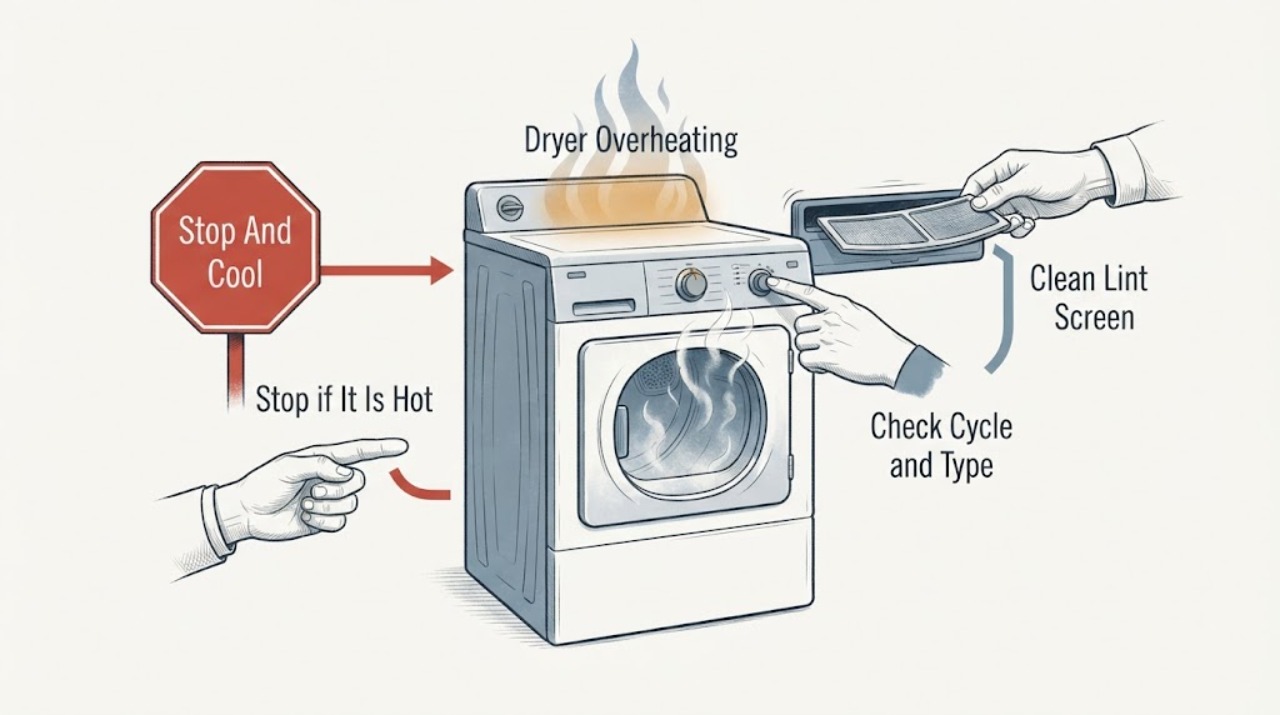
Samsung Dryer Overheating: Stop the Cycle and Check Airflow Safely
Stop a Samsung dryer immediately if the cabinet, laundry, plug, or outlet is unusually hot, or if there is a scorched smell, smoke, fabric damage, gas odor, arcing, or a breaker trip. Do not run another test cycle while it is hot or unsafe.
-
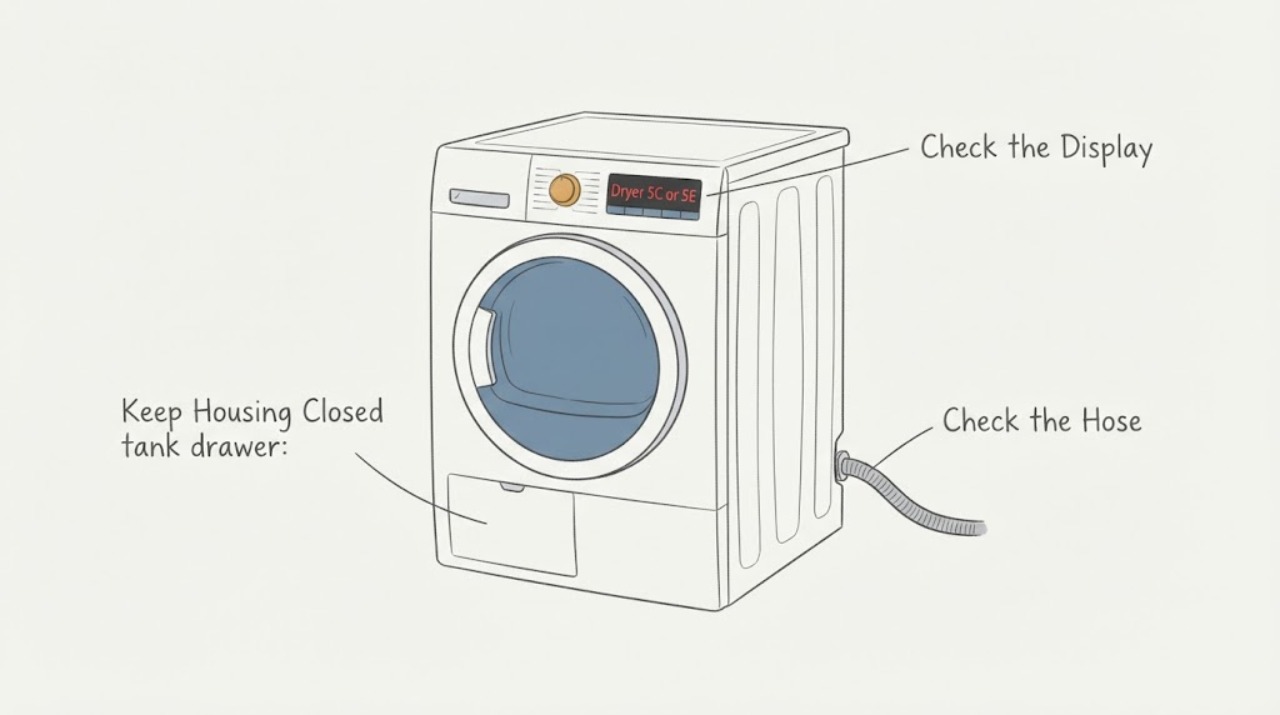
Samsung Dryer 5C or 5E: Check the Water Tank and Drainage Path
On Samsung's official tumble-dryer information-code page, 5C and 5E are listed together as a drainage check. Samsung names a draining or drain-pump malfunction, a frozen or damaged drain hose, and a full water tank as possible causes; its first supported checks are to inspect the hose, empty the water tank, and start the dryer again.
-
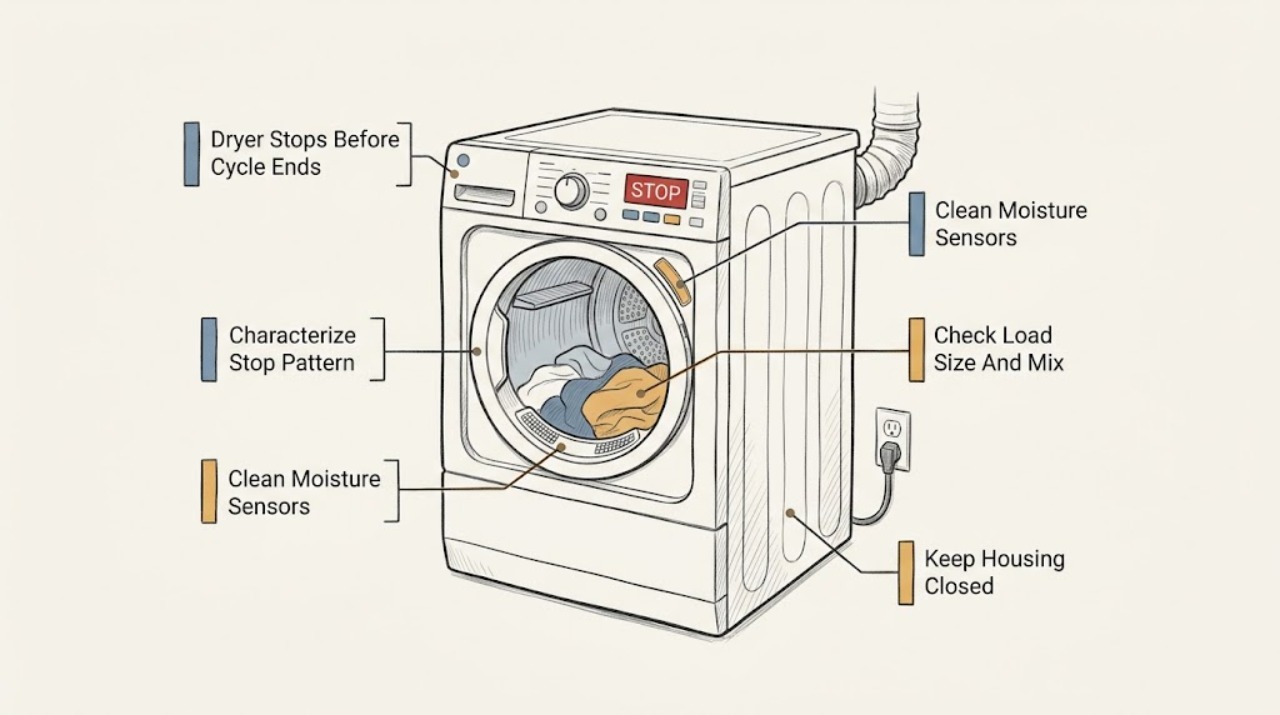
Samsung Dryer Stops Before Cycle Ends: What to Check and What to Do Next
First determine whether the selected Sensor Dry cycle ends early while the clothes are still damp, or whether the entire Samsung dryer loses power during the cycle. For an early Sensor Dry finish, let the dryer cool, clean the two visible moisture-sensor bars inside the front of the drum with a soft cloth and a drop of dish soap, then check the load mix, load size, and model-specific Dry Level setting.
-
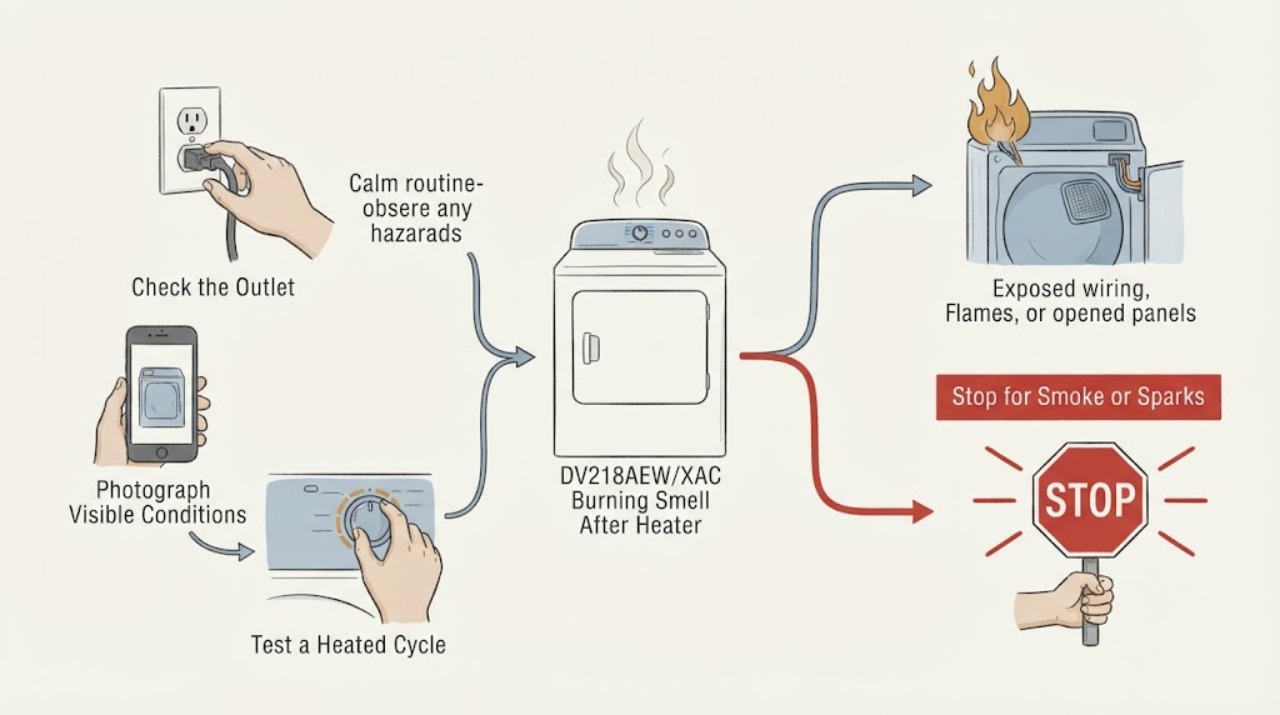
Samsung DV218AEW/XAC Burning Smell After Heater and Belt Replacement: Stop and Recheck Safely
Treat a burning smell on the Samsung DV218AEW/XAC after heater and belt work as an unresolved safety symptom, not proof that either replaced part is defective or that another part should be ordered. Stop the dryer, let the drum stop, and disconnect power only from a dry, safe position; do not run it again to locate the odor, open the cabinet, make a live test, or continue changing parts.
-
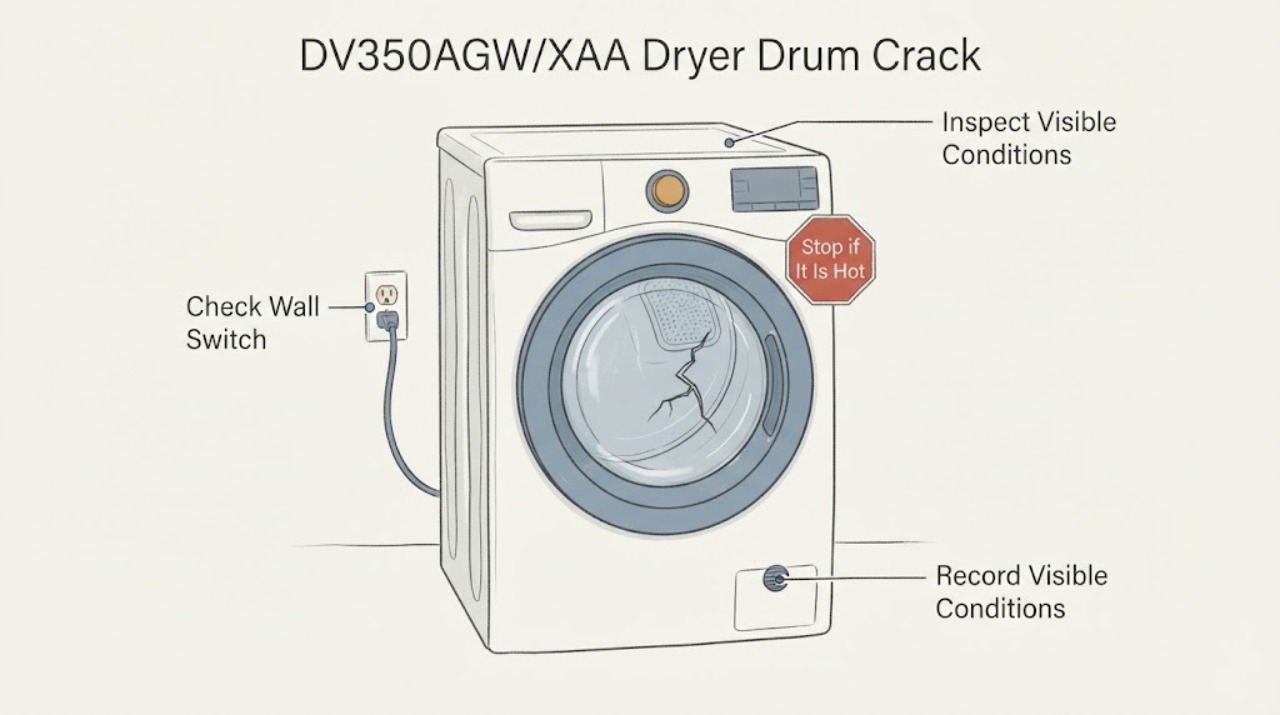
Samsung DV350AGW/XAA Dryer Drum Crack: Stop Use and Confirm the Damage
Stop using the Samsung DV350AGW/XAA if the drum is visibly cracked, has a sharp edge, catches fabric, or makes a new scraping, thumping, or grinding sound associated with the damage. Switch off the dryer and the circuit breaker before touching the power connection; do not run it to see whether the crack is harmless, hand-spin a damaged drum, glue or weld it, or open the cabinet.
-
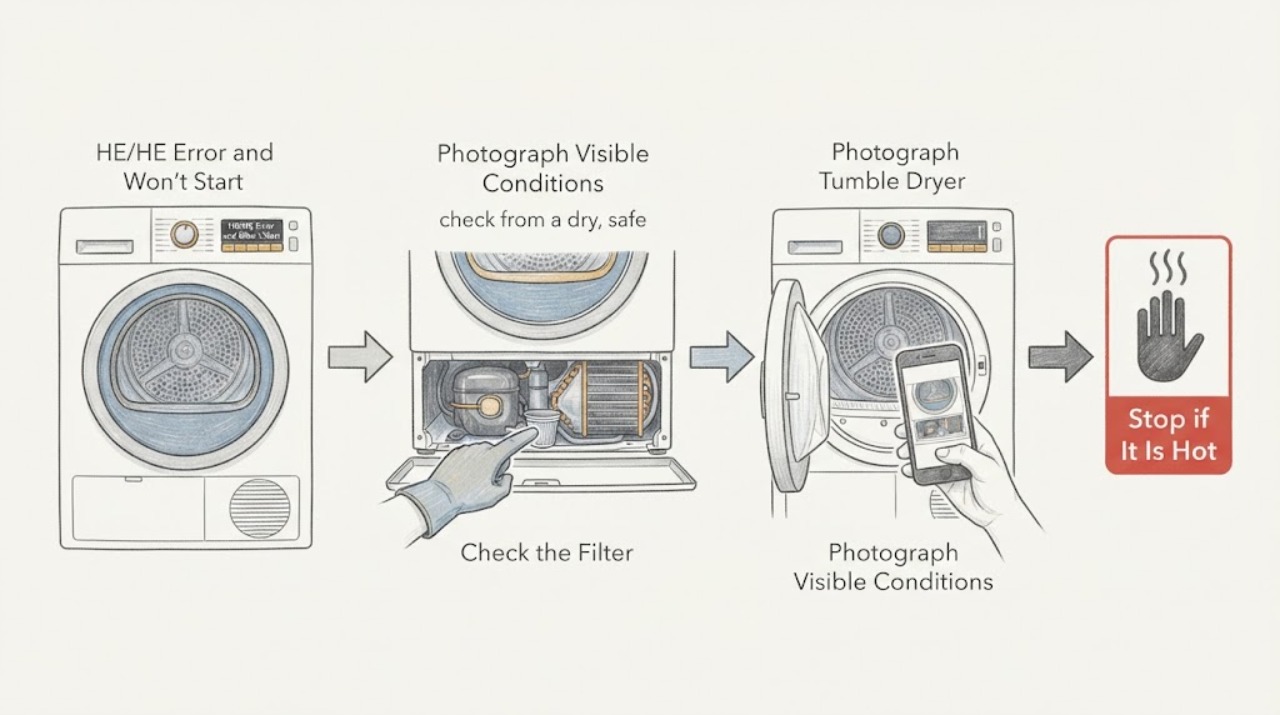
Samsung DV70F5E0HGW hE/HE Error and Won't Start: Safe Heat-Pump Checks
On the Samsung DV70F5E0HGW/EN UK dryer, hE or HE must be read as the complete displayed code, not as the similarly named Samsung washer code. Samsung UK's dryer information table describes HC/HE as compressor overheating or a high-temperature heating check.
-
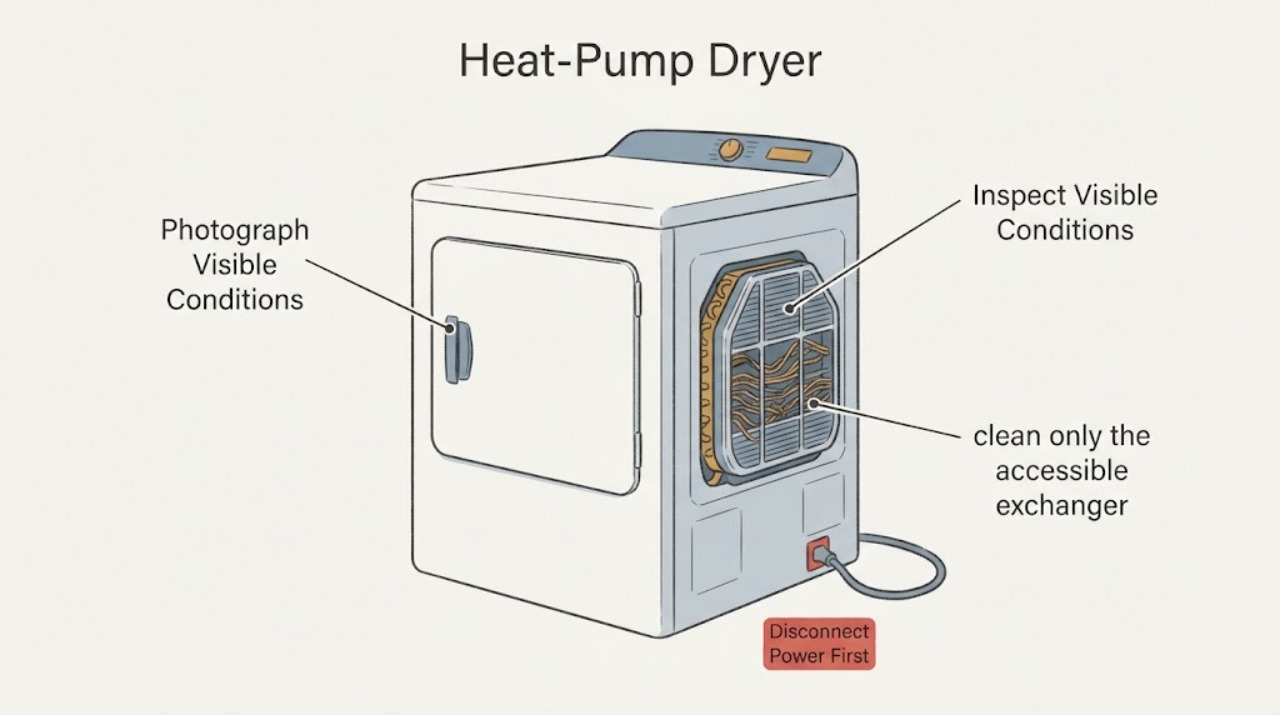
Samsung DV90T8240 Heat-Pump Dryer: Bent Heat-Exchanger Fins
Do not straighten the heat-exchanger fins on a second-hand Samsung DV90T8240 dryer with a knife, screwdriver, comb, or other sharp tool. The base model is not a complete regional model: Samsung's opened support pages show DV90T8240SX/FQ in the UK and related SH/SX/SE suffixes in different markets, and Samsung warns that models, sequences, and settings vary by location.
-
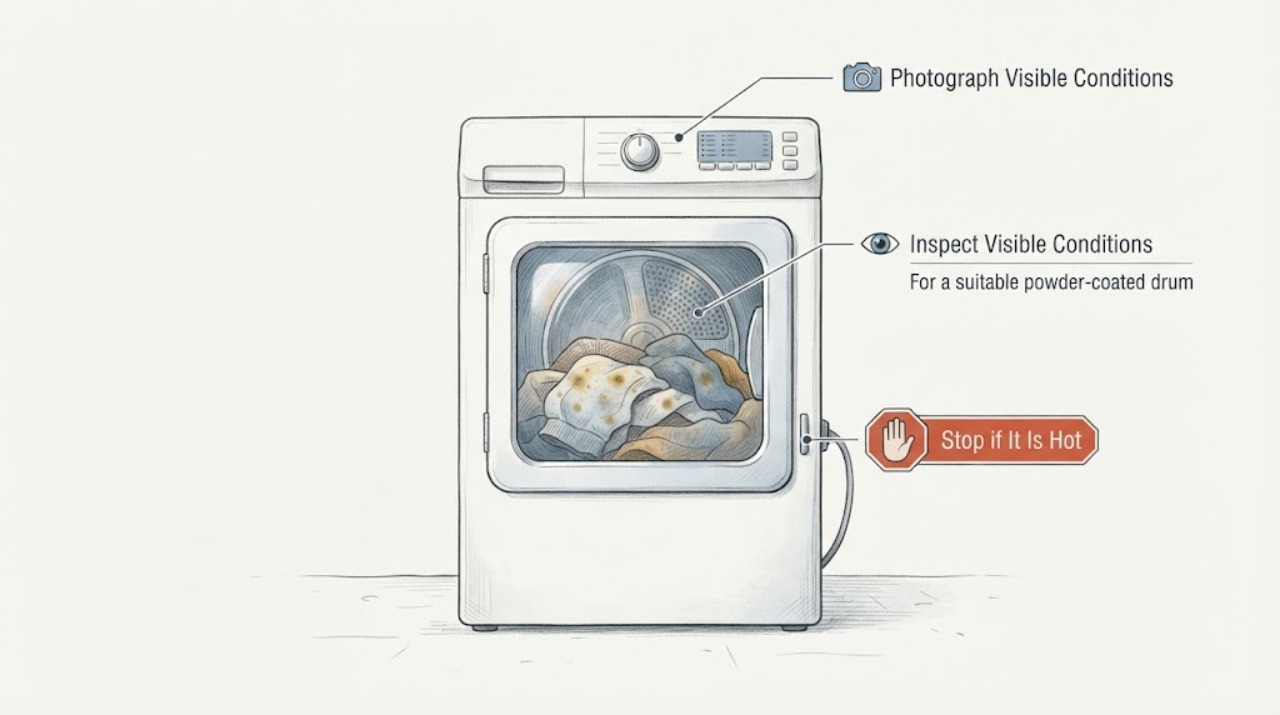
Samsung DVG45N5300W/A3 Dryer: Tan Lines on White Clothes
Stop putting valuable white clothes through the Samsung DVG45N5300W/A3 until you determine whether the tan lines are transferring from the drum or were already present before drying. Turn the gas dryer off, unplug it, and let it cool before inspecting the drum.
-
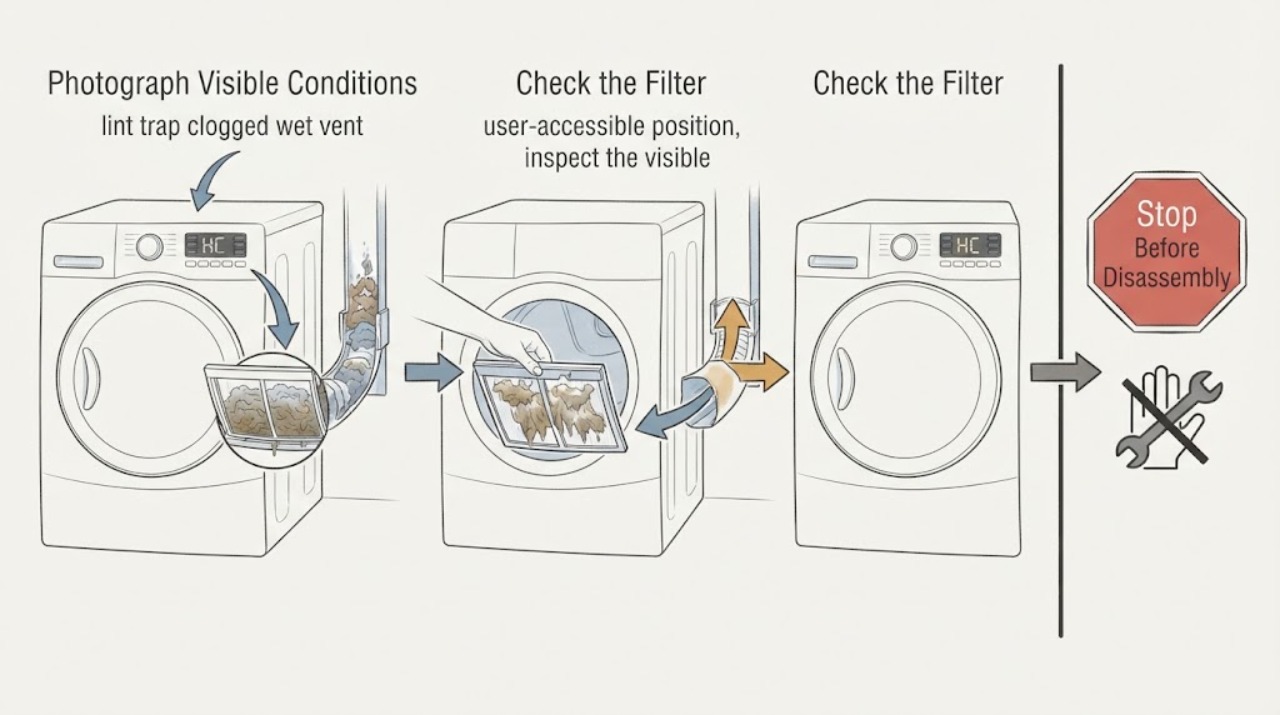
Samsung MultiSteam/VentSensor HE Dryer HC: Wet Vent or Something Else?
Samsung's US dryer guide defines HC as a heating error: the dryer is getting too hot, most commonly because a clogged lint screen or exhaust vent is trapping heat. A damp or visibly wet vent is evidence that moisture may not be leaving correctly, but it does not identify one failed sensor or heater.