
On this page
Start here
Quick answer
A vacuum cleaner that feels hot or blows unusually warm air is often protecting itself from restricted airflow. Turn it off and unplug it, let it cool, then clear the floor head, wand, hose, bin path, and user-washable filters according to the model manual. Reassemble only when filters are completely dry; recurring overheating, smoke, a damaged cord, or a hot motor needs service.
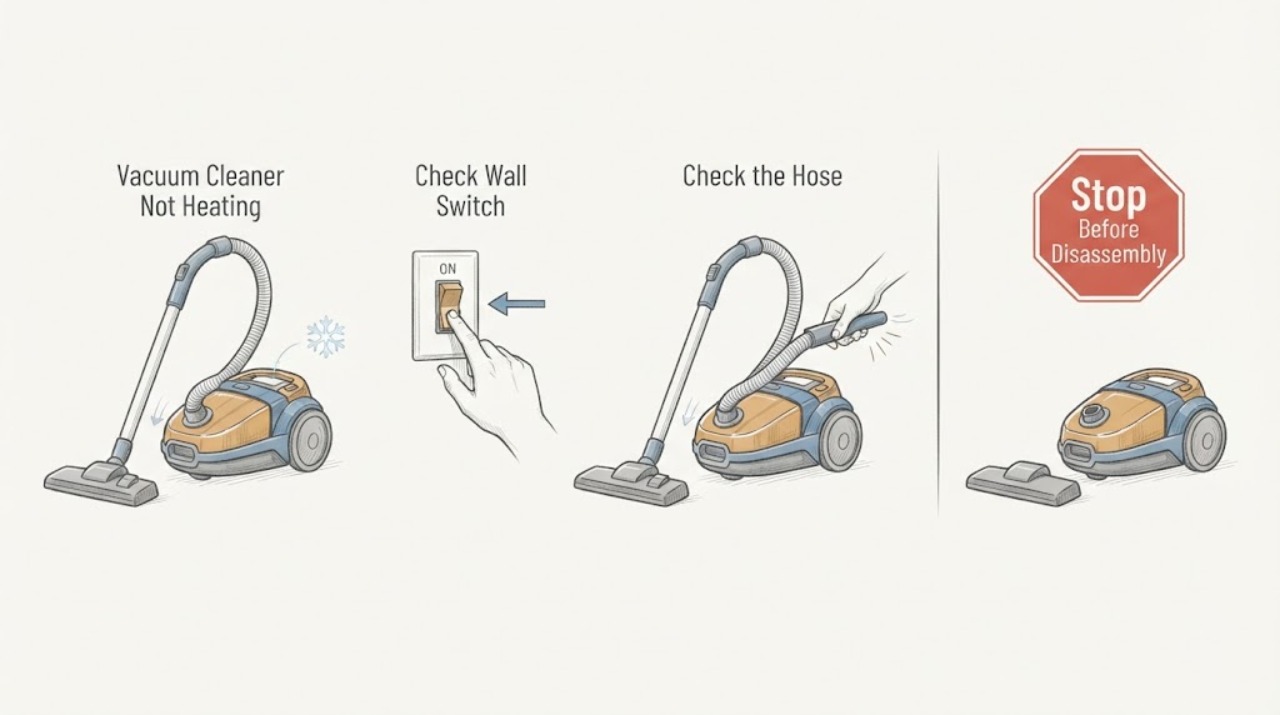
Work through in order
Diagnostic checks
Use only checks that match the exact appliance or system and its official guide.
-
Check 1
Switch off and unplug the vacuum; check for smoke, burning odor, a hot or damaged cord, melted plastic, or a motor that is too hot to approach.
Expected result: A fire/electrical sign or physical damage is present.
Next step: Keep it disconnected and arrange qualified service; seek emergency help for active smoke or fire.
Stop if: Do not restart a vacuum with a damaged cord, smoke, or melting.
Why this matters
Why: This is beyond an airflow cleanout and continued use could worsen the fault.
-
Check 2
After cooling, inspect the floor head, brush opening, wand, hose, and inlet for hair, dust, or a lodged object; keep the trigger off while parts are open.
Expected result: A blockage is present, or all air paths are visibly clear.
Next step: Remove only accessible debris, refit parts securely, and continue to the filter check.
Stop if: Stop if a blockage cannot be reached without dismantling the motor body.
Why this matters
Why: A blockage can trigger the thermal cutout; clear paths make a filter or internal fault more likely.
-
Check 3
Remove and wash only the filters specified for the model, using the manual’s method, and leave them completely dry before reinstalling.
Expected result: Filters are visibly clogged or damp, or they are clean and dry.
Next step: Reassemble and perform one short supervised run; never dry a filter with an oven, microwave, tumble dryer, or flame.
Stop if: Do not operate with a missing or wet filter.
Why this matters
Why: Dirty or wet filters restrict airflow and can cause heat buildup; a clean, dry filter shifts suspicion to another fault if heat returns.
-
Check 4
After clearing and drying, test suction and temperature briefly with the correct attachments fitted.
Expected result: Airflow returns and the casing stays normal, or the vacuum cuts out/heats again.
Next step: Stop repeated restarts and arrange model-specific service if the thermal cutout repeats.
Stop if: Stop immediately for smoke, odor, sparks, or rapid heat rise.
Why this matters
Why: Recovery supports a restriction; recurrence with clear paths indicates a motor, control, seal, or sensor problem.
Use your observations
Decision map
Find the observation that best matches what you see, then follow the next safe action.
-
PATH 01Next step
What you see
The vacuum cuts out after a blocked head or clogged filter is found and clears after cleaning/drying
Do this next
Maintain the filter and airflow path and monitor a short supervised run.
Why this path and its safety boundary
Why it matters: The thermal protection likely responded to restricted airflow.
-
PATH 02Next step
What you see
All accessible paths are clear and dry but the vacuum overheats or cuts out again
Do this next
Leave it unplugged and arrange qualified service; do not bypass the thermal protection.
Why this path and its safety boundary
Why it matters: An internal airflow, motor, electrical, or thermal-control problem is more likely.
-
PATH 03Next step
What you see
The casing is warm but suction and operation are normal with no cutout or odor
Do this next
Keep vents clear, follow the model filter schedule, and stop if temperature, odor, or shutdown changes.
Why this path and its safety boundary
Why it matters: Some motor warmth can be normal, while the symptom does not yet prove overheating.
Helpful context
Understand the symptom
How to read the result
A vacuum cleaner that feels hot or blows unusually warm air is often protecting itself from restricted airflow. Turn it off and unplug it, let it cool, then clear the floor head, wand, hose, bin path, and user-washable filters according to the model manual. Reassemble only when filters are completely dry; recurring overheating, smoke, a damaged cord, or a hot motor needs service.
When checks do not resolve it
Need a professional?
Arrange vacuum service for recurring thermal shutdowns after clear, dry filters and unobstructed air paths, or immediately for smoke, burning odor, sparks, melted plastic, or cord damage.
Common questions
FAQ
How long should a vacuum cool after a thermal shutdown?
Dyson’s opened troubleshooting guide directs unplugging and leaving the vacuum to cool before checks; the exact time is model-specific, so follow the model guide and do not restart while hot.
Can I run the vacuum briefly with the filter removed?
No. Refit only a completely dry, model-approved filter before testing; operating without the required filter can expose the motor to debris.
Read the exact guide
Official sources
- Support | TroubleshootingDyson · vacuum thermal cutout, filters and blockages
Community feedback
Share a repair observation
Share a plain-text repair observation. Accepted observations are published automatically; this page may take a moment to update.