
Brand-independent appliance guidance
General Vacuum Cleaner Repair Guides
Brand-independent troubleshooting and repair guidance for common vacuum cleaner problems and maintenance questions.
General vacuum cleaner guides
Use these guides when the problem is not limited to a specific manufacturer.
-
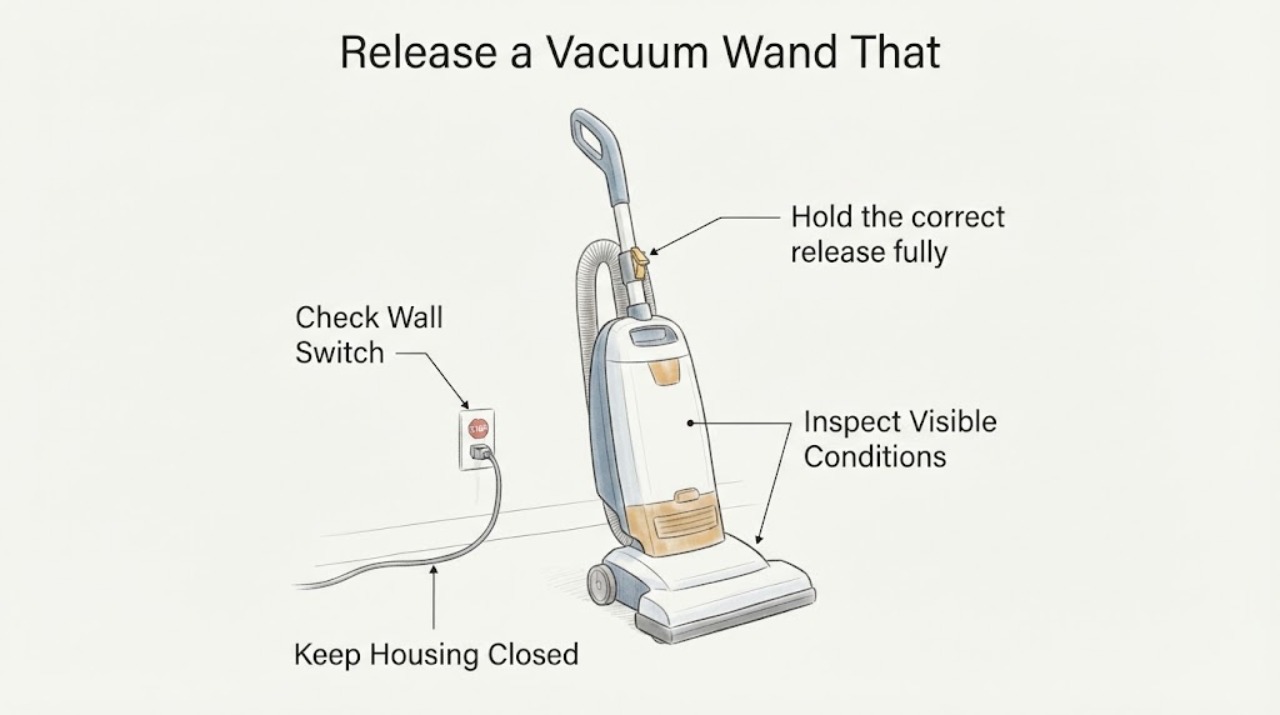
How to Release a Vacuum Wand That Won’t Come Out
Turn the vacuum off and unplug it, or remove the battery if the model permits. Put the machine in the position specified by its manual, press the release button or lever for the connection that is stuck, and pull the wand straight without prying.
-
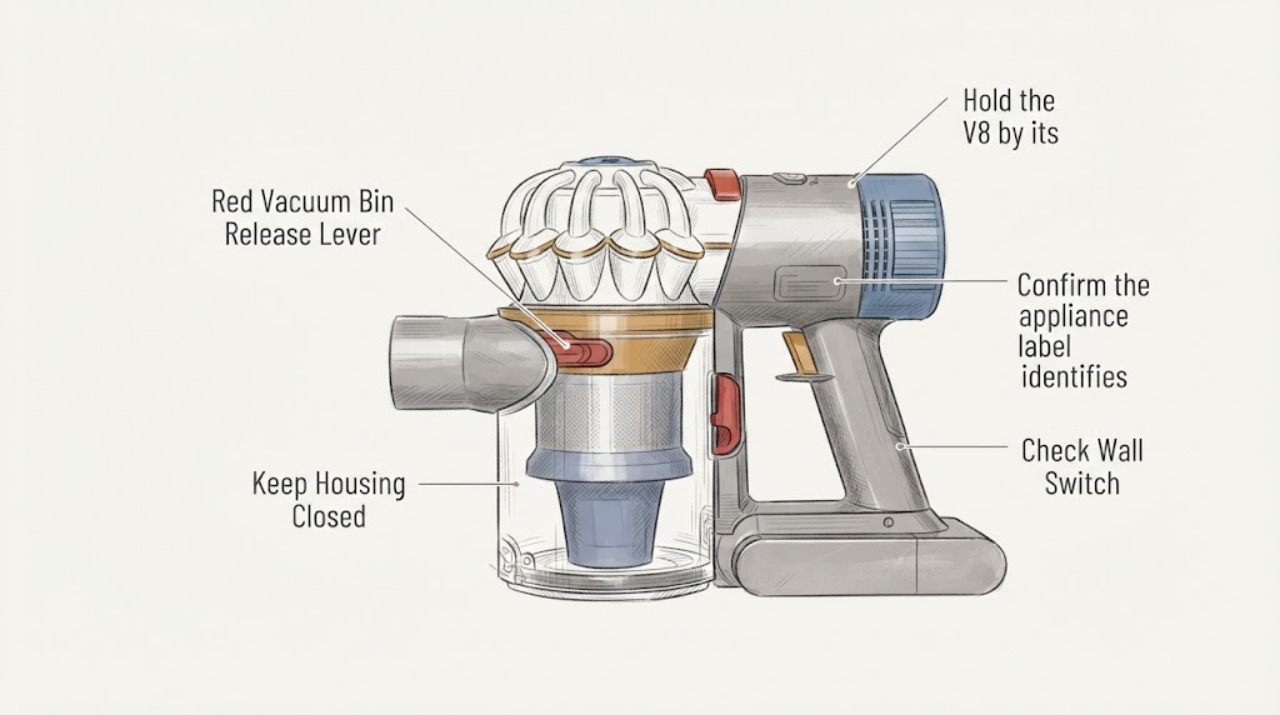
Red Vacuum Bin Release Lever Will Not Move: Identify the Model First
A red release lever is model-specific, so first read the vacuum's rating label and match the bin layout to its owner's manual. Do not assume that a red lever on an unidentified vacuum has the Dyson V8 function or release direction.
-
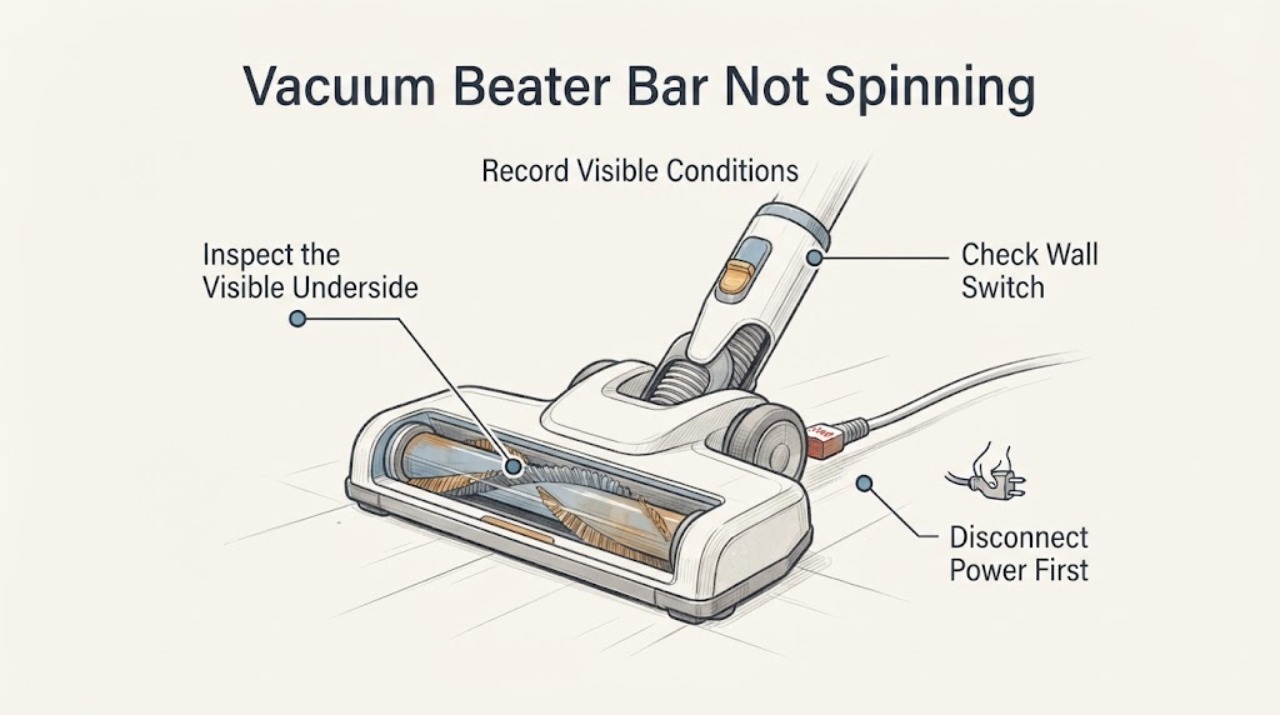
Vacuum Beater Bar Not Spinning: Identify the Model Before Removing Parts
A non-spinning beater bar can be caused by a control setting, an upright or engagement interlock, an obstruction, or a model-specific cleaner-head fault. Because no brand or model is supplied, do not assume a belt, motor or replacement brush is the cause and do not copy another vacuum’s disassembly steps.
-
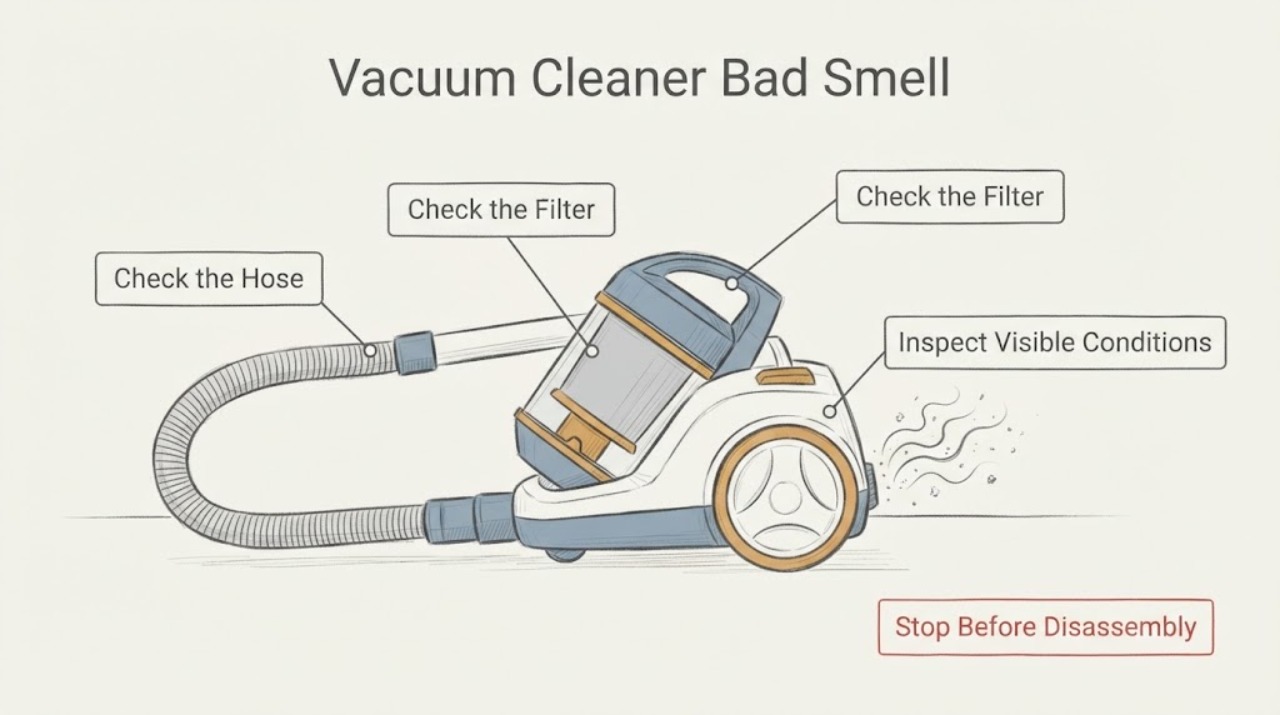
Vacuum Cleaner Bad Smell
Unplug the vacuum and classify the smell before any cleaning. Damp odor can come from moisture mixed with dust, while electrical burning, smoke, or unusual heat means stop using it; clear only ordinary-access blockages and refit a completely dry filter.
-
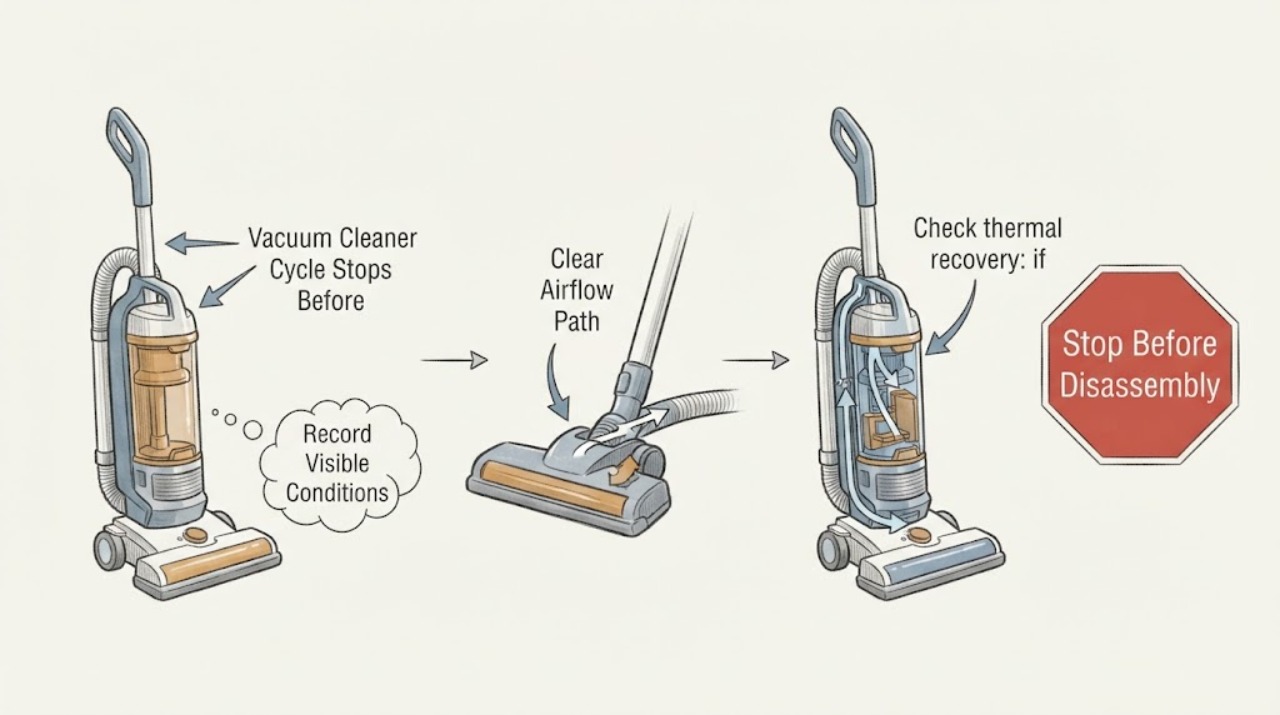
Vacuum Cleaner Cycle Stops Before Completion: Find the Cutout Trigger
A vacuum cleaner that stops before its cleaning cycle finishes is commonly separated by timing: an immediate stop suggests a blockage, brush obstruction, battery or control issue, while a stop after warming points toward thermal protection. Empty the bin, clear accessible airflow and brush obstructions with power isolated, clean the model-approved filter, and retest only after cooling.
-
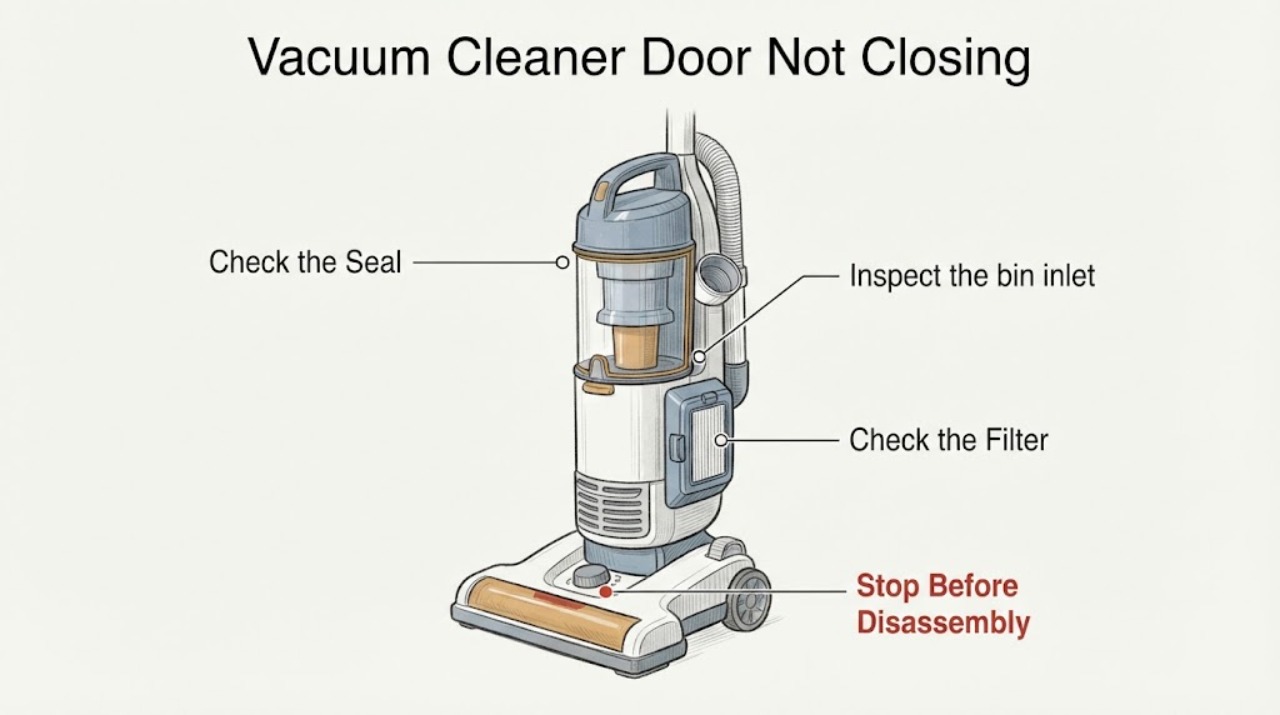
Vacuum Cleaner Door Not Closing
A vacuum cleaner door that will not close usually needs the bin, inlet flap, seal, and latch inspected in that order. Empty the bin, clear lint from the hinge or inlet, and check that the bin is fully seated. Do not force the door or operate the vacuum with an open dust path.
-
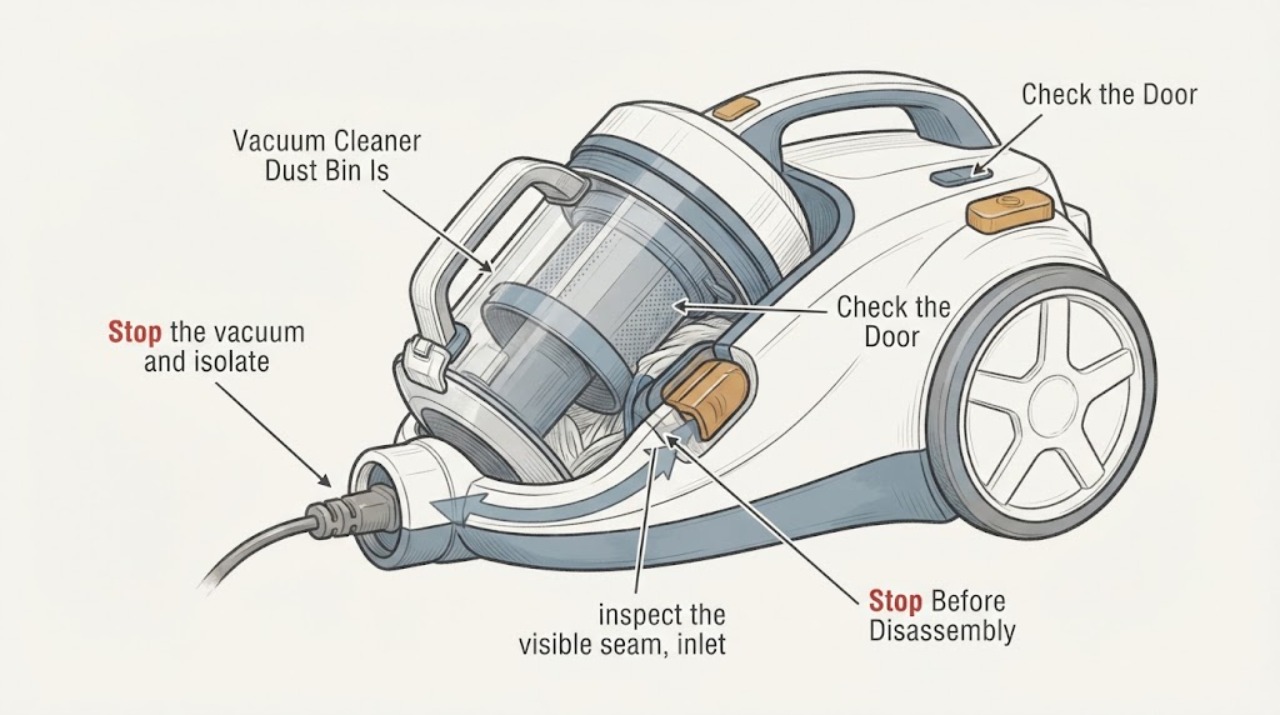
Vacuum Cleaner Dust Bin Is Jammed and Will Not Open
Do not force a vacuum cleaner dust bin, pry its latch, insert a tool into the cyclone or turn the machine on while it is jammed. Switch the vacuum off, unplug a corded unit or remove the battery/charger connection from a cordless unit, and let it cool if it stopped hot.
-
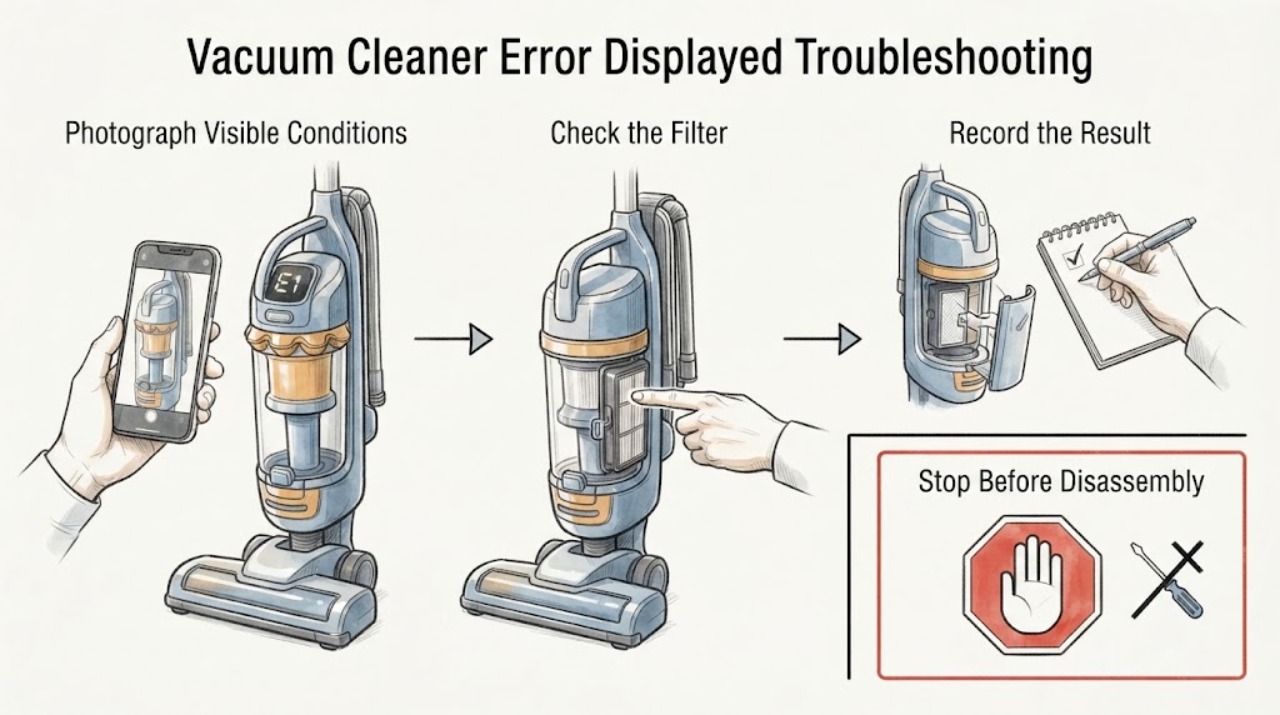
Vacuum Cleaner Error Displayed Troubleshooting Guide
When a vacuum cleaner displays an error, record the exact symbol or light pattern before resetting anything. With the vacuum off and off the charger, check only the accessible wand, head, bin, and filter path using the exact model guide. If the same error returns after the documented correction, or the code cannot be identified, stop repeated testing and contact Dyson or a qualified technician.
-
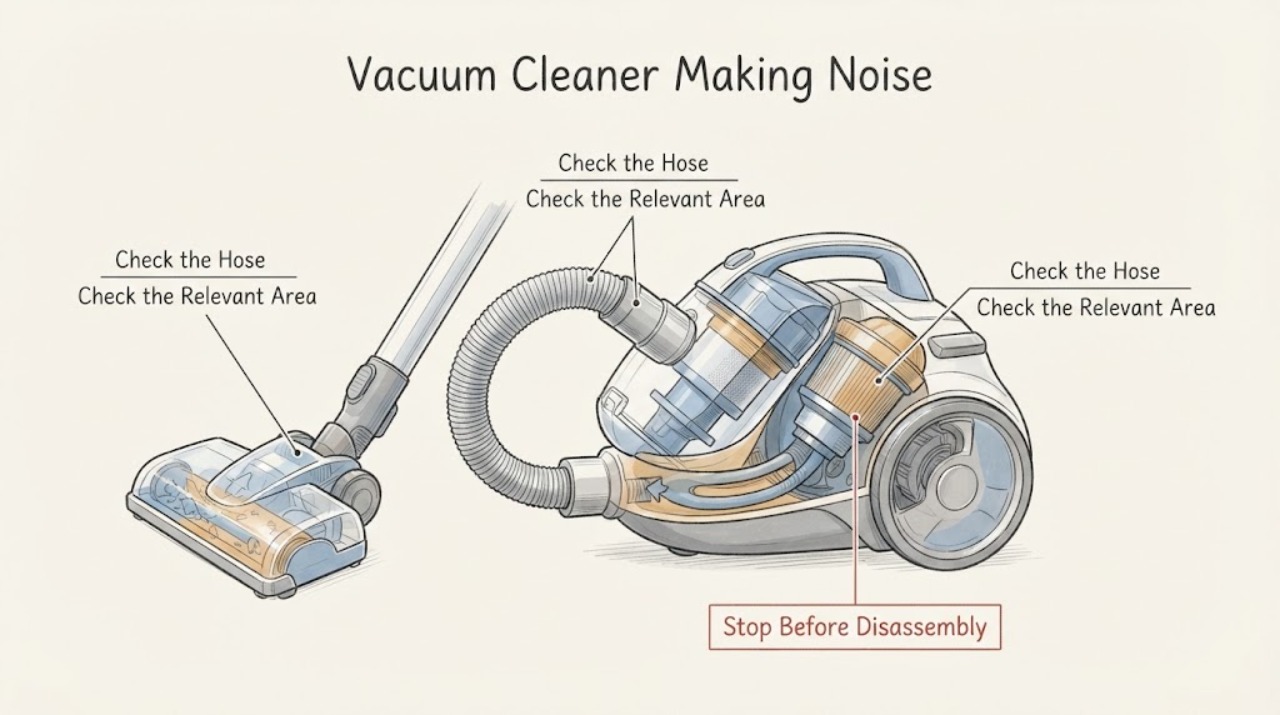
Vacuum Cleaner Making Noise: Find Blockages Before Service
A new rattling, whistling, or grinding sound from a vacuum often follows an airflow restriction, a blocked cleaner head, or a loose part. Switch it off and unplug it before removing hair or checking the head, hose, wand, bin, and filters. Compare suction with and without the floor tool, and stop if the motor pulses, the machine becomes hot, smells burnt, or the noise remains after the air path is clear. Do not run a partially dismantled vacuum.
-
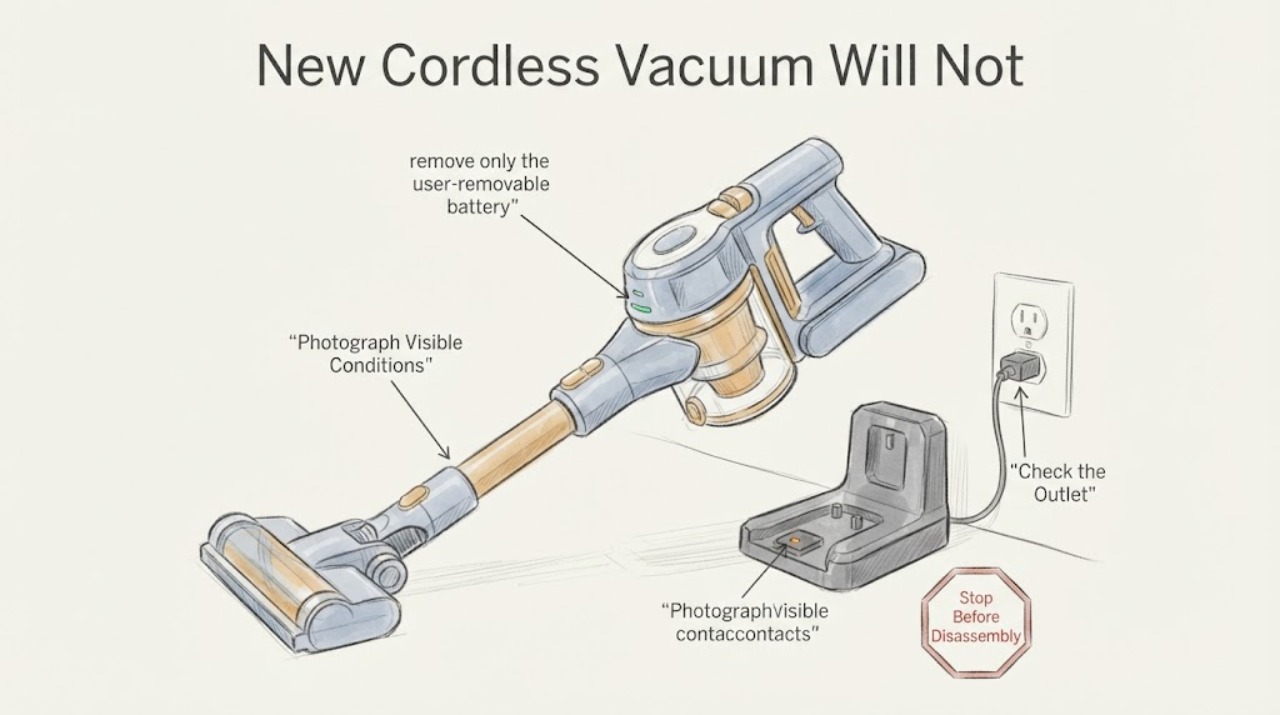
New Cordless Vacuum Will Not Charge: Safe First Checks
For a new cordless vacuum with no charging sign, do only the checks that can be matched to the exact product: read the supplied manual and charger label, use the charger supplied by the manufacturer directly in a known-good wall outlet, and reseat the vacuum or removable battery on its dock or contacts with the power disconnected while you inspect only visible, dry surfaces.
-
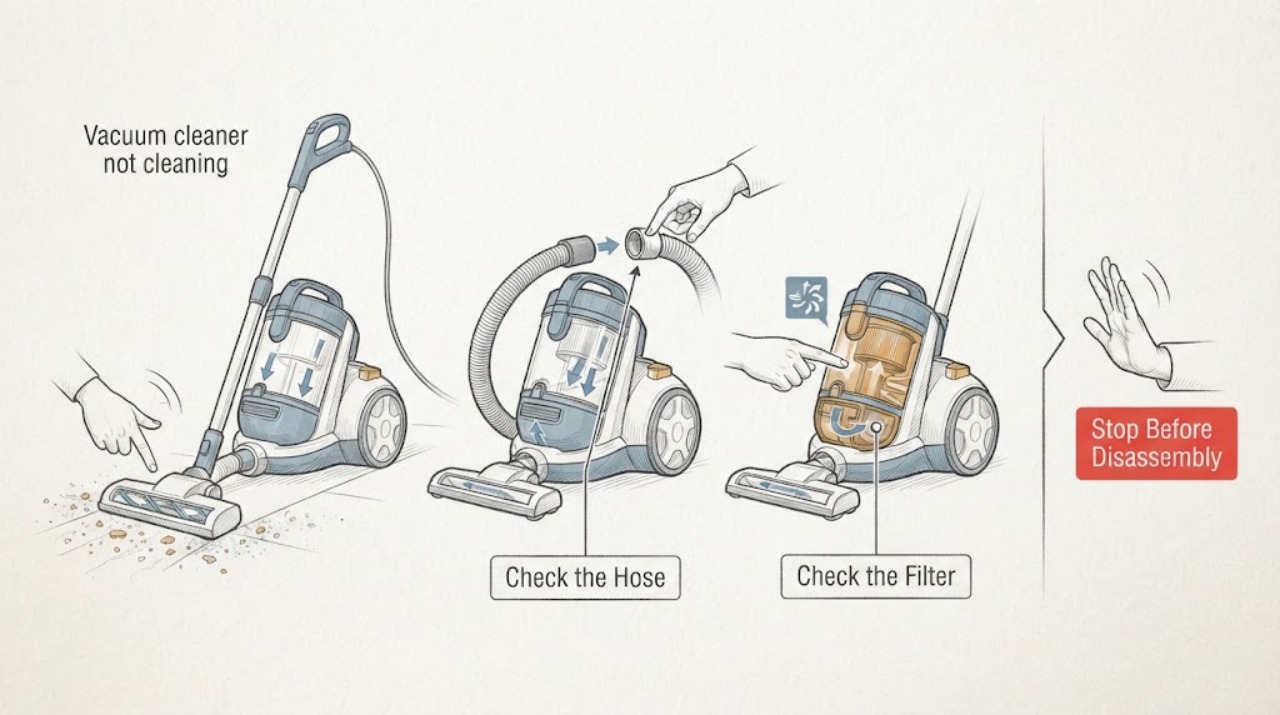
Vacuum cleaner not cleaning
A vacuum cleaner that is not cleaning usually has a full dust cup, blocked hose/nozzle, dirty filter, jammed brushroll, wrong tool/mode, or loss of battery power. Turn it off and unplug or remove the battery before clearing accessible parts. If suction remains poor after filters are fully dry and paths are clear, arrange service.
-
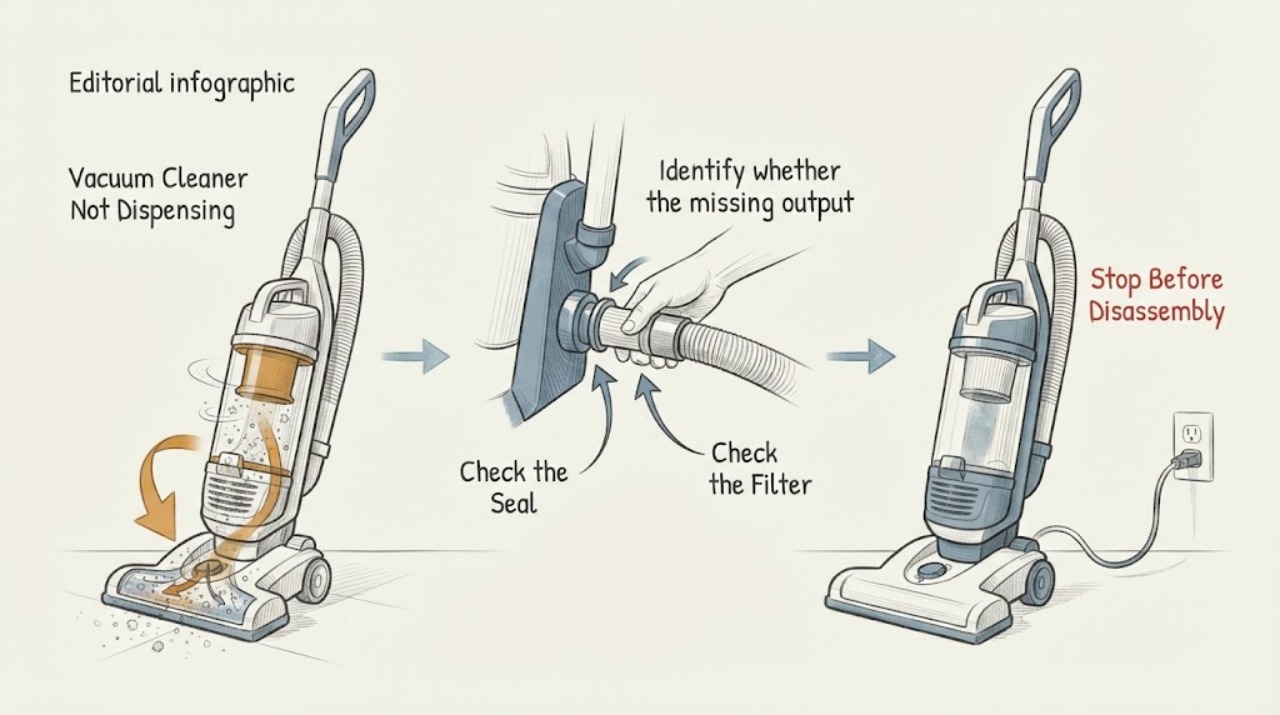
Vacuum Cleaner Not Dispensing
Clarify what the vacuum cleaner should dispense: dry suction, water, cleaning solution, or debris. For a wet-cleaning machine with no spray, unplug it, confirm the clean-water/solution tank is filled and seated, and inspect only the model-approved filter or spray path. If spray reaches the hose but not the floor head, or no spray returns after those checks, stop and arrange service; do not open a pressurized pump or use the cleaner on electrical wetness.
-
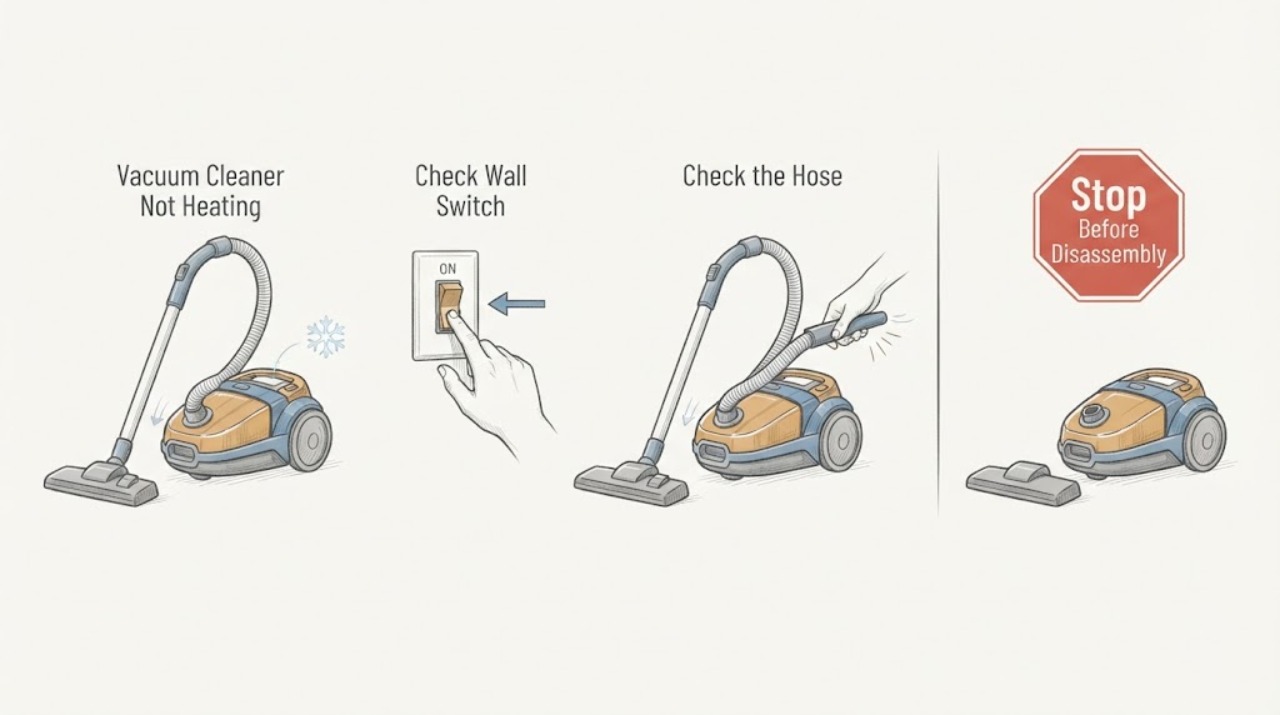
Vacuum Cleaner Not Heating
A vacuum cleaner that feels hot or blows unusually warm air is often protecting itself from restricted airflow. Turn it off and unplug it, let it cool, then clear the floor head, wand, hose, bin path, and user-washable filters according to the model manual. Reassemble only when filters are completely dry; recurring overheating, smoke, a damaged cord, or a hot motor needs service.
-
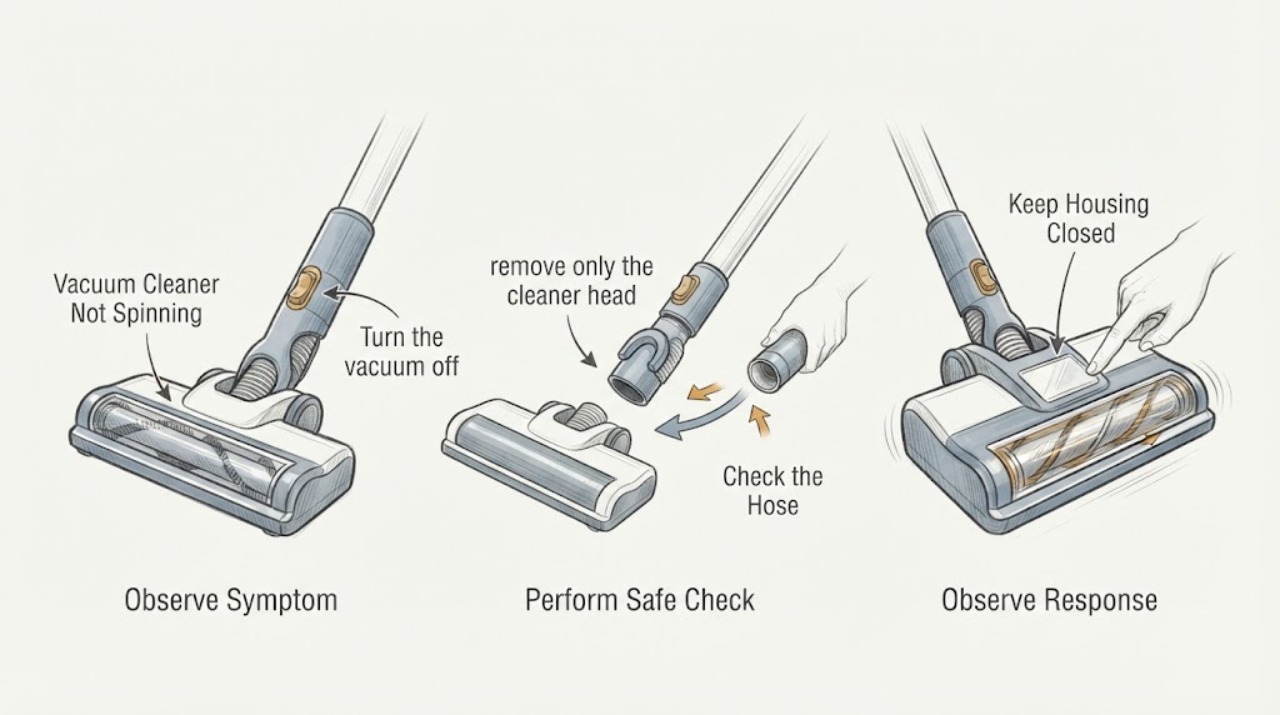
Vacuum Cleaner Not Spinning
If a vacuum cleaner’s brush or floor head is not spinning, first distinguish an upright-position control state from a jam. Turn it off and unplug it before removing hair or debris, then check the cleaner-head connection, brush control, and suction path. If the brush remains stopped, the belt/head is damaged, or the machine cuts out, keep it off and arrange model-specific service.
-
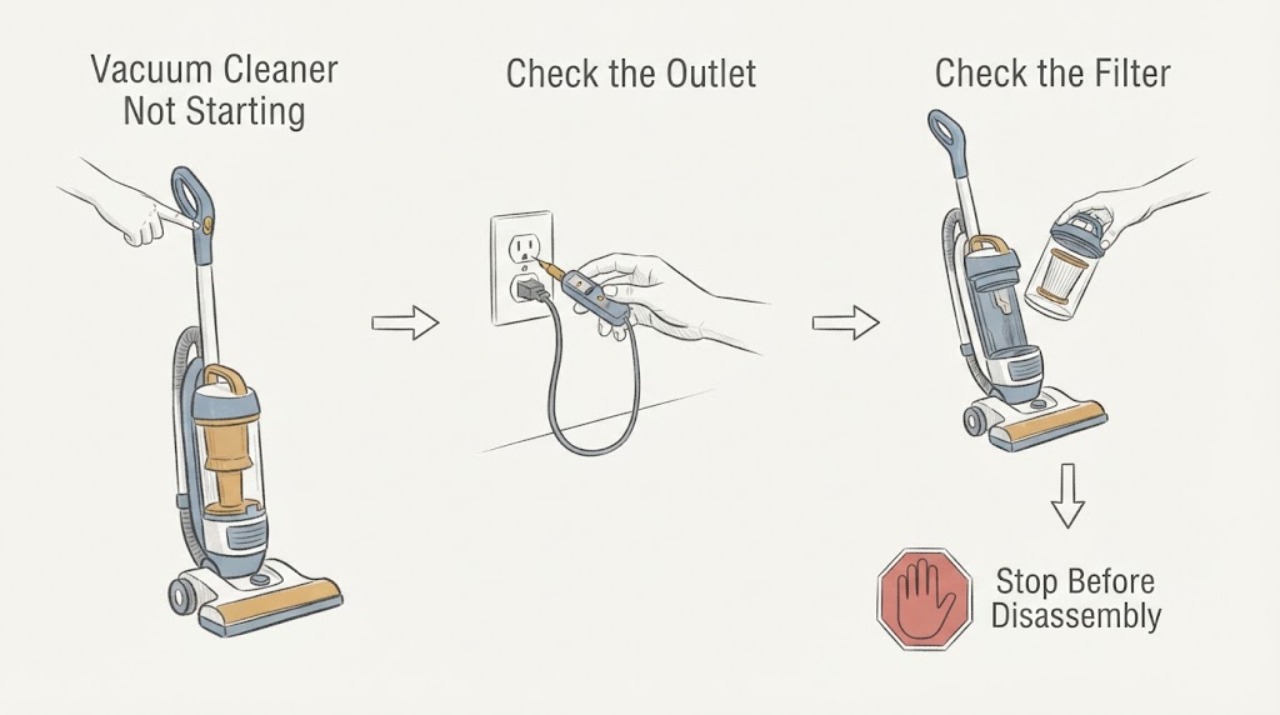
Vacuum Cleaner Not Starting
Check power or charging, then clear ordinary-access blockages and verify the filter is correctly fitted and fully dry. Retry once after cooling; persistent silence, cutout, damaged wiring, or a burning smell requires service.
-
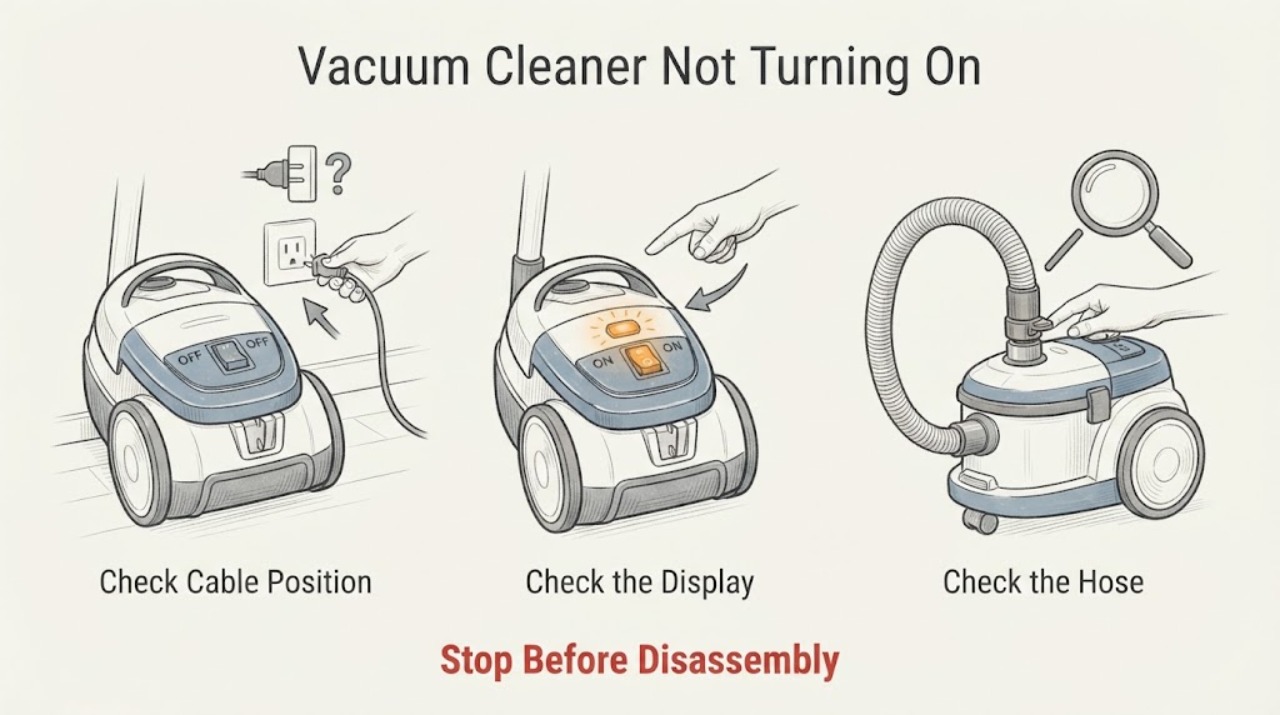
Vacuum Cleaner Not Turning On
For a vacuum cleaner that will not turn on, first separate a supply or battery problem from a blocked-airway safety cutout. Check the outlet, cord, fuse or battery charge from outside, inspect for a cracked battery casing, and clear only accessible blockages with power removed. A damaged cable or battery should not be used.
-
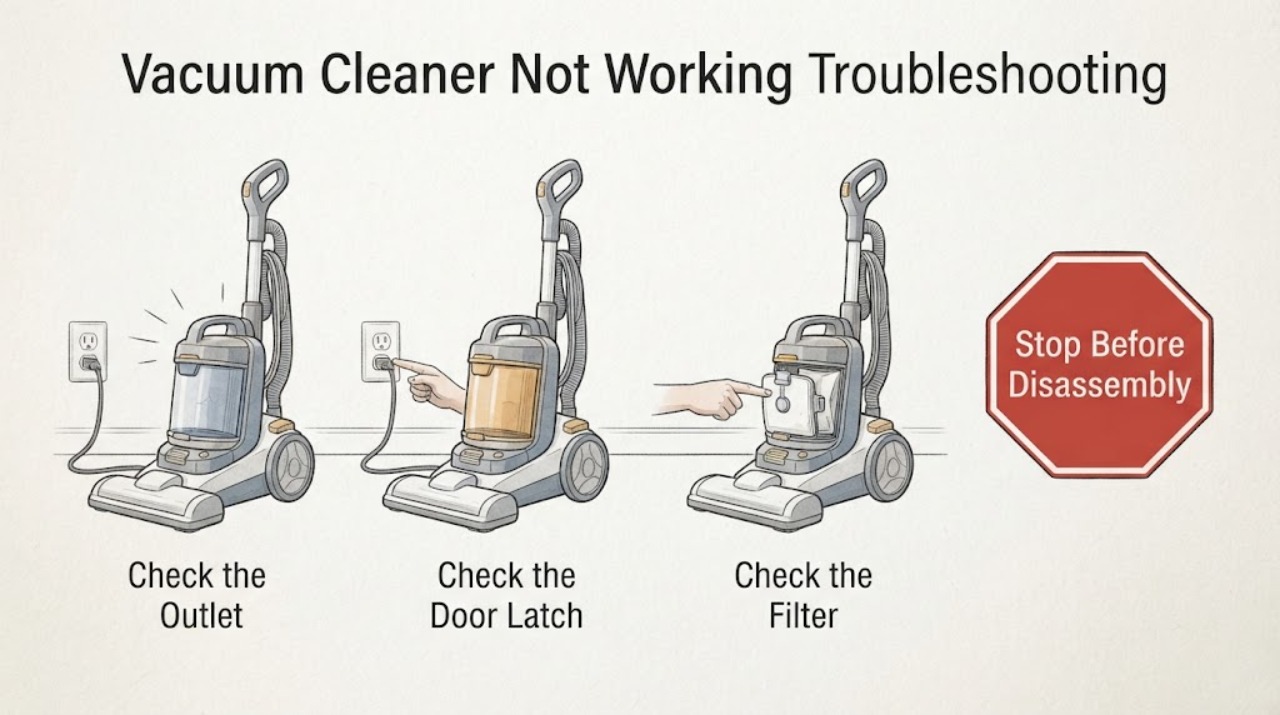
Vacuum Cleaner Not Working Troubleshooting Guide
A vacuum cleaner that will not work should be separated into no power or indication, a protection stop after brief running, and a control that lights but will not start. Check the exact model's power and charging path, then inspect only the accessible wand, head, bin, brush bar, and dry filter for blockage or seating. If it remains dead after those checks, repeatedly stops, or shows heat, odor, or cord or battery damage, stop using it and arrange Dyson or qualified service.
-
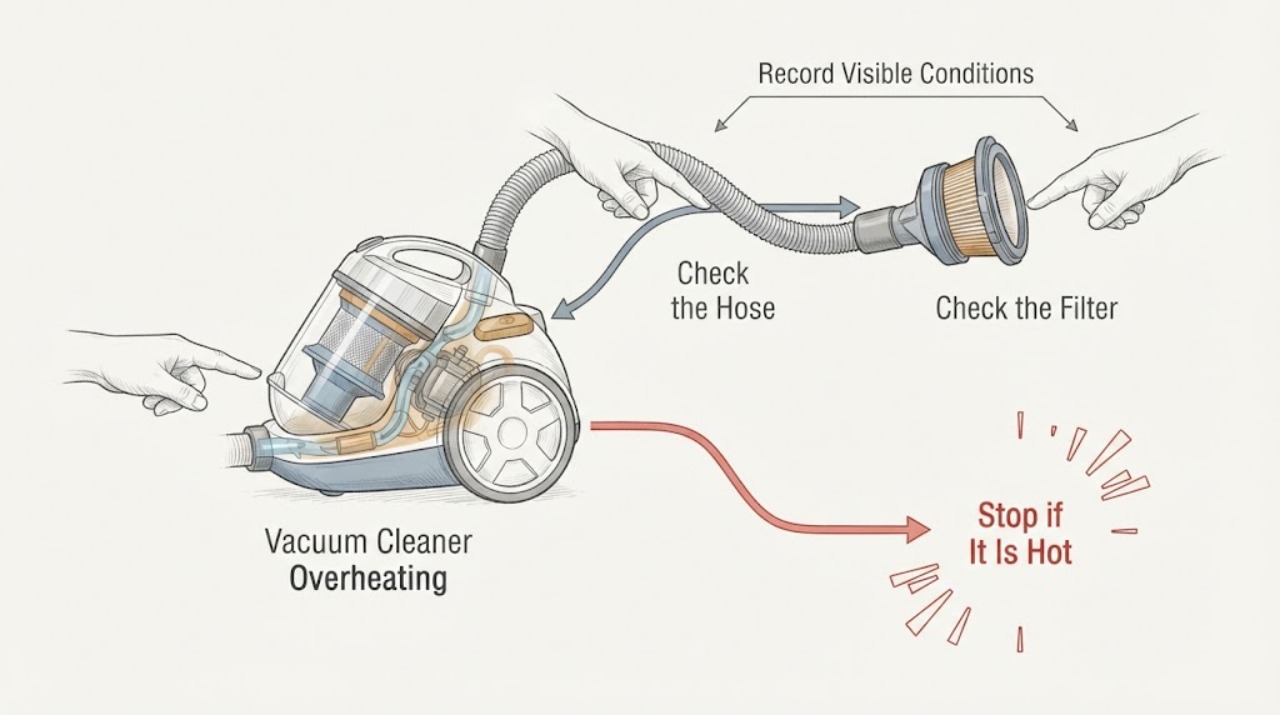
Vacuum Cleaner Overheating: Cool It and Check Airflow Safely
If a vacuum cleaner becomes hot, cuts out, or smells hot, switch it off and disconnect power. Let it cool before checking the bin, cleaner head, hose, wand, and owner-washable filters for blockage or a wet or poorly seated filter. A thermal cutout often protects a vacuum when airflow is restricted, but continued overheating after those checks can indicate an internal fault. Do not run it while partially dismantled or keep restarting it to force a cleaning session.
-
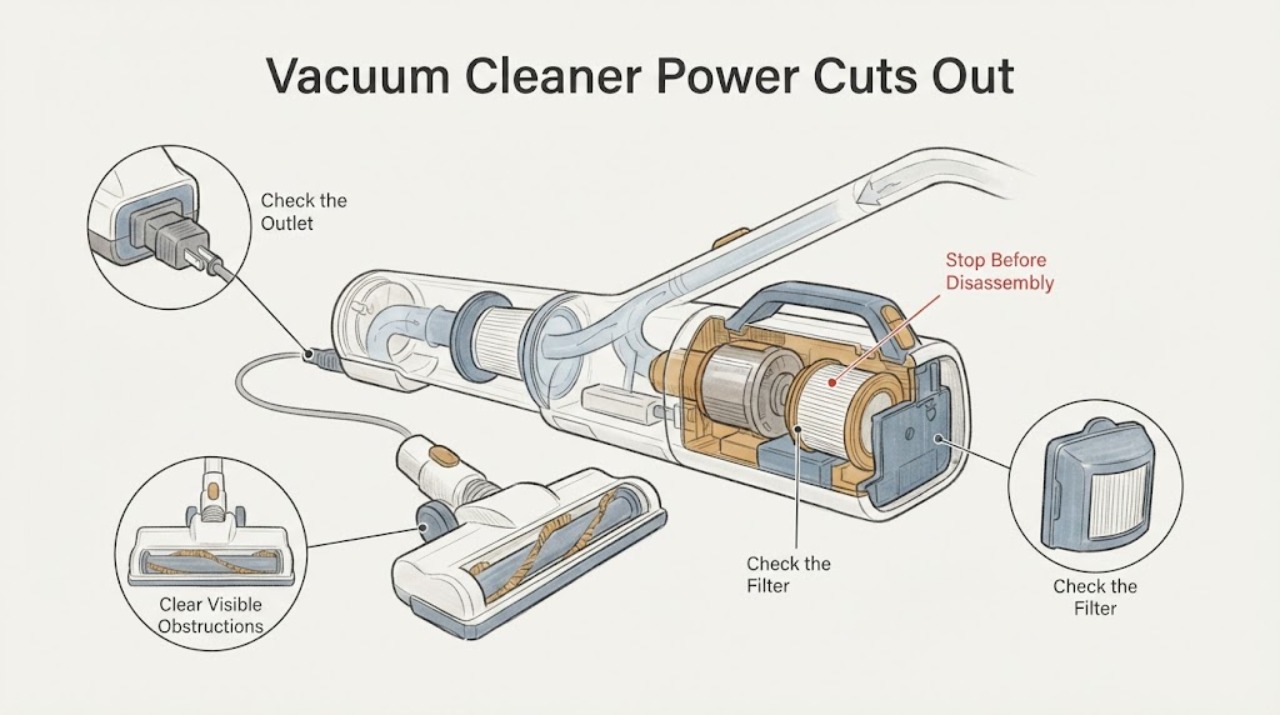
Vacuum Cleaner Power Cuts Out After a Few Seconds
A vacuum that runs for a few seconds and stops may be protecting itself from restricted airflow, a hot motor, a depleted battery, or a model-specific power fault. Turn it off and disconnect power before checking the bin, filter seating, floor head, hose, and other user-removable airflow paths.
-
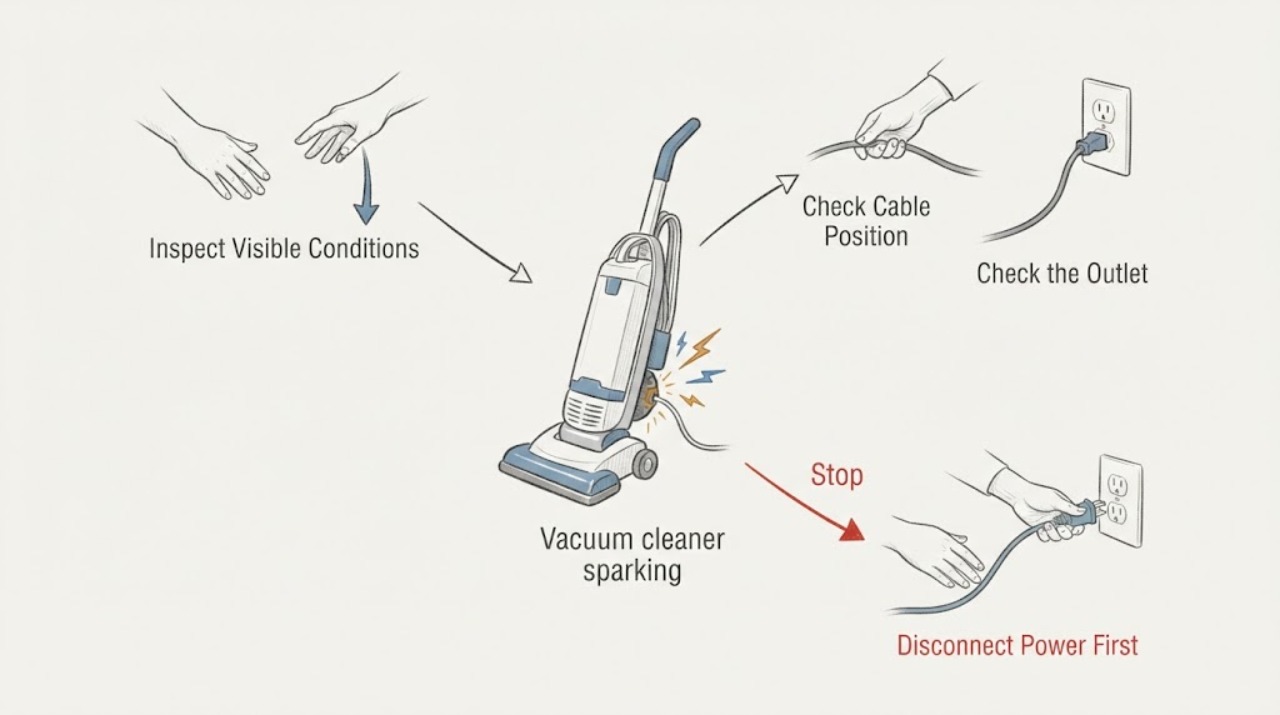
Vacuum cleaner sparking
Sparks from a vacuum cleaner are an immediate stop-use condition. Turn it off, unplug or remove the battery only if safe, and keep it away from combustible material. Do not retry it to locate the source. After it is cool and isolated, record whether sparks came from the plug, cord, motor area, brushroll, or battery and arrange qualified service or manufacturer support.
-
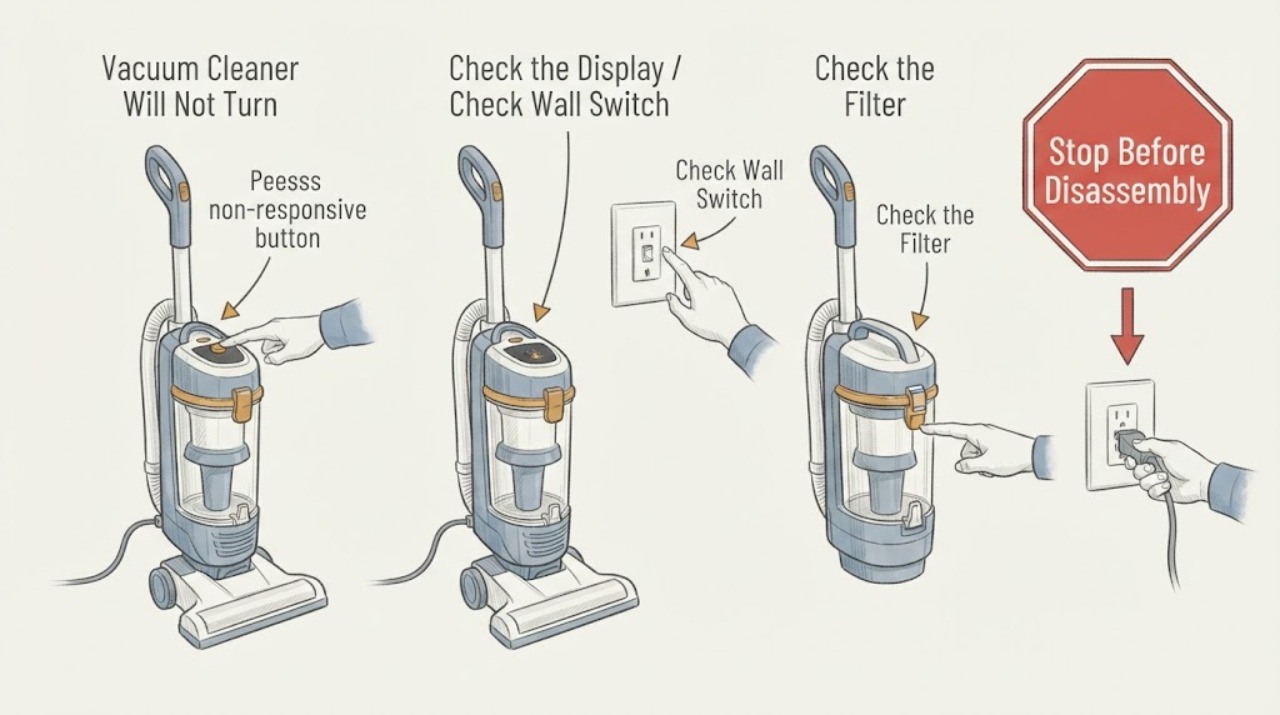
Vacuum Cleaner Will Not Turn Off: Isolate It Safely
If a vacuum cleaner continues running after its control is released, isolate it first using the plug, battery removal, or the manufacturer’s safe stop method. Check only the external switch/control and accessible brush or airflow condition; a persistent run-on points to a stuck control, relay, or electronic fault that needs service.
-
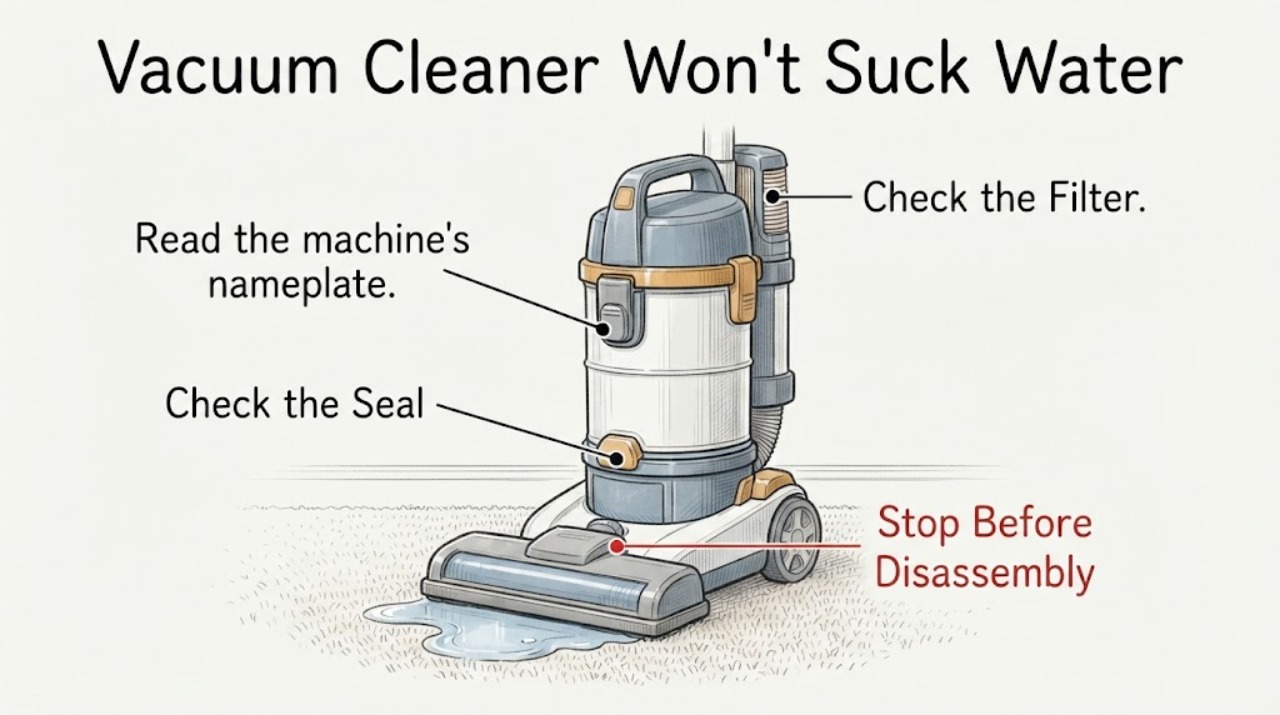
Vacuum Cleaner Won't Suck Water Out of Carpet: Check the Cleaner Type First
First confirm that the machine is a carpet extractor or wet-capable cleaner. A normal dry vacuum is not a substitute for a carpet cleaner, and some wet-and-dry products are designed only for controlled hard-floor cleaning or do not collect water at all.
-
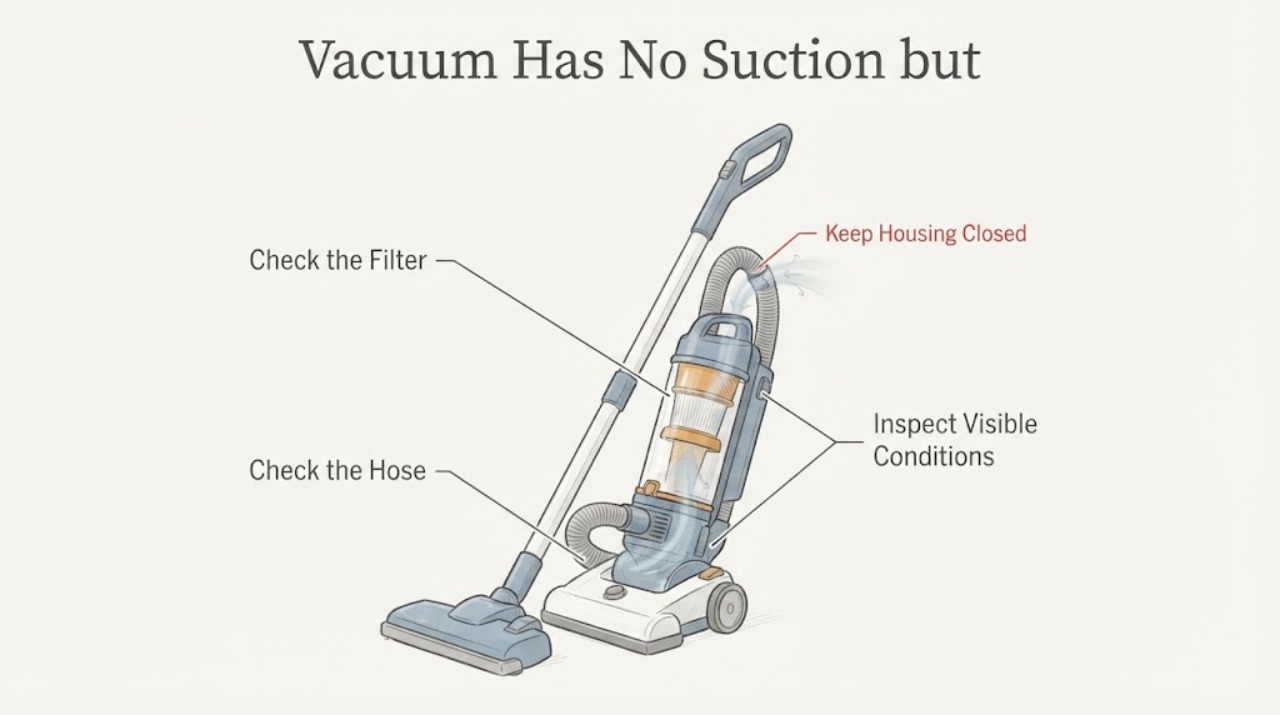
Vacuum Has No Suction but Blows Air from a Small Vent
Air from a small outlet may be the vacuum's normal filtered exhaust, so it does not by itself prove that suction has failed. Check the actual pickup path: turn the machine off, empty the bag or dust container, confirm the lid and filter are seated, inspect the hose, wand and nozzle for an accessible blockage, and clean the filter only as the model manual allows.
-
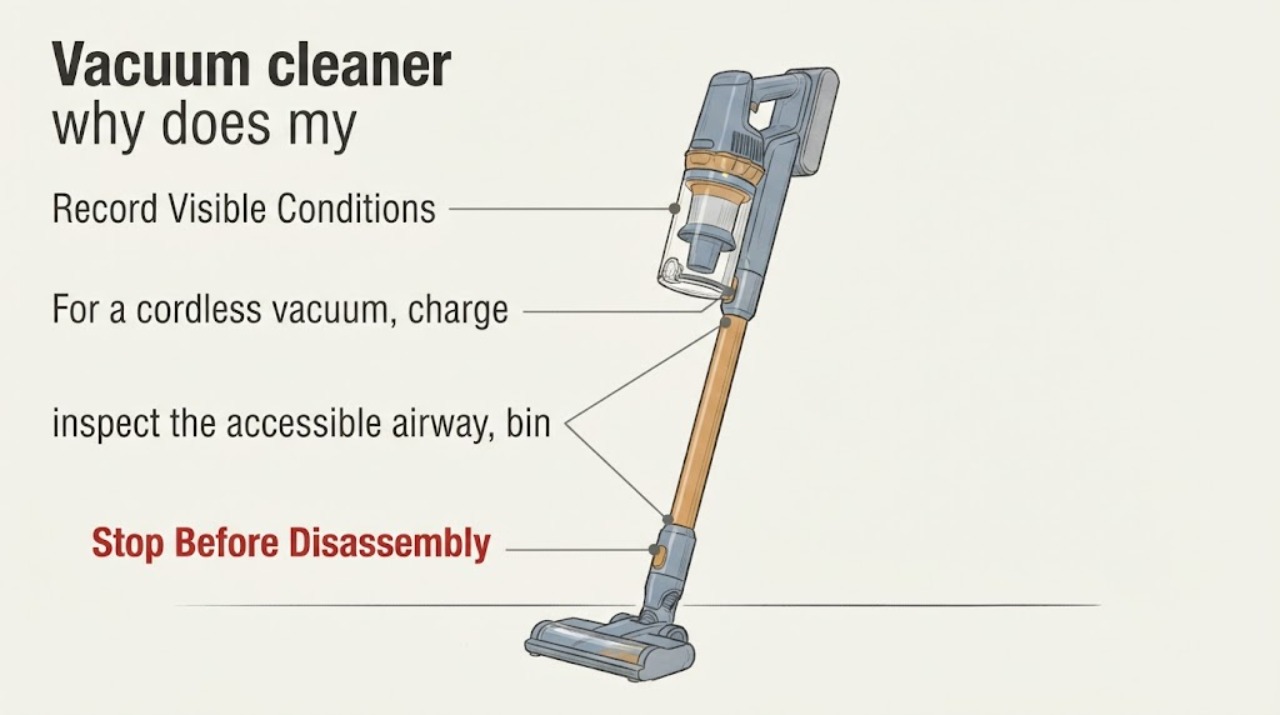
Why a Dyson Vacuum Stops Every 3–5 Seconds
A Dyson that runs for only a few seconds may be cutting out because its airflow is blocked, its battery is not supplying power normally, or a model-specific control or motor fault is present. Dyson says a blocked airway can trigger a safety cutout on cordless vacuums.
-
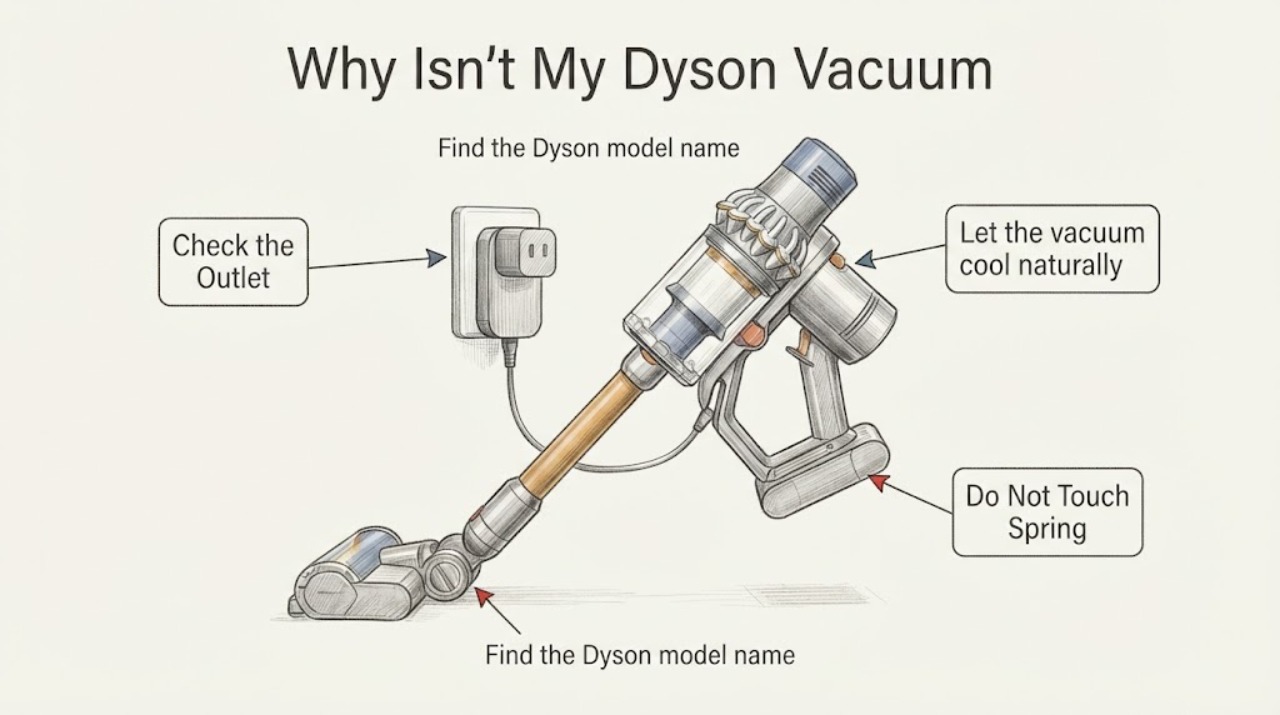
Why Isn't My Dyson Vacuum Charging?
For a Dyson vacuum that will not charge, first identify the exact machine and check the charger or dock connection and wall power from the outside. Let the vacuum cool to room temperature before charging, and stop if the cable, plug, dock, or battery area is damaged or unusually hot.
-
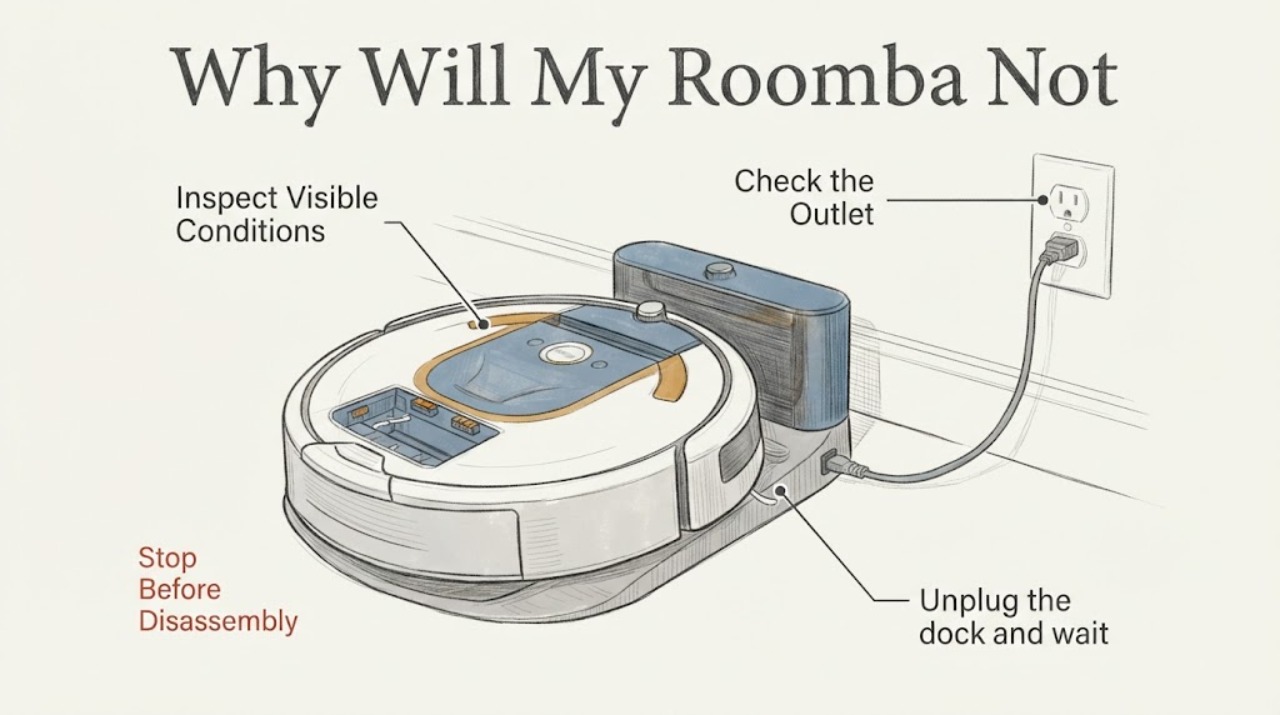
Why Will My Roomba Not Charge? Safe Dock, Contact and Battery Checks
Start with the charging path rather than replacing the battery. Make sure the dock is plugged into a powered outlet, sits level and has the clearance specified for your Roomba, then place the robot so its metal contacts meet the dock contacts.