
Insignia appliance guidance
Insignia Freezer Repair Guides
Troubleshooting and repair guidance for published Insignia Freezer problems, symptoms, and maintenance questions.
Published Insignia Freezer guides
Choose the guide whose symptom or condition most closely matches what you are seeing.
-
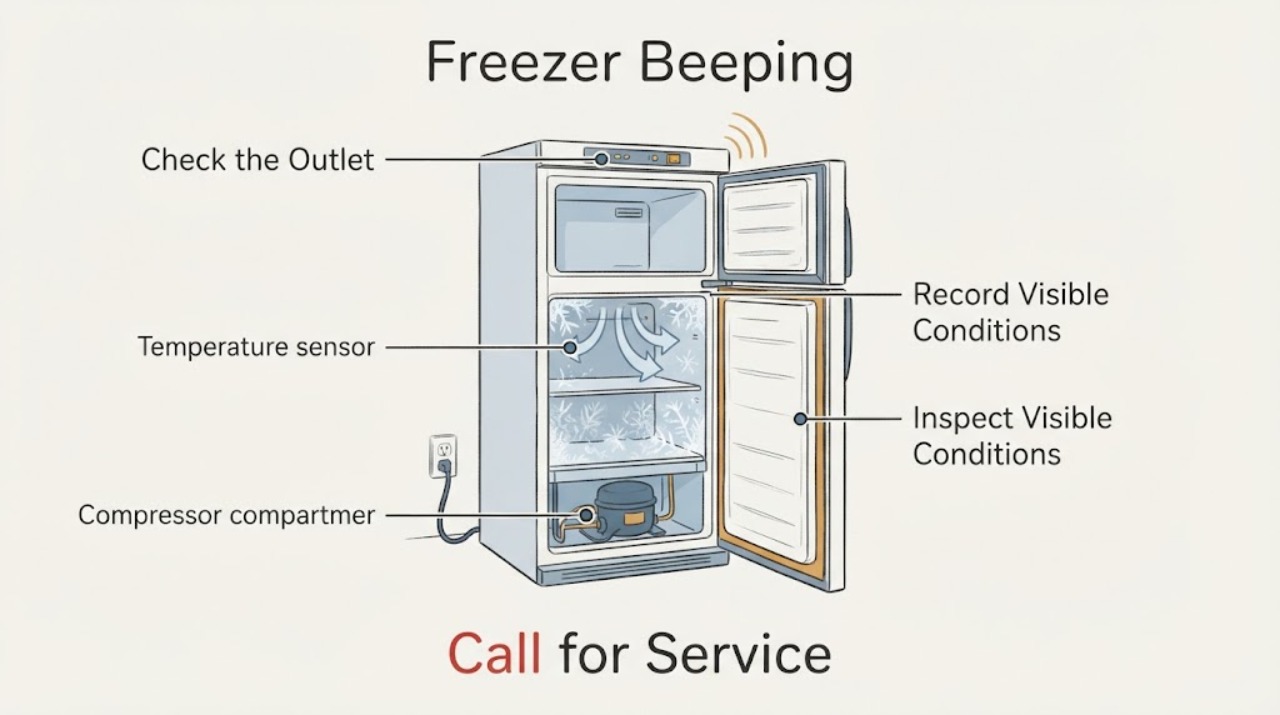
Insignia Freezer Beeping
An Insignia freezer that beeps is usually asking for attention because the door has been open or cannot seal, the internal temperature is too high, the control panel is locked or being changed, or a model-specific sensor alert is active. Check whether the door closes fully, move any package blocking the seal, confirm the freezer is powered and in freezer mode, and look for an indicator or code.
-
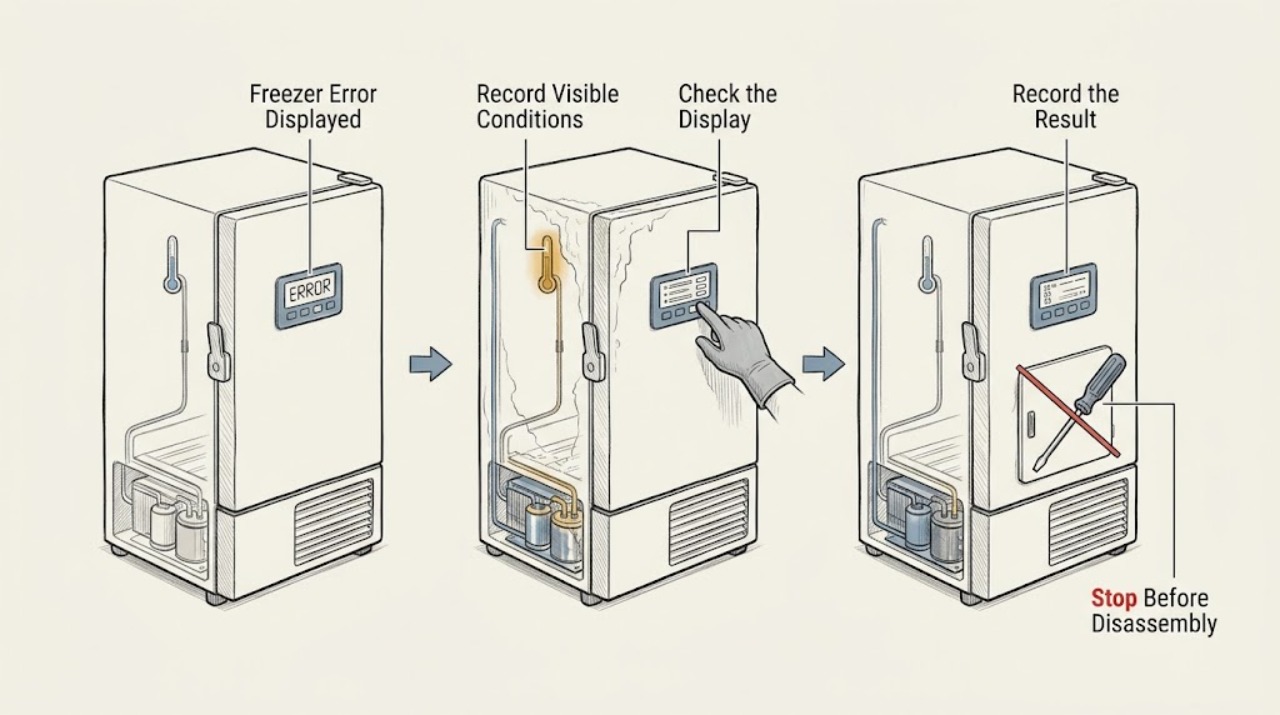
Insignia Freezer Error Displayed: Decode the Code Safely
When an Insignia freezer displays an error or temperature alert, record the exact code and model before resetting anything, keep the door closed, and check whether food is still staying frozen. Insignia's freezer FAQ identifies E2 as a temperature-sensor issue, E5 as a defrost-sensor issue, and E7 as an ambient-temperature-sensor issue for the covered models; temperature alerts can also result from blocked ventilation, frost buildup, a door-seal gap, or a warm room.
-
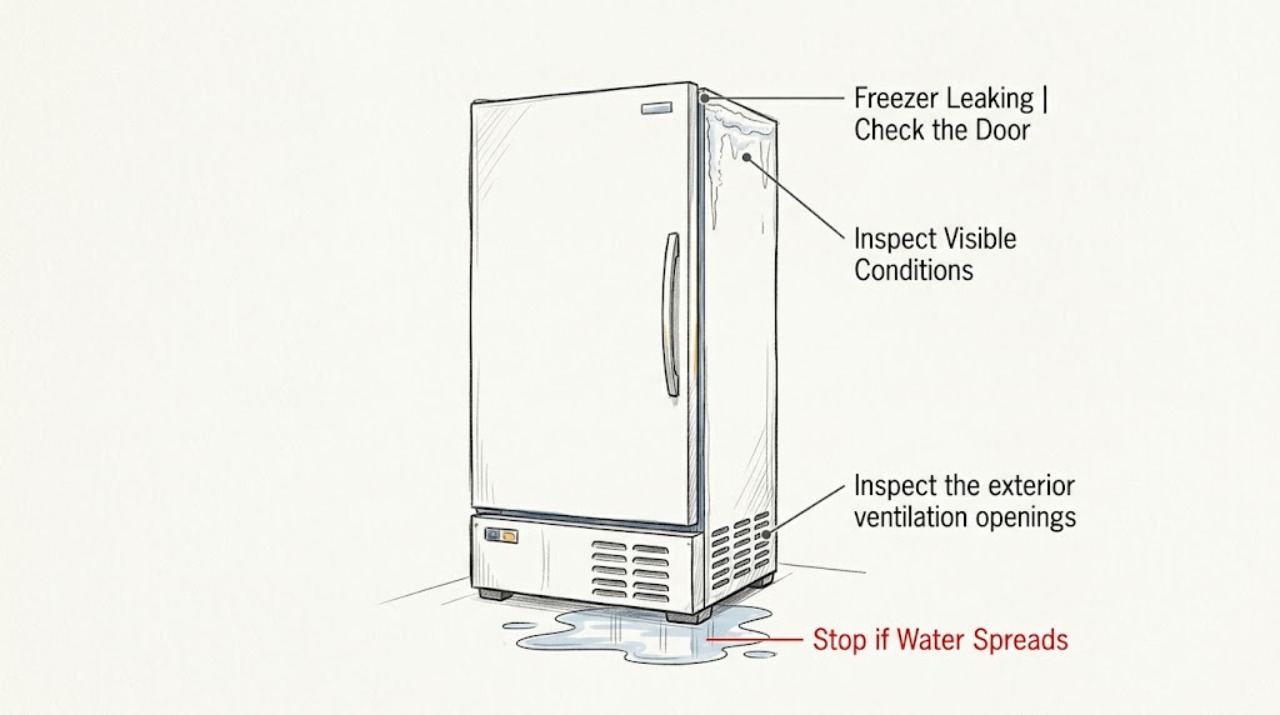
Insignia Freezer Leaking
For an Insignia freezer that appears to be leaking, first identify whether the liquid is water, melted ice, or another substance and whether it is inside the cabinet, at the door, or on the floor. Protect the food and floor, then check that the door closes without an obstruction, the freezer is level, and the seal has no visible gap.
-
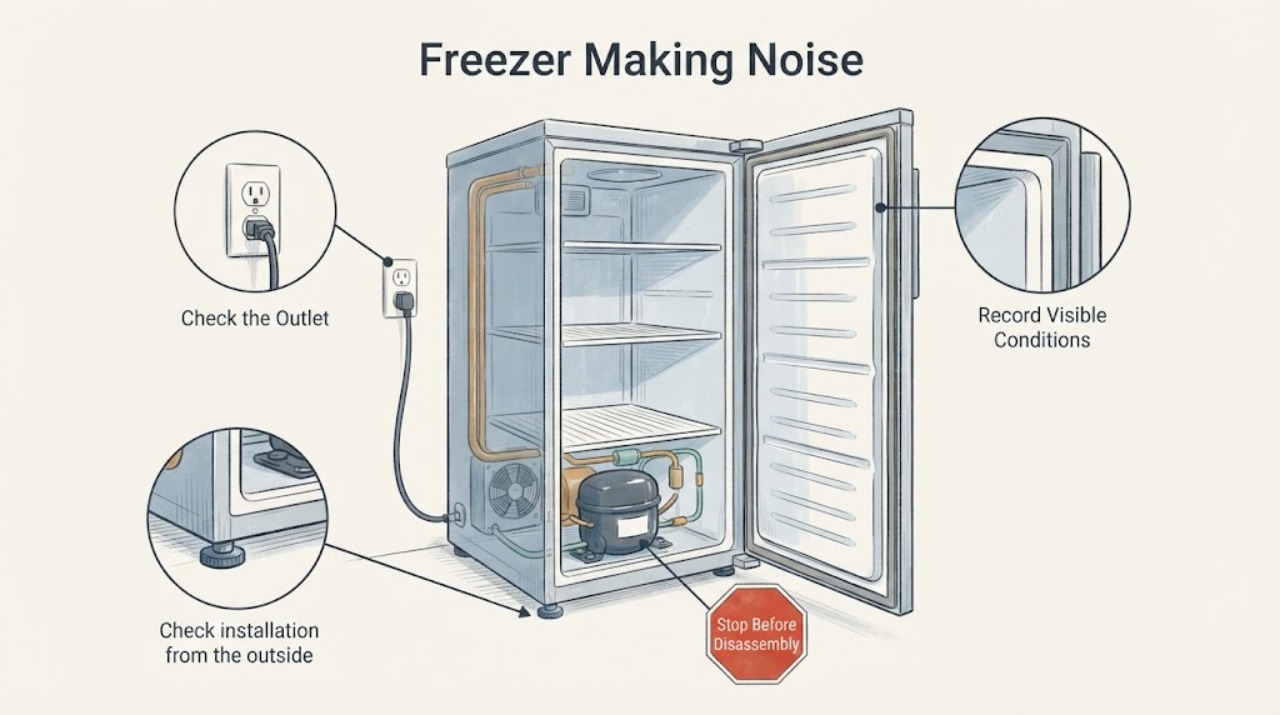
Insignia Freezer Making Noise: Separate Normal Cooling Sounds from a Fault
An Insignia freezer may make a brief hum, click, or refrigerant-flow sound as it cools, and metal parts can expand or contract. A new grinding, scraping, rattling, or loud vibration is more concerning, especially with weak cooling, frost, a door that does not seal, or a cabinet touching a wall.
-
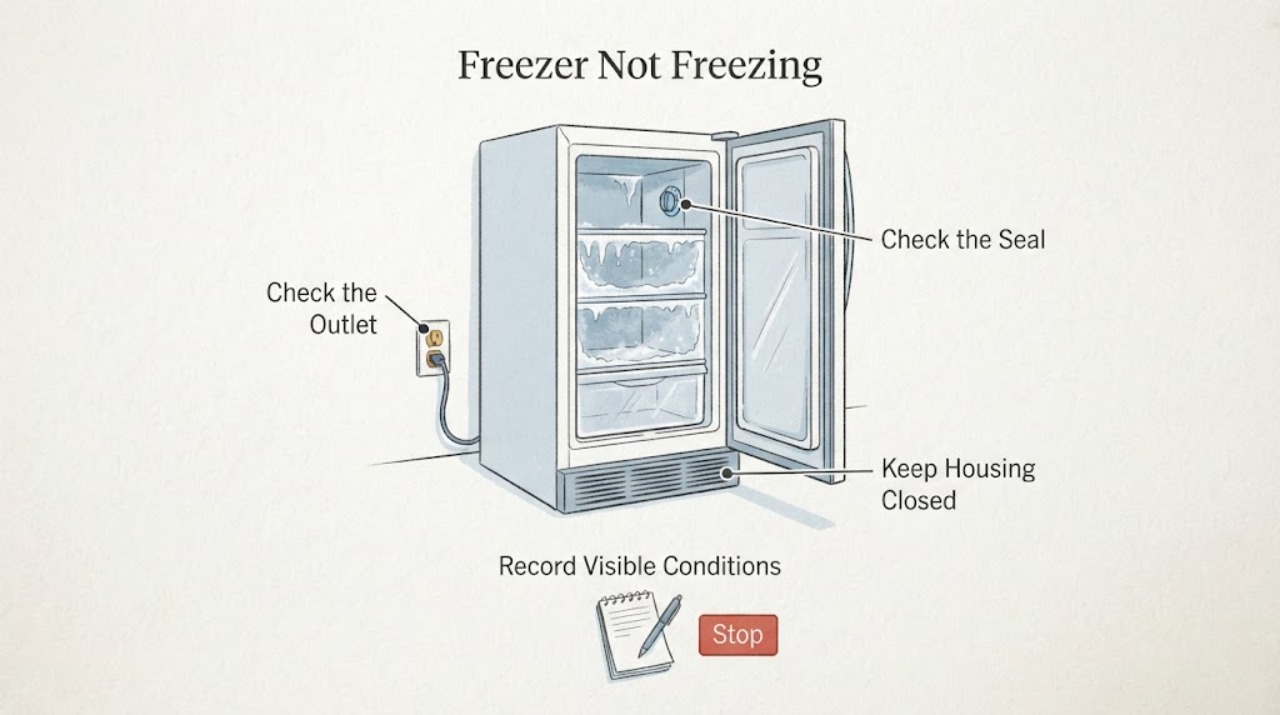
Insignia Freezer Not Freezing: Check Mode, Seal, Frost, and Airflow
If an Insignia freezer is not freezing, protect food that is softening and keep the door closed while you check the cause. Confirm the appliance has power, the control is set to Freezer mode rather than Refrigerator or OFF on models that offer both modes, and the door closes fully against a clean, even gasket.
-
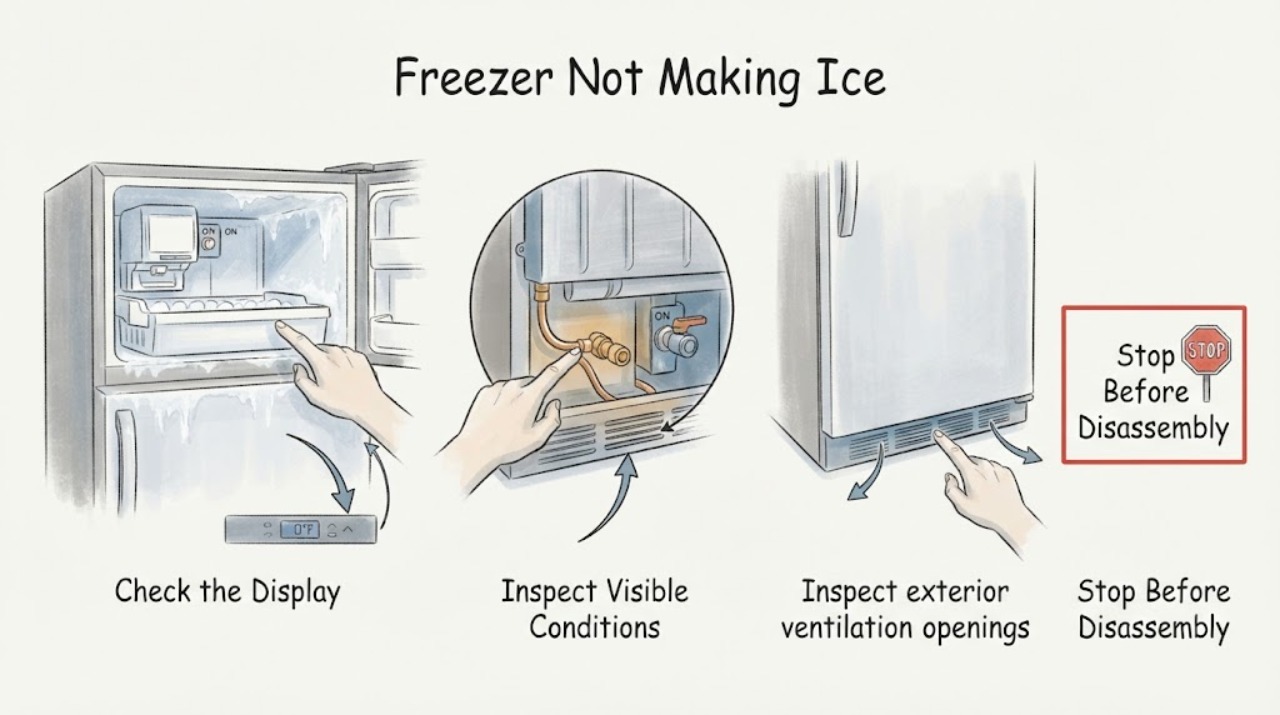
Insignia Freezer Not Making Ice
If an Insignia freezer is not making ice, first confirm that the exact freezer model actually has an installed or supported ice maker and that it is switched on. Then check that the freezer is cold enough for the model's ice-maker instructions, the door closes fully, vents are not blocked, and any model-provided water line is open and free of kinks.
-
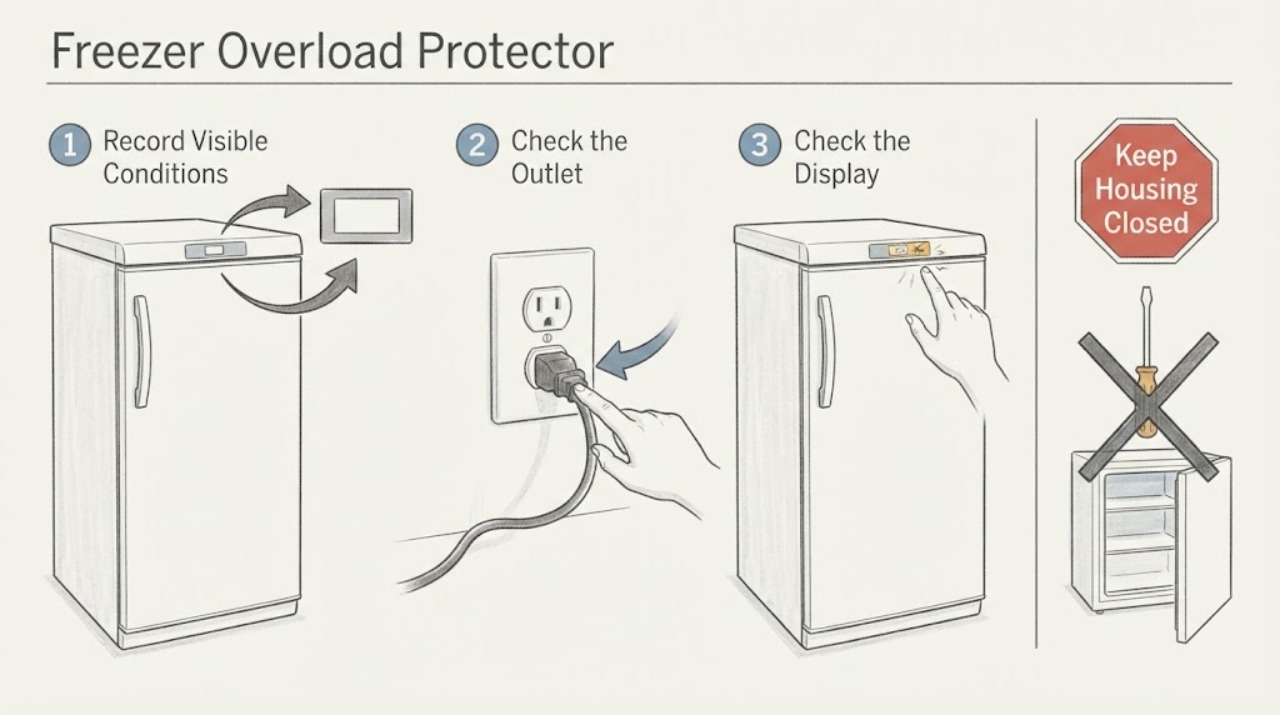
Insignia Freezer Overload Protector: What You Can Safely Confirm
A homeowner generally cannot confirm an Insignia freezer's overload protector failure from the outside. The protector is part of the compressor-start circuit, and a repeated click-off or a warm cabinet does not distinguish a protector, start device, compressor, control, power-supply, or sealed-system problem.
-
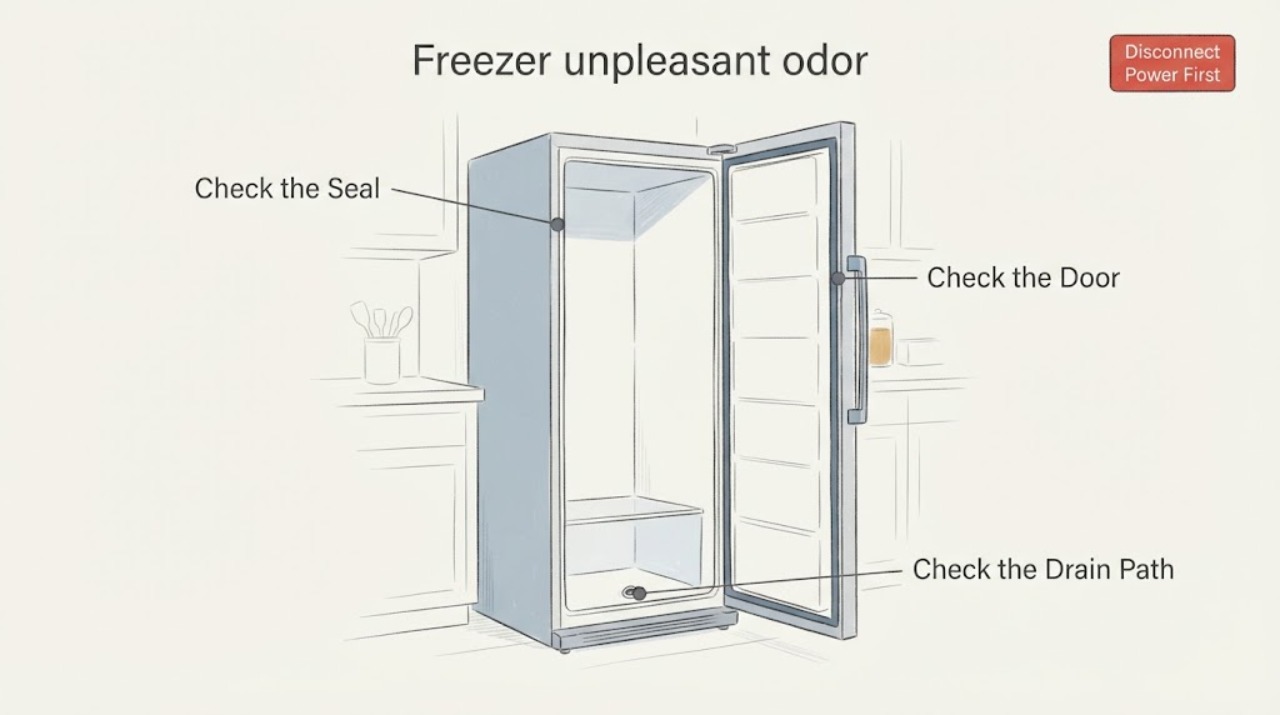
Insignia freezer unpleasant odor: find the source before cleaning
An unpleasant smell from an Insignia freezer is most often a spoiled or leaking food package, residue on the interior or gasket, or an odor absorbed after a thaw. Do not taste questionable food or treat smell alone as proof that food is safe.