
Kitchenaid appliance guidance
Kitchenaid Induction Cooktop Repair Guides
Troubleshooting and repair guidance for published Kitchenaid Induction Cooktop problems, symptoms, and maintenance questions.
Published Kitchenaid Induction Cooktop guides
Choose the guide whose symptom or condition most closely matches what you are seeing.
-
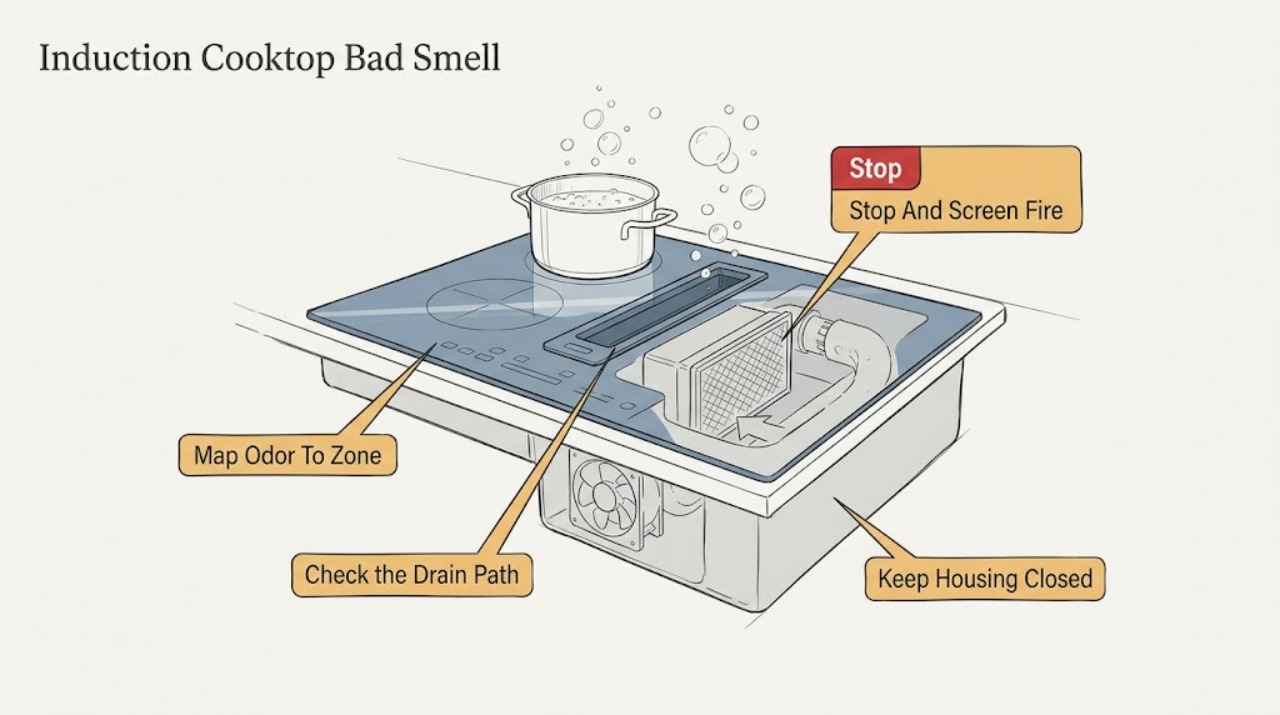
Kitchenaid Induction Cooktop Bad Smell
A smell from a KitchenAid induction cooktop can come from spilled food or grease on a hot glass surface, a new-installation finish, cookware, a contaminated grease or charcoal filter, poor downdraft airflow, or overheating electrical components.
-
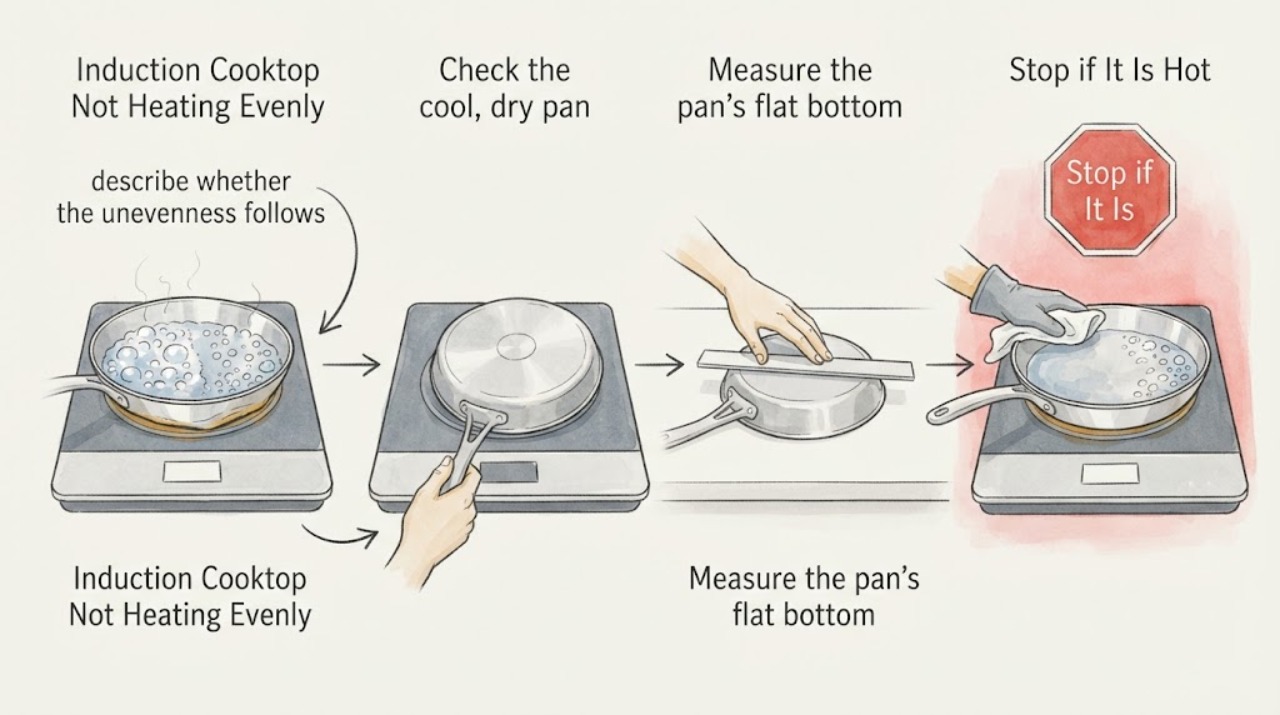
KitchenAid Induction Cooktop Not Heating Evenly: Safe Checks
Uneven heating on a KitchenAid induction cooktop often comes from the cookware rather than the glass surface: a warped or dented base, a pan with only part of its bottom made from magnetic material, a base that does not match the cooking area, or a pan that is not centered. If several zones are being used, a paired zone or Performance Boost setting can also reduce the power available on one area on some models.
-
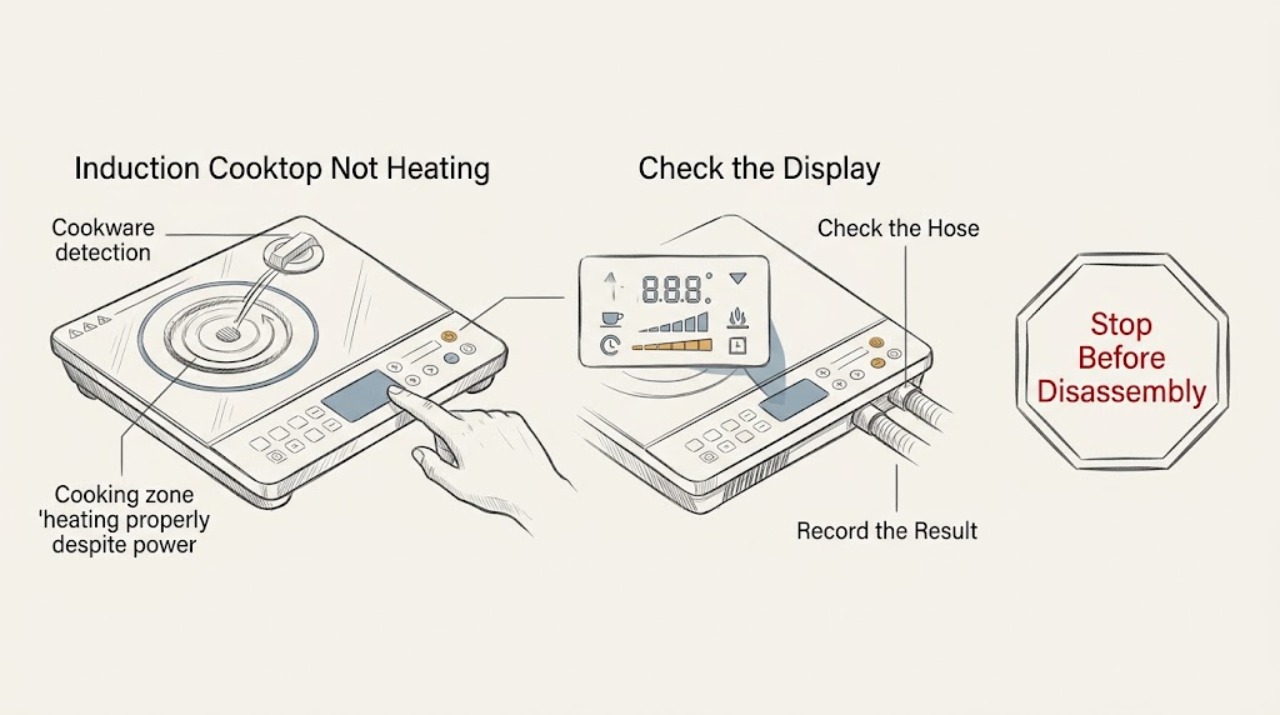
KitchenAid Induction Cooktop Not Heating: Check Pan Detection, Controls, and Cooling
A KitchenAid induction cooktop may appear not to heat when the pan is not ferromagnetic, is too small or off-center, the control lock is active, the touch panel is wet or obstructed, or the cooktop has reduced or stopped output while protecting itself from heat or poor ventilation. Use a flat induction-compatible pan centered on the matching zone, select a heat level, clear and dry the controls, and let a hot cooktop cool before trying again.
-
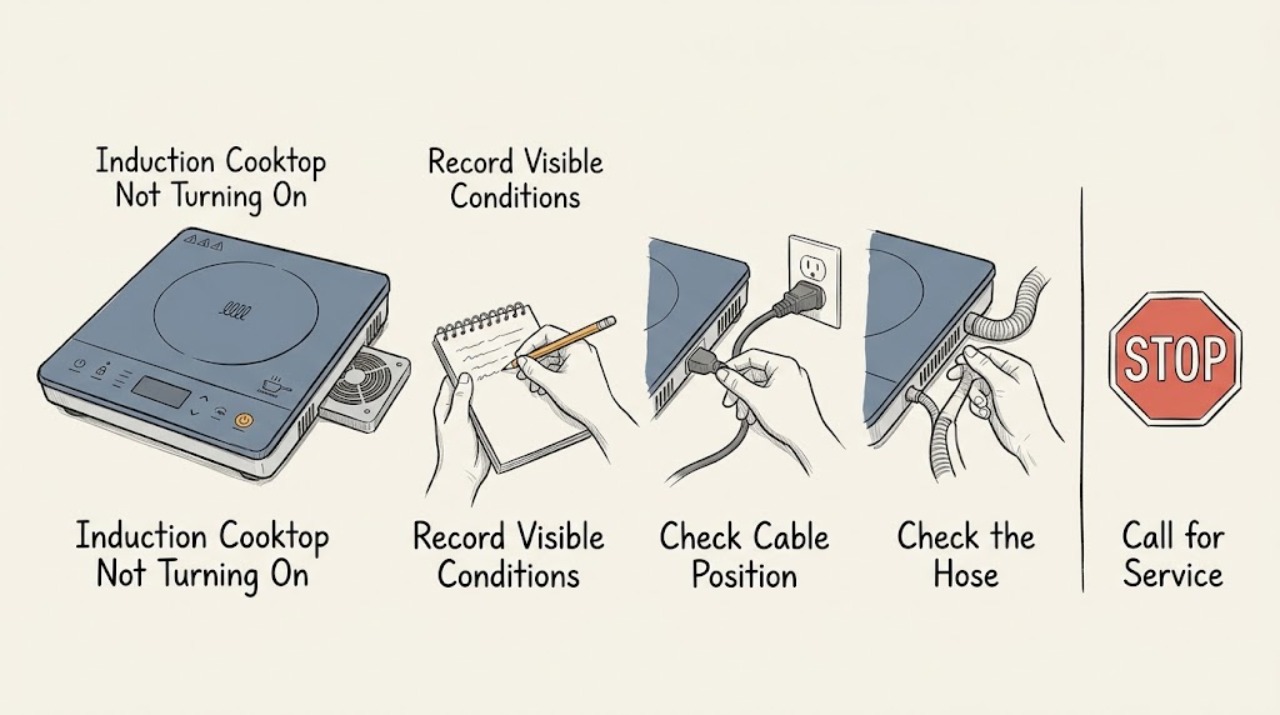
Kitchenaid Induction Cooktop Not Turning On
If a Kitchenaid induction cooktop will not turn on, first separate a blank control panel from a zone that powers up but will not heat. With the glass cool and dry, remove objects from the controls, press the power key deliberately, and check whether the control lock is active.
-
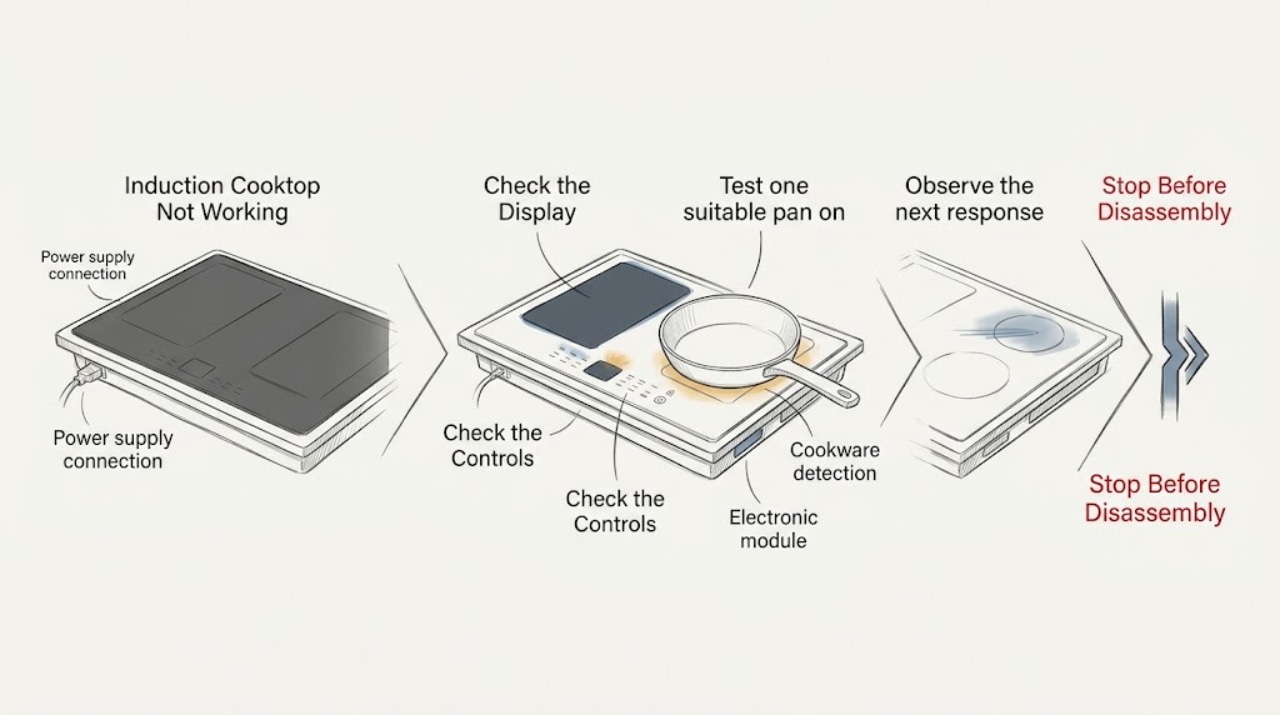
KitchenAid Induction Cooktop Not Working: Check Pan Detection, Controls, and Power
First separate a completely dead cooktop from a zone that is powered but does not detect cookware. If nothing operates, KitchenAid directs you to check the household fuse or circuit breaker and the installation wiring; continuing trouble needs an electrician or service.
-
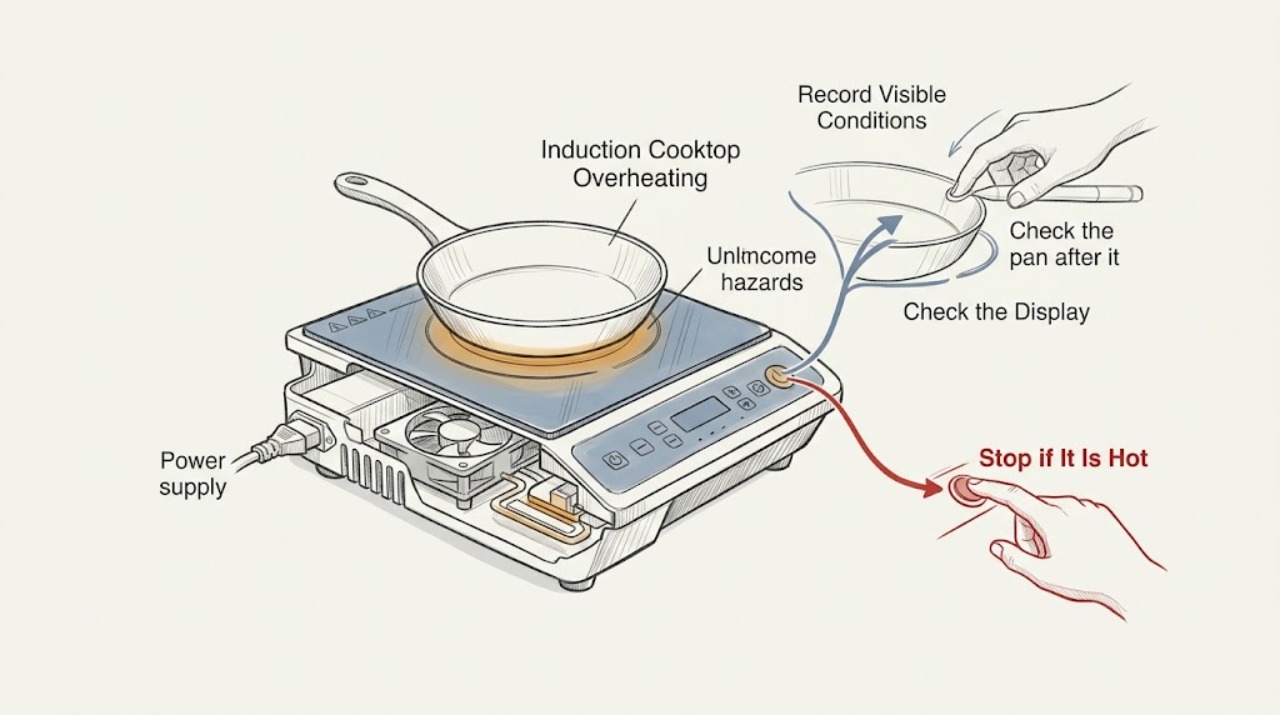
KitchenAid Induction Cooktop Overheating
An overheating KitchenAid induction cooktop may be responding to an empty pan, cookware that is too large or unsuitable, long high-power cooking, blocked cooling airflow, a hot surface, or an internal temperature fault. Turn the zone and cooktop off, remove or reposition the pan only when safe, and allow the glass and electronics to cool.
-
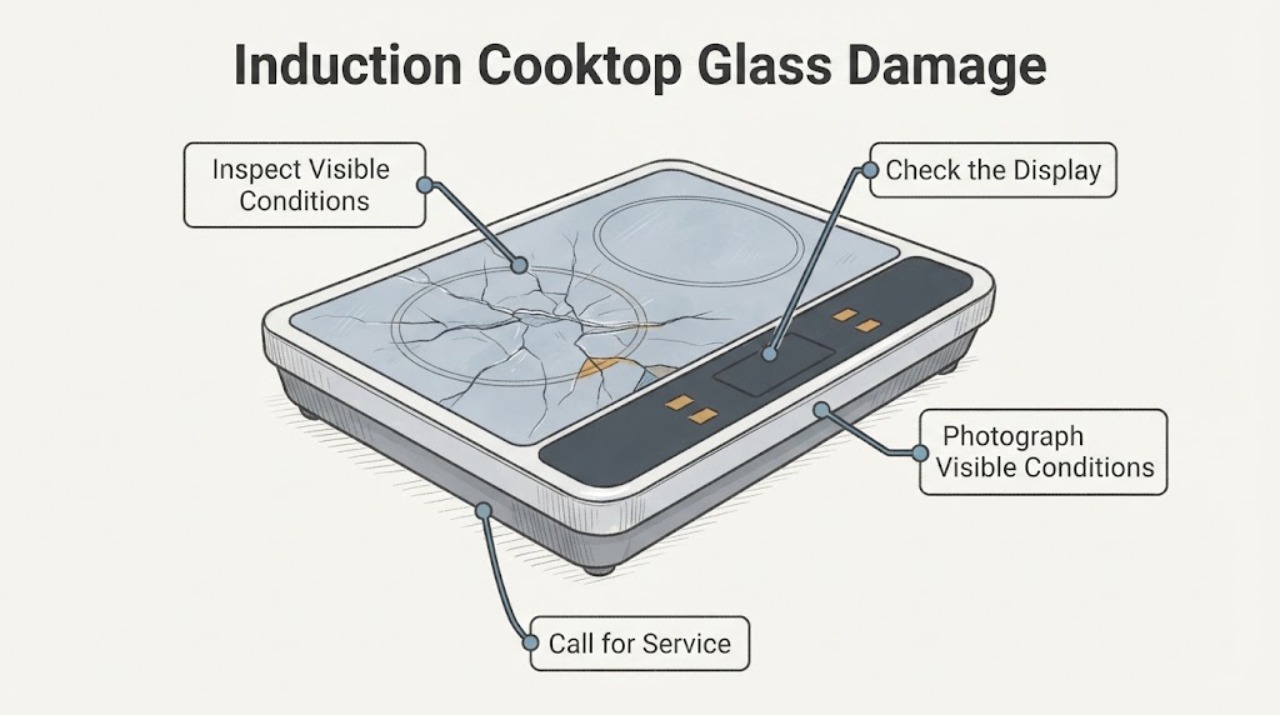
KitchenAid KICU569XSS Induction Cooktop Glass Damage: Safe Replacement Steps
Do not cook on a cracked or broken glass surface on a KitchenAid KICU569XSS induction cooktop. KitchenAid's owner manual warns that a broken cooktop can let cleaning solutions or spills reach the electrical parts and create an electric-shock risk.
-
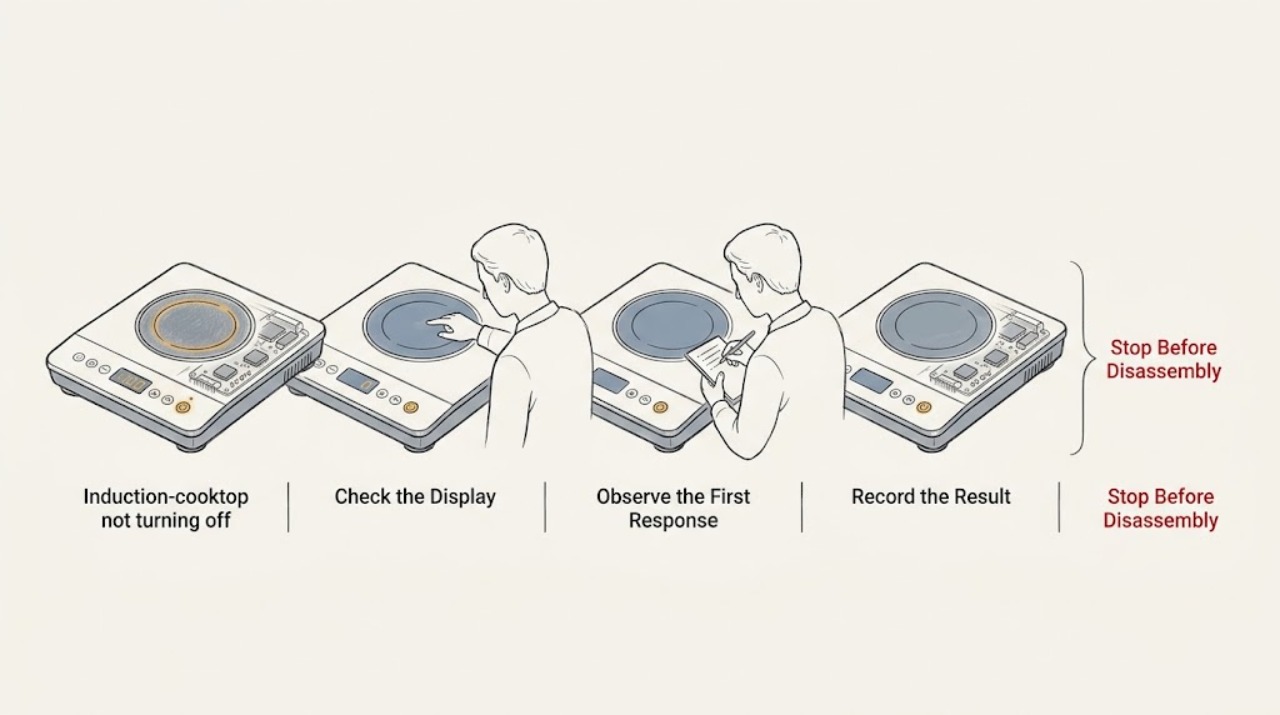
Why a KitchenAid Induction Cooktop Will Not Turn Off
First separate a cooktop that is still heating from one that is only showing a residual-heat indicator. KitchenAid says an H indicator can remain after a zone is off because the glass is still hot, including when a neighboring zone or hot pan heated it; it should disappear as the zone cools.