
LG appliance guidance
LG Dehumidifier Repair Guides
Troubleshooting and repair guidance for published LG Dehumidifier problems, symptoms, and maintenance questions.
Published LG Dehumidifier guides
Choose the guide whose symptom or condition most closely matches what you are seeing.
-
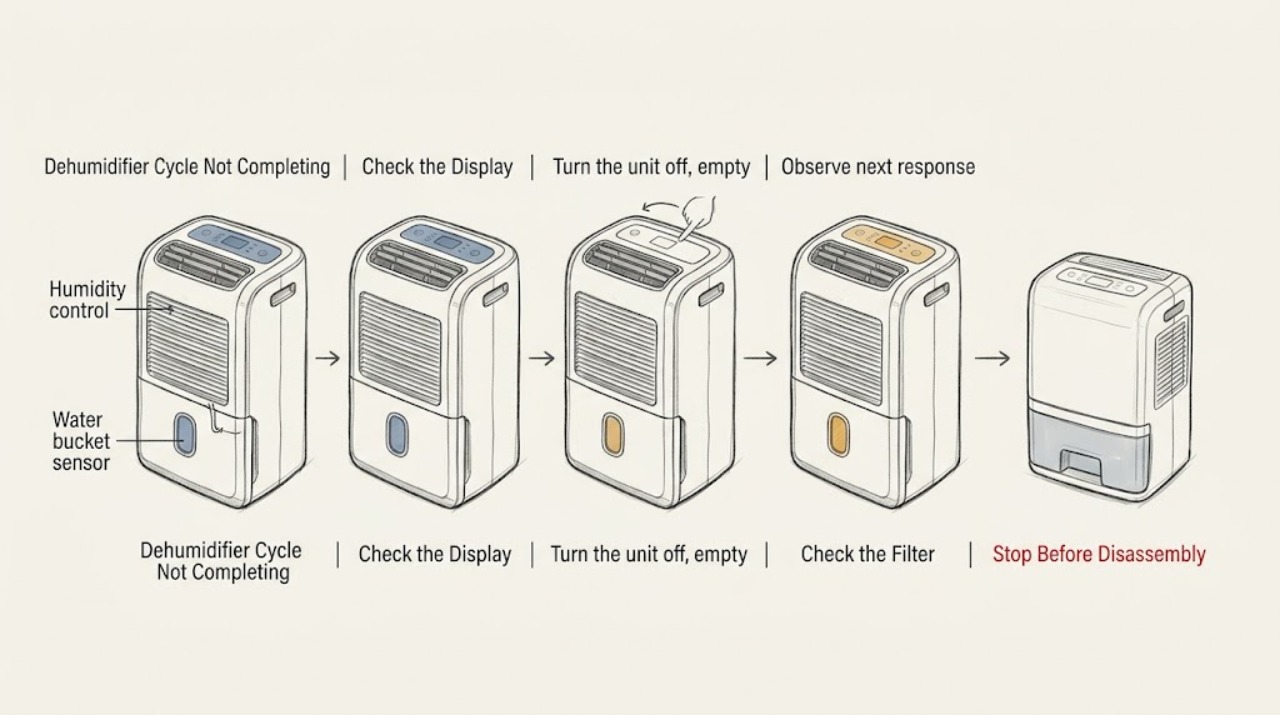
LG Dehumidifier Cycle Not Completing
A dehumidifier can stop normally when its timer ends, the target humidity is reached, or the bucket is full or mispositioned. Check those conditions before treating a stop as a failed compressor or control.
-
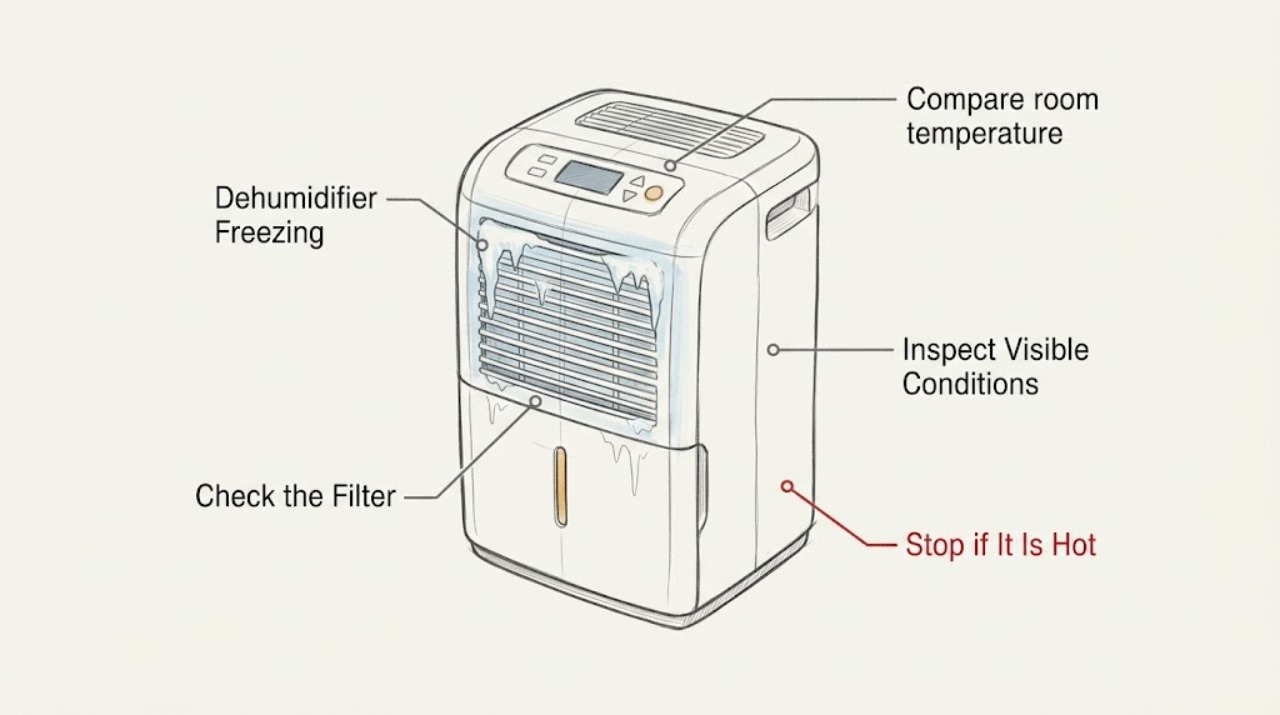
LG Dehumidifier Freezing: Safe Checks
An LG dehumidifier can frost when the room is too cold or airflow is restricted. Turn it off and unplug it before handling the bucket or filter, check the model's operating range, and let frost thaw naturally. Repeated freezing in suitable conditions needs service.
-
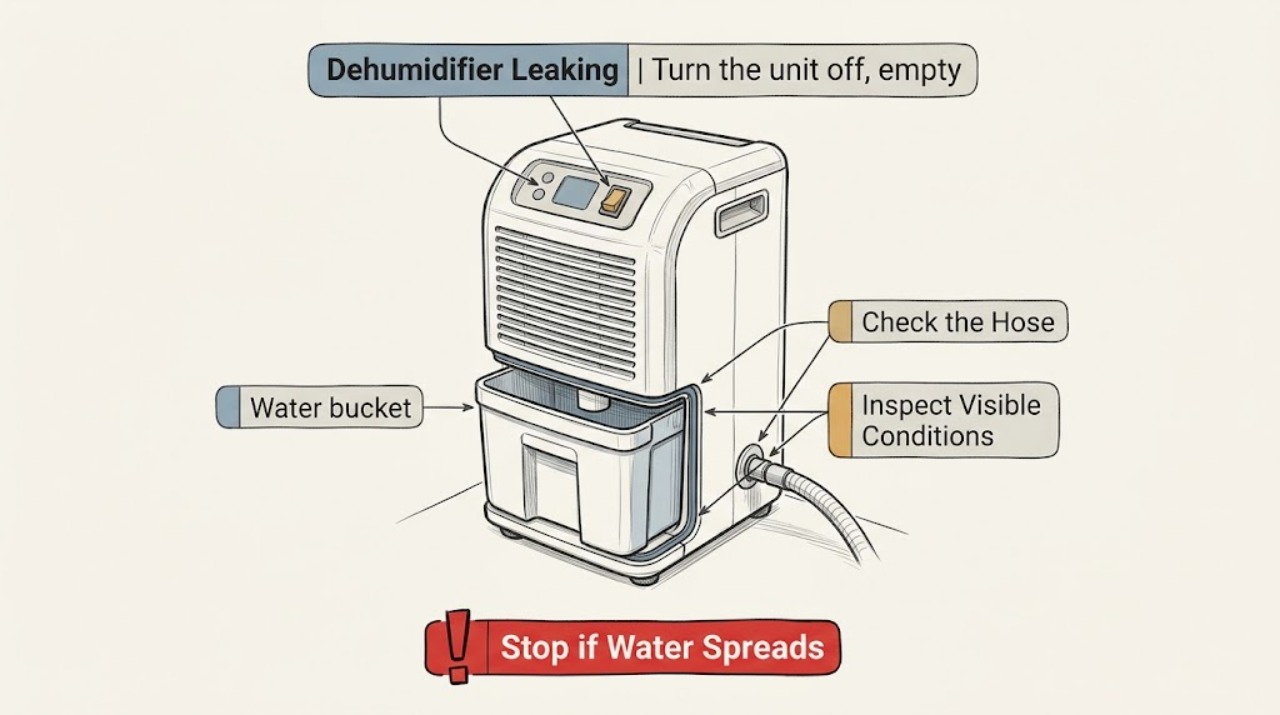
LG Dehumidifier Leaking
Stop the unit if water reaches its cord or controls. Otherwise check whether the bucket is full or misseated, whether a continuous-drain hose is correctly attached and unkinked, and whether the bucket or cabinet is damaged.
-
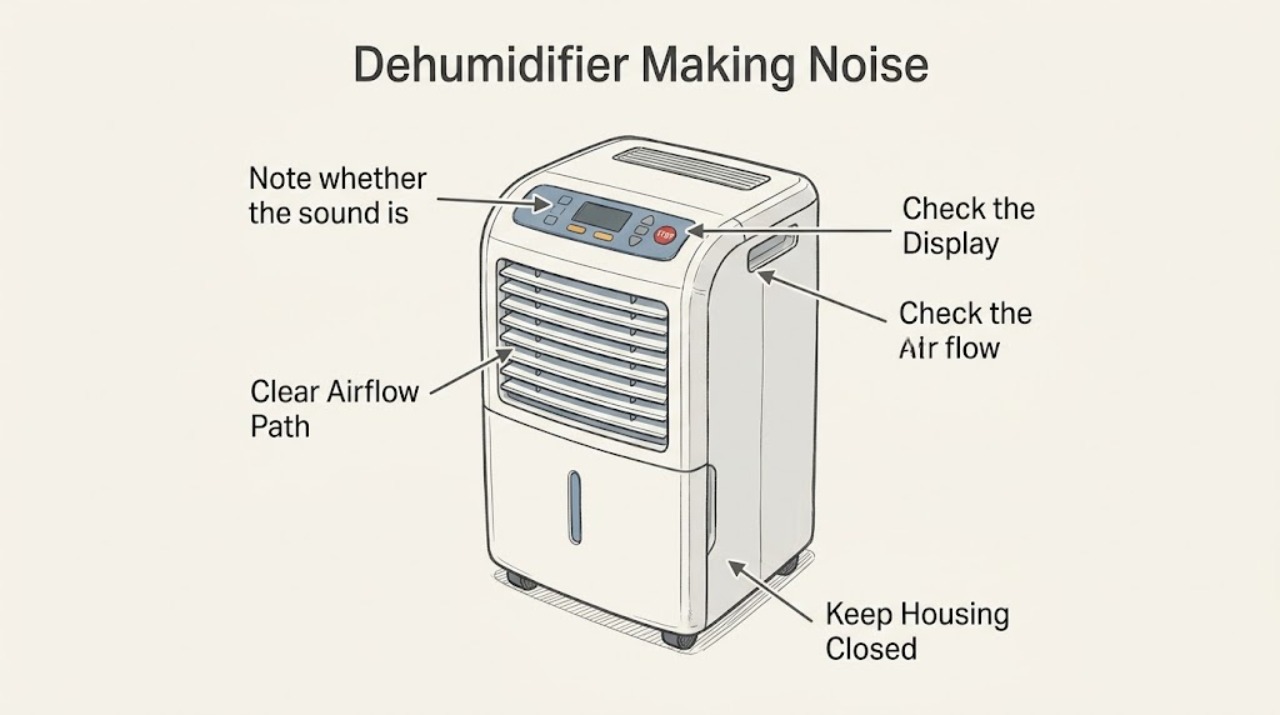
LG Dehumidifier Making Noise
A brief hum or vibration when the compressor starts or stops can be normal. For a new rattle or scrape, check the level surface, bucket seating, filter, and airflow externally. Stop for burning odor, sparking, or an unresolved error code.
-
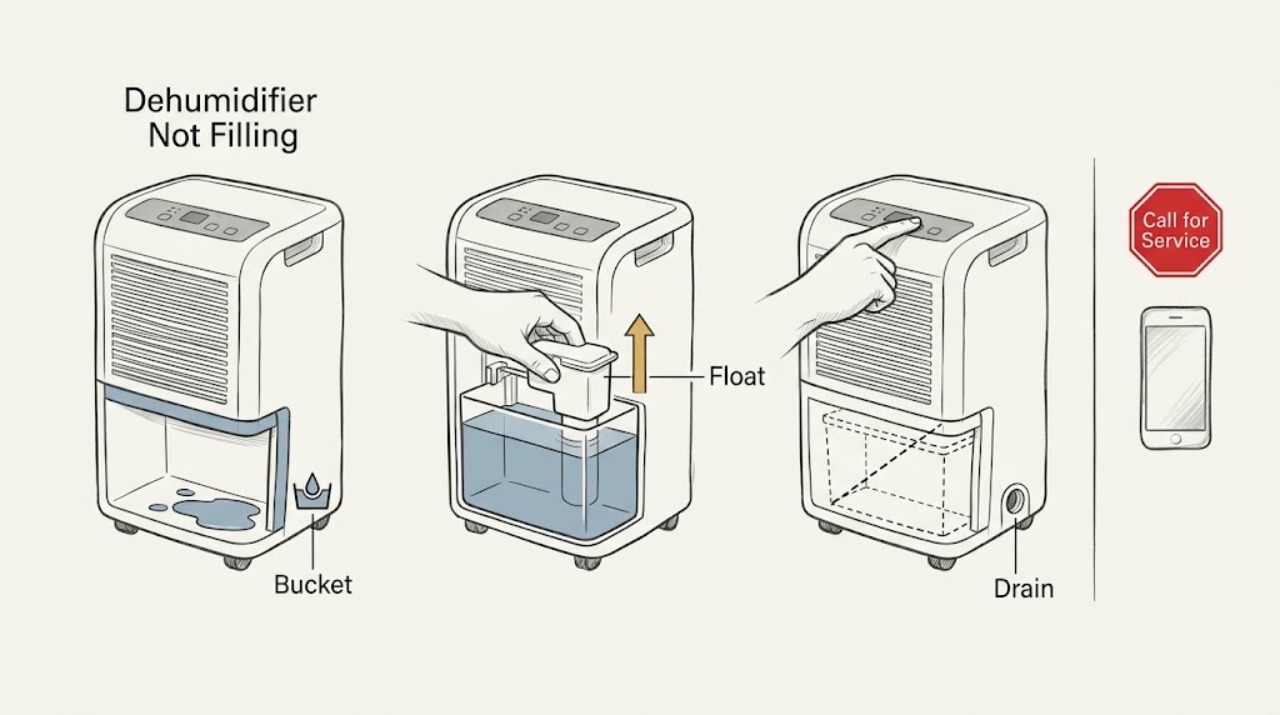
LG Dehumidifier Not Filling: Check the Bucket, Float, and Drain
If an LG dehumidifier runs but the bucket stays empty, confirm the bucket is fully seated, the float is not stuck in the full position, and any continuous-drain hose is clear. LG warns not to open the float cover. If collection does not resume, request service.
-
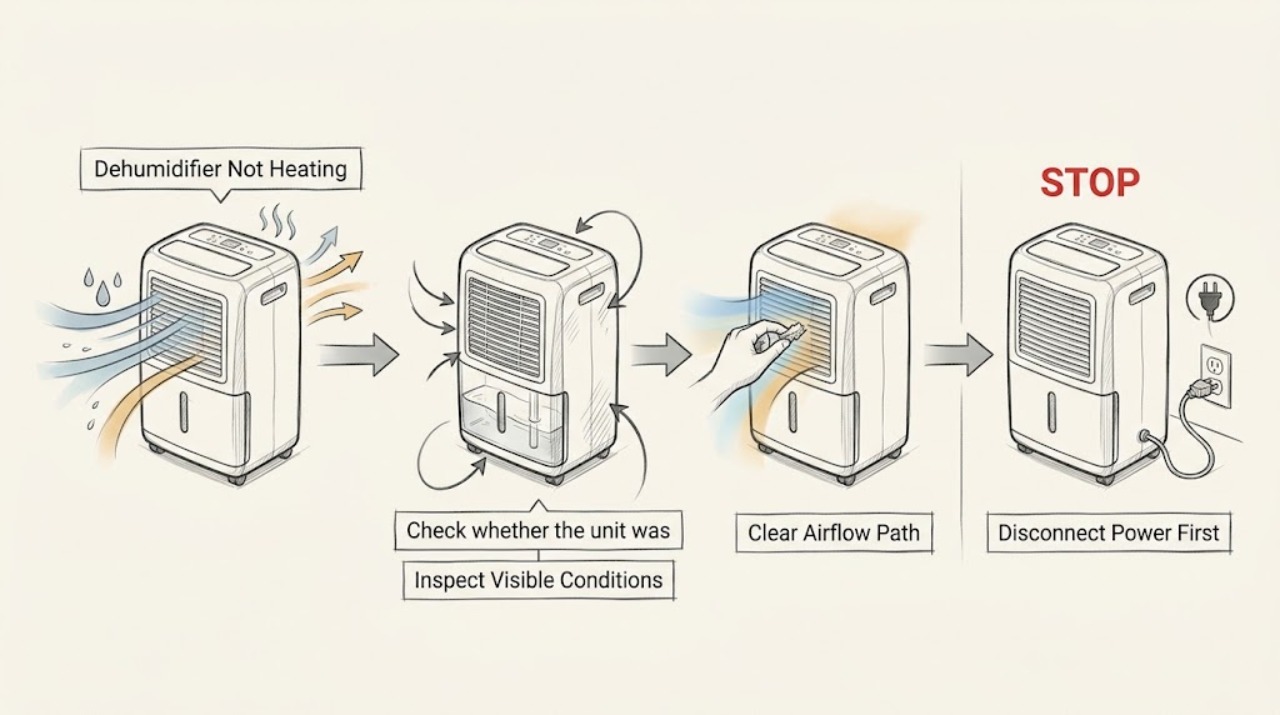
LG Dehumidifier Not Heating
An LG dehumidifier is not a room heater: its normal dehumidifying cycle sends dry air back into the room and can raise room temperature, but the outlet temperature is not a standalone heating test. If the air feels cool, first confirm that the fan runs, the humidity setting is below the room reading, and the room is within the unit's specified operating range.
-
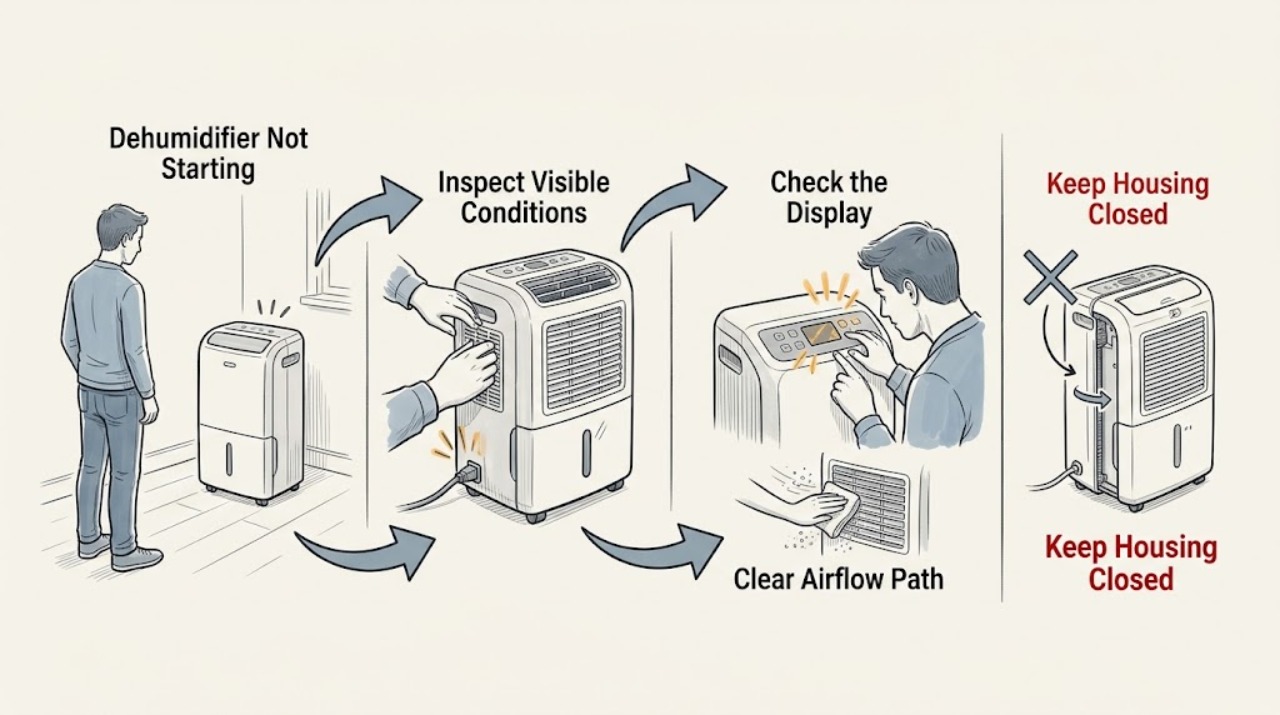
LG Dehumidifier Not Starting
Check power, the water bucket, timer, filter, and airflow. After an immediate restart allow the compressor's protective delay. If the unit remains dead or a CH/CH24 code returns, stop and request service.
-
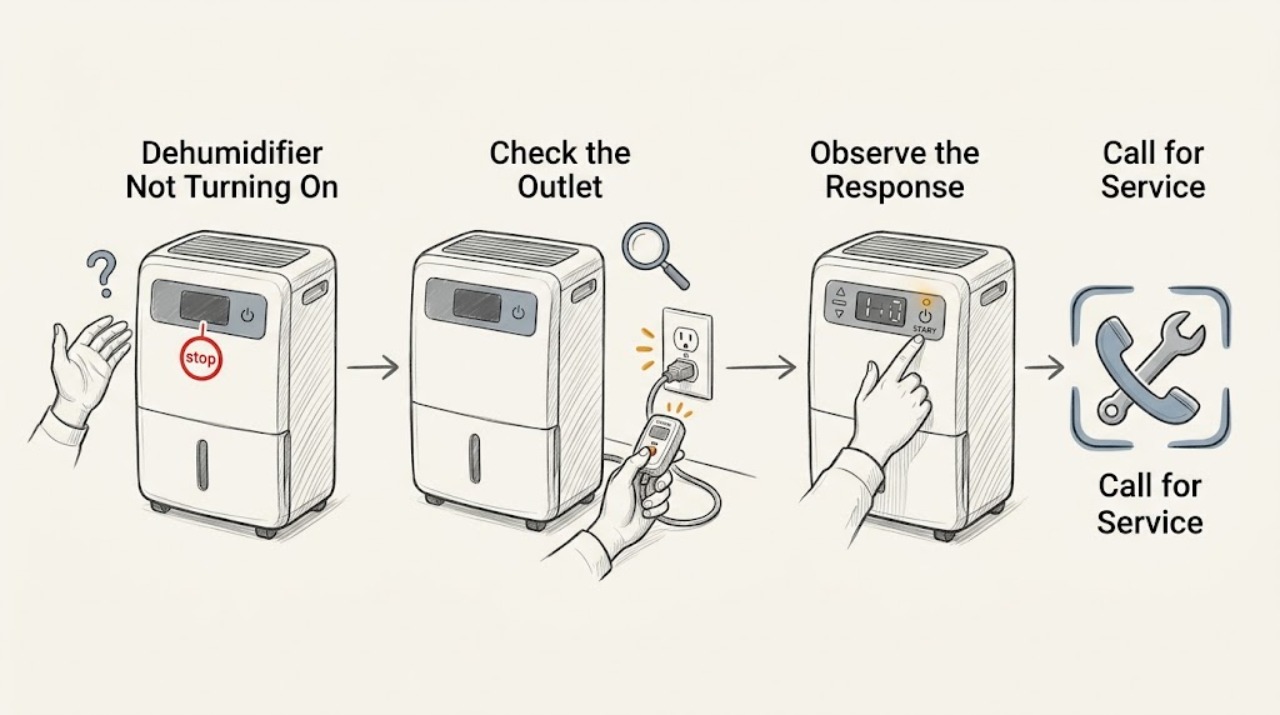
LG Dehumidifier Not Turning On
Check the outlet, power control, timer, and bucket-full indicator before assuming an internal failure. LG dehumidifiers will not run when the bucket is full or improperly installed. If the outlet is sound and the unit remains unresponsive, arrange model-specific service.
-
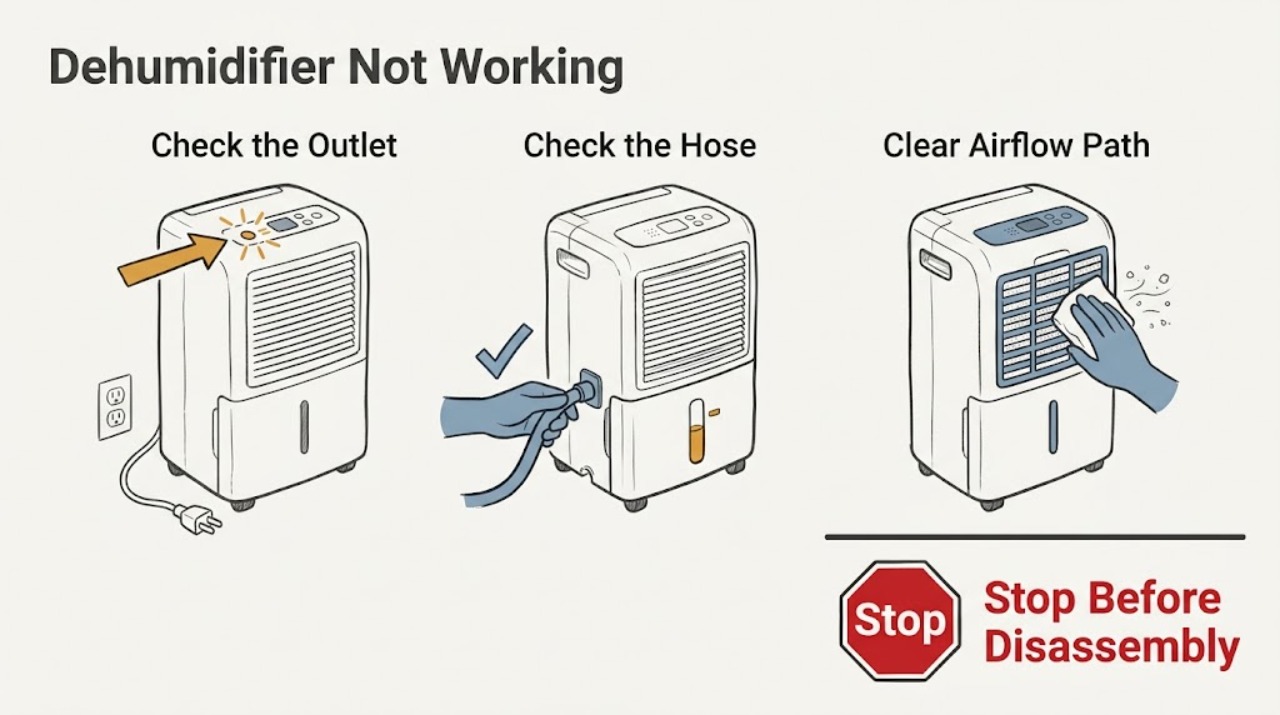
LG Dehumidifier Not Working
Start by confirming the LG dehumidifier has power, an unobstructed air path, and a correctly seated bucket or drain hose. If a CH code returns after the model-specific reset, stop troubleshooting and arrange service because the code may indicate a sensor, fan, pressure, or electronic fault.
-
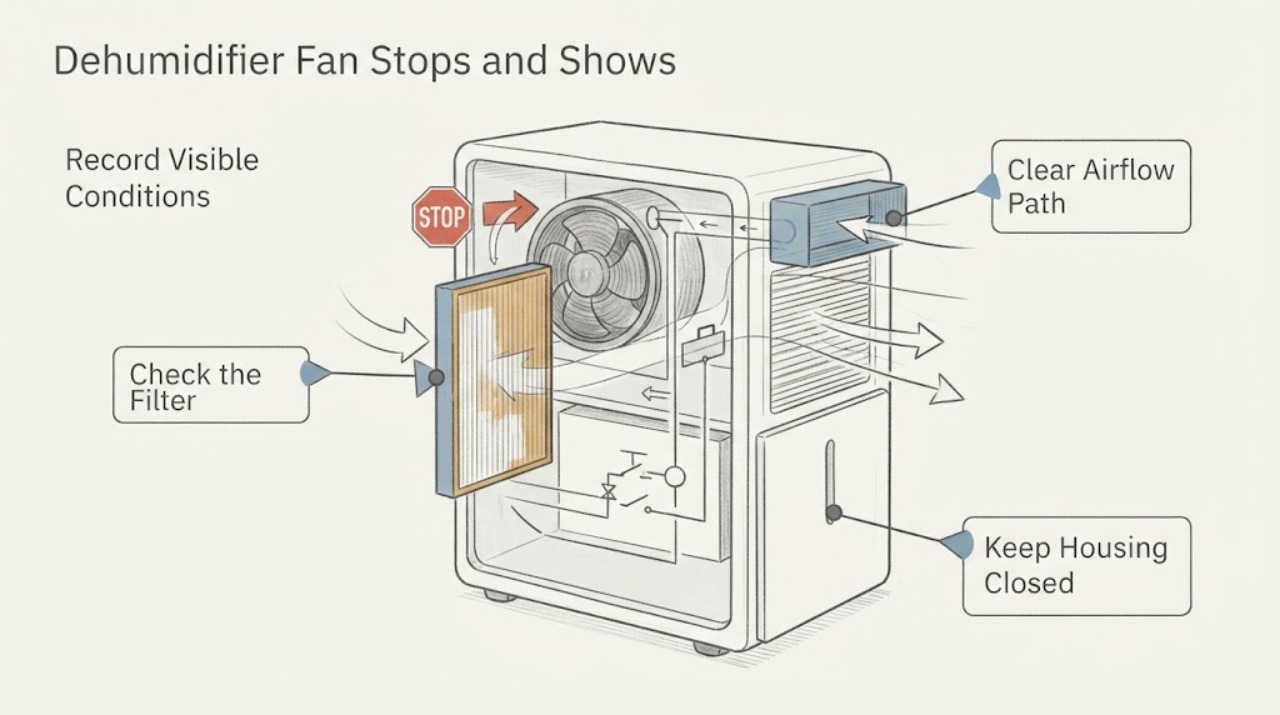
LG LD651EBL Dehumidifier Fan Stops and Shows CH 24
LG defines CH 24 as a pressure-switch error and lists CH 67 separately for a fan-lock error. For the LD651EBL, start with the manufacturer-supported external checks: clean the air filter, remove visible airflow obstructions, unplug the dehumidifier for at least three minutes, then restore power.