
Monogram appliance guidance
Monogram Microwave Repair Guides
Troubleshooting and repair guidance for published Monogram Microwave problems, symptoms, and maintenance questions.
Published Monogram Microwave guides
Choose the guide whose symptom or condition most closely matches what you are seeing.
-
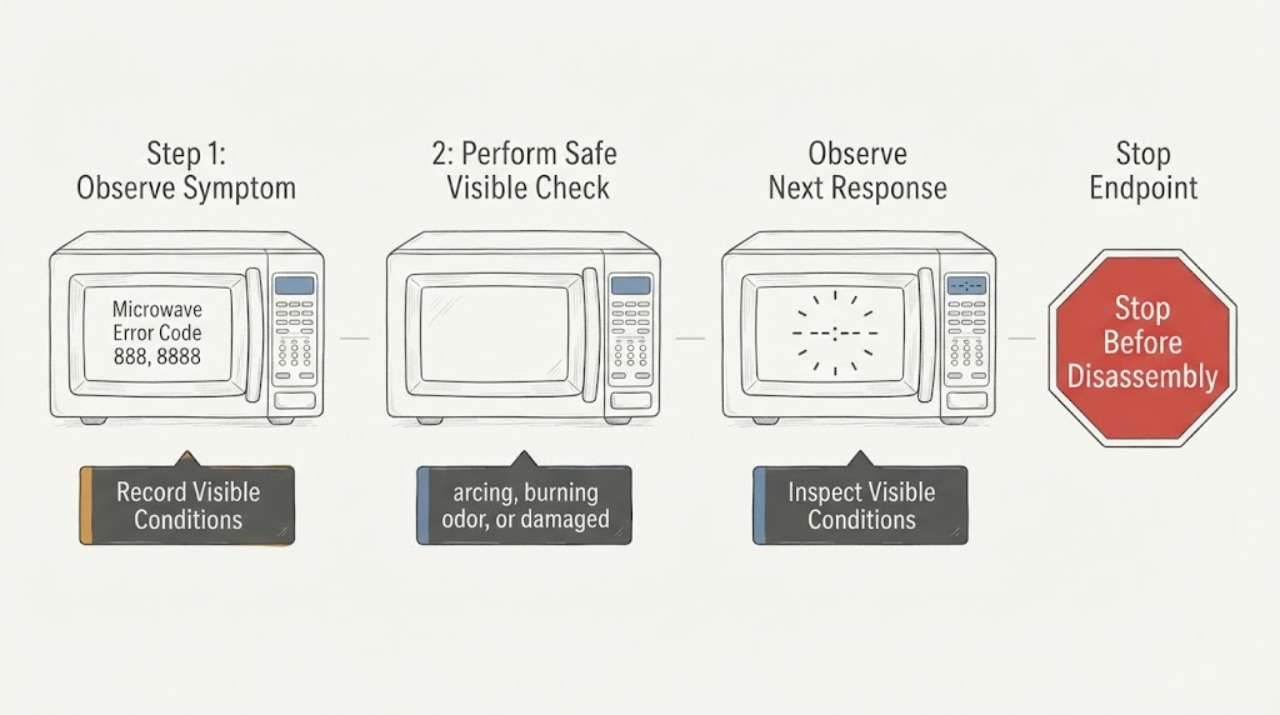
Monogram Microwave Error Code 888, 8888, or PF: Power-Failure Check
On Monogram microwave models covered by GE Appliances’ opened support guidance, PF, 888, or 8888 after power was interrupted indicates a power-failure display. Touch CLEAR or CLEAR/OFF once, then reset the clock if needed. If the message persists or returns without another power event, or if there is arcing, smoke, or burning odor, stop using the microwave and arrange qualified service.
-
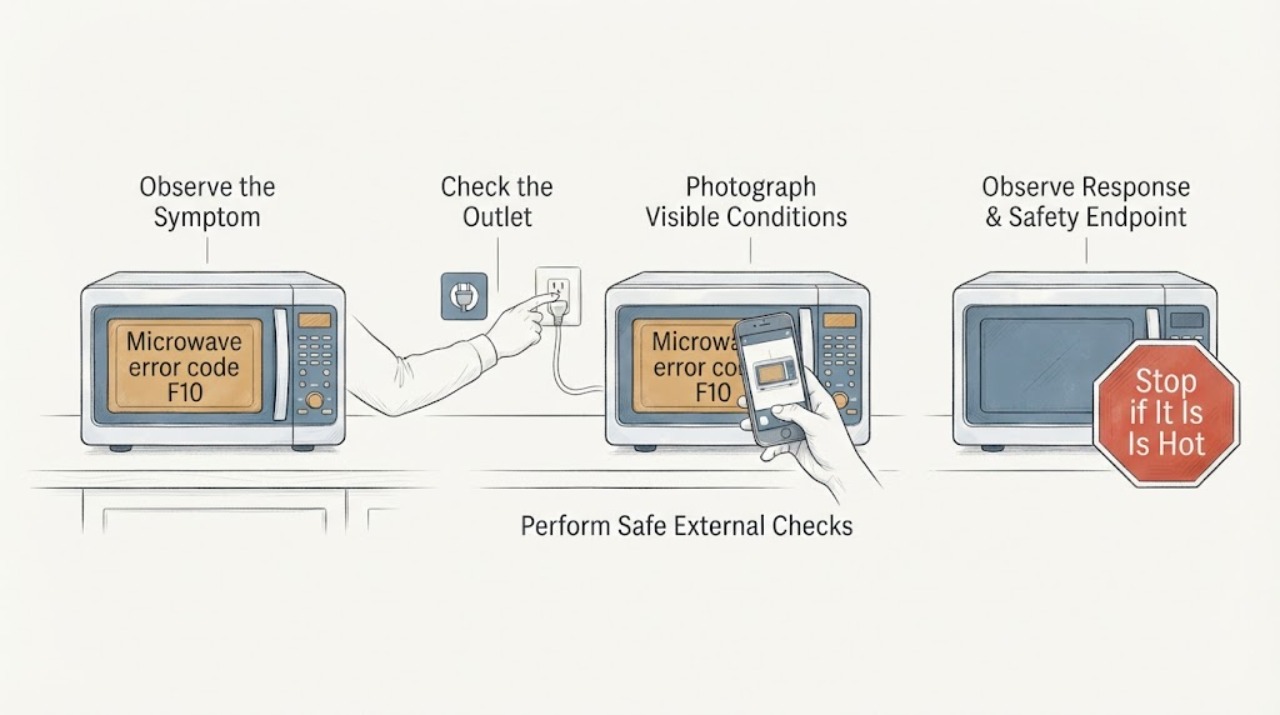
Monogram microwave error code F10: safe checks and when to call service
GE Appliances' microwave fault-code table lists F10 as a shorted touch screen, but Monogram microwave platforms can vary, so confirm the full model before applying that interpretation. If there are no sparks, smoke, burning odor, damaged door, hot plug, or repeat breaker trips, press Stop/Cancel once, then remove power at the microwave's outlet or supplying breaker for 30 seconds and restore it once.
-
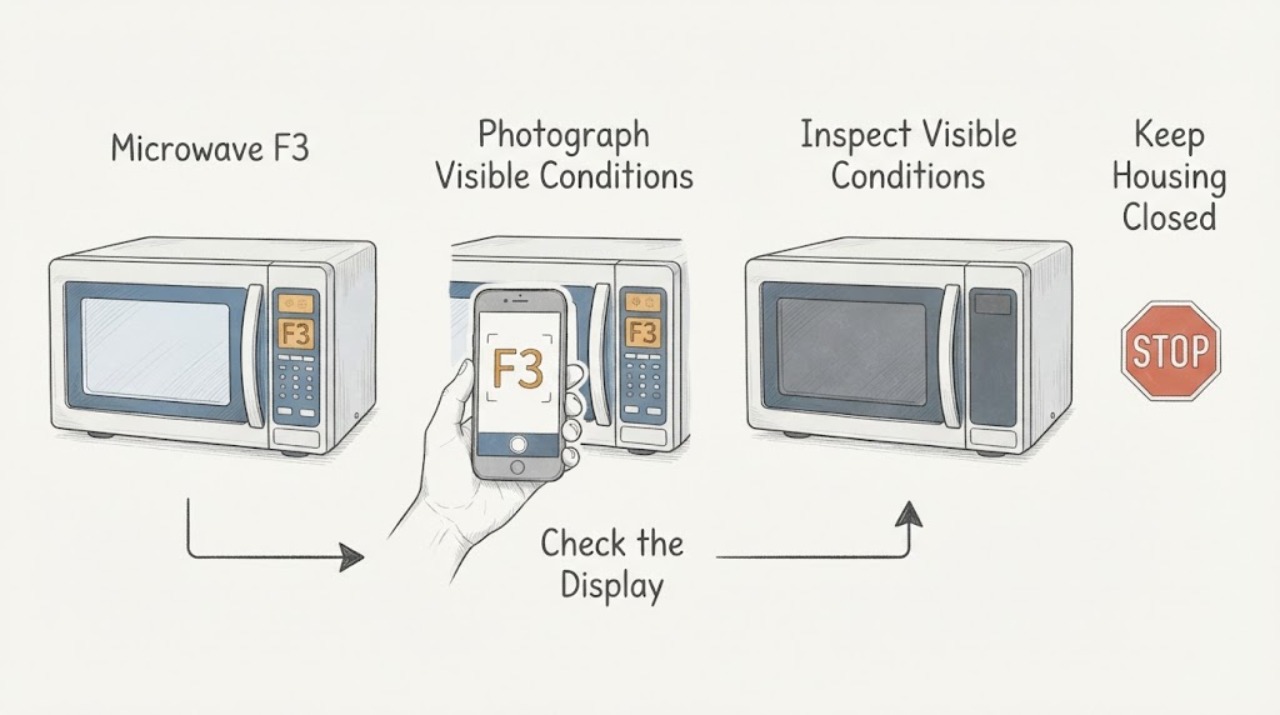
Monogram Microwave F3: What It Means and What to Do
In the official Monogram owner manual for the ZES1227 and ZEB1227 microwave models, F3 means a key has been activated for more than 60 seconds; liquid on the control panel can cause it. Press Cancel/Off once to clear the display, then dry the panel thoroughly with the microwave stopped.
-
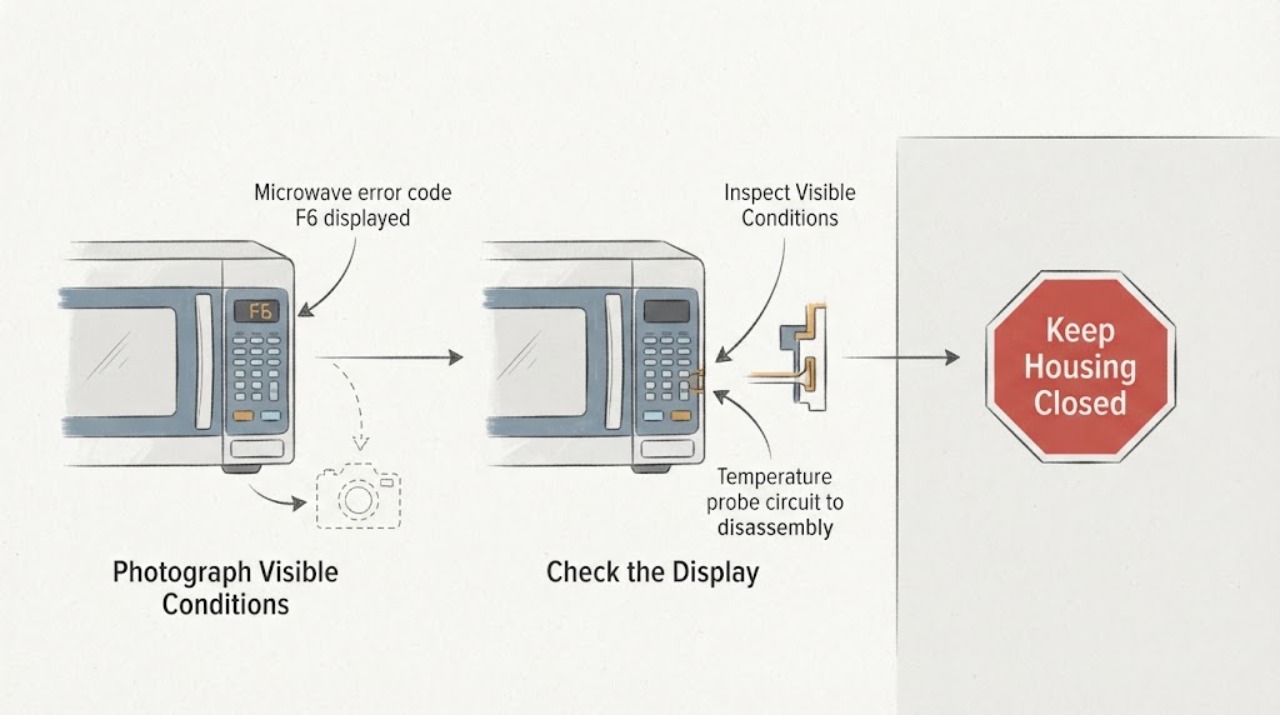
Monogram microwave error code F6 displayed
For the GE Appliances microwave fault-code family used in official support for Monogram models, F6 means a shorted temperature probe. The support page says microwave fault codes should be diagnosed by a trained service technician and notes that switching off the microwave's supplying breaker or fuse for 30 seconds may clear a code in some cases.
-
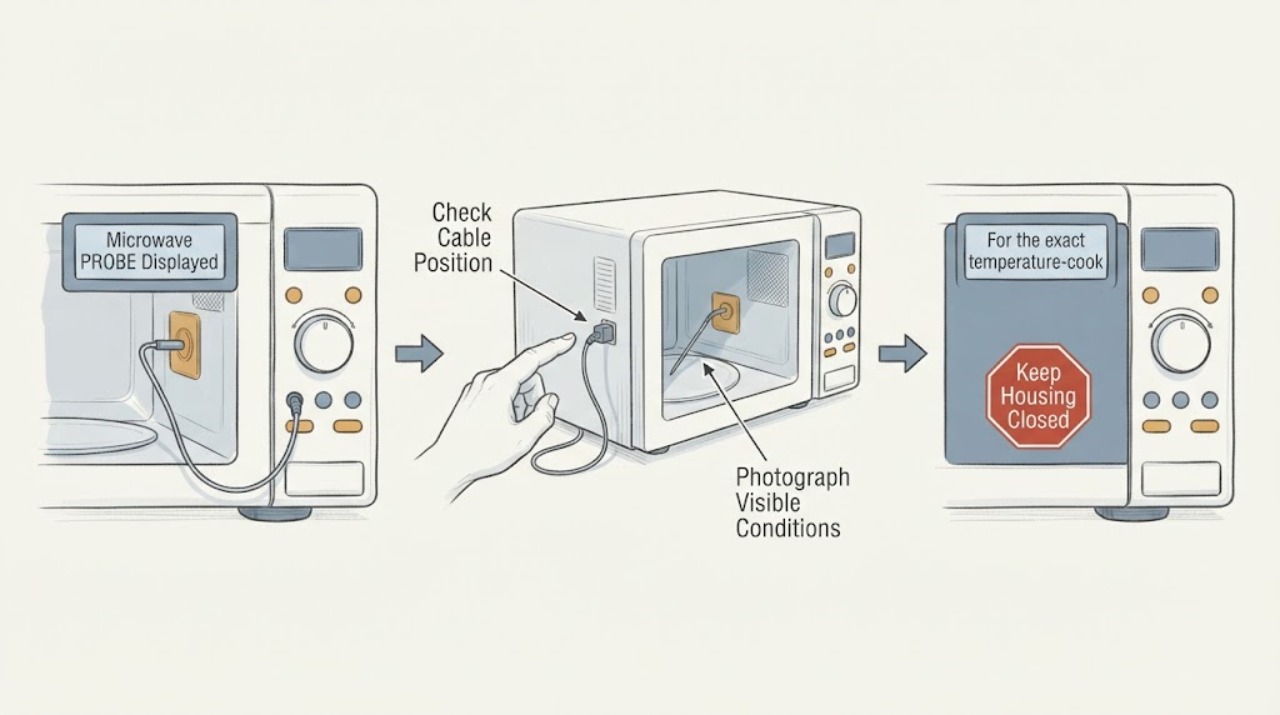
Monogram Microwave PROBE Displayed: Check the Temperature Probe Safely
On Monogram microwave models that use a temperature probe, a PROBE prompt generally means the control does not detect the probe correctly during a temperature-based cooking function. Stop the program, let the food and probe cool enough to handle, and check that the probe plug is fully seated in the microwave wall receptacle and that the probe tip is placed in the food as the cooking guide specifies.
-
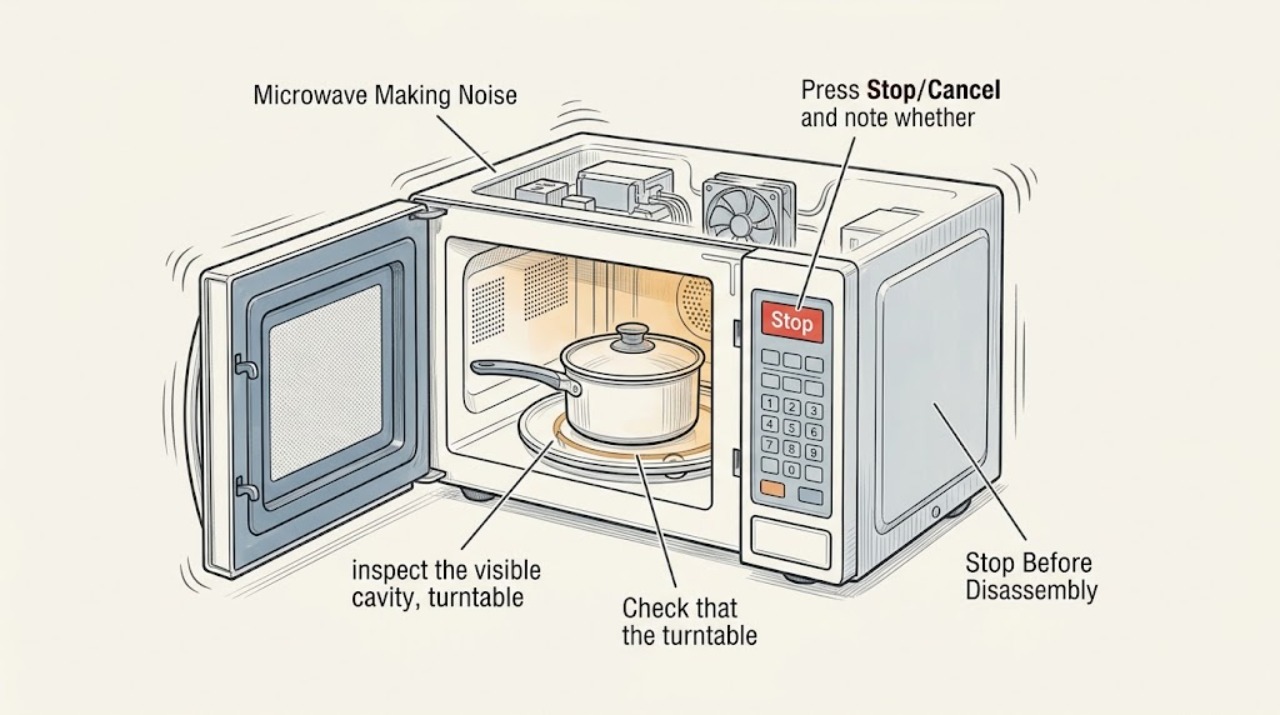
Monogram Microwave Making Noise: Identify the Sound Before Using It Again
Stop the Monogram microwave and identify whether the noise is food popping, a turntable or fan sound, or an electrical/mechanical sound. Check the visible cavity and cookware only after the oven is stopped. Metal, an empty cavity, sparks, smoke, a burning odor, or a noise that remains with no food is a reason to leave it unplugged when safe and arrange authorized service; never remove the cabinet.
-
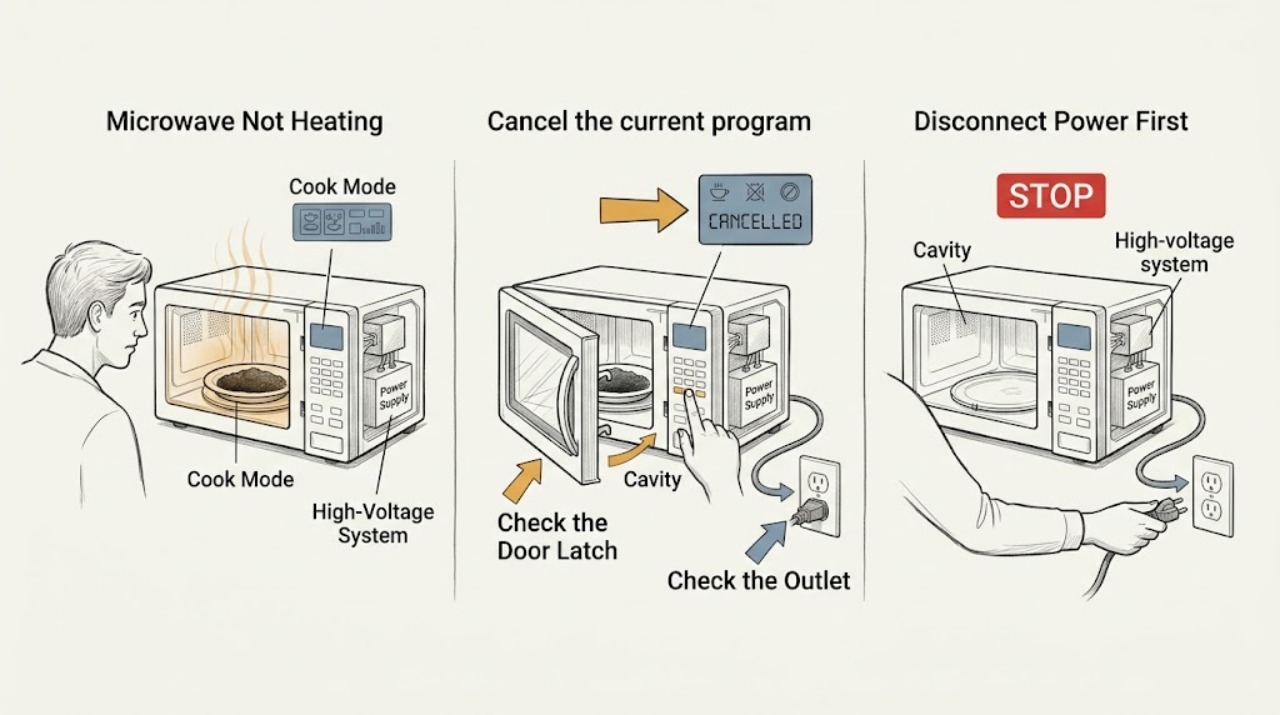
Monogram Microwave Not Heating: Check the Mode and Door Before Service
First make sure the Monogram microwave is running a Cook cycle rather than Timer or another non-heating mode, and confirm the door closes fully. Check only the visible cavity and control state. If it runs but does not heat after those checks, or if there is arcing, smoke, a burning odor, or door damage, stop using it and arrange authorized service; do not open the cabinet.
-
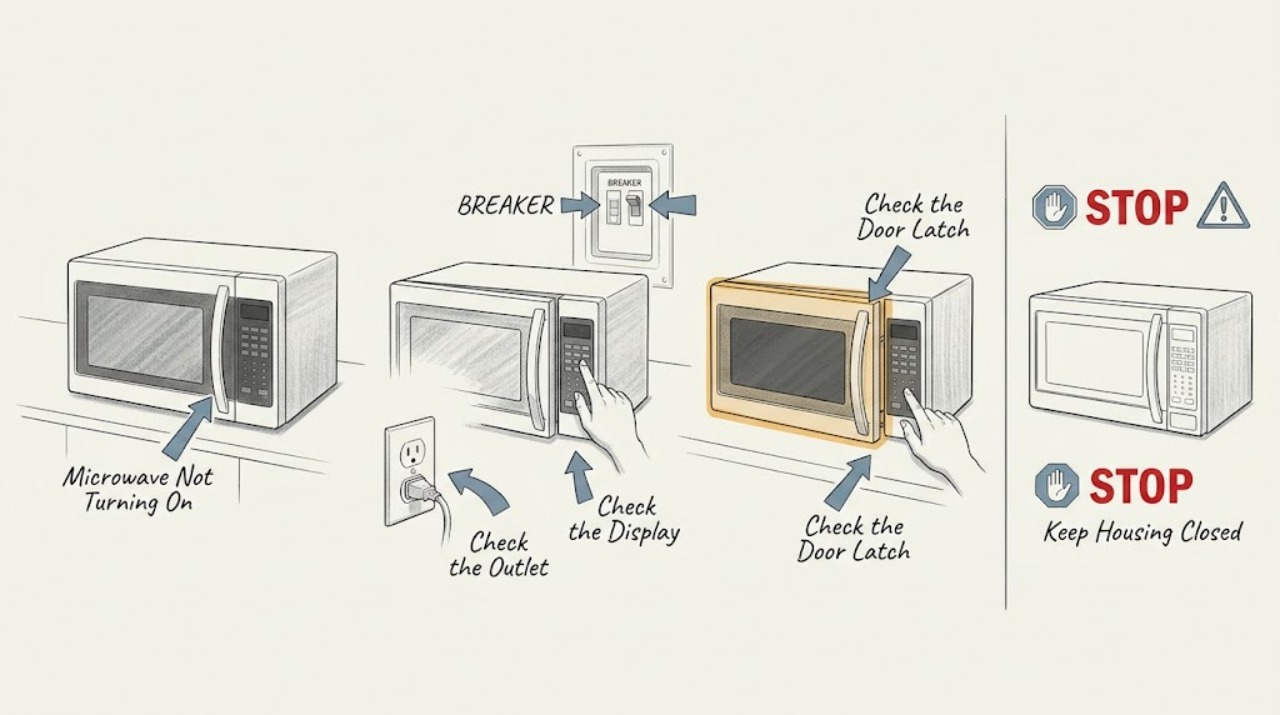
Monogram Microwave Not Turning On: Tell a Power Problem From a Door-Control Problem
Check the dedicated outlet and breaker, then distinguish a completely dark microwave from one with power that will not start. Monogram's guide says the door must close properly and the oven should not be used if it is damaged or operating abnormally. Do not bypass door interlocks or open the control area; persistent no-start symptoms need service.
-
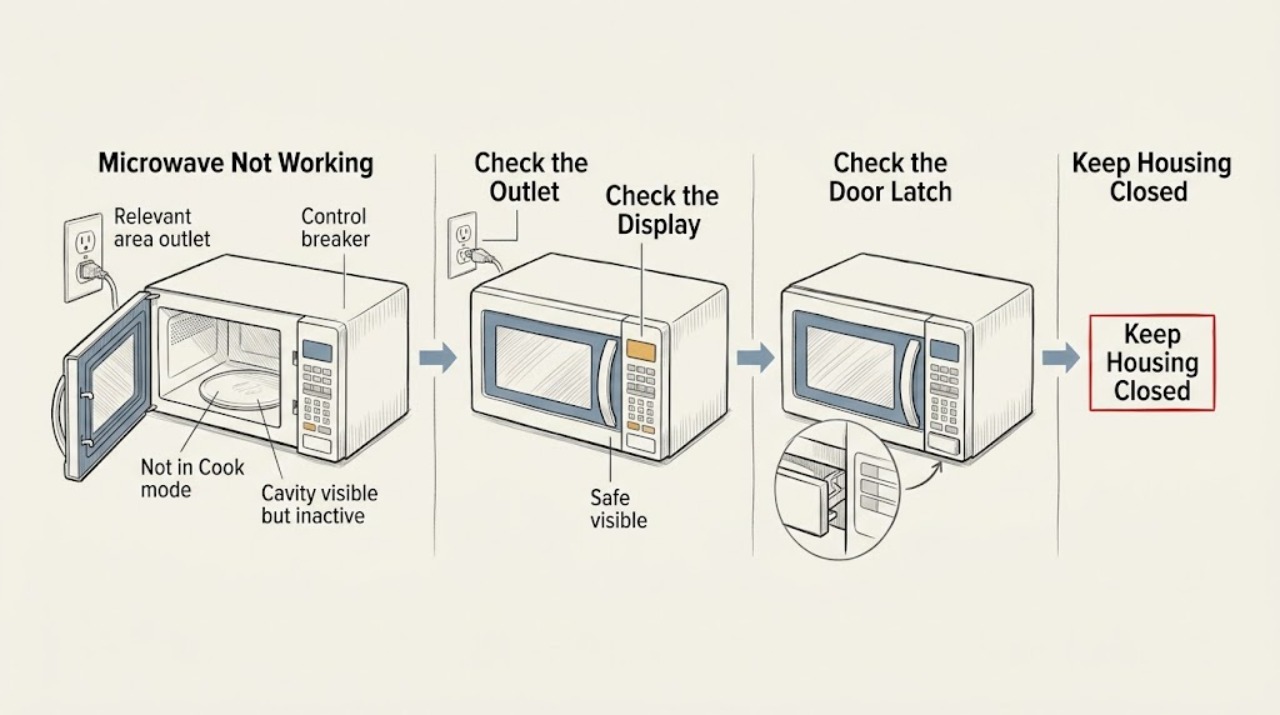
Monogram Microwave Not Working: Separate Power, Controls, Door, and Heat
Start by classifying the failure: a dark display suggests power, an illuminated display with unresponsive controls suggests a control or lock state, and a running cycle with cold food suggests a heating problem. Check only the outlet, normal controls, door closure, and visible cavity. Stop for sparks, smoke, burning odor, door damage, or any need to open the cabinet; use authorized service.
-
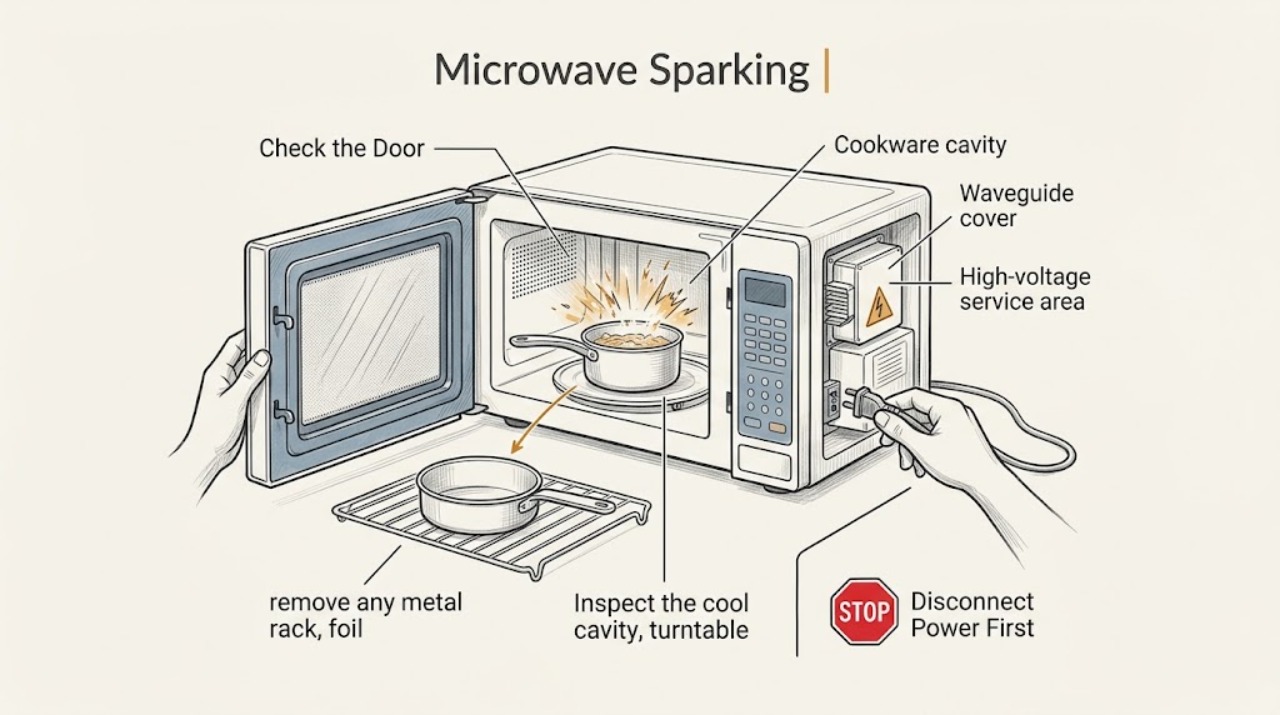
Monogram Microwave Sparking: Stop the Cycle and Identify Safe External Causes
Stop the microwave as soon as you see sparks. If there is flame or smoke, keep the door closed and disconnect power only if it is safe. Once cool, remove metal or foil cookware and inspect the cavity for burnt food or visible damage; do not run it empty, bypass the door, or remove internal panels. Persistent arcing or a damaged cavity needs Monogram service.