
Speed Queen appliance guidance
Speed Queen Stack Washer Dryer Repair Guides
Troubleshooting and repair guidance for published Speed Queen Stack Washer Dryer problems, symptoms, and maintenance questions.
Published Speed Queen Stack Washer Dryer guides
Choose the guide whose symptom or condition most closely matches what you are seeing.
-
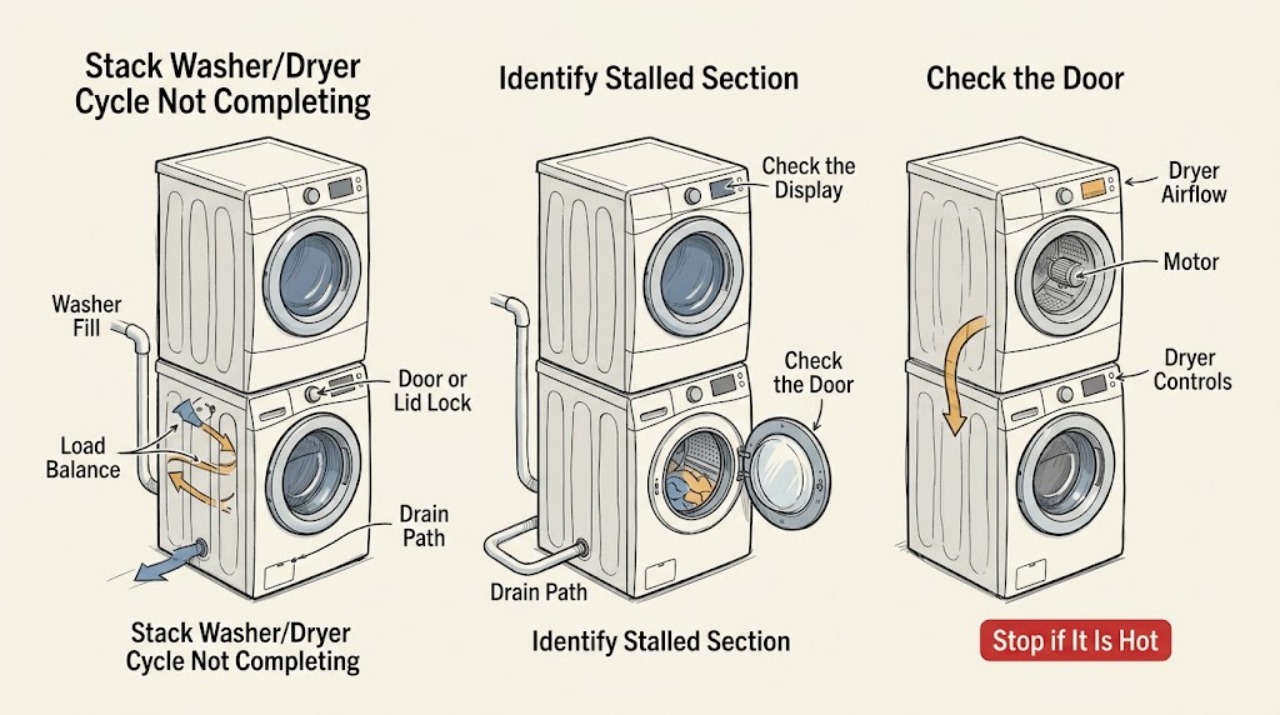
Speed Queen Stack Washer/Dryer Cycle Not Completing: Find the Stalled Stage Safely
First identify whether the washer or dryer is the section that stops, and note the display, remaining water, door state, and whether the drum or cylinder is moving. A washer may pause normally, protect its motor after an overload, or stop because it cannot fill, balance, or drain; a dryer may be in cooling or extended tumble, or may run long because lint, load size, or the exhaust path restricts airflow.
-
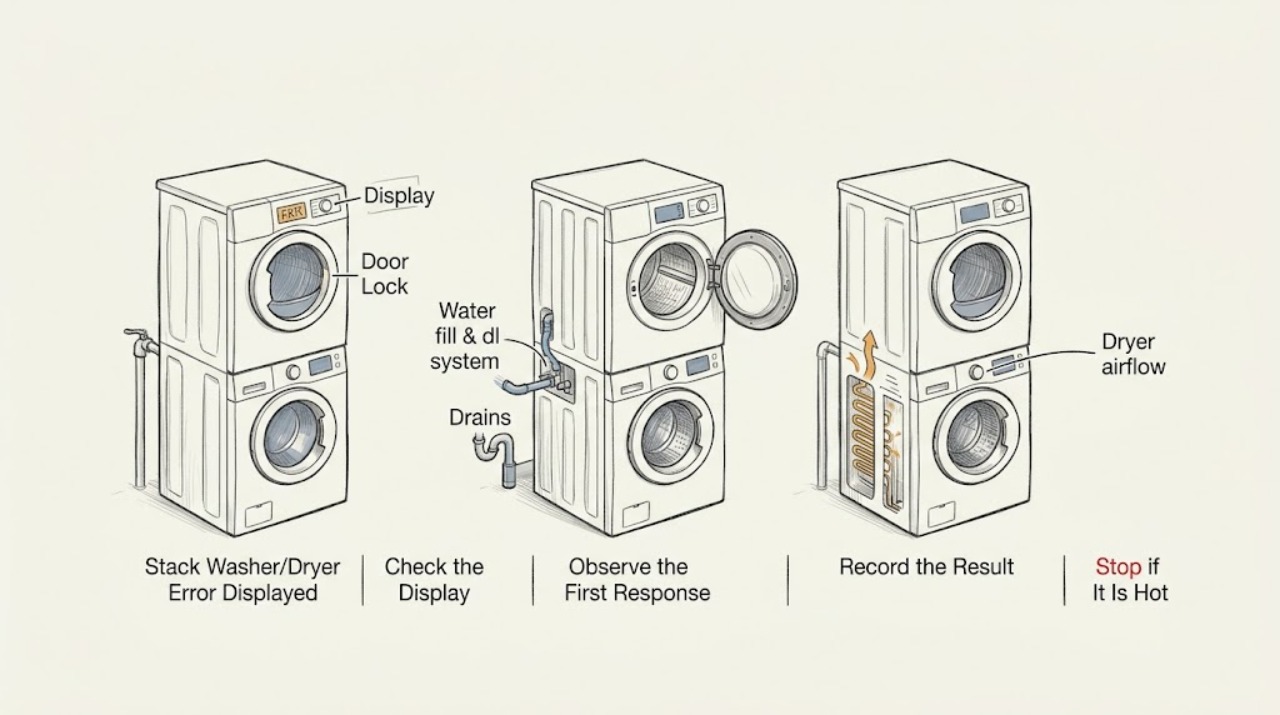
Speed Queen Stack Washer/Dryer Error Displayed: Read the Code and Choose the Safe Next Step
When a Speed Queen stack washer/dryer displays an error, first photograph the exact characters and identify whether the message is on the washer or dryer portion. Use the model-specific guide before clearing the message: Speed Queen's stack-unit guide documents washer codes for door, drain, fill, overflow, water-level sensing, door lock, unbalanced load, power failure, and oversudsing conditions.
-
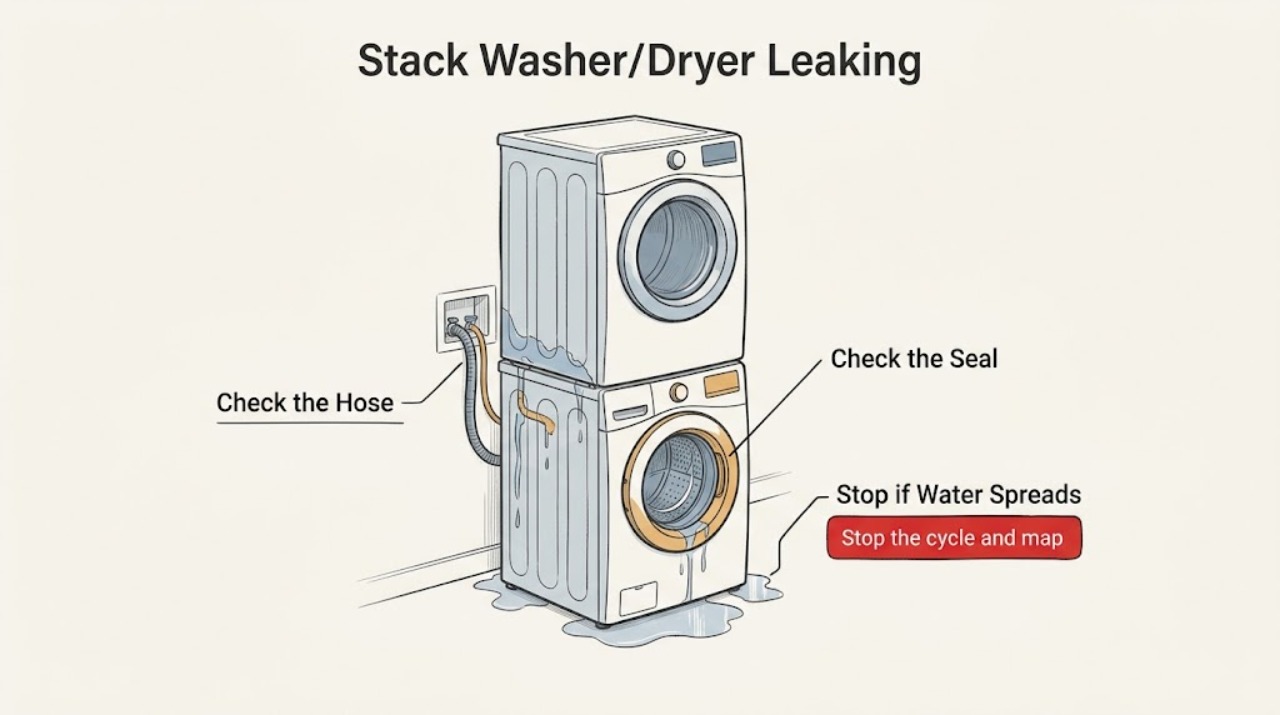
Speed Queen Stack Washer/Dryer Leaking: Safe Checks and Next Steps
First identify whether liquid is coming from the washer's fill path, door, drain path, or the room plumbing; a dryer-side moisture problem needs the exact model's manual because stacked units do not all use the same dryer arrangement. Stop the cycle if water is reaching the floor, power connection, or the stacked cabinet.
-
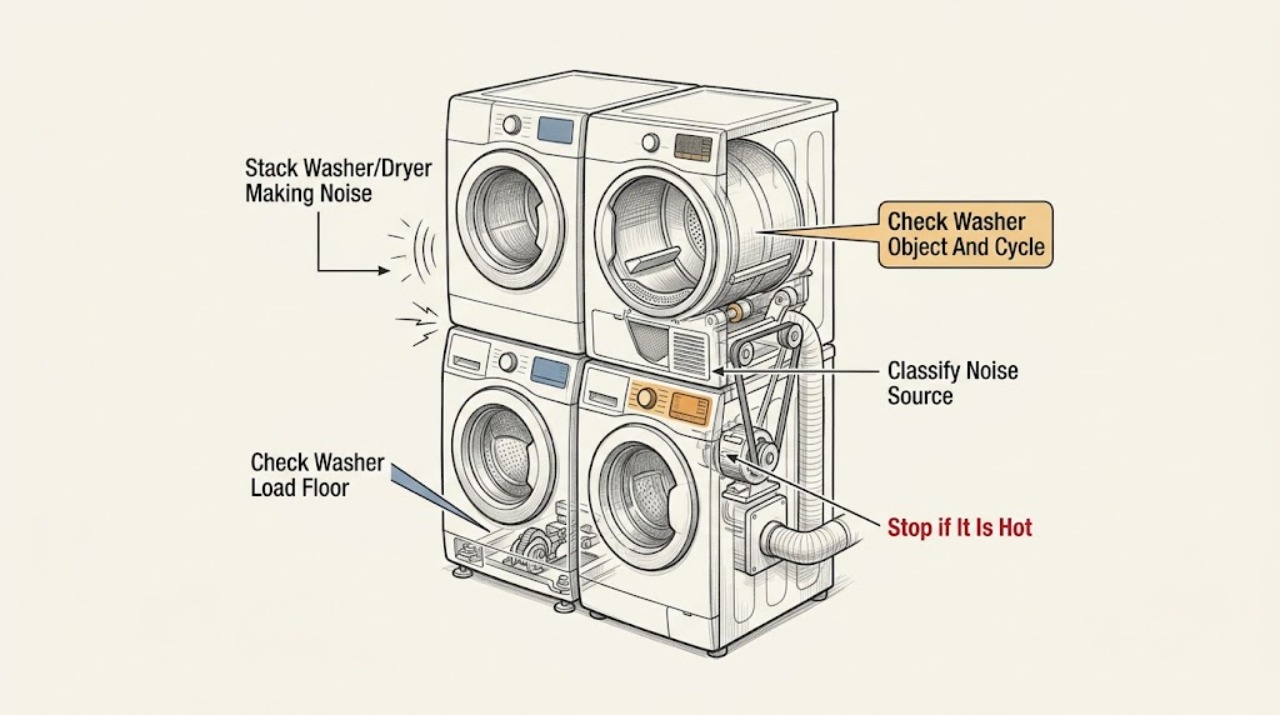
Speed Queen Stack Washer/Dryer Making Noise: Locate the Sound Safely
First determine whether the washer or dryer is making the noise and whether it is a click, hum, rattle, scrape, squeak, bang, or vibration. Some clicking, timer movement, heat cycling, and airflow humming can be normal, but a new or worsening sound needs the unit stopped for a safe external inspection.
-
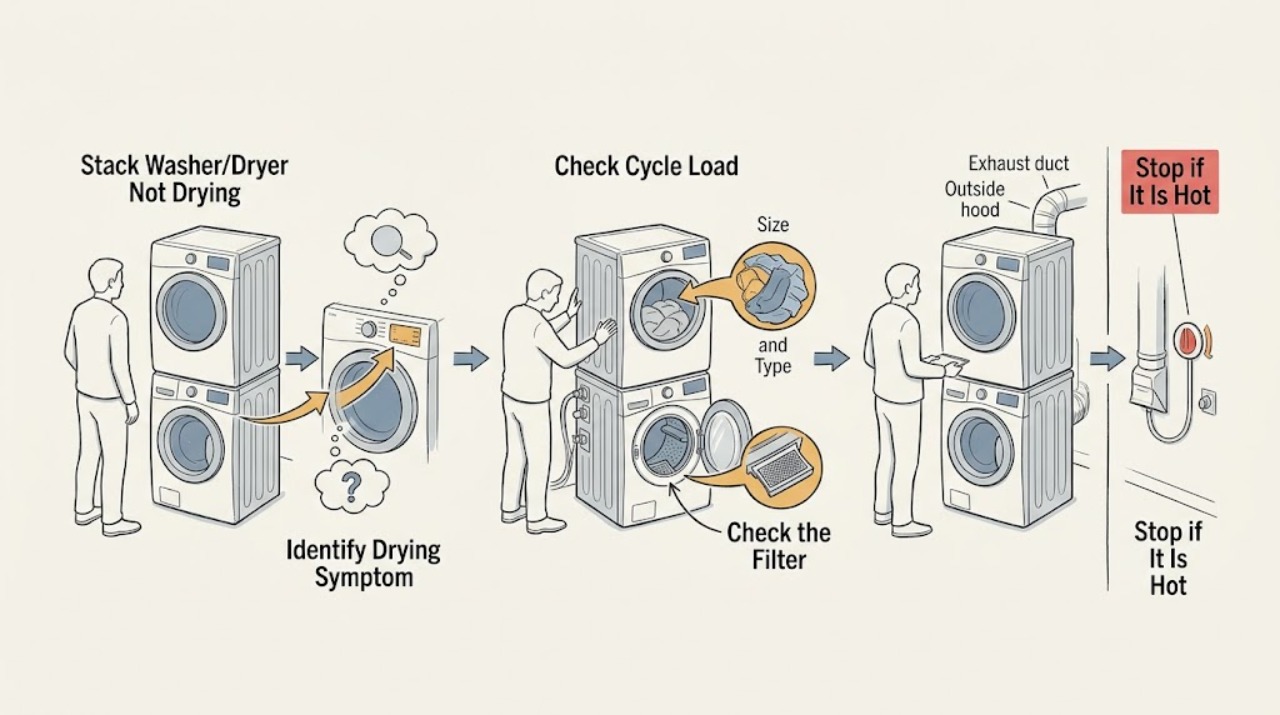
Speed Queen Stack Washer/Dryer Not Drying: Check Load, Heat, Lint, and Venting
Start by separating a dryer that runs but leaves clothes damp from a dryer that does not start or heat. Check the selected cycle and temperature, load size and fabric mix, the user-accessible lint filter, and the external exhaust duct and weather hood for restriction.
-
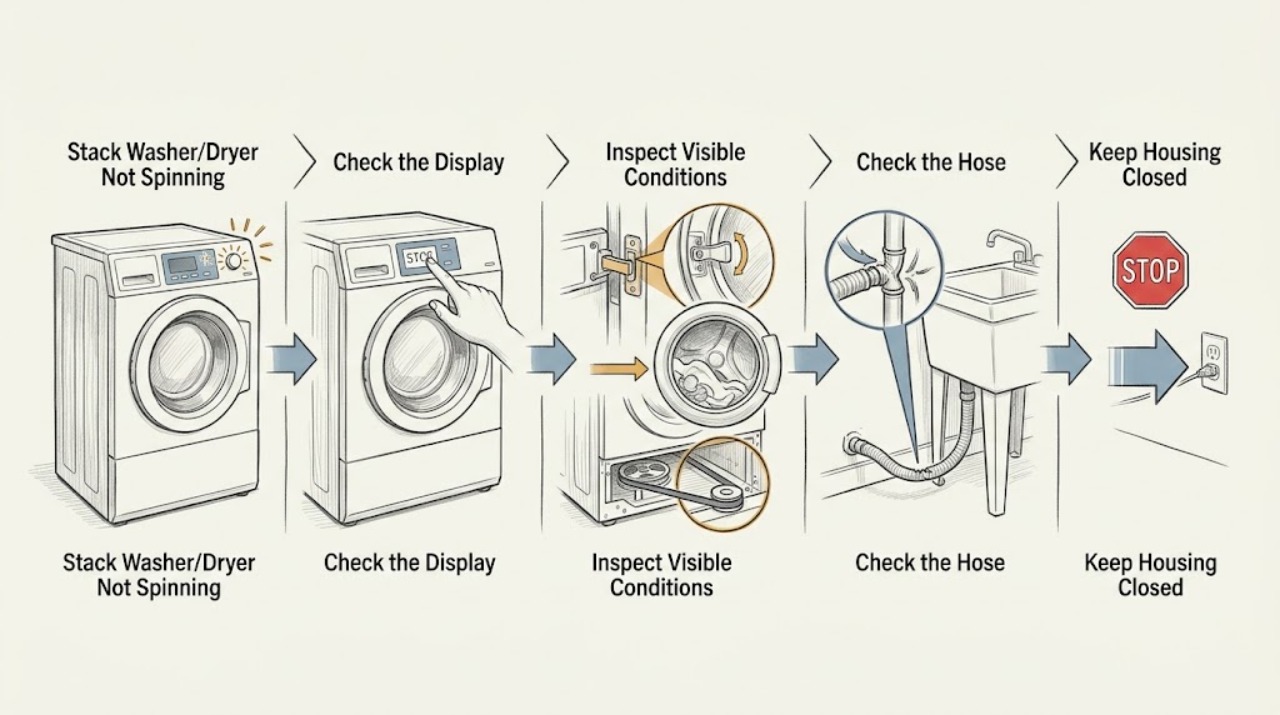
Speed Queen Stack Washer/Dryer Not Spinning: Diagnose the Washer Safely
Start with the washer section of the Speed Queen stack unit: make sure the selected cycle includes spin, the loading door is fully closed, the controls and power are normal, and the washer has drained. If the load is dripping wet, redistribute it and run the model's Spin cycle; Speed Queen documentation says an unbalanced load can limit spin speed.
-
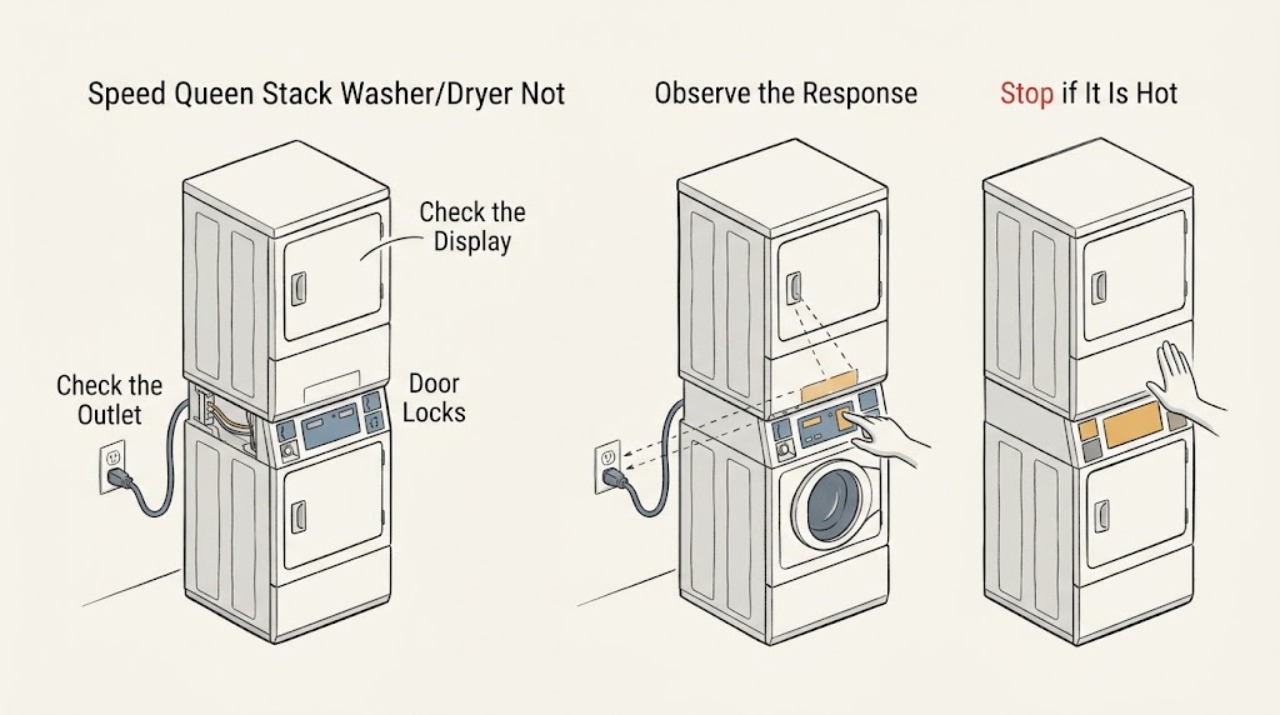
Speed Queen Stack Washer/Dryer Not Turning On: Check Power, Controls, and Doors Safely
First separate a dark display from a machine that has power but will not start. With no smoke, burning odor, heat, or water hazard, check that the Speed Queen stacked washer/dryer is connected directly to its correctly installed outlet, that the laundry-room breaker or fuse has not opened, that the correct unit's door is fully closed, and that Control Lock or Idle Mode is not preventing input.
-
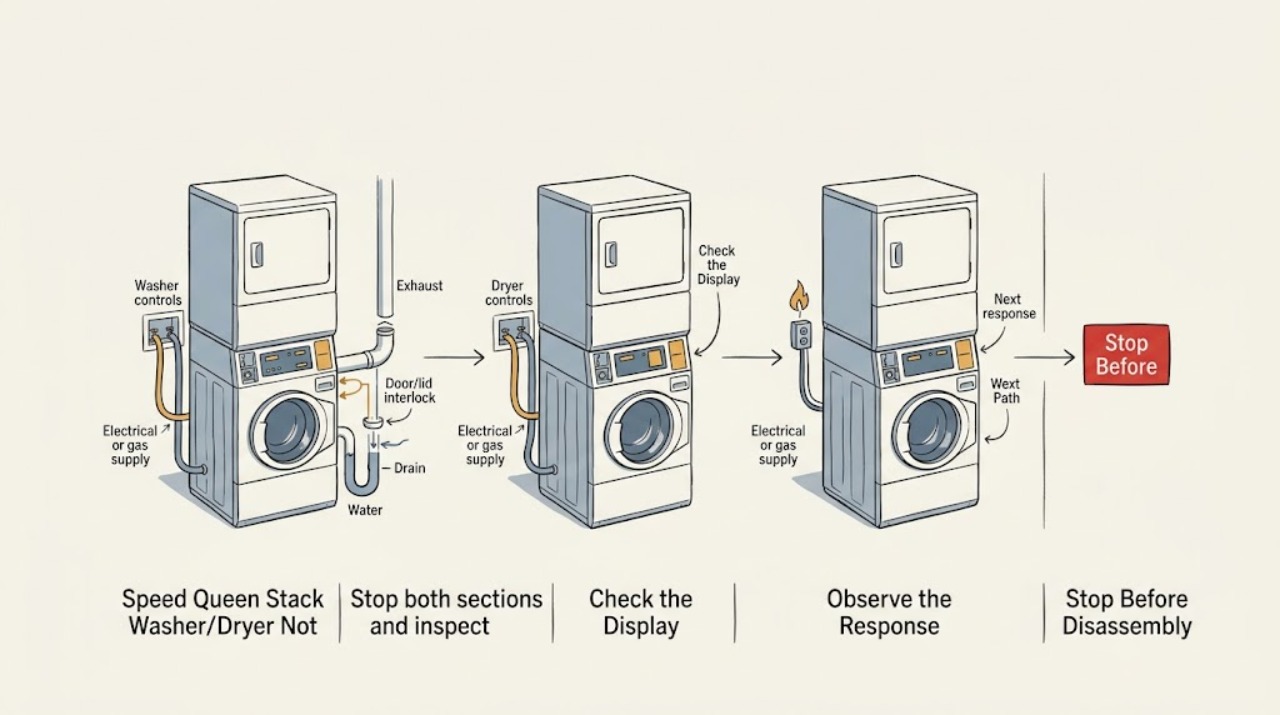
Speed Queen Stack Washer/Dryer Not Working: Isolate the Washer, Dryer, or Shared Power
A Speed Queen stacked washer/dryer contains two operating sections, so first identify whether the washer, dryer, or both are affected. Stop immediately for smoke, sparking, gas odor, flooding, a hot or damaged cord, or a drum that will not stop.