
Repair problem
Will Not Reset Troubleshooting Guides
Published FixGraph guidance for diagnosing and responding to will not reset.
Matching published guides
Choose a guide that matches the service, equipment, and conditions you are seeing.
-
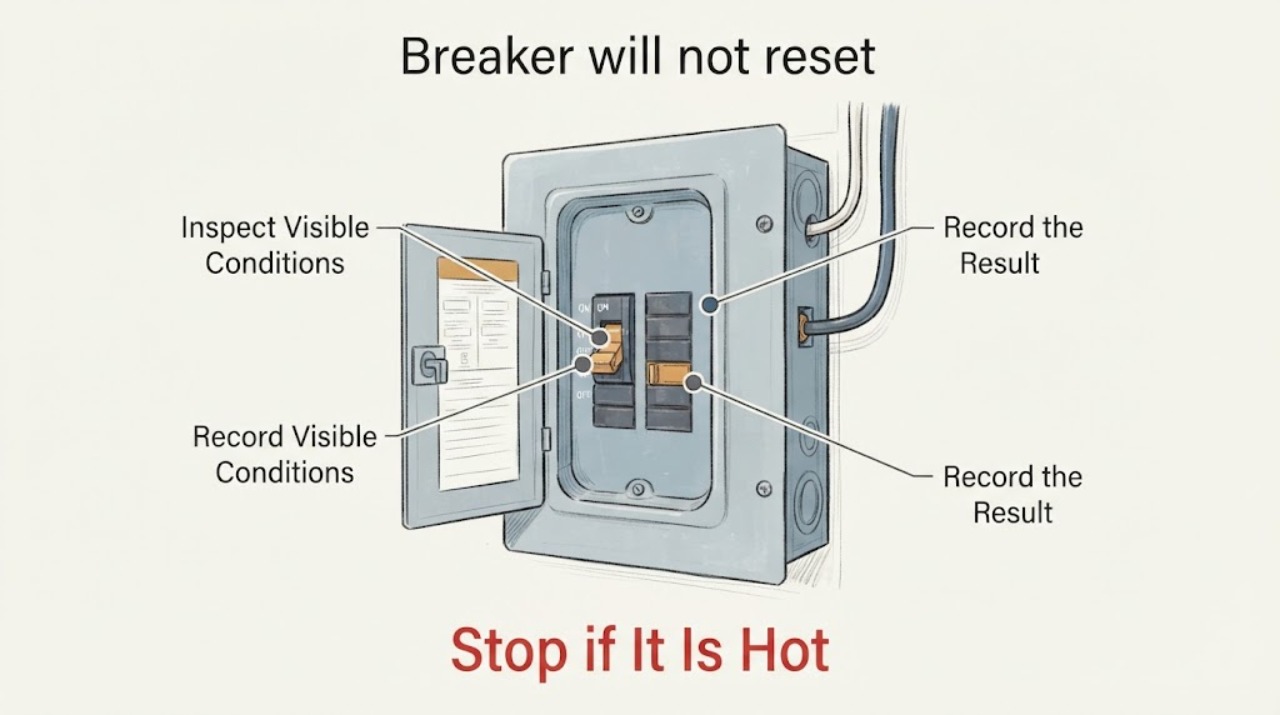
Breaker will not reset: What to Check and What to Do Next
Do not hold a breaker on, repeatedly reset it, open the panel cover, test live wiring, bypass the breaker, or replace it yourself. From outside the closed panel, note the breaker's visible position and label, what lost power, and whether there are smoke, burning odor, buzzing, sparking, heat, discoloration, or shock signs at accessible devices.
-
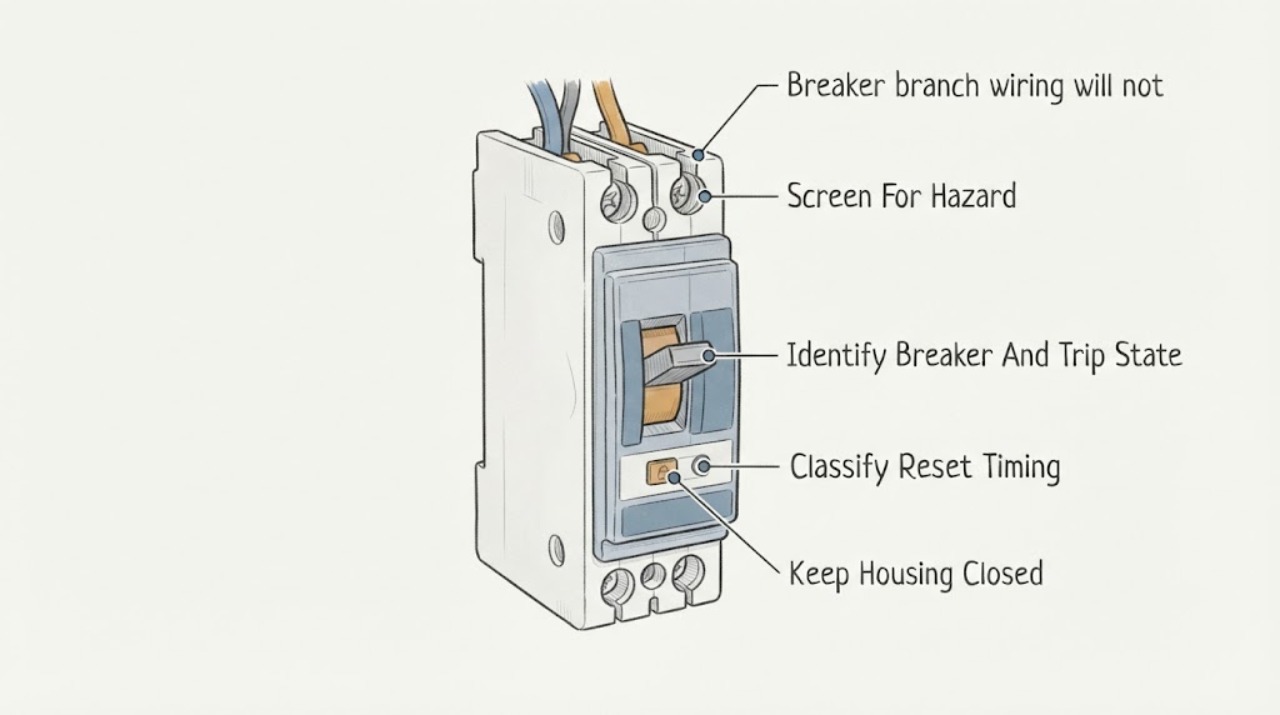
Eaton breaker branch wiring will not reset: What to Check and What to Do Next
An Eaton breaker that will not reset after branch wiring was installed or changed should be treated as a fault or compatibility problem, not as a handle problem. Eaton's residential instructions say that immediate tripping on reset indicates a fault and that breakers must be installed and serviced by a qualified electrician.
-
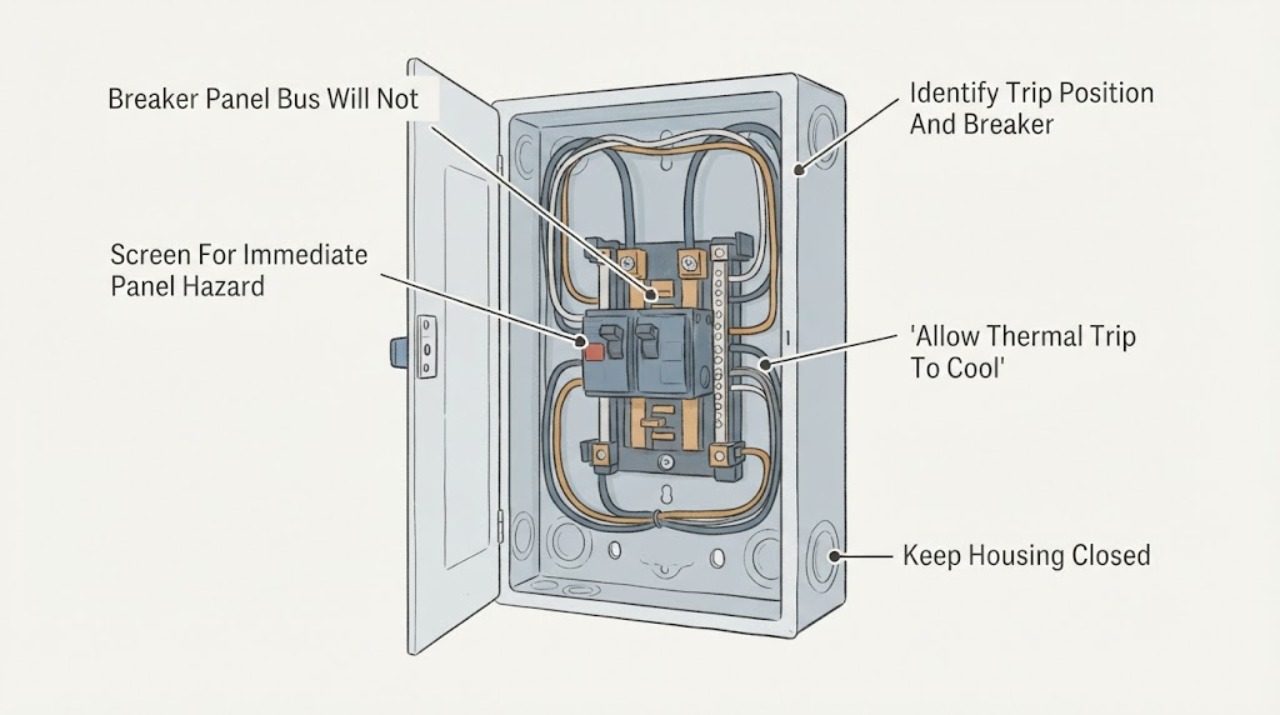
Eaton Breaker Panel Bus Will Not Reset: What to Check and What to Do Next
The panel bus itself is not normally reset; the Eaton breaker mounted on the bus may be tripped, held off by a fault or interlock, too warm after a thermal trip, mechanically damaged, or not correctly seated. If the handle is in a middle or trip position and there is no smoke, burning odor, heat, water, arcing, or other danger, use the exact Eaton model instructions for one deliberate move to the full OFF position and then to ON.
-
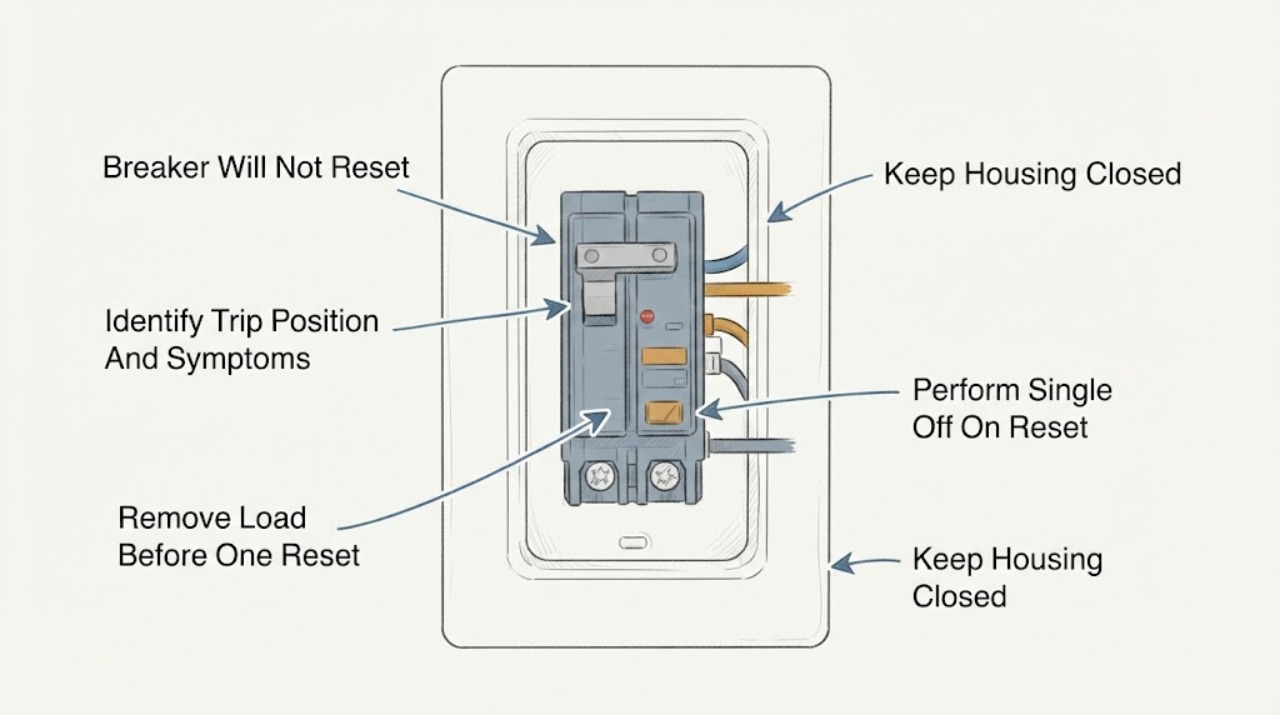
Eaton Breaker Will Not Reset: What to Check and What to Do Next
If an Eaton breaker will not reset, first treat the failed reset as a sign that the circuit may still have an overload, short circuit, ground fault, or an equipment problem. With the panel cover closed and your hands dry, turn off or unplug the loads on that circuit, then move the tripped handle fully to OFF and once to ON only if it moves normally.
-
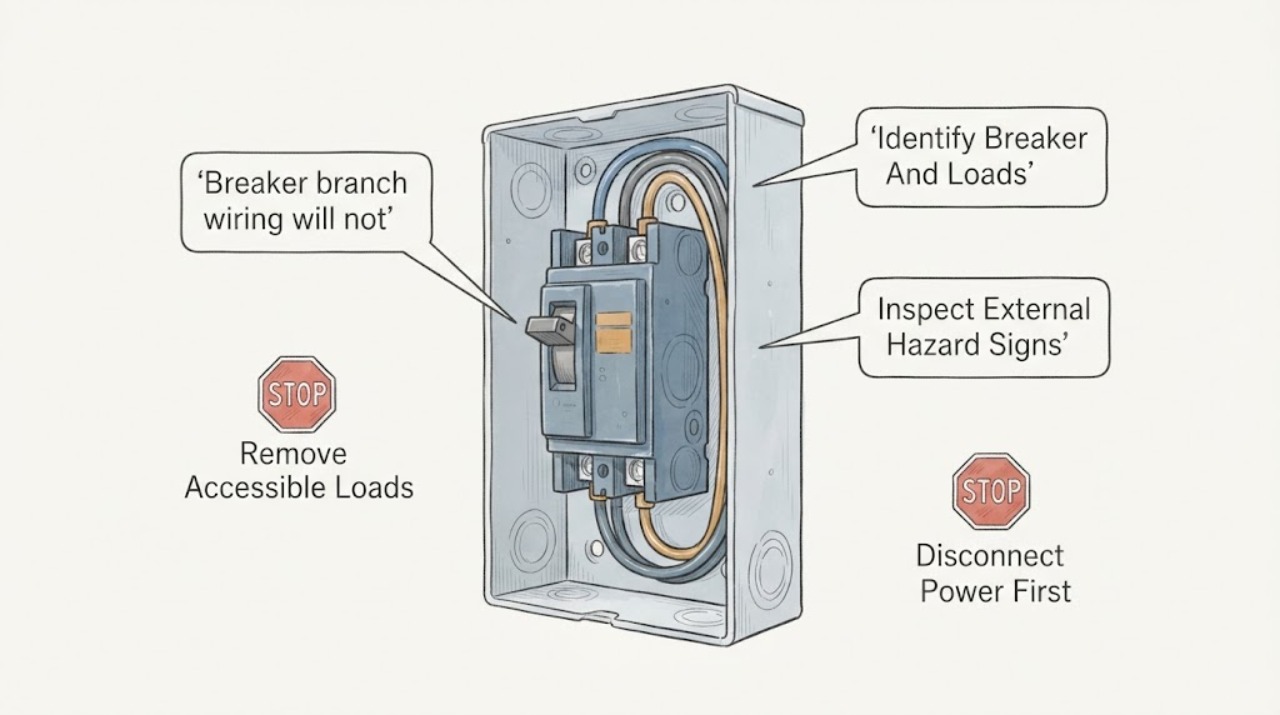
GE breaker branch wiring will not reset: What to Check and What to Do Next
A GE breaker that will not reset is protecting the branch circuit until an overload, short, ground fault, damaged appliance, wiring problem, or breaker fault is cleared. First switch off or unplug accessible loads, identify whether the handle is fully off or in a trip position, and make one deliberate reset by moving it fully off and then on.
-
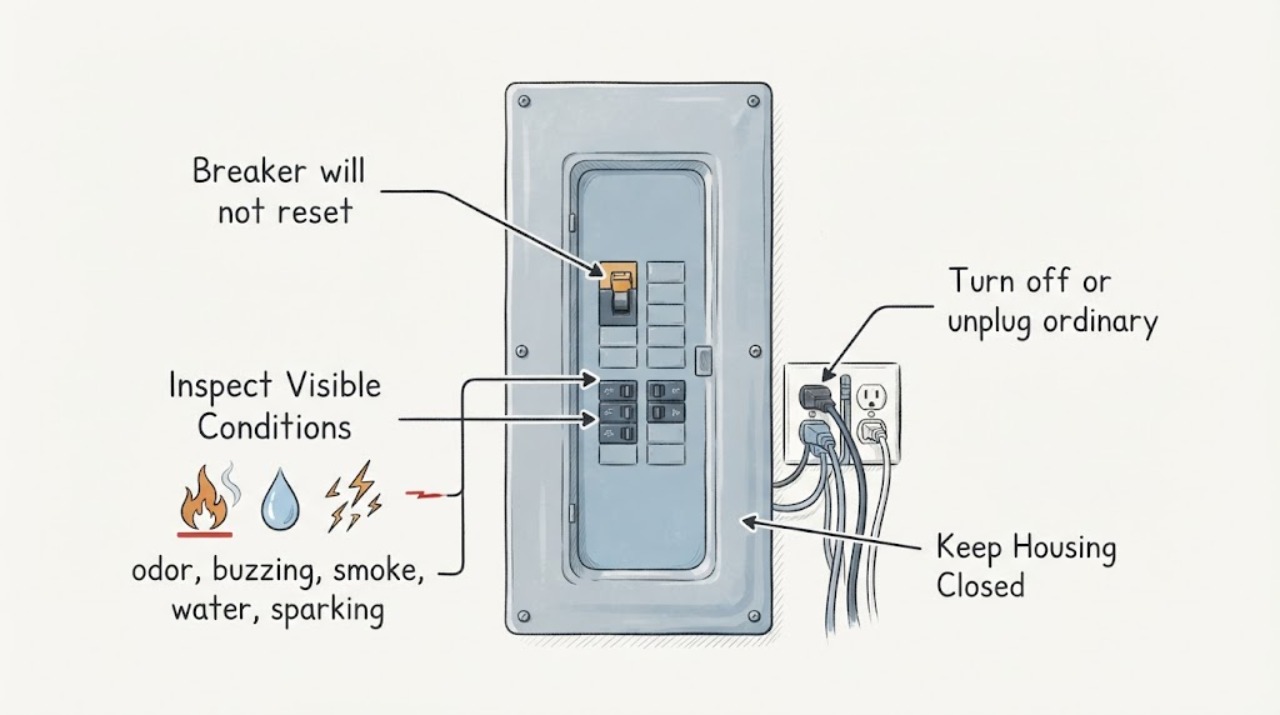
GE breaker will not reset: What to Check and What to Do Next
A GE breaker that will not reset may still be in a tripped middle position, may be protecting a circuit with an active overload or fault, or may have a breaker, wiring, or appliance problem. Turn off or unplug ordinary loads on the affected circuit, then make one careful attempt to move the handle fully to OFF and then to ON if it moves normally.
-
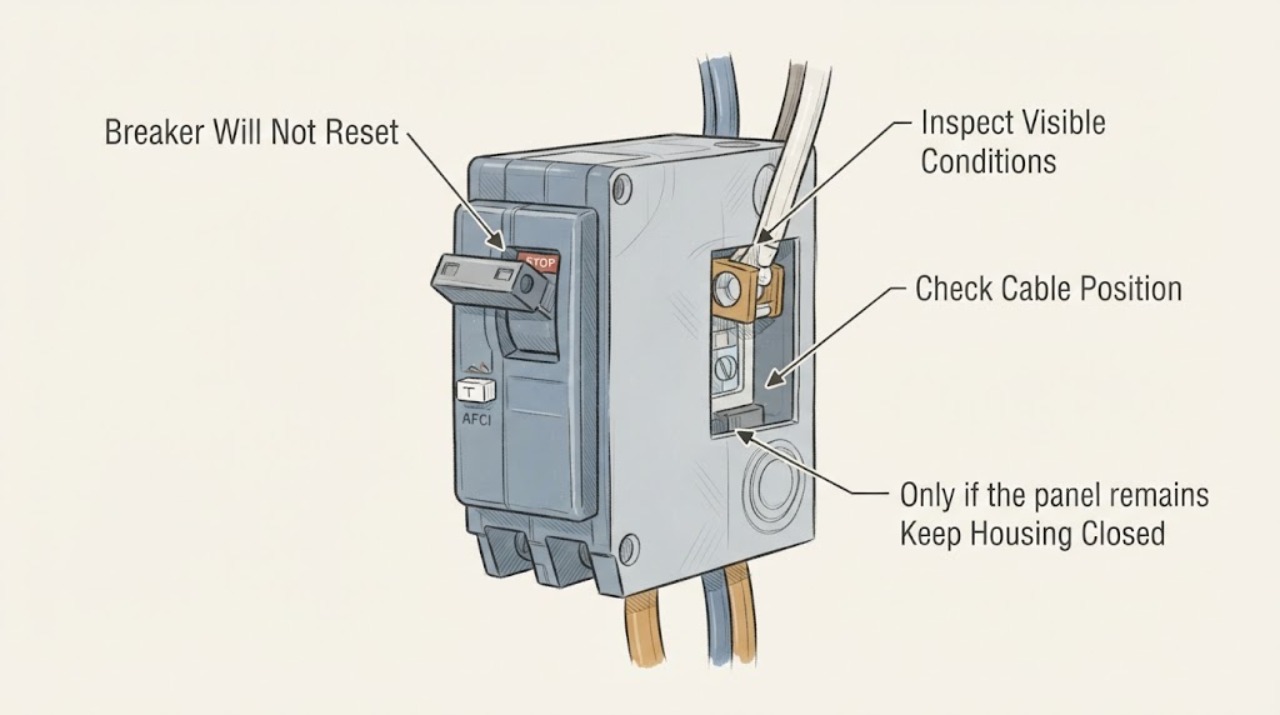
Siemens Breaker Will Not Reset: What to Check and What to Do Next
A Siemens breaker that will not reset may still be in its tripped middle position, may be too warm after a thermal trip, may be responding to an overload or short/ground/arc fault, or may have a damaged mechanism.
-
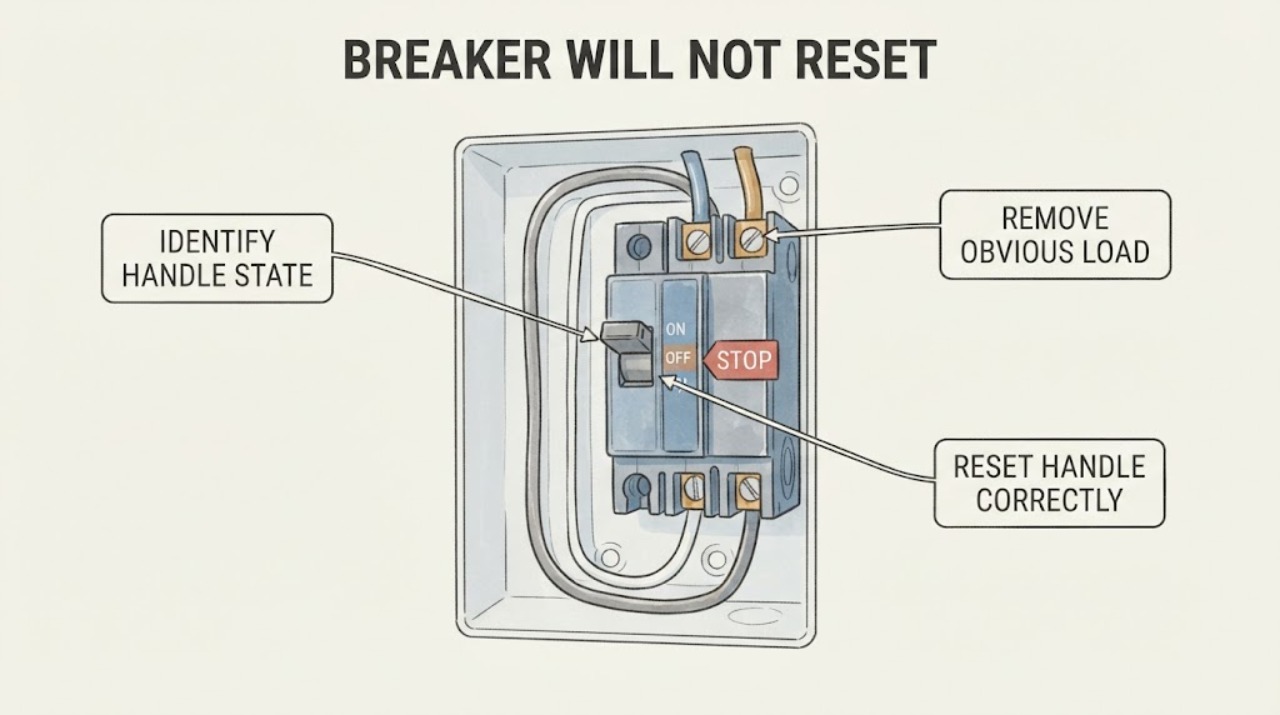
Square d breaker will not reset: What to Check and What to Do Next
A Square D breaker that will not reset may still be in its tripped position, or it may be responding to an overload, short circuit, ground fault, arc fault, connected appliance problem, or an internal or connection fault. From outside the closed panel, identify whether the handle is in the middle or otherwise not fully OFF, then move it firmly all the way to OFF before trying ON once, as Schneider Electric describes for QO branch breakers.