
Inglis appliance guidance
Inglis Refrigerator Repair Guides
Troubleshooting and repair guidance for published Inglis Refrigerator problems, symptoms, and maintenance questions.
Published Inglis Refrigerator guides
Choose the guide whose symptom or condition most closely matches what you are seeing.
-
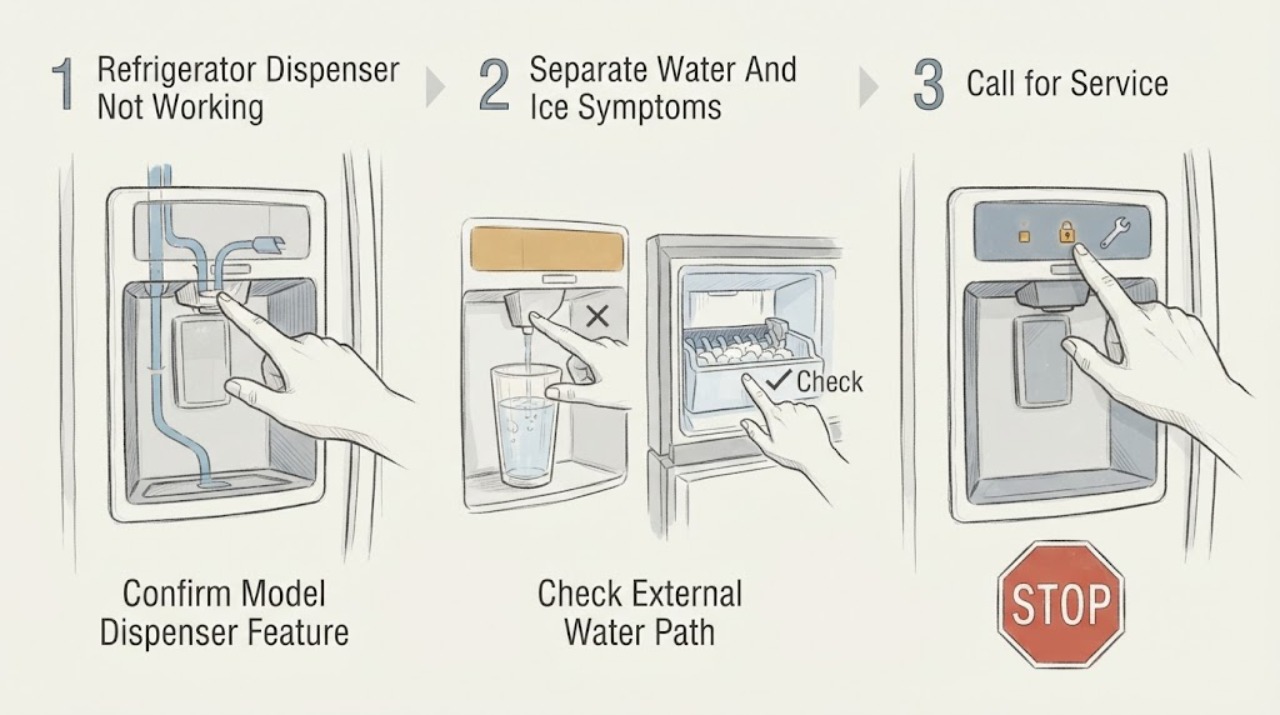
Inglis Refrigerator Dispenser Not Working: Separate Water, Ice, and Door Conditions
First confirm from the exact Inglis model's product documentation or Use & Care Guide that it has the dispenser you are testing. Inglis's official Canadian troubleshooting page places ice and water dispenser guidance under Side-by-Side Refrigerators and repeatedly qualifies ice-bin, filter, switch, and shutoff-arm details as model-dependent; a top-mount or non-dispenser refrigerator cannot be diagnosed as a failed through-door dispenser.
-
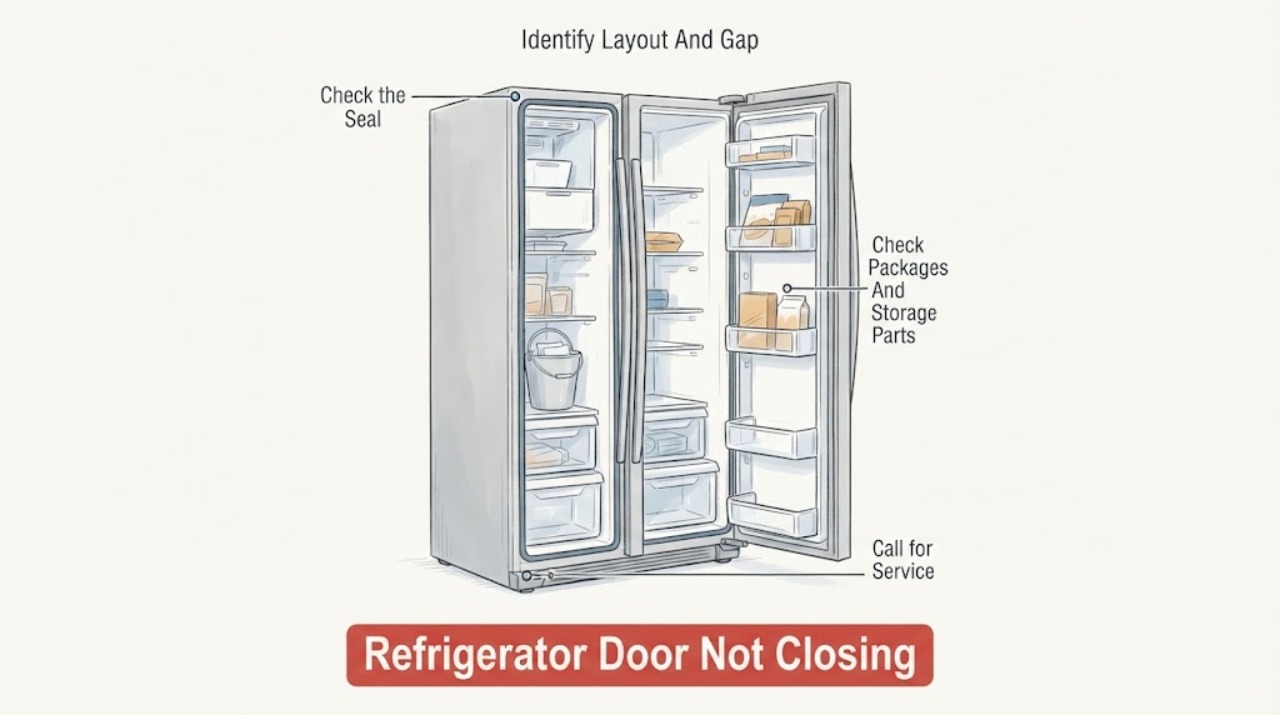
Inglis Refrigerator Door Not Closing
Start with the obstruction, not the hinge. Inglis’s official Canadian troubleshooting guide says a refrigerator door that will not close completely may be blocked by food packages, an out-of-position ice bin or bucket, pans, shelves, bins, or baskets; it also directs you to clean sticking gaskets, check whether the refrigerator wobbles, and consider whether doors were removed and replaced incorrectly during installation.
-
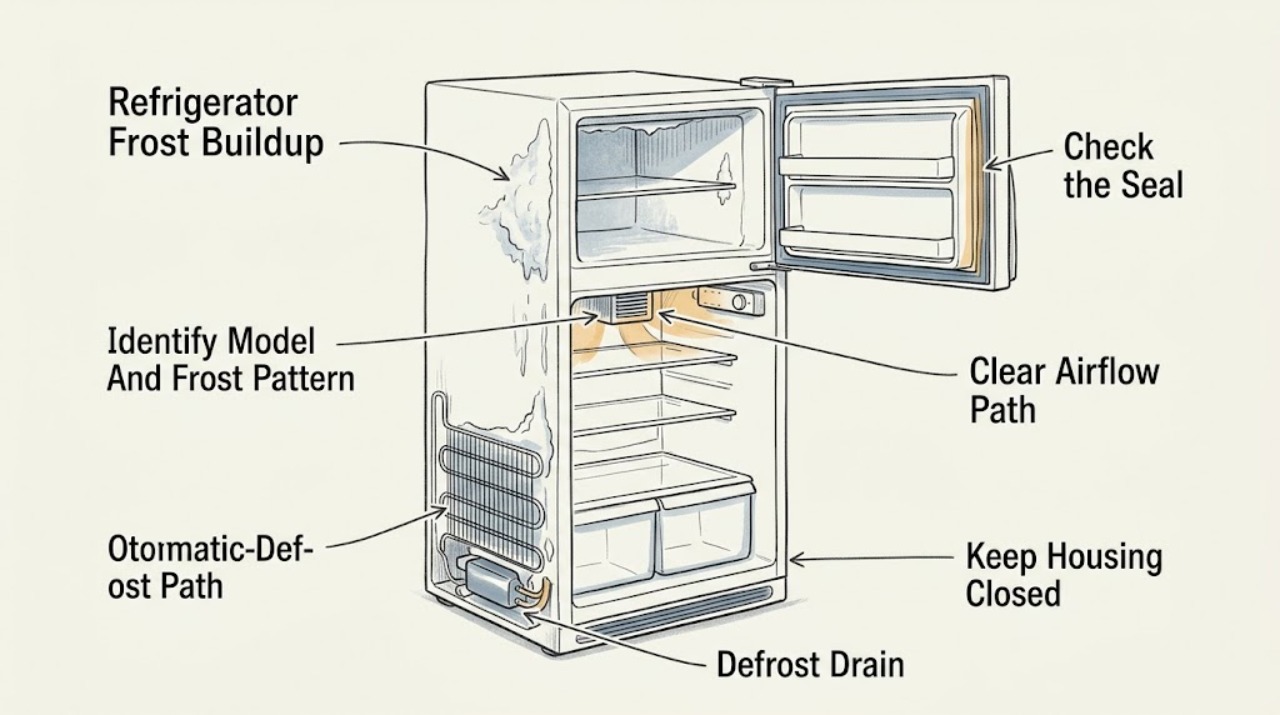
Inglis Refrigerator Frost Buildup: Identify the Pattern and Defrost Safely
A small, thin, even frost layer or brief moisture can be normal, especially after frequent door openings, warm or uncovered food, a humid room, or a recent load. Heavy, localized, or recurring frost is more useful diagnostically: check that the door closes fully, the gasket is clean and contacting the cabinet, food is not blocking the vents, and the controls match the exact Inglis owner’s guide.
-
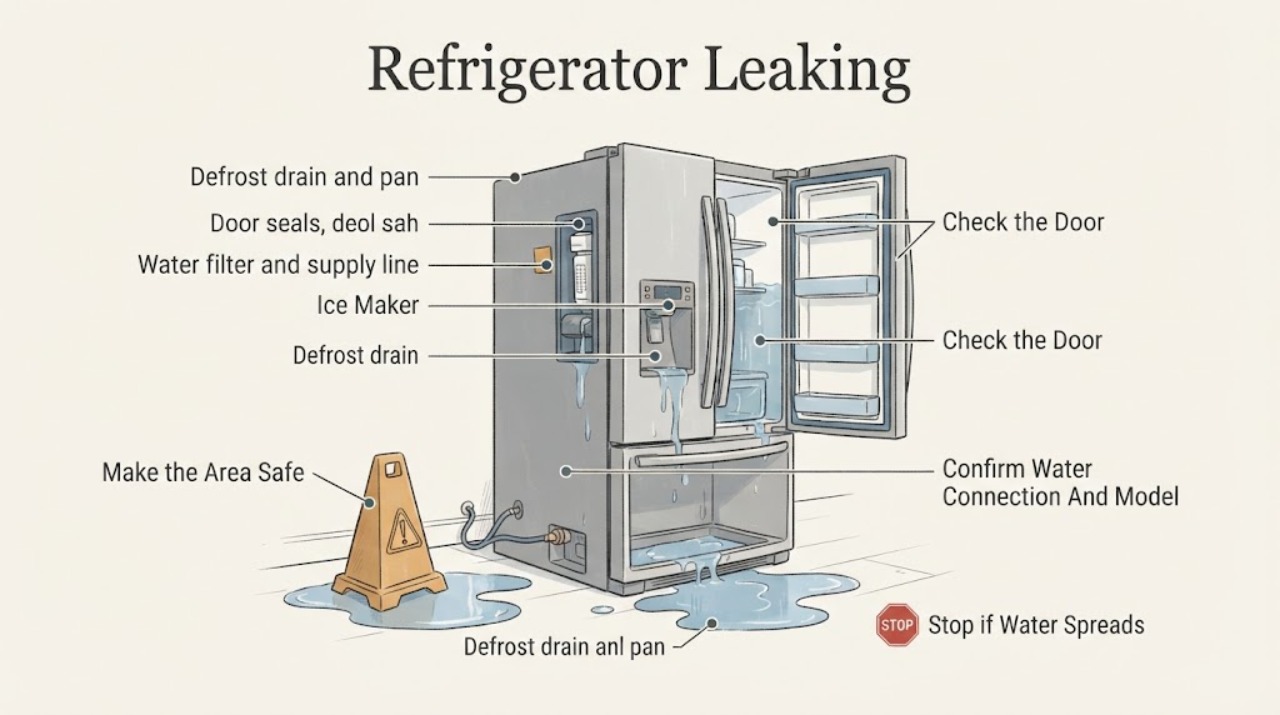
Inglis Refrigerator Leaking
First stop water from spreading and determine whether this Inglis refrigerator has a household water connection, ice maker, or dispenser; many models have none, so do not assume a supply line exists. Identify whether the water is inside under drawers, in a defrost pan, at the dispenser/filter, behind the cabinet, or on the floor, and whether it appears only during defrost or after using ice/water.
-
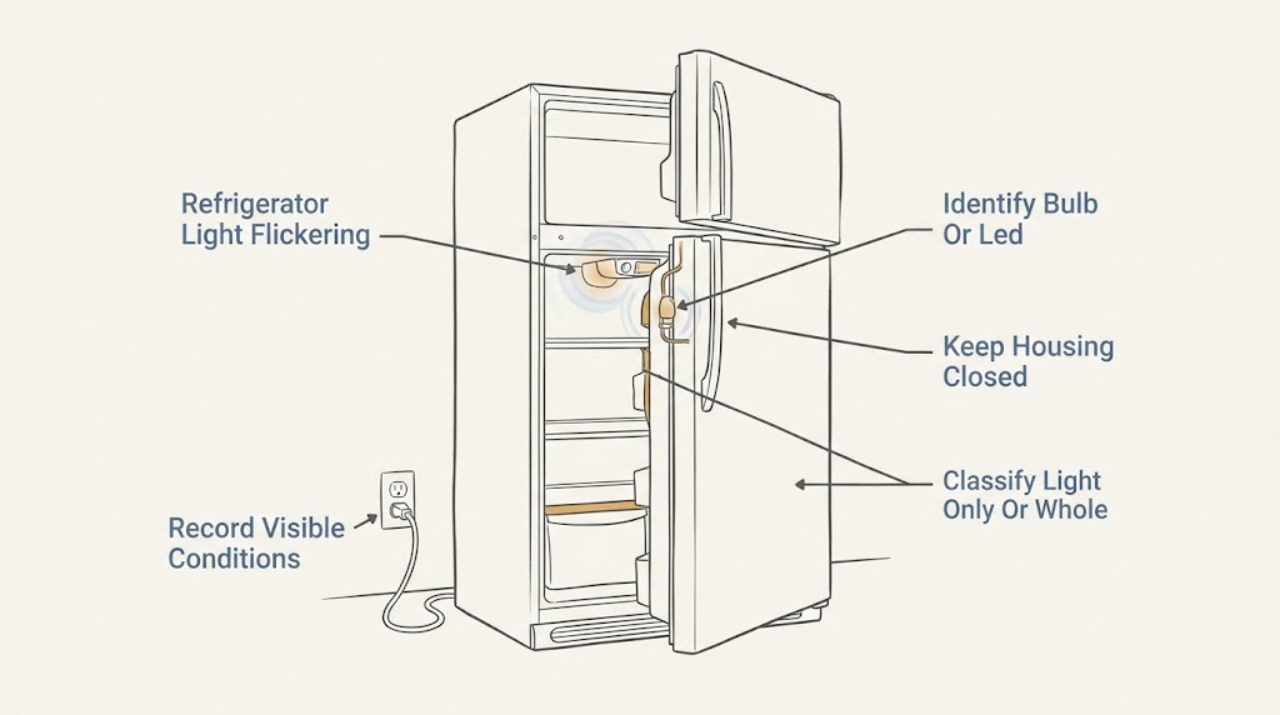
Inglis Refrigerator Light Flickering: Check the Bulb, Door Switch, and Power Path
First determine whether the flicker is limited to the interior light or whether the display, controls, compressor, or other loads also lose power. Inglis's refrigerator troubleshooting identifies an unplugged refrigerator and a loose or burned-out bulb as first checks, while its model guidance points to the Use & Care Guide.
-
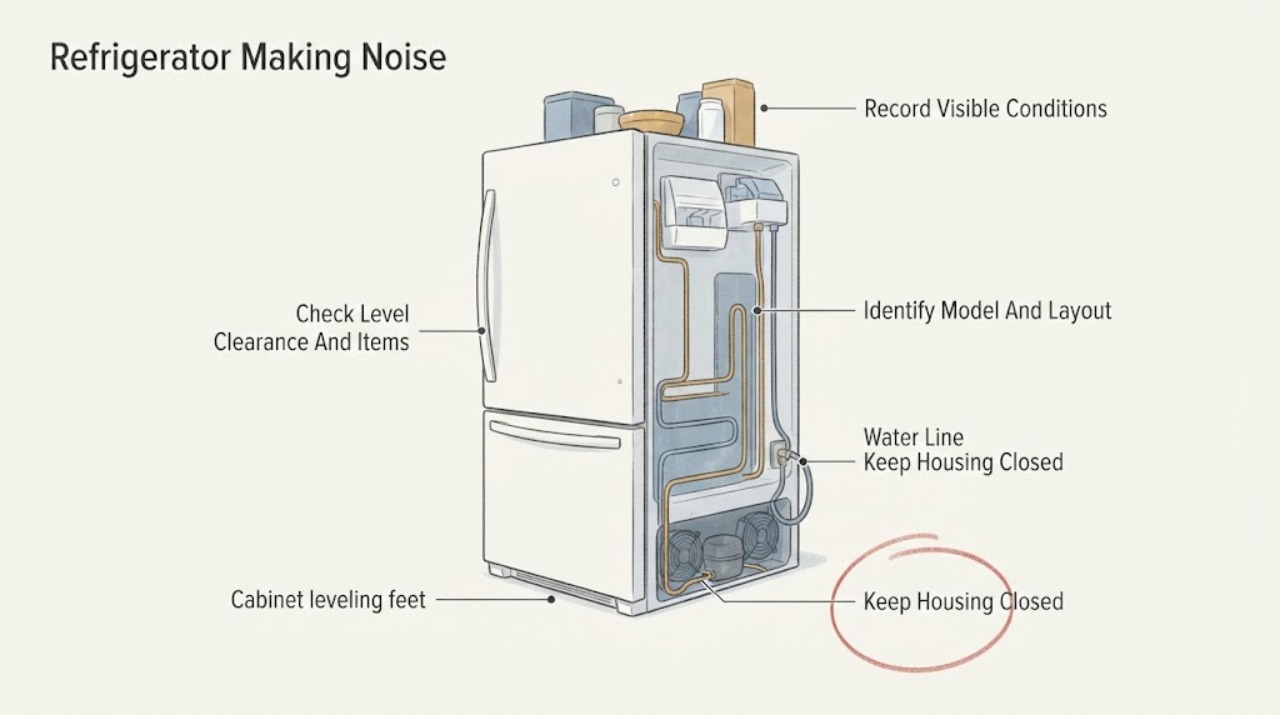
Inglis Refrigerator Making Noise: Separate Normal Cycle Sounds from a Fault
First record the sound's character, location, timing, and effect on cooling. Inglis' official troubleshooting page says that a refrigerator that seems too noisy may be making normal sounds and directs owners to the Use & Care Guide; it also notes that high-efficiency motors can run longer and that a defrost cycle can temporarily stop operation.
-
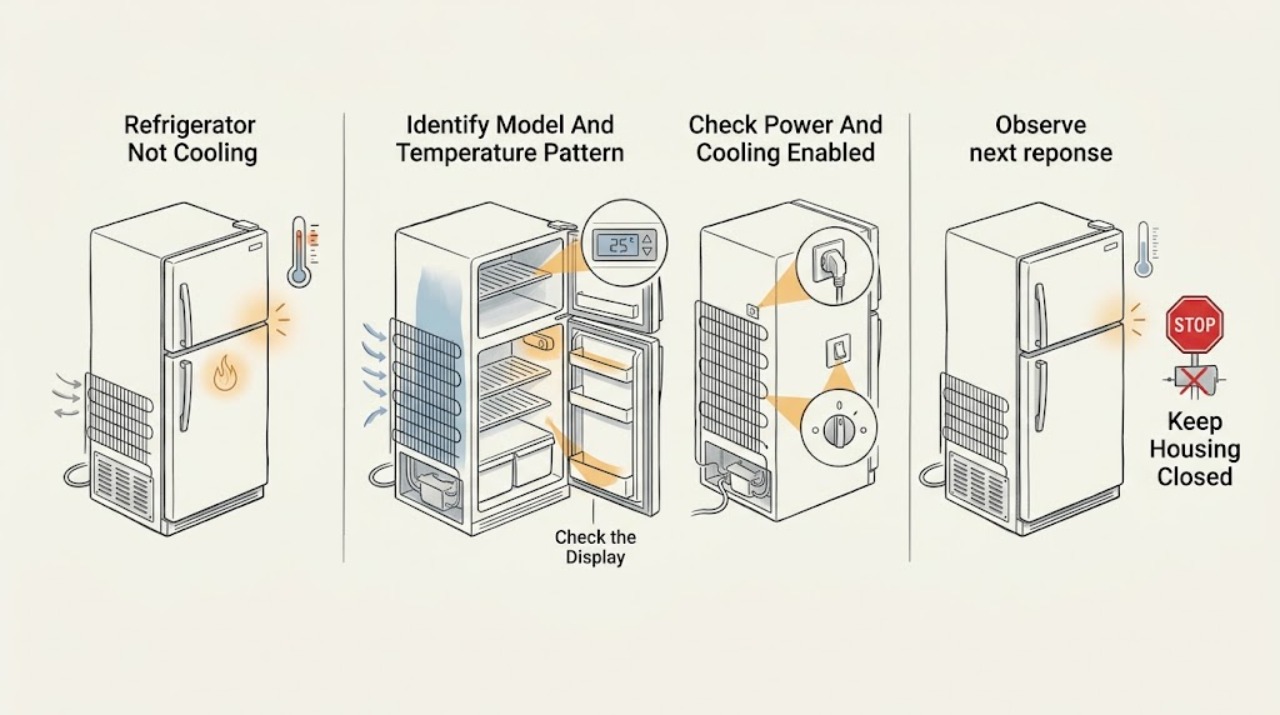
Inglis Refrigerator Not Cooling: Safe Checks by Symptom
Start by separating a refrigerator that is completely off from one that has lights but is warm. Confirm the accessible power connection and that cooling is enabled; some Whirlpool-family controls use a Cooling Off or Showroom/Demo state, but the exit sequence varies by model.
-
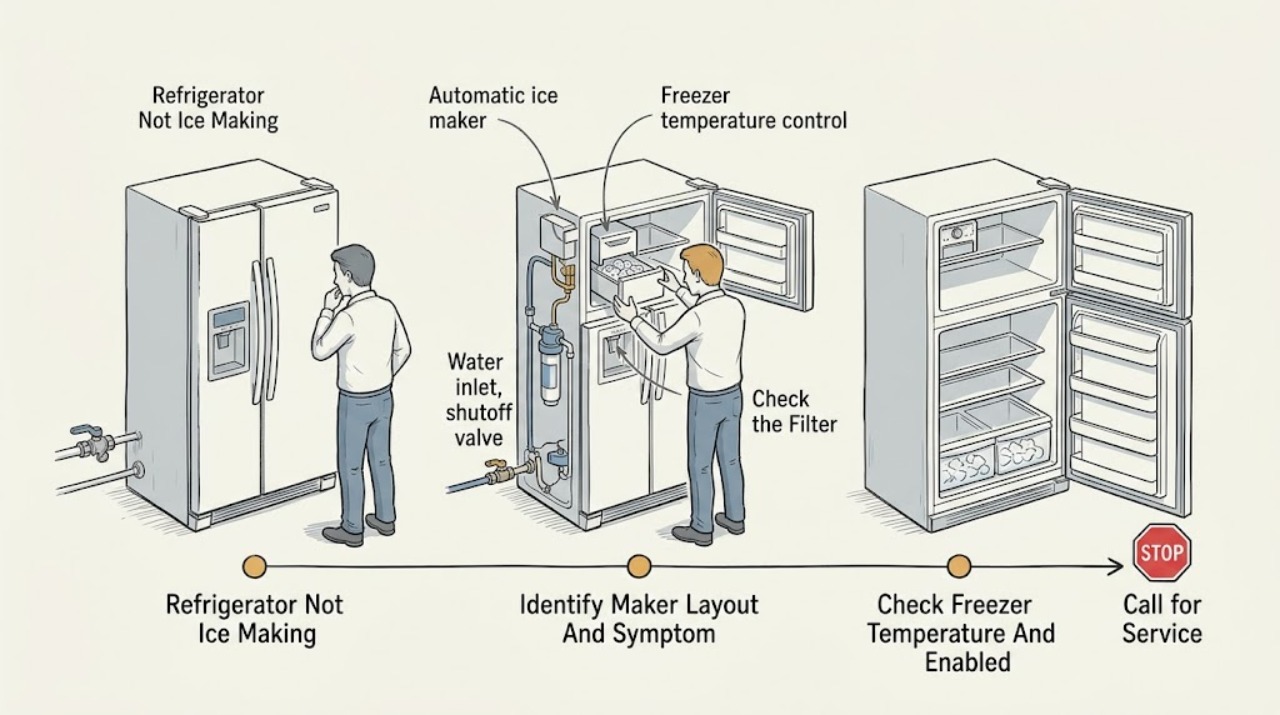
Inglis Refrigerator Not Ice Making
First separate ice production from ice dispensing: an empty mold means the maker is not receiving or freezing water, while a full bin with no ice at the chute is a storage or dispenser problem. Inglis’s official Canadian guide covers side-by-side and top-mount refrigerators and says ice making may depend on the freezer being cold enough, the model’s wire arm or switch being on, the refrigerator’s water valve being open, and a correctly installed, unclogged filter.
-
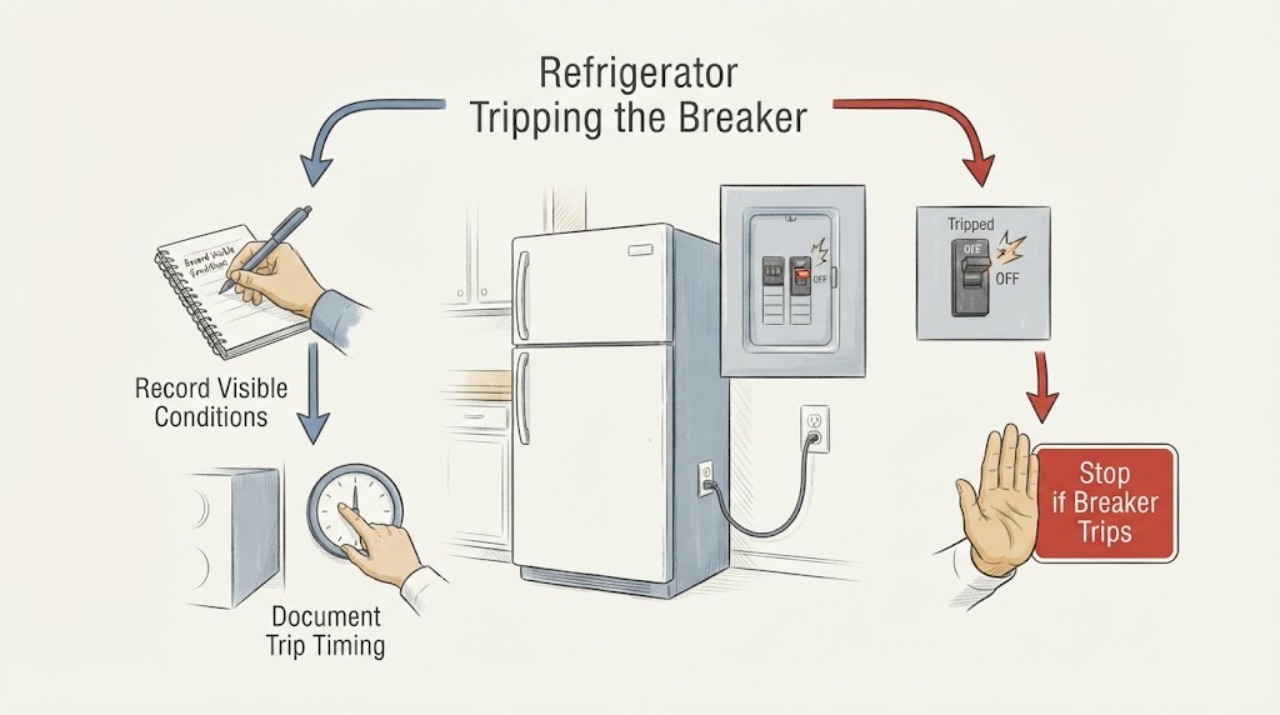
Inglis Refrigerator Tripping the Breaker: Safe Checks and When to Stop
Treat a tripped breaker as a safety event, not as a reset-and-retry diagnosis. Leave the Inglis refrigerator off and do not repeatedly reset the breaker or GFCI, install a larger fuse or breaker, use an extension cord, bypass grounding, or perform a live electrical test.