
Thermador appliance guidance
Thermador Induction Cooktop Repair Guides
Troubleshooting and repair guidance for published Thermador Induction Cooktop problems, symptoms, and maintenance questions.
Published Thermador Induction Cooktop guides
Choose the guide whose symptom or condition most closely matches what you are seeing.
-
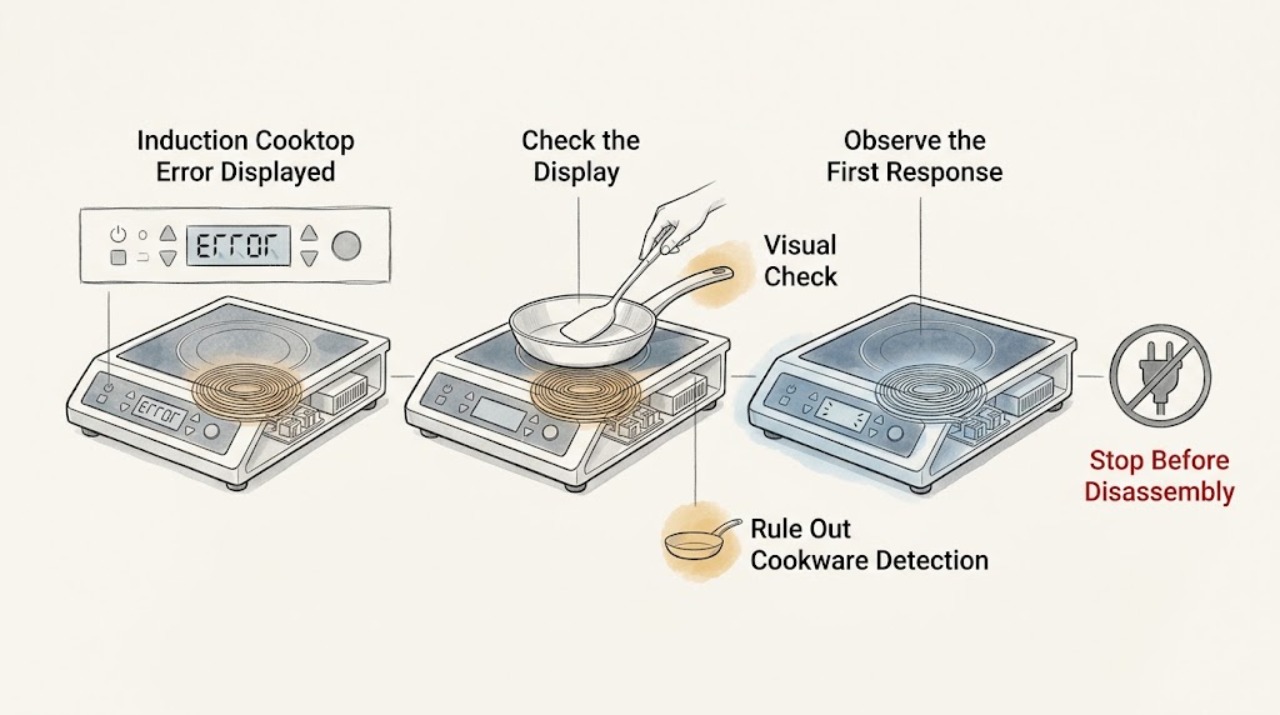
Thermador Induction Cooktop Error Displayed: Decode the Exact Code Safely
Record the complete Thermador display exactly as shown, including capitalization, digits, dE, F0, F1, F2, F4, F5, F6, F8 + H/h, F9, E7010, E7015, E8207, E8208, E9000, E9010, or U400 when applicable; do not substitute a similar-looking code. Thermador says an F plus a number indicates a detected fault and directs the owner to the exact model manual.
-
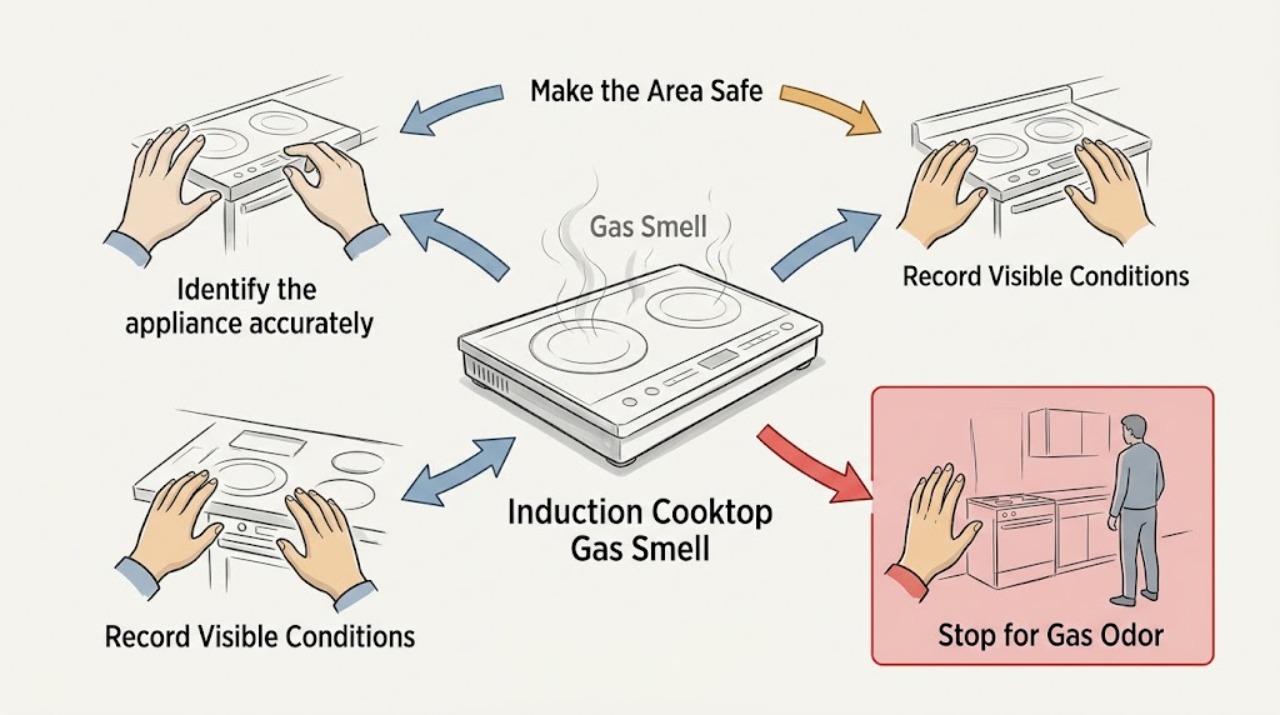
Thermador Induction Cooktop Gas Smell: Treat It as a Nearby Gas Hazard
A Thermador induction cooktop heats cookware with electrical inductors and has no gas burner or cooktop gas supply described by Thermador. A gas or sulfur-like odor near it should therefore be treated as a possible leak from another gas appliance, a pipe, or the building supply—not as an induction-cooktop fault to locate by trial.
-
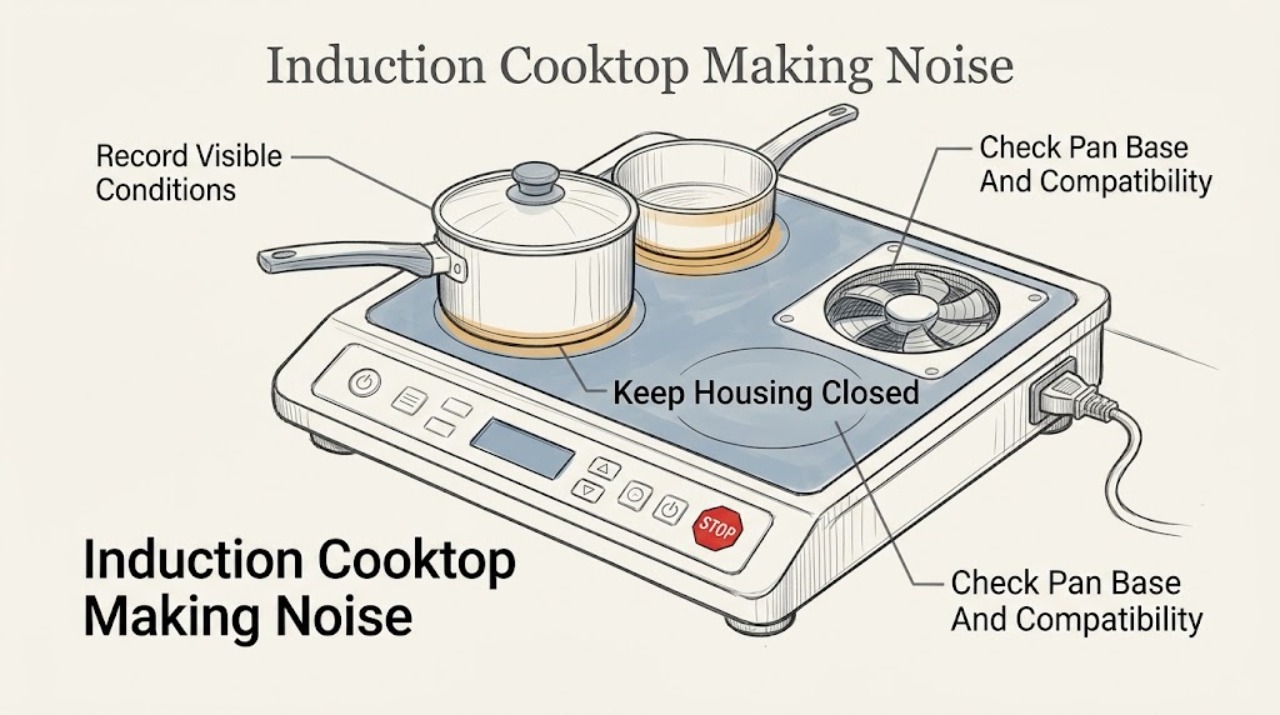
Thermador Induction Cooktop Making Noise: Separate Cookware Sounds from Faults
A Thermador induction cooktop can make a hum, buzz, or crackle from the cookware and cooking method, and its cooling fan can continue after shutoff while the electronics are hot. Thermador also says a whistle can occur with empty cookware on an active zone.
-
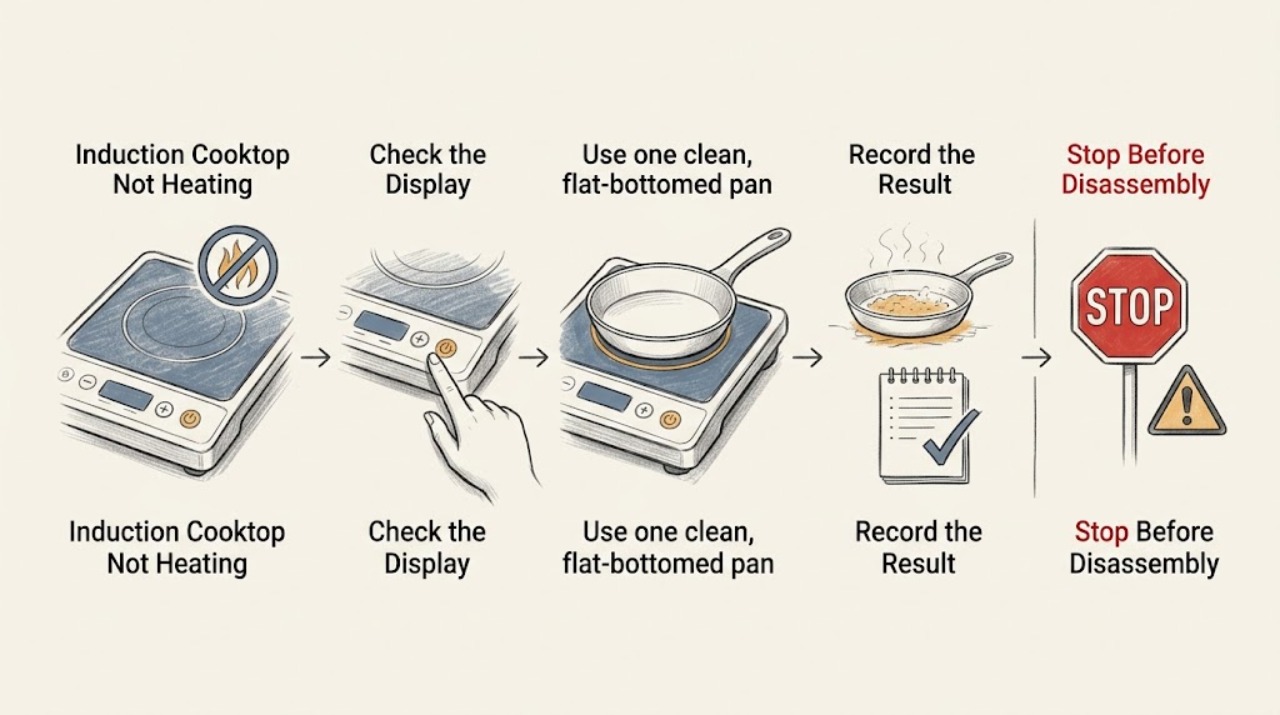
Thermador Induction Cooktop Not Heating: Check the Pan, Zone, and Power
A Thermador induction cooktop usually fails to heat because the pan is not being detected, the wrong zone or control state is selected, power is being shared across zones, or the cooktop has entered an overheat or fault state. Start with a flat, magnetic pan centered on the correct zone, a dry unlocked control panel, and one zone at a moderate setting.
-
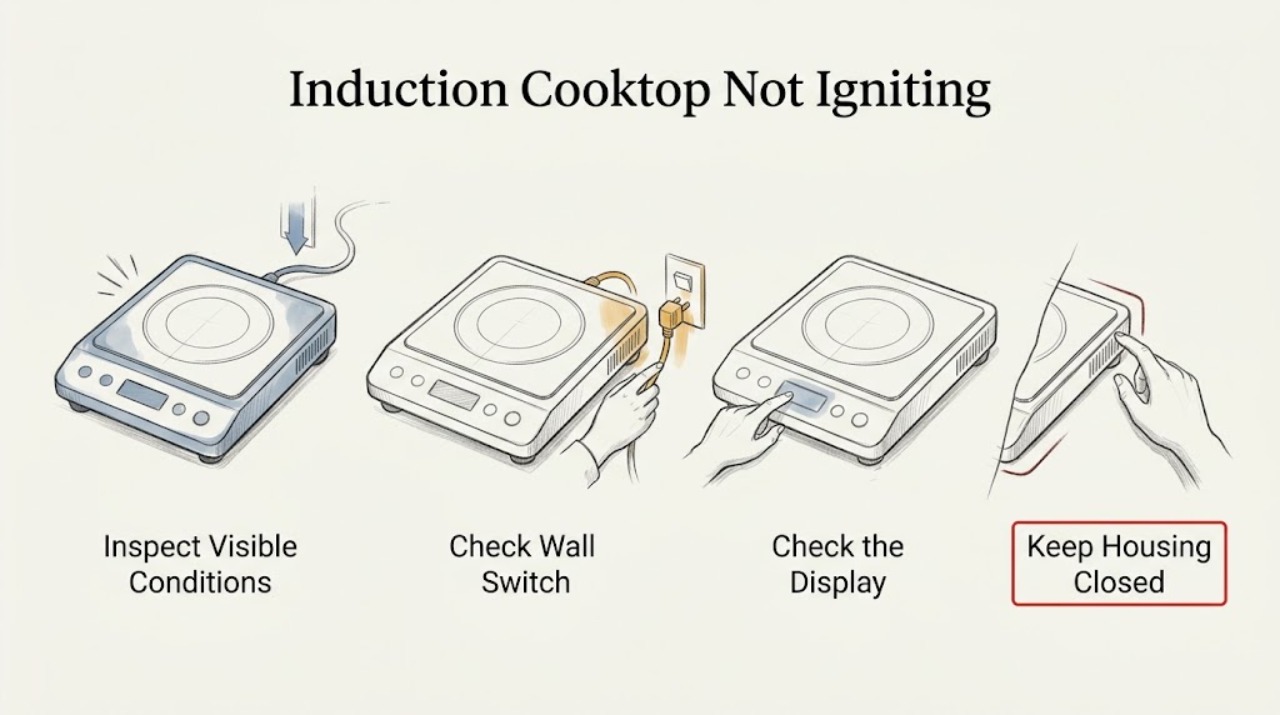
Thermador Induction Cooktop Not Igniting
A Thermador induction cooktop does not ignite a flame: it activates a cooking zone by detecting suitable magnetic cookware and applying a selected power level. If the zone does not activate, check the visible power state, control lock, dry touch surface, correct zone selection, flat magnetic pan, and any complete error display.
-
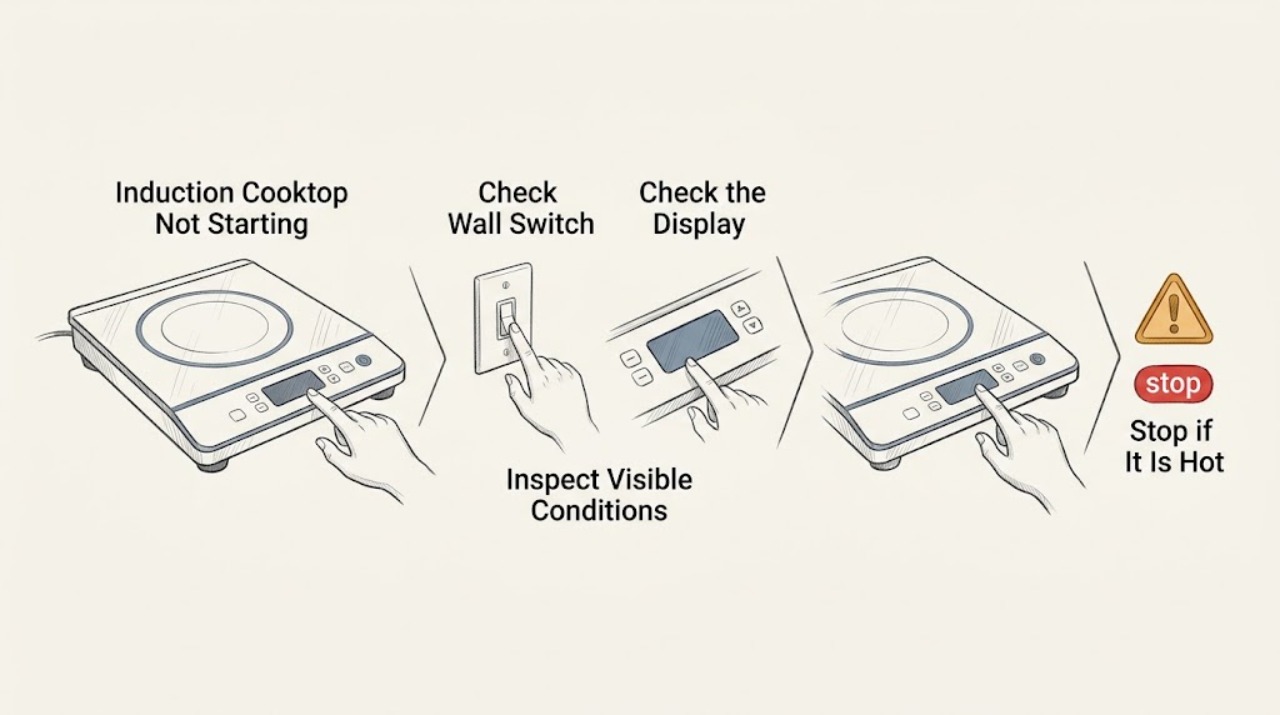
Thermador Induction Cooktop Not Starting
First decide whether the whole Thermador induction cooktop is dead or whether the panel turns on but a cooking zone will not activate. If the display is blank, check the main switch, power failure, plug or supply, fuse, and breaker only from a safe, dry position.
-
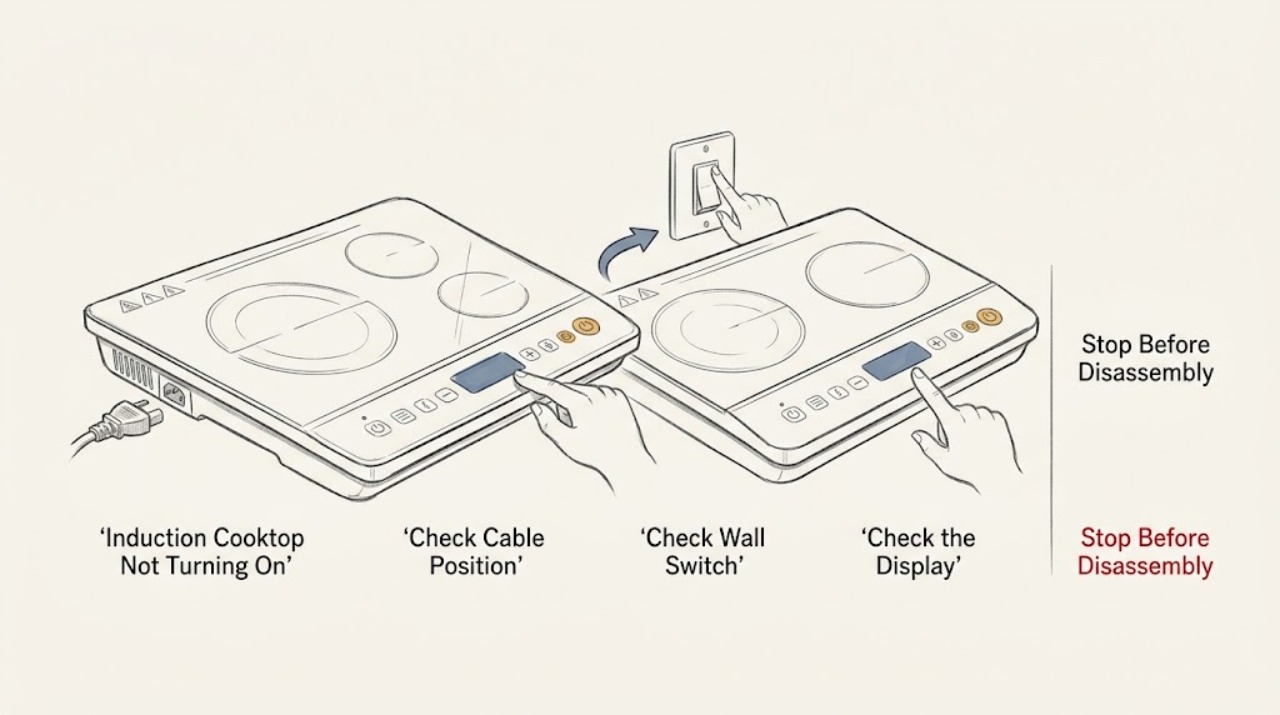
Thermador Induction Cooktop Not Turning On: Check Power, Lock, and Pan Detection
If a Thermador induction cooktop will not turn on, first determine whether the whole display is dark, the panel is lit but locked, the controls respond but a zone will not heat, or an error appears. Check the accessible main switch, plug or isolator, power failure, and labeled breaker without opening the cooktop.
-
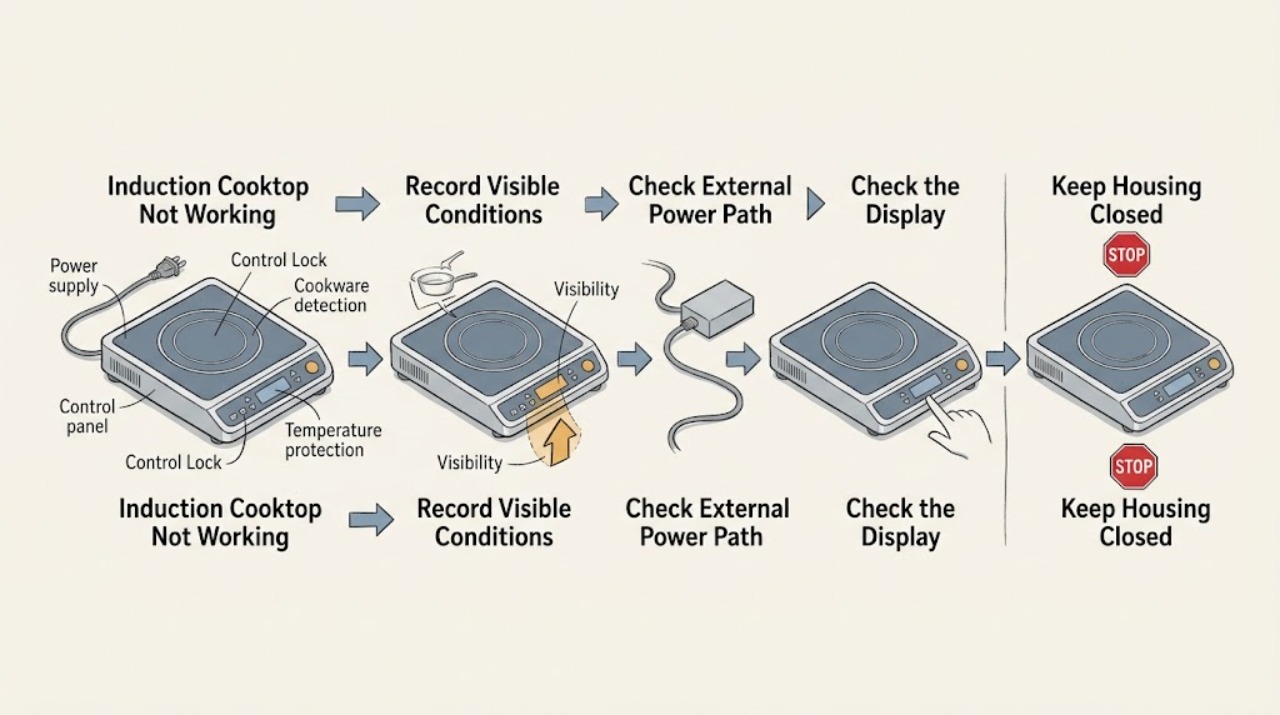
Thermador Induction Cooktop Not Working: Check Power, Controls, and Cookware
A Thermador induction cooktop that is not working may have no incoming power, a locked or wet control panel, cookware that the zone cannot detect, an overheat condition, or a model-specific fault. First classify whether the whole cooktop is blank, the controls are lit but locked or unresponsive, or only one zone fails.
-
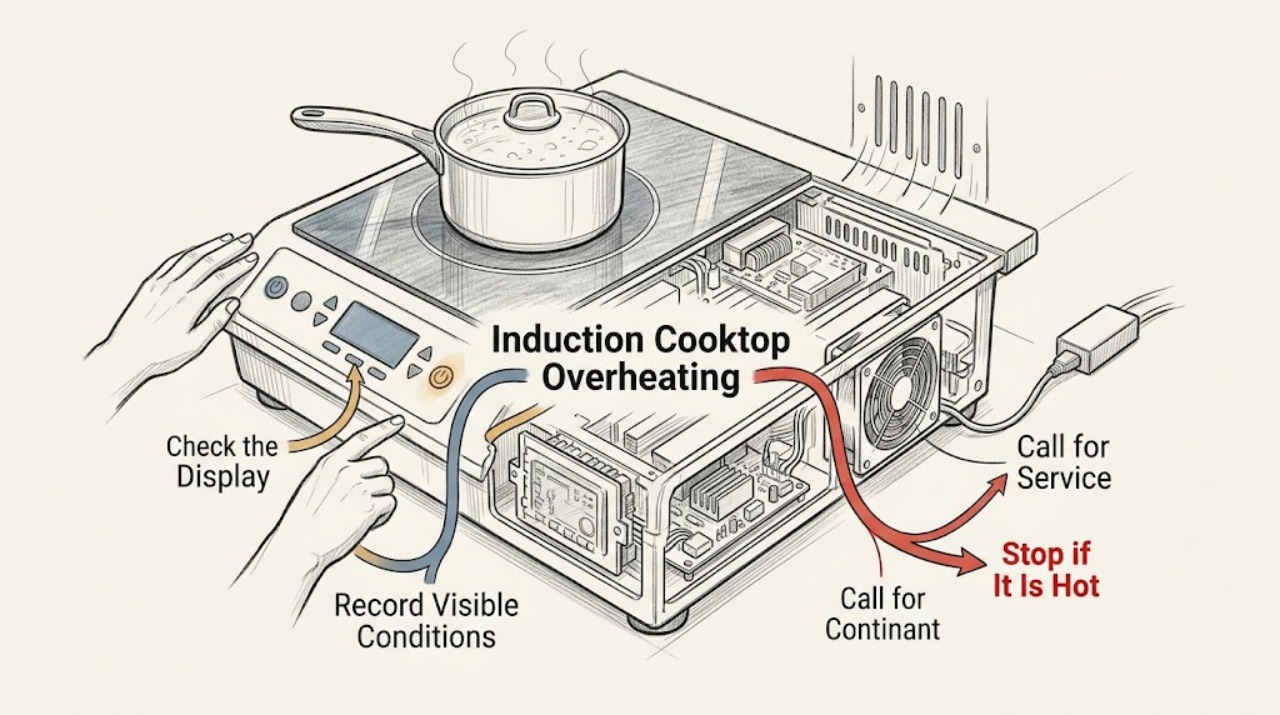
Thermador Induction Cooktop Overheating: Separate Cooling from a Fault
If a Thermador induction cooktop seems to overheat, turn the affected zone off, move hot cookware away from the control panel when it is safe to do so, and let the surface and electronics cool. A cooling fan that continues after cooking can be normal, and Thermador says PowerBoost can switch off automatically to protect internal components.