
On this page
Start here
Quick answer
First determine whether only the ceiling fan's light flickers or other lights flicker too. A problem limited to the fan light is commonly related to a loose or failing replaceable bulb, an integrated light module, or a bulb-and-control mismatch, especially when it happens while dimmed. If other room lights flicker, the fan makes electrical noise, a switch or outlet feels hot, or a breaker trips, stop using the fan and have a licensed electrician investigate the circuit.
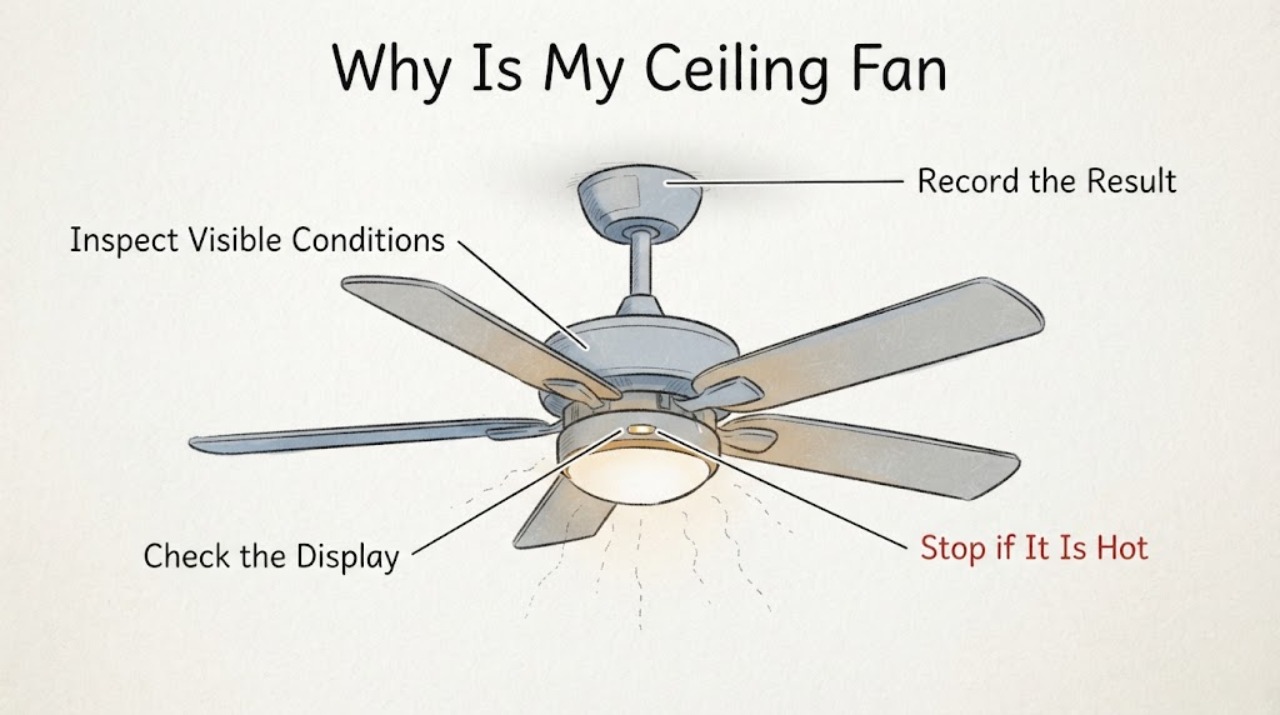
Work through in order
Diagnostic checks
Use only checks that match the exact appliance or system and its official guide.
-
Check 1
With the room otherwise quiet, turn the fan light on at its normal full setting and observe the fan light, the fan motor, and one nearby light at the same time. Then turn the fan motor off while leaving the light on, if the installed controls allow that separation.
Expected result: Only the fan light flickers; the nearby light is steady and the motor does not change speed, or the flicker follows the motor starting.
Next step: If the symptom is light-only, continue to the bulb and dimming checks. If it follows the motor or appears elsewhere, stop using the fan and arrange an electrician inspection instead of opening the wiring.
Why this matters
Why: A light-only pattern keeps the bulb, integrated light electronics, and light control in focus. A pattern that follows motor startup or affects another fixture is more consistent with a shared control or circuit problem and is not a bulb-only diagnosis.
-
Check 2
Turn the fan light off with its normal control, let a replaceable bulb cool, and inspect the bulb through the shade for a cracked envelope, blackened area, or a visibly loose fit. If the fan uses an integrated LED module rather than a screw-in bulb, do not remove the module; identify the fan model from its manual or label instead.
Expected result: A replaceable bulb is damaged or not seated, or the light is an integrated module with no replaceable bulb.
Next step: Replace a damaged replaceable bulb only with one that matches the socket and the fixture's stated wattage, then retest at full brightness. If the bulb is sound or the light is integrated, continue to the control check or contact the manufacturer for the model manual.
Why this matters
Why: A damaged bulb can flicker and should not be used. A correctly seated, undamaged bulb that still flickers shifts suspicion to the light control, driver, socket, or another connection; an integrated module requires model-specific instructions rather than a generic bulb swap.
-
Check 3
If the light is connected to a dimmer or has remote dimming, set it to full brightness and check the bulb packaging or model documentation for dimmable operation. Confirm that the control is intended for the fan/light combination and that the fan and light are operated separately.
Expected result: The flicker stops at full brightness, or the bulb is marked non-dimmable, or the wall control is a conventional dimmer not identified for this fan/light.
Next step: Leave the light at a steady setting and stop using the questionable dimmer combination until the fan manual or a qualified electrician confirms a compatible control and bulb pairing.
Stop if: If it flickers at full brightness with a compatible, dimmable setup, continue to the circuit and professional-service boundary; do not bypass or rewire the control.
Why this matters
Why: A change tied to the dimming range points to an incompatibility between the bulb and control rather than proving the fan motor is bad. ENERGY STAR also notes that controls must match the fan/light arrangement, and a conventional dimmer can create problems when used to run a fan.
-
Check 4
Observe the symptom during one normal fan start and while the fan runs at its usual speeds, without touching the fixture or switch wiring. Note whether the room's other lights dim, whether a breaker trips, or whether the switch, ceiling canopy, or nearby receptacle becomes warm or discolored.
Expected result: Flicker spreads beyond the fan light, is accompanied by buzzing, sizzling, a burning odor, heat, discoloration, sparks, a shock or tingle, or repeated breaker trips.
Next step: Turn the fan off using its normal control, keep people away from any hot, sparking, or damaged area, and call a licensed electrician. If the flicker affects the whole home or changes with outdoor conditions, contact the electric utility rather than touching service equipment.
Why this matters
Why: Those are electrical hazard warning signs, not a reason to keep testing the fan. The fault may be in the control, branch circuit, service connection, or fan wiring, and a visual check cannot establish which one is safe to repair.
Use your observations
Decision map
Find the observation that best matches what you see, then follow the next safe action.
-
PATH 01Next step
What you see
Only the fan light flickers and the problem changes with dimming
Do this next
Use a correctly rated, dimmable bulb and a control approved for the specific fan/light combination; if the symptom remains, stop using the light and seek model-specific or electrician help.
-
PATH 02Next step
What you see
Only the fan light flickers at full brightness with a sound bulb
Do this next
Treat the socket, integrated LED electronics, receiver, or fixed wiring as unresolved. Do not open the fixture; arrange manufacturer or licensed-electrician service.
-
PATH 03Next step
What you see
Other lights flicker, the fan starts the flicker, or the breaker trips
Do this next
Stop using the fan and have a licensed electrician inspect the circuit and control. Repeatedly resetting a breaker or installing a higher-rated protective device is not a repair.
-
PATH 04Next step
What you see
There is sparking, crackling, burning smell, heat, discoloration, or an electrical shock
Do this next
Stop immediately and keep clear. Call a licensed electrician; call the utility for a suspected service-equipment problem and emergency services if there is smoke or fire.
Helpful context
Understand the symptom
What the pattern tells you
Flicker at one ceiling fan is not automatically a motor failure. The light and motor can share a housing while using separate controls, so the timing matters: flicker only at low brightness points toward the lamp or dimming path, while flicker that follows the fan starting or appears in several fixtures needs electrical investigation. Do not remove the canopy, open a switch box, or test live wiring as part of these homeowner checks.
Before you continue
Use only the ordinary wall switch, pull chain, or remote controls already installed. Keep the fan off if it is hot, smells burnt, crackles, sparks, or repeatedly trips a breaker. A ceiling fan mounted in a ceiling box also has physical and electrical connections that should be handled by a qualified professional when the visible checks do not identify the cause.
Only after diagnosis
Potential parts
- dimmable LED ceiling-fan bulb
Consider this only if the fan has a replaceable bulb and the existing bulb is damaged, non-dimmable, or incompatible with the confirmed light control.
Match the socket type and the fixture's maximum wattage, and verify dimmability and model requirements before ordering. - fan and light wall control
Consider a control only if the flicker changes with dimming or the installed control is not identified as compatible with the fan/light combination; the cause should be confirmed before replacement.
Confirm the exact fan model, control type, speed functions, lamp load, and manufacturer compatibility; electrical installation should be handled by a qualified person.
When checks do not resolve it
Need a professional?
Use professional service when the fan light still flickers at full brightness, when a control or receiver may be incompatible, or when any heat, noise, odor, sparking, shock, or circuit-wide flicker is present.
Common questions
FAQ
Why does my ceiling fan light flicker only when dimmed?
That pattern points first to a bulb-and-control compatibility issue. Use a bulb labeled for dimming and a control approved for the fan/light combination; if it still flickers at full brightness, stop using the light and seek service.
Is a flickering ceiling fan light dangerous?
It can be a simple light-source or control mismatch, but flicker with buzzing, heat, discoloration, a burning odor, sparks, shocks, other flickering lights, or breaker trips is an electrical warning sign. Turn the fan off and call a licensed electrician.
Can I fix the flicker by opening the ceiling fan housing?
Do not open the housing or switch box for these checks. Fixed wiring, an integrated LED module, a receiver, or a ceiling-box connection requires model-specific or qualified electrical service.
Read the exact guide
Official sources
- Replacing Your Ceiling Fan Light Bulbs – Hunter Fan Support Site and Help CenterHunter Fan Support Site and Help Center · General ceiling fan light troubleshooting where the fan has a replaceable bulb or dimming control
- Ceiling Fan Accessories and Purchasing ChoicesENERGY STAR · General fan/light control compatibility and separate fan and light operation
- Guide to Home Wiring HazardsU.S. Consumer Product Safety Commission · Flickering or dimming lights, electrical noise, overheating, odors, shocks, breaker problems, and suspected service-equipment faults
Community feedback
Share a repair observation
Share a plain-text repair observation. Accepted observations are published automatically; this page may take a moment to update.