
Electrical guides
Ceiling Fans Repair Guides
Ceiling-fan guidance for power, speed, wobble, noise, lights, and controls.
Published ceiling fans guides
Choose the guide that best matches the equipment and symptom you are seeing.
-
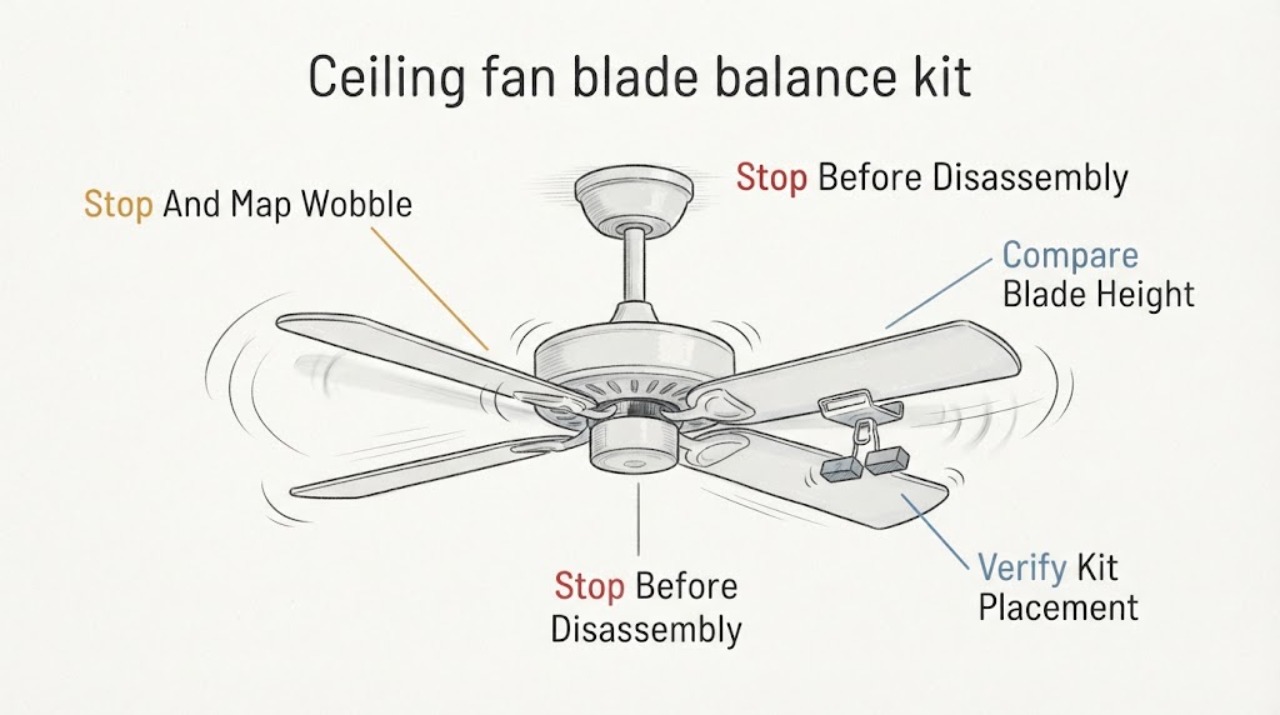
Casablanca ceiling fan blade balance kit wobbling: What to Check and What to Do Next
A Casablanca ceiling fan can still wobble after a balance kit is fitted if a blade, blade holder, kit weight, or mounting connection is loose or if the fan is not level. Turn the fan OFF, wait for the blades to stop, and use a stable floor-level view to compare blade height and hardware; never reach toward a moving fan or stand on the fan.
-
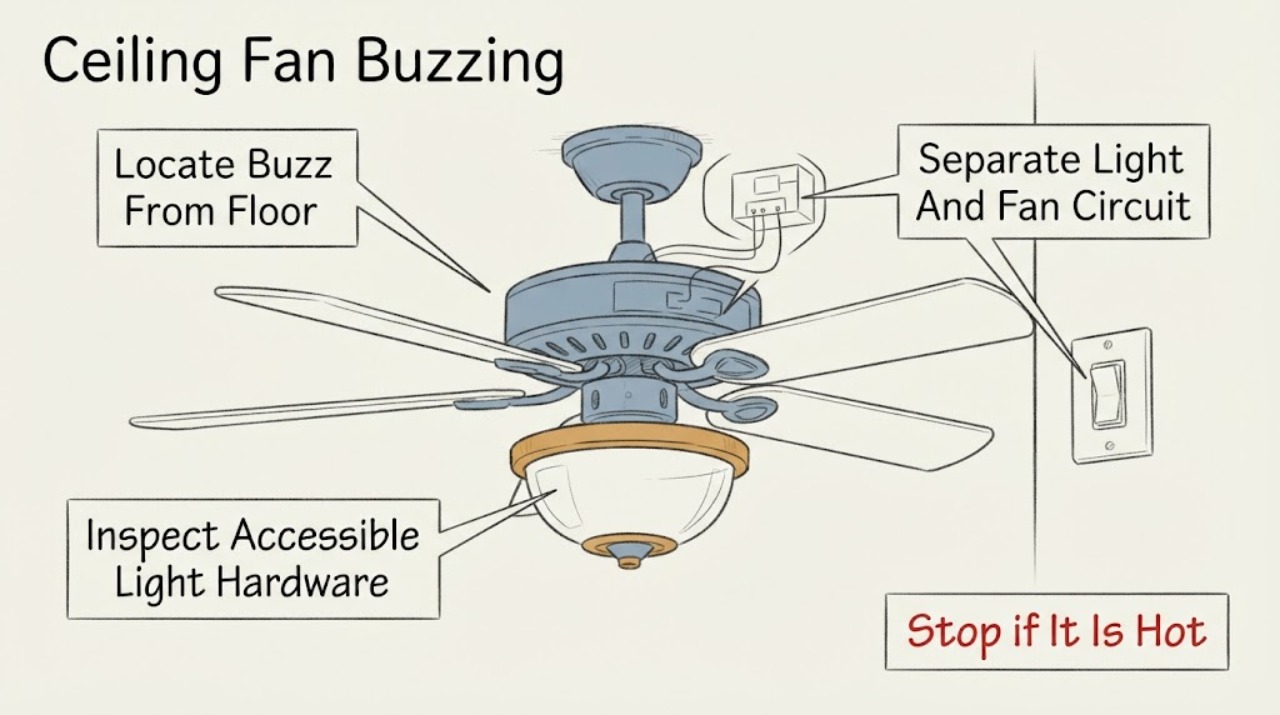
Casablanca Ceiling Fan Buzzing: What to Check and What to Do Next
A buzzing Casablanca ceiling fan is most often narrowed by where the sound comes from and what changes it: a light-only buzz can point to a bulb, light kit, or dimmer; a buzz tied to a control can involve an incompatible control or receiver; and a buzz that follows fan speed can involve the motor or mounting hardware.
-
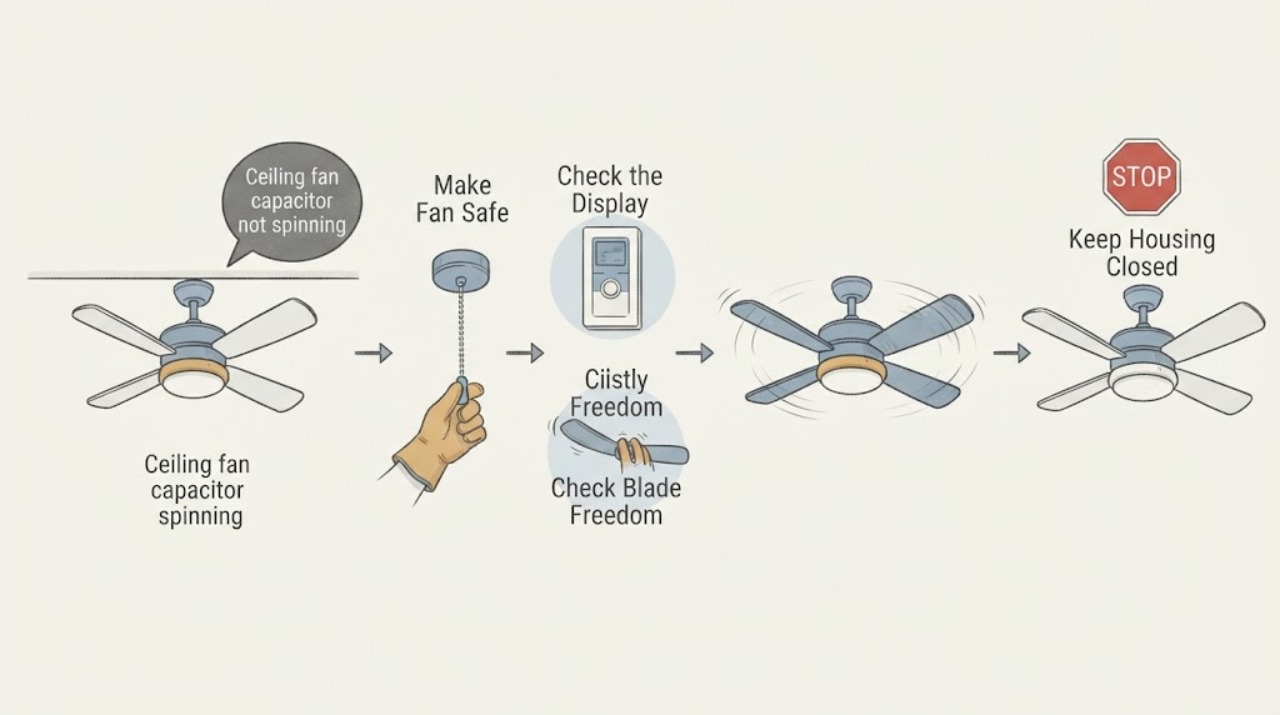
Casablanca ceiling fan capacitor not spinning: What to Check and What to Do Next
A Casablanca ceiling fan that has power but will not spin can have a failed capacitor, receiver, wiring harness, internal control, or motor, but the capacitor should not be assumed from the symptom alone. First turn the fan off and make sure the blades and mounting are safe, then check the wall control, remote battery or pairing, breaker, and the fan's direction switch.
-
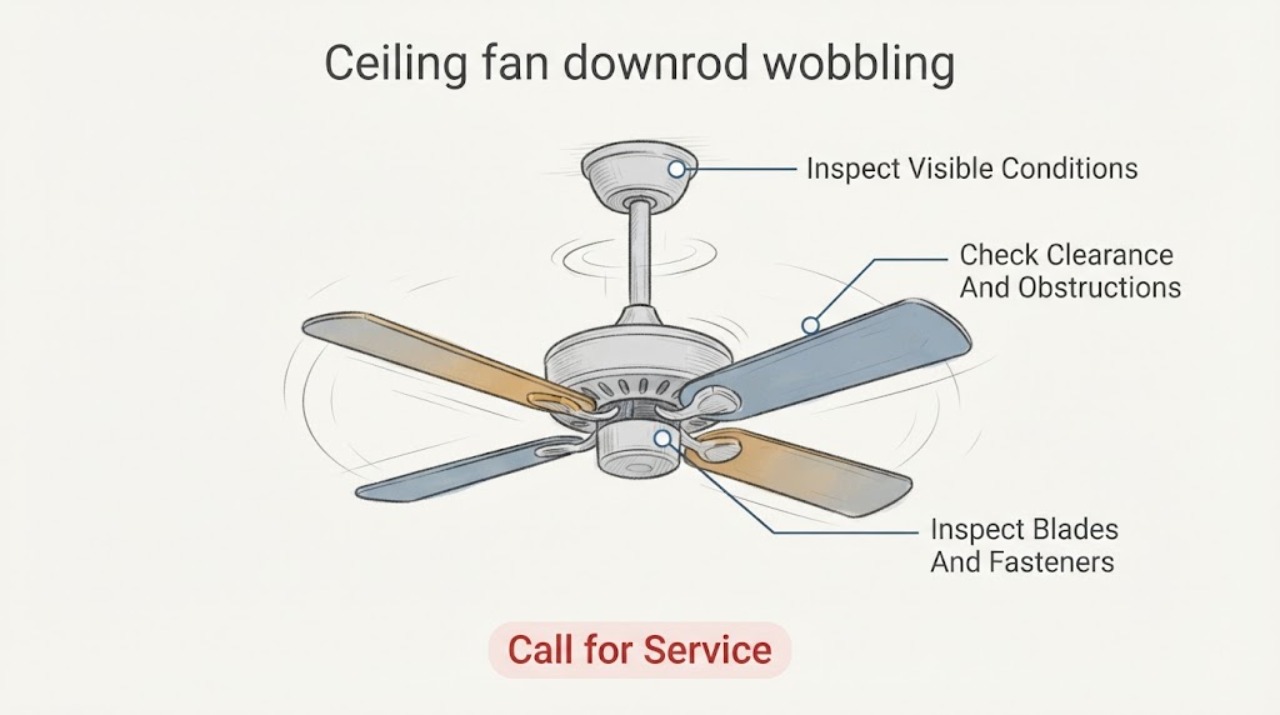
Casablanca ceiling fan downrod wobbling: What to Check and What to Do Next
A wobbling Casablanca ceiling fan is not automatically a blade-balance problem. First stop the fan and observe whether the ceiling plate, canopy, downrod, hanger ball, or whole fan moves, and keep people clear if the mount looks loose.
-
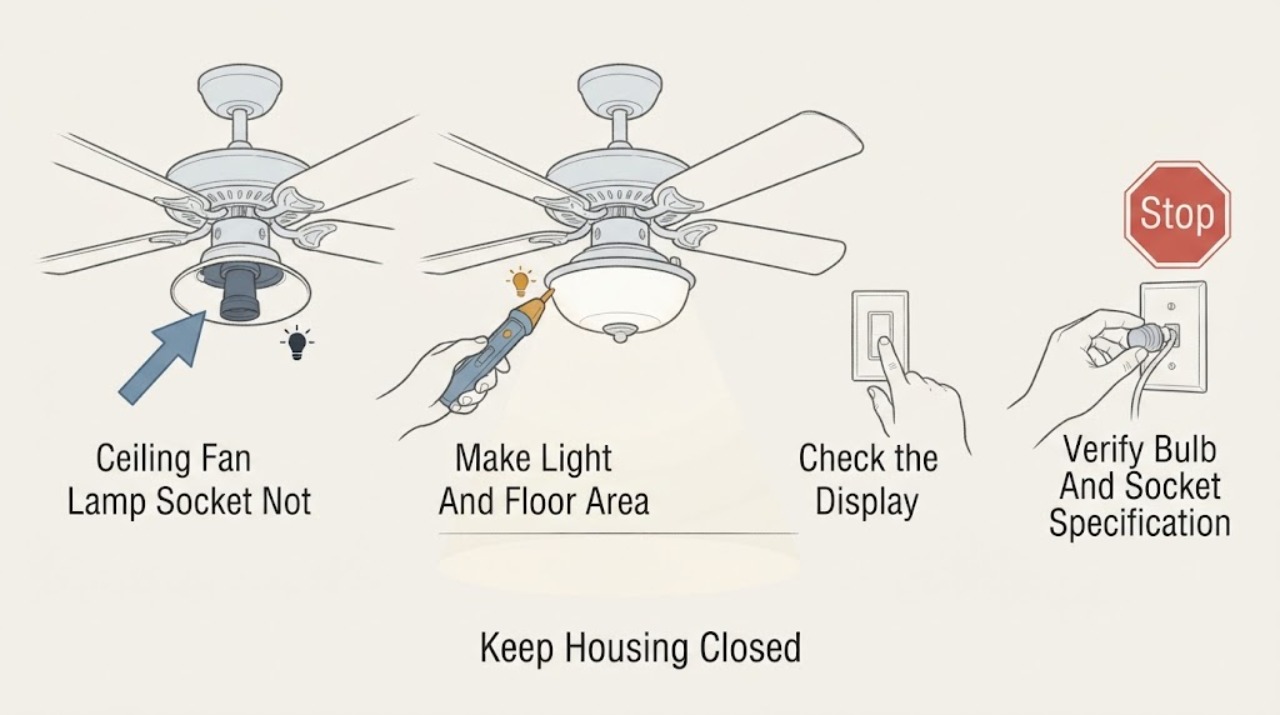
Casablanca Ceiling Fan Lamp Socket Not Working: What to Check Next
If the lamp socket on a Casablanca ceiling fan does not work, first turn the light control off and let the bulb and shade cool. From the floor, note whether the fan motor still runs, whether every light on the fixture is out, and whether the light responds to the wall control, pull chain, or remote.
-
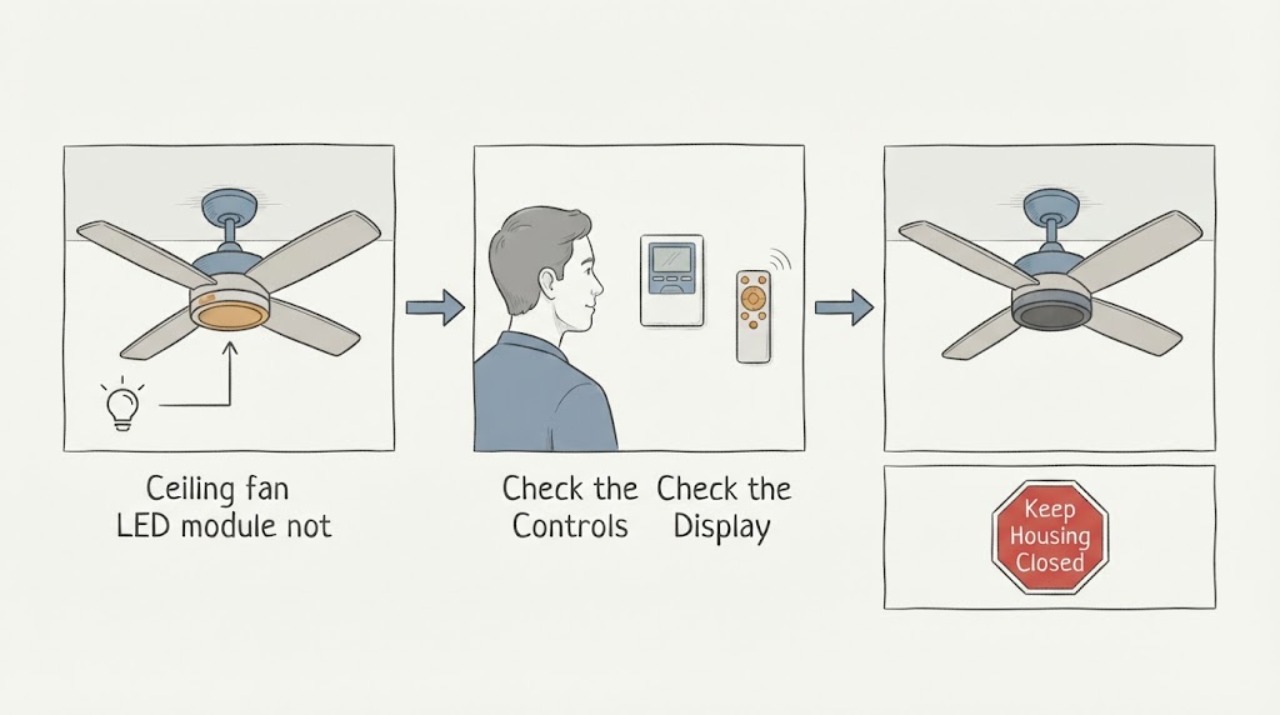
Casablanca ceiling fan LED module not working: What to Check and What to Do Next
If a Casablanca ceiling-fan LED module is dark, first determine whether the fan still runs and whether the light control produces any response. Confirm the wall switch or breaker is on, press the light control once, and follow the exact Casablanca manual for that model's light-control or pairing behavior.
-
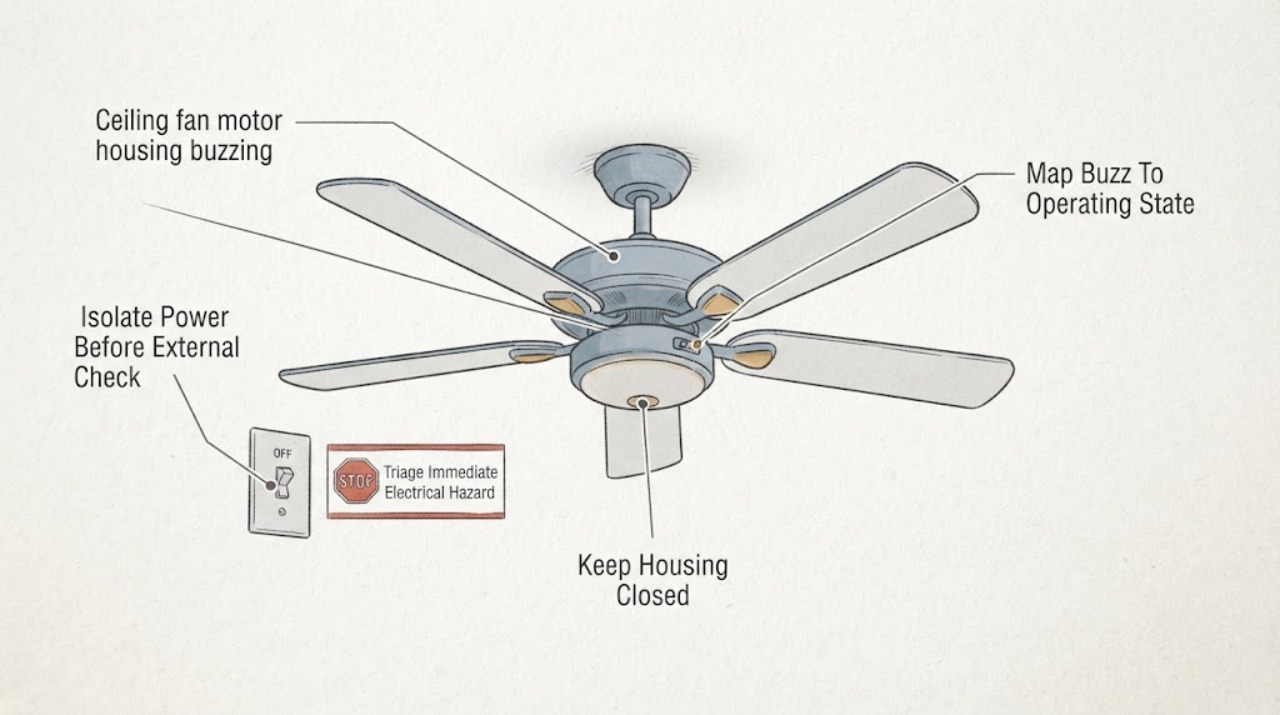
Casablanca ceiling fan motor housing buzzing: What to Check and What to Do Next
A Casablanca fan that buzzes from the motor housing may have a loose external part, a control that is not compatible with the fan, a wire or connector resonating inside a housing, or an internal motor fault. First observe the sound, speed, light, and control pattern from a safe position.
-
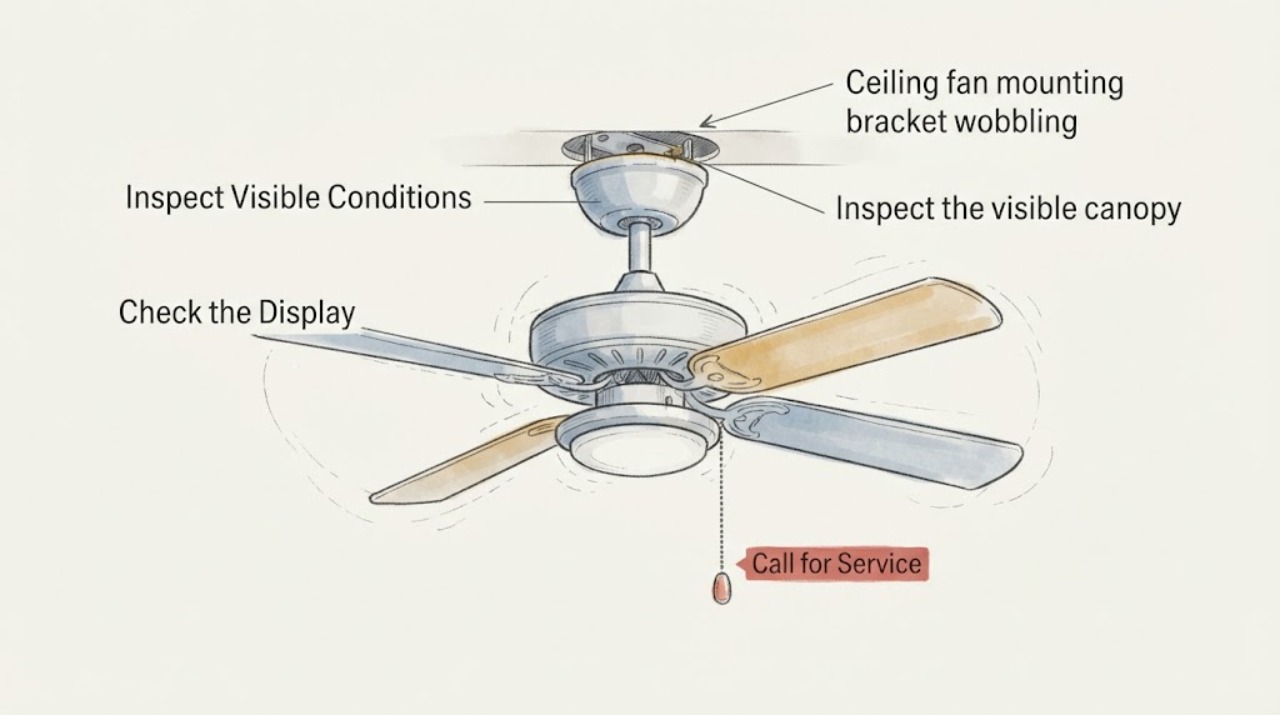
Casablanca ceiling fan mounting bracket wobbling: What to Check and What to Do Next
A Casablanca fan that appears to wobble at the mounting bracket should be switched off until you know whether the movement is at the ceiling support or only at the blades. From a safe position, note whether the ceiling plate, canopy, downrod, or the whole fan moves, then isolate power at the wall control and breaker before any accessible inspection.
-
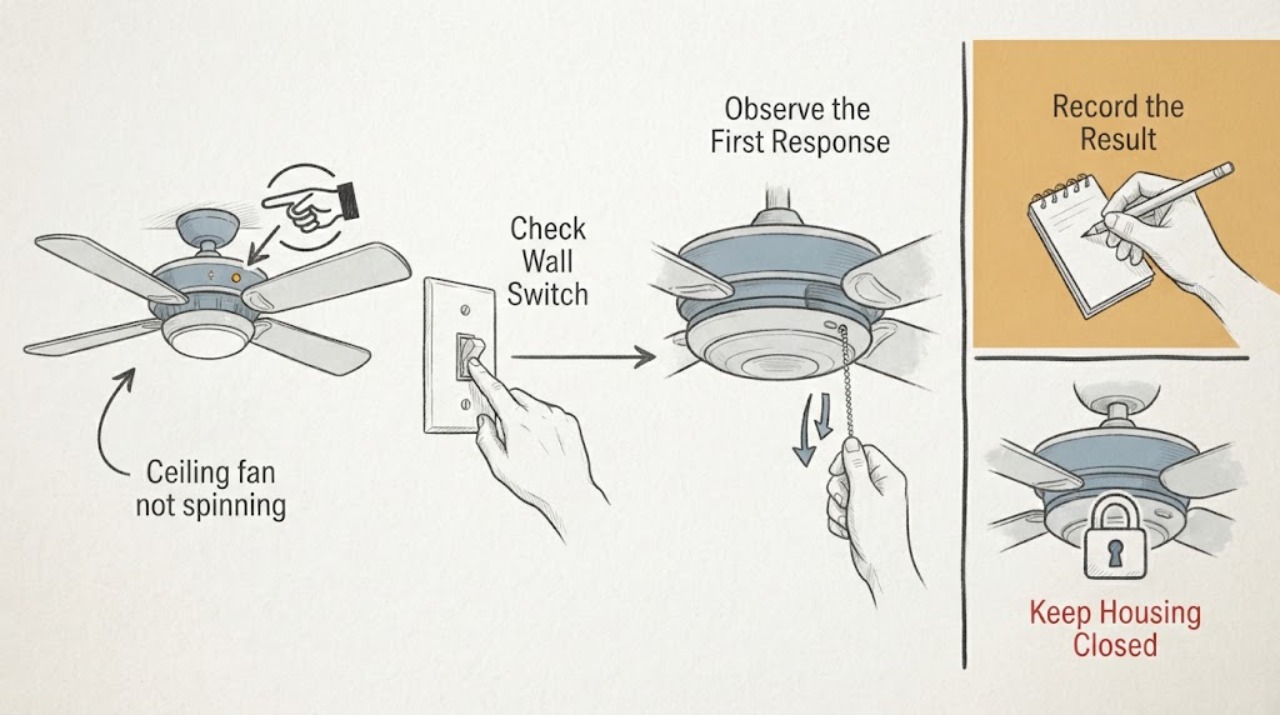
Casablanca ceiling fan not spinning: What to Check and What to Do Next
If a Casablanca ceiling fan will not spin, first verify the wall switch, breaker, pull chain or remote command, and the fan's reverse switch; a reverse switch left between positions can prevent operation. With the power off at the wall switch and breaker, make sure the blades move freely without an obstruction.
-
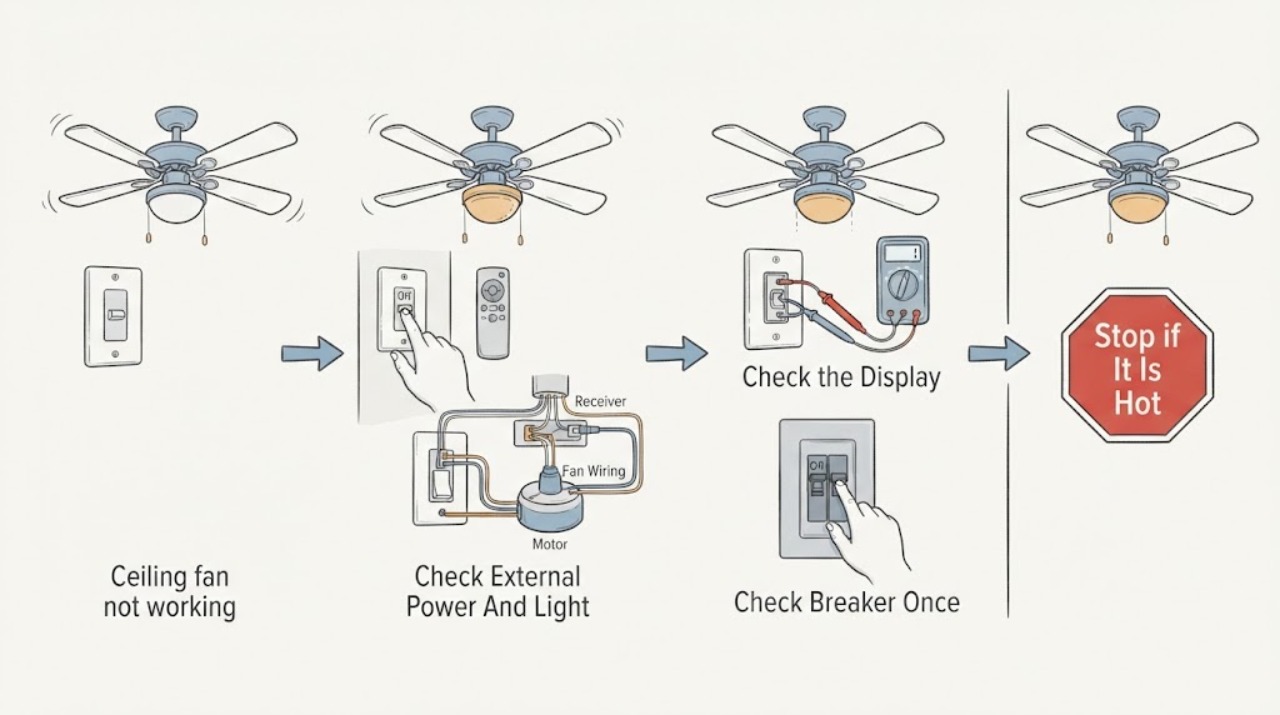
Casablanca ceiling fan not working: What to Check and What to Do Next
When a Casablanca ceiling fan does not work, first separate a control problem from a loss of power: confirm the wall switch is on, try the installed control or pull chain as appropriate, and check whether the light or another fixture on the same circuit responds.
-
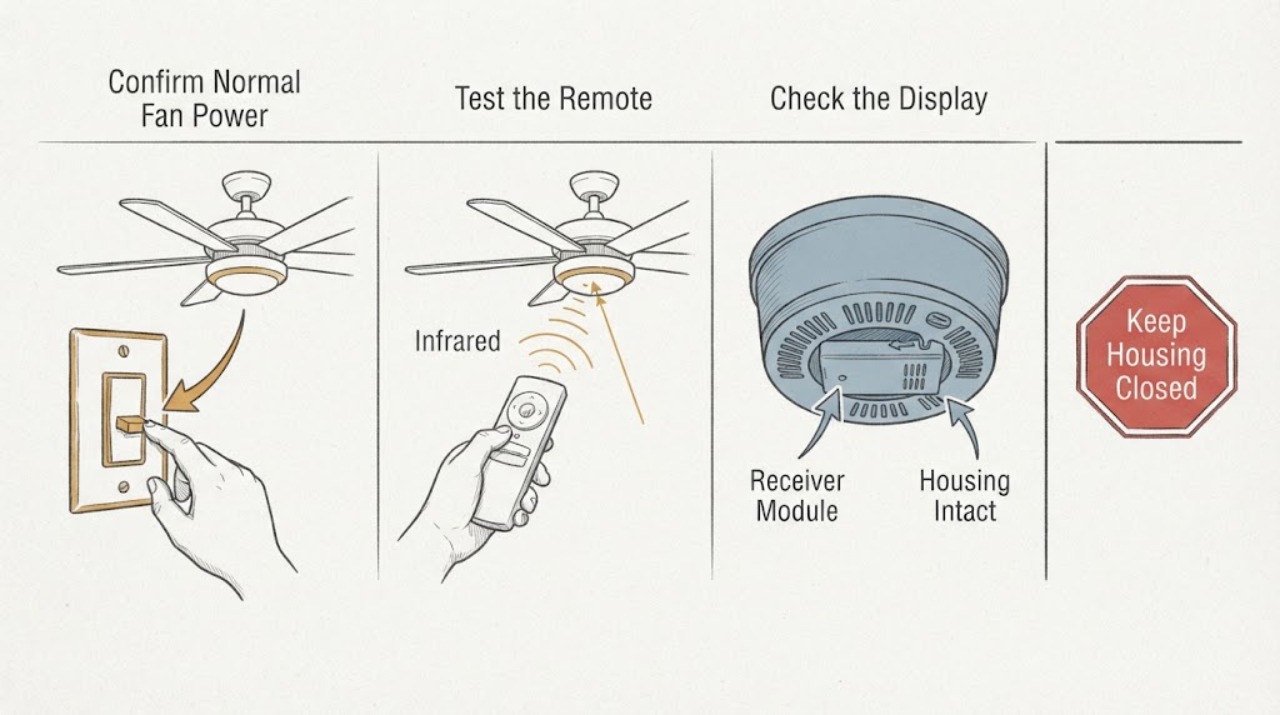
Casablanca Ceiling Fan Receiver Module Remote Not Working: What to Check and What to Do Next
When a Casablanca ceiling-fan remote stops working, first separate a dead transmitter or lost pairing from a receiver module that is not powered or cannot operate the fan. From the floor, confirm the fan's normal wall switch or pull-chain control is on, test the remote battery and button response, and record whether the light and fan react separately.
-
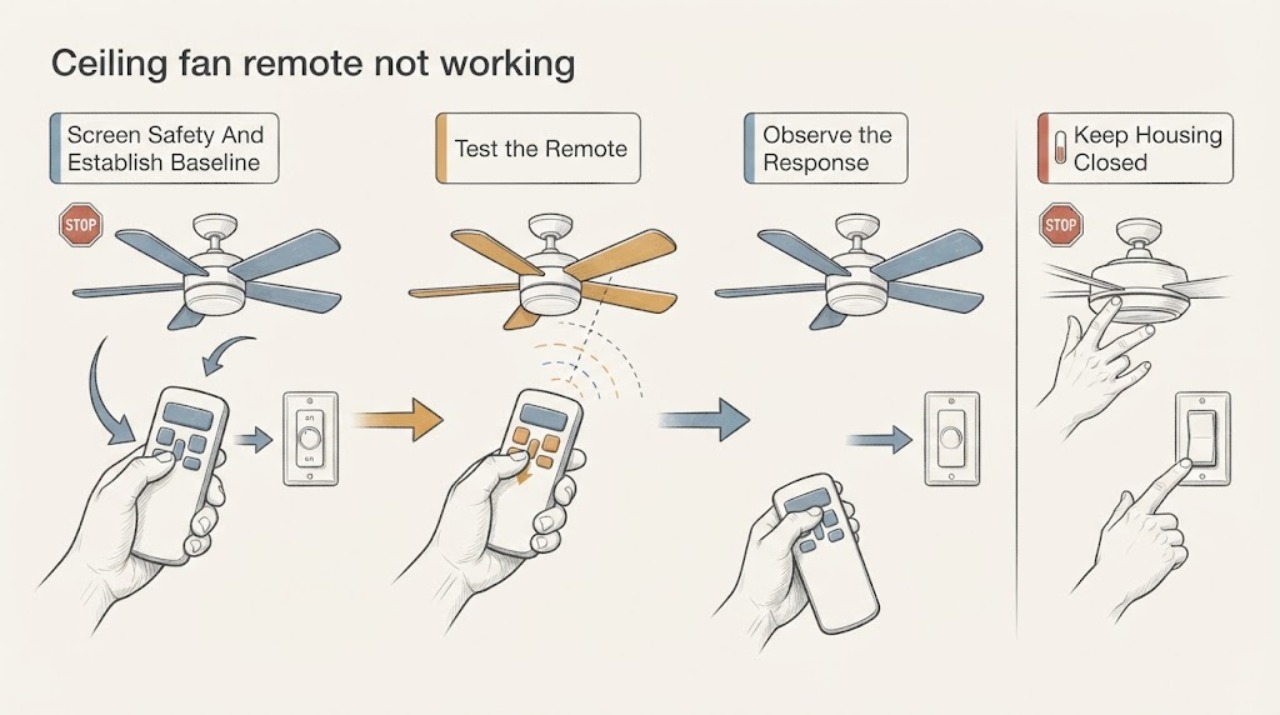
Casablanca ceiling fan remote not working: What to Check and What to Do Next
Start with the controls that are safe to reach: make sure the wall switch supplies power, then install a fresh battery in the Casablanca remote in the orientation shown in the exact manual. Test whether the fan or light responds to a pull chain or other local control if your model has one.
-
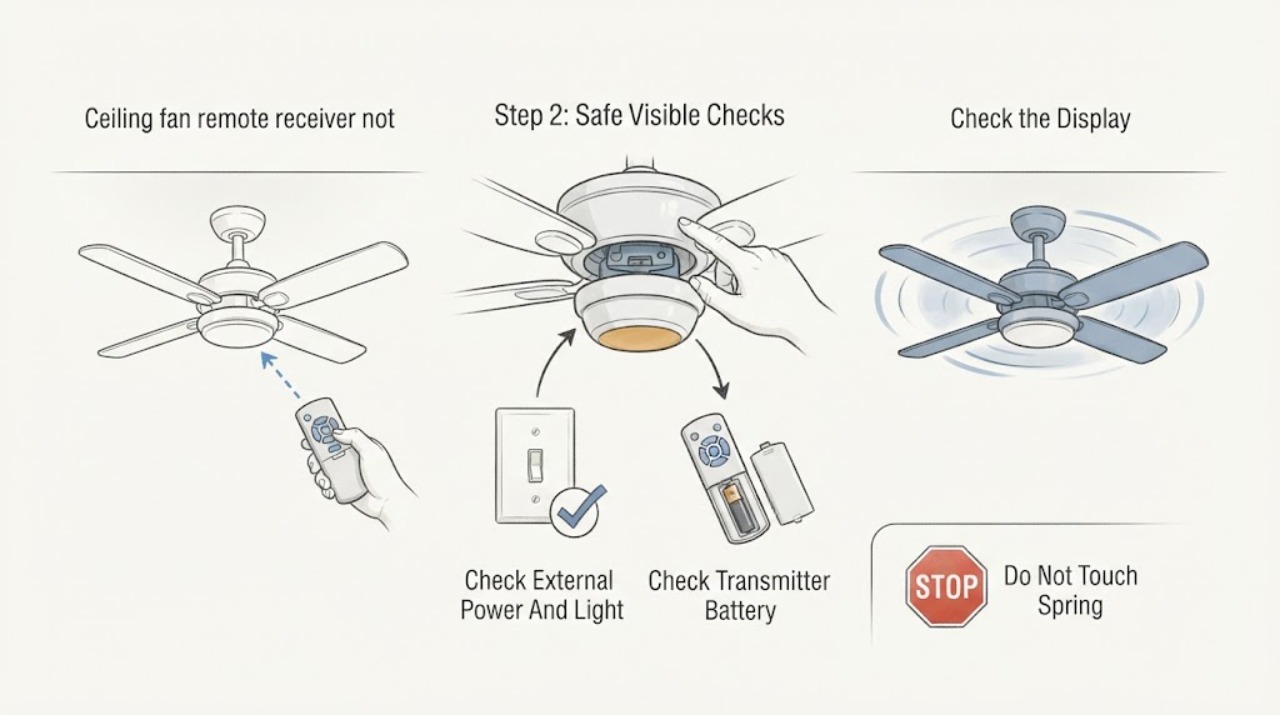
Casablanca ceiling fan remote receiver not working: What to Check and What to Do Next
When a Casablanca ceiling-fan remote receiver is not working, first identify the exact fan, wall control or handheld transmitter, and receiver family. Then check the external wall switch or breaker, the transmitter battery where applicable, and whether the light responds when a fan command does not.
-
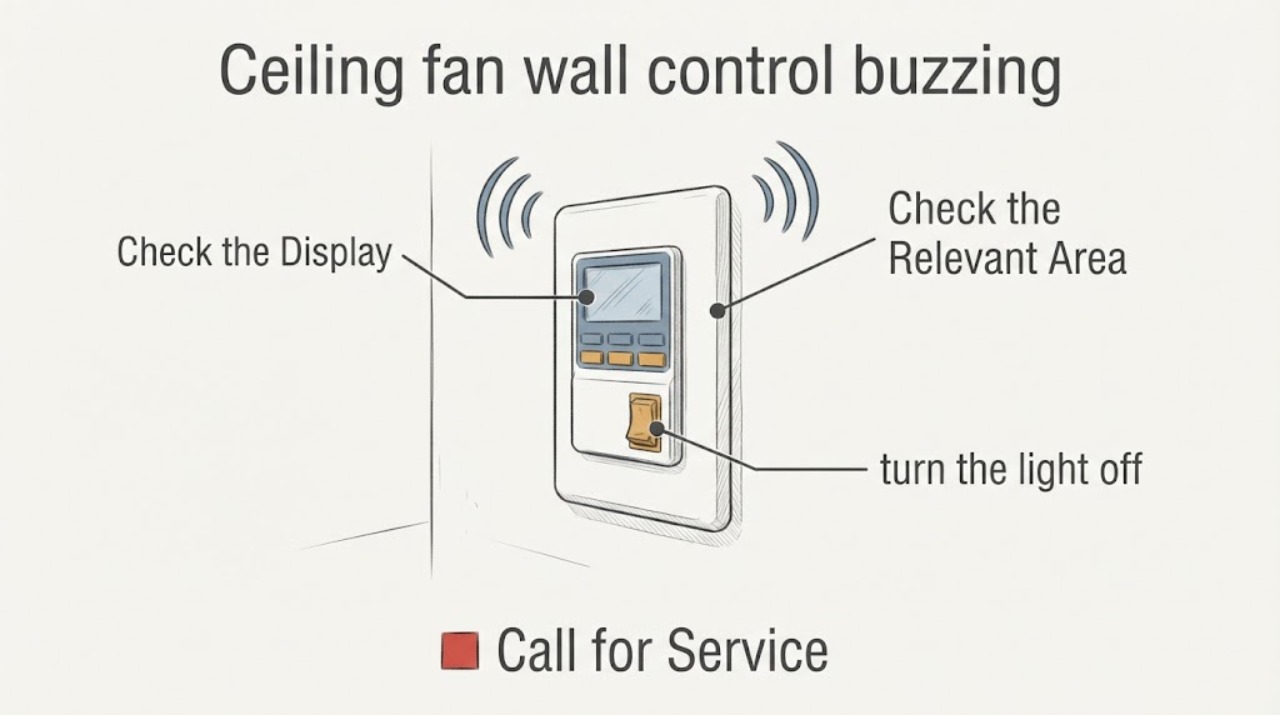
Casablanca ceiling fan wall control buzzing: What to Check and What to Do Next
A Casablanca wall control that buzzes may be reacting to an incompatible dimmer or control, a receiver or fan-load issue, loose or faulty wiring, or a problem at the circuit breaker. First locate the sound and note whether it happens with the fan, light, or a particular speed or dimming level.
-
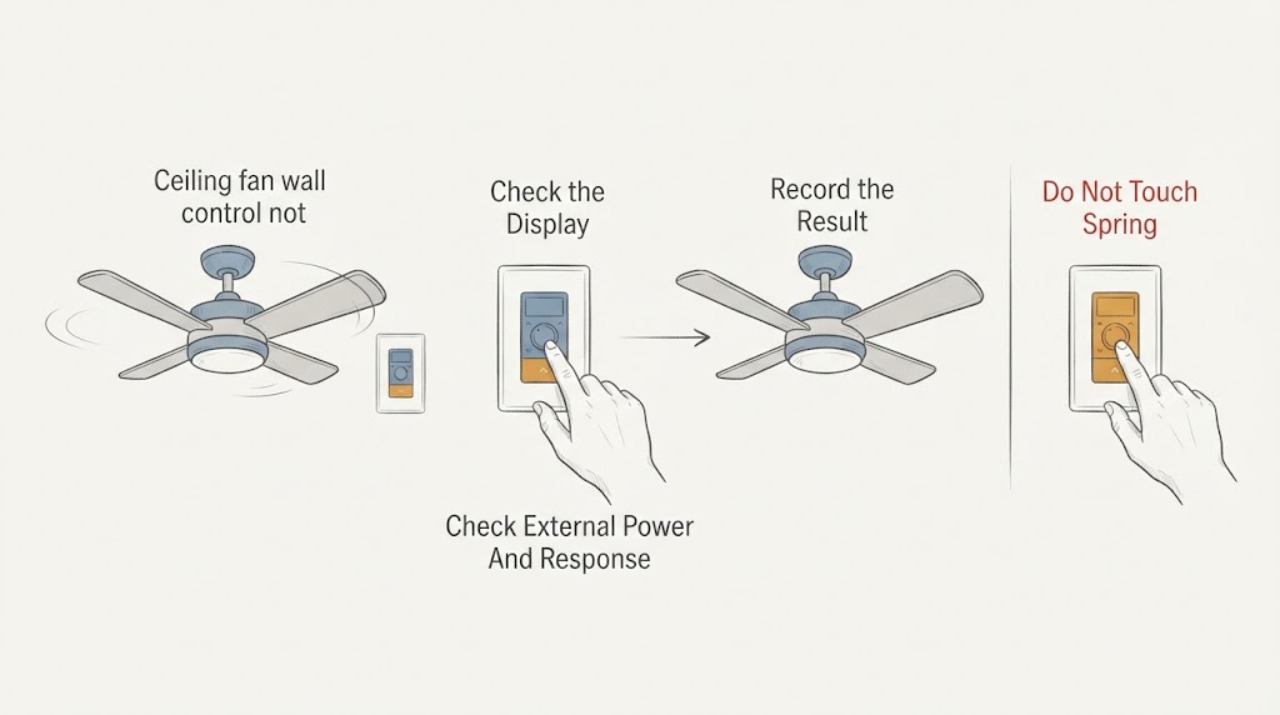
Casablanca ceiling fan wall control not spinning: What to Check and What to Do Next
When a Casablanca ceiling fan does not spin from its wall control, first determine whether the control is powered and responding, whether the fan light still works, and whether the problem affects one fan or several. Check the fan's external power and the wall control battery or indicator only as the exact model manual allows, then use the model's pairing procedure if control communication is in doubt.
-
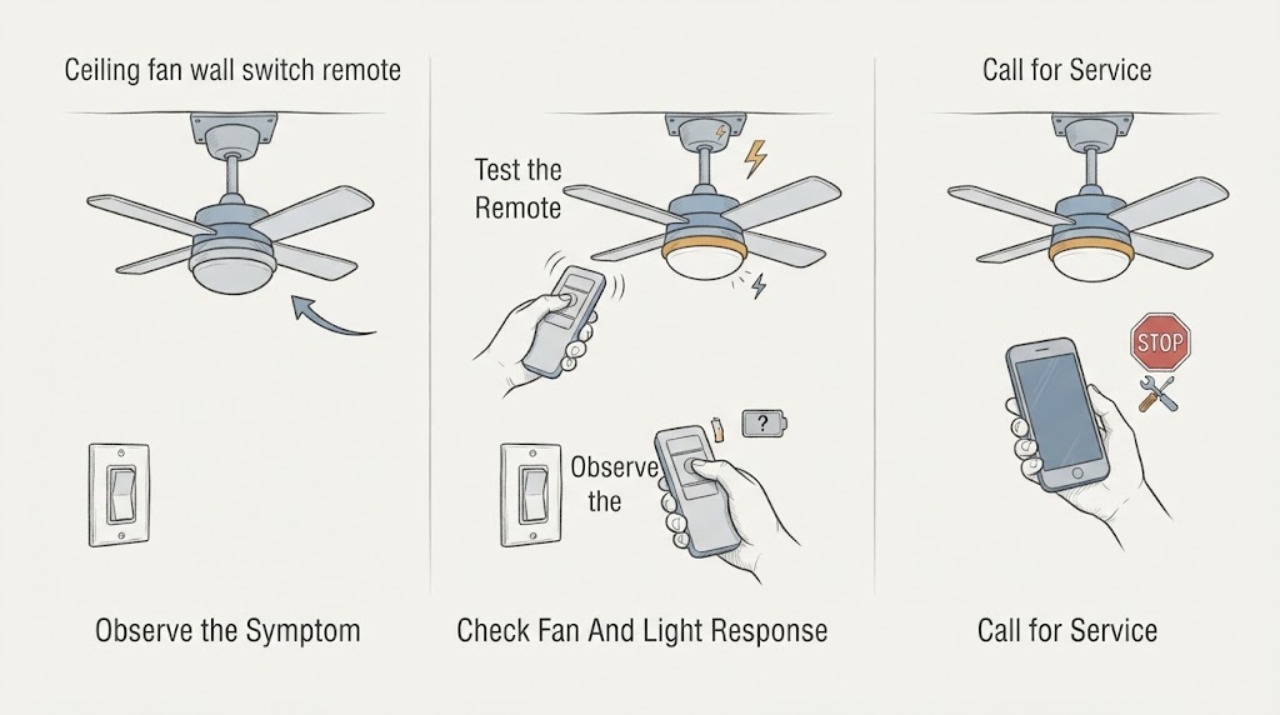
Casablanca ceiling fan wall switch remote not working: What to Check and What to Do Next
When a Casablanca ceiling-fan wall switch or remote stops working, first determine whether the fan, light, or both are unresponsive. Check the wall switch and known fan breaker, install a fresh remote battery in the correct orientation, and use the exact Casablanca manual for pairing or reset steps.
-
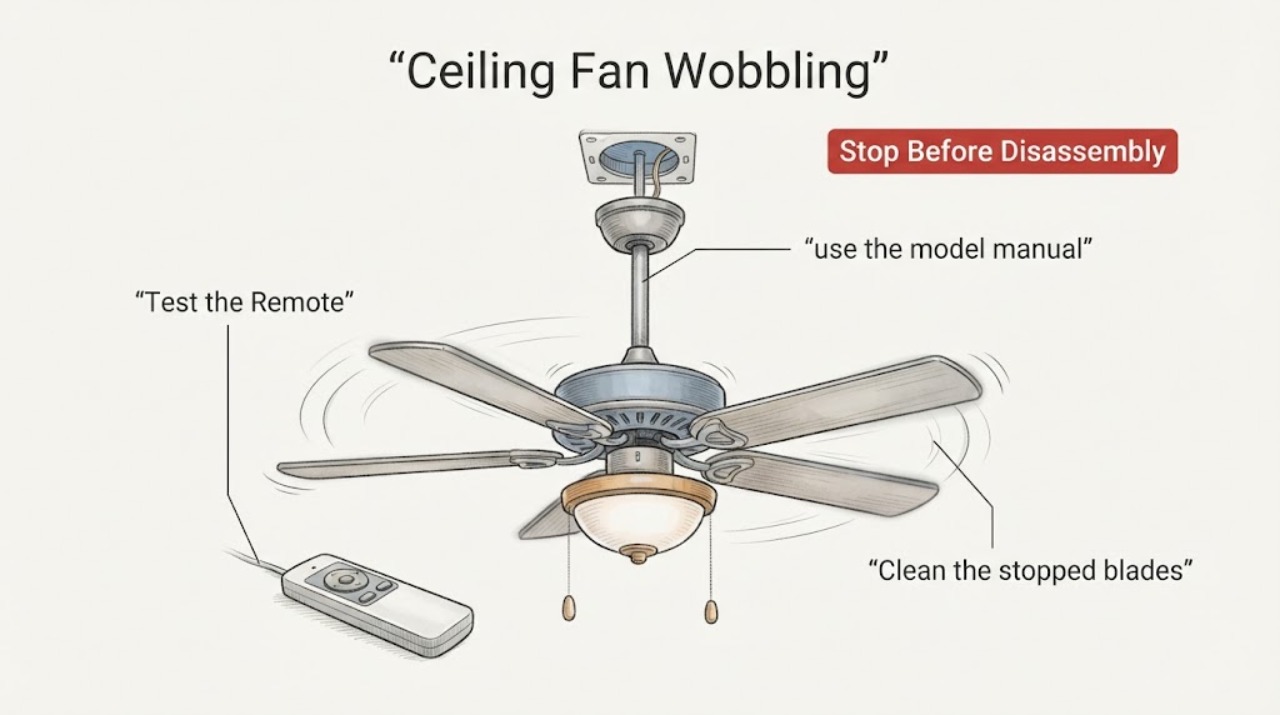
Casablanca Ceiling Fan Wobbling: What to Check and What to Do Next
A wobbling Casablanca ceiling fan is usually an alignment, loose-hardware, blade, mounting, or balance problem, but a severe or new wobble can also indicate an unsafe mount. Turn the fan off and let the blades stop before checking that the blade clearance is safe, the blade and blade-iron screws are snug, the blades are not cracked or warped, and the downrod/hanger-ball assembly is seated as described by the exact Casablanca model manual.
-
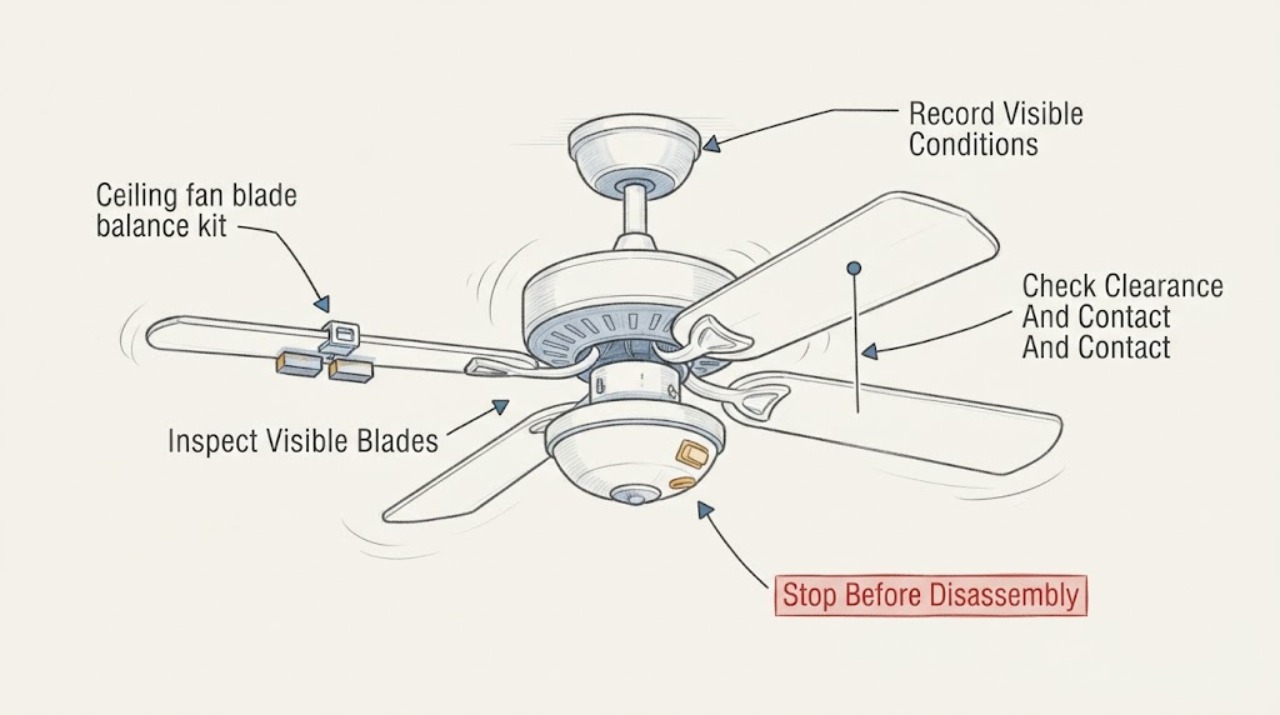
Ceiling fan blade balance kit wobbling: What to Check and What to Do Next
Stop using a ceiling fan that wobbles significantly, changes suddenly, scrapes, or makes the mount or canopy move. From the floor with the fan off, record whether the wobble was at the blades, light kit, downrod, or ceiling mount, then inspect the visible blade edges and lower hardware for dust, cracks, warping, loose-looking parts, or contact with nearby objects.
-
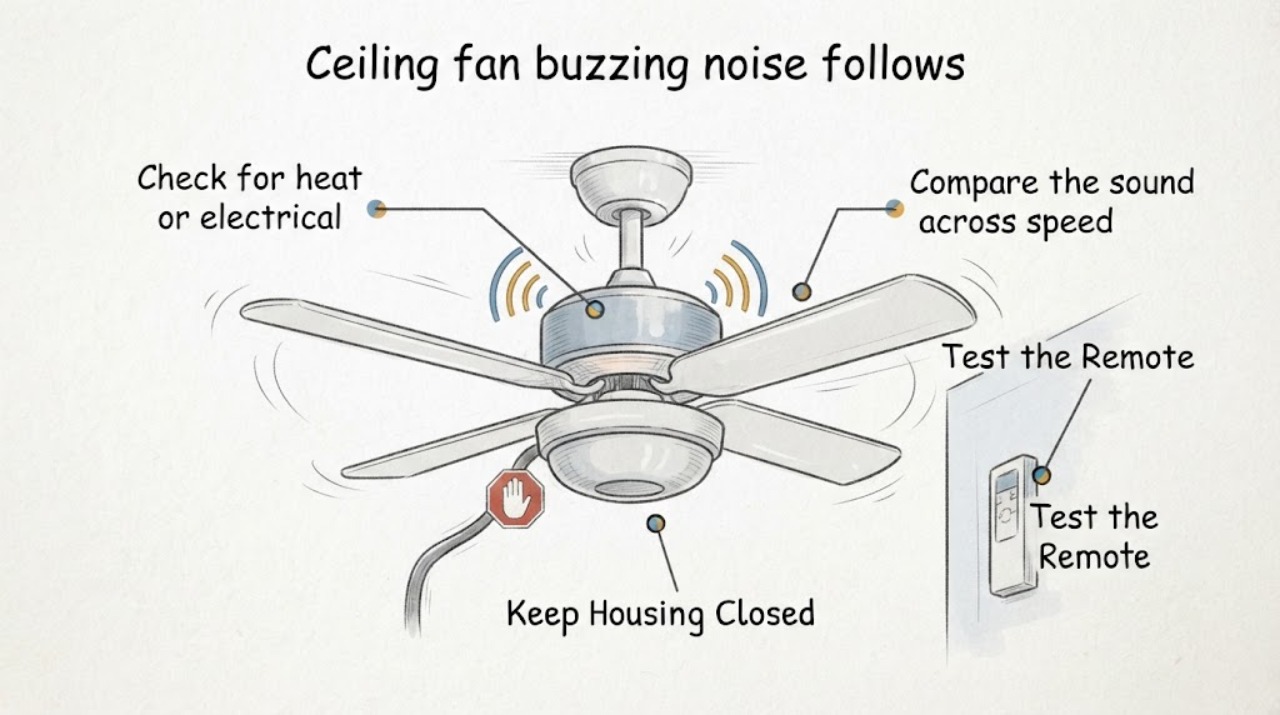
Ceiling fan buzzing noise follows speed setting: What to Check and What to Do Next
If a ceiling fan buzz changes with the selected speed, compare the sound at each normal speed without opening the fan. A buzz that tracks only the fan speed points toward the speed-control path, such as a capacitor, electronic wall control, or receiver; a buzz that stays at one pitch while the blades or housing vibrate points more toward mechanical resonance or a loose external part.
-
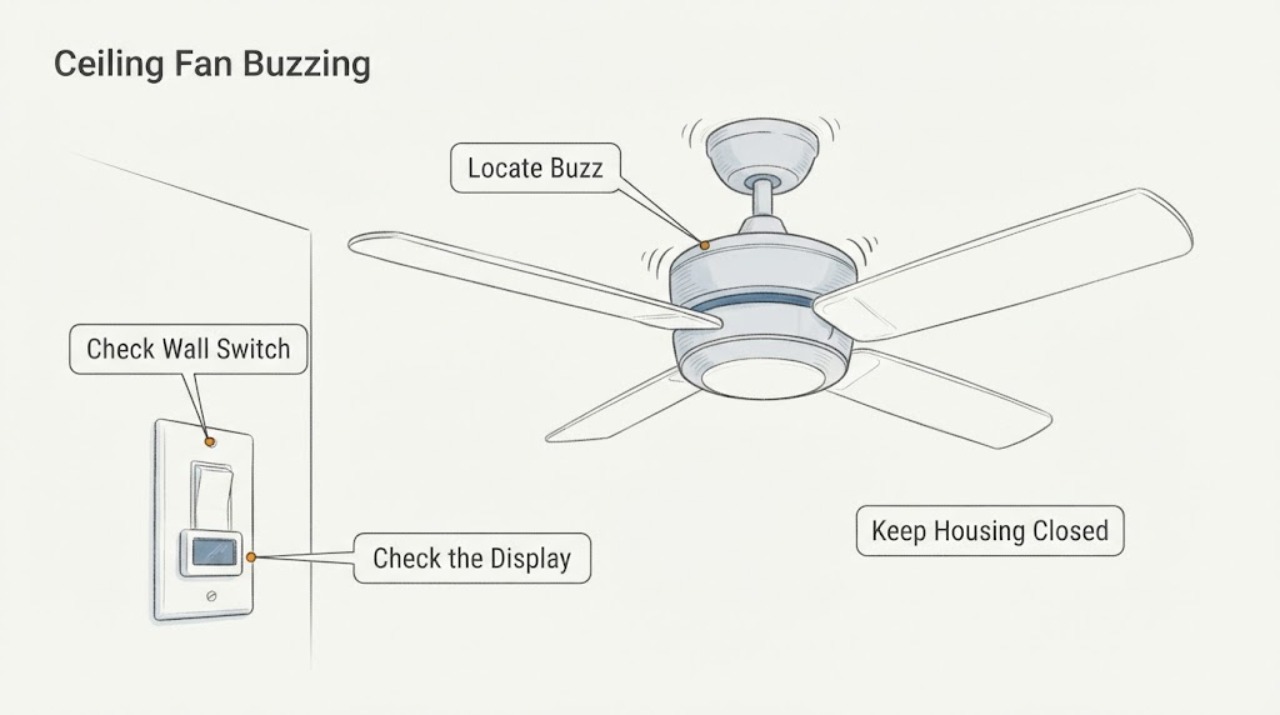
Ceiling Fan Buzzing at the Switch: Safe Checks Before Service
A ceiling-fan buzz that seems to come from the wall switch can be caused by an incompatible dimmer or fan-speed control, a control receiver, the fan light load, or a wiring or circuit problem. Turn the fan and light off, identify whether the sound is at the switch or at the fan, and use only ordinary visual checks and the exact fan manual.
-
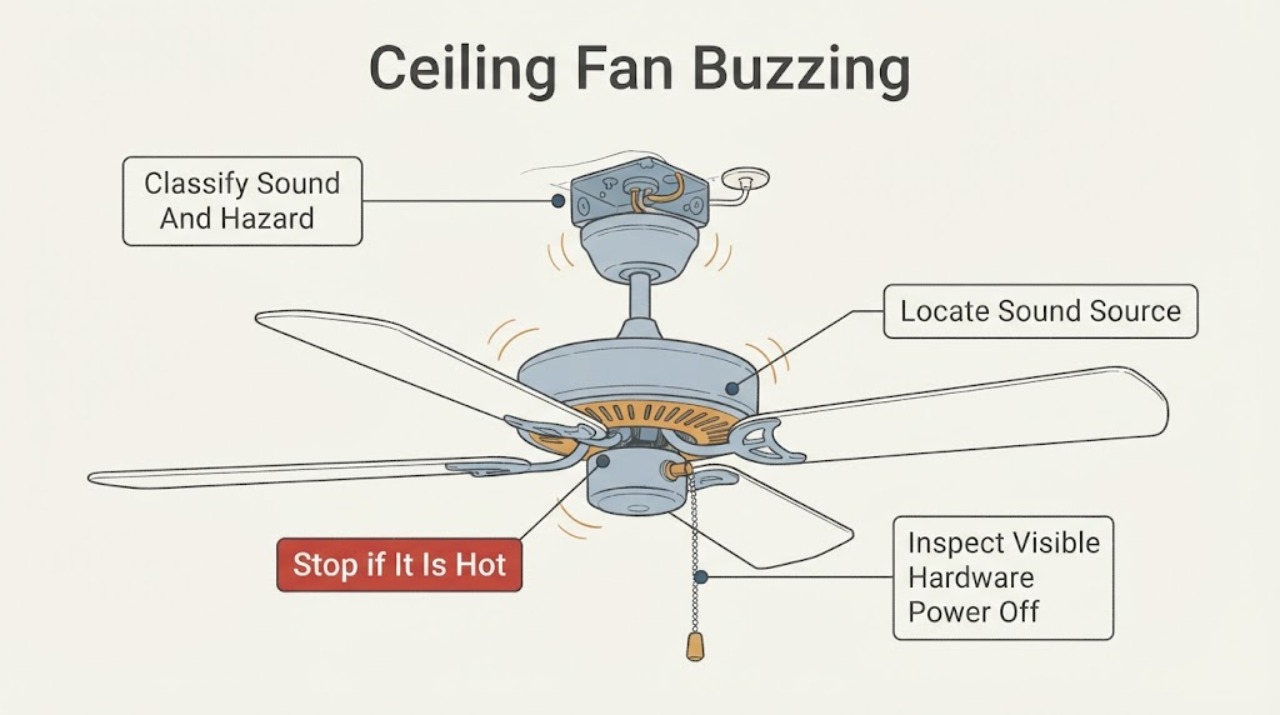
Ceiling Fan Buzzing: Locate the Sound Before It Becomes an Electrical Hazard
A ceiling fan's buzz can come from a compatible-control problem, light kit or bulb, a receiver, resonance against the ceiling, a loose visible part, or an internal motor or wiring fault. Turn the fan and light off.
-
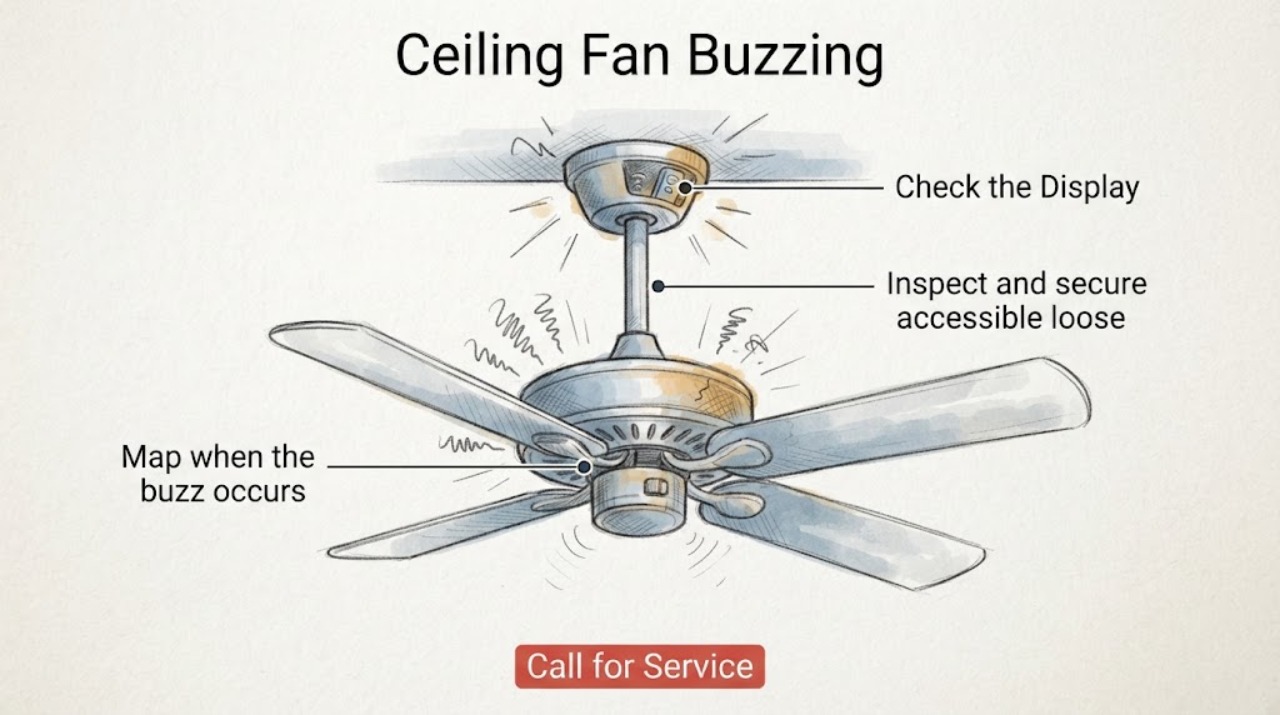
Ceiling Fan Buzzing
A ceiling fan that buzzes may have a loose blade, light kit, canopy, or mounting part, an incompatible wall control or dimmer, or an electrical or motor-control problem. First note whether the sound changes with speed and whether it starts only when the light or a wall control is used.
-
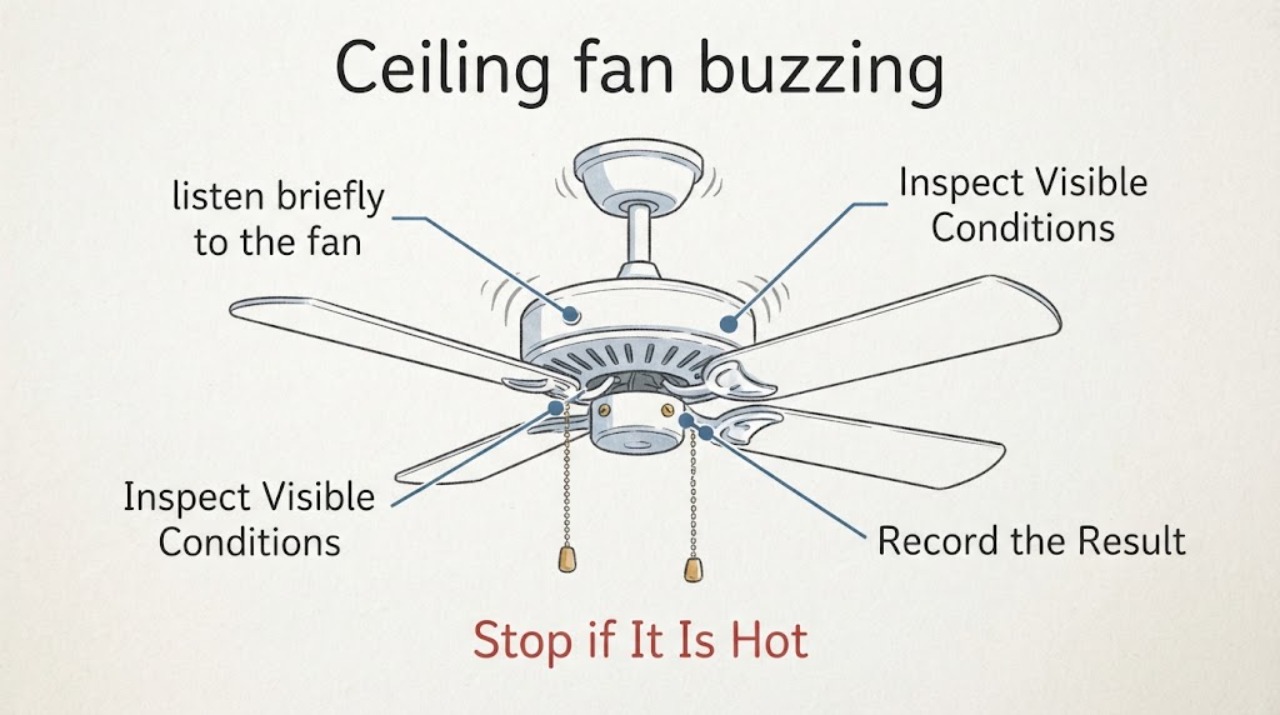
Ceiling fan buzzing: What to Check and What to Do Next
First decide whether the buzz is mechanical, control-related, or an electrical warning. From the floor, note when the sound starts, where it is loudest, whether it changes with fan speed or the light, and whether the fan wobbles or shows heat, smoke, crackling, or a burning smell.
-
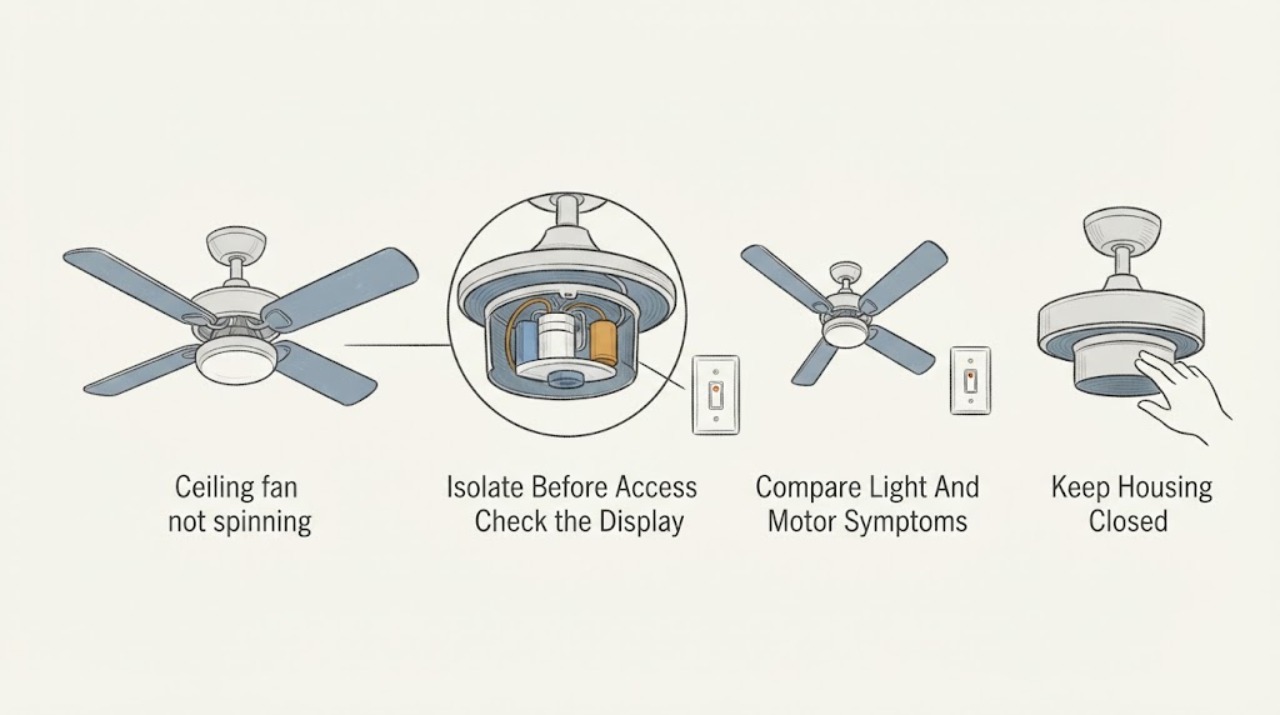
Ceiling fan capacitor not spinning: What to Check and What to Do Next
A ceiling fan that will not spin is not automatically a capacitor failure. First turn the fan off, keep hands and tools away from the fixture, and use only safe external observations: check the breaker and wall control position, confirm the remote or pull control is being used normally, look for a visible obstruction from the floor, and note whether the light works or the motor hums.
-
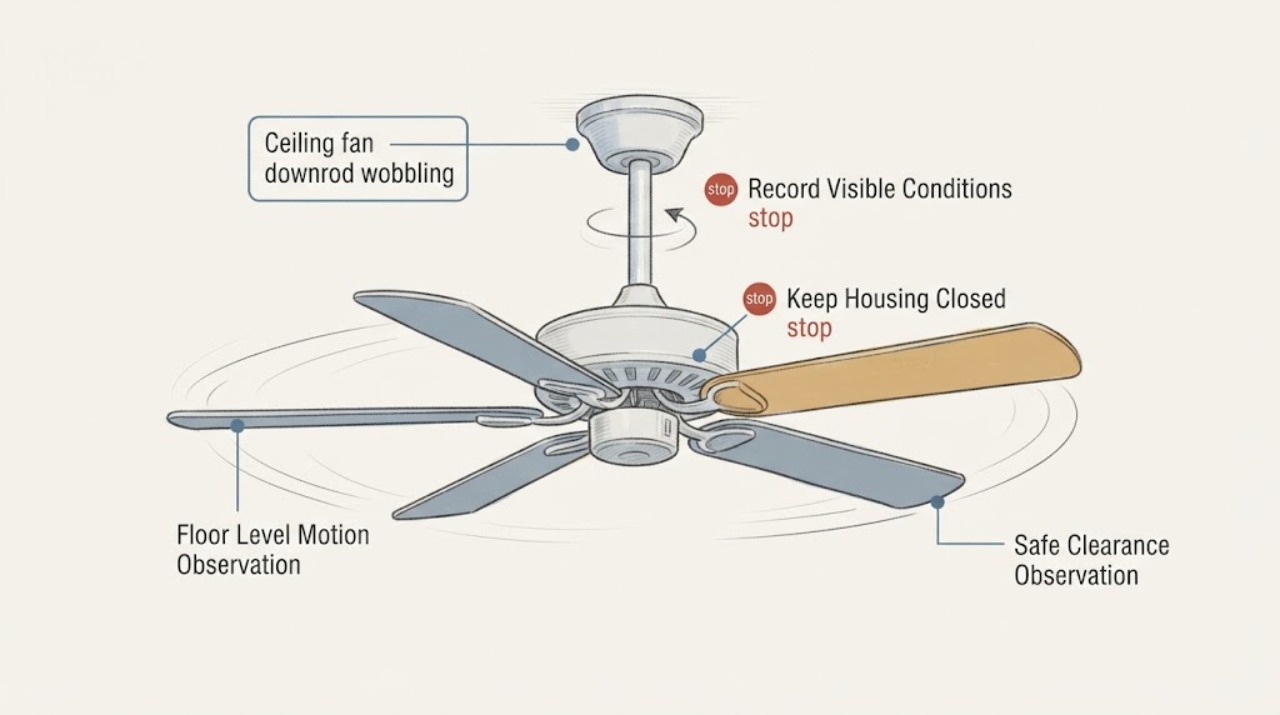
Ceiling fan downrod wobbling: What to Check and What to Do Next
A wobbling ceiling fan with a downrod may have ordinary blade imbalance, but movement at the downrod, ceiling plate, or mounting point can indicate a loose or unsuitable support. From the floor, turn the fan off and observe whether the wobble is only at the blades or whether the downrod, canopy, or ceiling mount shifts.
-
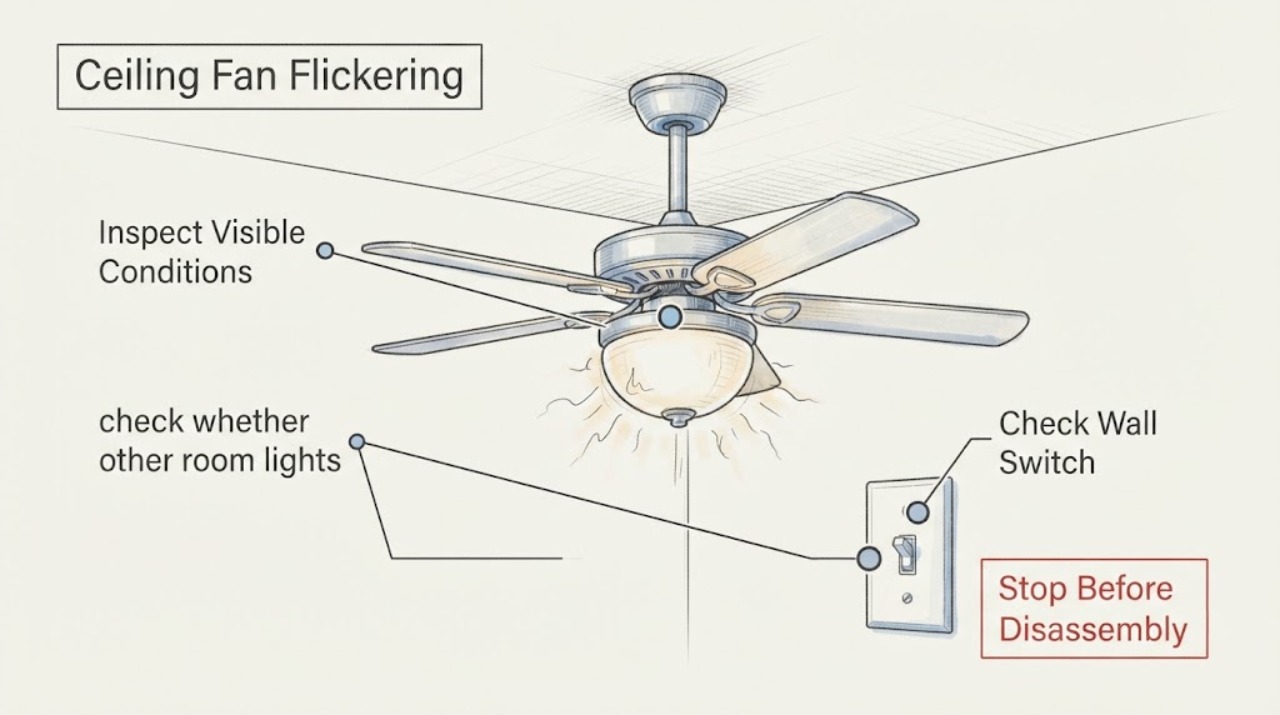
Ceiling Fan Flickering at the Switch: Safe Checks for a Wiring Fault
A ceiling fan that flickers when its wall switch is used can have an incompatible control, a loose connection, a failing switch, or a fault elsewhere on the circuit. Turn the fan off, note whether only this fixture or other lights flicker, and inspect the switch plate without opening energized wiring.
-
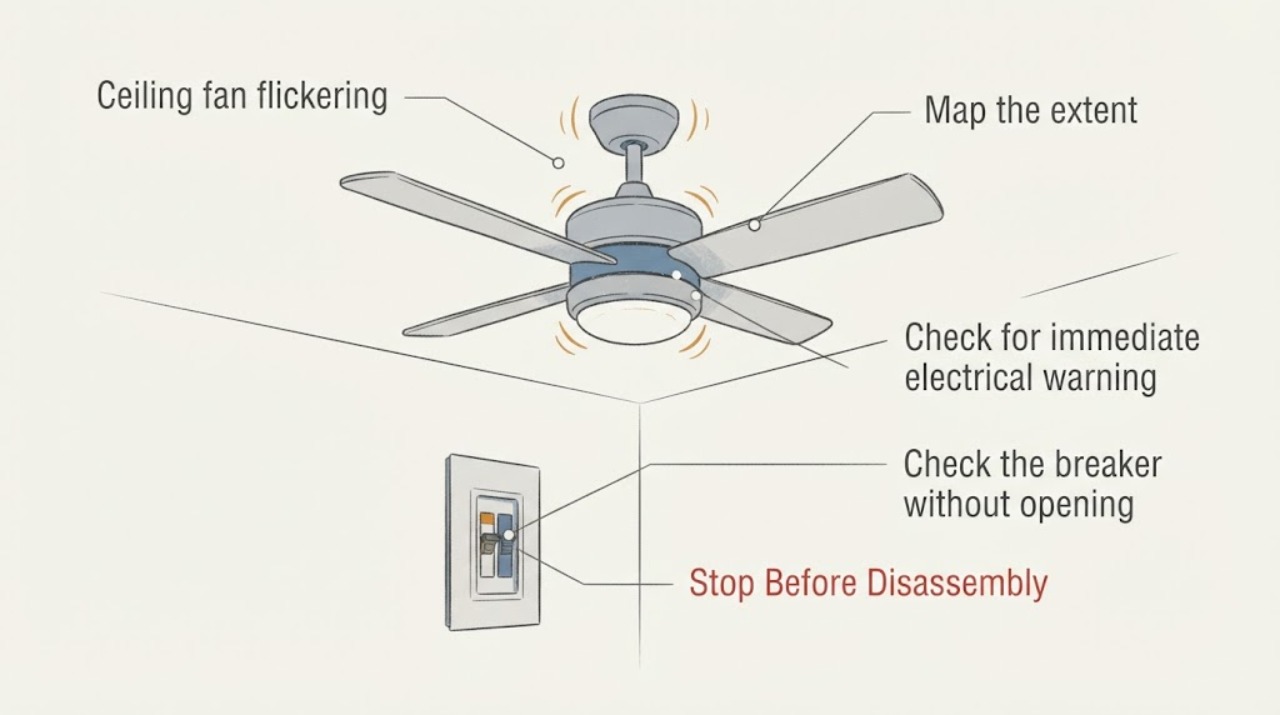
Ceiling fan flickering
If a ceiling fan's light flickers, first determine whether only that fixture flickers or other lights do too. Turn the fan off and check the breaker and visible switch or outlet condition from a safe, dry position.
-
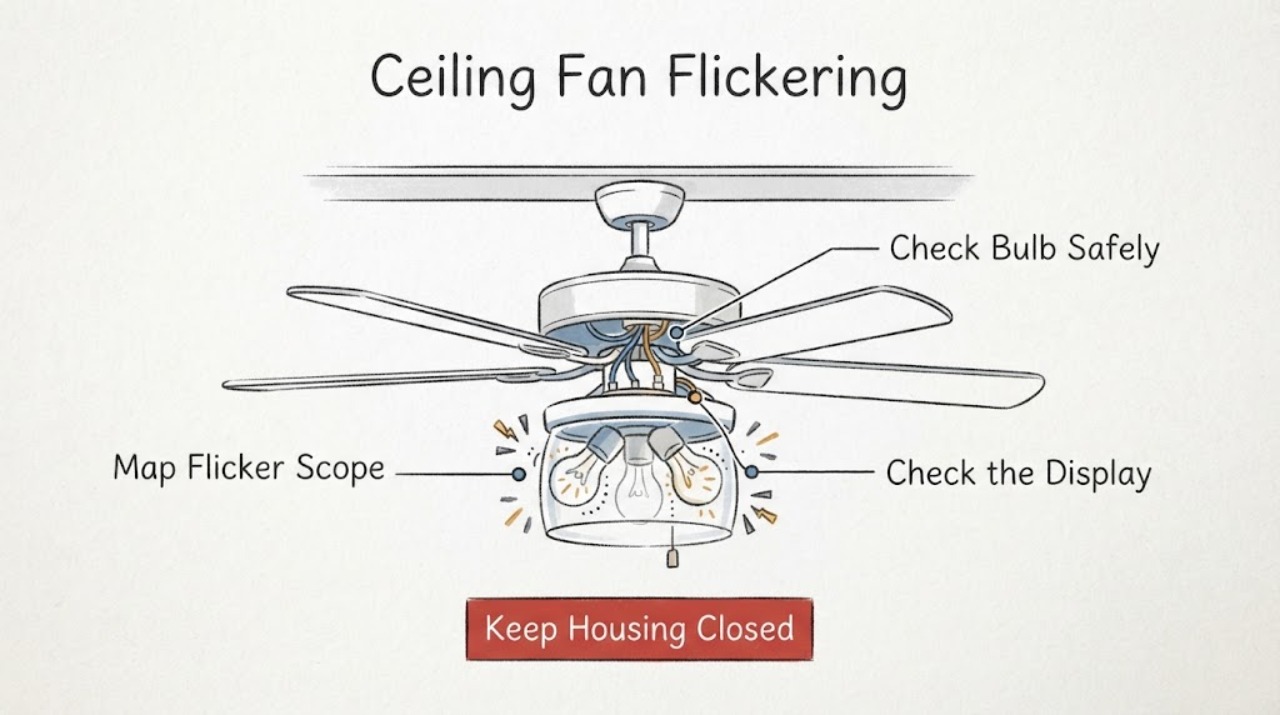
Ceiling Fan Flickering: Isolate the Light, Control, or Wiring Problem Safely
First determine whether the ceiling fan's light flickers, the fan motor cuts out, or other room lights flicker at the same time. A light-only issue can come from a loose or incompatible bulb, dimming control, remote receiver, or light-kit connection; a whole-room flicker, crackle, warm or discolored switch, burning odor, shock, arc, or repeated breaker trip can indicate a wiring hazard.
-
Ceiling Fan Has No Power: Check the Breaker, Switch, and Wiring Safely
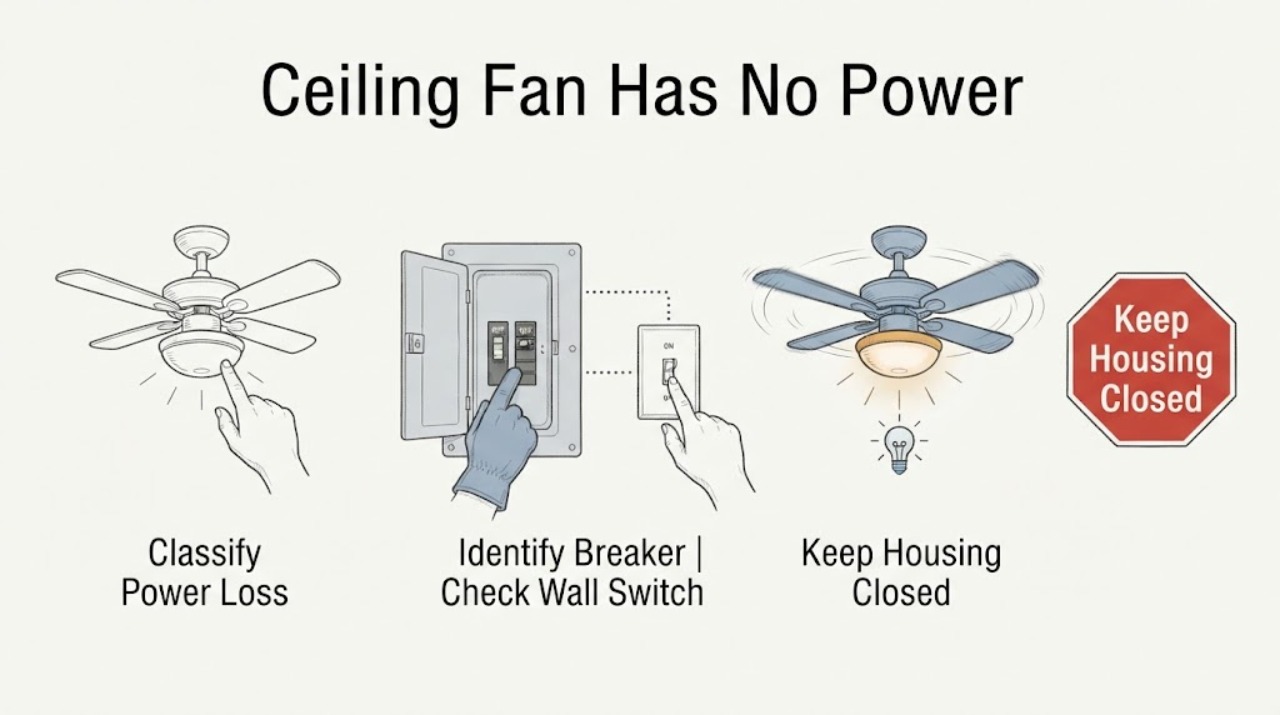
When a ceiling fan has no power, first determine whether the light and fan are both dead, then check the correct circuit breaker and the wall switch or remote control without opening the canopy. If the breaker trips again, the switch is hot or damaged, wires are exposed, the fan is loose, there is an arc or burning odor, or the fan is wet, leave the circuit off and call a qualified electrician.
-
Ceiling fan has no power: What to Check and What to Do Next
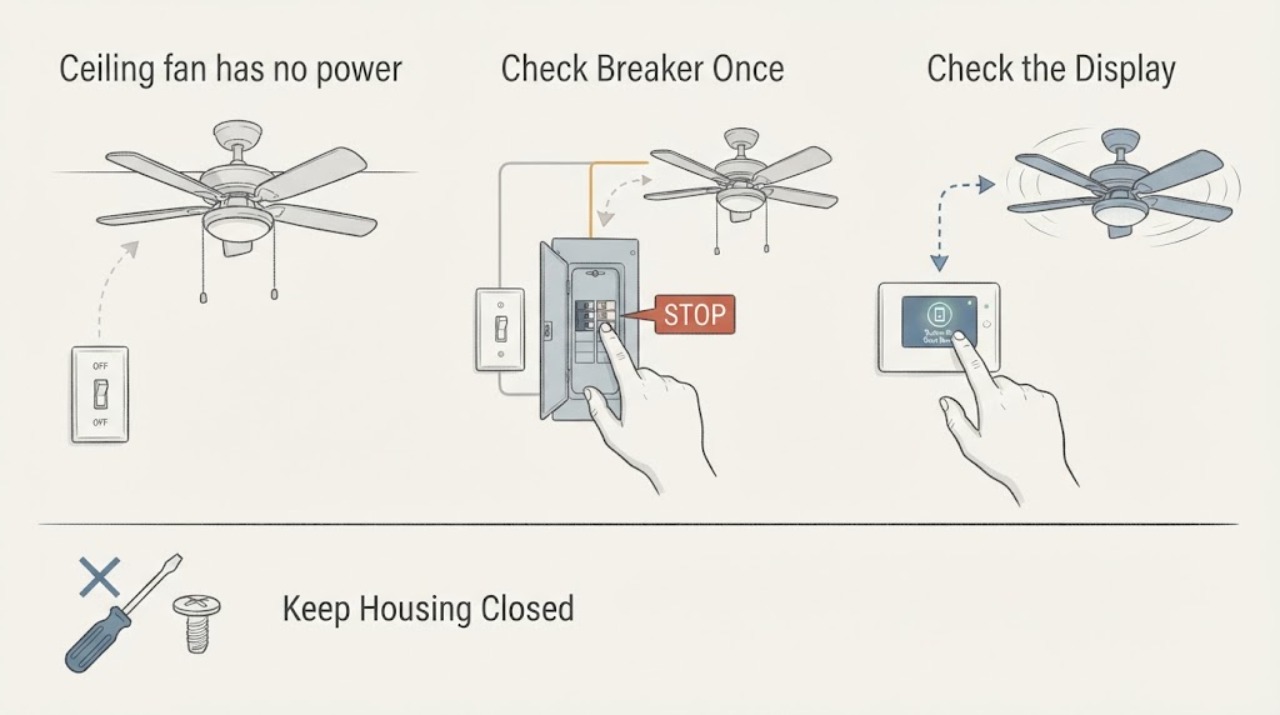
If a ceiling fan has no power, first determine whether the room, wall switch, remote or pull chain, or the fan itself is the part that is unresponsive. From floor level, try the normal wall switch and the fan's normal pull-chain or remote control, and check whether the fan light or another room fixture still works.
-
Ceiling fan lamp socket not working: What to Check and What to Do Next
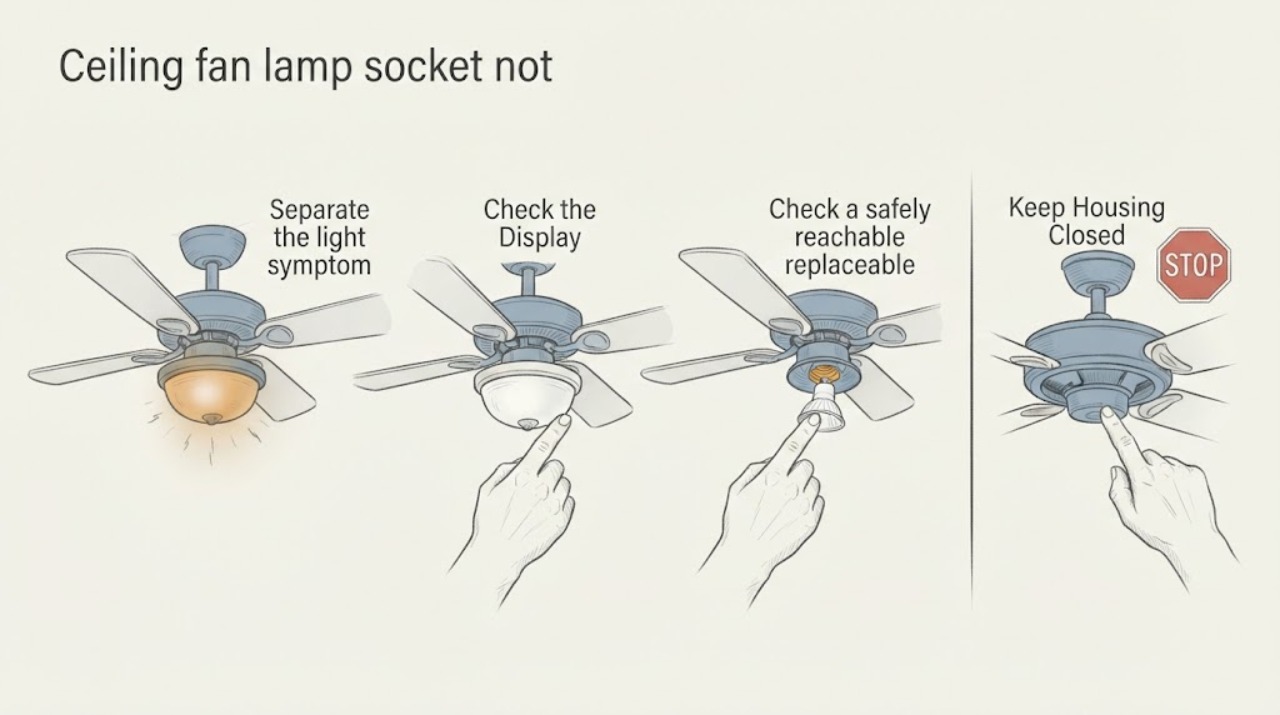
First determine whether the fan still runs and whether the failed light uses a replaceable bulb or an integrated LED module. Use the light control by itself, then—only if the bulb is safely reachable—turn off power, let it cool, and try the correct known-good bulb.
-
Ceiling fan LED module not working: What to Check and What to Do Next
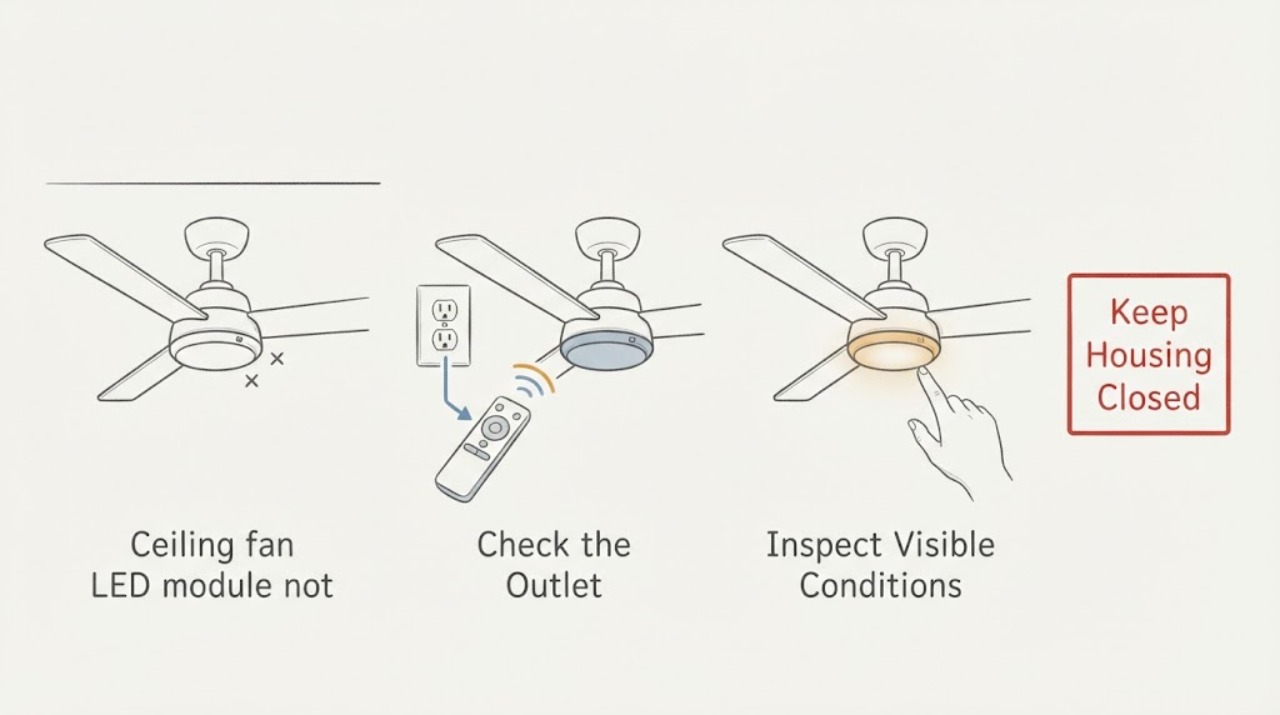
First determine whether the ceiling fan still runs and whether the light fails from every normal control. A light-only failure can involve the control path, receiver, connector, LED driver, or LED module, and the exact design varies by fan.
-
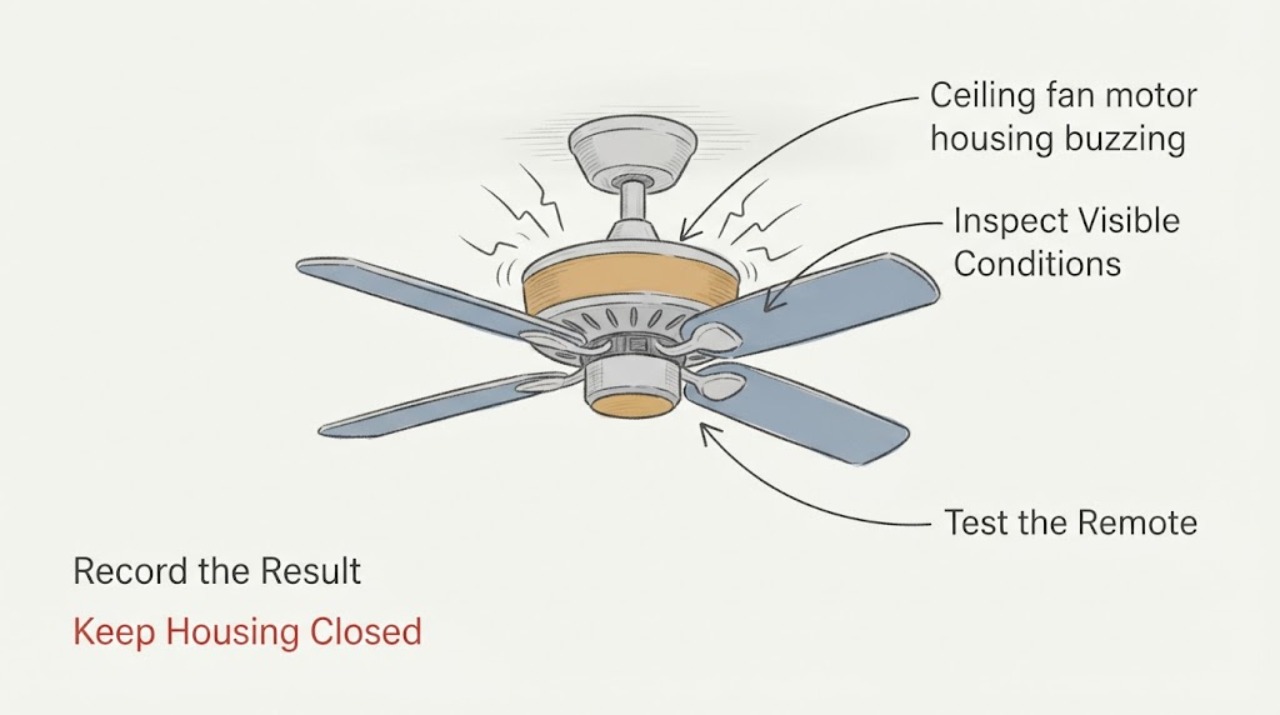
Ceiling fan motor housing buzzing: What to Check and What to Do Next
Treat buzzing from a ceiling-fan motor housing as an observation and safety decision, not as a reason to open the housing. From the floor, note whether the sound changes with fan speed, the light, or the wall control, and look for wobble, visible contact, heat, odor, smoke, or crackling.
-
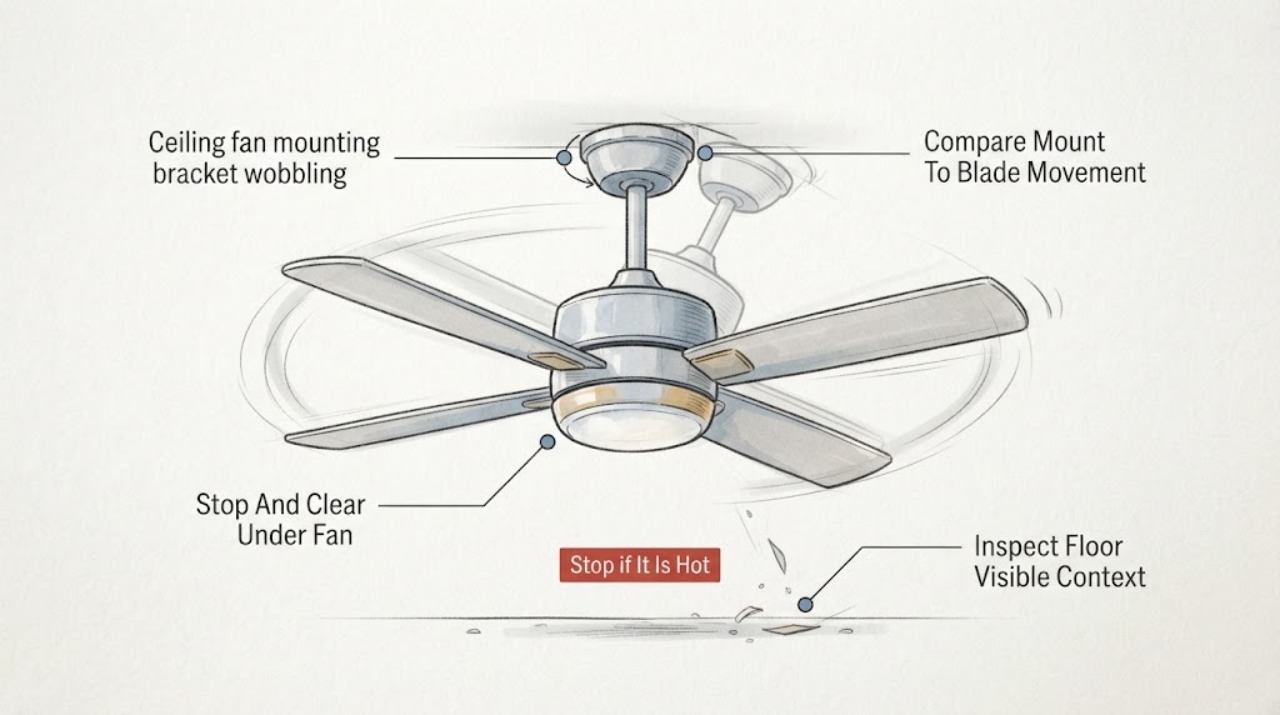
Ceiling fan mounting bracket wobbling: What to Check and What to Do Next
If a ceiling fan's mounting bracket or canopy moves with the fan, stop using the fan and keep everyone out from underneath it. From the floor, switch the fan off and look for a growing ceiling gap, a tilted or hanging canopy, movement where the fan meets the ceiling, exposed wiring, or a fan that has shifted.
-
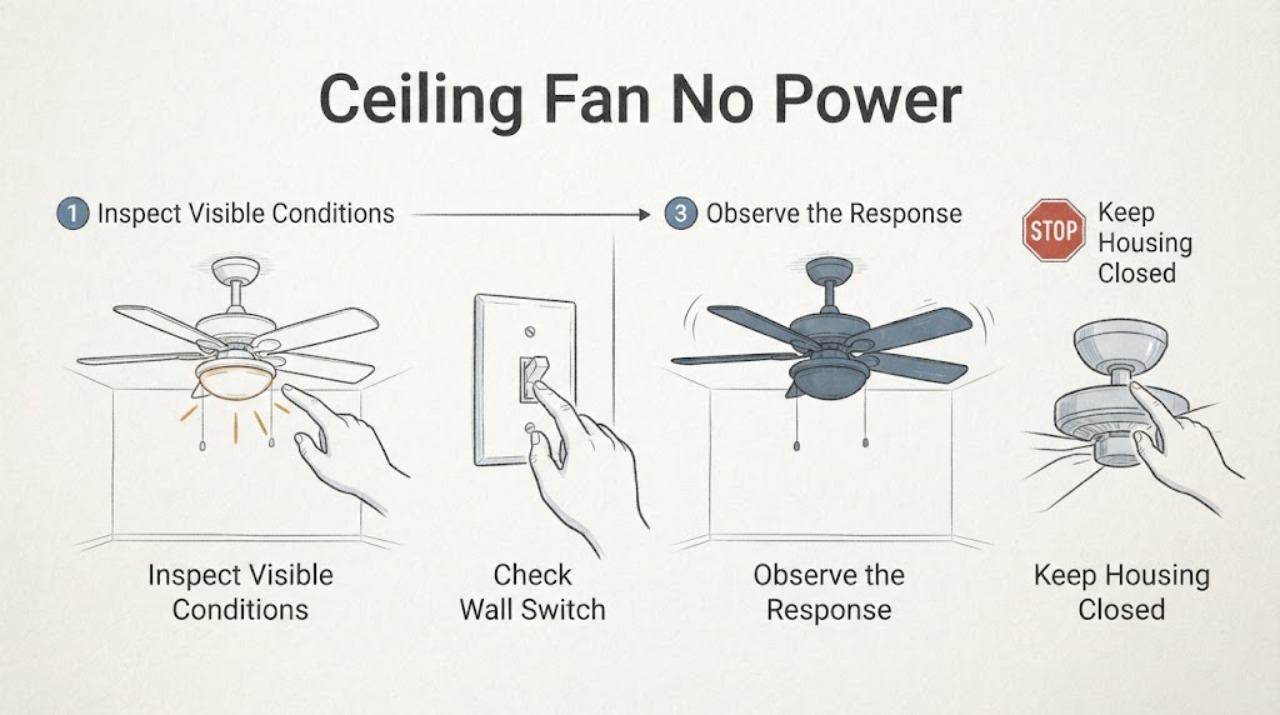
Ceiling Fan No Power at the Switch: Safe Checks Before Calling an Electrician
If a ceiling fan has no power at its wall switch, first determine whether the problem is limited to the switch/fan control or affects the circuit. Check only the accessible wall switch position, pull chain or remote, fan light, nearby same-circuit devices, and the known breaker or GFCI state.
-
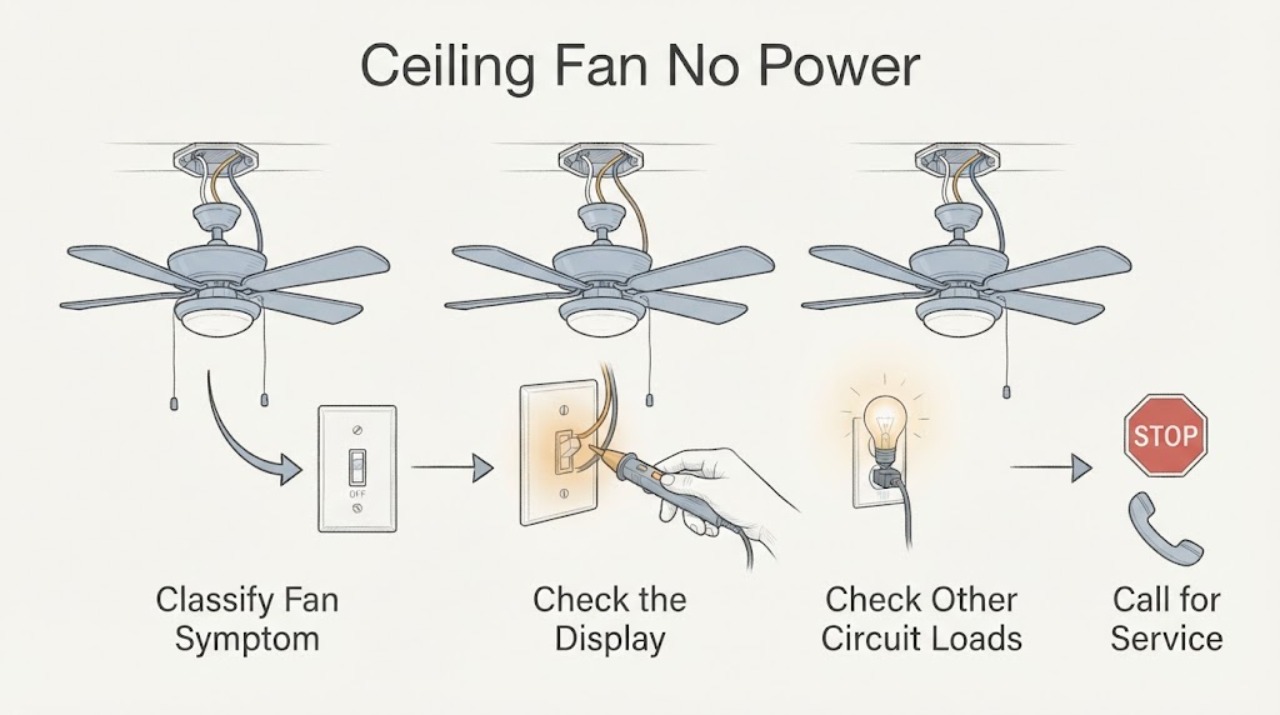
Ceiling Fan No Power: Check the Switch and Circuit Safely
A ceiling fan that has no power may have a local wall-switch or remote-control problem, a tripped circuit, a failed control, or an internal wiring fault. Start with observation only: check the switch position, remote or pull-chain setting, and whether other devices on the same known circuit work.
-
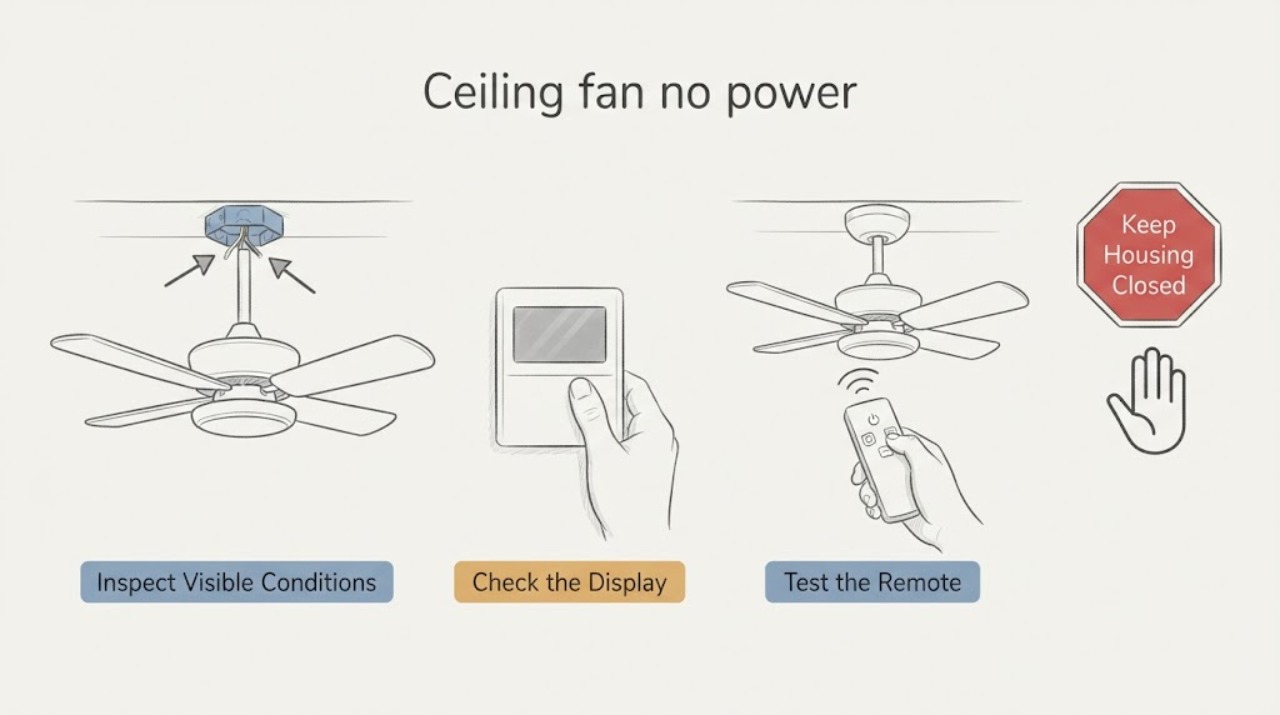
Ceiling fan no power: check the switch and breaker before calling an electrician
If a ceiling fan has no power, first confirm whether the failure is the fan, its wall switch or pull chain, its remote, or the room circuit. From the floor, try the known wall switch, pull chain, reverse switch, or remote control and see whether the fan light or another device on the same circuit works.
-
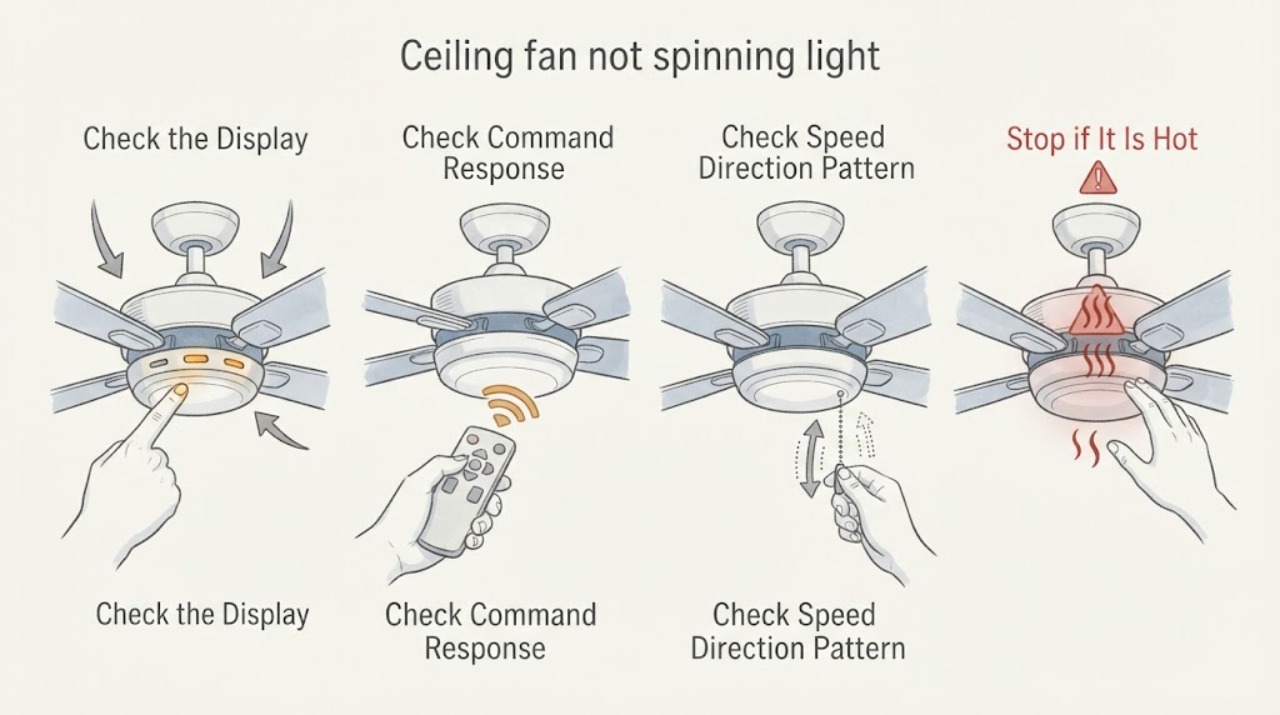
Ceiling fan not spinning light may work: What to Check and What to Do Next
A ceiling fan light that works while the blades do not spin proves only that some power is reaching the fixture; it does not prove that the fan motor circuit, controller, receiver, capacitor, or motor is healthy. From standing level, identify whether the light and fan use separate wall controls, a pull chain, or a remote, then note whether a normal fan command produces no sound, a hum, a click, or a brief attempt to start.
-
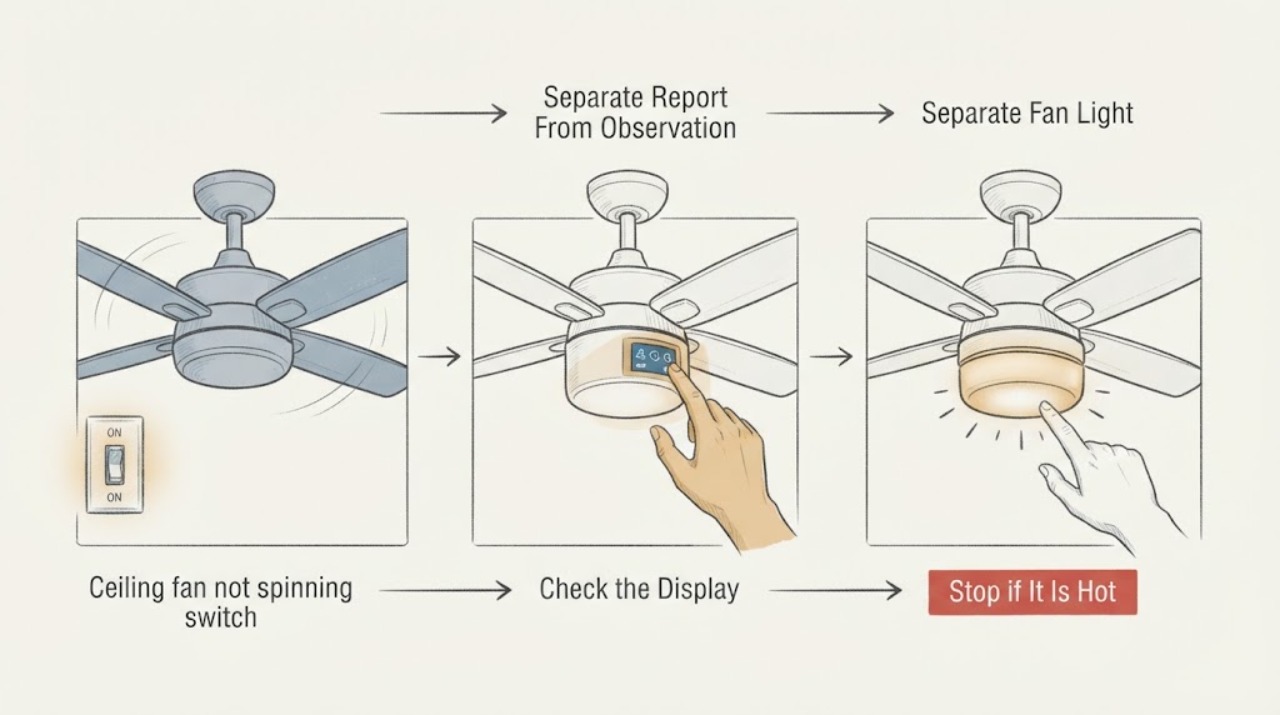
Ceiling fan not spinning switch has power: What to Check and What to Do Next
If a ceiling fan is not spinning even though someone reports power at the switch, treat that report as unverified. From the floor, compare the wall indicator or other load with the fan light, remote or wall-control response, and any click or hum from the motor. Do not measure live wiring, remove covers, handle a receiver or capacitor, or climb; arrange qualified service when the result is unresolved or unsafe.
-
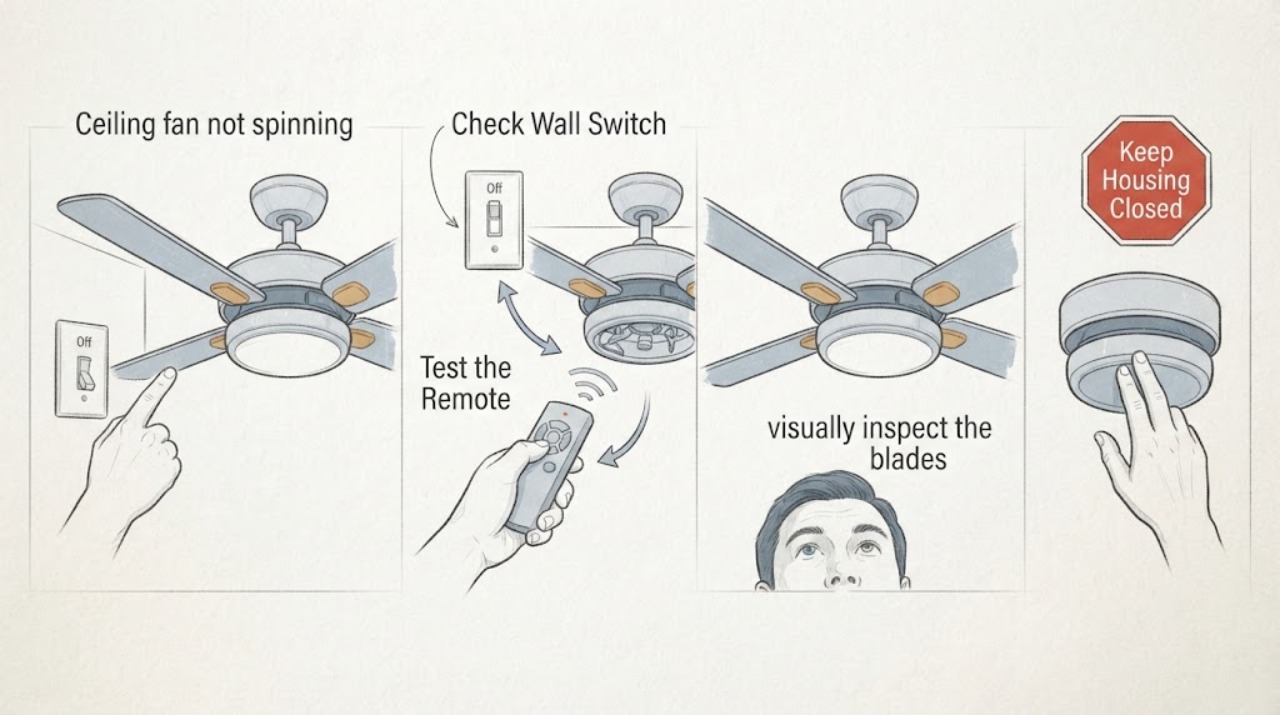
Ceiling fan not spinning: What to Check and What to Do Next
Start with safe, floor-level checks: confirm the fan control is on, check whether the light and fan respond differently, inspect the remote or wall control, and note any visible obstruction, noise, heat, or burning smell. Do not climb, push the blades by hand, open the canopy or motor housing, test live wiring, or bypass a control.
-
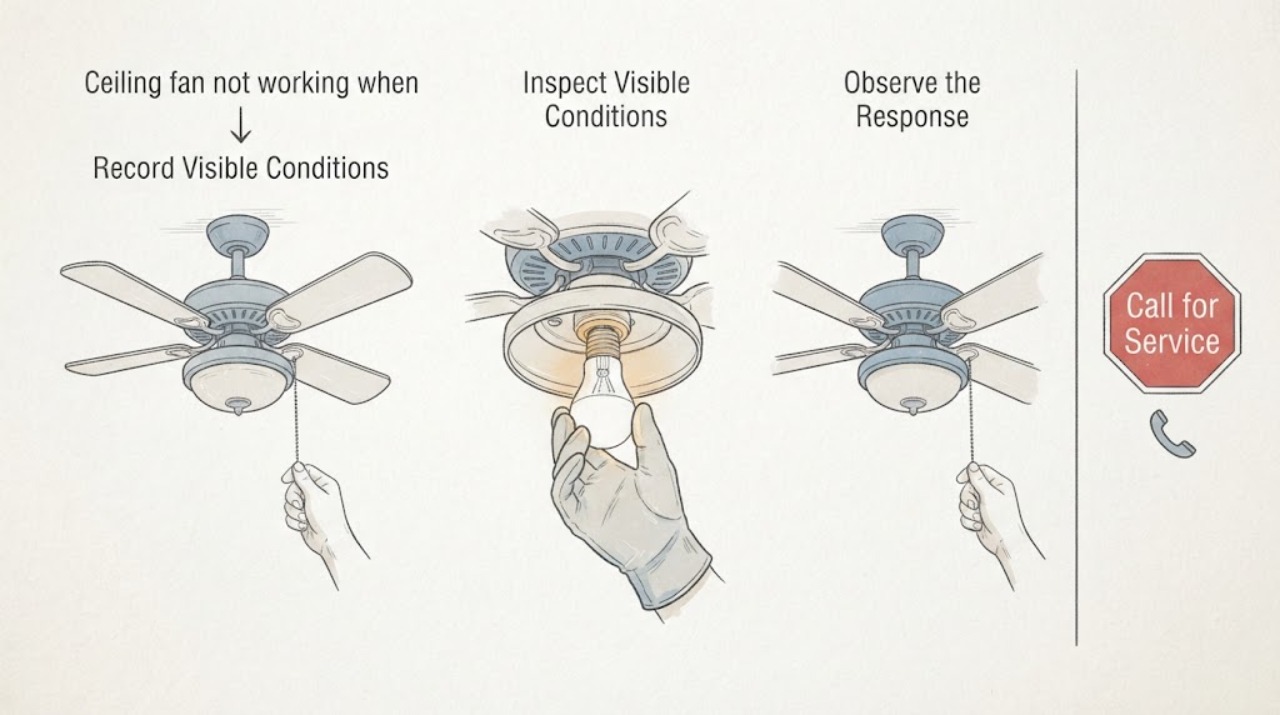
Ceiling fan not working when the bulb or module is replaceable: What to Check and What to Do Next
First separate a dead fan, a dead light with a running fan, and a fan-and-light combination that is completely unresponsive. From a normal standing position, check the wall switch, pull chain or remote control, remote batteries, and the accessible breaker indication; then use the exact fan manual.
-
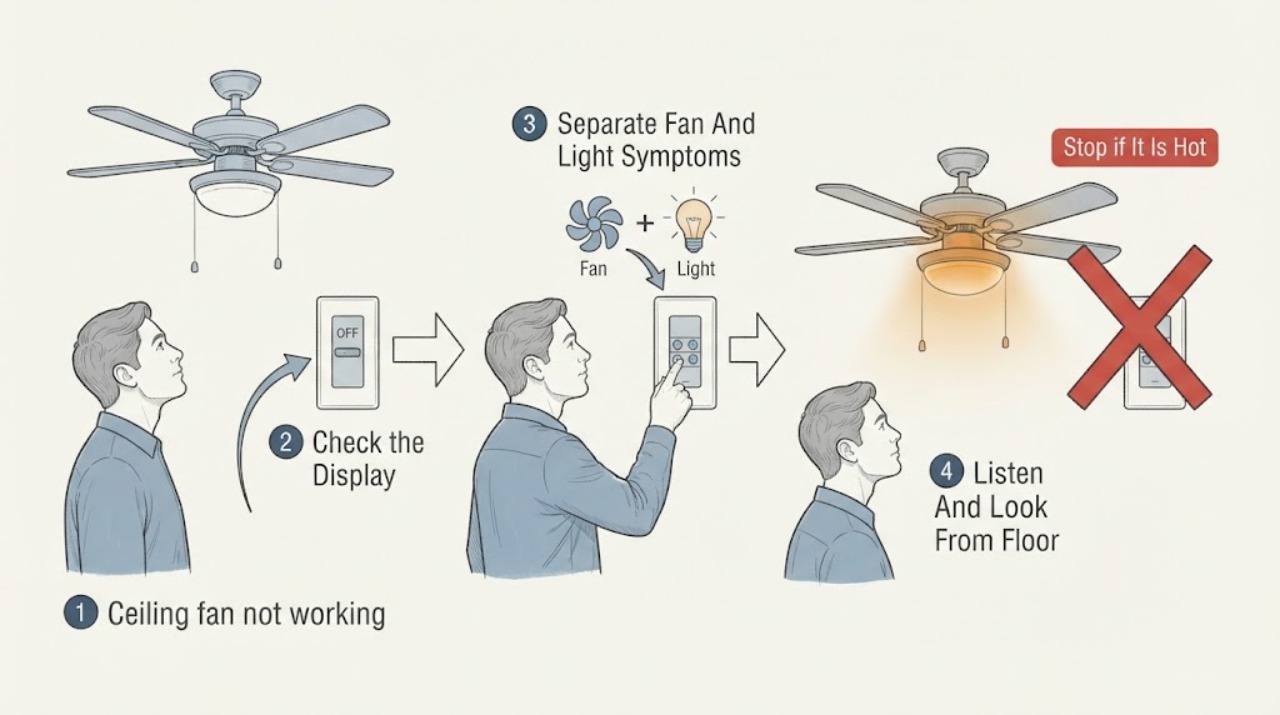
Ceiling fan not working: What to Check and What to Do Next
Start by separating a total no-response problem from a fan-only or light-only problem. From the floor, note the wall-switch and remote state, the last known fan and light response, and any click, hum, heat, odor, flicker, or prior breaker trip.
-
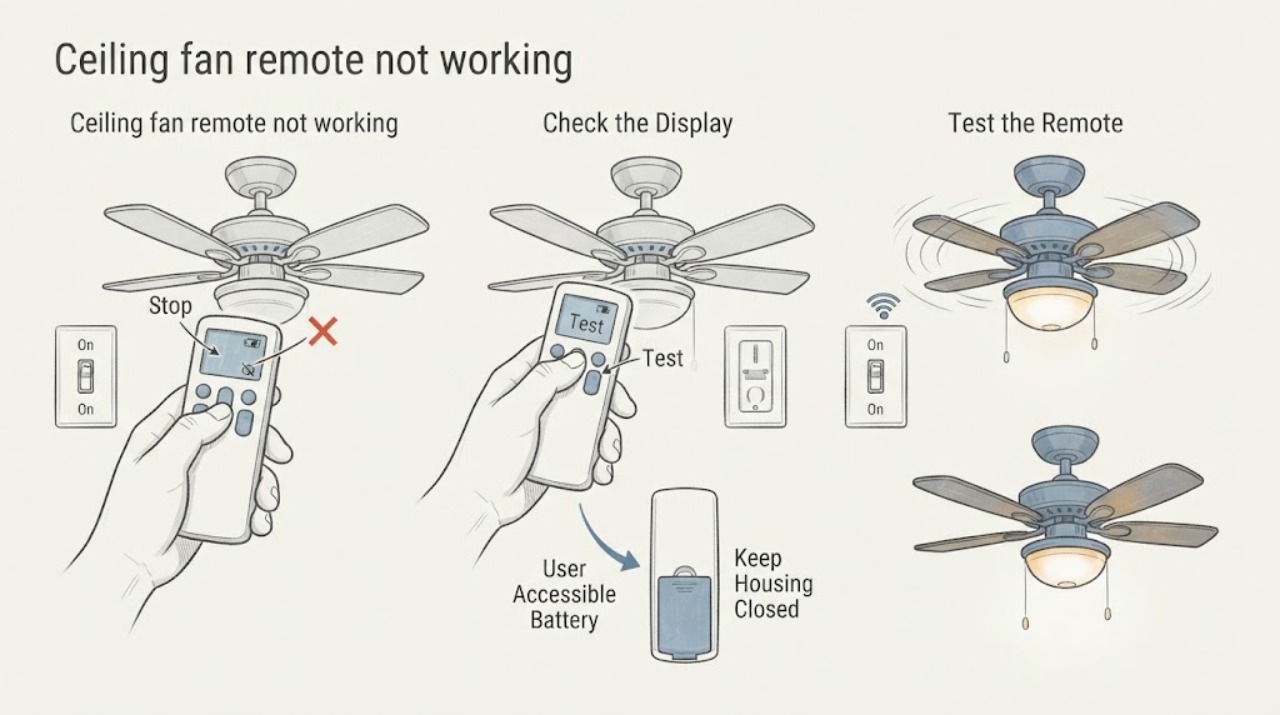
Ceiling fan remote not working: What to Check and What to Do Next
Keep the diagnosis at floor level. First observe whether the ordinary wall switch is on and whether the fan or light responds without the handheld remote.
-
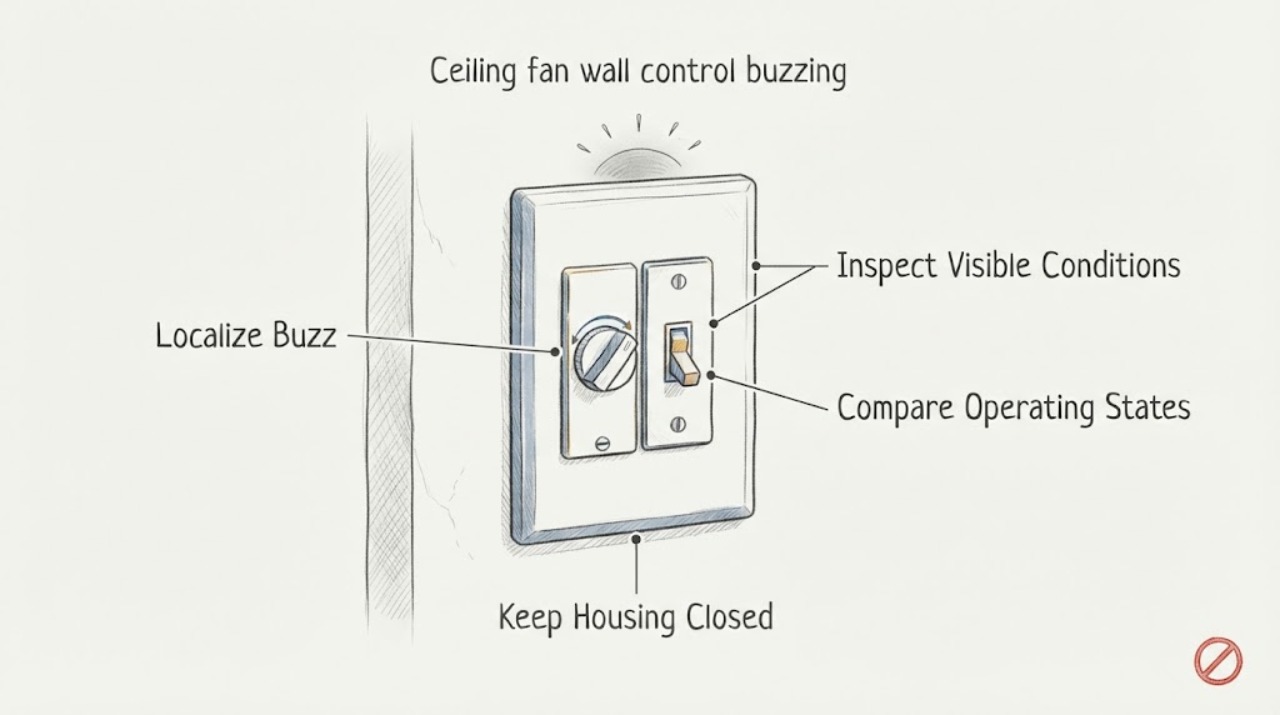
Ceiling fan wall control buzzing: What to Check and What to Do Next
First determine whether the buzz is coming from the wall control, the fan, the light, or the electrical panel. A faint control hum can be associated with electronic speed control, but a new or loud buzz is not something to ignore.
-
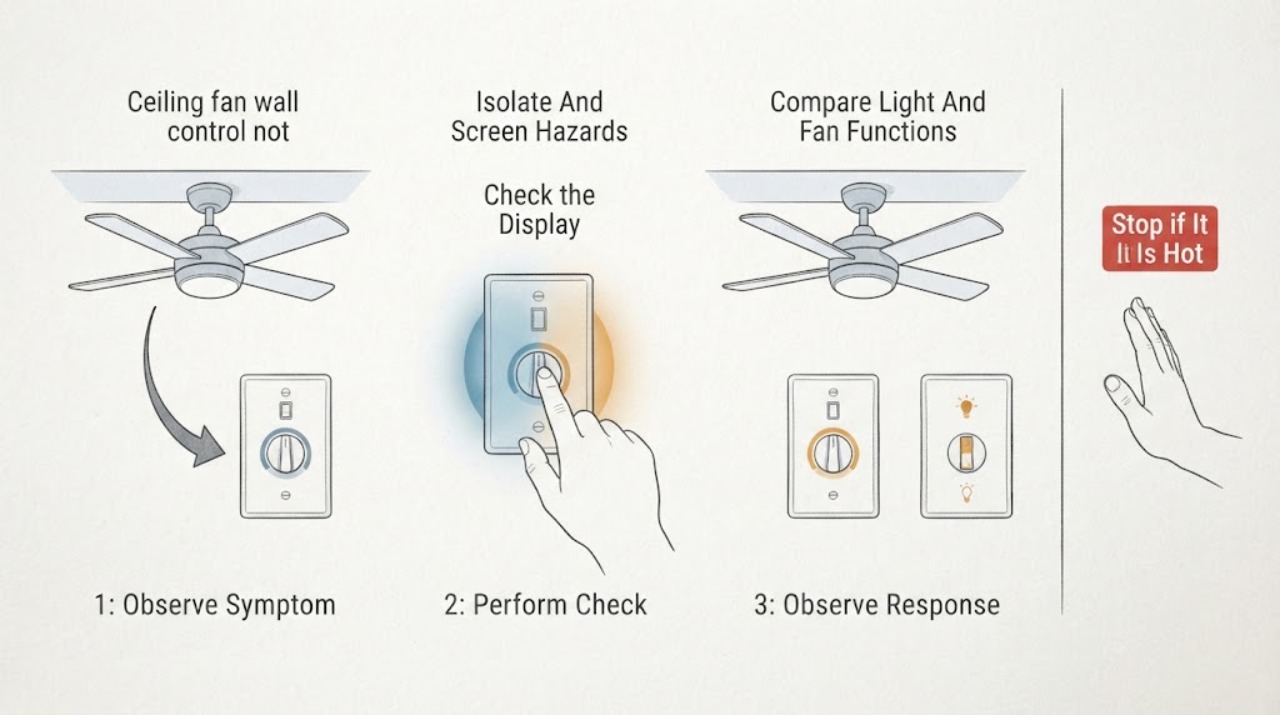
Ceiling fan wall control not spinning: What to Check and What to Do Next
Turn the ceiling-fan wall control off before looking for a cause. If the control or fan is hot, buzzing, sparking, discolored, loose, or smells burnt, leave the circuit off if it is safe to do so and call a qualified electrician.
-
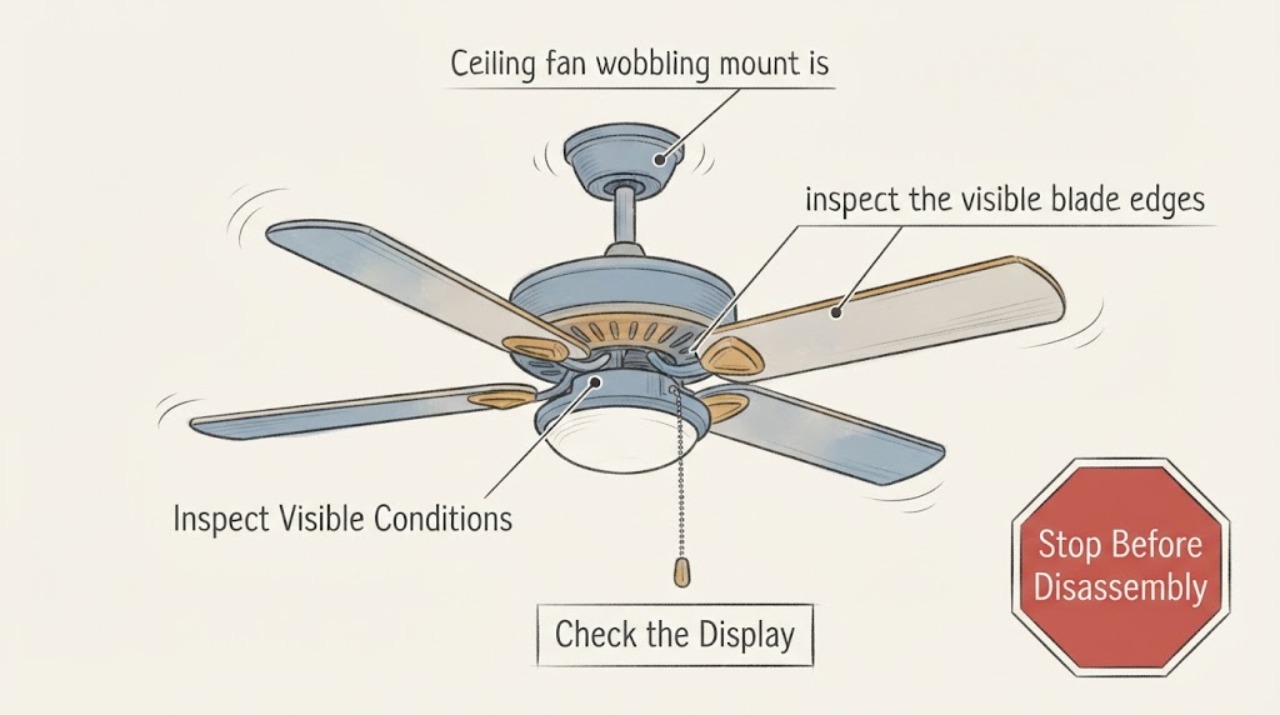
Ceiling fan wobbling mount is secure or unknown: What to Check and What to Do Next
If a ceiling fan is wobbling and the mount is secure or unknown, do not treat the mount as verified. From the floor, classify whether only the blades orbit unevenly or whether the downrod, body, canopy, or ceiling moves; observe the fan stopped when the wobble is severe.
-
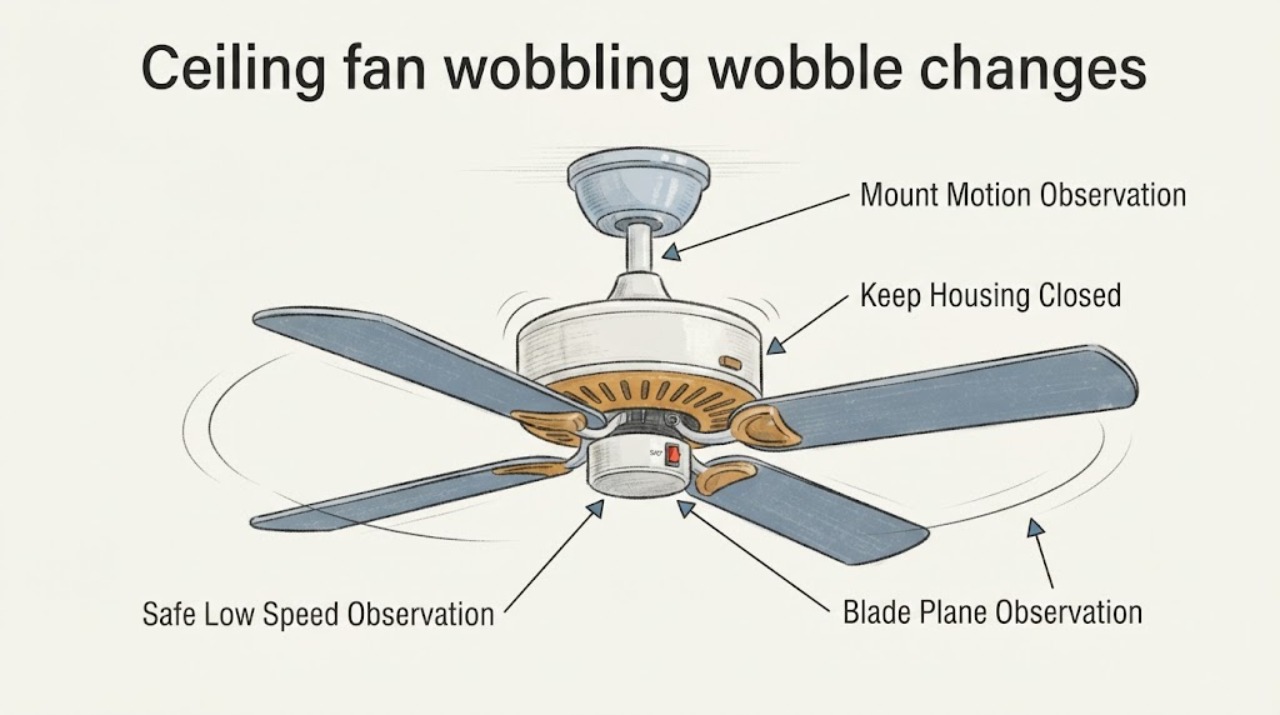
Ceiling fan wobbling wobble changes with speed: What to Check and What to Do Next
When a ceiling fan's wobble changes with speed, do not assume a balancing kit is the answer. From the floor, and only if the fan is stable with no visible damage, make one brief observation at the lowest speed; record whether the blades appear uneven, the wobble grows as speed changes, or the canopy, downrod, or mounting point moves with the ceiling.
-
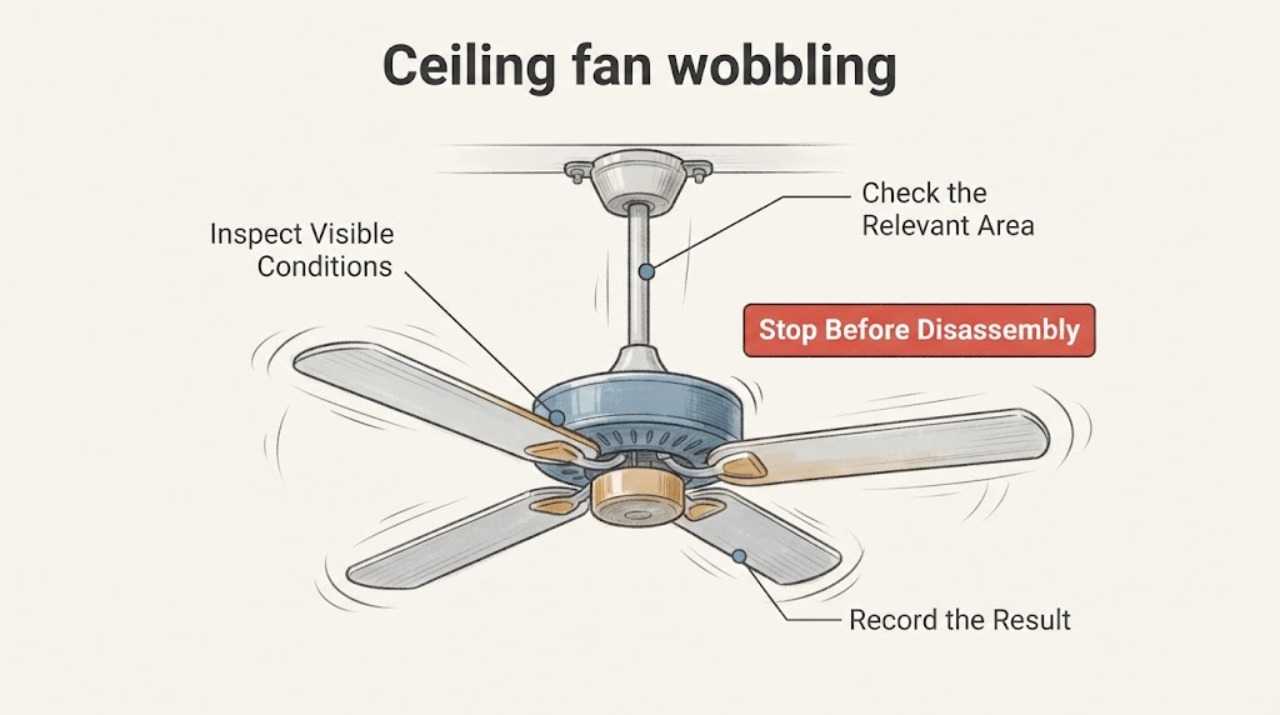
Ceiling fan wobbling: What to Check and What to Do Next
A ceiling fan that wobbles slightly can have an uneven blade set, loose visible components, or an installation/alignment problem, but a fan that swings severely, has a moving ceiling mount, makes scraping or impact sounds, shows a damaged blade, or feels hot should be switched off and left unused until an electrician or qualified fan professional inspects it.