
Electrical guides
Ceiling Fans Repair Guides – Page 2
Ceiling-fan guidance for power, speed, wobble, noise, lights, and controls.
Published ceiling fans guides
Choose the guide that best matches the equipment and symptom you are seeing.
-
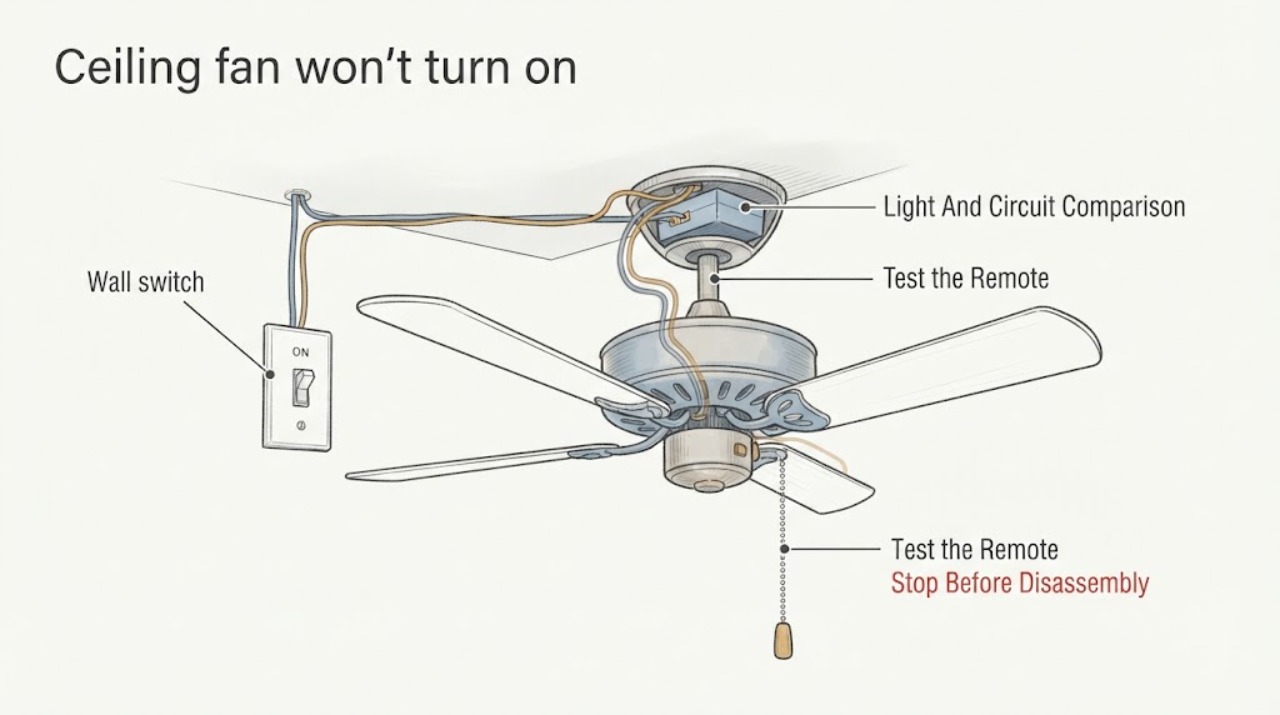
Ceiling fan won't turn on wiring when the switch is on but no fan movement
When a ceiling-fan wall switch is on but the blades never move, first determine whether the fan light, remote, pull chain, speed control, and other devices on the same circuit respond. Keep all wiring, switch-box, canopy, voltage, capacitor, receiver, and motor work for a licensed electrician.
-
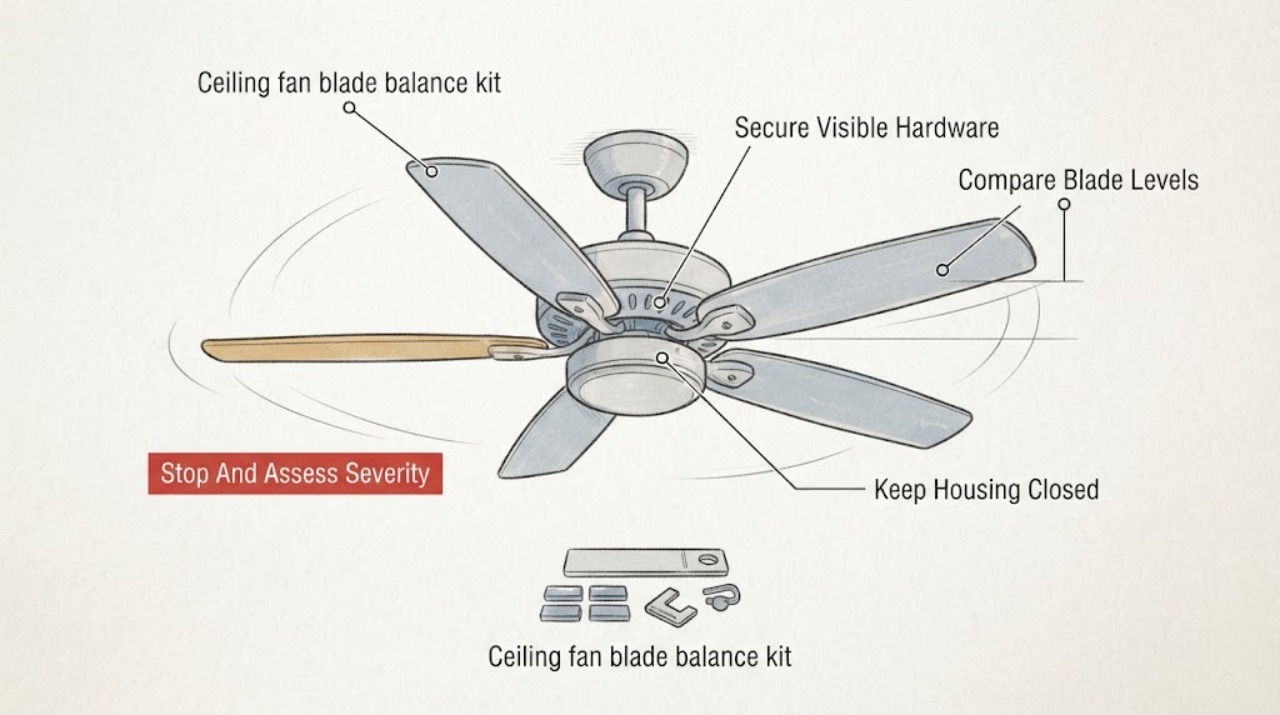
Hampton Bay ceiling fan blade balance kit wobbling: What to Check and What to Do Next
A Hampton Bay ceiling fan that still wobbles while you are using a blade balance kit should be checked in order: stop the fan completely, secure visible blade and blade-bracket fasteners, compare the height of every blade from the ceiling, and only then use the kit to identify a small weight imbalance.
-
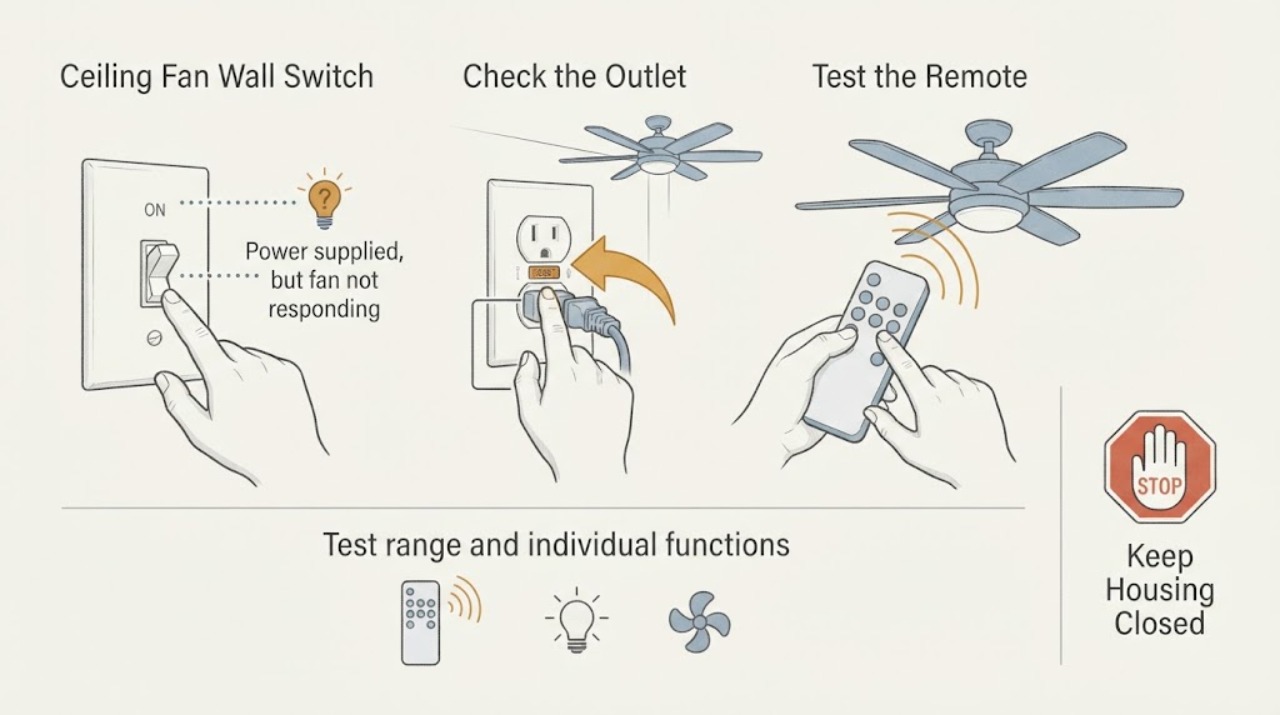
Hampton Bay Ceiling Fan Wall Switch and Remote Not Working: What to Check and What to Do Next
For a Hampton Bay ceiling fan whose wall switch and remote do not operate the fan, first confirm that the wall switch is supplying power and is an ordinary on/off switch rather than a dimmer or variable-speed control. Then replace or correctly seat the remote battery, test from the normal operating range, and check that the transmitter and receiver use the same code only according to the exact model instructions.
-
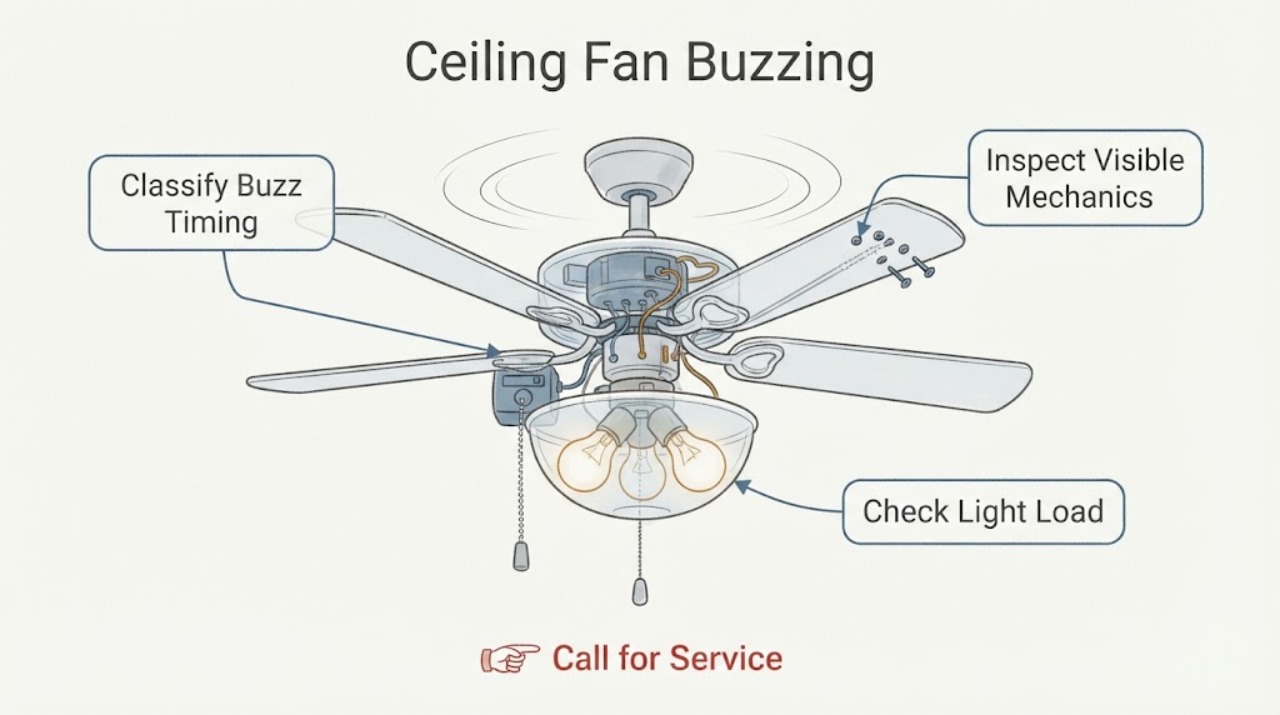
Hunter ceiling fan buzzing: What to Check and What to Do Next
A buzzing Hunter ceiling fan may have a loose blade or light-kit part, an incorrect bulb, a control or dimmer that is not compatible with the fan, a receiver or motor problem, or a wiring or breaker issue. First determine whether the sound changes with fan speed or occurs only when the light is on, then make only ordinary-access checks with the fan stopped and power off for the specific check.
-
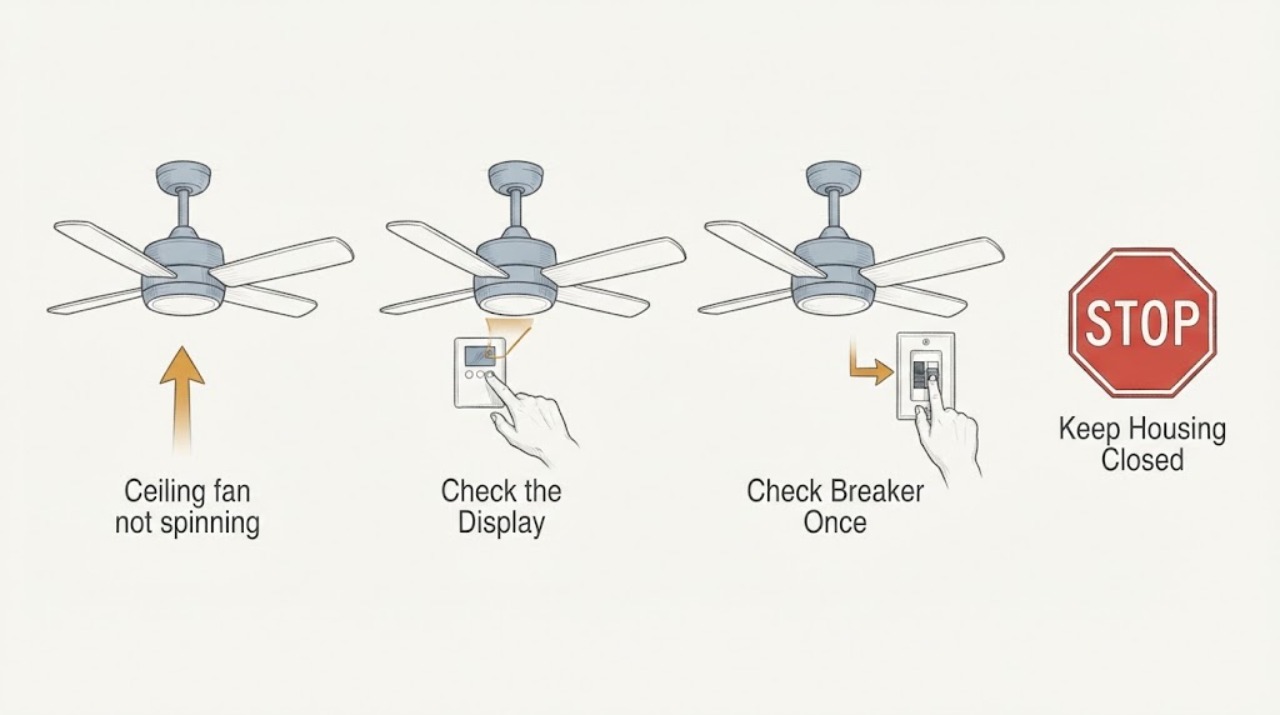
Hunter ceiling fan not spinning: What to Check and What to Do Next
A Hunter ceiling fan that will not spin may have no power, an off wall switch or pull chain, a remote or receiver issue, a reverse switch left between positions, a mechanical obstruction, a failed capacitor or wiring harness, or a motor problem. Start with the controls and breaker from safe access, then check whether the light works and whether the blades have a visible obstruction or loose mounting.
-
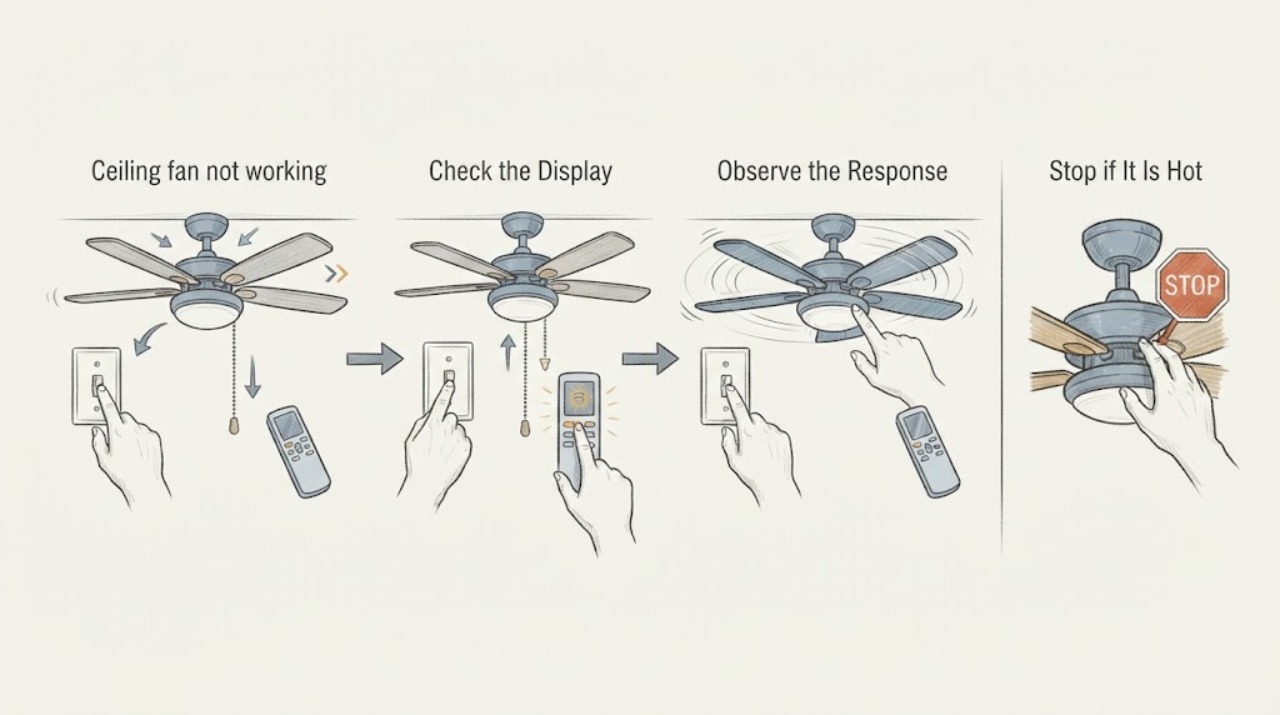
Hunter ceiling fan not working: What to Check and What to Do Next
When a Hunter ceiling fan is not working, first confirm the wall switch supplies power and use the control intended for that fan: a pull chain for a pull-chain model or the remote's on command for a remote model. Then check the labeled breaker, make sure a reverse switch is fully engaged rather than centered, and with power off confirm the blades are not physically stuck.
-
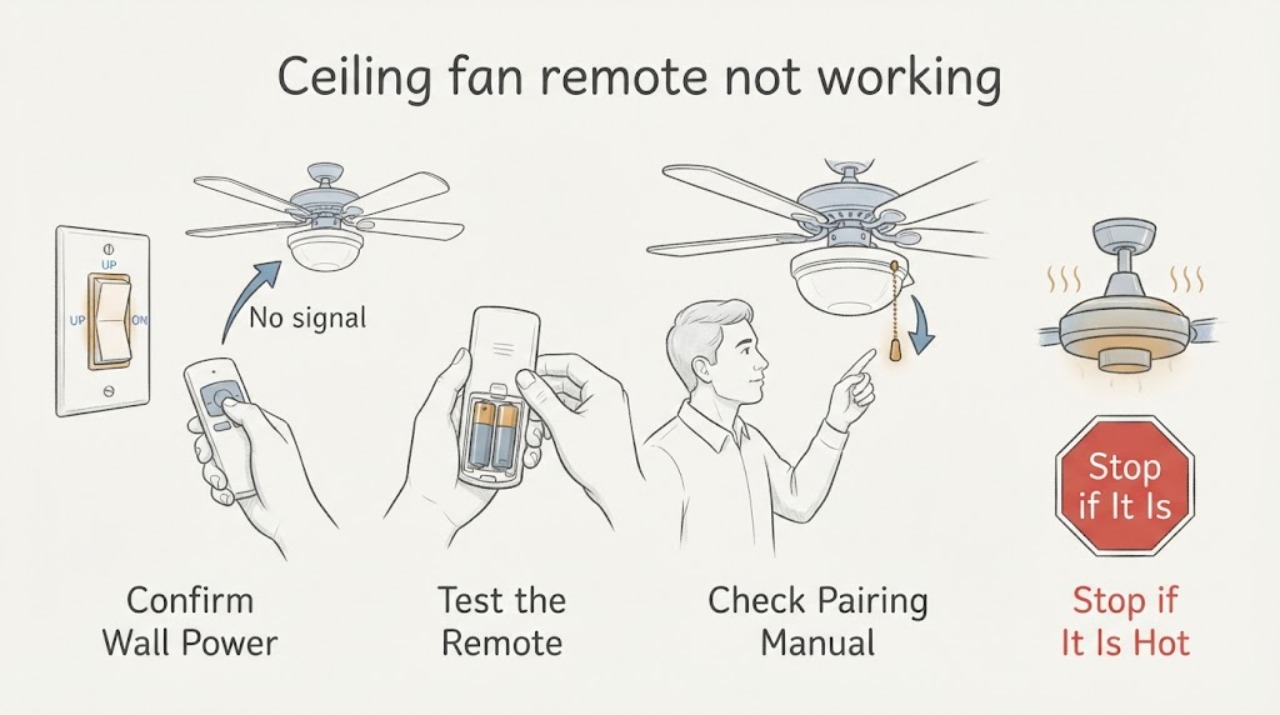
Hunter ceiling fan remote not working: What to Check and What to Do Next
For a Hunter ceiling fan remote that does not work, first confirm the wall switch is on and the fan has power, then install fresh batteries and test again from the normal range. If the fan was previously paired, it may have lost pairing with its receiver; use the exact model manual's pairing procedure rather than a generic sequence.
-
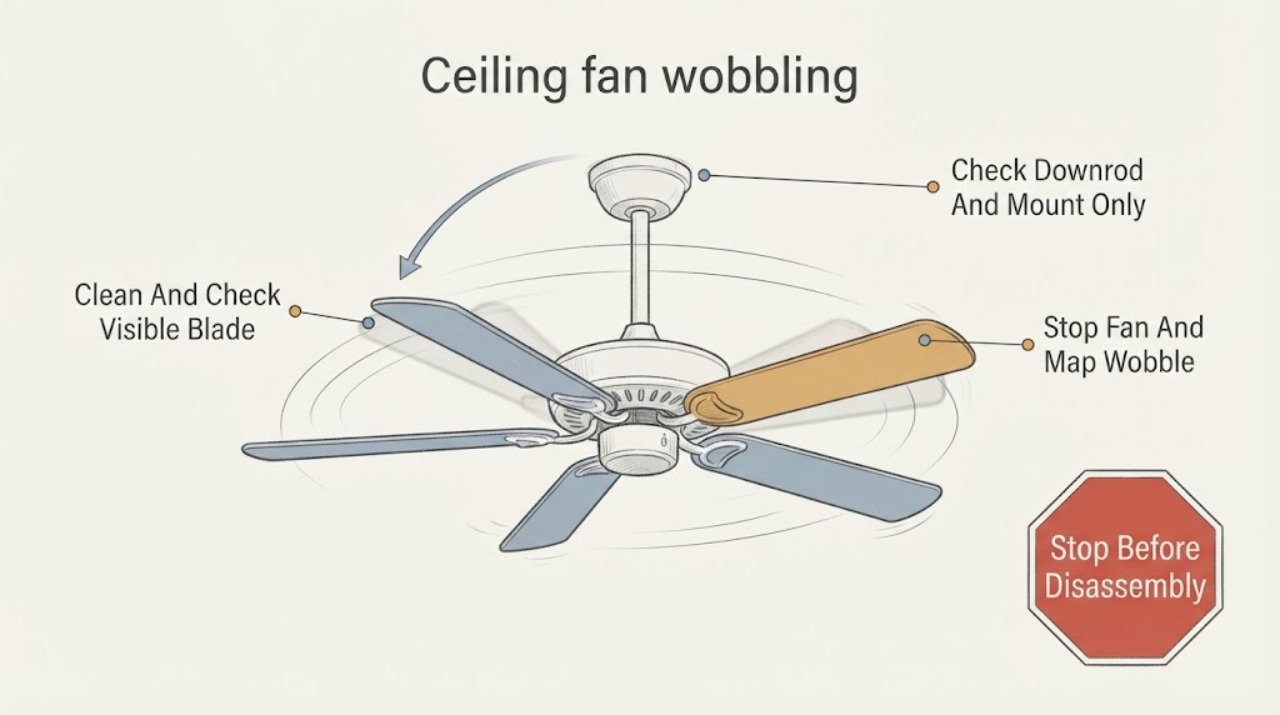
Hunter ceiling fan wobbling: What to Check and What to Do Next
A small amount of ceiling-fan movement can be normal, but a new or worsening wobble usually comes from uneven blade alignment or weight, loose blade or downrod hardware, an unstable mounting bracket, dust buildup, a warped blade, or an installation issue. Turn the fan off before inspecting it, keep the blades clear of nearby objects, and check only hardware you can safely reach from a stable position.
-
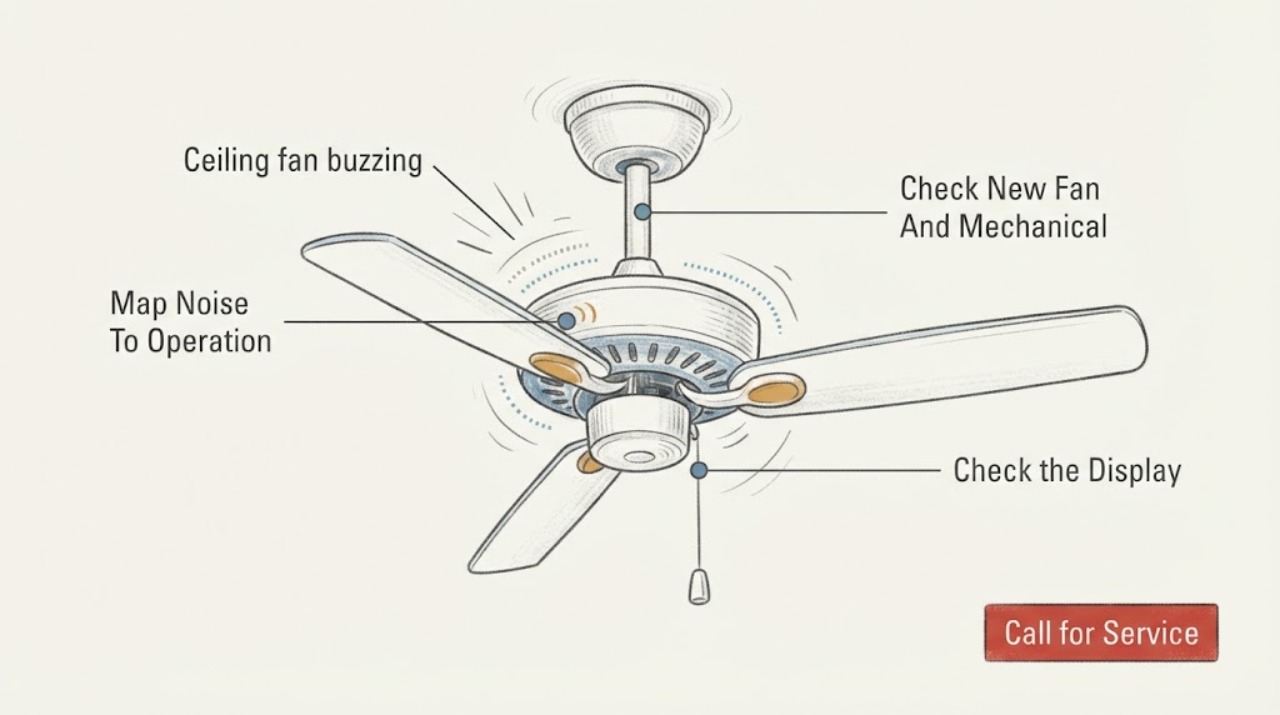
Minka aire ceiling fan buzzing: What to Check and What to Do Next
A Minka-Aire ceiling fan buzz can come from loose blade-holder or mounting hardware, normal motor or control noise, an incompatible dimmer or wall control, a receiver or light-kit issue, house wiring, a circuit-breaker problem, or a motor fault. First turn the fan and light off and note whether the sound follows the blades, light, speed setting, or wall control.
-
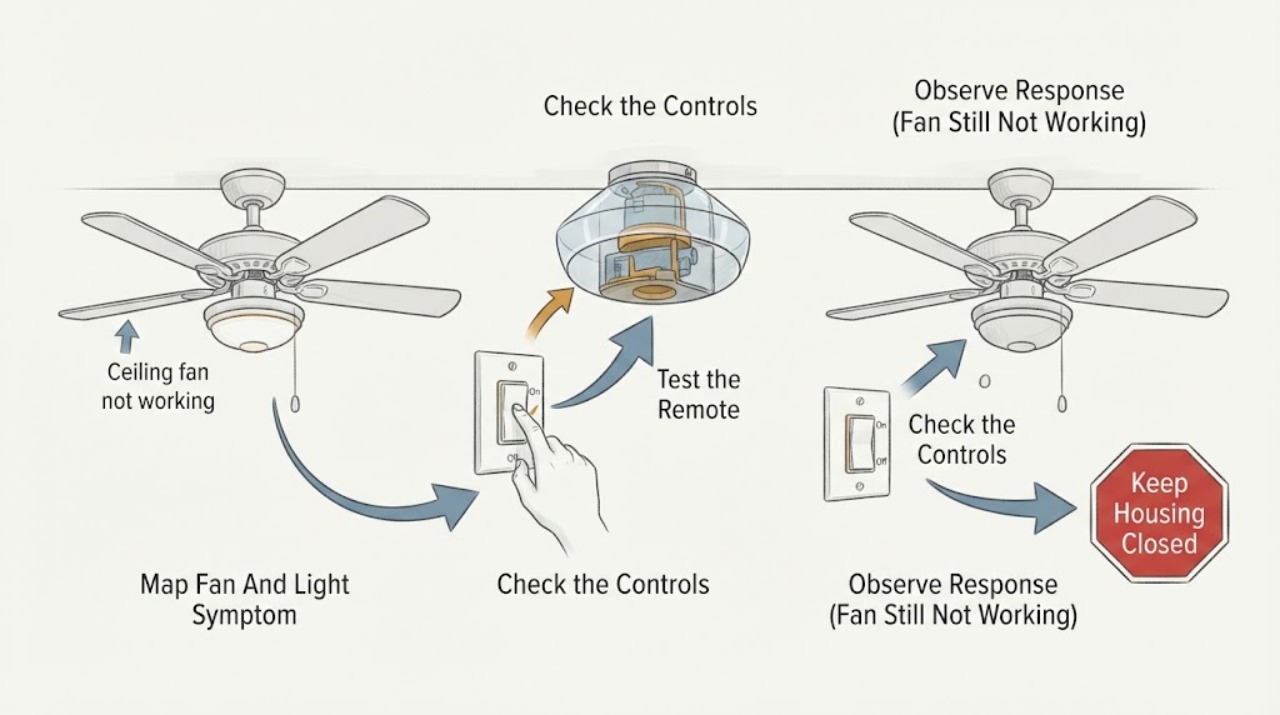
Minka Aire ceiling fan not working: What to Check and What to Do Next
Start by identifying whether both the fan and light are dead, whether the light still works, or whether the remote or wall control is the only part that fails. Check the accessible wall switch, remote batteries and buttons, and the relevant breaker without opening the ceiling canopy.
-
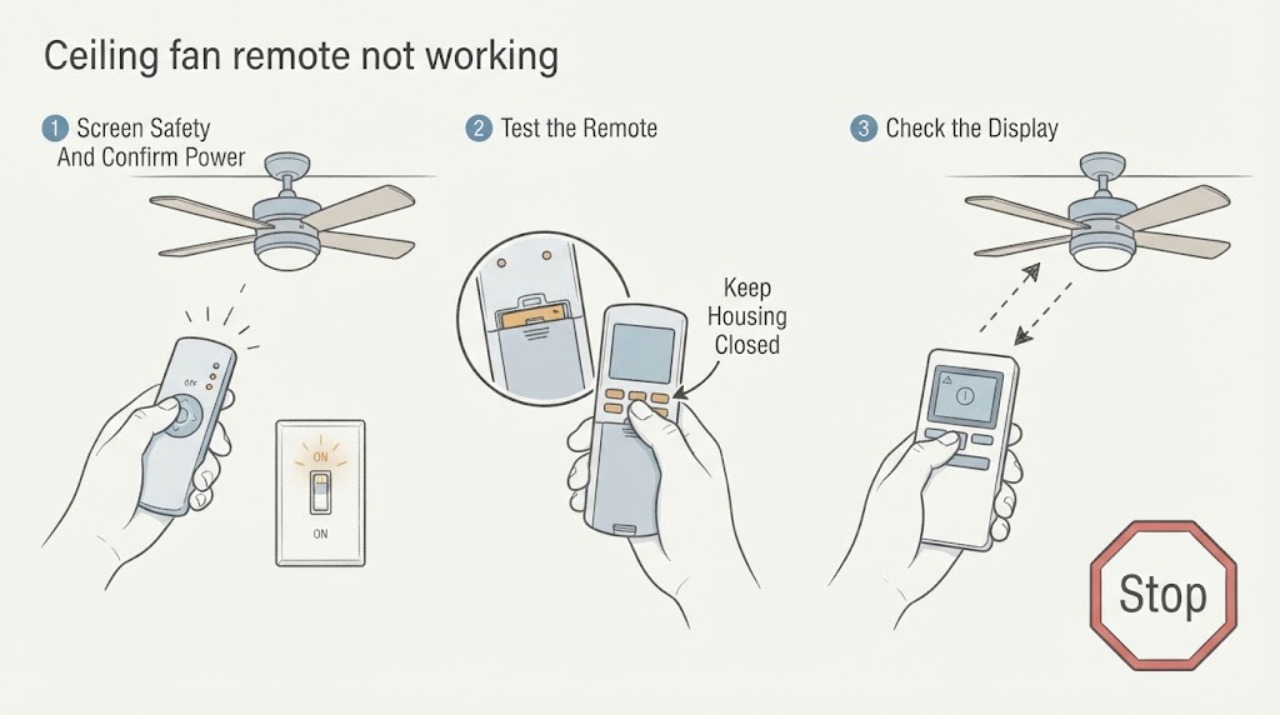
Minka Aire ceiling fan remote not working: What to Check and What to Do Next
First verify that the fan's existing wall switch supplies power, then replace the Minka Aire remote battery with the exact type and polarity shown in the model manual. Test the light and any accessible pull-chain or wall control without opening the fan.
-
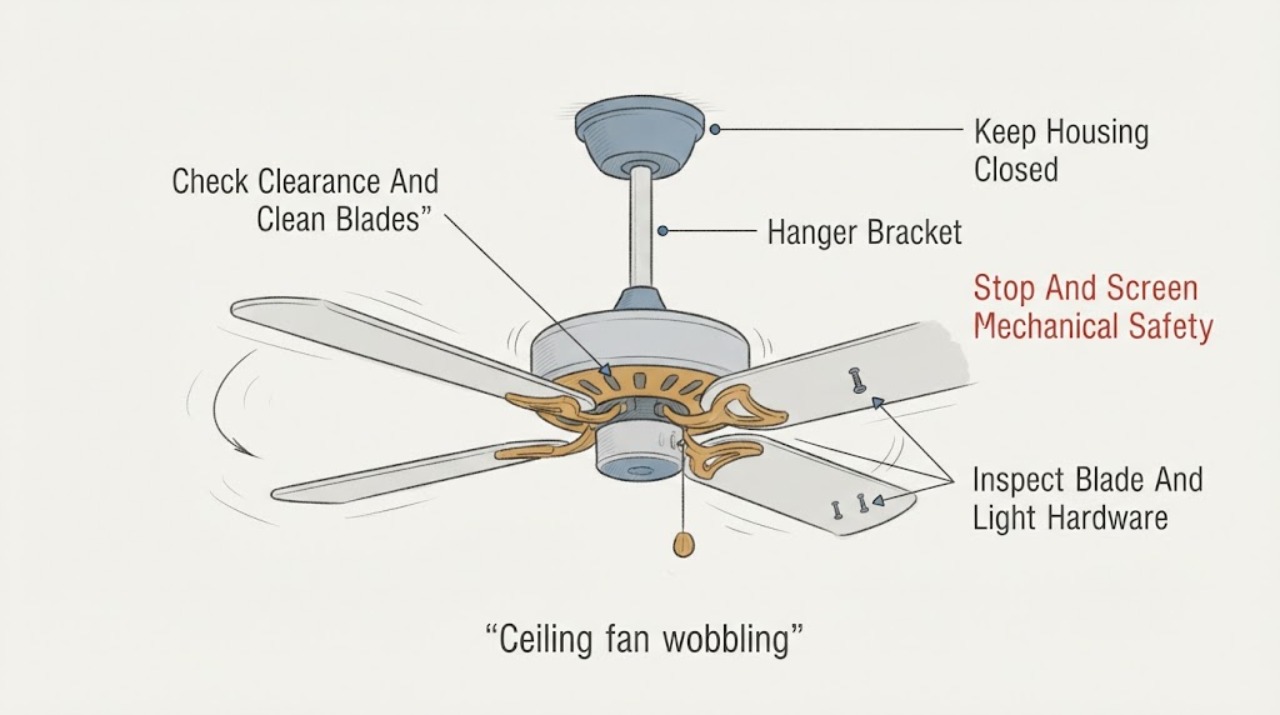
Minka Aire ceiling fan wobbling: What to Check and What to Do Next
Turn the Minka Aire fan off and let the blades stop before checking anything. From the floor, look for a blade contacting an object, a fan that is swinging at the ceiling, a loose or sagging canopy, a cracked or warped blade, or unusual noise.
-
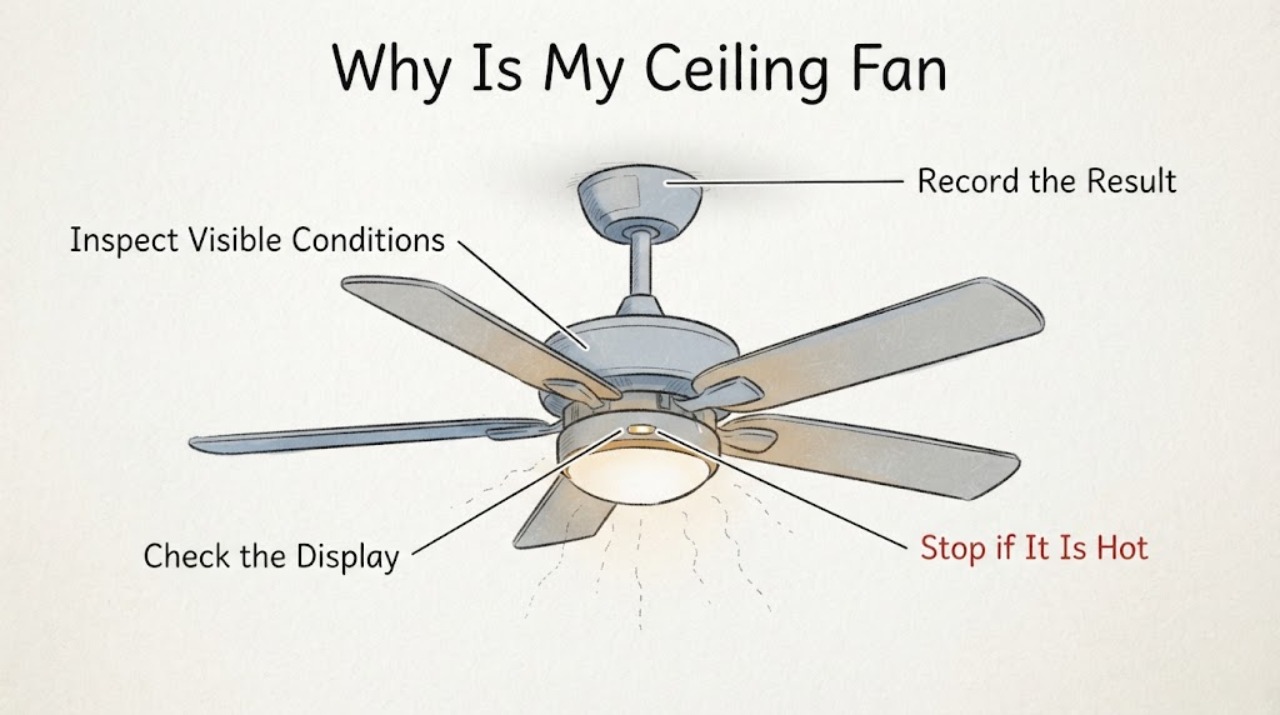
Why Is My Ceiling Fan Flickering?
First determine whether only the ceiling fan's light flickers or other lights flicker too. A problem limited to the fan light is commonly related to a loose or failing replaceable bulb, an integrated light module, or a bulb-and-control mismatch, especially when it happens while dimmed. If other room lights flicker, the fan makes electrical noise, a switch or outlet feels hot, or a breaker trips, stop using the fan and have a licensed electrician investigate the circuit.