
Repair problem
Ceiling Fan Buzzing Troubleshooting Guides
Published FixGraph guidance for diagnosing and responding to ceiling fan buzzing.
Matching published guides
Choose a guide that matches the service, equipment, and conditions you are seeing.
-
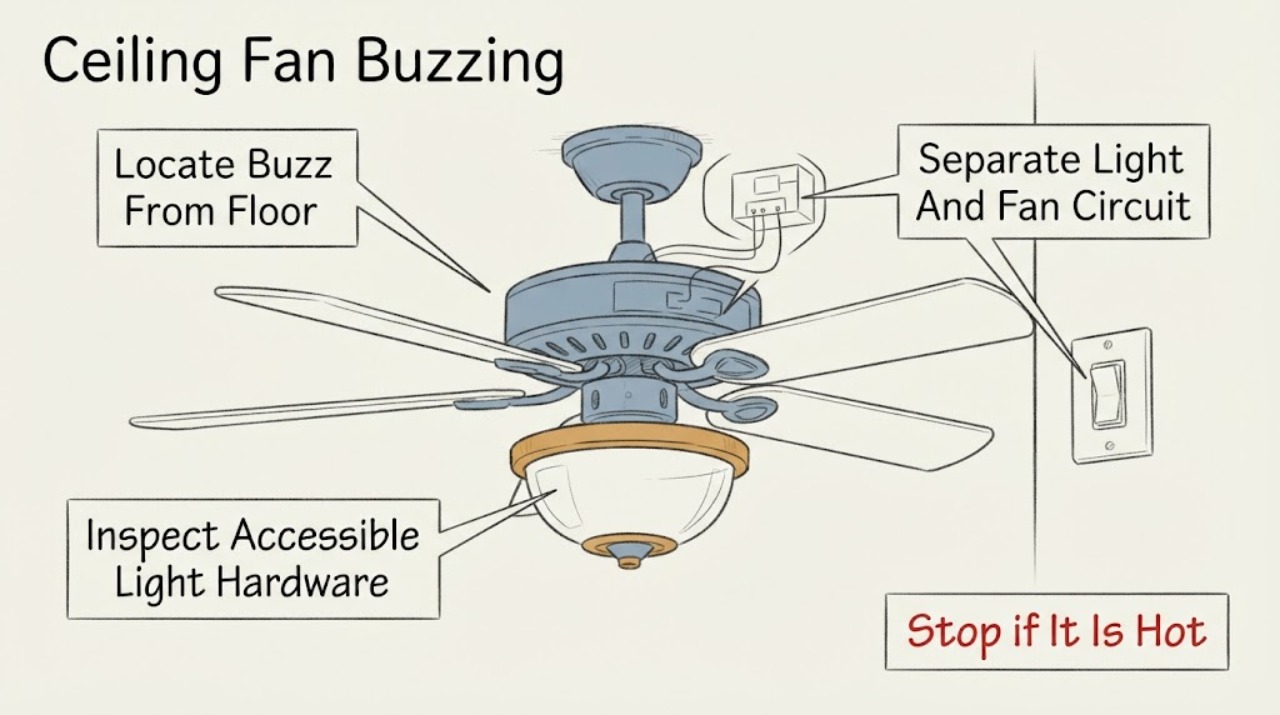
Casablanca Ceiling Fan Buzzing: What to Check and What to Do Next
A buzzing Casablanca ceiling fan is most often narrowed by where the sound comes from and what changes it: a light-only buzz can point to a bulb, light kit, or dimmer; a buzz tied to a control can involve an incompatible control or receiver; and a buzz that follows fan speed can involve the motor or mounting hardware.
-
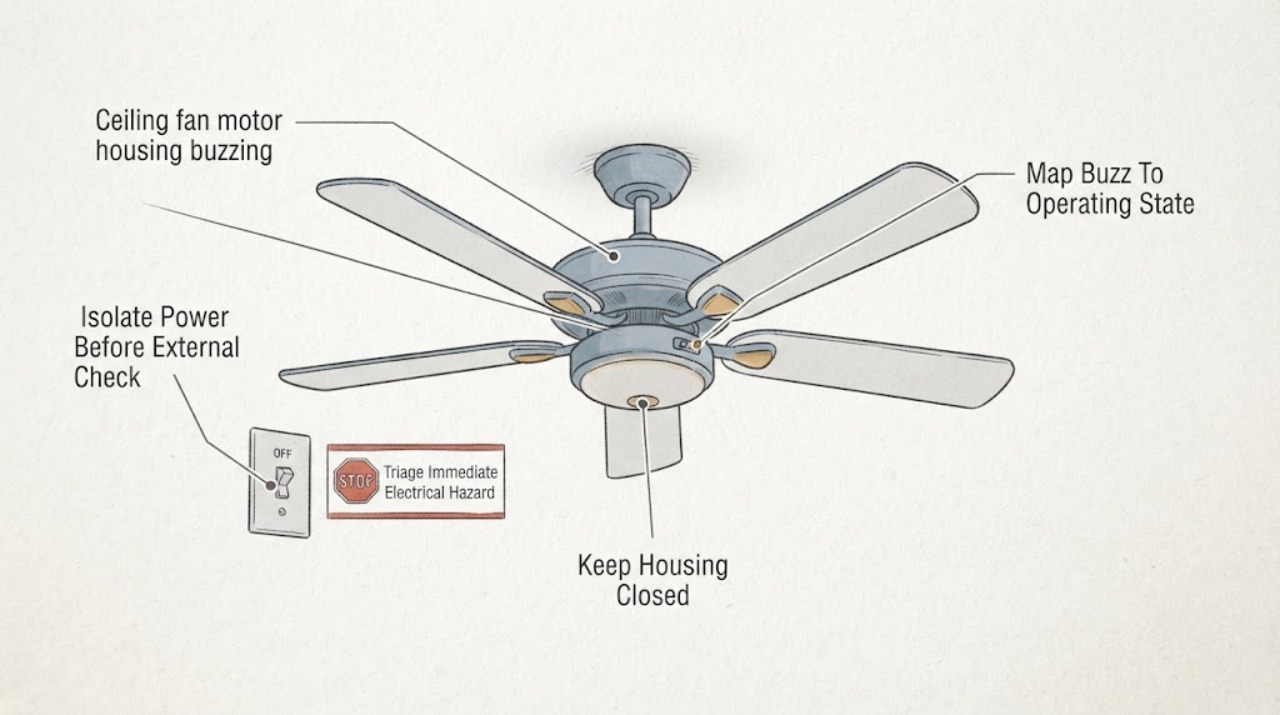
Casablanca ceiling fan motor housing buzzing: What to Check and What to Do Next
A Casablanca fan that buzzes from the motor housing may have a loose external part, a control that is not compatible with the fan, a wire or connector resonating inside a housing, or an internal motor fault. First observe the sound, speed, light, and control pattern from a safe position.
-
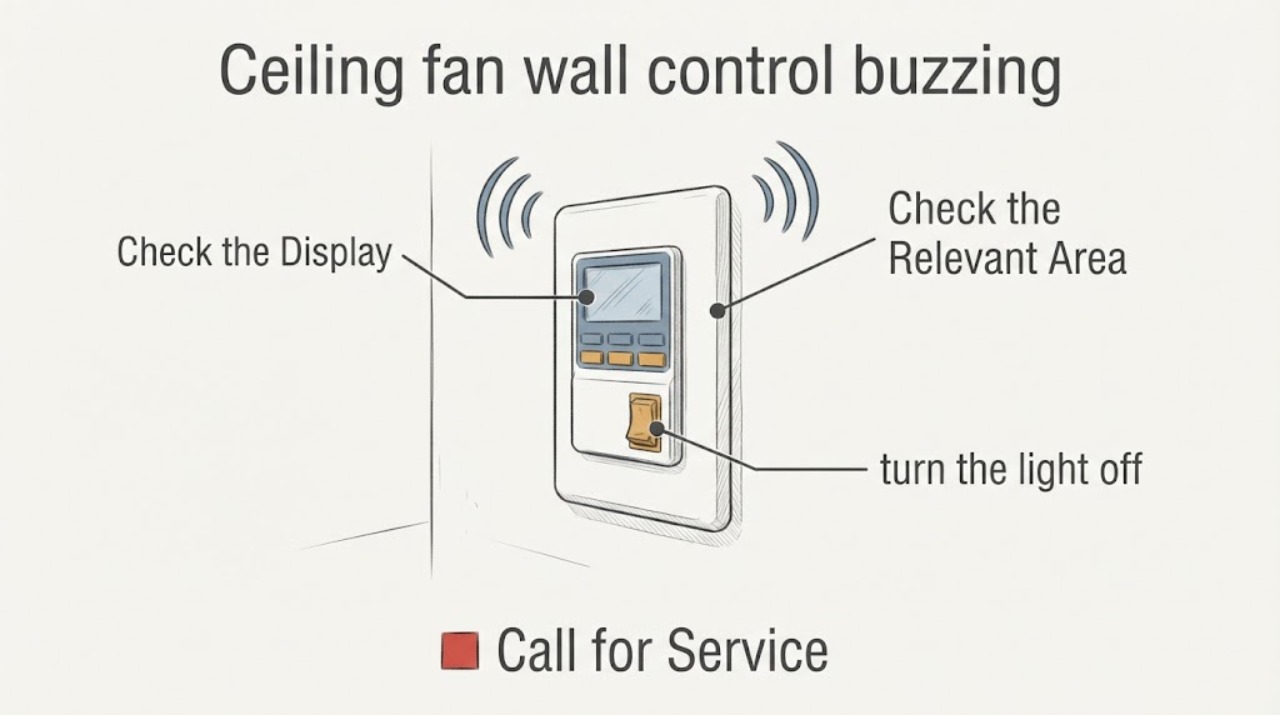
Casablanca ceiling fan wall control buzzing: What to Check and What to Do Next
A Casablanca wall control that buzzes may be reacting to an incompatible dimmer or control, a receiver or fan-load issue, loose or faulty wiring, or a problem at the circuit breaker. First locate the sound and note whether it happens with the fan, light, or a particular speed or dimming level.
-
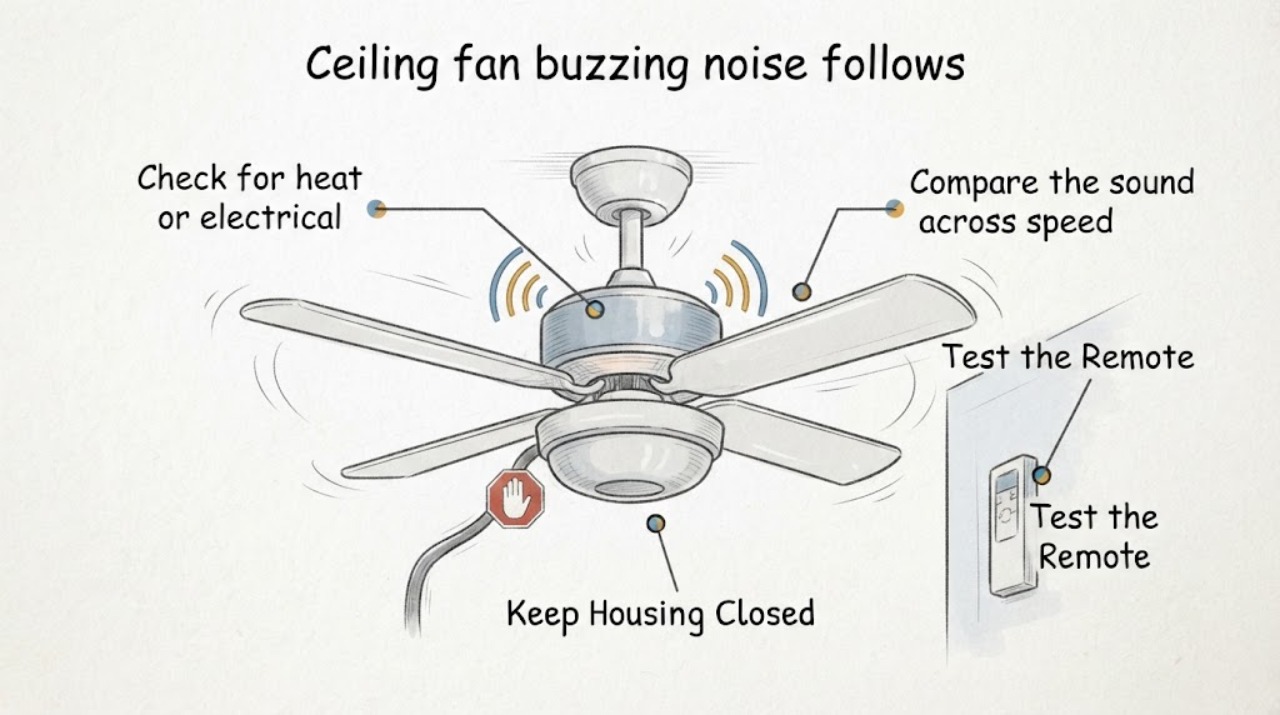
Ceiling fan buzzing noise follows speed setting: What to Check and What to Do Next
If a ceiling fan buzz changes with the selected speed, compare the sound at each normal speed without opening the fan. A buzz that tracks only the fan speed points toward the speed-control path, such as a capacitor, electronic wall control, or receiver; a buzz that stays at one pitch while the blades or housing vibrate points more toward mechanical resonance or a loose external part.
-
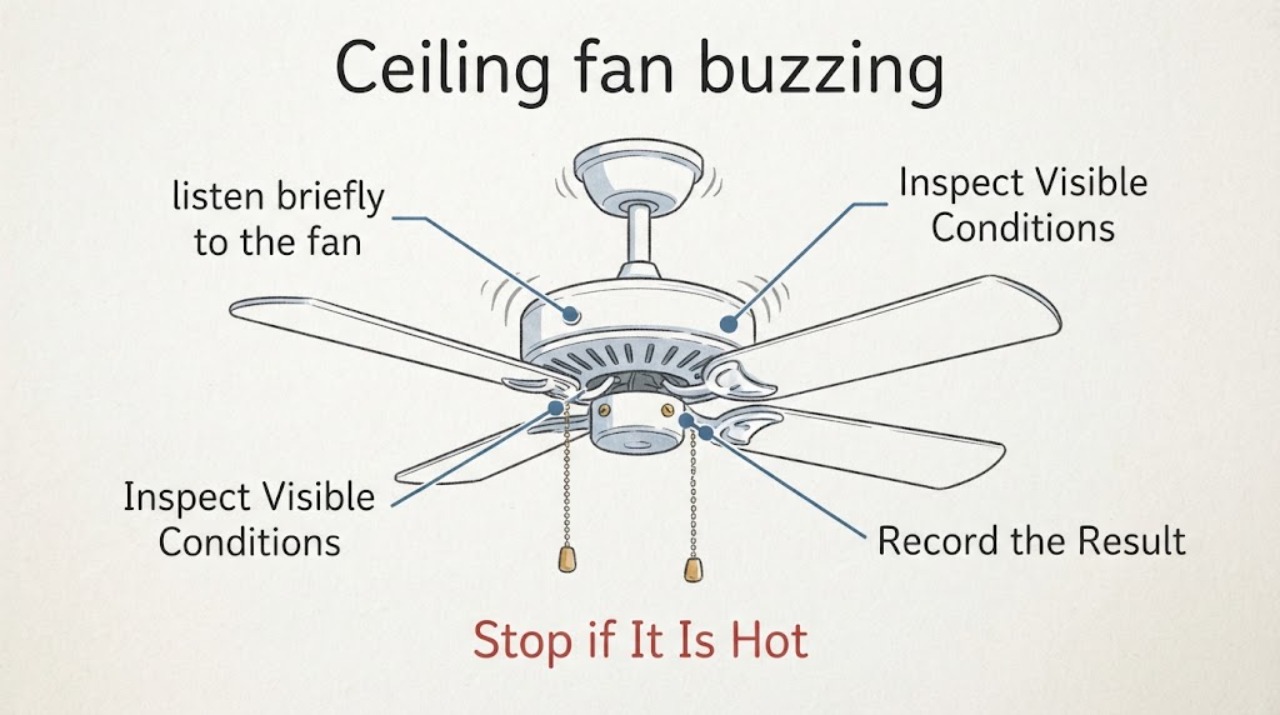
Ceiling fan buzzing: What to Check and What to Do Next
First decide whether the buzz is mechanical, control-related, or an electrical warning. From the floor, note when the sound starts, where it is loudest, whether it changes with fan speed or the light, and whether the fan wobbles or shows heat, smoke, crackling, or a burning smell.
-
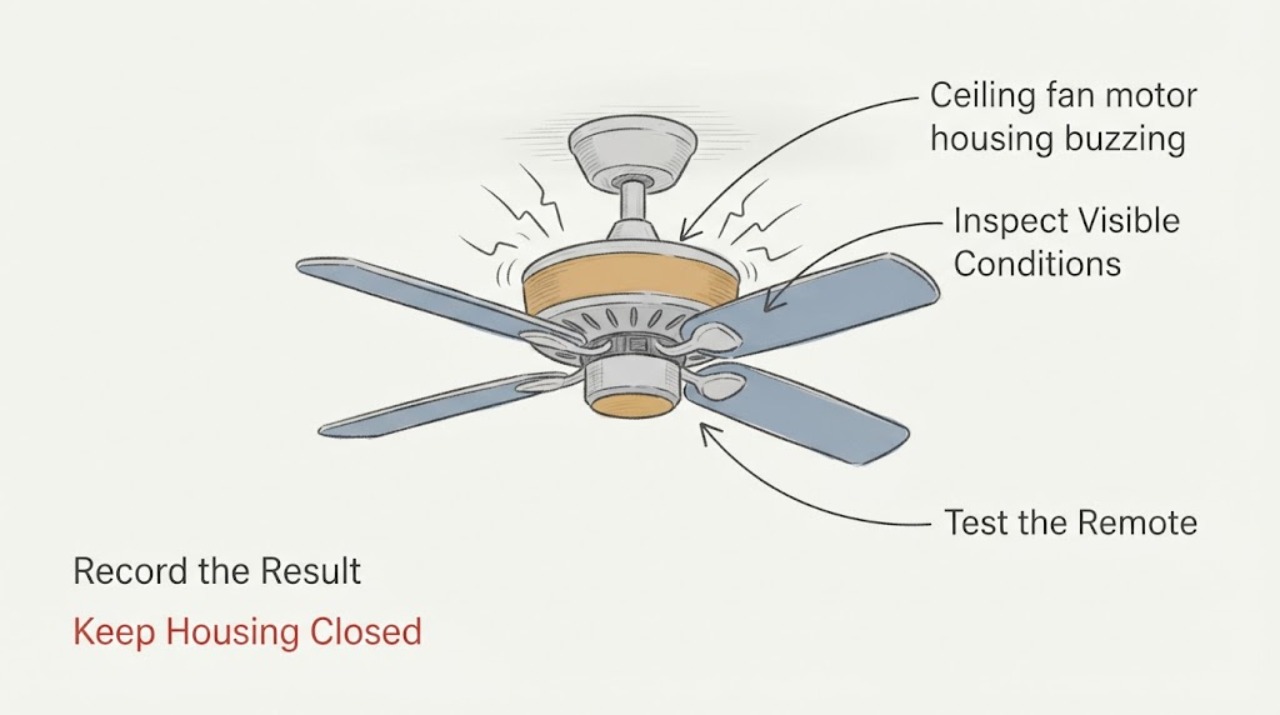
Ceiling fan motor housing buzzing: What to Check and What to Do Next
Treat buzzing from a ceiling-fan motor housing as an observation and safety decision, not as a reason to open the housing. From the floor, note whether the sound changes with fan speed, the light, or the wall control, and look for wobble, visible contact, heat, odor, smoke, or crackling.
-
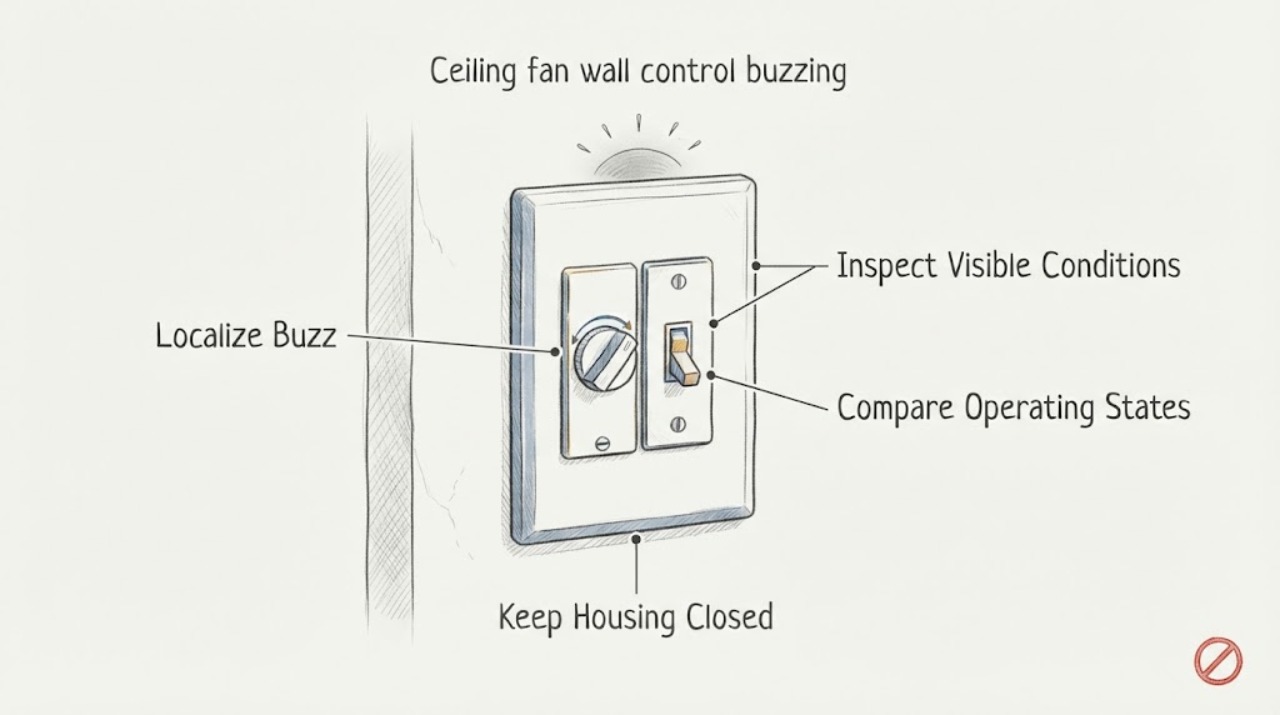
Ceiling fan wall control buzzing: What to Check and What to Do Next
First determine whether the buzz is coming from the wall control, the fan, the light, or the electrical panel. A faint control hum can be associated with electronic speed control, but a new or loud buzz is not something to ignore.
-
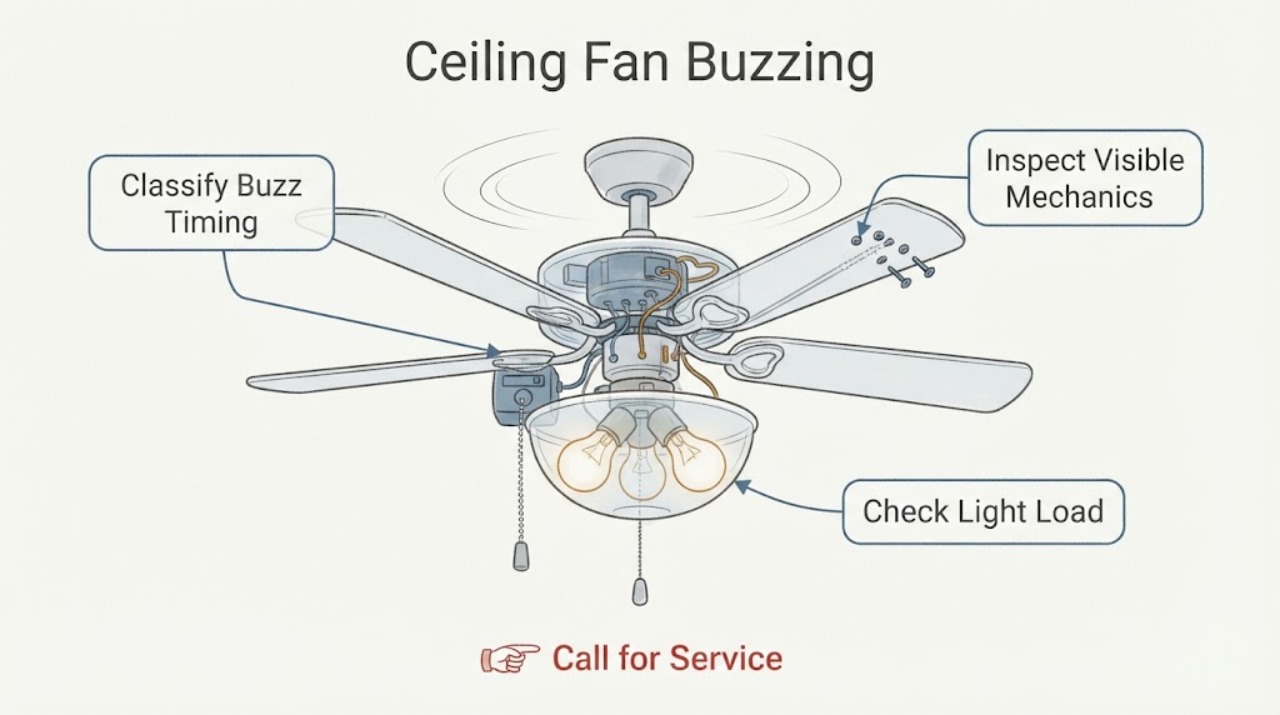
Hunter ceiling fan buzzing: What to Check and What to Do Next
A buzzing Hunter ceiling fan may have a loose blade or light-kit part, an incorrect bulb, a control or dimmer that is not compatible with the fan, a receiver or motor problem, or a wiring or breaker issue. First determine whether the sound changes with fan speed or occurs only when the light is on, then make only ordinary-access checks with the fan stopped and power off for the specific check.
-
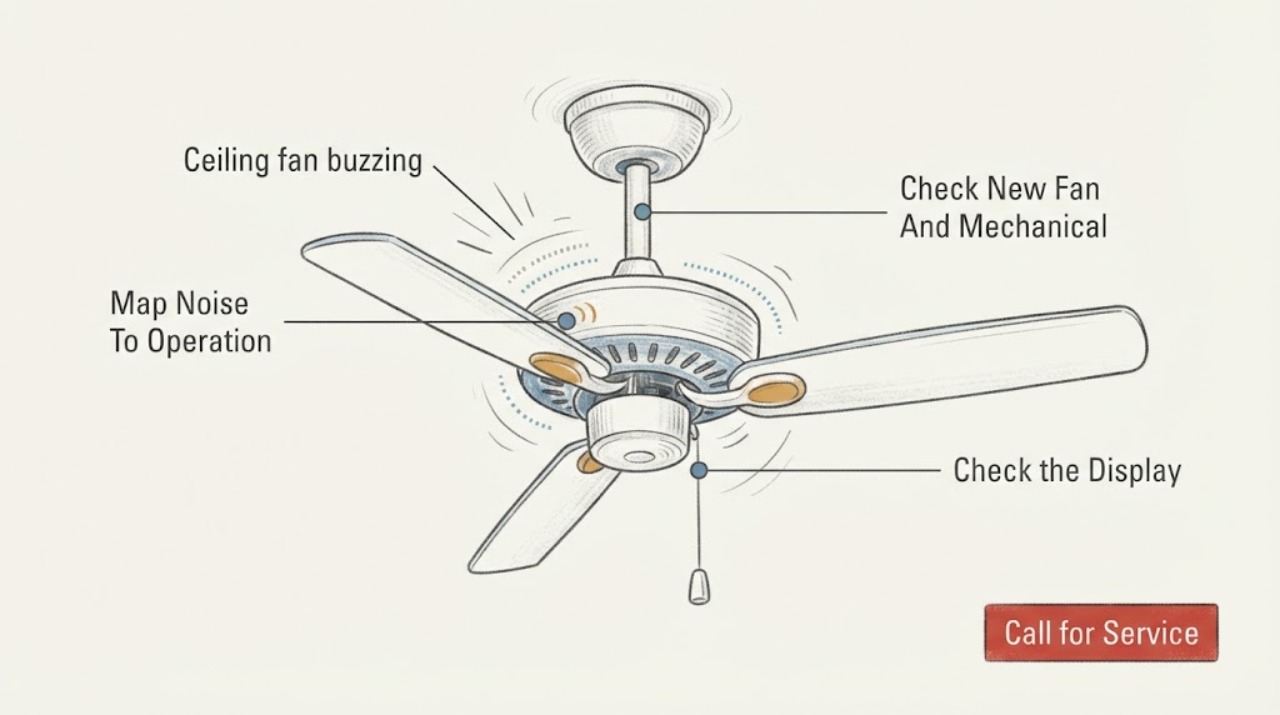
Minka aire ceiling fan buzzing: What to Check and What to Do Next
A Minka-Aire ceiling fan buzz can come from loose blade-holder or mounting hardware, normal motor or control noise, an incompatible dimmer or wall control, a receiver or light-kit issue, house wiring, a circuit-breaker problem, or a motor fault. First turn the fan and light off and note whether the sound follows the blades, light, speed setting, or wall control.