
Repair problem
Ceiling Fan Not Spinning Troubleshooting Guides
Published FixGraph guidance for diagnosing and responding to ceiling fan not spinning.
Matching published guides
Choose a guide that matches the service, equipment, and conditions you are seeing.
-
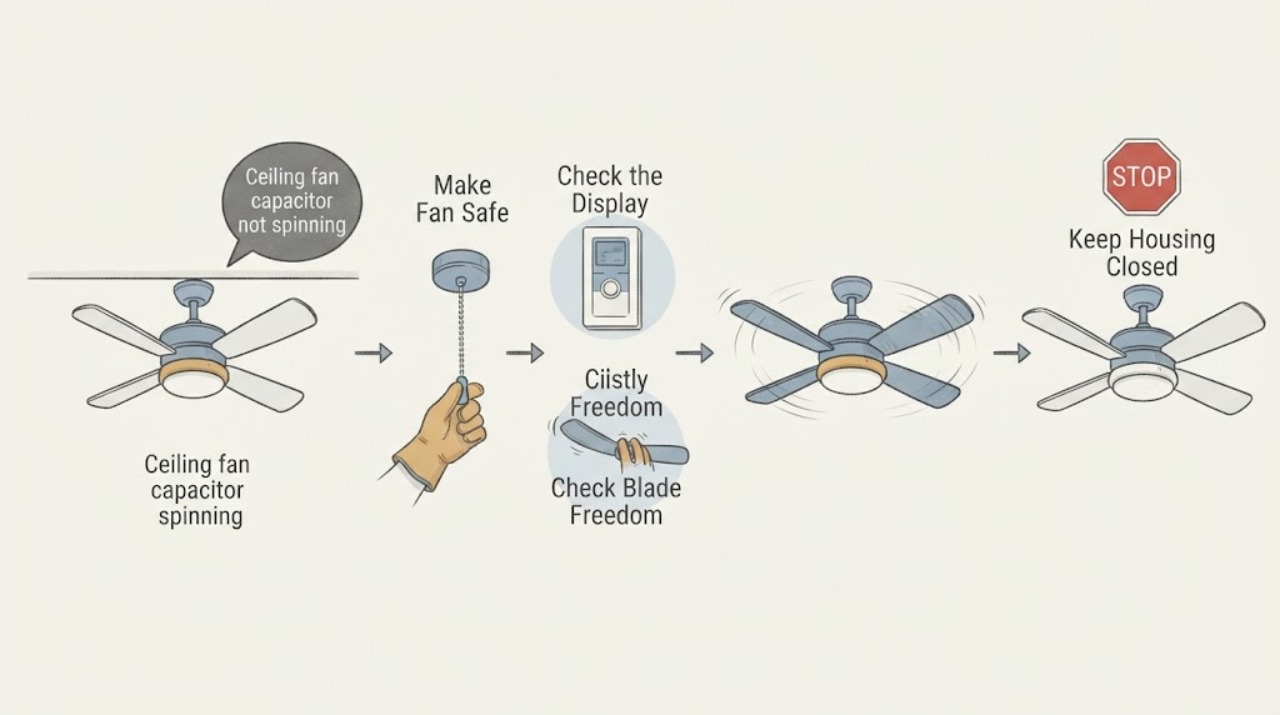
Casablanca ceiling fan capacitor not spinning: What to Check and What to Do Next
A Casablanca ceiling fan that has power but will not spin can have a failed capacitor, receiver, wiring harness, internal control, or motor, but the capacitor should not be assumed from the symptom alone. First turn the fan off and make sure the blades and mounting are safe, then check the wall control, remote battery or pairing, breaker, and the fan's direction switch.
-
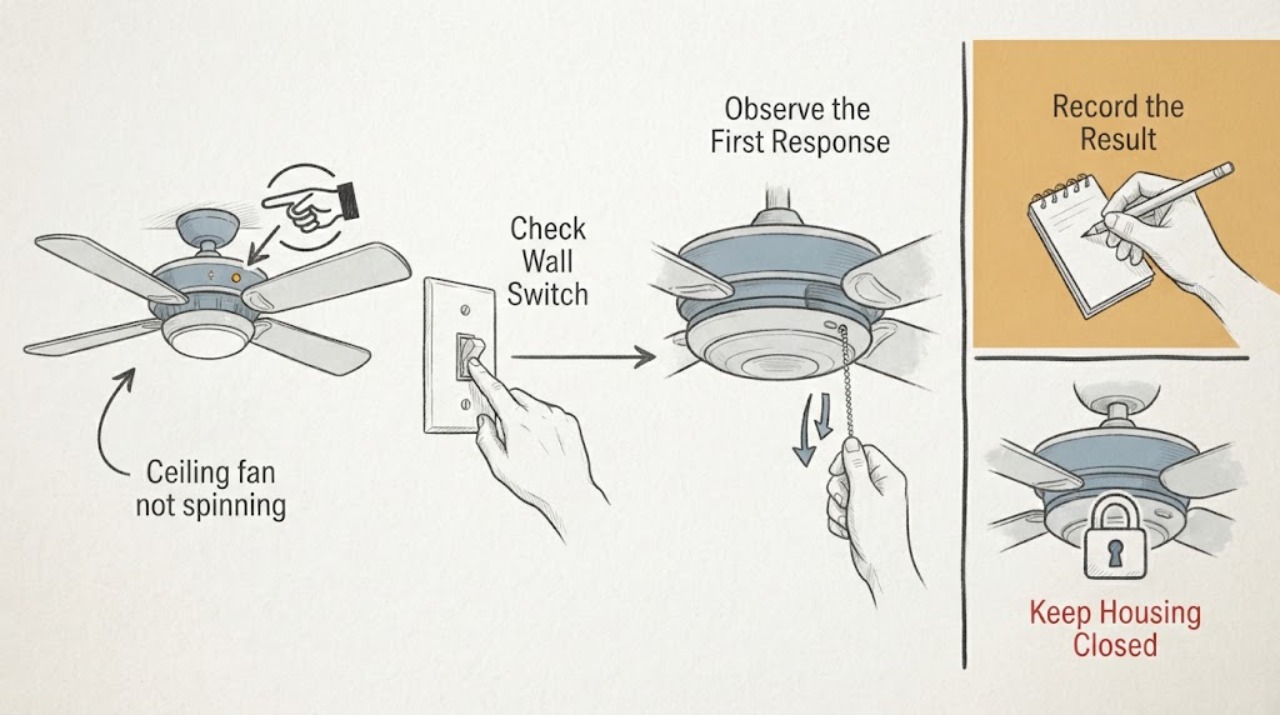
Casablanca ceiling fan not spinning: What to Check and What to Do Next
If a Casablanca ceiling fan will not spin, first verify the wall switch, breaker, pull chain or remote command, and the fan's reverse switch; a reverse switch left between positions can prevent operation. With the power off at the wall switch and breaker, make sure the blades move freely without an obstruction.
-
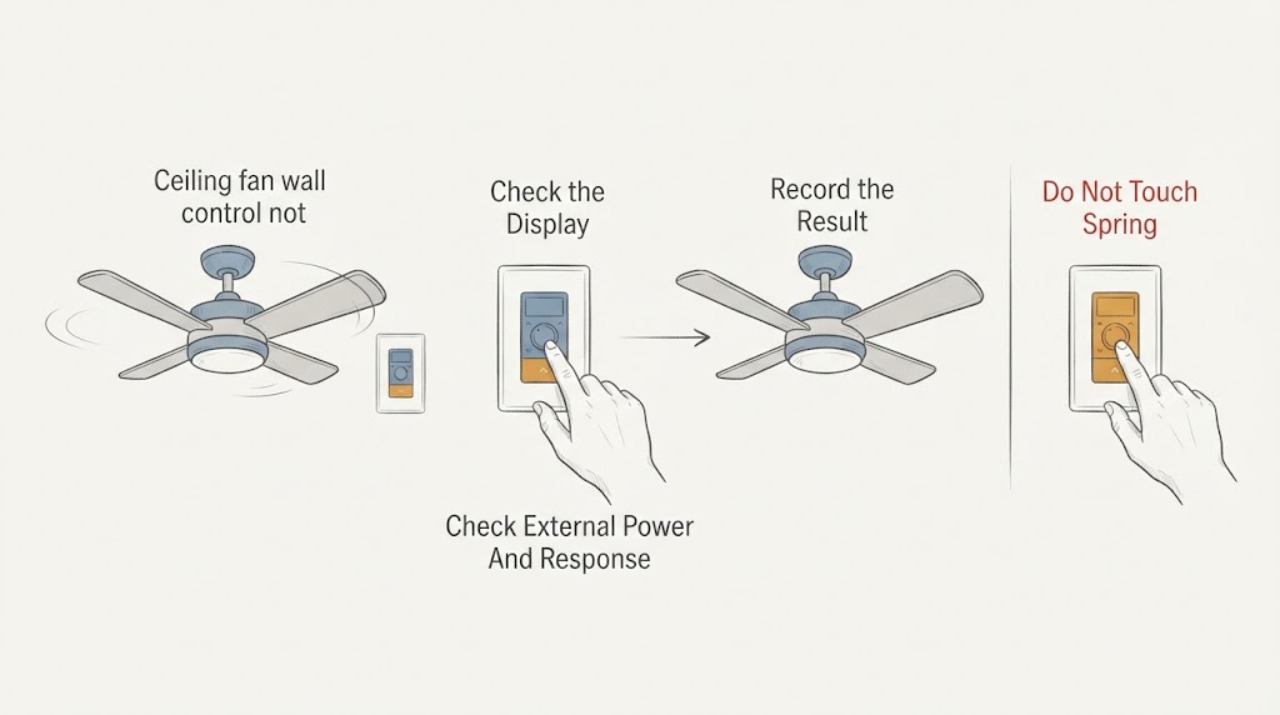
Casablanca ceiling fan wall control not spinning: What to Check and What to Do Next
When a Casablanca ceiling fan does not spin from its wall control, first determine whether the control is powered and responding, whether the fan light still works, and whether the problem affects one fan or several. Check the fan's external power and the wall control battery or indicator only as the exact model manual allows, then use the model's pairing procedure if control communication is in doubt.
-
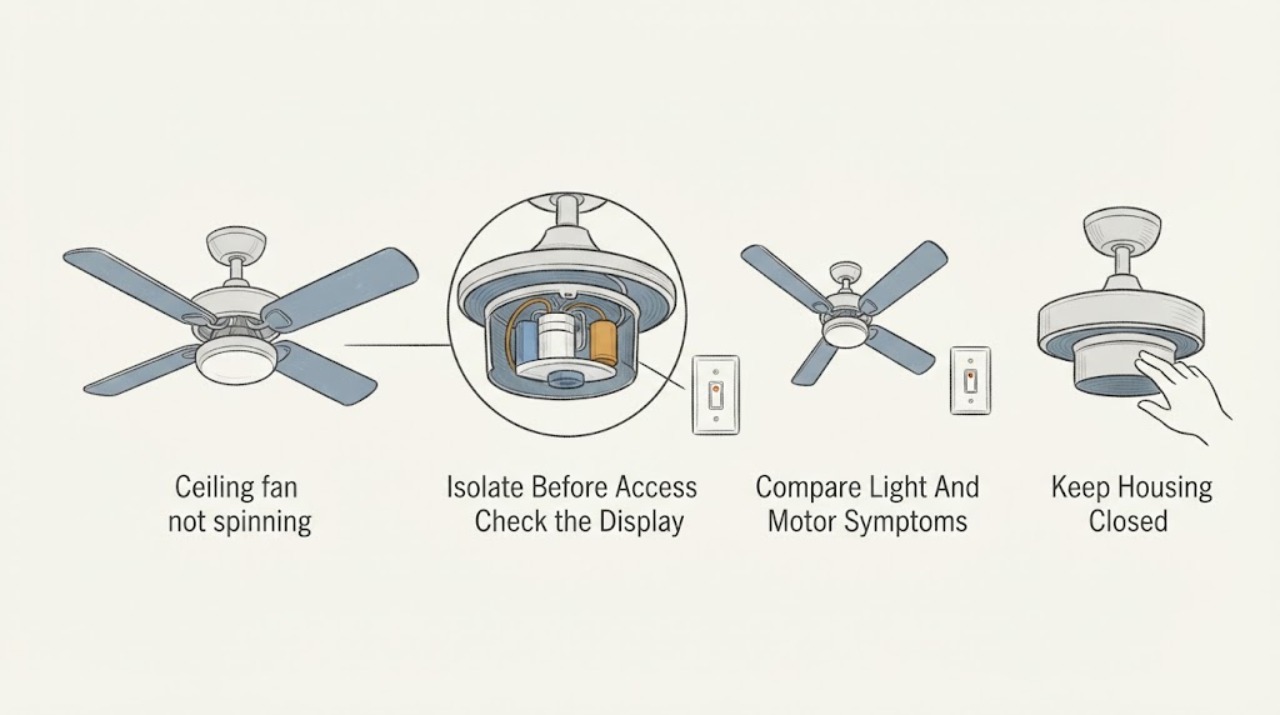
Ceiling fan capacitor not spinning: What to Check and What to Do Next
A ceiling fan that will not spin is not automatically a capacitor failure. First turn the fan off, keep hands and tools away from the fixture, and use only safe external observations: check the breaker and wall control position, confirm the remote or pull control is being used normally, look for a visible obstruction from the floor, and note whether the light works or the motor hums.
-
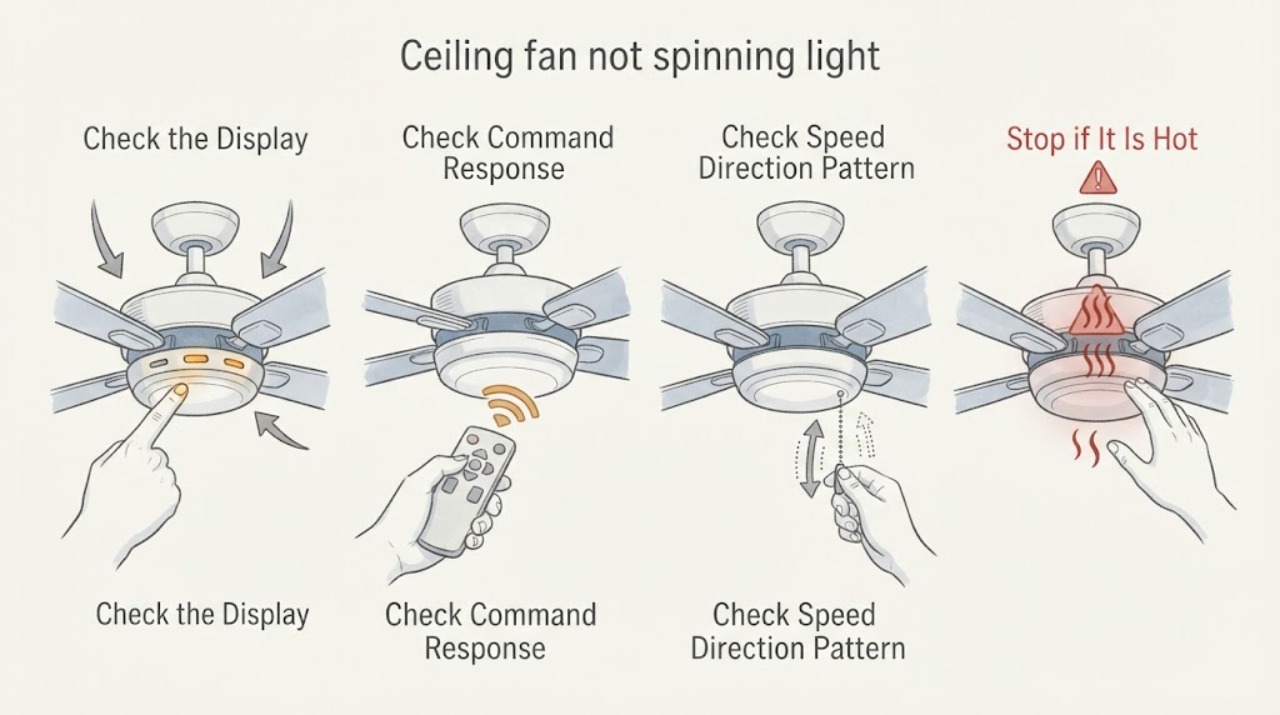
Ceiling fan not spinning light may work: What to Check and What to Do Next
A ceiling fan light that works while the blades do not spin proves only that some power is reaching the fixture; it does not prove that the fan motor circuit, controller, receiver, capacitor, or motor is healthy. From standing level, identify whether the light and fan use separate wall controls, a pull chain, or a remote, then note whether a normal fan command produces no sound, a hum, a click, or a brief attempt to start.
-
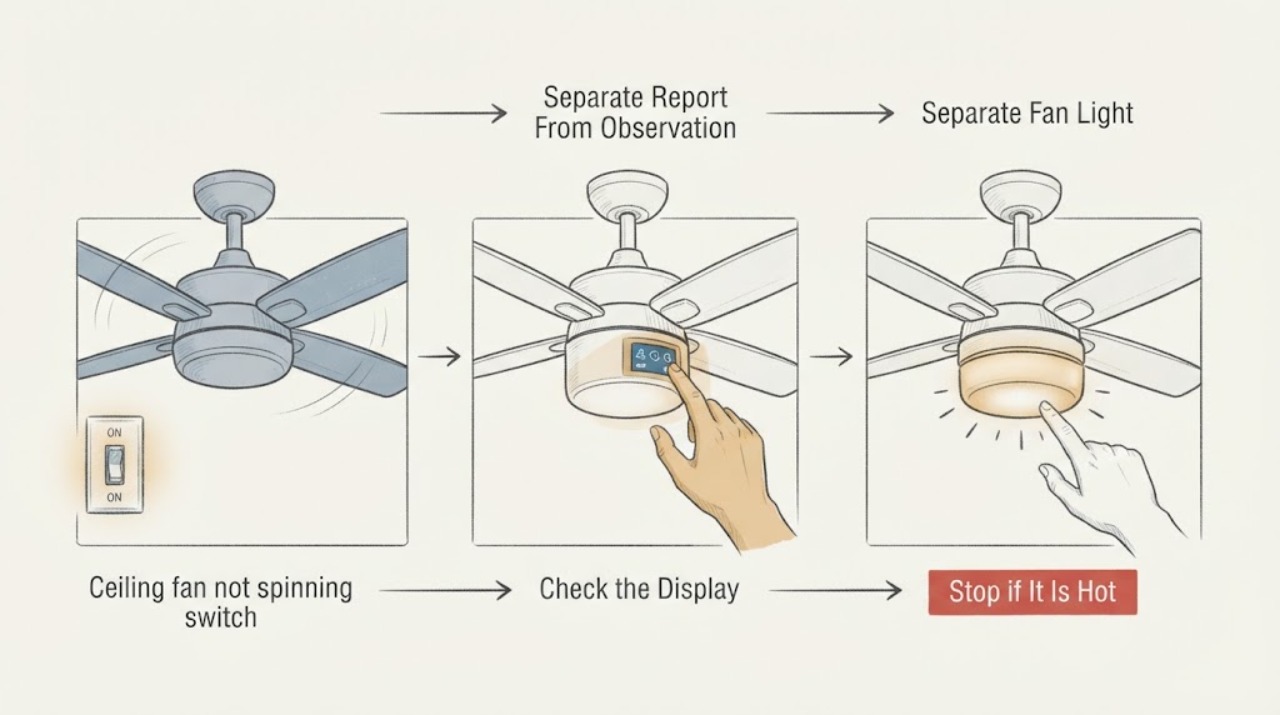
Ceiling fan not spinning switch has power: What to Check and What to Do Next
If a ceiling fan is not spinning even though someone reports power at the switch, treat that report as unverified. From the floor, compare the wall indicator or other load with the fan light, remote or wall-control response, and any click or hum from the motor. Do not measure live wiring, remove covers, handle a receiver or capacitor, or climb; arrange qualified service when the result is unresolved or unsafe.
-
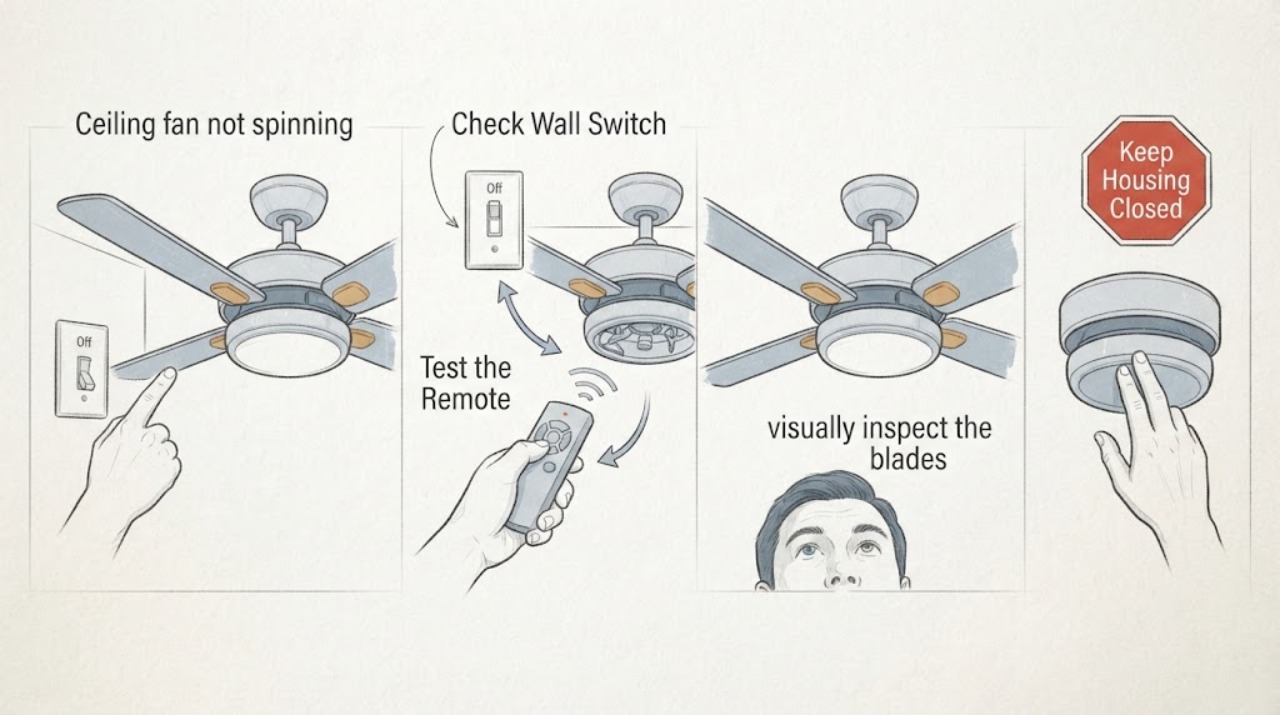
Ceiling fan not spinning: What to Check and What to Do Next
Start with safe, floor-level checks: confirm the fan control is on, check whether the light and fan respond differently, inspect the remote or wall control, and note any visible obstruction, noise, heat, or burning smell. Do not climb, push the blades by hand, open the canopy or motor housing, test live wiring, or bypass a control.
-
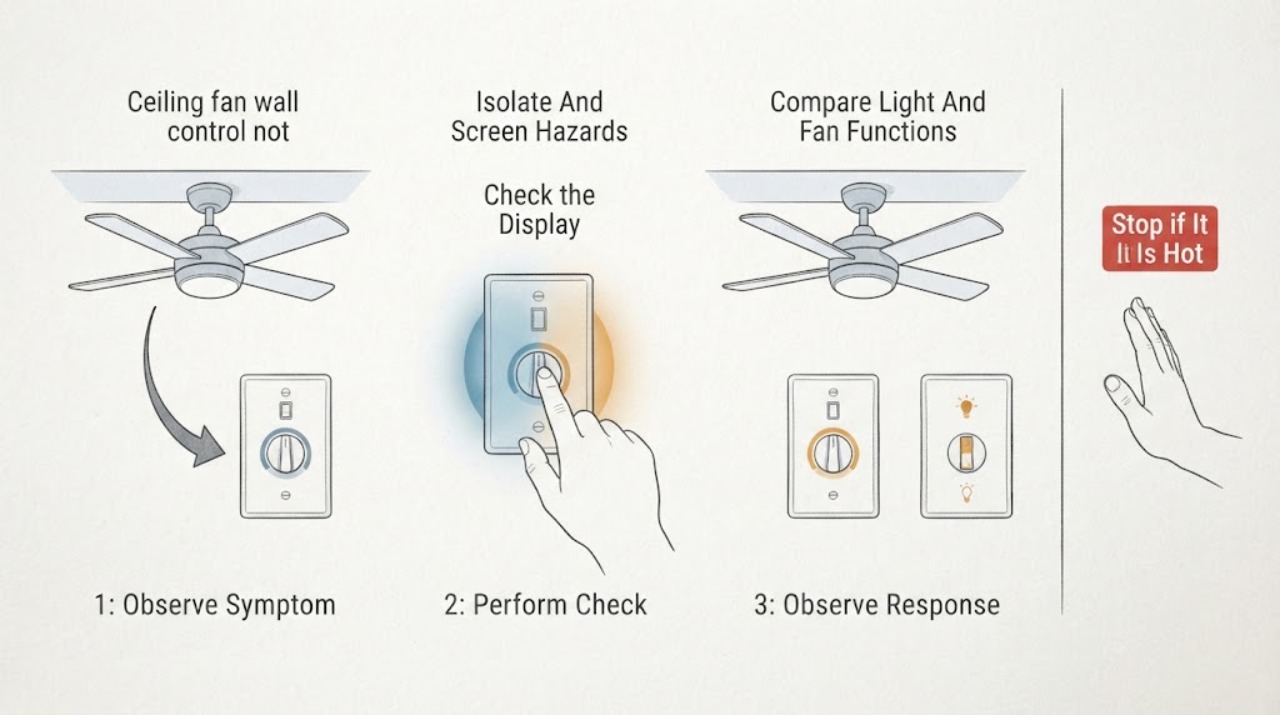
Ceiling fan wall control not spinning: What to Check and What to Do Next
Turn the ceiling-fan wall control off before looking for a cause. If the control or fan is hot, buzzing, sparking, discolored, loose, or smells burnt, leave the circuit off if it is safe to do so and call a qualified electrician.
-
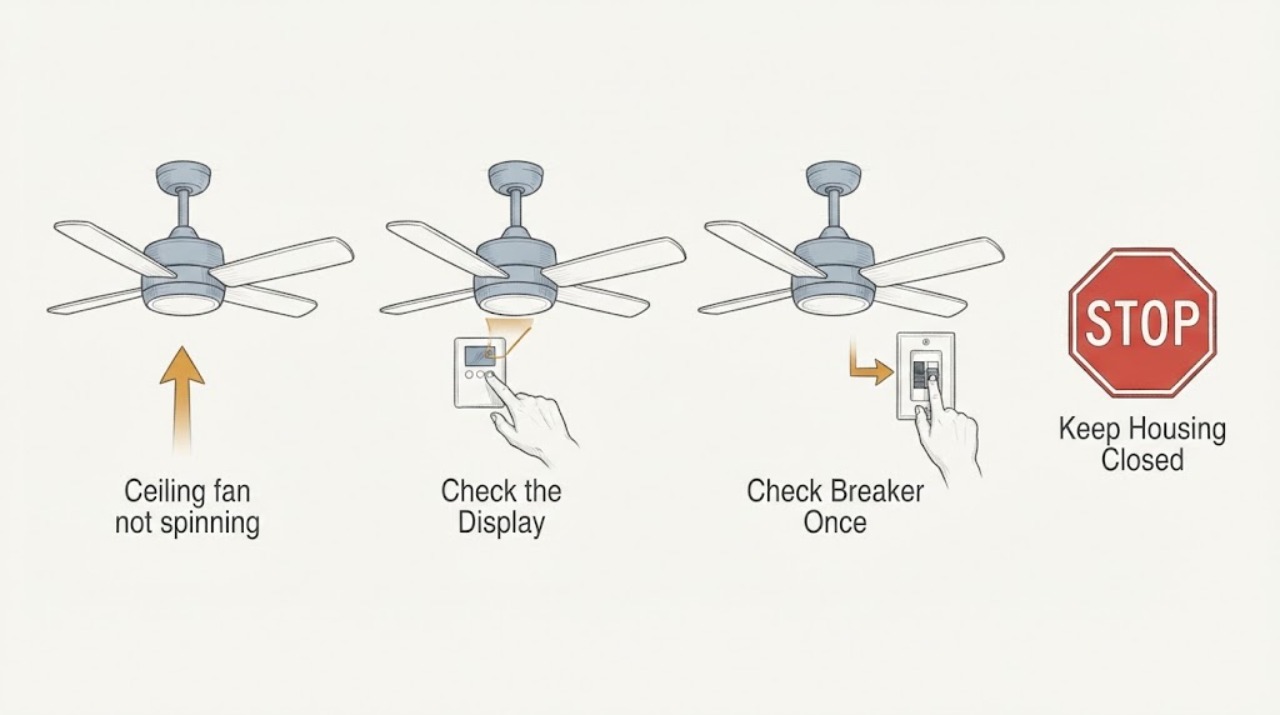
Hunter ceiling fan not spinning: What to Check and What to Do Next
A Hunter ceiling fan that will not spin may have no power, an off wall switch or pull chain, a remote or receiver issue, a reverse switch left between positions, a mechanical obstruction, a failed capacitor or wiring harness, or a motor problem. Start with the controls and breaker from safe access, then check whether the light works and whether the blades have a visible obstruction or loose mounting.