
Hamilton Beach appliance guidance
Hamilton Beach Coffee Maker Repair Guides
Troubleshooting and repair guidance for published Hamilton Beach Coffee Maker problems, symptoms, and maintenance questions.
Published Hamilton Beach Coffee Maker guides
Choose the guide whose symptom or condition most closely matches what you are seeing.
-
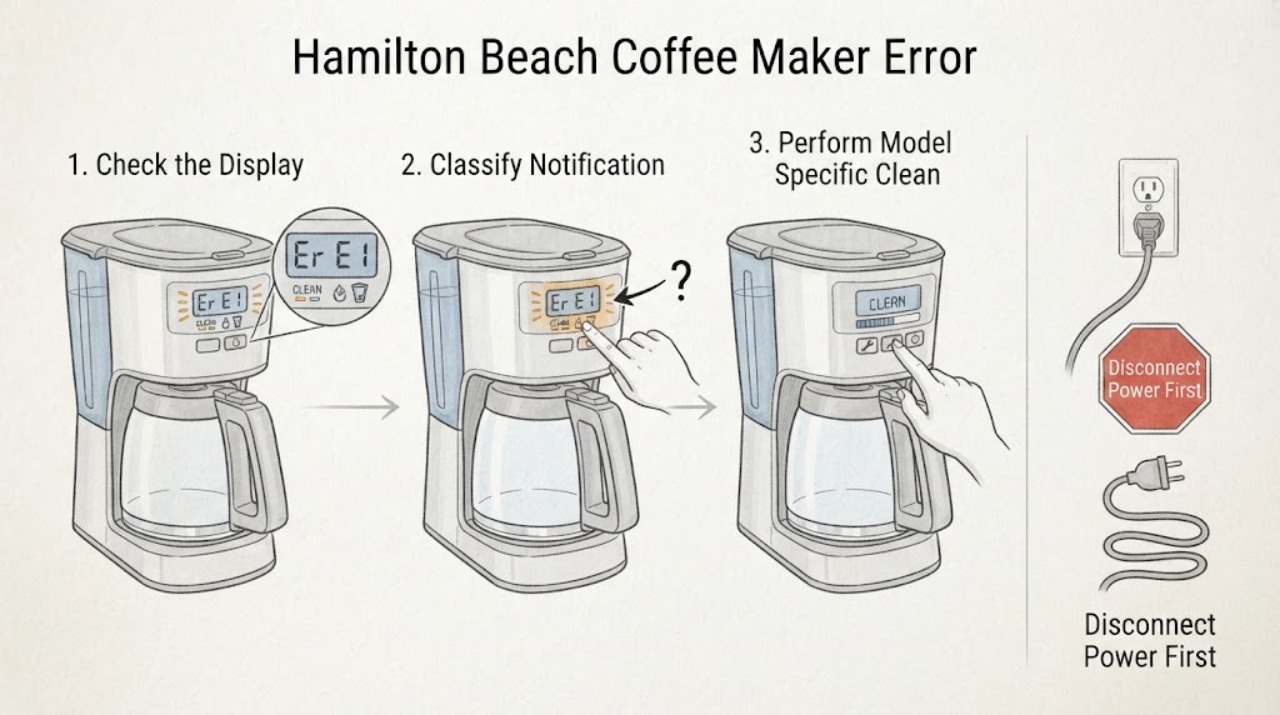
Hamilton Beach Coffee Maker Error Displayed: Identify the Model Before Clearing It
Do not assign a meaning to an alphanumeric code until you record the complete Hamilton Beach model, type, and series information and match the exact Use & Care guide. Hamilton Beach sells multiple coffee-maker designs, and the same-looking display symptom is not proof of the same fault.
-
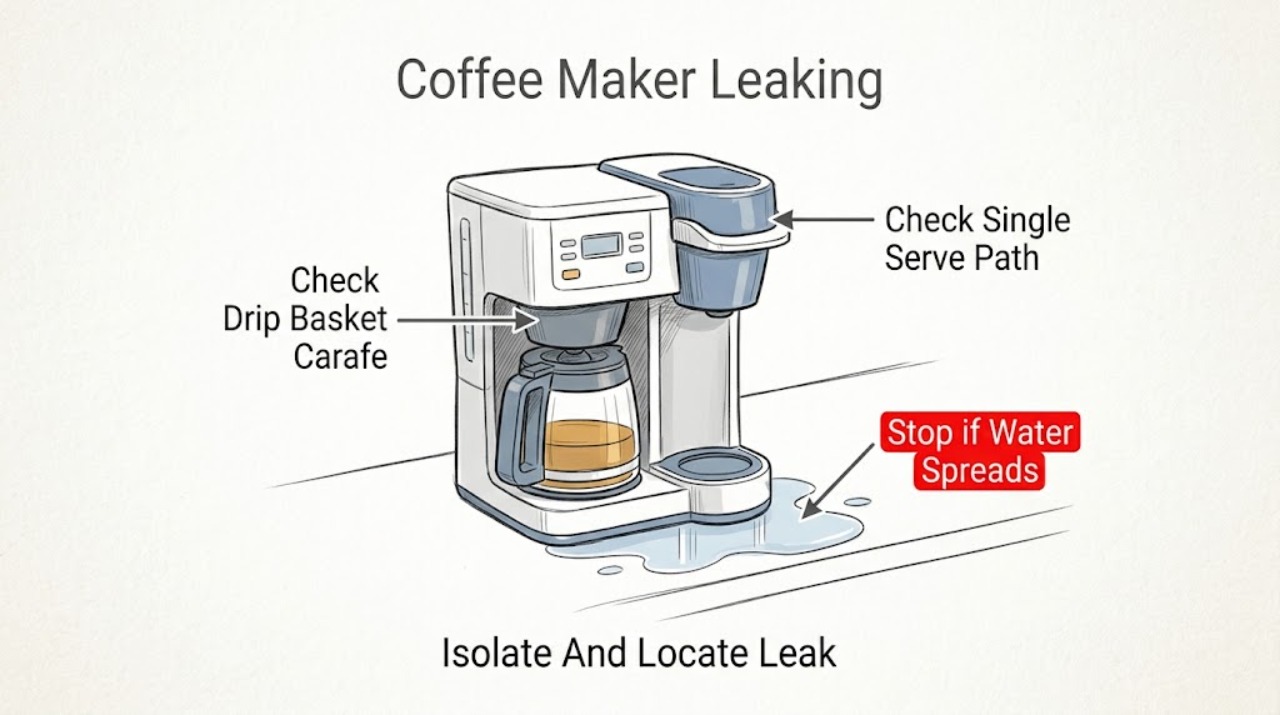
Hamilton Beach Coffee Maker Leaking: Find the Leak by Brew Path Before Replacing Parts
Unplug the coffee maker, keep hot coffee and wet electrical parts away from your hands, and identify where the liquid first appears. On a traditional drip side, Hamilton Beach points to an overfilled reservoir, a basket or carafe that is not seated, an unsuitable or collapsed paper filter, too many grounds, or coffee grounds between sealing surfaces.
-
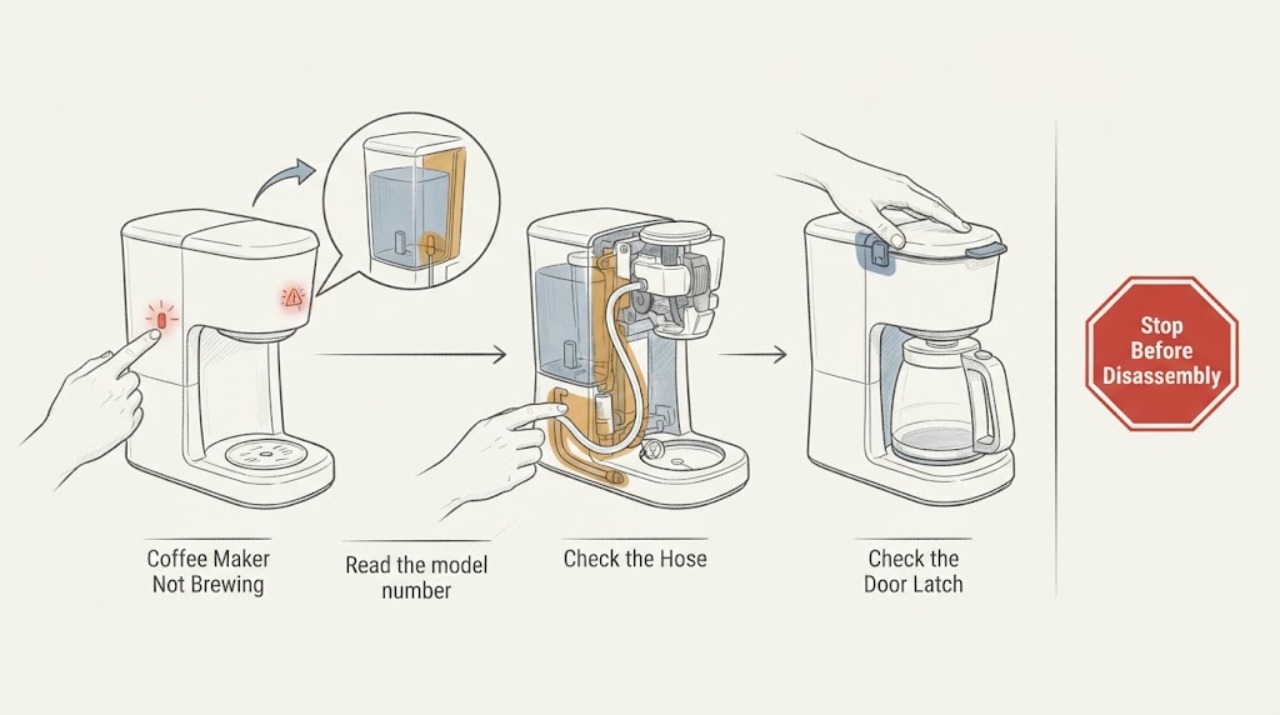
Hamilton Beach Coffee Maker Not Brewing: Water Detection Checks
A Hamilton Beach coffee maker that will not brew after a water warning needs a model-specific check, because the indicator is not standardized across the brand. First identify the model and confirm that the reservoir is filled with the kind and amount of water its guide specifies, then reseat the reservoir, lid, brew basket or pod holder, and receiving cup or carafe.
-
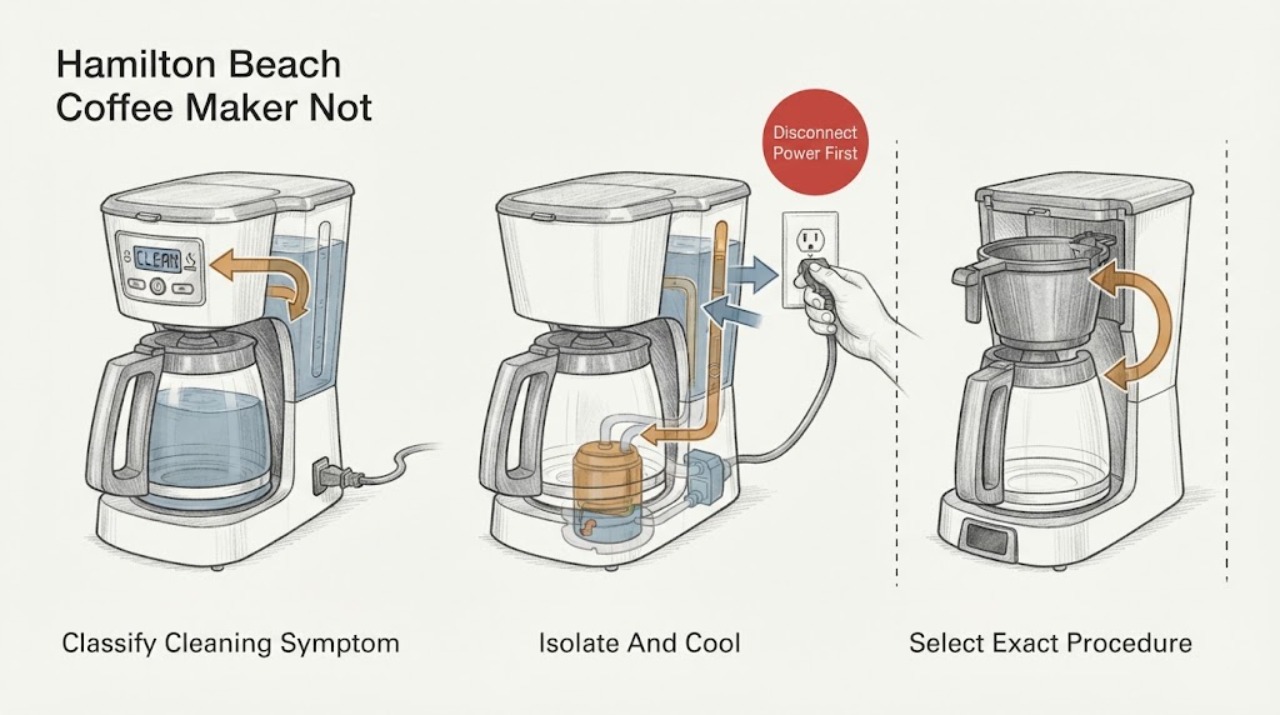
Hamilton Beach Coffee Maker Not Cleaning: Match the Clean Cycle to Your Model
First identify which cleaning problem you have: a CLEAN message or icon that has not cleared, a clean cycle that appears inactive during its documented soak, or slow or incomplete flow caused by mineral buildup. Find the complete model number on the rating label and use that model's Use & Care guide; do not copy another Hamilton Beach model's button sequence.
-
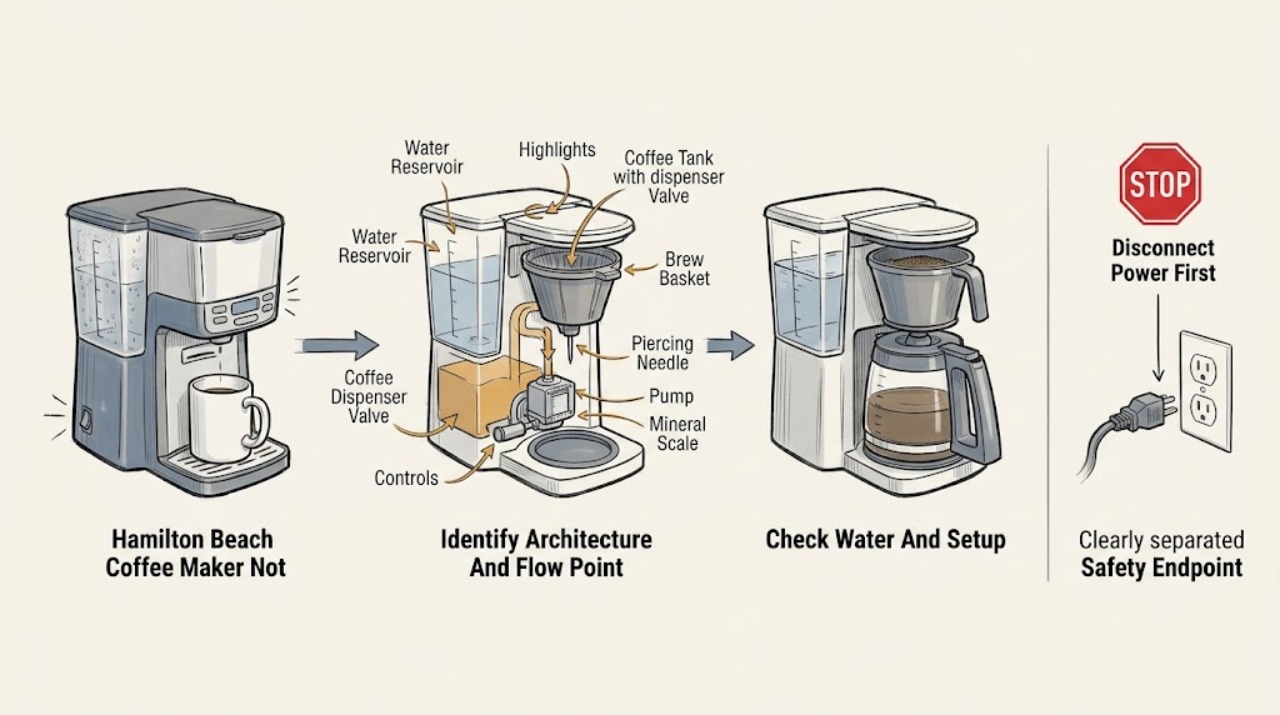
Hamilton Beach Coffee Maker Not Dispensing
First identify the Hamilton Beach architecture and where flow stops. A BrewStation brews into an internal coffee tank and dispenses when the bar or valve is pressed; slow or absent output can come from a clogged tank screen, residue in the dispensing mechanism, or mineral buildup.
-
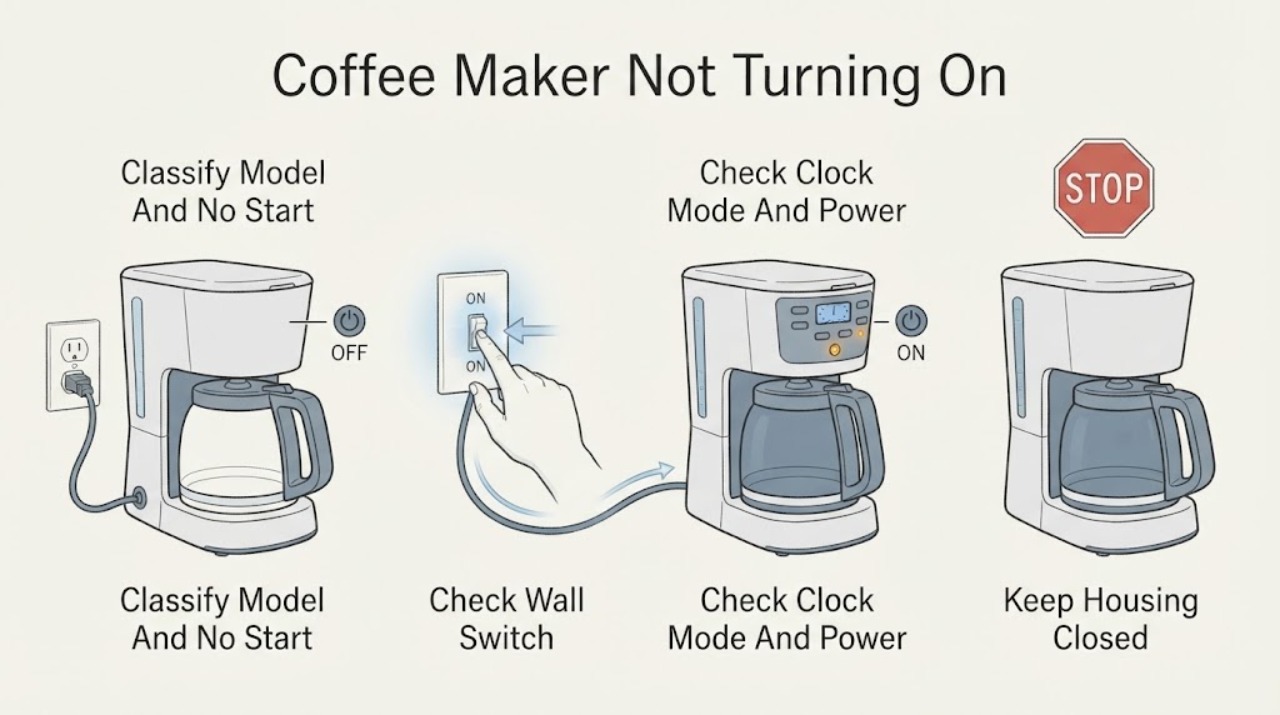
Hamilton Beach Coffee Maker Not Turning On
If a Hamilton Beach coffee maker will not turn on, first identify the type and symptom: automatic drip models may show a blank display or no brew, while FlexBrew, The Scoop, BrewStation, and other models use different buttons, lights, reservoirs, and lid or cup-holder checks. From a dry, safe position, verify the plug is fully inserted, the outlet works, and any model power switch is on.
-
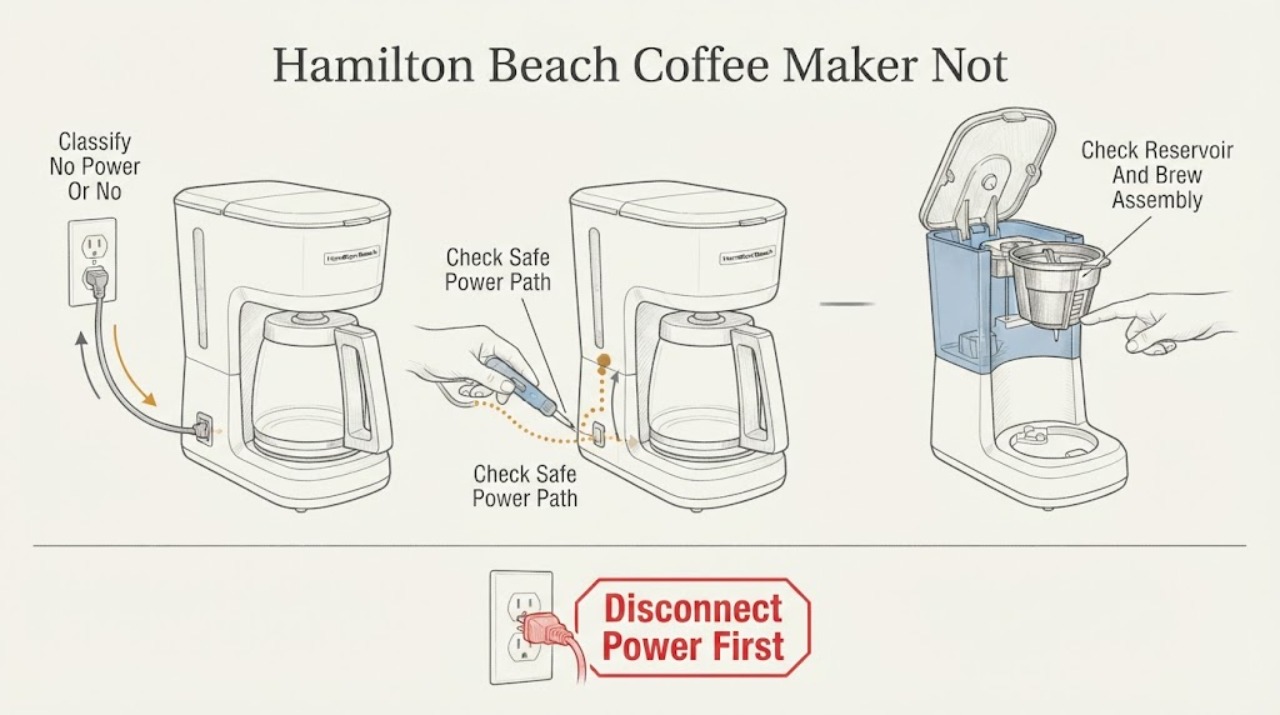
Hamilton Beach Coffee Maker Not Working: Separate Power, Water, and Brew-Path Faults
First say what 'not working' means: a completely dark machine needs a power-path check, while a lit machine that will not brew needs the model's water, lid, basket, pod/needle, and cleaning checks. Hamilton Beach's official guidance lists a secure plug, ON power switch, outlet fuse/breaker, water in the reservoir, correct reservoir placement, and a closed/latching lid among model-specific checks.
-
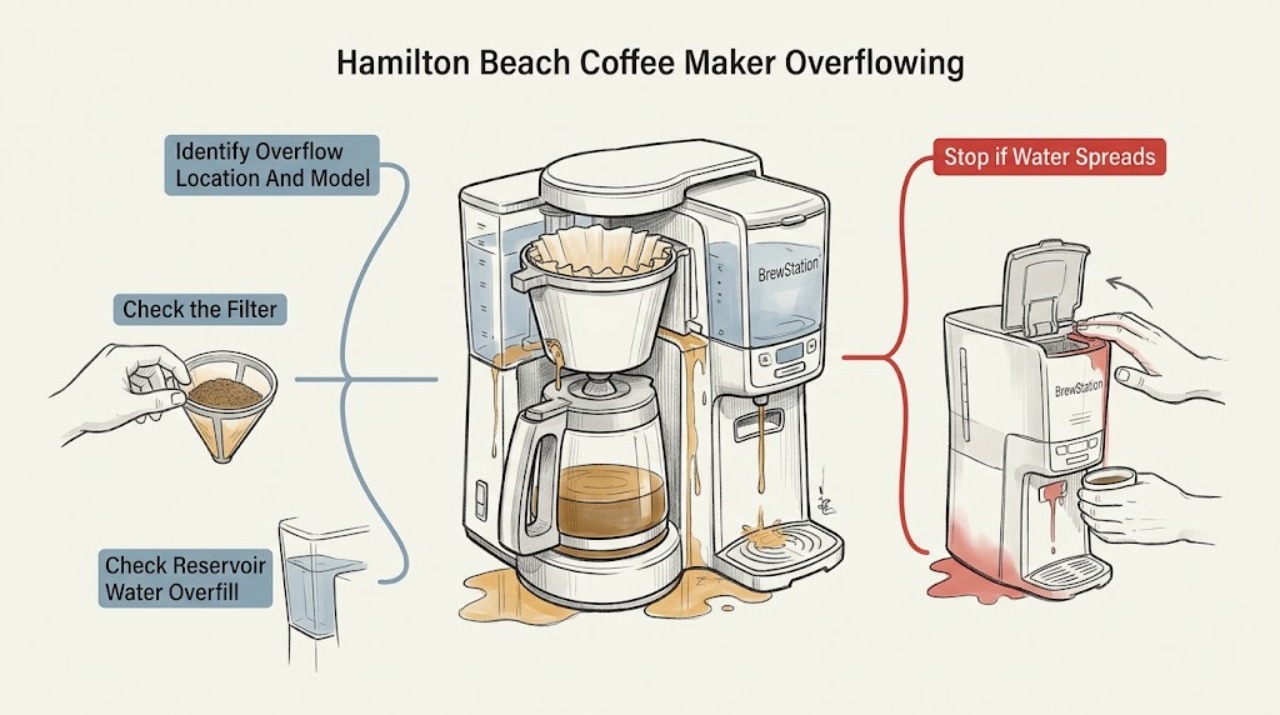
Hamilton Beach Coffee Maker Overflowing: Trace the Basket, Reservoir, or BrewStation Path
First unplug the coffee maker and let hot water or coffee cool before lifting a filter basket, holder, reservoir, or tank. Identify where the liquid escaped: water from the reservoir, coffee from a basket, coffee from the carafe or cup, or a leak from a BrewStation/One Press tank.
-
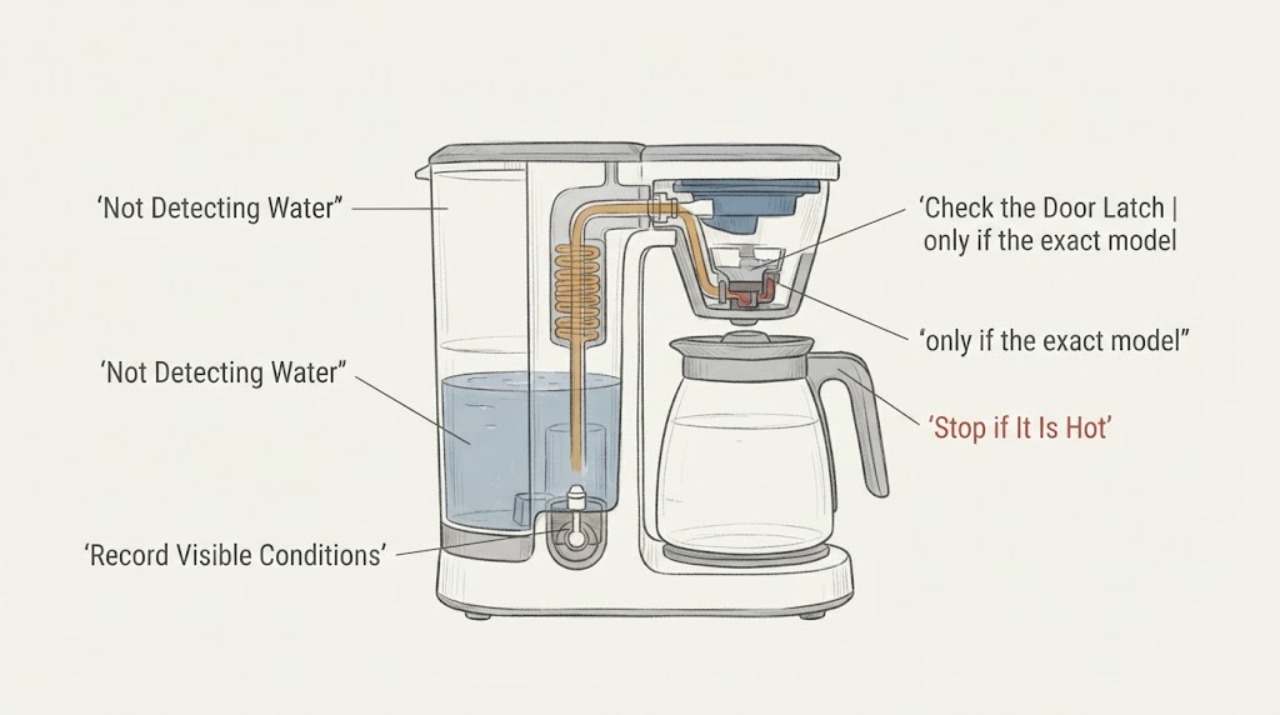
Hamilton Beach FlexBrew Not Detecting Water: Safe Checks
When a Hamilton Beach FlexBrew does not detect water, first identify the complete model and the exact light or display message. With the unit cool and unplugged, check that the removable reservoir contains cold water above the model guide’s MIN line, that its lid and reservoir are seated, and that the brew lid is closed and latched.
-
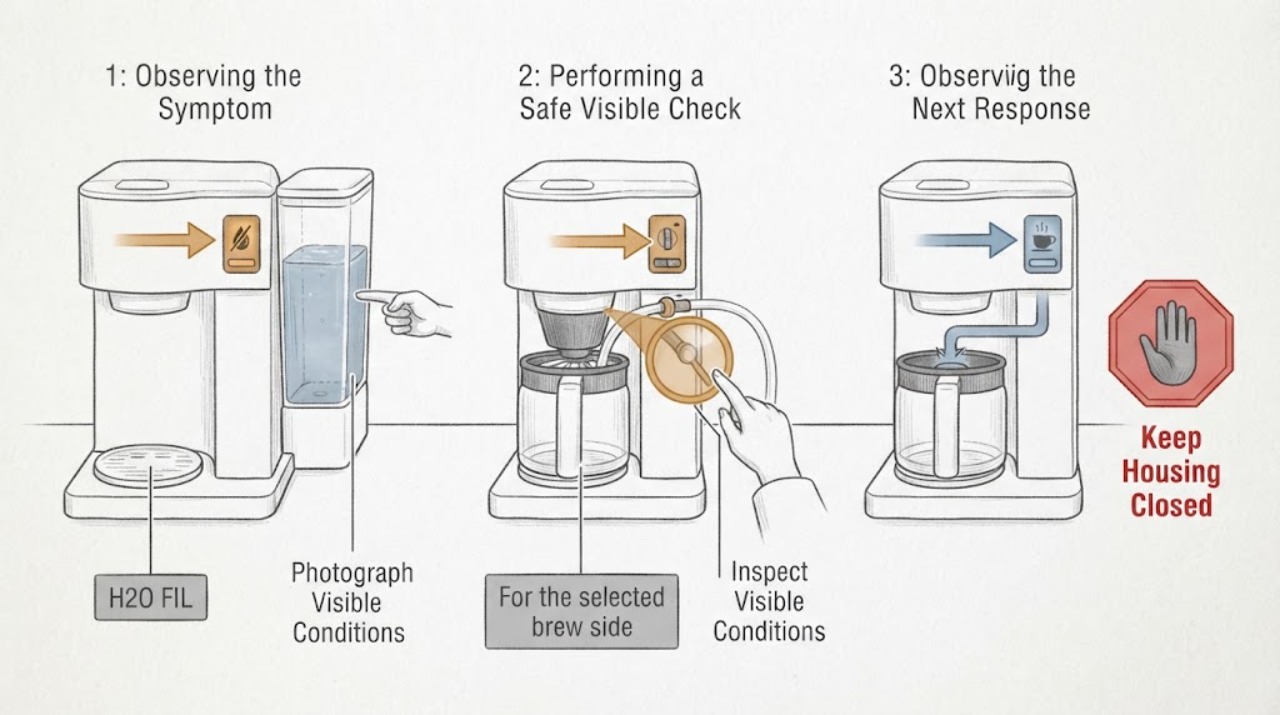
Hamilton Beach Type A124 H2O FIL: Add Water Before Brewing
On Hamilton Beach Type A124 2-Way FlexBrew coffee makers, H2O FIL means the machine has detected insufficient water for the brew. Add cold water to the correct reservoir, stay within the amount for the selected single-serve or carafe mode, close the lid, and press BREW NOW.