
AEG appliance guidance
AEG Oven Repair Guides
Troubleshooting and repair guidance for published AEG Oven problems, symptoms, and maintenance questions.
Published AEG Oven guides
Choose the guide whose symptom or condition most closely matches what you are seeing.
-
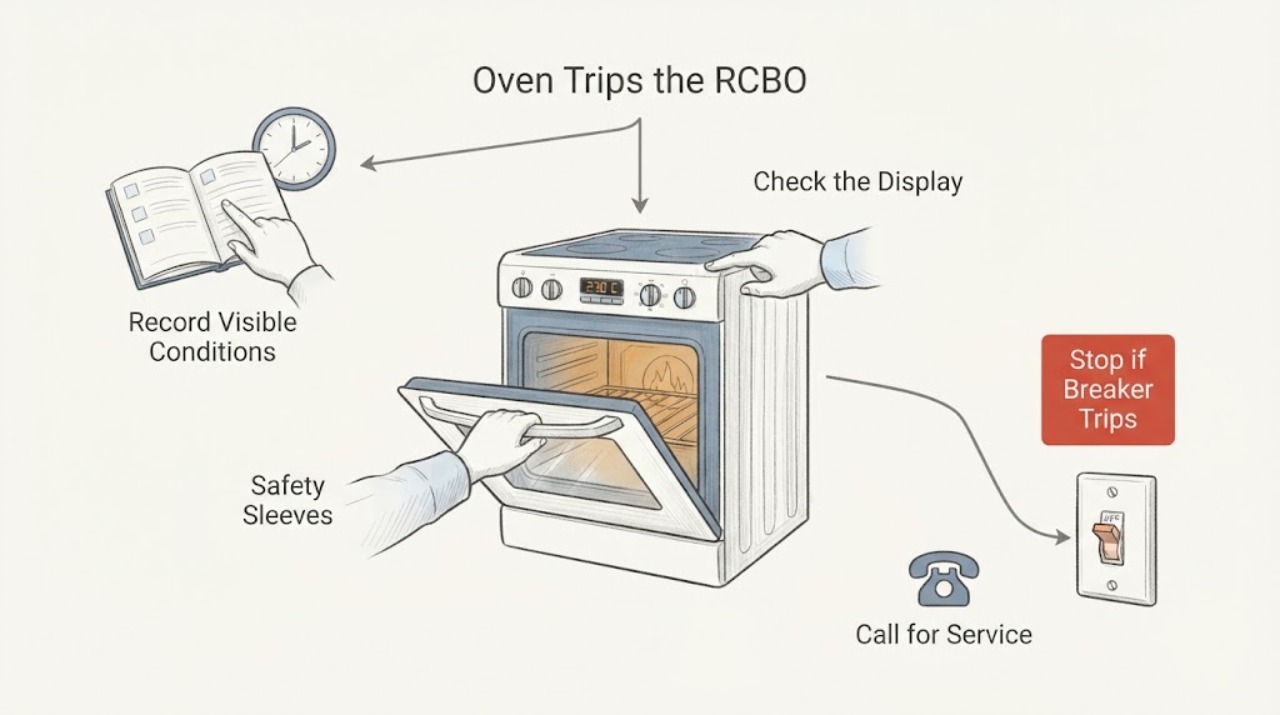
AEG BE501310AM Oven Trips the RCBO at Higher Temperatures: Safe Checks Before Service
An RCBO that trips while the BE501310AM is heating is a safety event, not a reason to keep raising the temperature or repeatedly reset the circuit. AEG says a tripping oven can involve the supply, installation, overload, cable, water or an internal component and recommends trained-technician work.
-
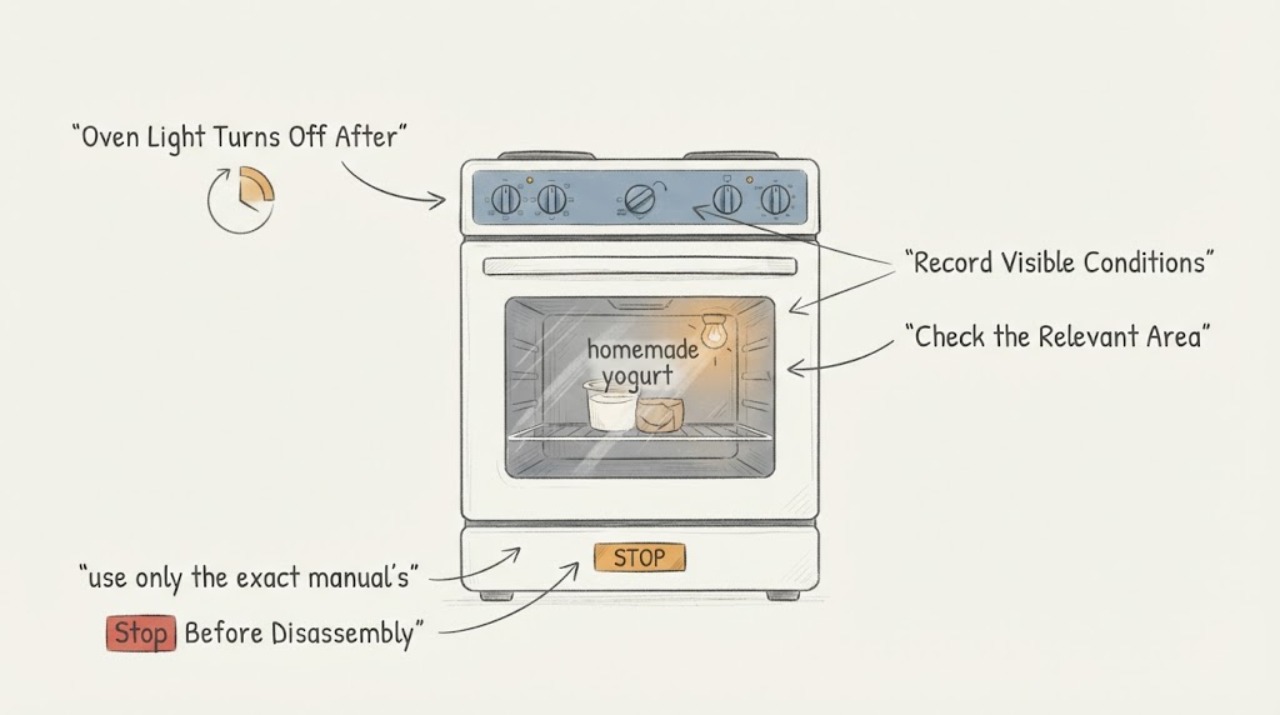
AEG CIB6679APW Oven Light Turns Off After 20 Minutes During Homemade Yogurt
Do not label the AEG CIB6679APW lamp failure solely because it goes dark after about 20 minutes while you are trying to make yogurt. AEG says some oven programmes intentionally leave the lamp off or automatically deactivate it, and that exact behaviour is model-specific; it directs owners to the exact manual using the model code or PNC.
-
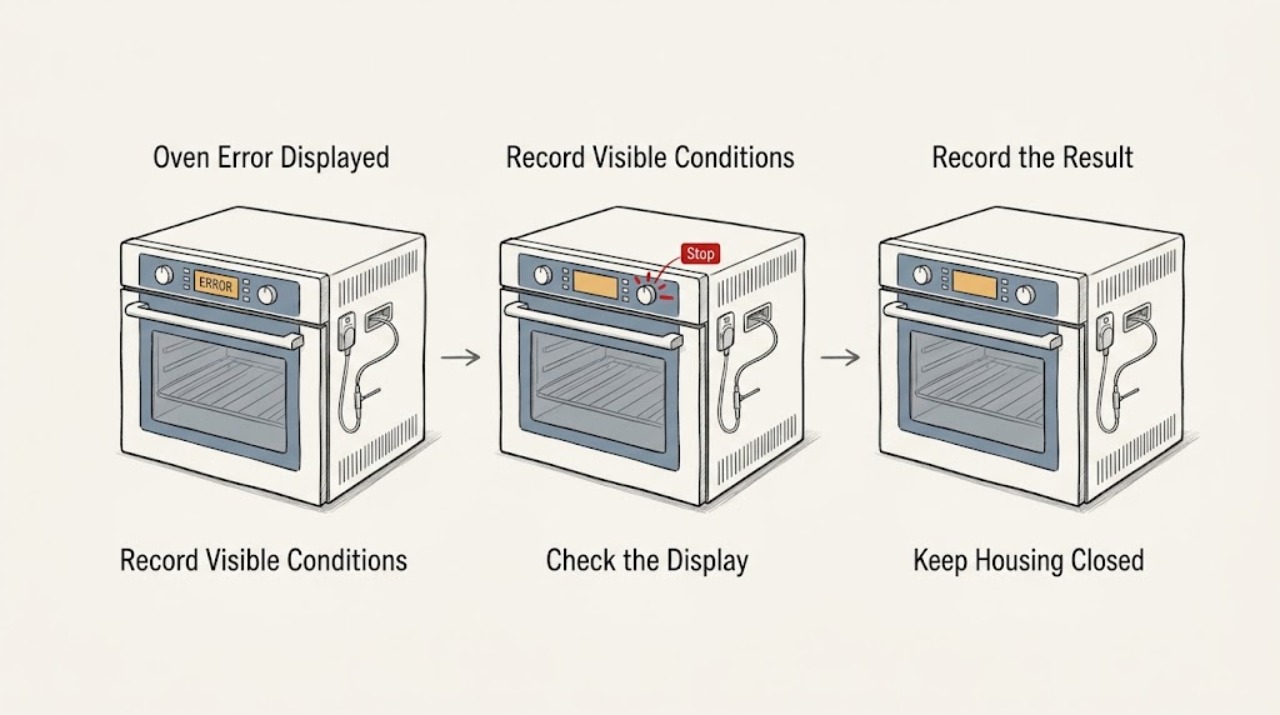
AEG Oven Error Displayed: Identify the Code Safely
Write down the complete AEG oven code exactly as shown, along with the selected programme, whether the oven is hot, and whether the door is closed. A code is model- and function-specific: AEG says F21 indicates too high a starting temperature, F11/F111/F129 can indicate a food-probe connection or fault, F602/F603 on a connected oven indicate unavailable Wi-Fi, and C1-C4 are tied to specific pyrolytic-cleaning conditions.
-
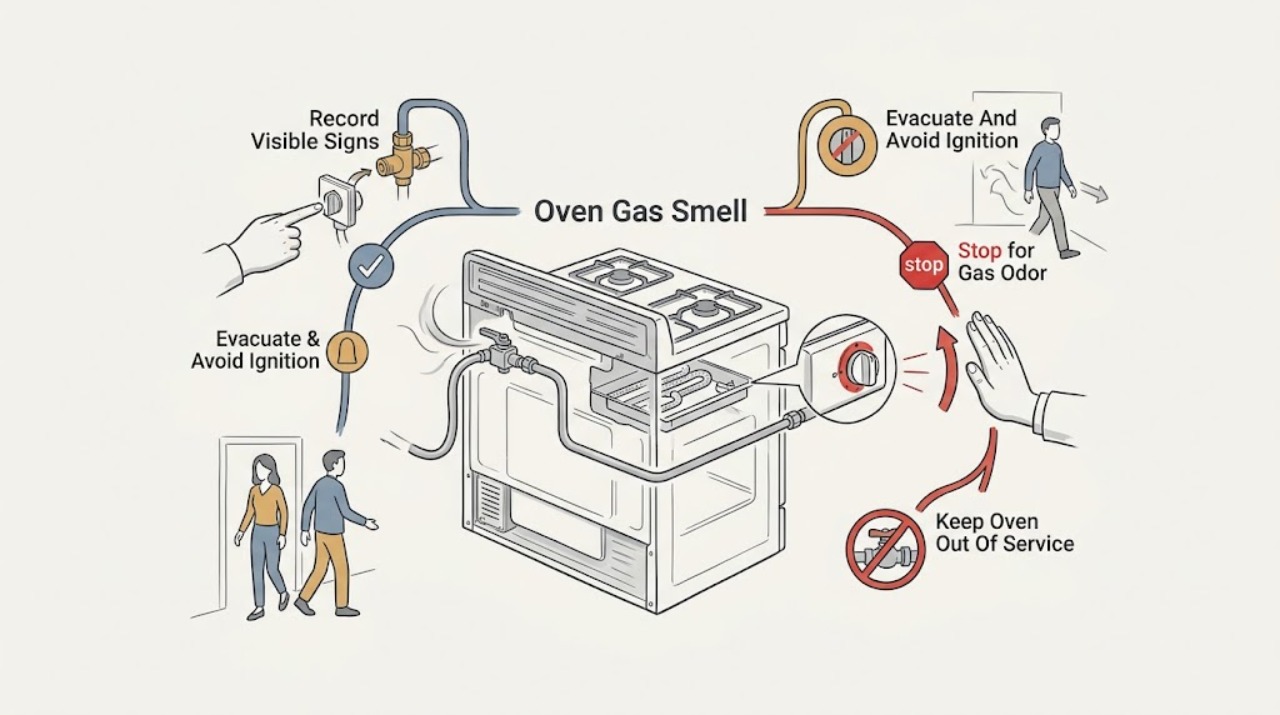
AEG Oven Gas Smell: Treat It as a Potential Leak
Do not troubleshoot an AEG gas oven by relighting it or repeatedly turning the controls when you smell gas. Treat the odor as a potential leak: extinguish flames only if that can be done without entering a hazardous area, avoid switches, plugs, phones and other ignition sources, leave the building, and contact the local gas emergency provider or emergency service from outside.
-
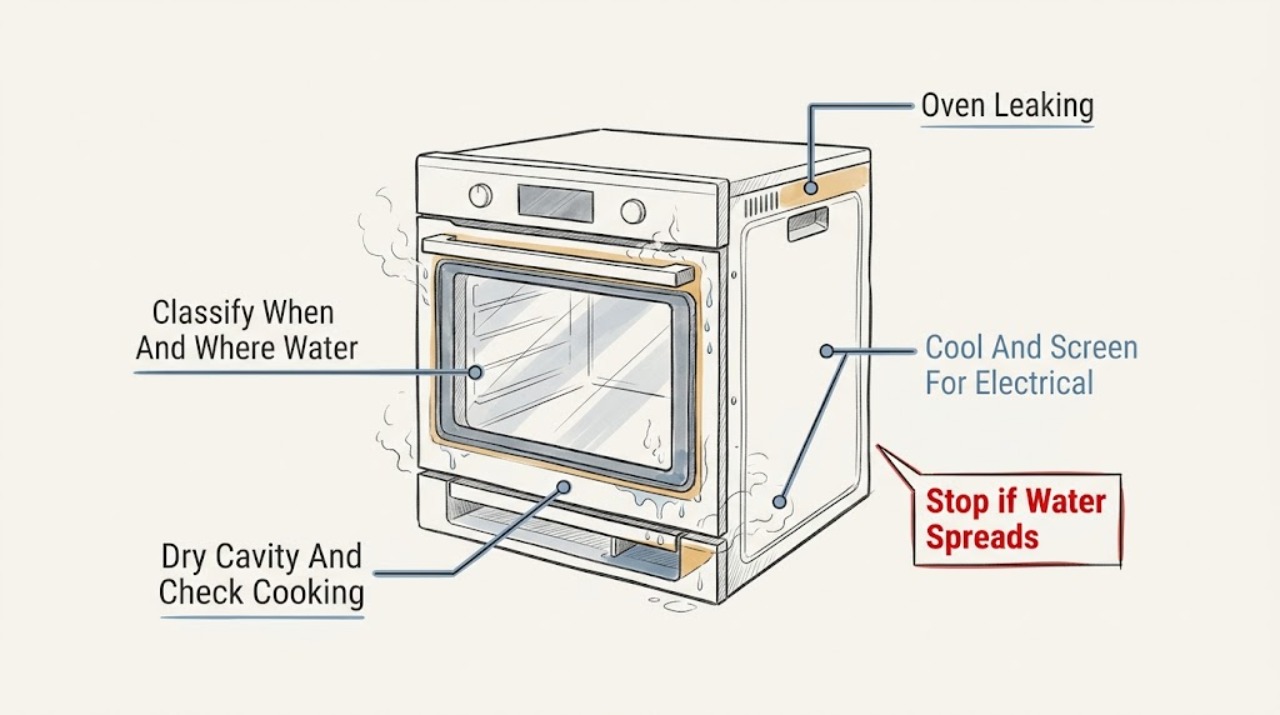
AEG Oven Leaking: Separate Condensation, Steam Water, and a Real Leak
If an AEG oven is leaking, stop the programme and let the appliance cool before touching water or wiping the cavity. First note when and where water appears: during roasting, at the door when it opens, after a steam or Sous Vide programme, from the cavity floor, or beneath the appliance.
-
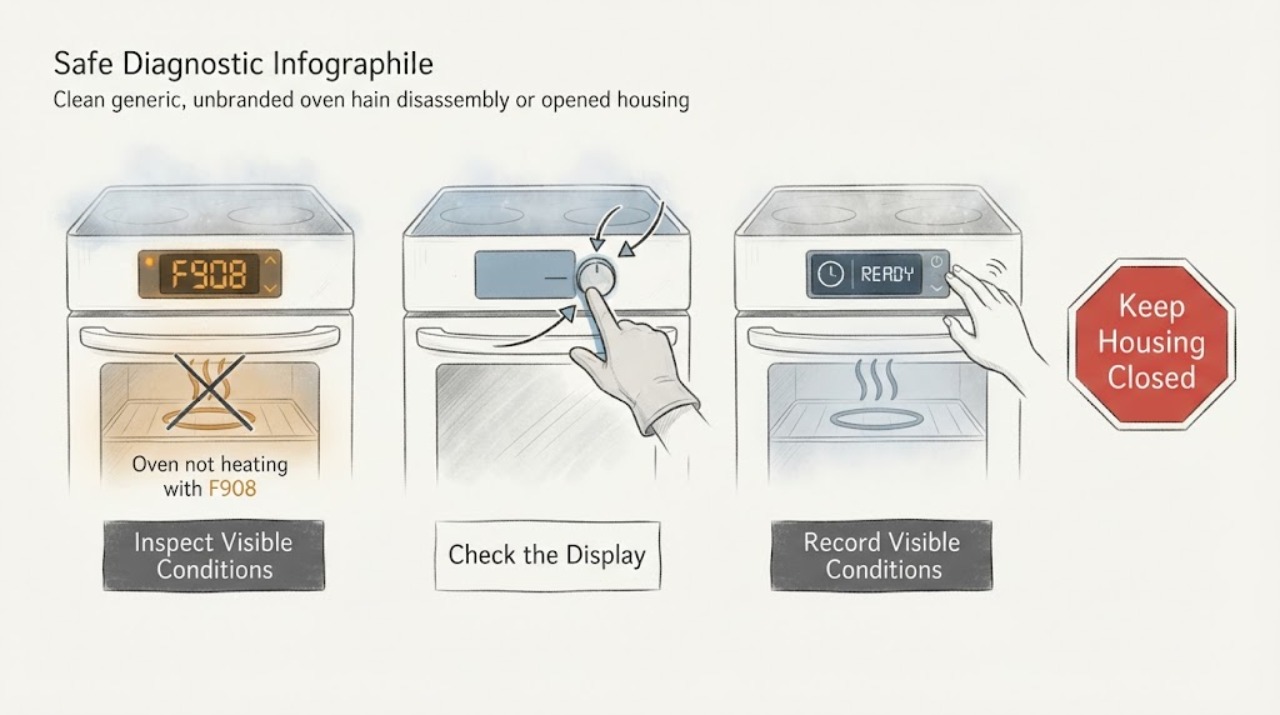
AEG oven not heating with F908: identify the code before any reset
F908 is documented by AEG as an oven-system communication fault: an AEG user manual describes it as the appliance system being unable to connect with the control panel, with an off-and-on action, while AEG support pages say F-number faults require specialist investigation if they persist. The assigned oven has no complete model, so this does not prove that every platform behaves identically and the high-humidity setting is not proof of causation.
-
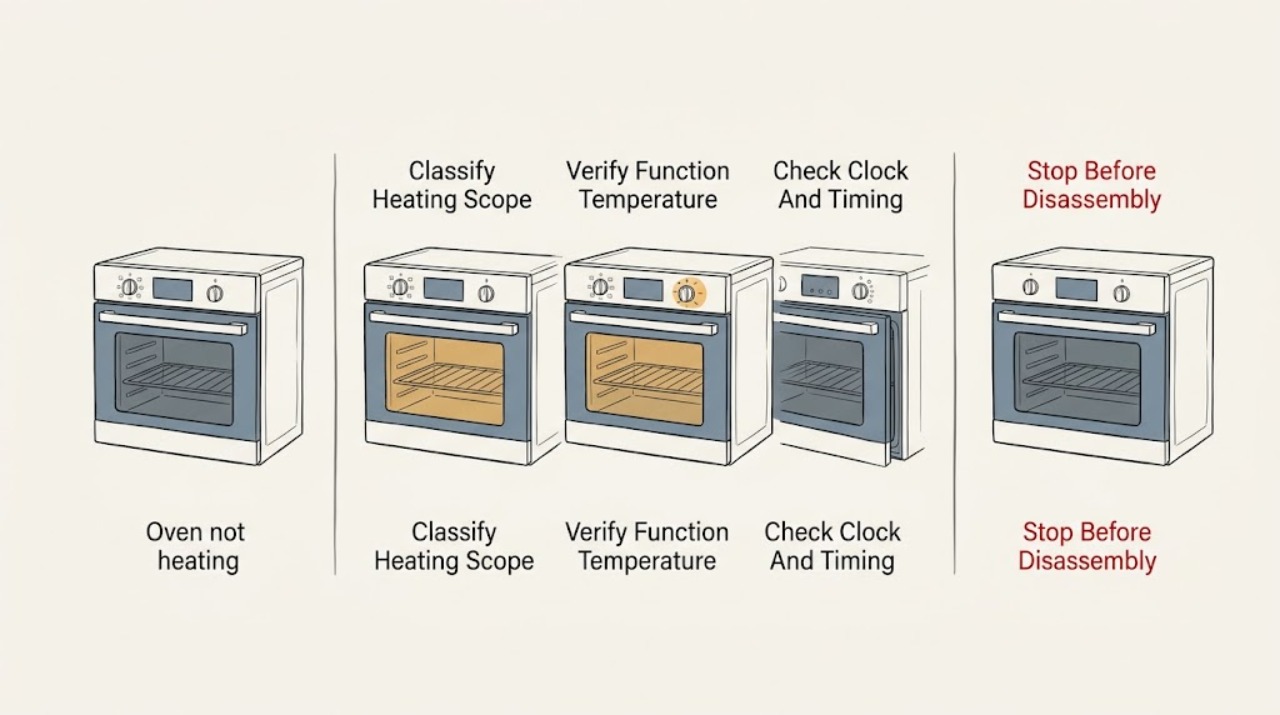
AEG oven not heating: check the setting, control state, and power path
First determine whether one AEG heating function fails or all functions fail. If the display is dark, check the accessible fuse or RCD only when there is no smell, smoke, water, or visible damage; if it trips again, stop.
-
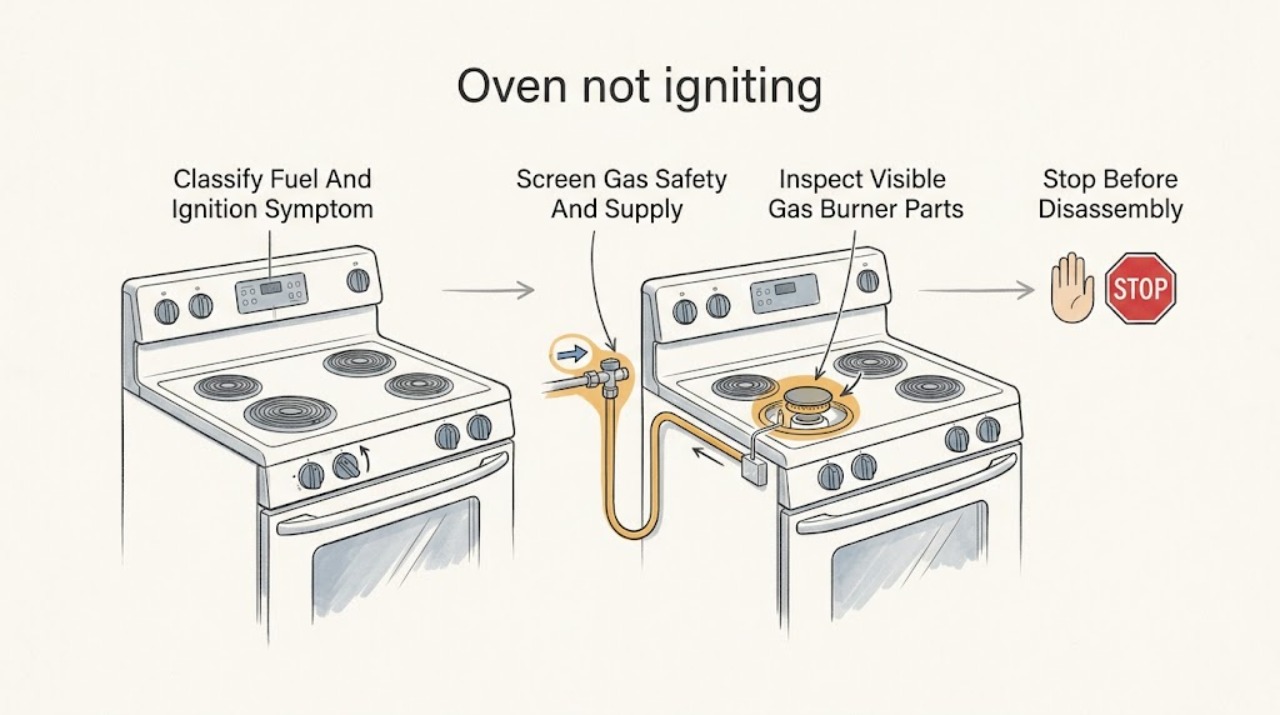
AEG oven not igniting: separate gas ignition from electric no-heat faults
First identify whether this is a gas AEG oven or a conventional/electric oven described as not igniting. For a gas cooker, distinguish no spark, spark with no flame, and a flame that goes out; turn the control off promptly after a failed attempt and stop immediately for gas odor.
-
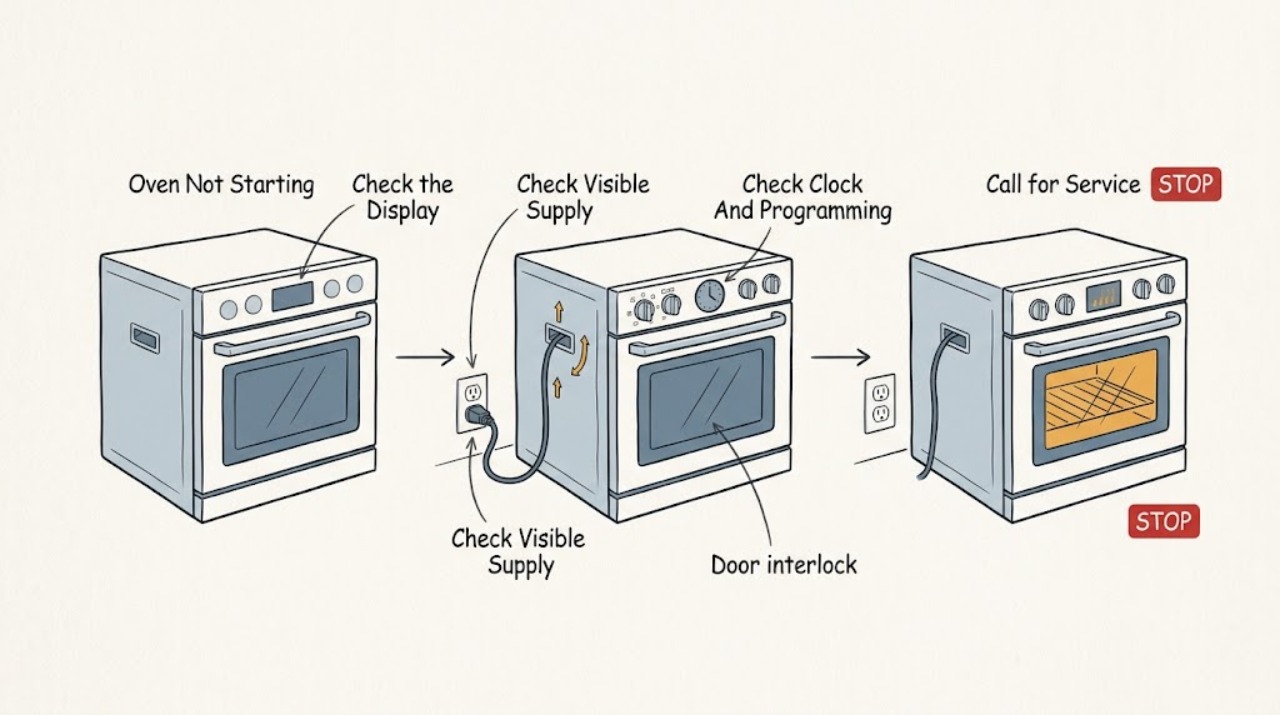
AEG Oven Not Starting: Safe Checks and Next Steps
If an AEG oven will not start, first note whether the display is blank, whether the clock is flashing, and whether the oven accepts a heating function and temperature. Check the visible power supply and breaker or residual-current device only from a safe position, then check the clock, Duration or End setting, Child Lock, Demo mode, required display prompts, and full door closure.
-
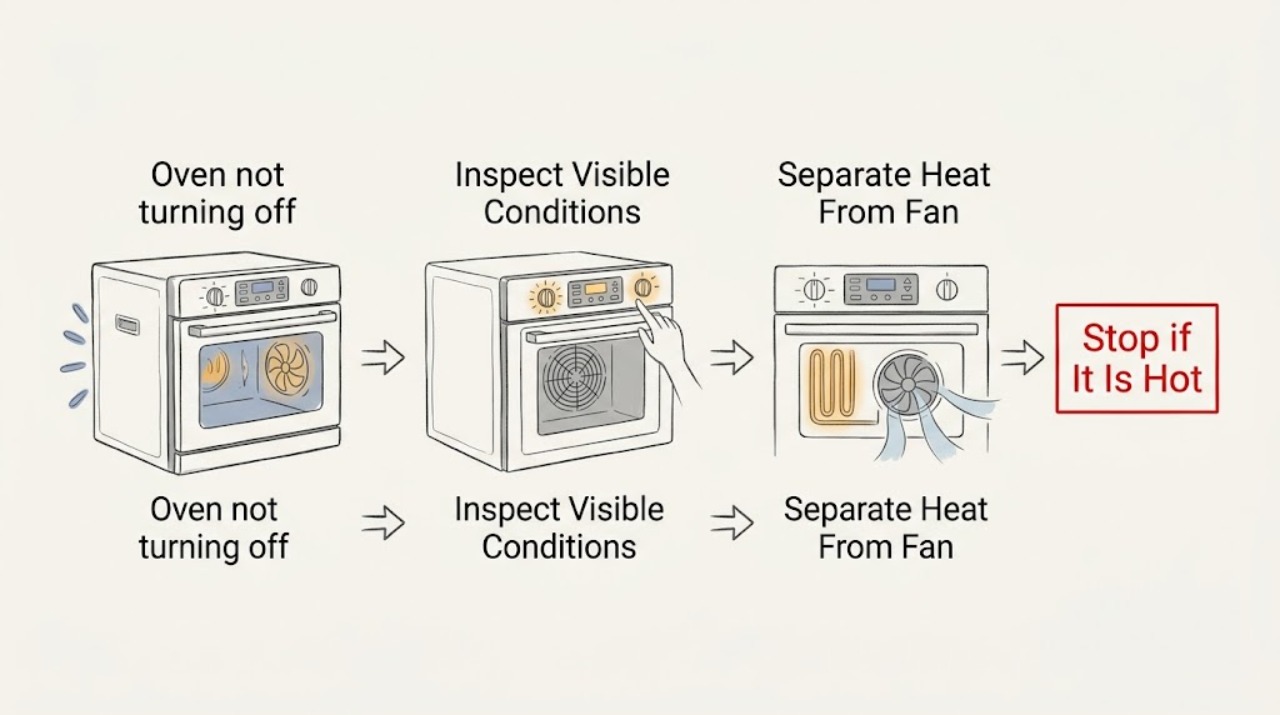
AEG oven not turning off: Check the heating function before the cooling fan
First determine whether your AEG oven is still heating or whether only its cooling fan is running. AEG says the cooling fan operates during cooking and can continue after the oven is switched off while the cavity remains warm; that does not by itself mean the heating function is on.
-
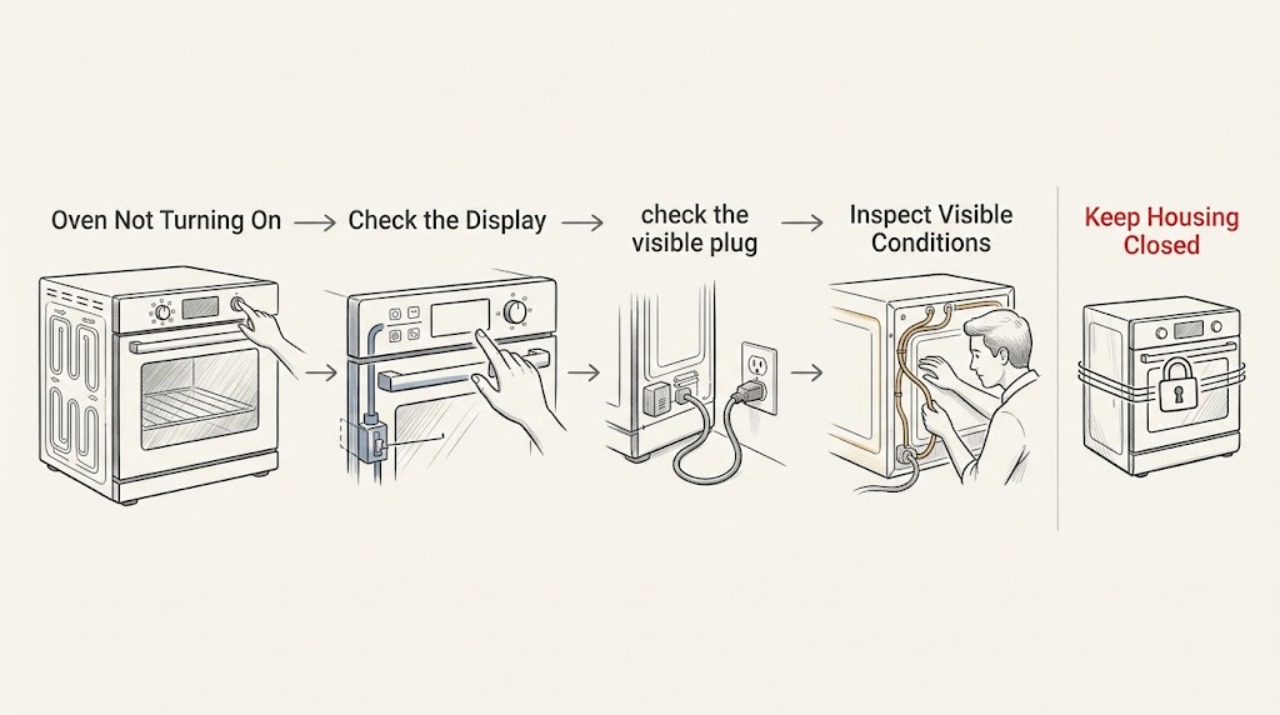
AEG Oven Not Turning On: Safe Power and Setting Checks
If an AEG oven is not turning on, first decide whether the display is completely dark, the display works but no heating programme starts, or only one heating function fails. Check the fuse or RCD and the visible power connection without opening the appliance.
-
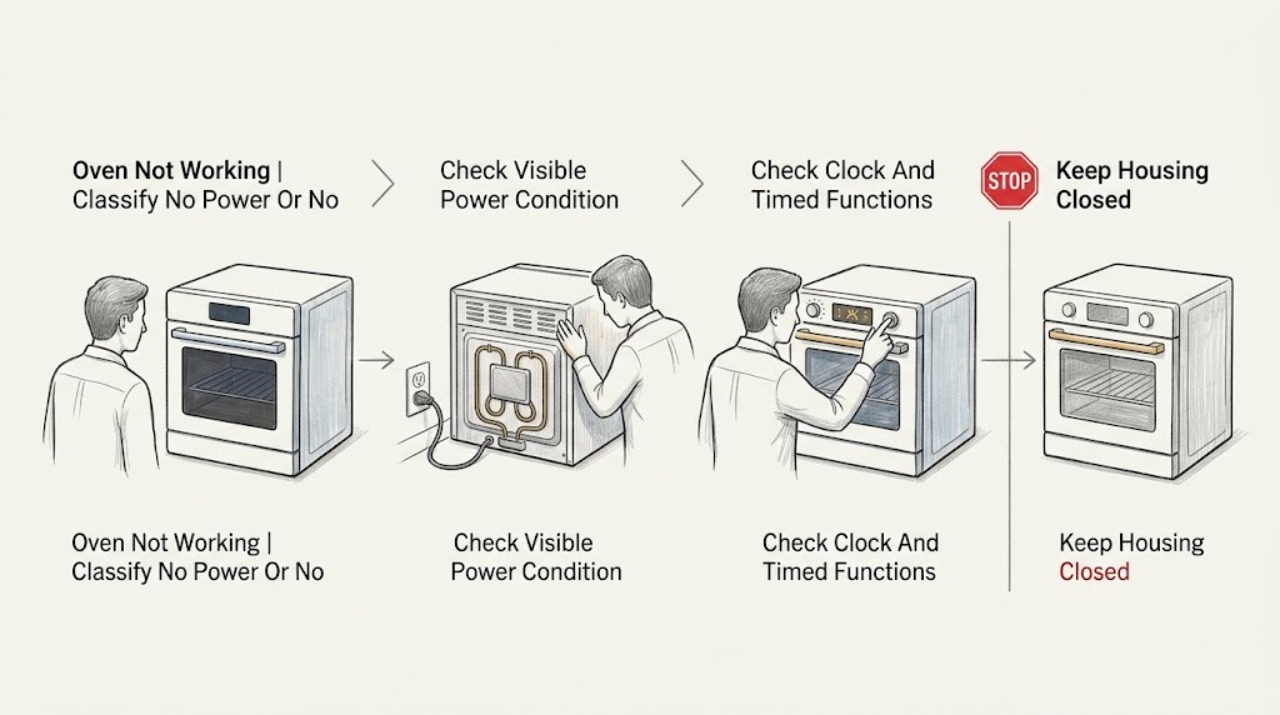
AEG Oven Not Working: Check Power, Clock, Lock, and Heating Settings
If an AEG oven is not working, first separate a completely dead oven from an oven that powers on but will not heat. Check only safe, visible conditions: whether the supply or protective device has tripped, whether a digital clock is flashing after a power cut, whether a lock or Demo indication is active, whether a heating function and temperature were selected, and whether the door is fully closed.