
Haier appliance guidance
Haier Washing Machine Repair Guides
Troubleshooting and repair guidance for published Haier Washing Machine problems, symptoms, and maintenance questions.
Published Haier Washing Machine guides
Choose the guide whose symptom or condition most closely matches what you are seeing.
-
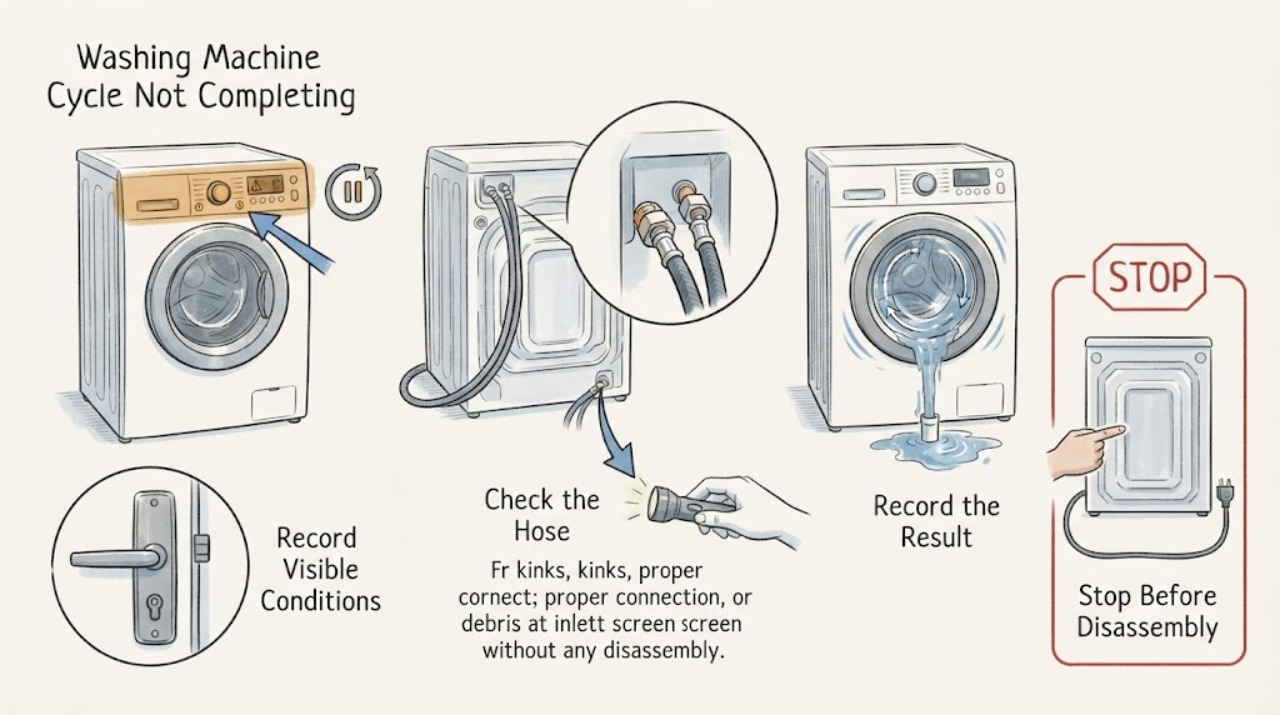
Haier Washing Machine Cycle Not Completing: Find the Stuck Stage
When a Haier washing machine does not complete a cycle, note the exact stage where it stops: start, fill, wash, drain, or spin. Check pause, delay, child lock, door or lid closure, and the display code first.
-
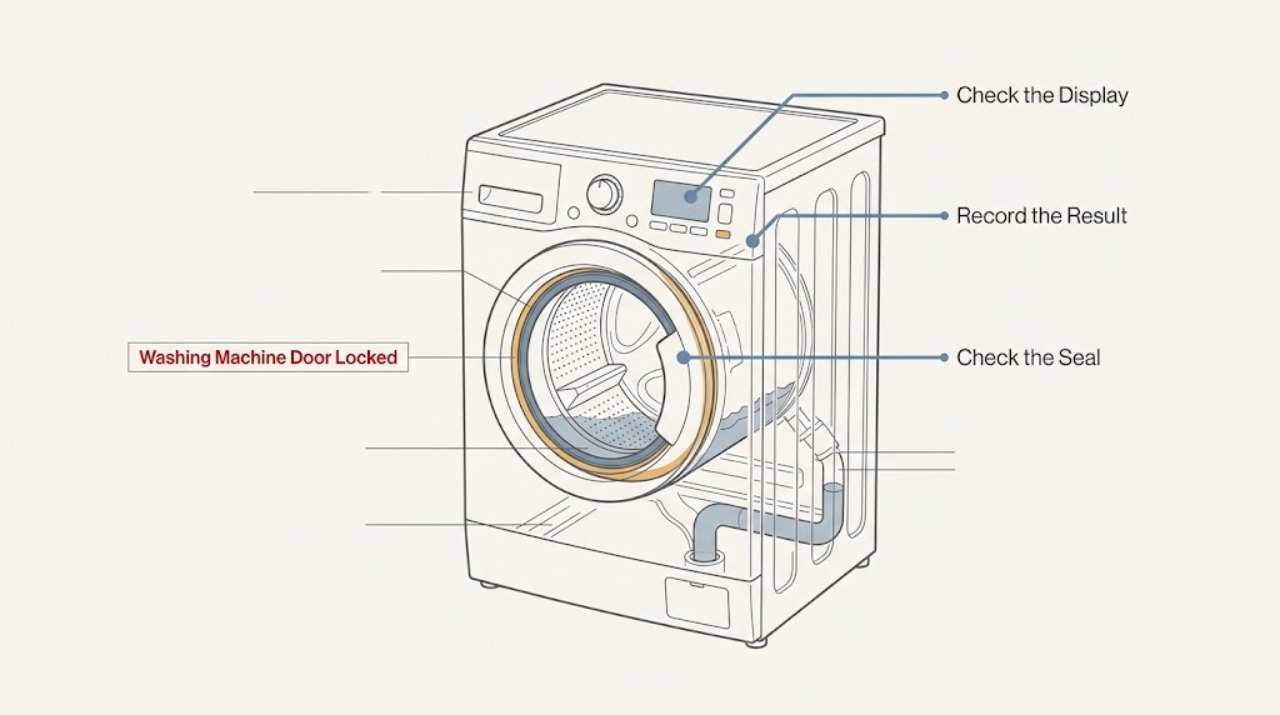
Haier Washing Machine Door Locked: Drain Safely and Check the Lock Conditions
A Haier washing-machine door can remain locked while the drum is moving, water level or temperature is too high, or a cycle has not been cancelled correctly. Do not pull or pry the door.
-
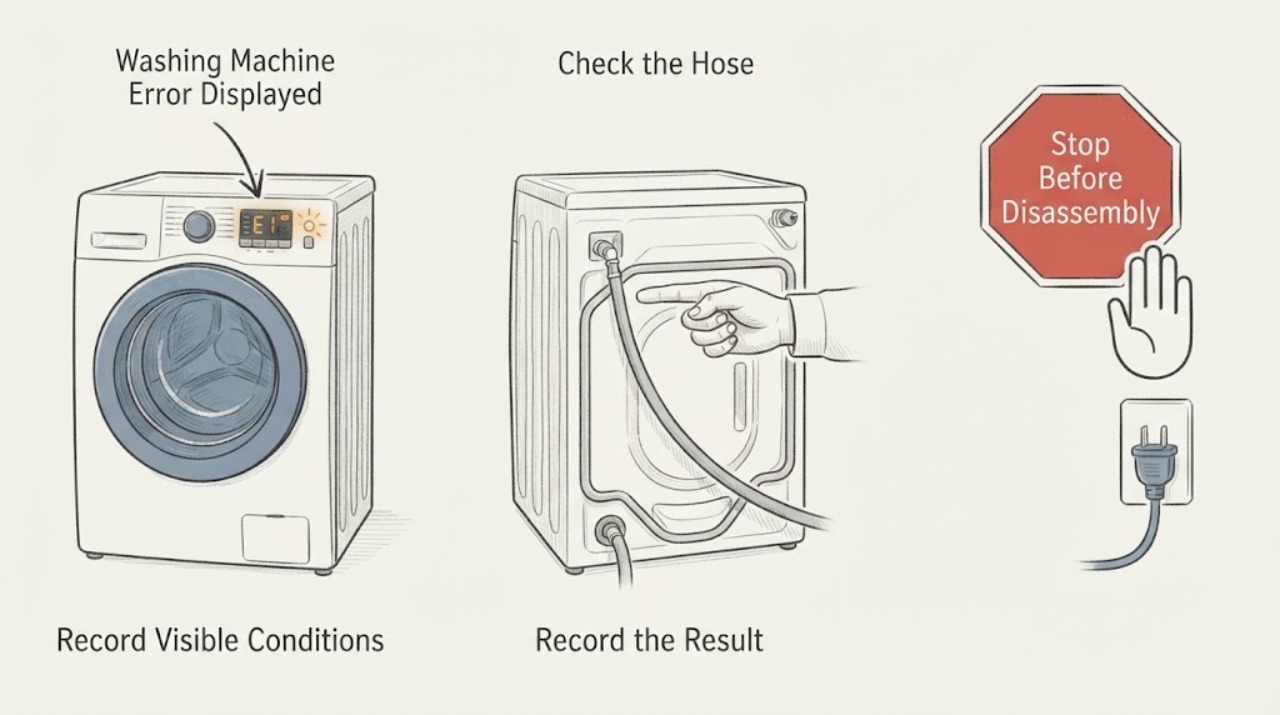
Haier Washing Machine Error Displayed: Record the Code Before Resetting
A Haier washing machine error must be read with the exact code, any alternating display, the model number, and the stage where it appeared. Do not guess from a generic list because codes and remedies vary by model.
-
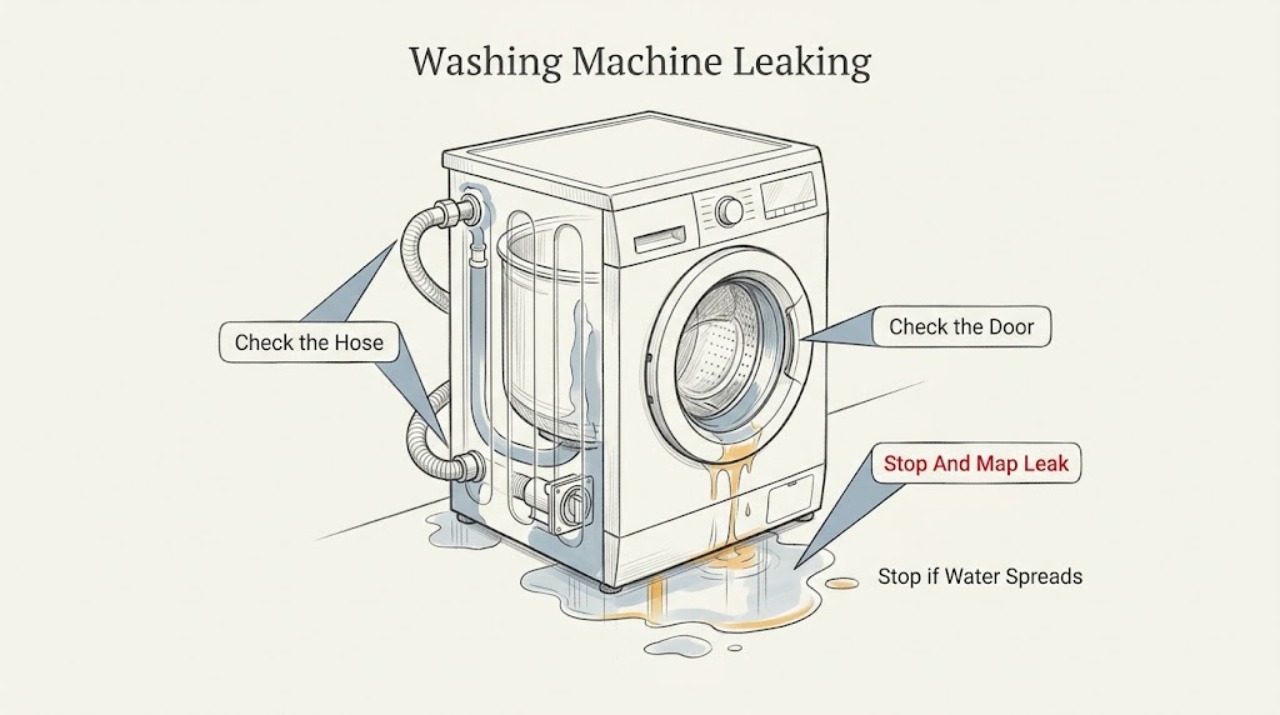
Haier Washing Machine Leaking: Find the Source Safely
Stop the cycle, keep clear of any water near the plug or outlet, close the water taps, and identify when and where the leak begins before moving the washer. A leak at the rear during filling points to an inlet hose, faucet connection, or valve area; a front leak can come from the door seal or detergent drawer; a leak during draining or spinning points to the drain hose, filter, pump path, or an internal tub seal.
-
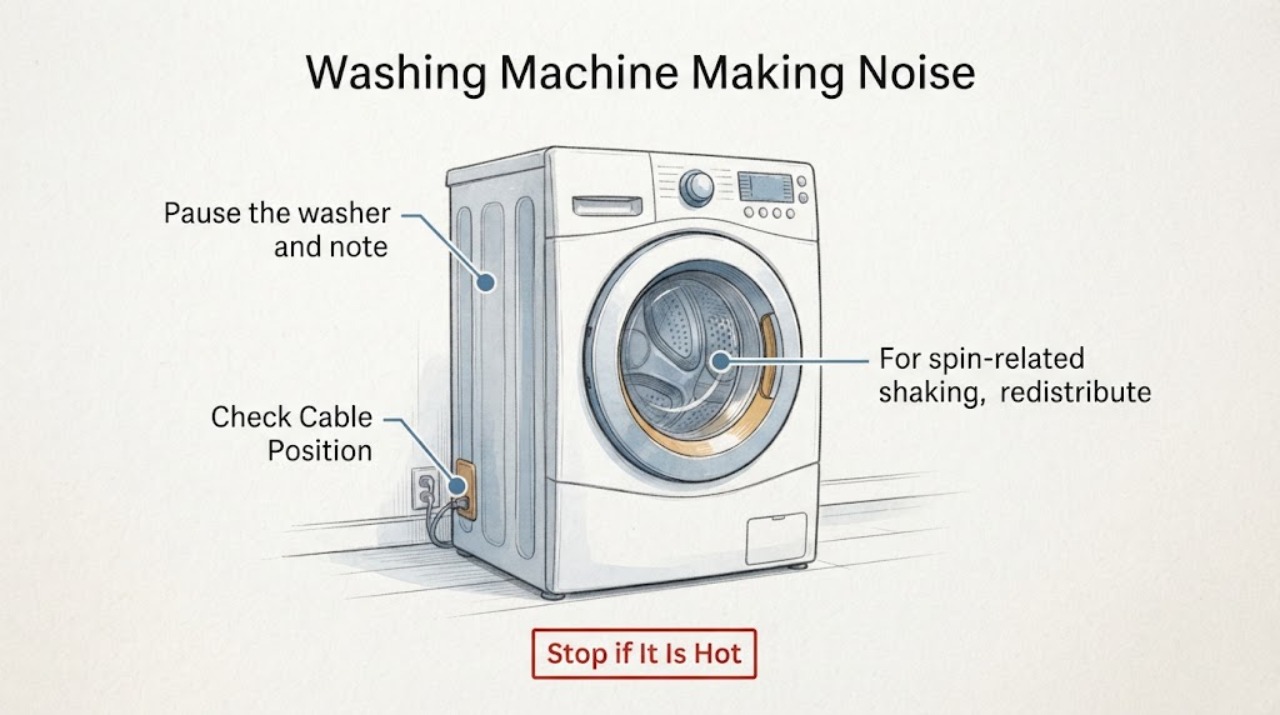
Haier Washing Machine Making Noise
Pause the Haier washer and identify when the sound occurs: only during high-speed spin, while draining, or whenever the drum moves. A load that is off-center, an unlevel floor, or transport bolts left after installation can cause shaking and knocking.
-
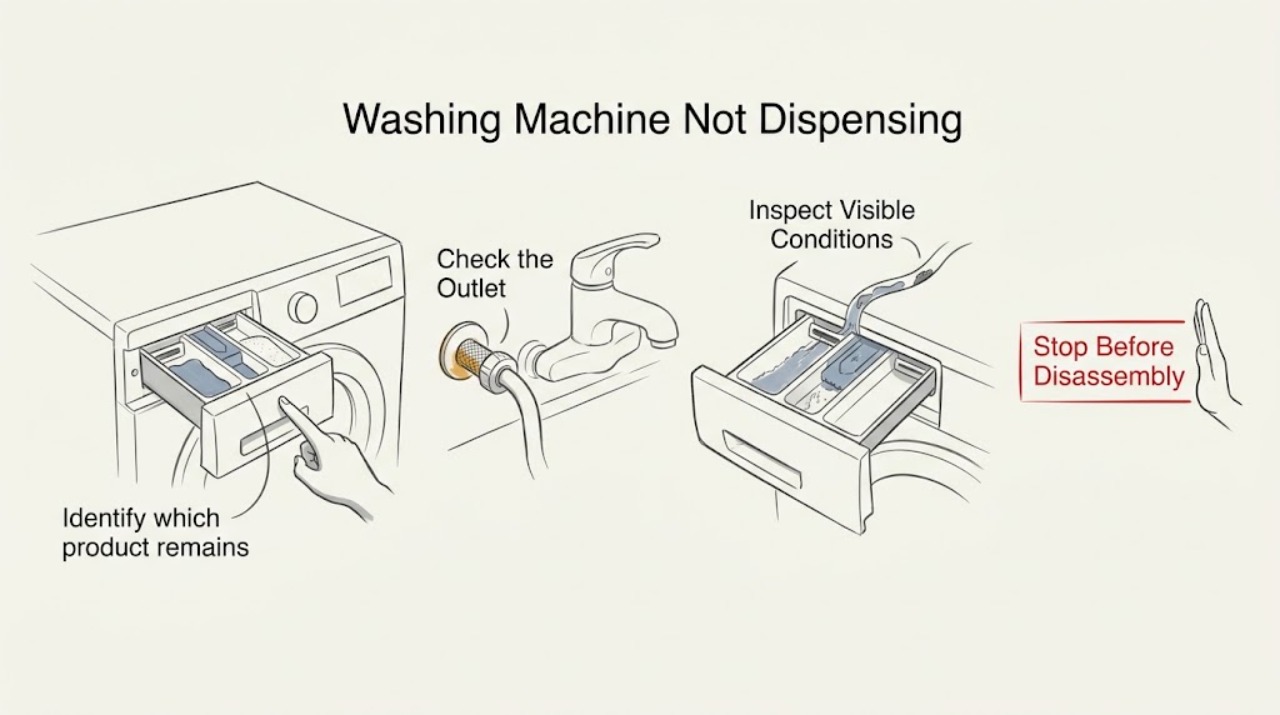
Haier Washing Machine Not Dispensing
If a Haier washing machine leaves detergent or softener in the drawer, first confirm the product is in the correct compartment and the cycle actually calls for that product. With the machine stopped and dry around the controls, check that the tap is open, the inlet hose is not kinked, and water pressure is adequate.
-
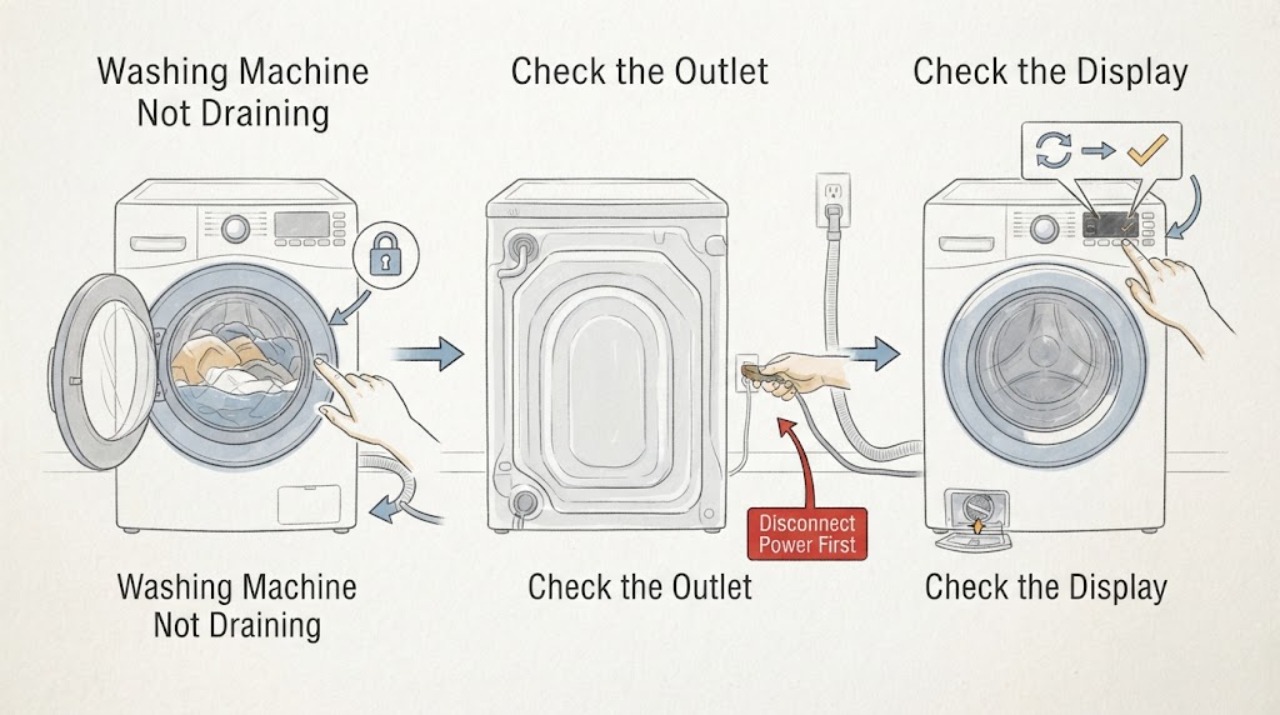
Haier Washing Machine Not Draining: Clear the Safe, Visible Causes
If a Haier washer leaves water in the drum, pause the cycle and keep people away from any water near electricity. Read the display and identify whether the wash or dry side is affected, then check the drain hose for kinks, crushing, blockage, excessive insertion, or incorrect height.
-
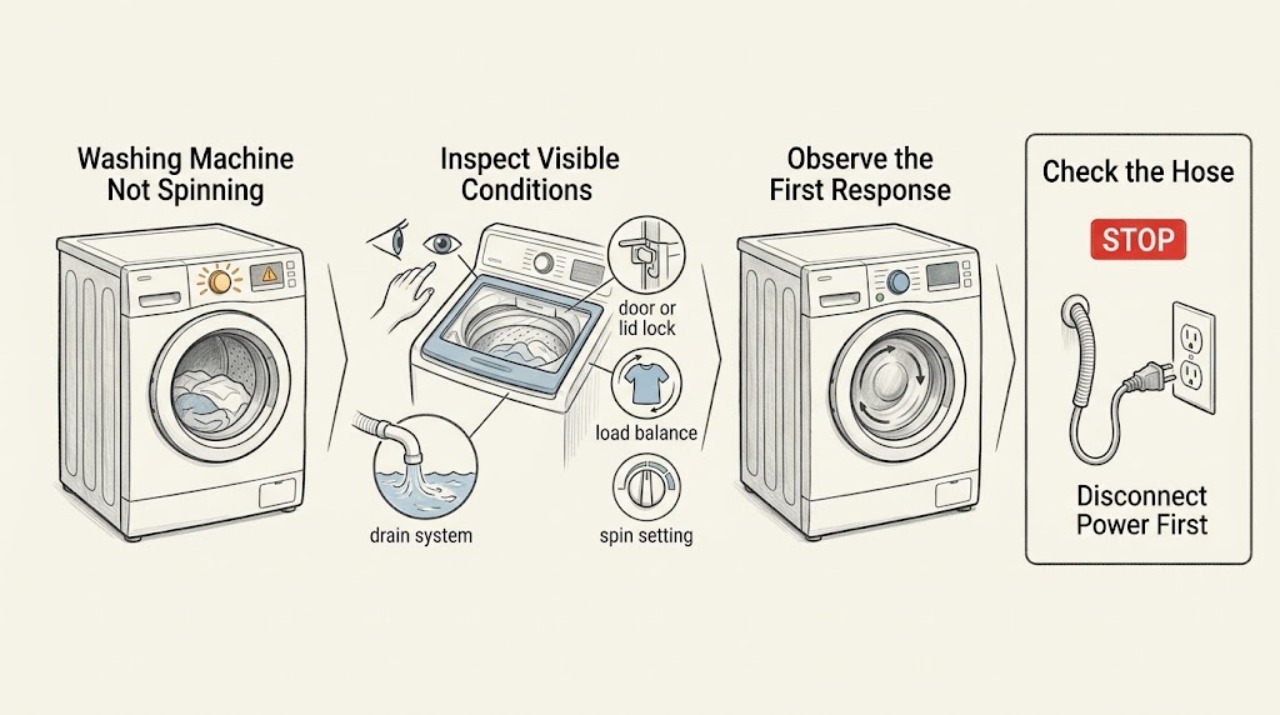
Haier Washing Machine Not Spinning: Check Drainage, Load, and Lock
A Haier washer may refuse or reduce spin because it has not drained, the load is unbalanced or too large, the door or lid is not locked, the selected spin speed is low, or excess foam is preventing the cycle from completing. Pause the machine, check for water near electrical parts, then use the exact model manual to read any code.
-
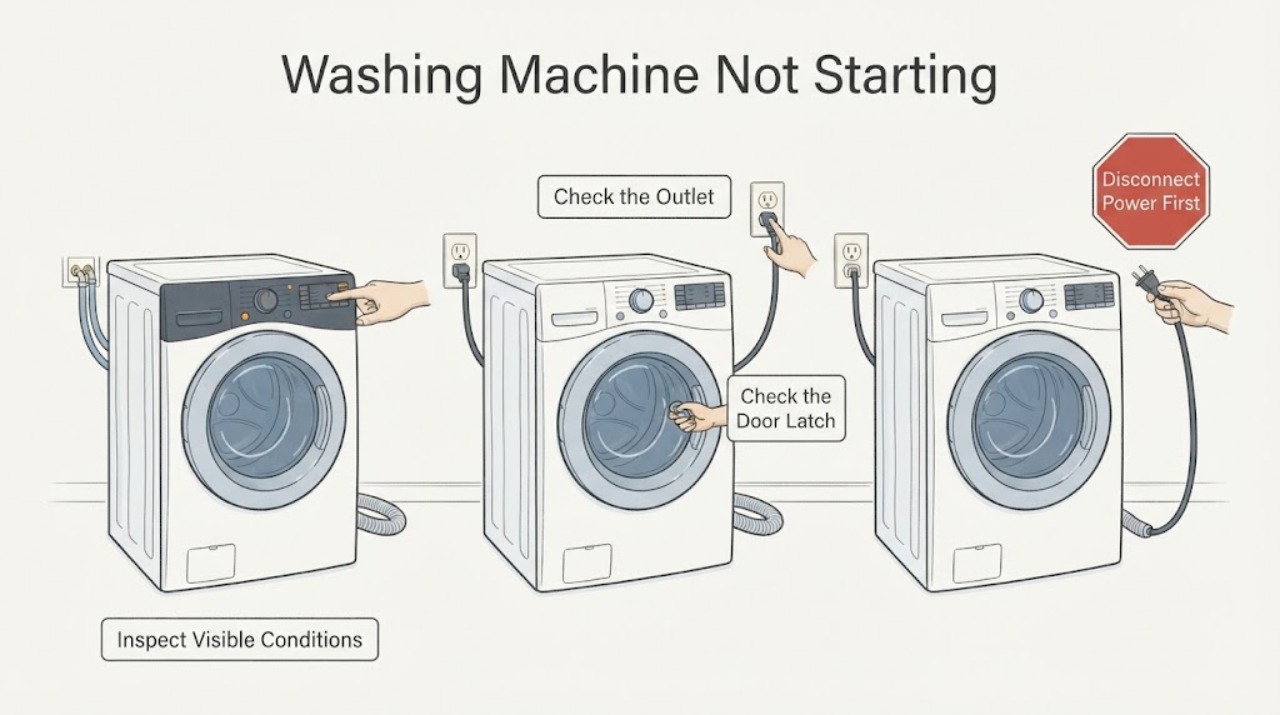
Haier Washing Machine Not Starting: Check Power, Lock, and Cycle Settings
If a Haier washing machine will not start, first check for water near electrical parts, then confirm the plug, outlet, power button, and any breaker or GFCI are safe and working. Close the door or lid until its lock indicator responds, and check that Child Lock, Delay, Soak, or another non-wash programme is not holding the cycle.
-
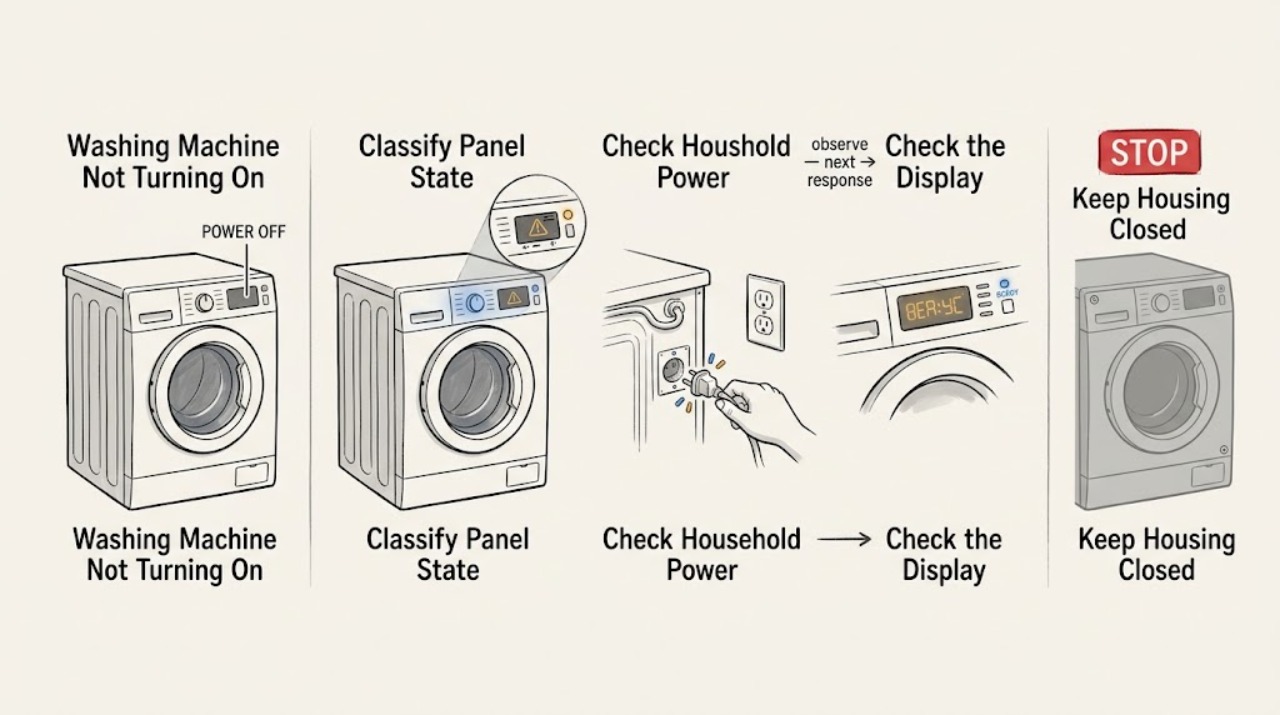
Haier Washing Machine Not Turning On
If a Haier washing machine will not turn on, first separate a completely blank panel from a machine that powers on but will not start. From a dry, safe position, check for a home power outage, a tripped outlet breaker, a loose plug, and a damaged cord; then confirm the power control is pressed as the model requires.
-
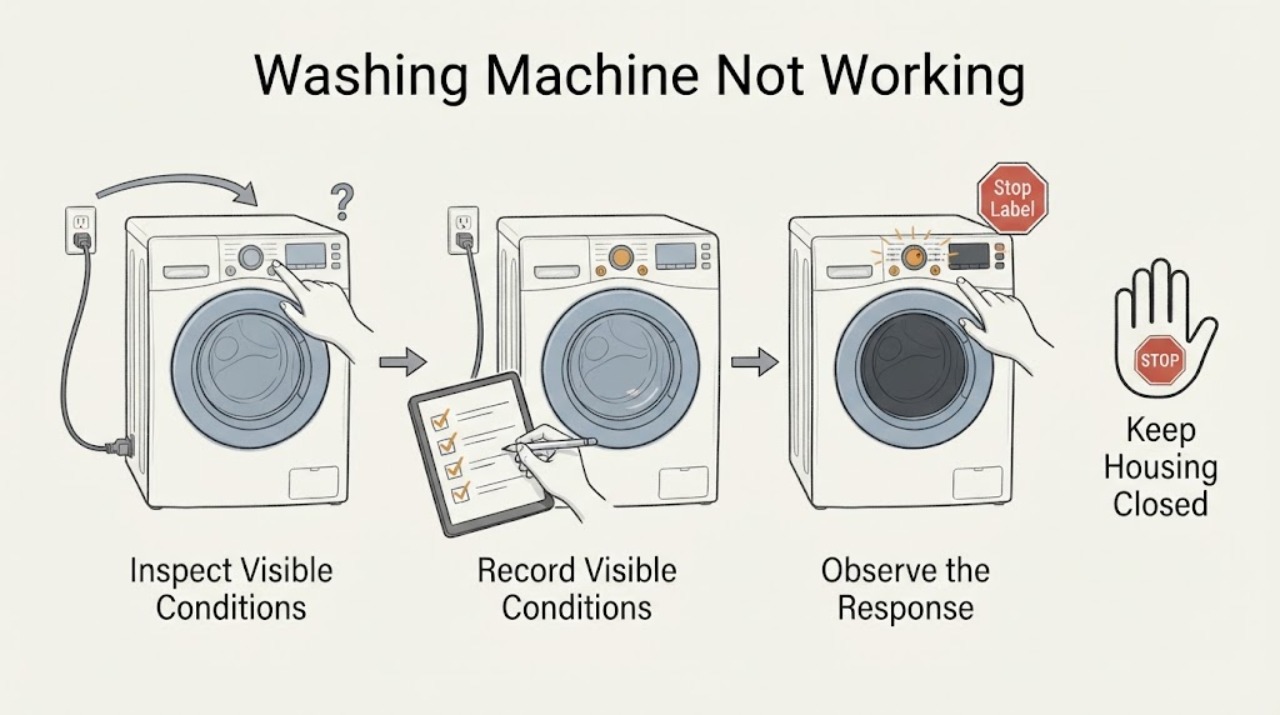
Haier Washing Machine Not Working: Check the Start, Door, Water, and Power States
Start with the safe external states, not an internal part. Turn the machine on, confirm the plug and household power are sound, select a real wash program, close the door or lid fully, release any child lock, make sure the water tap is open, and cancel any delay setting.