
Repair problem
Touch Controls Not Working Troubleshooting Guides
Published FixGraph guidance for diagnosing and responding to touch controls not working.
Matching published guides
Choose a guide that matches the service, equipment, and conditions you are seeing.
-
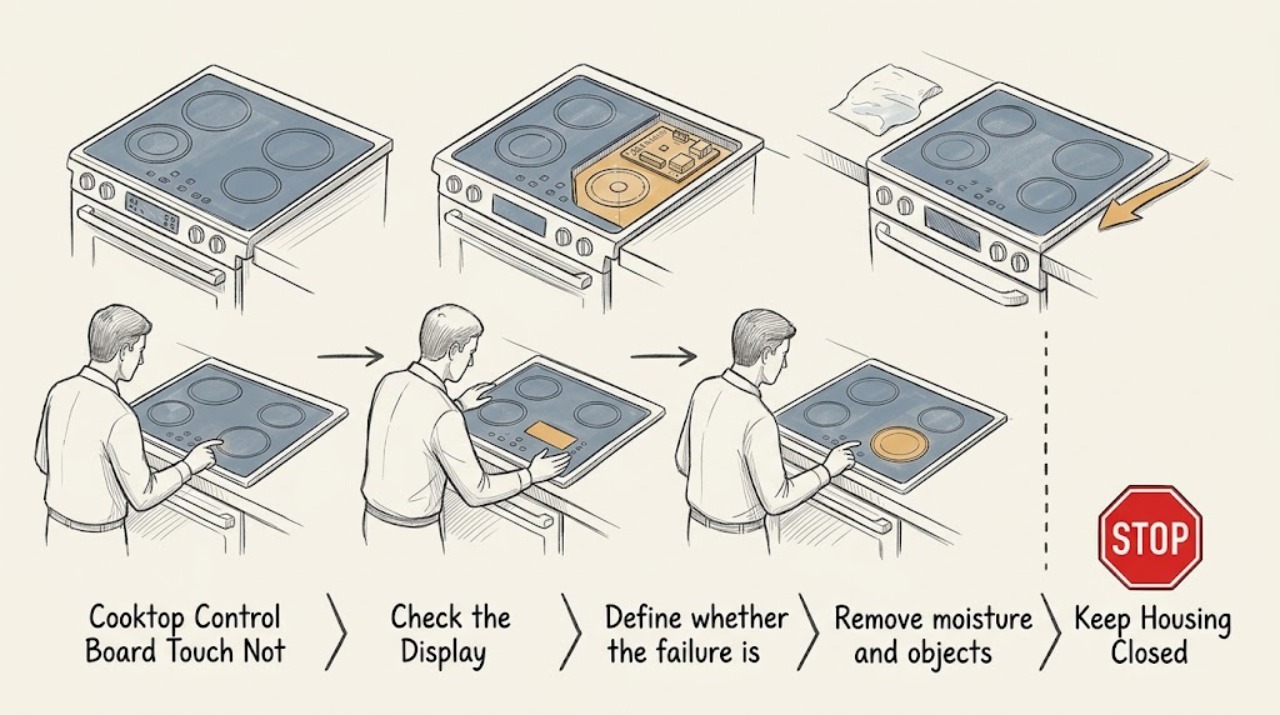
Bosch Cooktop Control Board Touch Not Working: What to Check and What to Do Next
A Bosch cooktop whose touch controls do not respond does not automatically have a failed control board. First identify whether every key or only one key is affected, then make the cool, dry control surface clear of spills and objects and check for a lock symbol or the exact model's lock instruction.
-
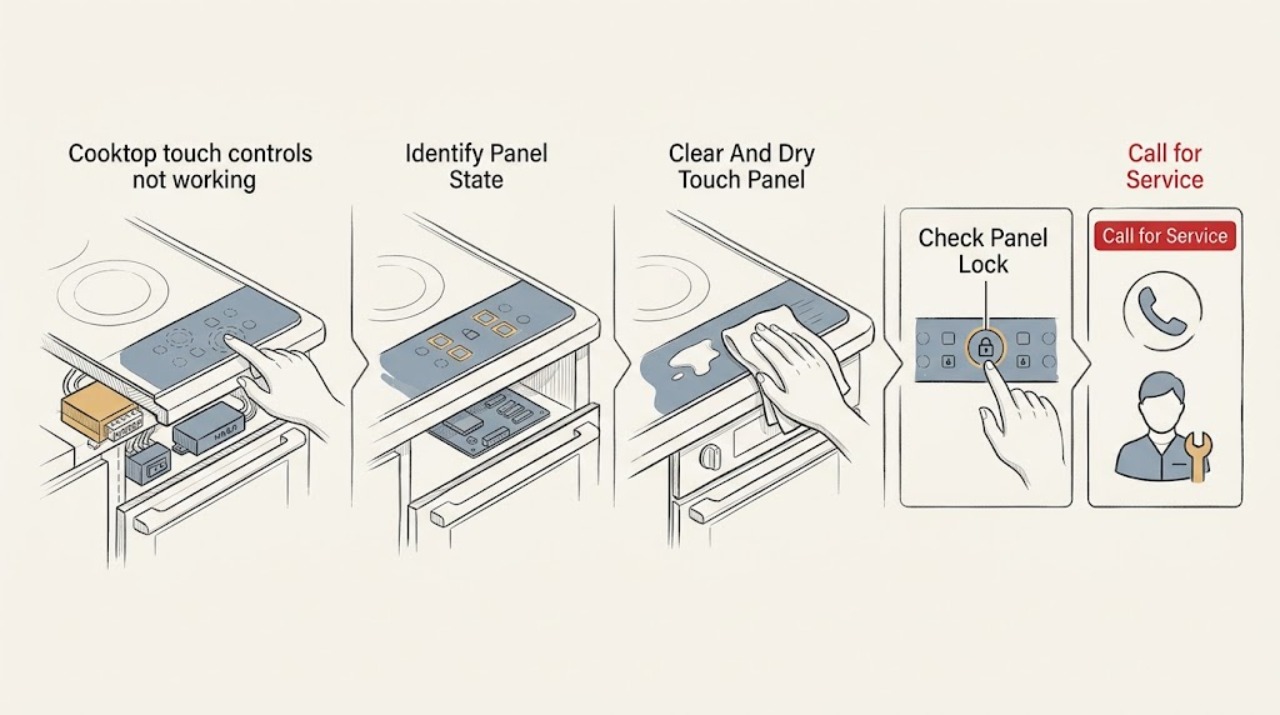
Bosch cooktop touch controls not working: What to Check and What to Do Next
When Bosch cooktop touch controls do not respond, first note whether the whole panel is dark, locked, flashing, wet, or showing an error, then turn controls off and remove liquid, food, cookware, and objects from the touch-control area. Allow a hot surface or overheated electronics to cool.
-
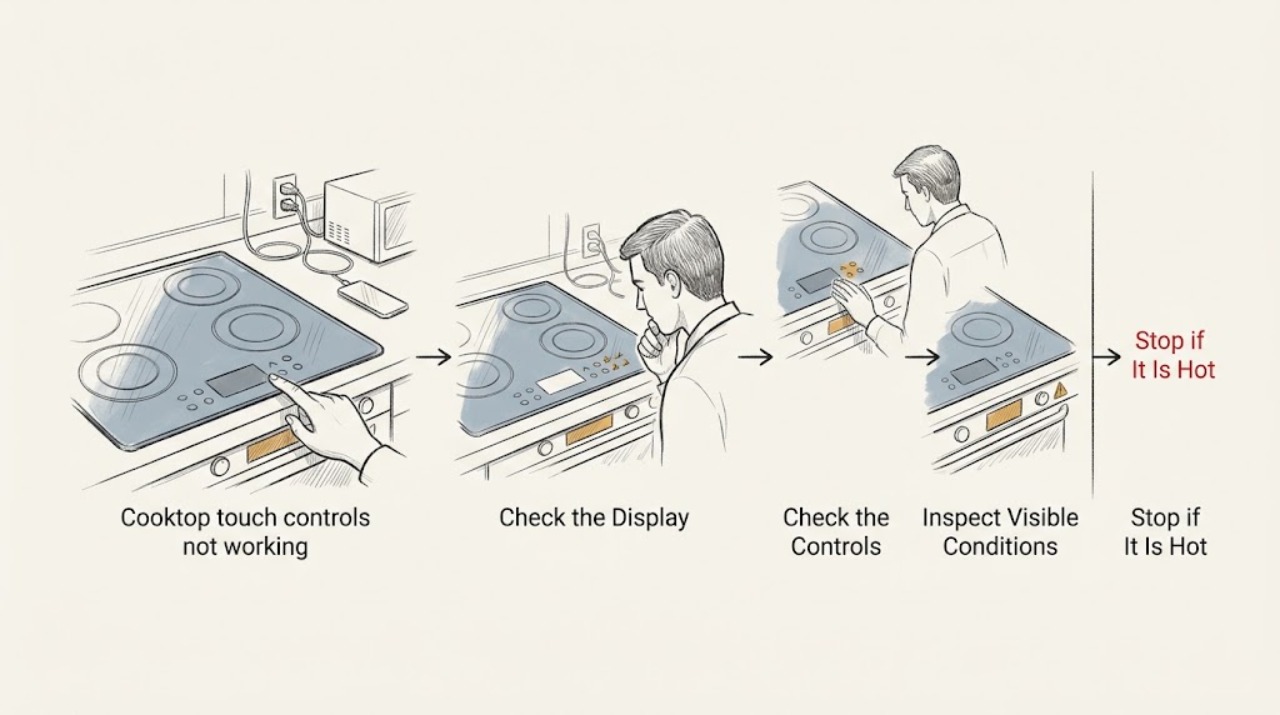
Cooktop touch controls not working power is available: What to Check and What to Do Next
When a cooktop has power but its touch controls do not respond, the most common safe-to-check possibilities are a control lock or wipe-protection state, moisture or an object on the panel, an overheated surface or electronics, incorrect touch technique, or an induction-pan condition that affects a zone rather than the whole panel.
-
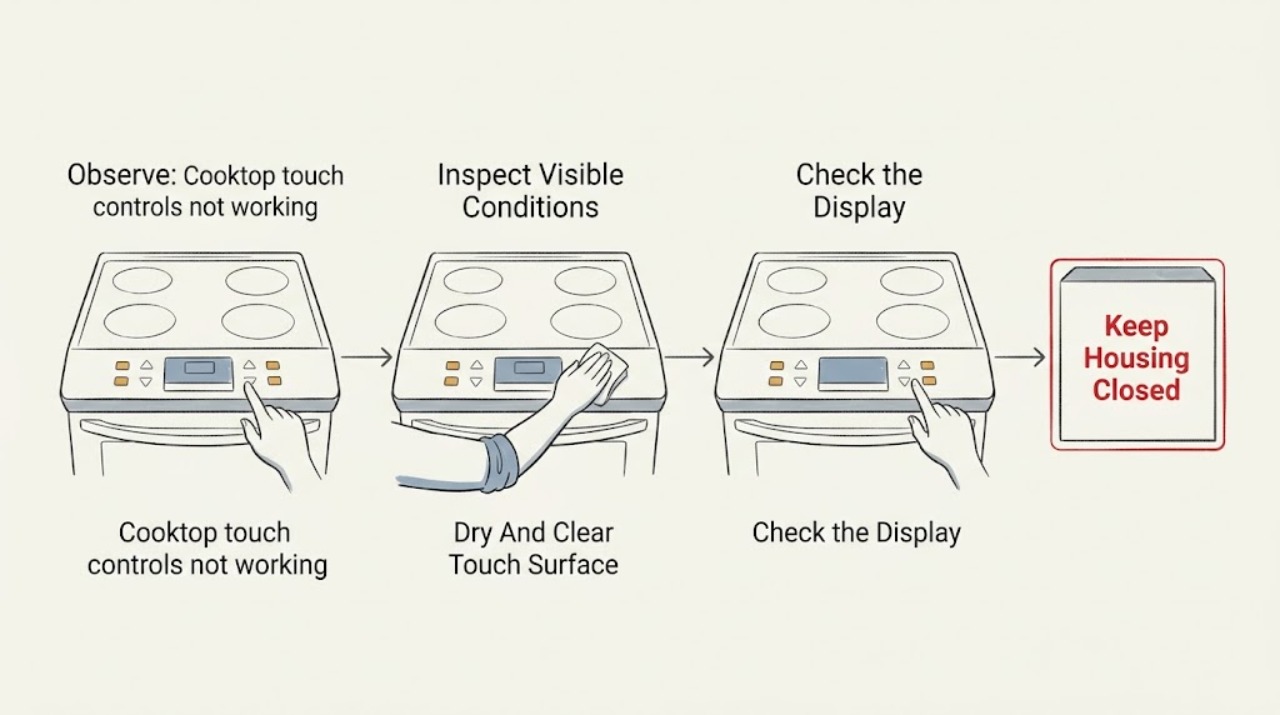
Cooktop touch controls not working, display is blank or frozen: What to Check and What to Do Next
A cooktop touch panel that does not respond with a blank or frozen display may be locked, wet or dirty, still initializing after power was restored, or not receiving power. It can also have a failed touch panel, display, fuse, wiring connection, or control board.
-
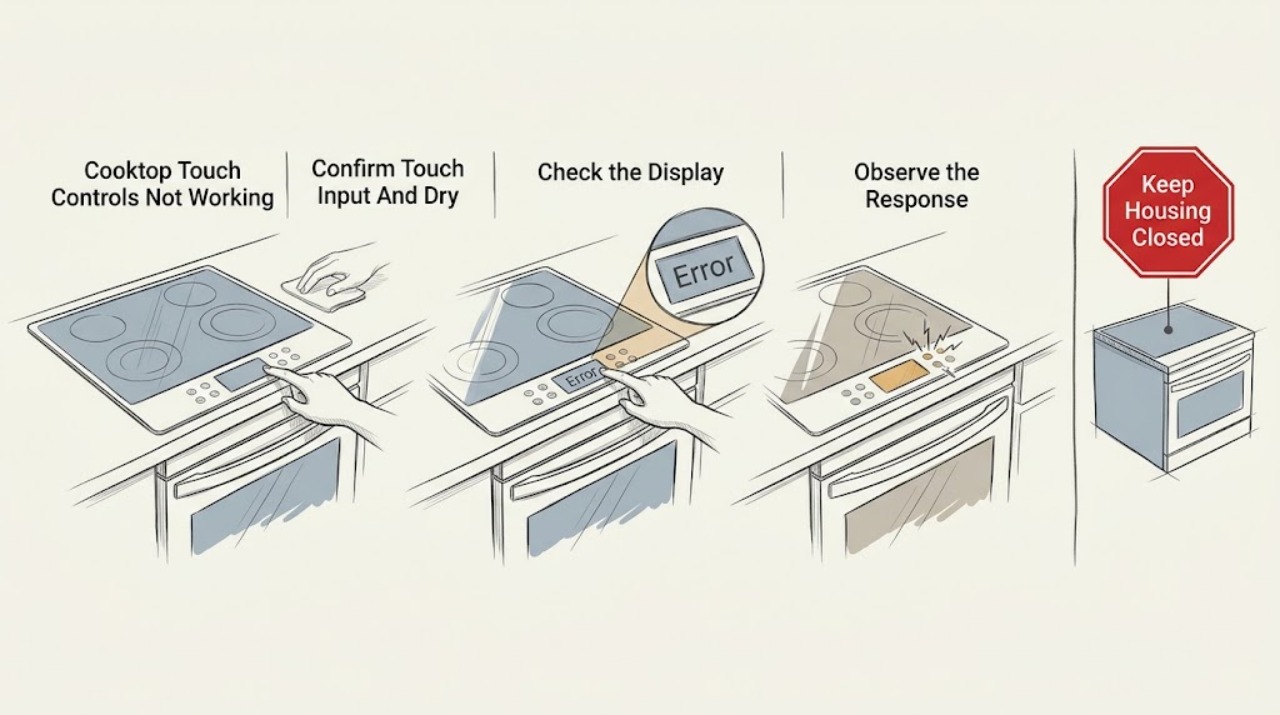
Cooktop Touch Controls Not Working, Surface Is Dry: What to Check and What to Do Next
If a cooktop's touch controls do not respond even though the surface is dry, first separate a locked or unavailable control state from a power or touch-panel failure. Use a bare, dry finger on the marked control area, remove any pan, utensil, food, or residue near the controls, and check for a lock symbol or message using the exact model manual.
-
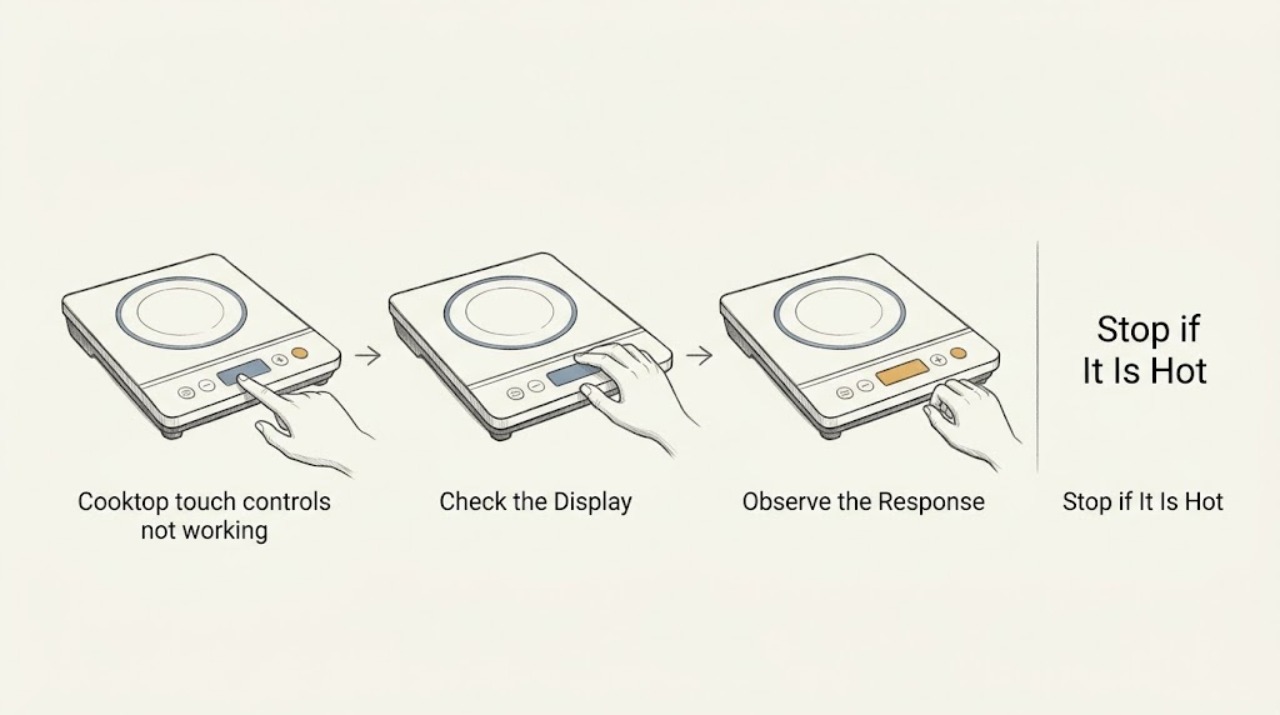
Cooktop touch controls not working: What to Check and What to Do Next
First make the cooktop safe: if the surface is hot, cracked, sparking, or wet, turn it off using a safely accessible normal control if possible and wait until it is cool and dry. Do not open the cooktop, access wiring, or repeatedly reset the breaker.
-
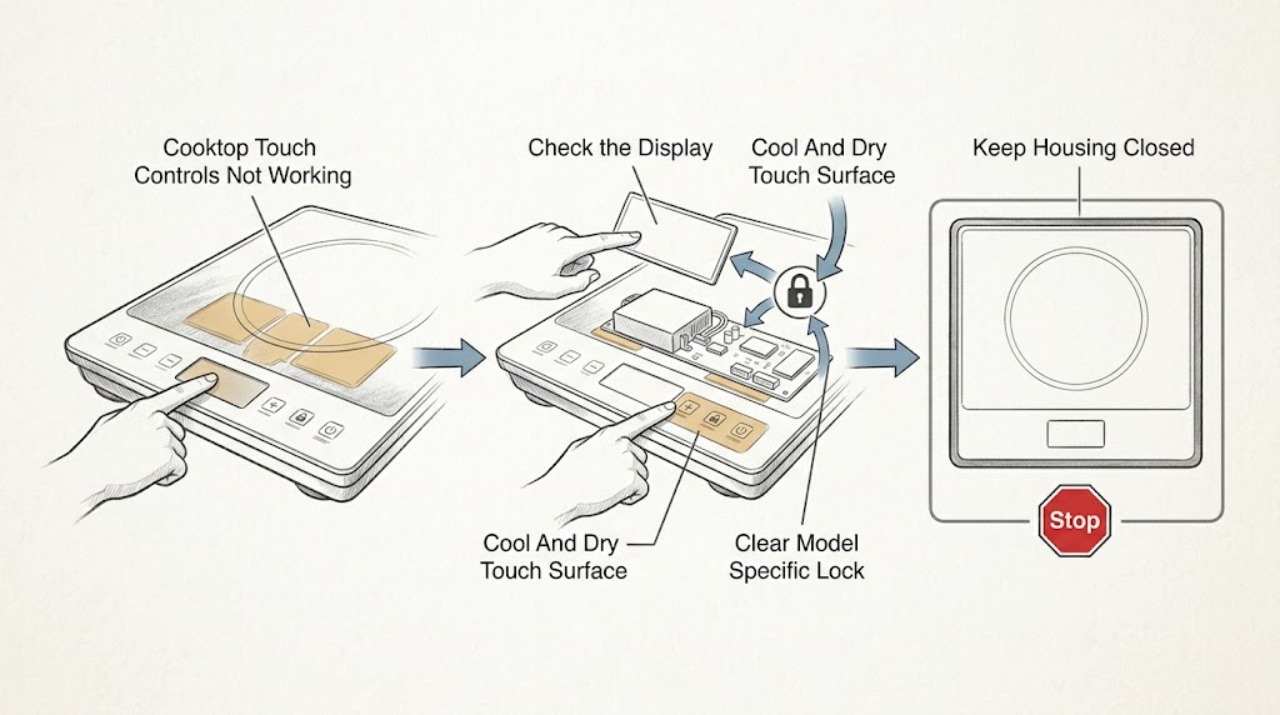
Frigidaire Cooktop Touch Controls Not Working: What to Check and What to Do Next
When a Frigidaire cooktop touch panel does not respond, first make the cool, dry surface and control display safe to inspect. Check whether the panel shows a lock or child-lock indicator, whether any touch produces a beep or display change, and whether the appliance has power.
-
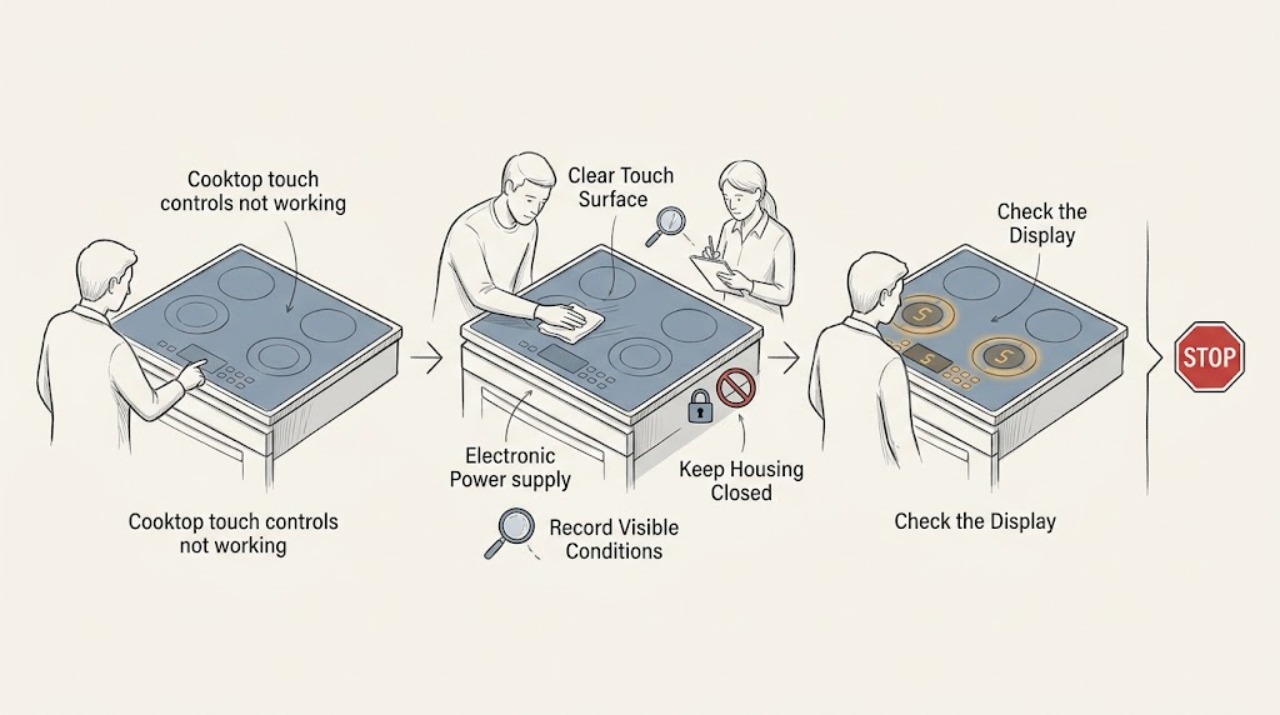
Ge cooktop touch controls not working: What to Check and What to Do Next
Start by noting whether the whole GE cooktop is unresponsive, only one zone is affected, the display shows a lock or WAIT message, or the panel is blank. Confirm the exact model and use its manual: GE says a control lock can prevent electronic pads from responding, and select touch-button cooktops can remain unusable during initialization.
-
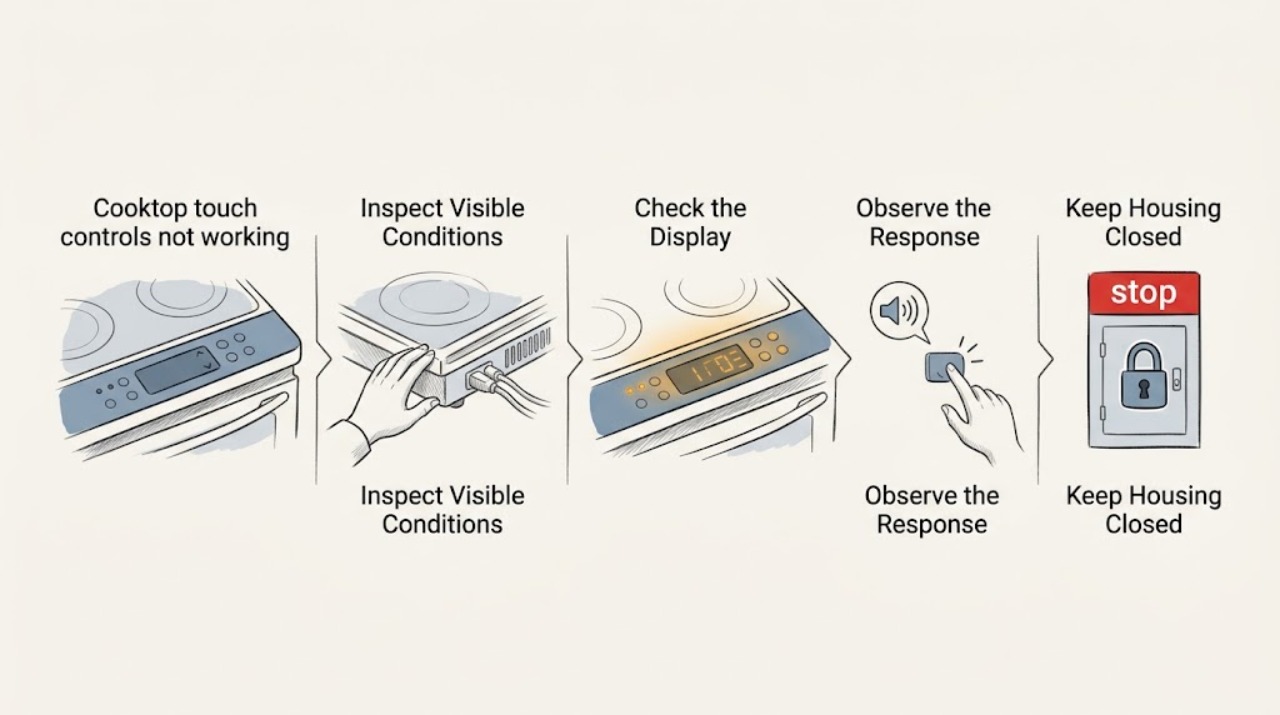
KitchenAid cooktop touch controls not working: What to Check and What to Do Next
When a KitchenAid cooktop touch panel does not respond, first turn all controls off and remove cookware or utensils from the control area. Let the surface cool, dry the panel and your hands, and clean away food or water film with the method in the model manual.
-
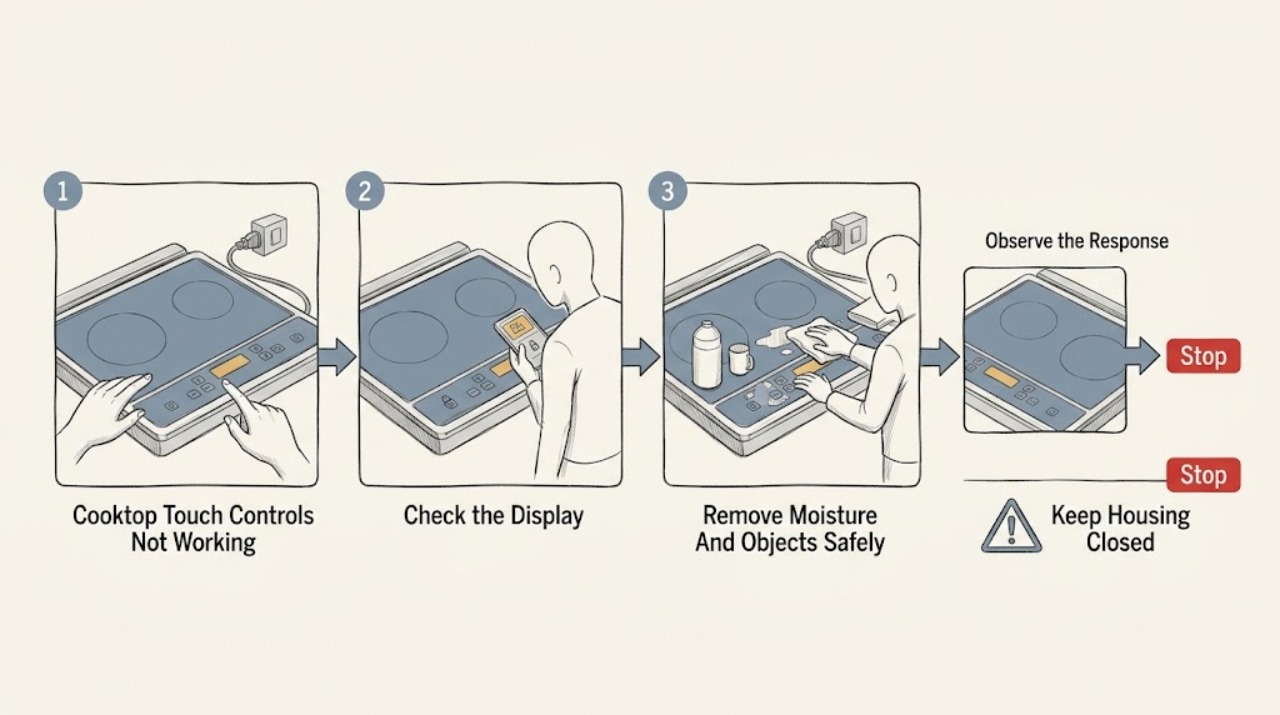
LG Cooktop Touch Controls Not Working: What to Check and What to Do Next
First determine whether the LG cooktop has power and is locked, or whether the touch panel is not recognizing input at all. If only the Power or Lock control responds, use the exact model's manual to unlock the panel; LG's general guidance says the Lock or Child Lock button is commonly held for 3 seconds.
-
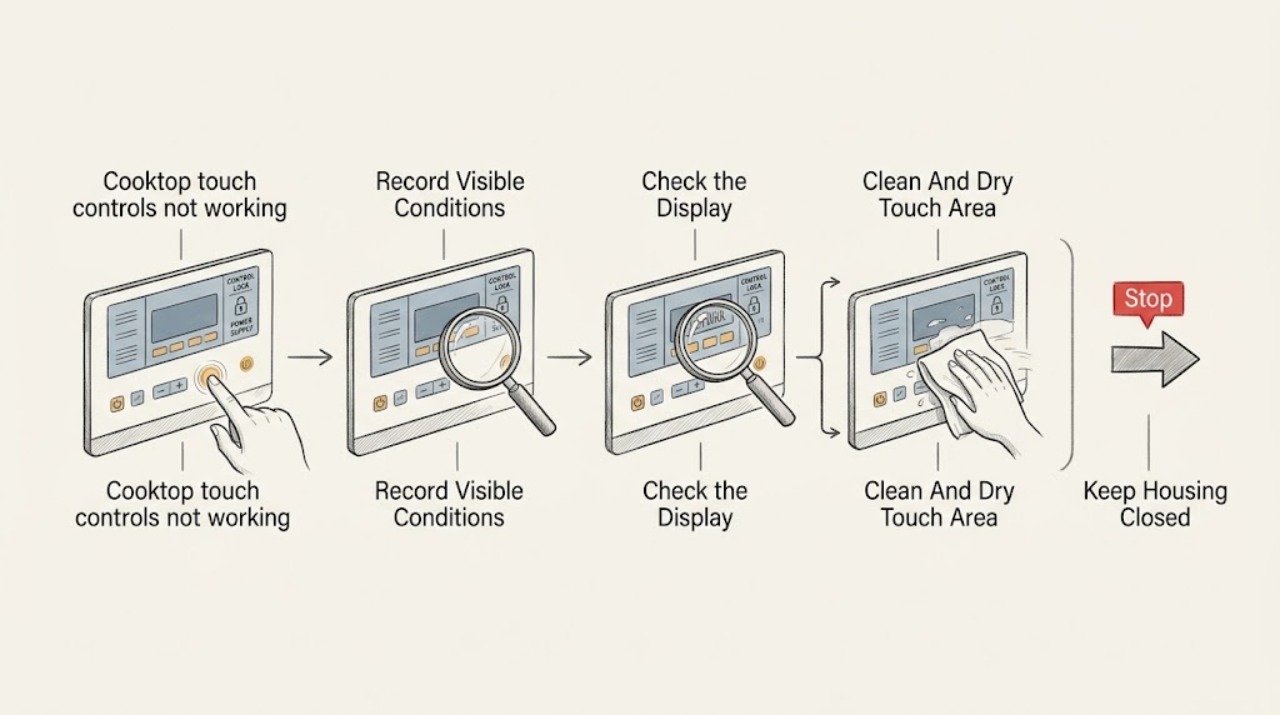
Samsung cooktop touch controls not working: What to Check and What to Do Next
If a Samsung cooktop touch panel will not respond, first turn the cooktop off and let the surface cool. A wet or greasy panel, wet hands, an enabled Child Lock or Control Lock, or a touch sequence that is not available for the current mode can make a working panel appear dead.
-
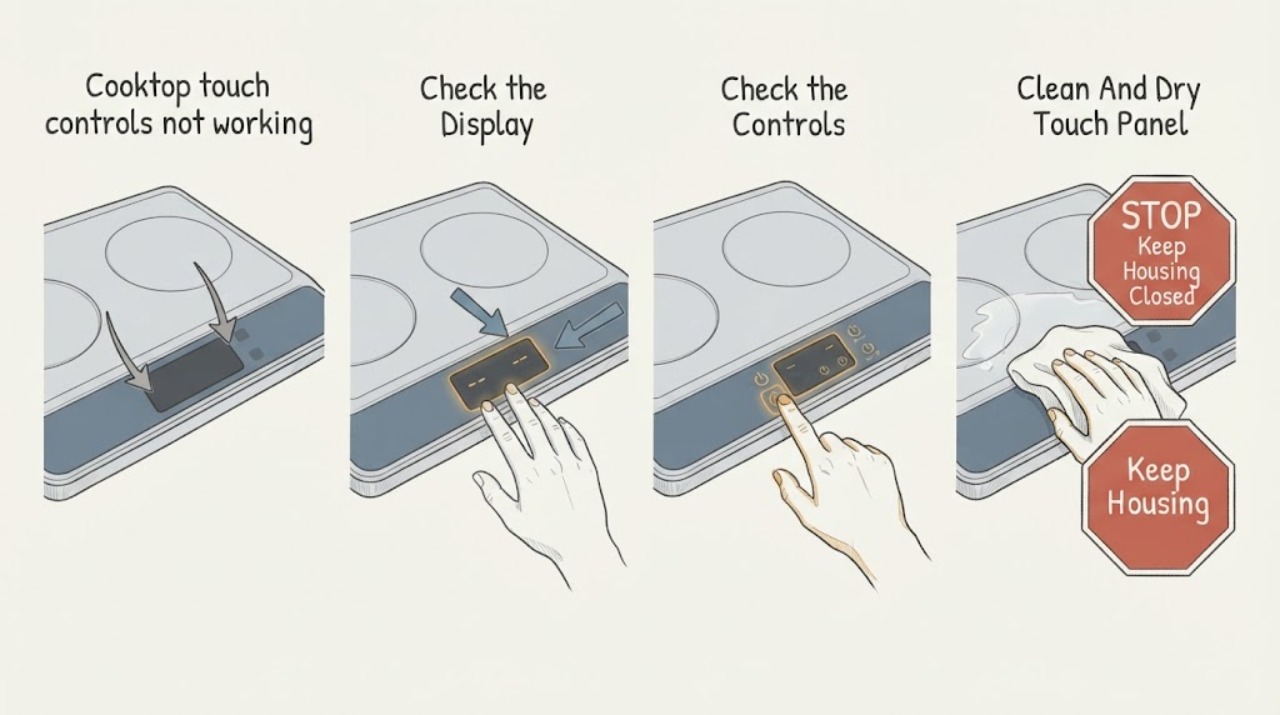
Whirlpool cooktop touch controls not working: What to Check and What to Do Next
When a Whirlpool cooktop touch panel does not respond, first make sure no burner is actively heating and that the surface is safe to approach. A control lock, moisture or food on the keys, an off-center touch, a pan-detection state, or a power interruption can look like a failed panel.