
Hamilton Beach appliance guidance
Hamilton Beach Blender Repair Guides
Troubleshooting and repair guidance for published Hamilton Beach Blender problems, symptoms, and maintenance questions.
Published Hamilton Beach Blender guides
Choose the guide whose symptom or condition most closely matches what you are seeing.
-
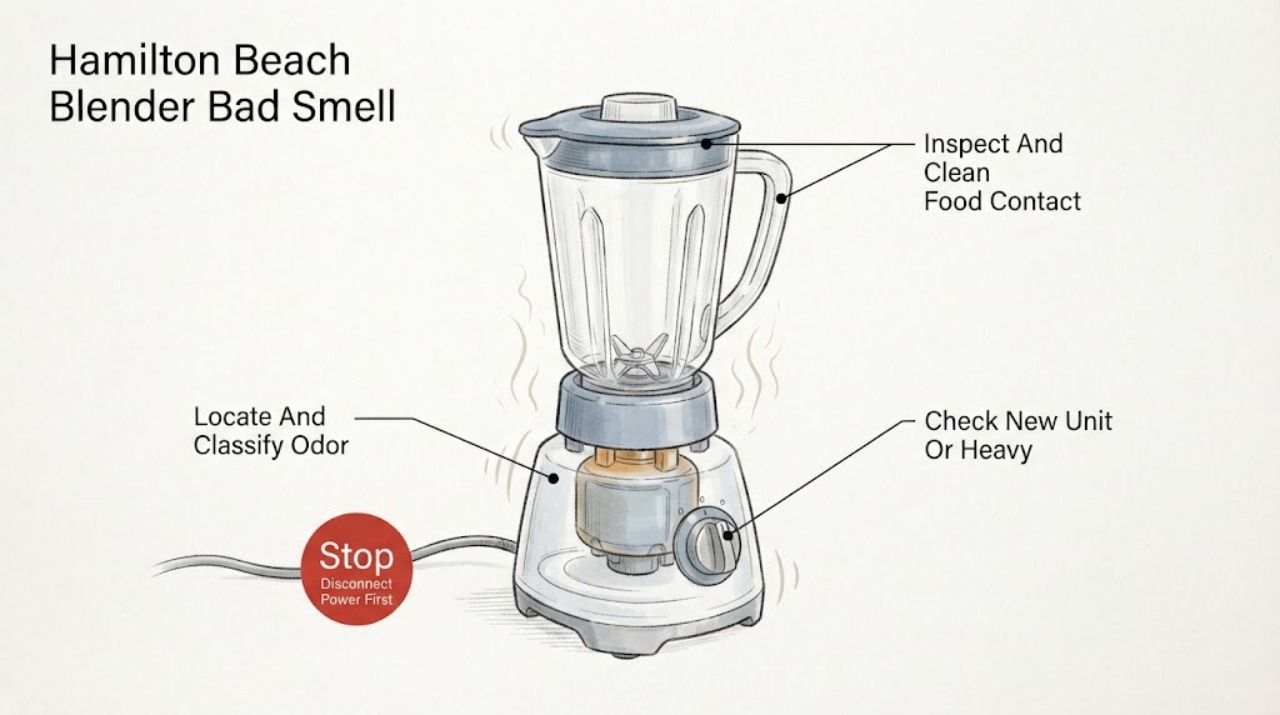
Hamilton Beach Blender Bad Smell
First identify where the smell comes from and when it appears. A food or sour odor usually stays in the jar, lid, gasket, collar, or cutting assembly after ingredients; clean and dry only the removable parts as the exact Use & Care guide permits, and store the jar without its lid if the smell is confined to the container.
-
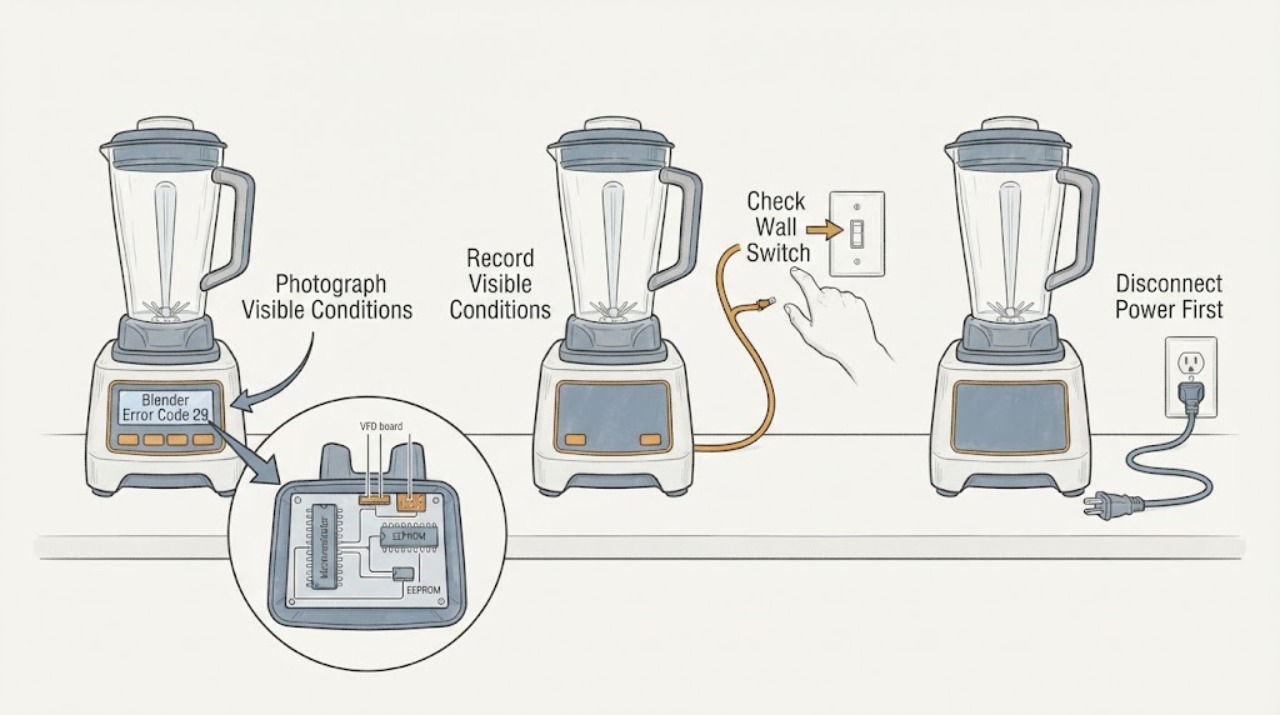
Hamilton Beach Blender Error Code 29: Check the Model Before Service
Do not treat 29 as a universal Hamilton Beach blender code. The opened Hamilton Beach technical document is specifically for the HBH850-230V Blender, Series A-N, and lists error #29 with #30, #42, #100, and #103 as a communication malfunction between the microcontroller and EEPROM; it directs replacement of the VFD board and display.
-
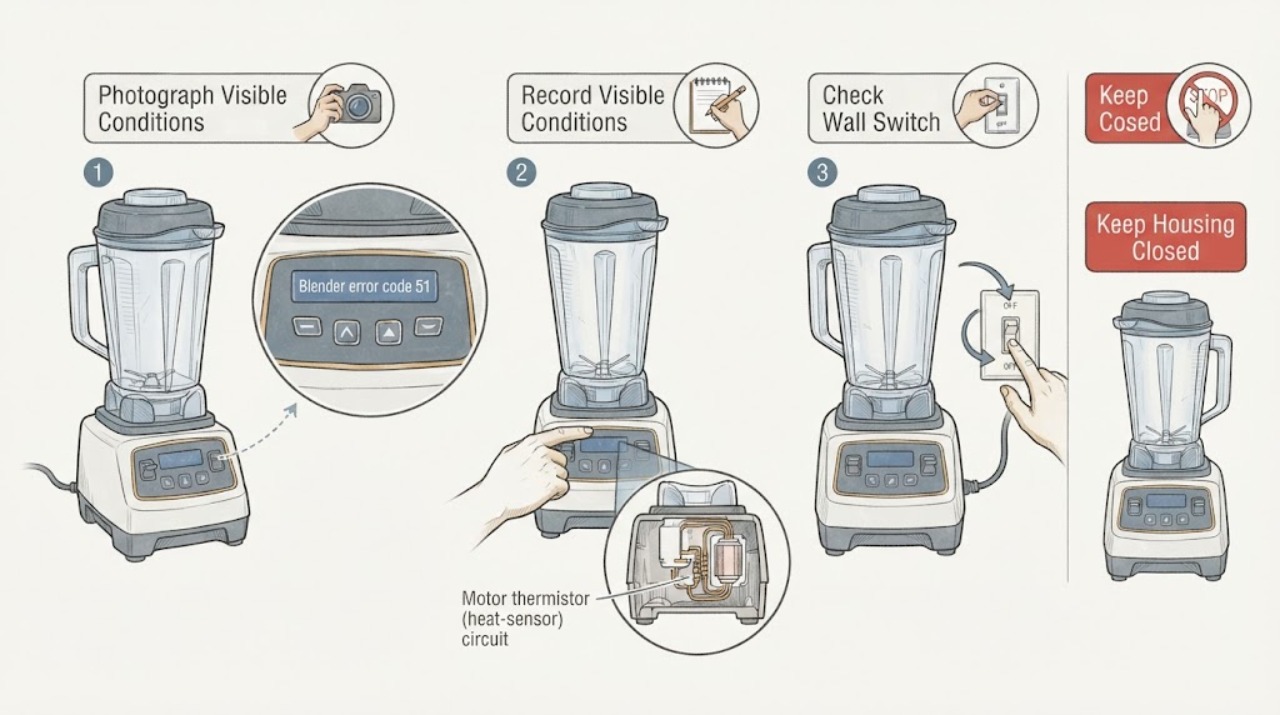
Hamilton Beach blender error code 51 displayed
Hamilton Beach's opened technical document identifies error #51 on the HBH850-230V Blender Technical Information Series A-N as a motor thermistor, or heat-sensor, connection that has been lost or is not working. That document is not a universal code table for every Hamilton Beach blender: verify the rating label, including HBH850 and the 230V variant, before applying it.
-
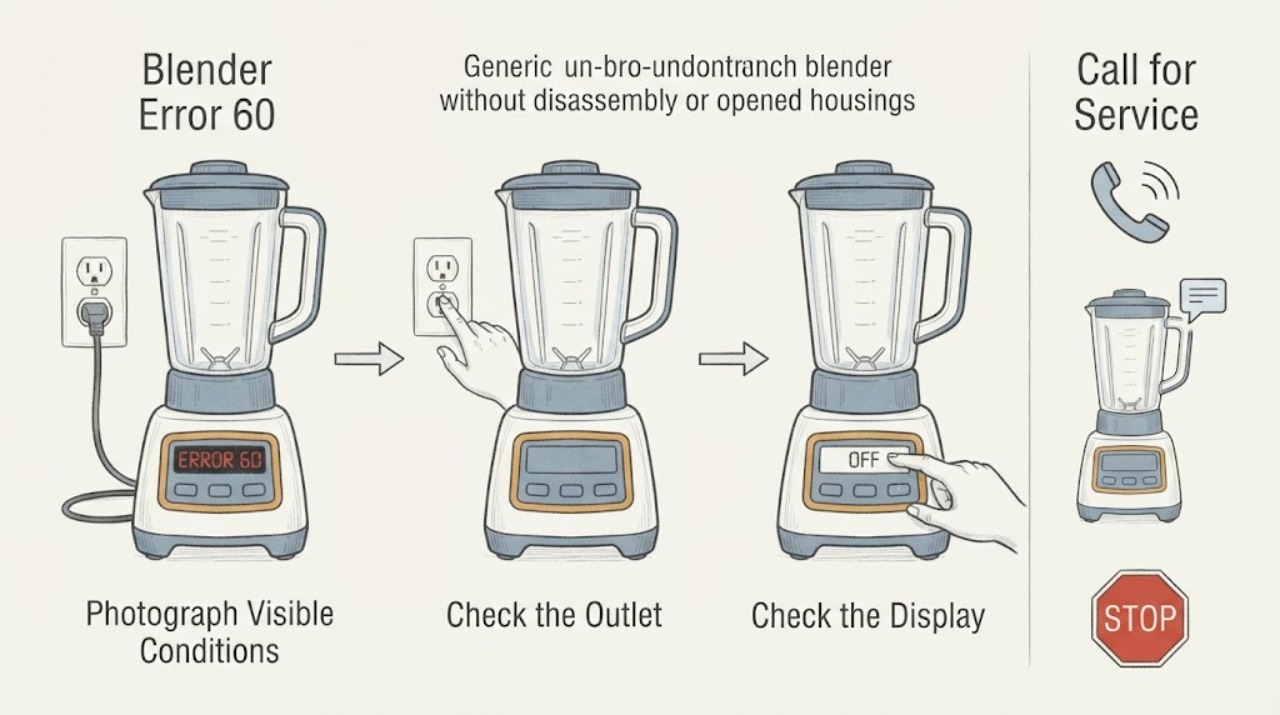
Hamilton Beach Blender Error 60: Model Check and Service Steps
Hamilton Beach error 60 is documented in the manufacturer's HBH850 Series M+ technical sheet, where display error 60 or 62 is associated with defective or corrupt EEPROM data and routed to board and display repair. First verify that the blender is an HBH850 Series M+ and that the complete display really shows 60.
-
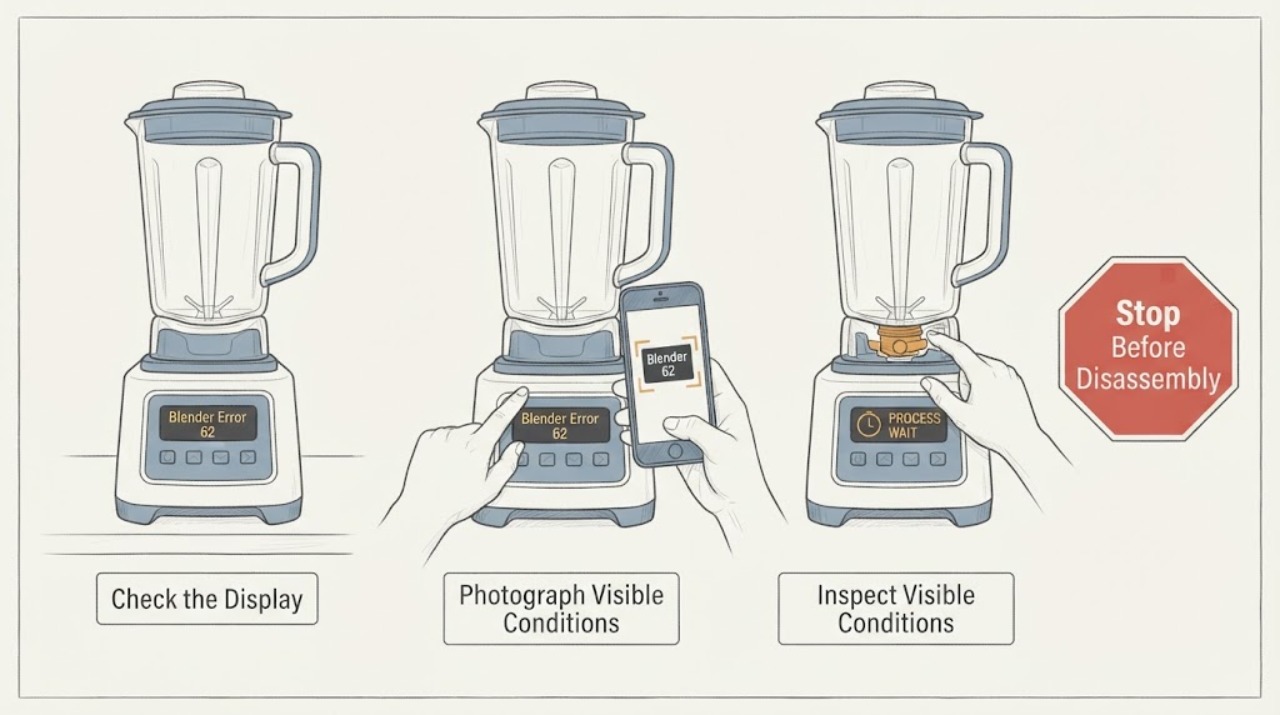
Hamilton Beach Blender Error 62: Identify the Model Before Service
Do not treat Hamilton Beach error 62 as a universal code for every blender. First record the exact model, type, and series from the rating label and the complete display pattern.
-
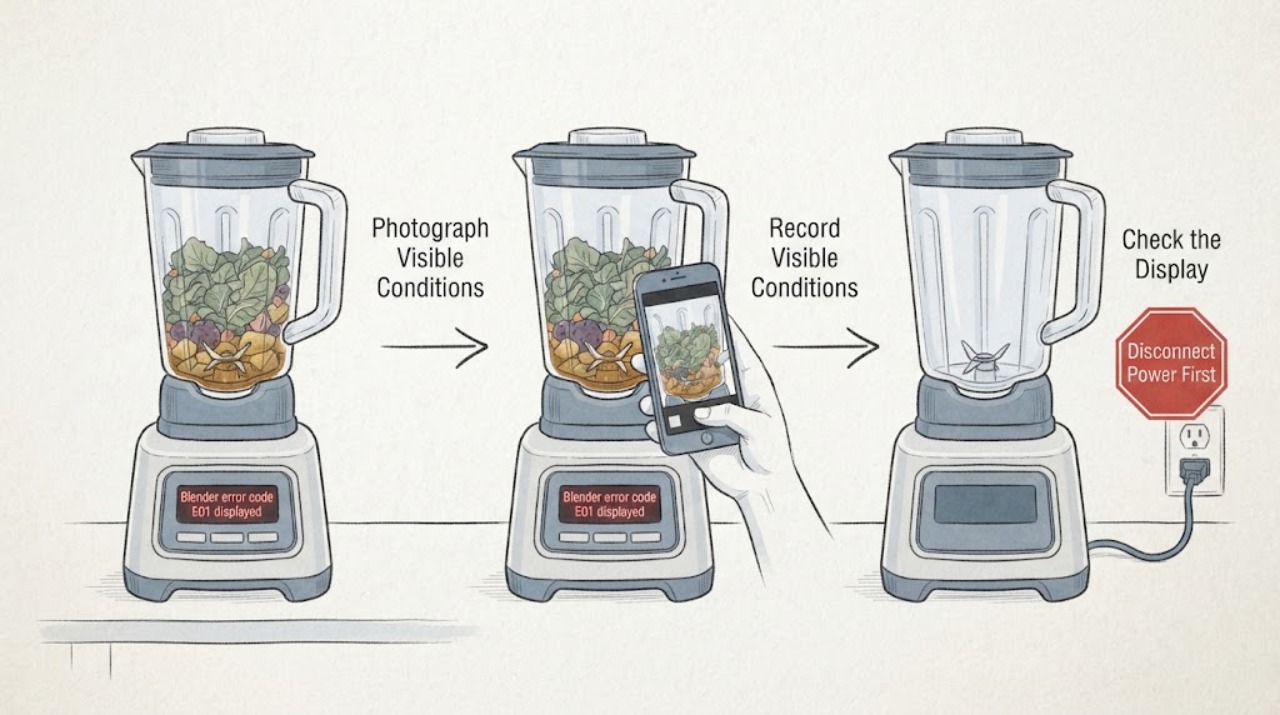
Hamilton Beach Blender error code E01 displayed
Hamilton Beach's opened 58770-IN Professional Juicer Mixer Grinder guide assigns display error E01 to food jamming the blade. That is model-specific, not a universal Hamilton Beach blender code.
-
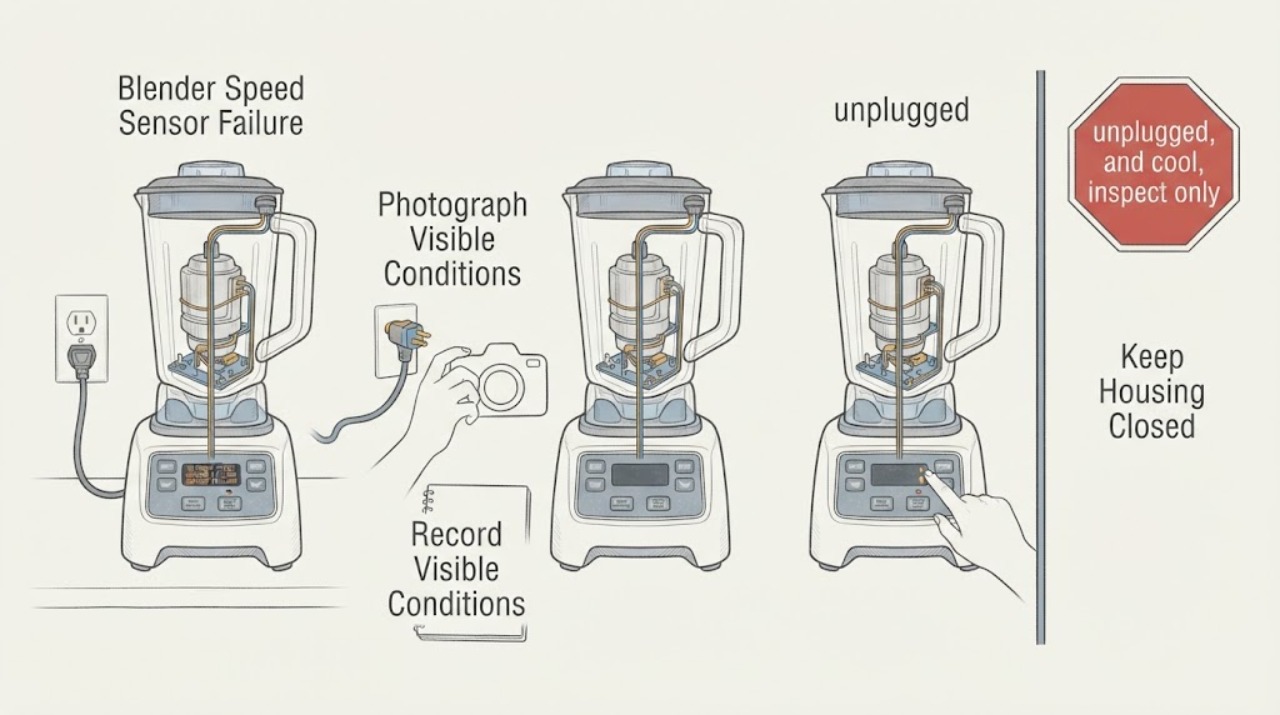
Hamilton Beach Blender Speed Sensor Failure: Check the Exact Commercial Model Before Service
On the Hamilton Beach commercial blender platforms covered by the opened guides, SPEED SENSOR FAILURE or Speed Sensor Error means the control is not detecting expected blender-motor rotation. It is not a universal code for every Hamilton Beach blender: the official sources cover the Revolution Series Ice Shaver/Blender and an HBH850-230V technical platform, so first photograph the complete message and confirm the exact model, series, and voltage.
-
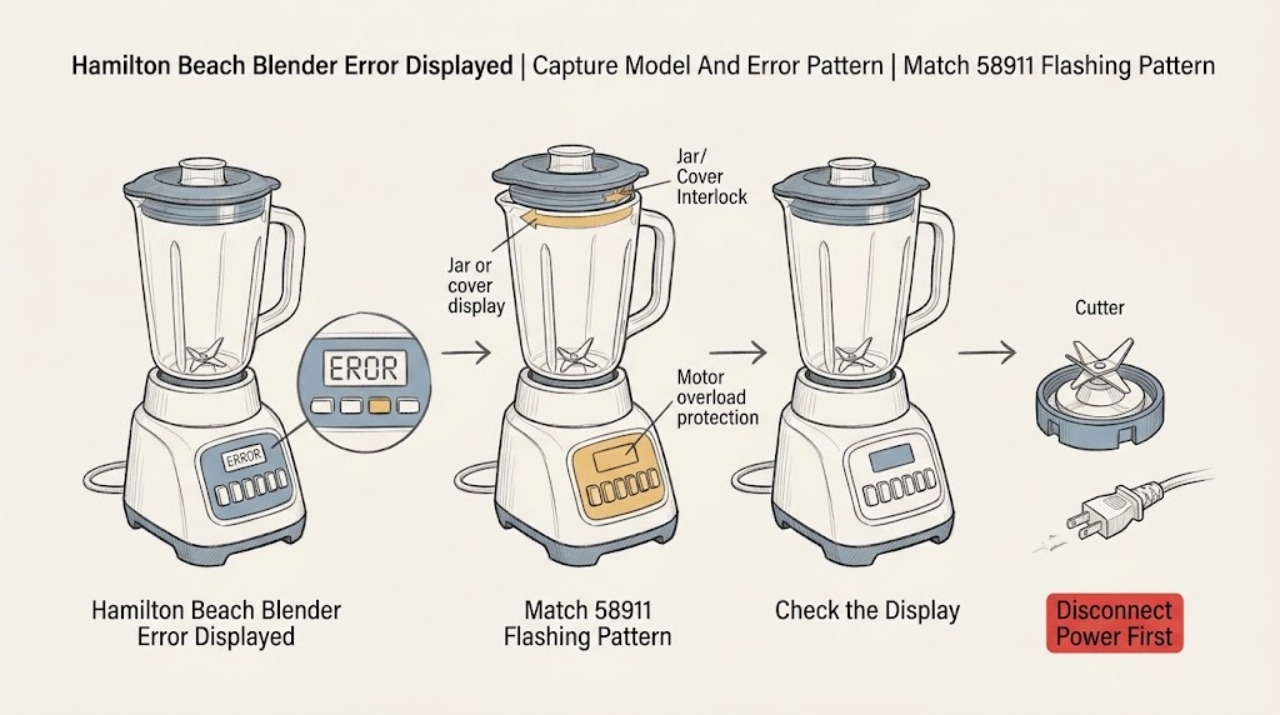
Hamilton Beach Blender Error Displayed: Match the Pattern to the Model
Do not apply a generic Hamilton Beach error-code list. Read the model, type, and series from the rating label on the bottom or rear of the motor housing, then photograph or write down the exact text, button names, and flashing sequence before pressing anything else.
-
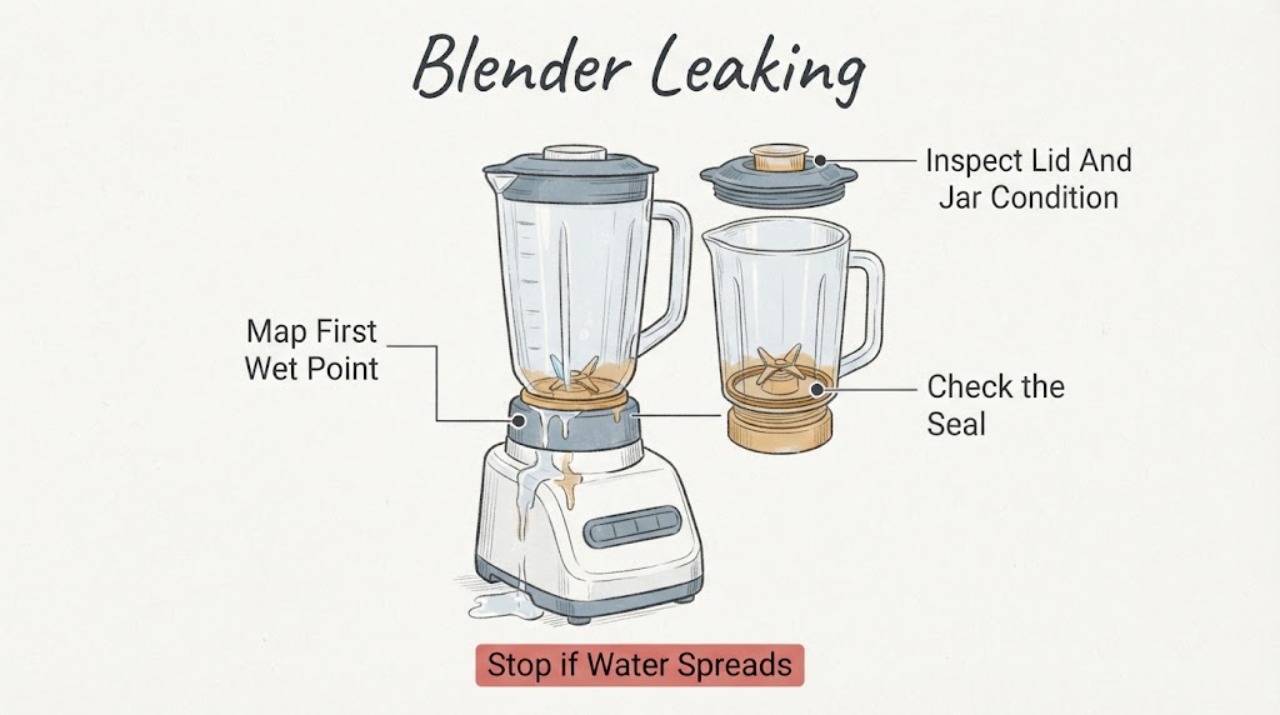
Hamilton Beach Blender Leaking
If a Hamilton Beach blender is leaking, unplug it and identify the first wet point before running it again: the lid or filler cap, the jar seam or collar, the bottom around the cutting assembly, a personal jar, or the motor base. Hamilton Beach's use-and-care troubleshooting lists a loose cutting assembly, a lid or filler cap that is not seated, and a gasket that is damaged, twisted, or missing as leak causes.
-
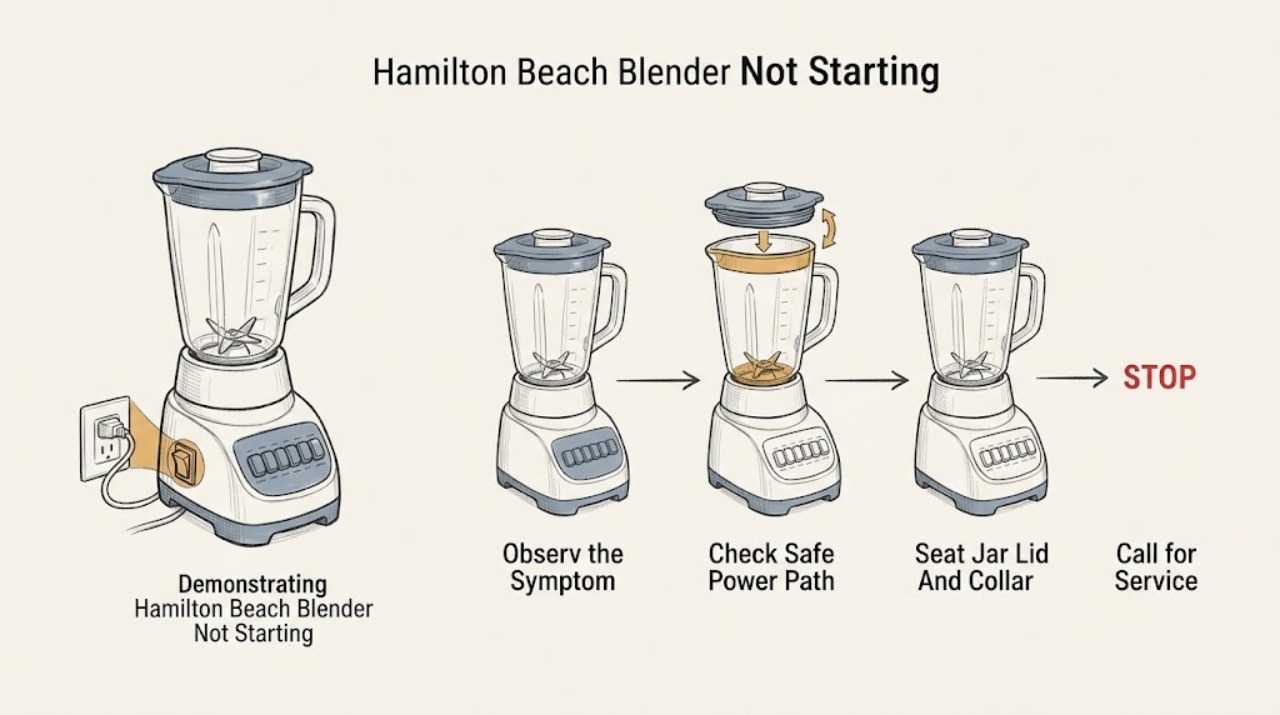
Hamilton Beach Blender Not Starting: Check Power, Jar Seating, and Thermal Protection
Start with the symptom: a completely dark blender points to the power switch, plug, outlet, fuse, or breaker, while an illuminated control that will not run points first to model-specific jar, collar, lid, or control conditions. Hamilton Beach's consumer Use & Care guidance says the jar must be securely seated and the lid secured before blending; some models also stop after overheating and document unplugging for about 15 minutes before retrying.
-
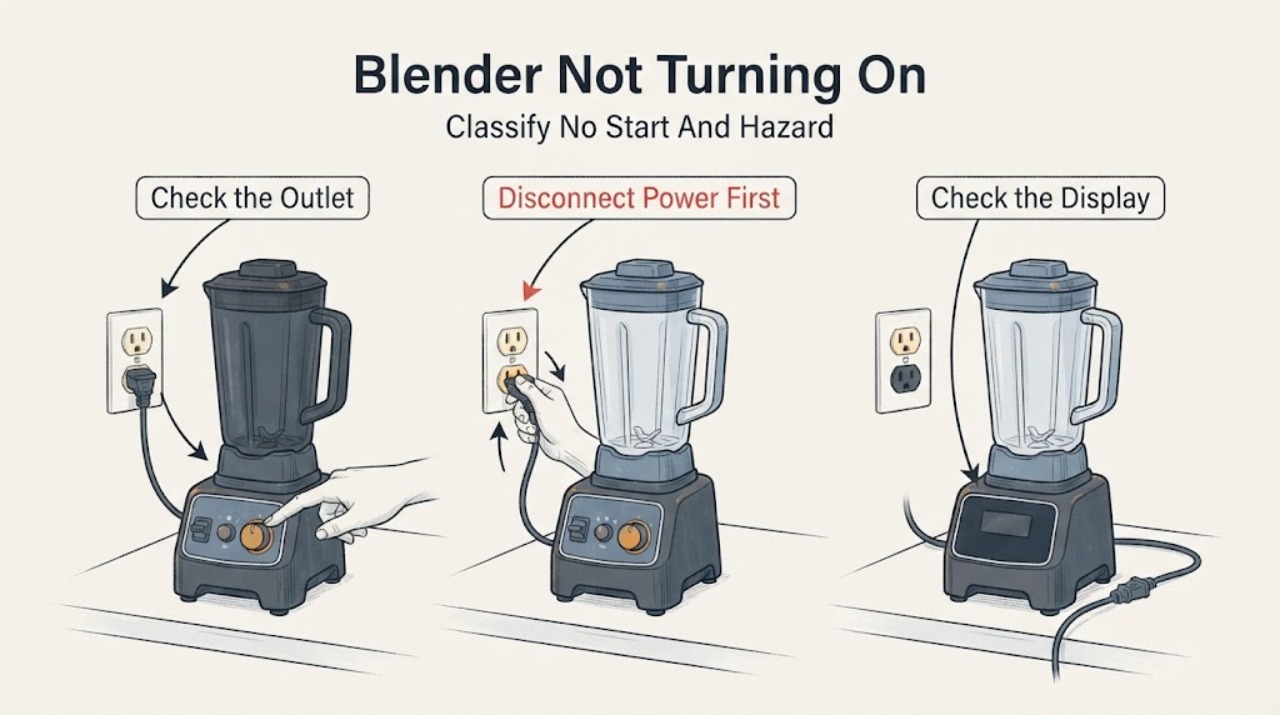
Hamilton Beach Blender Not Turning On: Check Power, Controls, and Overload Protection
Unplug the blender before handling the jar, blades, or base. First check the plug, grounded outlet, and any user-accessible power switch; Hamilton Beach manuals say a blender that fails to start should be checked for a secure plug, a tripped outlet breaker or fuse, and an OFF power switch.
-
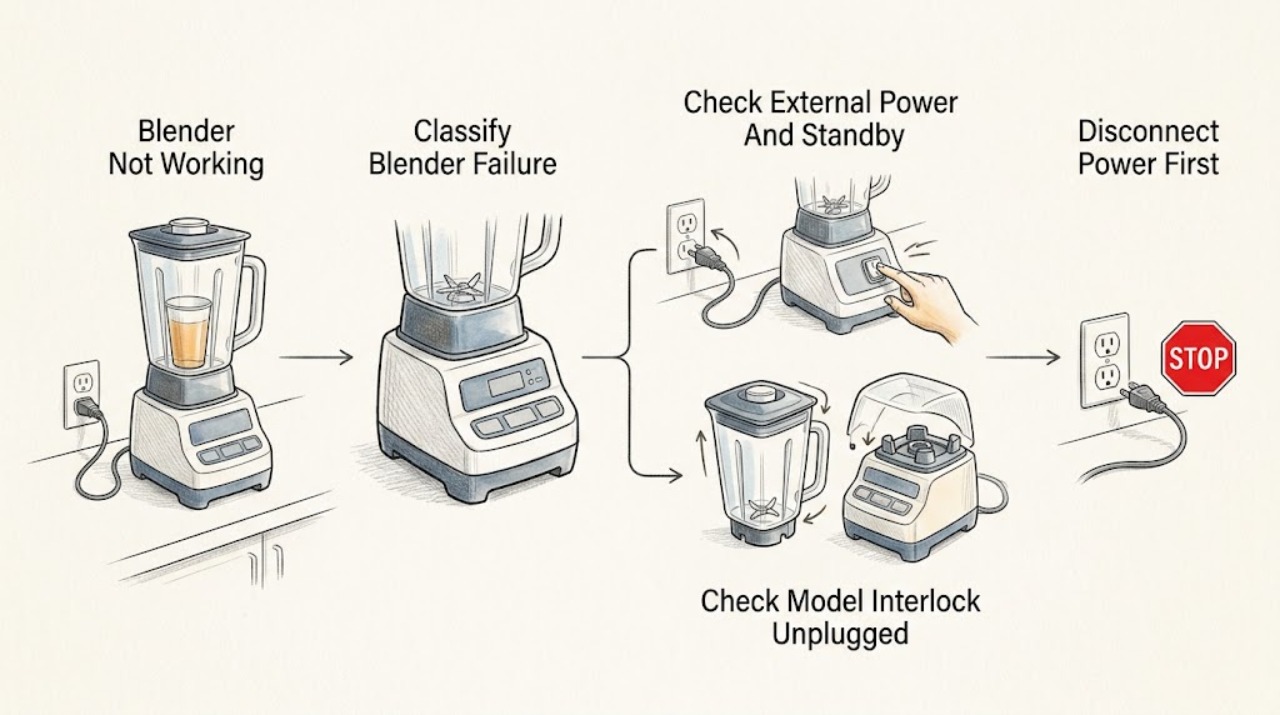
Hamilton Beach Blender Not Working: Separate Power, Interlock, and Overload Symptoms
First classify what “not working” means: a completely dark unit, a powered unit that will not start, a blender that stops while running, a jar that will not turn, or a panel that flashes or remains unresponsive. Record the exact model, type, and series before applying a procedure.