
Samsung appliance guidance
Samsung Cooktop Repair Guides
Troubleshooting and repair guidance for published Samsung Cooktop problems, symptoms, and maintenance questions.
Published Samsung Cooktop guides
Choose the guide whose symptom or condition most closely matches what you are seeing.
-
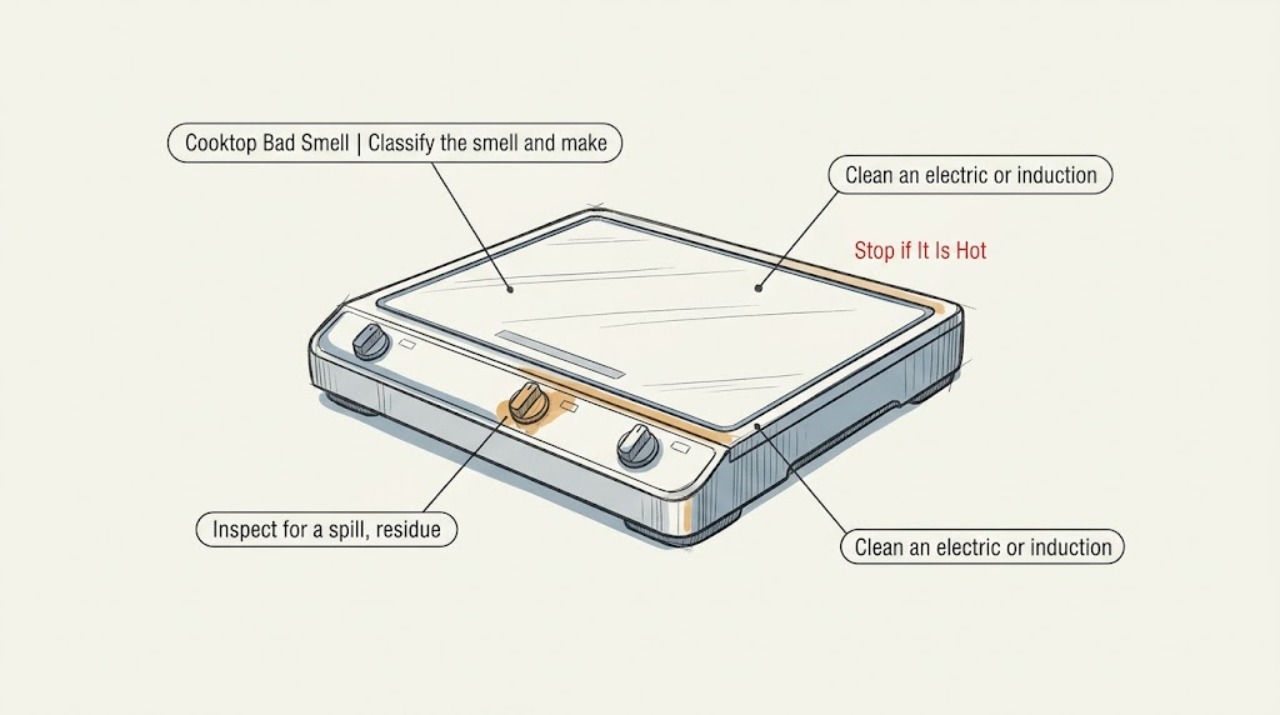
Samsung Cooktop Bad Smell: Safe Checks Before Using It Again
Treat a Samsung cooktop smell as a safety triage first, not a cleaning problem. A gas odor, smoke, arcing, or a persistent burning or electrical smell means turn the appliance off, do not operate switches or flames, leave the area as appropriate, and get qualified help from a safe location.
-
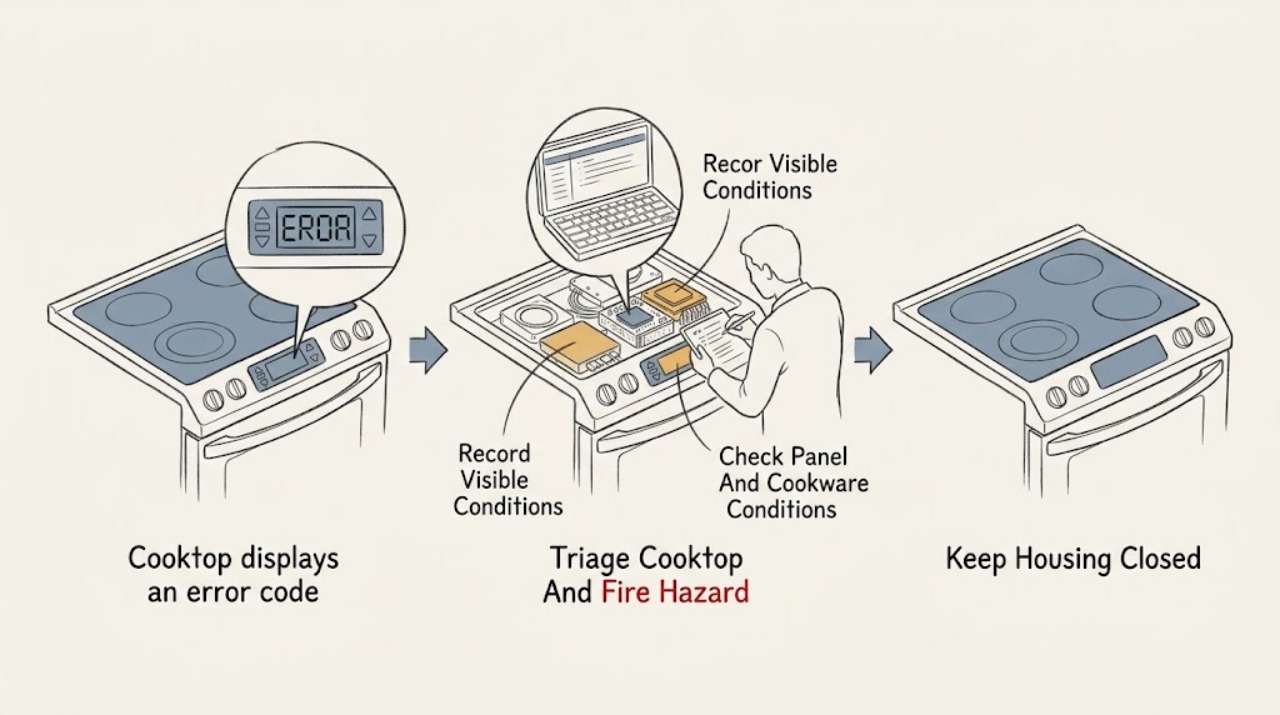
Samsung cooktop displays an error code: What to Check and What to Do Next
A Samsung cooktop error code is a symptom, not a universal diagnosis: the meaning depends on the exact model, cooktop type, country, and whether the code appears during normal cooking, startup, or self-test. Photograph or transcribe the code and model information without touching a hot surface.
-
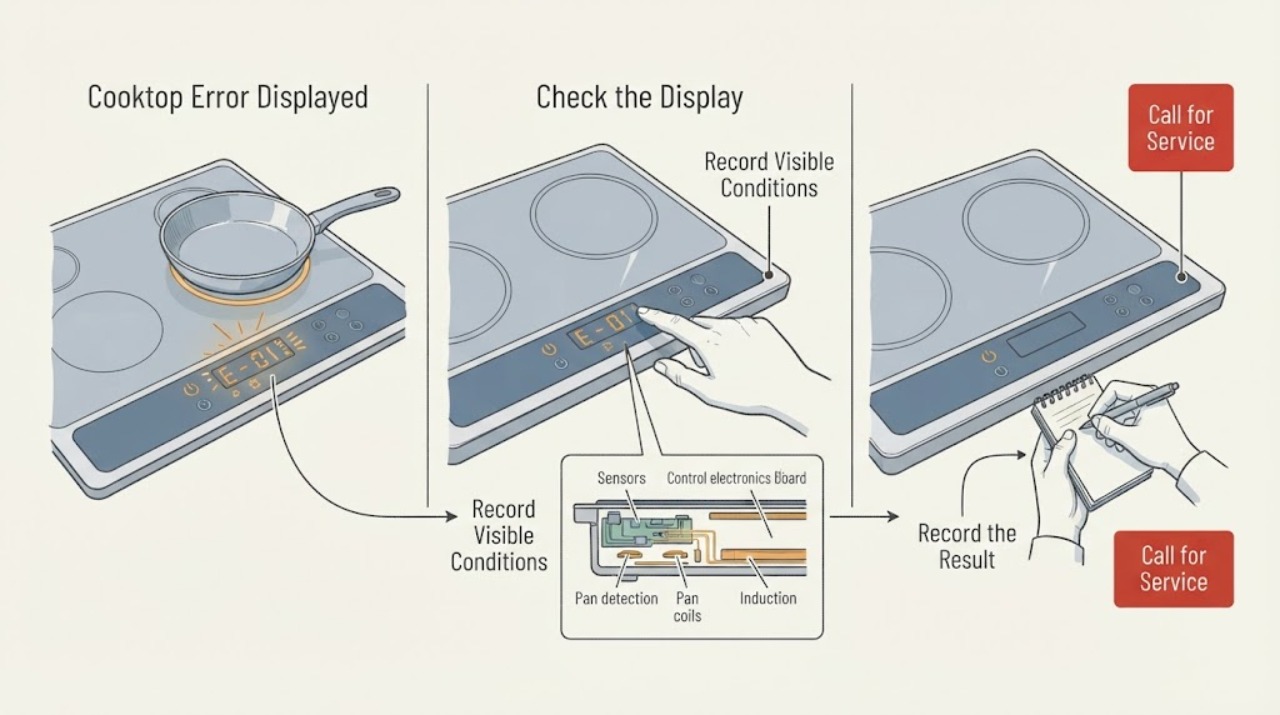
Samsung Cooktop Error Displayed: Identify the Code and Choose the Safe Next Step
Record the exact characters, whether they flash or beep, and whether one zone or the whole cooktop is affected. Samsung's cooktop guide groups common displays into sensor errors, stuck-button errors, communication errors, and an underlined u pan-detection indication.
-
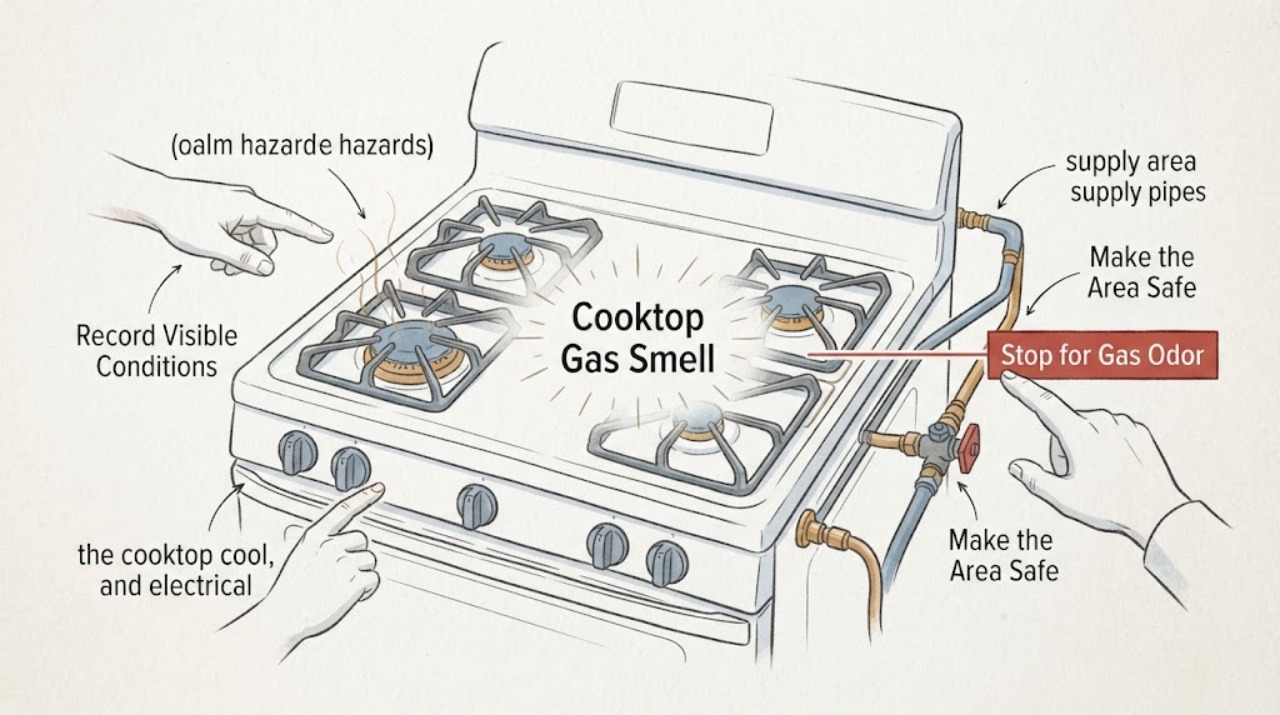
Samsung Cooktop Gas Smell: Stop, Isolate the Risk, and Get Safe Help
Treat an unexplained gas smell from a Samsung cooktop as a possible leak, not as a routine burner-cleaning issue. Do not light a flame, operate electrical switches, plug in a cord, use a phone inside, or deliberately relight a burner while the odor is present.
-
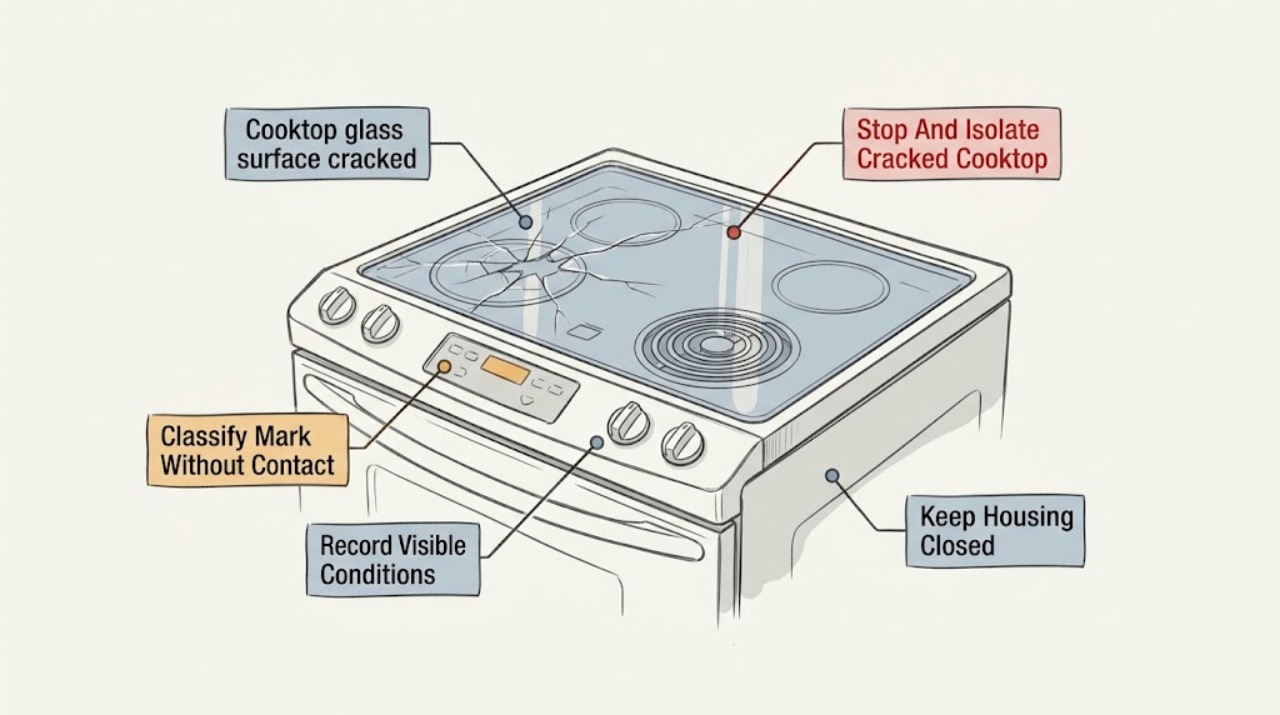
Samsung cooktop glass surface cracked: What to Check and What to Do Next
Do not cook on a Samsung cooktop with a cracked, chipped-through, broken, or uncertain glass surface. Turn the controls off, keep people away from sharp edges, and disconnect power only from a dry, safely accessible point if there is no need to touch damaged equipment.
-
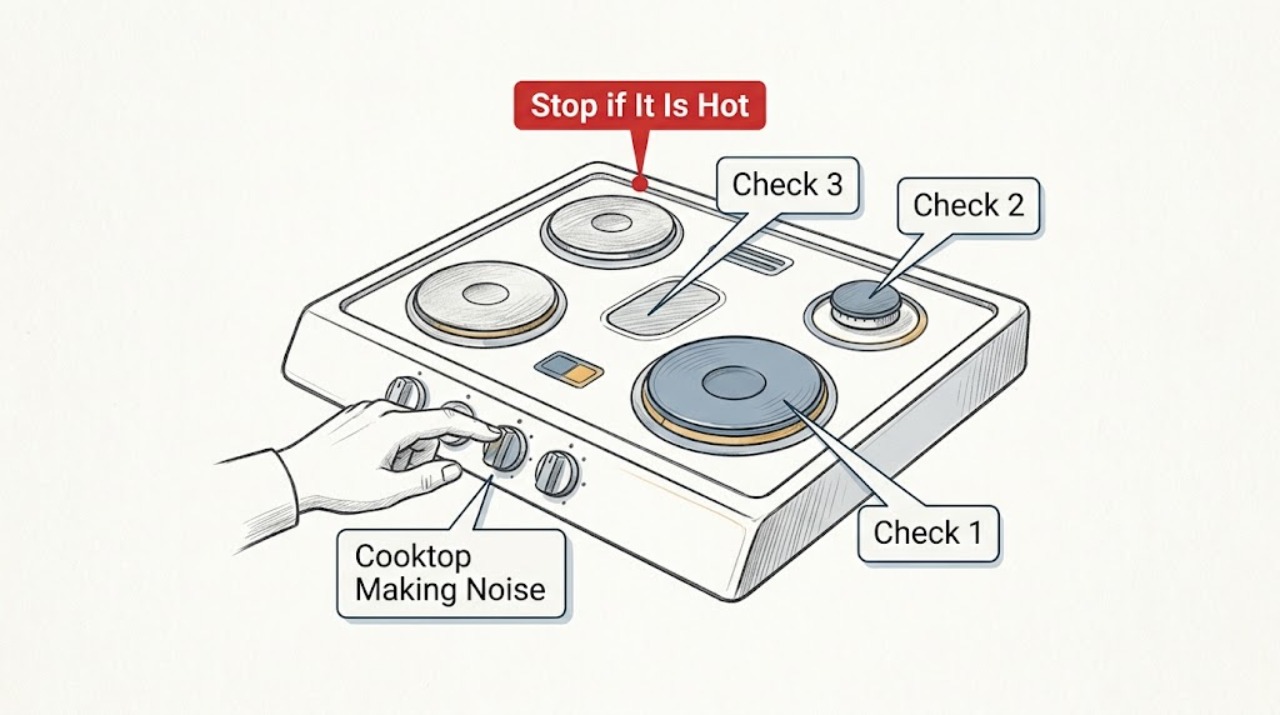
Samsung Cooktop Making Noise: Which Sounds Are Normal and When to Stop
First identify the sound and whether the Samsung cooktop is gas, electric, or induction. Samsung says induction cookware can buzz, higher power can make a low hum, different cookware materials used on two induction zones can create a higher-pitched hum, and a cooling fan can whirr during and after use.
-
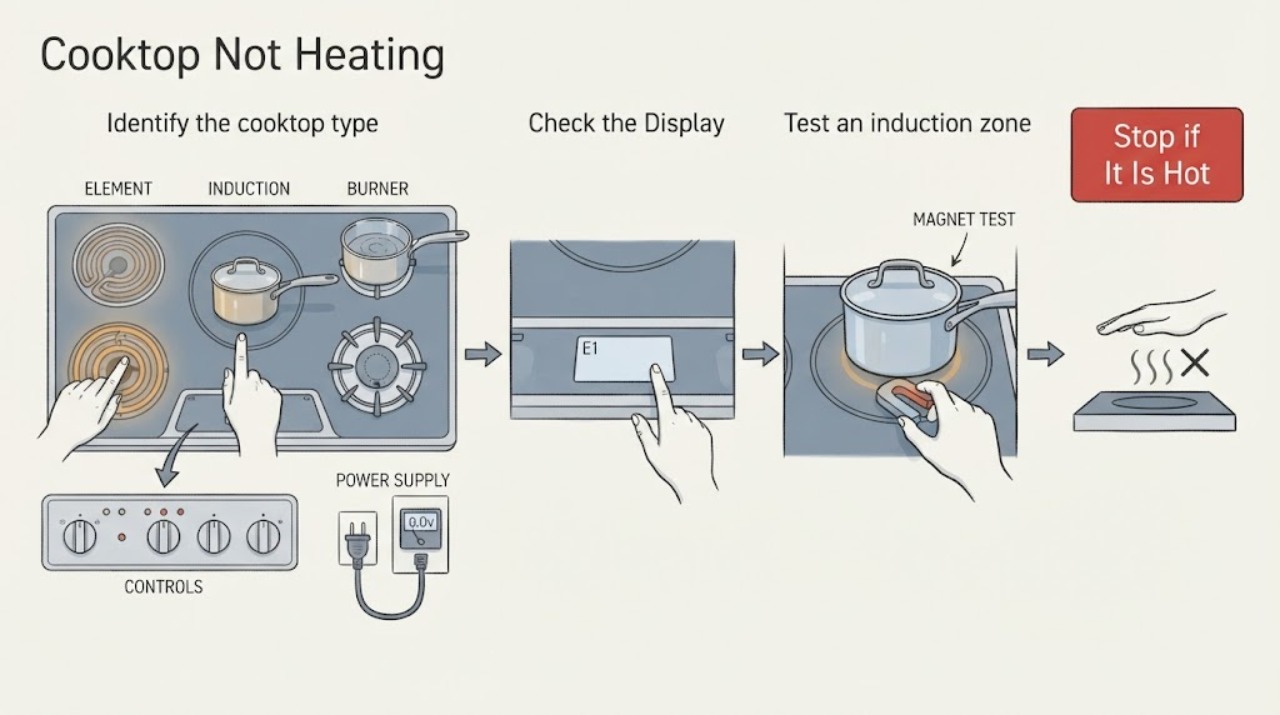
Samsung Cooktop Not Heating: Check Power, Cookware, and the Burner Safely
First determine whether the Samsung cooktop is radiant electric, induction, or gas, and whether one burner or the whole cooktop is affected. Confirm power or gas supply, select the correct burner and heat level, and make sure the control panel is clean and dry.
-
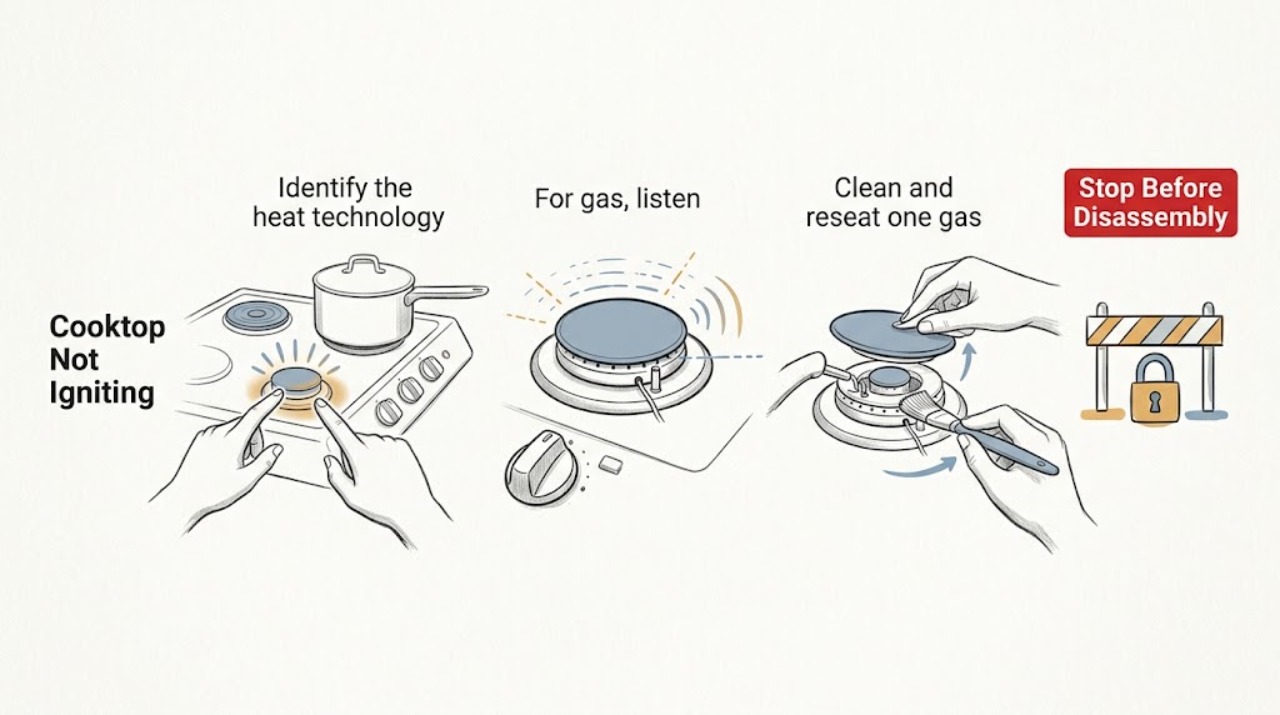
Samsung Cooktop Not Igniting: Choose the Right Safe Check
First identify whether your Samsung cooktop is gas, radiant electric, or induction; the word igniting applies directly to a gas burner, while electric and induction elements use power and cookware detection instead. For a gas burner, turn every knob off, let the surface cool, then confirm the burner head and cap are clean, correctly seated, and dry.
-
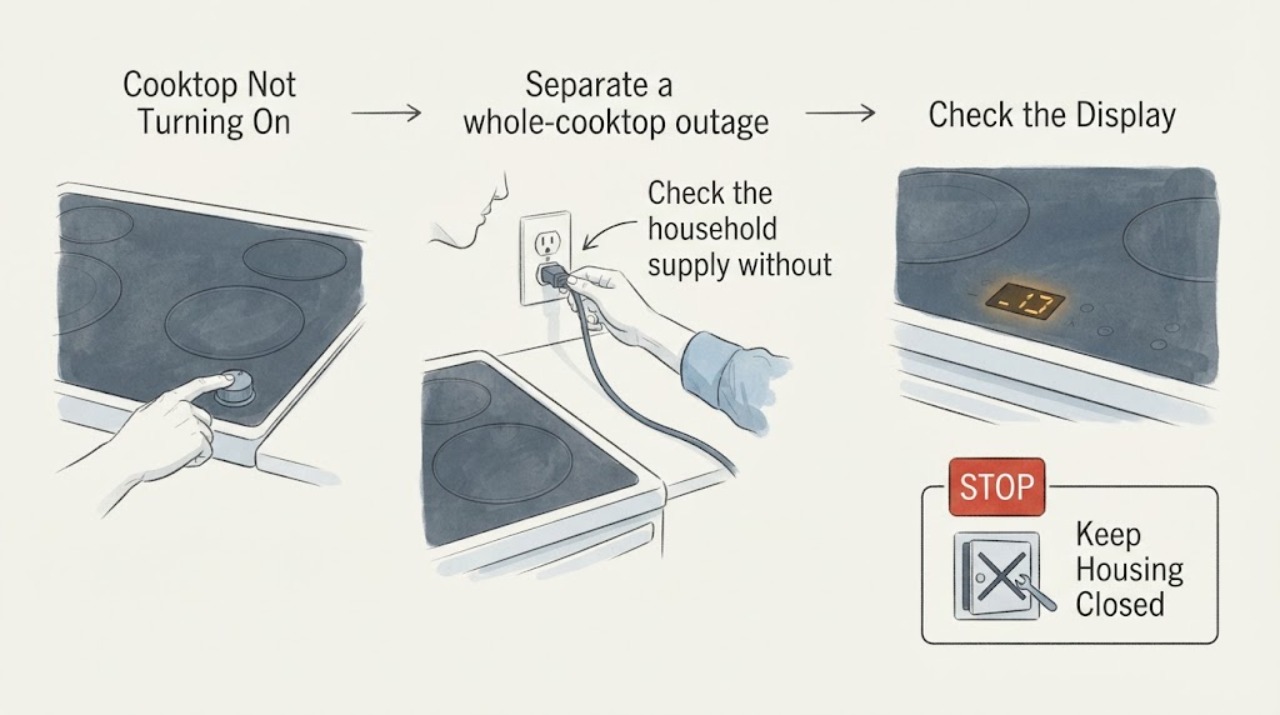
Samsung Cooktop Not Turning On: Check Power, Controls, and Cookware
When a Samsung cooktop will not turn on, first determine whether the whole cooktop is dead or only one element is affected. Confirm the appliance has power, the circuit breaker has not tripped, the control panel is clean and dry, and Control Lock or Child Lock is off.
-
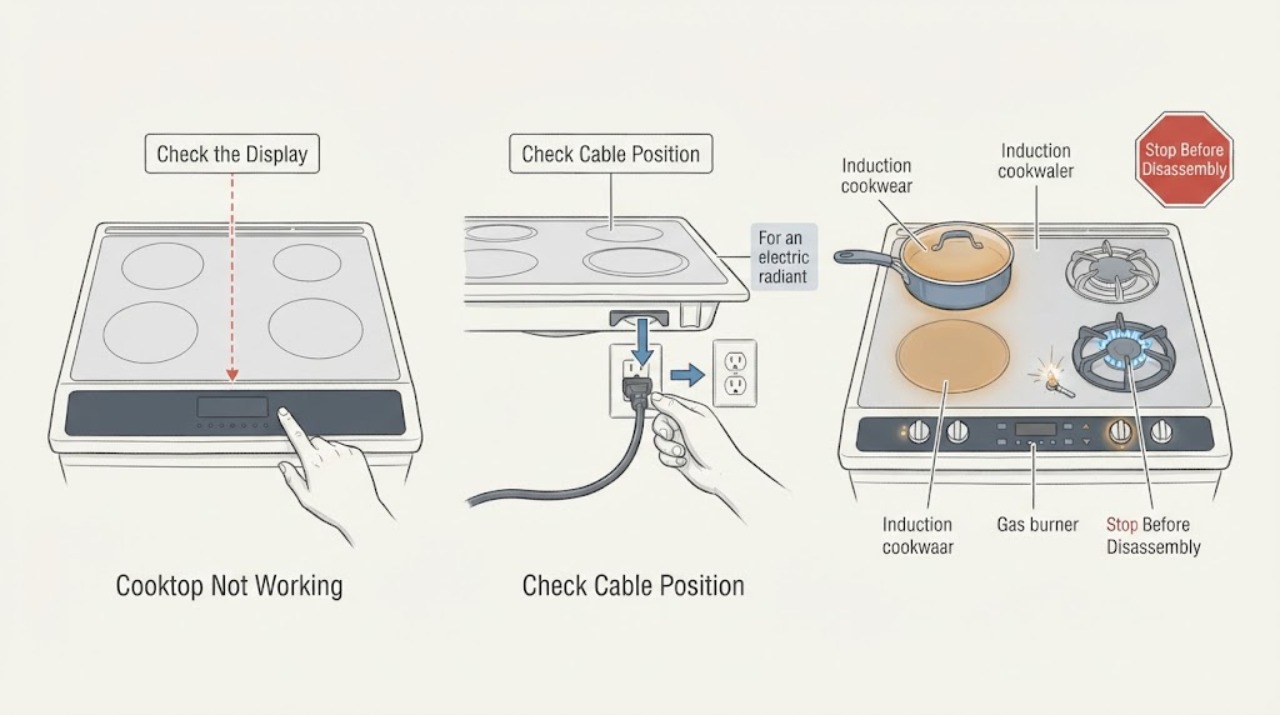
Samsung Cooktop Not Working: Check Power, Controls, and Burner Type
First determine whether the Samsung cooktop is gas, electric radiant, or induction, and whether one zone or the whole cooktop is affected. For a cooktop with no display or response, check only the user-accessible power connection and breaker, then make sure the controls are unlocked, clean, and dry.
-
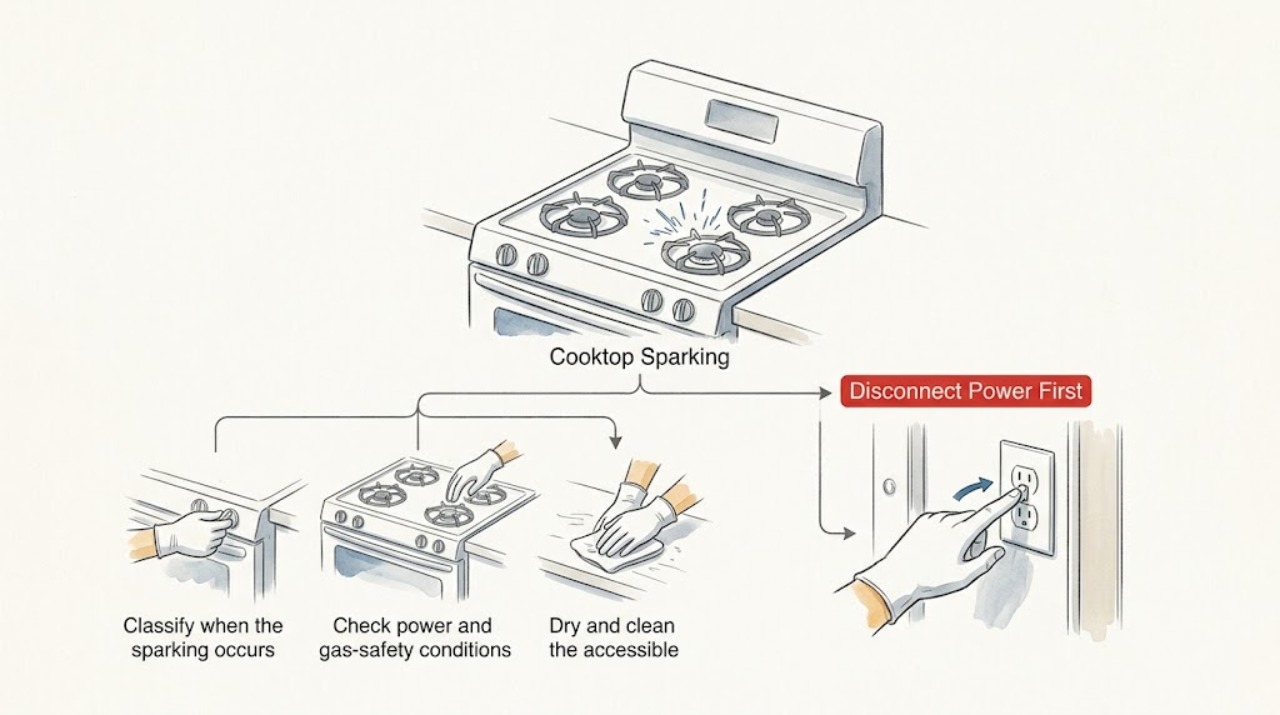
Samsung Cooktop Sparking: Stop Continuous Ignition Safely
A click or spark while a Samsung gas burner is being lit can be normal, and all burners may spark when one knob is set to Lite. Continuous sparking after every knob is Off usually points to moisture or contamination around the ignition switches, while a burner that sparks but does not light can involve a wet or incorrectly seated burner head, blocked port, or interrupted gas supply.
-
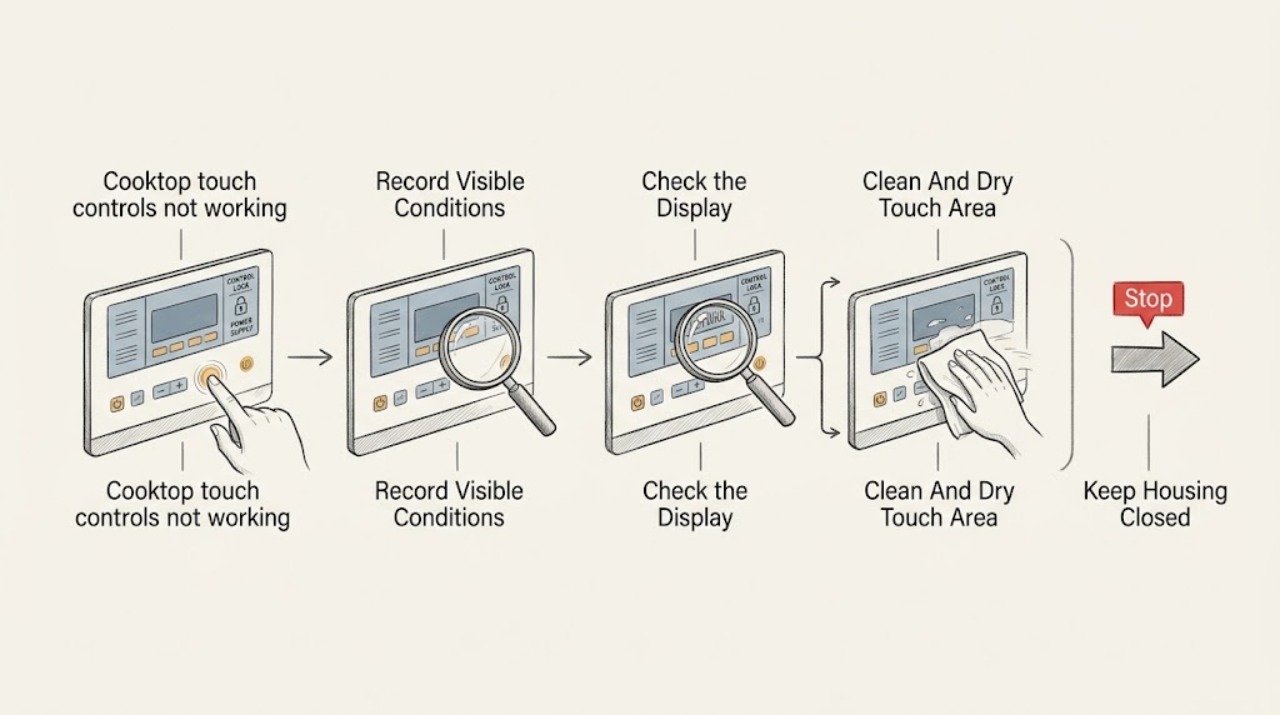
Samsung cooktop touch controls not working: What to Check and What to Do Next
If a Samsung cooktop touch panel will not respond, first turn the cooktop off and let the surface cool. A wet or greasy panel, wet hands, an enabled Child Lock or Control Lock, or a touch sequence that is not available for the current mode can make a working panel appear dead.
-
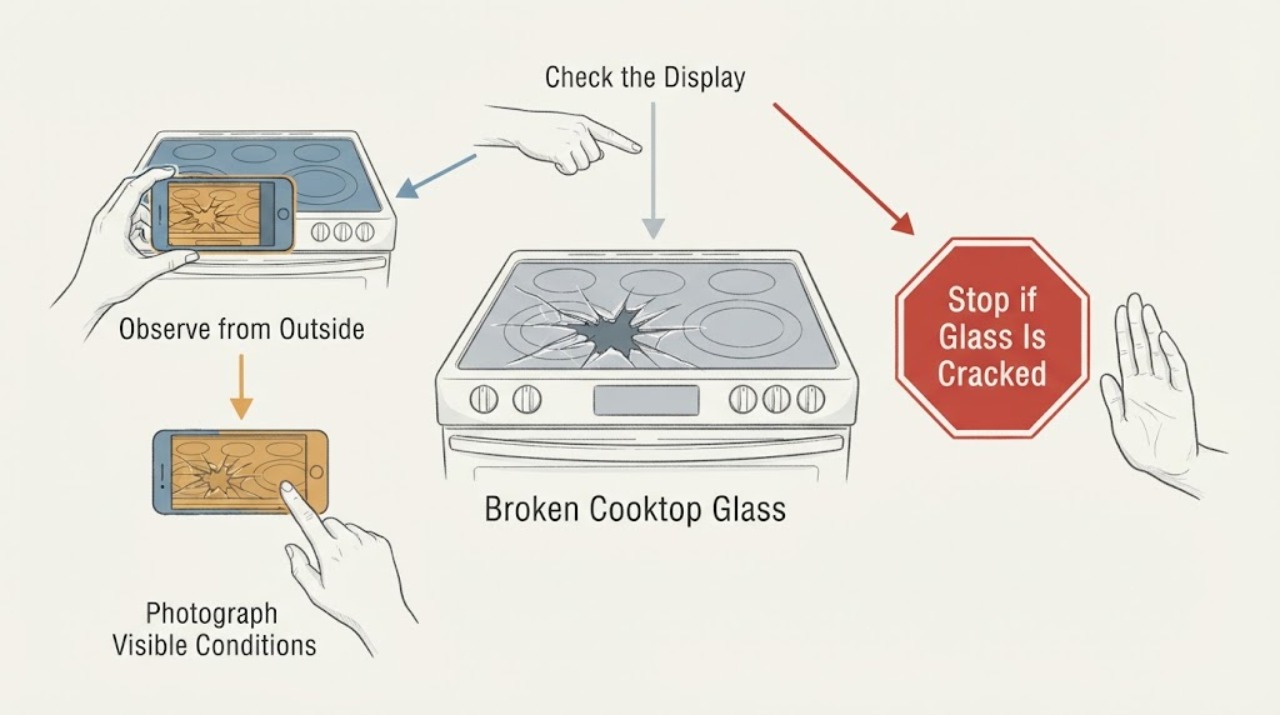
Samsung NE58H9970WS Broken Cooktop Glass: Stop Before Ordering a Replacement
Do not cook on a Samsung NE58H9970WS when the glass cooktop is cracked, shattered, chipped through, or has a line that may be a crack. Samsung's range safety guidance says not to use a product with broken glass because shock, fire, or cuts may occur, and says to stop usage and contact Samsung service when cracks appear.
-
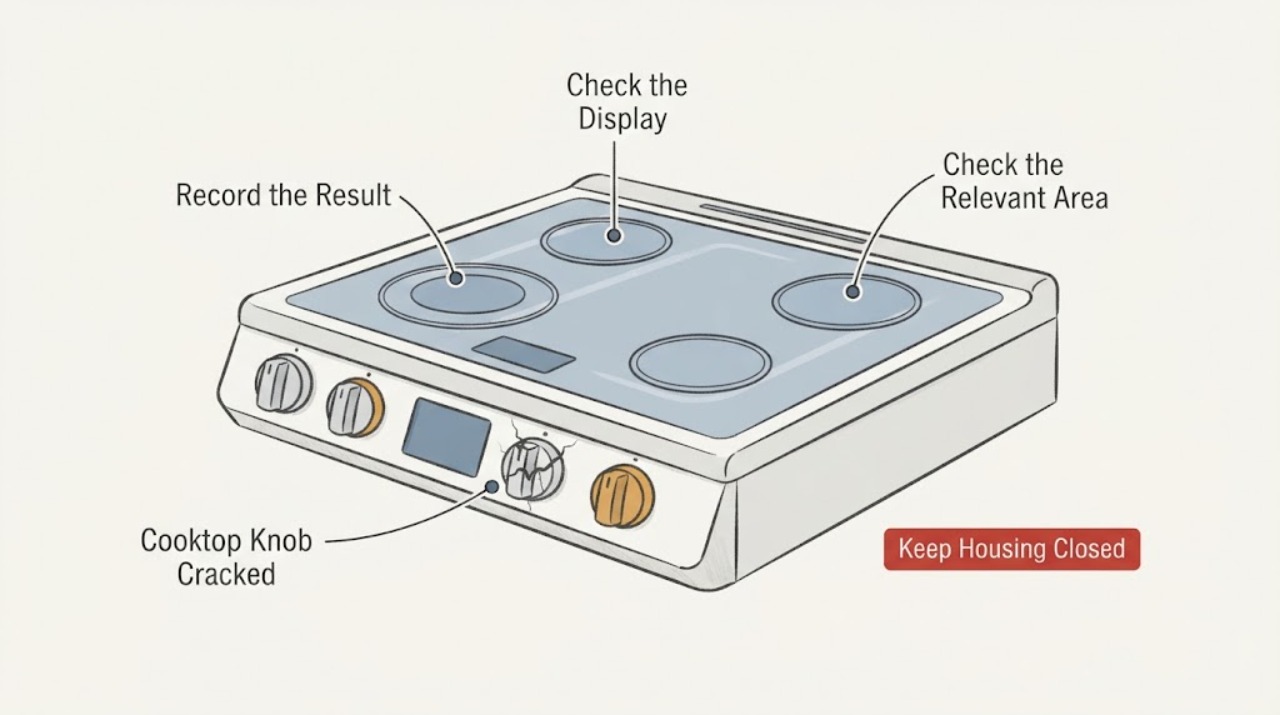
Samsung NZ36K7880US Cooktop Knob Cracked: Check the Magnetic Control Before Service
Samsung identifies the NZ36K7880US/AA as an induction cooktop with touch controls and a removable magnetic knob. A crack in the magnetic control does not by itself prove that the glass cooktop or electronic control is damaged, but it can make the knob unstable, sharp, or unable to control a zone reliably.