
Jennair appliance guidance
Jennair Refrigerator Repair Guides
Troubleshooting and repair guidance for published Jennair Refrigerator problems, symptoms, and maintenance questions.
Published Jennair Refrigerator guides
Choose the guide whose symptom or condition most closely matches what you are seeing.
-
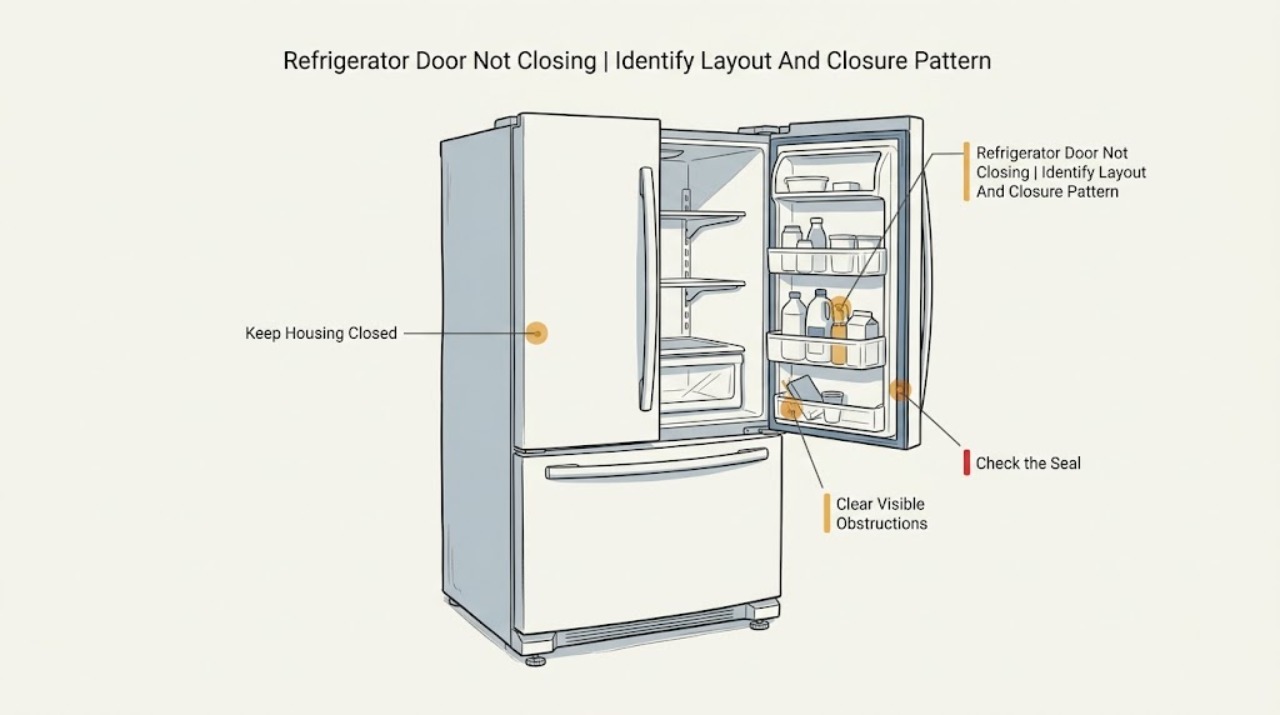
JennAir Refrigerator Door Not Closing: Check Obstructions, Seal, and Alignment
Start by identifying the JennAir layout, then inspect the door path rather than forcing the door. JennAir's official guidance points first to food packages, tall bottles, shelves or bins that are out of position, shipping material, a dirty or damaged gasket, an outward-folded vertical seal on applicable French-door models, and an unlevel cabinet.
-
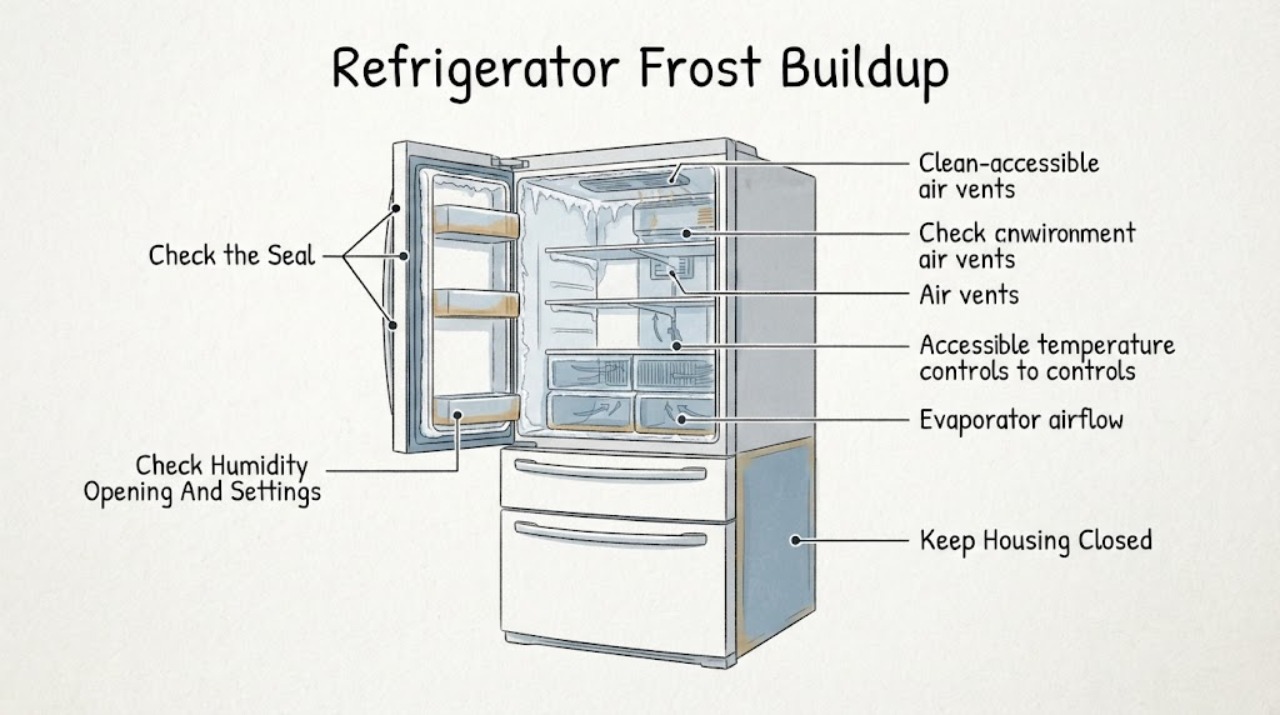
JennAir Refrigerator Frost Buildup
Start with where the frost is, not just how much there is. A light, short-lived film on a freezer back wall or near vents can be normal, especially after humid-air entry, warm food, or a defrost cycle.
-
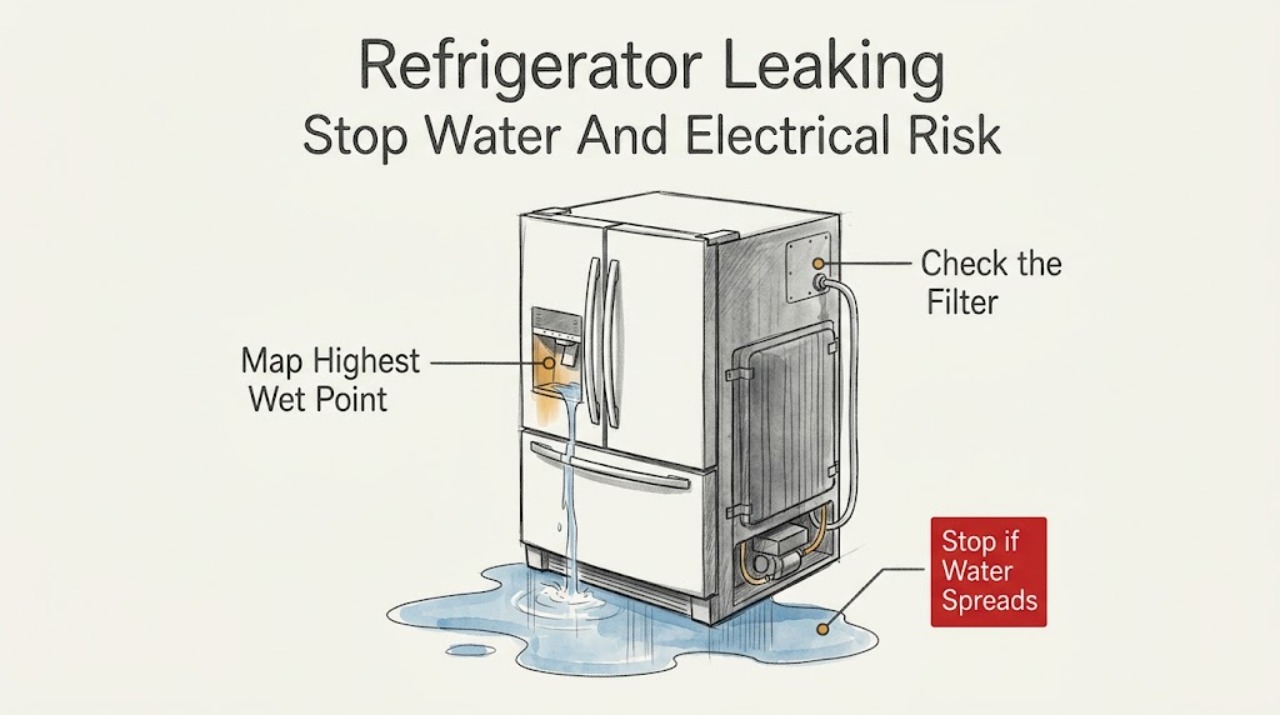
Jennair Refrigerator Leaking: Trace the Source Safely
First protect the room and electrical area: stop dispensing or making ice, keep the refrigerator and nearby electrical hardware dry, and close the household water shutoff only if it is clearly accessible and safe.
-
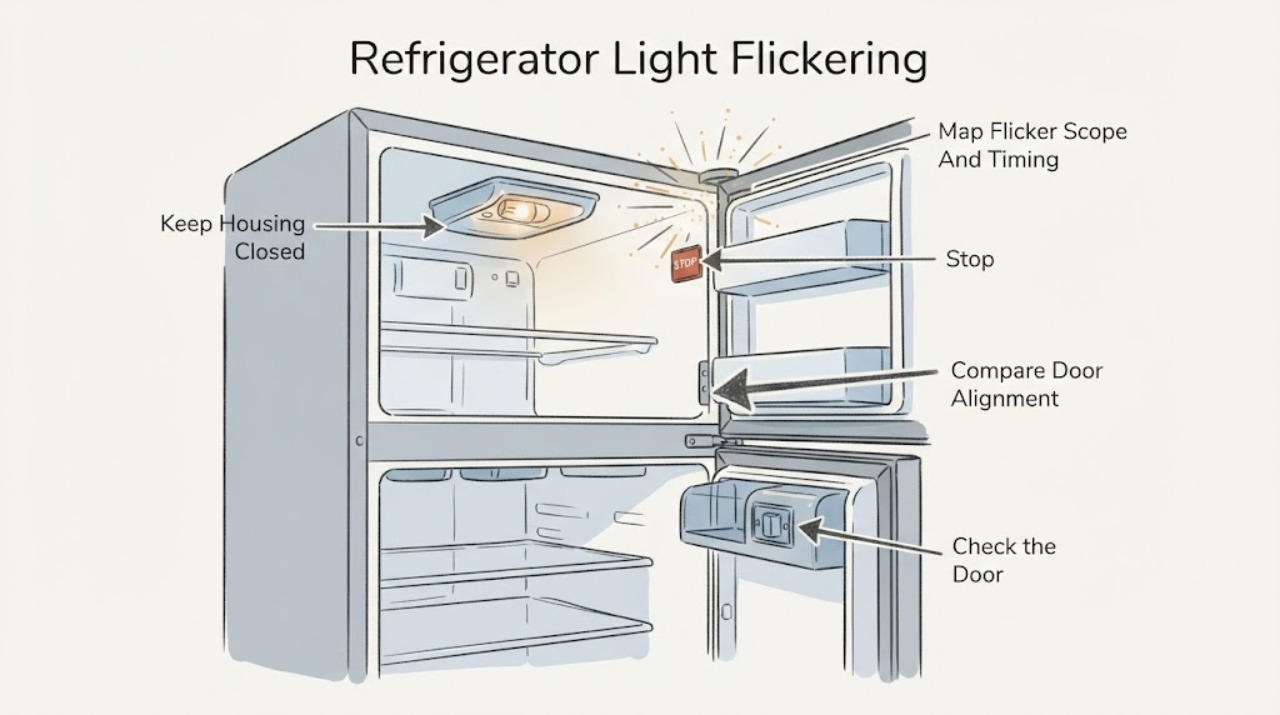
JennAir Refrigerator Light Flickering: Check the Door Switch, Bulb, and Power
First observe whether one light flickers or all interior lights and the control display flicker together. JennAir says interior lights are controlled by the door switch, whose position varies by model, and recommends checking that the refrigerator is level, doors are aligned, and magnets or electronic devices are not close to the switch.
-
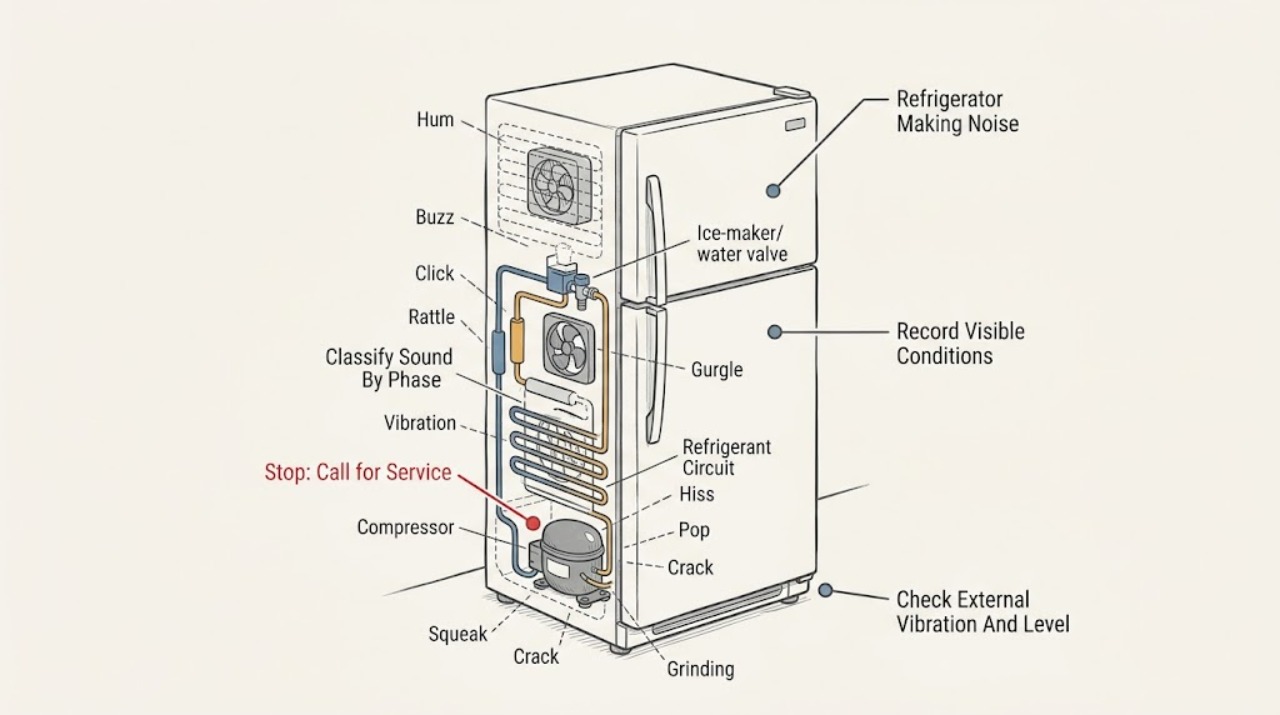
JennAir Refrigerator Making Noise: Separate Normal Cooling Sounds from a Fault
Identify the sound by timing and location before treating it as a failure. JennAir says low humming from the compressor or fans, soft airflow, gentle refrigerant gurgling, brief high-pitched or pulsating compressor/fan sounds, relay or control clicks, water-valve buzz during ice filling, defrost hissing or dripping, and popping from wall contraction or ice ejection can be normal.
-
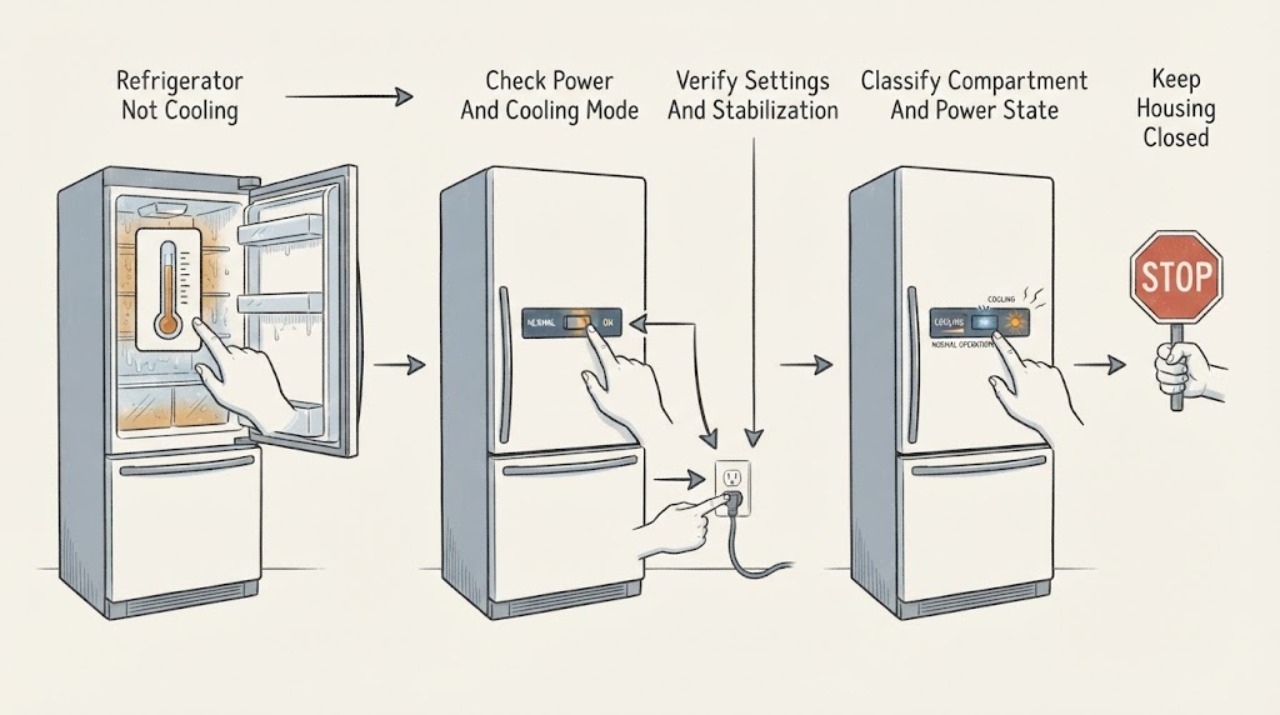
JennAir Refrigerator Not Cooling: Separate Settings, Airflow, and Service Faults
First identify the cooling pattern: an all-refrigerator column, a combined refrigerator/freezer with only the fresh-food section warm, only the freezer warm, or both compartments warm. Check the exact model's power and cooling status, Showroom or Demo mode, and temperature settings before assuming a compressor fault.
-
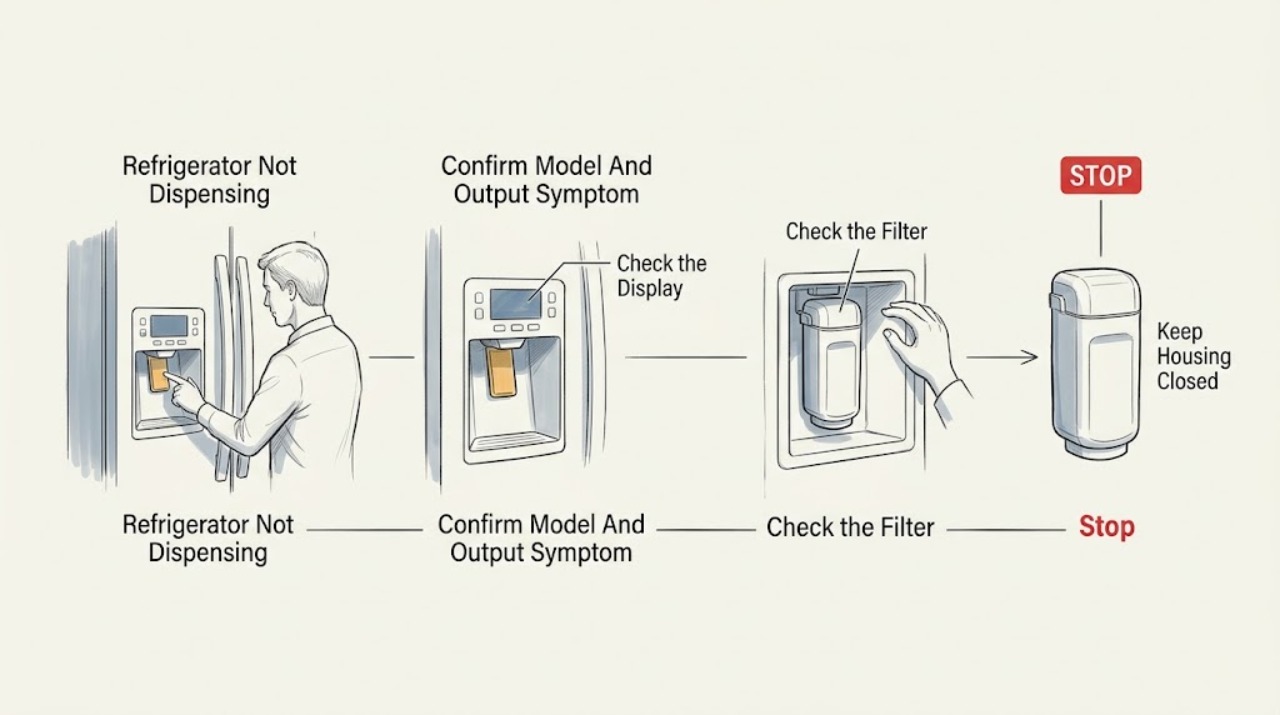
JennAir Refrigerator Not Dispensing: Separate Water, Ice, Filter, and Dispenser Faults
First record the full JennAir model and confirm that it actually has the dispenser feature; for example, JennAir identifies the JFFCC72EHL as a freestanding refrigerator with an integrated cubed/crushed ice and water dispenser, an ice maker in the refrigerator door, and a single-paddle design. Then identify the symptom: no water, no ice, or neither.
-
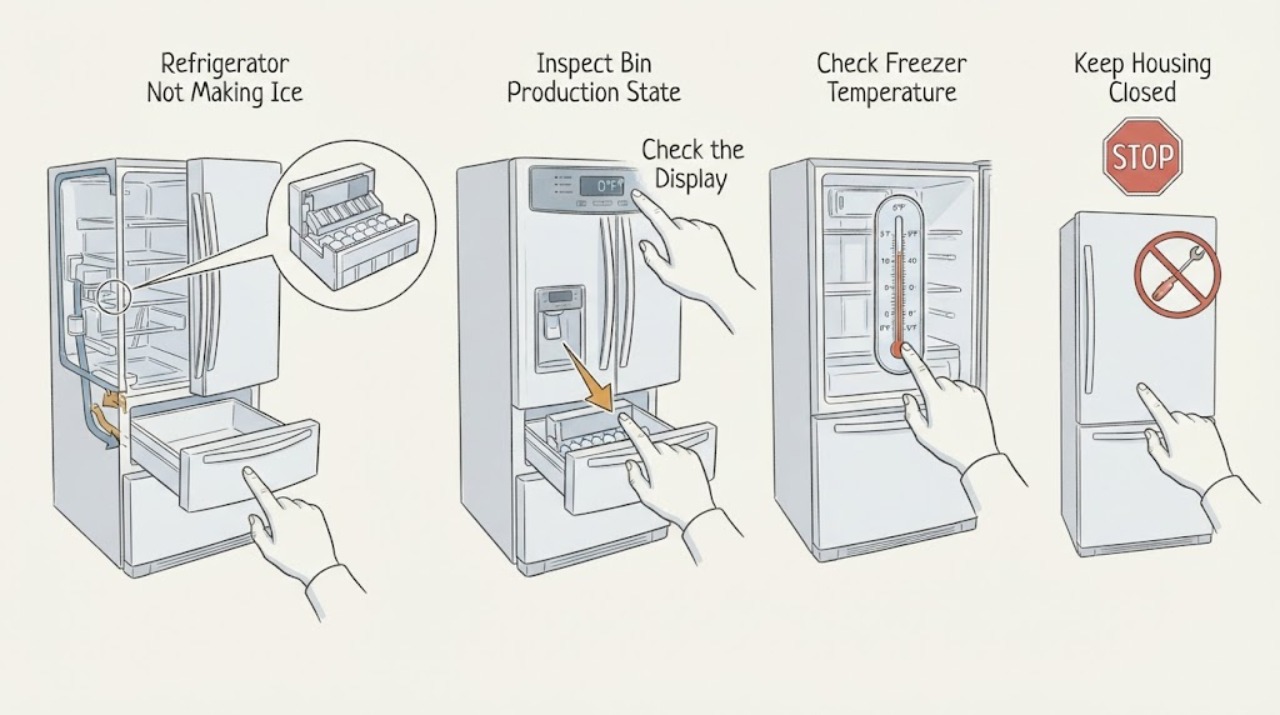
JennAir Refrigerator Not Making Ice: Check Production Before Dispensing
First look in the ice bin and identify the JennAir refrigerator architecture. Ice already in the bin means ice has been produced; a clump, seated-bin problem, lock, chute, or dispenser symptom is not the same as no ice production.
-
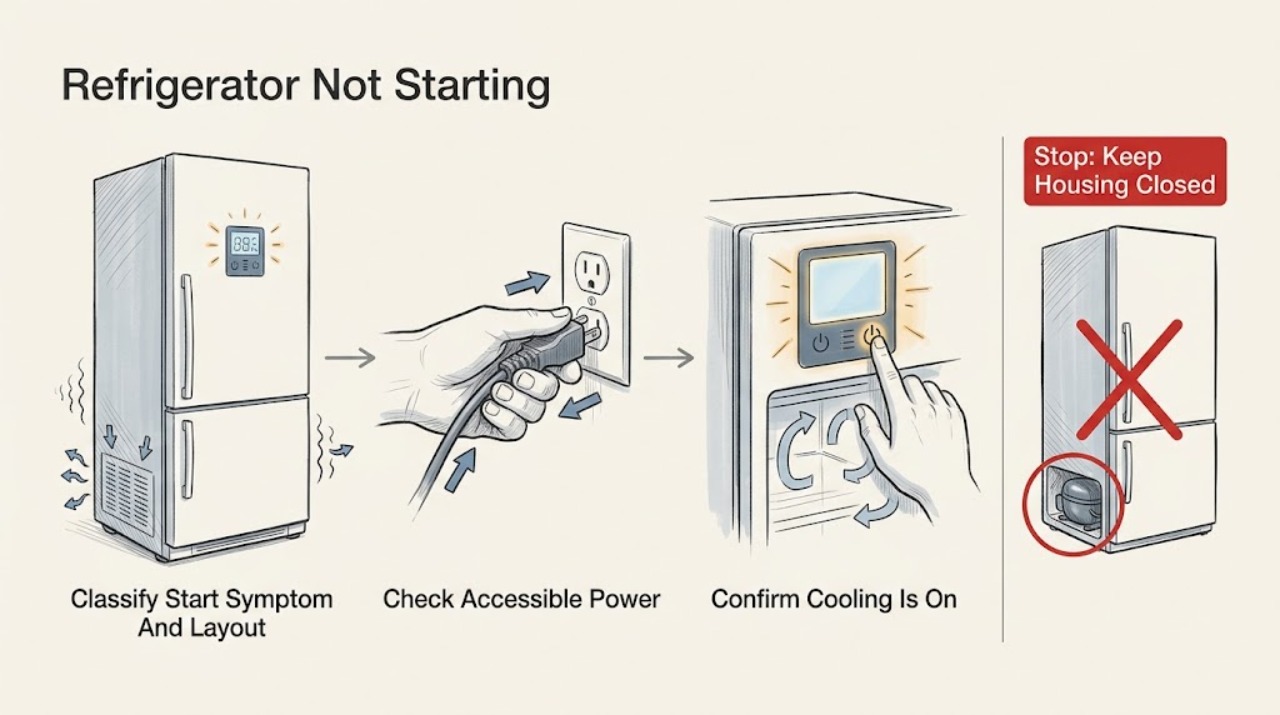
JennAir Refrigerator Not Starting: Check Cooling Mode, Demo Mode, and Power
Treat “not starting” as a control or cooling-start symptom, not automatically as “no power” or “not cooling.” First record the model and whether the light, display, alarms, and controls work. JennAir's official no-operation guidance starts with the grounded supply, breaker/GFCI or fuse, and controls; its undercounter guidance also documents a model-specific Cooling On command.
-
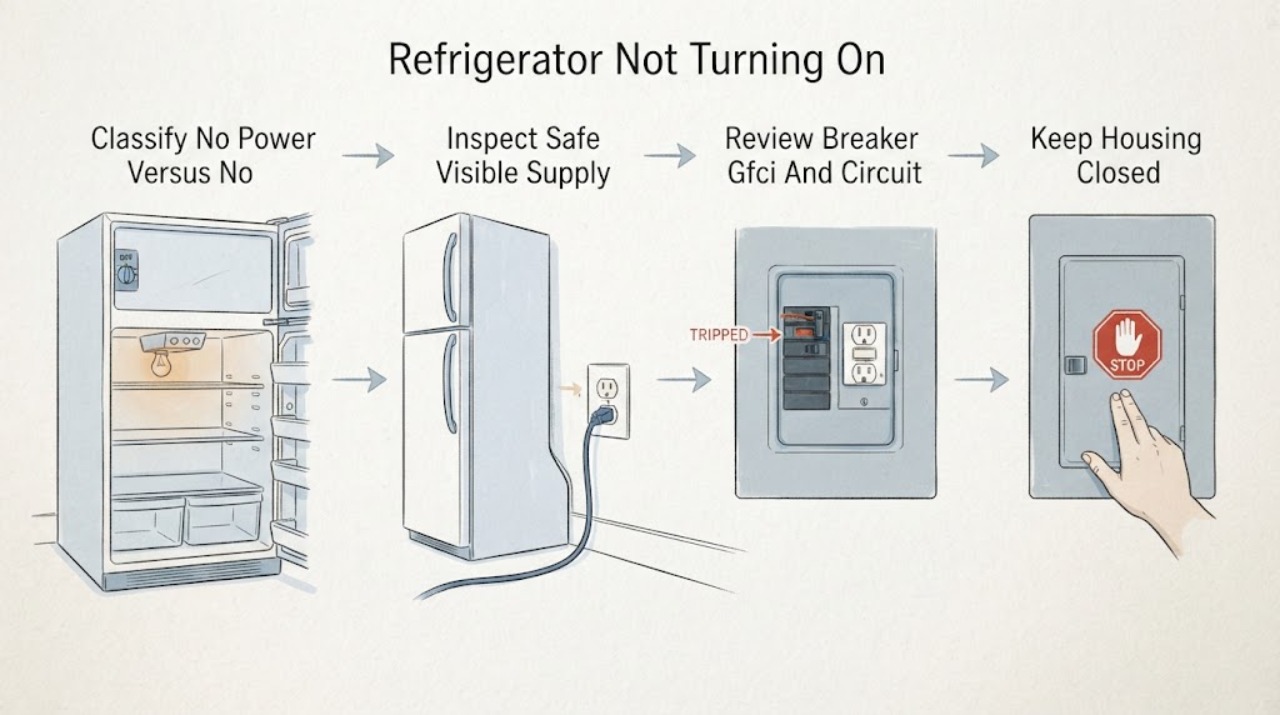
Jennair Refrigerator Not Turning On: Separate No Power from No Cooling
Use this page only when the JennAir refrigerator is electrically dead or the controls do not respond. First distinguish that from a refrigerator with working lights/display that has stopped cooling or whose compressor is not starting; that is a different service path.
-
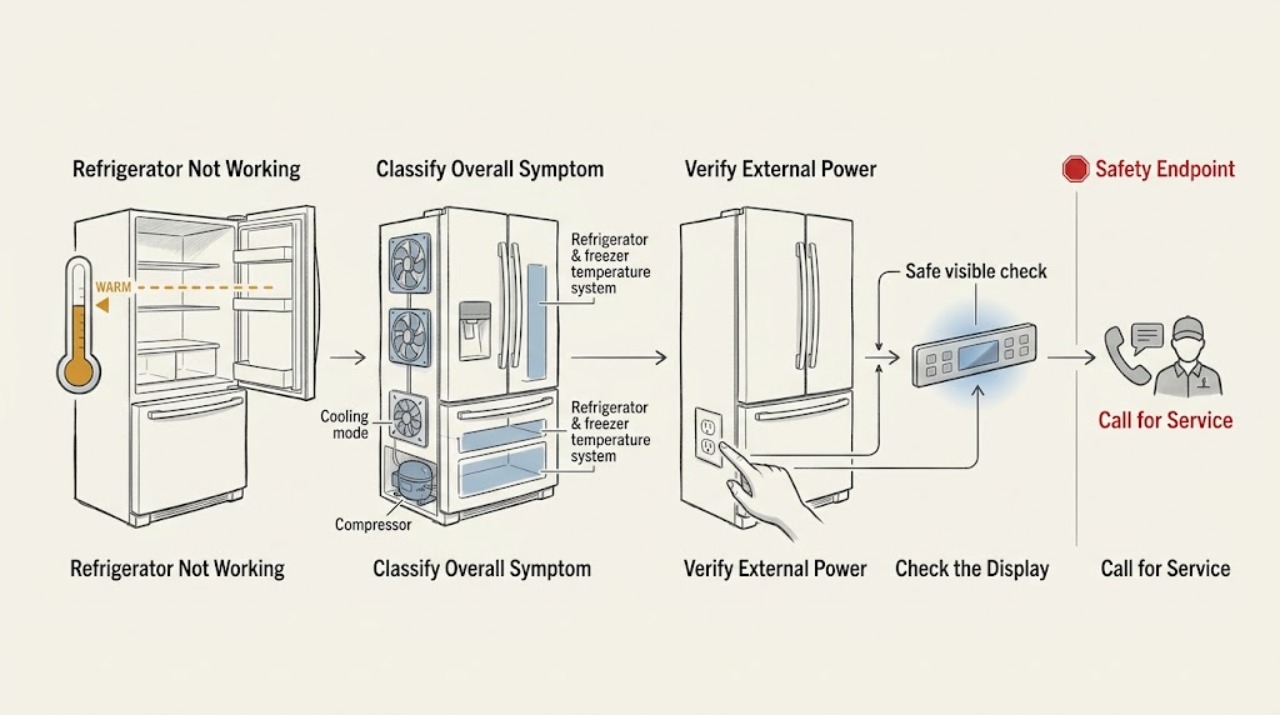
JennAir Refrigerator Not Working
Treat “not working” as a symptom router, not a single repair diagnosis. First decide whether the refrigerator has no lights or display, has power but cooling is intentionally off or the controls do not respond, or has power and is running but the compartments are too warm.
-
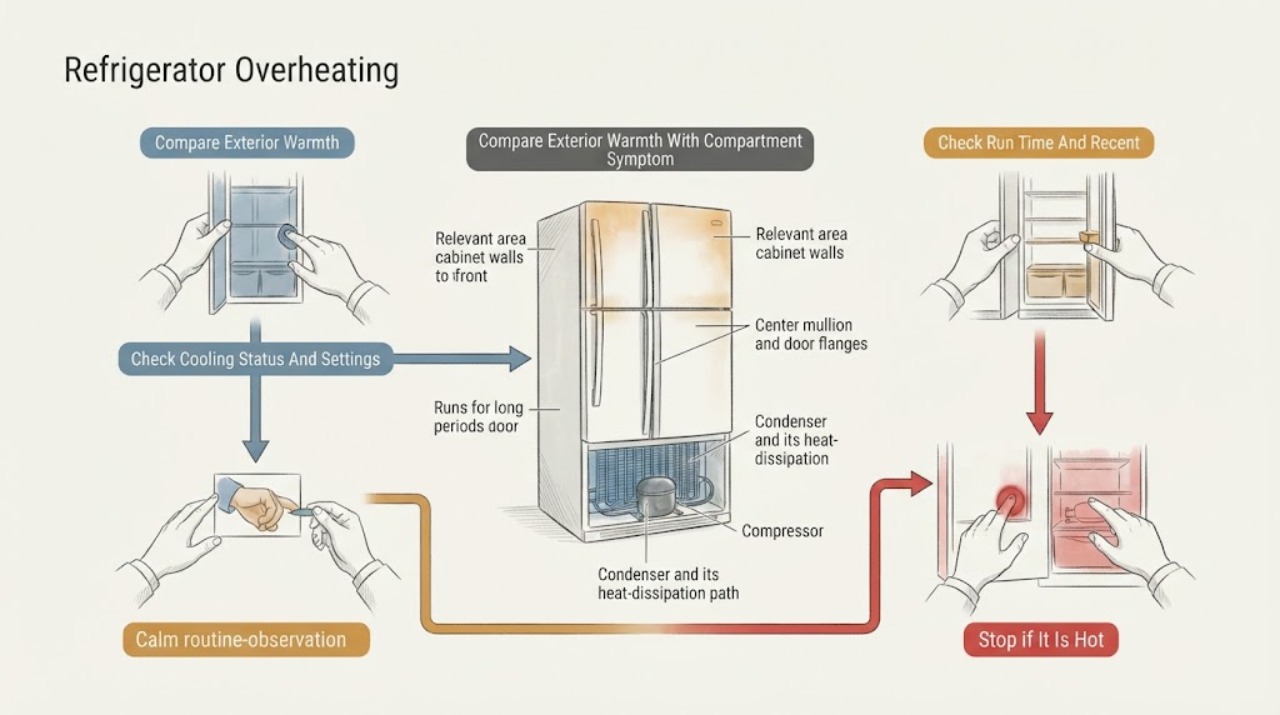
JennAir Refrigerator Overheating: Tell Normal Cabinet Warmth from a Fault
A warm JennAir cabinet, front frame, or center mullion is often part of normal heat rejection: the refrigerator moves heat from the compartments into the room, and a heat loop near gasket areas helps limit exterior moisture. Warmth can increase after installation, a large warm grocery load, frequent door openings, or in a hot room; a high-efficiency compressor may also run for extended periods.
-
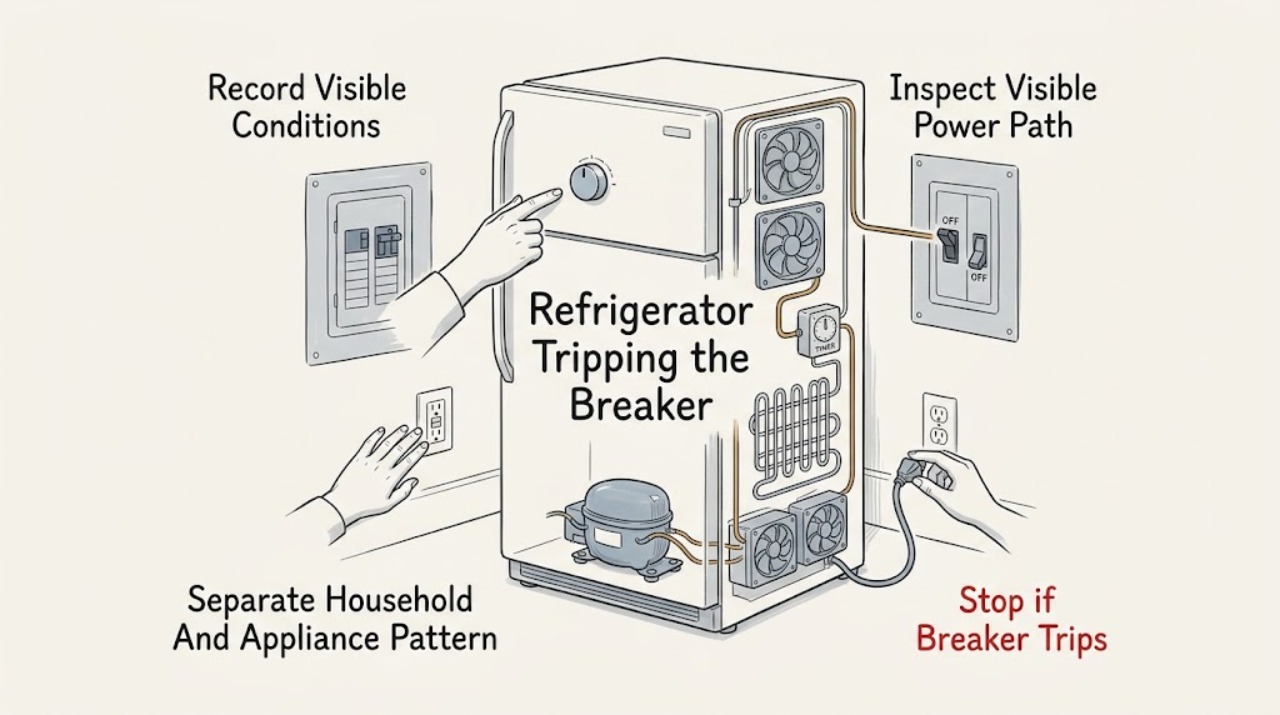
JennAir Refrigerator Tripping the Breaker: Safe Diagnosis and Service Boundaries
If a JennAir refrigerator trips a breaker or GFCI, leave the refrigerator off and do not keep resetting the circuit to see whether it runs. Note whether the trip happens immediately, when the compressor or cooling starts, or after a period of operation; also look for moisture, a damaged cord, a warm or discolored outlet, odor, smoke, or other appliances losing power.
-
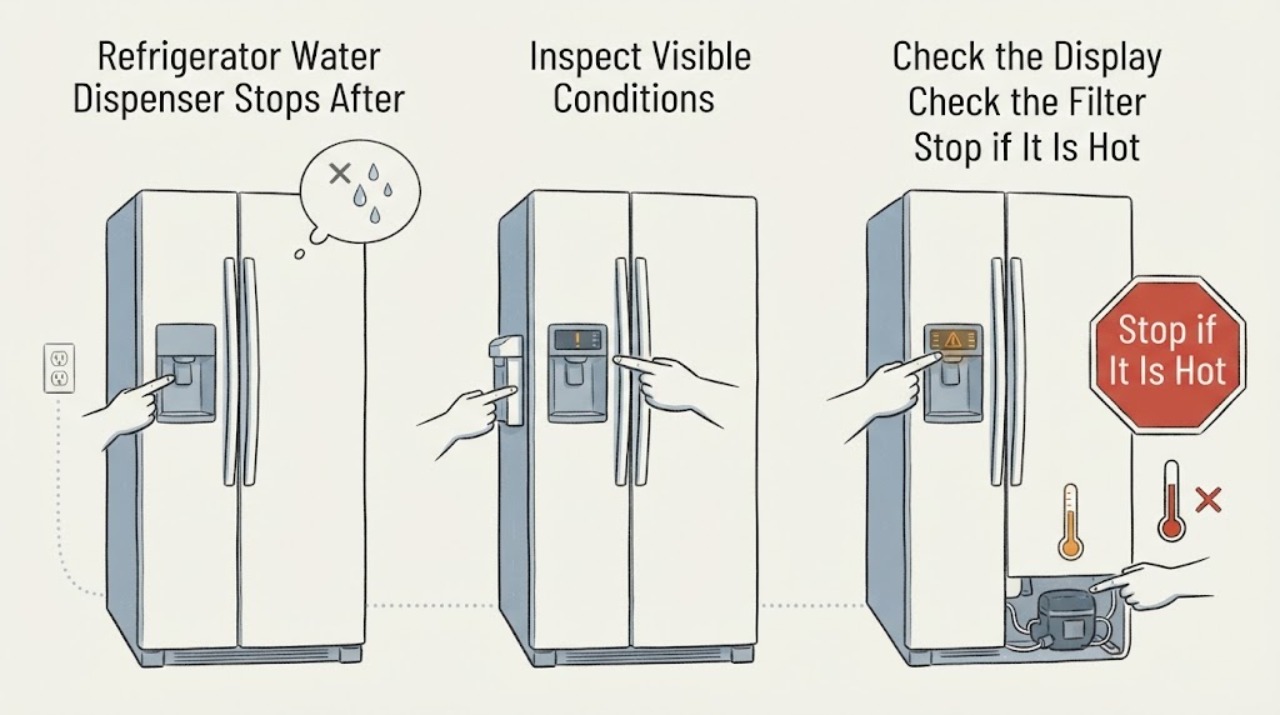
JennAir Refrigerator Water Dispenser Stops After a Power Outage: Check the Outage State Before the Water Line
After a power outage, a JennAir refrigerator may leave the dispenser disabled while a Power Outage alert is awaiting confirmation, depending on model. Check the display and the model's owner manual first, then confirm that the dispenser lock/Sabbath or showroom state is not active, the water filter is seated, and the external water valve and supply line are open and unkinked.