
Repair problem
Ceiling Fan Wobbling Troubleshooting Guides
Published FixGraph guidance for diagnosing and responding to ceiling fan wobbling.
Matching published guides
Choose a guide that matches the service, equipment, and conditions you are seeing.
-
Casablanca ceiling fan blade balance kit wobbling: What to Check and What to Do Next
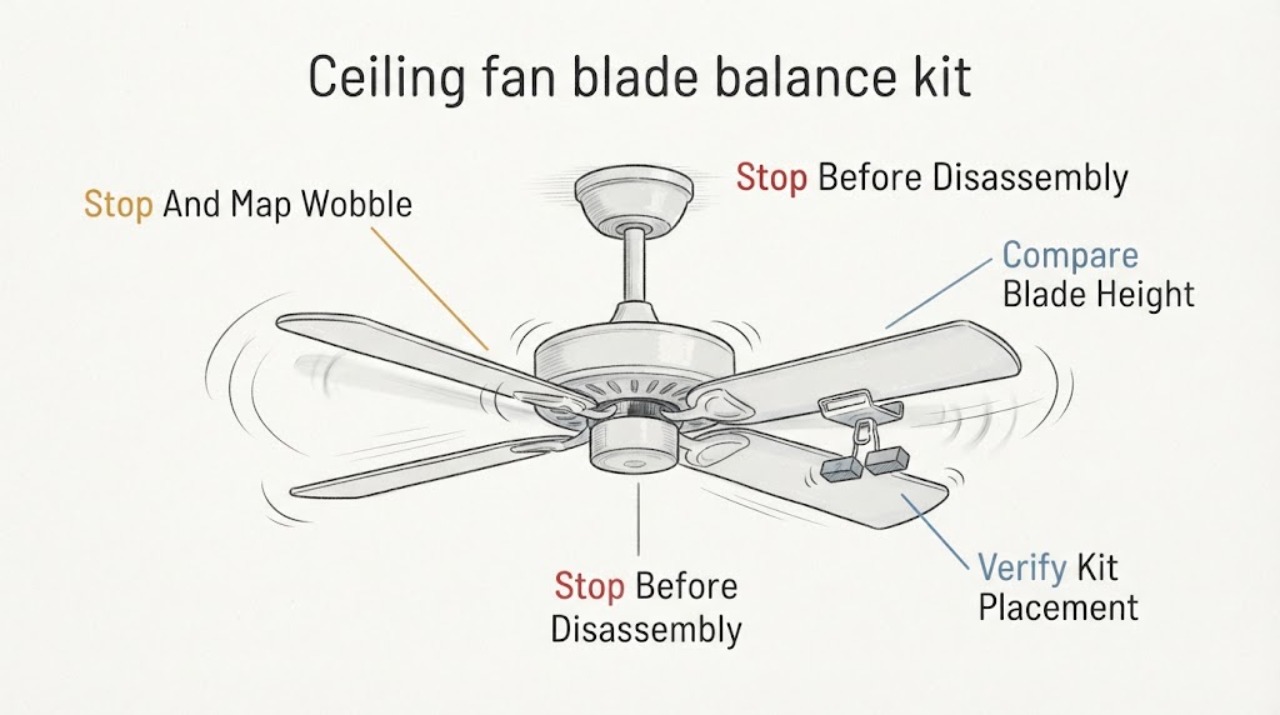
A Casablanca ceiling fan can still wobble after a balance kit is fitted if a blade, blade holder, kit weight, or mounting connection is loose or if the fan is not level. Turn the fan OFF, wait for the blades to stop, and use a stable floor-level view to compare blade height and hardware; never reach toward a moving fan or stand on the fan.
-
Casablanca ceiling fan downrod wobbling: What to Check and What to Do Next
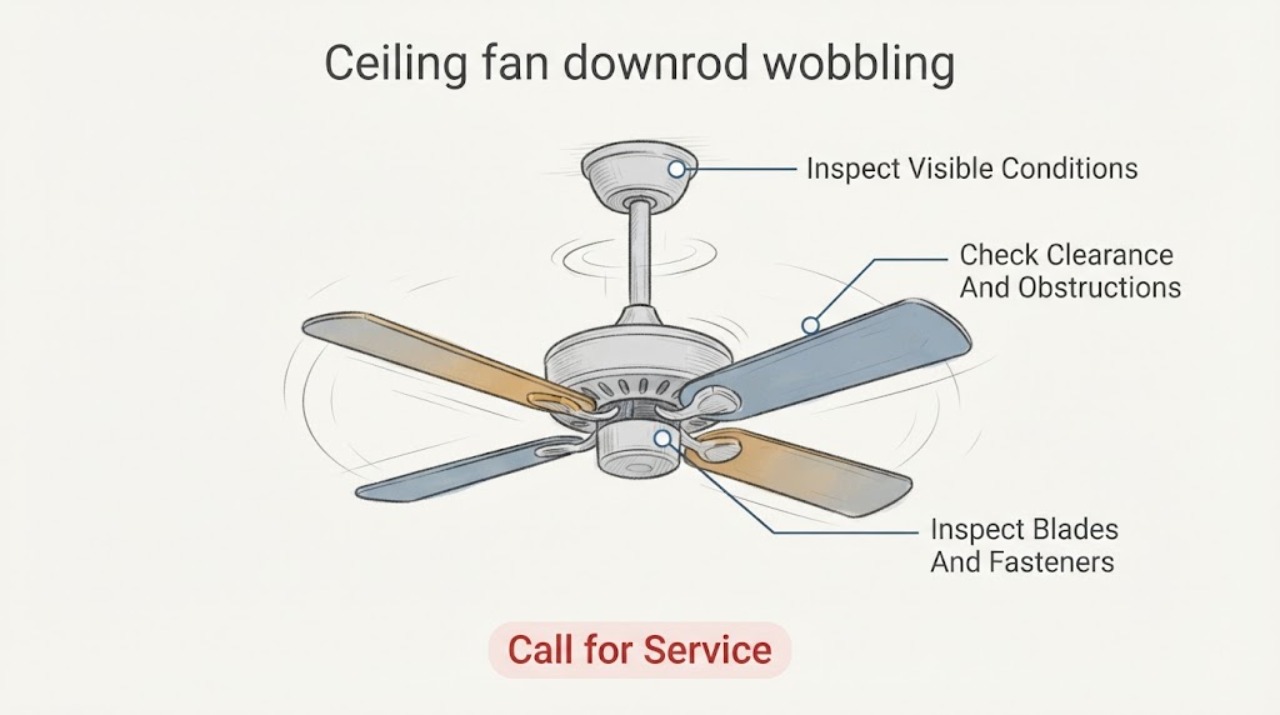
A wobbling Casablanca ceiling fan is not automatically a blade-balance problem. First stop the fan and observe whether the ceiling plate, canopy, downrod, hanger ball, or whole fan moves, and keep people clear if the mount looks loose.
-
Casablanca ceiling fan mounting bracket wobbling: What to Check and What to Do Next
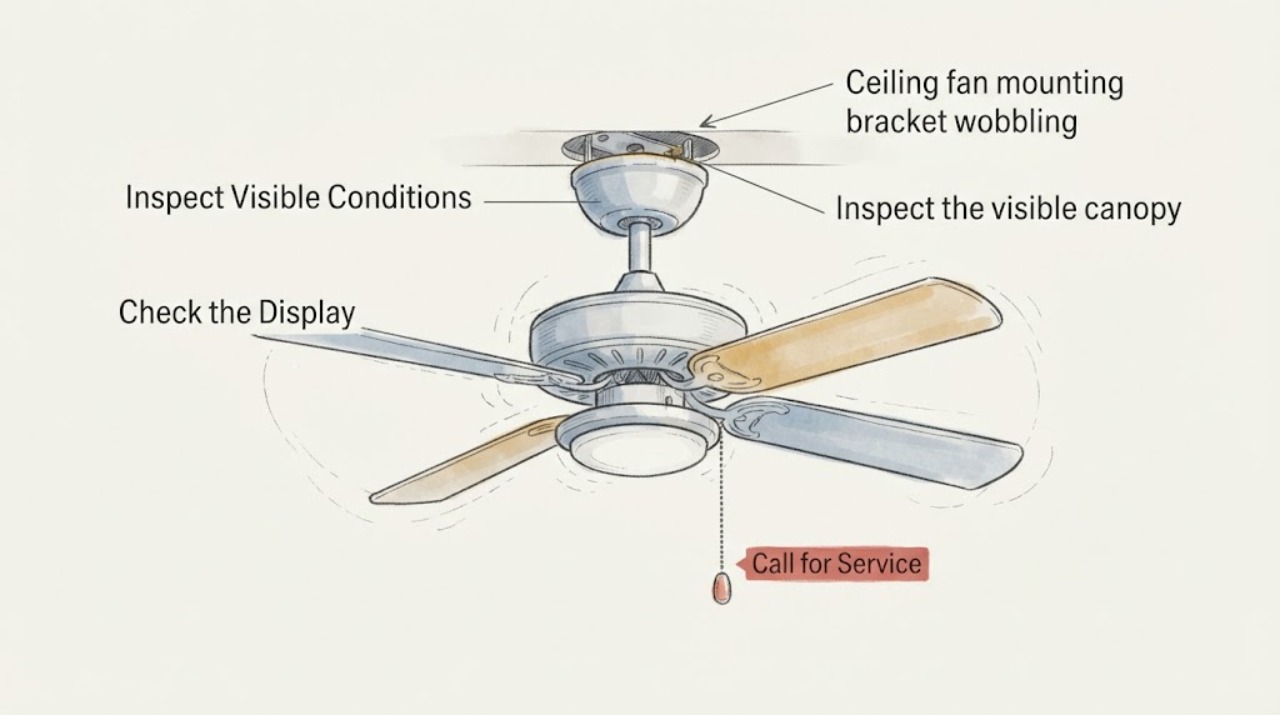
A Casablanca fan that appears to wobble at the mounting bracket should be switched off until you know whether the movement is at the ceiling support or only at the blades. From a safe position, note whether the ceiling plate, canopy, downrod, or the whole fan moves, then isolate power at the wall control and breaker before any accessible inspection.
-
Casablanca Ceiling Fan Wobbling: What to Check and What to Do Next
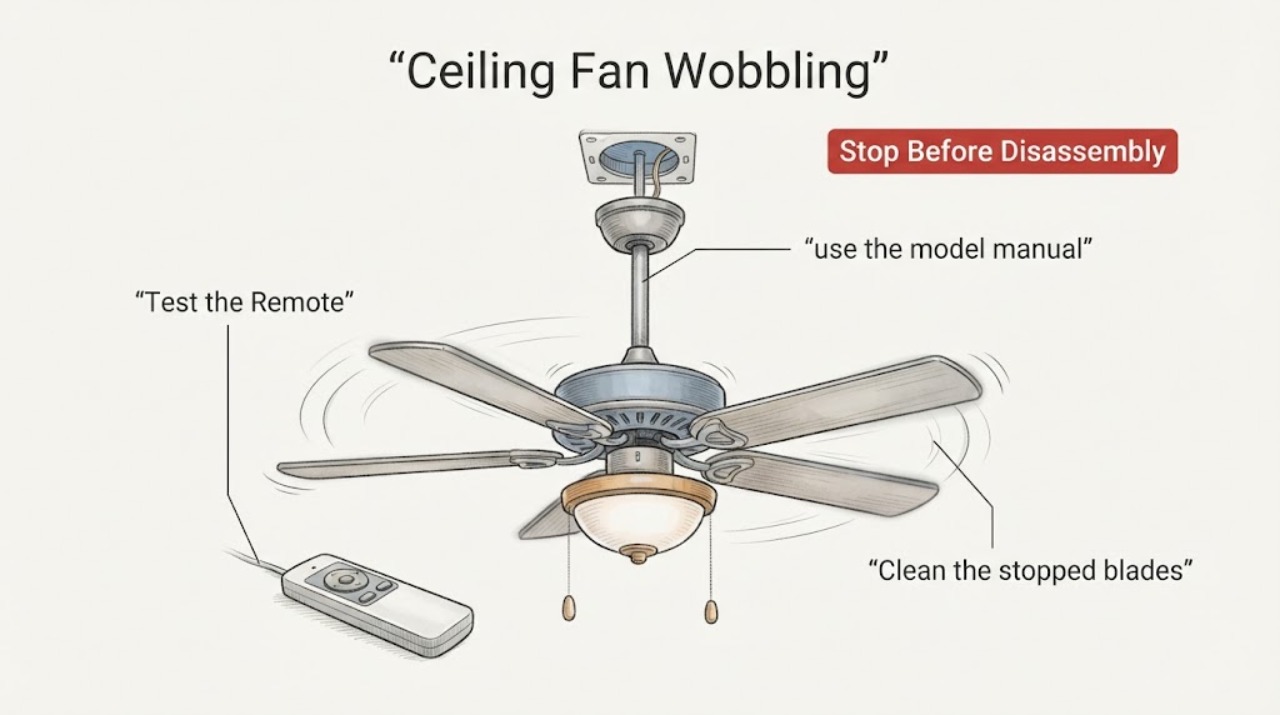
A wobbling Casablanca ceiling fan is usually an alignment, loose-hardware, blade, mounting, or balance problem, but a severe or new wobble can also indicate an unsafe mount. Turn the fan off and let the blades stop before checking that the blade clearance is safe, the blade and blade-iron screws are snug, the blades are not cracked or warped, and the downrod/hanger-ball assembly is seated as described by the exact Casablanca model manual.
-
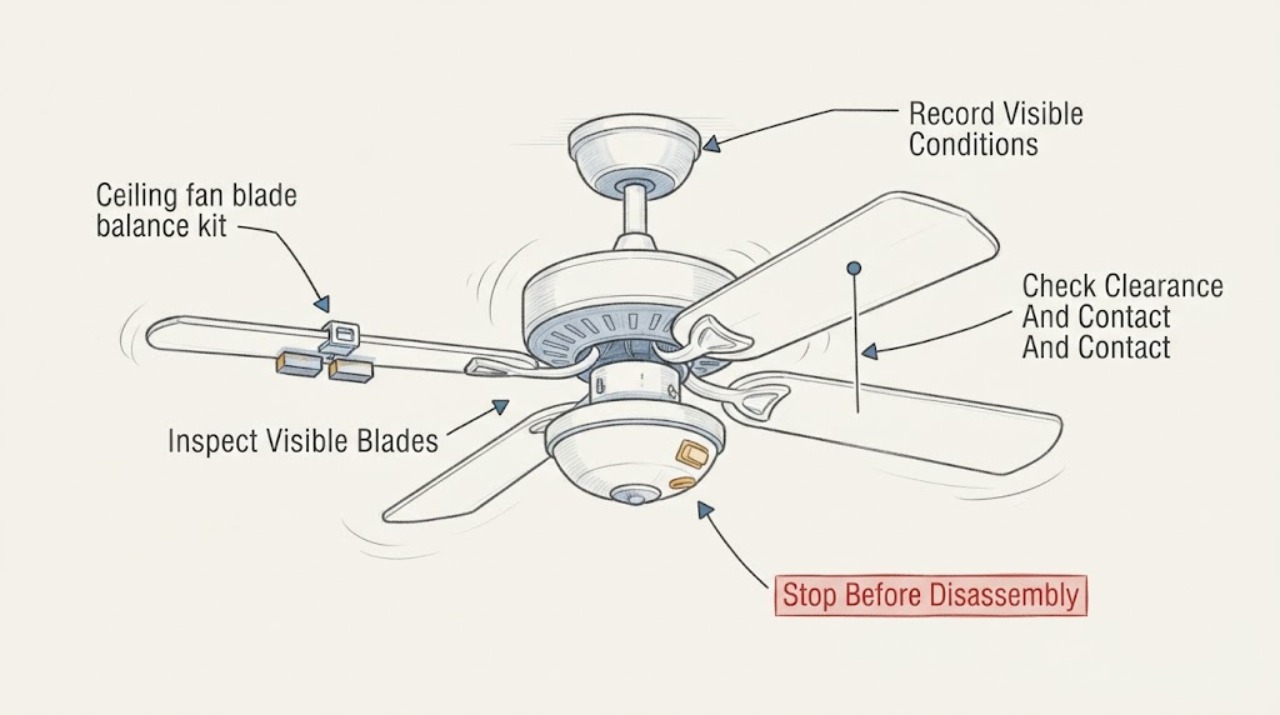
Ceiling fan blade balance kit wobbling: What to Check and What to Do Next
Stop using a ceiling fan that wobbles significantly, changes suddenly, scrapes, or makes the mount or canopy move. From the floor with the fan off, record whether the wobble was at the blades, light kit, downrod, or ceiling mount, then inspect the visible blade edges and lower hardware for dust, cracks, warping, loose-looking parts, or contact with nearby objects.
-
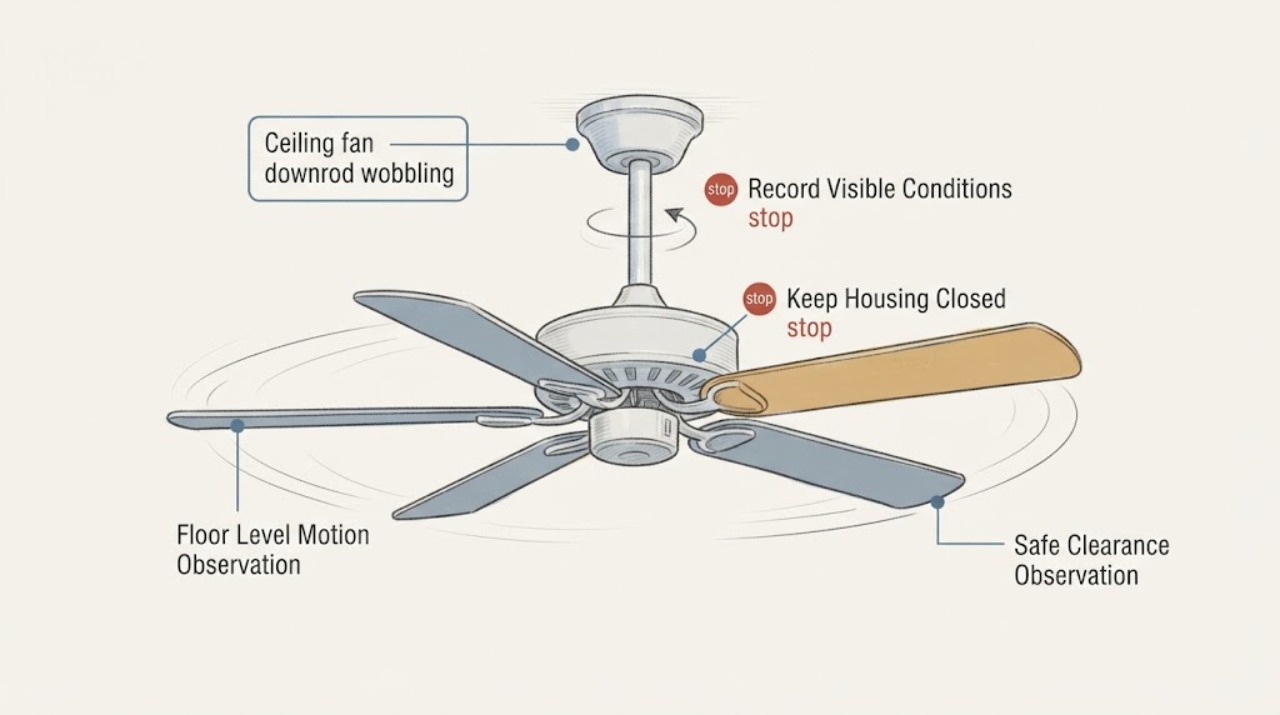
Ceiling fan downrod wobbling: What to Check and What to Do Next
A wobbling ceiling fan with a downrod may have ordinary blade imbalance, but movement at the downrod, ceiling plate, or mounting point can indicate a loose or unsuitable support. From the floor, turn the fan off and observe whether the wobble is only at the blades or whether the downrod, canopy, or ceiling mount shifts.
-
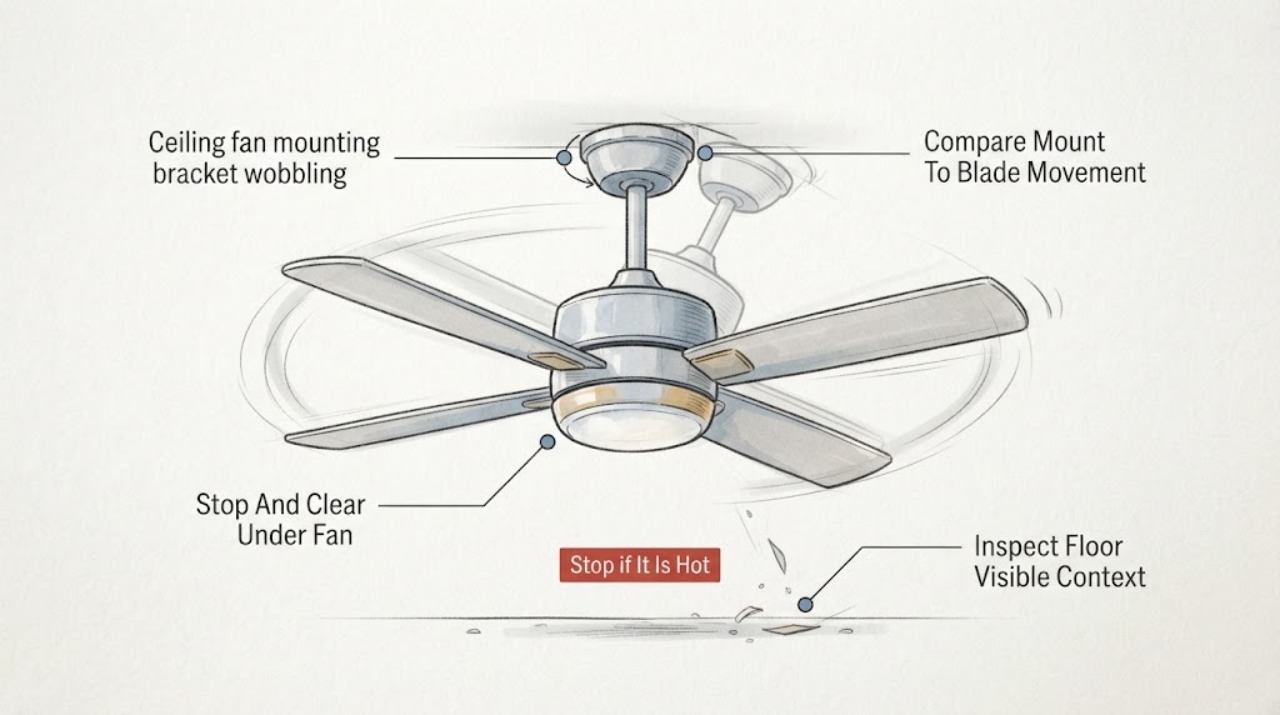
Ceiling fan mounting bracket wobbling: What to Check and What to Do Next
If a ceiling fan's mounting bracket or canopy moves with the fan, stop using the fan and keep everyone out from underneath it. From the floor, switch the fan off and look for a growing ceiling gap, a tilted or hanging canopy, movement where the fan meets the ceiling, exposed wiring, or a fan that has shifted.
-
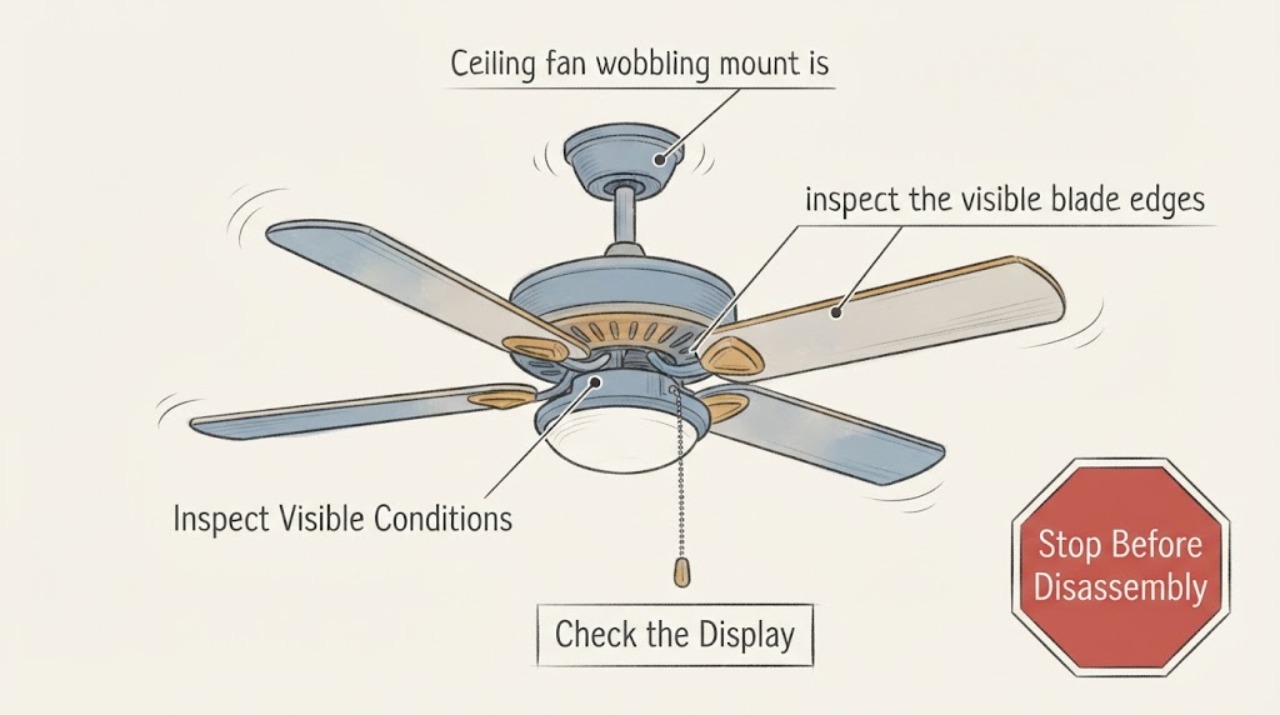
Ceiling fan wobbling mount is secure or unknown: What to Check and What to Do Next
If a ceiling fan is wobbling and the mount is secure or unknown, do not treat the mount as verified. From the floor, classify whether only the blades orbit unevenly or whether the downrod, body, canopy, or ceiling moves; observe the fan stopped when the wobble is severe.
-
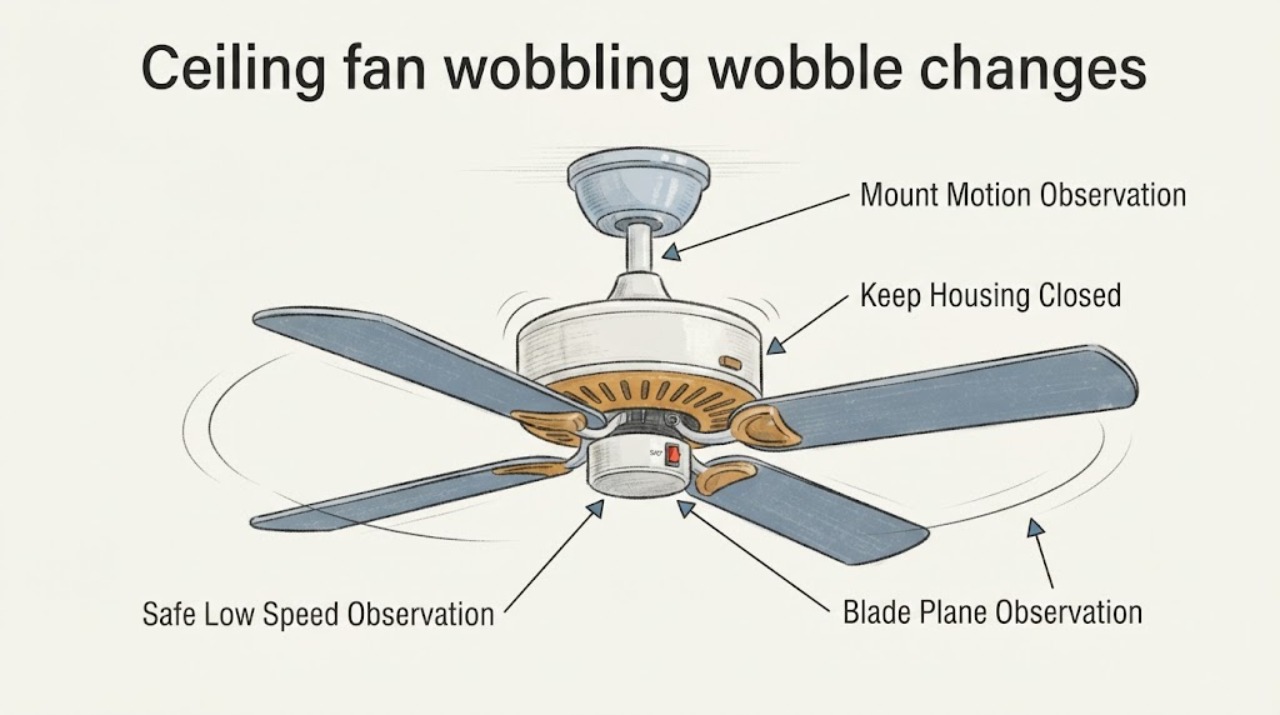
Ceiling fan wobbling wobble changes with speed: What to Check and What to Do Next
When a ceiling fan's wobble changes with speed, do not assume a balancing kit is the answer. From the floor, and only if the fan is stable with no visible damage, make one brief observation at the lowest speed; record whether the blades appear uneven, the wobble grows as speed changes, or the canopy, downrod, or mounting point moves with the ceiling.
-
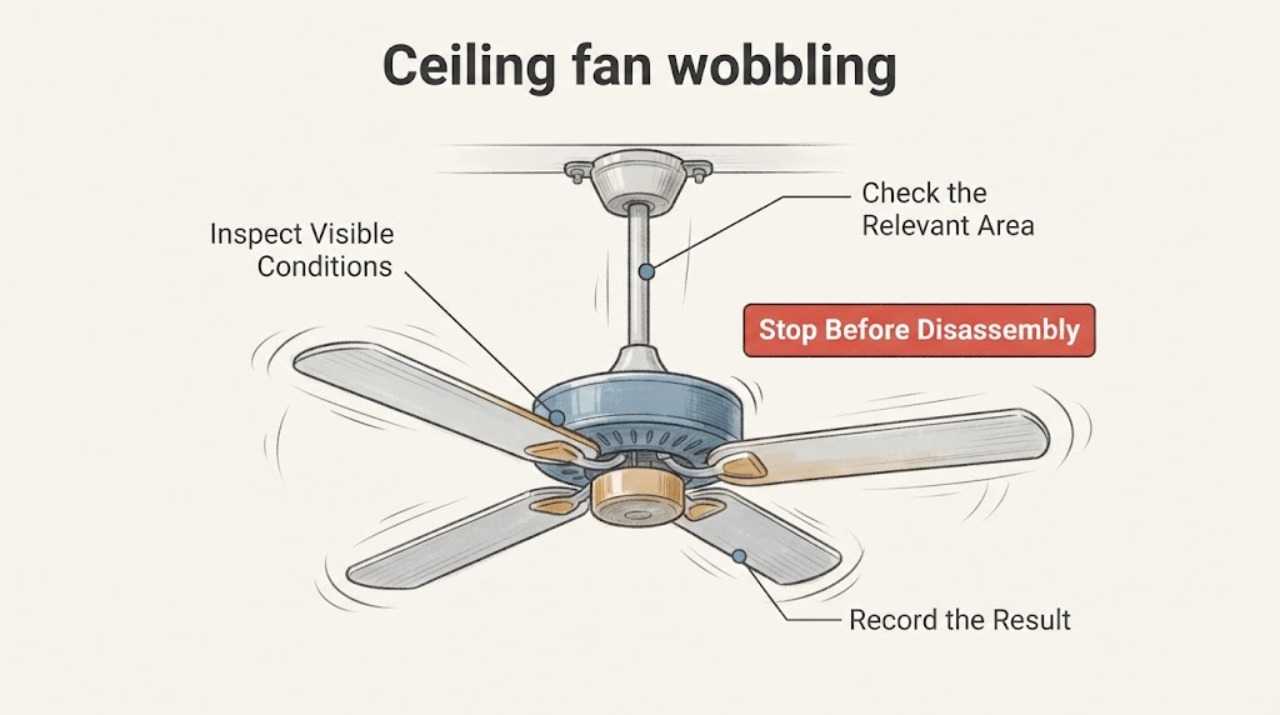
Ceiling fan wobbling: What to Check and What to Do Next
A ceiling fan that wobbles slightly can have an uneven blade set, loose visible components, or an installation/alignment problem, but a fan that swings severely, has a moving ceiling mount, makes scraping or impact sounds, shows a damaged blade, or feels hot should be switched off and left unused until an electrician or qualified fan professional inspects it.
-
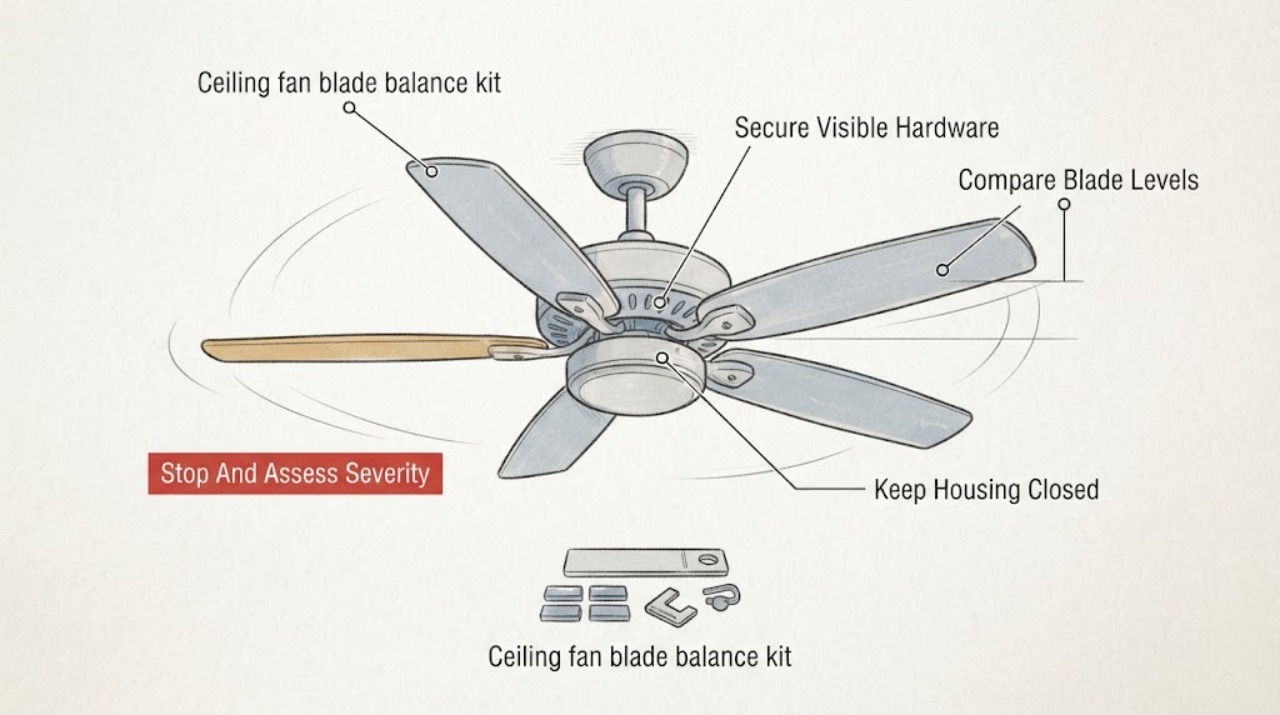
Hampton Bay ceiling fan blade balance kit wobbling: What to Check and What to Do Next
A Hampton Bay ceiling fan that still wobbles while you are using a blade balance kit should be checked in order: stop the fan completely, secure visible blade and blade-bracket fasteners, compare the height of every blade from the ceiling, and only then use the kit to identify a small weight imbalance.
-
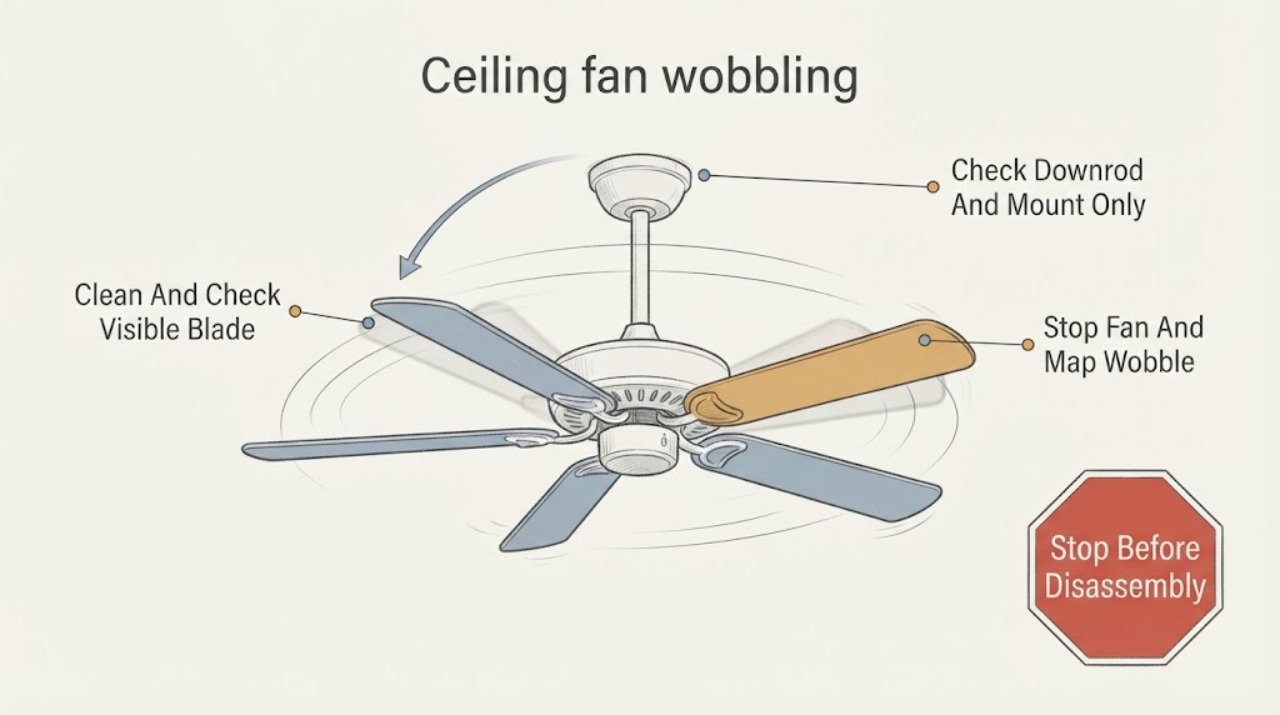
Hunter ceiling fan wobbling: What to Check and What to Do Next
A small amount of ceiling-fan movement can be normal, but a new or worsening wobble usually comes from uneven blade alignment or weight, loose blade or downrod hardware, an unstable mounting bracket, dust buildup, a warped blade, or an installation issue. Turn the fan off before inspecting it, keep the blades clear of nearby objects, and check only hardware you can safely reach from a stable position.
-
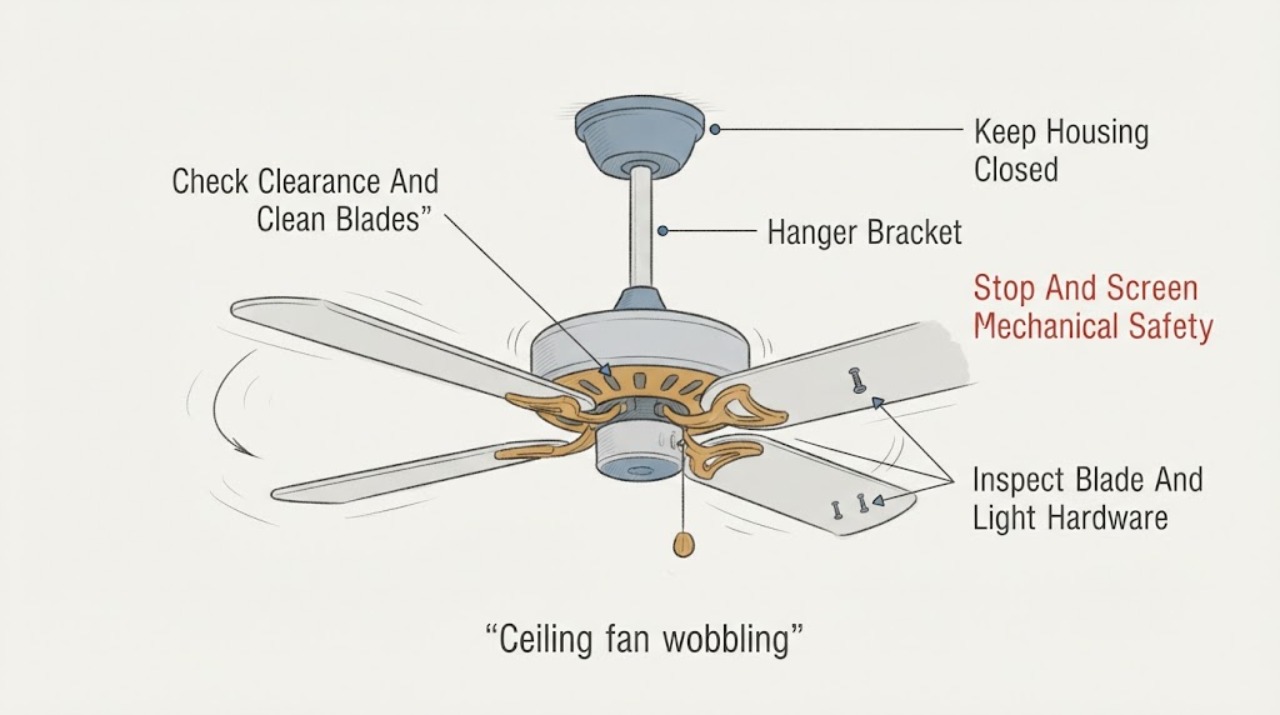
Minka Aire ceiling fan wobbling: What to Check and What to Do Next
Turn the Minka Aire fan off and let the blades stop before checking anything. From the floor, look for a blade contacting an object, a fan that is swinging at the ceiling, a loose or sagging canopy, a cracked or warped blade, or unusual noise.