
Samsung appliance guidance
Samsung Refrigerator Repair Guides
Troubleshooting and repair guidance for published Samsung Refrigerator problems, symptoms, and maintenance questions.
Published Samsung Refrigerator guides
Choose the guide whose symptom or condition most closely matches what you are seeing.
-
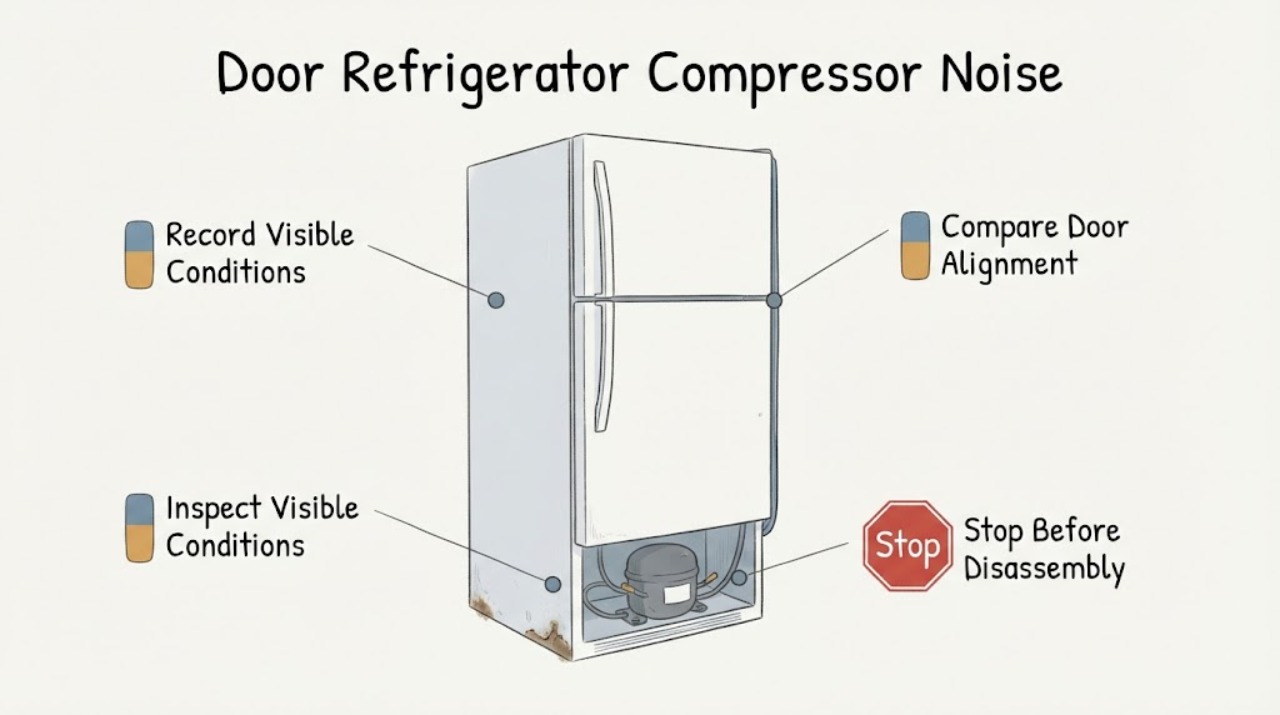
Samsung 4-Door Refrigerator Compressor Noise and Rust: Safe Checks for a New Appliance
A Samsung 4-door refrigerator can make a low, changing compressor hum during normal cooling, but Samsung says a compressor or ice-maker sound should not be so loud that it interrupts conversation. Rust is a separate finish or moisture concern; it cannot be diagnosed as a compressor fault from a photograph or sound.
-
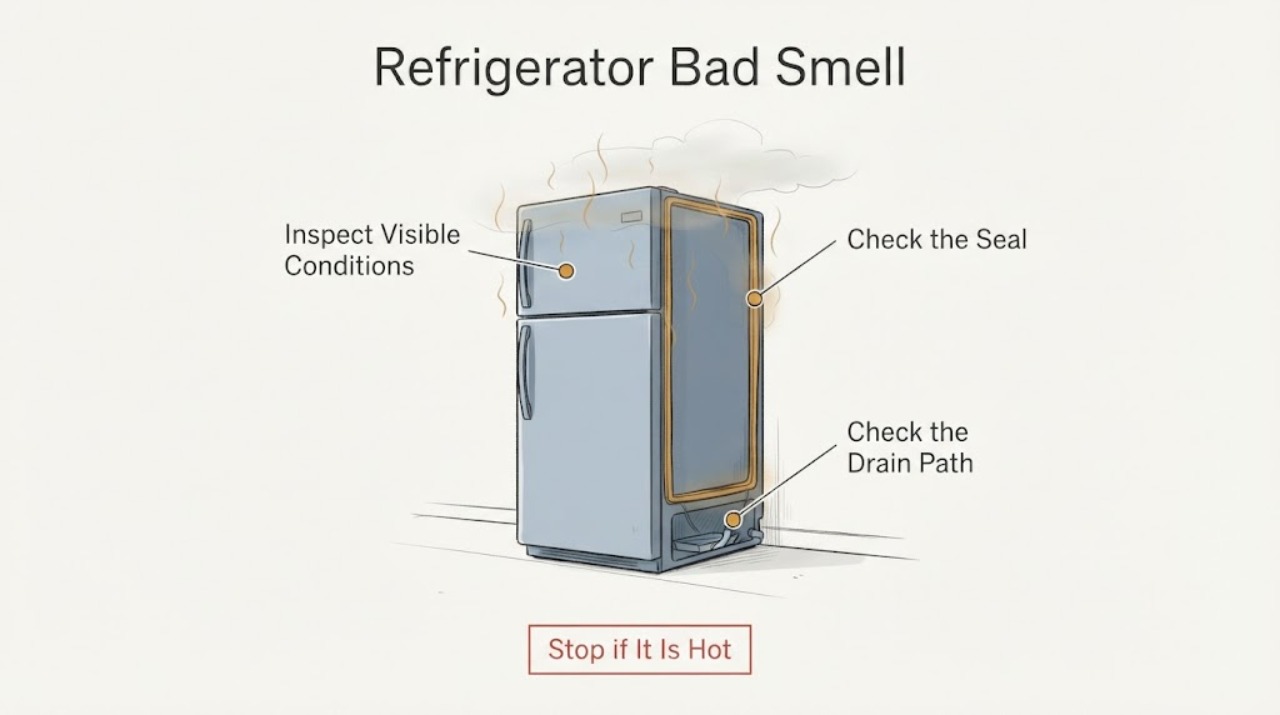
Samsung Refrigerator Bad Smell
A Samsung refrigerator bad smell should be traced to spoiled food, spills, the gasket, drain area, or an odor from a warming compartment. Remove spoiled food and clean accessible surfaces, verify doors close and cooling is normal, and arrange service for persistent odor with warming, standing water, electrical smell, or an inaccessible source.
-
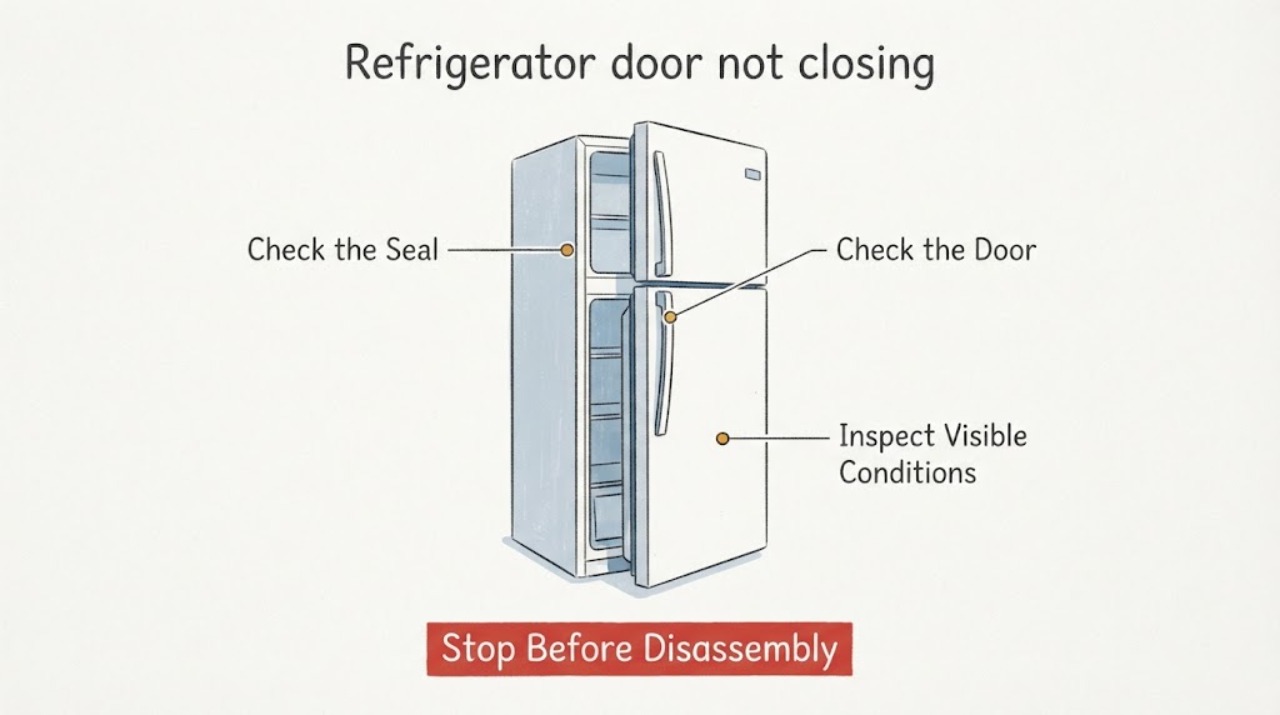
Samsung refrigerator door not closing: check blocks, seal, frost, and alignment
Start by finding the exact point that prevents the Samsung refrigerator door from closing: a food container, shelf, drawer, frost, or a door flap can stop the final seal. Remove only a loose obstruction and make sure shelves and drawers are fully seated.
-
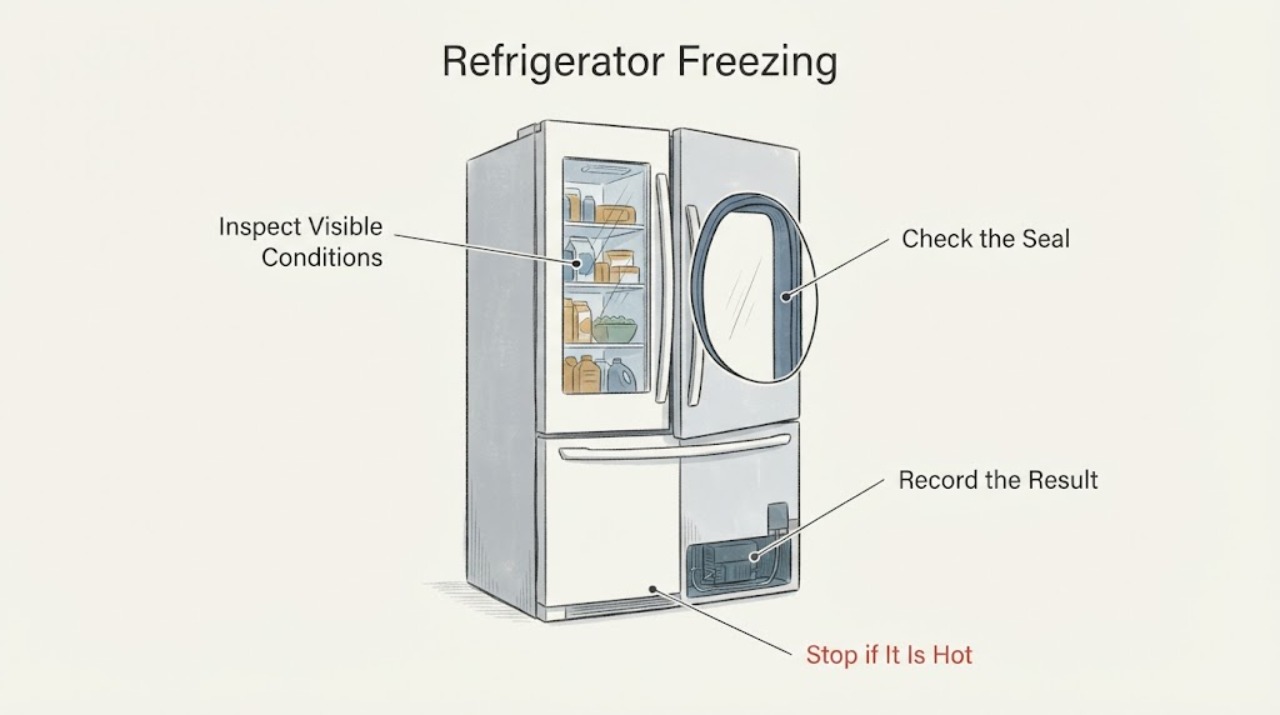
Samsung Refrigerator Freezing
A Samsung refrigerator that is freezing food needs a temperature, airflow, door-seal, and compartment check before a part is named. Confirm the setting and food placement, inspect the gasket and vents, and monitor after a model-correct adjustment; persistent freezing with an error or damaged seal needs service.
-
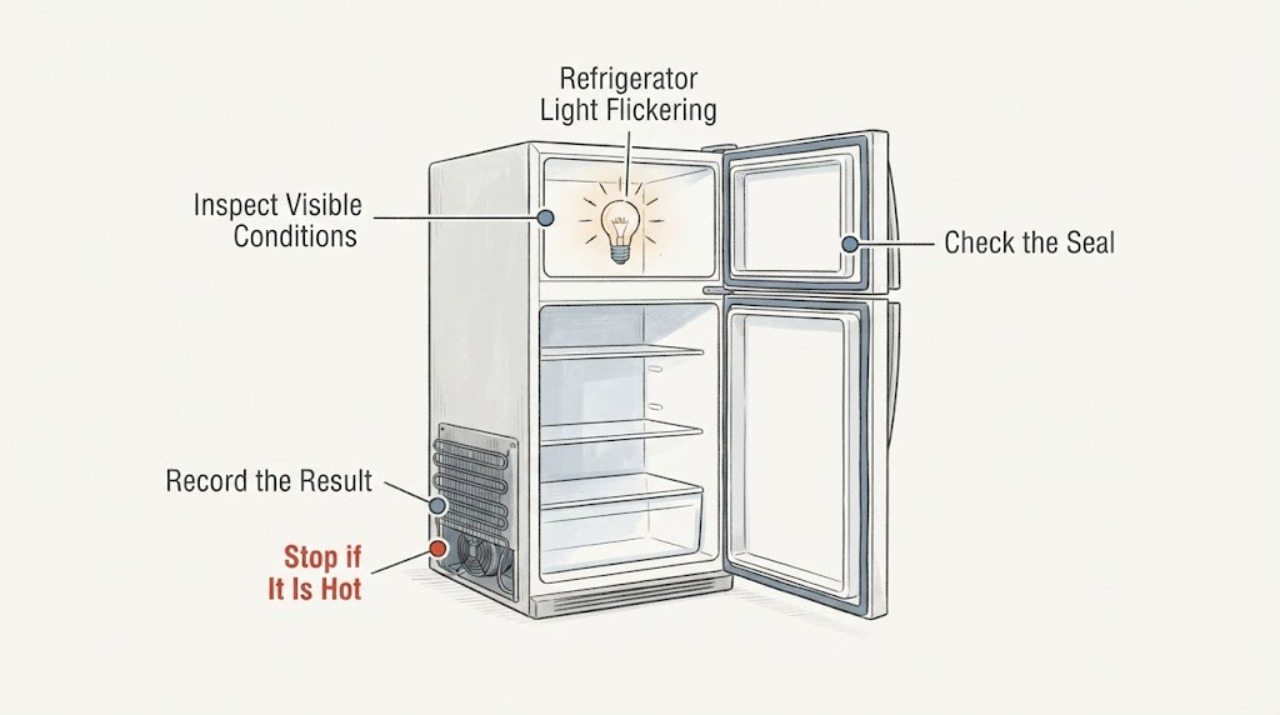
Samsung Refrigerator Light Flickering
A flickering Samsung refrigerator light or display should be separated from a blinking temperature or error display. Check door closure, accessible harness condition, and the panel indication; do not remove door wiring or live covers, and arrange service if flicker persists or accompanies cooling loss.
-
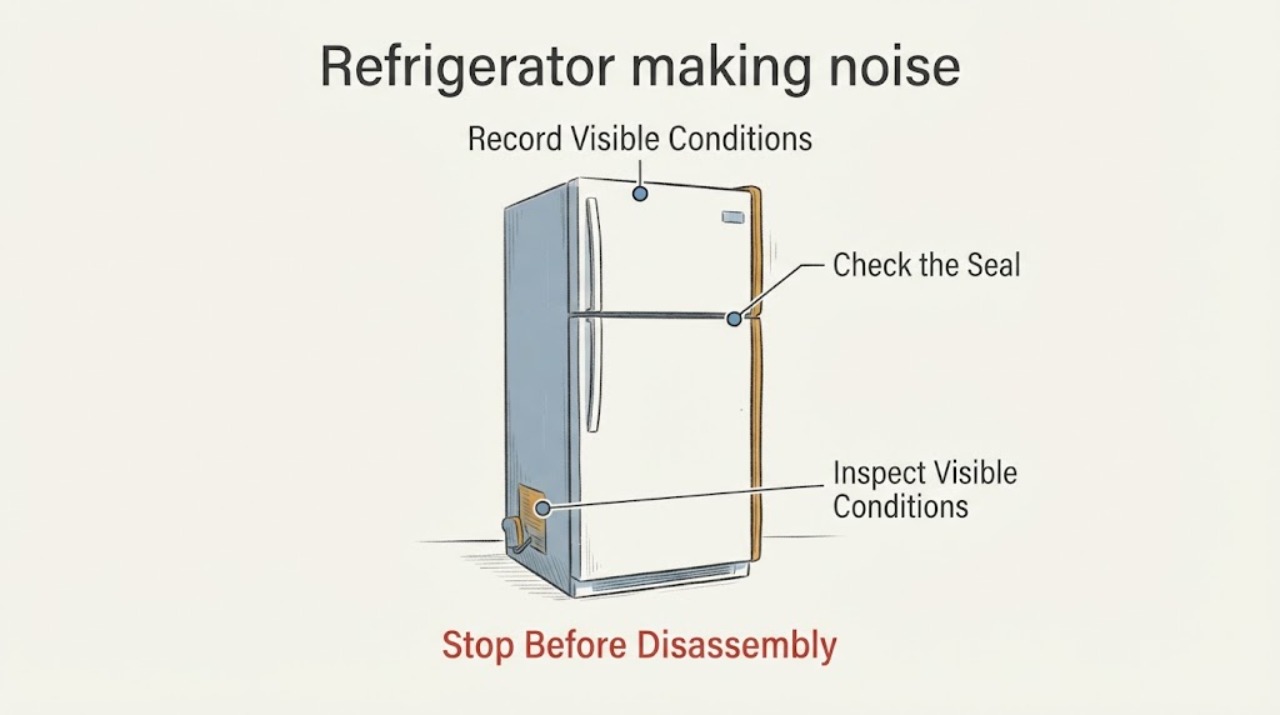
Samsung refrigerator making noise: identify the sound and know when to call service
First identify the sound, where it comes from, and whether it happens during cooling, ice making, dispensing, defrosting, or when a door moves. Quiet, brief cracking, bubbling, hissing, compressor humming, and ice-dropping sounds can be normal.
-
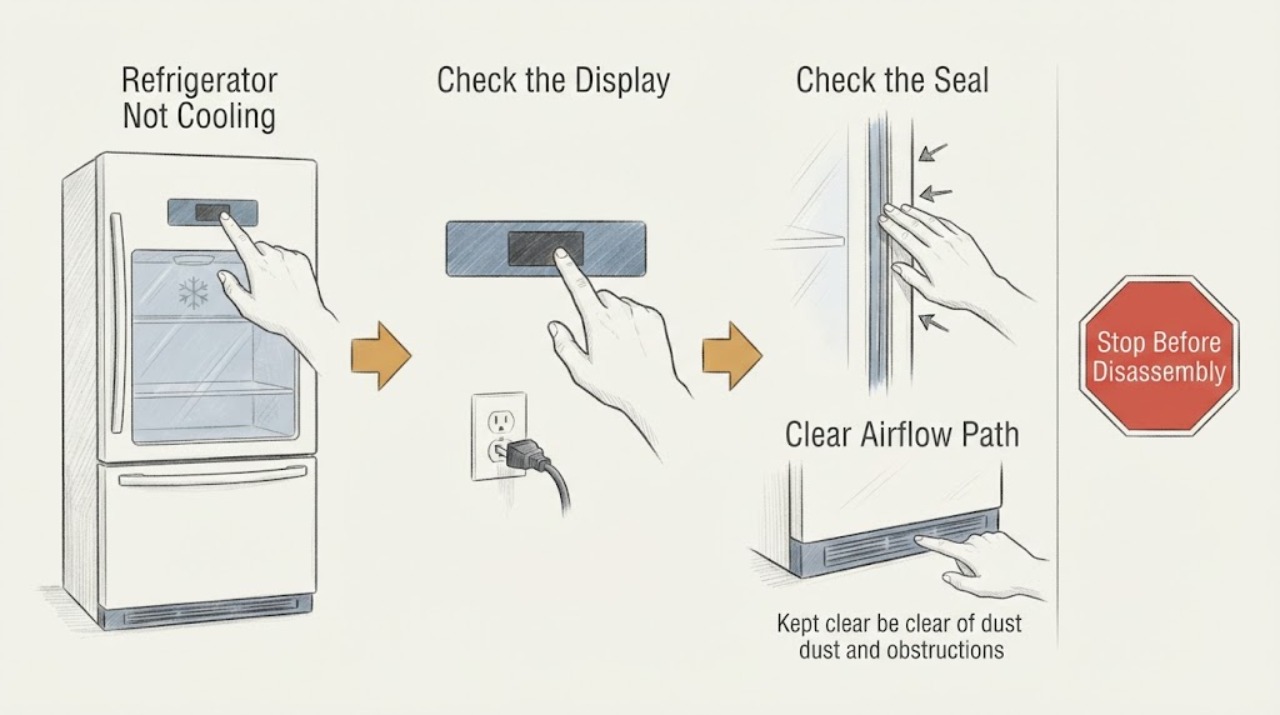
Samsung Refrigerator Not Cooling: Door, Airflow, and Power Checks
A Samsung refrigerator that is not cooling needs a compartment and power split first. Check whether lights/display work, confirm doors seal and visible vents are clear, and keep doors closed while observing. Persistent warmth, abnormal frost/noise, or any electrical hazard requires qualified service.
-
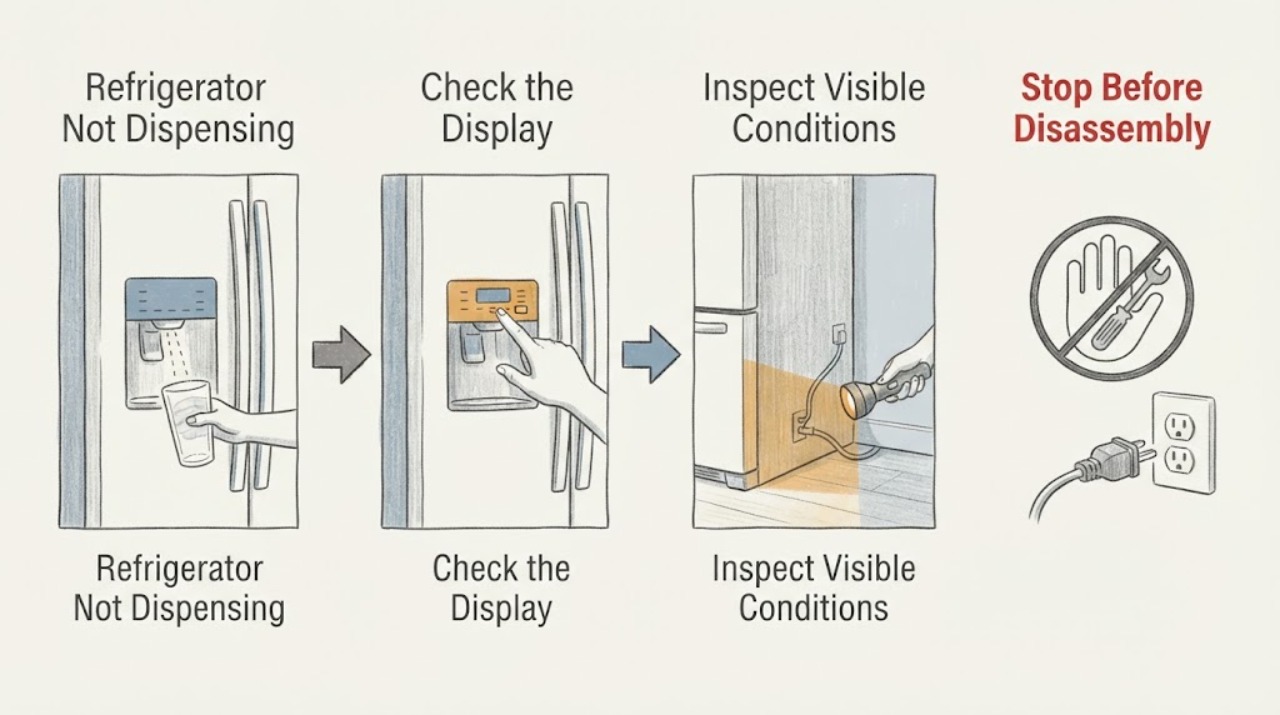
Samsung Refrigerator Not Dispensing: Lock, Water, and Filter Checks
For a Samsung refrigerator that is not dispensing, confirm the control lock is off and Water is selected, then separate silent operation from slow flow. Check only visible supply, tubing, and model-specific filter conditions. Persistent no-flow, leaks, or damaged fittings require qualified service.
-
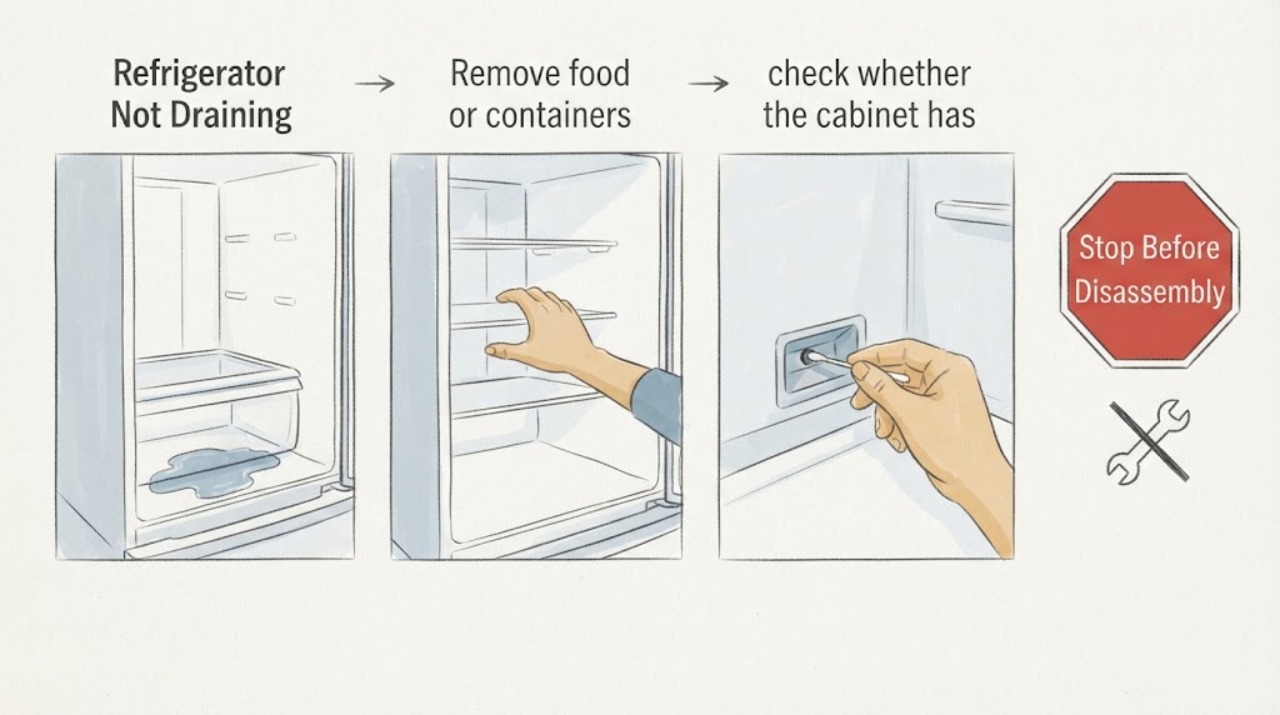
Samsung Refrigerator Not Draining: Trace the Water and Check the Drain Tray
A Samsung refrigerator that is not draining usually shows water under the drawers, inside the cabinet, or on the floor. Dry the water and identify its first location, check that the refrigerator is tilted slightly back as Samsung recommends for draining, and inspect only an accessible drain tray for standing water or damage.
-
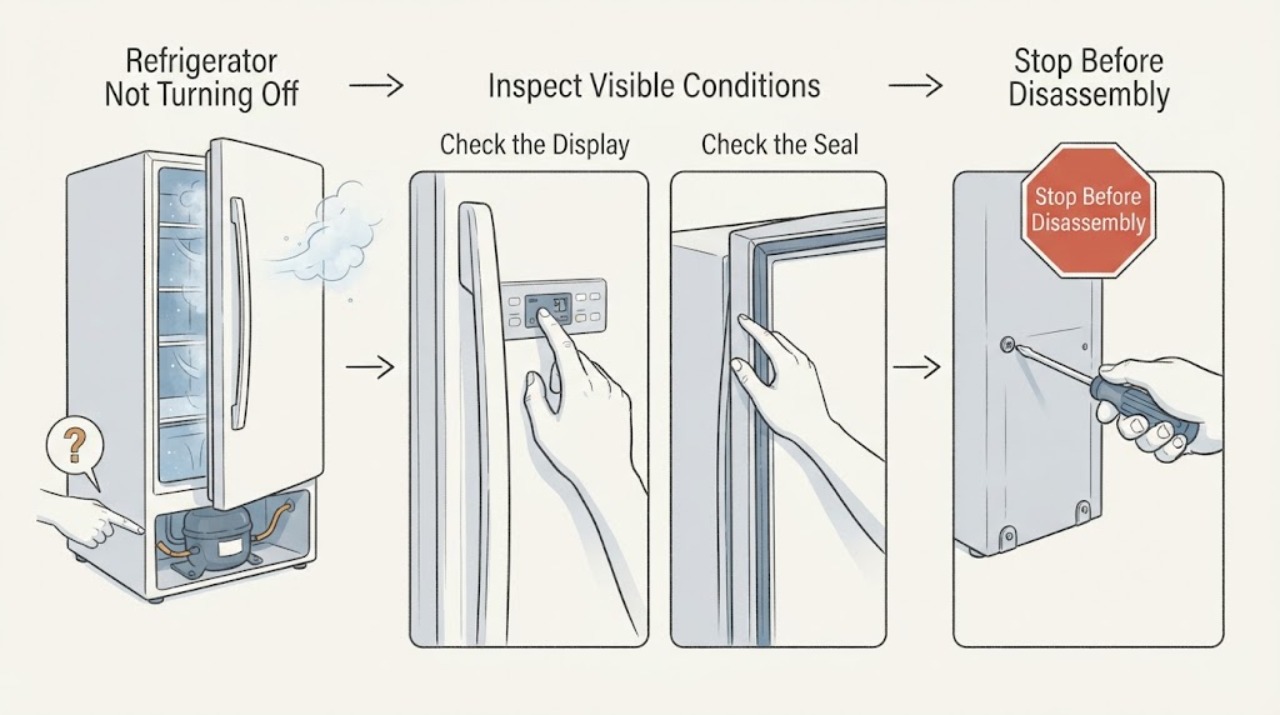
Samsung Refrigerator Not Turning Off: Safe Checks for Continuous Running
A Samsung refrigerator may run for a long time after warm food is loaded, a door is opened often, the room or nearby cooking area is hot, or Power Cool or Power Freeze is active. First identify whether the sound is the compressor or a circulation fan, confirm that the compartments are actually reaching temperature, turn off any temporary high-cooling setting using the model instructions, and check the doors, seals, vents, and clearance.
-
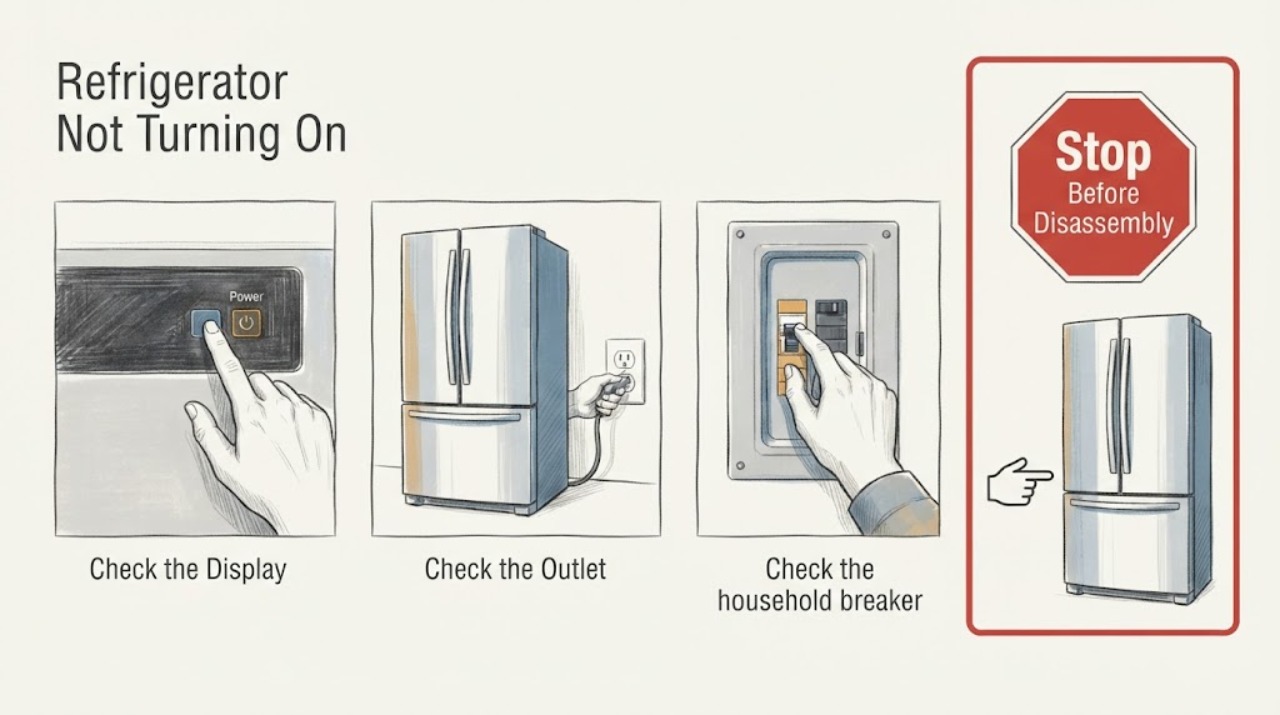
Samsung Refrigerator Not Turning On: Safe Power Checks
If a Samsung refrigerator will not turn on, first determine whether both the interior light and display are dark. Check the accessible plug, outlet, and breaker once when safe; do not repeatedly reset protection. A live outlet with a dark refrigerator, recurring trip, hot plug, smoke, or damaged wiring needs qualified service.
-
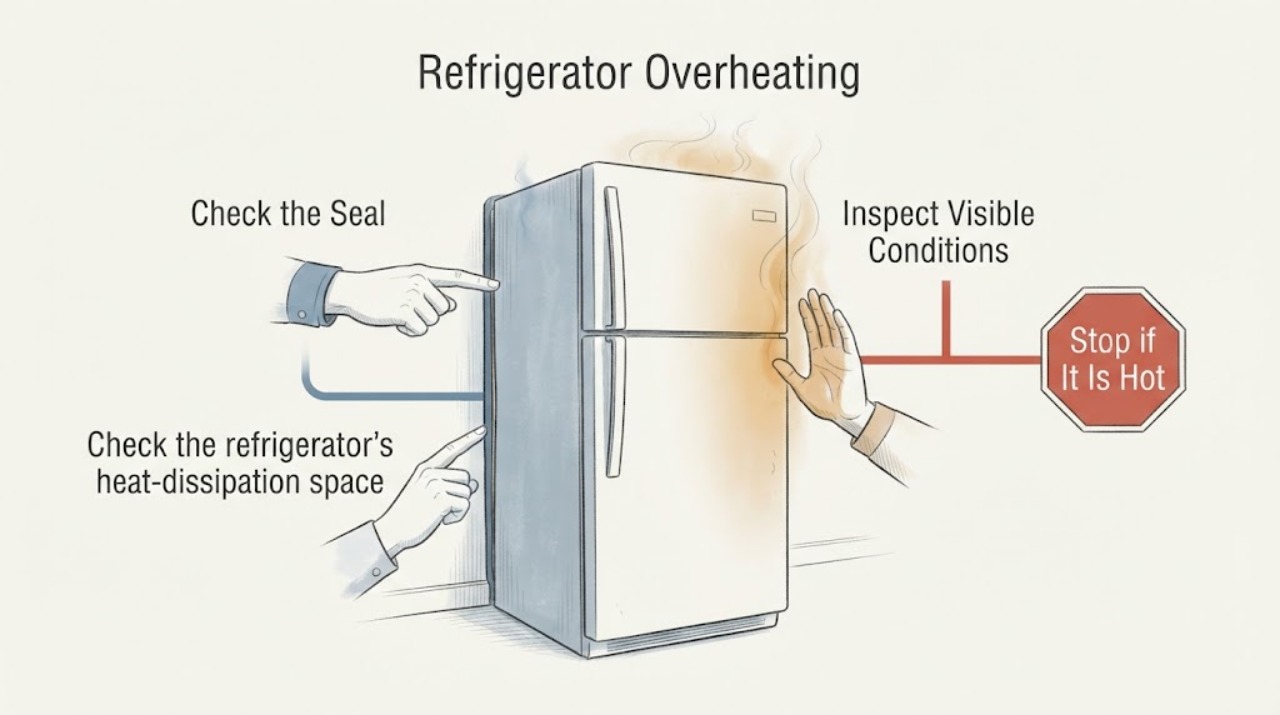
Samsung Refrigerator Overheating: Safe Checks for Hot Sides and Poor Cooling
Warm Samsung refrigerator side walls can be normal because the cooling system releases heat through the cabinet. Treat the refrigerator as overheating when the sides remain extremely hot together with poor cooling, food spoiling, continuous hard running, unusual noise, or an error message.
-
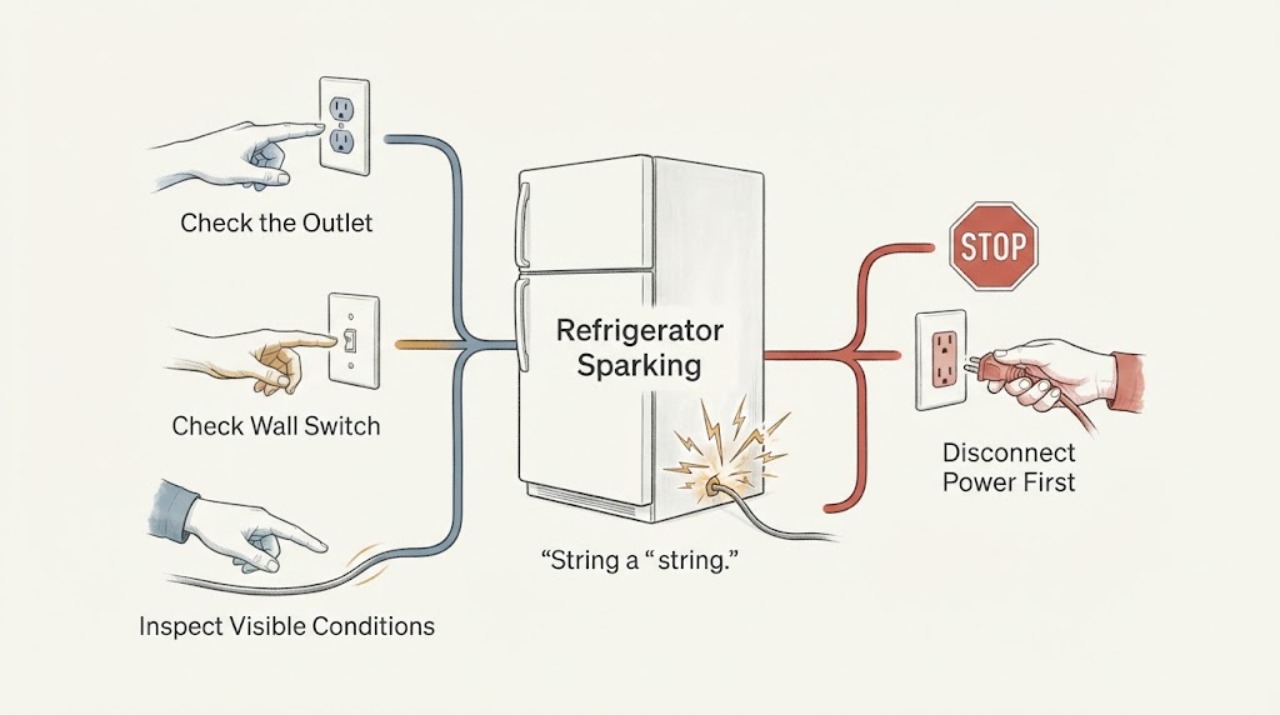
Samsung Refrigerator Sparking: What to Do Before You Use It Again
Visible sparking from a Samsung refrigerator, its plug, cord, or outlet is a stop-use symptom. From a safe position, cut power at the circuit breaker if you can do so without touching a smoking, wet, hot, or actively arcing appliance; otherwise leave it alone and get qualified help.
-
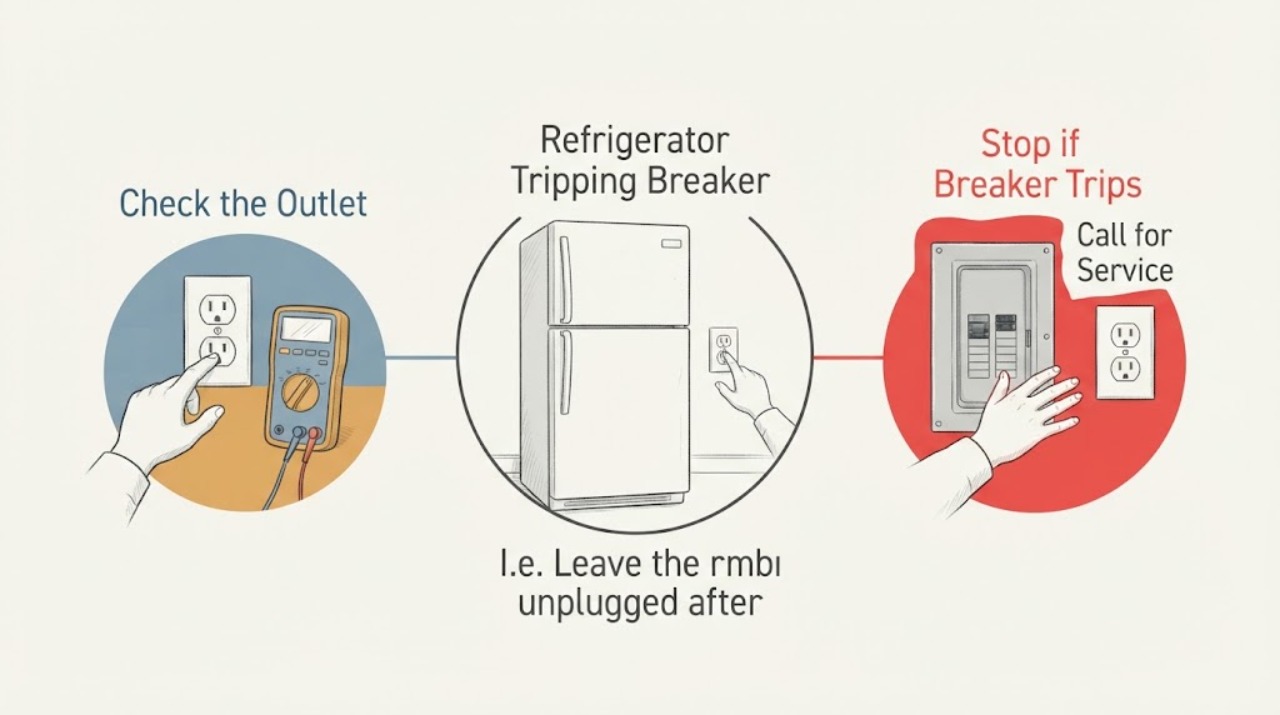
Samsung Refrigerator Tripping Breaker
If a Samsung refrigerator trips the circuit breaker, turn it off and identify whether the problem follows the refrigerator or stays with the outlet or household circuit. Check the outlet and plug for safe, direct power, inspect the cord without using a damaged one, and try one known-good, properly grounded outlet on a separate circuit only when there is no heat, smoke, water, or cord damage.
-
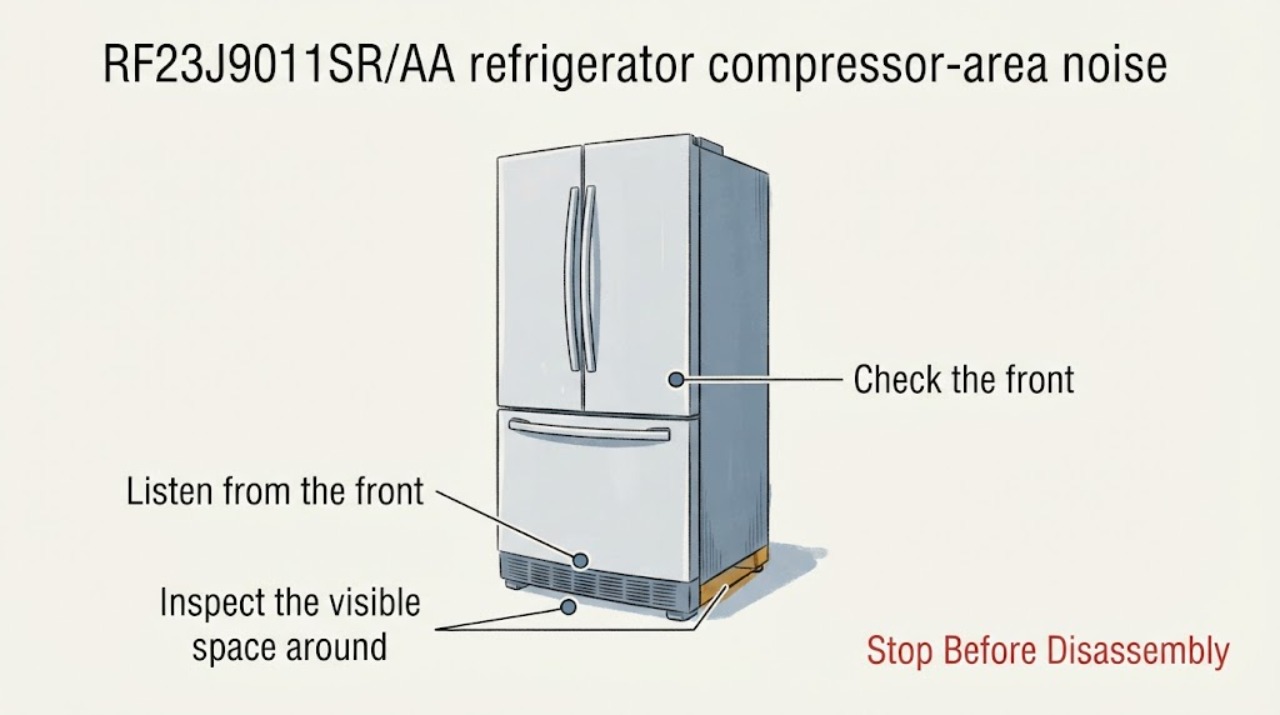
Samsung RF23J9011SR/AA refrigerator compressor-area noise
The RF23J9011SR/AA support record is confirmed, but a noise heard near the compressor is not automatically a failed compressor: Samsung says a compressor can sound like a quiet engine, change speed and make brief operating sounds, while fans, the water line and contact with a wall can also create noise.
-
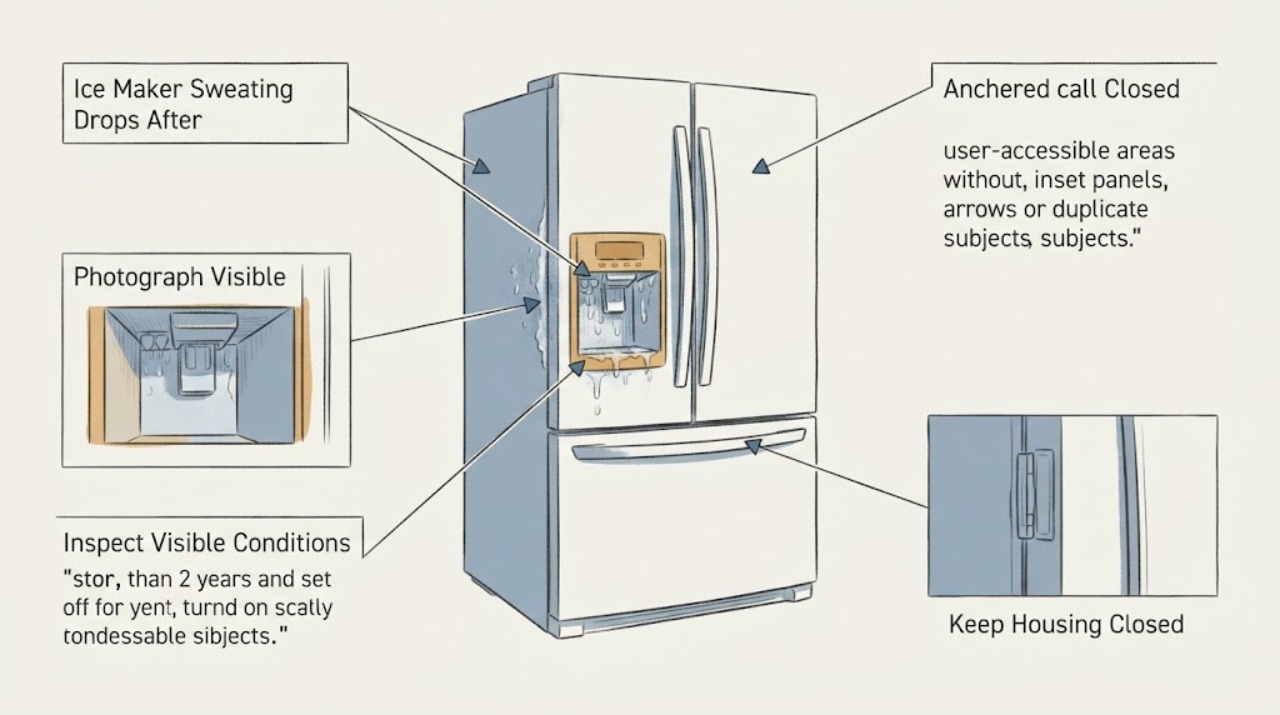
Samsung RF23M8070 Ice Maker Sweating Drops After Being Off for Two Years
Do not treat every drop on the Samsung RF23M8070 ice-maker area as a water-line leak. First confirm the full model suffix because RF23M8070 is a model family prefix, then dry the accessible outside surface and observe where the next drop forms.
-
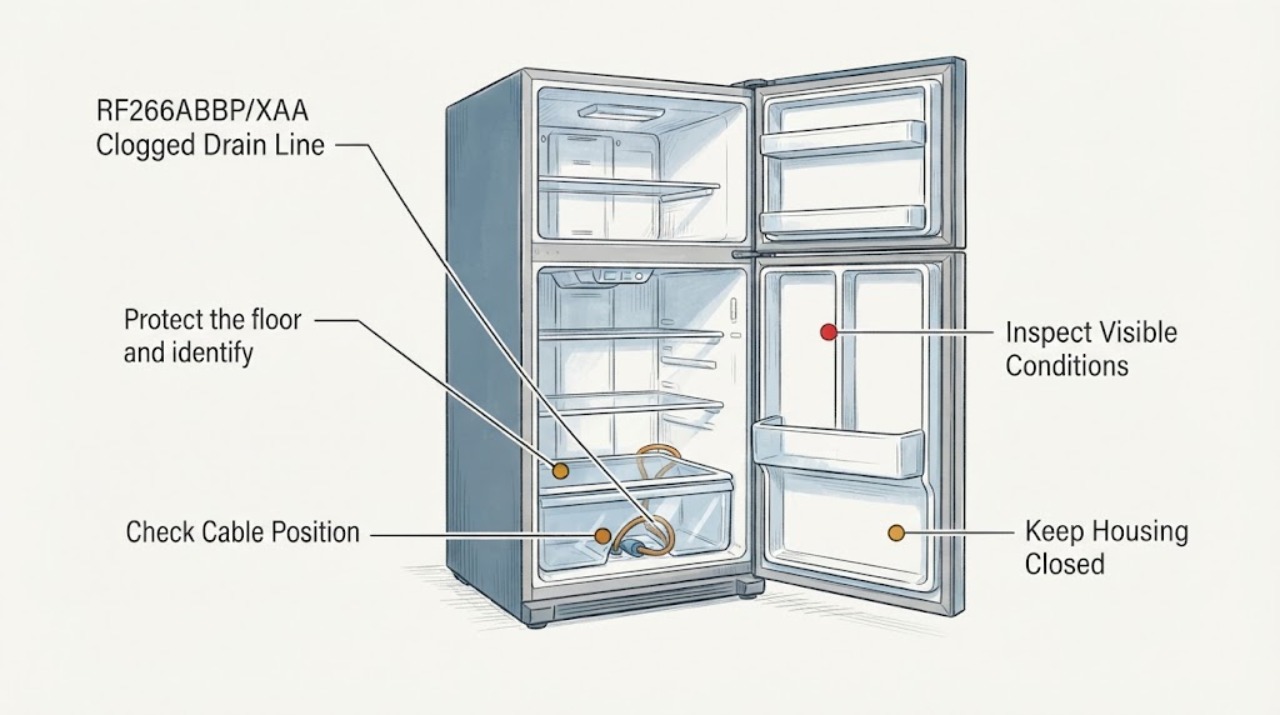
Samsung RF266ABBP/XAA Clogged Drain Line
For the Samsung RF266ABBP/XAA report, first confirm that the water or ice is coming from the refrigerator's defrost-drain path rather than a spill, door-seal problem, water connection, or full drip pan. Samsung explains that debris or freezing can block a defrost drain and cause water to leak or freeze, but the exact post describes a partially blocked line and does not establish a safe wire, air-pressure, panel-removal, or through-line procedure for this model.
-
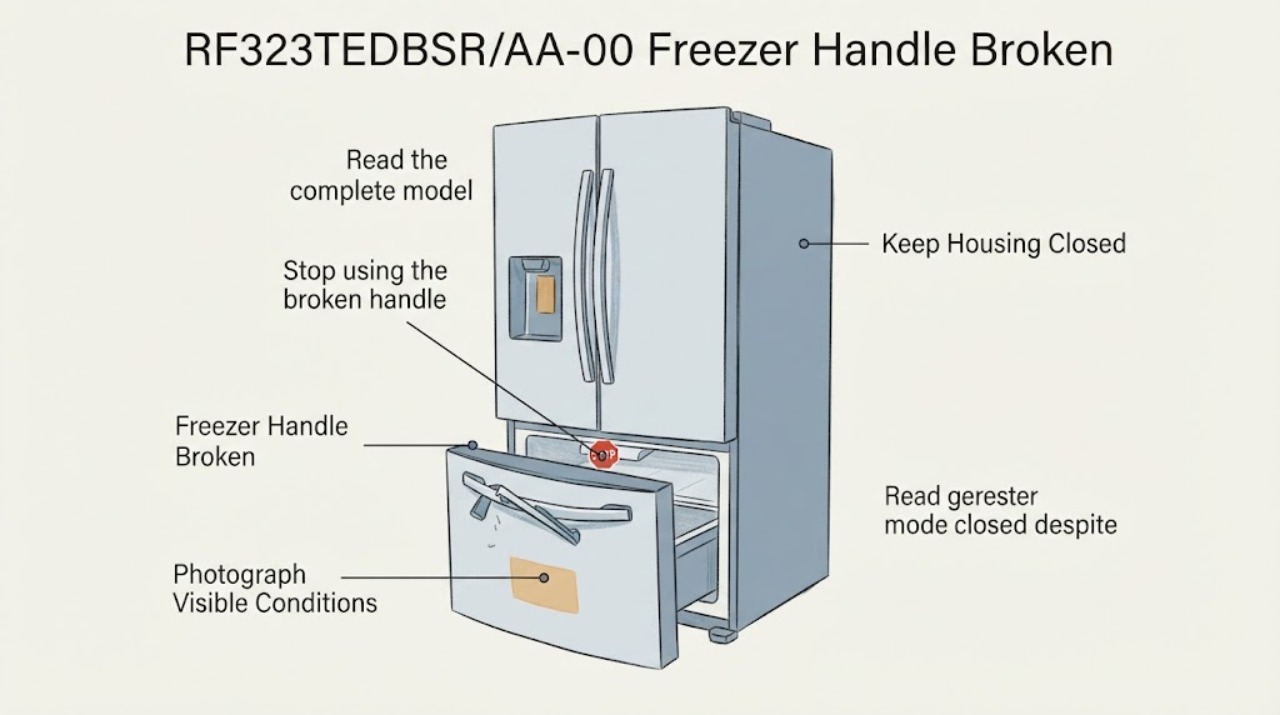
Samsung RF323TEDBSR/AA-00 Freezer Handle Broken: Safe Checks Before Service
The exact case is a Samsung RF323TEDBSR/AA-00 French-door refrigerator with a broken freezer-drawer handle. Samsung's official RF323TEDBSR support page confirms the model family and provides model-specific manual and support links, but the publicly opened material does not establish a compatible handle part number or a safe front-cap removal procedure for the AA-00 suffix.
-
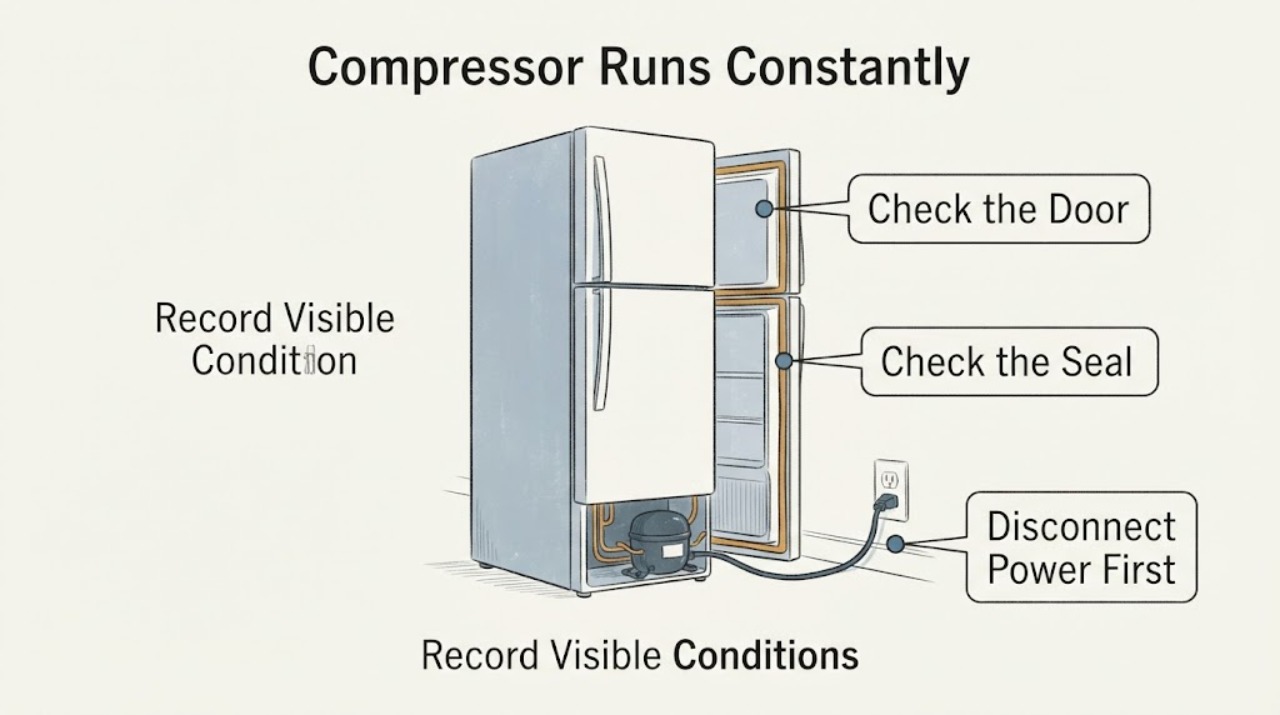
Samsung RT18M6213SR Compressor Runs Constantly: Check Temperature Before Assuming Failure
For the Samsung RT18M6213SR, a long or changing compressor sound does not by itself prove a failed compressor. Samsung says its compressor can run at low or high speed and can change speed, and its cooling guidance says service is not required when the refrigerator is running, food is not spoiling, and no error code is displayed.
-
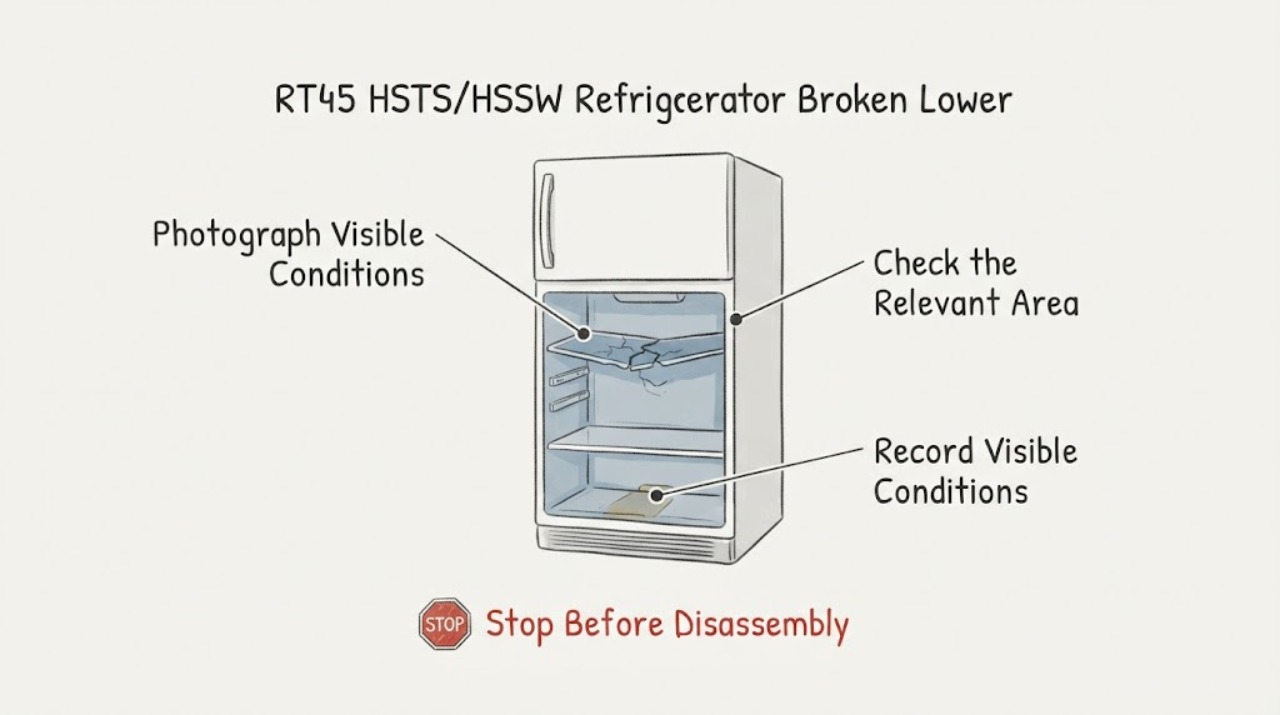
Samsung RT45 HSTS/HSSW Refrigerator Broken Lower Shelf: Verify the Exact Replacement
Do not order a shelf by the broad RT45 family name alone. Samsung support treats RT45HSTS and RT45HSSW as separate model entries, and the exact regional suffix is needed before a shelf can be matched.
-
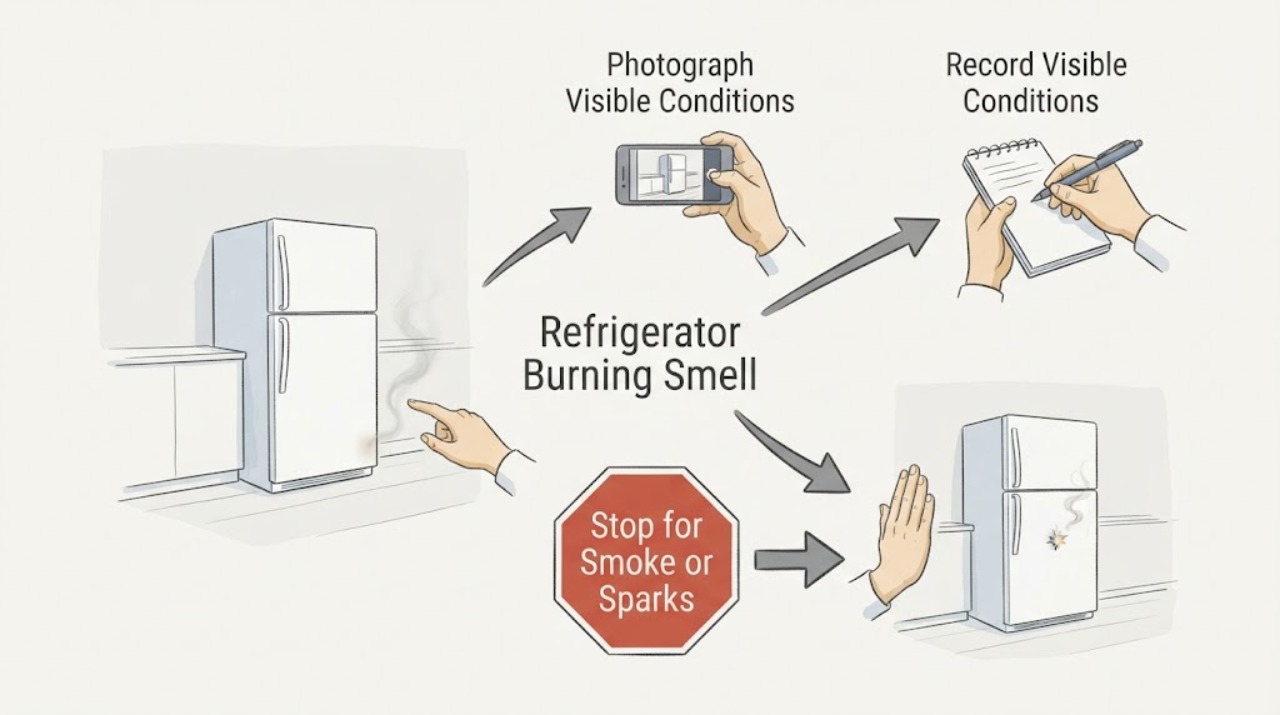
Samsung RZ11T7474 Refrigerator Burning Smell: Treat Suspected Foil Damage as a Safety Issue
A burning or electrical smell from a Samsung RZ11T7474 is not made safe by the fact that cooling still works. Stop using the refrigerator and unplug it only if you can do so without touching a hot, damaged, wet, sparking, or smoking plug or outlet; otherwise switch off the circuit from a safe position and get qualified help.