
Samsung appliance guidance
Samsung Washer Dryer Repair Guides
Troubleshooting and repair guidance for published Samsung Washer Dryer problems, symptoms, and maintenance questions.
Published Samsung Washer Dryer guides
Choose the guide whose symptom or condition most closely matches what you are seeing.
-
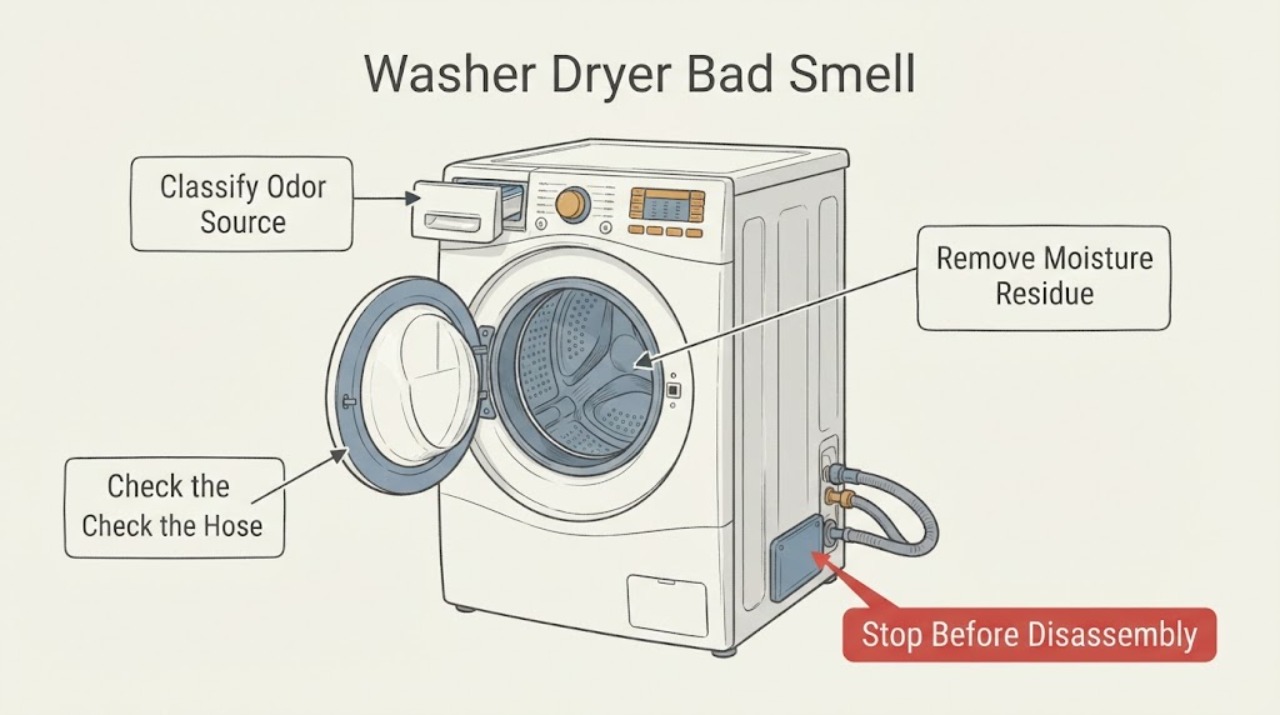
Samsung Washer Dryer Bad Smell
Identify the odor before cleaning. A musty, moldy, or sour smell usually points to trapped moisture, detergent residue, wet laundry, the door seal, drawer, or a dirty pump filter; a sulfur or sewage smell makes the drain-hose setup a priority.
-
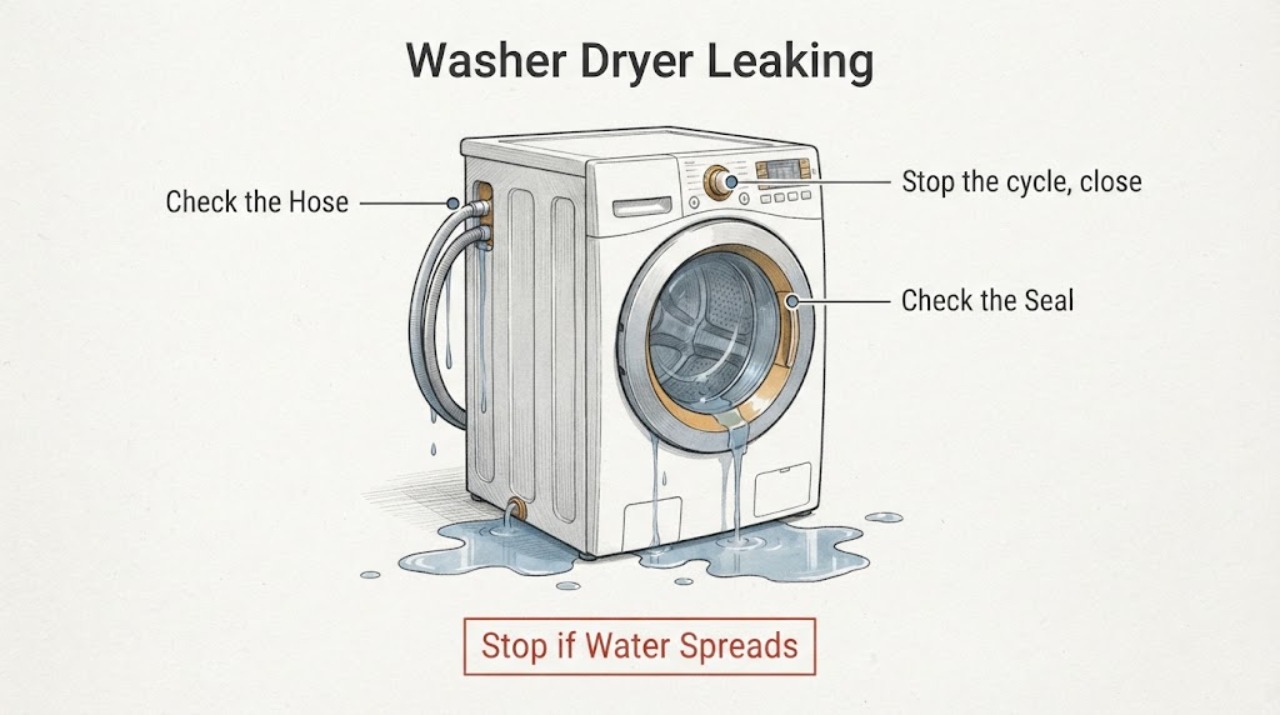
Samsung Washer Dryer Leaking: Find the Safe Water Source
Stop the Samsung washer-dryer, turn off its water supplies, and disconnect power only if you can do so without standing in water or touching damaged electrical parts. Wipe up enough water to locate where it first returns, then check the supply-hose connections, front-door gasket, drain hose and holder, pump-filter area, detergent drawer, load size, and level.
-
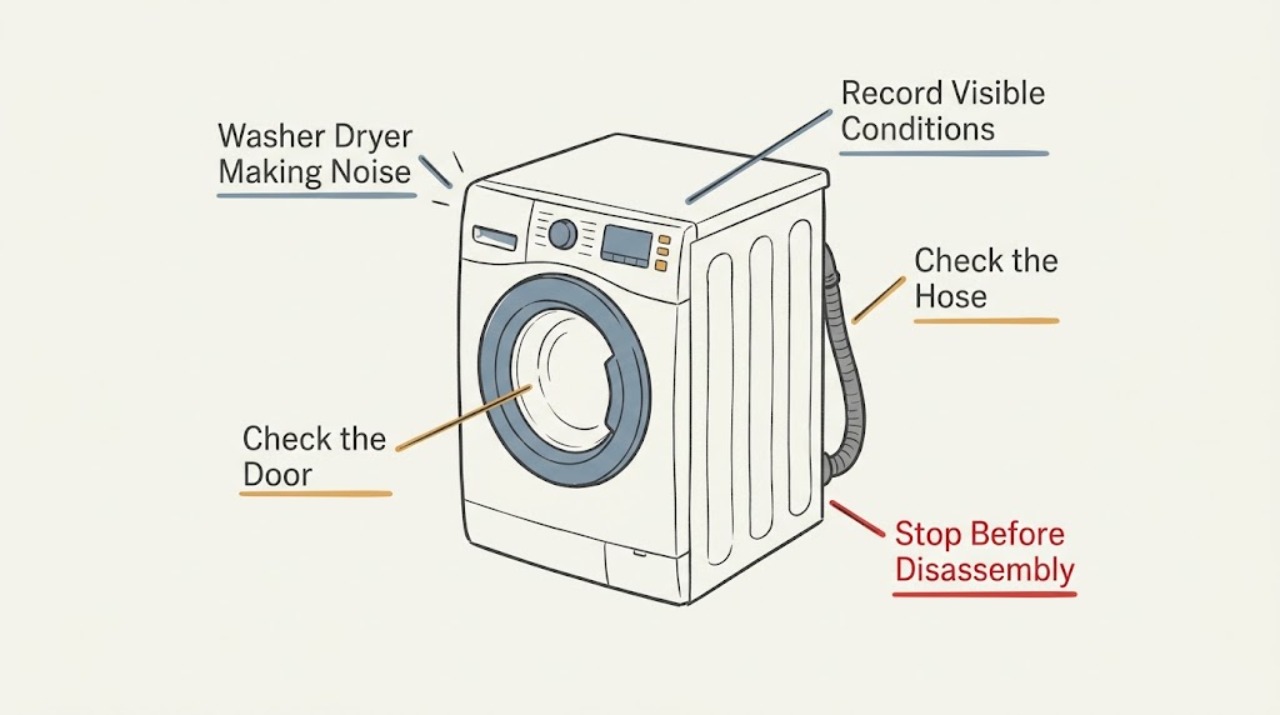
Samsung Washer Dryer Making Noise: Identify the Sound Safely
First identify whether the noise occurs during filling, washing, draining, spinning, or drying. A brief click, valve pop, quiet drain hum, or short motor-mode thump can be normal, while repeated rattling, movement, squealing, grinding, or a jet-like sound needs a different check.
-
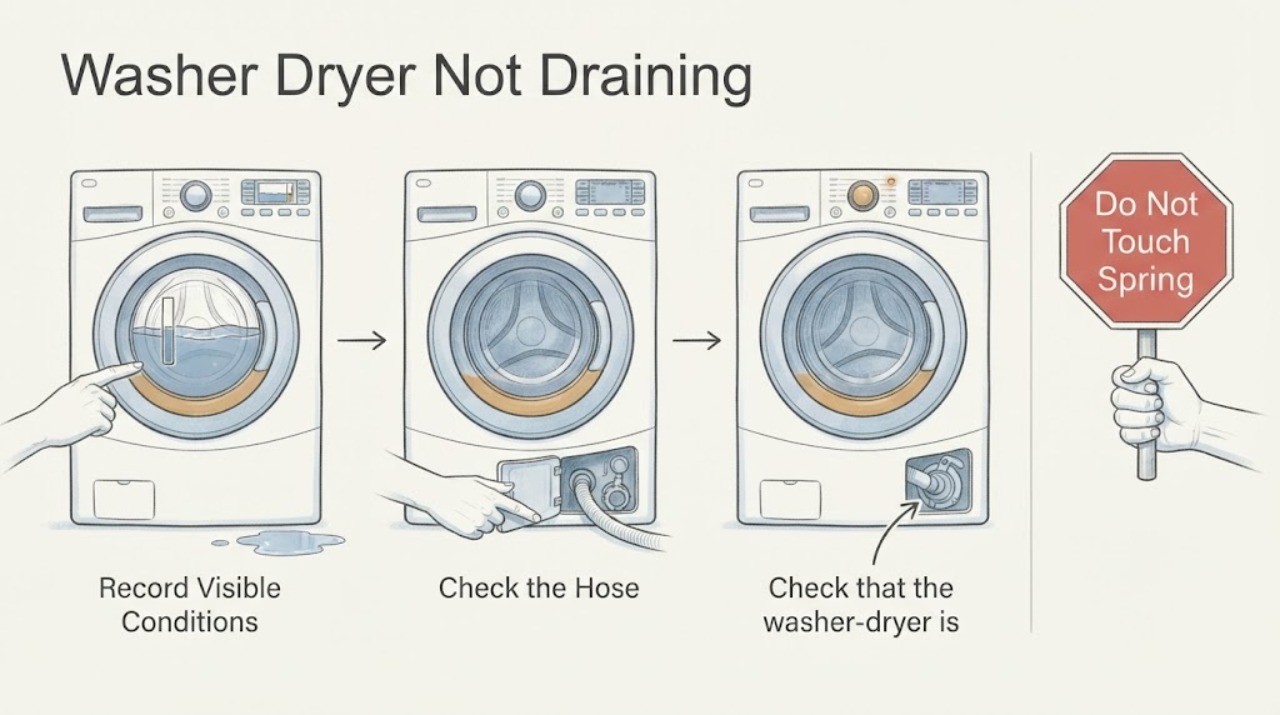
Samsung Washer Dryer Not Draining
If a Samsung washer-dryer leaves water in the drum or shows a no-drain or overflow error, first turn it off and let water from a recent hot cycle cool. Check that the appliance is level and that the drain hose is not kinked, damaged, too deep, too low, or sealed airtight in the standpipe.
-
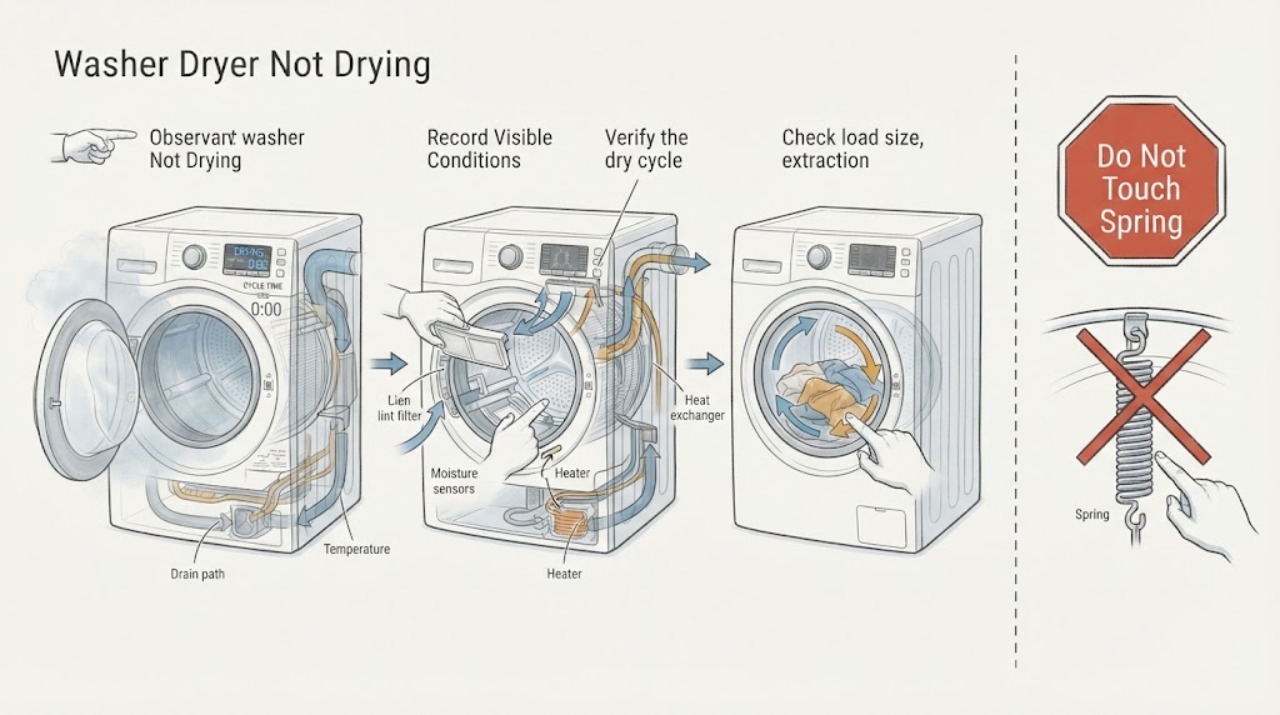
Samsung Washer Dryer Not Drying
First identify whether the Samsung washer-dryer has no heat, weak heat, a cycle that ends too quickly, a cycle that takes too long, or clothes that were still soaking wet after the wash. Check that the selected cycle actually heats, turn off Eco Dry when an applicable model intentionally reduces heat, and use the correct Dry Level.
-
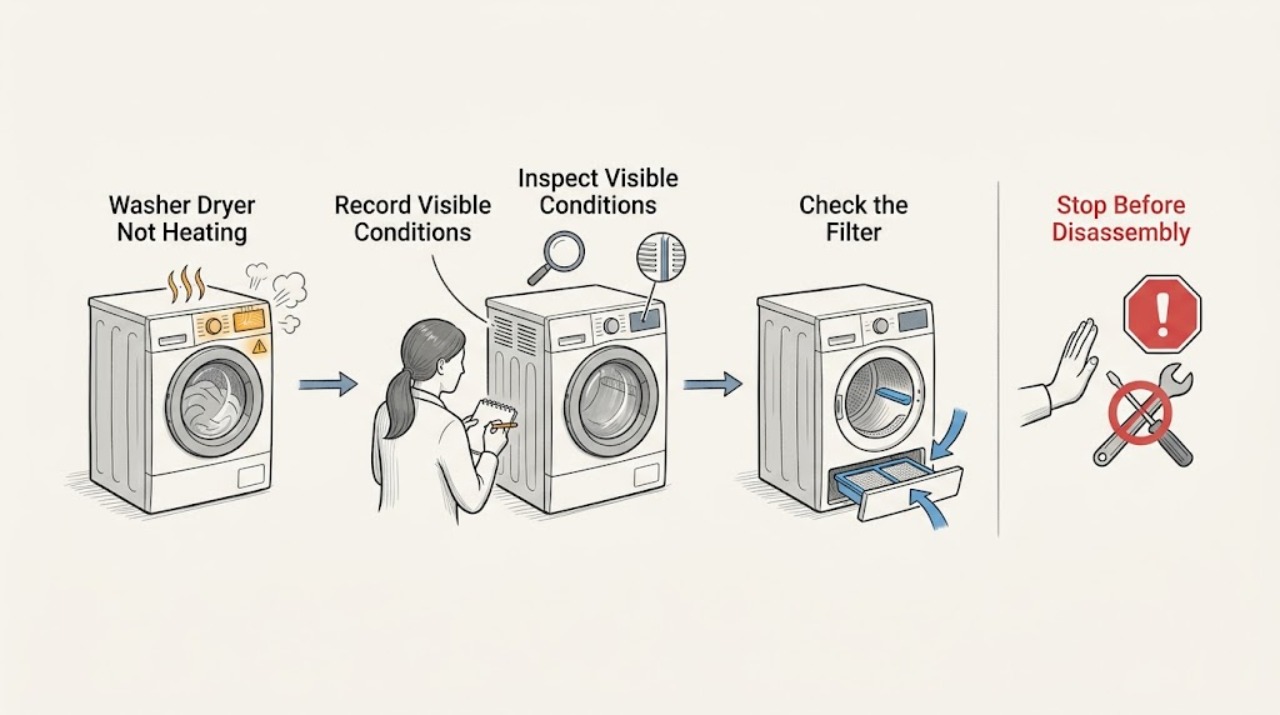
Samsung Washer Dryer Not Heating: Separate Wash and Dry Heat
First identify whether the Samsung washer-dryer is failing to heat water during washing or failing to produce warm air during drying. For the drying function, check that the selected cycle is supposed to use heat, turn off Eco Dry if the model offers it, clean the lint filter and model-specific heat exchanger, and check the exhaust or condensation path.
-
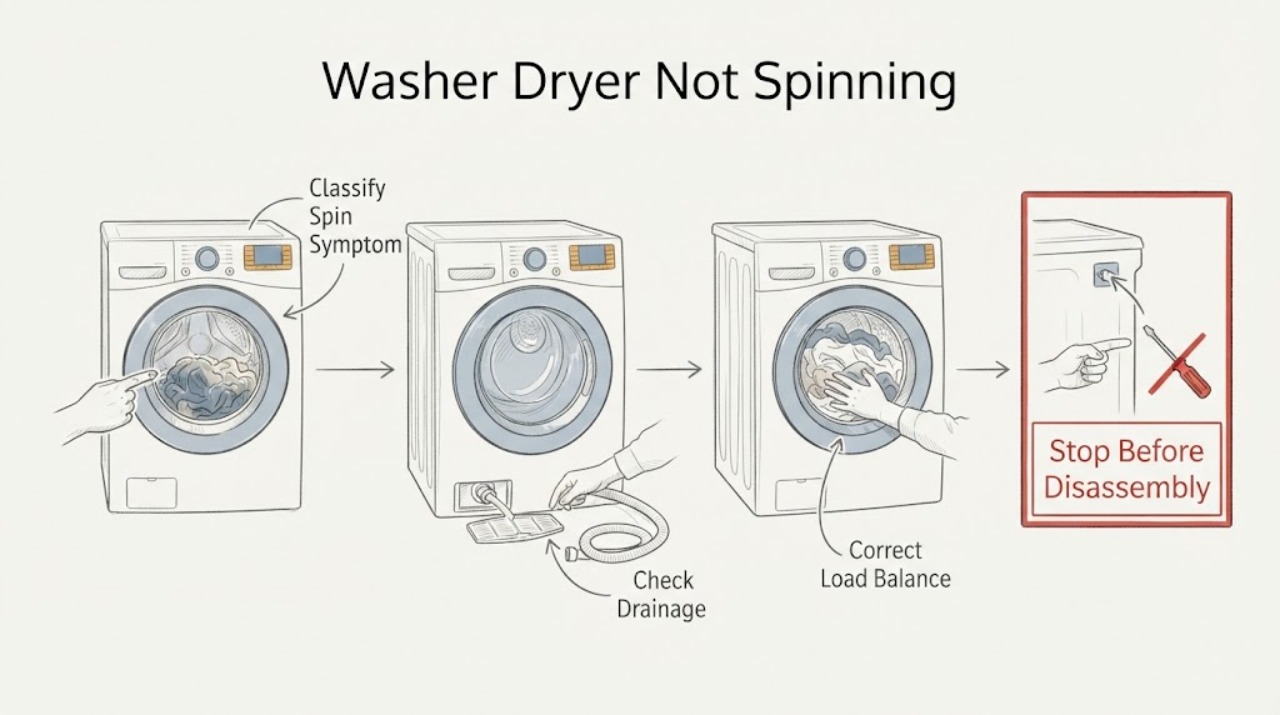
Samsung Washer Dryer Not Spinning
A Samsung washer-dryer may refuse to spin because it cannot drain, the load is unbalanced, the unit is not level, shipping bolts remain after installation, or a door or motor condition needs service. First determine whether the wash tub never starts, stops mid-cycle, or spins slowly.
-
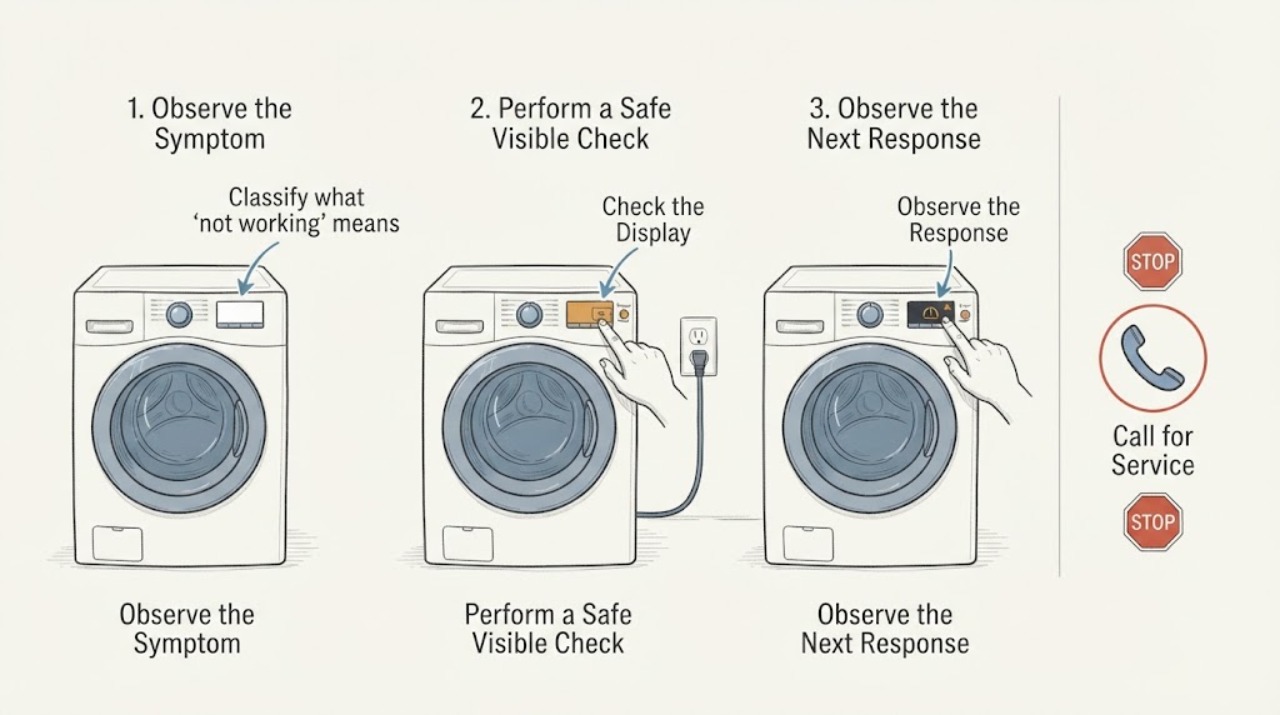
Samsung Washer Dryer Not Working: Check Power, Water, and the Cycle State
When a Samsung washer-dryer is not working, first separate a dead appliance from a powered appliance that will not start or has stopped mid-cycle. Check the correct Power control, direct power connection and breaker, displayed code, door and Child Lock state, water supply, drain condition, load, and any model-specific filter or software message.
-
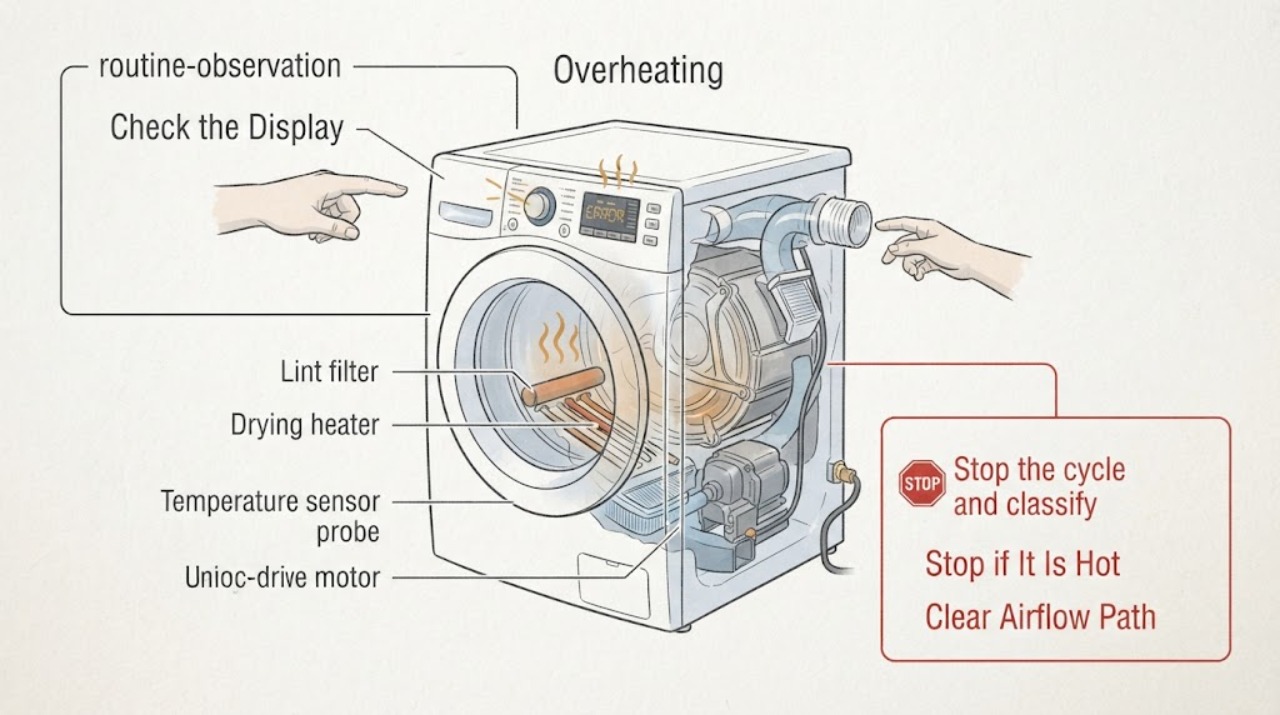
Samsung Washer Dryer Overheating: Stop Safely and Check Airflow
Treat a Samsung washer-dryer that feels excessively hot, shows a heating or temperature alert, smells of burning, or produces smoke as a safety issue first. Stop the cycle, keep clear of smoke or fire, and disconnect power only when it is safe; never continue a hot or smoking appliance to see whether it cools.
-
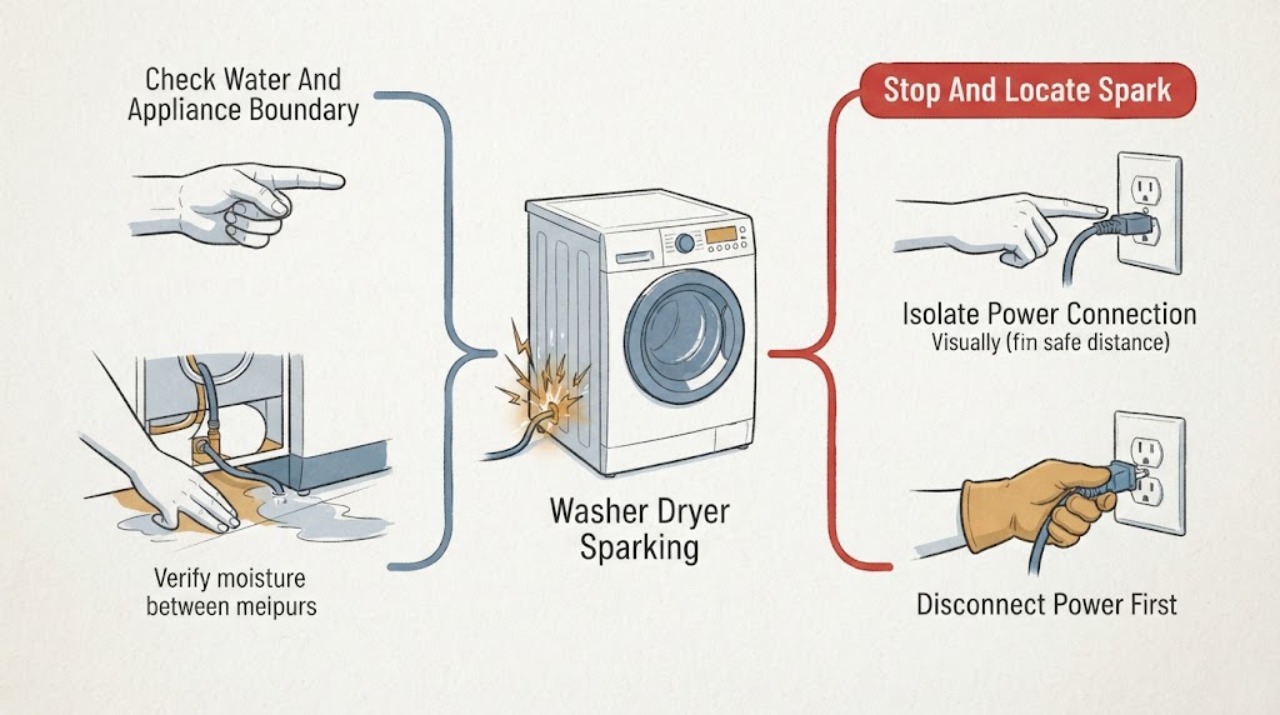
Samsung Washer Dryer Sparking
Visible sparks from a Samsung washer-dryer are an immediate stop condition, not a normal cycle symptom. Stop the washer or dryer, keep people away, and disconnect power only from a safe position; if there is smoke, a burning or electrical smell, scorch marks, heat, or an active fire, use local emergency guidance and do not operate switches or reinsert the plug.
-
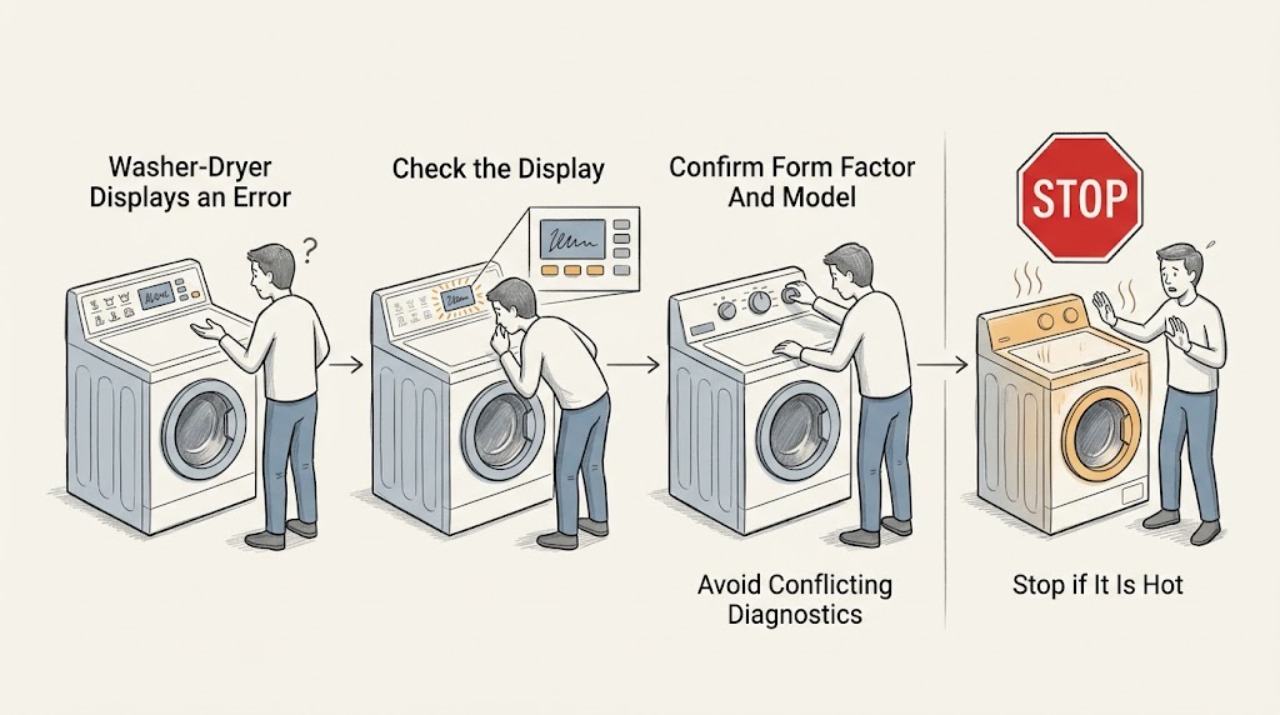
Samsung Washer-Dryer Displays an Error: What to Check and What to Do Next
Do not guess what a Samsung washer-dryer error means from the letters alone. Photograph or write down the exact code, icon, or blinking-light pattern, the full model, and whether it appeared during washing, filling, draining, spinning, drying, heating, or a connected-app event.
-
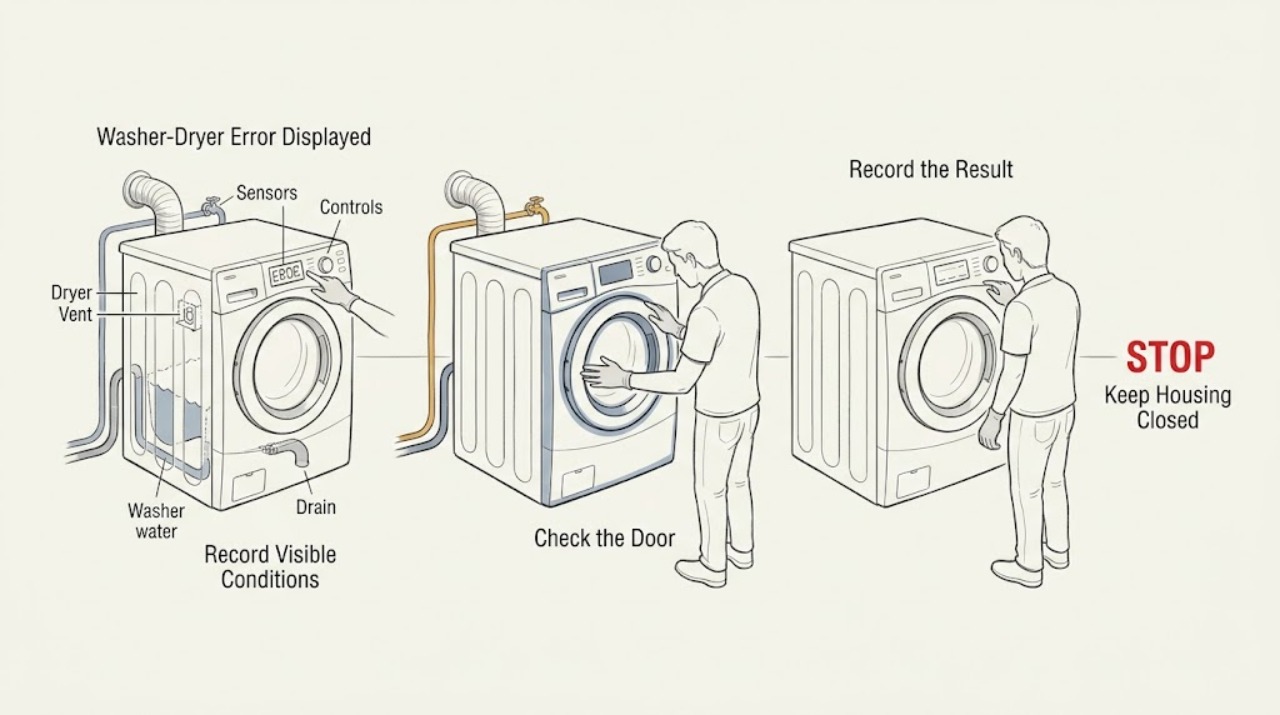
Samsung Washer-Dryer Error Displayed: Identify the Code Safely
Start by photographing the exact Samsung code or blinking-light pattern before switching the appliance off or resetting it, and note whether it appeared on the washer or dryer side. Samsung uses different meanings for codes that can look similar across models, so the model-specific manual is the authority.
-
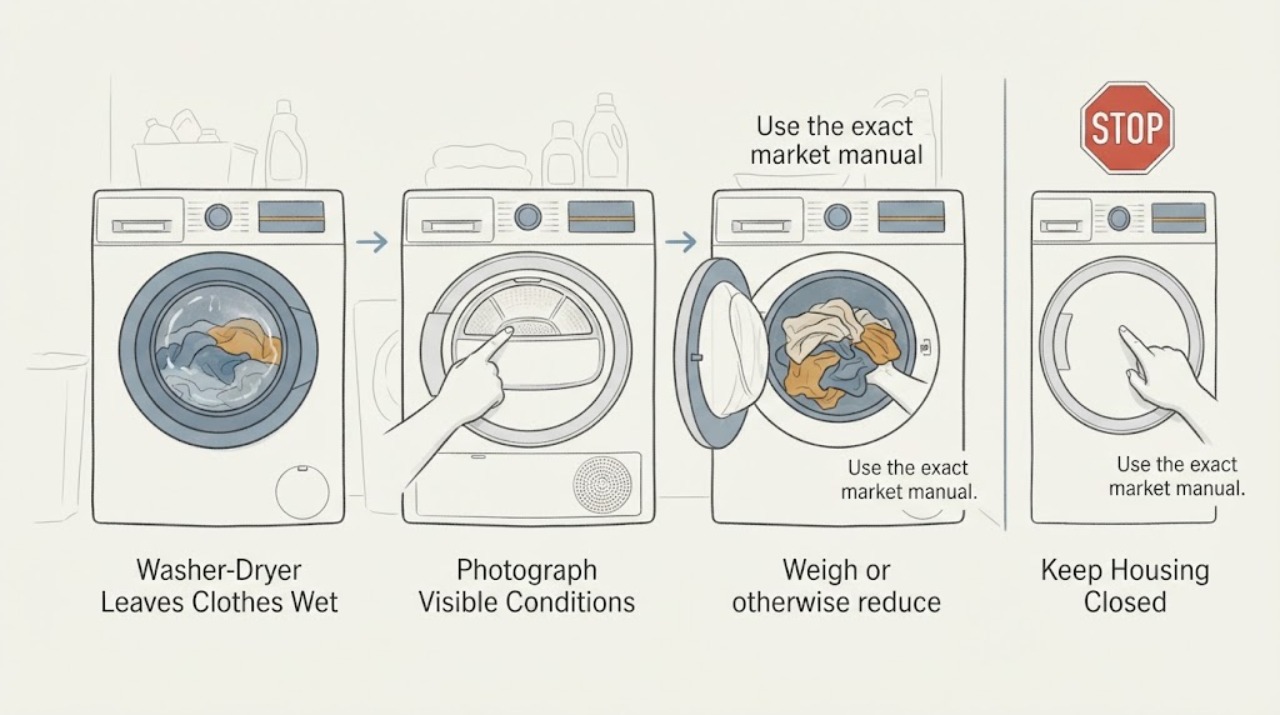
Samsung WD80J5A10AW Washer-Dryer Leaves Clothes Wet: Load, Water, and Drying Checks
For a Samsung WD80J5A10AW washer-dryer that leaves laundry damp or wetter after drying, first confirm the market suffix and separate the 8 kg wash capacity from the 5 kg drying capacity documented for the WD80J5A10AW EU variant. A load that is acceptable for washing can still be too large for drying.
-
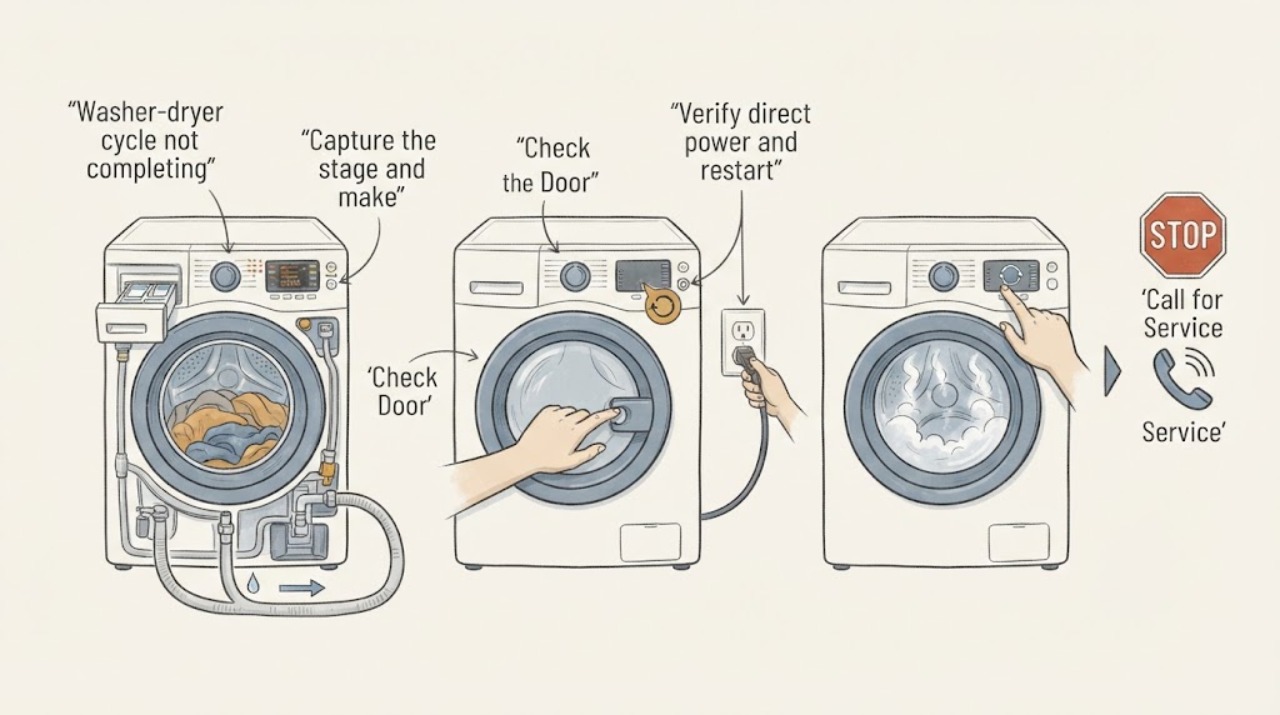
Why Is My Samsung Washer Dryer Cycle Not Completing?
A Samsung washer-dryer that does not complete a cycle may be pausing while it fills, drains, balances the load, dissipates suds, waits for a door-lock state, or responds to a power or control error. Note the exact stage and any code, keep the door closed if water remains, then check the external power, door, water, drain, load, and detergent conditions described for your model.