
Thermador appliance guidance
Thermador Oven Repair Guides
Troubleshooting and repair guidance for published Thermador Oven problems, symptoms, and maintenance questions.
Published Thermador Oven guides
Choose the guide whose symptom or condition most closely matches what you are seeing.
-
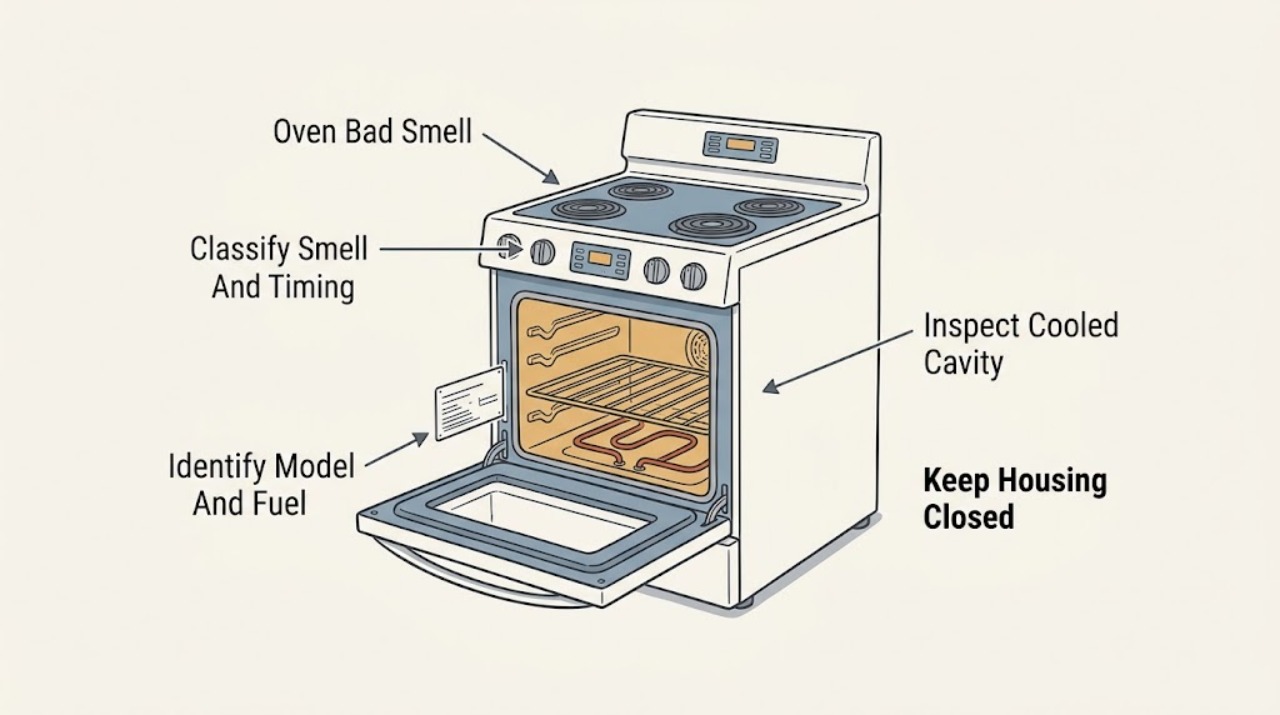
Thermador Oven Bad Smell: Separate Food Residue, Factory Oil, and Gas Odor
First classify the smell before cleaning or testing: food or grease residue, a first-use factory-oil smell, cleaner or plastic, an electrical burning smell, or gas. Thermador says smoke during initial use can come from factory oils and that warm air or steam from the vent can be normal, while food spills should be wiped after the oven cools.
-
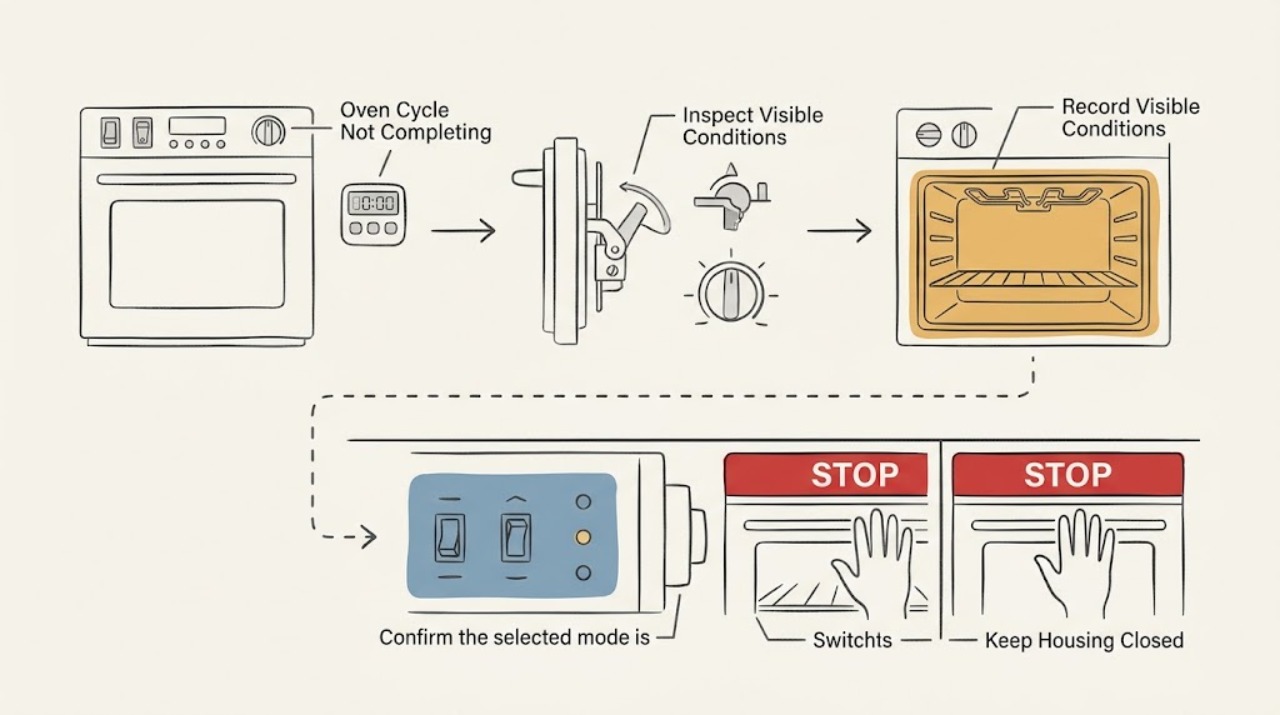
Thermador Oven Cycle Not Completing: Find Where the Program Stops Safely
A Thermador oven cycle that will not complete should be diagnosed by the stage where it stops: timer or delayed-start state, door latch/self-clean lock, slow preheat or temperature control, power interruption, gas ignition on applicable models, or a returning error code. Record the exact model, mode, temperature, display, and stop stage.
-
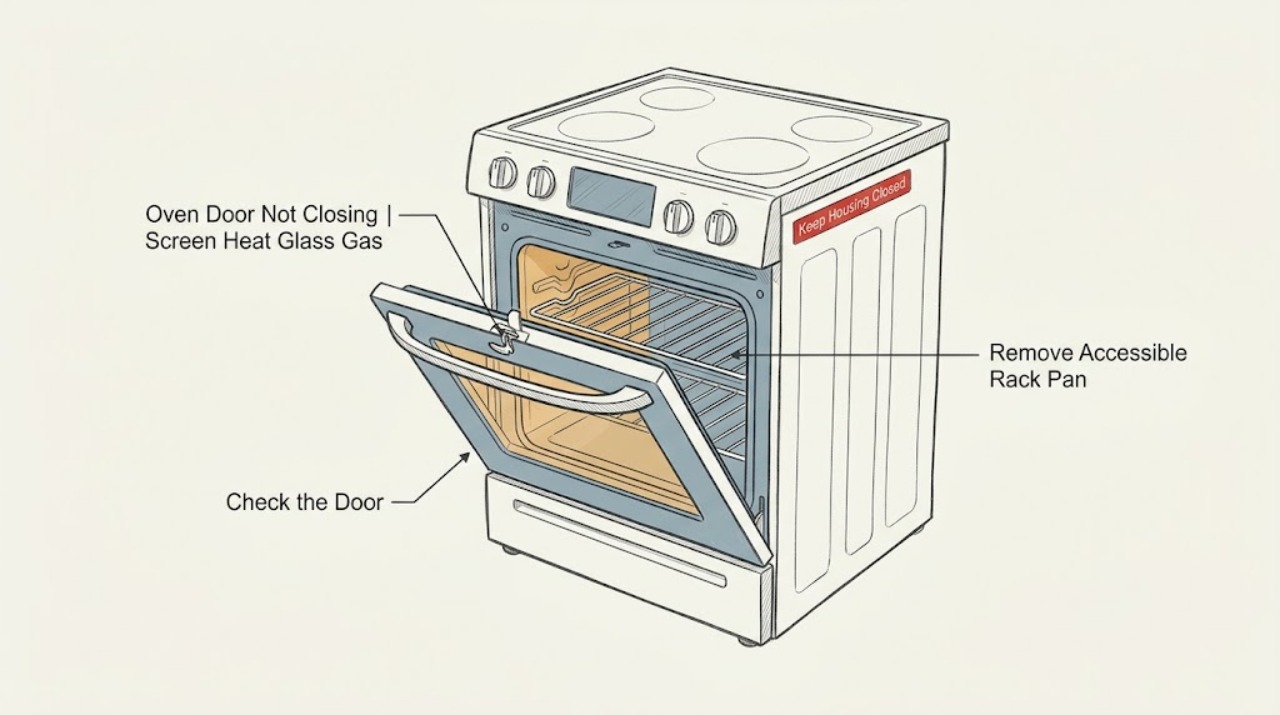
Thermador Oven Door Not Closing: Check Obstructions, Hinges, and the Latch Safely
A Thermador oven door that will not close is commonly held open by a rack, pan, food residue, a displaced door seal, a hinge or latch that is not seated, or a self-clean lock that has not returned to its normal position. Let the oven cool, remove only accessible obstructions, and compare the door, hinges, seal, and latch with the exact model manual.
-
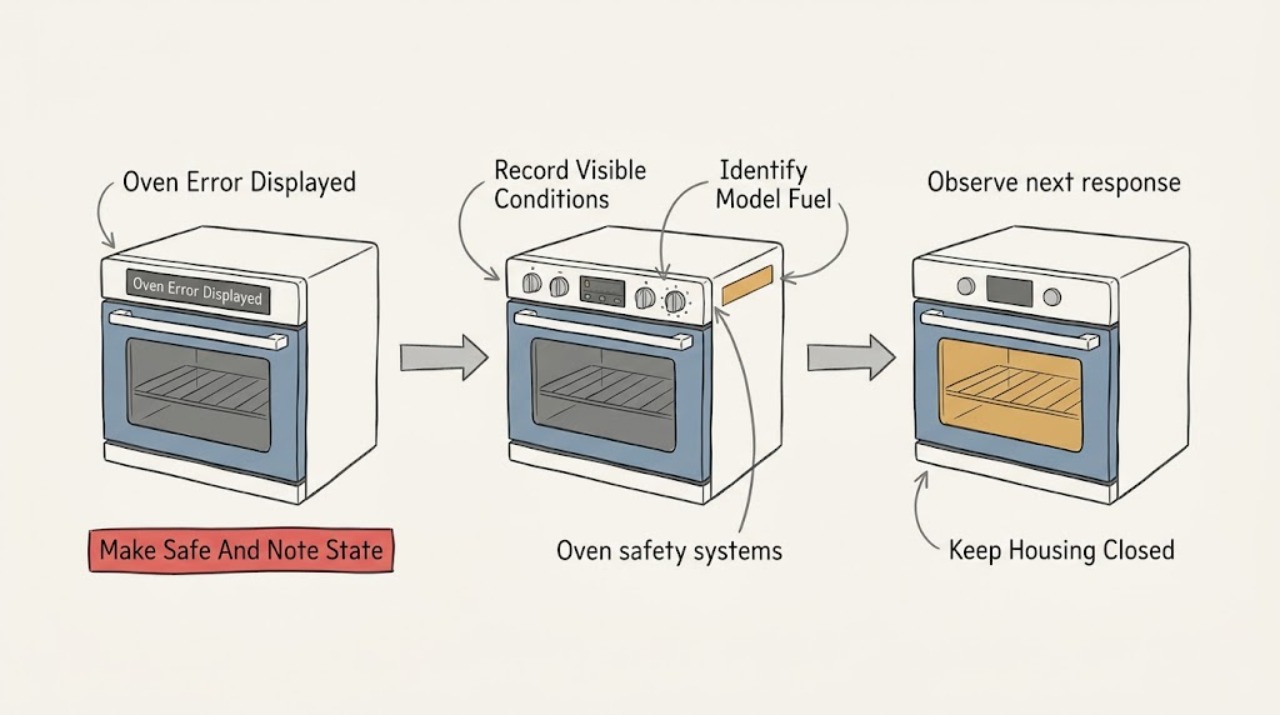
Thermador Oven Error Displayed: Identify the Code Before Resetting
Treat a Thermador oven error display as model-specific until you have recorded the complete code, the oven model, the fuel type, and what the oven was doing when the message appeared. Thermador's oven support page describes an E-number display with beeping as a fault: stop the beeping with a control key, follow the exact owner's manual for any reset, and turn the oven off and arrange Thermador service if the code returns or is not listed.
-
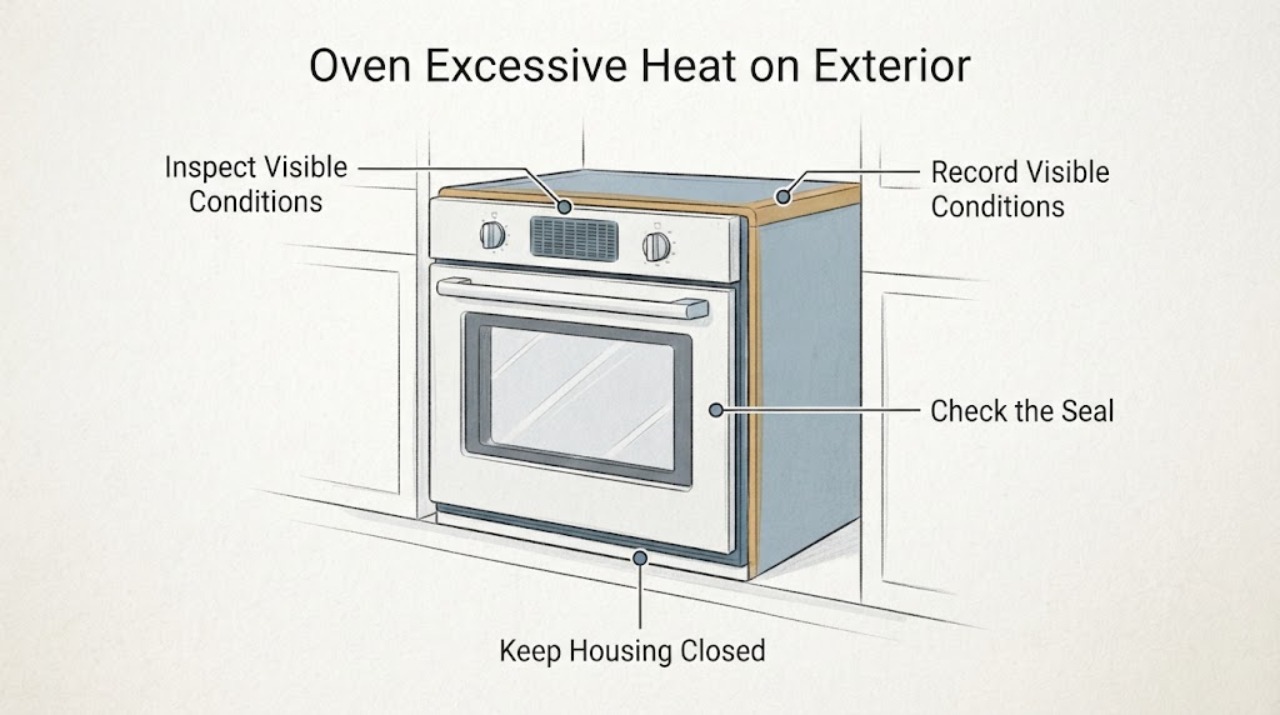
Thermador Oven Excessive Heat on Exterior | Fix Guide
Warm air or steam from a Thermador oven vent, and a warm vent area during use, can be part of the cooling process. Thermador manuals also describe a cooling fan that can run during cooking and after the oven is switched off.
-
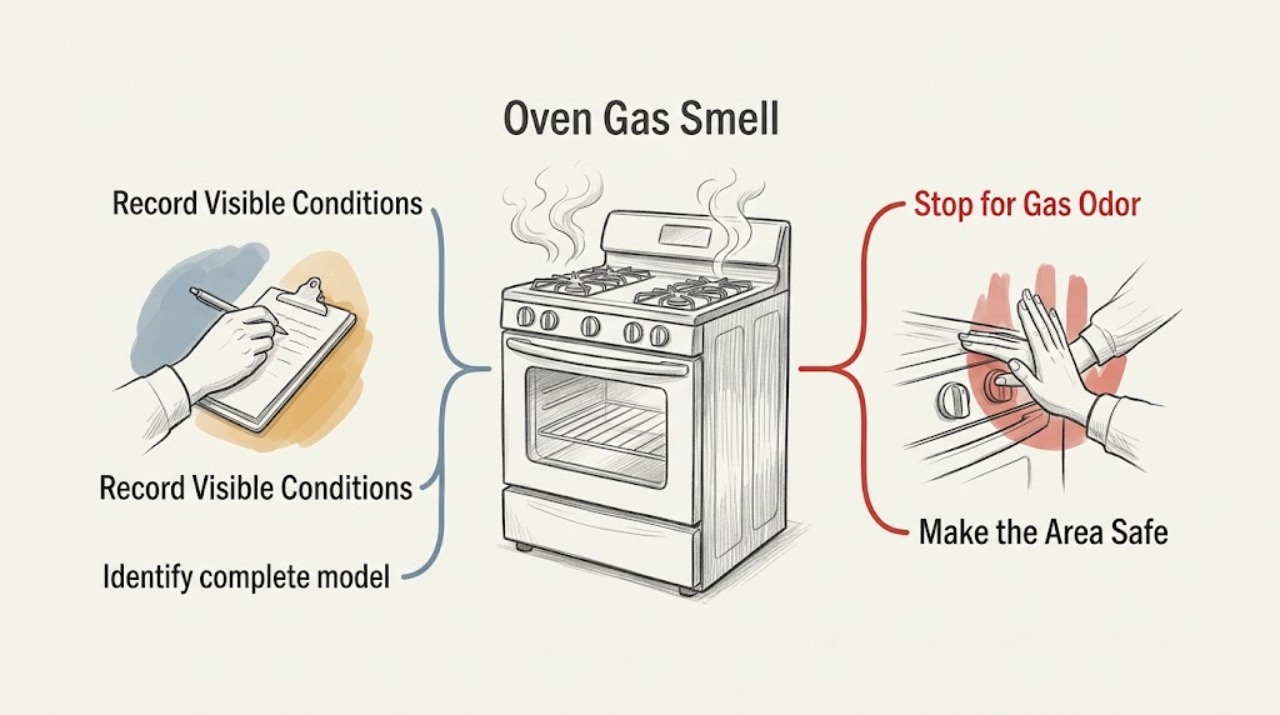
Thermador Oven Gas Smell: When to Leave and When Service Is Needed
Treat a persistent, strong, unexplained, or returning gas smell from a Thermador oven as a possible leak or incomplete ignition: leave immediately, do not light anything, do not operate switches or appliances, and seek gas or emergency help from outside. Do not search for the leak, relight the oven, or run another test.
-
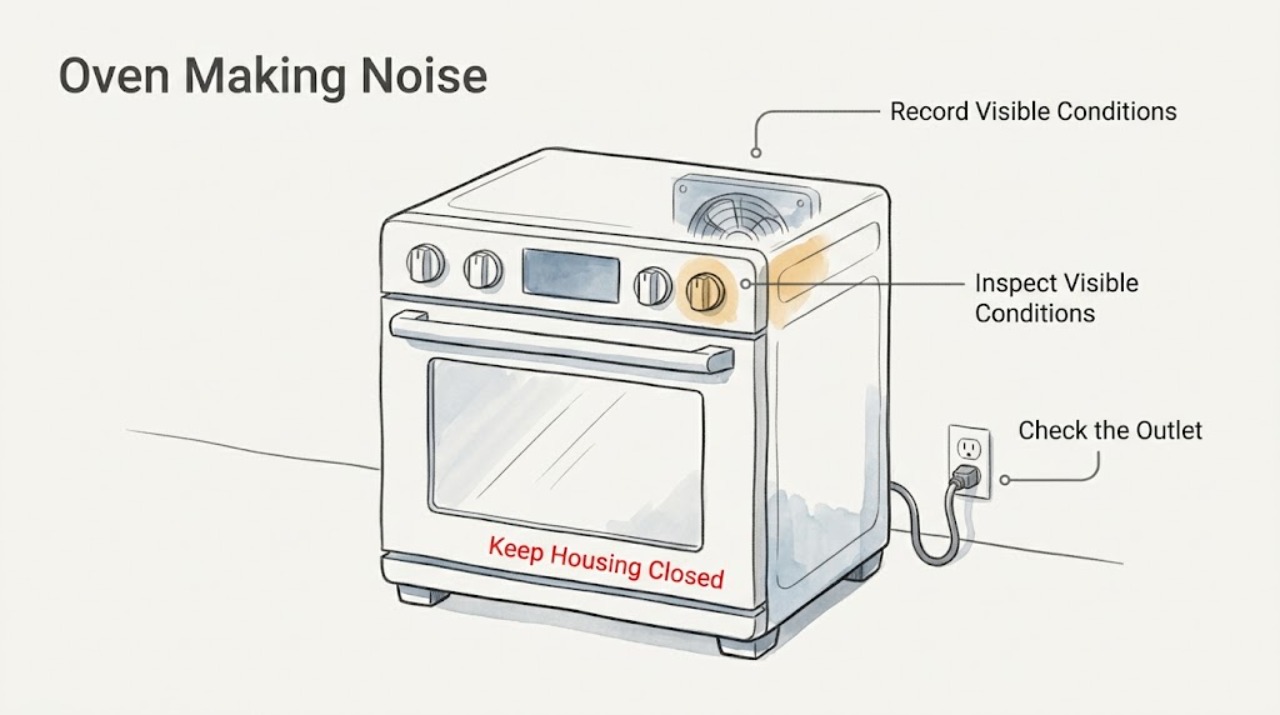
Thermador Oven Making Noise: Identify Normal Fan Sounds and Dangerous Noises
Identify when and where the sound occurs before deciding whether it is a fault. A Thermador oven may make normal fan or cooling sounds, and a broiler can cycle as it regulates temperature.
-
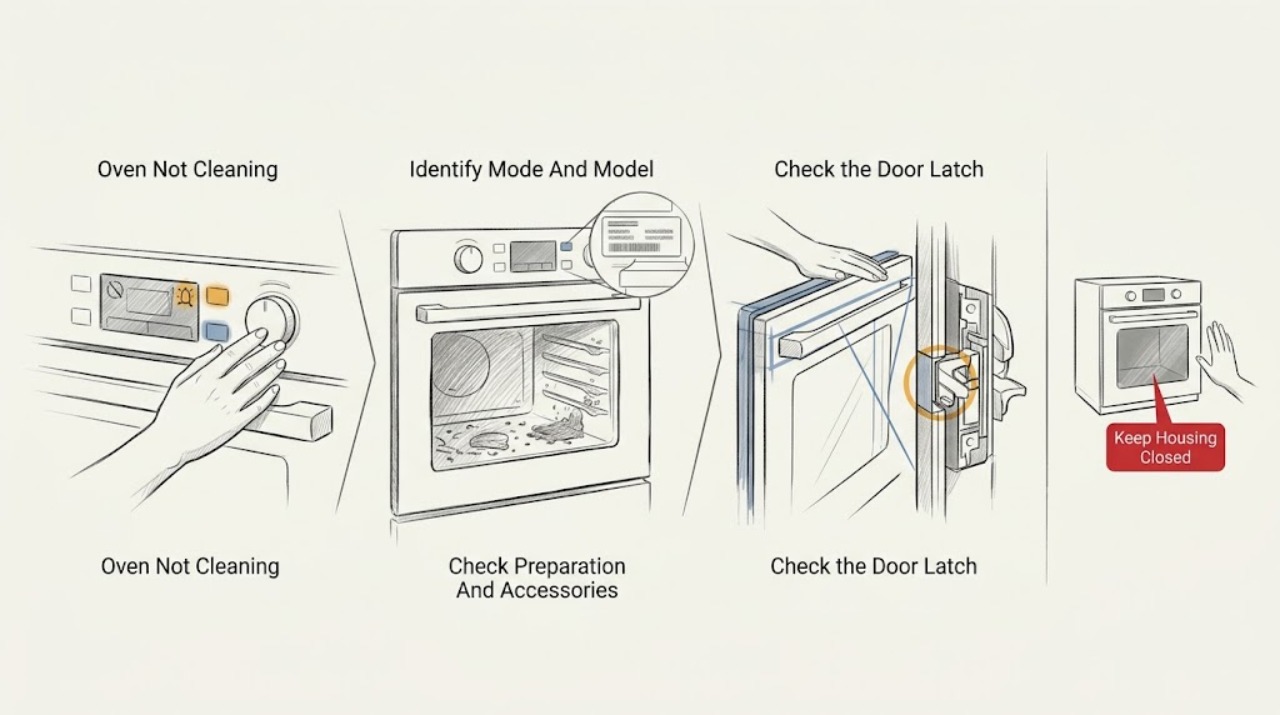
Thermador Oven Not Cleaning: Check the Cleaning Mode, Door Lock, and Residue Safely
First identify the Thermador appliance and the cleaning mode: conventional oven self-clean, a range steam-clean program, or a steam oven's cleaning or descaling mode. Check the exact model manual, remove accessories that the manual excludes, clear loose spill residue only after the cavity is cool, and confirm the door can close and lock normally.
-
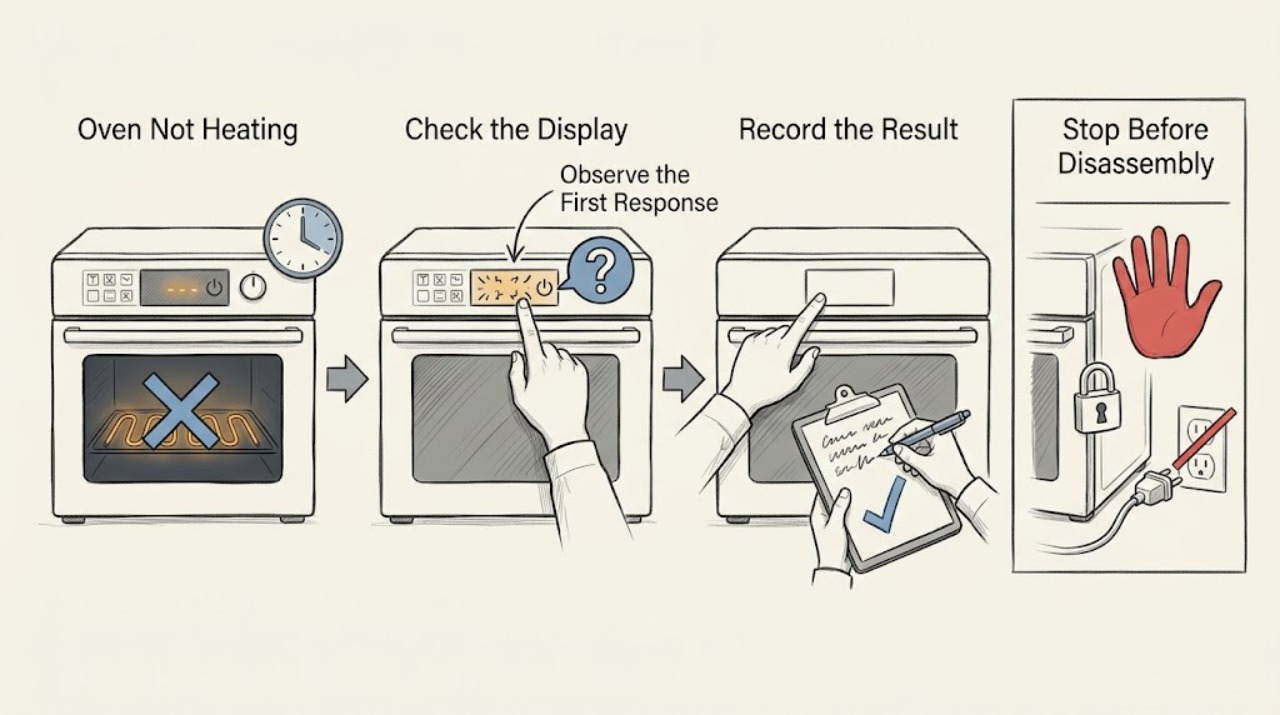
Thermador Oven Not Heating: Check the Mode, Power, Door, and Fuel Type
First decide whether the Thermador oven is completely without power, powers up but never starts heating, or heats weakly or unevenly. Confirm the selected cooking mode and temperature, start the cycle, keep the door closed while preheating, and use the exact model manual for controls and fuel-specific behavior.
-
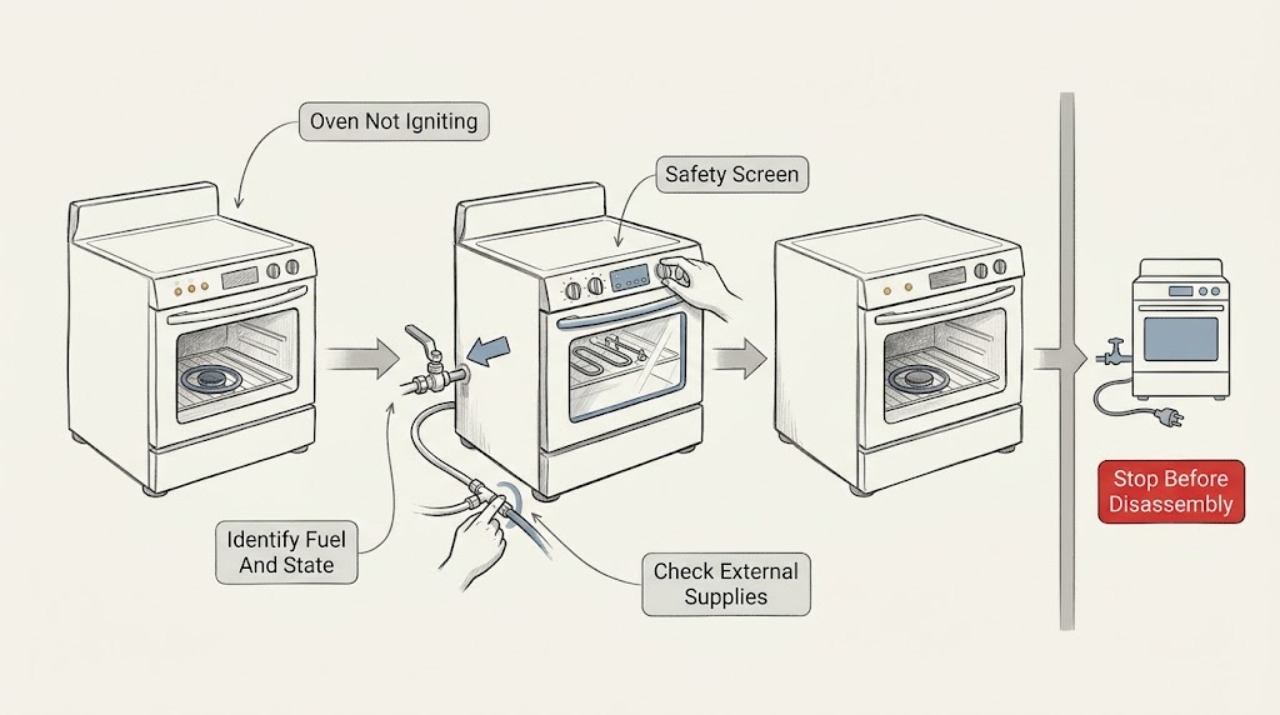
Thermador Oven Not Igniting
First identify whether the Thermador appliance is gas, electric, or a dual-fuel range with an oven, because an electric oven does not use a gas igniter. Record the model, selected mode, display state, and exact response: no power, no click or glow, click or glow without flame, a flame that goes out, or a delayed ignition.
-
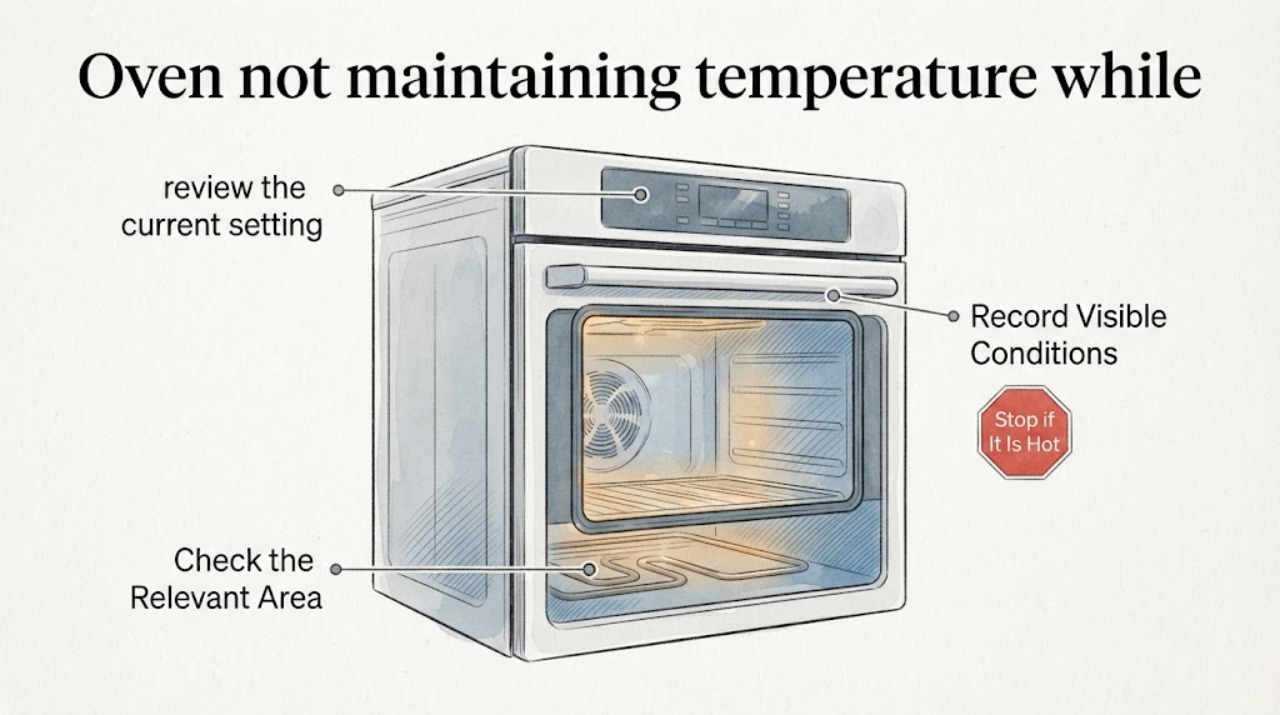
Thermador oven not maintaining temperature while cooking
The exact report describes a stacked Thermador oven set that takes about an hour to reach the desired temperature and varies far above and below the setting during cooking. First separate a long preheat or door-opening effect from a repeatable temperature-control fault: use the correct Thermador manual, remove unneeded pans and racks, keep the door closed during preheat, and record the mode, setpoint, preheat time and observed result.
-
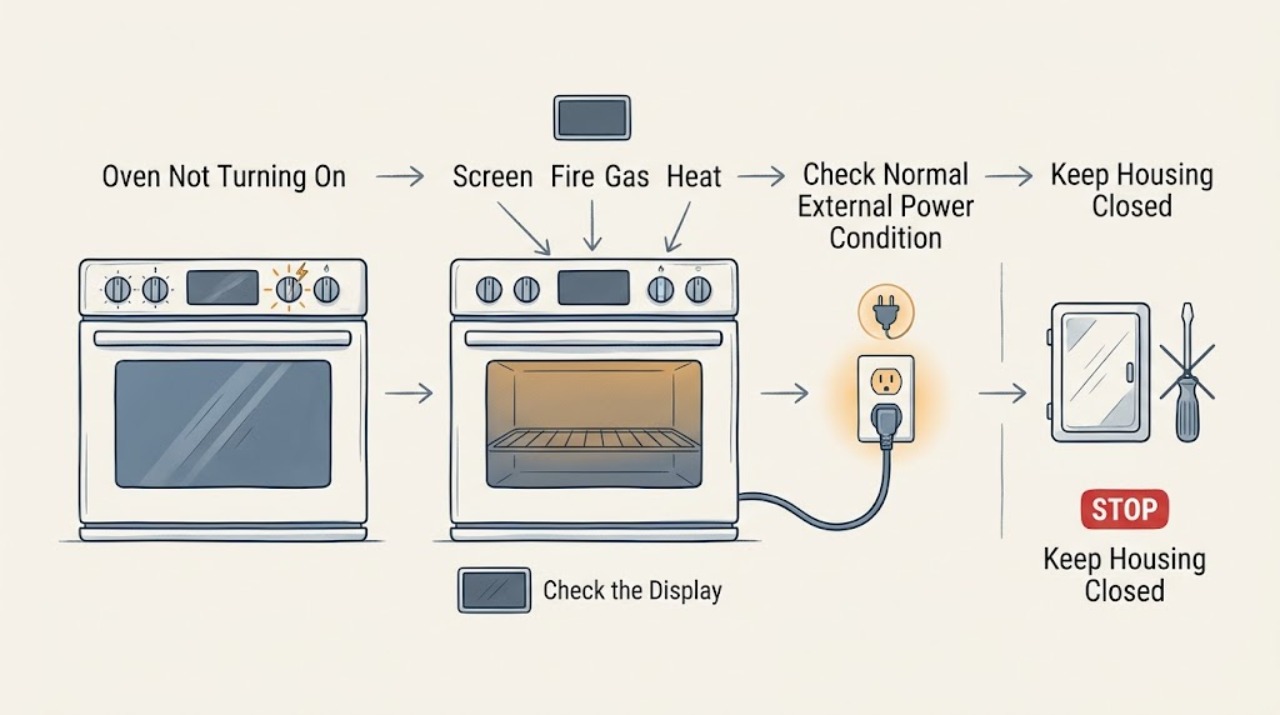
Thermador Oven Not Turning On: Separate Power, Controls, and Fuel Problems
First determine whether the Thermador oven is completely blank or has a display that lights but will not start. A blank display points to the appliance disconnect, household circuit, or control power; a lit display can be held by Panel Lock, a delay or end-time setting, an unconfirmed door, an incomplete mode or temperature selection, or an error state.
-
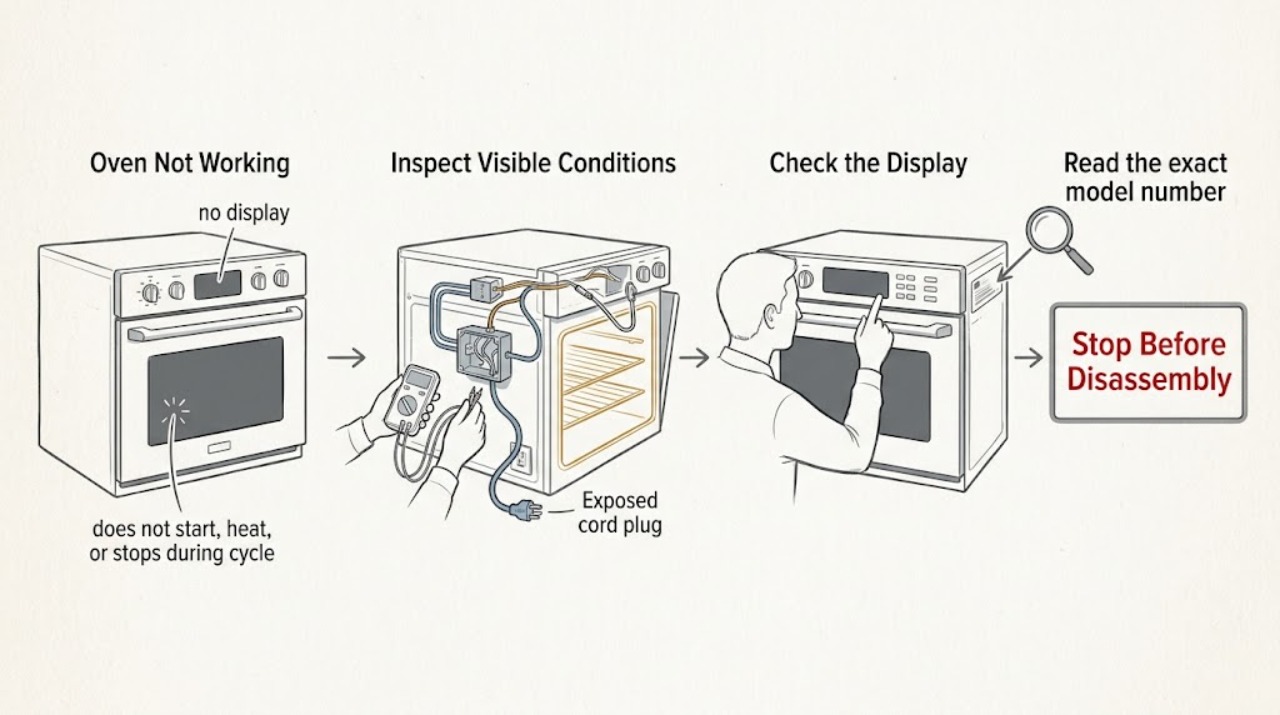
Thermador Oven Not Working: Separate Power, Start, Heat, and Safety Faults
Treat Thermador Oven Not Working as several different symptoms: a dead display, a powered control that will not start, a cycle that starts without heat, or a cycle that stops with a message. Check for smoke, a burning odor, gas odor, abnormal flame, arcing, a damaged door, or repeated breaker trips before touching any control.
-
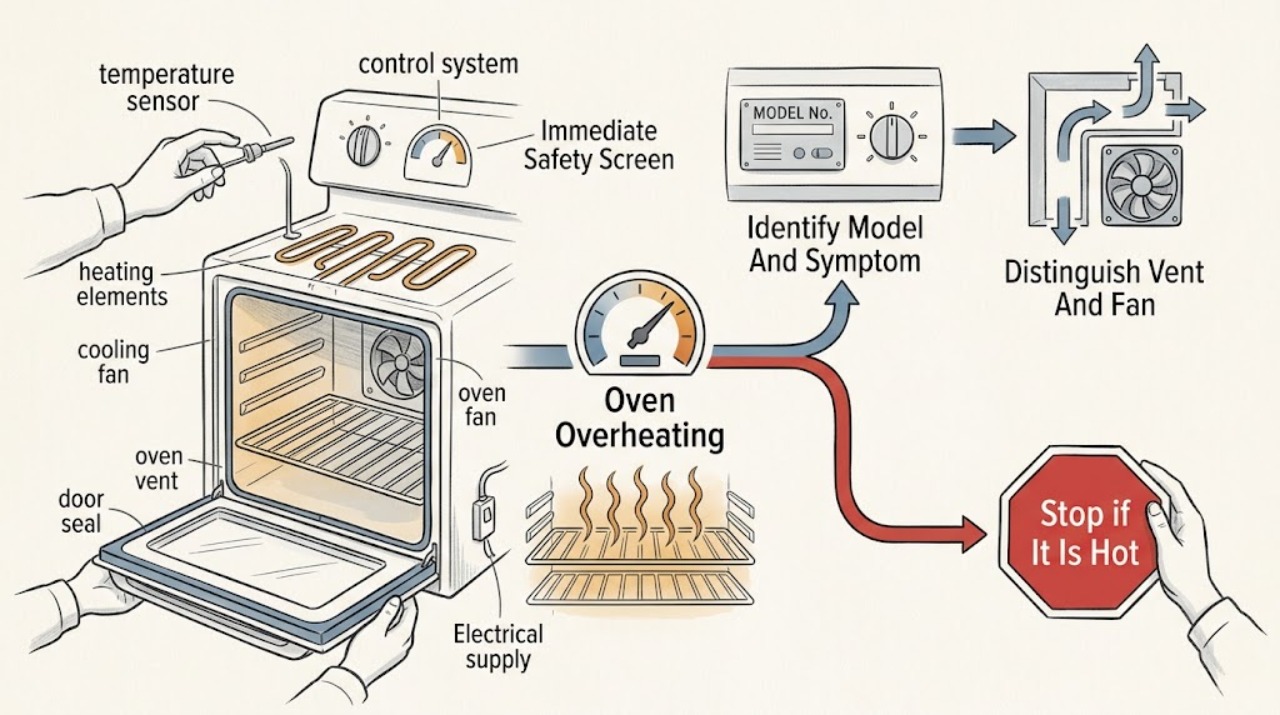
Thermador Oven Overheating
First decide whether you are seeing normal heat management or an unsafe overheat. Warm air or steam at the vent, a cooling fan that continues after cooking, and heating elements cycling on and off can be normal; Thermador says the oven vent must not be blocked, and an identified Thermador manual notes that its temperature gauge is only a reference.
-
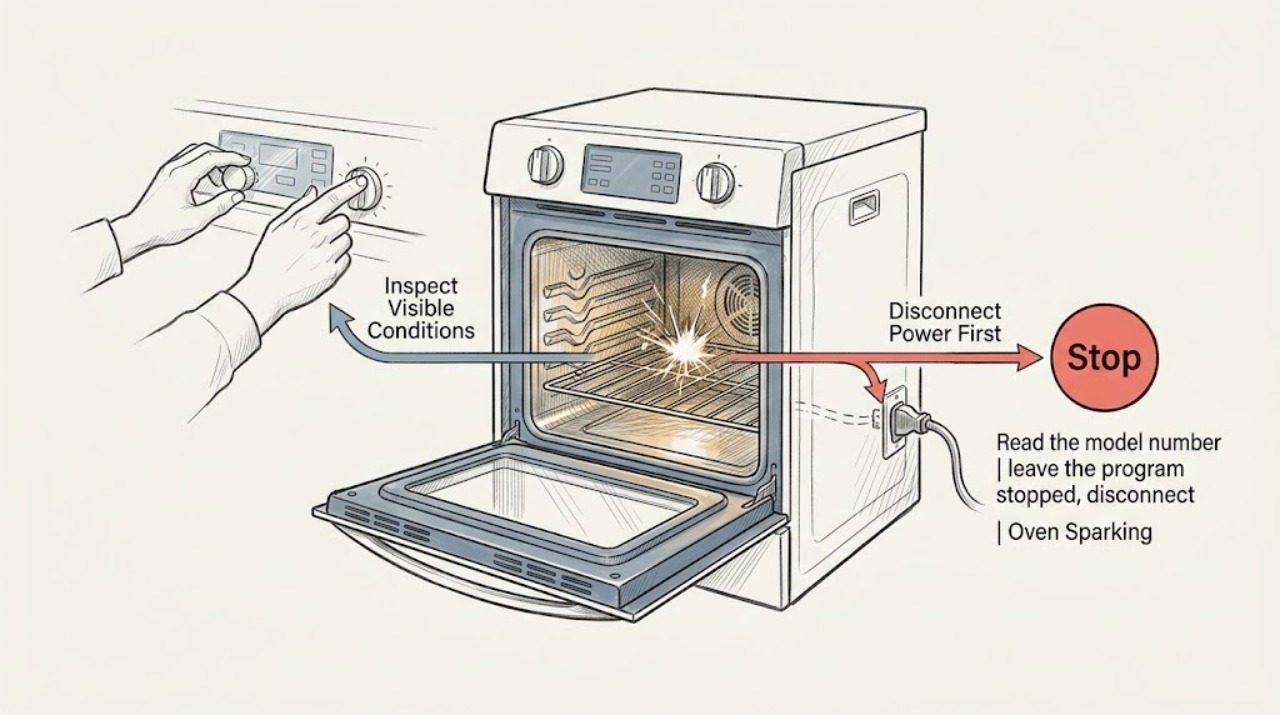
Thermador Oven Sparking: Tell Normal Gas Ignition From an Electrical Arc
Treat a visible spark as a stop signal until you know exactly what produced it. A Thermador gas or dual-fuel appliance may have model-specific ignition behavior, but a spark in the cooking cavity, at the control panel, cord, outlet, or wiring is not a normal user test.
-
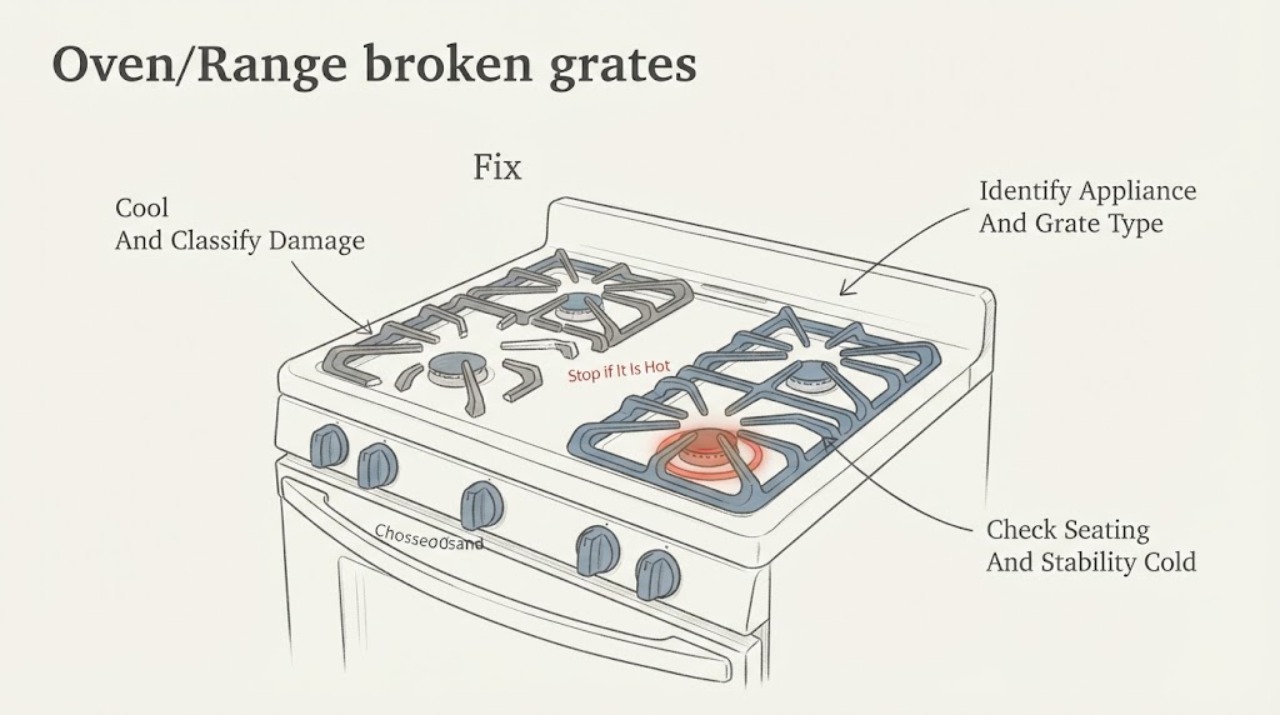
Thermador Oven/Range broken grates | Fix Guide
Stop using a broken, cracked, badly warped or unstable grate for cookware until the exact Thermador model and grate type are confirmed. Turn the cooktop/range off and let the heavy grate cool completely before removing or inspecting it.
-
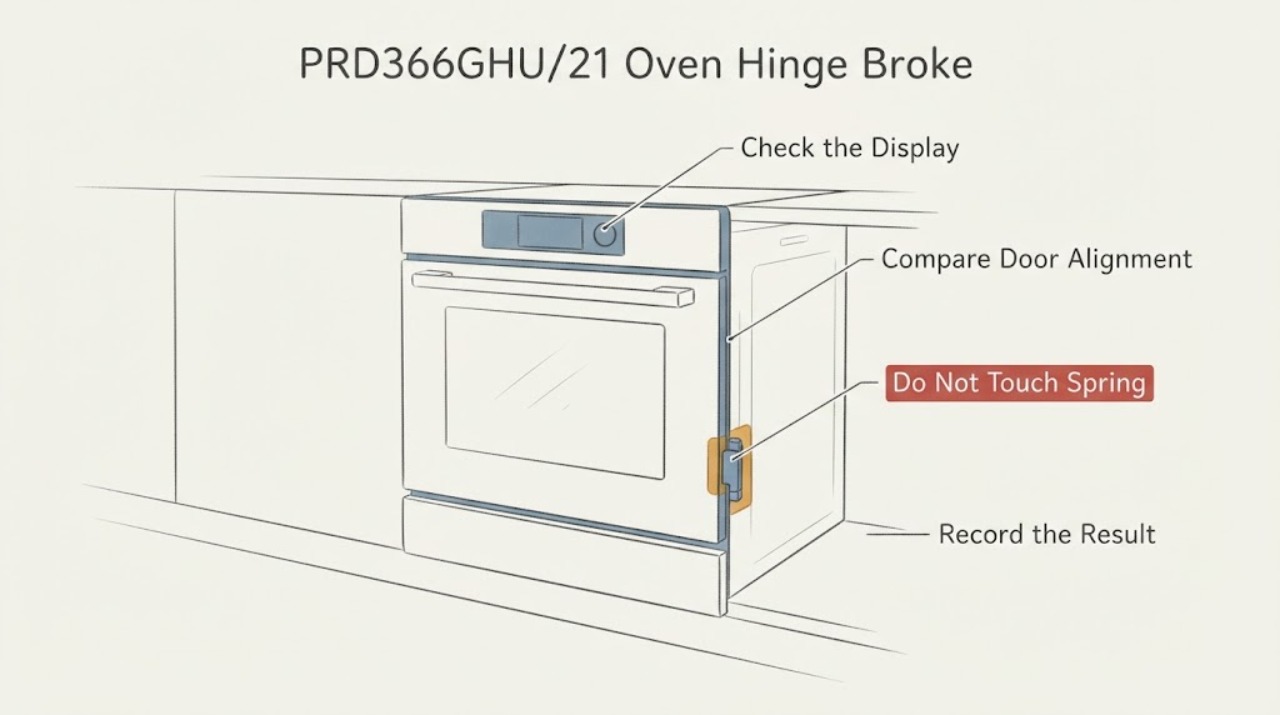
Thermador PRD366GHU/21 Oven Hinge Broke: Stop Use and Arrange Safe Door Service
A broken or suddenly released hinge on the Thermador PRD366GHU/21 oven door is a stop-use condition. Turn the oven and burners off, keep the door supported and clear of the hinge area, and do not force the door, remove the door, release a hinge lever, or replace a hinge yourself.
-
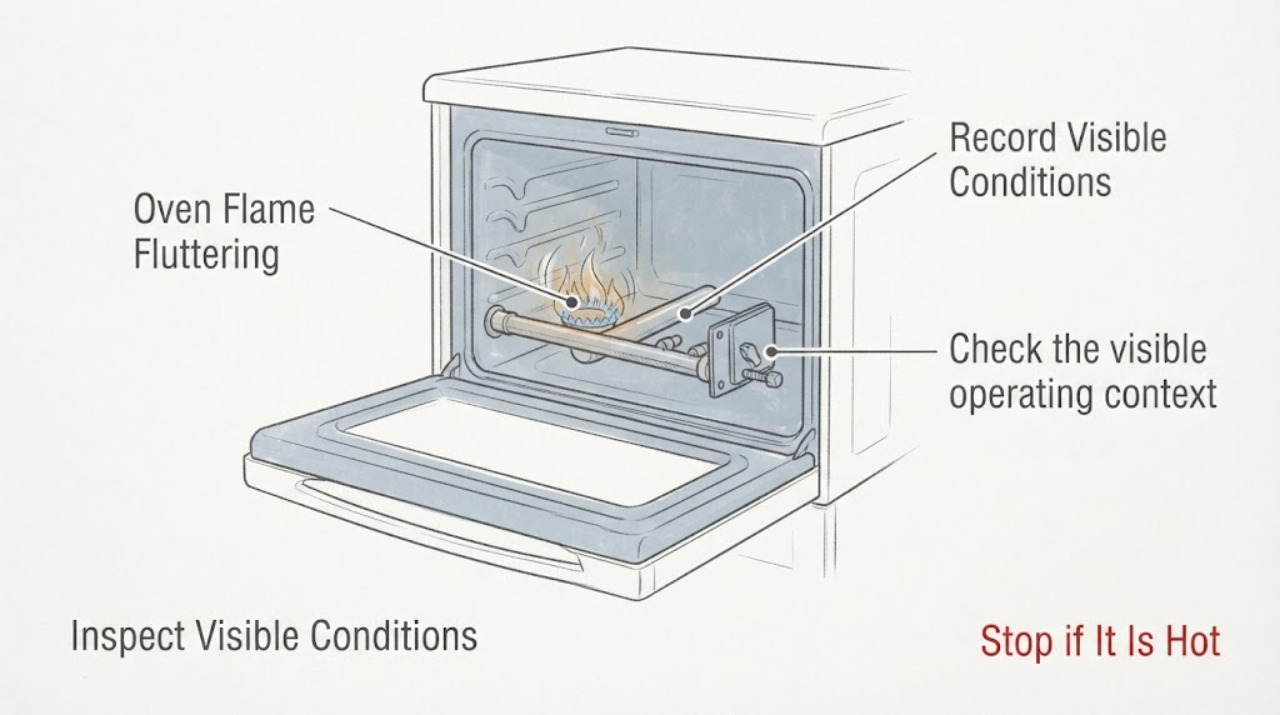
Thermador PRG304US Oven Flame Fluttering: Separate Normal Cycling From a Gas-Burner Fault
Do not adjust the gas burner or assume the Thermador PRG304US needs an igniter, valve, or regulator from a fluttering flame alone. First determine whether the flame is cycling after the oven reaches temperature, which Thermador's installation document describes as normal temperature control, or whether it is lifting, blowing, mostly yellow, noisy, repeatedly going out, or failing to heat the oven.
-
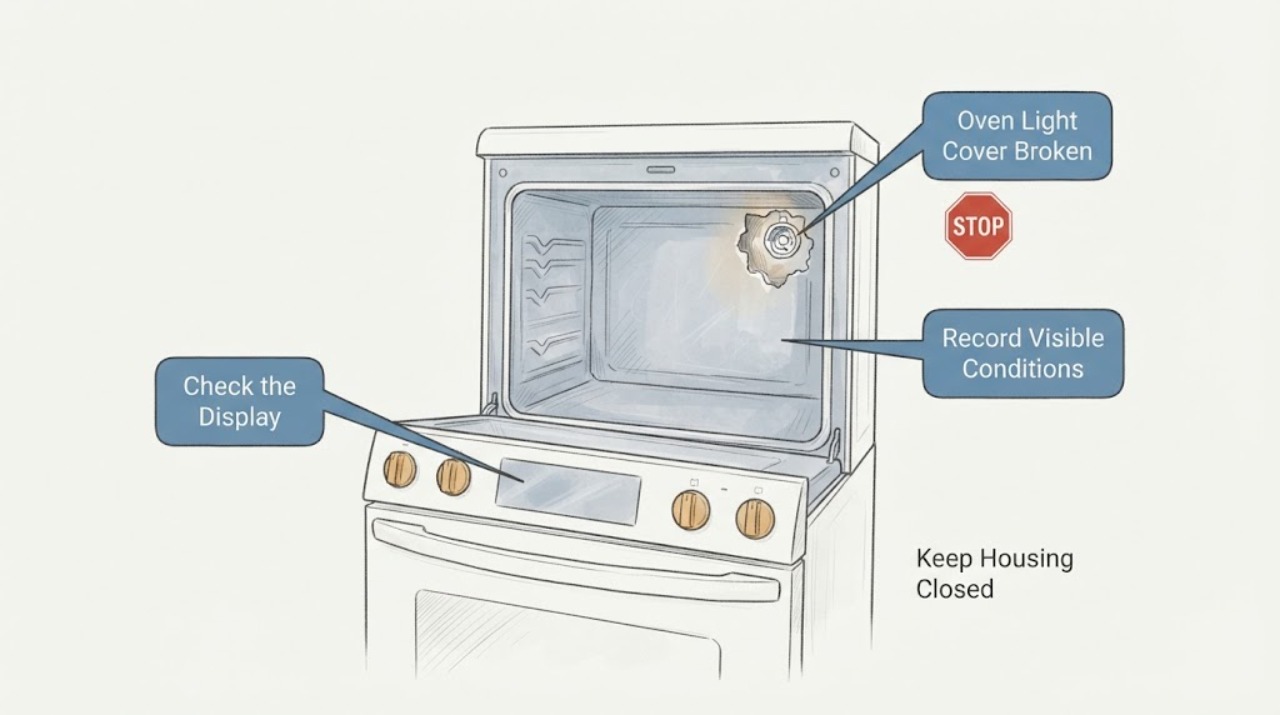
Thermador PRG366GH Oven Light Cover Broken: Can You Keep Using It?
Do not use the Thermador PRG366GH oven with a cracked, loose, or missing light lens/cover. The PRG366GH Use and Care Guide says the covers must be in place while using the appliance, that they protect the bulb from breaking, and that broken glass can cause injury; it also warns that the light socket is live when the door is open unless power is turned off.
-
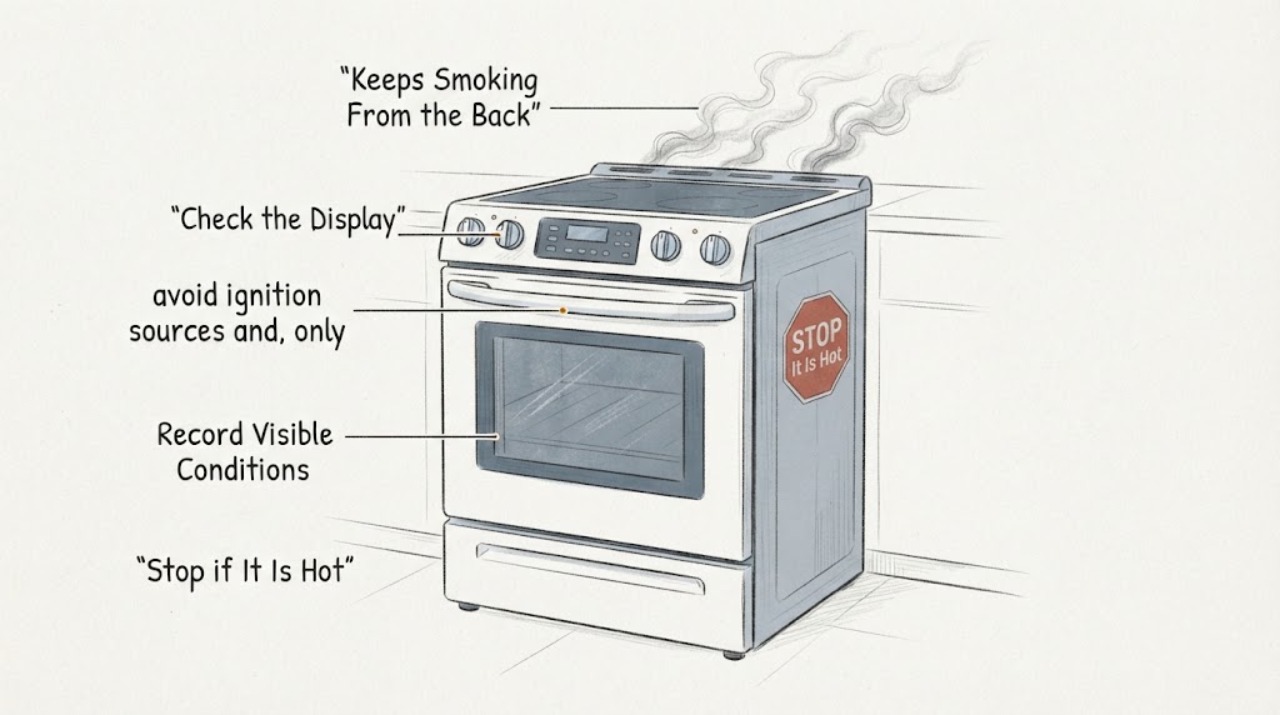
Thermador PRG366GH Keeps Smoking From the Back After Broiling
Stop using the Thermador PRG366GH immediately. Turn the oven and broiler controls off; if smoke is worsening, there is a flame, or you smell gas, leave the area and use emergency or gas-service help.