
Whirlpool appliance guidance
Whirlpool Microwave Repair Guides
Troubleshooting and repair guidance for published Whirlpool Microwave problems, symptoms, and maintenance questions.
Published Whirlpool Microwave guides
Choose the guide whose symptom or condition most closely matches what you are seeing.
-
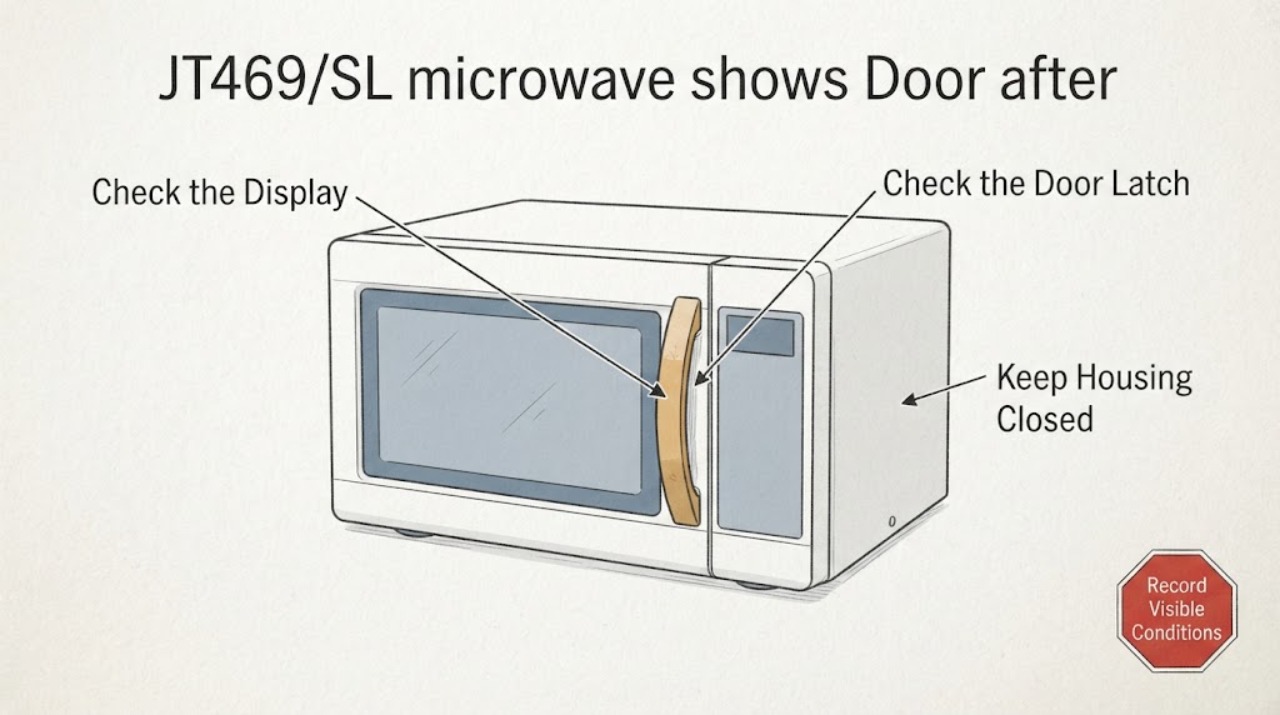
Whirlpool JT469/SL microwave shows Door after cleaning
For the Whirlpool JT469/SL, a Door message can be the documented start-protection state: the manual says the door must be opened and closed before cooking can start. Because this began after cleaning, first leave the microwave disconnected until the door area and controls are fully dry, then wipe only accessible surfaces with a soft damp cloth if residue remains; do not spray directly into the oven.
-
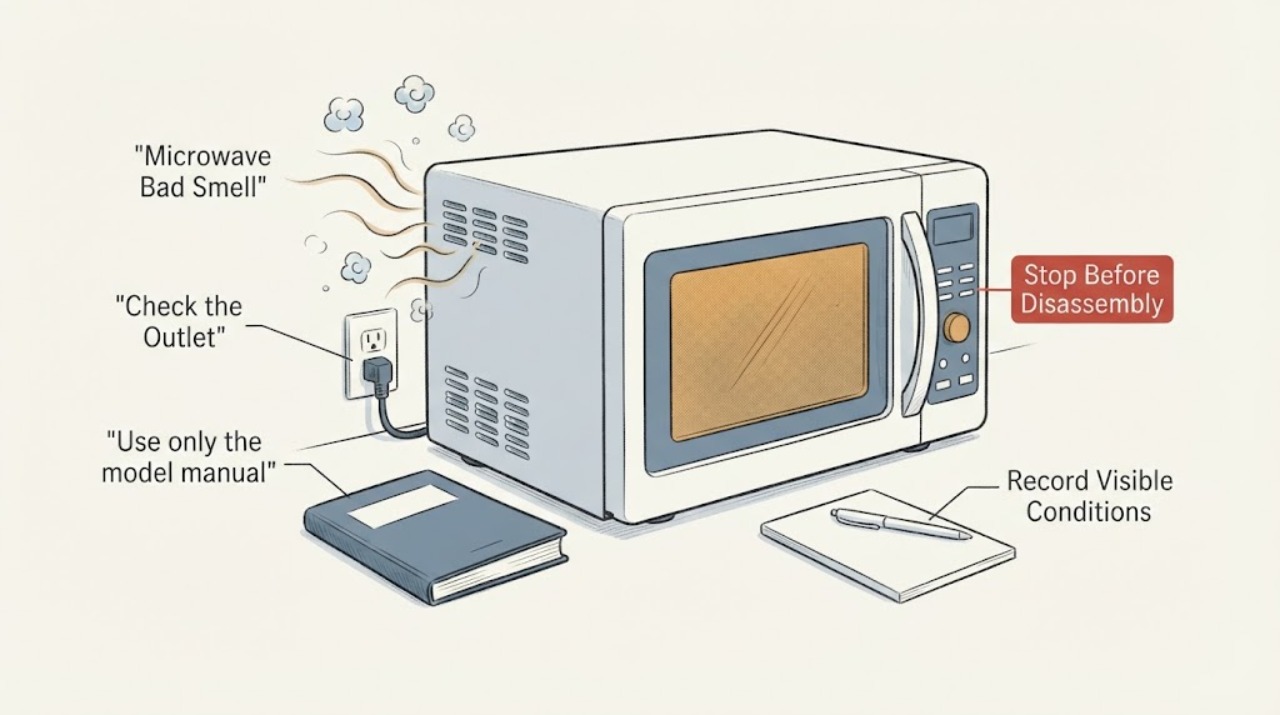
Whirlpool Microwave Bad Smell
A Whirlpool appliance with a bad smell should be stopped and checked for residue, standing water, a blocked filter, or overheated electrical parts. Burning or electrical odor requires immediate service.
-
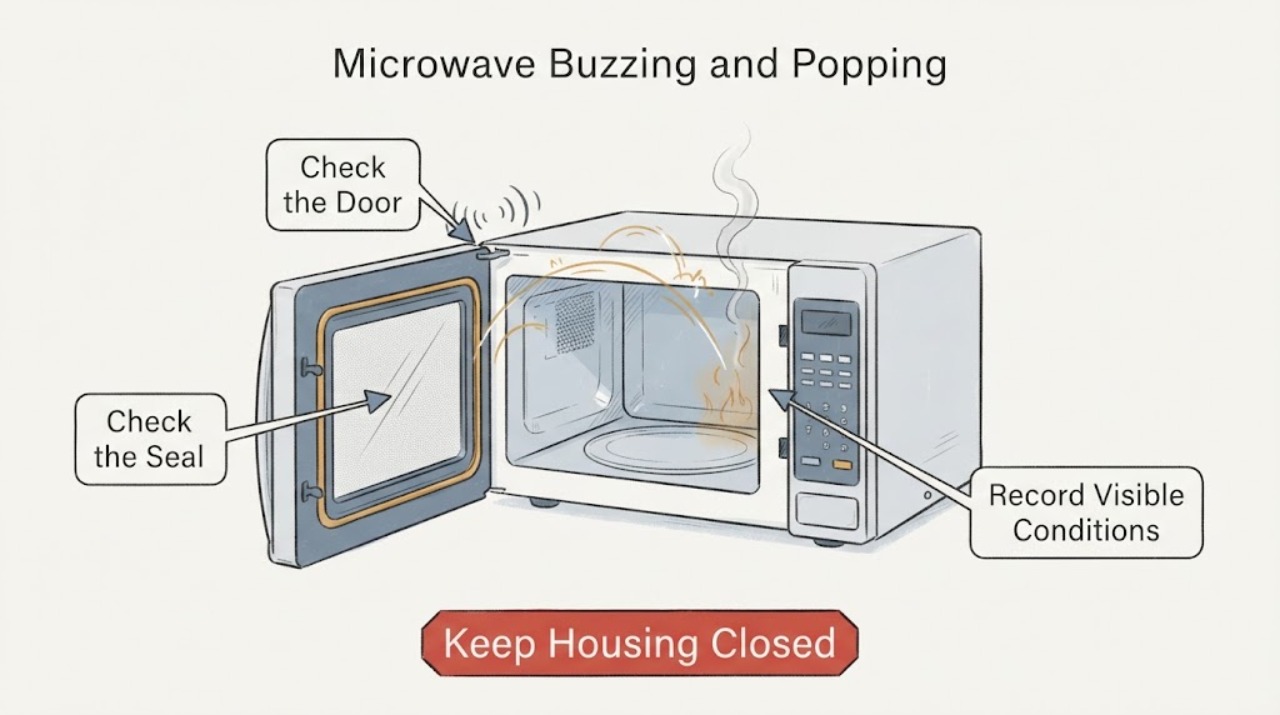
Whirlpool Microwave Buzzing and Popping: Stop Arcing Before You Test It Again
A steady hum or buzz can be normal on Whirlpool countertop and over-the-range microwaves when the cooling fan runs or the power supply switches the magnetron. Popping with a flash, smoke, burning smell, damaged cavity or door, or a breaker trip is a stop-use symptom: end the cycle, disconnect power only if it is safe, and do not restart the oven to see whether it clears.
-
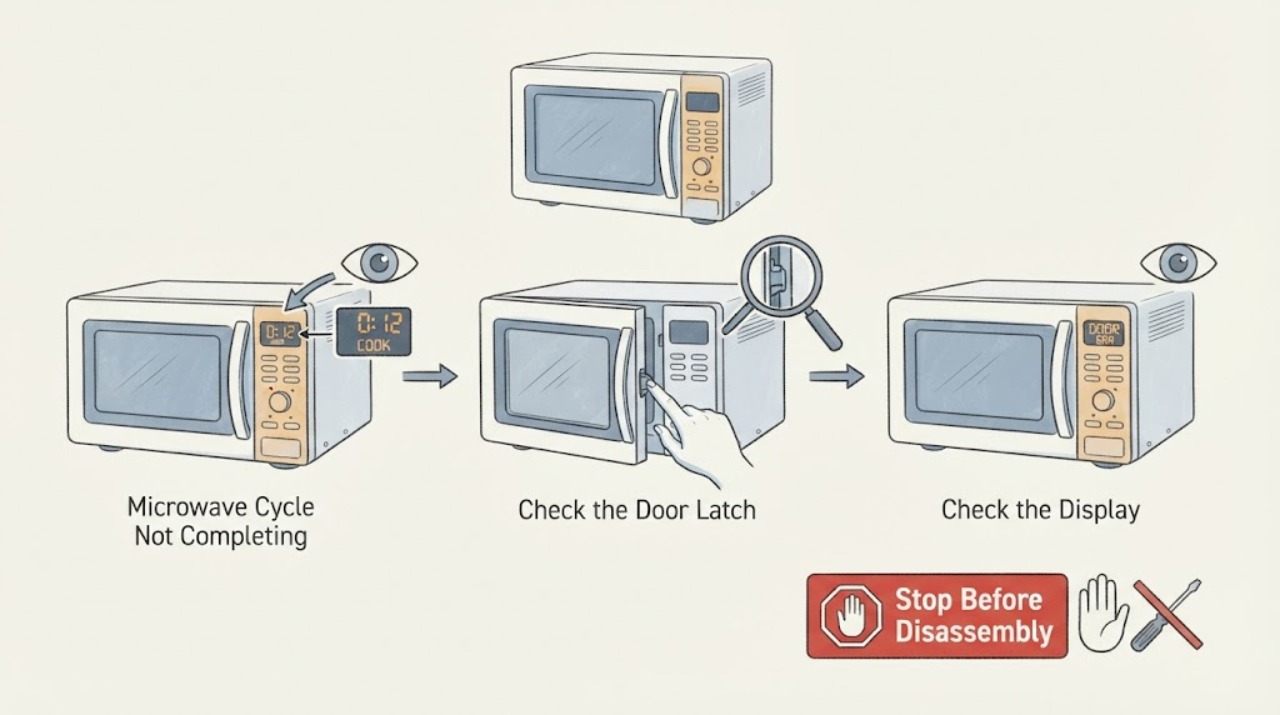
Whirlpool Microwave Cycle Not Completing: Check Controls, Door, and Power
When a Whirlpool microwave does not complete a cycle, record whether it stops at the same time, responds to the door, shows a code, loses the display, or simply ends with Timer Complete. Whirlpool manuals state that opening the door stops heating and the fan, while a programmed stop time ends cooking automatically.
-
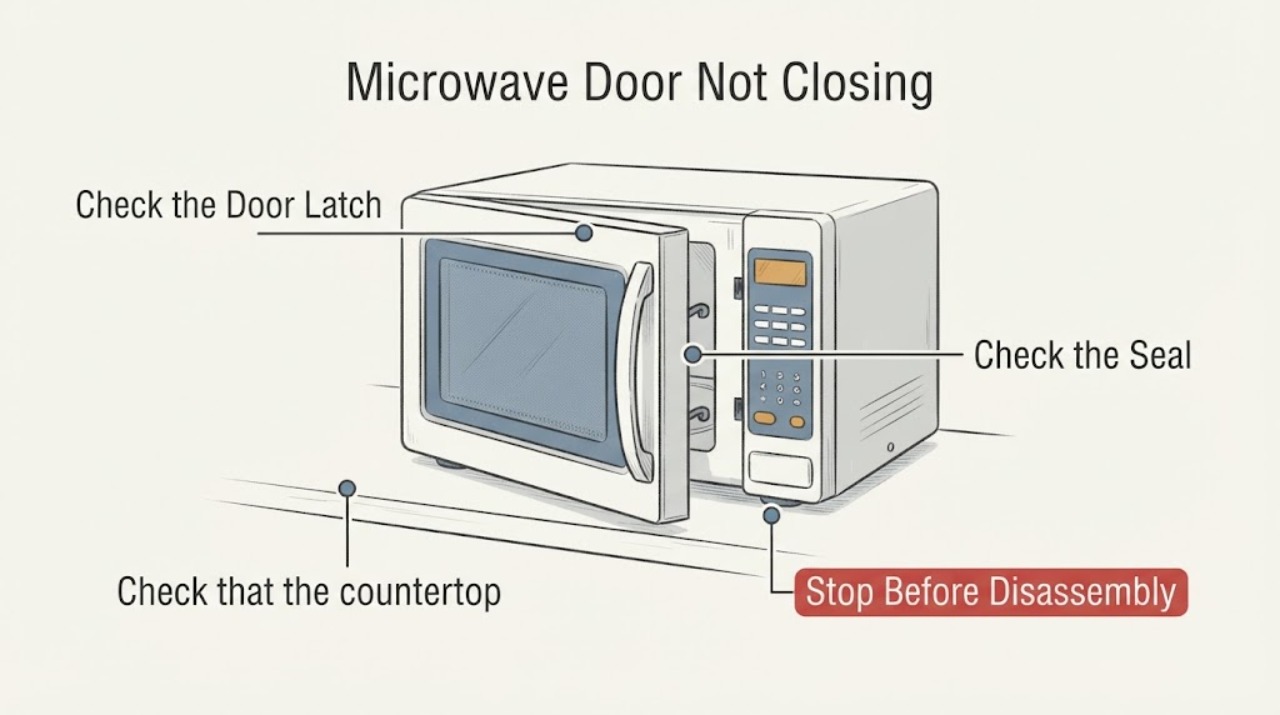
Whirlpool Microwave Door Not Closing
A Whirlpool microwave door that will not close is usually blocked by cookware, packaging, a rack, soil at the contact area, or an installation alignment issue. Whirlpool’s official door guide covers those accessible checks and directs persistent latch or hinge problems to service.
-
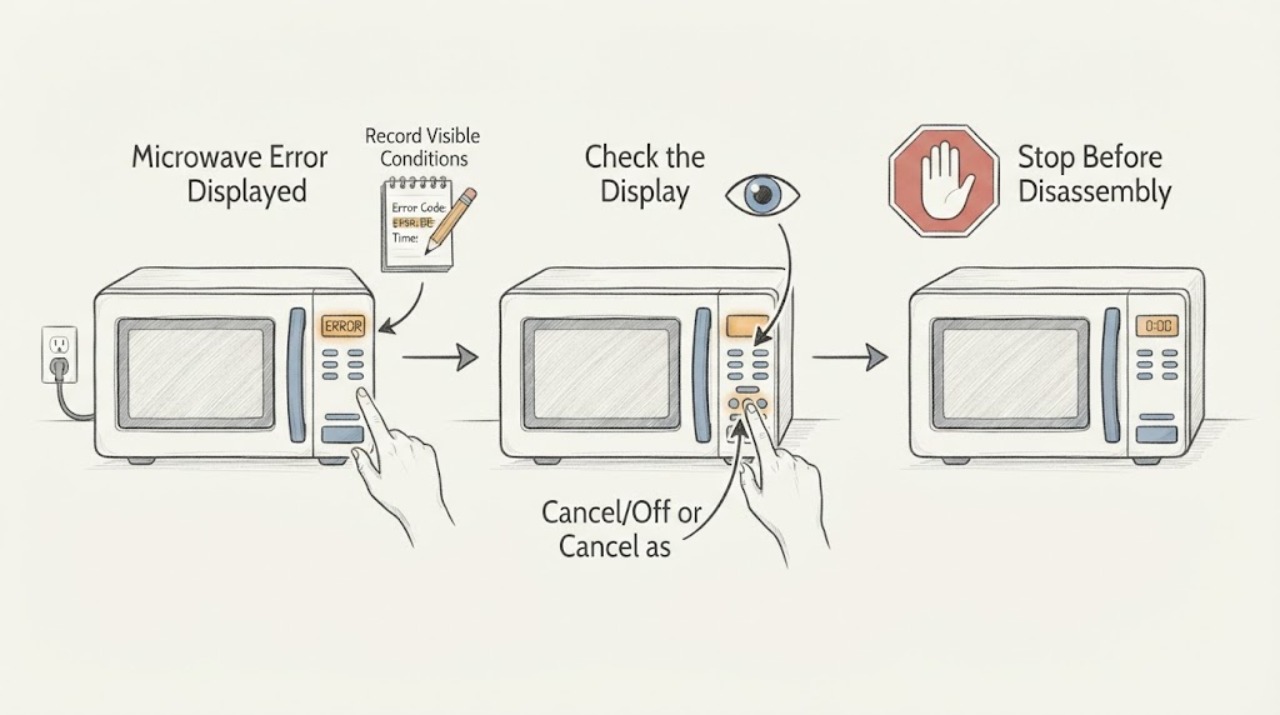
Whirlpool Microwave Error Displayed: Safe Checks
When a Whirlpool microwave displays an error, record the exact code and microwave type before acting. PF or a blinking colon usually indicates a power event, while LOC/L/padlock indicates Control Lock and needs the model-specific unlock sequence. Door messages and other codes require their matching owner guidance. A recurring code, damaged latch, smoke, sparking, or burning odor is a stop-and-service condition.
-
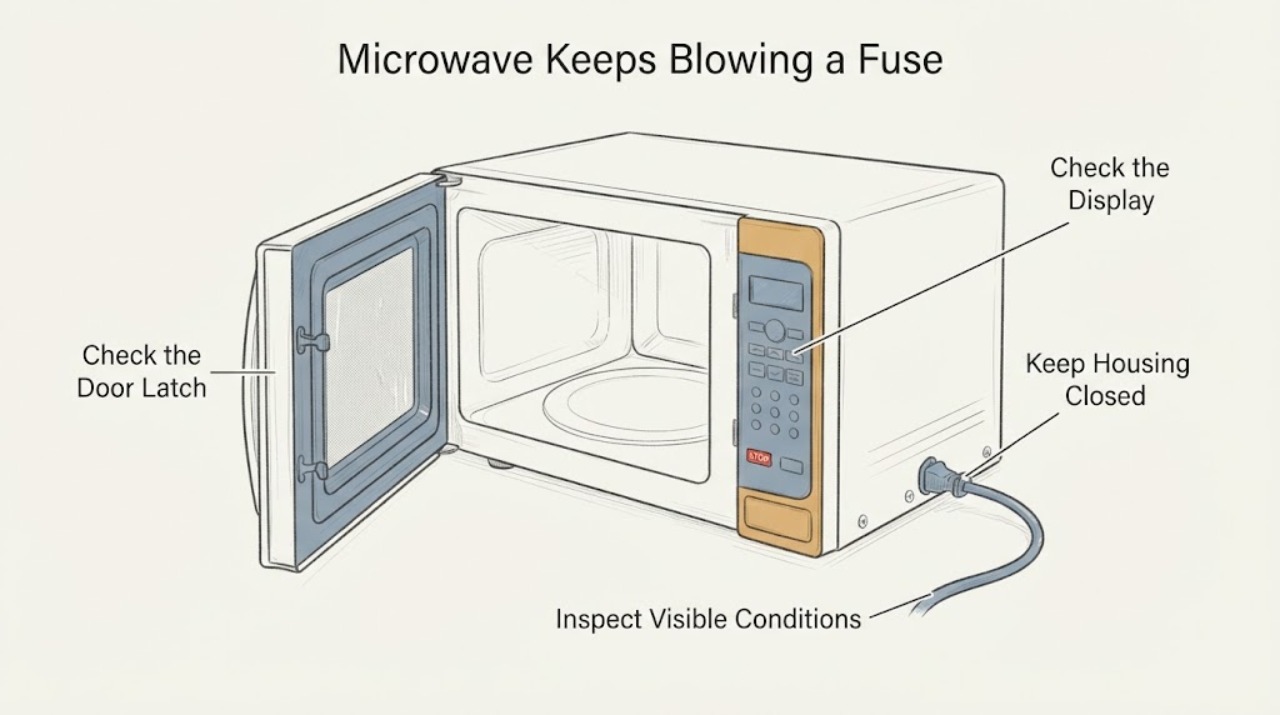
Whirlpool Microwave Keeps Blowing a Fuse After Door-Switch Replacement
Stop using the Whirlpool microwave as soon as the fuse or circuit breaker opens again. Disconnect its power or turn off the controlling breaker, and do not keep fitting fuses, rechecking switch wiring, opening the door to reproduce the fault, or bypassing an interlock.
-
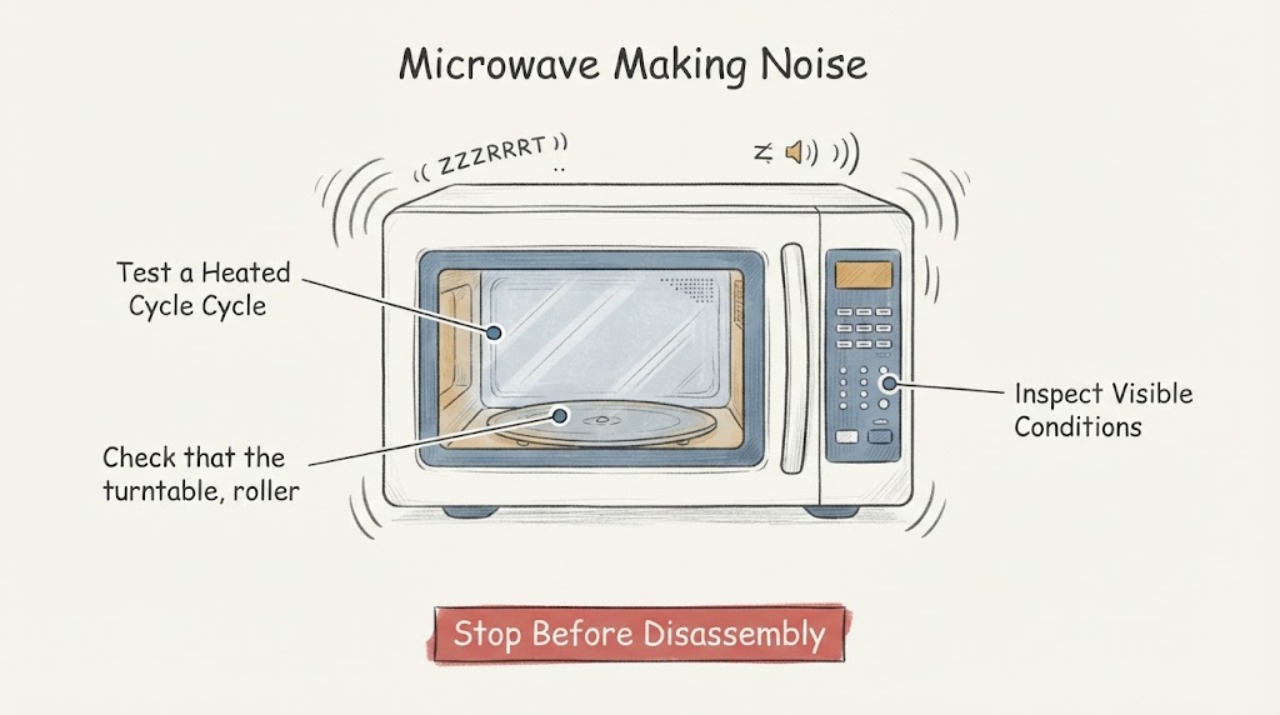
Whirlpool Microwave Making Noise: Separate Normal Hum from a Fault
A Whirlpool microwave can make a normal hum or buzz during operation because its power supply switches the magnetron on and off. The useful distinction is whether the sound is the documented steady operating hum or a new harsh noise accompanied by poor heating, arcing, smoke, vibration, or a damaged turntable. Stop immediately for sparks, smoke, burning odor, or damage; persistent abnormal noise needs service rather than a cover removal.
-
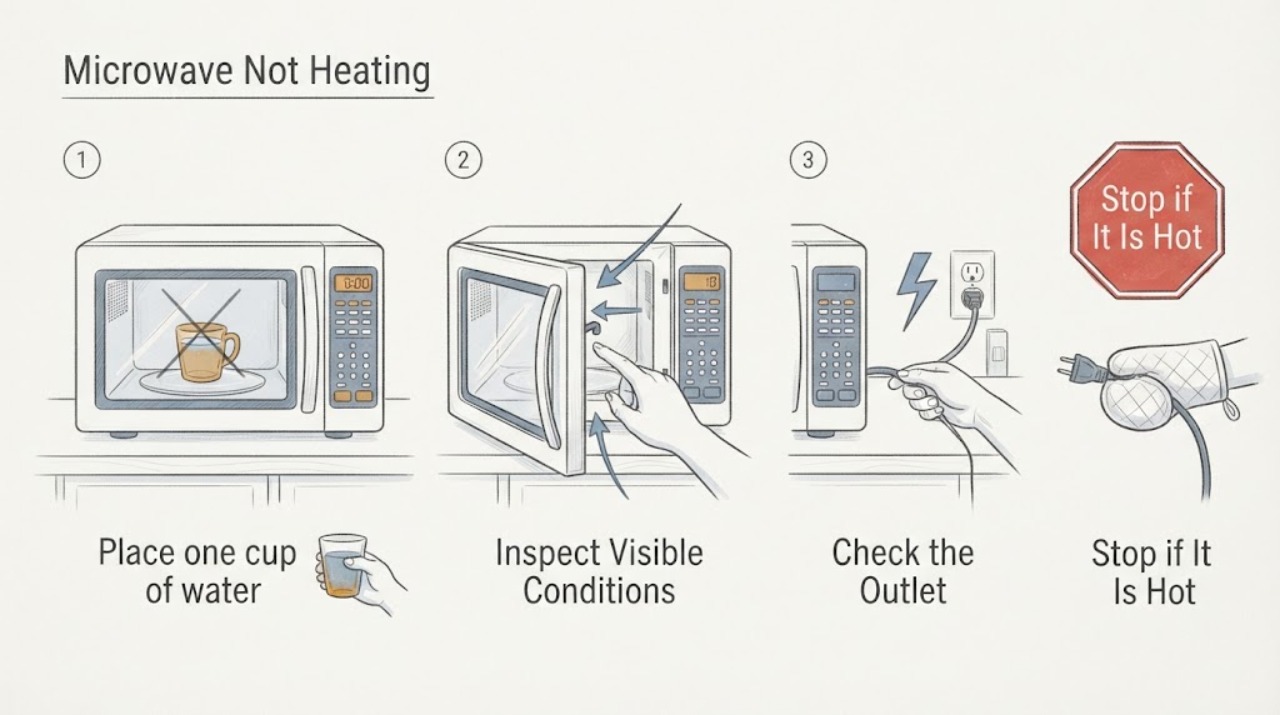
Whirlpool Microwave Not Heating
If a Whirlpool microwave runs but does not heat, test it with one cup of water for one minute at the model's high-power setting, then check the selected power level, control lock or demo mode, door closure, and whether it is connected directly to the intended outlet rather than an inverter or generator. If the water stays cold after those checks, stop using the microwave and arrange service; do not open the cabinet because the heating circuit is not a user repair.
-
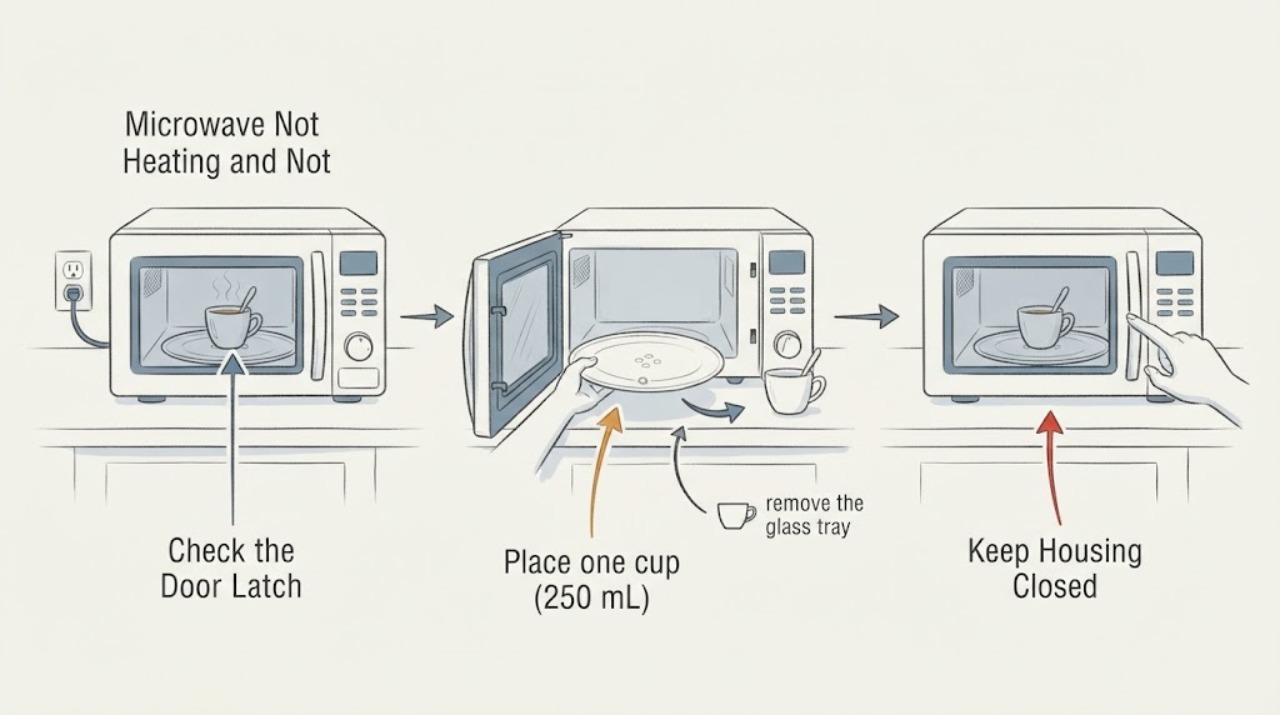
Whirlpool Microwave Not Heating and Not Rotating: Safe Checks
If a Whirlpool microwave runs but the water stays cold and the turntable does not rotate, separate the two symptoms before assuming one failed part. With the controls off and the cavity cool, confirm the tray is right-side up on its hub or support, clear only visible food, debris, or shipping material, and check the exact manual for a mode that intentionally disables rotation.
-
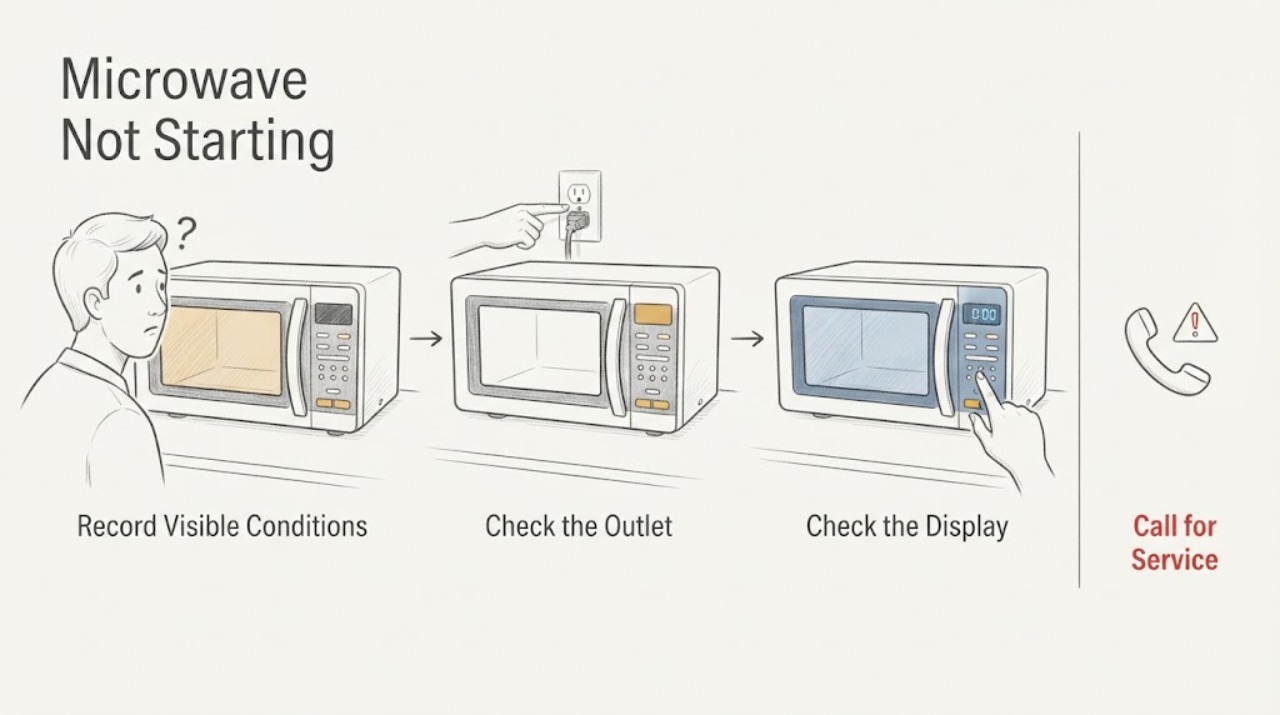
Whirlpool Microwave Not Starting
A Whirlpool microwave that will not start should first be separated into no power, a locked or demo control, an active timer, a door message or latch condition, or an internal control fault. Check the safe outlet and breaker path, clear only the model-specific control state, open and close the door when the display requests it, and use one documented power reset.
-
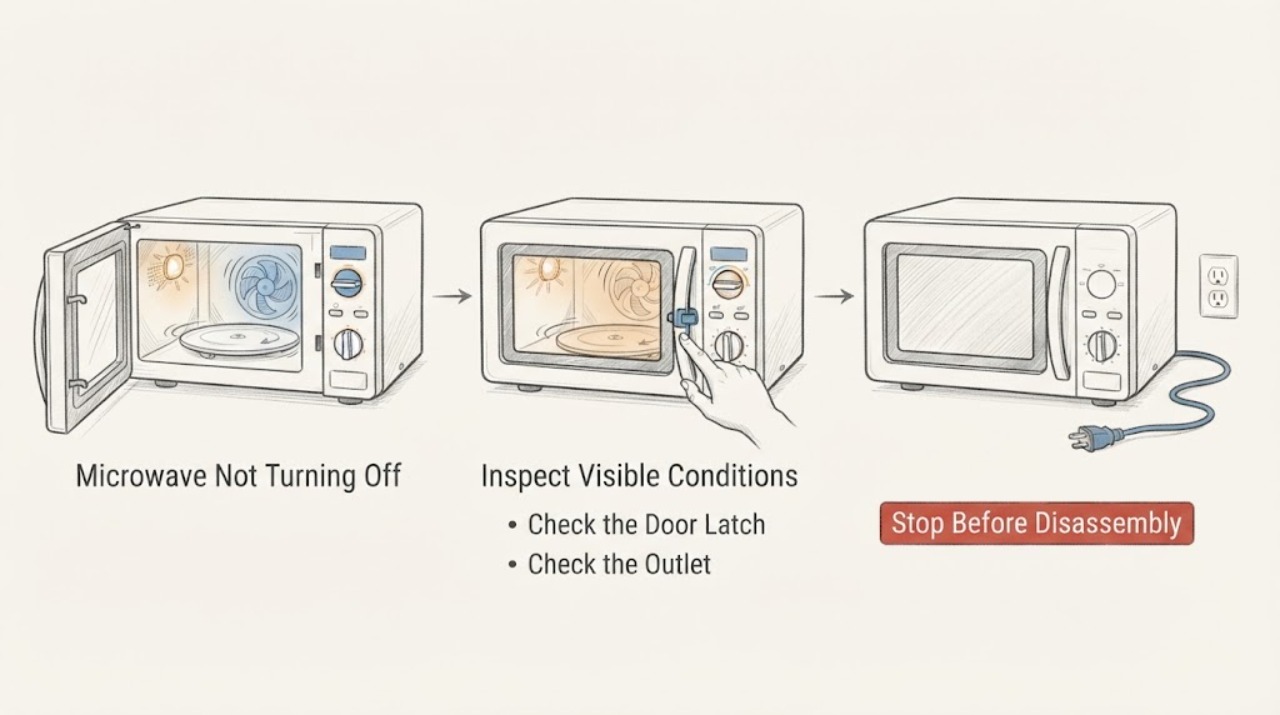
Whirlpool Microwave Not Turning Off: Safe Checks
If a Whirlpool microwave keeps running or will not turn off, press Stop/Cancel once and open the door only if it opens normally; if the fan or light continues but microwave energy stops, identify that normal cooling behavior separately from a continuing cook cycle. Whirlpool warns that if a breaker or fuse trips again after reset, do not continue operating the microwave—disconnect its power or turn off its breaker and arrange service.
-
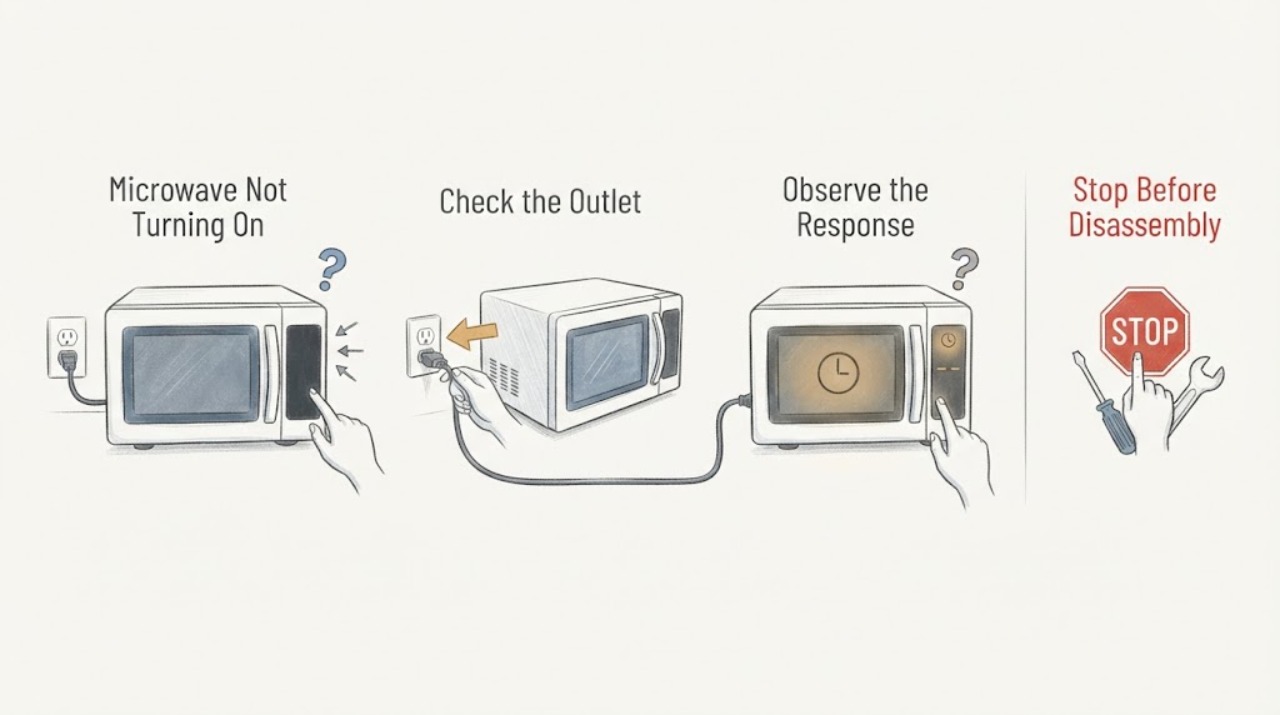
Whirlpool Microwave Not Turning On: Check Power, Lock, Timer, and Door
If a Whirlpool microwave is completely dark, check the direct wall outlet and breaker/fuse once, then use Whirlpool's one-minute power reset when the model guidance allows it. If the display is lit but START does nothing, check Control Lock, Timer, Stop/Unlock, Demo mode, and the door closure.
-
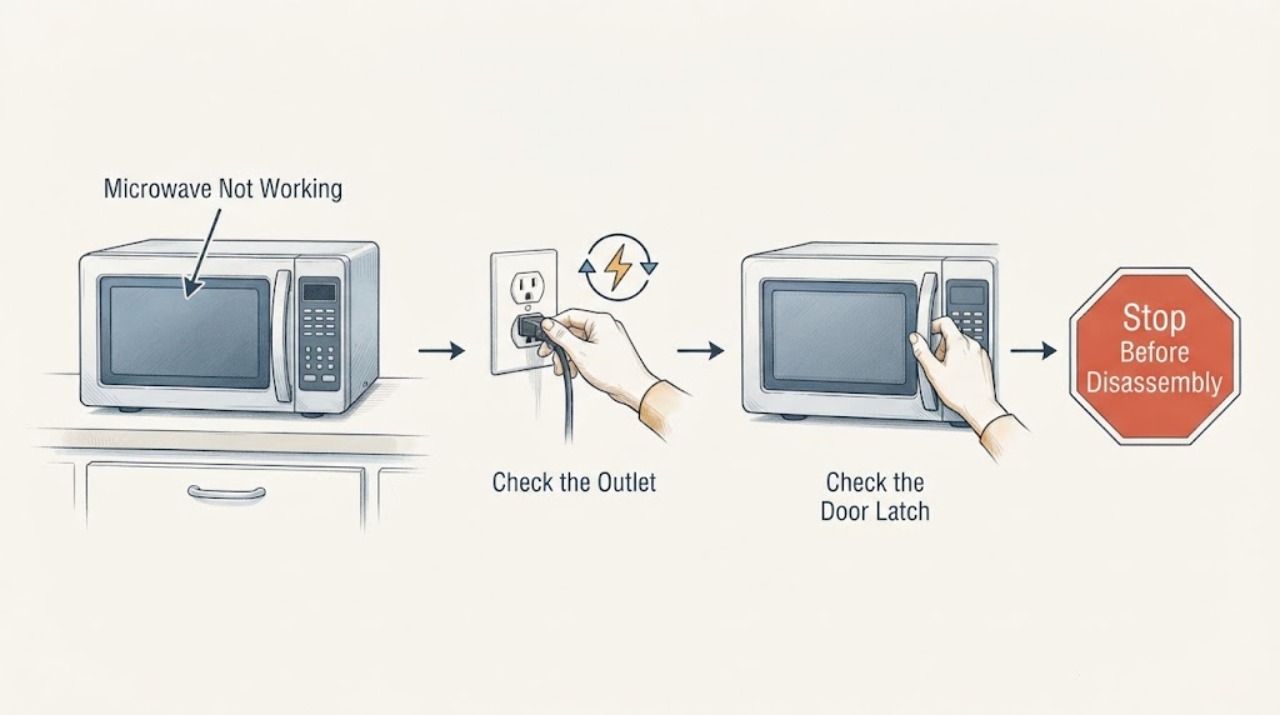
Whirlpool Microwave Not Working
For a Whirlpool microwave that will not work, first separate a dead display from a display that counts down without heating. Check the household fuse or breaker, the plug and grounded outlet, the door and latch area, and whether Control Lock or Demo mode is active. Use the exact model manual for the control sequence; if the door is damaged, the breaker trips again, the oven is damaged, or it still will not operate, stop and arrange qualified service.
-
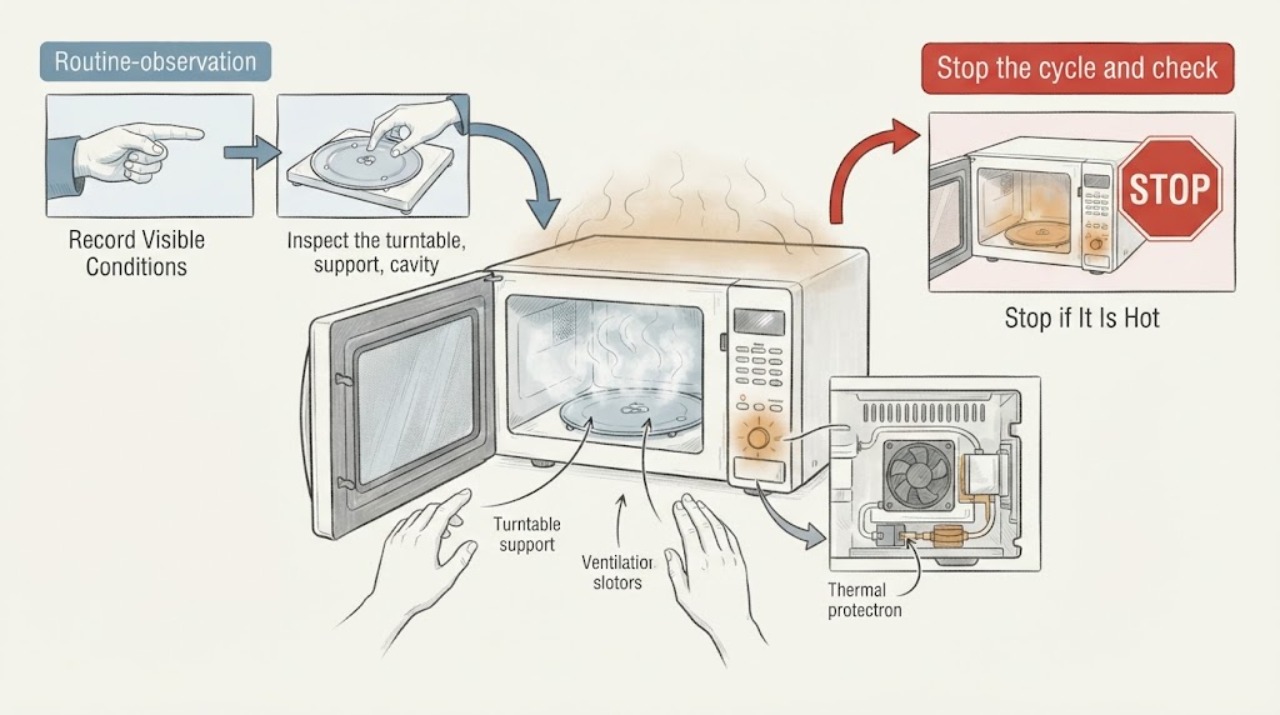
Whirlpool Microwave Overheating: Check Cook Time, Ventilation, and Safety Stops
If a Whirlpool microwave overheats food or the appliance becomes unusually hot, stop the cycle and check the programmed time, power level, container and load, turntable, and ventilation clearance. Whirlpool manuals describe power changes and normal fan behavior, but smoke, arcing, burning odor, a hot cabinet, or repeated thermal shutdown is a stop condition.
-
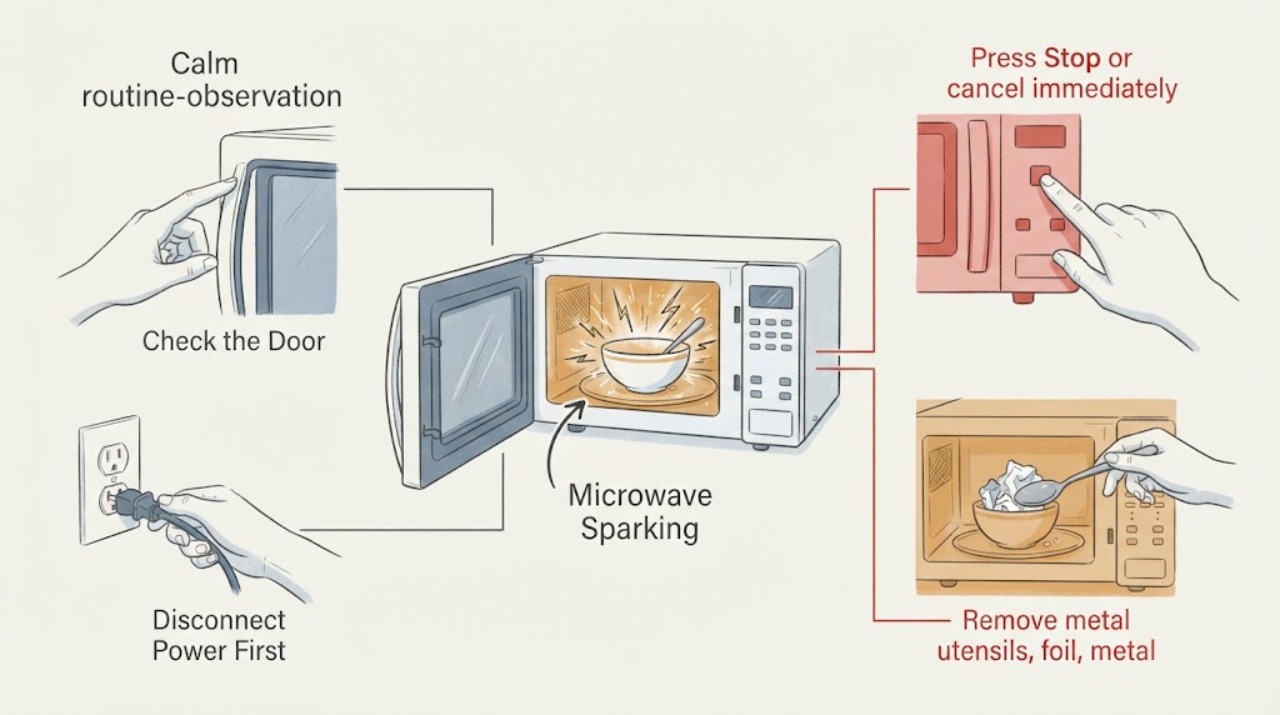
Whirlpool Microwave Sparking
Stop a Whirlpool microwave immediately when arcing or sparking appears. Whirlpool’s official guidance identifies metal or foil contact, a rack or crisper pan touching the cavity, food-related arcing, and soil buildup near the microwave cover or door area; persistent arcing or cavity damage needs service.
-
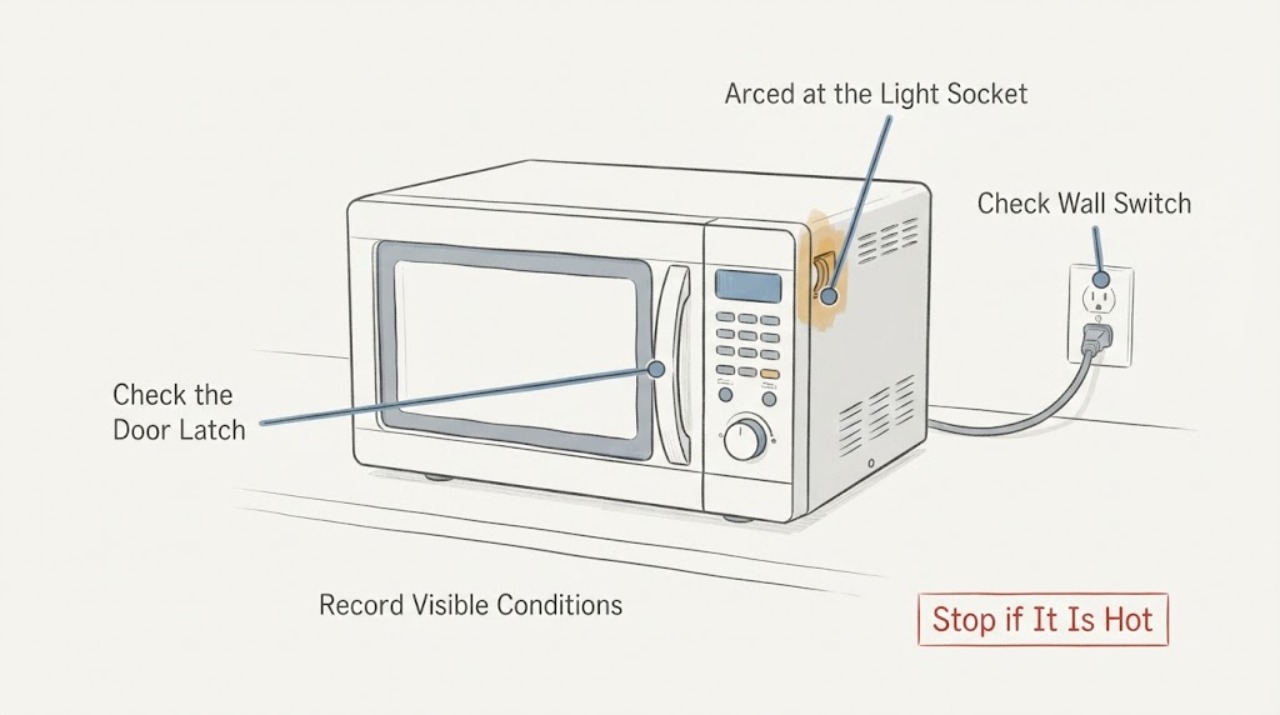
Whirlpool WMH31017AS1 Arced at the Light Socket: Stop Using It
Do not run the Whirlpool WMH31017AS1 again after an arc at the WPW10498011 light-socket area, even if the magnetron still heats and the display and buttons work. Disconnect power only from a safe, dry position, without touching a hot, scorched, wet, or damaged cord or outlet.
-
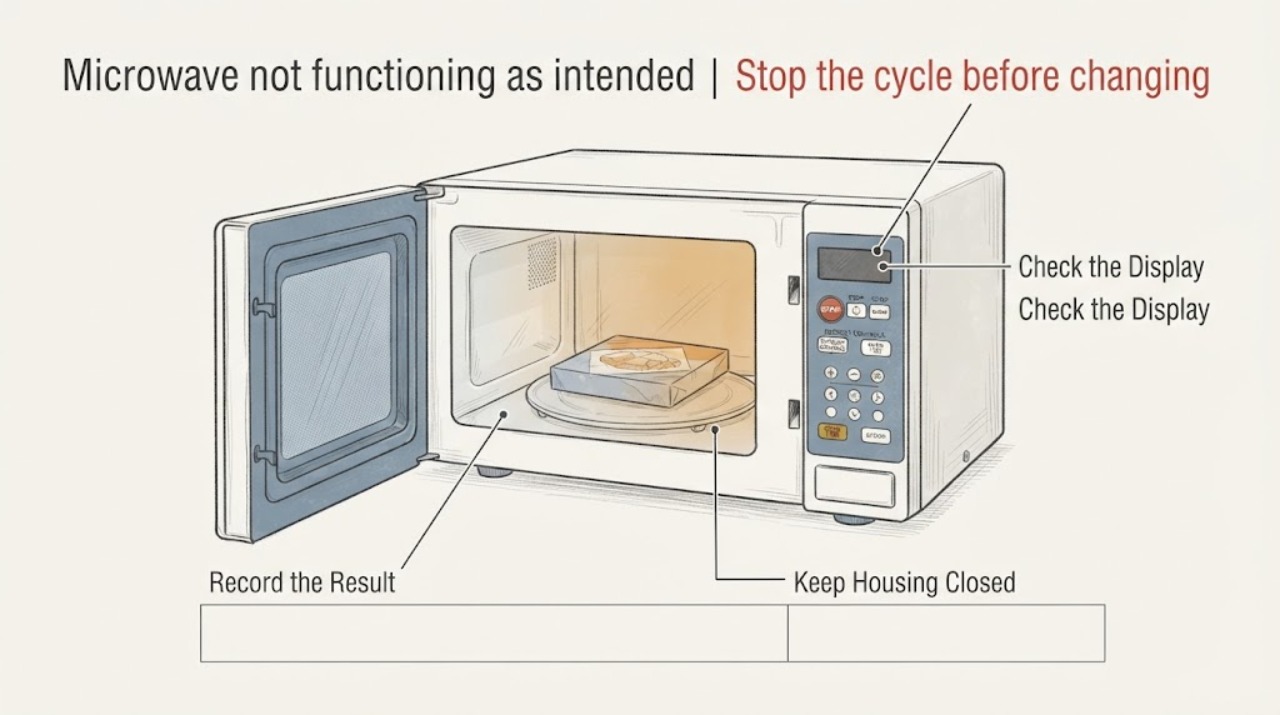
Defrosting Frozen Food on a Whirlpool WMH31017HS Microwave
For a Whirlpool WMH31017HS, treat an unexpected defrost result as an input-and-food-shape question before treating it as a failed microwave. Whirlpool lists this model with Defrost, Cook Power, Cook Time, a turntable, and 10 power levels.
-
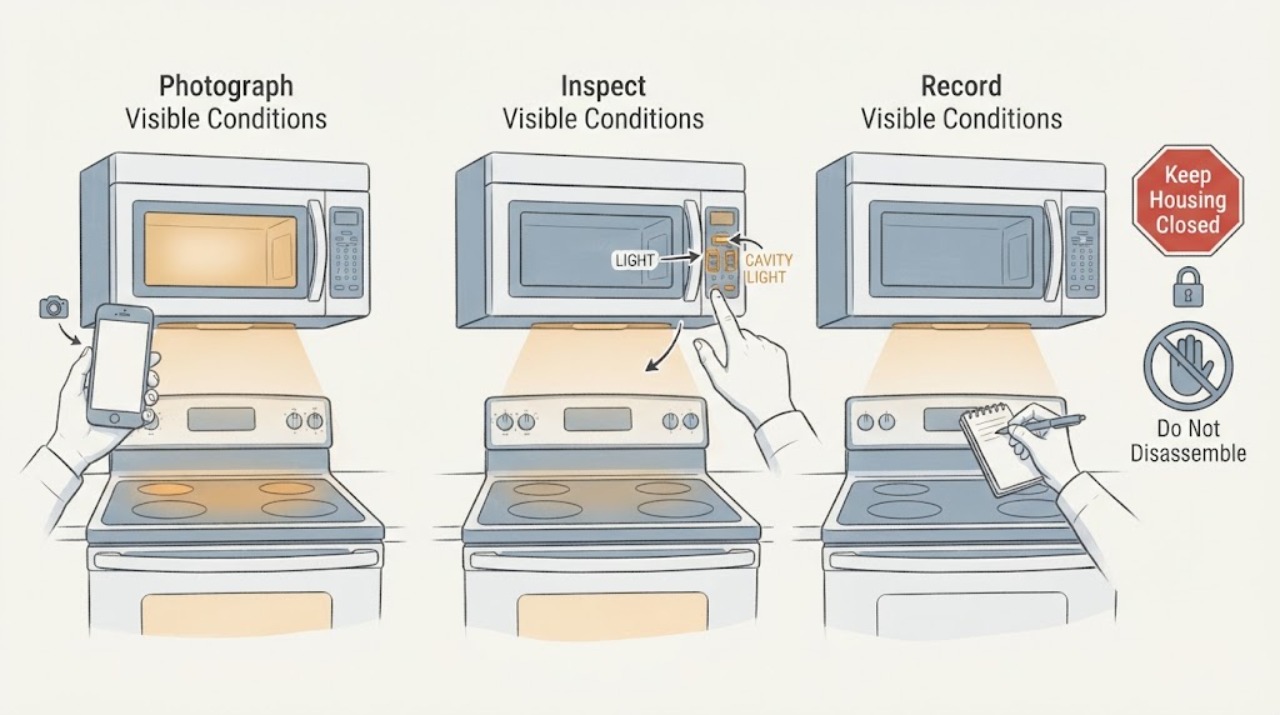
Whirlpool WMH32519CS Over-the-Range Microwave Light Will Not Turn Off
First identify which light is staying on: the cooktop/vent lamp under the over-the-range microwave or the cavity light inside the oven. Whirlpool says the cooktop light normally cycles through its available brightness settings and Off, while some models also have a Light Timer that can turn it on and off at scheduled times.
-
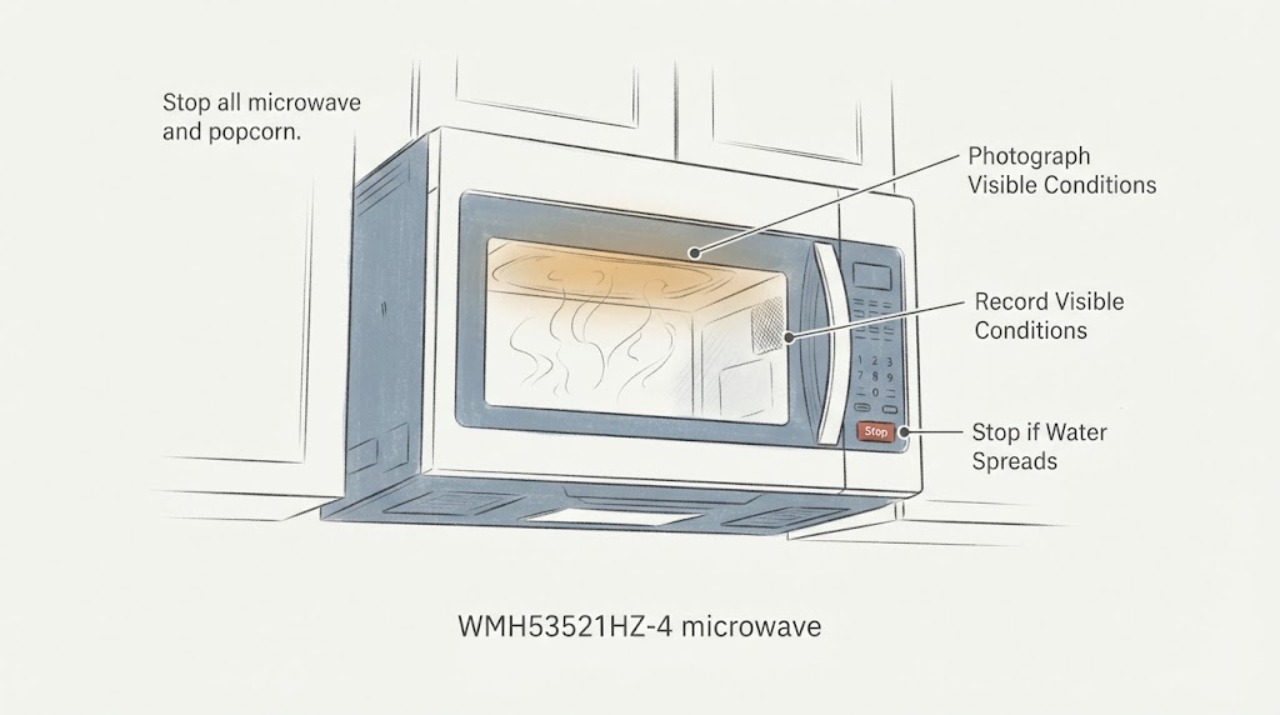
Whirlpool WMH53521HZ-4 microwave: hole and gray material in the cavity ceiling
Do not run the Whirlpool WMH53521HZ-4 after finding a roughly 0.5-inch opening in the inside ceiling with gray material coming through it after popcorn. The public Whirlpool material identifies the WMH53521HZ as a 2.1-cu.-ft.
-
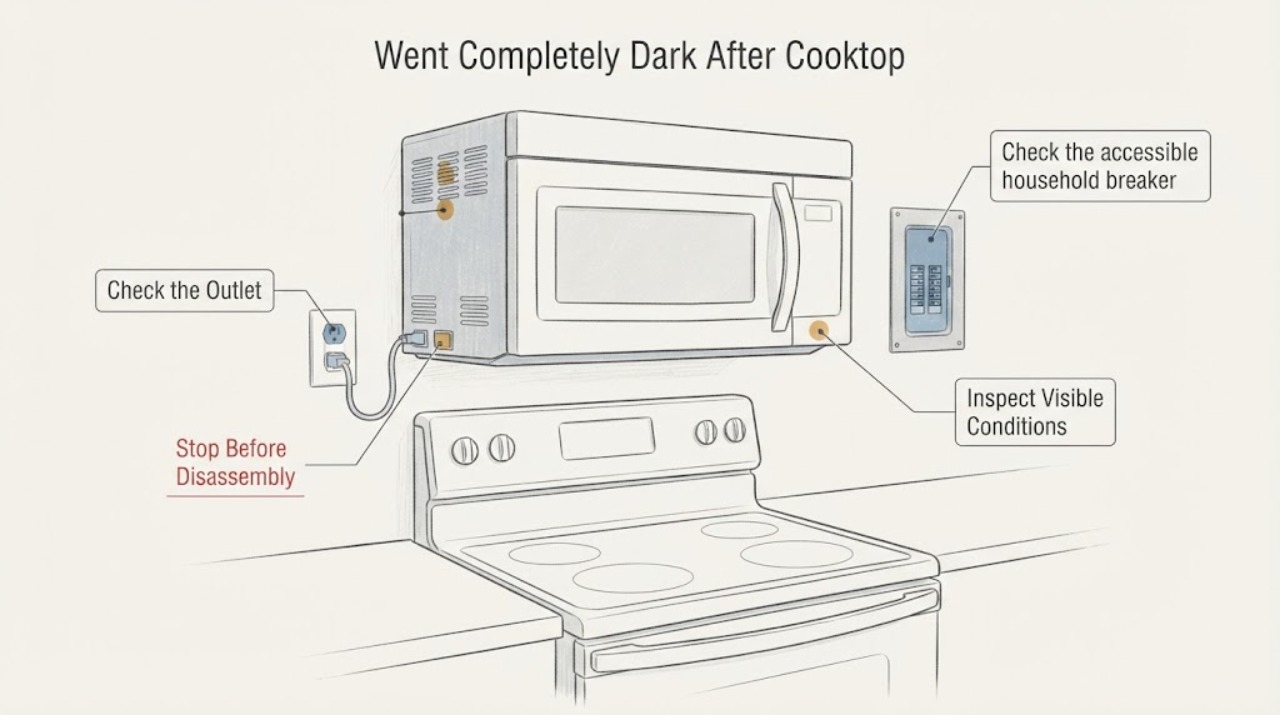
Whirlpool WMH53521HZ Went Completely Dark After Cooktop Bulb Replacement
If the Whirlpool WMH53521HZ became completely dark immediately after changing the cooktop light, stop replacing parts and separate the external supply from an internal microwave fault. From a dry, safe position, confirm the cord is seated and the wall outlet is operational, then check the microwave's breaker or fuse once.
-
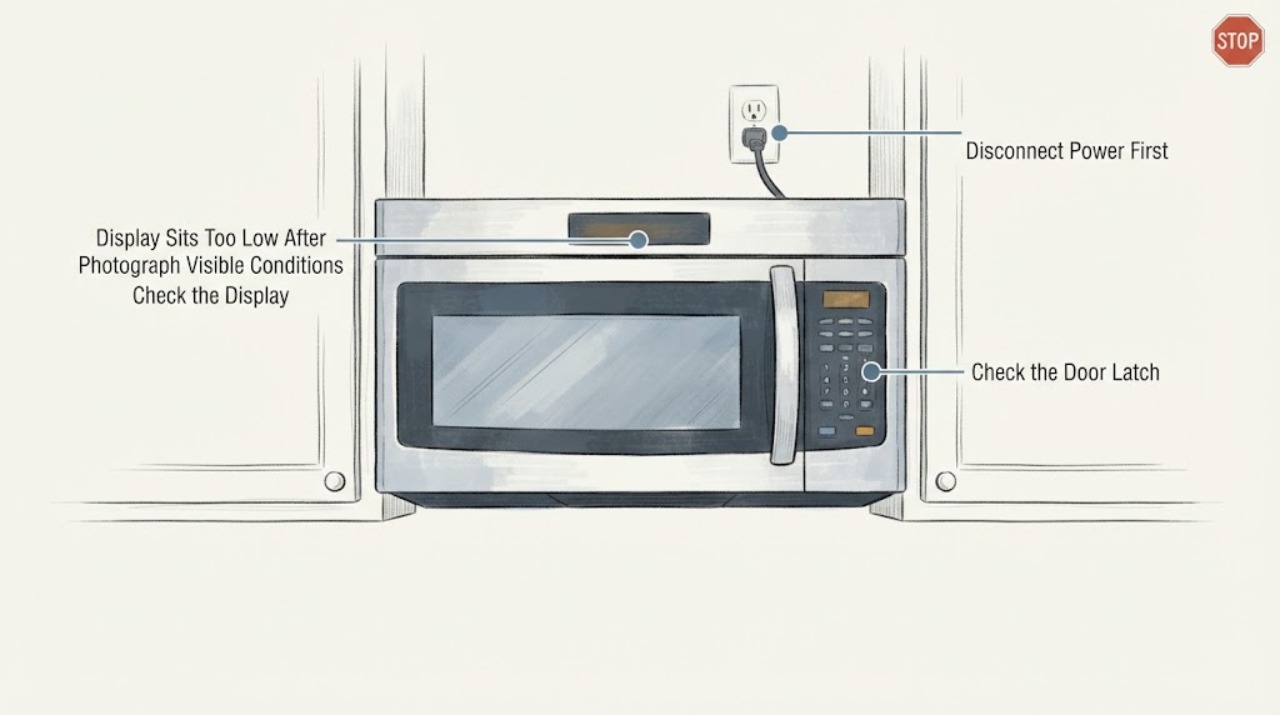
Whirlpool WMH75021HV Display Sits Too Low After a Replacement Door
Stop installing or forcing another replacement door if the display on the Whirlpool WMH75021HV is visibly shifted, partly hidden or misaligned with the door window. First photograph the complete model/serial label, finish, door label and both the original and replacement door condition; record whether the door closes flush, latches normally and the microwave has any gap, damage or unusual operation.
-
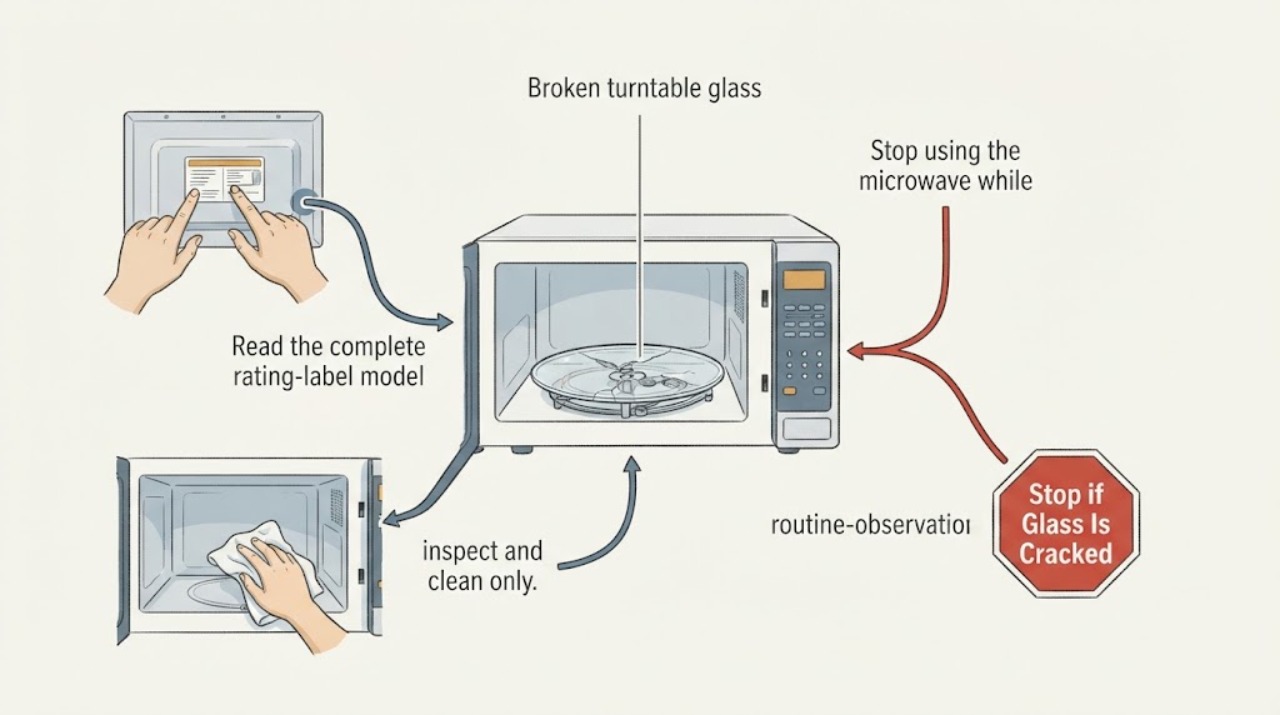
Whirlpool WMH78019HW06 broken turntable glass: match the replacement before use
Keep the Whirlpool WMH78019HW06 off when the turntable glass is broken or missing. Whirlpool's exact-model repair-parts list identifies the WMH78019HW06 and lists a model-specific turntable entry, W11358813, together with separate turntable ring, driver, and motor entries; that is stronger evidence than a generic diameter or a plate from another microwave.
-
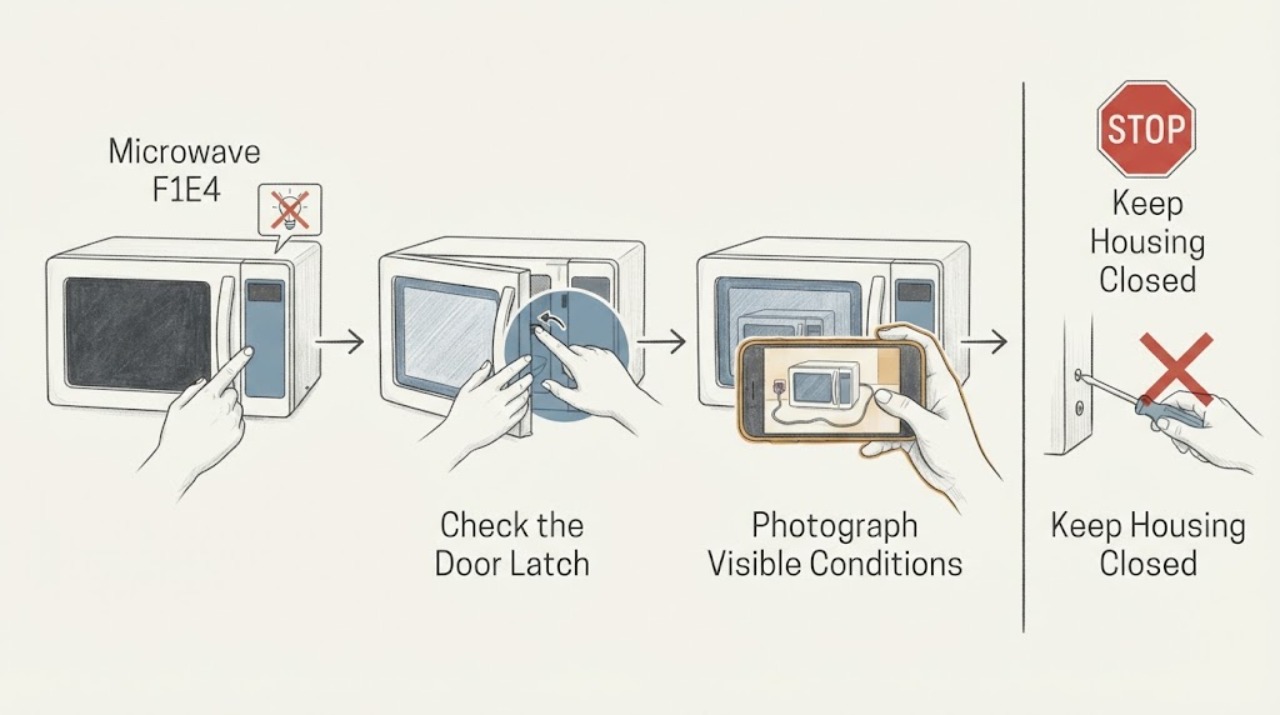
Whirlpool WML55011HS07 Microwave F1E4: Safe Reset and Service Decision
On the Whirlpool WML55011HS07 over-the-range microwave, F1E4 means Whirlpool's guidance cannot execute the requested function and points to a possible Appliance Control Board or associated-wiring problem. It does not identify a control board, relay, fuse, or other part for an owner to replace.