
Electrical guides
Doorbells Repair Guides
Doorbell guidance for power, buttons, chimes, transformers, and wiring symptoms.
Published doorbells guides
Choose the guide that best matches the equipment and symptom you are seeing.
-
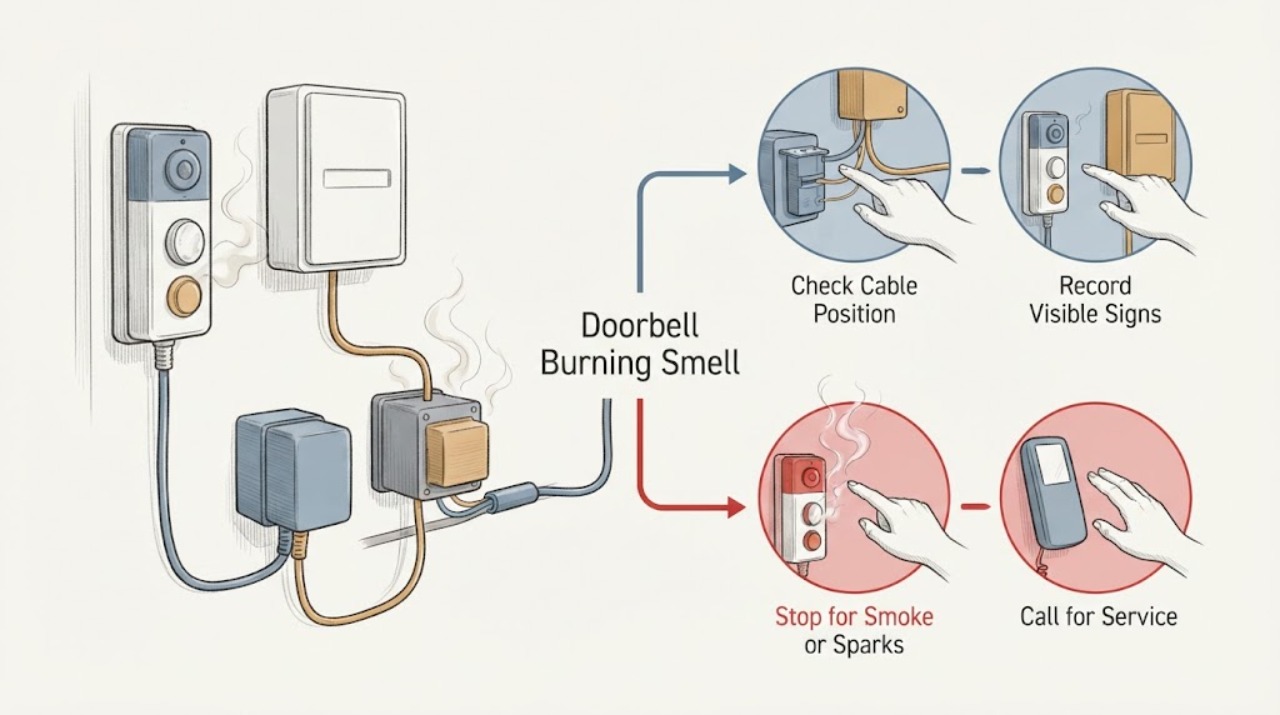
Doorbell Burning Smell: Stop Using It and Make Safe Observations
A burning smell from a doorbell is not a normal troubleshooting symptom. It can come from the outdoor button or camera, an indoor chime, a plug-in adapter or transformer, a damaged cable, moisture, or a battery-powered unit that is overheating.
-
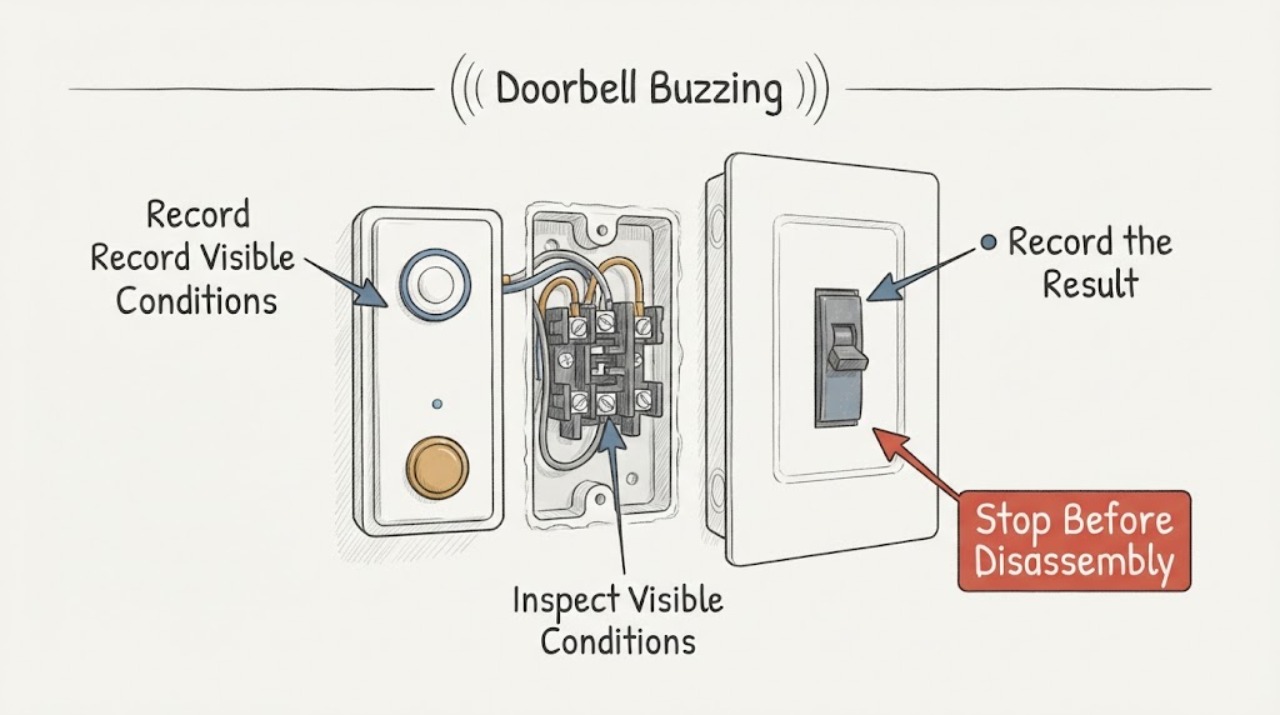
Doorbell Buzzing: Chime, Transformer, Button, and Wiring Checks
A doorbell buzz usually comes from the chime, its button circuit, or the low-voltage transformer, while a buzz at the breaker or wall can signal a separate electrical hazard. Listen from a safe position to locate the sound, note whether it changes when the button is pressed, and check only the outside of the chime, button, transformer area, plug, and breaker for heat, odor, damage, moisture, or arcing.
-
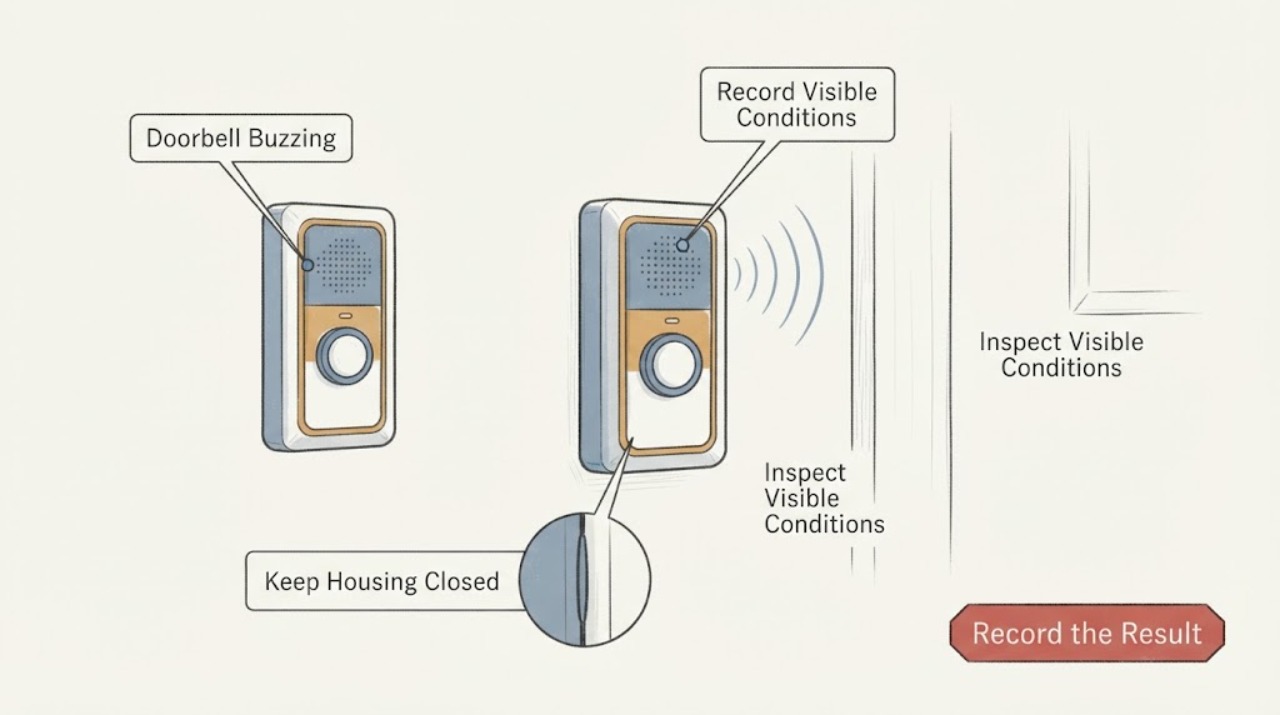
Doorbell Buzzing: Isolate the Button, Chime, and Transformer Safely
A doorbell that buzzes may have a button or switch that is stuck closed, a chime mechanism that is being held on, an incompatible or weak transformer, a misconfigured smart-doorbell chime, or a wiring fault. First identify where the sound comes from and whether it is continuous or only occurs when the button is pressed.
-
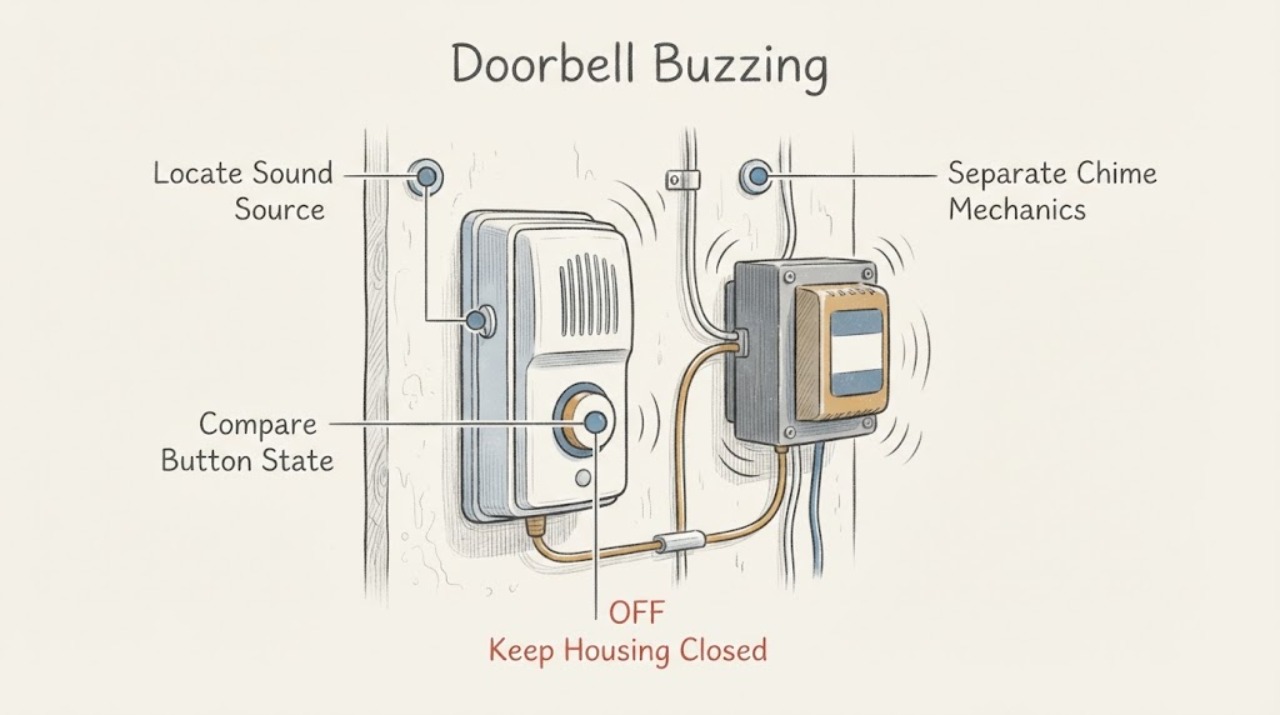
Doorbell Buzzing: Isolate the Chime, Button, and Transformer Safely
A doorbell buzz can come from the chime or button being held in its energized state, a doorbell transformer or chime that is vibrating normally but audibly, incompatible or overloaded connected equipment, or a wiring or component fault. First identify where the sound comes from and whether it continues after the button is released.
-
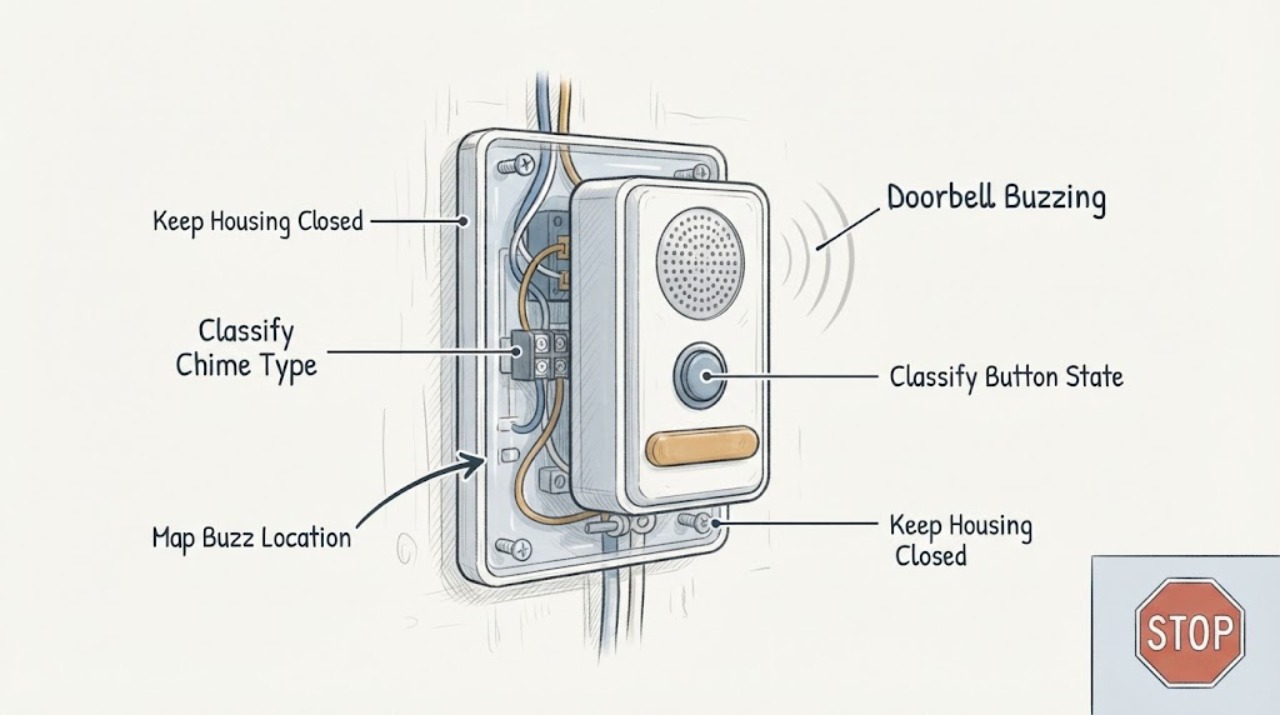
Doorbell Buzzing: Tell Whether the Chime, Button, Transformer, or Wiring Is Involved
A doorbell buzz can come from the chime, the button being held or sticking, a transformer or power mismatch, a chime connector or wire arrangement, or a fault in the low-voltage wiring. First listen from a safe position and record whether the sound is at the chime, button, or transformer, whether it starts only during a press, and whether the doorbell is wired or battery-powered.
-
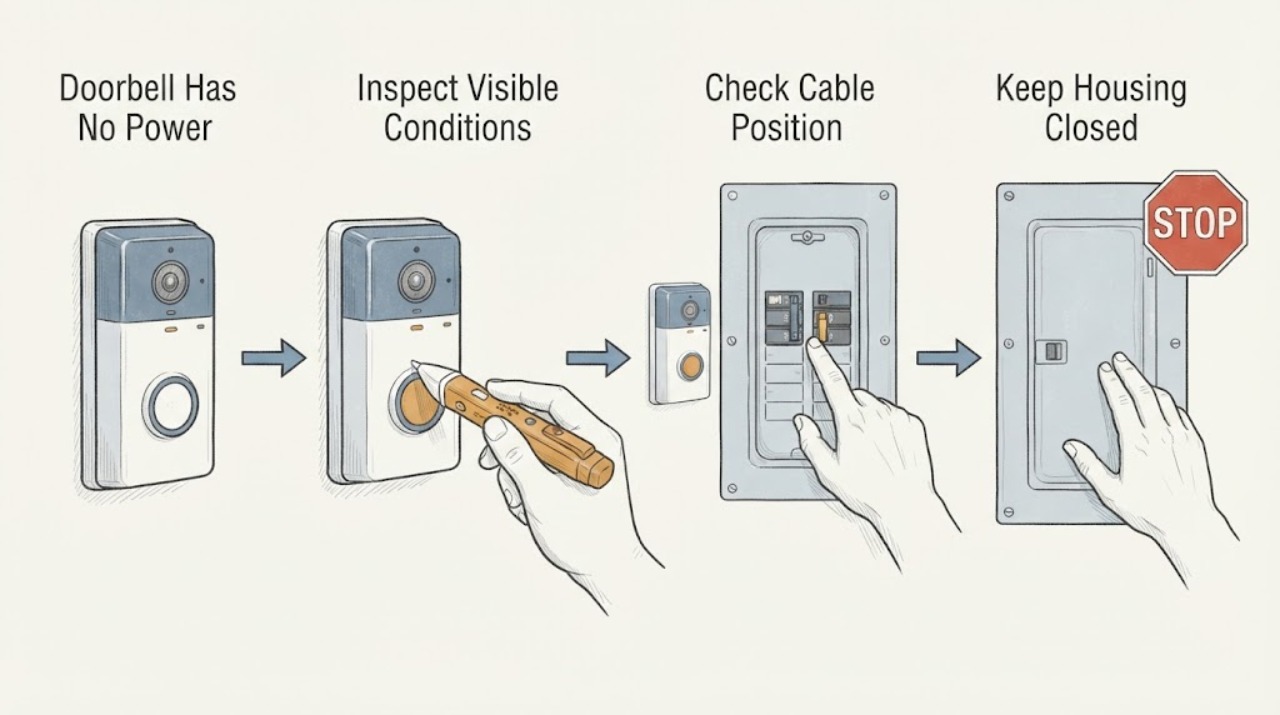
Doorbell Has No Power: Check the Breaker and Power Type Safely
A doorbell with no power may be battery-powered with a flat battery, hardwired through a low-voltage transformer, or connected to a plug-in adapter. First determine which type you have and whether the loss affects only the doorbell, the indoor chime, a nearby outlet, or a wider circuit.
-
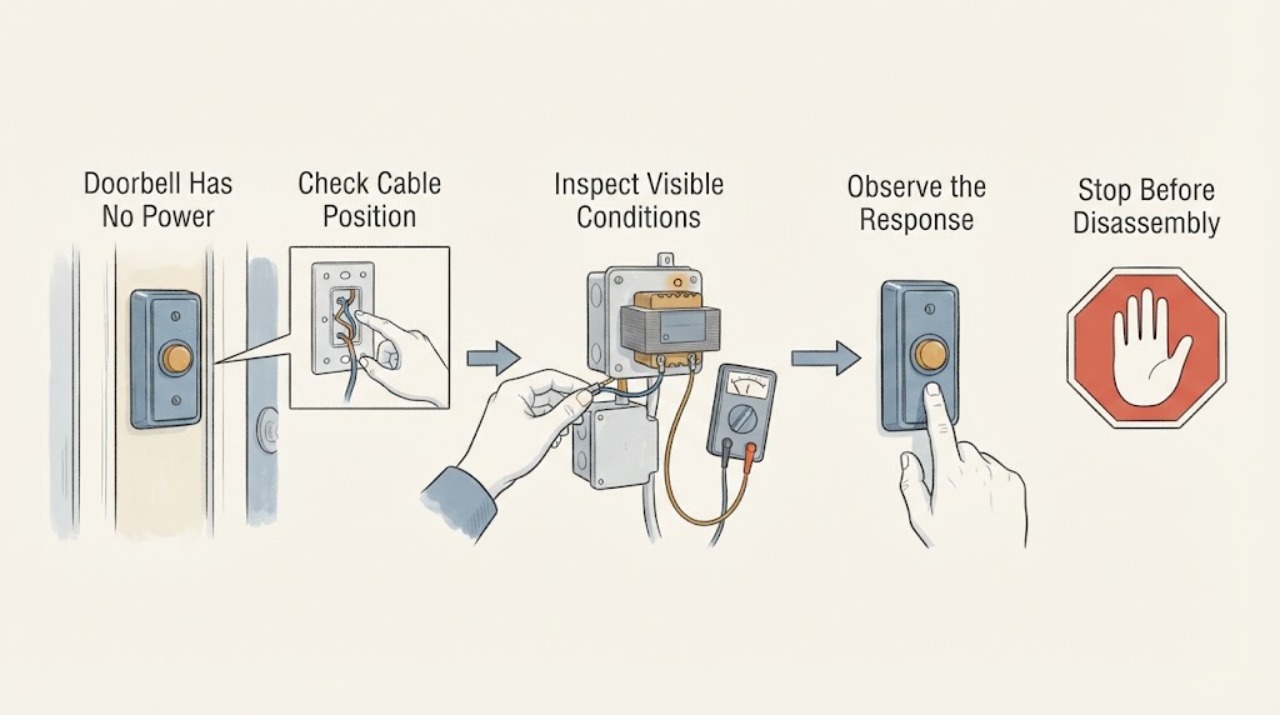
Doorbell Has No Power: Check the Breaker, Transformer, and Wiring Safely
First establish whether the doorbell is a wired system or a battery device and what actually stopped: the button, indoor chime, indicator, or every doorbell function. For a wired system, check the supplying breaker from outside the panel and look for an upstream GFCI with TEST and RESET buttons.
-
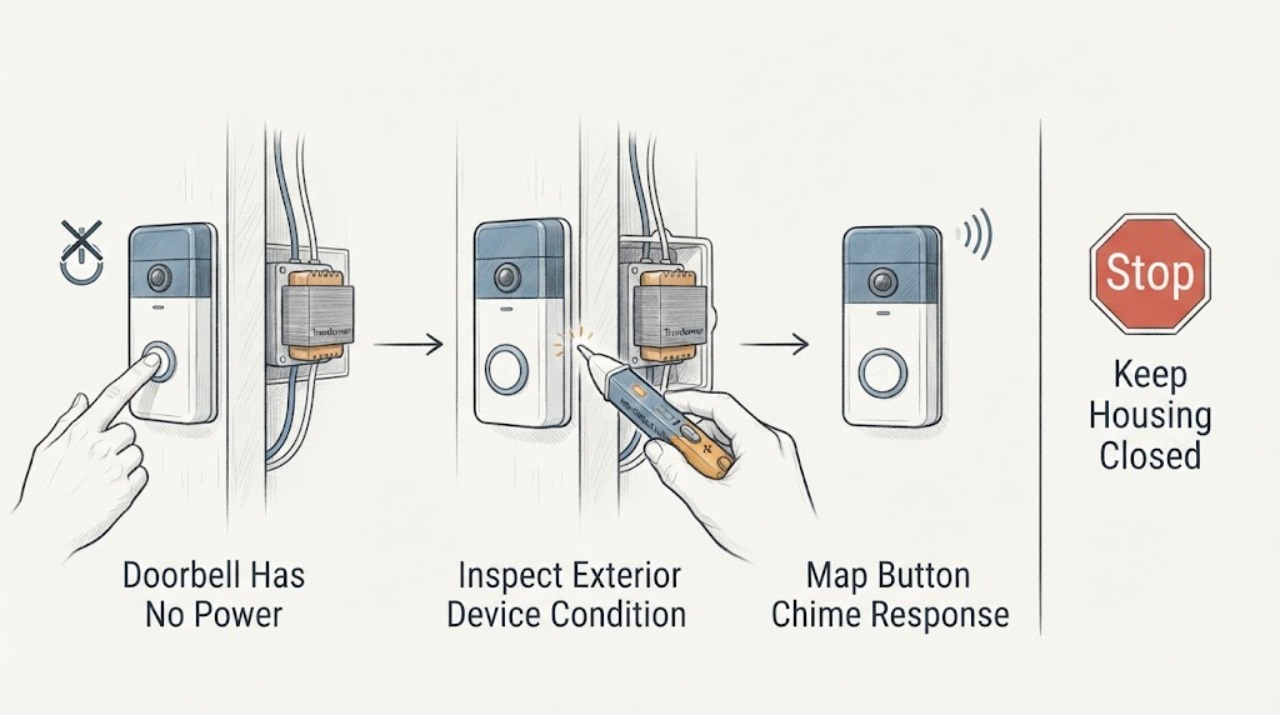
Doorbell Has No Power: Check the Button, Chime, Transformer, and Wiring Safely
When a wired doorbell has no power, first separate a dead button or chime from a missing supply to the transformer and a damaged low-voltage path. Note whether pressing the button produces a click, hum, chime, light, or app event, and whether the chime or doorbell shows any normal sign of power.
-
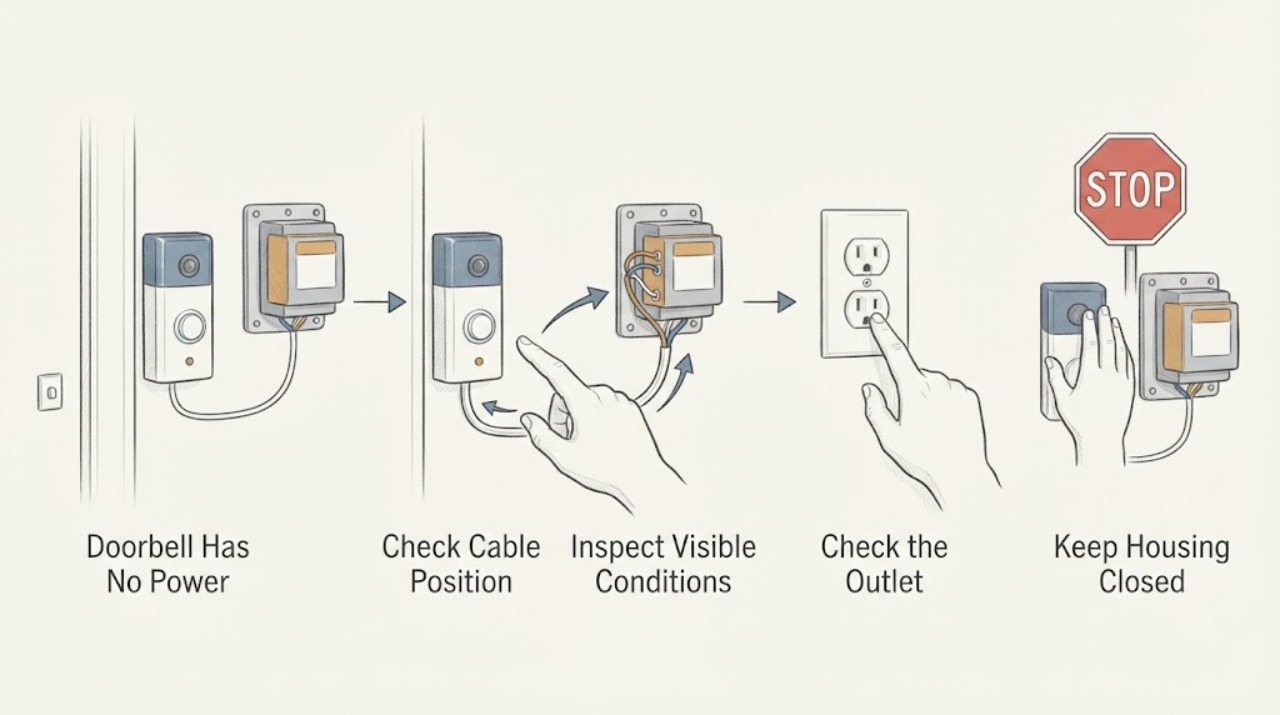
Doorbell Has No Power: Check the Safe Visible Causes Before the Transformer
A doorbell with no power may have a depleted battery, an incorrect app state, a tripped household circuit, a switched-off or failed transformer, a disconnected low-voltage path, or a failed button, chime, or smart-doorbell device. First identify whether the doorbell is battery-powered, plug-in, or wired to a transformer, then check only the visible device indicator, app status if applicable, button response, and clearly labeled power status.
-
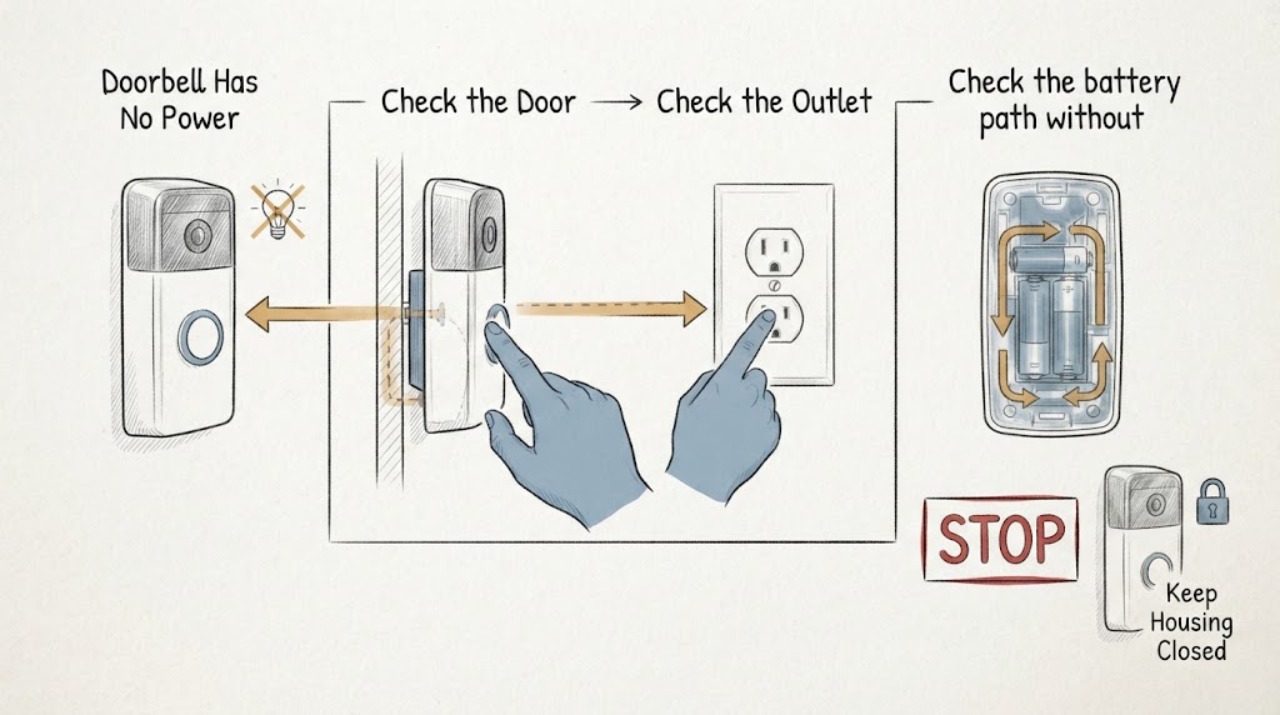
Doorbell Has No Power: Safe Checks for Wired and Battery Models
First distinguish a dead doorbell from a silent indoor chime: check the doorbell's status light or app, whether any other doorbell or chime function works, and whether the system is wired or battery-powered. For a wired system, verify only the external breaker, switch, outlet, or plug-in adapter that supplies it, and inspect visible equipment for damage without opening an electrical panel or probing wires.
-
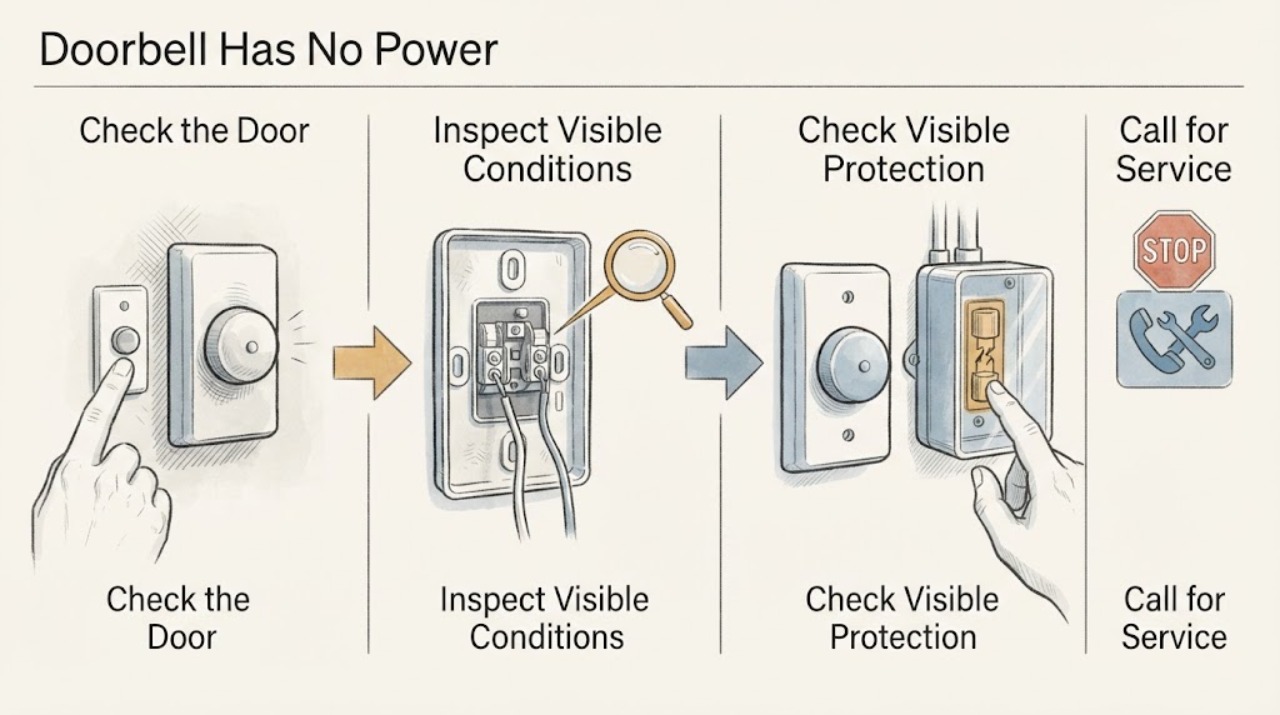
Doorbell Has No Power: Safe Wiring and Transformer Checks
A doorbell that has no power may have a drained battery, a switched-off or failed transformer, a tripped protective device, a broken low-voltage connection, a wet or damaged button, or an incompatible power supply. First identify whether the doorbell is battery-powered, hardwired, or part of a smart system, then observe the device, chime, transformer label, and visible breaker or GFCI status from a dry, safe position.
-
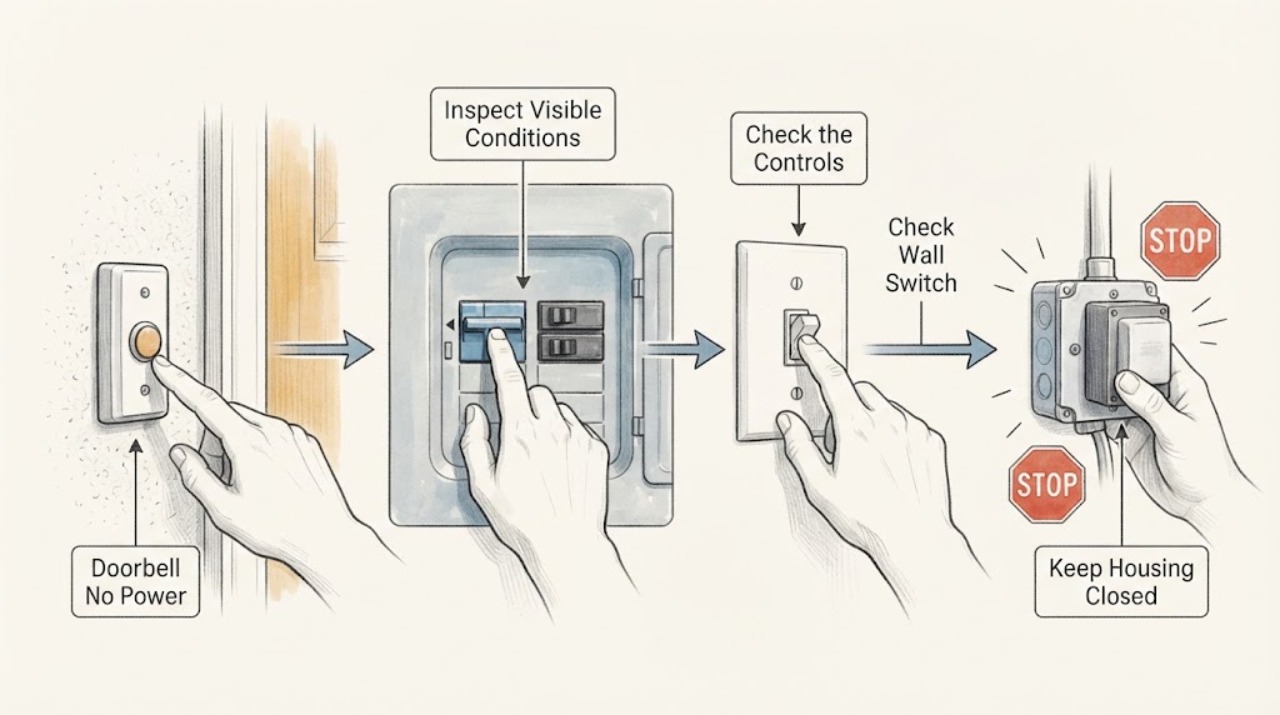
Doorbell No Power: Check the Breaker, Switch, and Transformer Safely
If a wired doorbell has no power, first separate a dead button or chime from a lost supply to the doorbell system. From a dry, safe position, note whether the button, chime, and any status light are all dead, check the visible breaker or fuse label and any ordinary switch that may control the chime, and inspect only the outside of the chime, transformer, and low-voltage wire route for heat, damage, or water.
-
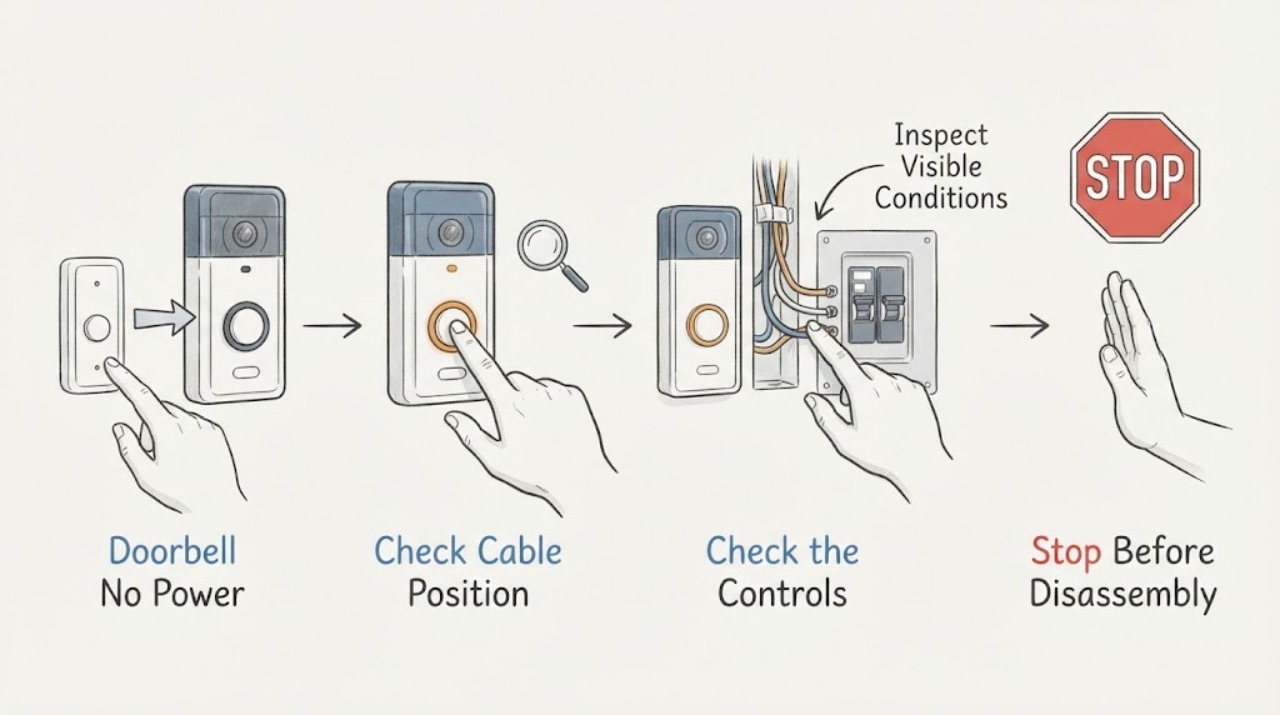
Doorbell No Power: Safe Breaker and Wiring Checks
A doorbell with no power may be battery-powered with a depleted battery, a wired system with an interrupted breaker or transformer supply, a failed chime or button, or a wiring fault. First identify whether the doorbell and chime are wired or wireless, then check only the user-visible battery, app/status light, button and chime behavior, and the visible state of the labeled breaker or outlet.
-
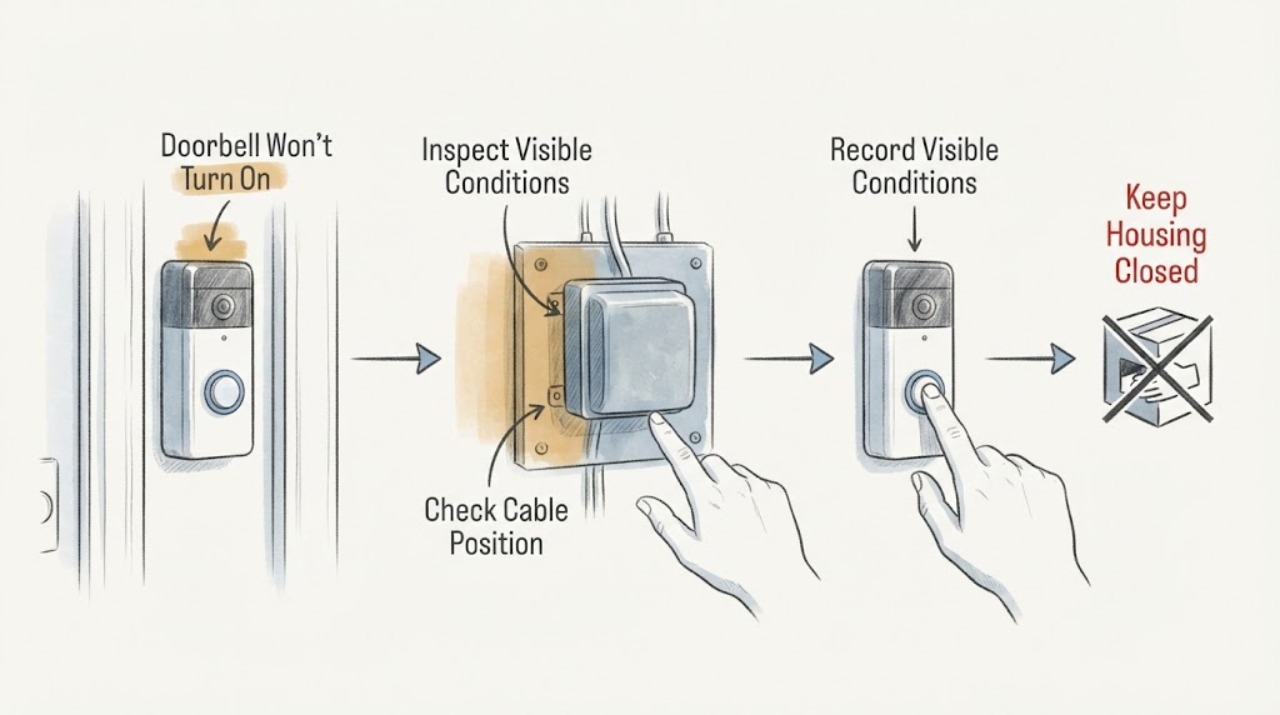
Doorbell Won't Turn On: Check the Transformer and Breaker Safely
A wired doorbell that will not turn on may have no household power reaching its transformer, an incompatible or failed transformer, a low-voltage path problem, or a failed doorbell or chime. A wireless doorbell may simply have a depleted battery and may not use the transformer at all.
-
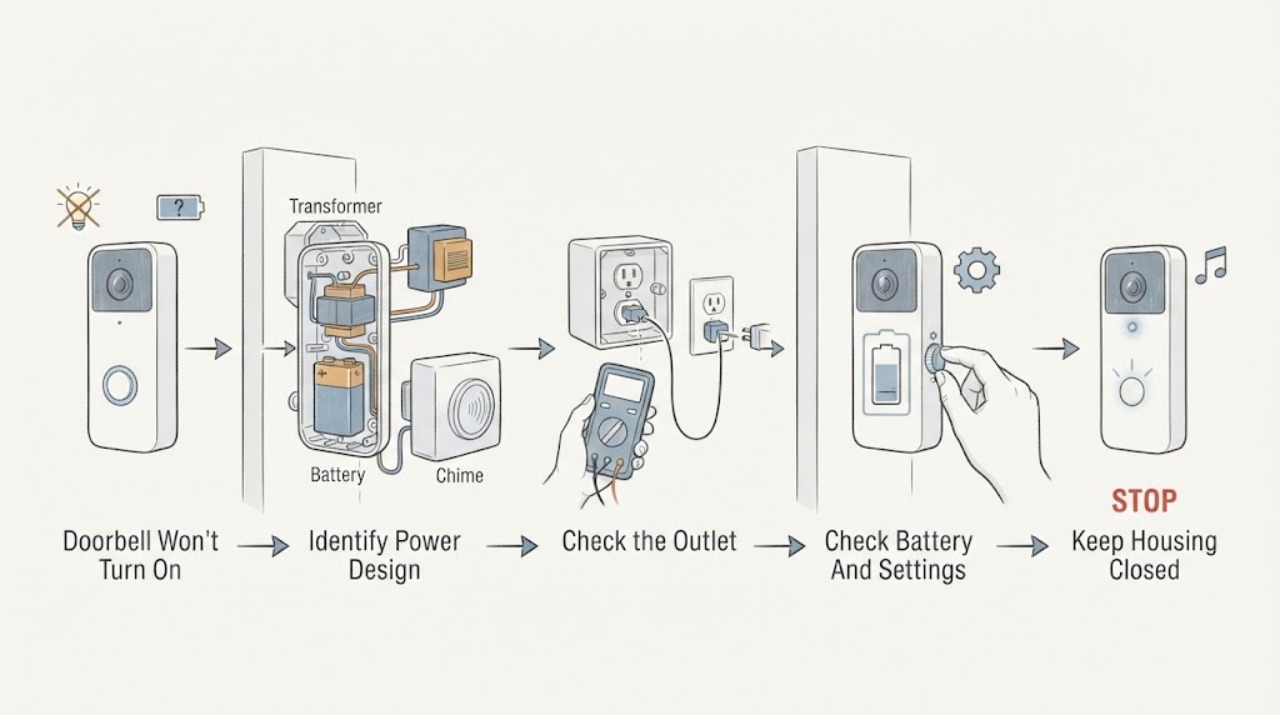
Doorbell Won't Turn On: Safe Power and Service Checks
First identify whether the doorbell is battery-powered, fed by an indoor power adapter, or connected to a wired chime and transformer. Check only user-accessible battery charge, app or chime settings, and a known-working indoor outlet when applicable; observe whether the doorbell has any status light, sound, or response.
-
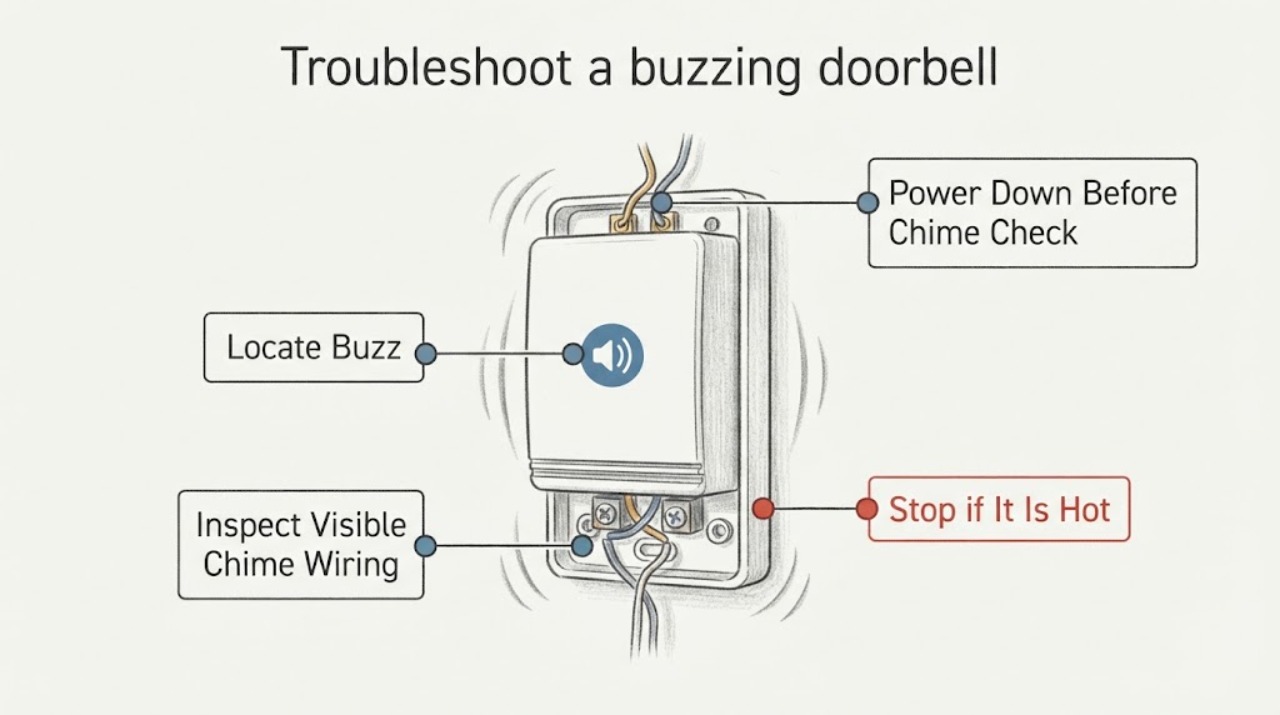
How to troubleshoot a buzzing doorbell
First identify whether the sound comes from the button, indoor chime, or transformer, and stop using the doorbell if any part is hot, smells burnt, smokes, or shows damaged wiring. For a wired smart doorbell, a buzzing chime can follow an incorrectly installed or missing chime connector, incompatible wiring, or an under-specified transformer; follow the exact device instructions.