
Brand-independent appliance guidance
General Coffee Maker Repair Guides
Brand-independent troubleshooting and repair guidance for common coffee maker problems and maintenance questions.
General coffee maker guides
Use these guides when the problem is not limited to a specific manufacturer.
-
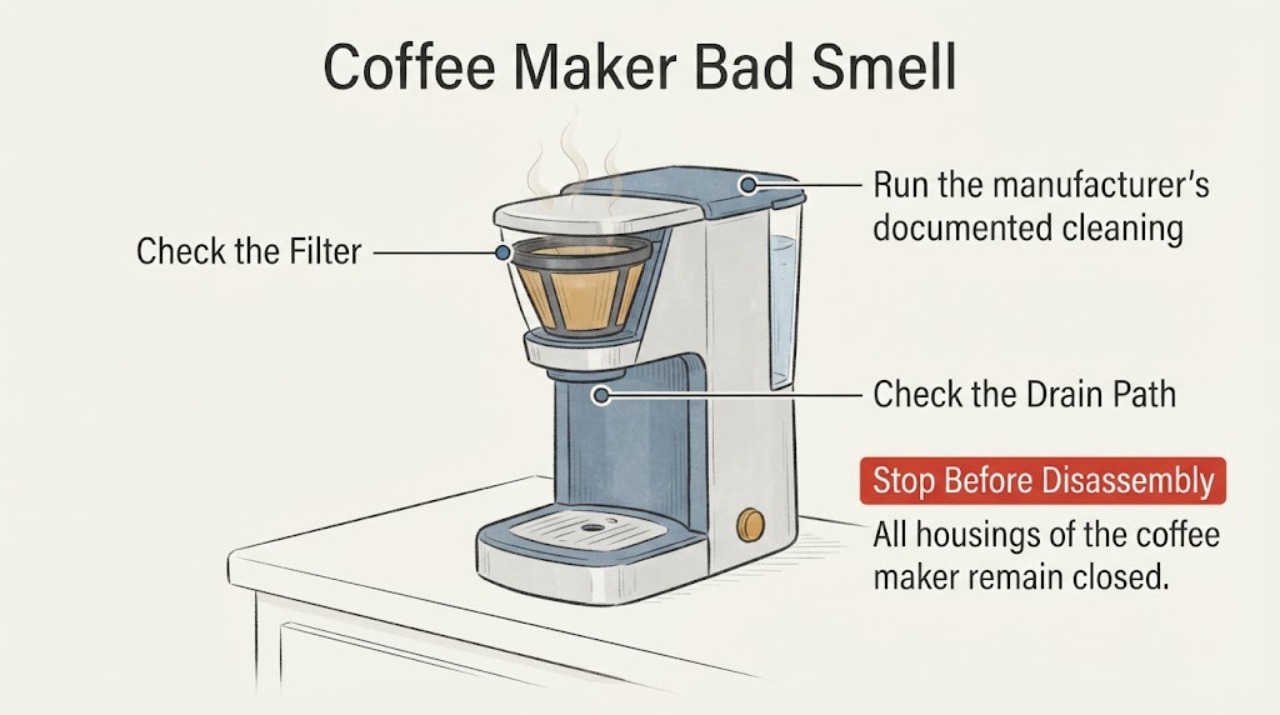
Coffee Maker Bad Smell
A bad smell from a coffee maker is first separated by timing and source. A smell on first use can be residual manufacturing coating on some models; a stale coffee or oily smell points toward the brew path and removable parts; a sharp electrical or burning smell is a stop condition. Empty the machine, clean the parts the manual identifies, and run the model’s cleaning or descaling cycle. Do not keep using it when odor persists after cleaning or suggests overheating.
-
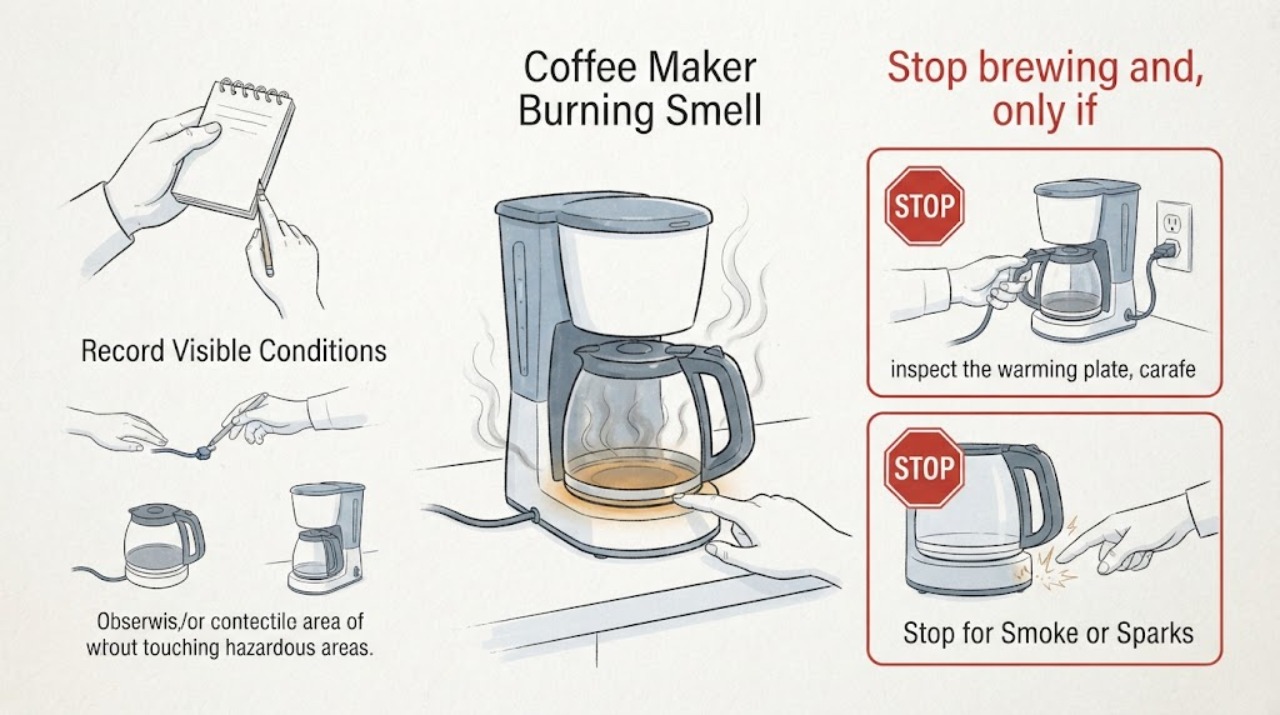
Coffee Maker Burning Smell and Warming Plate Staying Hot: Stop and Identify the Model
A burning-plastic smell and a warming plate that remains hot after a coffee maker is switched off are safety symptoms, especially when the brand and model are unknown. Stop brewing, unplug the maker by the plug if it is safe to do so, keep hands away from the hot plate and let it cool on a clear, nonflammable surface.
-
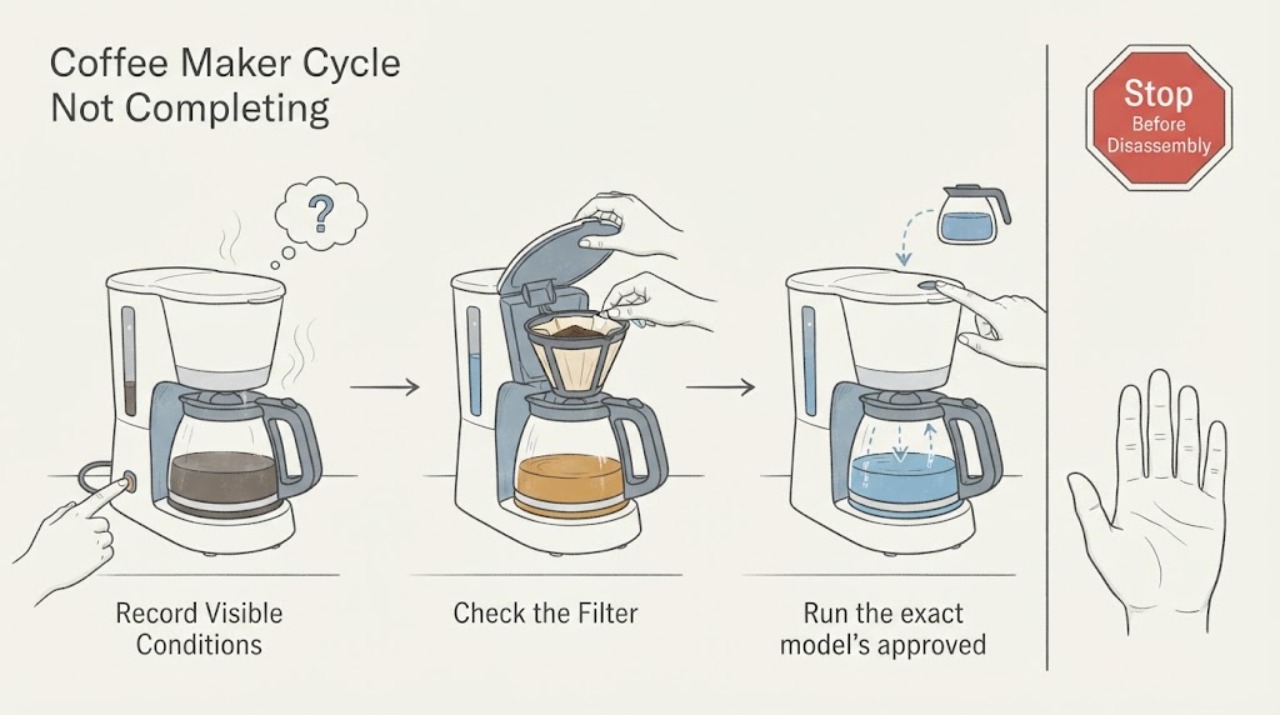
Coffee Maker Cycle Not Completing
If a coffee maker starts but never completes its cycle, note whether it stops before, during, or after brewing. Check water-tank seating, the selected brew state, and the filter basket or carafe position, then perform only the model-approved clean or descale cycle. A repeat stop with power and water correctly supplied needs service.
-
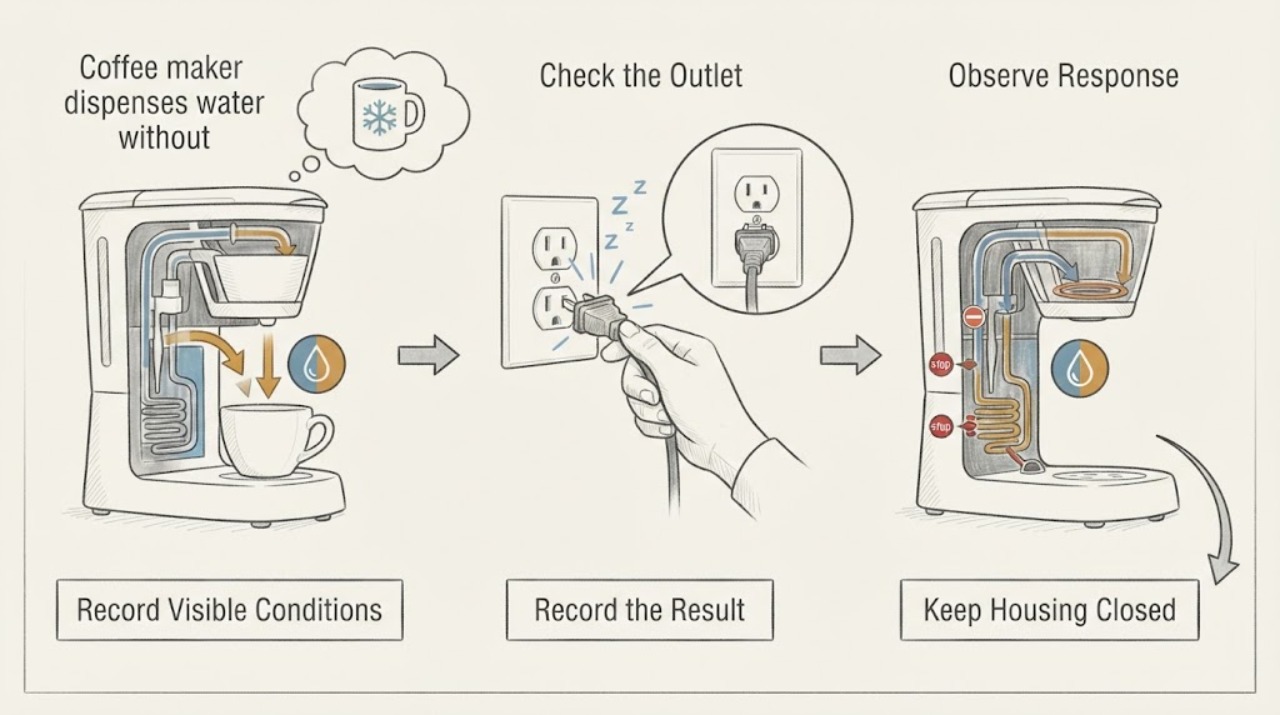
Coffee maker dispenses water without heating: identify the model before repair
The spelling “Keuirg” may refer to a Keurig brewer, but the assigned topic has no verified model and the manufacturer support material is model-specific. Start by reading the nameplate and recording the controls, then use only the matching owner's guide.
-
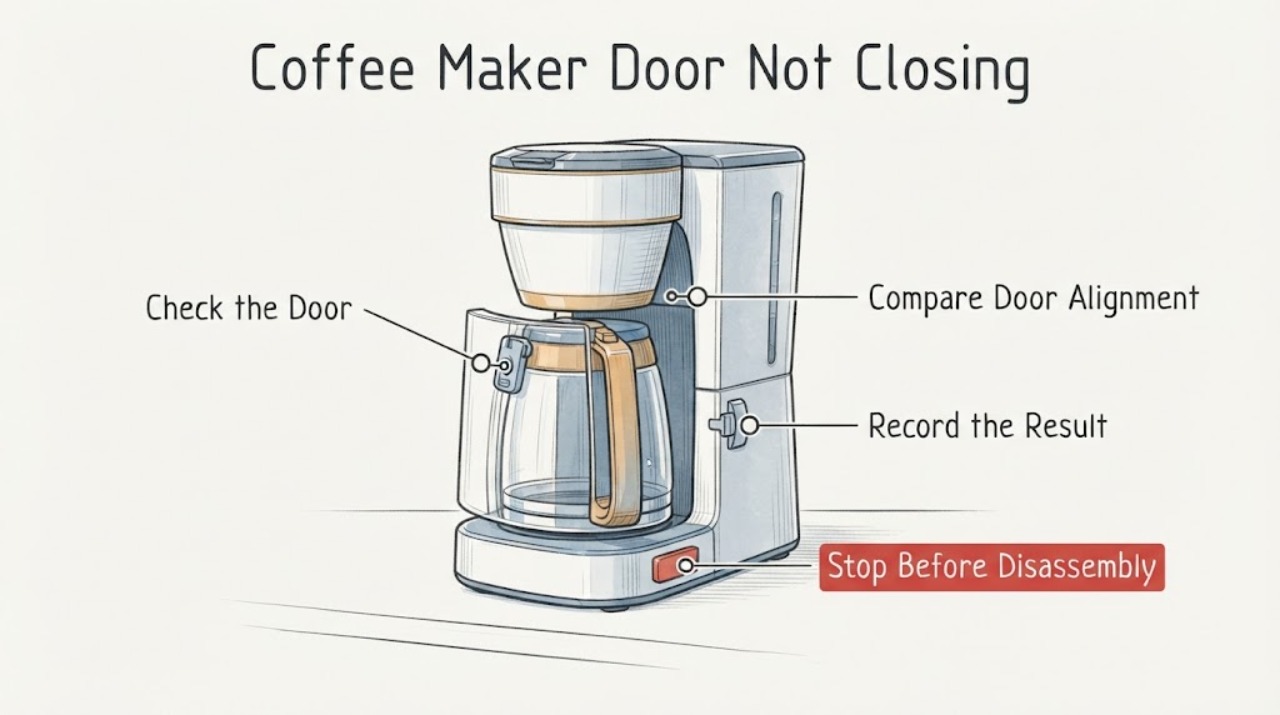
Coffee Maker Door Not Closing: Check the Holder and Latch Safely
A coffee-maker door that will not close is usually a seating or obstruction problem, not a reason to force the latch. Disconnect power before cleaning, remove the pod or grounds holder through the normal release, check for a mis-seated holder, trapped pod, full drawer, or reservoir position, and keep fingers away from puncture needles. If the door still will not latch, is cracked, leaks, or the cord is damaged, stop and use model-specific service.
-
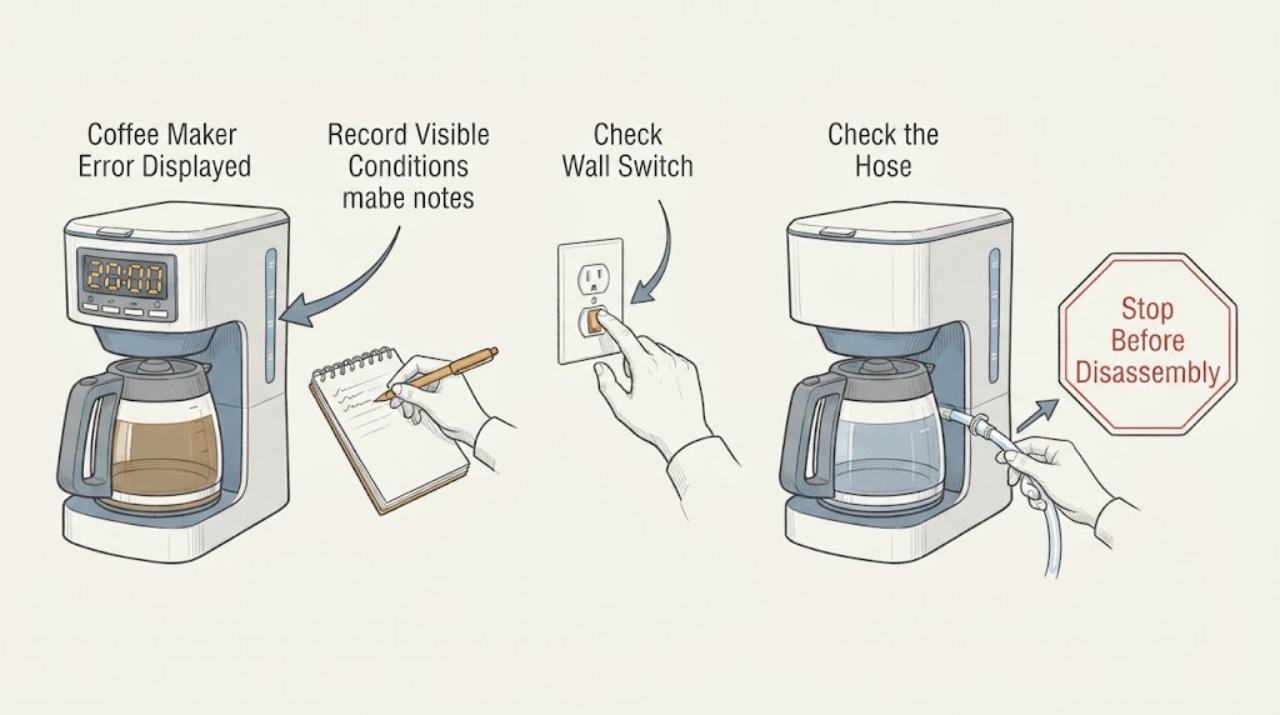
Coffee Maker Error Displayed
Record the exact error, model, timing, and function before clearing it. Use the exact manufacturer's manual because codes vary by model. Check water, container/basket, cleaning, and power conditions only as documented; a returning code or unsafe symptom needs service.
-
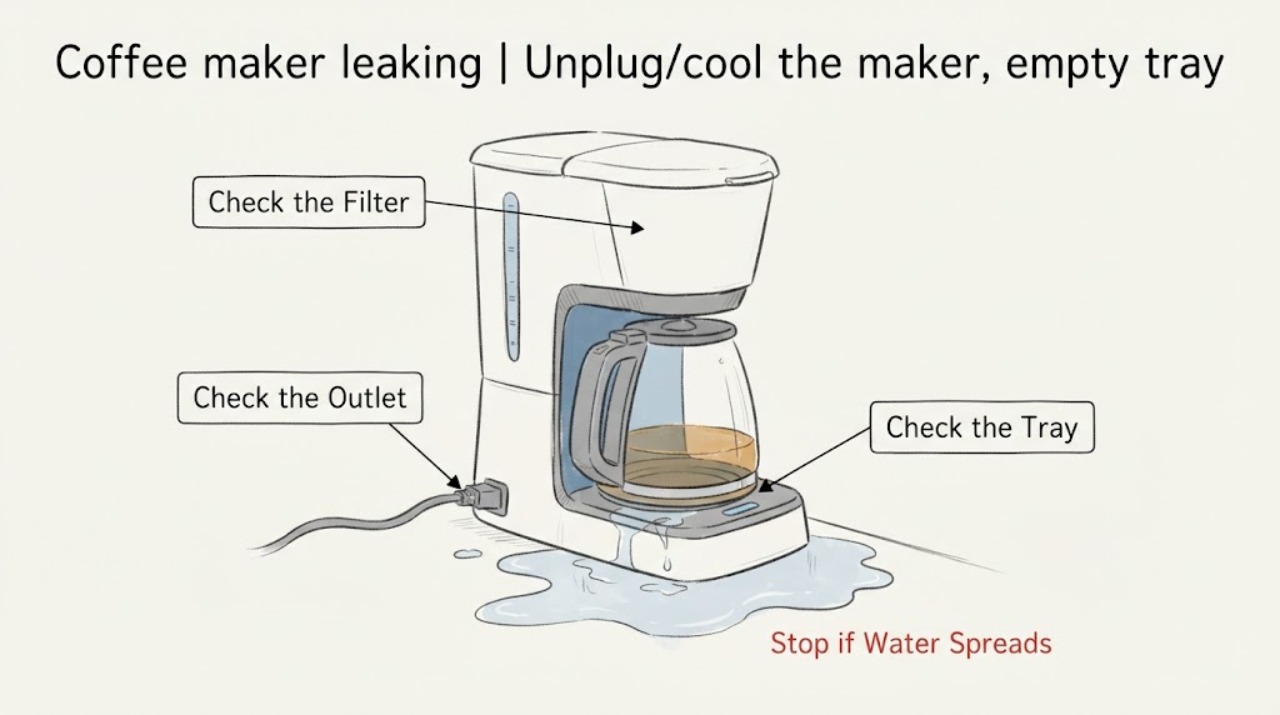
Coffee maker leaking
A leaking drip coffee maker is traced by where water first appears: reservoir, basket/dripper, carafe, or base. Check the fill line, filter/basket seating, gasket, grind and filter blockage with the maker unplugged and cool. Stop for a base leak or water near the cord.
-
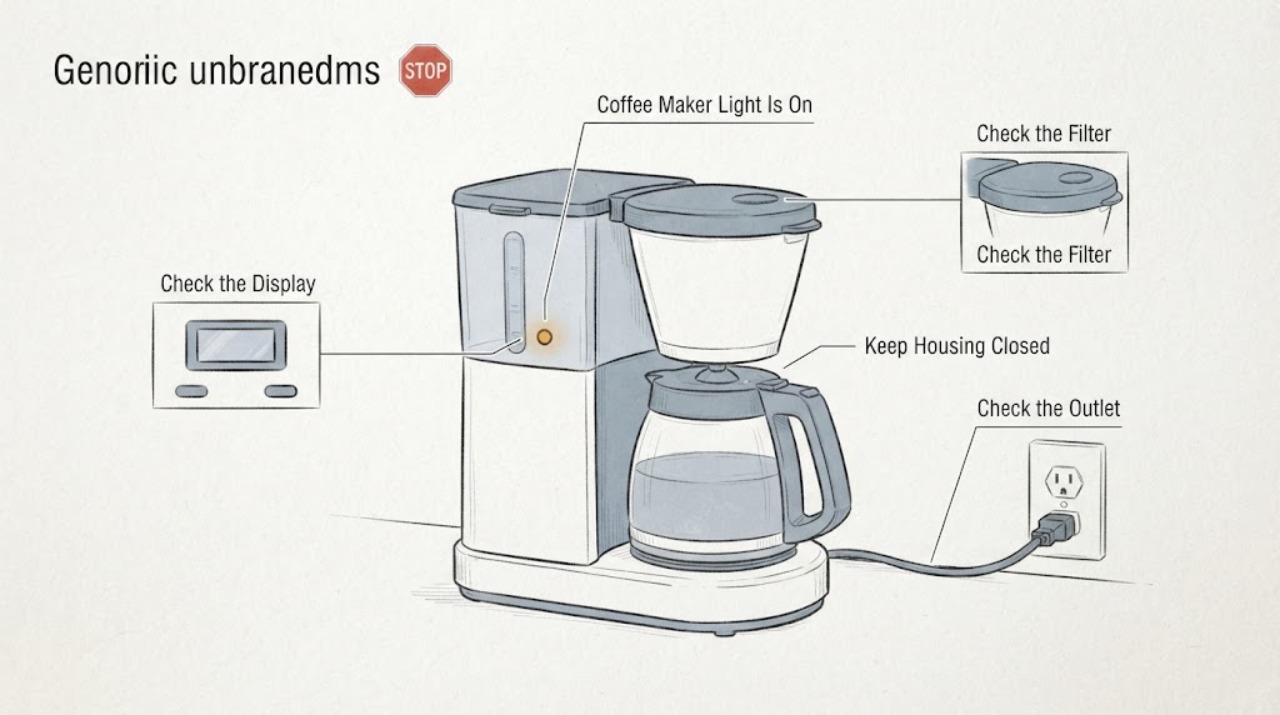
Coffee Maker Light Is On but Coffee Is Not Brewing
A light that is on proves only that some power or indicator state is present; it does not prove that a brew cycle has been accepted, that the reservoir is seated, or that water is moving. First identify whether the machine is a drip brewer, pod brewer or espresso-style machine and follow its exact manual.
-
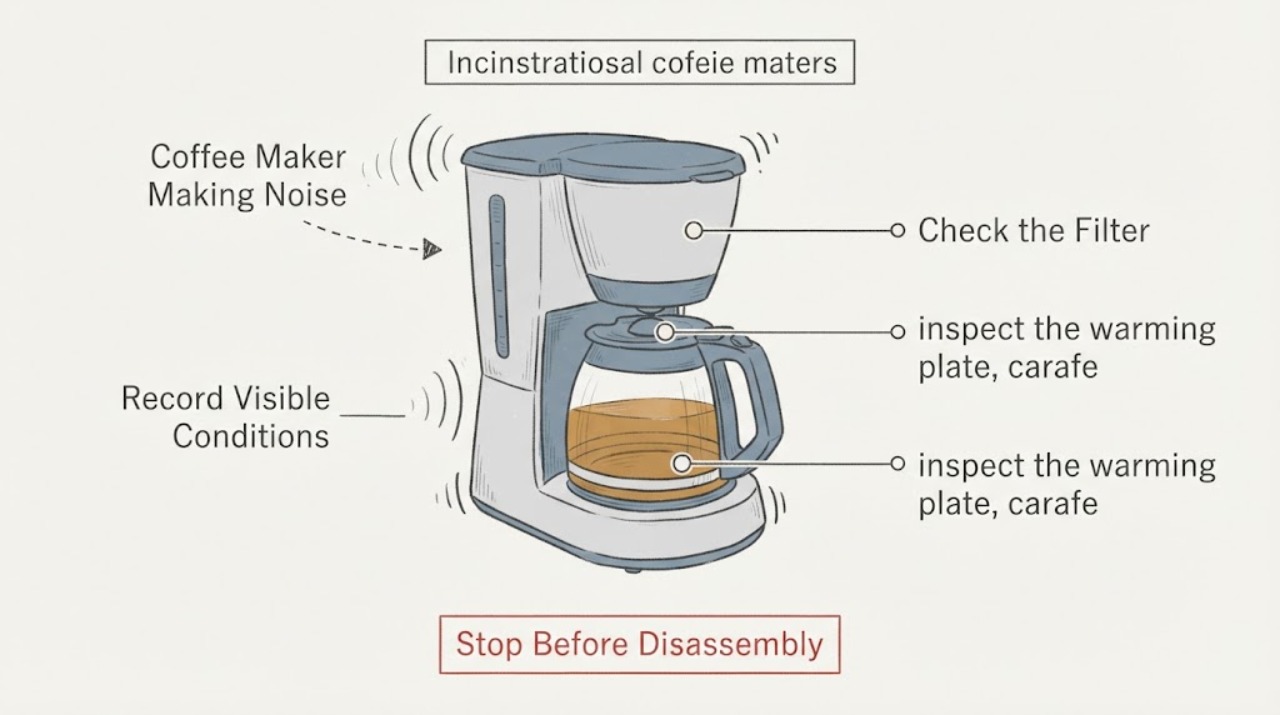
Coffee Maker Making Noise: Identify Pump, Drip, or Vibration Sounds
A drip coffee maker can make brief water, steam, clicking, or warming-plate sounds during a brew cycle, but loud rattling, crackling, grinding, or noise with leaking or a hot cord needs attention. Check water level, carafe/filter seating, scale, and counter stability only while the machine is cool and unplugged for cleaning.
-
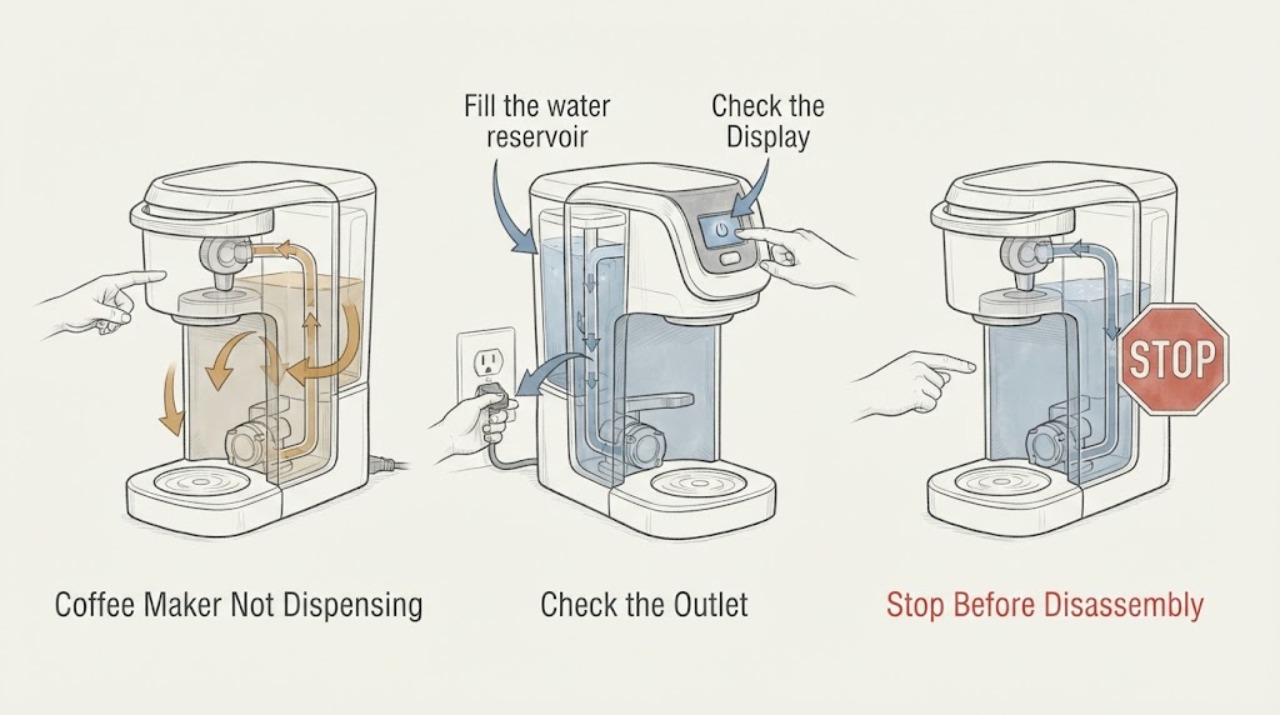
Coffee Maker Not Dispensing
For a coffee maker that will not dispense, separate no power from a brew lockout, empty or misseated water reservoir, blocked pod or entrance needle, and scale. Confirm power, seat the reservoir, close the pod handle fully, and use the exact model cleaning or descaling procedure. If the machine still will not dispense after one documented rinse or descale path, keep it off and use model-specific service.
-
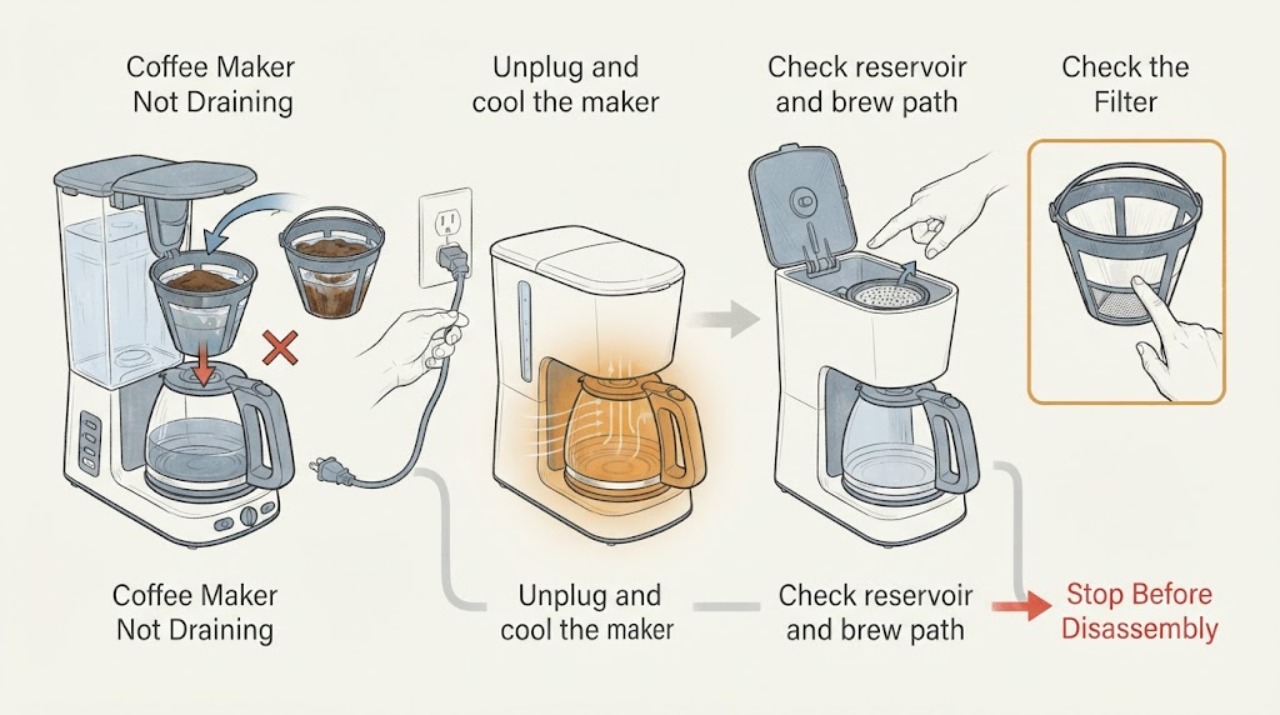
Coffee Maker Not Draining
For a coffee maker that is not draining, unplug and cool it, then check the water path, brew tank, dispensing valve, filter screen, and mineral buildup. Hamilton Beach says decalcification often corrects a clogged pump path and a blocked screen can slow dispensing. Do not open the base.
-
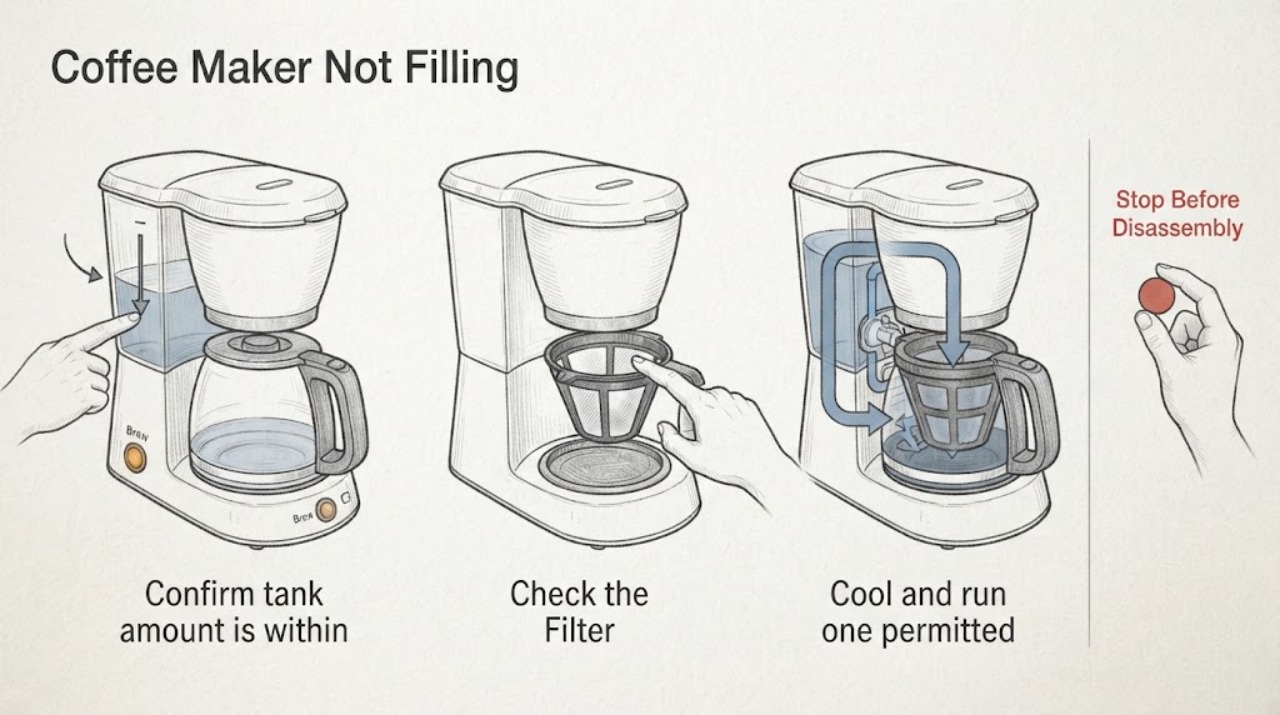
Coffee Maker Not Filling
Check a coffee maker at tank amount/seating, accessible mesh/filter, and one permitted cool-down or descaling path. A clear tank/filter with no flow points to an internal pump or valve.
-
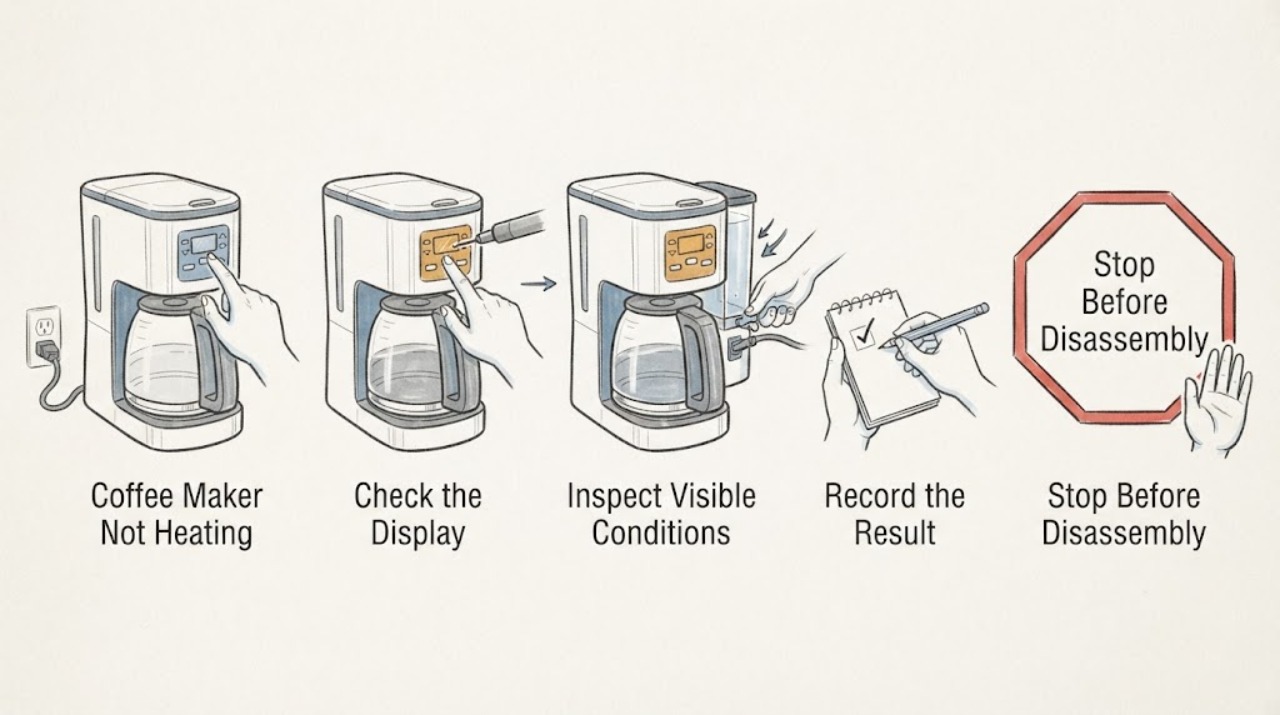
Coffee Maker Not Heating
First determine whether the coffee maker has power and is merely in a warm-up or auto-off state, or whether it completes a brew with cold water and a cold plate. Confirm the tank and controls using the manual, run the documented descale cycle when scale is indicated or maintenance is due, and observe whether heating returns.
-
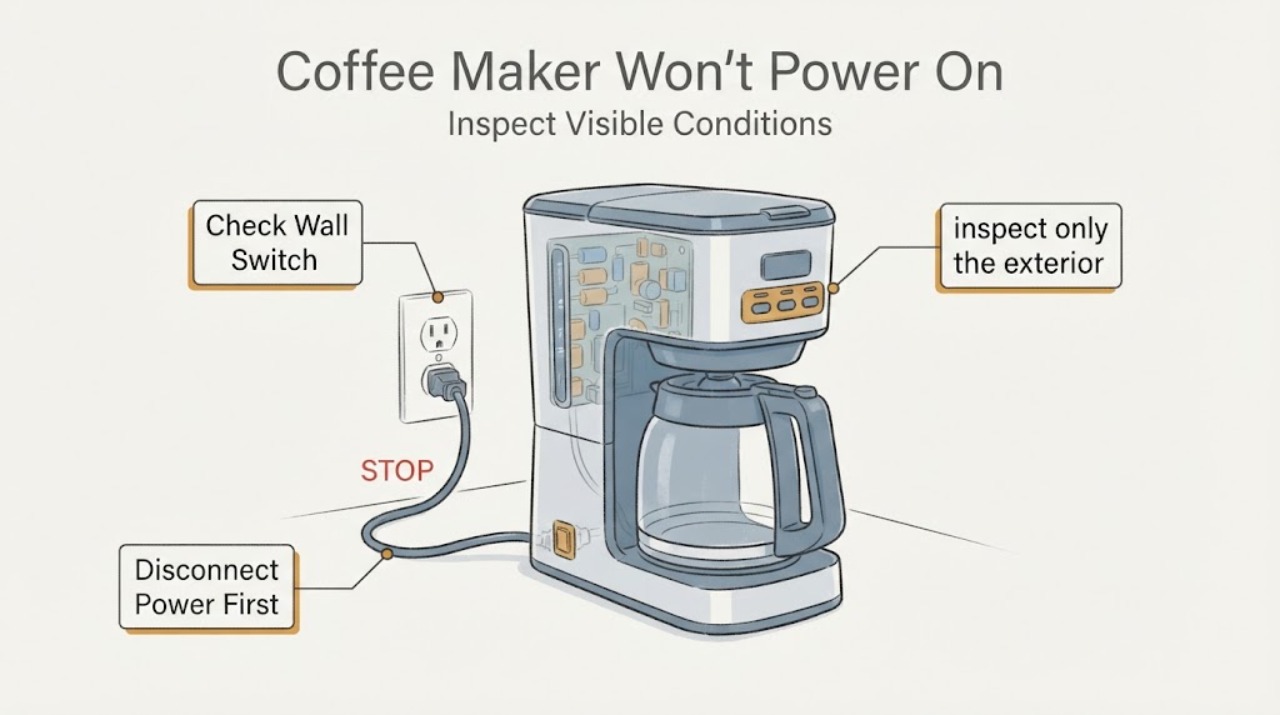
Coffee Maker Won't Power On: Is the Capacitor the Problem?
A capacitor cannot be identified as the cause of a coffee maker that will not power on from the symptom alone, and a board photo is not enough to select or replace one. Start with the accessible power path: confirm the cord is seated, test the outlet with another suitable appliance, check a tripped breaker or GFCI from a dry position, and use only the visible power or standby control described by the exact manual.
-
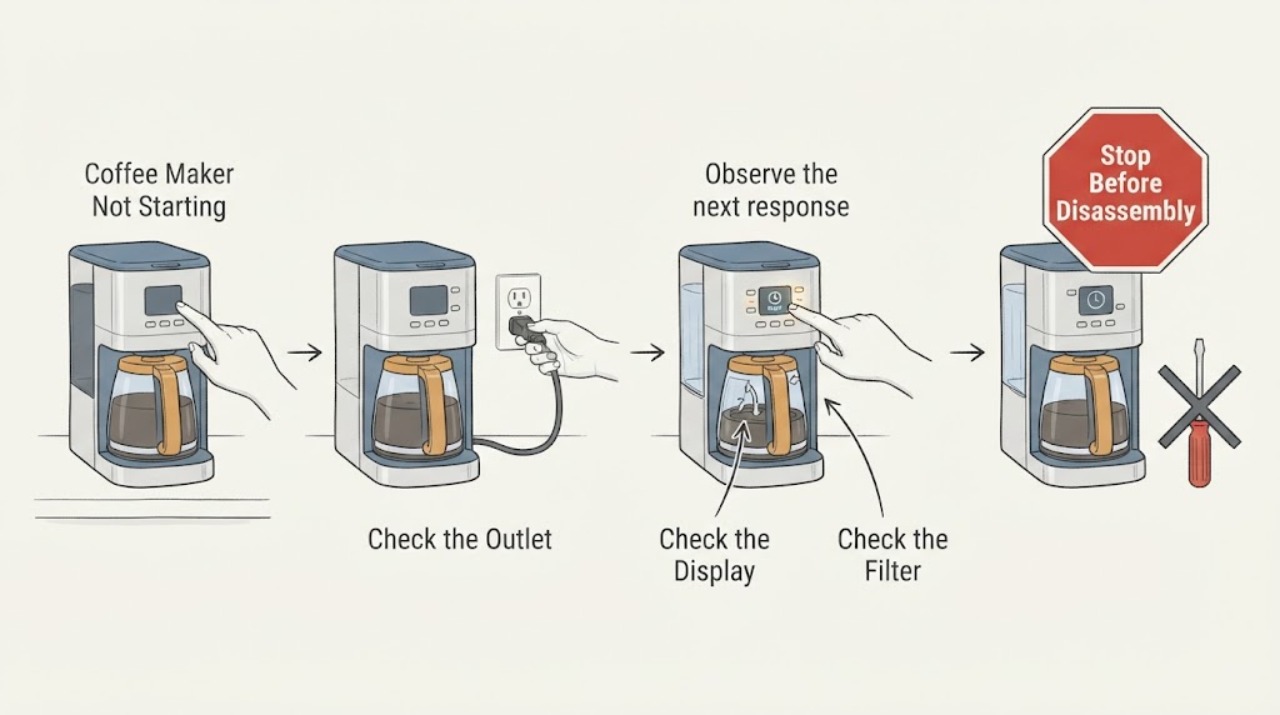
Coffee Maker Not Starting
If a coffee maker will not start, check the plug and outlet, press the model’s ON or START control as instructed, and confirm the water tank, filter basket, and carafe are correctly seated. If the display is lit but no cycle begins, use the model manual for preheat or delay behavior. Persistent failure needs service.
-
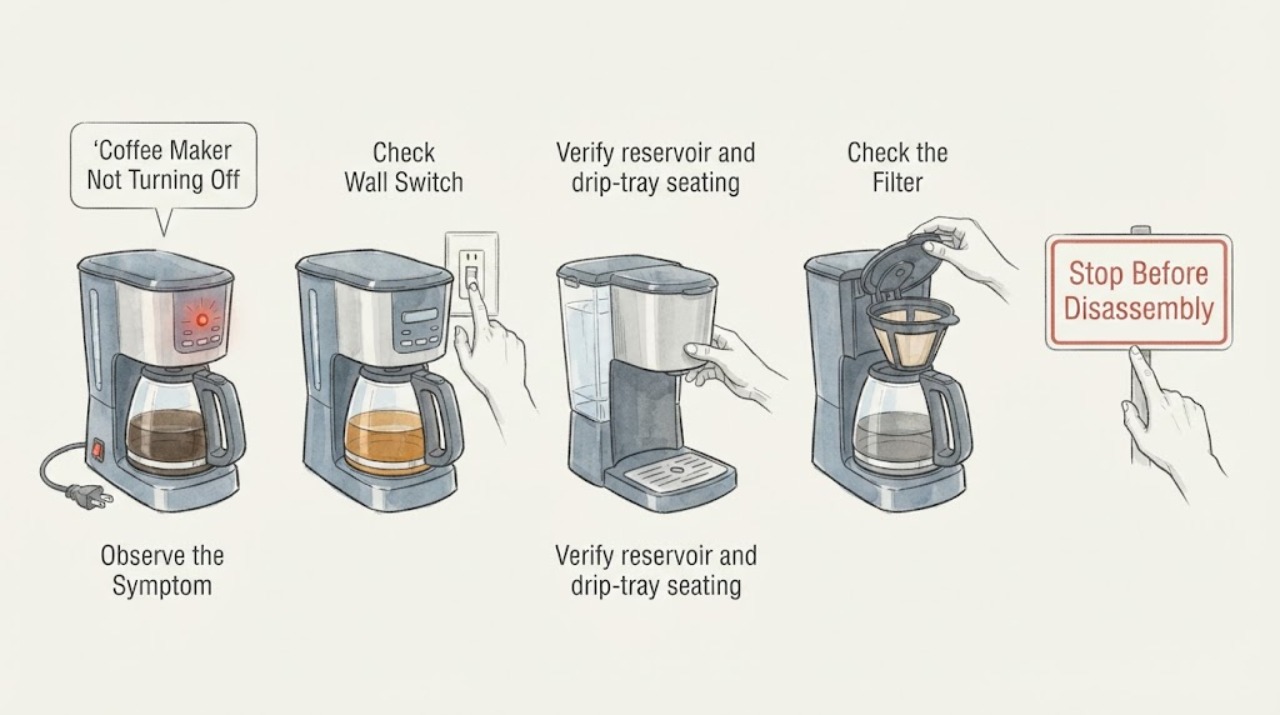
Coffee Maker Not Turning Off Troubleshooting Guide
A coffee maker with not turning off should be checked at the dry power connection, reservoir and tray seating, removable brew path, and model-approved cleaning cycle. Persistent flow, heat, leak, overflow, or control problems require qualified service.
-
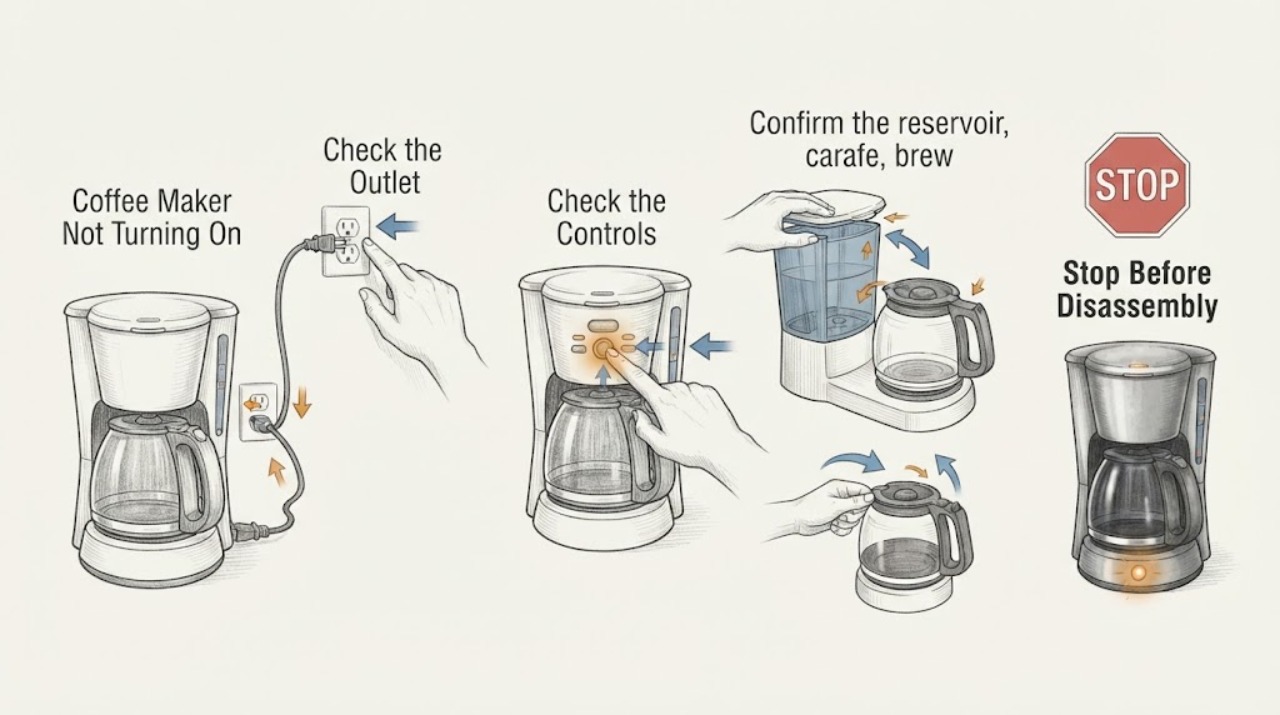
Coffee Maker Not Turning On: Check the Outlet, Seating, and Thermal Stop
If a coffee maker will not turn on, check the dry outlet, plug, power button, and any correctly seated reservoir or brew part required by the model. Try one known-good outlet or safe breaker reset; do not keep cycling a machine with a hot smell, damaged cord, liquid, or repeated tripping. If the outlet works but the coffee maker stays dark, use manufacturer service because internal wiring, a fuse, or a control fault needs qualified diagnosis.
-
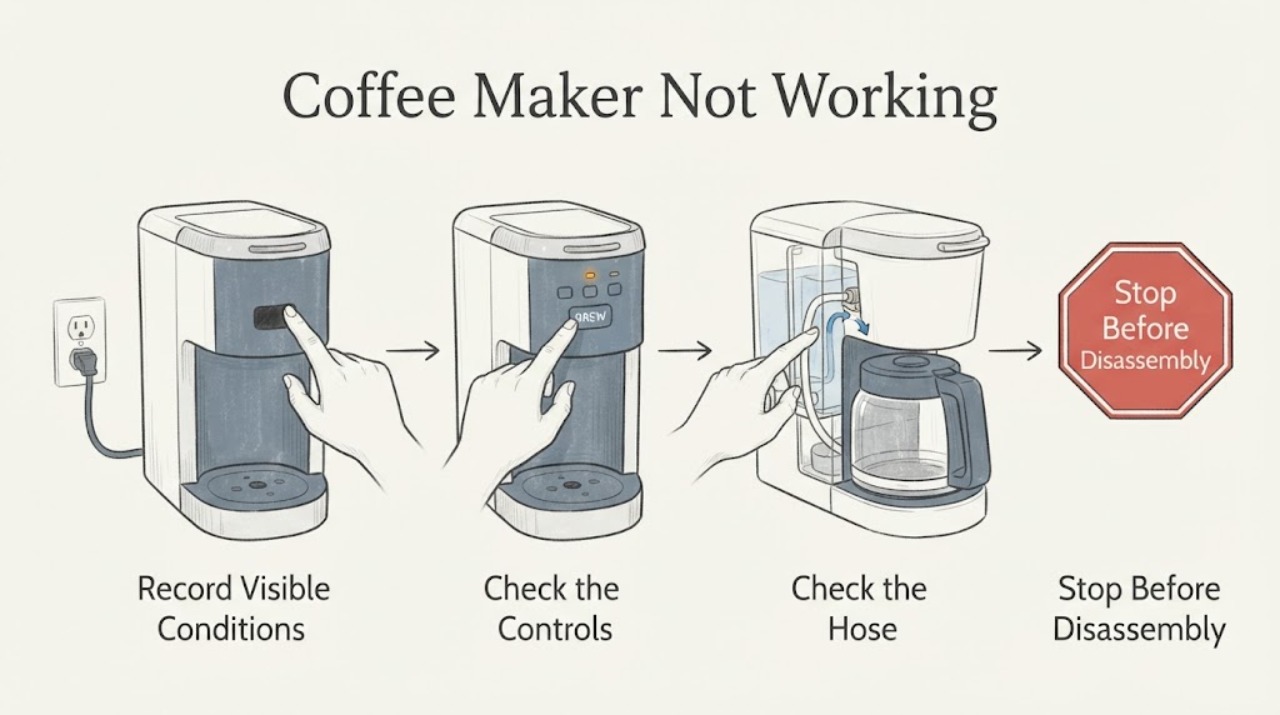
Coffee Maker Not Working
Check the outlet, power switch, water tank, lid or basket seating, and selected brew time or program. Use the exact coffee-maker manual for cleaning and reset steps. If power and setup are normal but the machine remains inactive, arrange service.
-
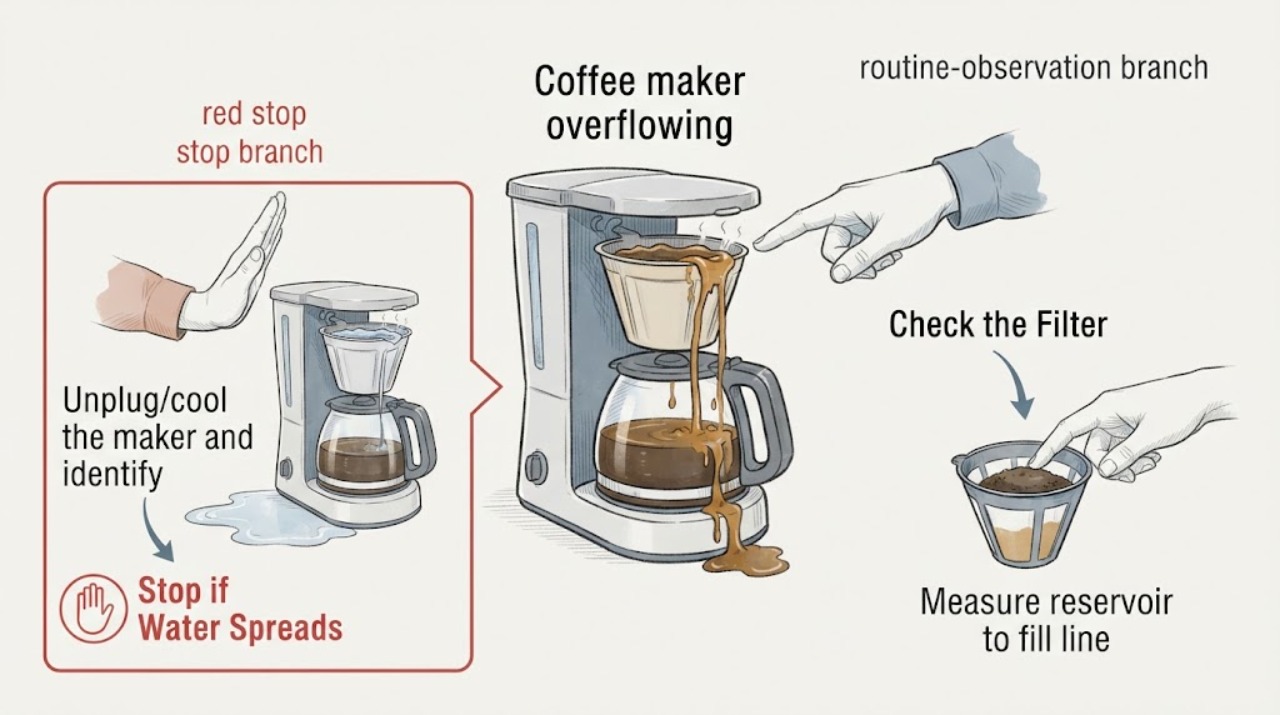
Coffee maker overflowing
A coffee maker that overflows usually has too much water or coffee, a clogged/collapsed filter, a too-fine grind, a mis-seated carafe, or a blocked brew-head outlet. Unplug and cool it, verify water and coffee limits, clean removable parts, then run one measured test. Base overflow or repeated overflow needs service.
-
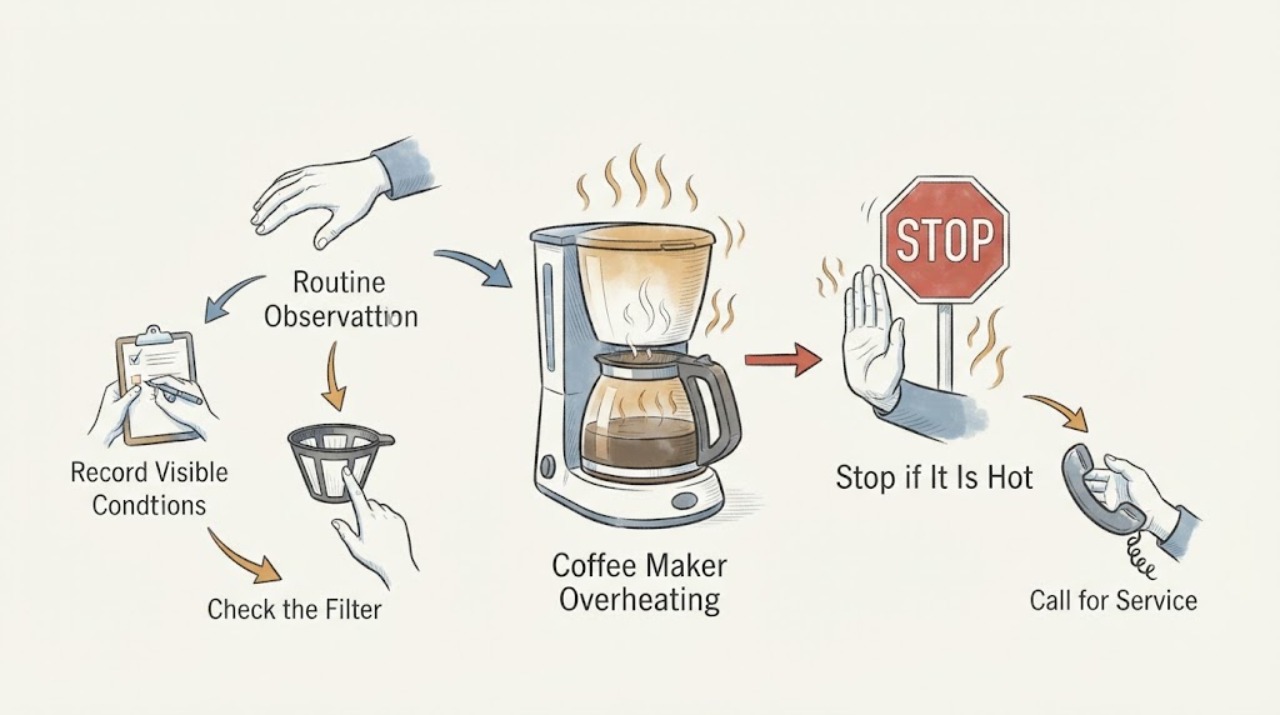
Coffee Maker Overheating: Unplug, Cool, and Check the Safe Causes
Treat a coffee maker that becomes unusually hot, smells burnt, smokes, or leaves the cord or plate dangerously hot as a stop condition. Unplug it when safe and let it cool. After cooling, inspect only airflow, water/filter/carafe seating, and visible damage; do not open the base or keep brewing to see whether the heat clears.
-
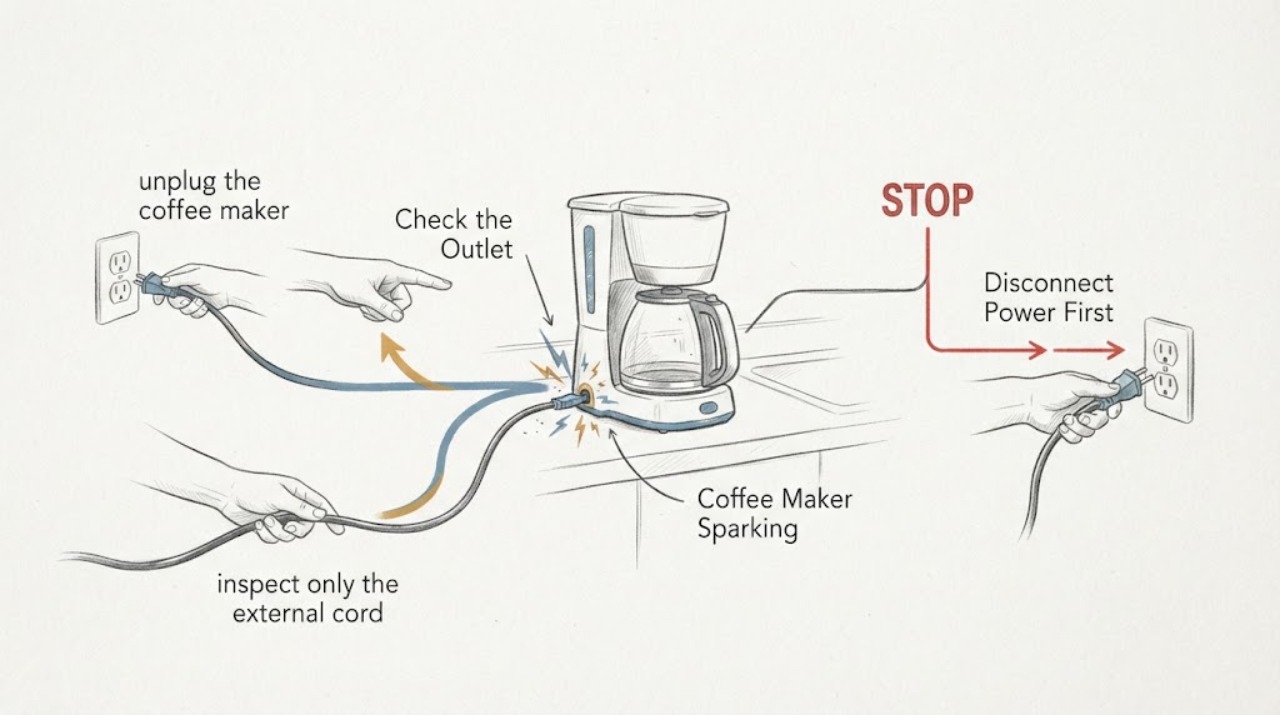
Coffee Maker Sparking
If a coffee maker sparks, stop using it immediately, unplug it only if the plug and outlet are dry and safe to touch, and keep it unplugged. Do not test it again, open the bottom cover, or operate it with a damaged cord or plug. After it is cool, record whether the spark came from the plug, outlet, cord, switch, or inside the machine; a repeat spark, scorch, smoke, heat, or water exposure needs qualified electrical or appliance service.
-
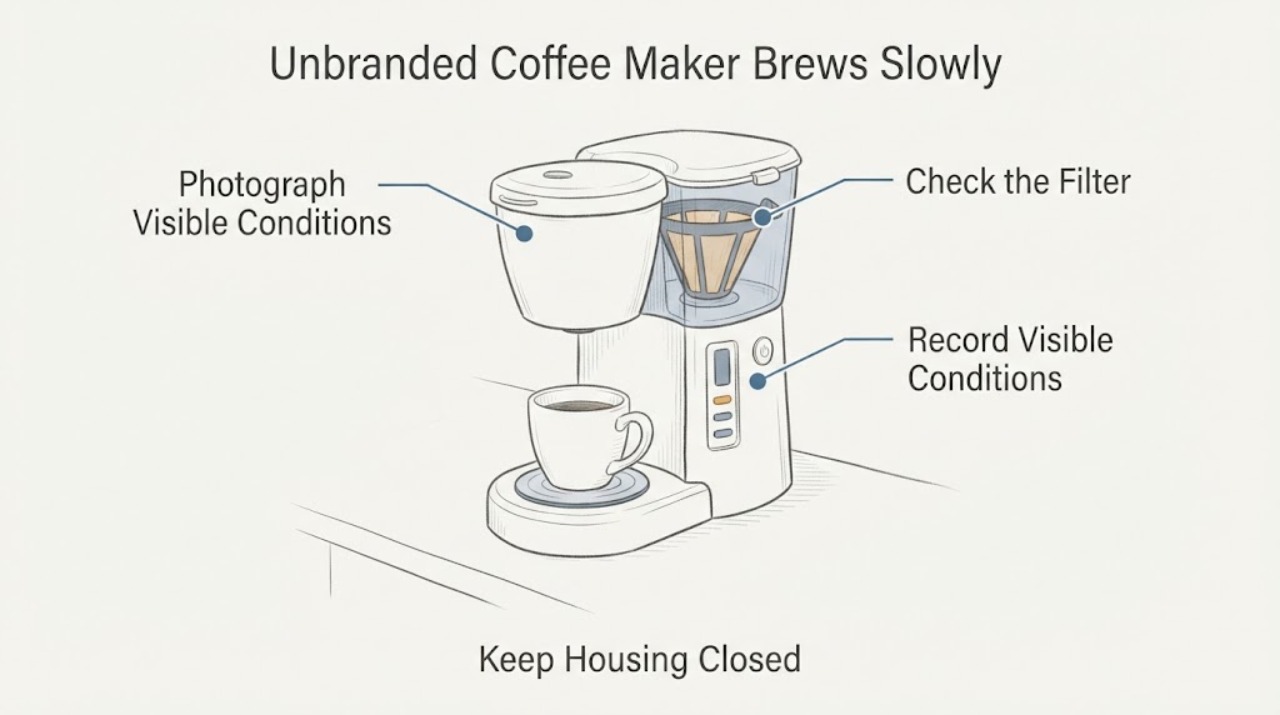
Unbranded Coffee Maker Brews Slowly and Fills the Cup Short
First identify whether this is a carafe-and-filter brewer, a portafilter espresso machine, a pod/capsule machine, or a bean-to-cup machine. Slow flow and a short cup can come from a blocked or incorrectly fitted filter path, an excessive espresso dose or grind, a model-specific grinder setting, scale, or a programmed drink volume.