
Hotpoint appliance guidance
Hotpoint Oven Repair Guides
Troubleshooting and repair guidance for published Hotpoint Oven problems, symptoms, and maintenance questions.
Published Hotpoint Oven guides
Choose the guide whose symptom or condition most closely matches what you are seeing.
-
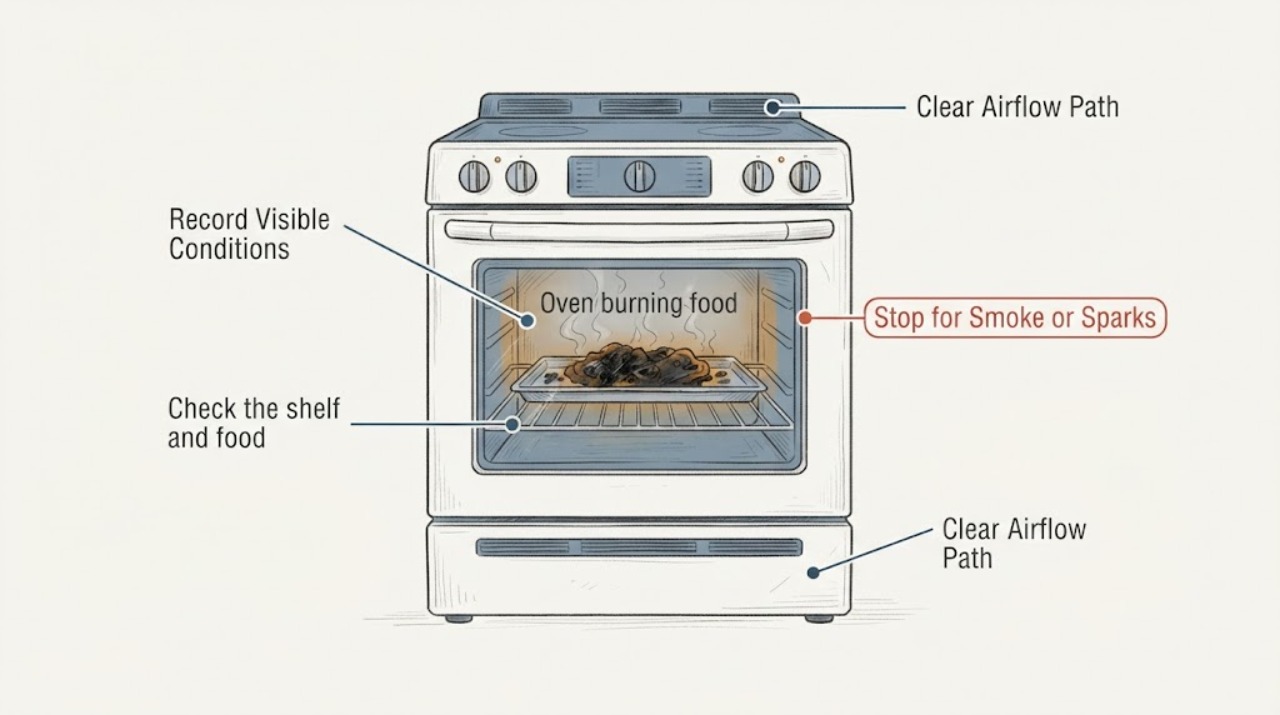
Hotpoint oven burning food: check the cooking mode, position, and heat setting
If a Hotpoint oven is burning food, first identify whether you are using a fan-assisted setting, a top oven, or a grill setting, then check the shelf position and pan shape.
-
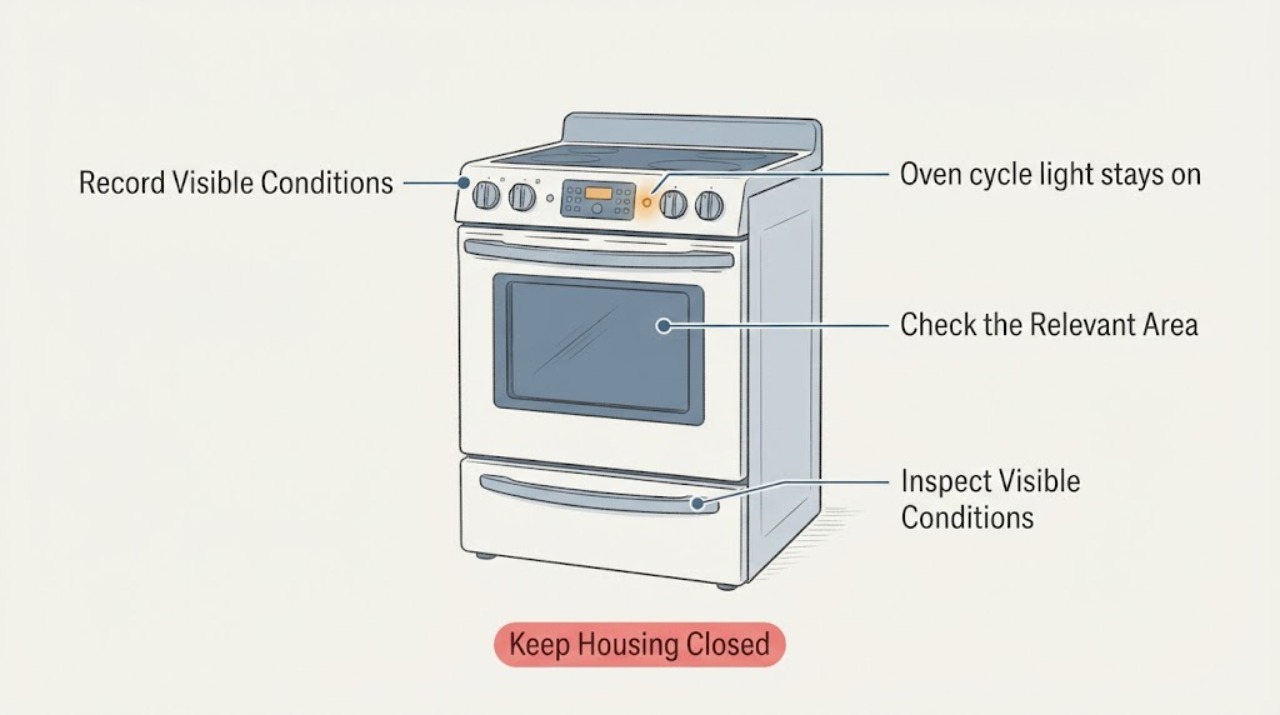
Hotpoint oven cycle light stays on: tell normal heat cycling from a control problem
A Hotpoint oven cycle or preheat light staying on is not automatically a failure. GE Appliances' official cooking guidance says some models keep an indicator on continuously, while other models cycle it with the heating elements; the exact behavior depends on the model and setting.
-
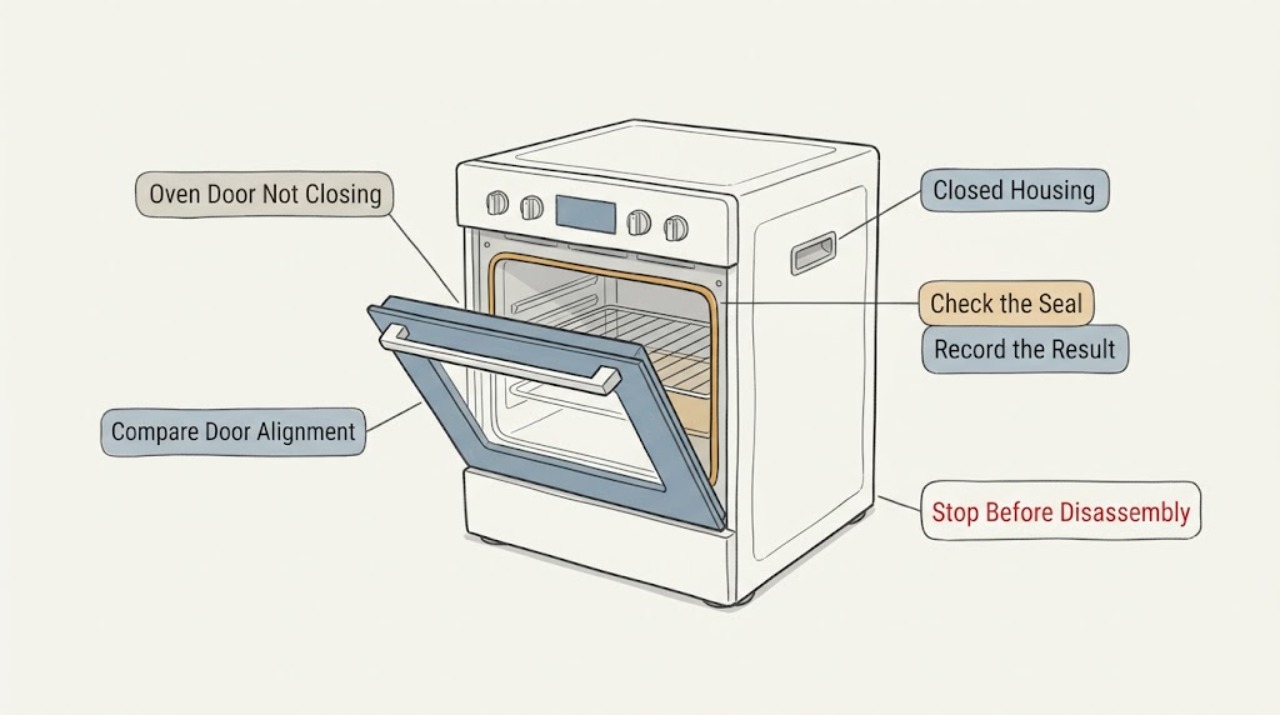
Hotpoint Oven Door Not Closing: Check Obstructions, Hinges, and the Latch
A Hotpoint oven door that suddenly will not close is most often blocked by a rack, grill pan, bakeware, food residue, or the door seal. With the oven cool, remove anything that projects into the opening and check that the racks are fully seated.
-
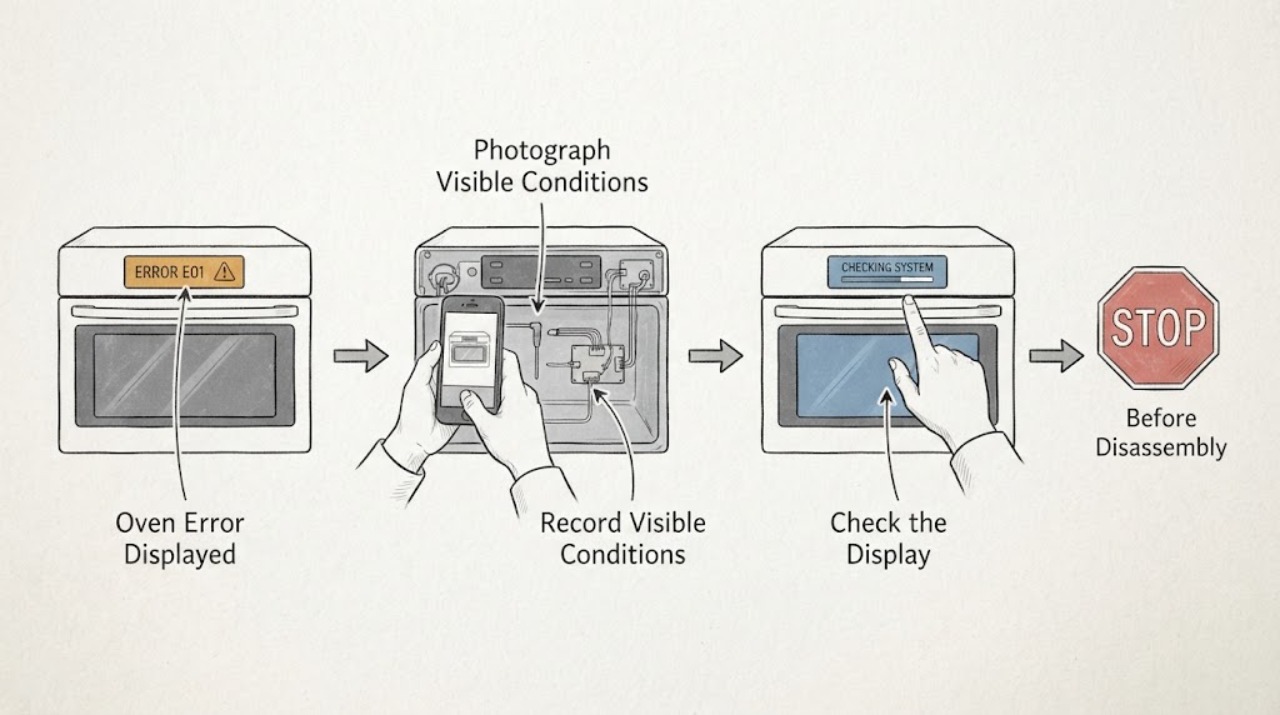
Hotpoint Oven Error Displayed
Do not guess a Hotpoint oven code from a partial display. Photograph the complete message or alternating sequence, record the exact model and whether the oven is electric or gas, and check that model's Hotpoint manual or support page.
-
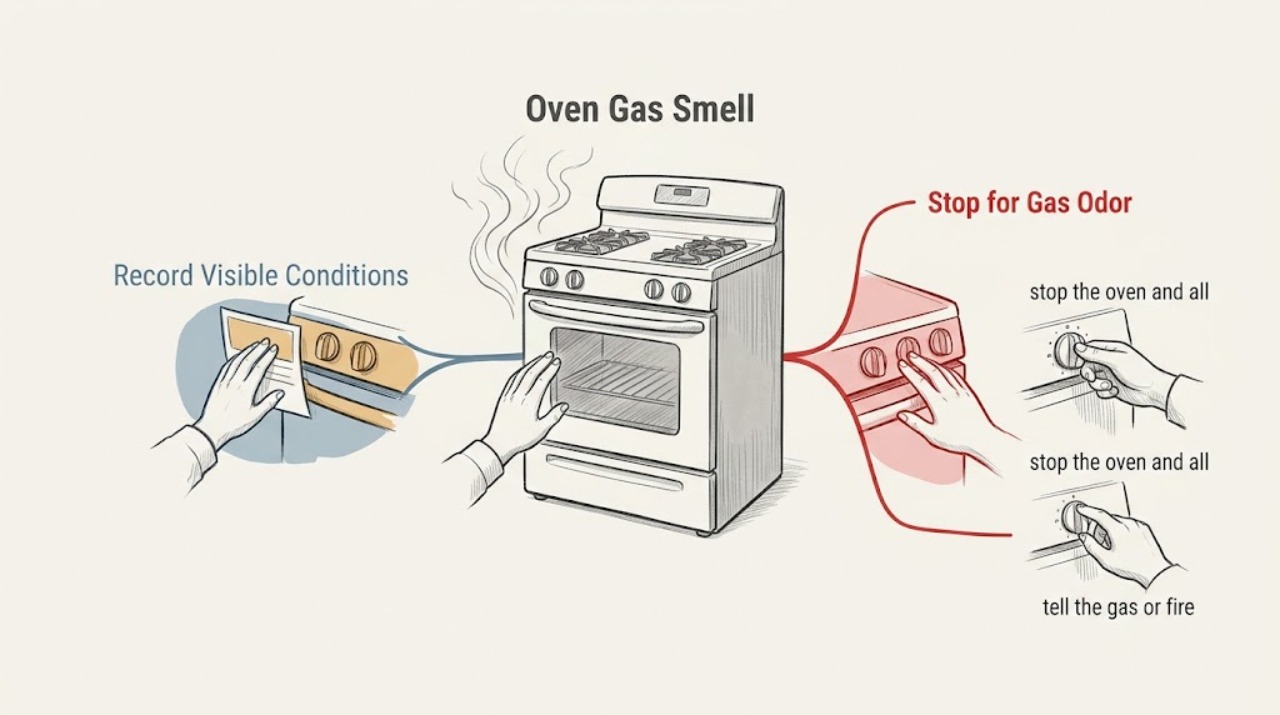
Hotpoint Oven Gas Smell
Treat a Hotpoint oven gas smell as a gas-safety event until a qualified gas professional clears the appliance. Stop using the oven, do not try to light it again, do not operate electrical switches or create a flame, and leave the area.
-
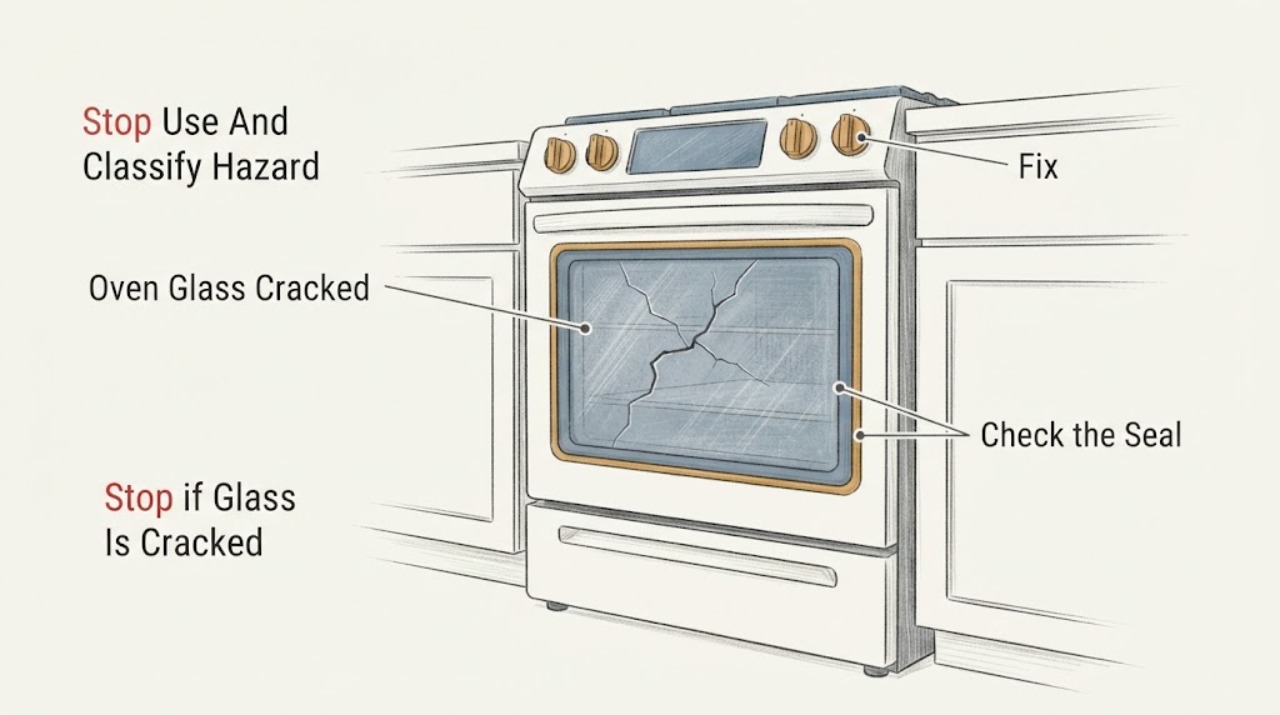
Hotpoint Oven Glass Cracked | Fix Guide
Stop using a Hotpoint oven when any door glass is cracked, loose, or shedding fragments. Hotpoint's official parts pages warn that heat can turn cracked oven-door glass into shattered glass and say to replace the glass only after checking the exact model fit.
-
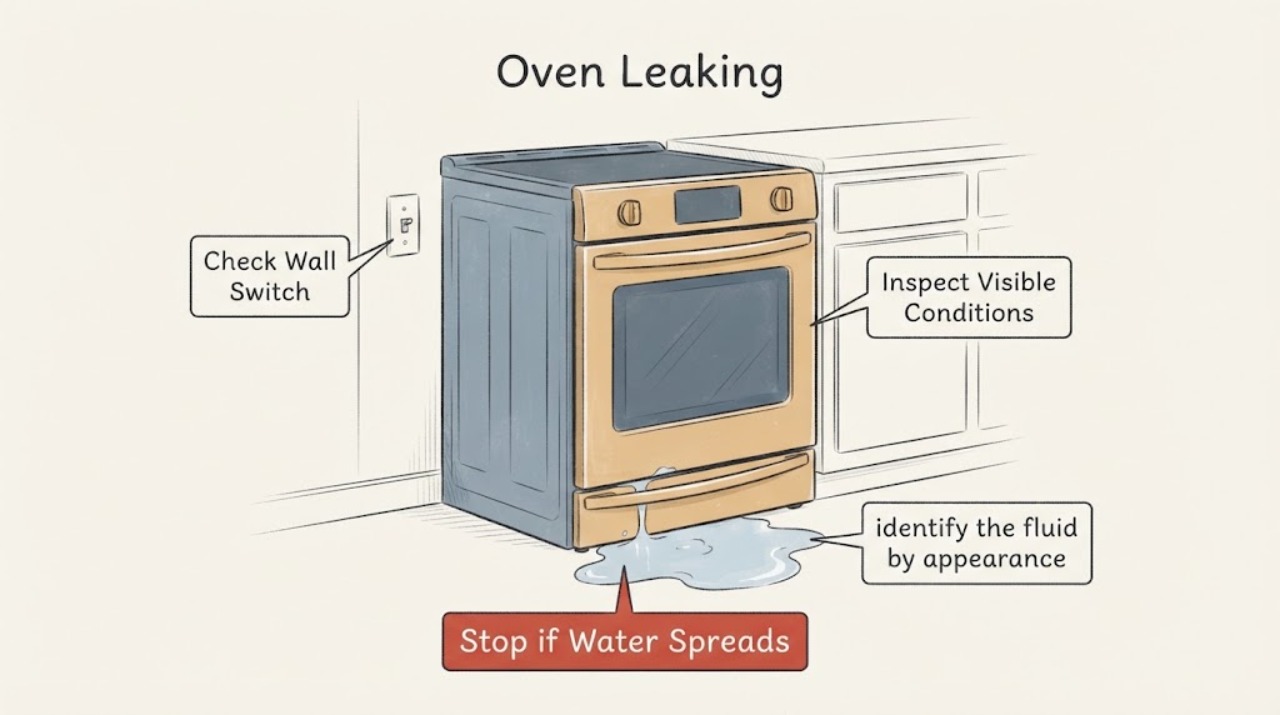
Hotpoint Oven Leaking: Identify Condensation, Spills, and Unsafe Leaks
First identify what is leaking and where it starts. A small amount of clear moisture after steam cooking or a Hotpoint steam-clean programme may be condensation or water used by that function; food, grease, or a cleaning solution can also run from the cavity or door.
-
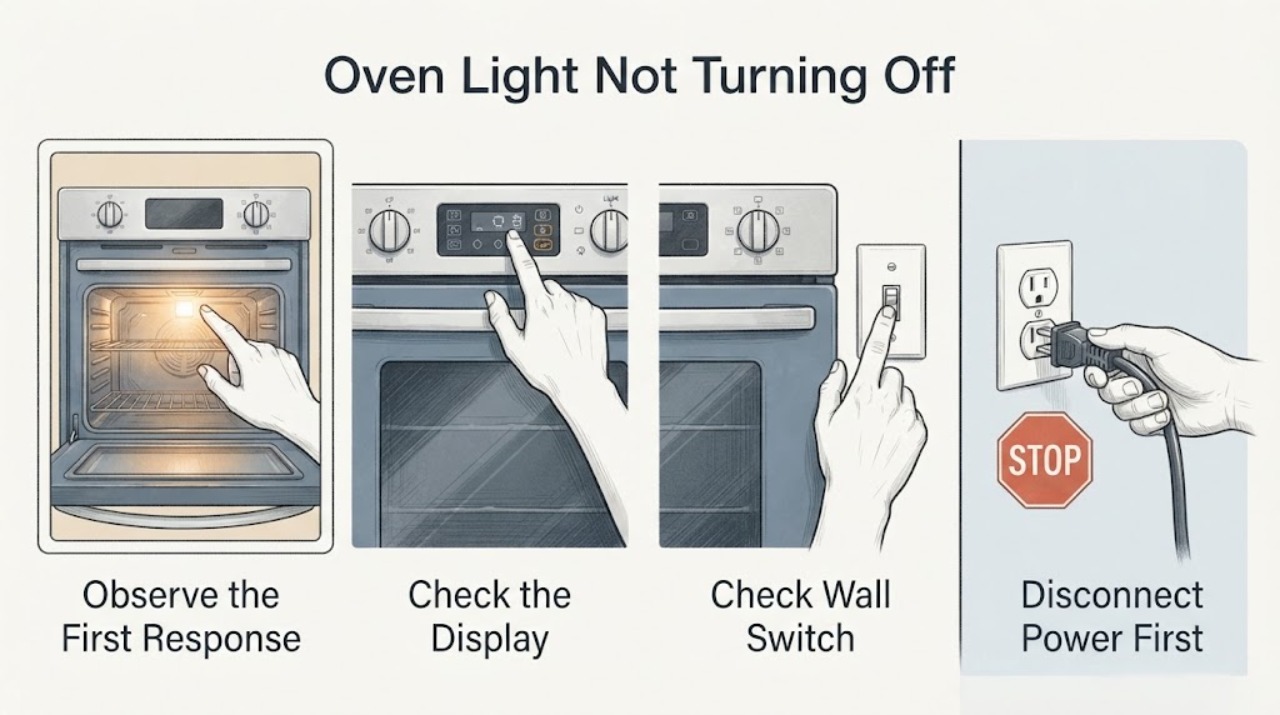
Hotpoint Oven Light Not Turning Off
First identify which light is staying on. A light inside the oven cavity is different from an OVEN ON, PREHEATED, CLEAN, or other panel indicator.
-
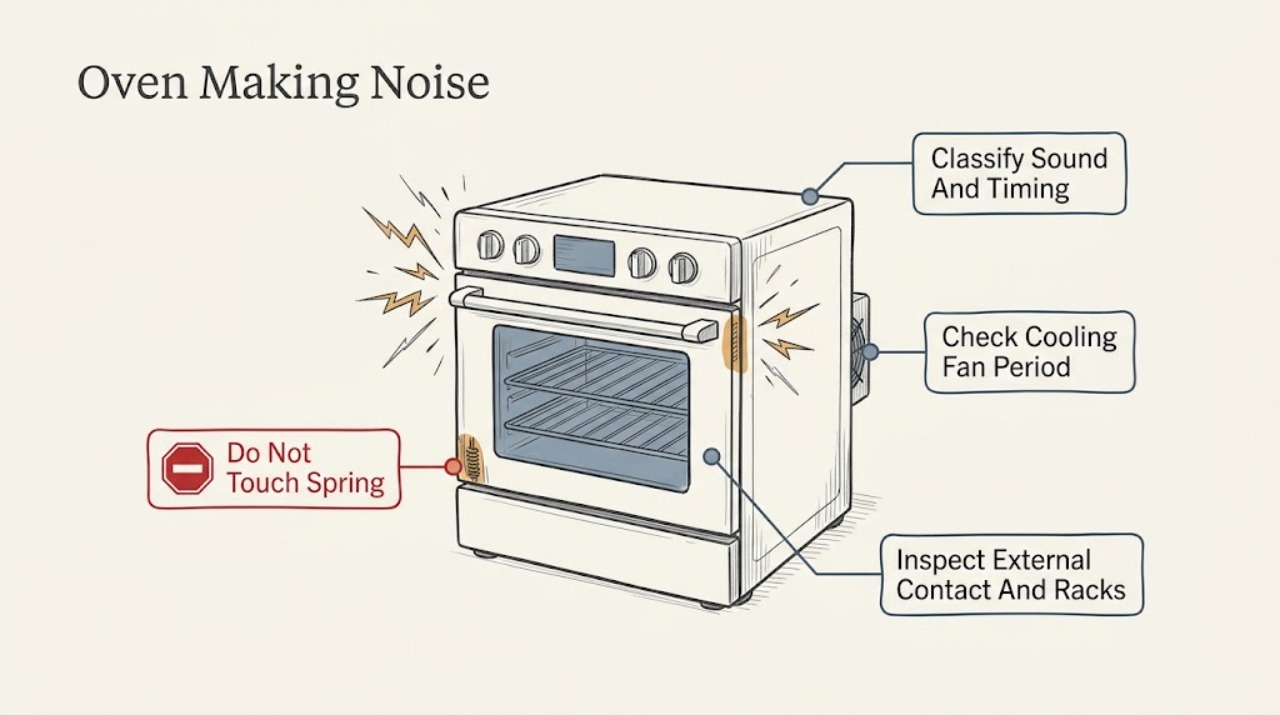
Hotpoint Oven Making Noise: Identify Normal Fan Sounds and Unsafe Faults
A Hotpoint oven noise is easier to judge by when it occurs and whether heat, ignition, or a safety symptom changes with it. A cooling fan can continue for up to 30 minutes after the oven is switched off and may cycle on and off during that period, which Hotpoint describes as normal.
-
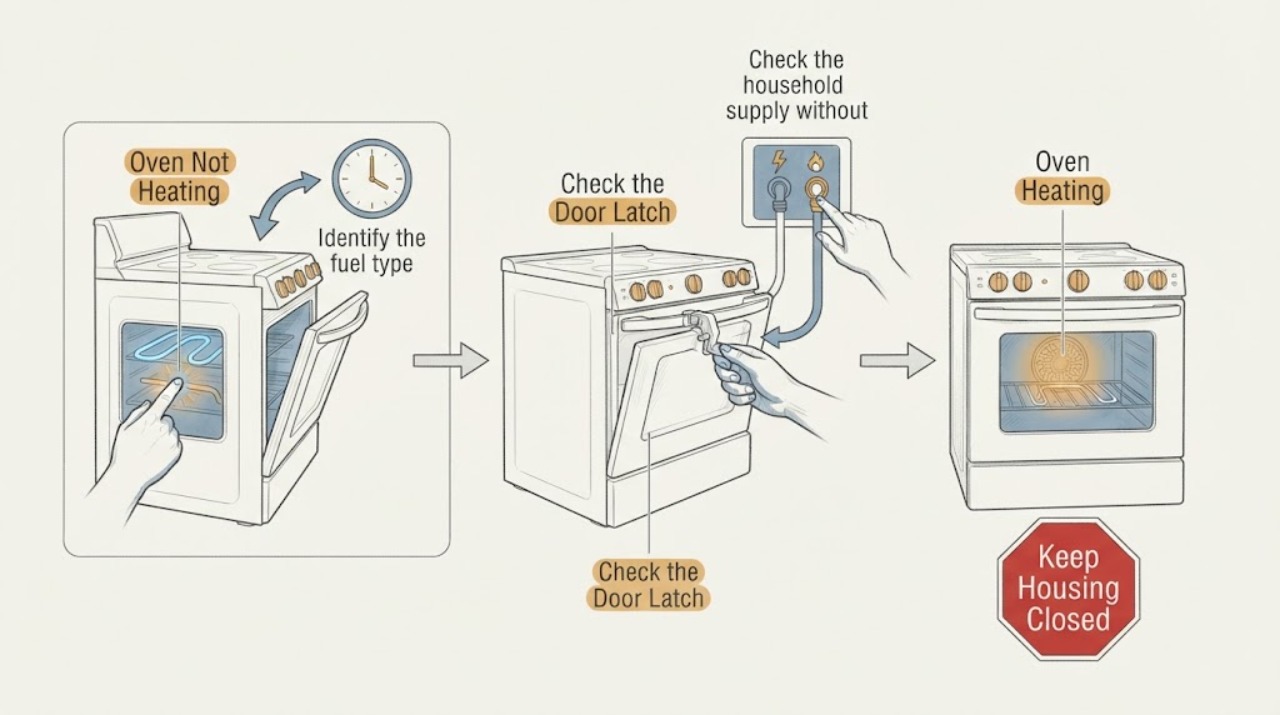
Hotpoint Oven Not Heating: Check the Setting, Supply, and Heating Path
First identify whether the Hotpoint oven is electric or gas and whether it is completely inactive, warm but below temperature, or heating unevenly. Confirm the oven function and temperature are selected, the electronic clock or timer is set as required by the model, the door or self-clean latch is not holding the oven out of operation, and the household breaker or fuse is on.
-
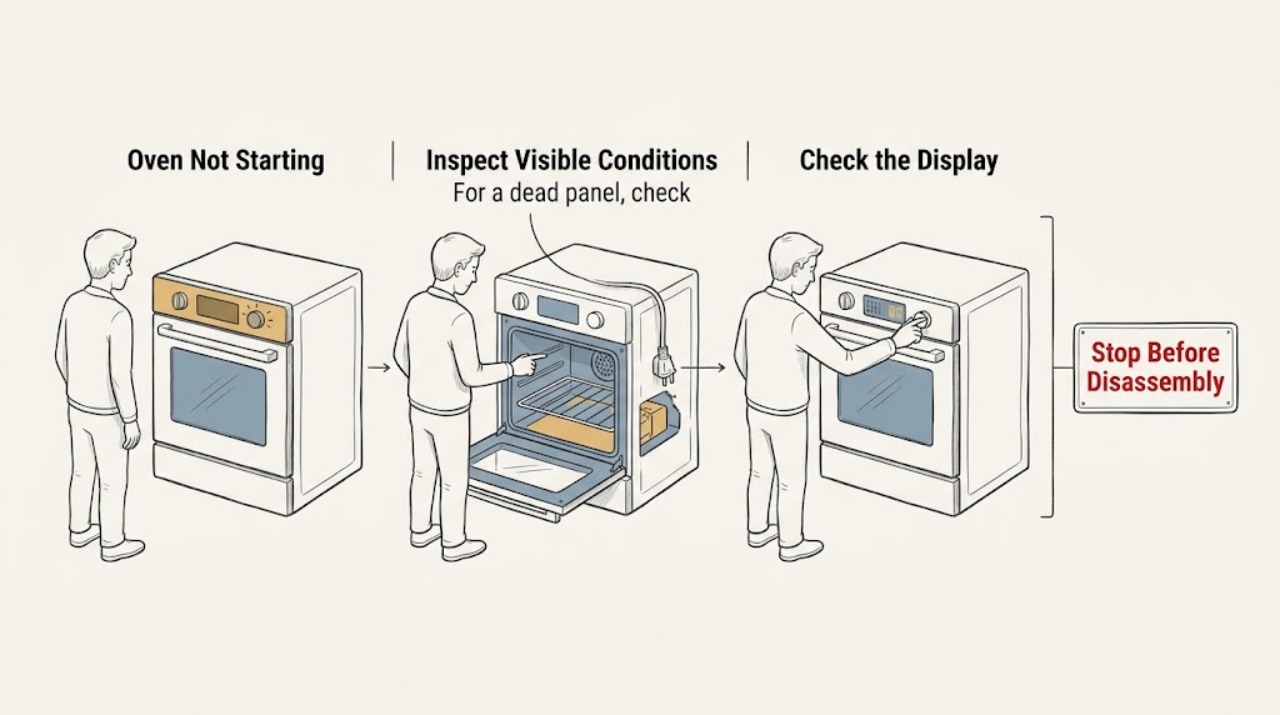
Hotpoint Oven Not Starting
If a Hotpoint oven will not start, first decide whether the control panel has power. A blank display or dead oven light points to the supply, while a powered display usually calls for a clock, control-lock, delay, function, temperature, Start-button, door-latch or self-clean check.
-
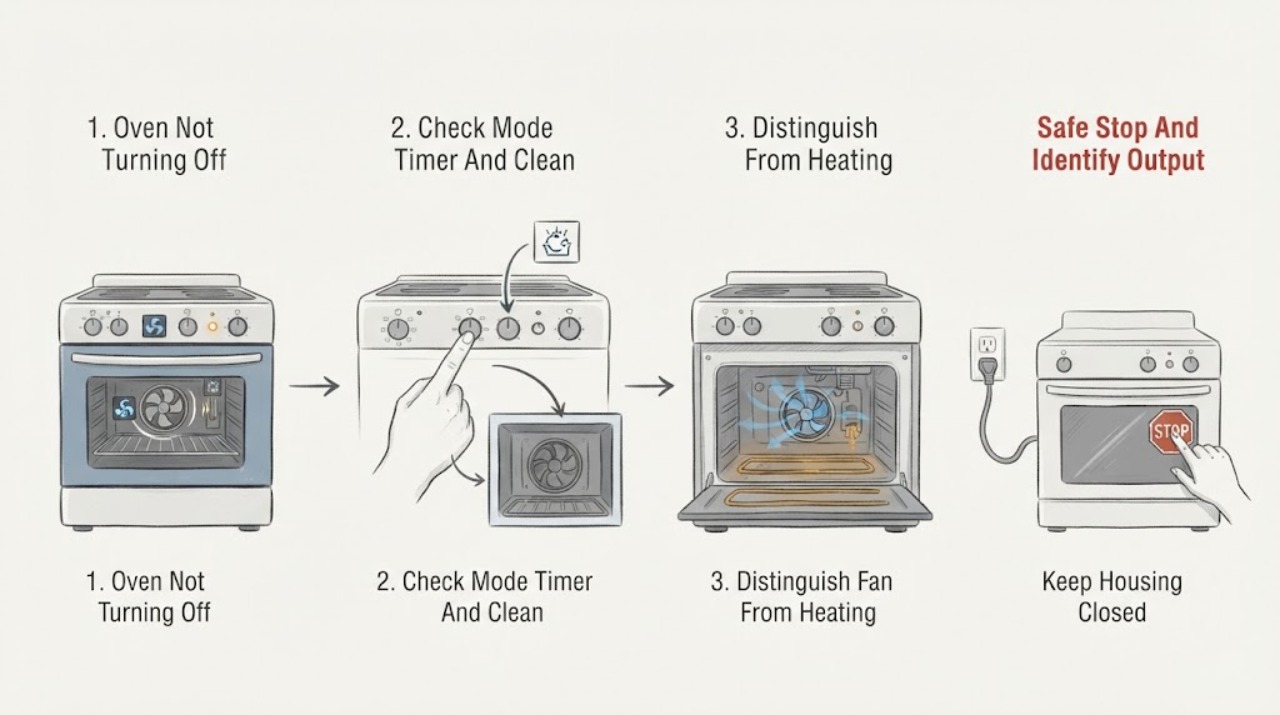
Hotpoint Oven Not Turning Off: Fan Delay or Unsafe Continued Heating?
First decide whether only the cooling fan is running or whether the oven is still heating. Hotpoint says a cooling fan may cycle on and off for up to about 30 minutes after switch-off to protect the controls, and other oven makers likewise describe a temperature-controlled fan after cooking or self-cleaning as normal; the exact model manual controls the expected behavior.
-
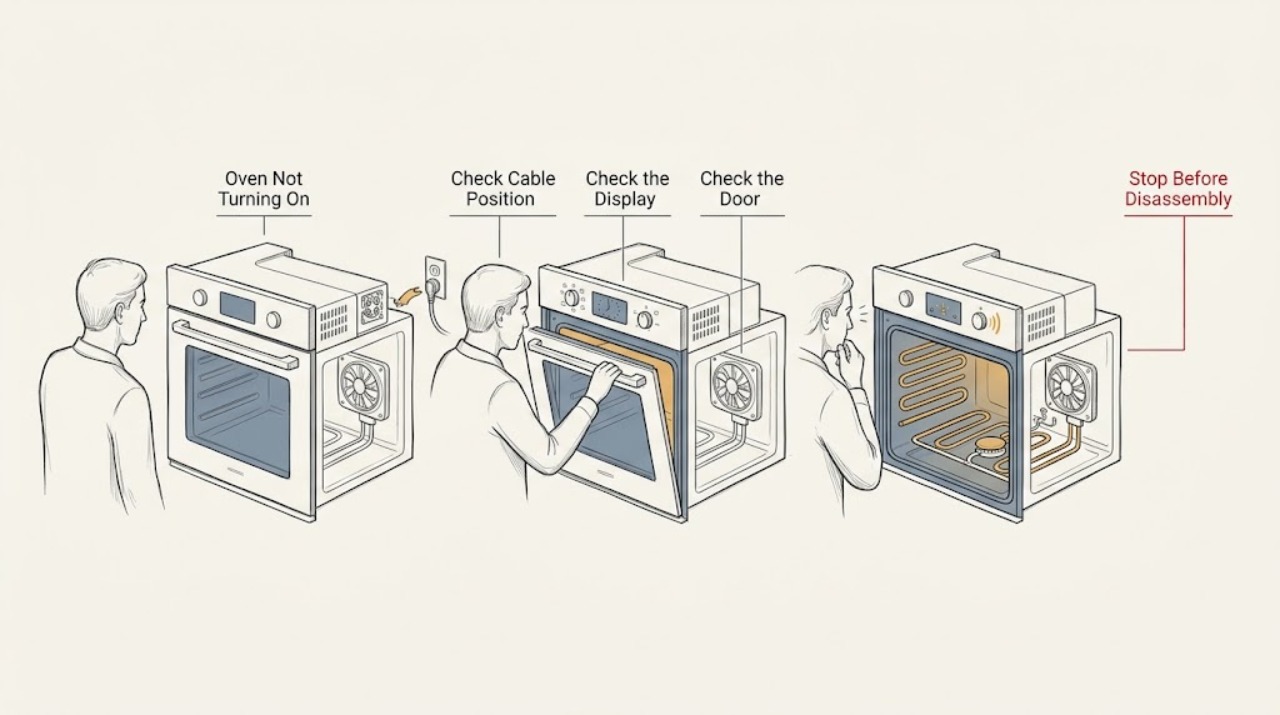
Hotpoint Oven Not Turning On: Check Power, Settings, and Gas Safely
If a Hotpoint oven is not turning on, first identify whether the display is dark, the controls respond but no cycle starts, the door or timer blocks operation, an electric oven has no heat, or a gas oven has no safe ignition. Check only the accessible plug, isolator, labeled breaker, clock or timer, selected function, temperature, and door closure using the exact model manual.
-
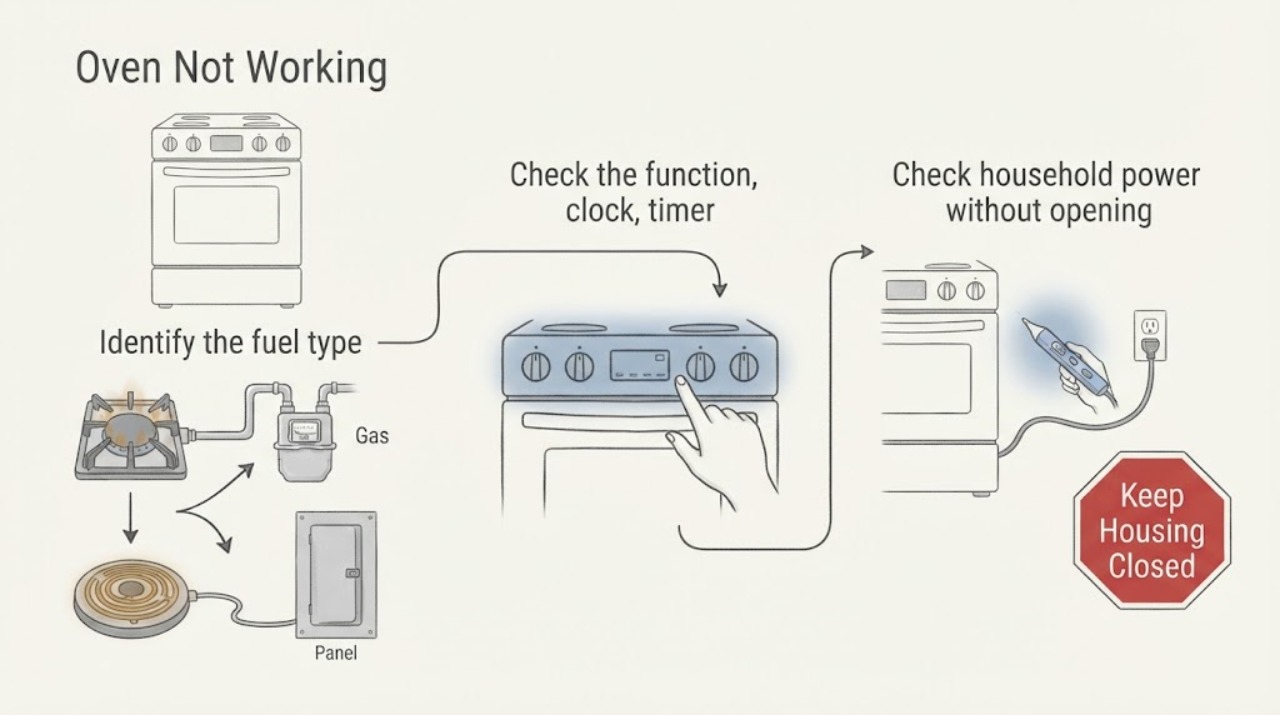
Hotpoint Oven Not Working: Separate the Control, Power, and Heating Fault
First identify whether the Hotpoint oven is gas or electric and whether it is completely dead, powers on but will not start, or runs without producing normal heat. Check the model manual for the required function, temperature, clock or timer, Start action, and any special mode, then check the household supply and any self-clean latch without opening the appliance.
-
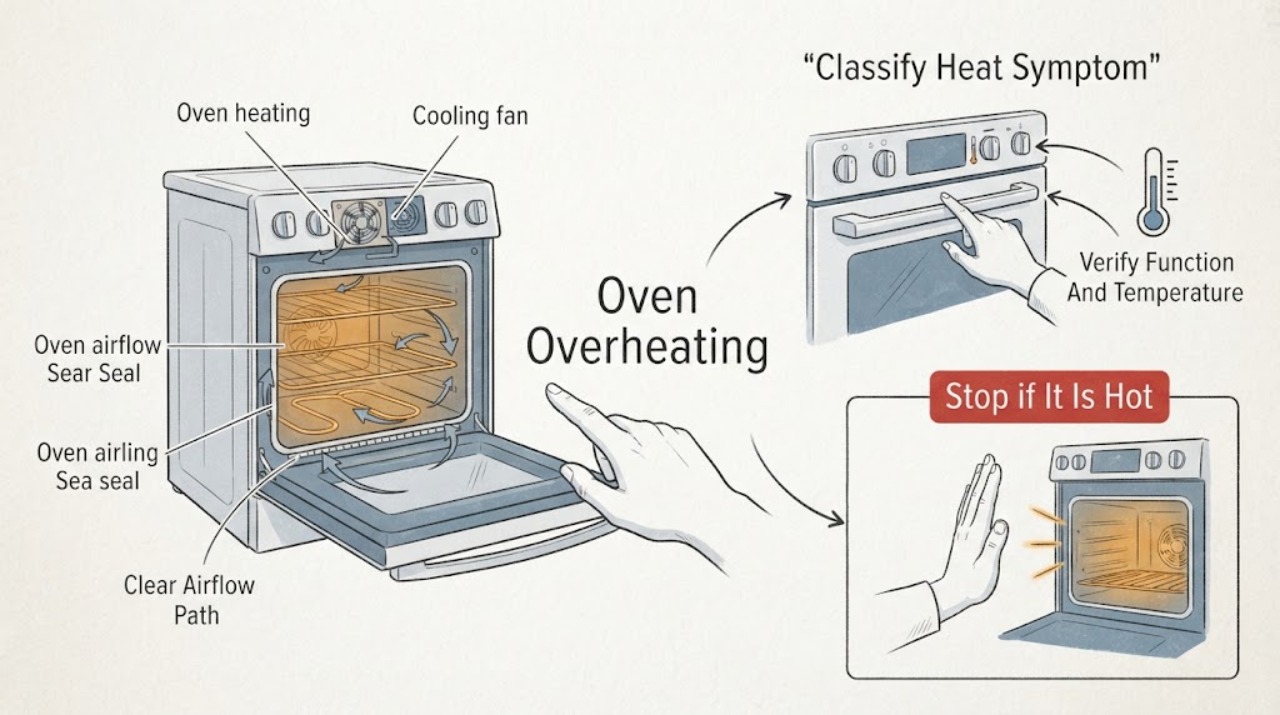
Hotpoint Oven Overheating
If a Hotpoint oven seems to overheat, first separate normal residual heat or a cooling fan from true uncontrolled heating. Confirm the selected function and temperature, compare the result with the recipe or model manual, and note whether food burns, the temperature overshoots, or the display fails to respond.
-
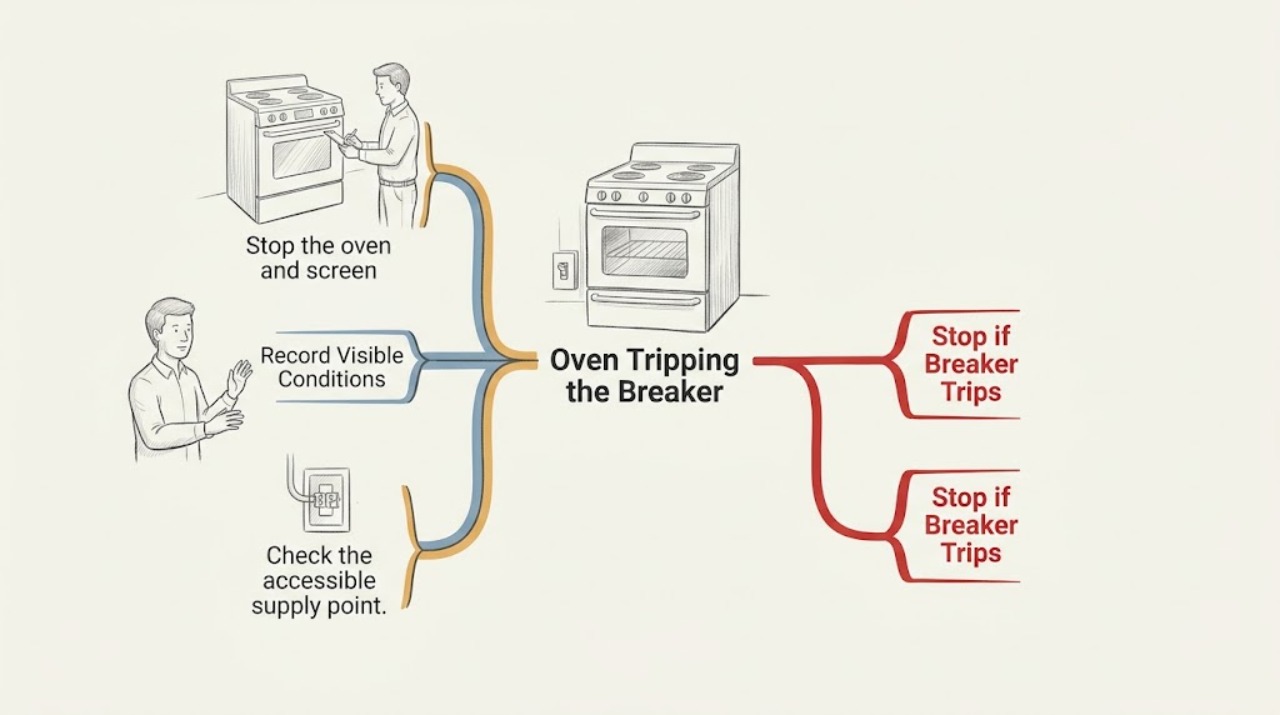
Hotpoint Oven Tripping the Breaker: Find the Safe Next Step
Treat a Hotpoint oven that trips the breaker as an electrical fault until it has been checked. Do not keep resetting the breaker, change the fuse rating, use an extension lead, or bypass a protective device.
-
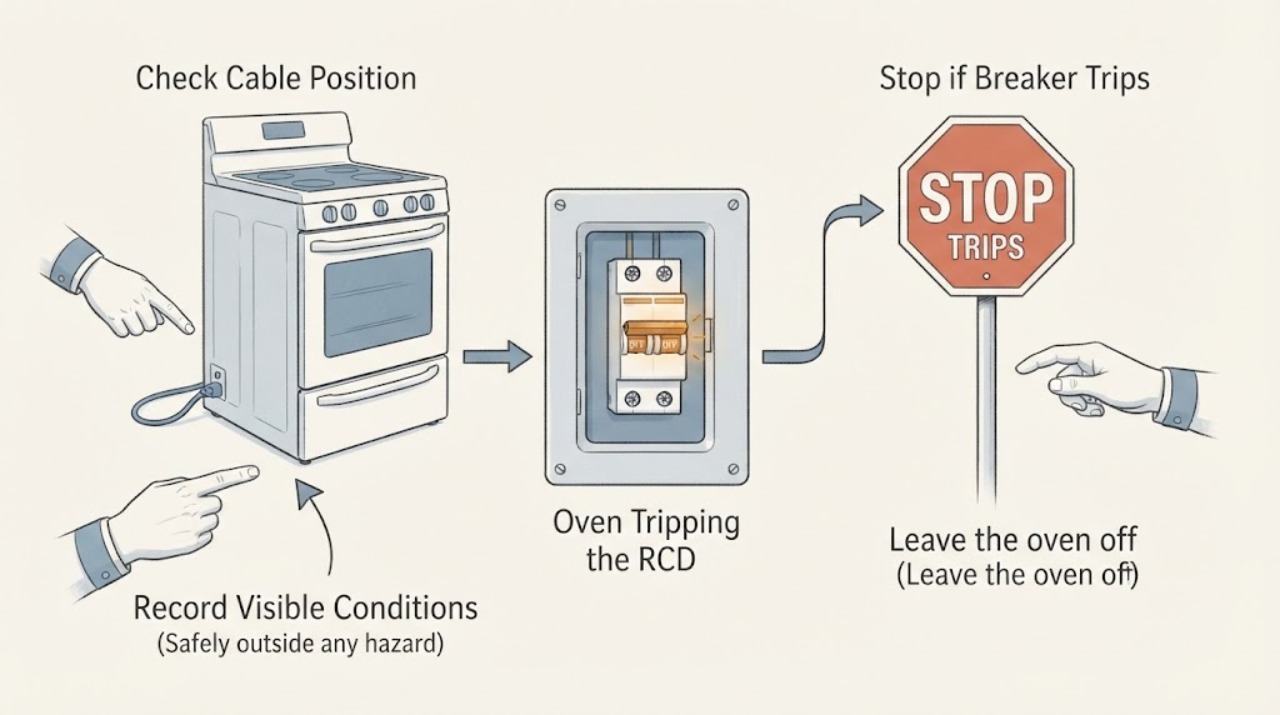
Hotpoint Oven Tripping the RCD: Keep It Isolated and Arrange Qualified Service
A Hotpoint oven that trips an RCD or circuit breaker should be taken out of use; do not keep resetting the protection, bypass it, or run tests with the cover removed. Electrical Safety First says repeated breaker trips, blown fuses, arcing or a hot plug/socket are reasons to unplug the oven and contact the retailer, manufacturer or a qualified repair technician.
-
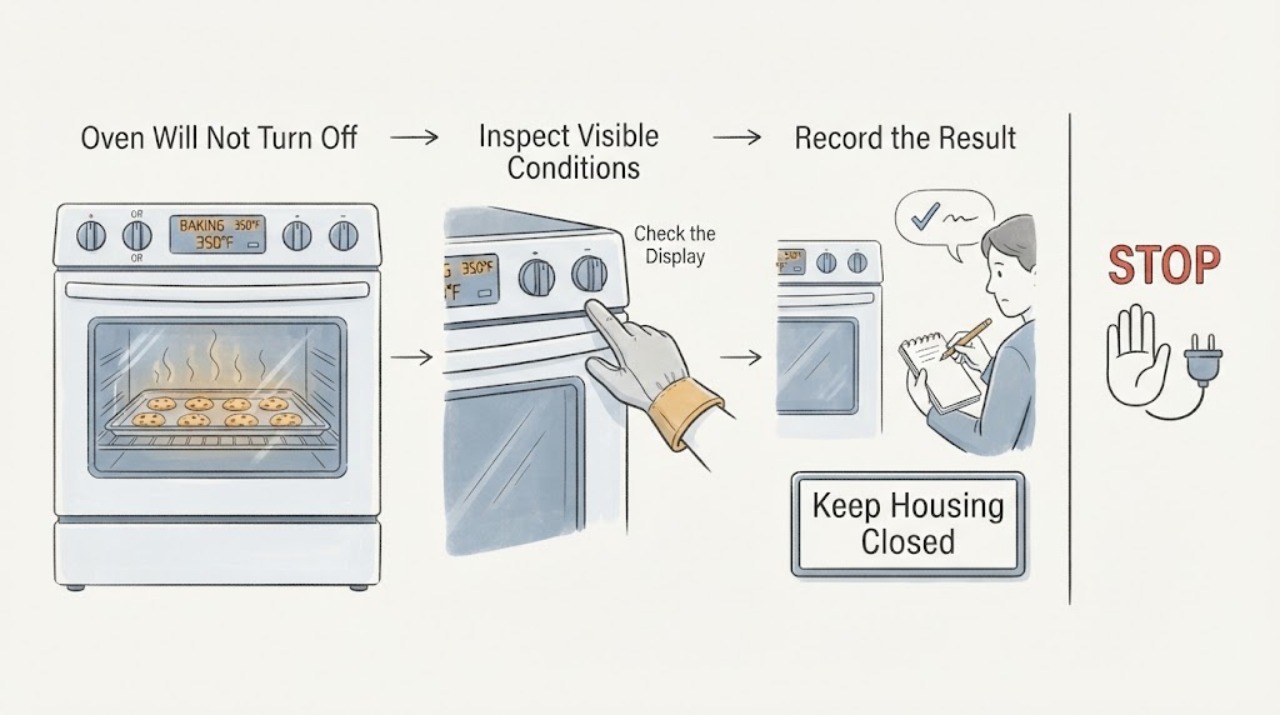
Hotpoint RB526DP1WW Oven Will Not Turn Off After Baking: Safe Power and Heat Checks
First separate a cooling fan from continued heating. The official Hotpoint/GE record opened for the close base model RB526DPWW identifies a free-standing electric range, while GE Appliances' range guidance says a control cooling fan may continue after the oven is off; that fan alone is not the same as an energized bake or broil element.
-
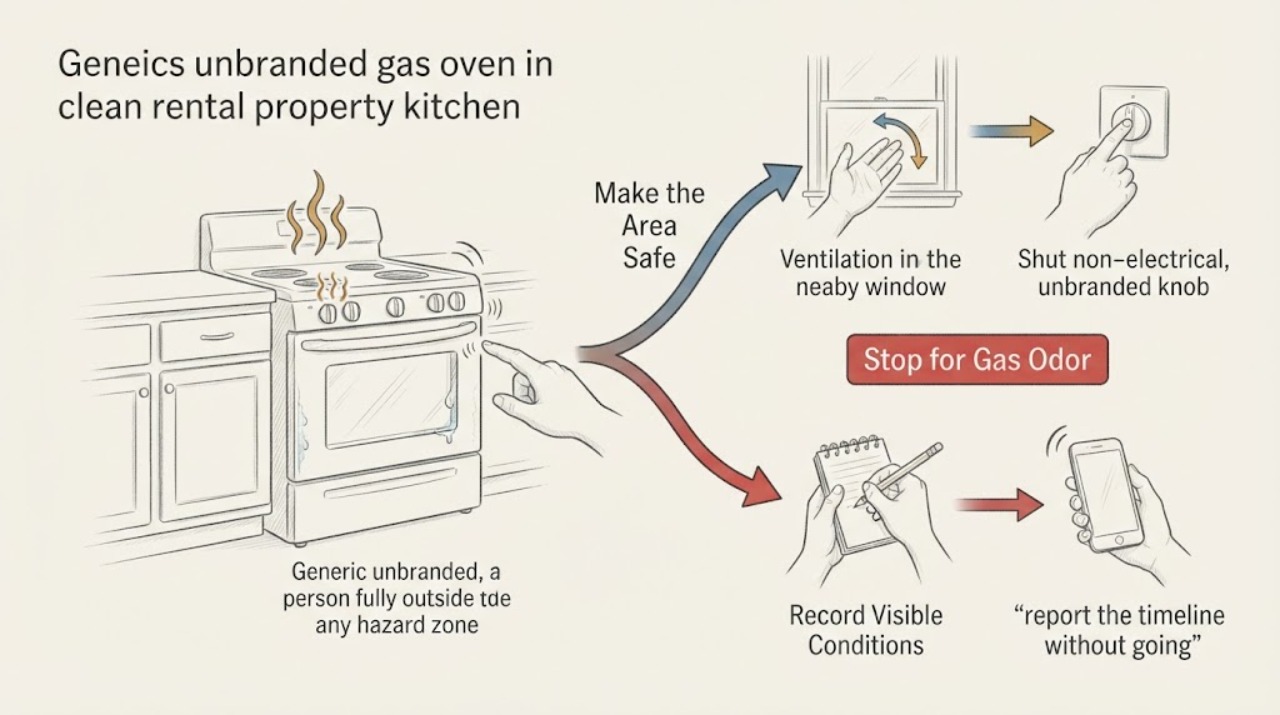
Hotpoint RGB745 Gas Smell, Hissing, or Condensation: Stop Using the Oven Until It Is Cleared
Treat a gas smell from a Hotpoint RGB745-series oven as a possible gas-safety event even if the smell disappeared after a restart. Do not restart it to test the symptom, operate switches, create a flame, adjust a valve, or inspect gas connections.
-
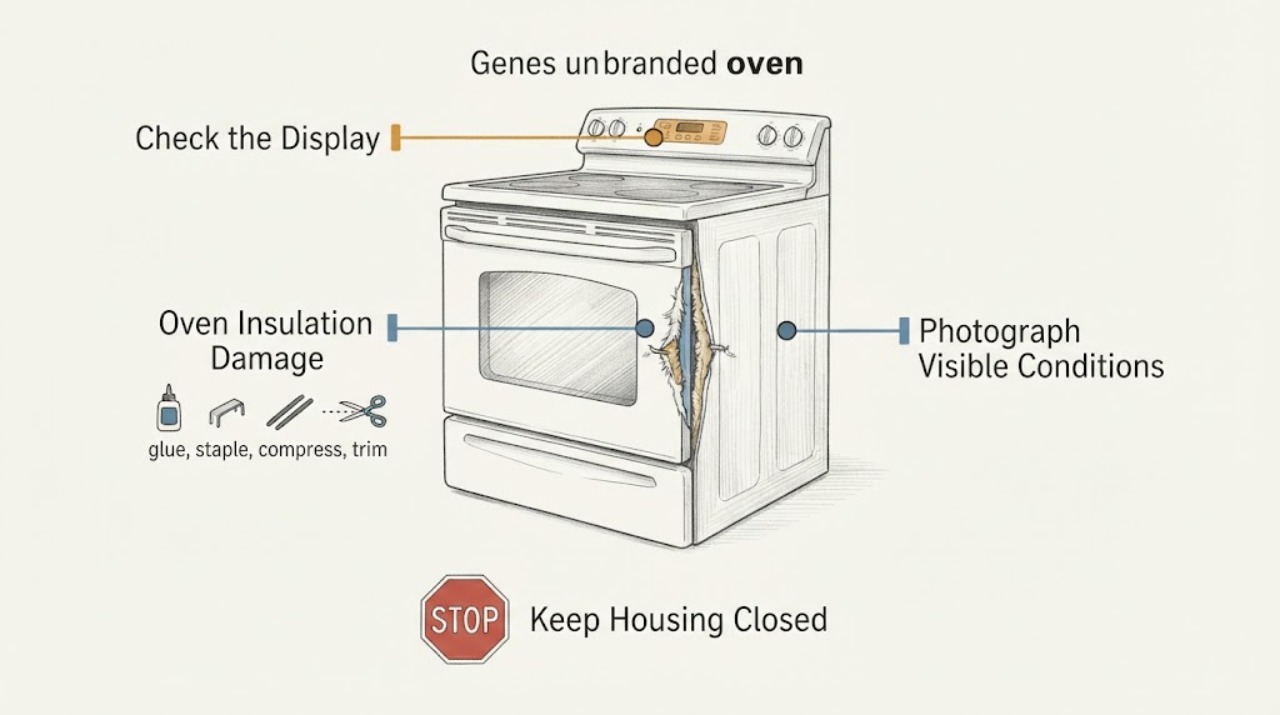
Hotpoint SA2544CIX Oven Insulation Damage: Stop and Verify the Correct Repair
If insulation wool or its foil facing was pulled, torn, displaced, or exposed while working near the lower element of a Hotpoint SA2544CIX oven, switch the oven off at the controls, isolate it from the electrical supply, and let it cool. Do not tape, glue, pack, trim, or replace the material with household insulation, and do not run a heat cycle to see whether a small-looking tear matters.