
Sharp appliance guidance
Sharp Microwave Repair Guides
Troubleshooting and repair guidance for published Sharp Microwave problems, symptoms, and maintenance questions.
Published Sharp Microwave guides
Choose the guide whose symptom or condition most closely matches what you are seeing.
-
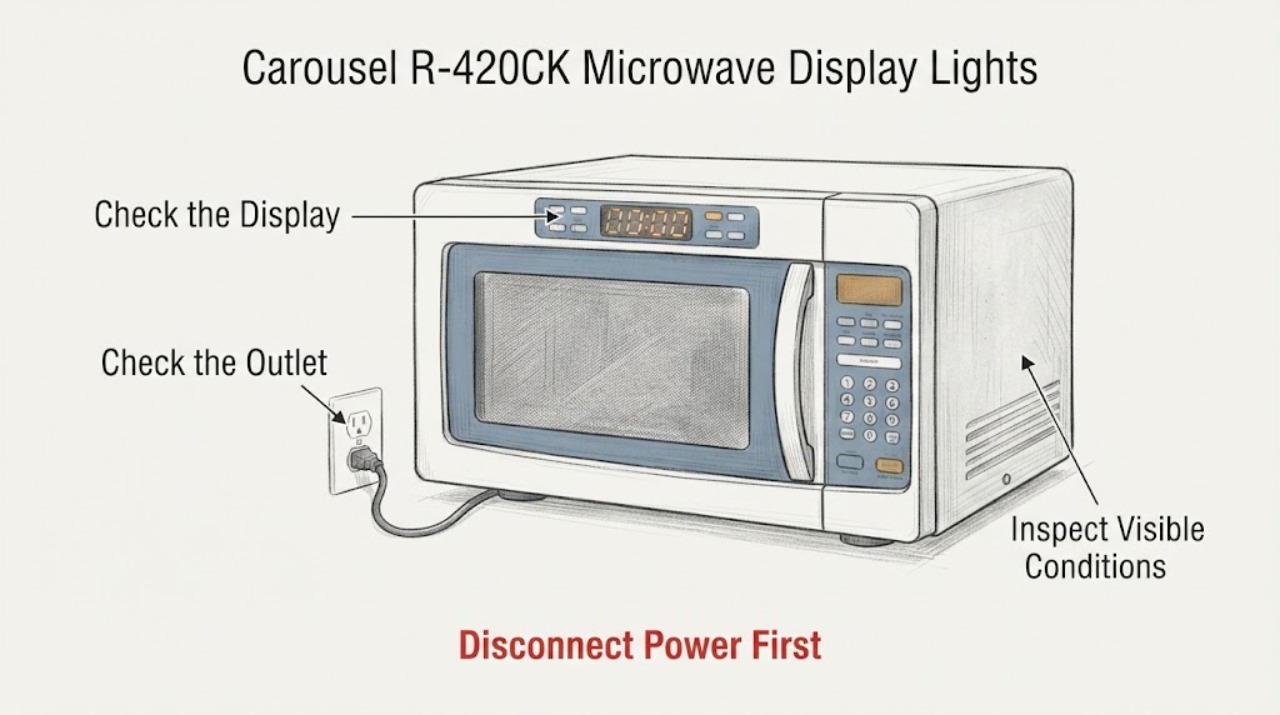
Sharp Carousel R-420CK Microwave Display Lights Going Dim
For the assigned Sharp Carousel R-420CK, a progressively dim control-panel display is not something to correct by opening the microwave or adjusting a service control. First check the display in normal room light, verify that the outlet and cord are sound, and perform at most one safe 30-second power reset.
-
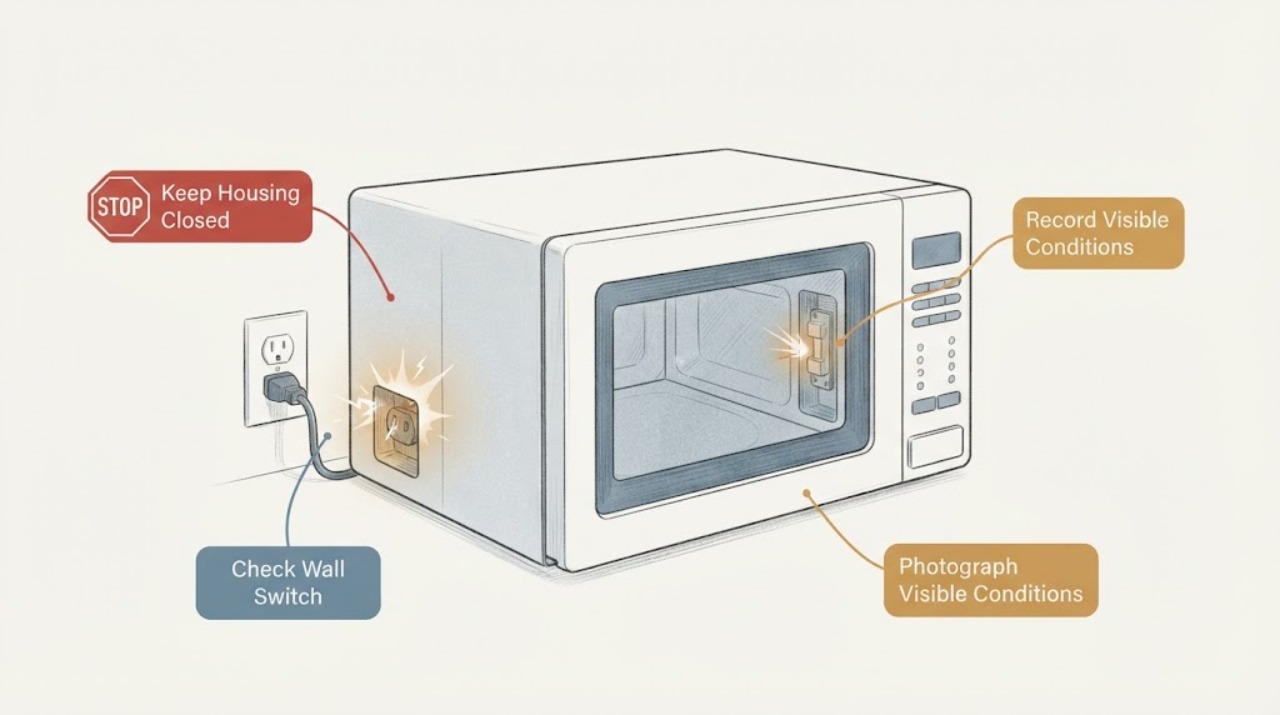
Sharp Insight Pro Drawer Microwave Blowing a Fuse: Safe Diagnosis Boundaries
Stop using the Sharp Insight Pro drawer microwave when its fuse blows during a cooking attempt. Do not open the cabinet, discharge or test the high-voltage capacitor, disconnect the transformer or magnetron, bypass drawer interlocks, fit a larger fuse, or reconnect power to see whether it fails again.
-
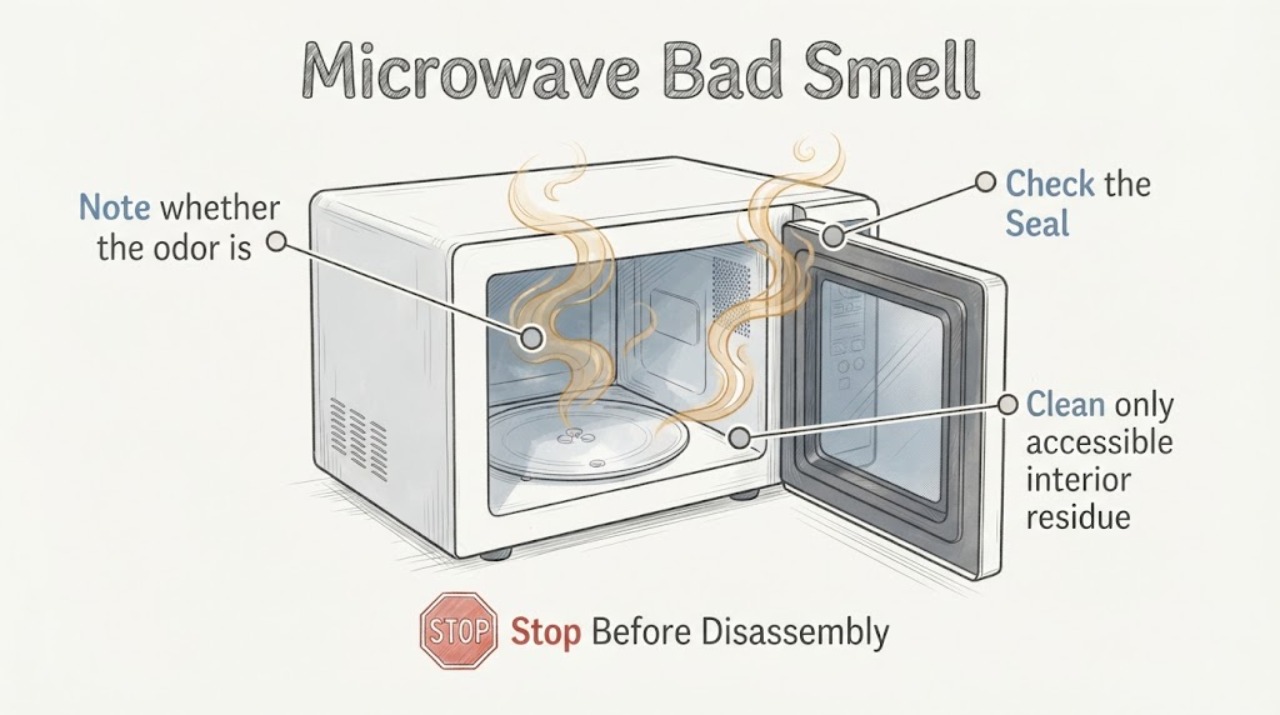
Sharp Microwave Bad Smell
Stop using a Sharp microwave with a bad smell until you identify whether it is food residue, overheated material, or an electrical/burning odor. Keep the door closed for any fire inside and isolate power only when safe.
-
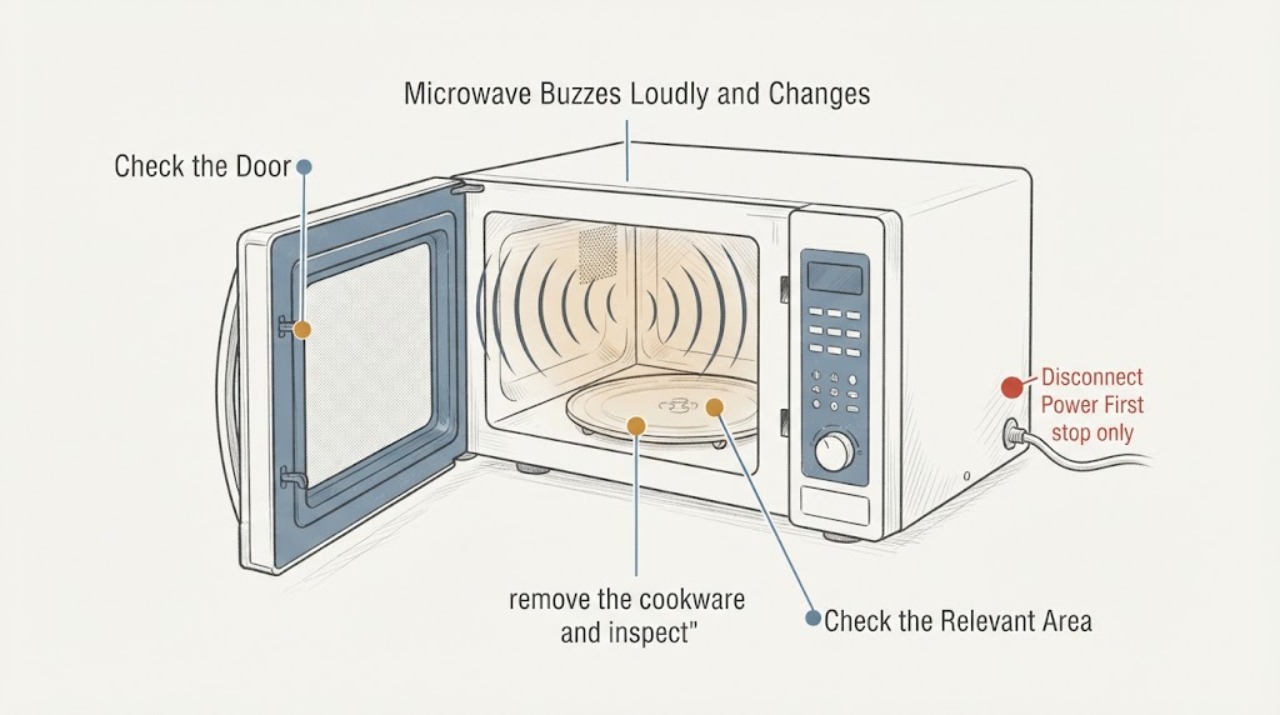
Sharp Microwave Buzzes Loudly and Changes When the Door Is Pressed
Do not press, hold, or push the microwave door while it is running to make the buzzing stop. Sharp notes that a steady cooking hum can be normal and that a rattling sound can come from a turntable or roller support that is not seated correctly, but a loud buzz that changes when the door is pushed is an abnormal door-dependent symptom.
-
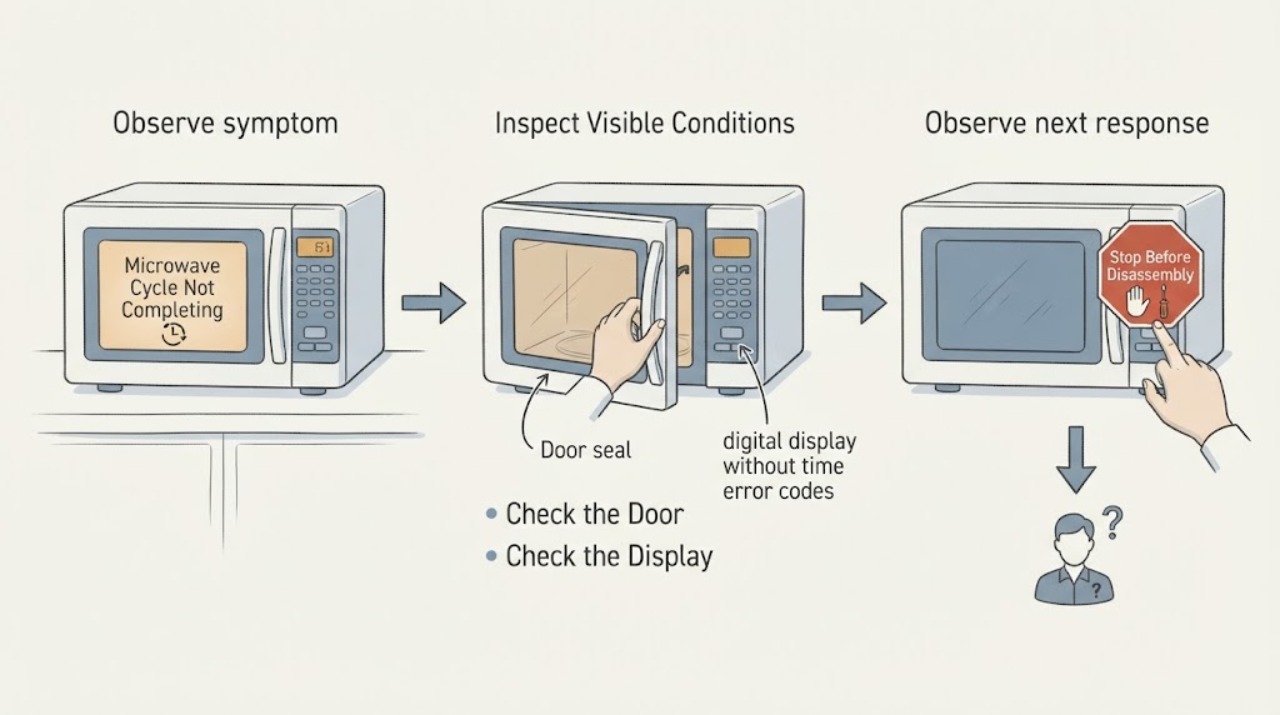
Sharp Microwave Cycle Not Completing: Check the Mode and Stop Point
When a Sharp microwave cycle does not complete, first record whether the timer paused, the display showed an error, the drawer or door was opened, or the unit shut off during preheat or sensing. Sharp's manuals make those behaviors mode- and model-specific: opening the drawer during sensor measurement can interrupt the cycle, while some convection programs turn off if the drawer is not opened at the required stage.
-
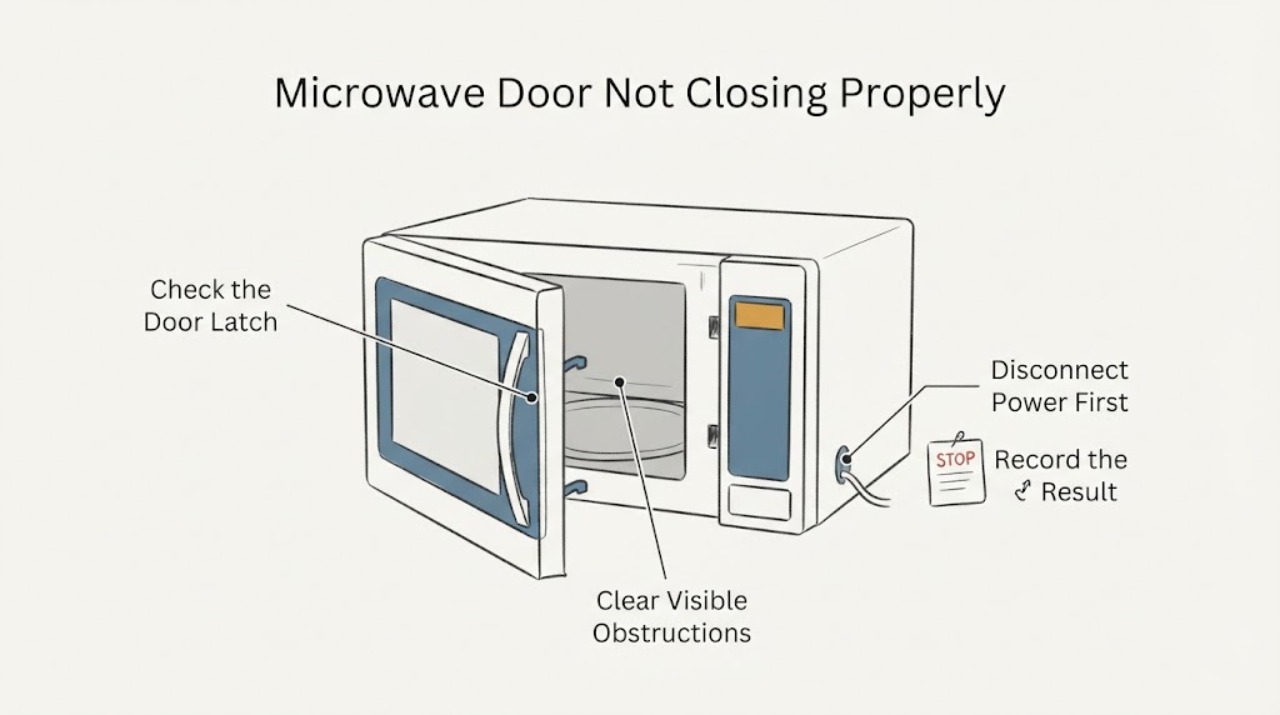
Sharp Microwave Door Not Closing Properly
Do not run a Sharp microwave if the door does not close and latch normally. Unplug it, remove only a visible obstruction or food residue from the accessible door and frame with a soft damp cloth, and inspect the door, hinges, hooks or latches, seals and sealing surfaces without forcing or adjusting them.
-
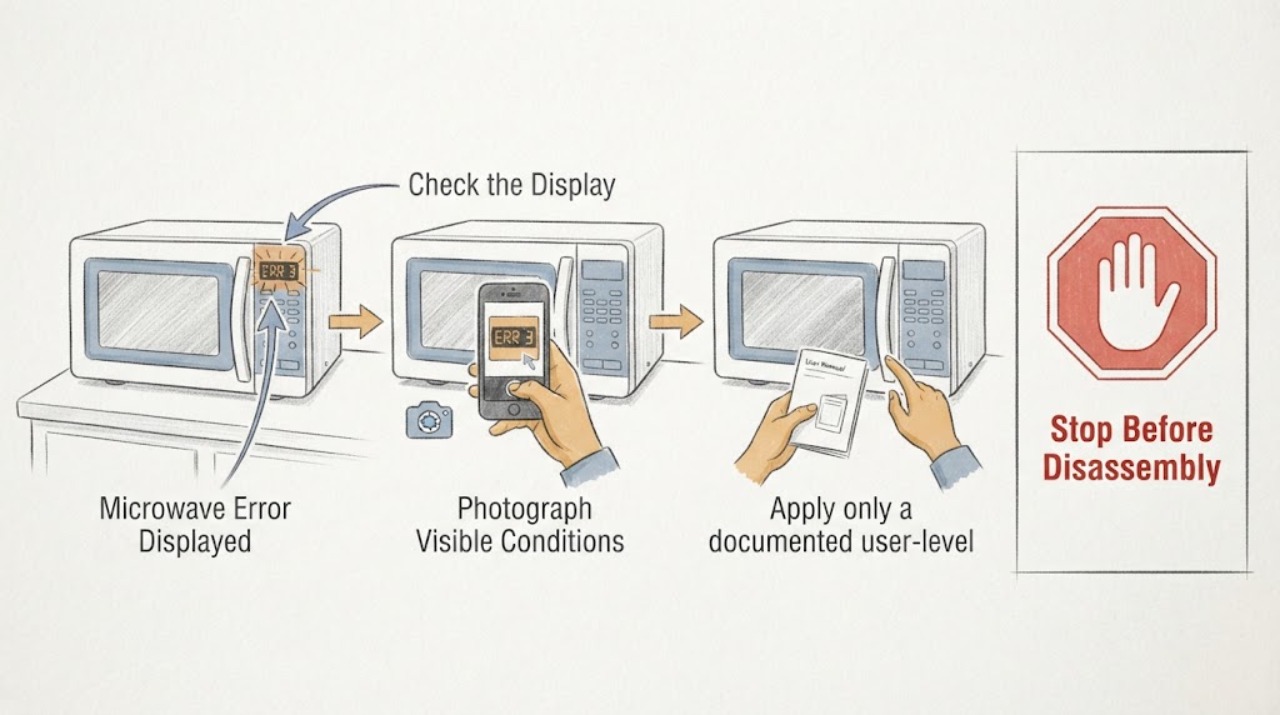
Sharp Microwave Error Displayed
A Sharp microwave error display must be recorded exactly and compared with the exact model manual. The opened Sharp manual supports model-specific operation and safety, but an unlisted code should go to service rather than a guessed part.
-
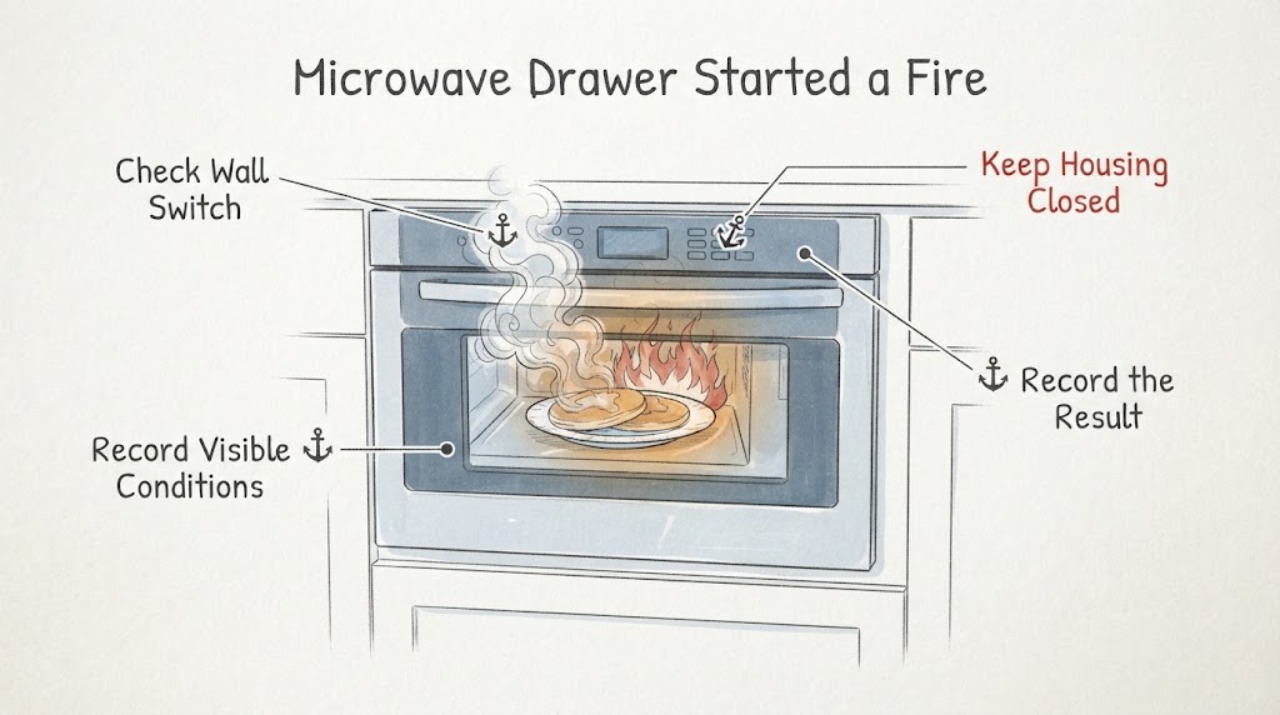
Sharp Microwave Drawer Started a Fire and the Bottom Cracked: Stop Using It
If a Sharp Microwave Drawer ignited a paper plate and the cavity bottom is cracked, stop using it. During an active fire, keep the drawer closed, turn the microwave off and shut off power at the fuse or circuit-breaker panel if that can be done without approaching the hazard.
-
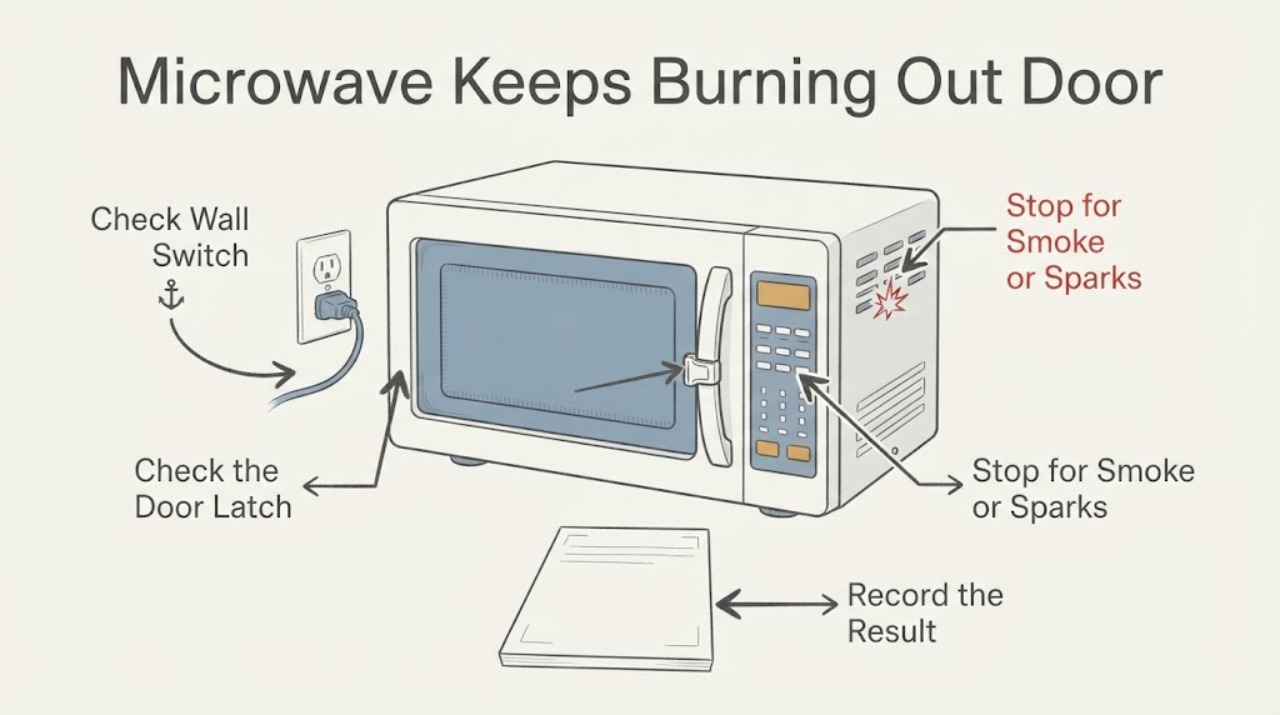
Sharp Microwave Keeps Burning Out Door Switches
Repeatedly replacing a Sharp microwave door switch is a symptom, not proof that the switch alone is the failed part. Stop using the oven if a switch has visibly burned, the door is bent or misaligned, a latch or hinge is loose, there is sparking, a burning smell, smoke, or a breaker trip.
-
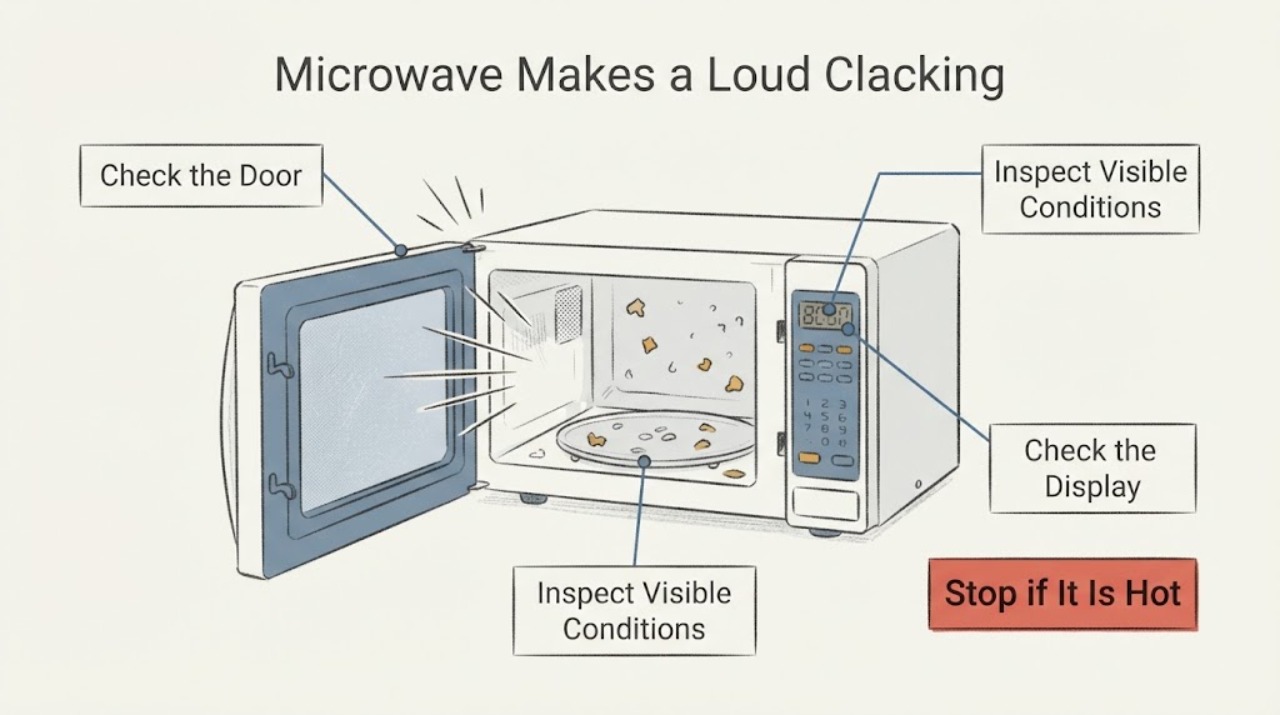
Sharp Microwave Makes a Loud Clacking Noise: When to Stop Using It
A brief click can occur when a microwave switches functions, but the opened Sharp material does not establish that a loud, model-unknown clack is a harmless relay or door-latch sound.
-
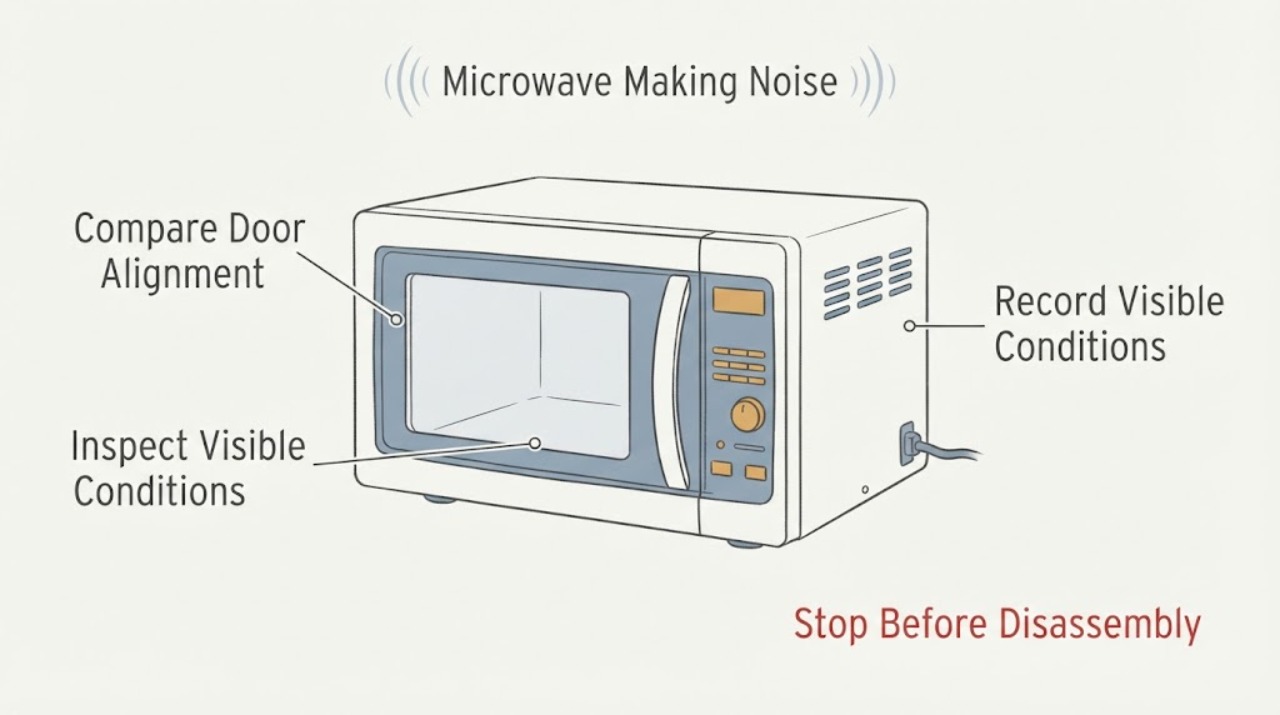
Sharp Microwave Making Noise
Sharp microwave noise should be separated into normal fan/turntable sounds and abnormal grinding, arcing, or vibration. Stop for sparks, smoke, damaged parts, or a noise that persists without a clear operating cause.
-
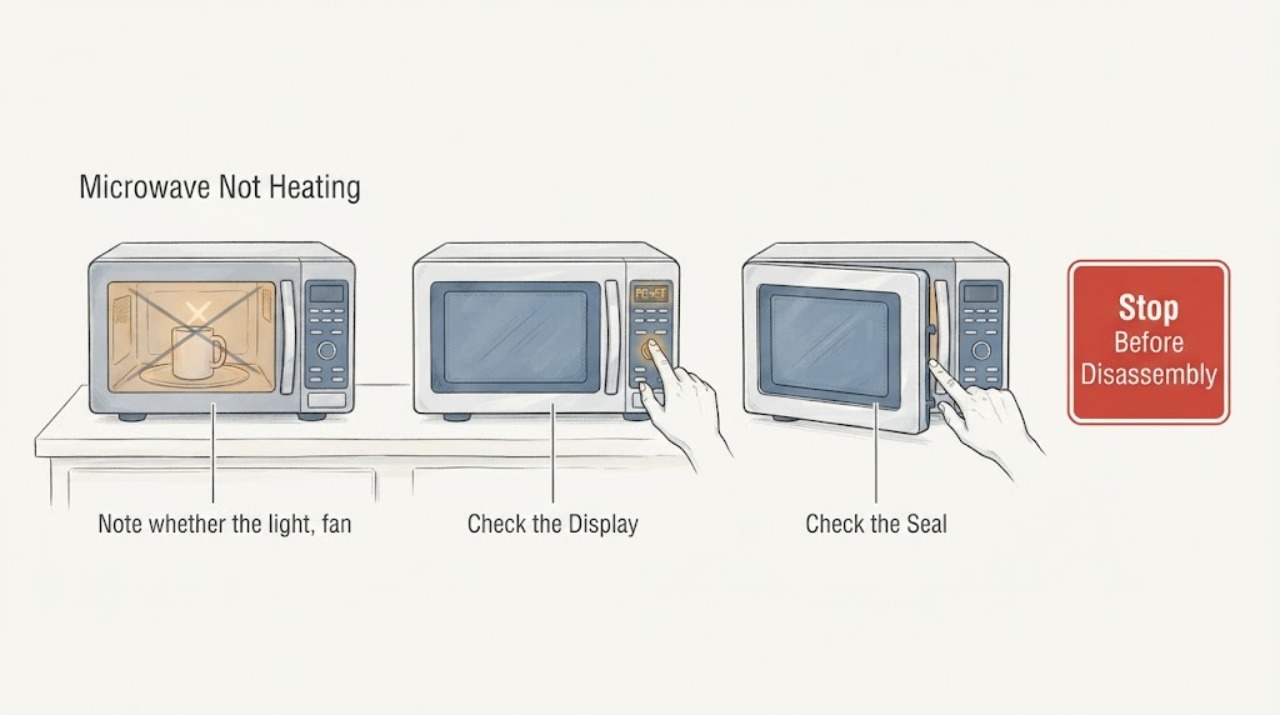
Sharp Microwave Not Heating
A Sharp microwave that runs but does not heat should be checked for the selected cooking mode, door closure, and approved container setup. Do not open the cabinet; persistent no-heat needs qualified microwave service.
-
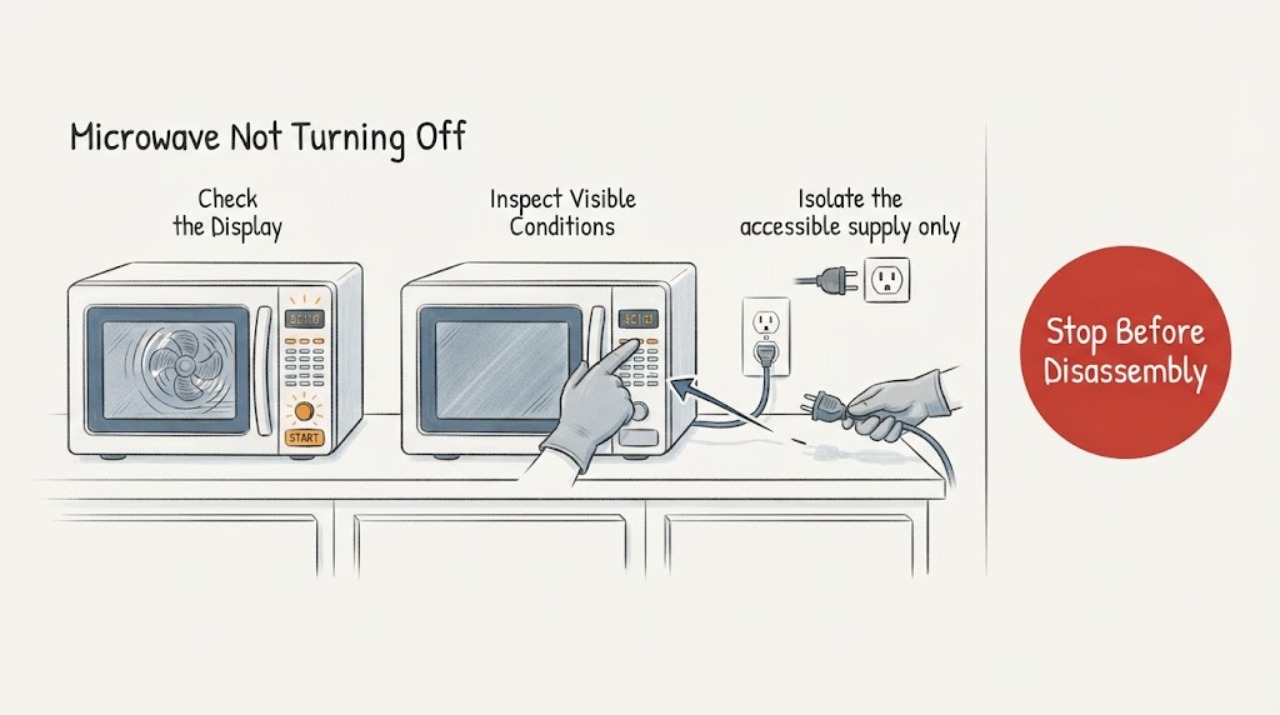
Sharp Microwave Not Turning Off
A Sharp microwave that will not turn off is a safety issue. Press Stop/Clear once if the controls respond; if heating, the fan, or turntable continues, isolate power only when safe and do not reopen the cabinet.
-
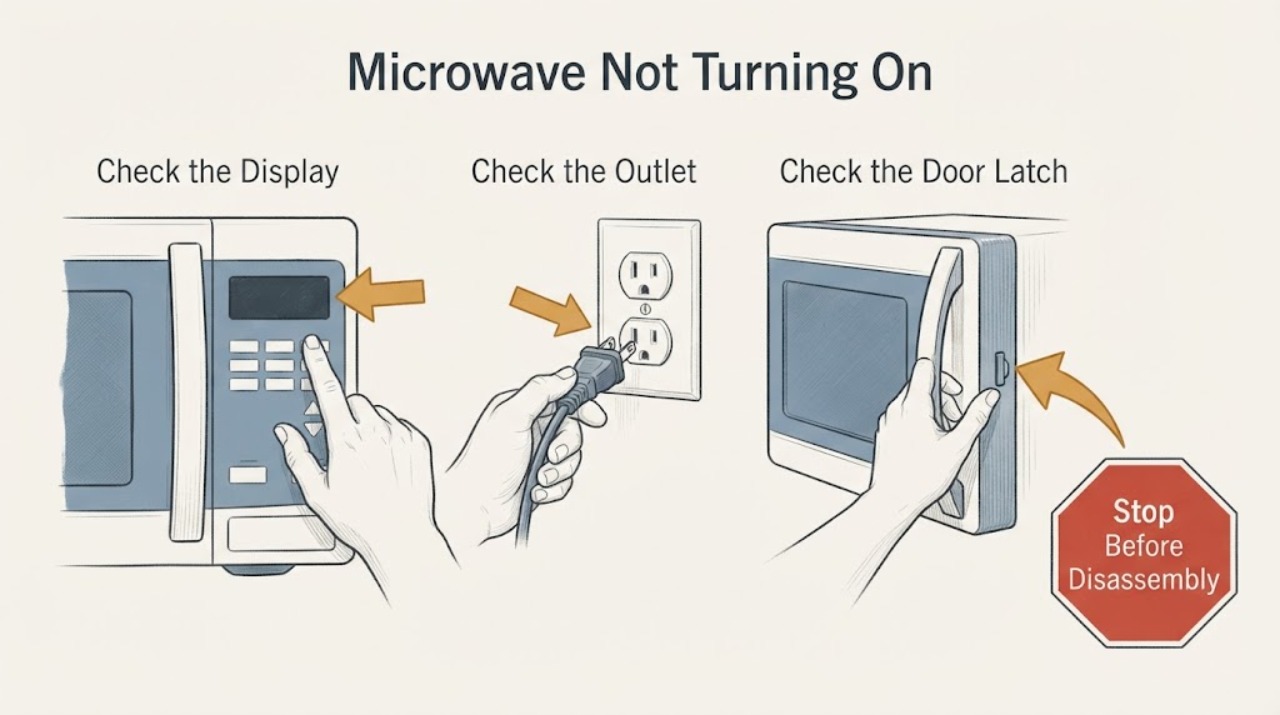
Sharp Microwave Not Turning On: Safe Checks
For a Sharp microwave that is not turning on, first separate a completely blank display from a display that works but will not start. Check the wall outlet, plug, circuit breaker, door closure, control lock, and any model-specific Demo mode or power-failure message.
-
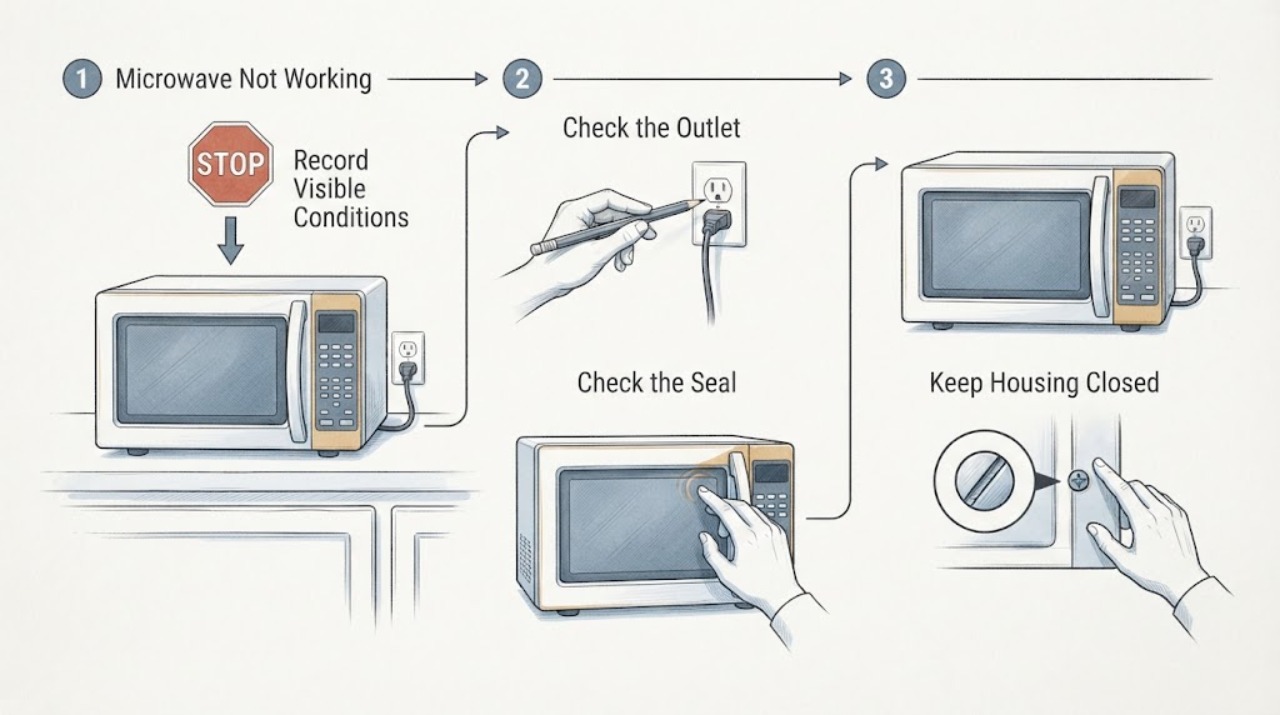
Sharp Microwave Not Working: Check Power, Door, and Controls Safely
If your Sharp microwave is not working, first separate a blank display from a control-panel, door, or heating symptom. Check that the power cord is securely connected and that the household fuse or breaker has not tripped, then clear the program, set a cooking time, and close the door firmly.
-
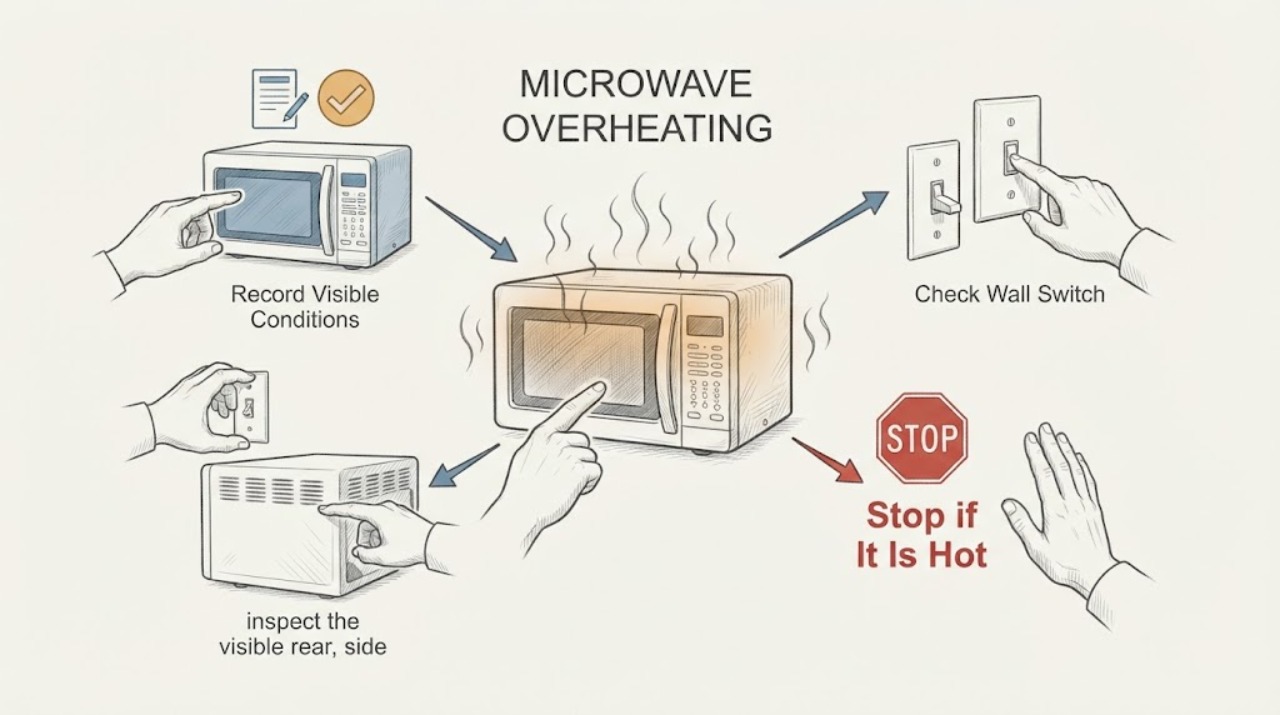
Sharp Microwave Overheating: Safe Checks Before Service
First separate normal heat from an unsafe overheating symptom. A Sharp convection or grill microwave can have a hot exterior and a cooling fan after a heating mode, while a microwave that smokes, sparks, smells burnt, overheats while idle, trips power, or becomes hotter than the model manual describes should be stopped.
-
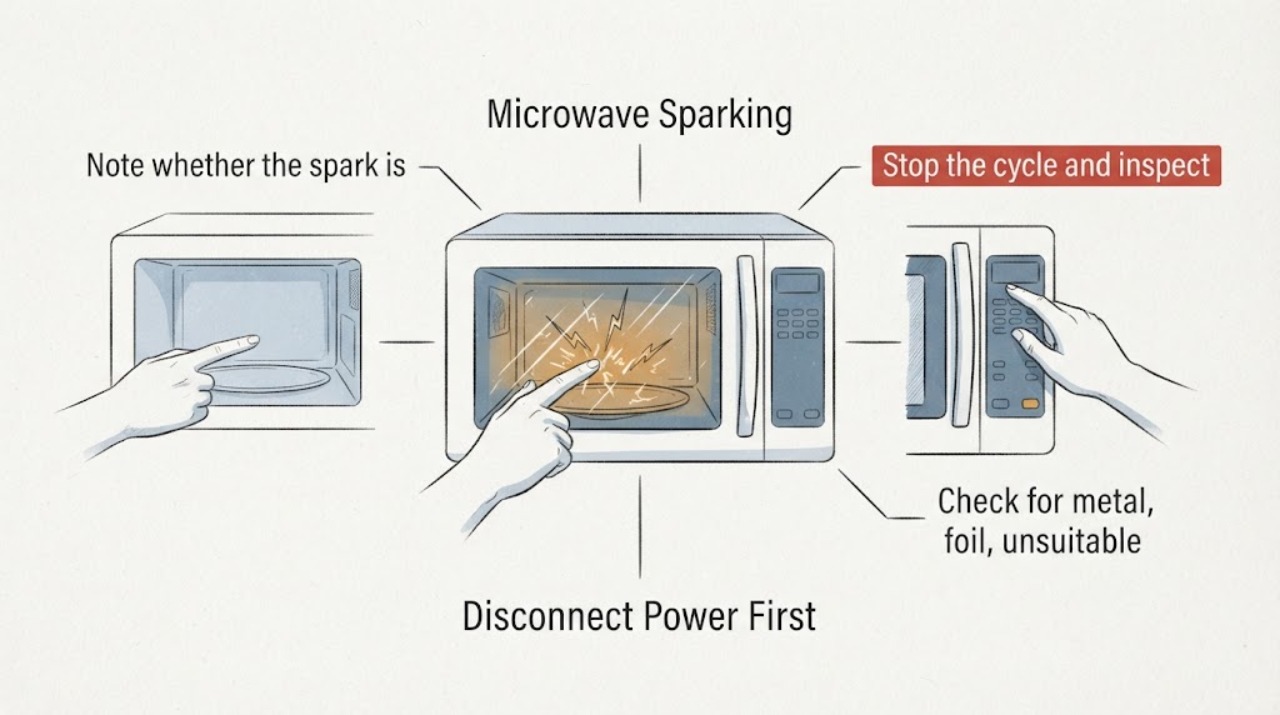
Sharp Microwave Sparking
Sparking in a Sharp microwave requires immediate stop. Keep the door closed if material ignites, press Stop/Clear if safe, and disconnect power only when safe. Inspect only for approved cookware, metal, residue, or a damaged waveguide cover.
-
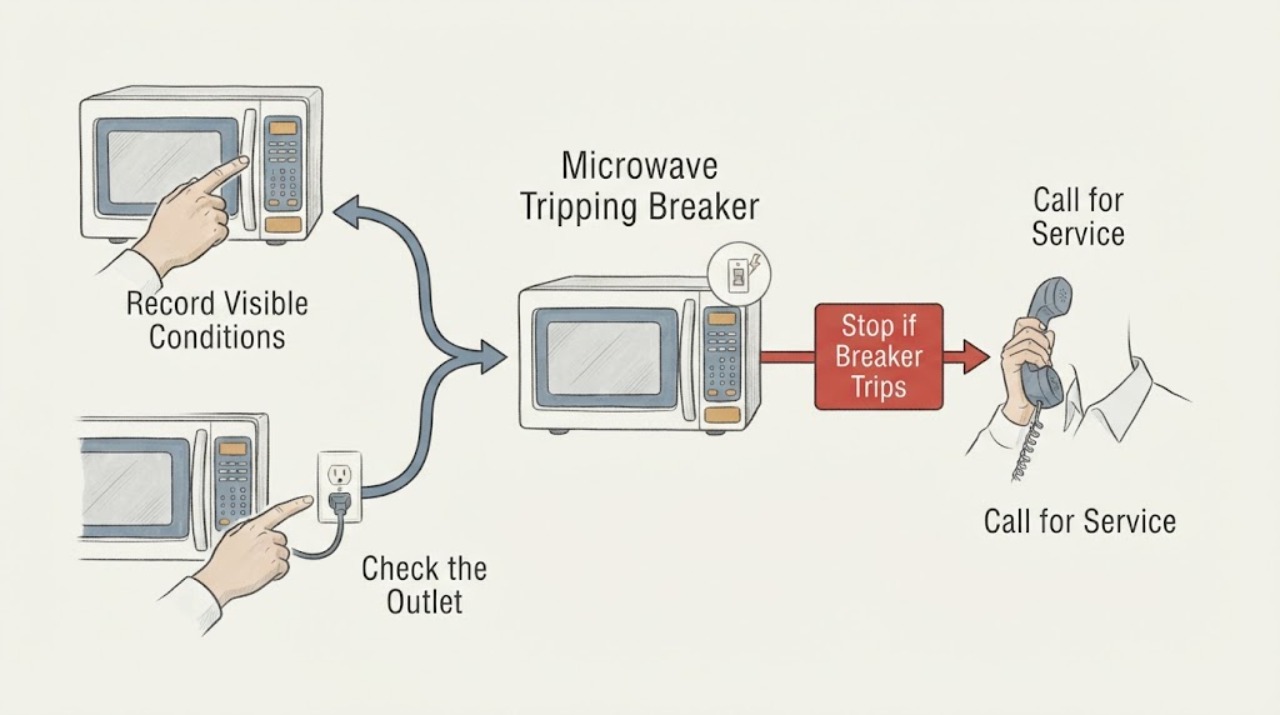
Sharp Microwave Tripping Breaker
If a Sharp microwave trips the breaker, stop using it and first note exactly when the trip occurs: as soon as it is plugged in, when cooking starts, or when the door is opened or closed. Check the cord, plug, outlet, and model manual from a safe, dry position. Sharp manuals require qualified service for a damaged or malfunctioning microwave; do not keep resetting the breaker or open the cabinet.
-
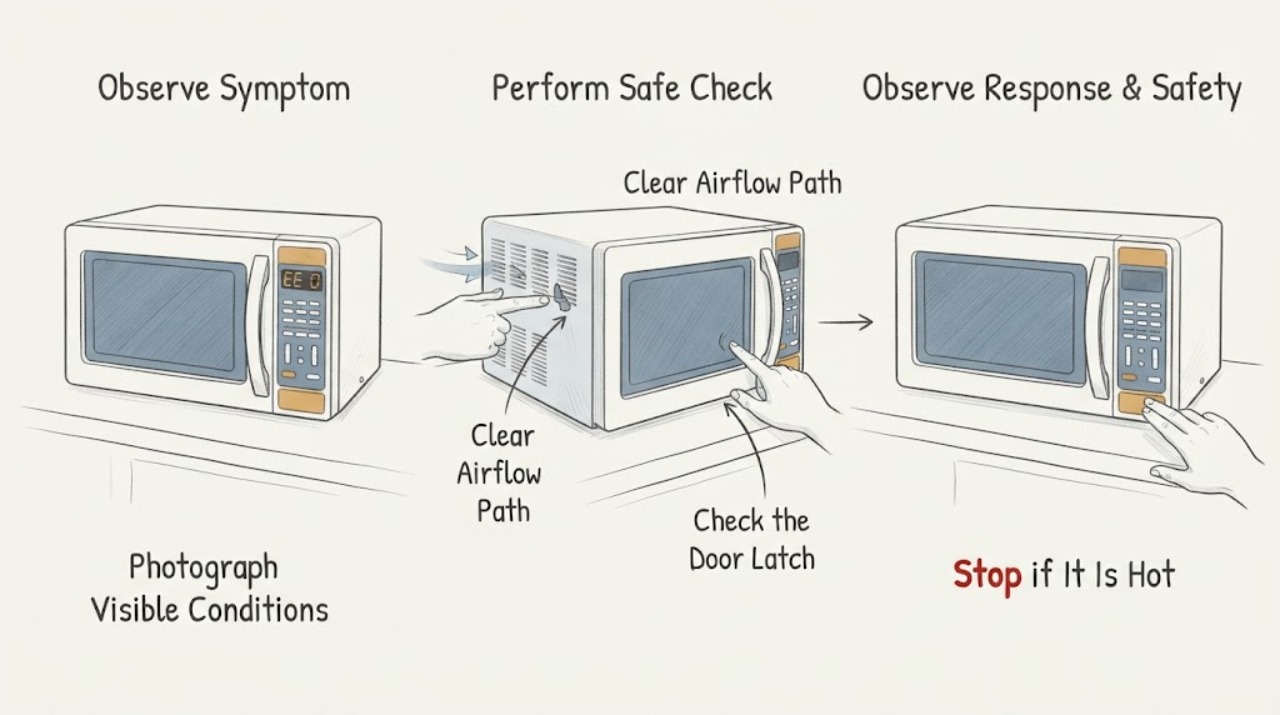
Sharp R-25JT Commercial Microwave EE 0: Fan Lock Error and Safe Service Boundary
On the Sharp R-25JT heavy-duty commercial microwave, the opened Sharp operation manual identifies EE 0 as a fan lock error and says to call for service. Treat a flashing EE 0 as a service condition, not as permission to open the cabinet or keep cooking.
-
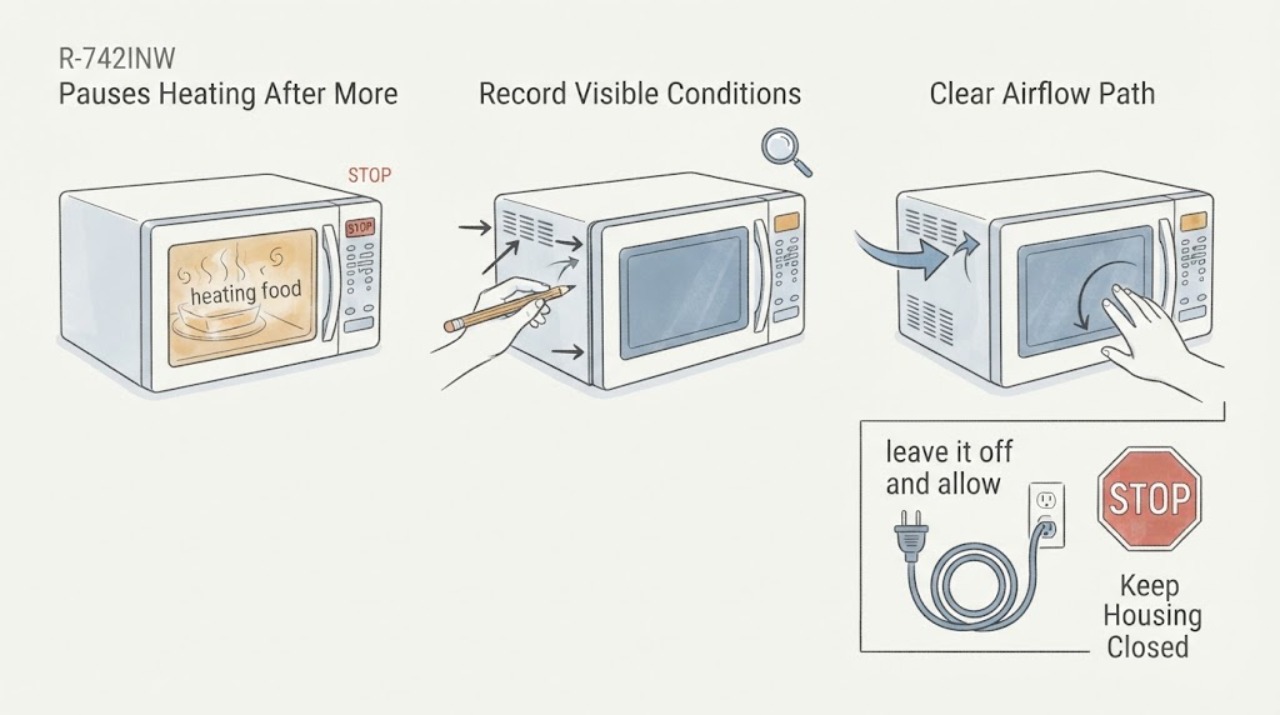
Sharp R-742INW Pauses Heating After More Than 3 Minutes at 900 W
A pause in microwave heating after sustained full-power use can be consistent with heat buildup or an airflow-related protective response, but the Sharp R-742INW sources opened here do not document a user-resettable safety-mode timer or prove that this symptom is normal. Sharp's official data sheet identifies this model family as a 900 W microwave with an electronic control panel; its official support site directs owners to search by model for the applicable manual.
-
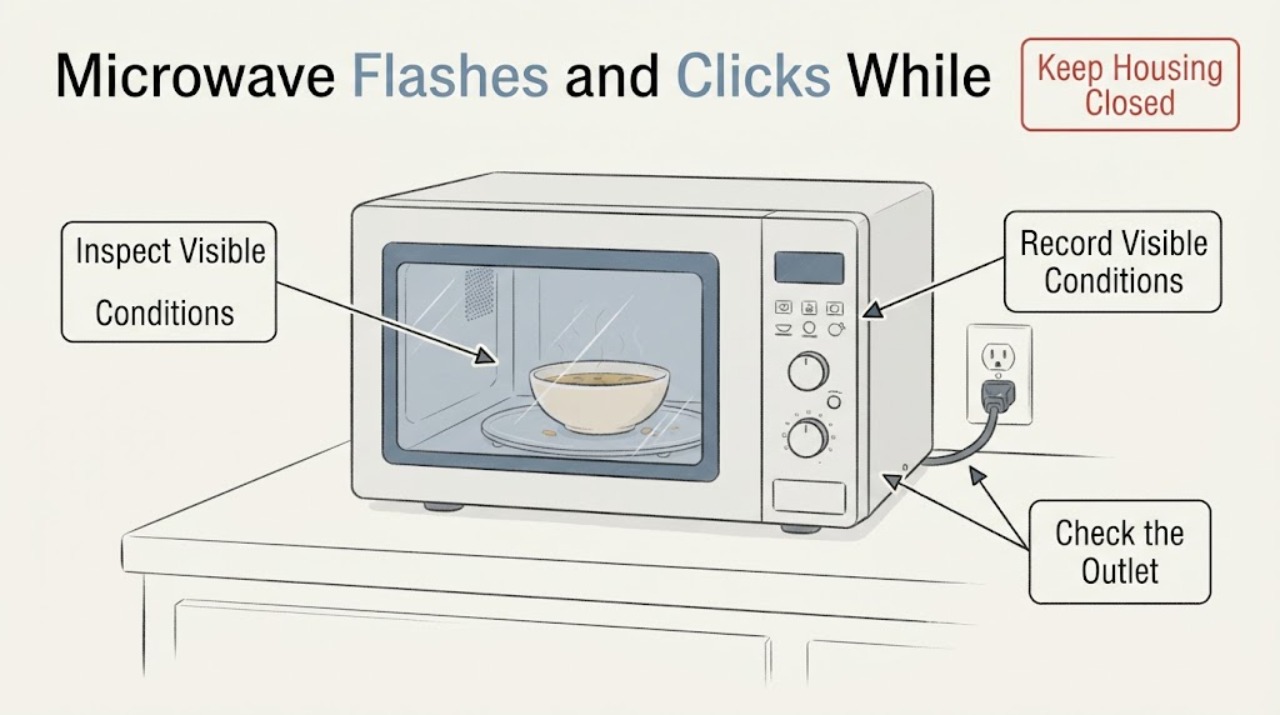
Sharp SMC0912BS Microwave Flashes and Clicks While Idle: Separate the Clock from a Safety Fault
Do not run the Sharp SMC0912BS again just to identify a clicking sound. This exact model is a Sharp countertop microwave with a blue LED display, clock/timer, touch controls, and a child-safety lock.
-
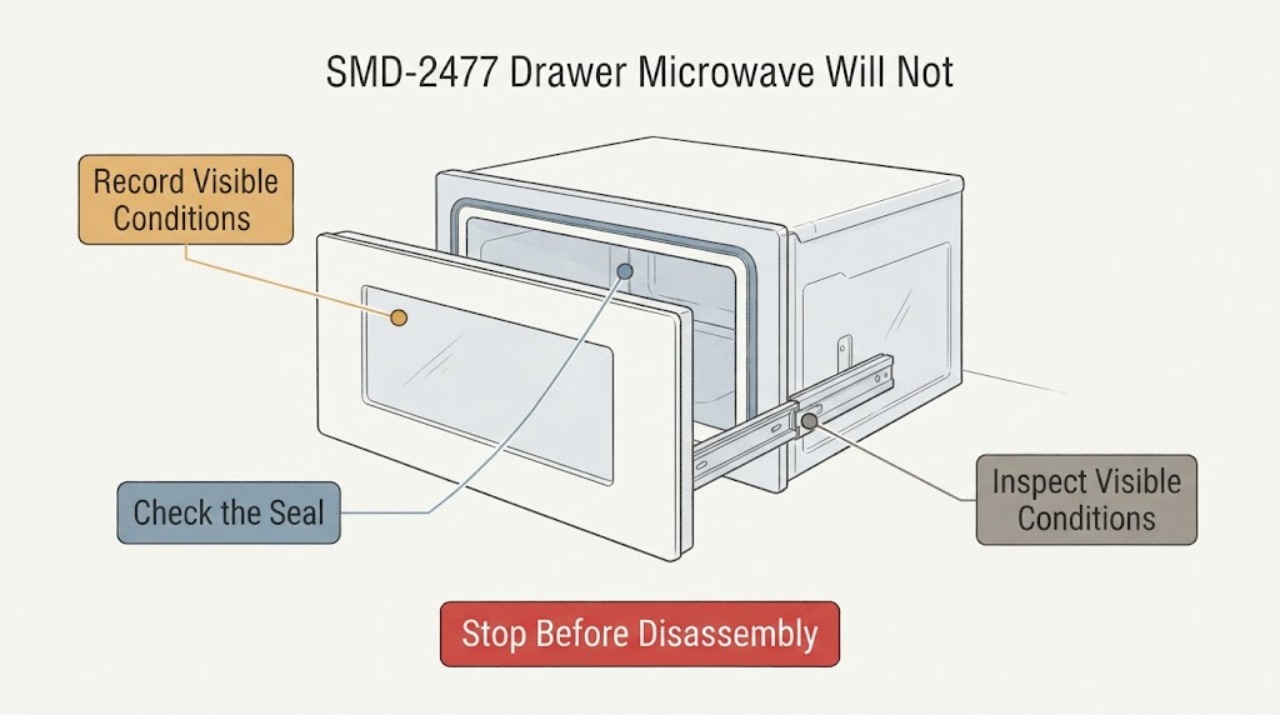
Sharp SMD-2477 Drawer Microwave Will Not Stay Closed
The supplied report describes a Sharp SMD-2477 drawer that is pulled closed by its motor and then intermittently pops back open. Sharp's opened operation manual covers the SMD2477ASC and SMD2477AHC variants, plus SMD3077ASC, so read the nameplate before applying the model-specific instructions; do not assume an un-suffixed SMD-2477 identifies one exact variant.
-
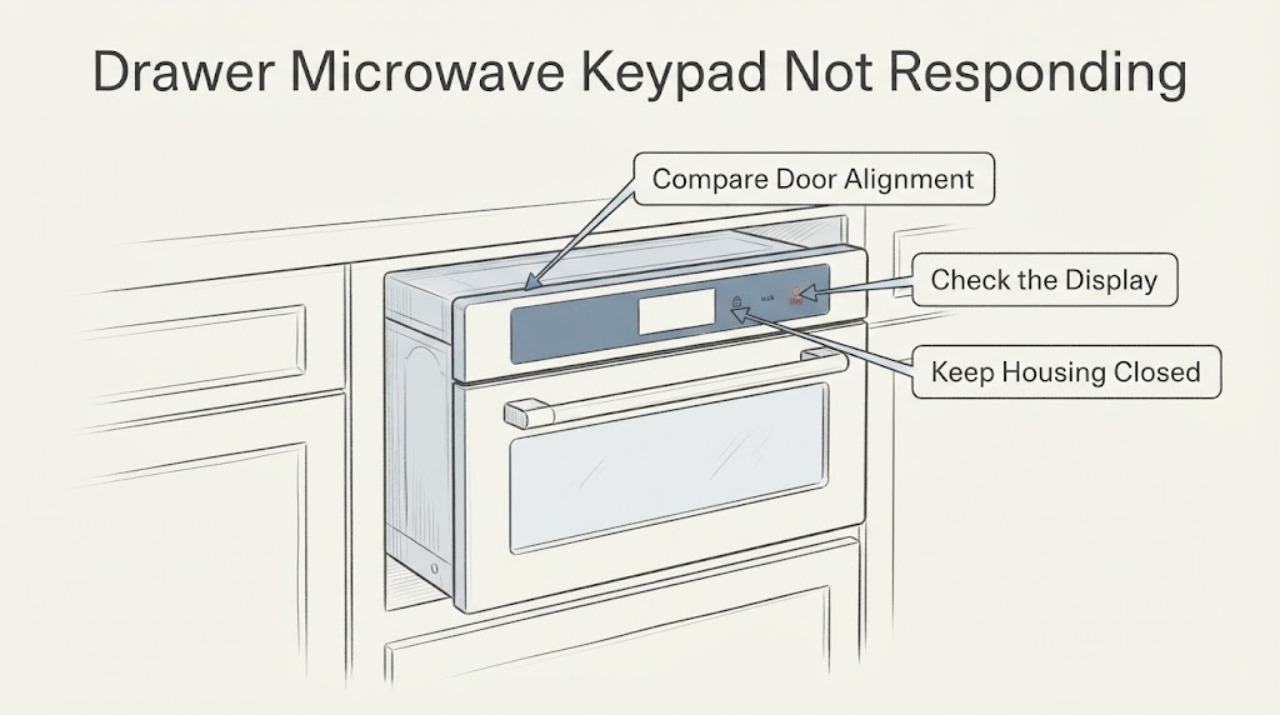
Sharp SMD3070AS-YD Drawer Microwave Keypad Not Responding
Start by separating a locked or damp control panel from a dead or unsafe drawer. Confirm the full rating-label model and suffix before ordering any panel, hinge, or control part; the opened Sharp manual covers the SMD3070AS family, while the official product page displays SMD3070ASY, so a suffix listing alone does not prove compatibility with SMD3070AS-YD.