
Brand-independent appliance guidance
General Microwave Repair Guides
Brand-independent troubleshooting and repair guidance for common microwave problems and maintenance questions.
General microwave guides
Use these guides when the problem is not limited to a specific manufacturer.
-
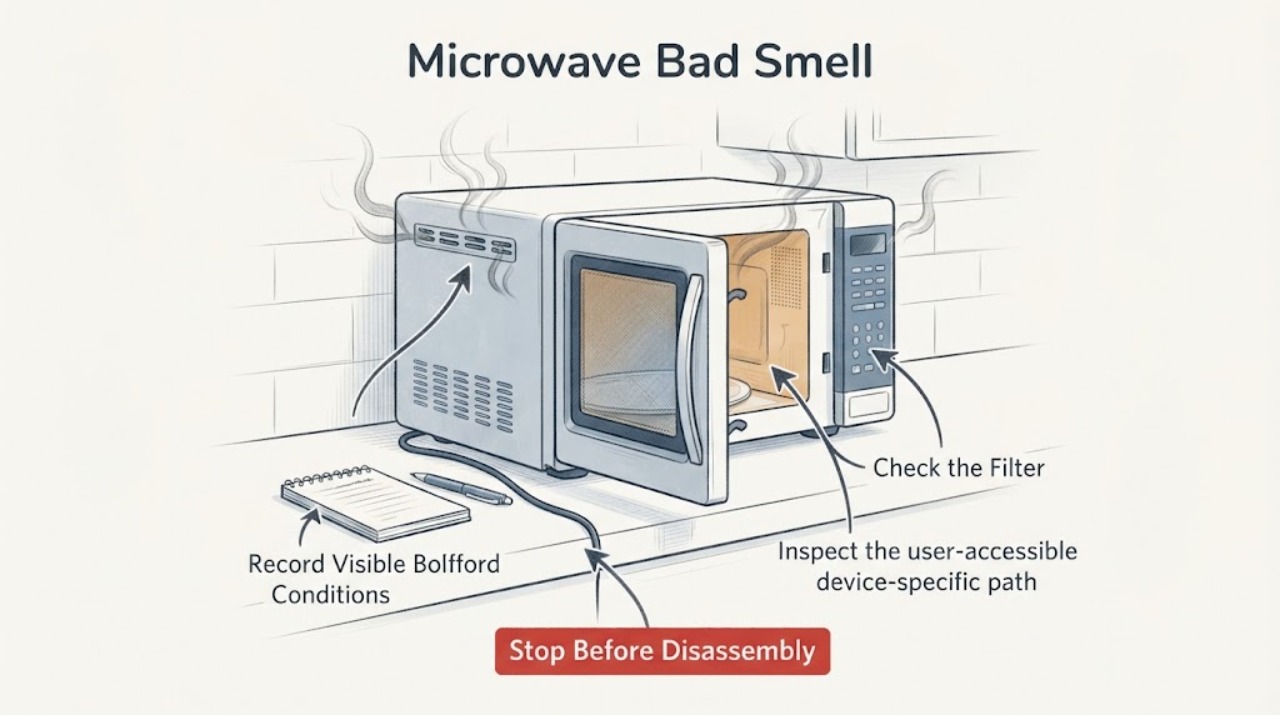
Microwave Bad Smell
For a microwave bad smell, stop for smoke, arcing, melted plastic, or a burning electrical odor. Otherwise unplug and cool it, remove food debris, clean the cavity with mild soap and water, and use the manufacturer-approved steam-clean method. Persistent odor or damaged waveguide cover needs service.
-
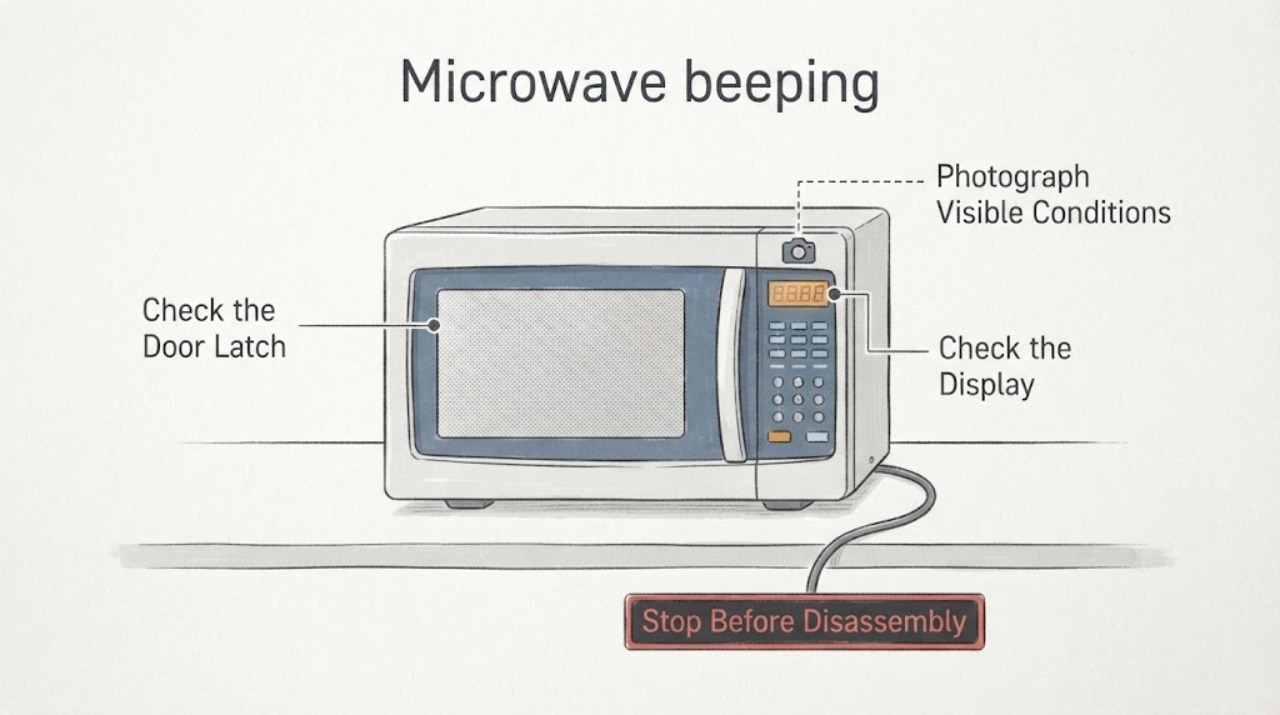
Microwave beeping
A microwave that keeps beeping should be separated into normal key/finish tones, a control or door-state alert, and an abnormal repeated alarm. Check the display message, door closure, timer/setting, and tone/energy-save options in the exact manual. If beeping continues with a stuck keypad, sparking, smoke, or an error that returns after one documented reset, stop using it and arrange service.
-
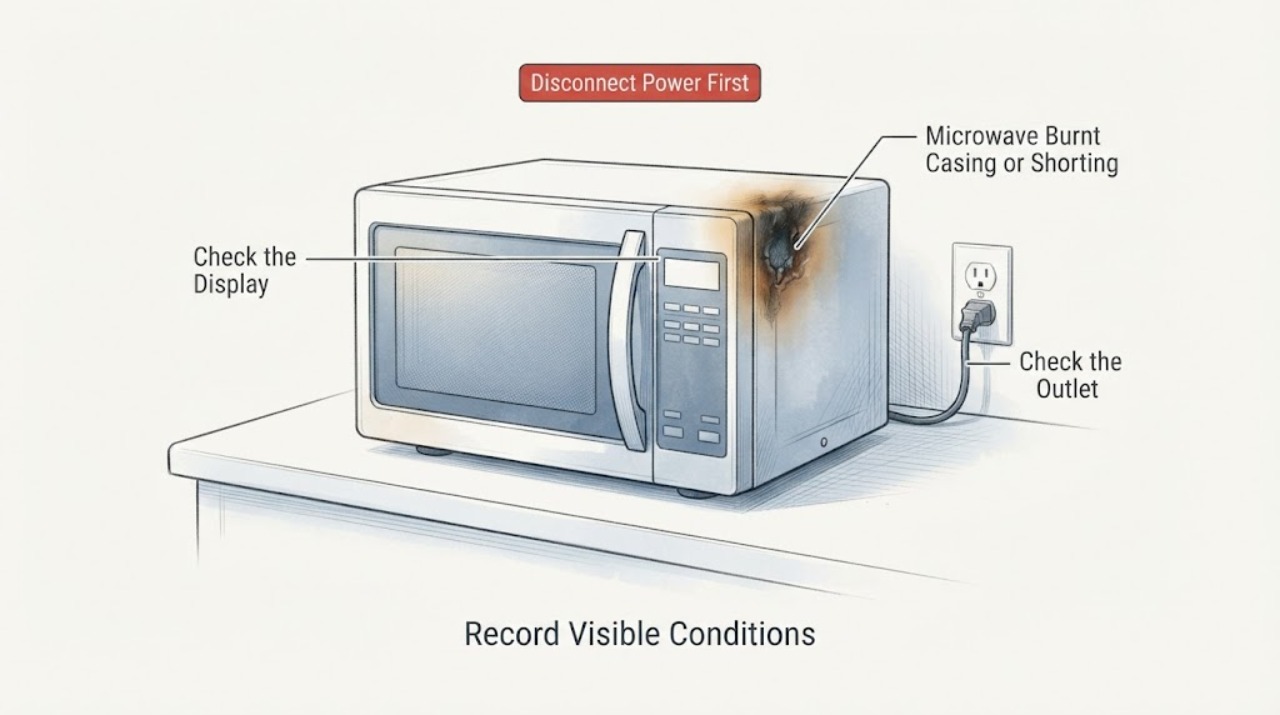
Microwave Burnt Casing or Shorting: Stop, Identify the Damage, and Get Safe Service
A burnt casing or a report that a microwave shorted out is a stop-use symptom, not proof of a particular failed part. Turn the microwave off; if there is smoke or fire, keep the door closed and disconnect power only if that can be done safely.
-
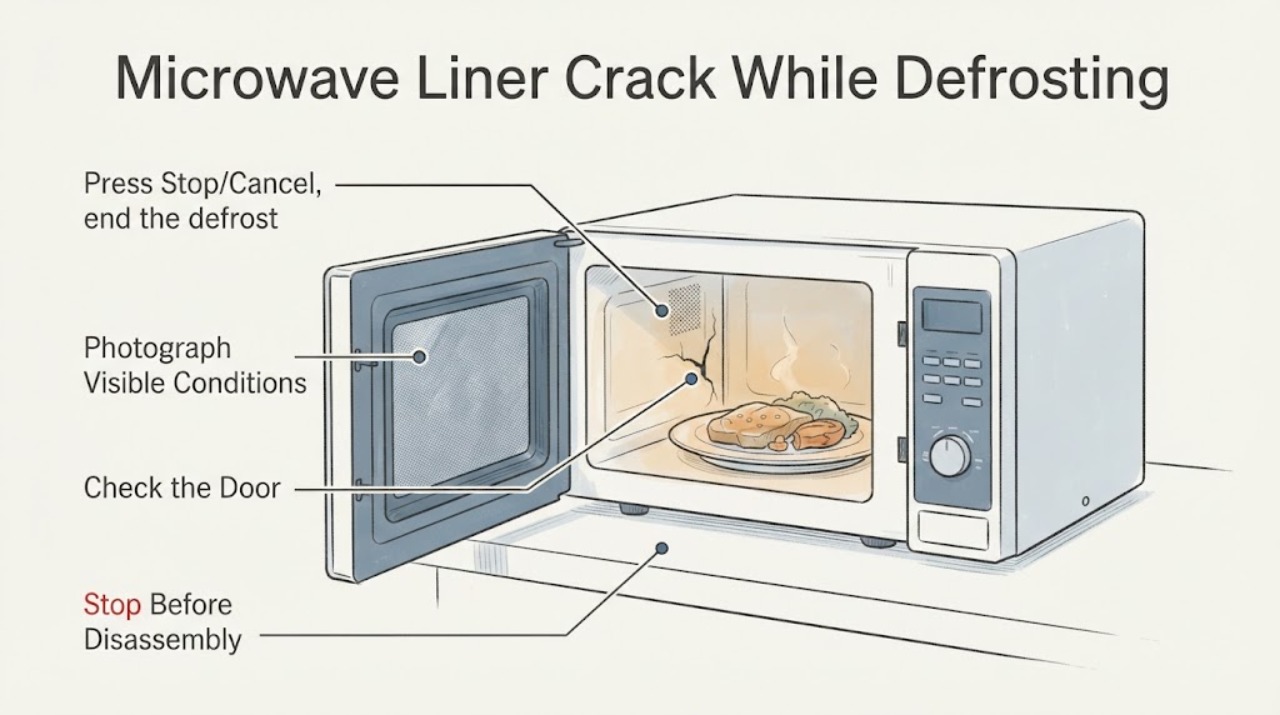
Microwave Liner Crack While Defrosting Food: Is It Safe to Use?
Stop using a microwave when the interior liner has a true crack, hole, open seam, exposed metal, active peeling, burn-through, or arcing. GE’s official cavity guidance says a hole in the cavity wall is non-repairable and calls for discontinuing use, while a Whirlpool microwave manual says not to operate a damaged oven, not to defeat safety interlocks, and to use qualified service.
-
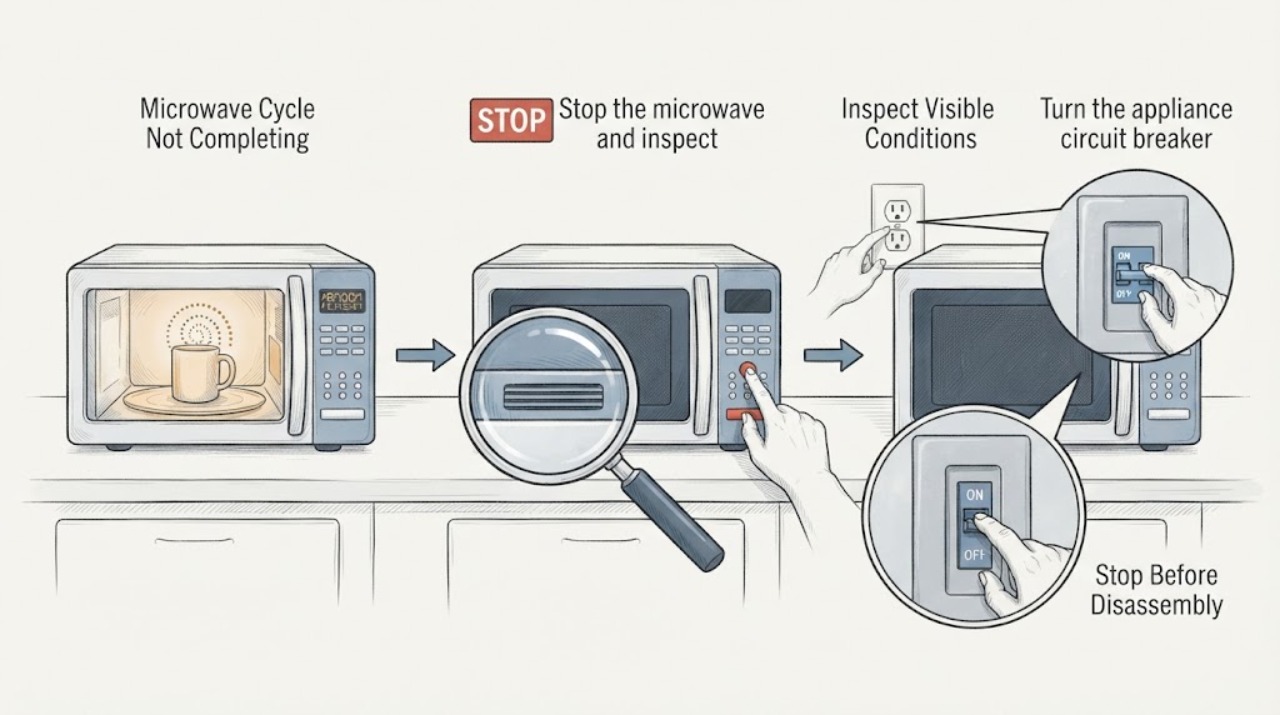
Microwave Cycle Not Completing
If a microwave starts but stops before the programmed time, first note whether the display also resets, whether the cooling fan is blocked, and whether the stop happens only on long or repeated cycles. Clear only accessible ventilation openings and reset the appliance circuit once for 30 seconds. Stop using it for smoke, burning odor, abnormal heat, sparks, or repeated premature stops; internal switches, thermal cutouts, wiring, and control faults require qualified service.
-
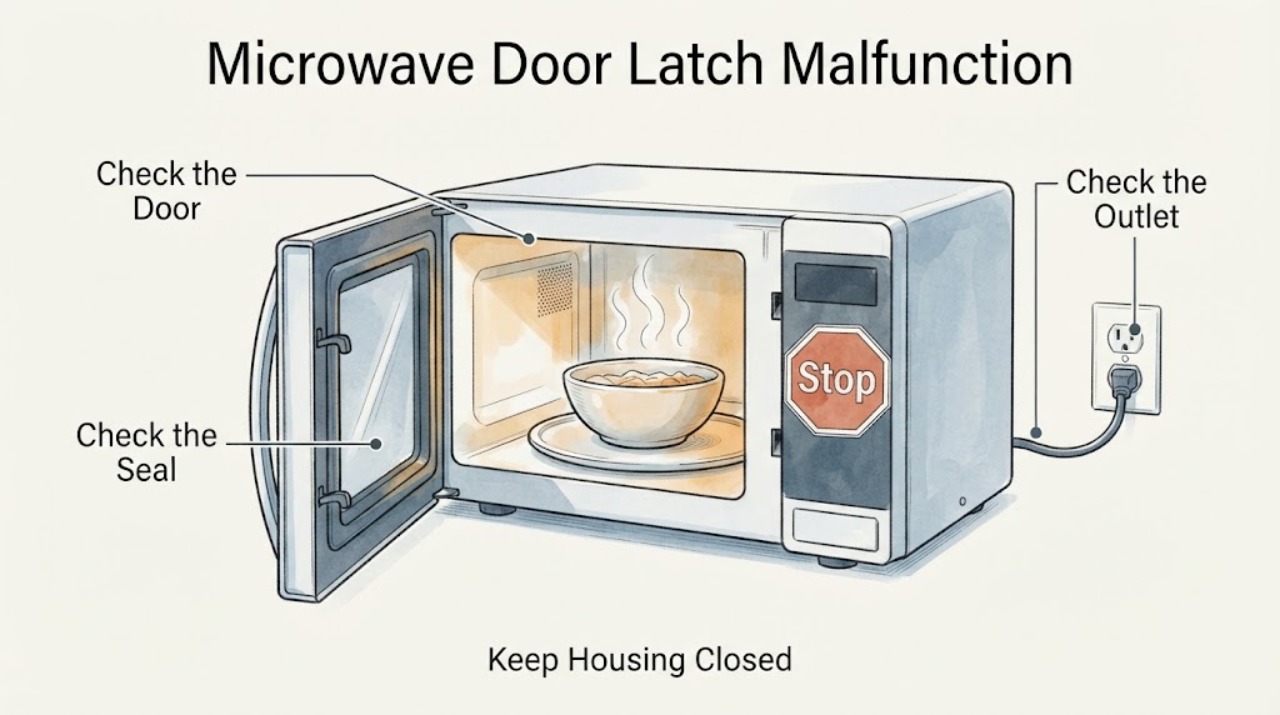
Microwave Door Latch Malfunction: Safe Checks When the Timer Will Not Start
Do not hack, wedge, tape, bypass or open a microwave to defeat a door latch or interlock. If the door does not close firmly, is bent or damaged, the display reports a door condition, or the oven appears to operate with the door open, stop using it.
-
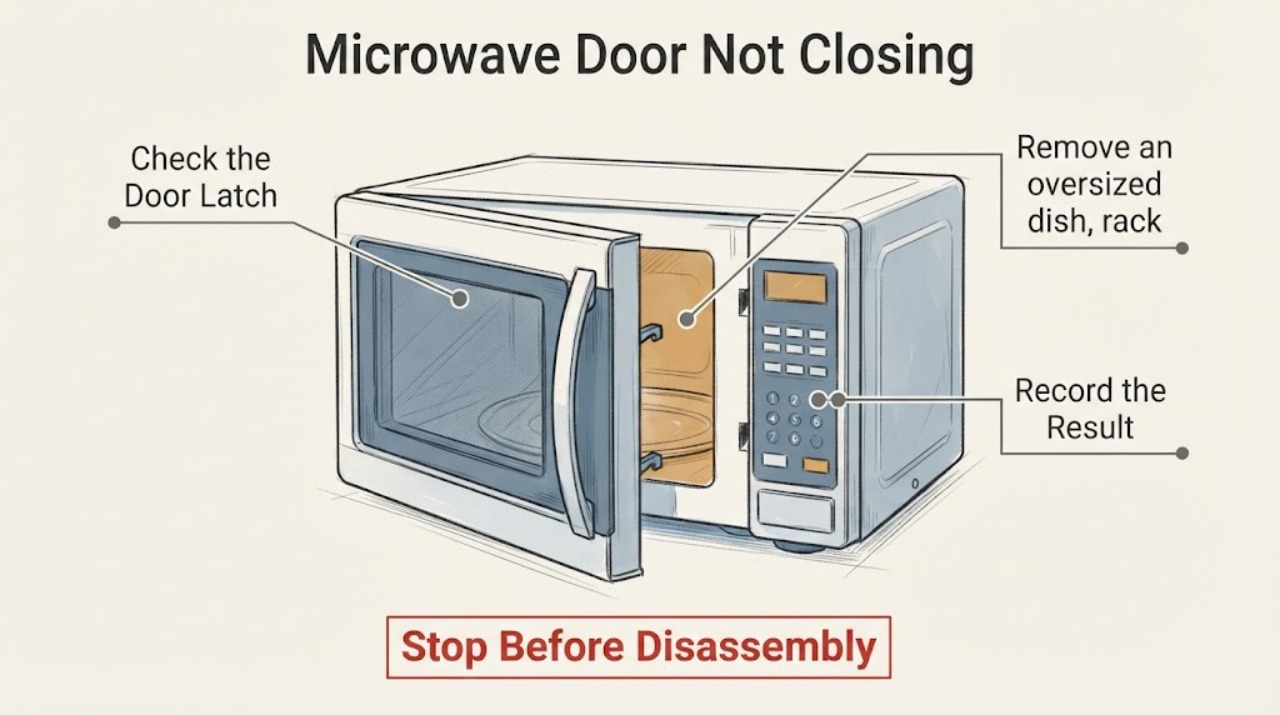
Microwave Door Not Closing
If a microwave door will not close, stop using it until it closes firmly and latches without force. Remove only an obvious dish, rack, packing piece, or residue blocking the latch/contact area; a bent door, damaged hinge/latch/seal, or persistent misalignment needs manufacturer service. FDA warns against operating a microwave whose door is not firm or is damaged.
-
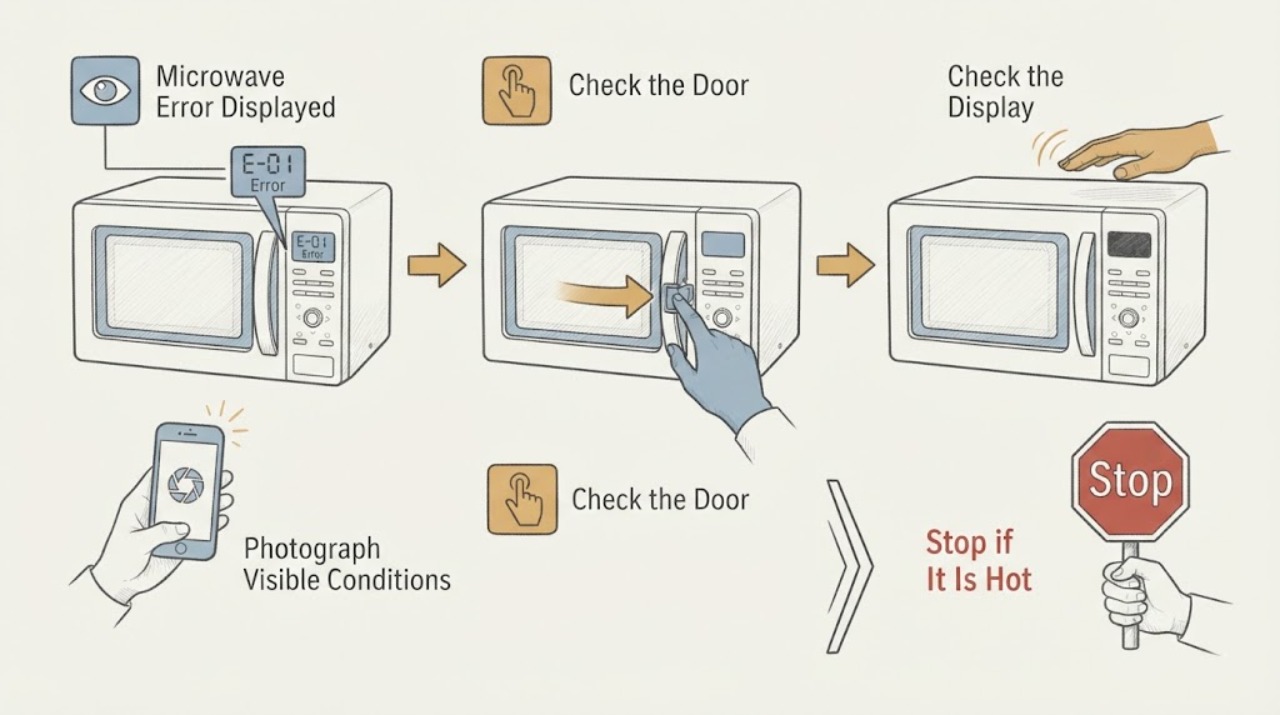
Microwave Error Displayed
Do not guess what a microwave code means from a generic list. Photograph the exact display, record whether it is a code, a flashing colon, PF, LOC/L, or Demo behavior, and identify the model before using its owner manual. A power-related PF/clock display or a documented control lock can have a simple model-specific reset, but an unknown or returning error should be left unused and serviced.
-
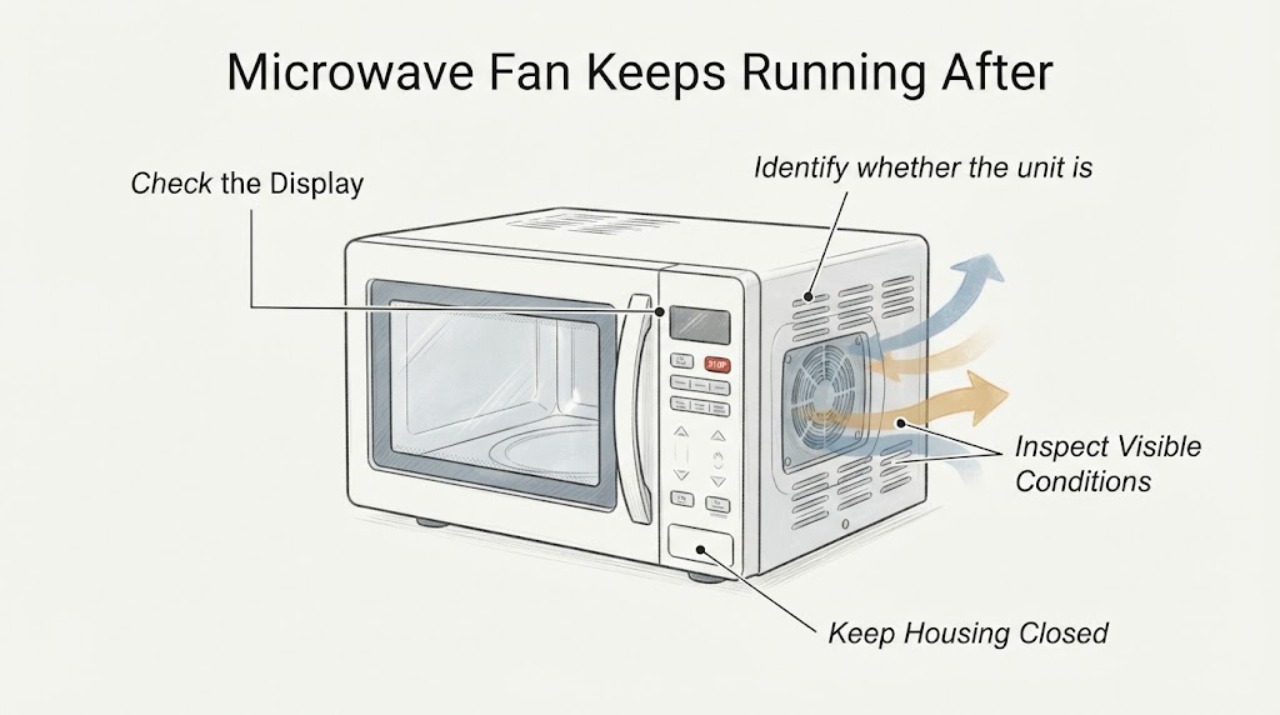
Microwave Fan Keeps Running After Cooking Stops: Normal Cooling or a Fault?
A fan that continues after a microwave cycle can be normal cooling, especially on an over-the-range model after microwave use or heat from the cooktop below. KitchenAid says some models automatically run the cooling fan and may leave it on while the microwave cools; GE likewise says its over-the-range models may run a fan after nearby heat and shut it off when cool.
-
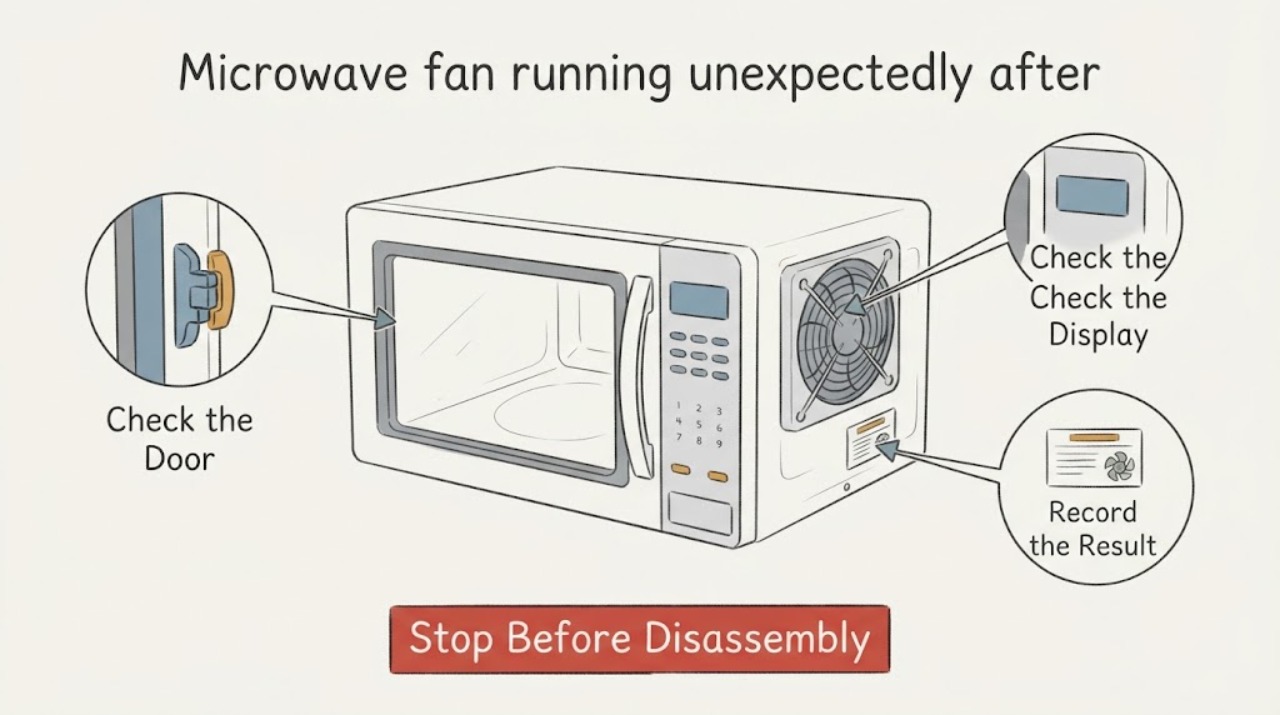
Microwave fan running unexpectedly after days without use
First determine whether only the fan is running or whether the microwave is also starting: a turntable, cavity light, or heating cycle without a command is a safety issue. On an over-the-range microwave, the vent or cooling fan can start automatically when heat from the cooktop or oven below reaches the appliance, and some models keep it running until the temperature falls.
-
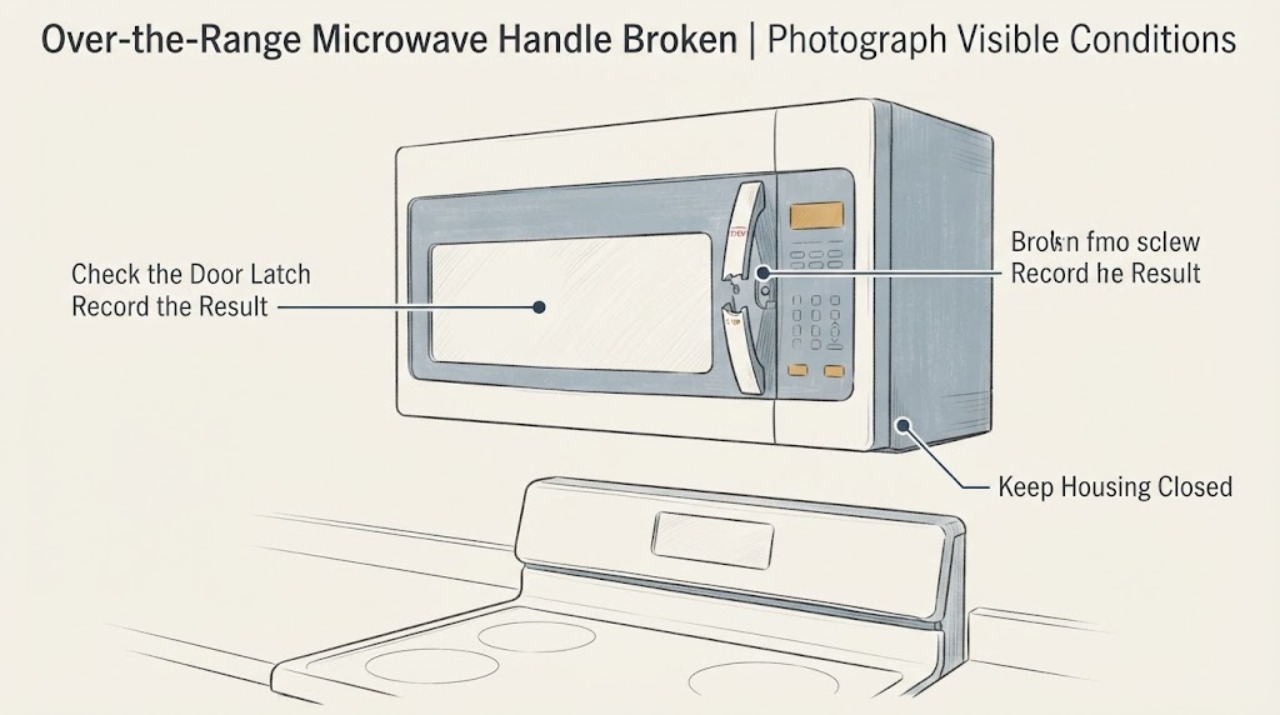
GE Over-the-Range Microwave Handle Broken: Safe Repair Boundaries
The opened report describes a GE over-the-range microwave whose handle first loosened and then broke completely, leaving the owner unable to open the door. The thread confirms the appliance type and later identifies GE, but gives no model number, so do not order a handle or copy a model-specific screw.
-
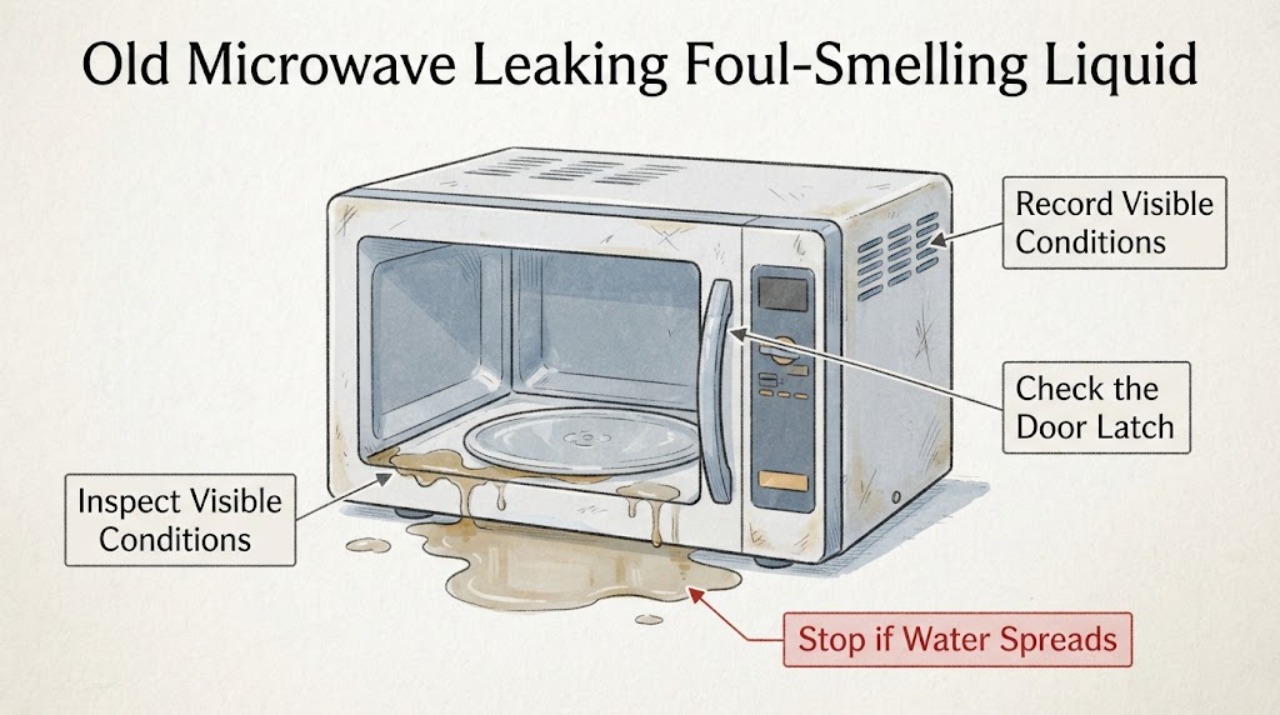
Old Microwave Leaking Foul-Smelling Liquid: Unplug It and Do Not Open the Cabinet
A foul-smelling liquid from an old microwave is not identifiable safely by smell or colour. In the opened Reddit report, the renter described a strong bug-spray-like odour and liquid around the microwave, then unplugged and removed it; a comment mentioned possible condensation or an internal capacitor only as an unverified guess.
-
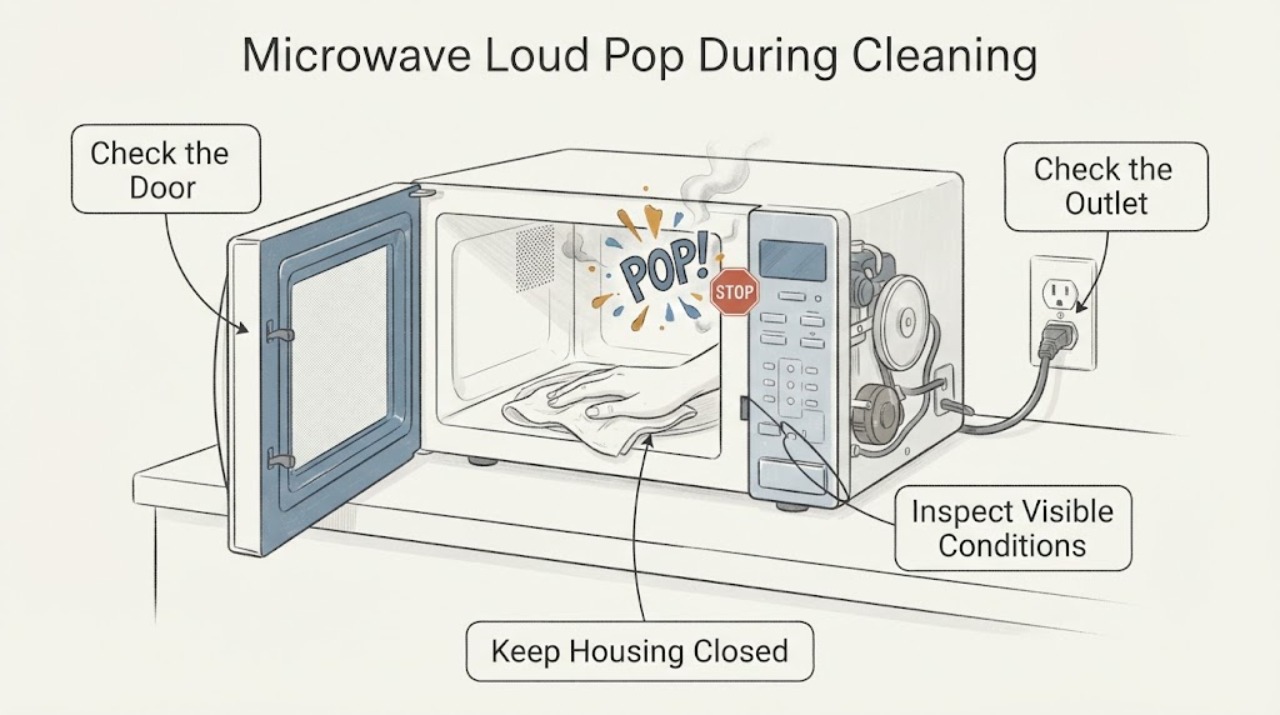
Microwave Loud Pop During Cleaning: Stop Using It Until the Cavity Is Checked
Stop the microwave and do not run another cleaning cycle or power test to reproduce the loud pop. If there was flame, smoke, an electrical smell, visible arcing or a damaged cavity, keep the door closed while a fire is active, leave the area if needed, and use emergency fire guidance; do not open the cabinet or attempt a repair.
-
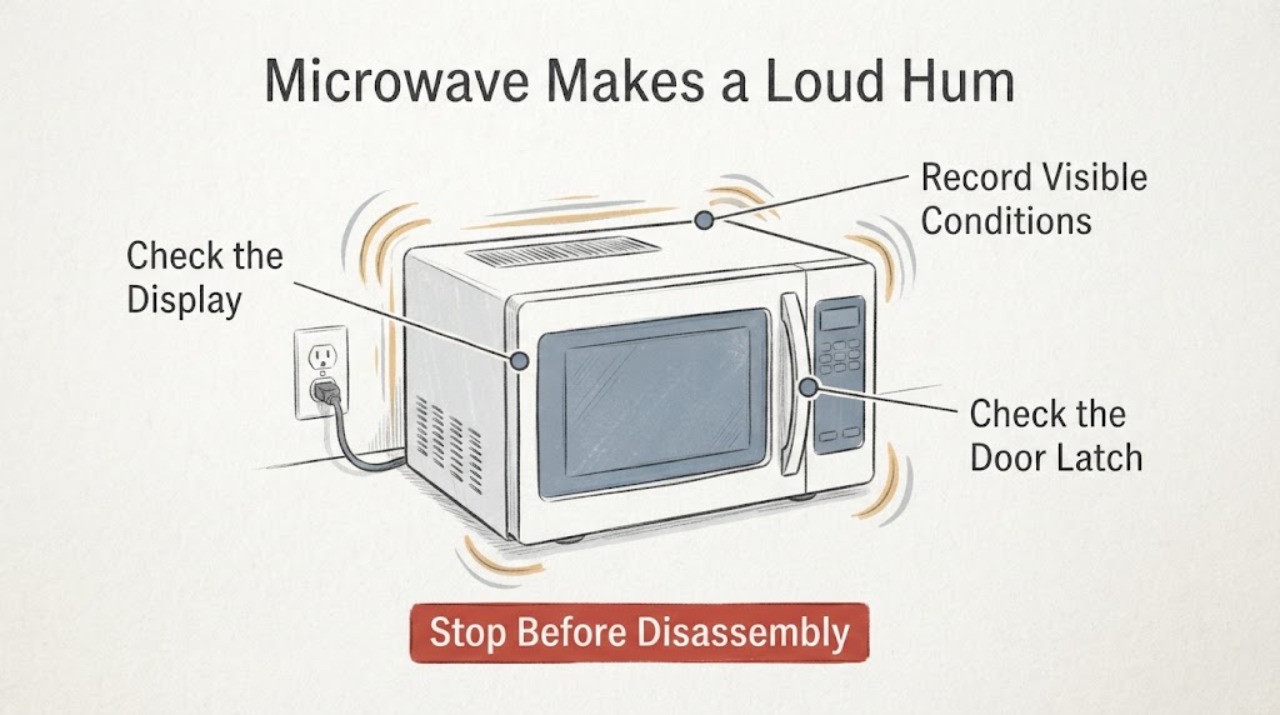
Microwave Makes a Loud Hum While Plugged In but Off
A slight standby hum can be normal on some microwave models, but a loud or new hum while the controls are off is not enough to diagnose a transformer, fan, magnetron, or another internal part. Unplug the microwave if the sound is accompanied by heat, burning odor, sparks, smoke, a display or interior light turning on, a turntable moving, or any apparent heating.
-
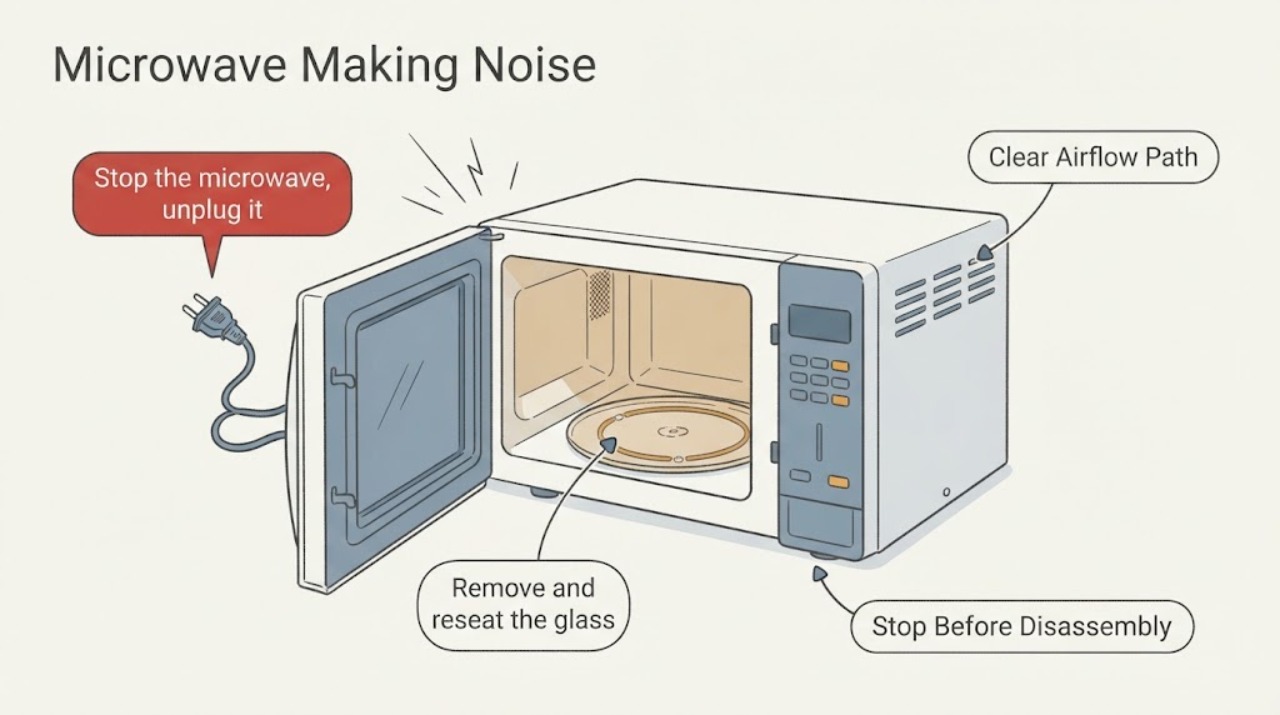
Microwave Making Noise
First locate the sound: a rhythmic thump usually follows the turntable or roller path, while a changing vent-fan sound can result from airflow back pressure. Reseat removable parts only after unplugging; persistent grinding, electrical buzzing, smoke, or sparking requires service.
-
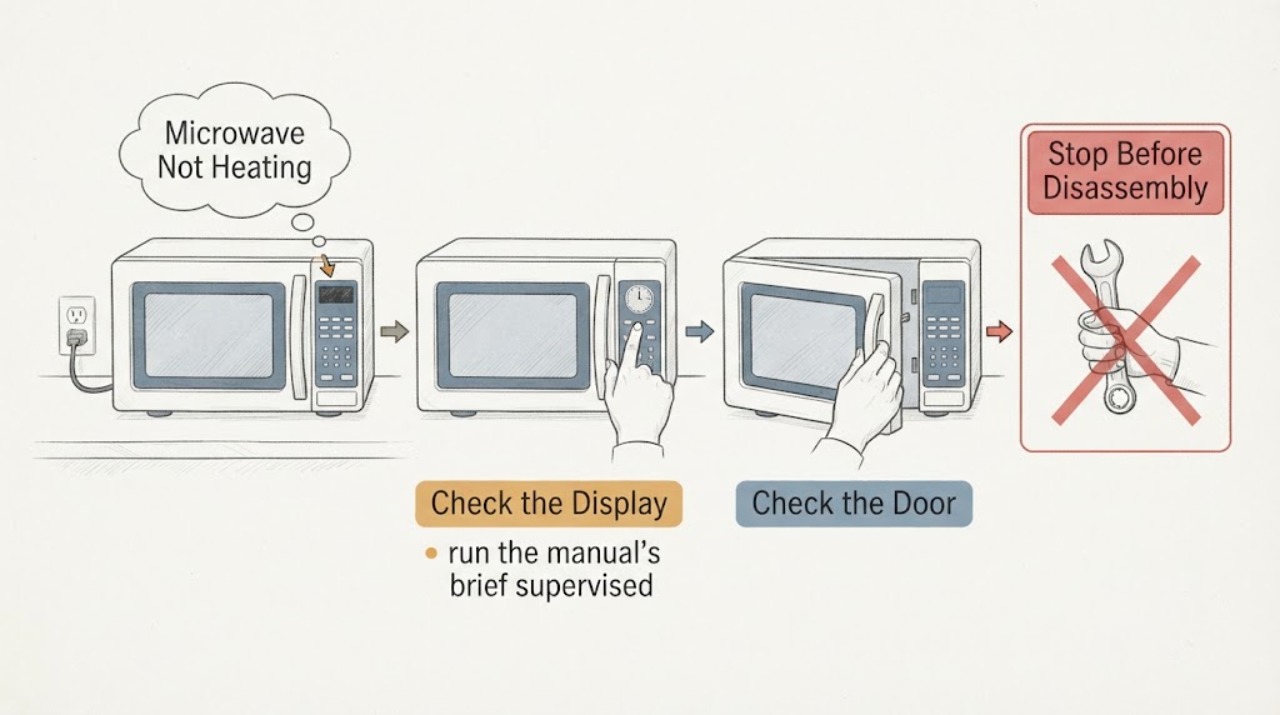
Microwave Not Heating
A microwave that runs but does not heat should first be separated from Demo mode, Control Lock, a low power setting, a door not fully closed, or an unsuitable power source. Whirlpool recommends a supervised water heat check and model-manual control checks. If controls and door are normal but food remains cold, stop owner troubleshooting because internal heating parts require professional service.
-
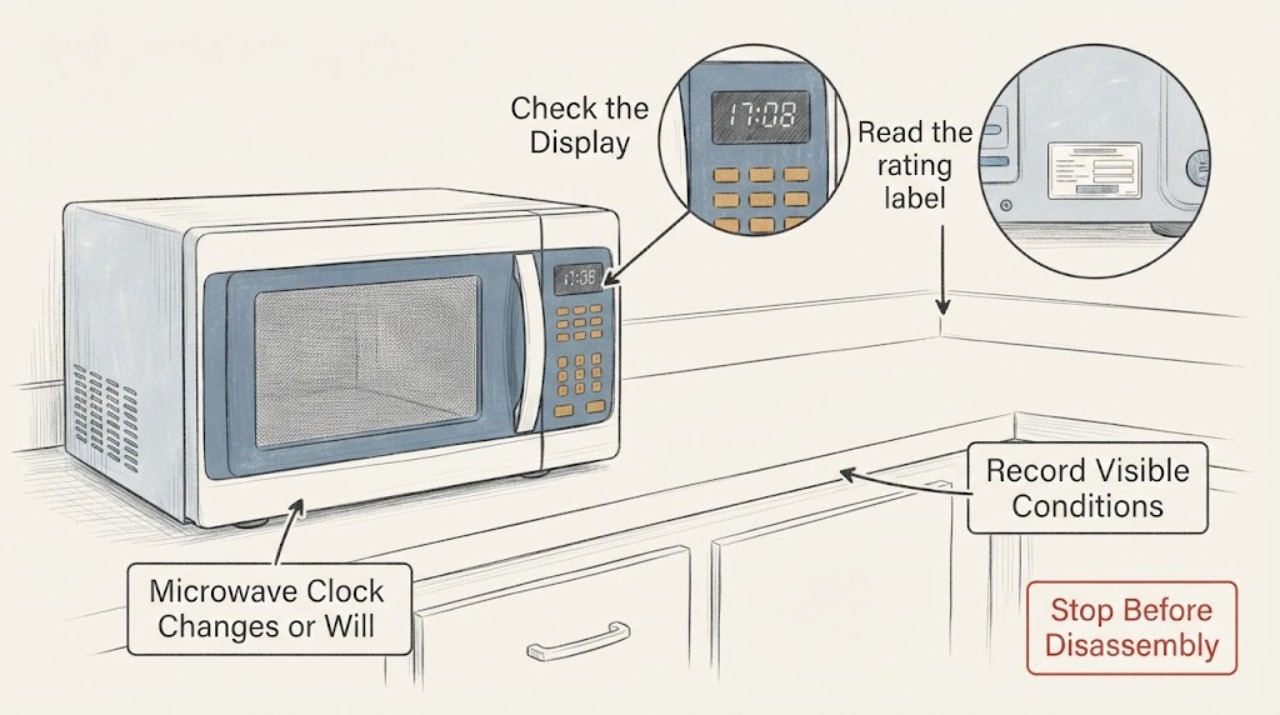
Microwave Clock Changes or Will Not Keep Time
If a microwave clock returns to 12:00, flashes a colon, or changes after you set it, first determine whether the oven lost power, a model-specific clock or smart-sync setting changed it, or the control is actually losing time while power remains steady. Reset the clock only with the exact model manual; manufacturers publish different button sequences.
-
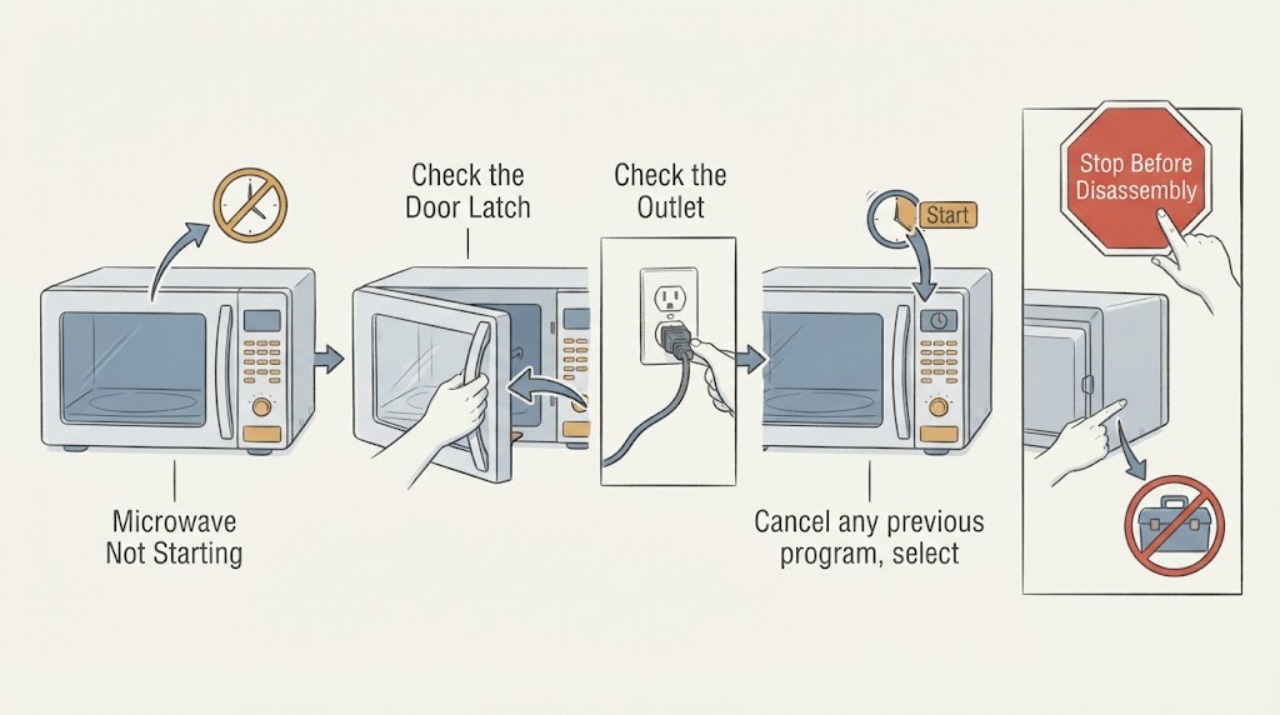
Microwave Not Starting
For a microwave that will not start, separate loss of power from a door or control condition. Check the outlet and breaker from outside, confirm the door closes fully and the program is selected, and use the exact manual for lock or reset steps. Do not bypass door interlocks or remove the cover.
-
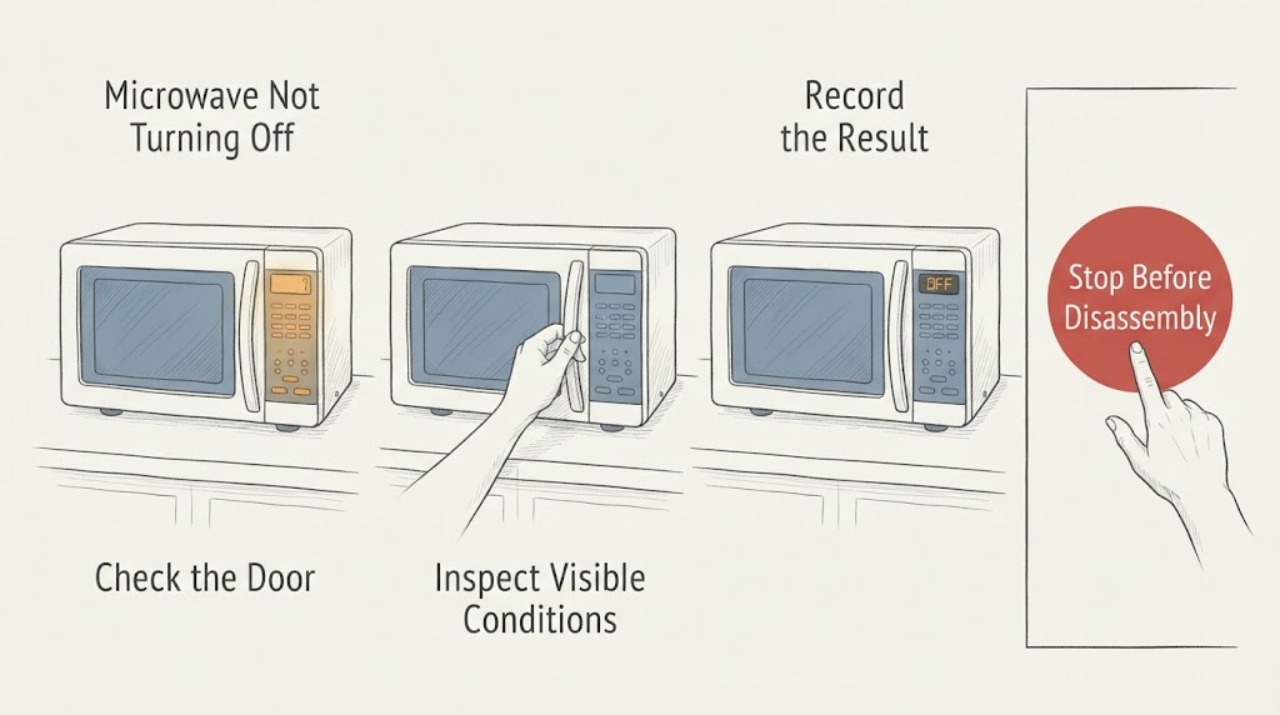
Microwave Not Turning Off
If a microwave appears not to turn off, first identify what is actually running: only the vent fan, the fan and light, or the cooking function with heat. A vent fan can run automatically to cool an over-the-range unit, but a microwave that continues heating with the door closed or starts cooking by itself must be unplugged or isolated at the breaker and serviced.
-
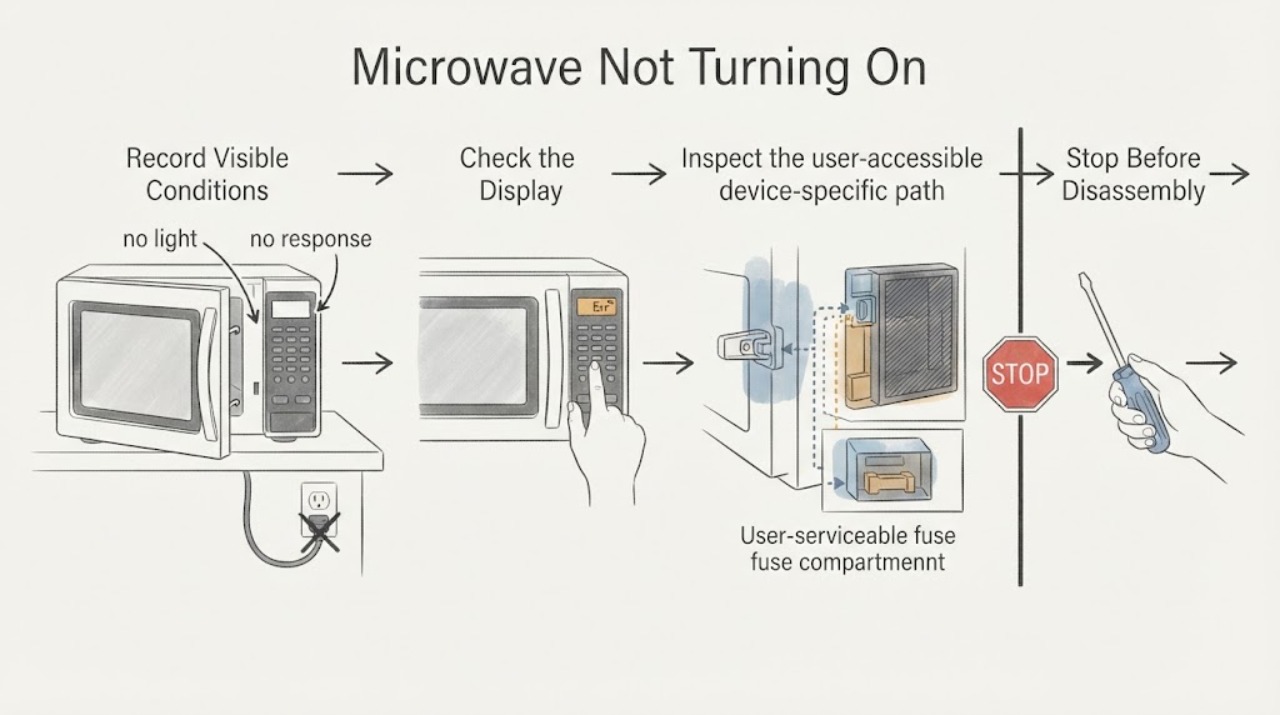
Microwave Not Turning On
For a microwave that will not turn on, check the outlet, breaker, door closure, control lock, and demo mode without opening the cover. Whirlpool notes Demo mode can make the light, fan, and turntable work without heating. Smoke, arcing, odor, or repeated trips requires service.
-
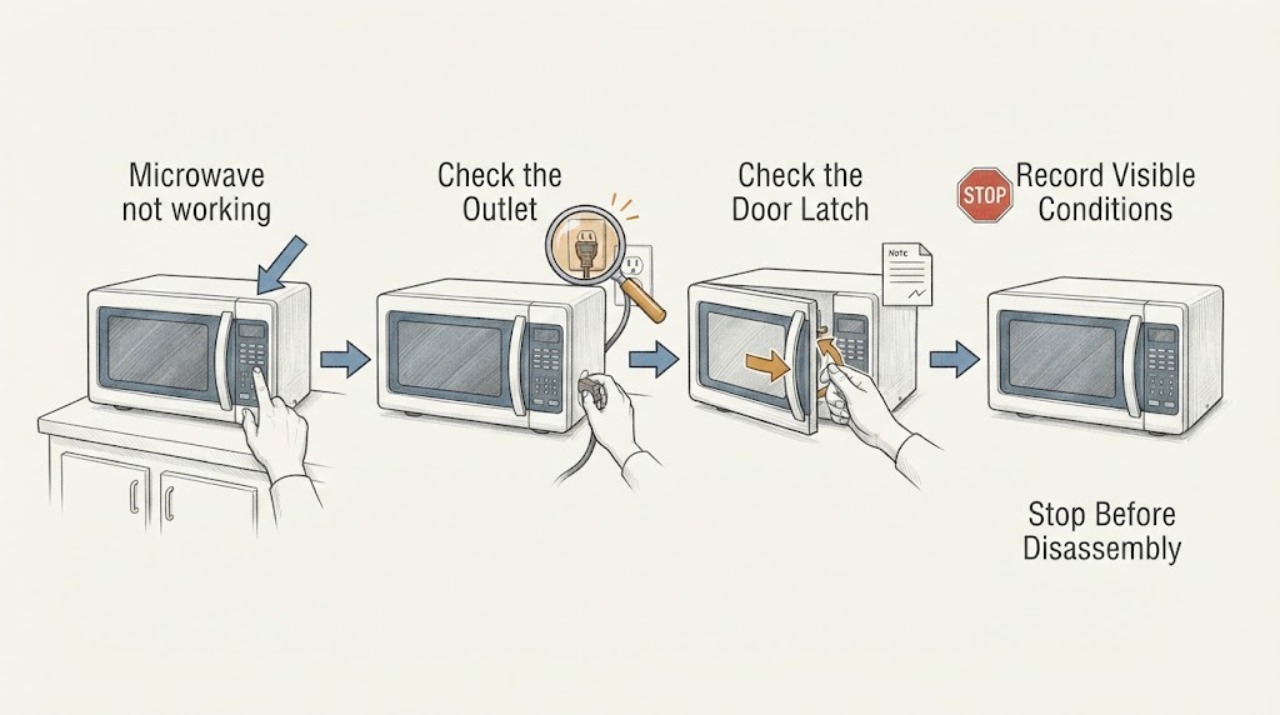
Microwave not working
A microwave that is not working should be checked for household power, the control/display state, door closure, and a model-specific error. Verify the outlet or breaker without repeatedly resetting it, then use the exact manual’s clear/reset procedure once. Never remove the cabinet. Stop for sparks, smoke, burning odor, damaged cord, or a unit that trips the breaker and arrange qualified service.
-
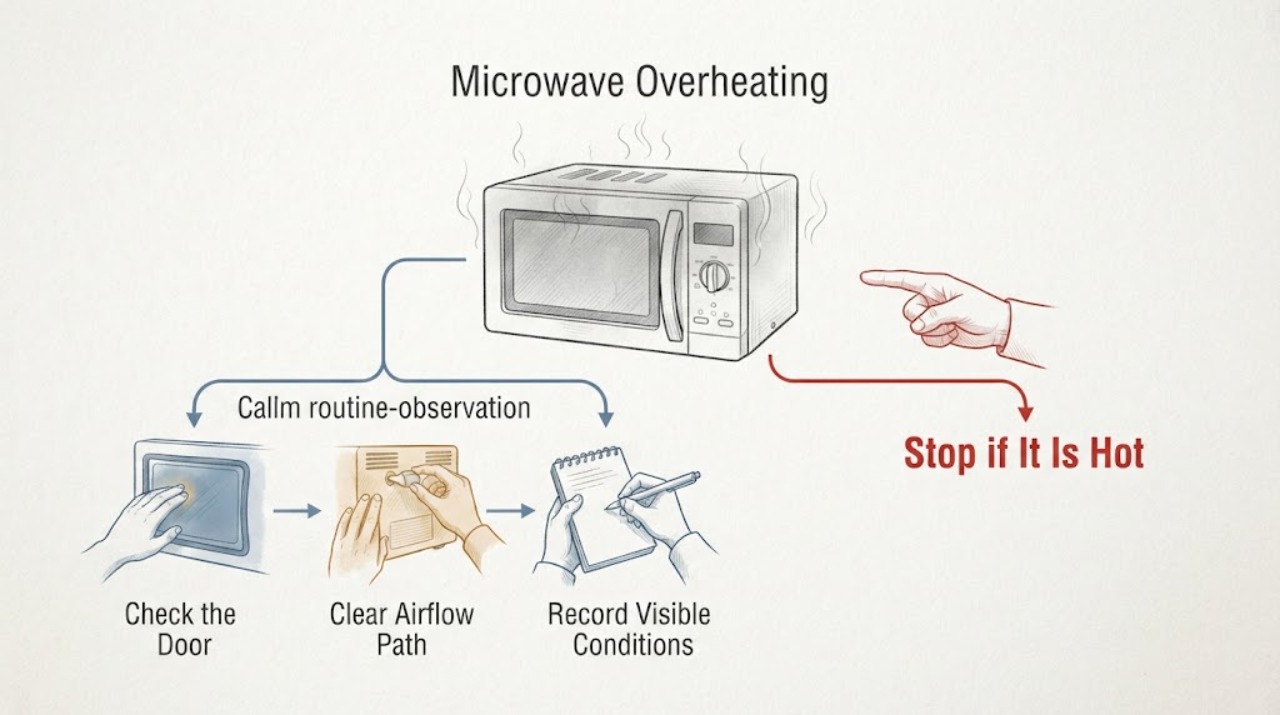
Microwave Overheating
Some warmth after cooking can be normal, especially after back-to-back cycles or in a hot room, but extreme heat, a burning smell, smoke, sparks, or a hot cord is a stop condition. Stop the microwave, disconnect power safely, and let it cool. Check only that accessible ventilation is clear and that the symptom is not caused by repeated heavy use; do not open the cabinet. Persistent or severe overheating needs qualified service.
-
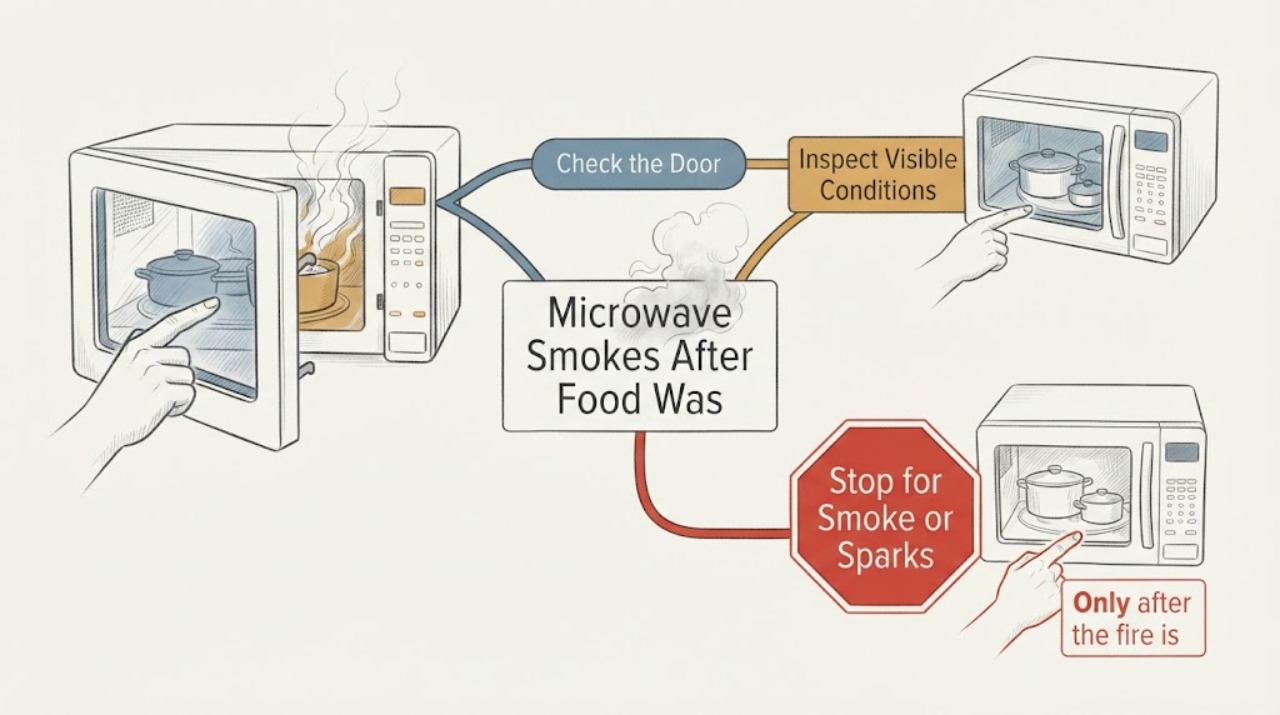
Microwave Smokes After Food Was Heated in a Non-Microwave-Safe Dish
Treat a large amount of smoke as a safety event, not as a reason to try the microwave again. Stop the cycle; if there is an active fire, keep the door closed and turn the oven off, unplugging it only if that can be done safely.
-
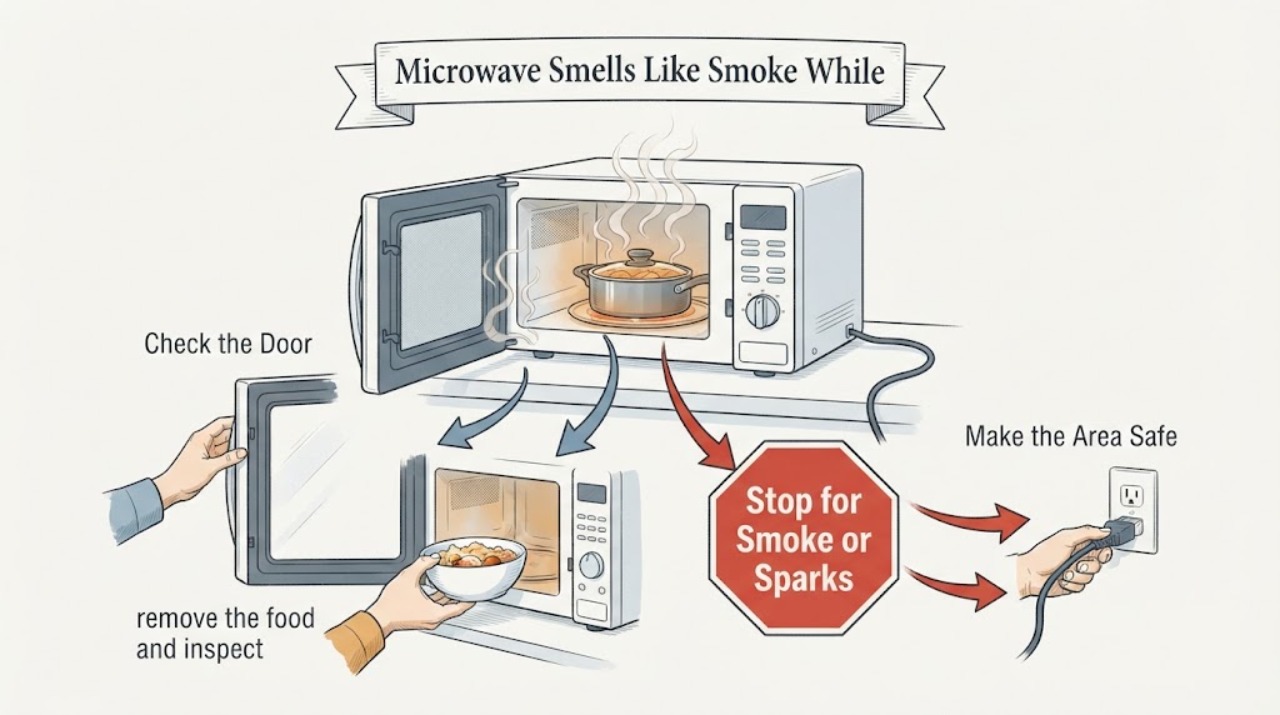
Microwave Smells Like Smoke While Heating Food: When to Stop Using It
A smoky smell can come from overcooked food or residue, but smoke with flames, arcing, an electrical or chemical odor, cavity paint burns, a damaged door, or smoke from the plug or outlet is a stop-use condition. Stop the cycle and do not run the microwave again just to test it.
-
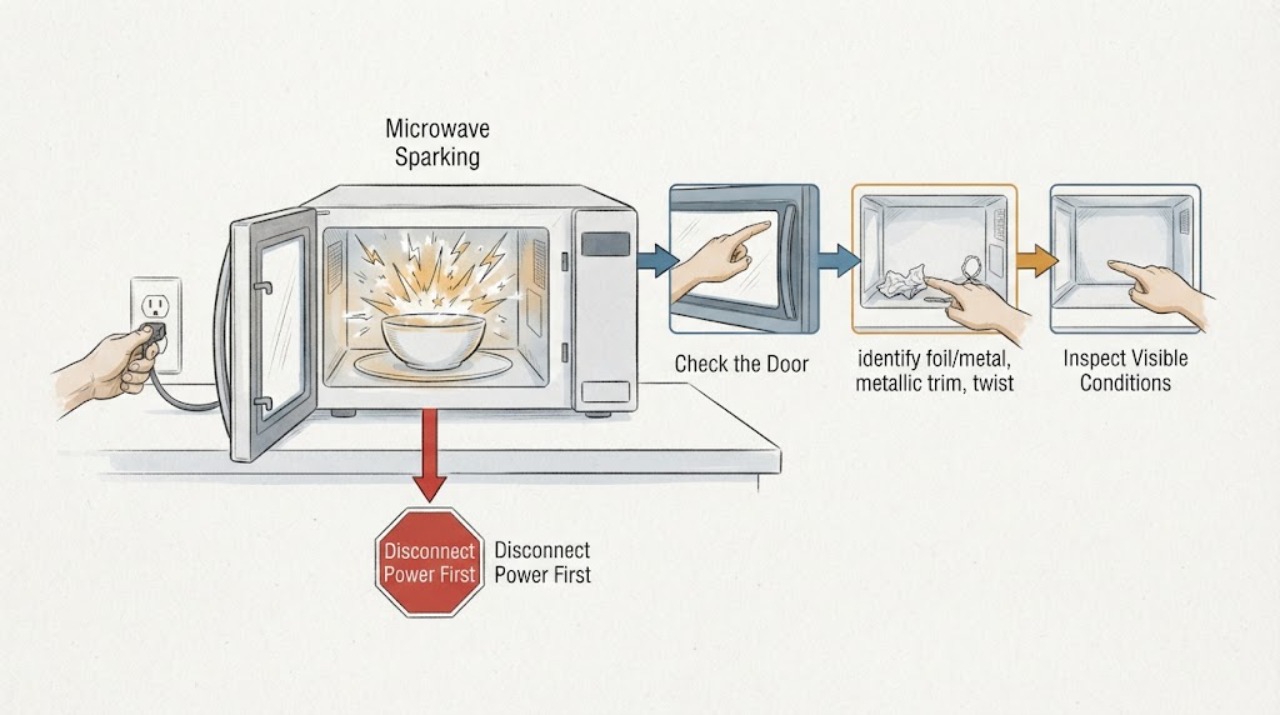
Microwave Sparking
If a microwave sparks, stop the cycle and inspect the food and cookware only after the oven is off. A one-time spark from unsuitable metal, dirty cavity, or food with intact skin differs from repeated arcing, scorch marks, smoke, or damage. Whirlpool gives food/cookware prevention guidance; GE directs internal microwave faults to service.
-
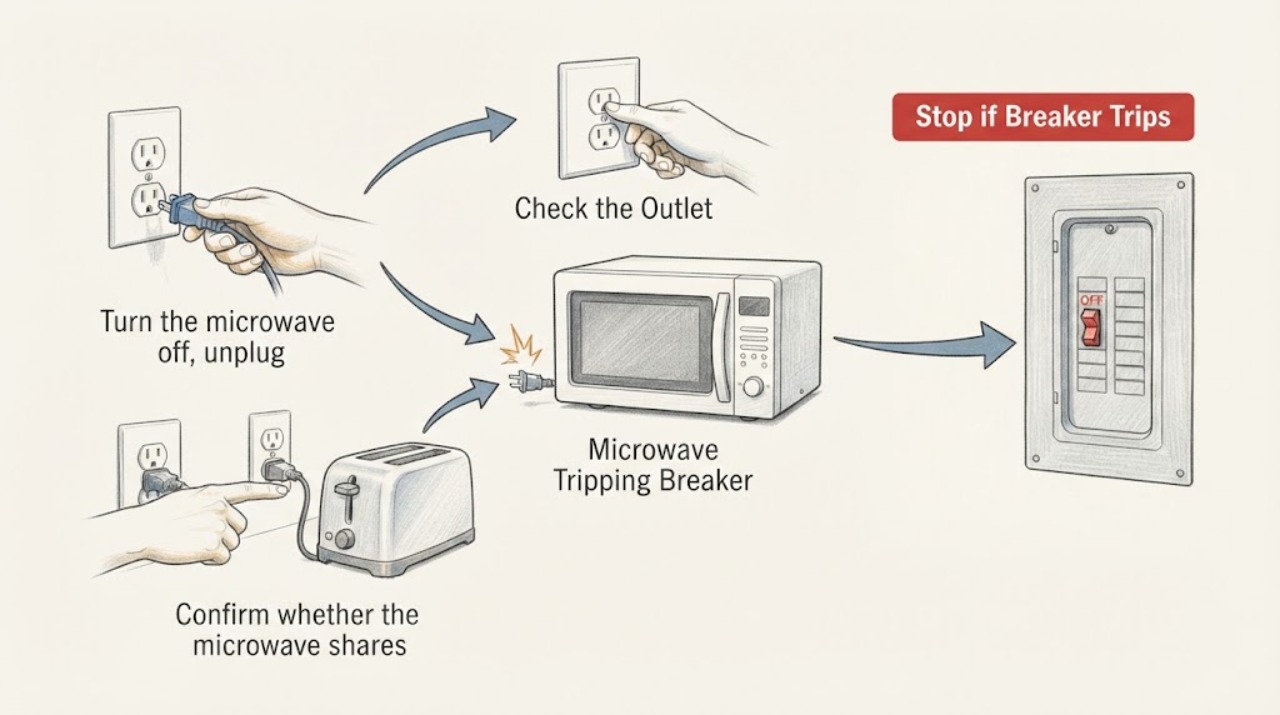
Microwave Tripping Breaker
A microwave that trips the breaker needs a controlled stop, not repeated resets. Unplug it, identify whether other high-load devices share the circuit, and check the cord and plug from a safe dry position. Reset the breaker only once if there is no visible damage and the circuit is suitable; if it trips again, unplug the microwave and arrange qualified appliance or electrical service.
-
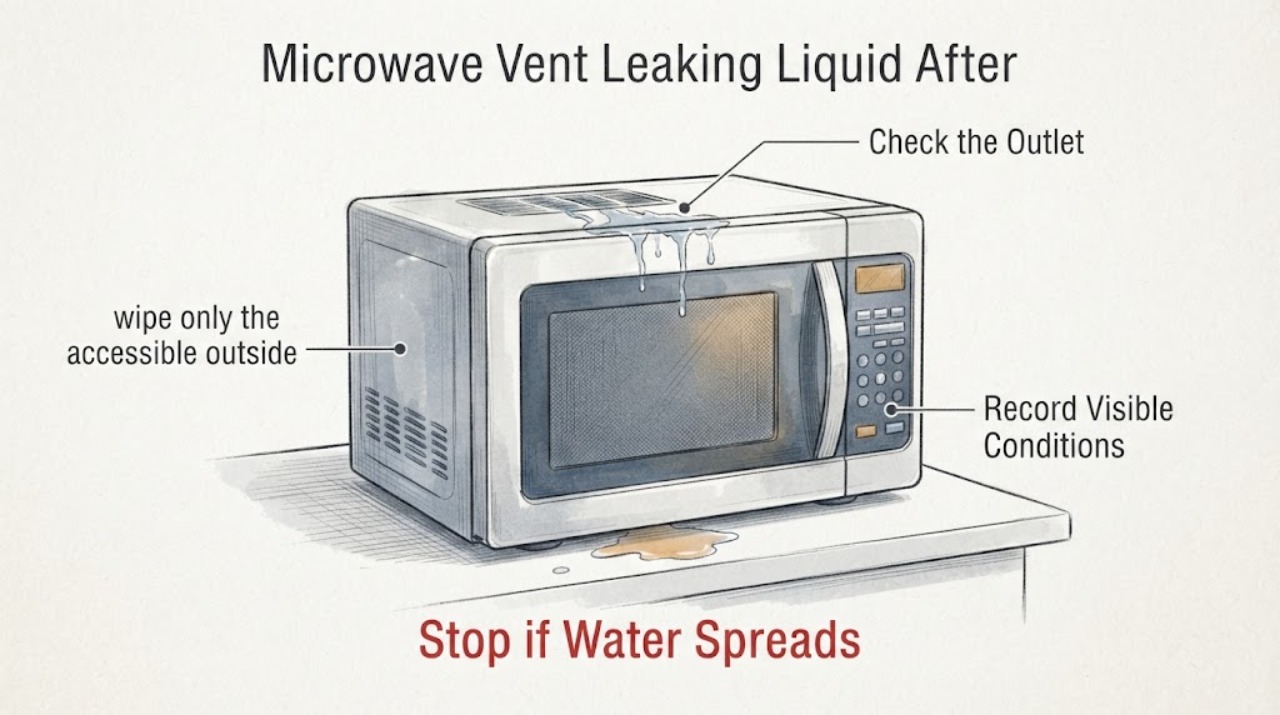
Microwave Vent Leaking Liquid After a Week Unused
If liquid is coming from a microwave vent after the appliance has been unused, stop using it and disconnect power from a dry, safe location before trying to identify the source. Normal microwave condensation is associated with cooking steam, while liquid appearing after a week unused can also come from moisture entering an over-the-range duct or from a spill or leak above the appliance; the source cannot be identified through the vent.
-
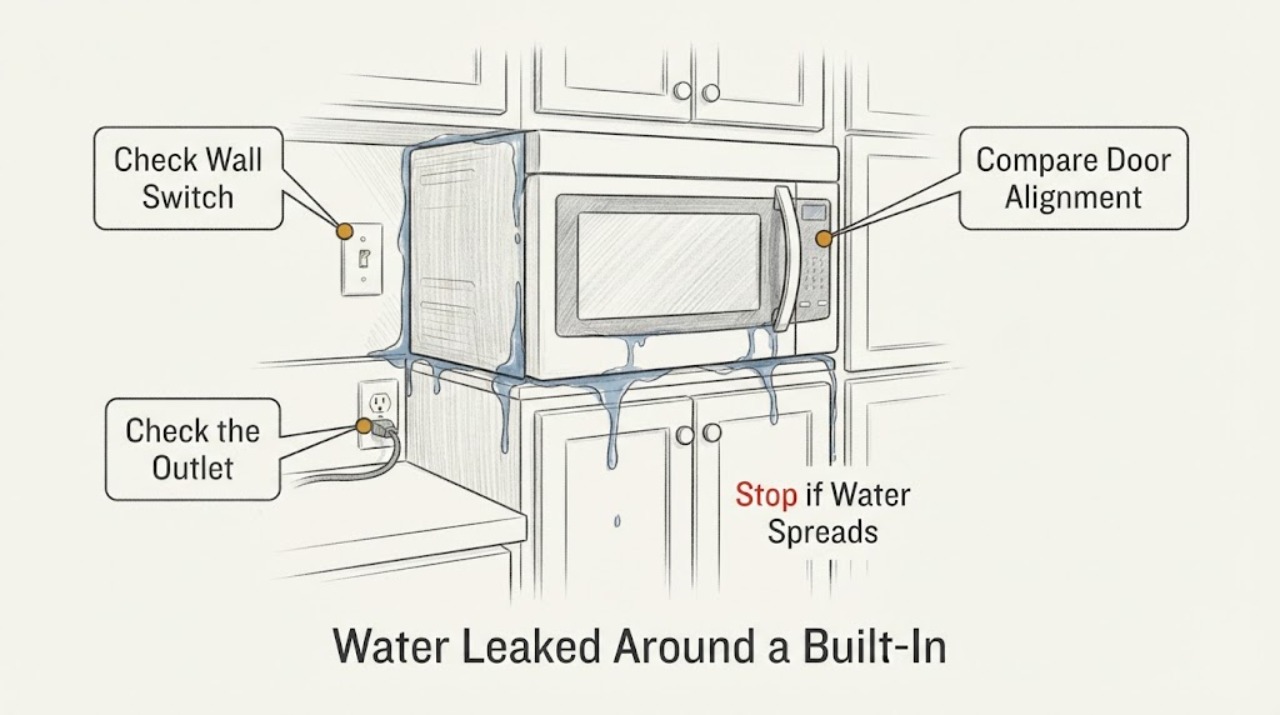
Water Leaked Around a Built-In Microwave: Safe Next Steps
If water has entered or reached a built-in microwave, stop using it and disconnect power only if you can do so without touching wet electrical parts; otherwise switch off the circuit from a dry, safe location. Do not run a test cycle, open the cabinet, remove the trim or outer cover, use a hair dryer, or inspect high-voltage parts.