
Samsung appliance guidance
Samsung Microwave Repair Guides
Troubleshooting and repair guidance for published Samsung Microwave problems, symptoms, and maintenance questions.
Published Samsung Microwave guides
Choose the guide whose symptom or condition most closely matches what you are seeing.
-
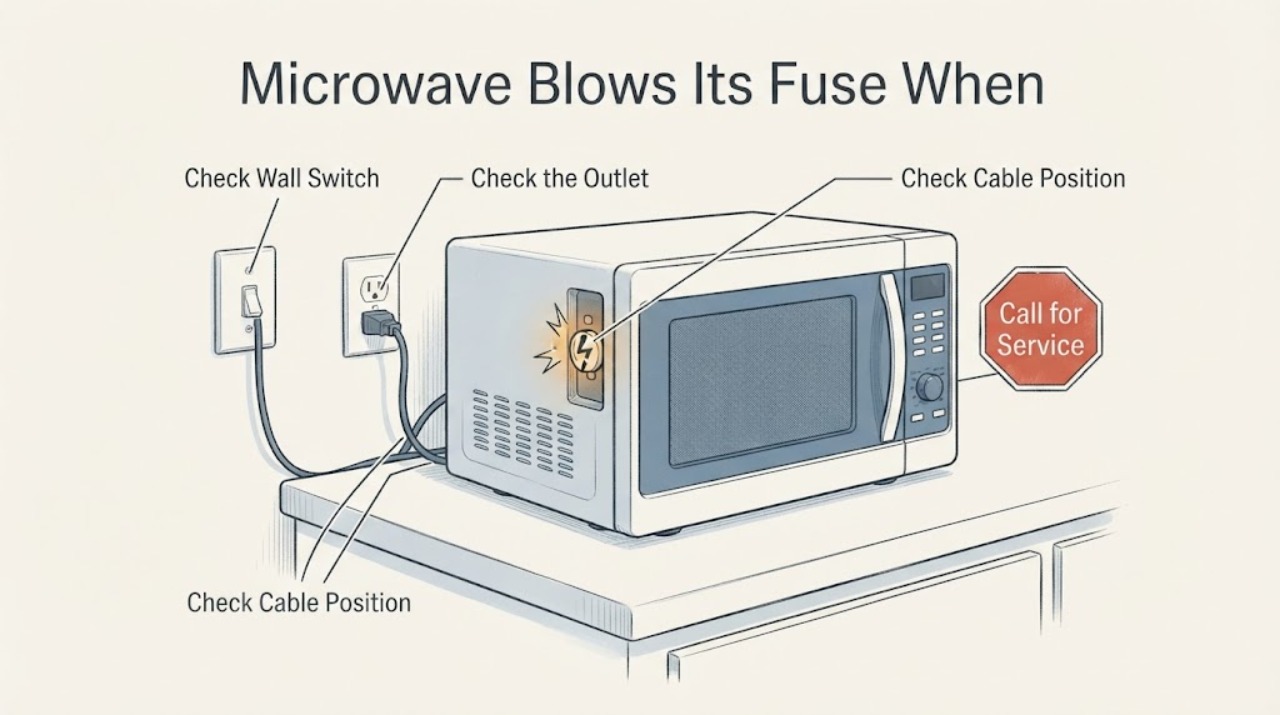
Samsung ME16702SES Microwave Blows Its Fuse When Starting
Stop using the assigned Samsung ME16702SES microwave if its fuse opens when Start is pressed. Do not keep replacing the fuse, bridge it with wire, open the cabinet, or perform high-voltage or live electrical tests.
-
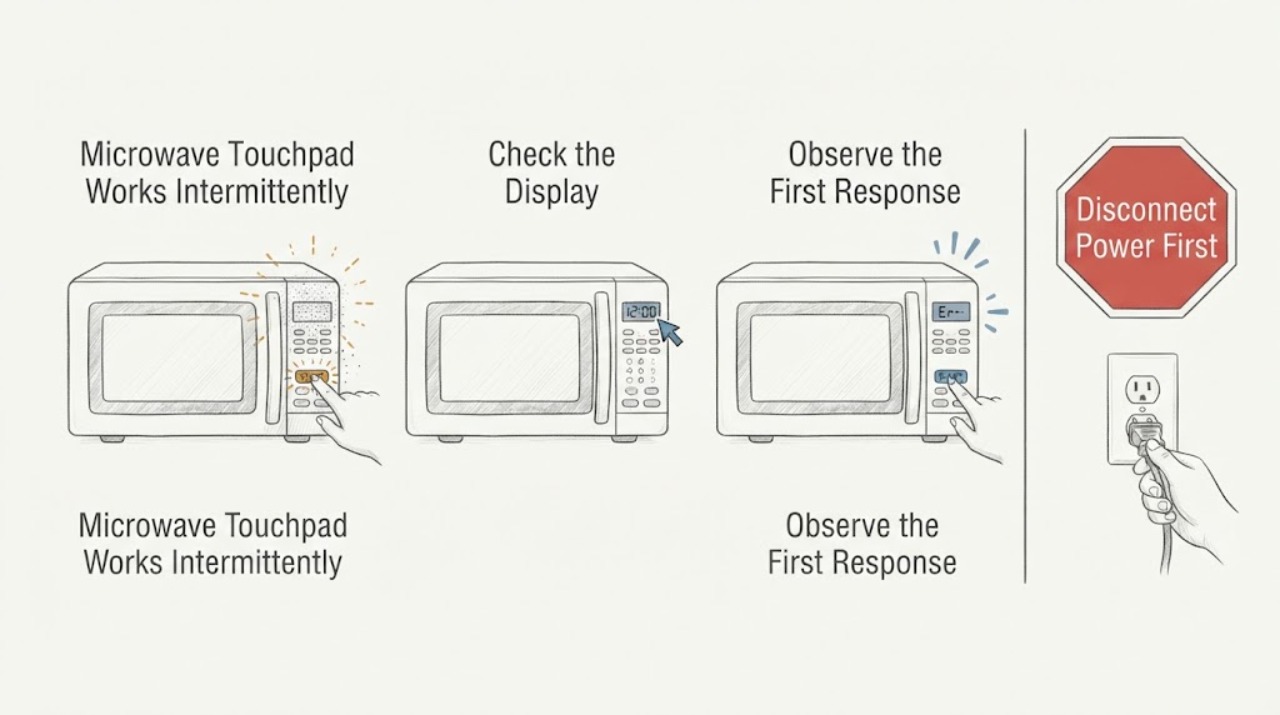
Samsung ME16K3000AW Microwave Touchpad Works Intermittently
For the Samsung ME16K3000AW, start with safe external checks: disconnect power, wipe the control panel with a damp lint-free cloth and dry it, use a bare finger without pressing hard, and check the exact manual for Control Lock. Samsung’s model support page identifies the ME16K3000AW/AA family and its support documentation, while Samsung’s microwave control-panel guide says to power-cycle for 60 seconds and request service if buttons still fail.
-
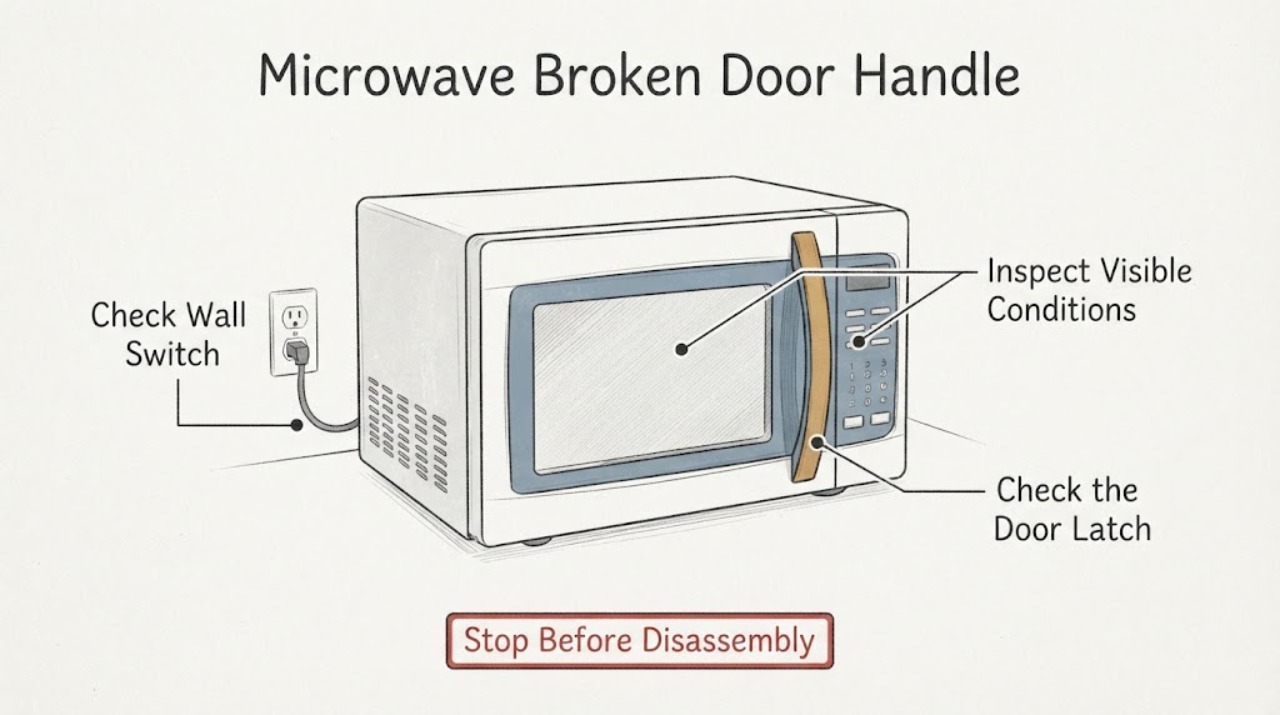
Samsung ME17R7021ES Microwave Broken Door Handle
Do not use the Samsung ME17R7021ES if the handle or the part it attaches to is broken, if the door cannot close and latch normally, or if the door is bent or misaligned. Unplug it from a dry, accessible outlet only when safe, and do not pull the door by a damaged handle, glue the handle in place, split the door, or open the microwave cabinet.
-
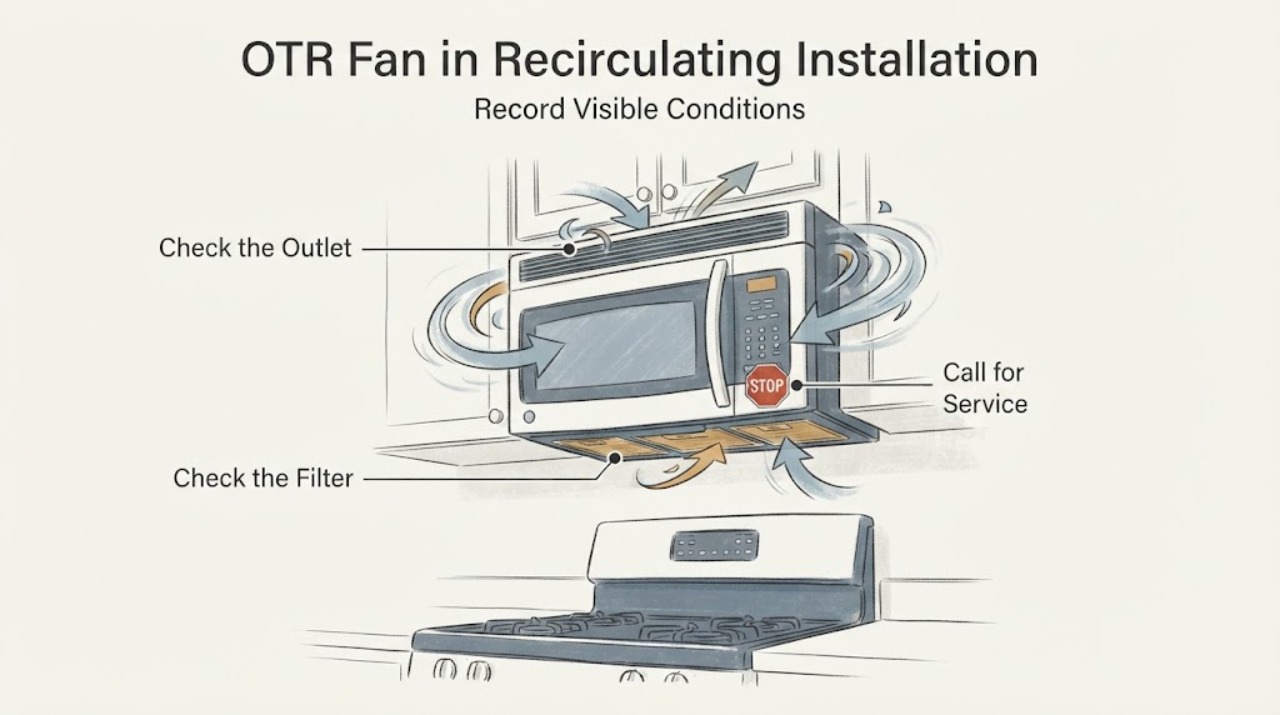
Samsung ME19R7041FS OTR Fan in Recirculating Installation: Check Airflow Direction Safely
For a Samsung ME19R7041FS installed as a recirculating OTR microwave, the vent fan should return cooktop air to the kitchen through the microwave's recirculating outlet rather than send it through an outside duct. Samsung's exact-model installation guide lists recirculating as one of three ventilation configurations and requires the charcoal filter for the non-vented setup; its recirculating configuration also changes the blower orientation.
-
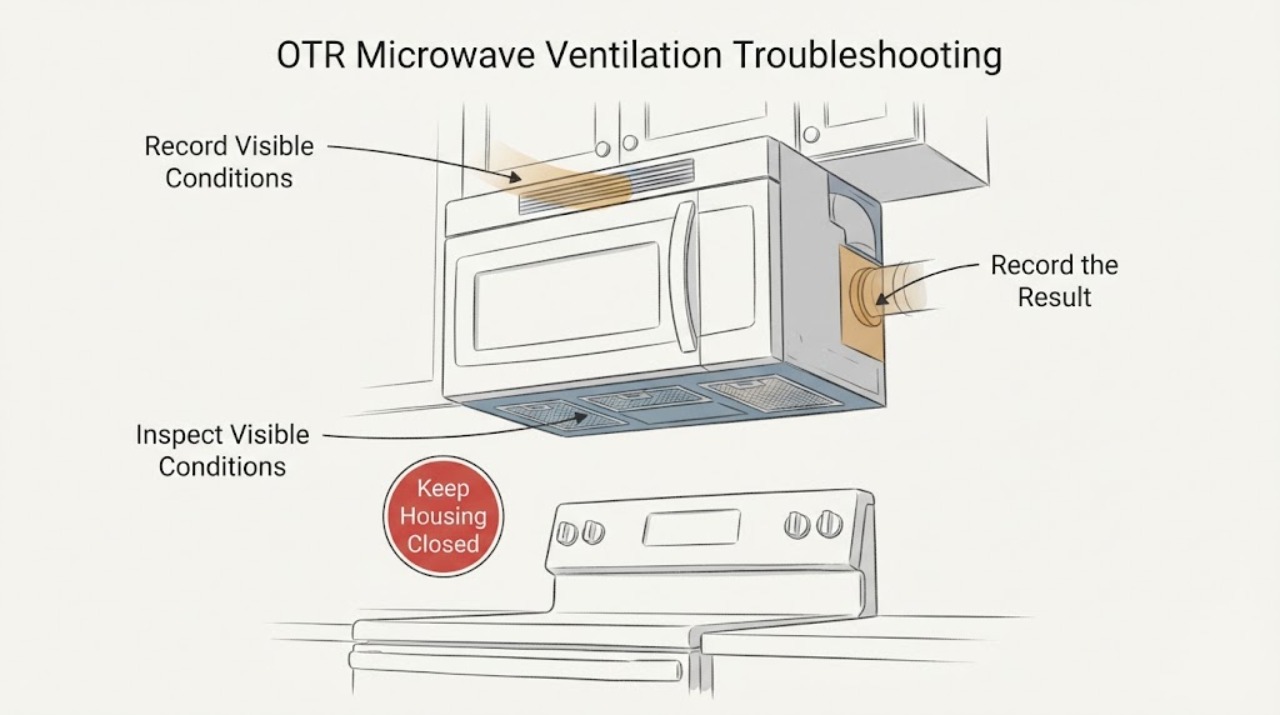
Samsung ME21DG6300SRAC OTR Microwave Ventilation Troubleshooting
The Samsung ME21DG6300SRAC is a Canadian 2.1-cu.-ft. over-the-range microwave with 400 CFM ventilation, four fan speeds, and grease/charcoal filter provisions.
-
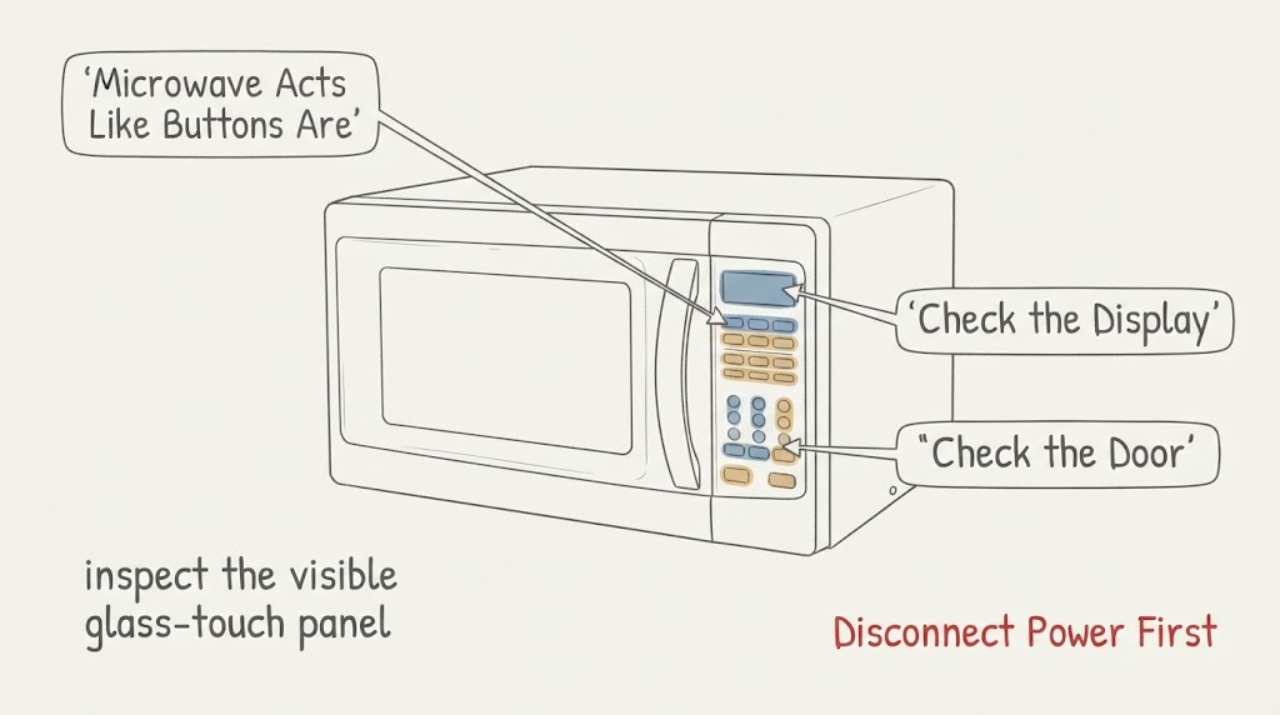
Samsung ME21K7010DS Microwave Acts Like Buttons Are Pressed by Itself
Treat a Samsung ME21K7010DS microwave that activates as though a button is being held as a safety fault, not as an ordinary unresponsive-panel problem. If it starts a cook cycle, produces heat, the turntable or fan runs without a deliberate command, or a key is repeatedly registered, stop it immediately and disconnect power if it is safe to do so; do not open the cabinet or bypass the door interlock.
-
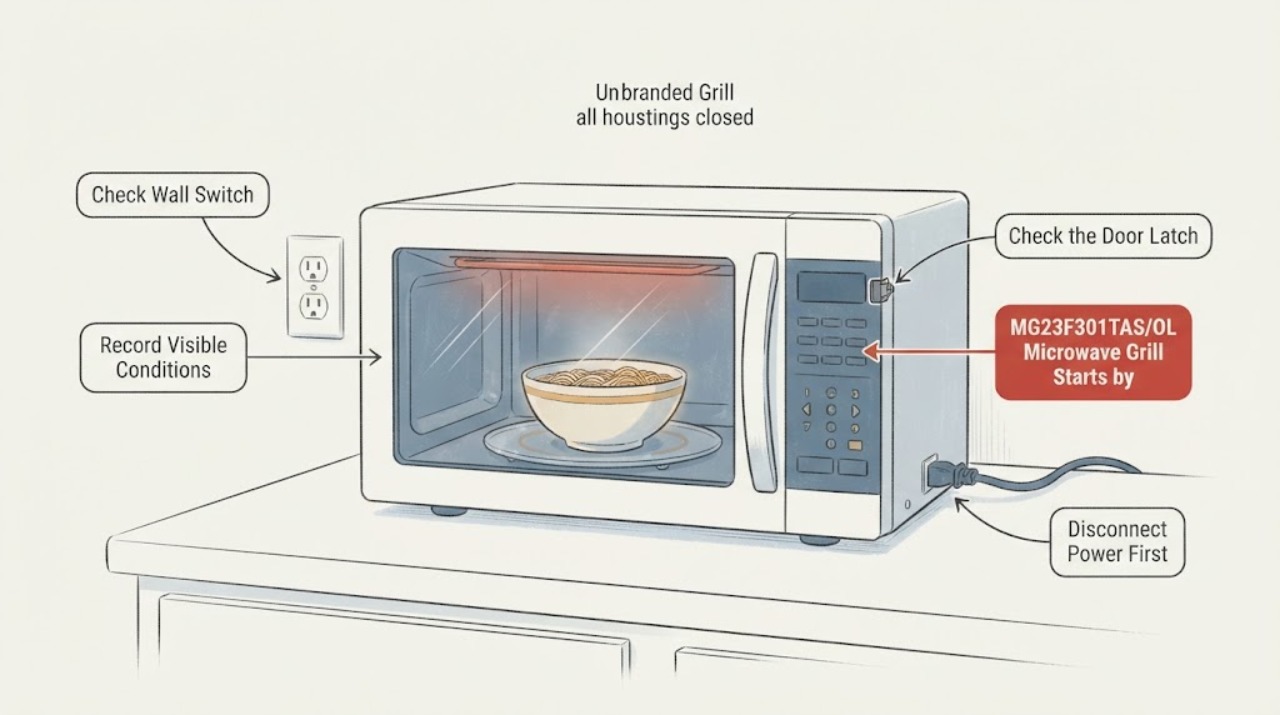
Samsung MG23F301TAS/OL Microwave Grill Starts by Itself
If the grill heater in a Samsung MG23F301TAS/OL starts heating after the microwave is merely plugged in, disconnect power immediately if the plug and outlet are cool and undamaged; otherwise switch off the circuit from a safe location. Do not use the microwave, reconnect it to see whether the fault returns, open the cabinet, or bypass the door interlock.
-
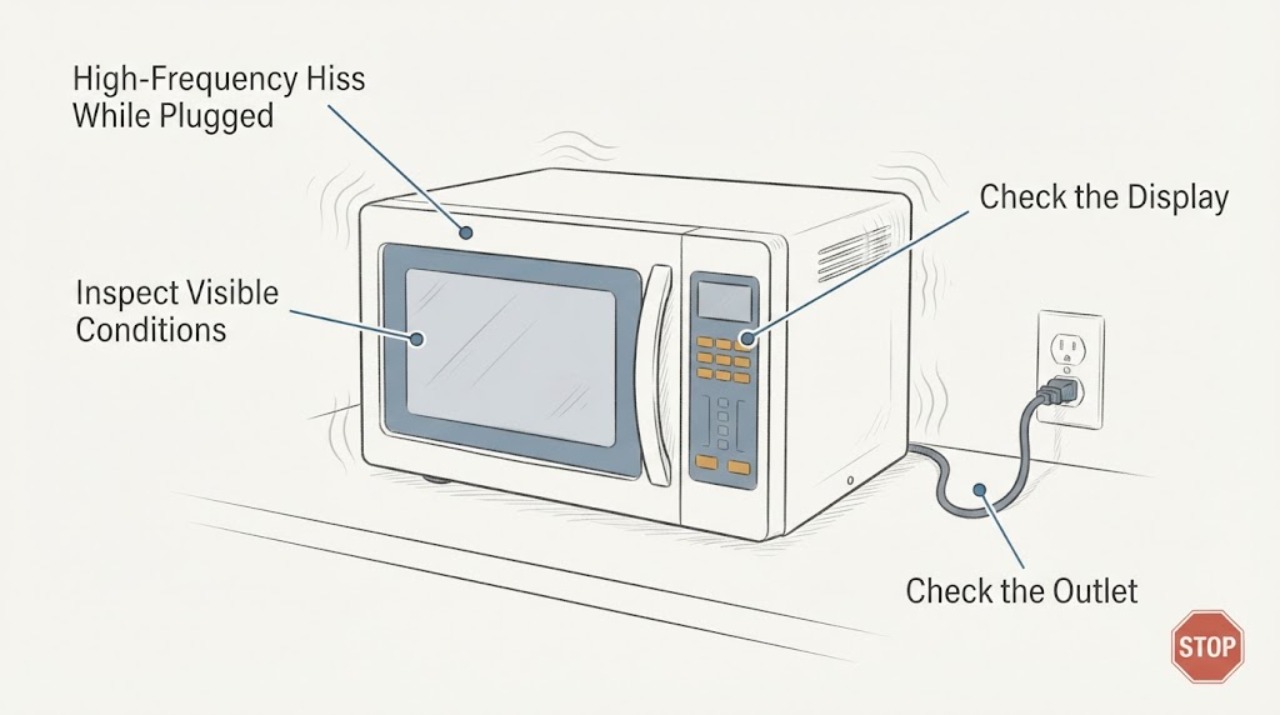
Samsung MG28J5215 High-Frequency Hiss While Plugged In
A faint high-frequency hiss, whine, or buzz from a plugged-in Samsung MG28J5215-family microwave while it is idle can be normal standby noise: Samsung describes standby squeak/noise as the switching power supply operating.
-
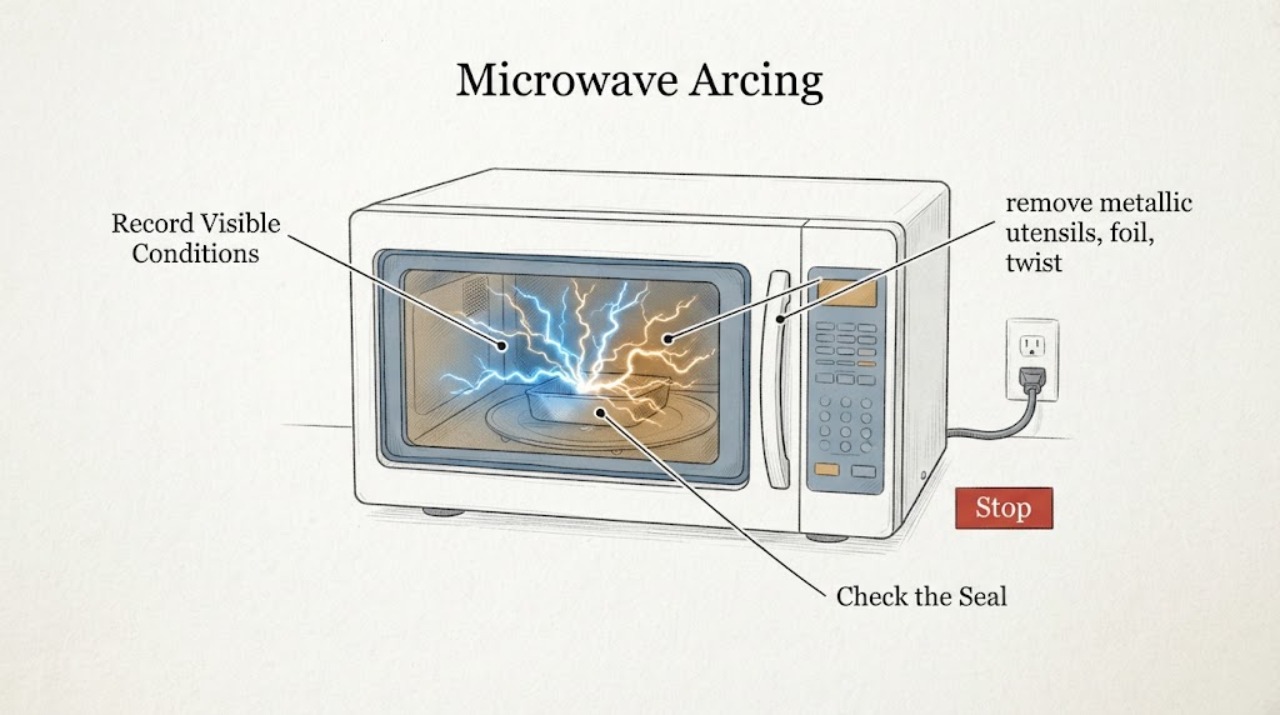
Samsung Microwave Arcing: Safe Checks Before Repair or Replacement
If a Samsung microwave arcs or sparks, stop the cycle immediately and do not run it empty. Once it is off and cool, remove metal utensils, foil, twist ties, and cookware with metallic decoration; clean accessible food residue; and confirm the glass turntable is installed.
-
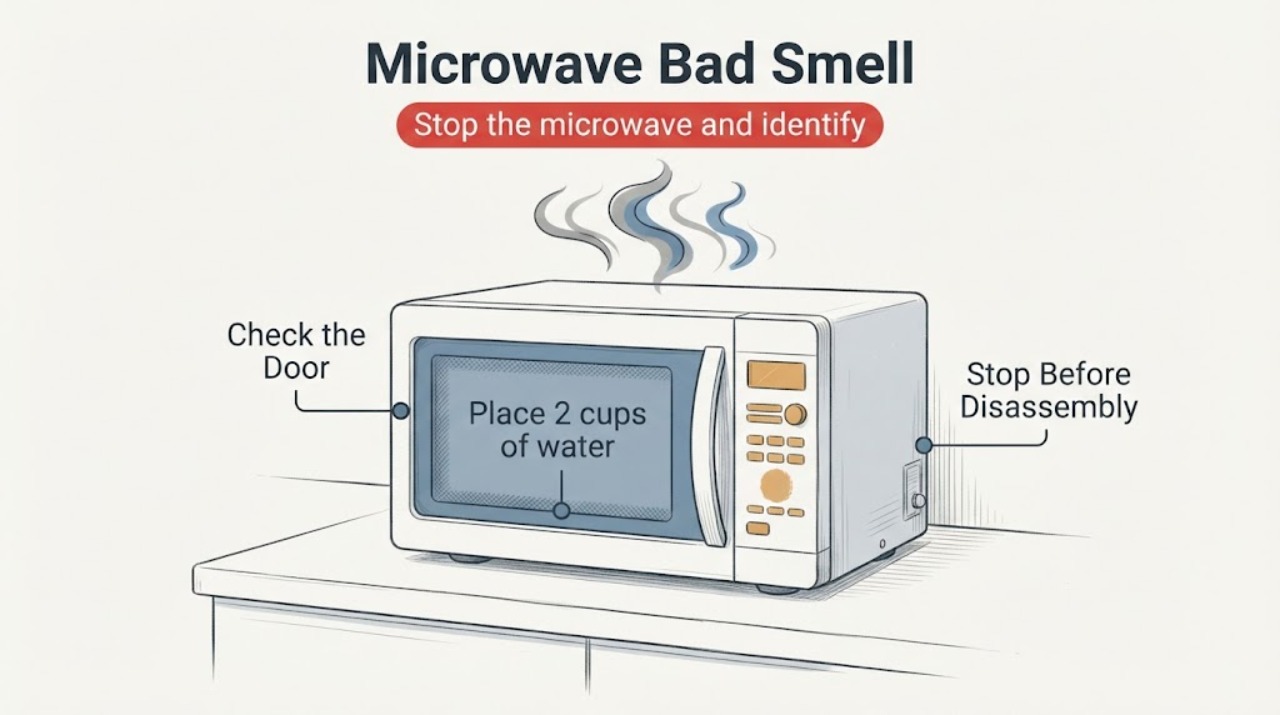
Samsung Microwave Bad Smell
A bad smell from a Samsung microwave usually starts with food residue, a dirty turntable or roller ring, or—on an over-the-range model—a saturated filter. Unplug the unit before cleaning the cavity and use Samsung's water-steam method with a microwave-safe bowl; stop immediately for smoke, sparking, a burning electrical odor, or a smell that remains after the cavity is clean and dry.
-
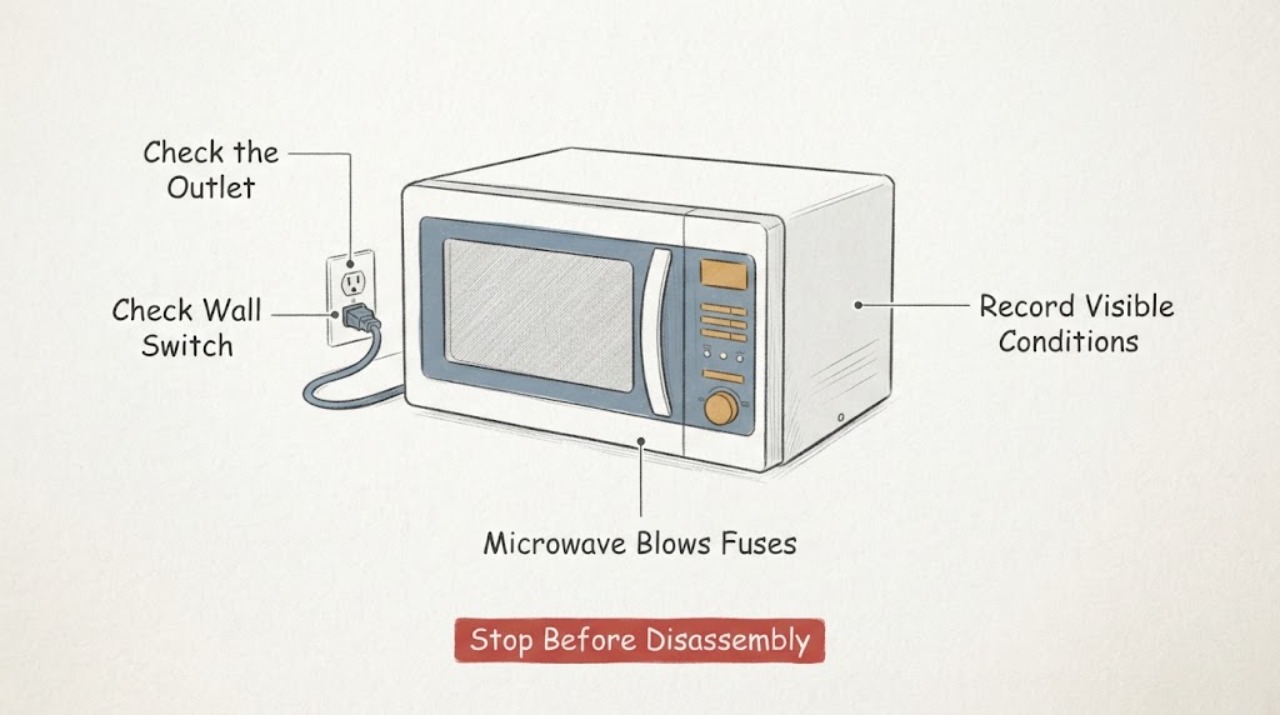
Samsung Microwave Blows Fuses: Stop Repeated Testing and Arrange Service
If a Samsung microwave blows a fuse or trips the breaker, stop repeatedly restoring power and do not replace the microwave fuse yourself. From a safe, dry position, note whether the interruption occurs when the unit is plugged in or when cooking is started, check only the external plug, outlet, cord, door and visible cavity condition, and record the full model number.
-
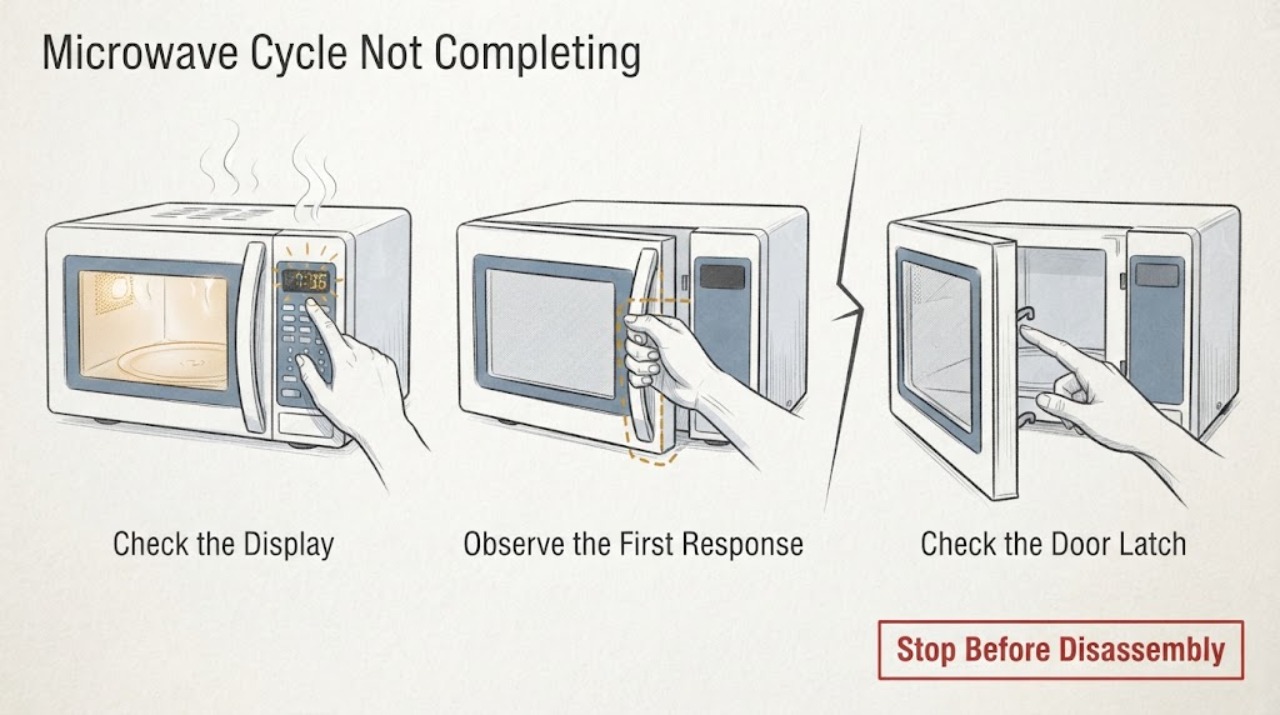
Samsung Microwave Cycle Not Completing
If a Samsung microwave cycle does not complete, first determine whether the door was opened for a turn or pause, the countdown is a normal sensor or defrost behavior, or the unit actually stops, loses power, shows an error, or repeatedly shuts down. Use the model manual for control behavior, power-cycle an error once, and stop using the microwave if it shuts off with smoke, sparking, a burning smell, or a returning fault.
-
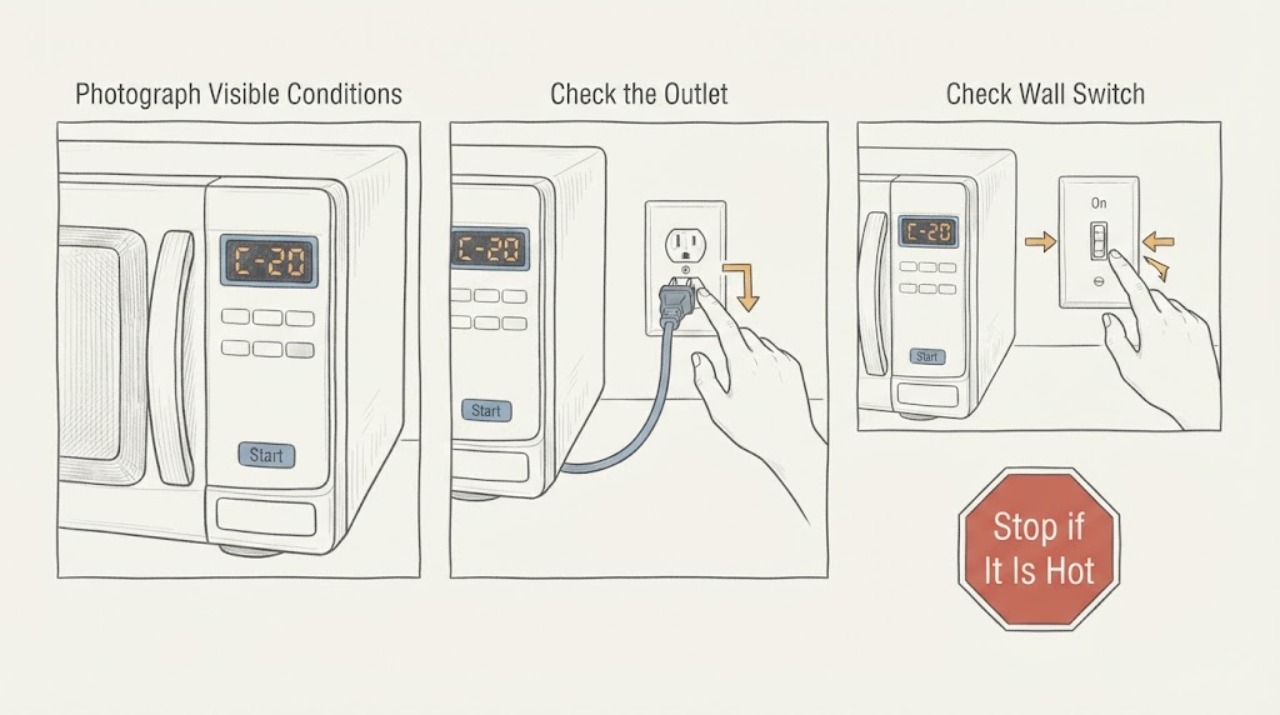
Samsung microwave C-20: temperature-sensor error and safe service boundary
Confirm the complete Samsung microwave model, market, and every character of the display before treating C-20 as a diagnosis. Samsung's US, Canada, and Philippines support pages group C-20 with a temperature-sensor error; the Philippines page further describes the sensor as open or short.
-
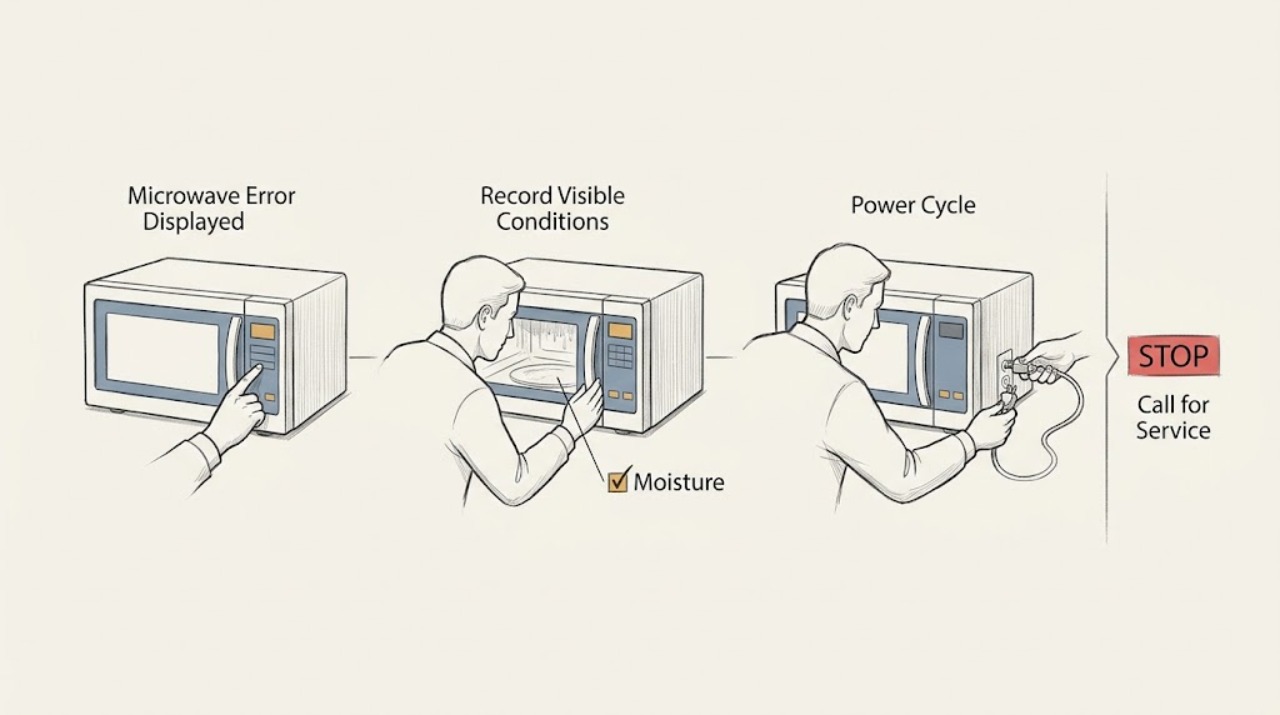
Samsung Microwave Error Displayed: Identify the Code and Reset Safely
Write down the exact code, then switch the Samsung microwave off at its plug or circuit breaker for 60 seconds. If recent steam or a spill reached the controls, let the area dry before restoring power. A code that returns, or a door, sensor, temperature, or communication code that persists, needs Samsung service; do not remove the cabinet or test high-voltage parts.
-
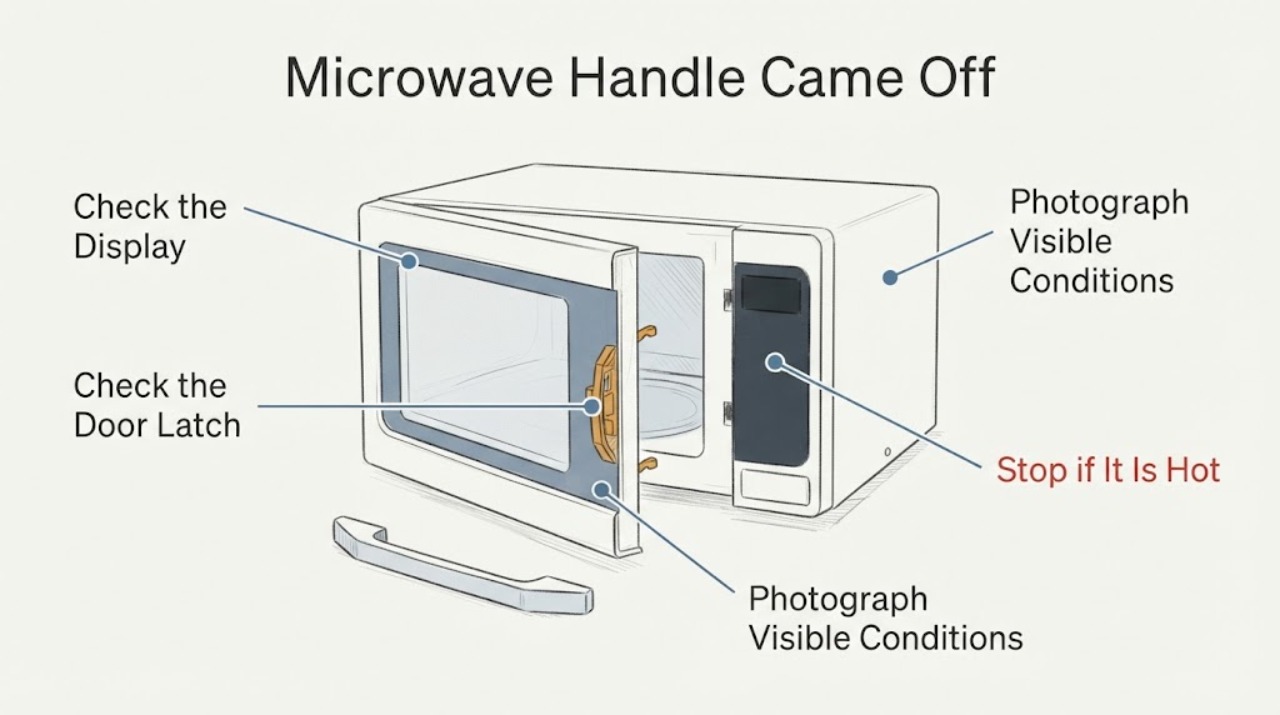
Samsung Microwave Handle Came Off: Stop Using It Until the Door Is Checked
Stop using a Samsung microwave after its door handle comes off. Do not glue the handle back on, drill the door, pry the door, remove the door skin, defeat the latch, or run a heating test.
-
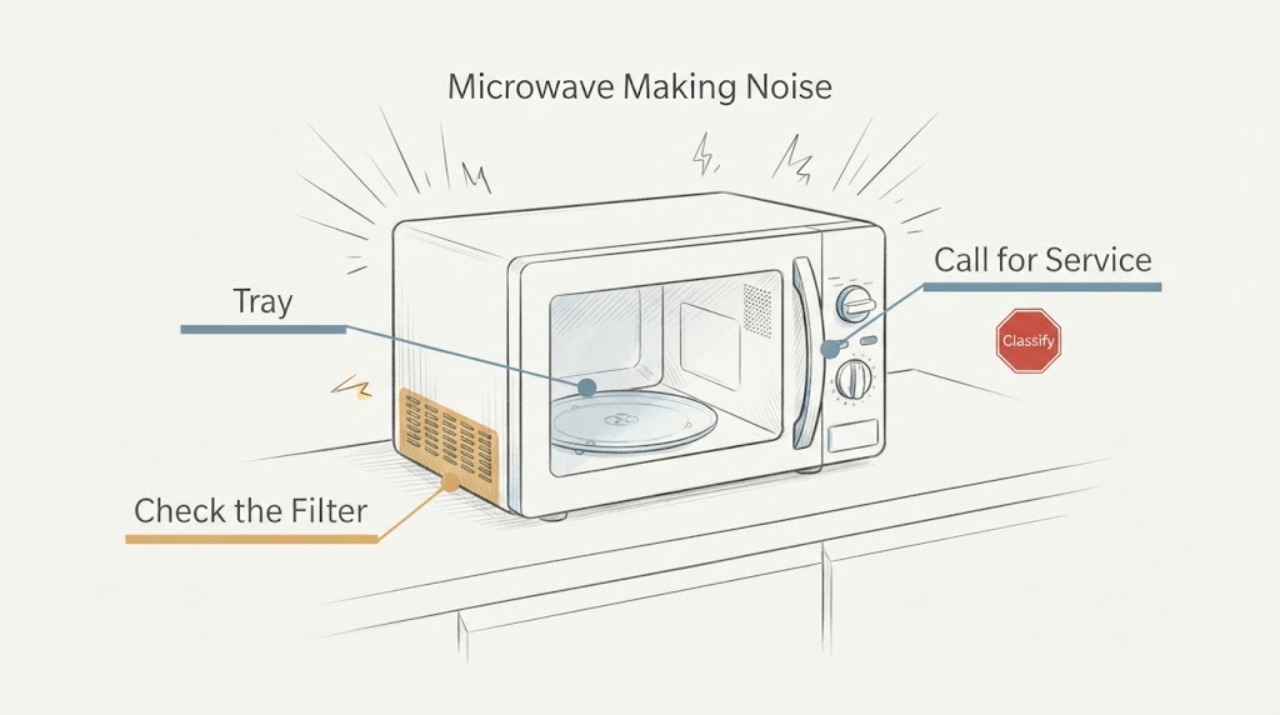
Samsung Microwave Making Noise: Tell Normal Sounds from a Service Fault
First identify whether the sound is a low hum, clicking, rattling, or popping, then clean and reseat only the accessible tray, roller ring, food residue, and over-the-range filters. A low hum can be normal, but a noise that is suddenly much louder, continues with a clean water test, or comes from a damaged or loose part needs service. Never run a Samsung microwave empty or open its cabinet.
-
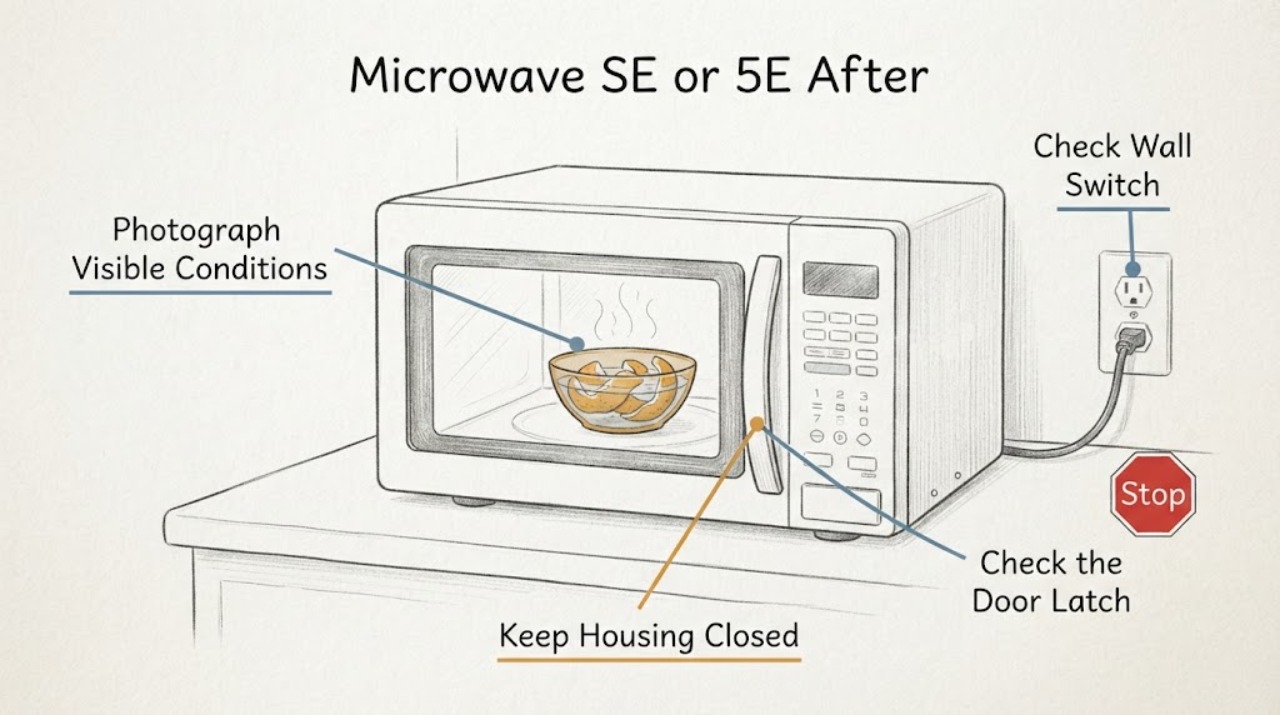
Samsung Microwave SE or 5E After Steaming Orange Peels: Safe Checks
On Samsung microwaves, an actually displayed SE or -SE- is associated with a touch-key condition; Samsung's regional guidance describes a key held too long or a key-short error and says dust or water on the button can be involved. After boiling orange peels, steam or condensation is a credible trigger, but a seven-segment display that looks like 5E must be photographed rather than assumed to be SE because codes vary by model and market.
-
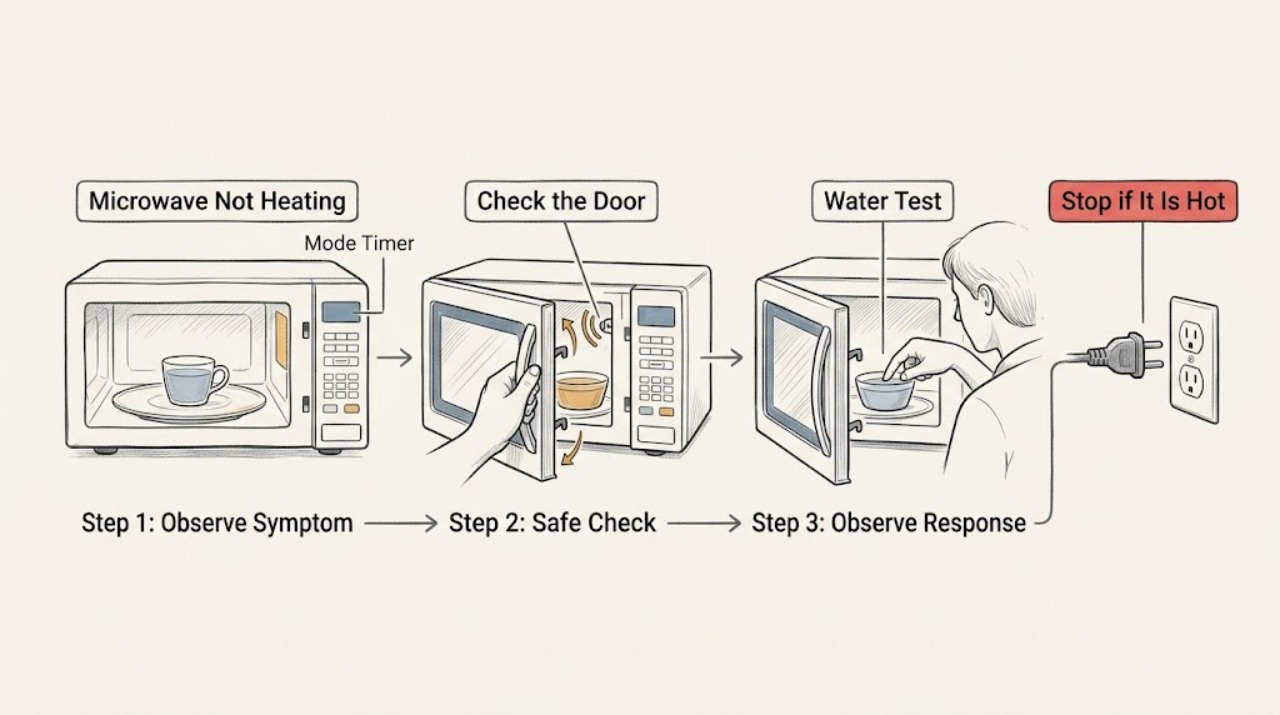
Samsung Microwave Not Heating: Check Mode, Door, and Venting
Test heating with a microwave-safe cup of water and first check for Demo mode, Kitchen Timer, a door that is not fully closed, and inadequate clearance on an over-the-range model. Samsung says Demo mode can run the timer without turning on heating, while door and ventilation conditions can leave the oven running without warming food. If those external checks are normal, stop and request service; do not access the magnetron or other high-voltage parts.
-
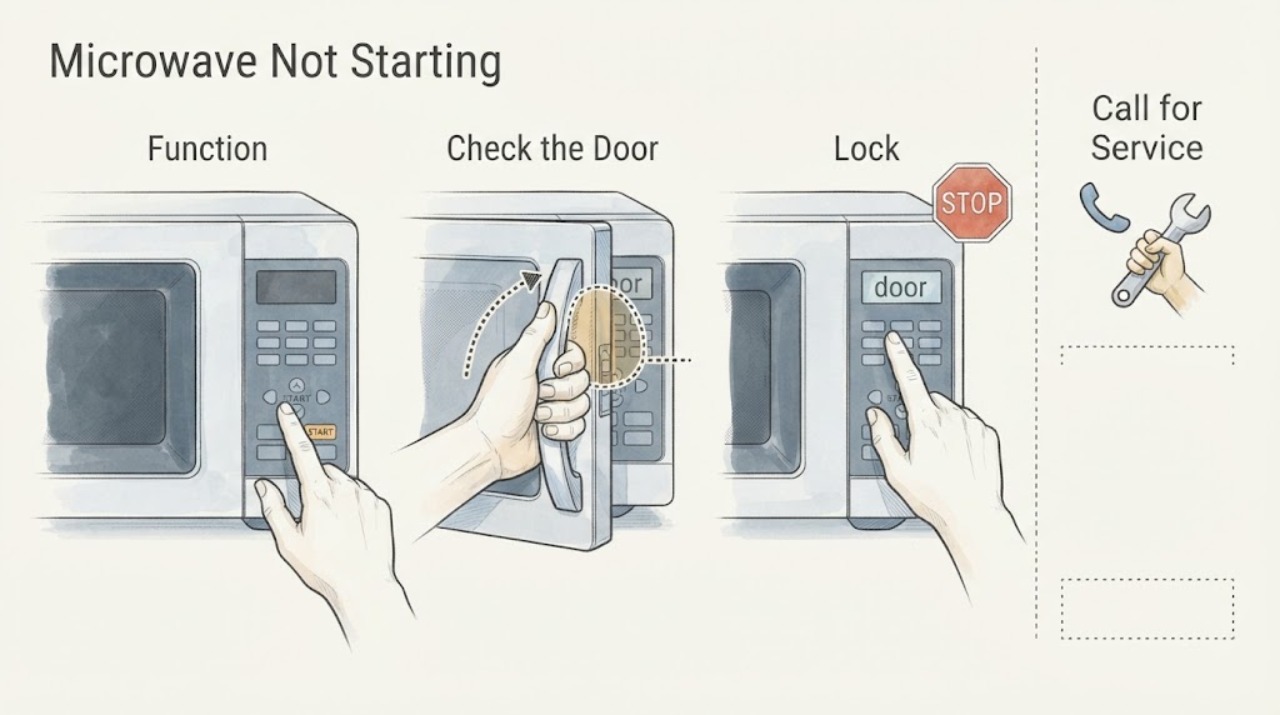
Samsung Microwave Not Starting: Check Power, Lock, Door, and Controls
If the display is lit but a Samsung microwave will not begin a cooking cycle, check that the control lock is off, the door and latch close fully, and the panel registers a normal bare-finger press. Confirm that you selected a cooking cycle rather than a timer. If the display is completely dark, use the separate power-supply checks for a microwave that will not turn on; if the panel remains unresponsive after one 60-second power cycle, request service.
-
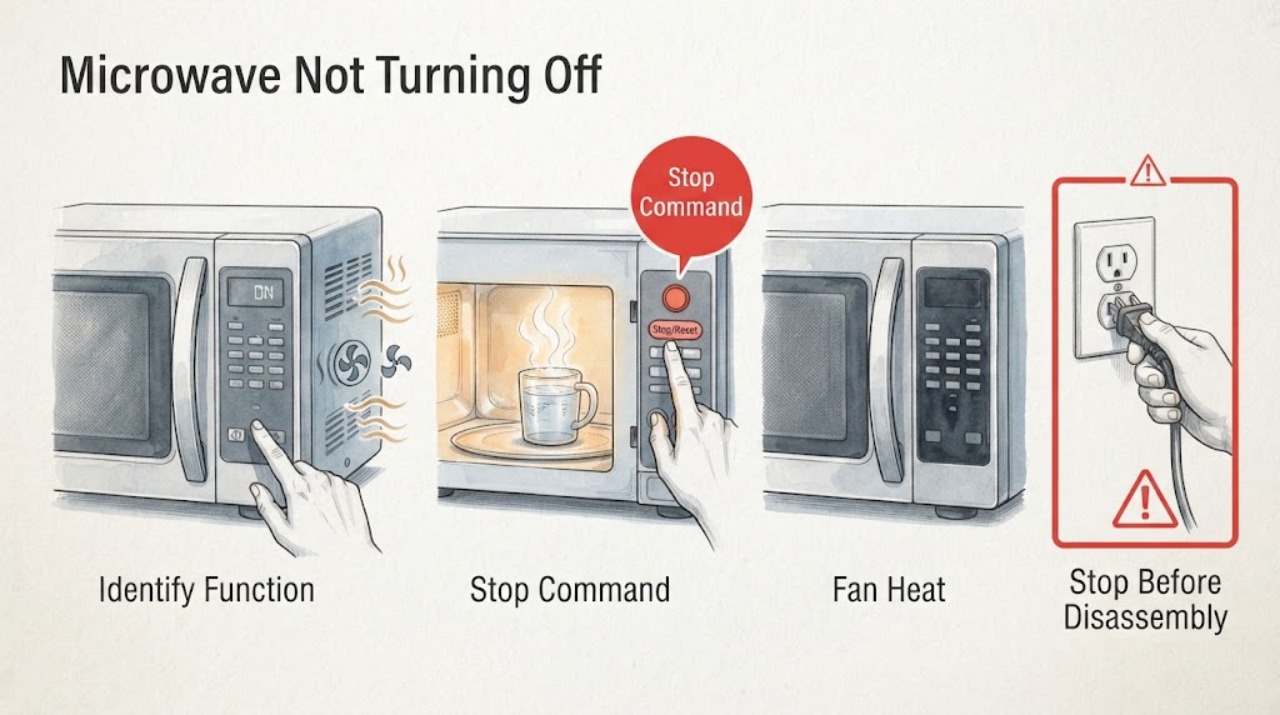
Samsung Microwave Not Turning Off: Identify the Function That Remains On
First identify whether the microwave cavity is still cooking, the vent fan is cooling after heat, or only the cooktop lamp remains lit. Samsung says a vent fan can run automatically until excess heat dissipates, but a microwave that continues cooking or starts without a command is a fire hazard: disconnect power when safe, do not use it, and request service. For a lamp that stays on, one power cycle and time to dry after steam are the only external checks.
-
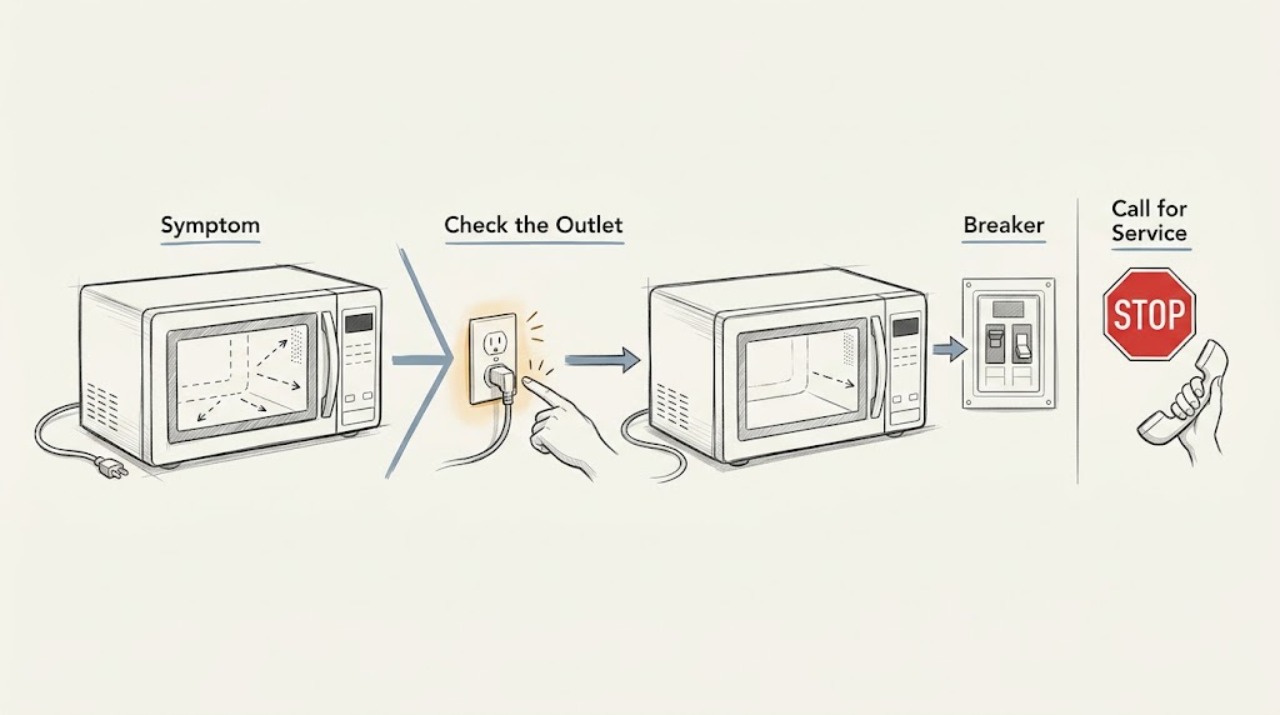
Samsung Microwave Not Turning On: Check the External Power Path
If the Samsung microwave display and interior light are completely dark, check the plug, the outlet with another suitable appliance, and the household breaker or fuse. Restore a tripped breaker only once if it is safe and no burning odor, heat, or visible damage is present. If power is available but the microwave remains dark, or the breaker trips again, stop and request service; do not remove the cabinet or replace an internal fuse.
-
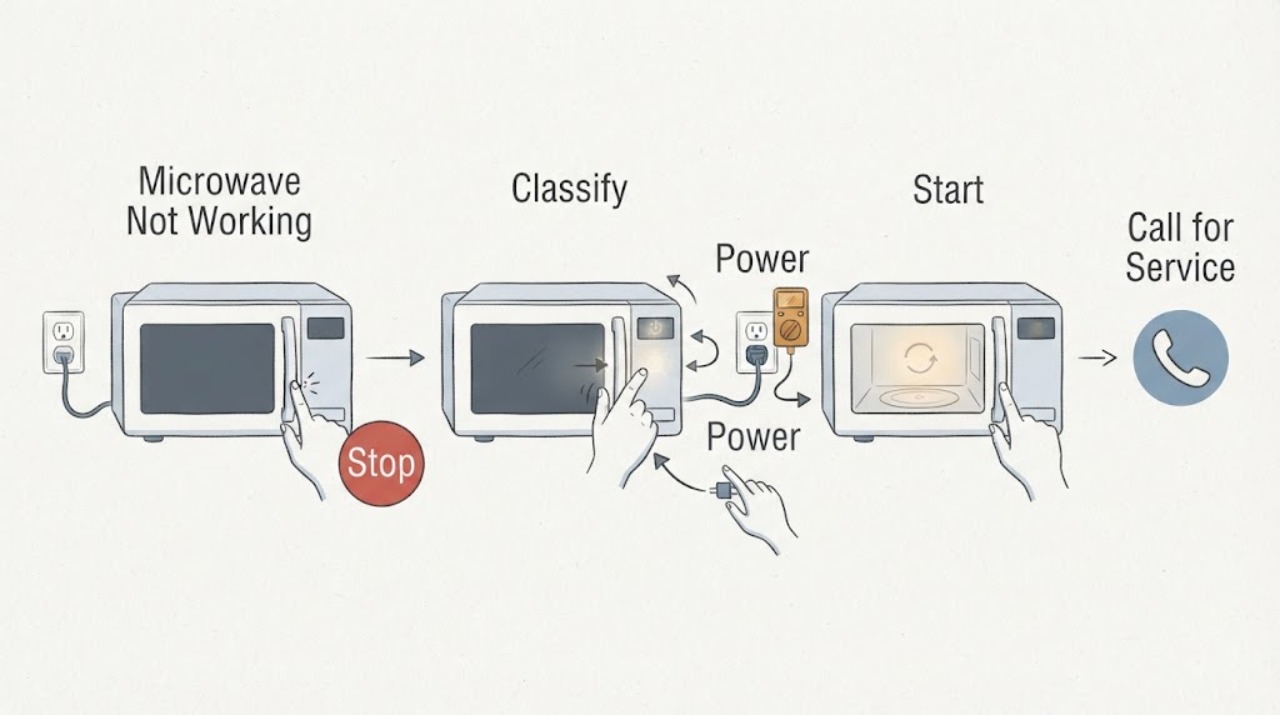
Samsung Microwave Not Working: Classify the Symptom Before Calling for Service
“Not working” can mean a dark display, a lit display that will not start, a running cycle that does not heat, a turntable or fan issue, or unsafe self-starting. Start by identifying which function fails, then check the corresponding external condition: outlet/breaker, control lock and door, cooking mode, tray/filter/venting, or a supervised cup-of-water test.
-
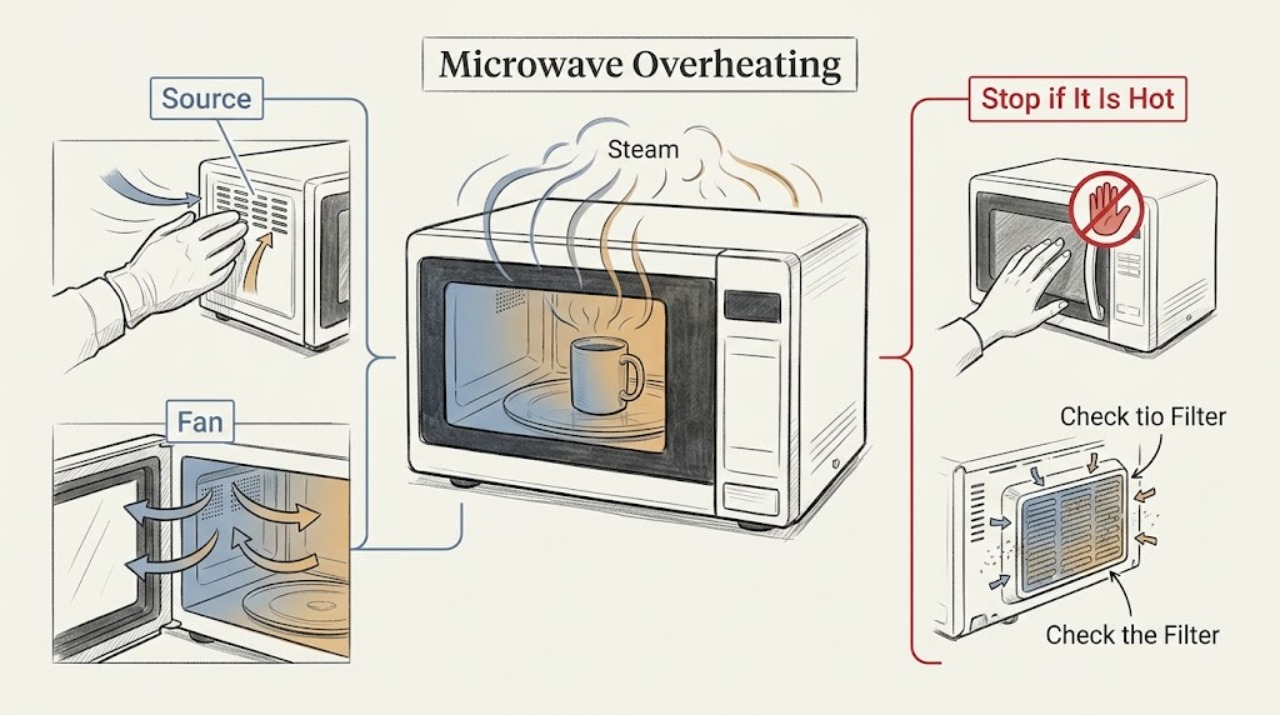
Samsung Microwave Overheating: Check Heat Source, Venting, and Safe Shutdown
For an over-the-range Samsung microwave, first determine whether the heat is from the cooktop below, a normal cooling fan, or the microwave cavity itself. Samsung says the vent fan can start automatically to protect the microwave from excess cooktop heat and may continue until the area cools.
-
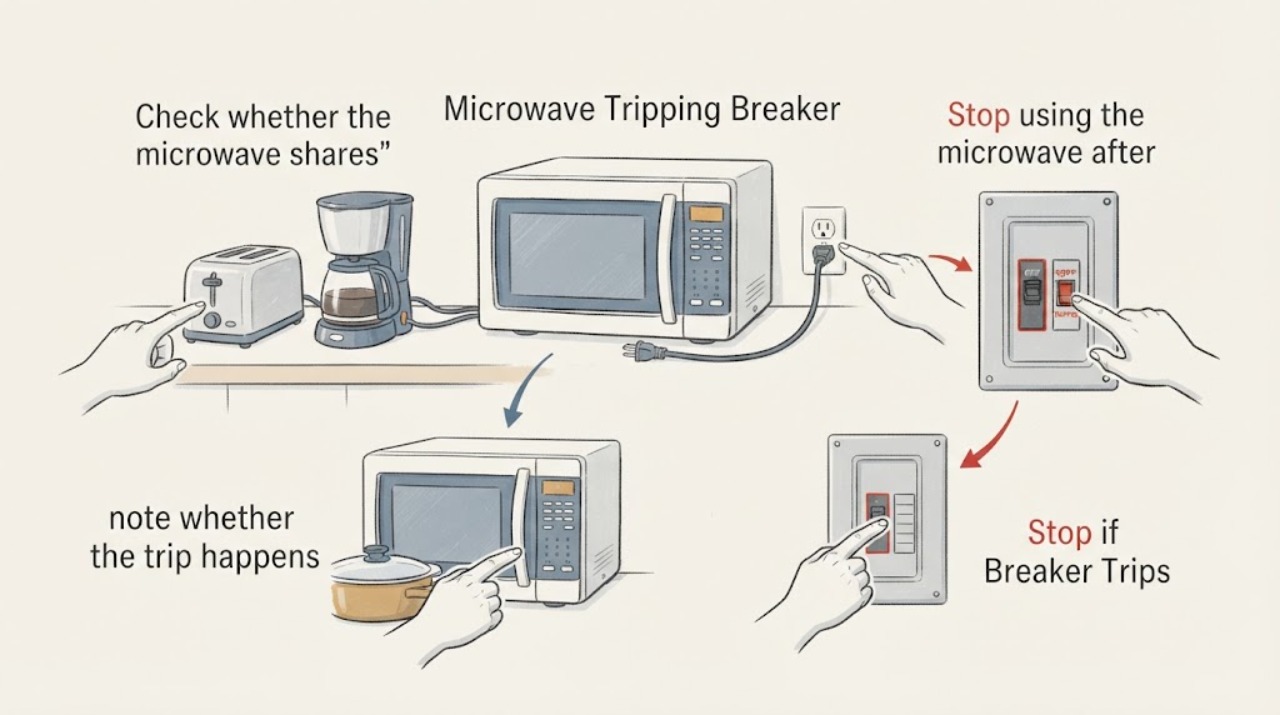
Samsung Microwave Tripping Breaker
A Samsung microwave that trips a breaker should be treated as an electrical fault until the supply and load are checked. Stop repeated resets, confirm the plug and outlet are undamaged, and have a qualified electrician verify the grounded branch circuit; service is required if the breaker trips again or the microwave shows heat, smoke, or arcing.
-
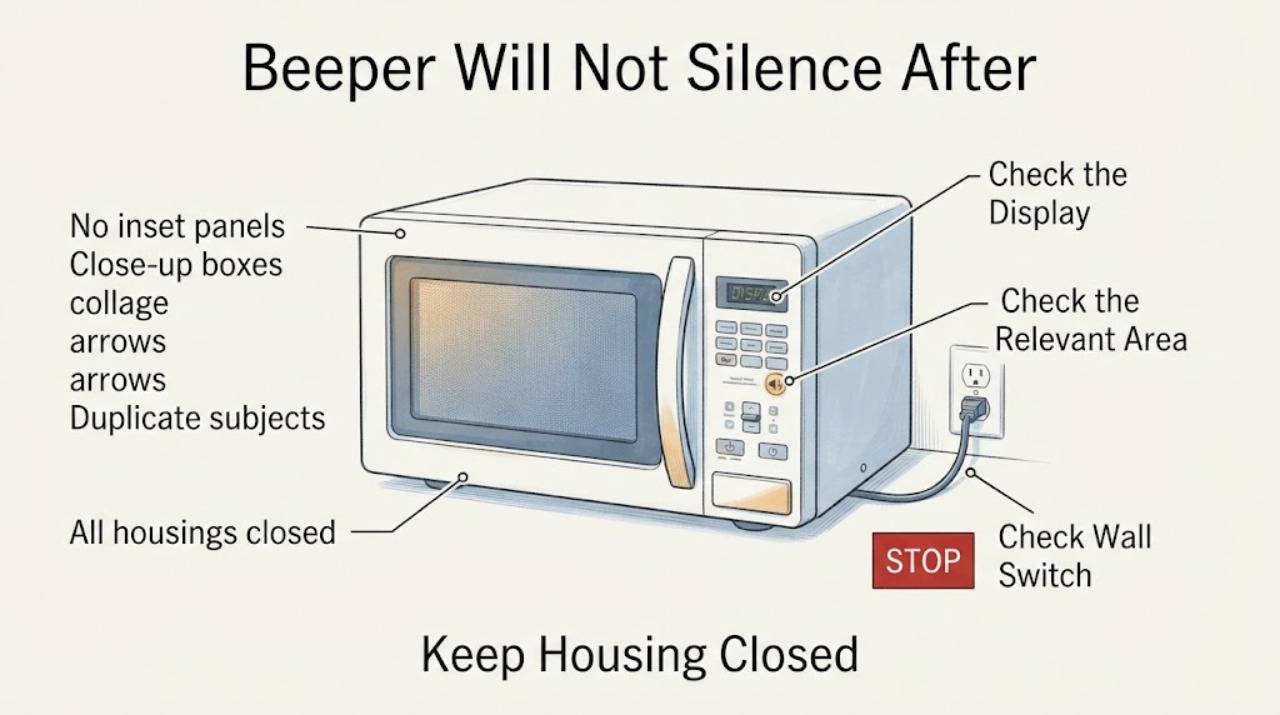
Samsung MS11K3000AS Beeper Will Not Silence After a Breaker Reset
The Samsung MS11K3000AS is specified with a Sound On/Off feature. With the oven idle and the door closed, press STOP/ECO and START/+30s at the same time to toggle the beeper setting; this exact-model button combination is also reported in the opened MS11K3000AS case.
-
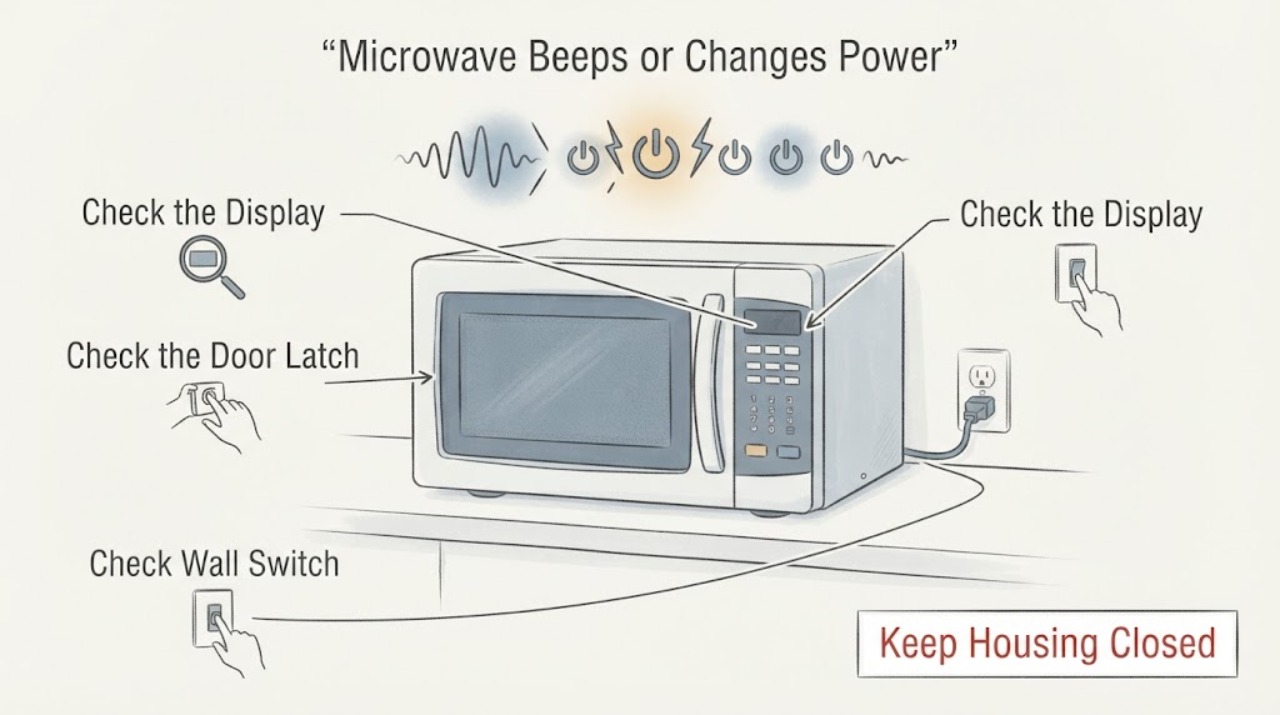
Samsung SMH1816S Microwave Beeps or Changes Power by Itself
Treat an SMH1816S that starts, changes power, or cycles without a command as unsafe to keep testing. If the microwave runs by itself, unplug it or switch off its circuit if that is safely accessible, do not use it, and request service; Samsung calls that behavior a fire hazard.
-
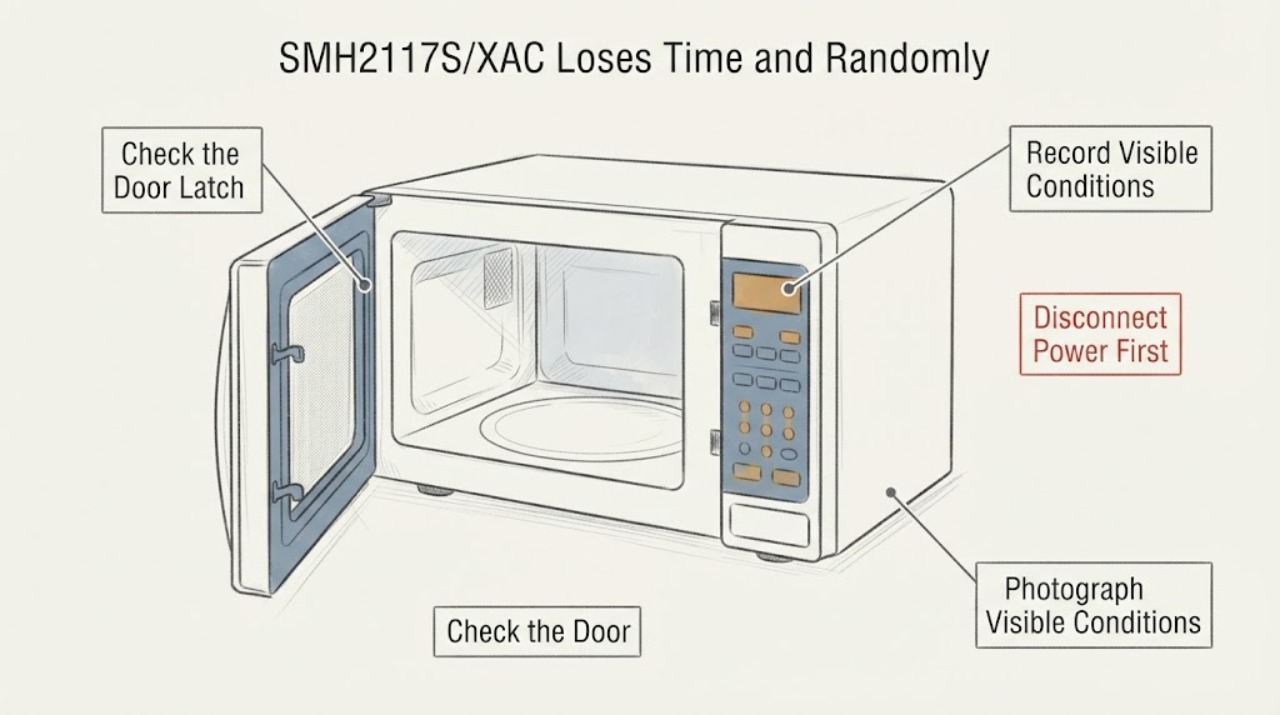
Samsung SMH2117S/XAC Loses Time and Randomly Runs the Vent Fan
On a Samsung SMH2117S/XAC, a clock that returns to zero together with a vent fan that starts without cooktop heat is not a normal timer setting to ignore. First separate a normal heat-triggered hood-fan response from a control or power symptom: Samsung says the vent may start automatically when excess heat rises from the cooktop, but says to request service if it turns on when there is no heat.