
Repair problem
Displays An Error Code Troubleshooting Guides
Published FixGraph guidance for diagnosing and responding to displays an error code.
Matching published guides
Choose a guide that matches the service, equipment, and conditions you are seeing.
-
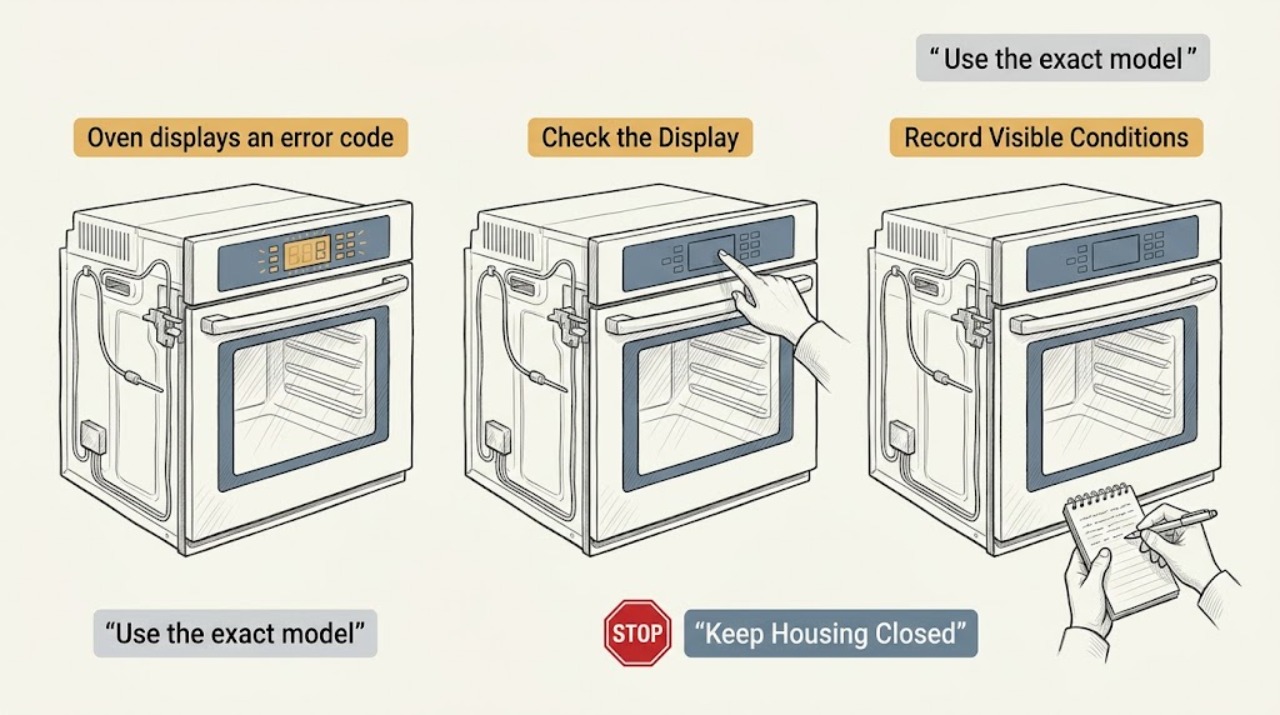
Amana oven displays an error code: What to Check and What to Do Next
An Amana oven error display is a symptom, not a diagnosis: record the exact characters and spacing before clearing it, then match that code to the manual for the exact model. If the oven is dry and there is no smoke, burning smell, sparking, gas odor, or visible damage, Amana's general reset is to turn the oven circuit breaker(s) off for one minute, restore power, monitor for one minute, and verify operation.
-
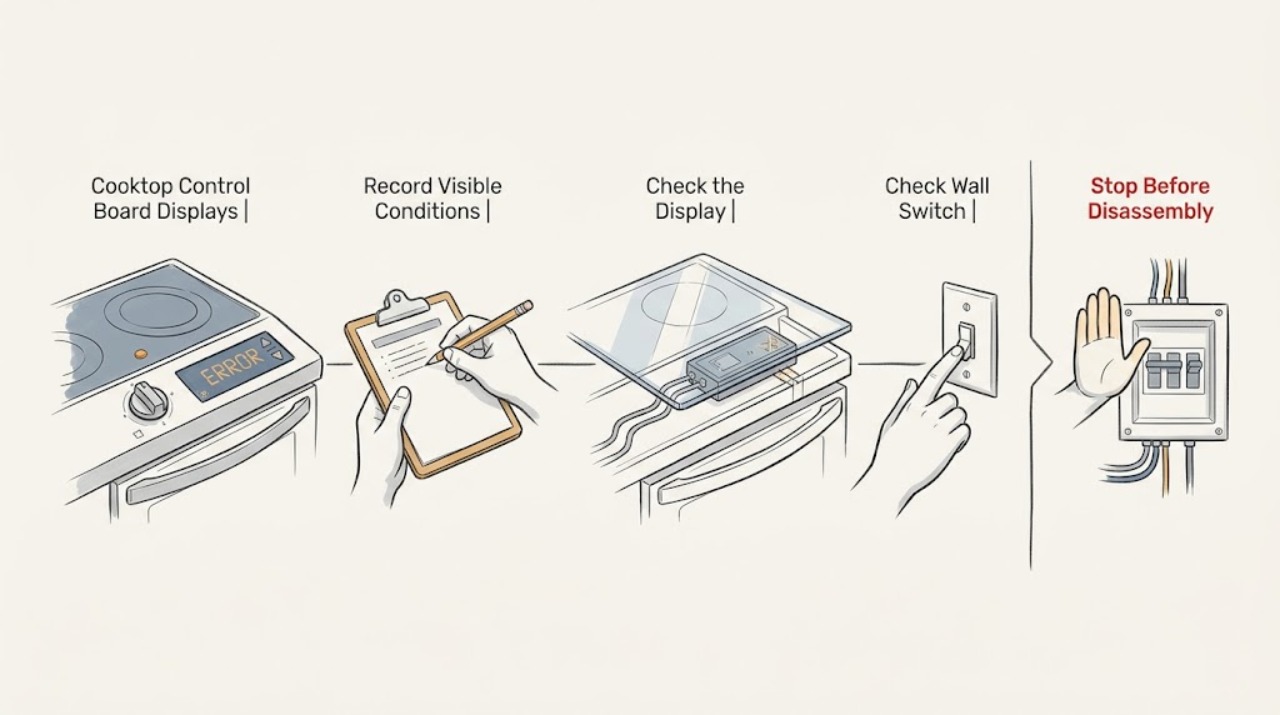
Bosch Cooktop Control Board Displays an Error Code: What to Check and What to Do Next
Record the exact Bosch error code, cooktop type, affected zone, and what was happening just before it appeared; Bosch error meanings differ between electric, induction, and gas cooktops. First remove any object or moisture from the control panel, and let overheated cookware or electronics cool when the code's instructions identify overheating.
-
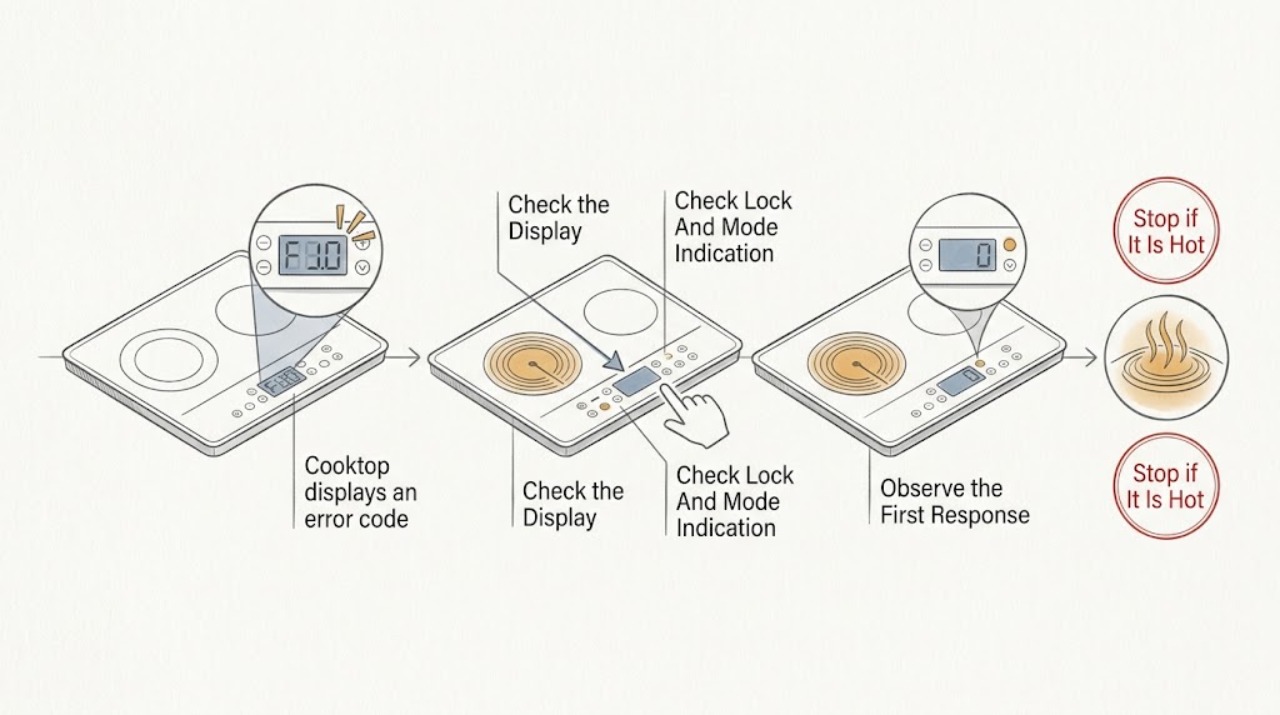
Bosch cooktop displays an error code: What to Check and What to Do Next
Record the exact Bosch code or symbol, whether the cooktop is gas, electric, or induction, which zone is affected, and whether cooking has stopped. Then turn the affected zone off and remove any cookware from the control area without touching a hot surface.
-
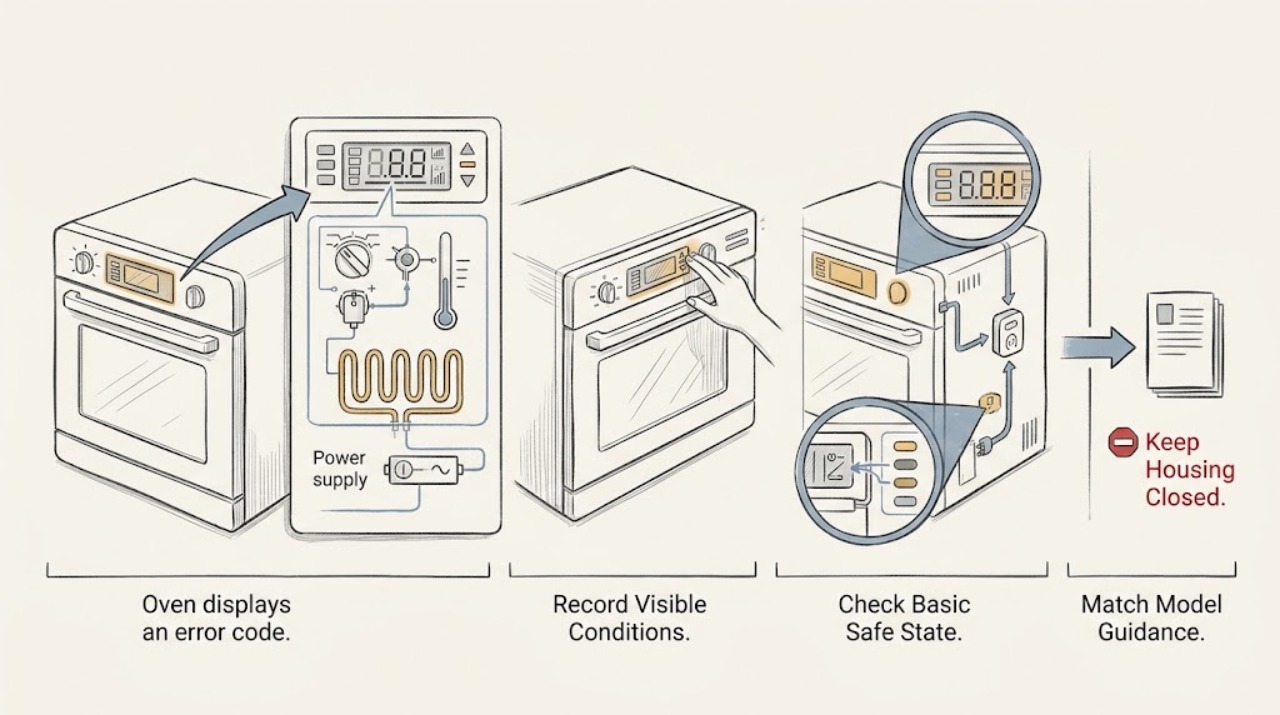
Bosch oven displays an error code: What to Check and What to Do Next
Write down the complete Bosch oven message before clearing it. An E followed by a number is a fault or malfunction message, but the meaning and reset sequence depend on the model and code.
-
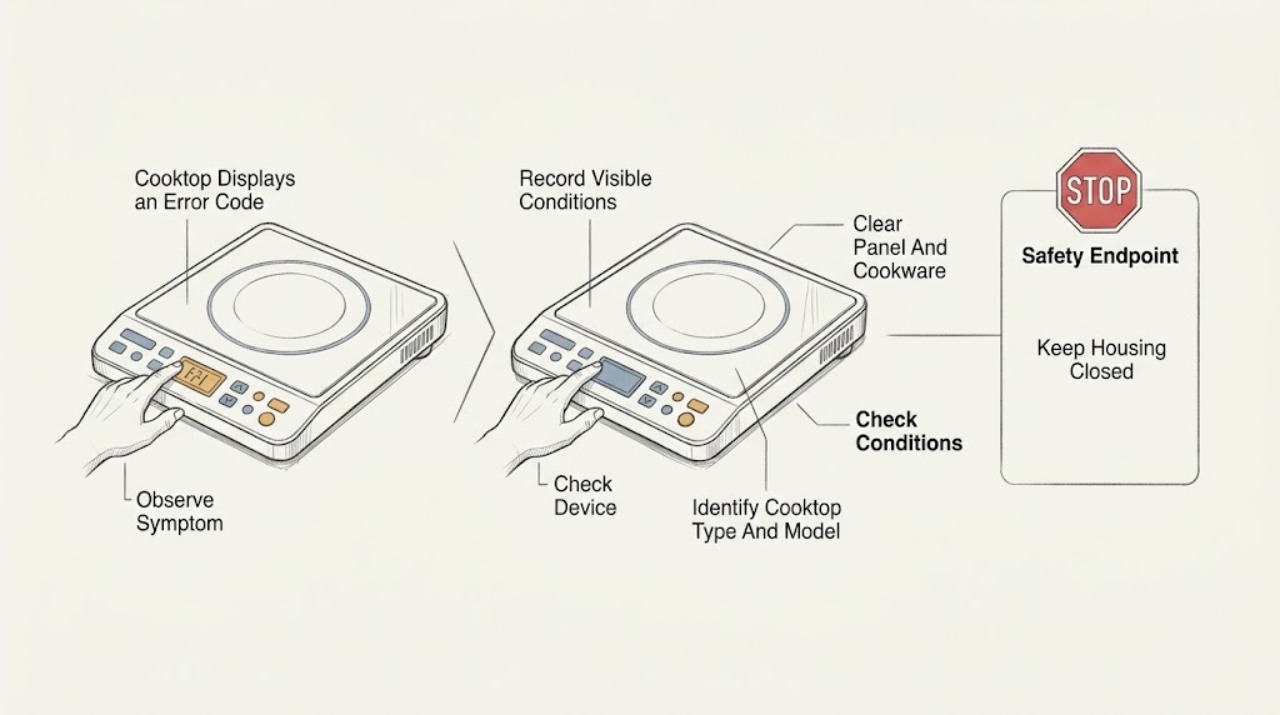
Cooktop Displays an Error Code (Code Is Visible): What to Check and What to Do Next
A visible cooktop error code is a symptom, not a universal diagnosis. First photograph or transcribe the complete code, identify whether the cooktop is electric, induction, or gas, and record which zone or control is affected.
-
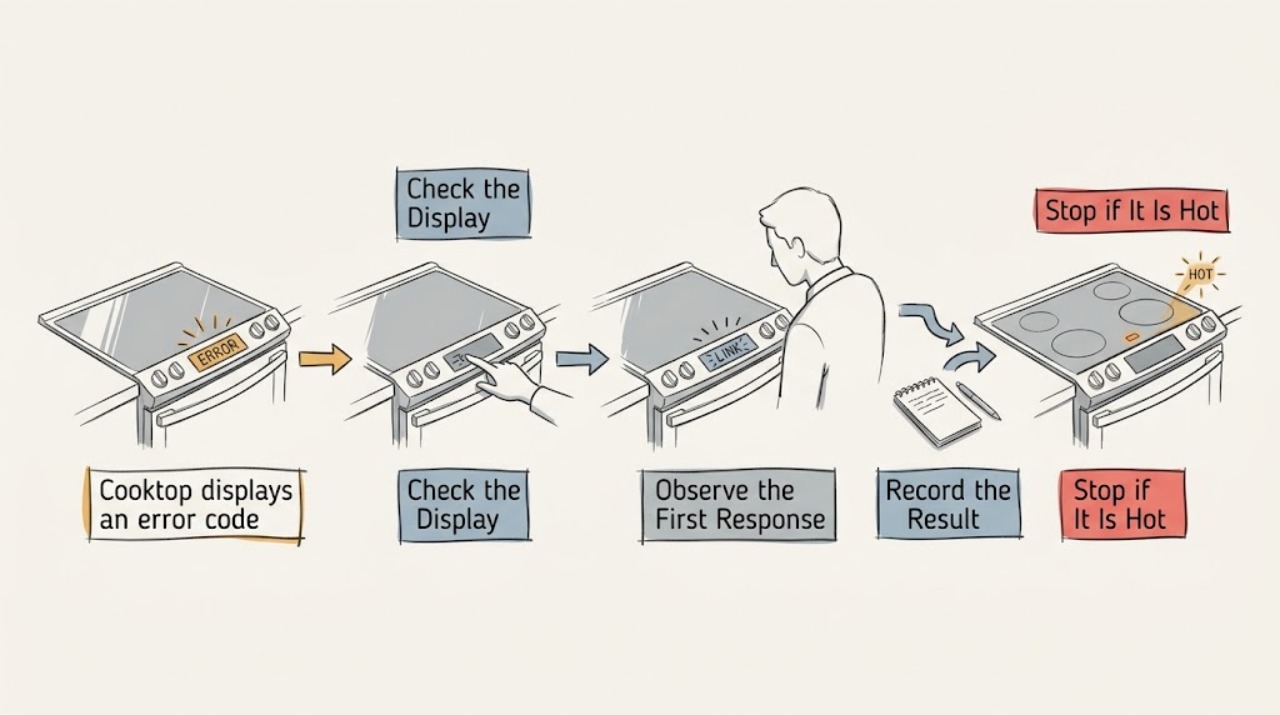
Cooktop displays an error code power reset may clear: What to Check and What to Do Next
A cooktop error code can be a temporary control lockout, overheating condition, wet or obstructed touch panel, supply-power problem, or a persistent electronics, sensor, wiring, or heating fault. A power reset may clear a one-time code, but it does not identify or repair the underlying cause.
-
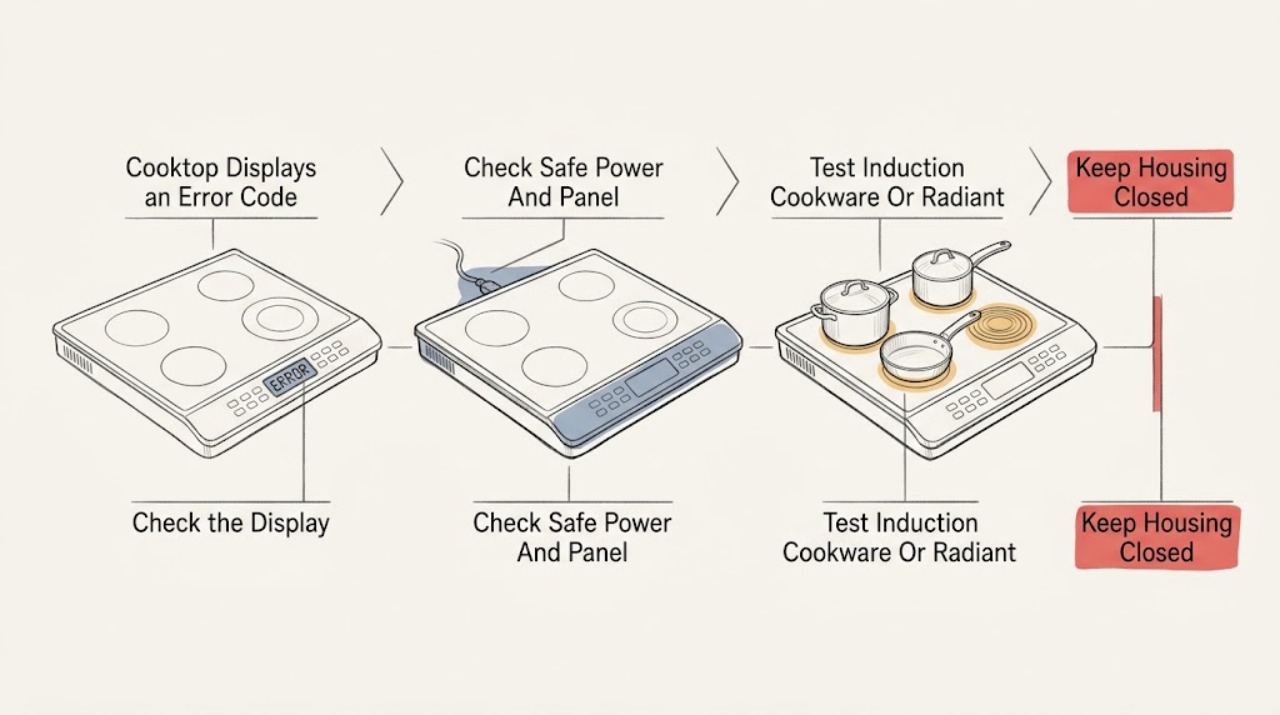
Cooktop Displays an Error Code, One Zone or All Zones Fail: What to Check and What to Do Next
Treat the code and the number of failed cooking zones as separate clues. First photograph or write the complete display exactly as shown, identify whether the cooktop is gas, radiant electric, or induction, and find the matching manual; code meanings and reset intervals are model- and region-specific.
-
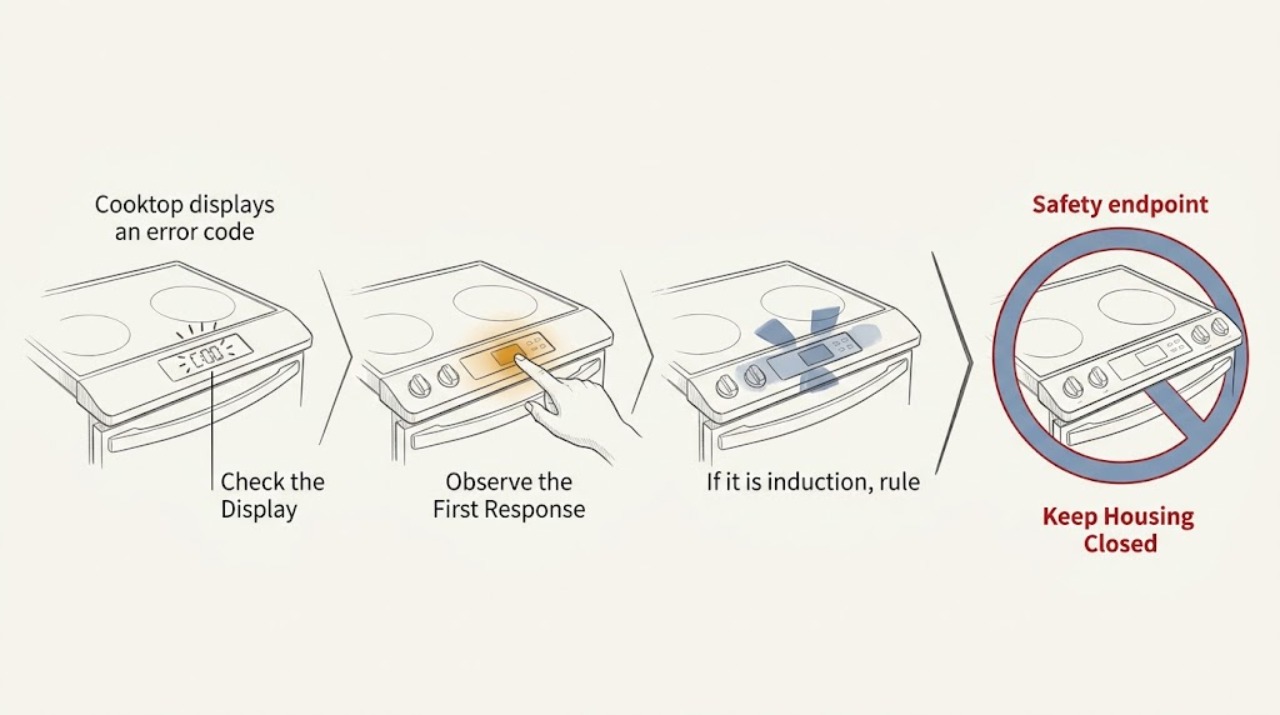
Cooktop displays an error code: What to Check and What to Do Next
A cooktop error code is a model-specific diagnostic message, so do not assume that a code has the same meaning on every brand. First record every character exactly, then clear and dry the touch controls and remove anything resting on them.
-
Frigidaire Cooktop Displays an Error Code: What to Check and What to Do Next
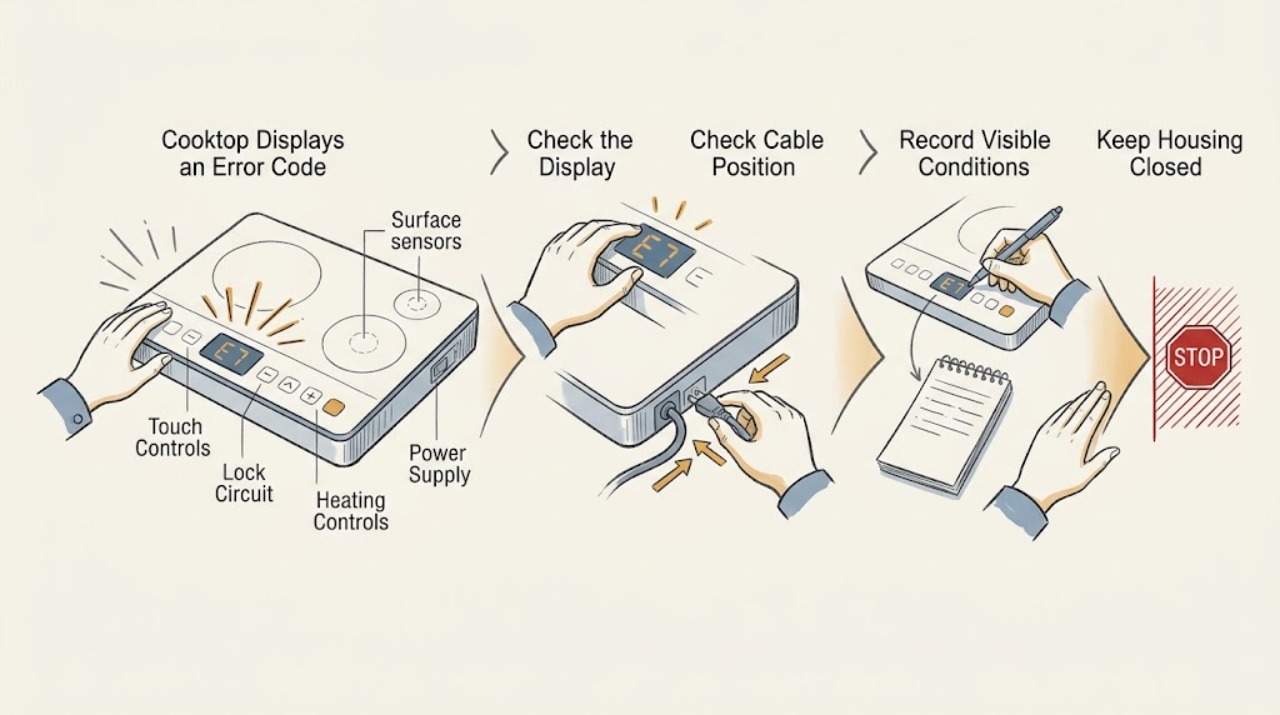
A Frigidaire cooktop error display must be matched to the exact model, cooktop type, and complete code before anyone interprets it. Photograph or copy every character, including a dash, letter, or number, and record whether the surface is hot, locked, wet, or actively heating.
-
Frigidaire oven displays an error code: What to Check and What to Do Next
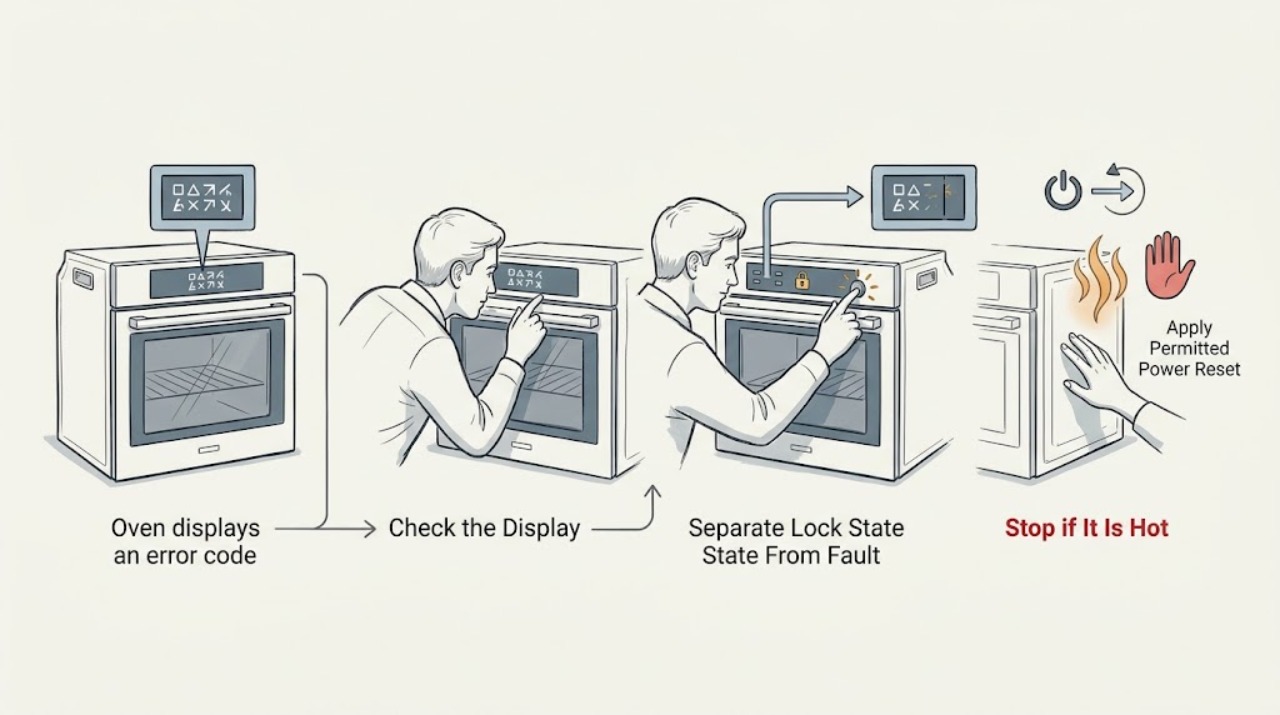
Record the exact code, the Frigidaire oven or range model, what mode was running, and whether the oven is hot, locked, beeping, or still operating. Frigidaire's oven guide supports a manufacturer-directed power reset for some codes, but the code must be matched to the exact use-and-care manual.
-
Ge cooktop displays an error code: What to Check and What to Do Next
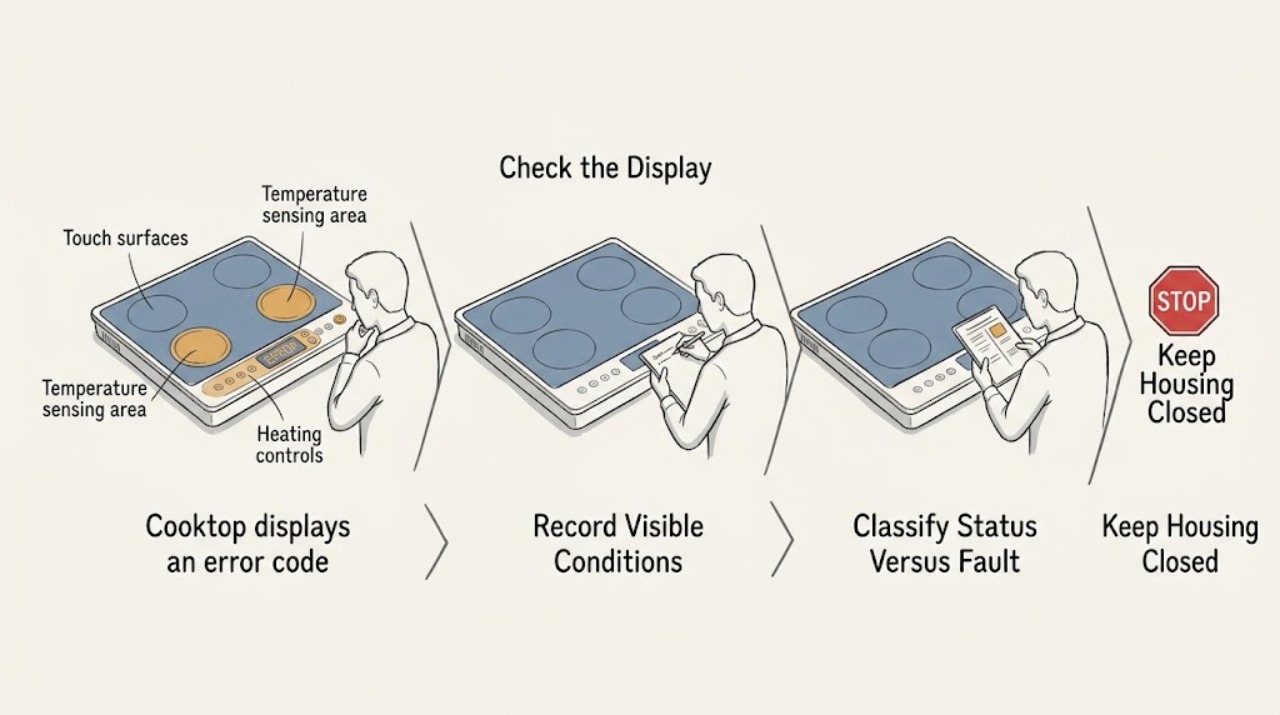
A GE cooktop display can show a true fault code, a normal hot-surface or pan-detection message, or an initialization message that is specific to some models. Photograph or write down the exact letters, numbers, and symbols before clearing anything, and use the model's owner manual because GE does not use one universal code list for every cooktop.
-
GE Oven Displays an Error Code: What to Check and What to Do Next
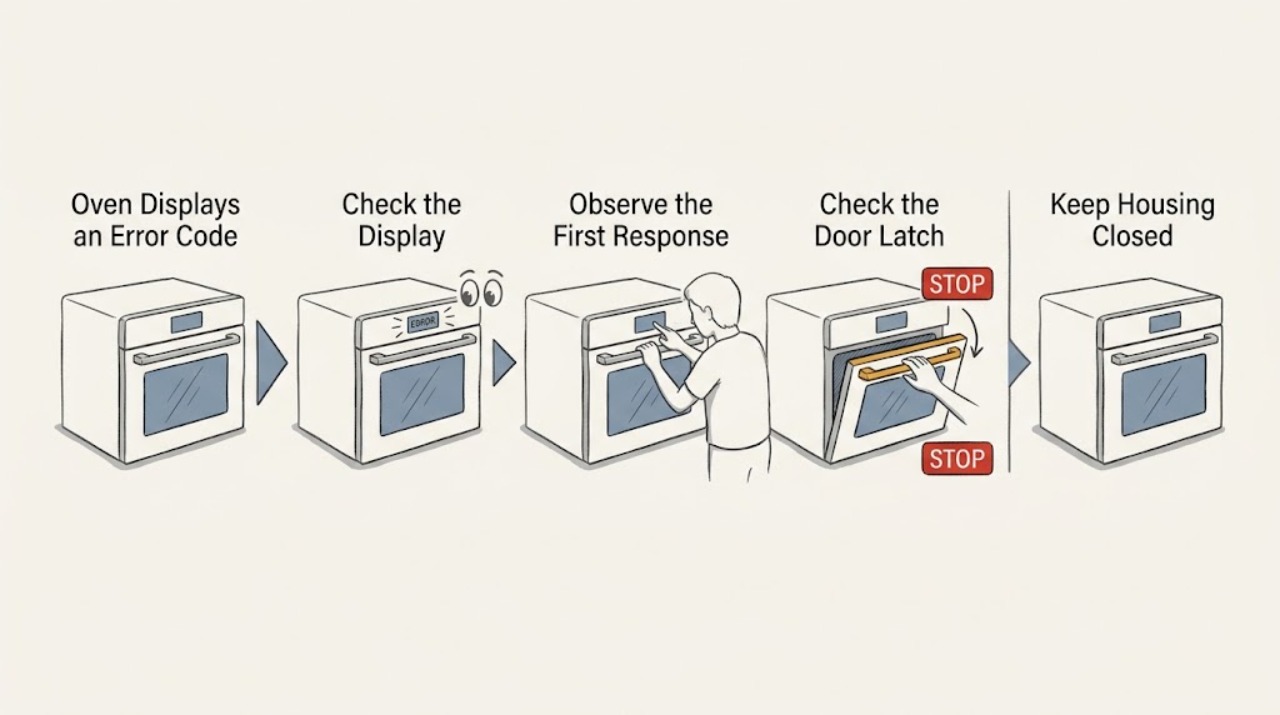
Write down the GE oven's complete display exactly as shown, including letters, numbers, dashes, or a door/lock message, and note what the oven was doing when it appeared. GE says its published fault-code list is only a summary, so the exact model manual controls the interpretation.
-
Kenmore Oven Displays an Error Code: What to Check and What to Do Next
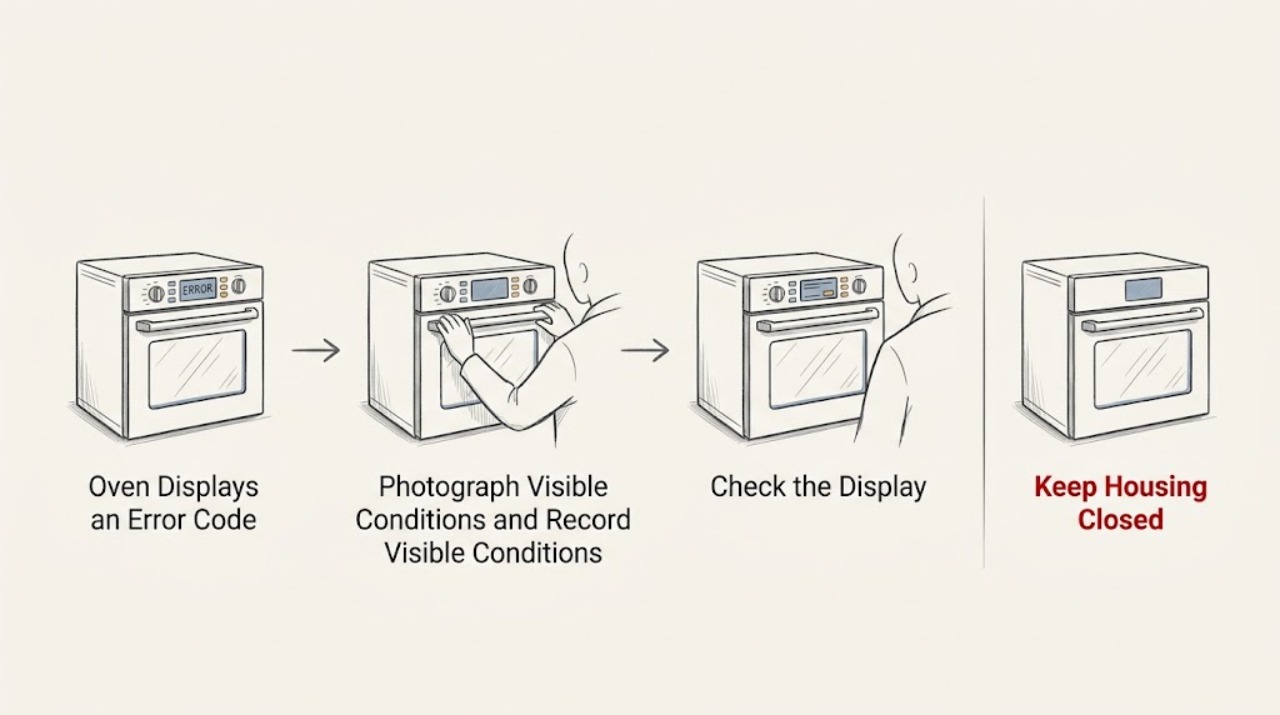
A Kenmore oven error code is a symptom, not a universal diagnosis. Kenmore's official manual library requires the complete model number so you can use the correct owner's manual and code table; Kenmore ovens from different production platforms can use different displays and meanings.
-
Kitchenaid cooktop displays an error code: What to Check and What to Do Next
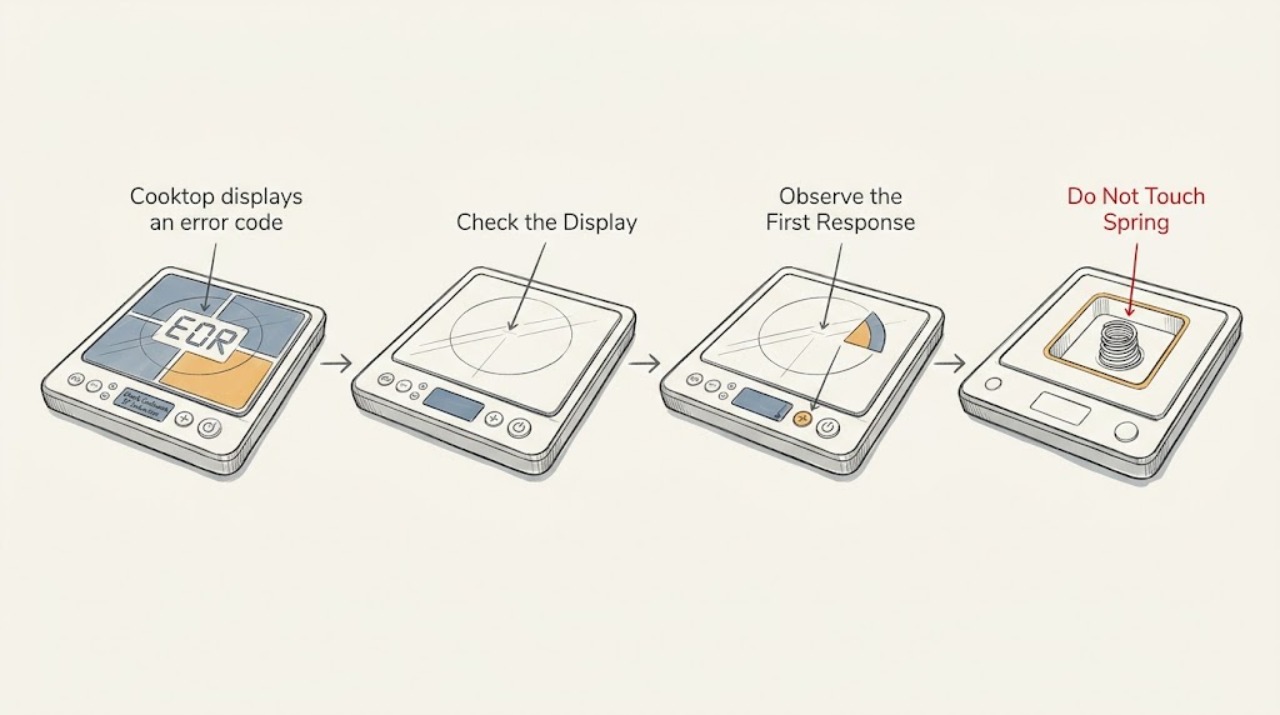
A KitchenAid cooktop error display is a symptom, not one universal diagnosis: the meaning depends on the exact characters, whether the cooktop is electric or induction, and what the surface and controls were doing. Photograph or write down the complete code before clearing it, turn all controls off, remove objects or liquid from the touch-control area, and allow a hot surface or overheated unit to cool.
-
KitchenAid oven displays an error code: What to Check and What to Do Next
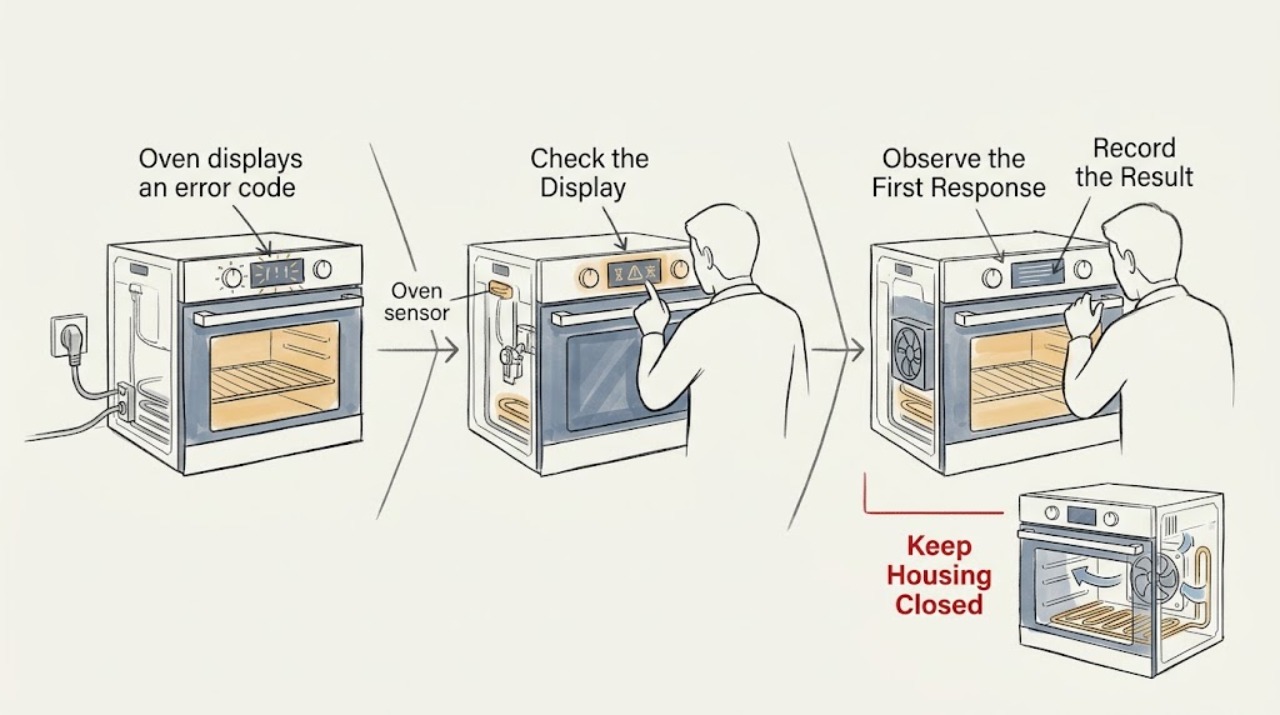
Do not diagnose a KitchenAid oven from an error-code number alone. Photograph or write every character exactly as shown, record the full model and the function running when it appeared, and use that model's manual or KitchenAid's matching error-code entry.
-
Lg cooktop displays an error code: What to Check and What to Do Next
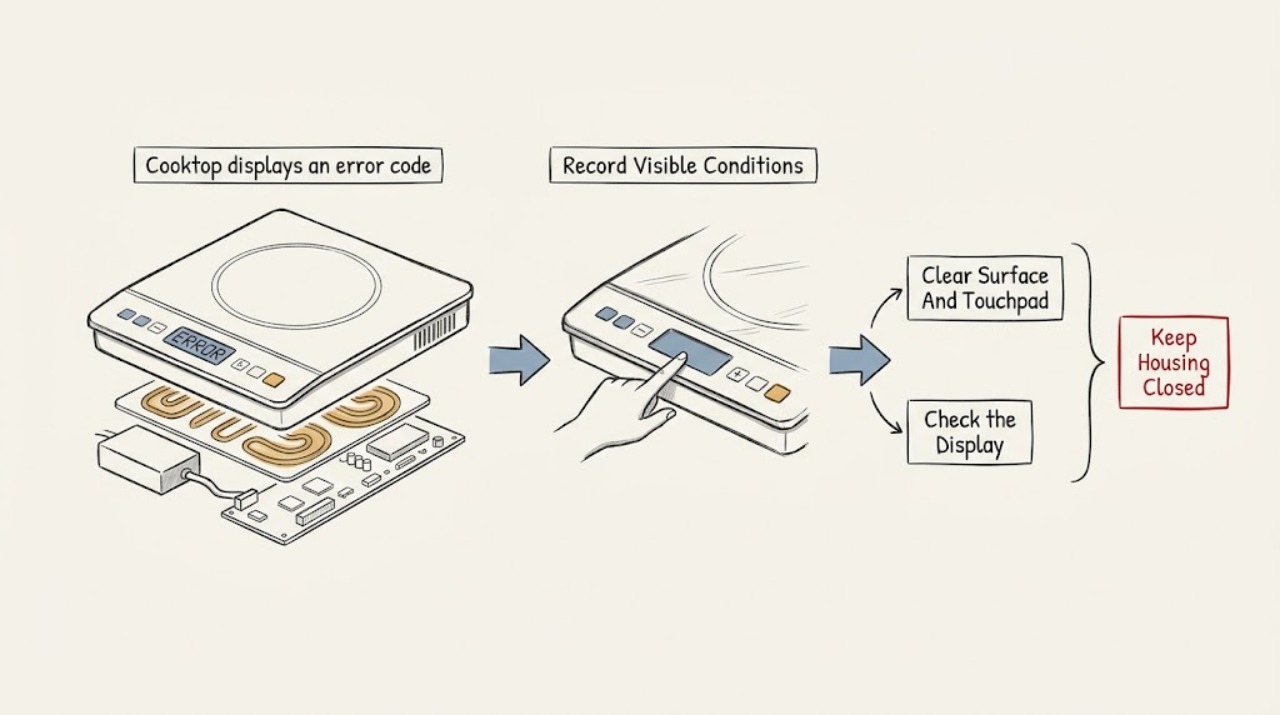
Record the exact code, when it appears, the LG cooktop type, and whether one zone or the whole control responds. Compare that information with LG's error-code list and the exact model manual because the meaning and reset procedure are model-specific.
-
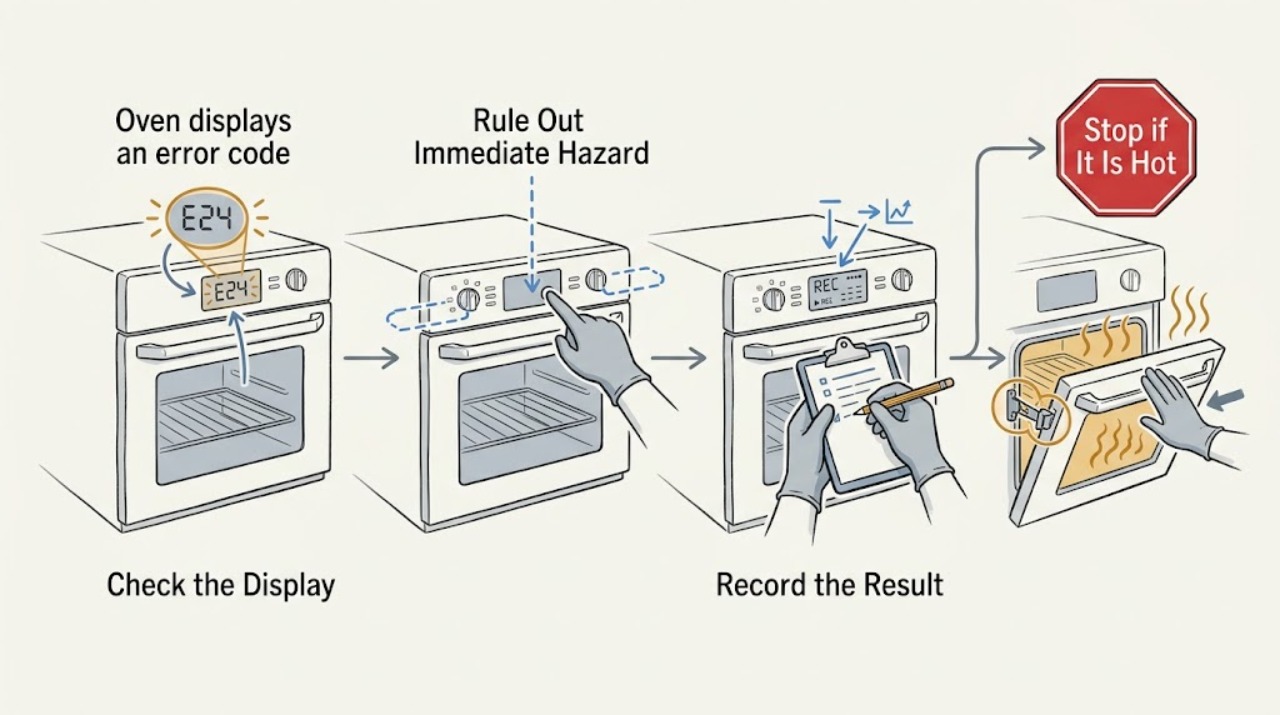
LG oven displays an error code: What to Check and What to Do Next
An LG oven error display is a diagnostic clue, not a universal fault code: the same-looking display can indicate a sensor, heating, convection fan, door-lock, communication, power, or other model-specific issue, while PF, Sb, or a lock indication may describe a power interruption or operating mode rather than a failed part.
-
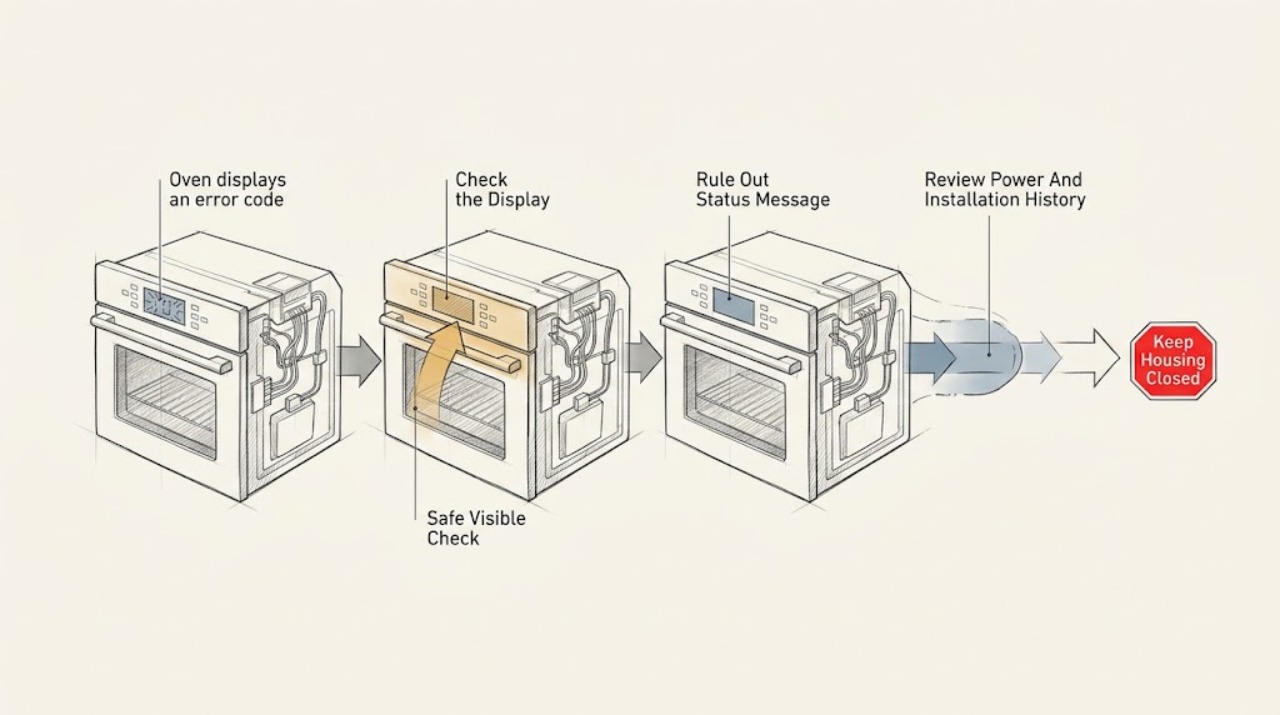
Maytag oven displays an error code: What to Check and What to Do Next
A Maytag oven error display is a symptom, not a universal diagnosis. First photograph the exact characters and note whether they appear as an F-and-number combination, E-and-number combination, PF, a letter, CAL, a lock message, or a blank/flashing clock; Maytag says code meanings and remedies vary by model and code.
-
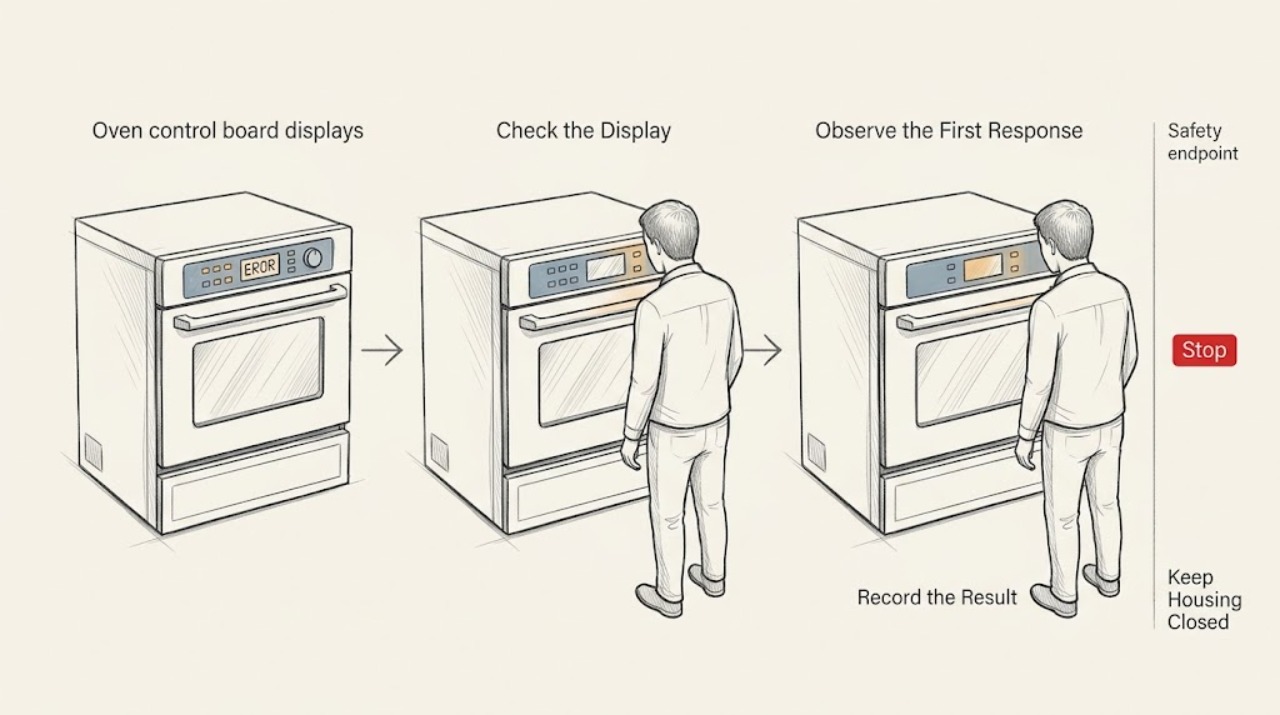
Oven control board displays an error code: What to Check and What to Do Next
An oven error code is a symptom reported by the electronic control, not proof that the control board itself has failed. Write down the complete code exactly as shown, note whether the oven heats and whether the keypad responds, and look up that code in the owner's manual for the precise model.
-
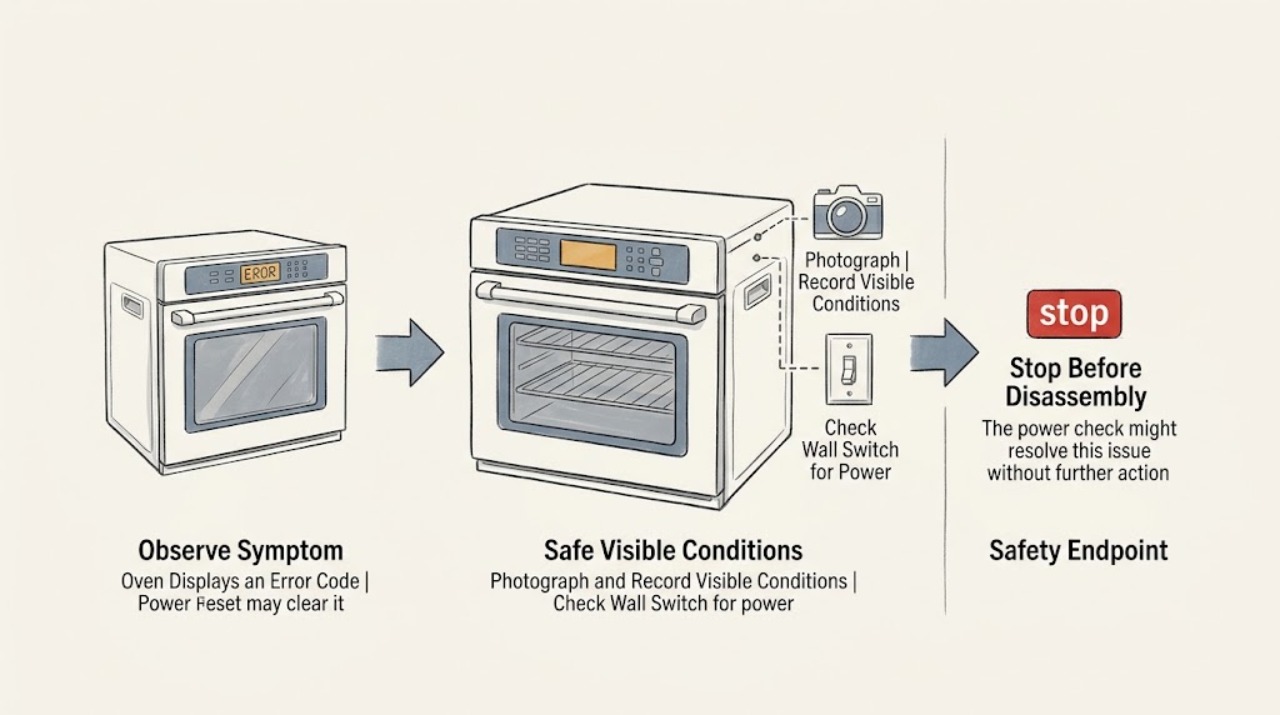
Oven Displays an Error Code and a Power Reset May Clear It: What to Check Next
A power reset can clear a temporary oven control fault, but it does not prove the underlying problem is fixed. Before switching power off, photograph the complete code, note whether the oven was heating, self-cleaning, or recovering from an outage, and find the exact model manual.
-
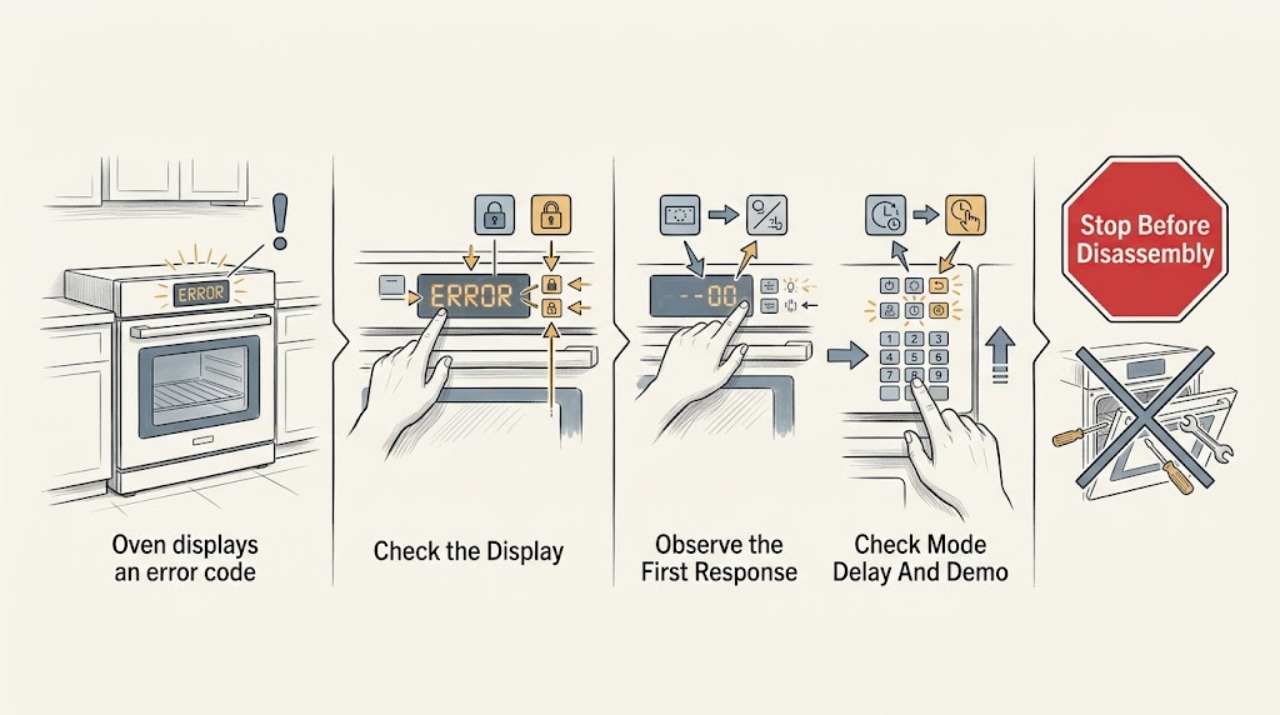
Oven displays an error code and may be locked: What to Check and What to Do Next
An oven message that looks like an error code may instead be a control-lock or door-lock status, but a code cannot be decoded safely without the exact model and display text. Photograph the full message, lock icon, and any flashing indicators, and note whether the oven is hot, in self-clean, delayed start, demo mode, or recovering from a power outage.
-
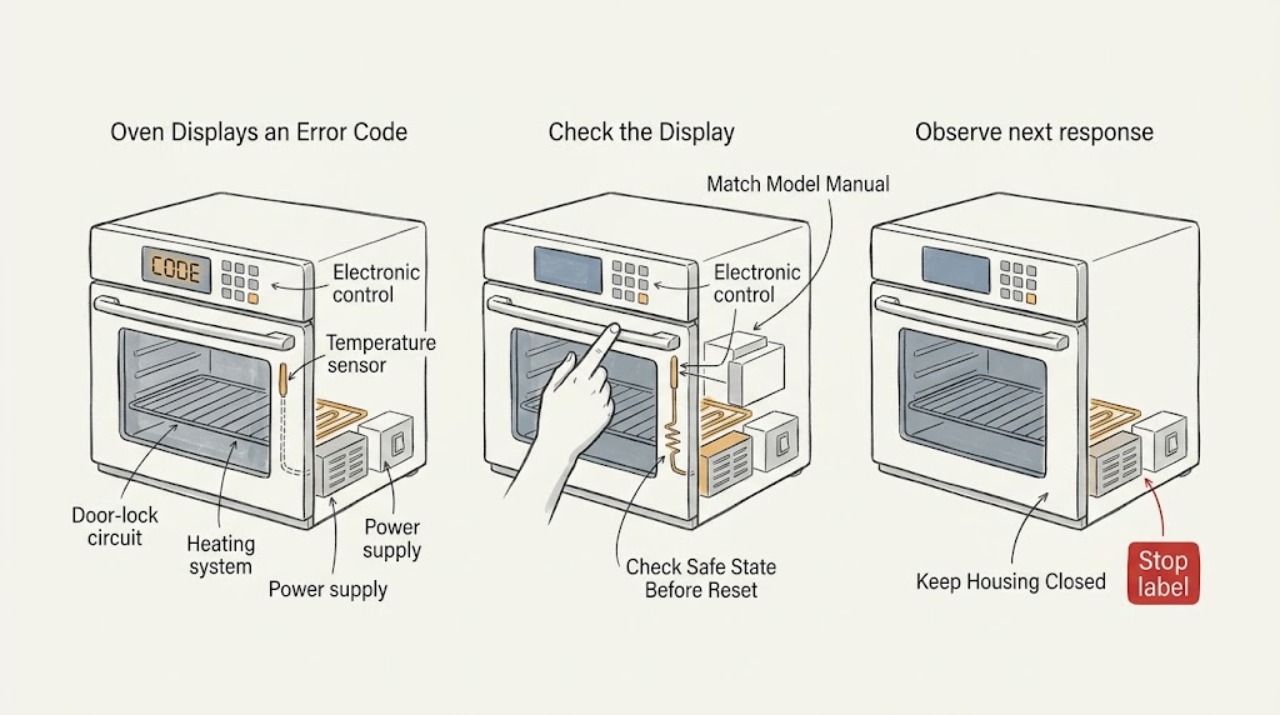
Oven Displays an Error Code: Code Appears on Display—What to Check and What to Do Next
An oven code is a symptom, not a universal diagnosis: the same-looking code can mean different things on different models. Photograph the complete display, note when it appeared and whether the oven is hot, locked, heating, or accompanied by odor or smoke, then use the exact model's owner manual or manufacturer code guide.
-
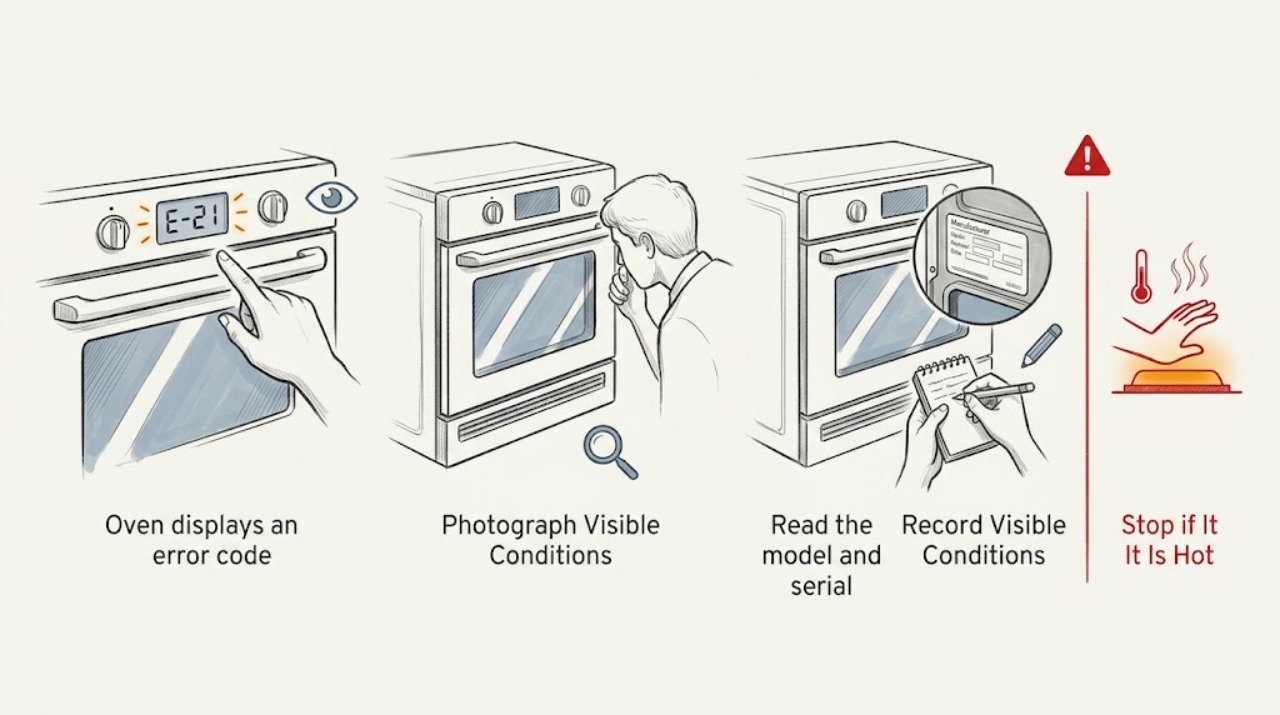
Oven displays an error code: What to Check and What to Do Next
Do not guess what an oven code means or keep cycling power to make it disappear. Photograph and transcribe the complete display, record the oven's exact model and what was happening when the code appeared, then use the documentation for that model or arrange appliance service.
-
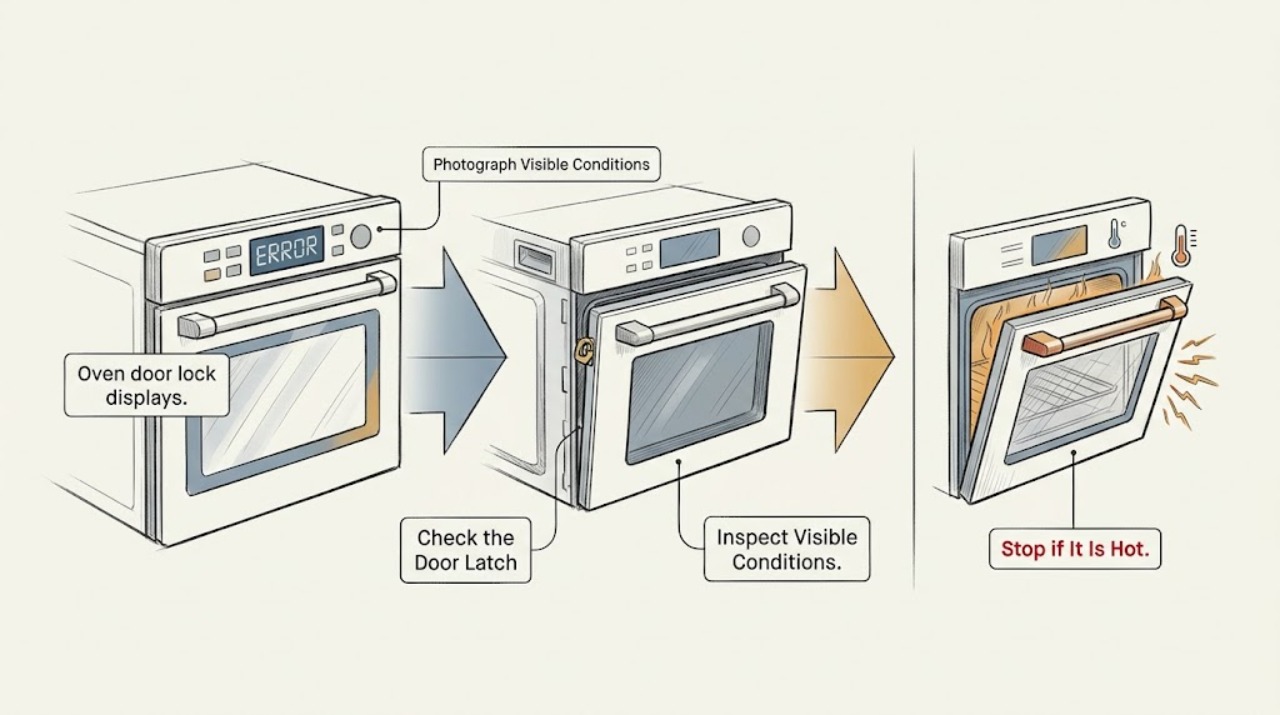
Oven door lock displays an error code: What to Check and What to Do Next
An oven door-lock error code is model-specific: it may reflect a hot or intentionally locked oven, a latch or door-switch position problem, wiring, or a control fault. Record the exact code and model, let the oven cool, and check that no self-clean cycle or control-lock feature is active.
-
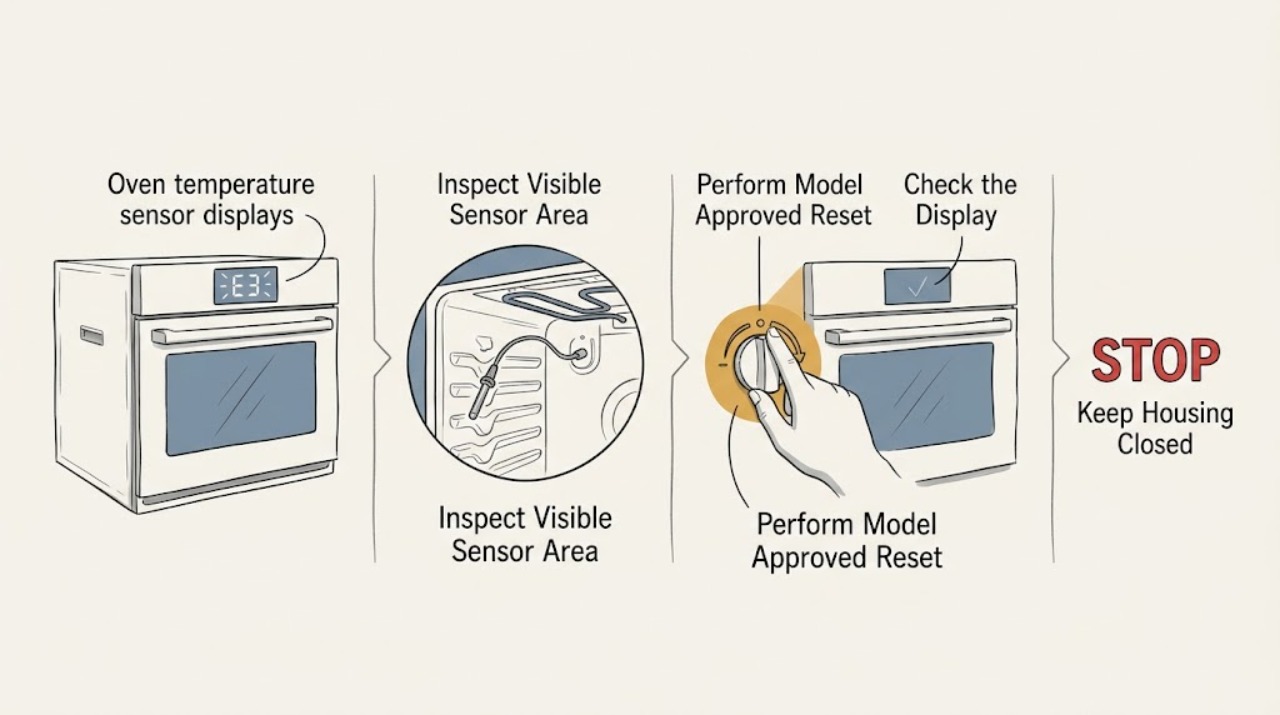
Oven temperature sensor displays an error code: What to Check and What to Do Next
An oven temperature-sensor error code does not prove that the sensor alone has failed. Depending on the model and code, the cause can be the sensor, its wiring, the control, an abnormal temperature, or a communication fault.
-
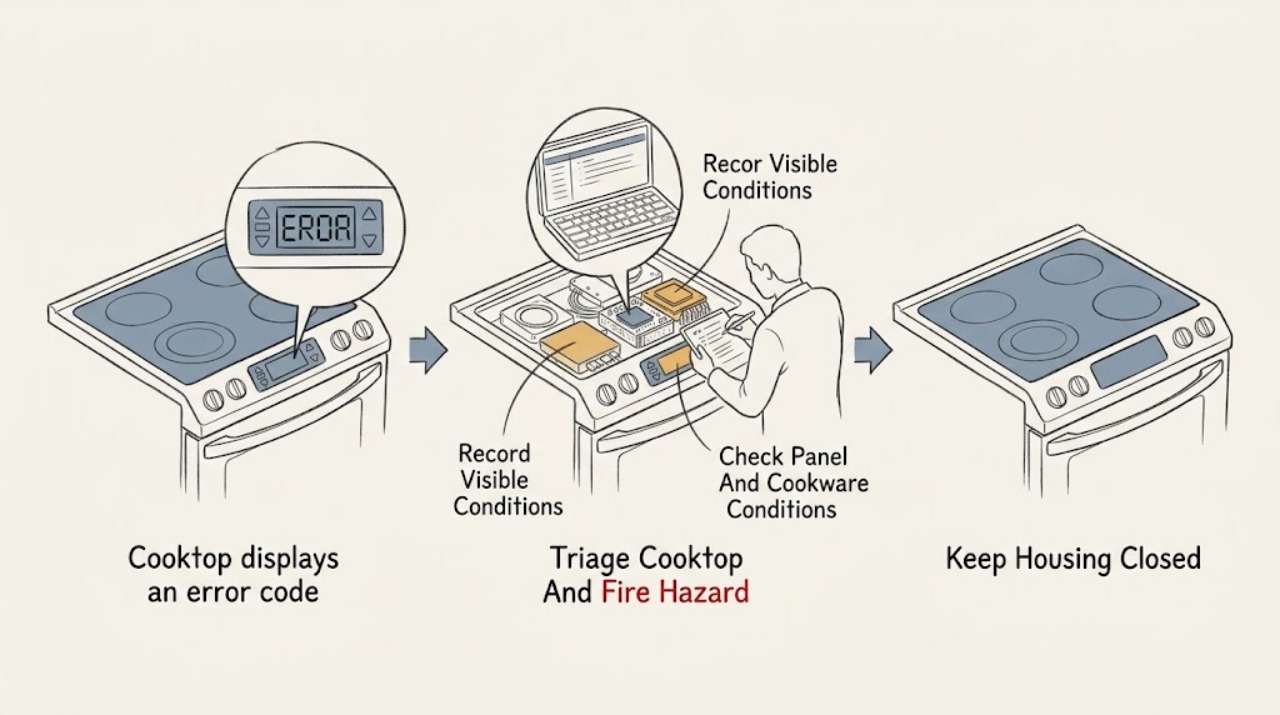
Samsung cooktop displays an error code: What to Check and What to Do Next
A Samsung cooktop error code is a symptom, not a universal diagnosis: the meaning depends on the exact model, cooktop type, country, and whether the code appears during normal cooking, startup, or self-test. Photograph or transcribe the code and model information without touching a hot surface.
-
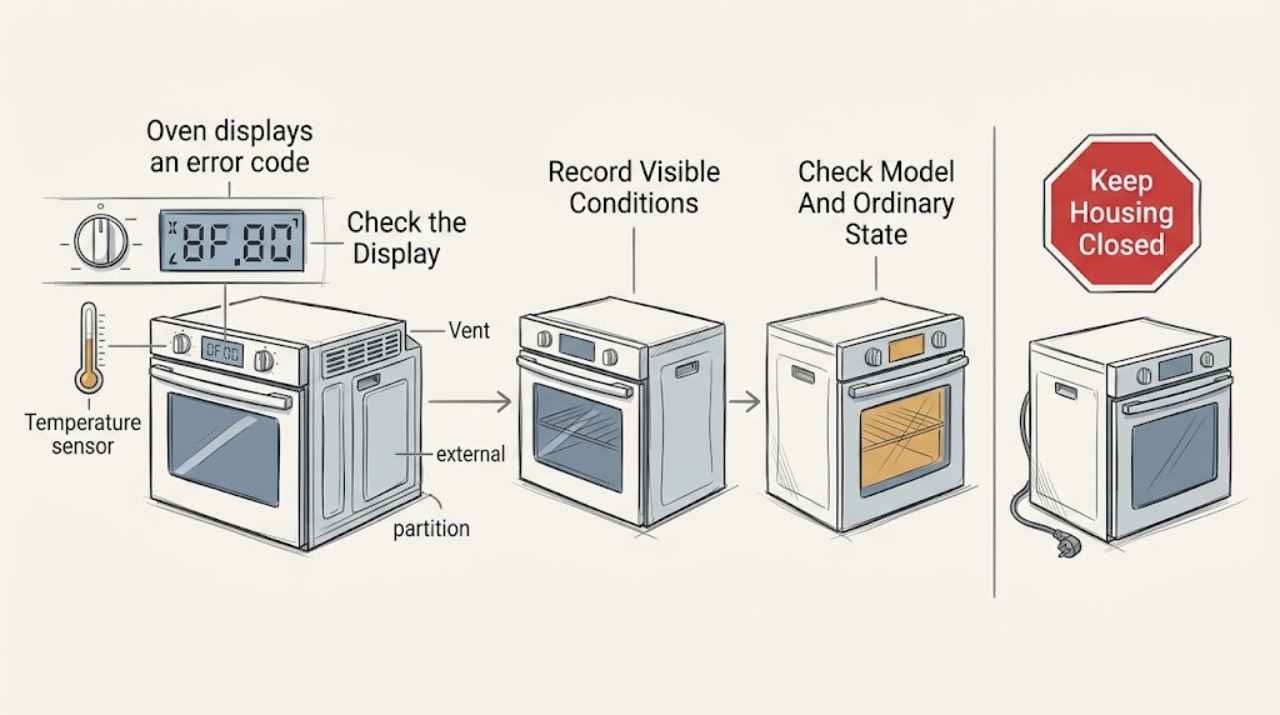
Samsung oven displays an error code: What to Check and What to Do Next
Record the complete Samsung oven message before trying to clear it. Samsung uses information codes for different conditions, including a door or divider position, Demo mode, blocked vent or high temperature, power connection, communication, or a model-specific fault.
-
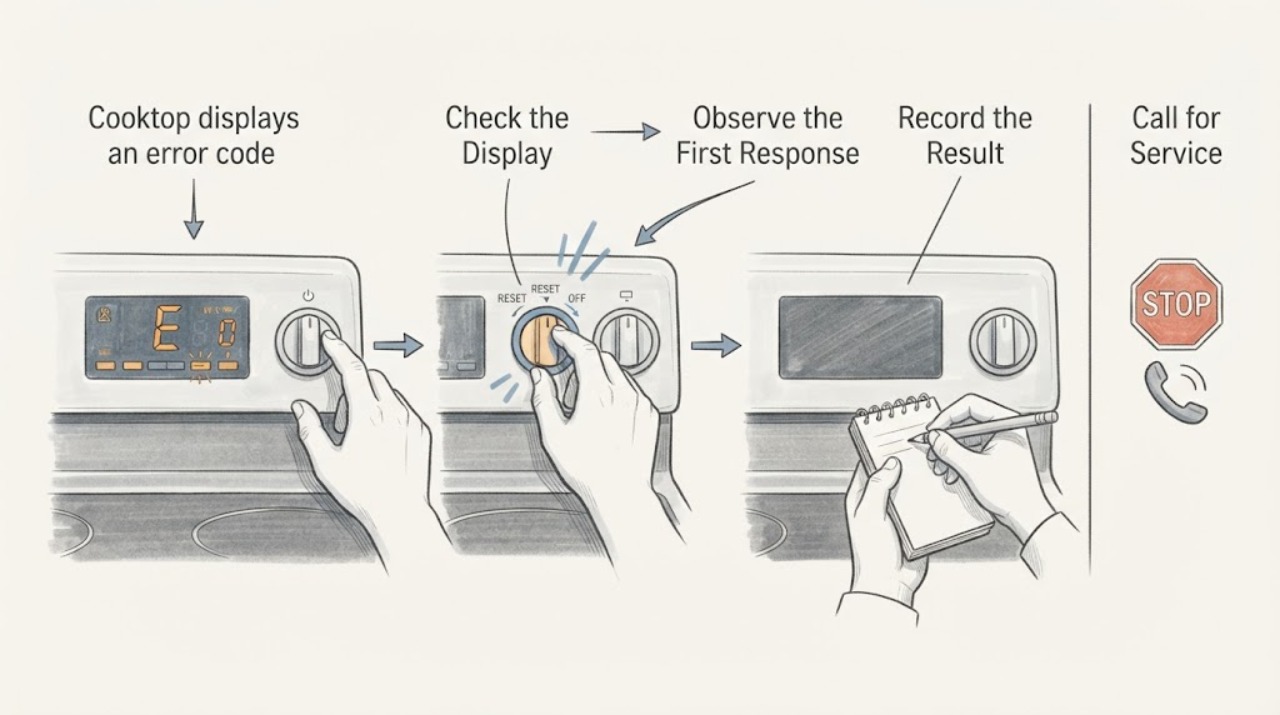
Whirlpool cooktop displays an error code: What to Check and What to Do Next
A Whirlpool cooktop error code is a diagnostic starting point, not a universal fault description. Before interpreting it, record the exact letters, numbers, spaces, flashing pattern, and whether the cooktop is electric, induction, or another model, then use the matching Whirlpool manual or Product Help page.