
Repair problem
No Power Troubleshooting Guides
Published FixGraph guidance for diagnosing and responding to no power.
Matching published guides
Choose a guide that matches the service, equipment, and conditions you are seeing.
-
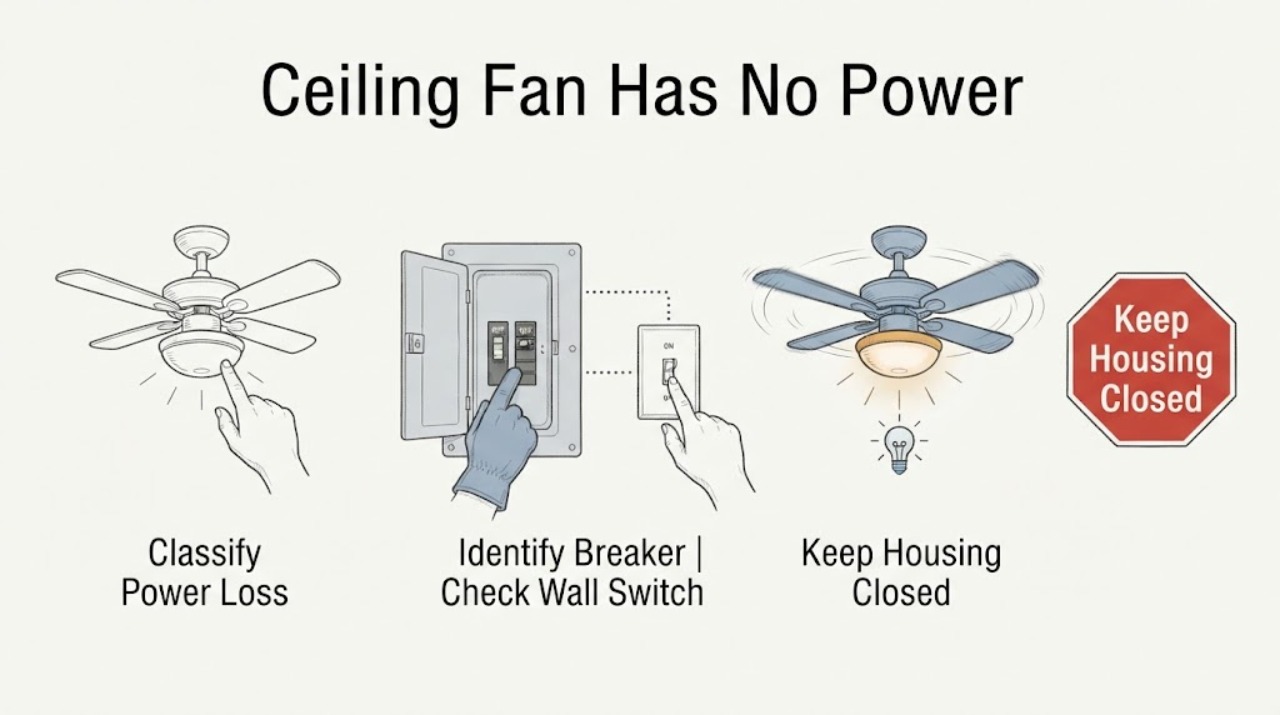
Ceiling Fan Has No Power: Check the Breaker, Switch, and Wiring Safely
When a ceiling fan has no power, first determine whether the light and fan are both dead, then check the correct circuit breaker and the wall switch or remote control without opening the canopy. If the breaker trips again, the switch is hot or damaged, wires are exposed, the fan is loose, there is an arc or burning odor, or the fan is wet, leave the circuit off and call a qualified electrician.
-
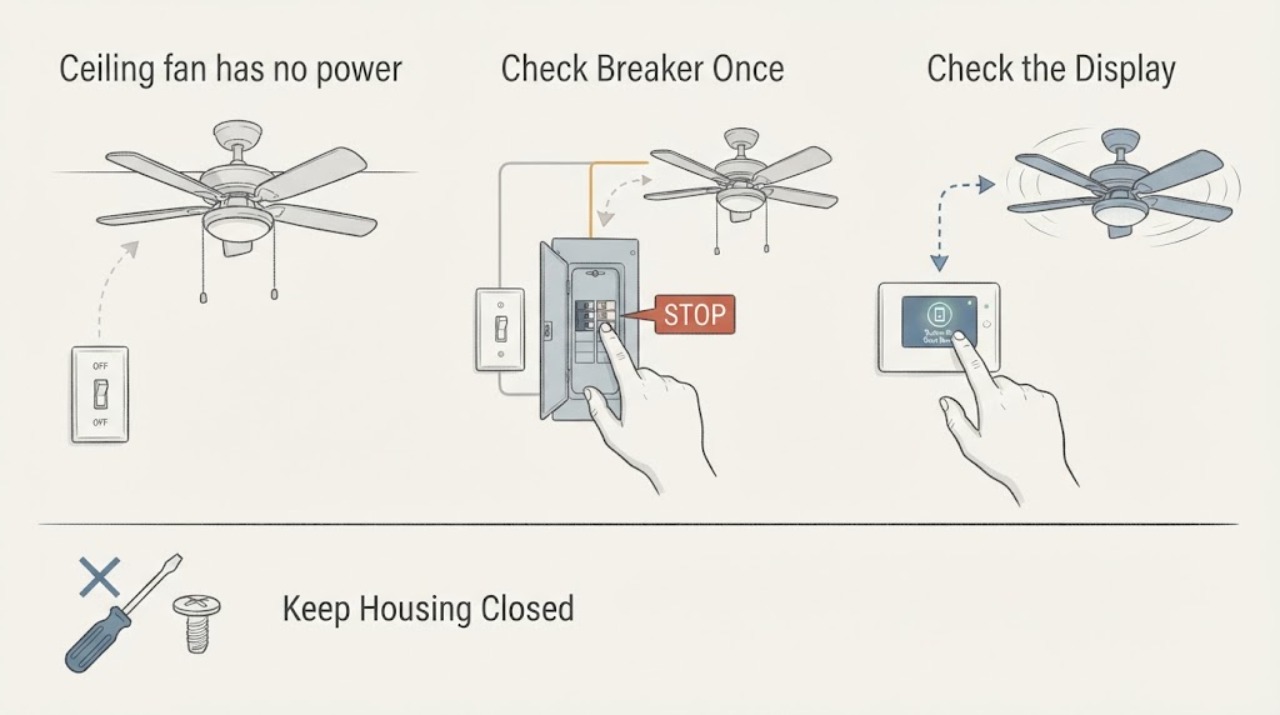
Ceiling fan has no power: What to Check and What to Do Next
If a ceiling fan has no power, first determine whether the room, wall switch, remote or pull chain, or the fan itself is the part that is unresponsive. From floor level, try the normal wall switch and the fan's normal pull-chain or remote control, and check whether the fan light or another room fixture still works.
-
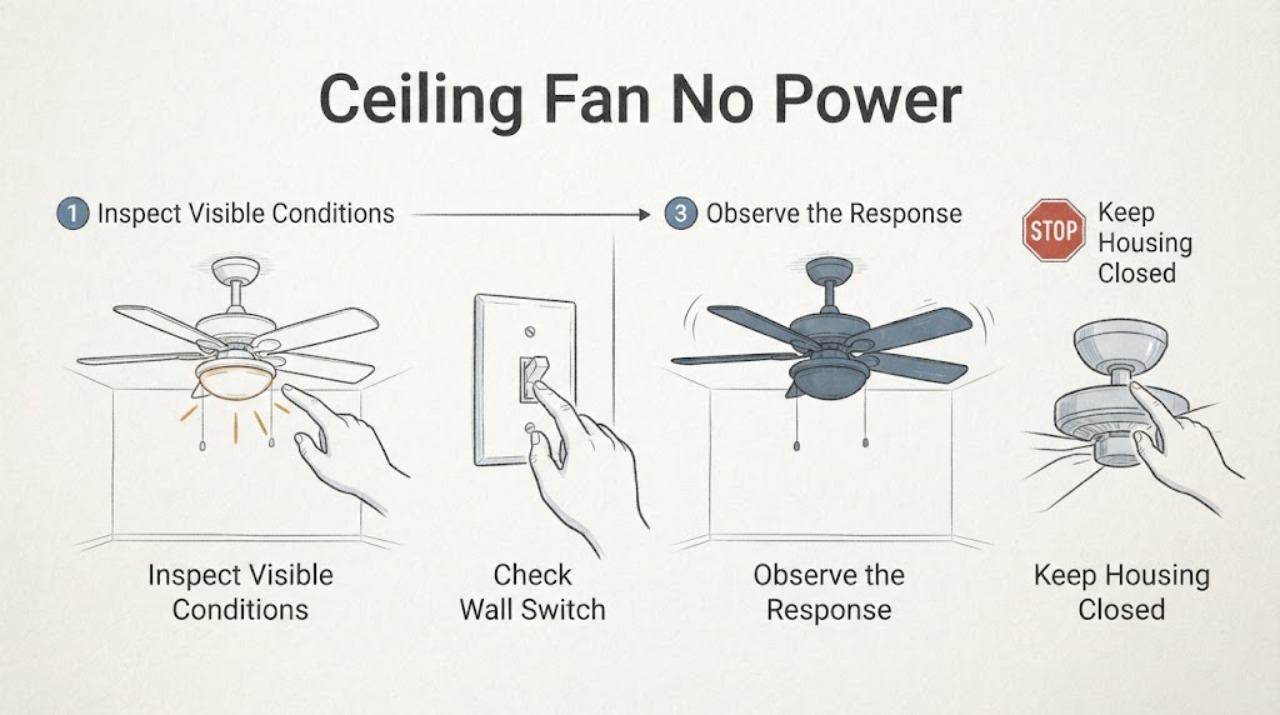
Ceiling Fan No Power at the Switch: Safe Checks Before Calling an Electrician
If a ceiling fan has no power at its wall switch, first determine whether the problem is limited to the switch/fan control or affects the circuit. Check only the accessible wall switch position, pull chain or remote, fan light, nearby same-circuit devices, and the known breaker or GFCI state.
-
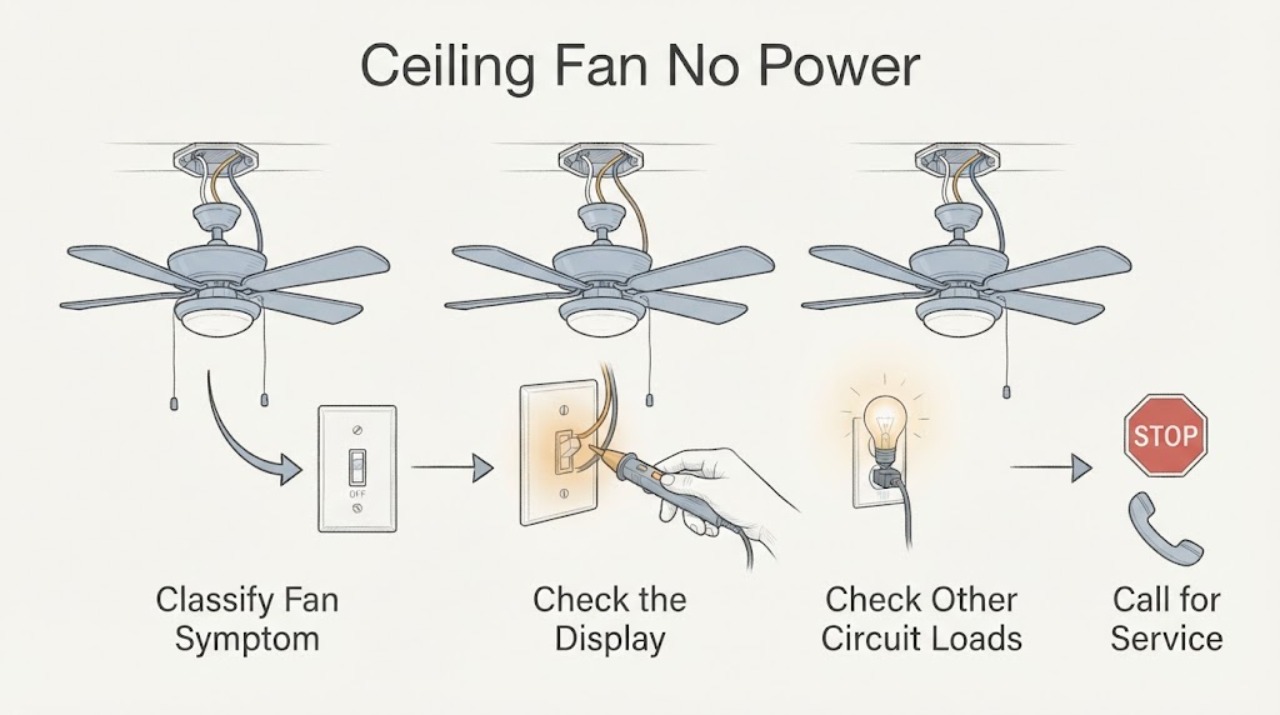
Ceiling Fan No Power: Check the Switch and Circuit Safely
A ceiling fan that has no power may have a local wall-switch or remote-control problem, a tripped circuit, a failed control, or an internal wiring fault. Start with observation only: check the switch position, remote or pull-chain setting, and whether other devices on the same known circuit work.
-
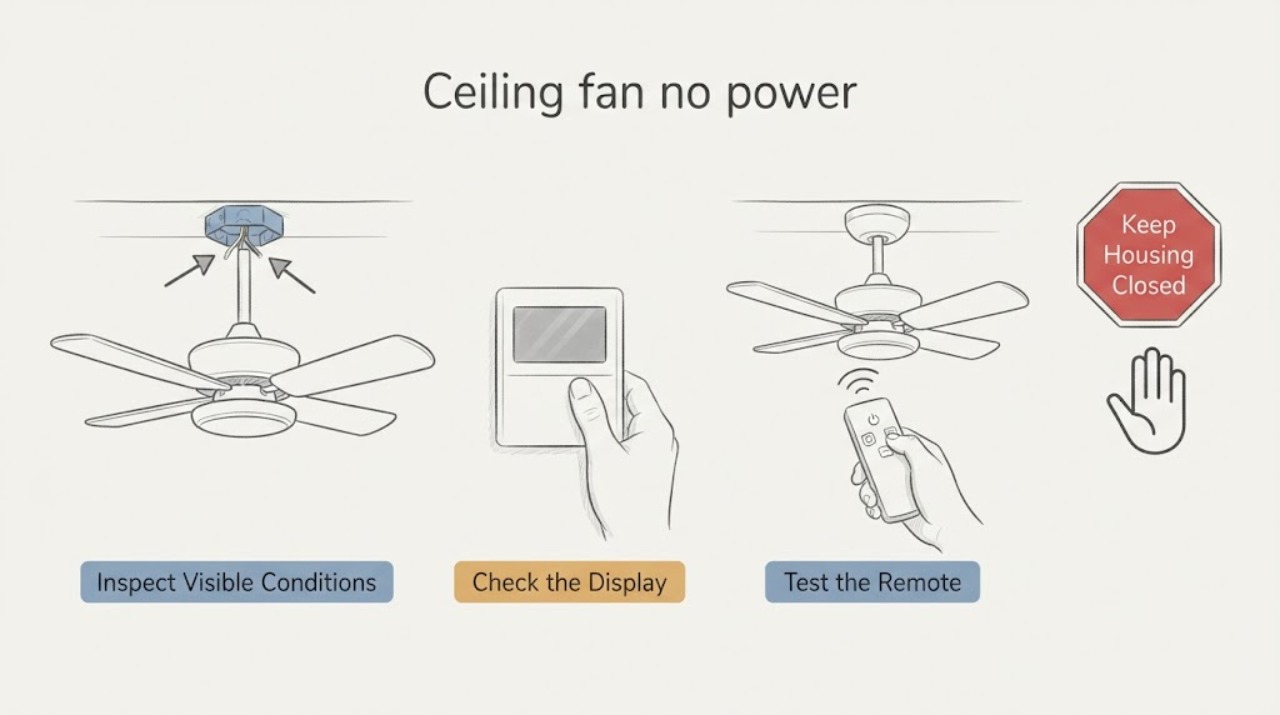
Ceiling fan no power: check the switch and breaker before calling an electrician
If a ceiling fan has no power, first confirm whether the failure is the fan, its wall switch or pull chain, its remote, or the room circuit. From the floor, try the known wall switch, pull chain, reverse switch, or remote control and see whether the fan light or another device on the same circuit works.
-
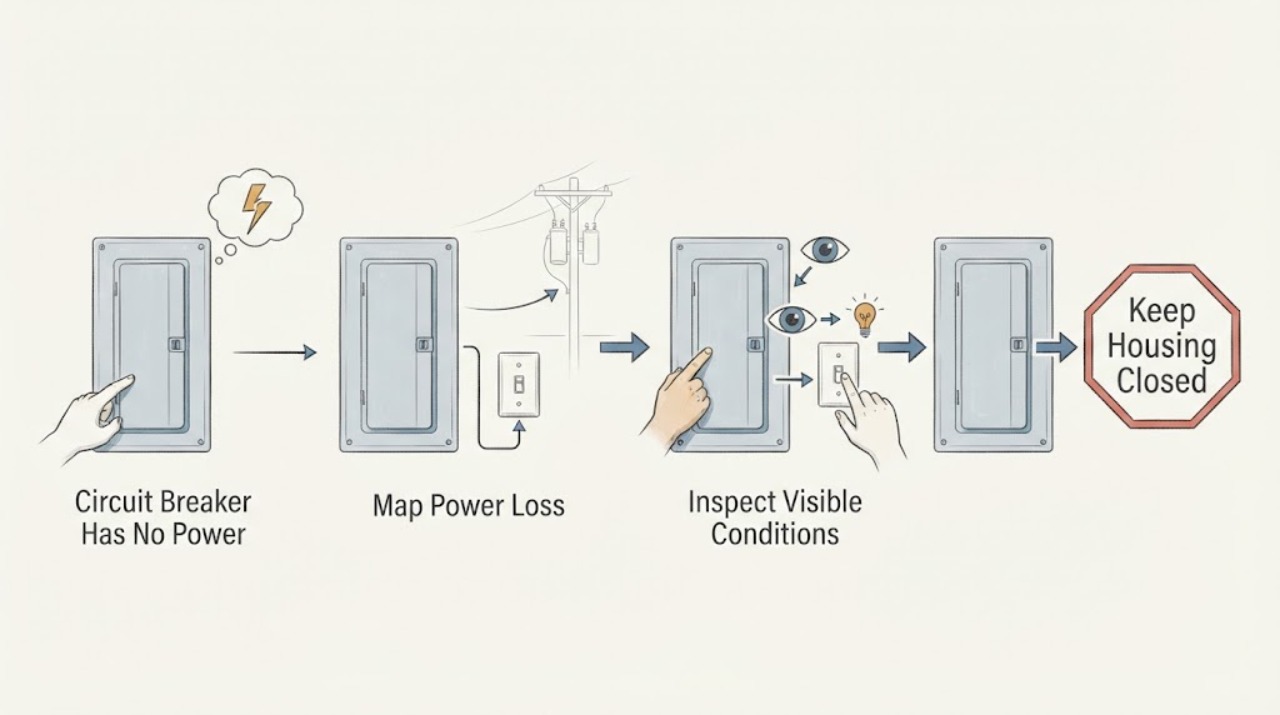
Circuit Breaker Has No Power at a Switch or Transformer: Safe Checks
If a switch or transformer downstream of a circuit breaker has no power, first determine whether the loss is limited to one load or affects a whole branch. From a dry, stable position, look at the breaker and visible labels, note whether other lights or outlets on that branch work, and inspect the switch, fixture, and transformer enclosure only from ordinary access.
-
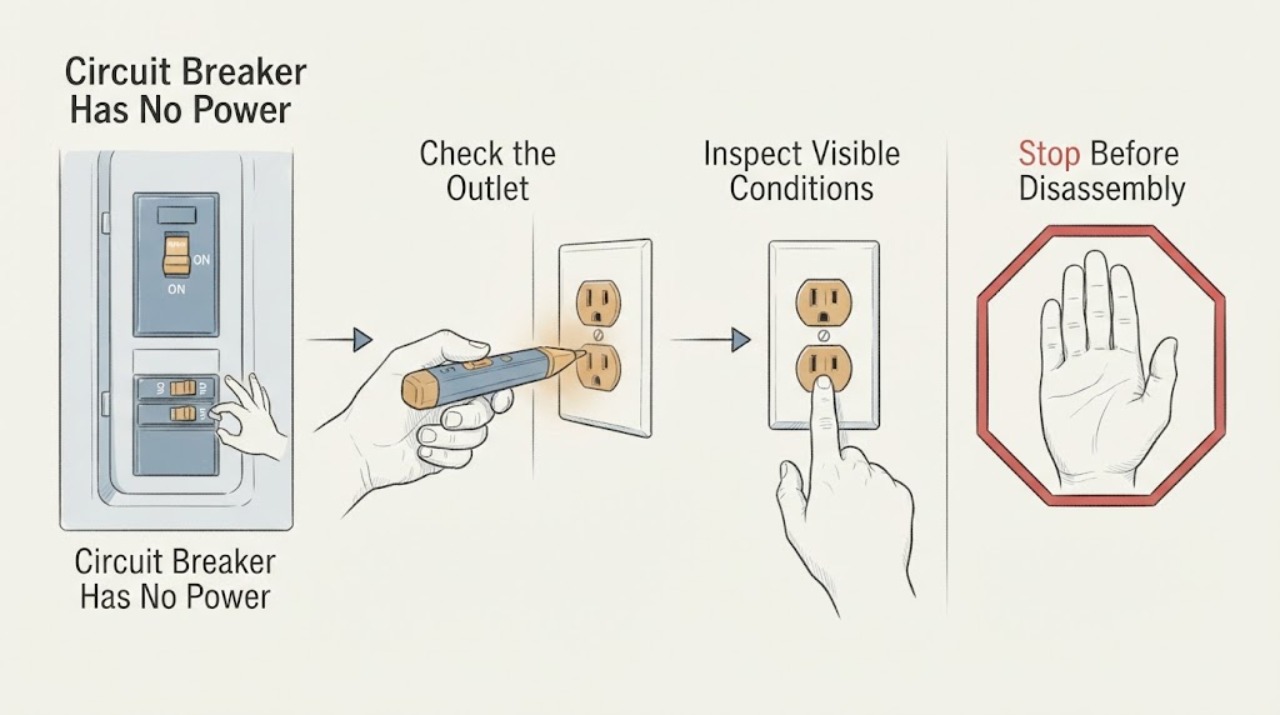
Circuit Breaker Has No Power at an Outlet: Safe Checks Before Calling an Electrician
No power at one outlet may be caused by a tripped breaker, an upstream GFCI outlet, a local outlet fault, a disconnected branch, or a failed device. From a dry position, check whether nearby outlets also lost power, inspect the breaker handle without opening the panel, and look for a GFCI with TEST and RESET buttons.
-
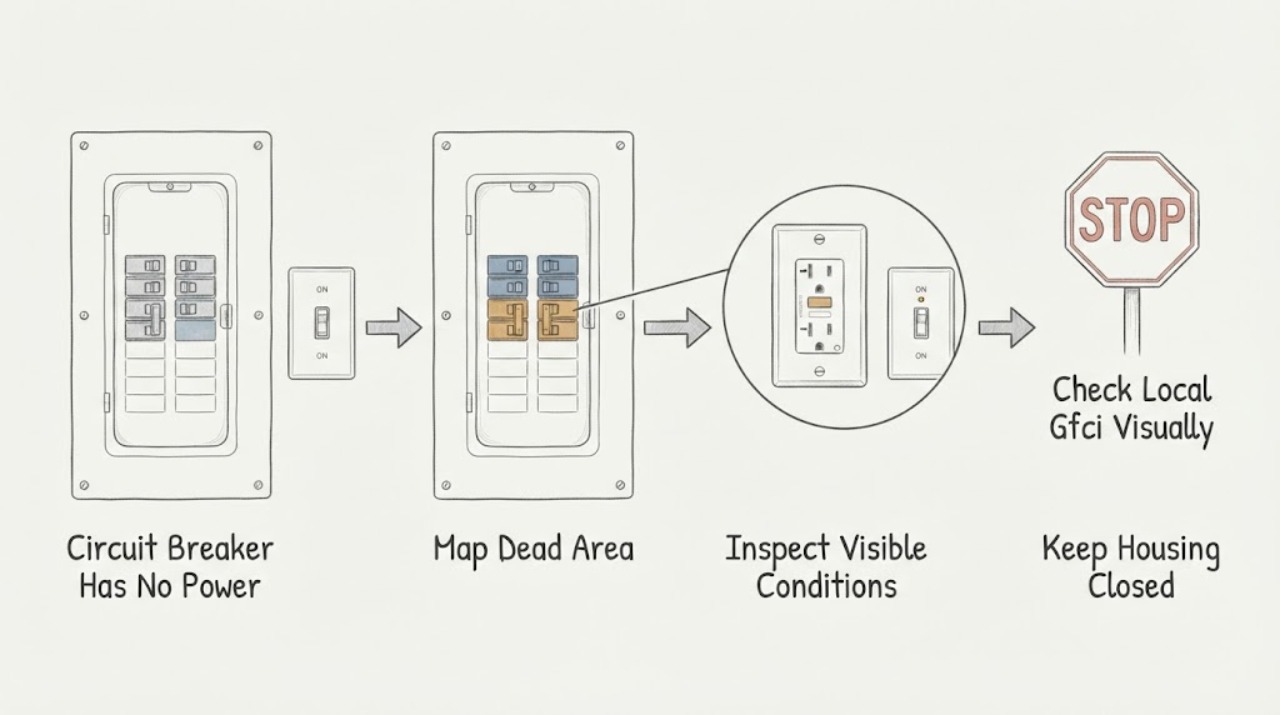
Circuit Breaker Has No Power: Check the Switch Safely
First determine whether power is missing from one outlet, one room, one breaker circuit, or the whole property. From a dry, safe position, record which lights and outlets are dead and whether the breaker handle or a nearby GFCI indicator appears tripped; do not remove a panel cover, touch wiring, measure voltage, bypass protection, or repeatedly reset the breaker.
-
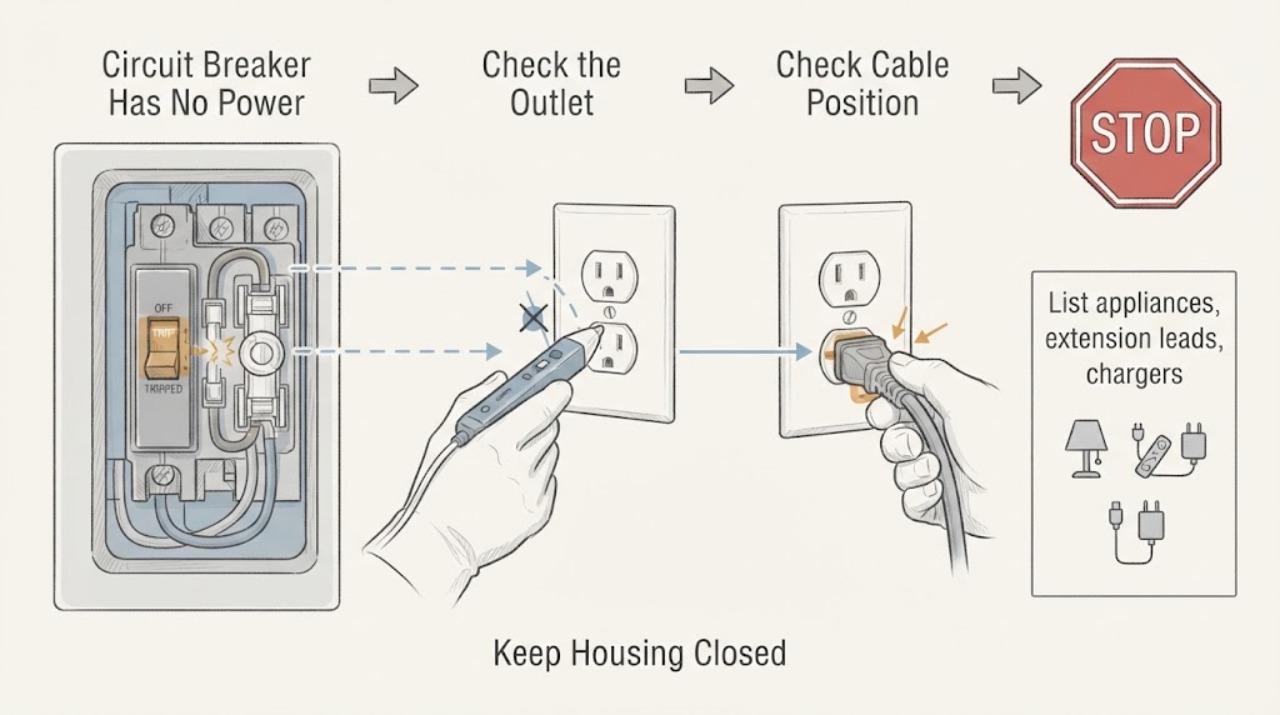
Circuit Breaker Has No Power: Safe Checks for a Fuse or Wiring Fault
When a circuit has no power, first determine whether the loss is limited to one outlet or room and look for a tripped breaker, an open fuse, a utility outage, or an obvious external hazard. Only use dry, accessible controls and disconnect a suspect appliance if it can be done without touching damaged equipment.
-
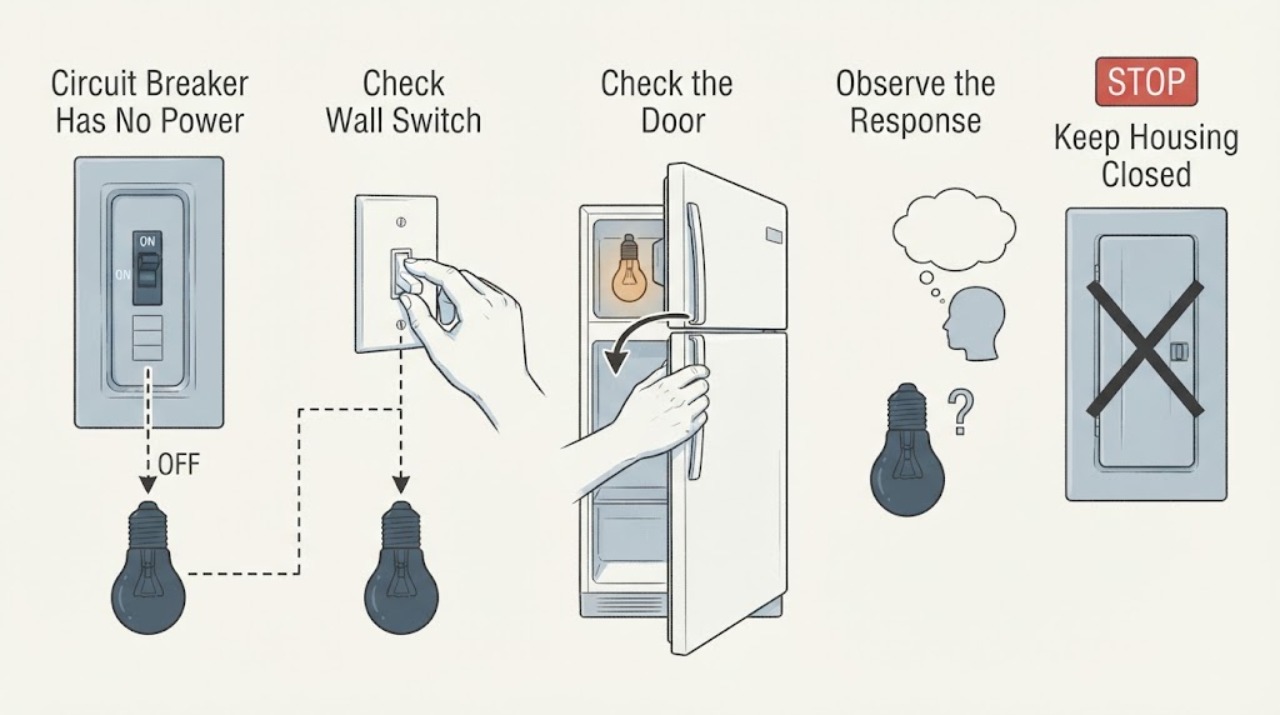
Circuit Breaker Has No Power: Safe External Checks
When a circuit breaker has no power at its outlets or lights, first determine whether the outage is limited to one circuit or affects the whole home. With the panel cover closed, you may observe a clearly tripped handle and, only if the enclosure is intact, dry, accessible, and shows no warning sign, make one external reset attempt after switching off or unplugging accessible loads.
-
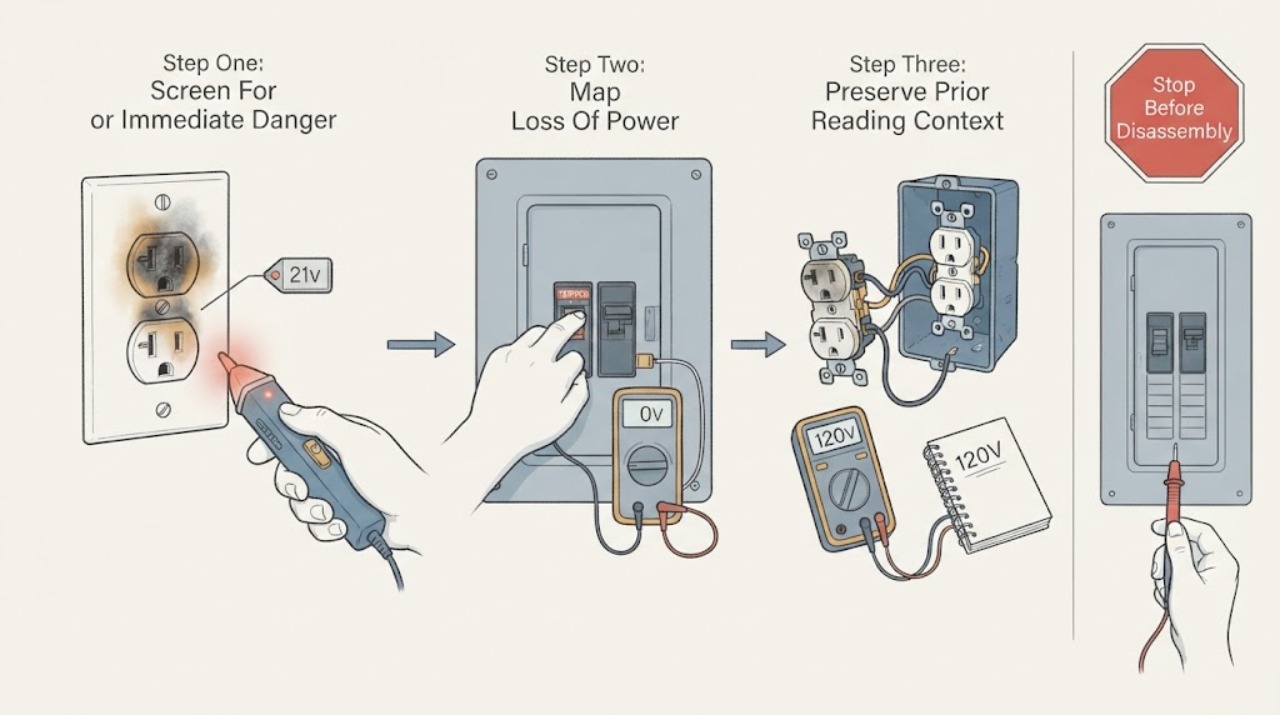
Circuit Breaker No Power After a Burnt Outlet Was Replaced
No power after a receptacle was burnt and replaced is a high-risk electrical fault, not a situation to solve by plugging in the television or taking another voltage reading. Treat the reported 21V as an unverified prior observation, not as a safe or confirmed diagnosis.
-
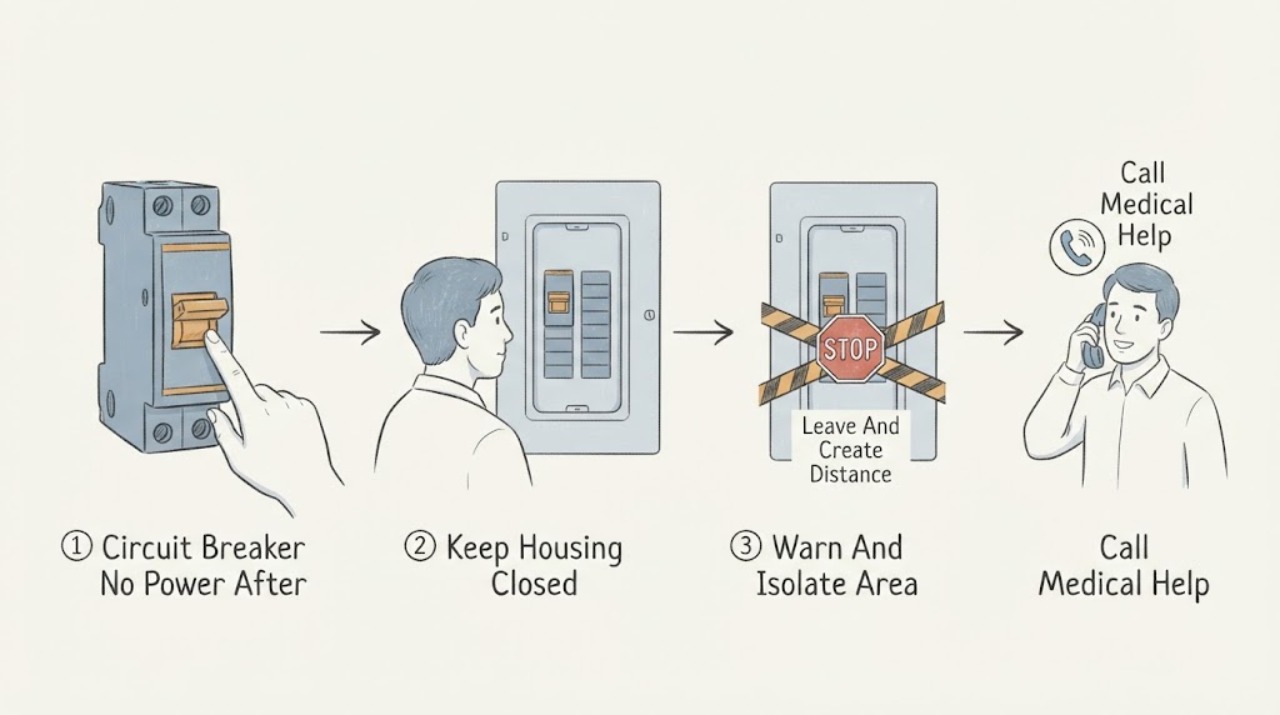
Circuit Breaker No Power After a Shock Outside the Box: Stay Away and Get Help
A shock from the outside of a breaker box is an electrical emergency, even if the shock seemed small and power is now off. Move away from the box and the surrounding floor, keep everyone else away, and do not touch the box, its cover, nearby wiring, switches, pipes, or another person who may still be in contact.
-
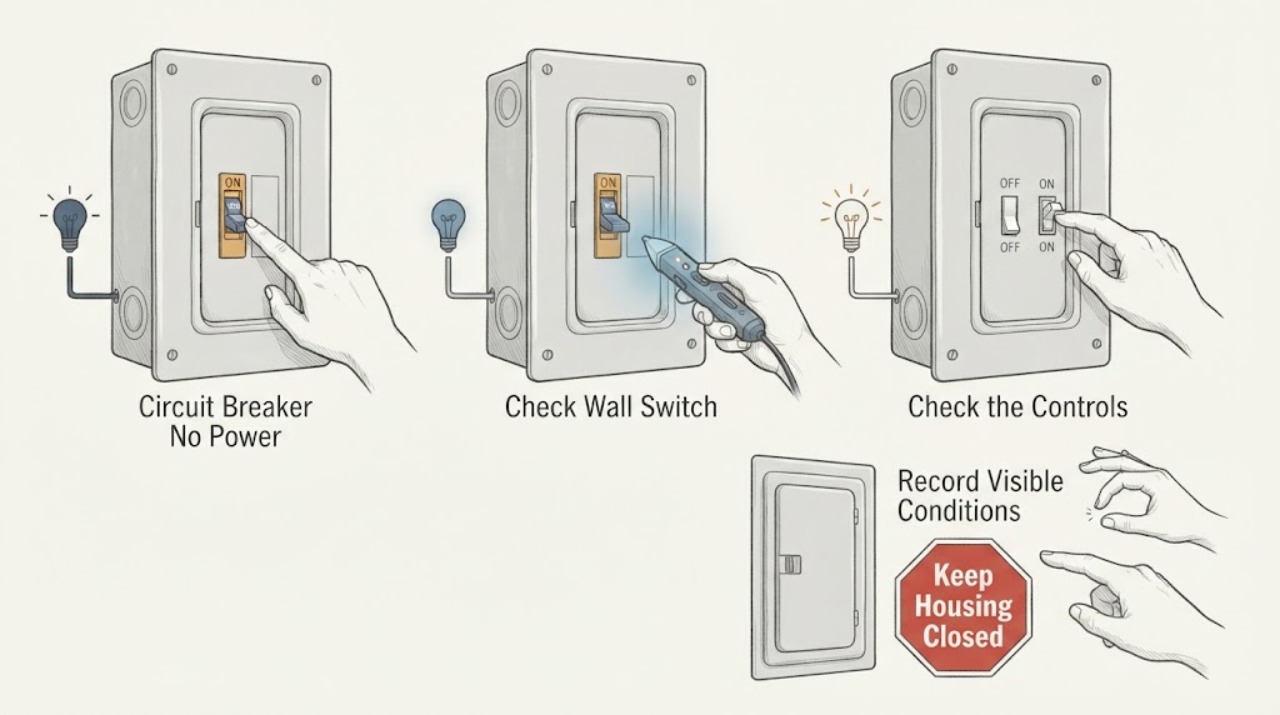
Circuit Breaker No Power: What a Fuse Fault Can Mean and When to Stop
If a circuit has no power and the suspected protective component is a fuse, treat the missing power as a protective shutdown until an electrician confirms the cause. A fuse can open because of an overload, short, damaged appliance, wiring fault, moisture, or an incorrectly rated or aging device; a dark fuse window or dead circuit does not tell you which cause is present.
-
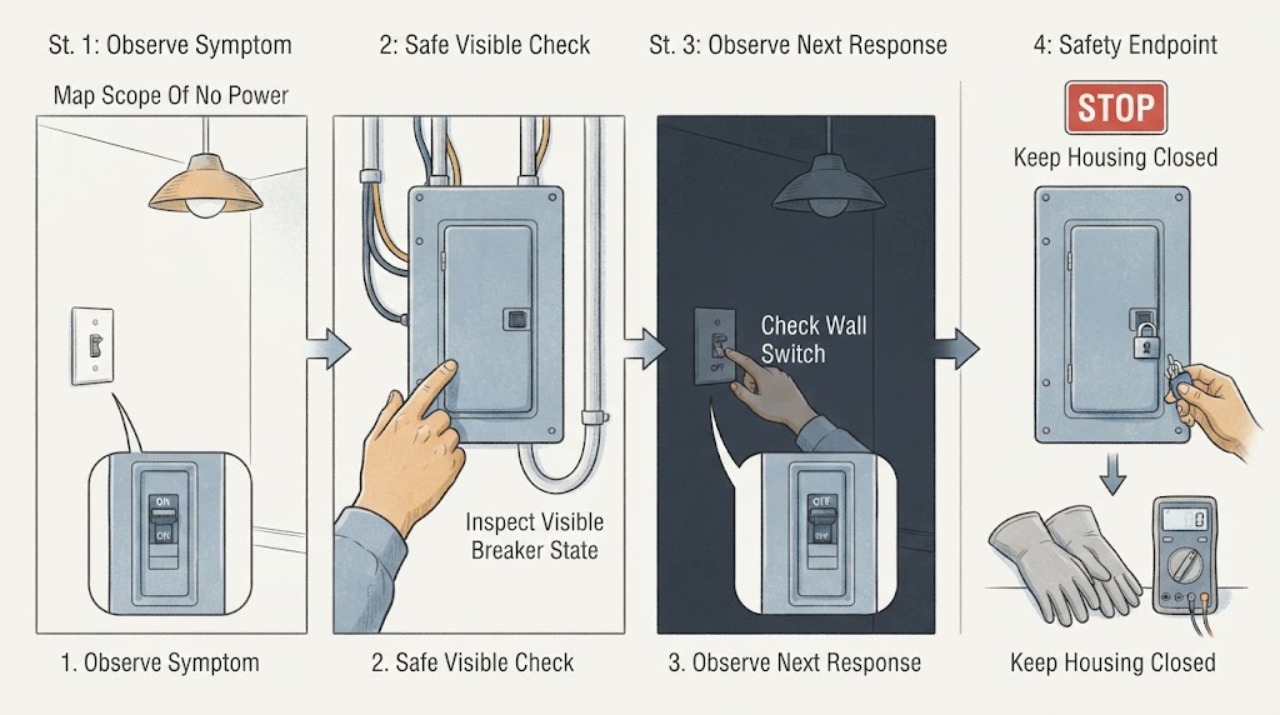
Circuit Breaker No Power: Safe Checks for the Switch and Wiring
When a circuit breaker has no power, first determine whether one outlet or circuit is dead, several circuits are dead, or the whole home has lost power. From a dry position, note the breaker handle, nearby lights and outlets, and any visible switch, receptacle, cord, or panel symptoms.
-
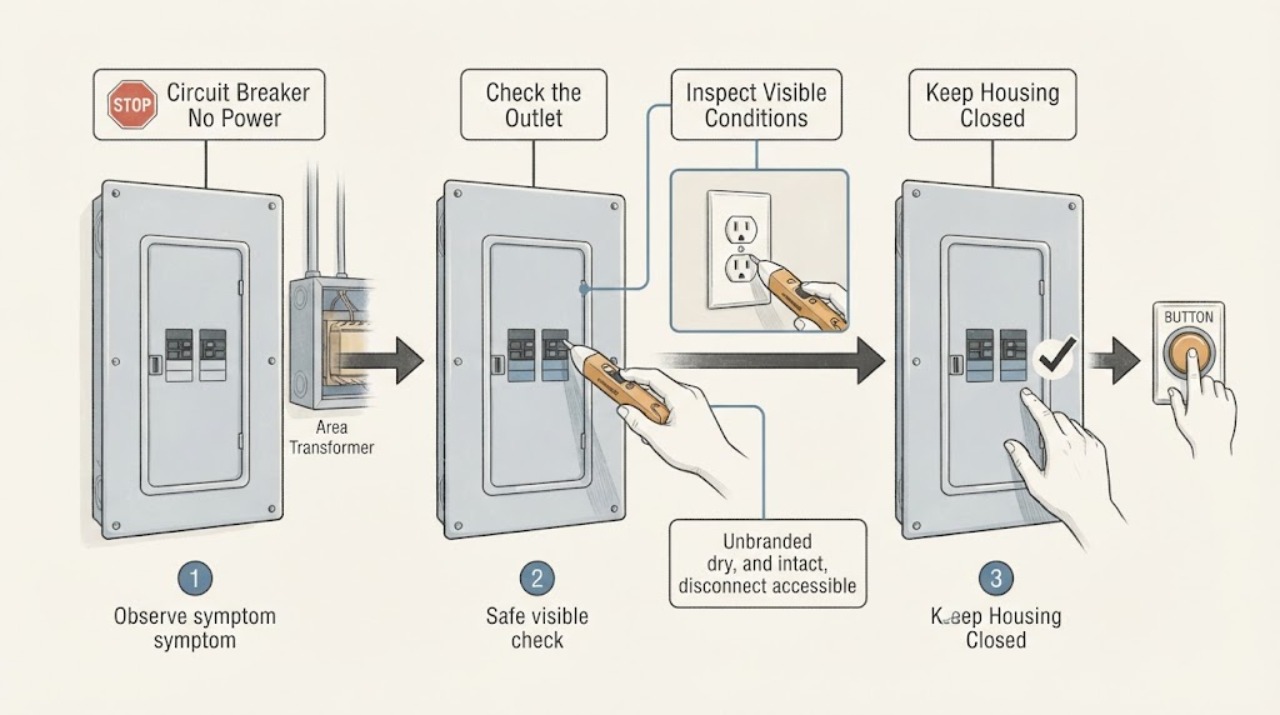
Circuit Breaker No Power: Transformer-Safe Checks
If a circuit breaker appears on but the equipment associated with the transformer has no power, do not assume the transformer is the only cause. The lost power may be limited to one branch, a receptacle or control circuit, a GFCI or AFCI protective device, a failed breaker or connection, a utility interruption, or the transformer itself.
-
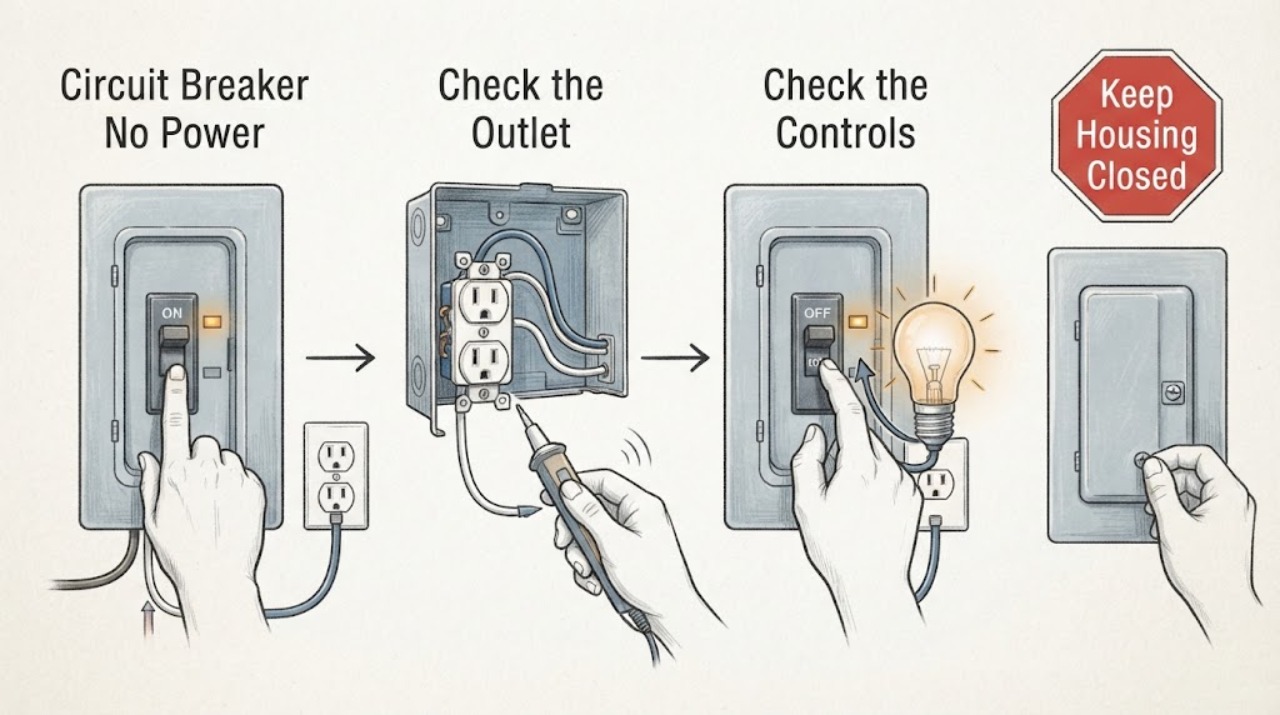
Circuit Breaker No Power: Safe Checks for a Wiring Fault
If a circuit breaker has no power, first separate a normal outage or tripped protective device from a wiring fault. From a dry, safe position, note whether one outlet or light, one branch, or the whole home is affected; look at the breaker handle and any accessible GFCI or AFCI indicator without removing a panel cover; and record any smell, heat, buzzing, flicker, spark, shock, or water.
-
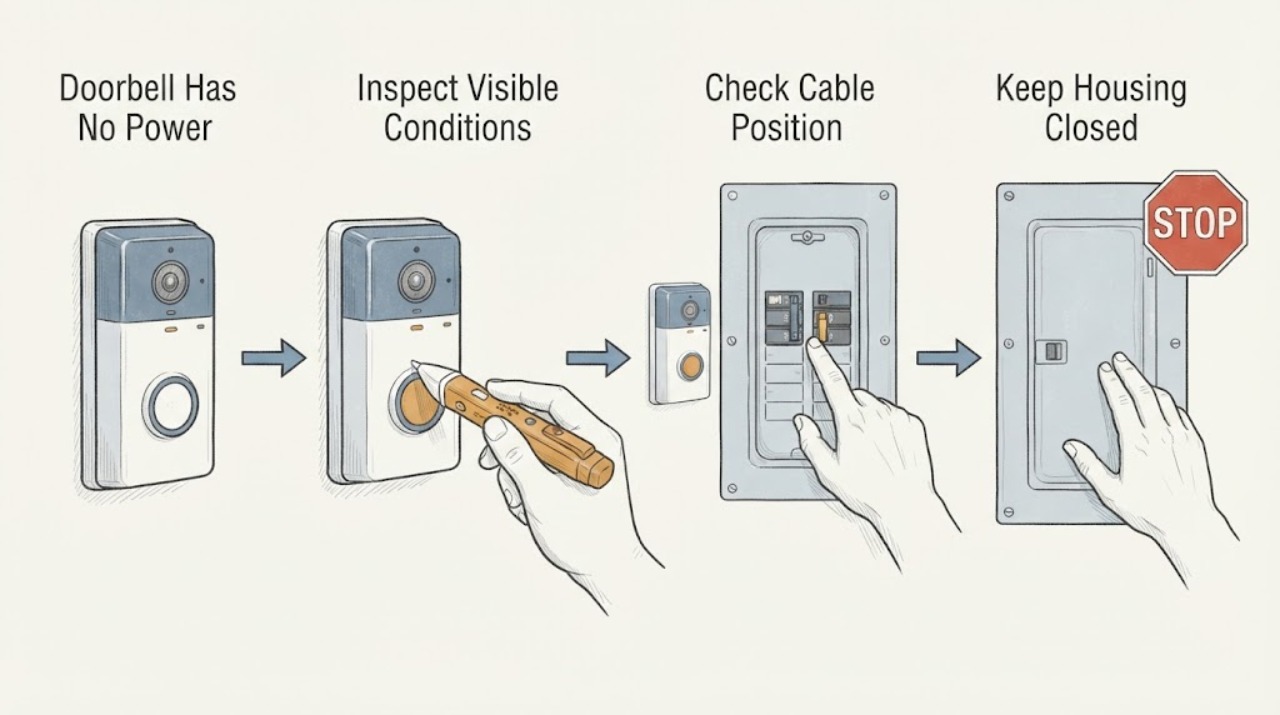
Doorbell Has No Power: Check the Breaker and Power Type Safely
A doorbell with no power may be battery-powered with a flat battery, hardwired through a low-voltage transformer, or connected to a plug-in adapter. First determine which type you have and whether the loss affects only the doorbell, the indoor chime, a nearby outlet, or a wider circuit.
-
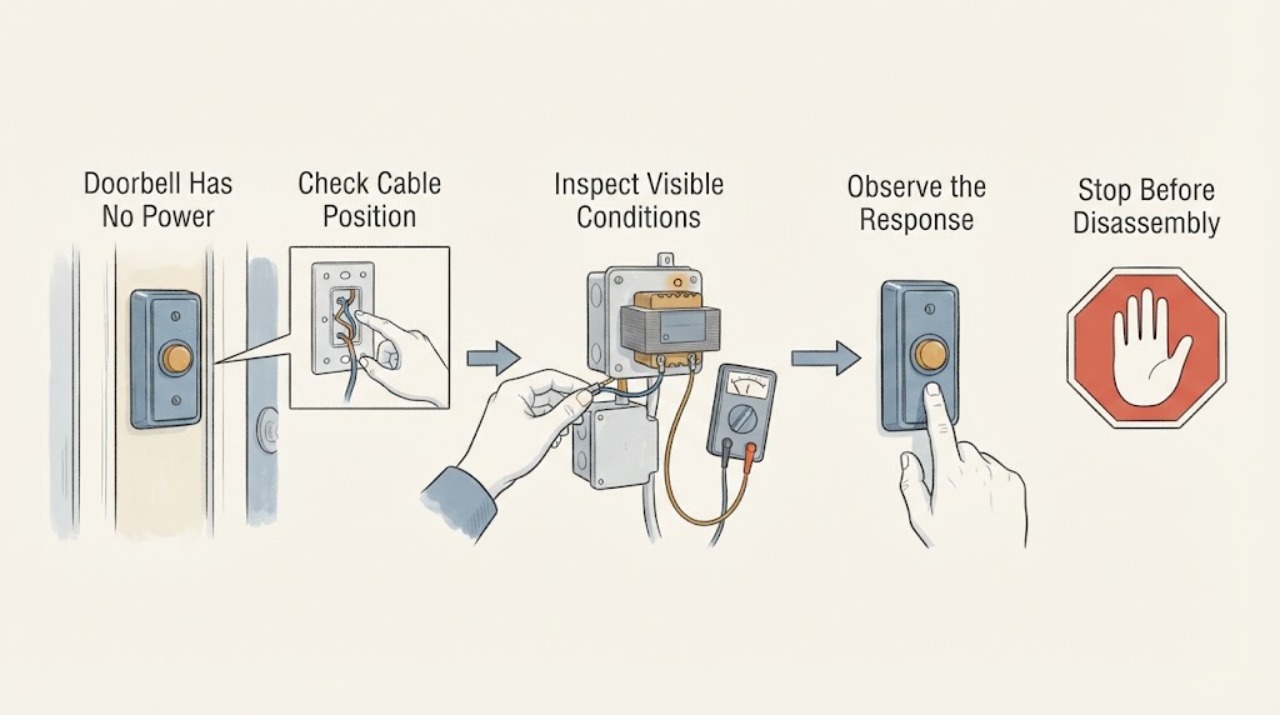
Doorbell Has No Power: Check the Breaker, Transformer, and Wiring Safely
First establish whether the doorbell is a wired system or a battery device and what actually stopped: the button, indoor chime, indicator, or every doorbell function. For a wired system, check the supplying breaker from outside the panel and look for an upstream GFCI with TEST and RESET buttons.
-
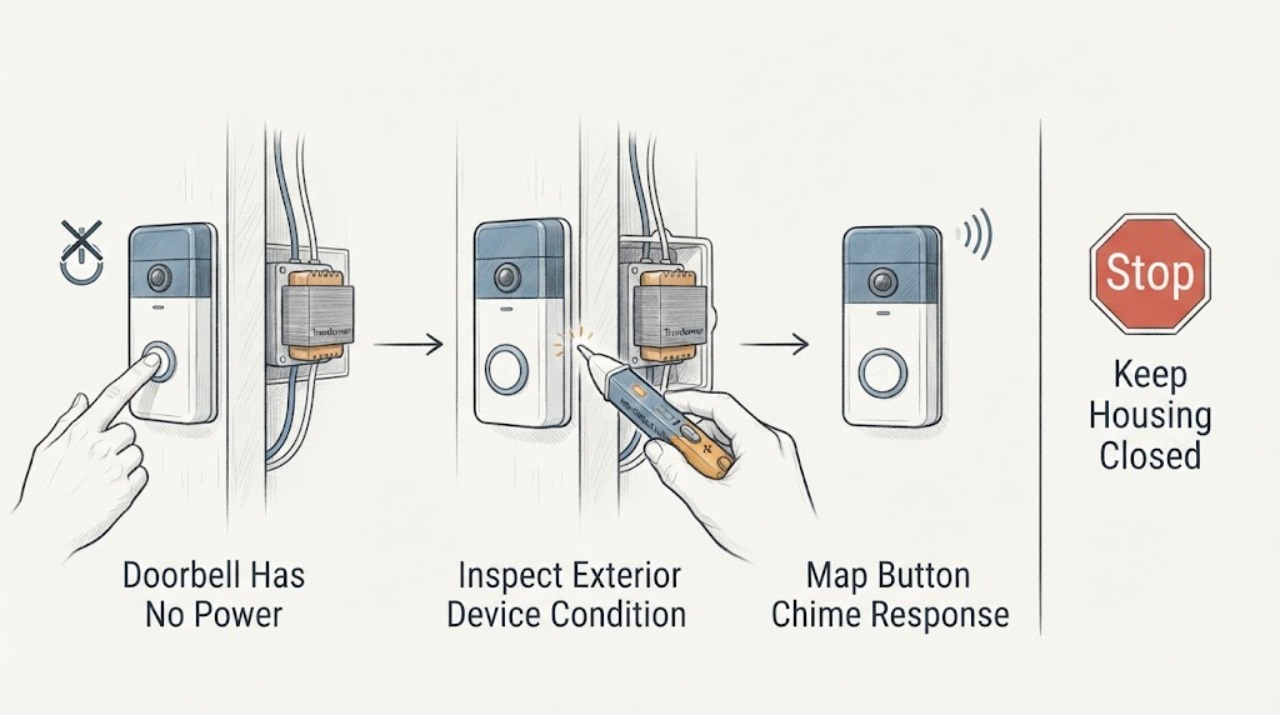
Doorbell Has No Power: Check the Button, Chime, Transformer, and Wiring Safely
When a wired doorbell has no power, first separate a dead button or chime from a missing supply to the transformer and a damaged low-voltage path. Note whether pressing the button produces a click, hum, chime, light, or app event, and whether the chime or doorbell shows any normal sign of power.
-
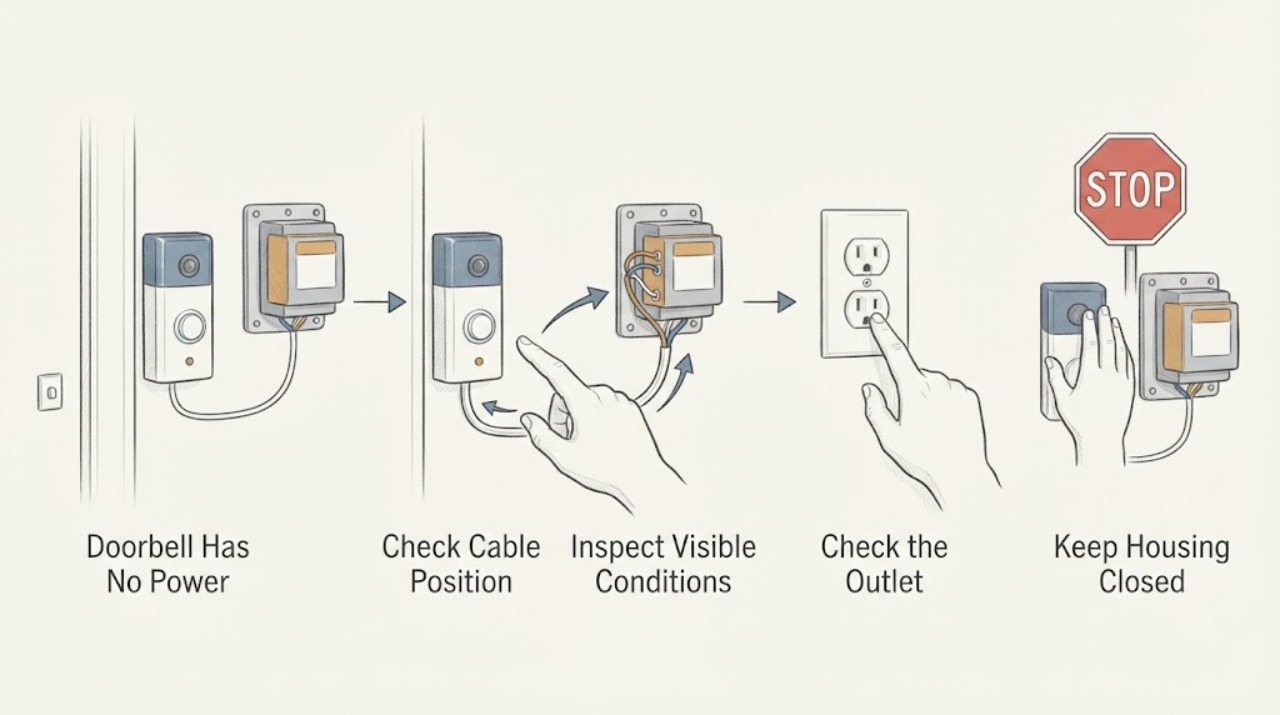
Doorbell Has No Power: Check the Safe Visible Causes Before the Transformer
A doorbell with no power may have a depleted battery, an incorrect app state, a tripped household circuit, a switched-off or failed transformer, a disconnected low-voltage path, or a failed button, chime, or smart-doorbell device. First identify whether the doorbell is battery-powered, plug-in, or wired to a transformer, then check only the visible device indicator, app status if applicable, button response, and clearly labeled power status.
-
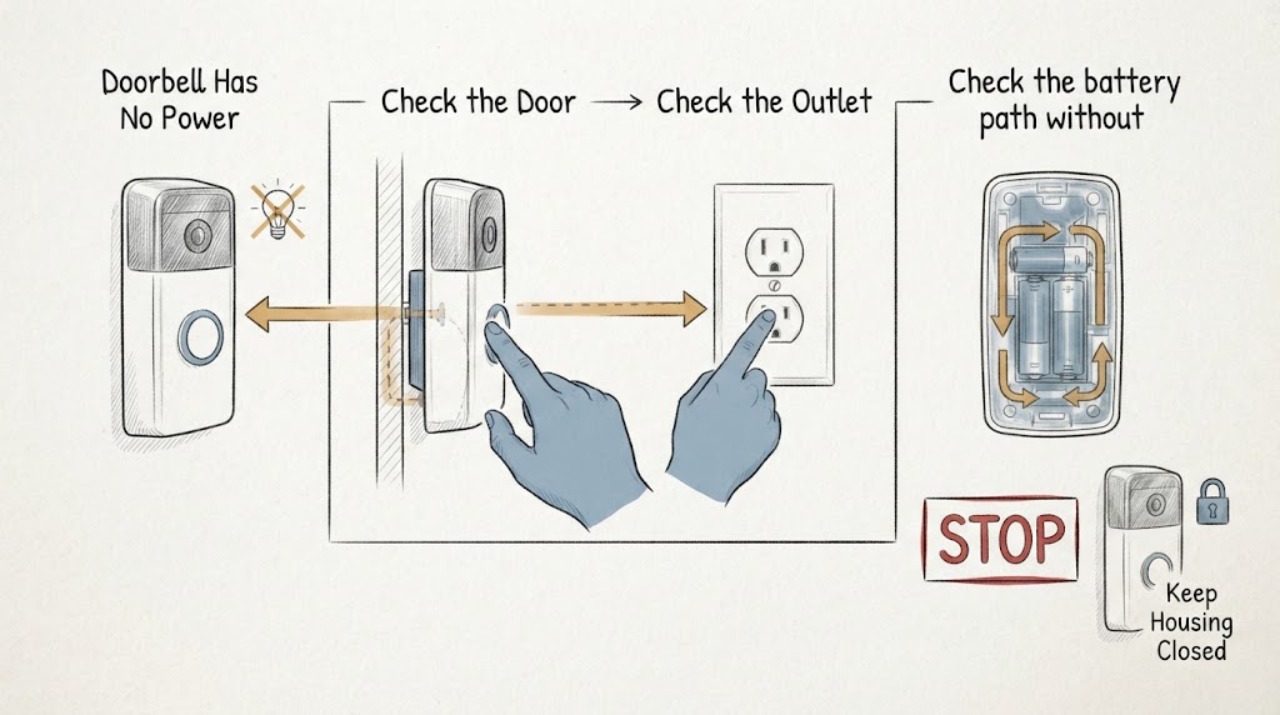
Doorbell Has No Power: Safe Checks for Wired and Battery Models
First distinguish a dead doorbell from a silent indoor chime: check the doorbell's status light or app, whether any other doorbell or chime function works, and whether the system is wired or battery-powered. For a wired system, verify only the external breaker, switch, outlet, or plug-in adapter that supplies it, and inspect visible equipment for damage without opening an electrical panel or probing wires.
-
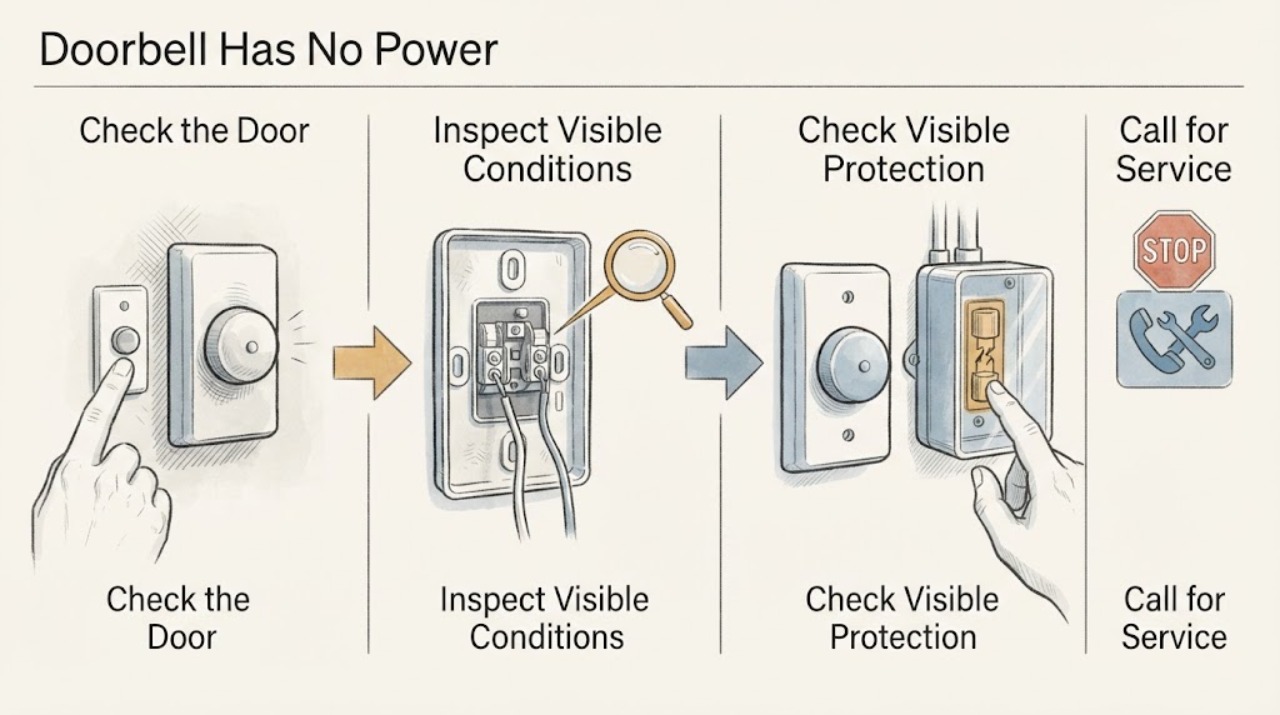
Doorbell Has No Power: Safe Wiring and Transformer Checks
A doorbell that has no power may have a drained battery, a switched-off or failed transformer, a tripped protective device, a broken low-voltage connection, a wet or damaged button, or an incompatible power supply. First identify whether the doorbell is battery-powered, hardwired, or part of a smart system, then observe the device, chime, transformer label, and visible breaker or GFCI status from a dry, safe position.
-
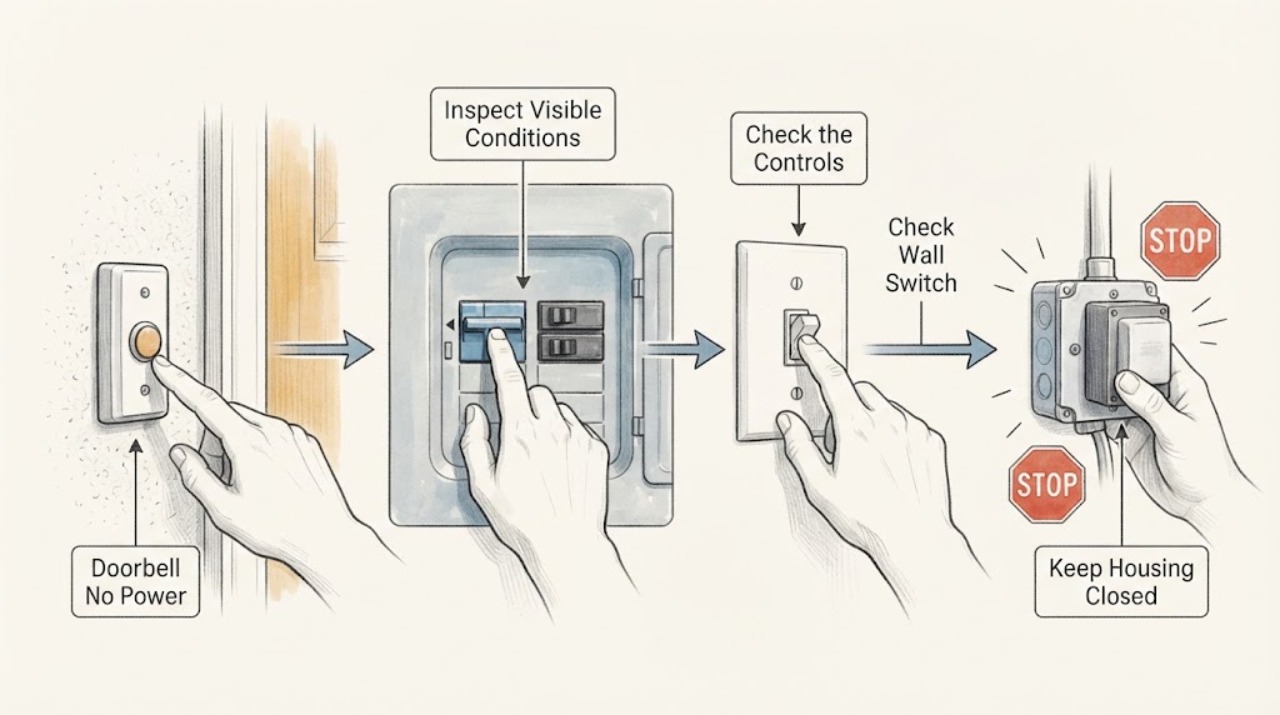
Doorbell No Power: Check the Breaker, Switch, and Transformer Safely
If a wired doorbell has no power, first separate a dead button or chime from a lost supply to the doorbell system. From a dry, safe position, note whether the button, chime, and any status light are all dead, check the visible breaker or fuse label and any ordinary switch that may control the chime, and inspect only the outside of the chime, transformer, and low-voltage wire route for heat, damage, or water.
-
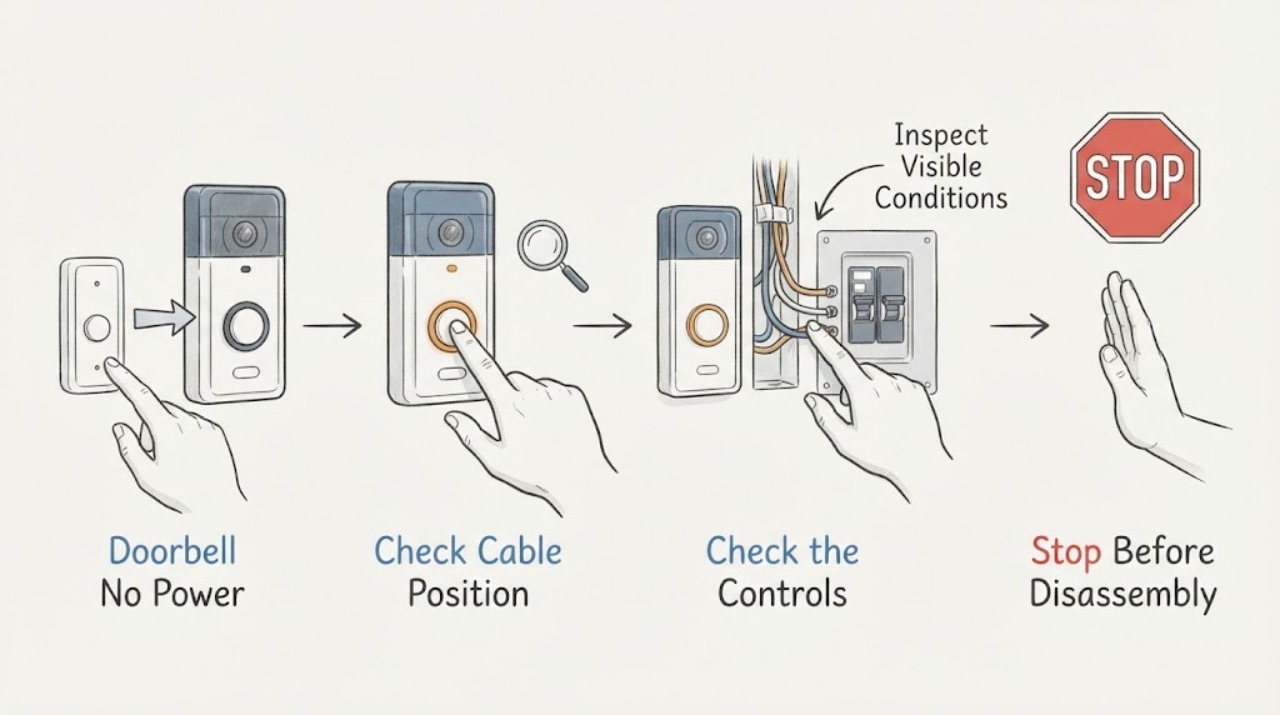
Doorbell No Power: Safe Breaker and Wiring Checks
A doorbell with no power may be battery-powered with a depleted battery, a wired system with an interrupted breaker or transformer supply, a failed chime or button, or a wiring fault. First identify whether the doorbell and chime are wired or wireless, then check only the user-visible battery, app/status light, button and chime behavior, and the visible state of the labeled breaker or outlet.
-
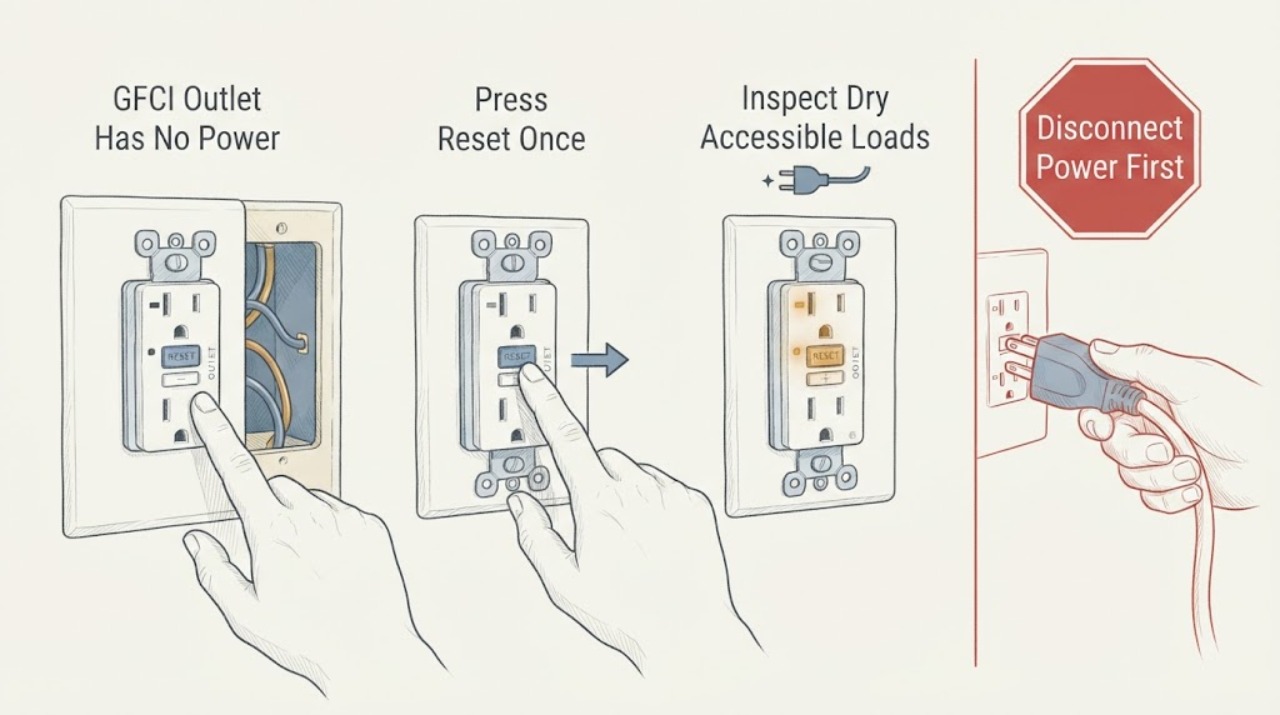
GFCI Outlet Has No Power: Check Circuit Wiring Safely
A GFCI outlet with no power may simply be tripped, may be downstream of another tripped GFCI or breaker, or may be unable to reset because there is no upstream supply, a continuing ground fault, damaged wiring, a failed device, or a line/load installation issue. From a dry, safe position, look for water, heat, discoloration, looseness, smoke, sparks, or exposed damage.
-
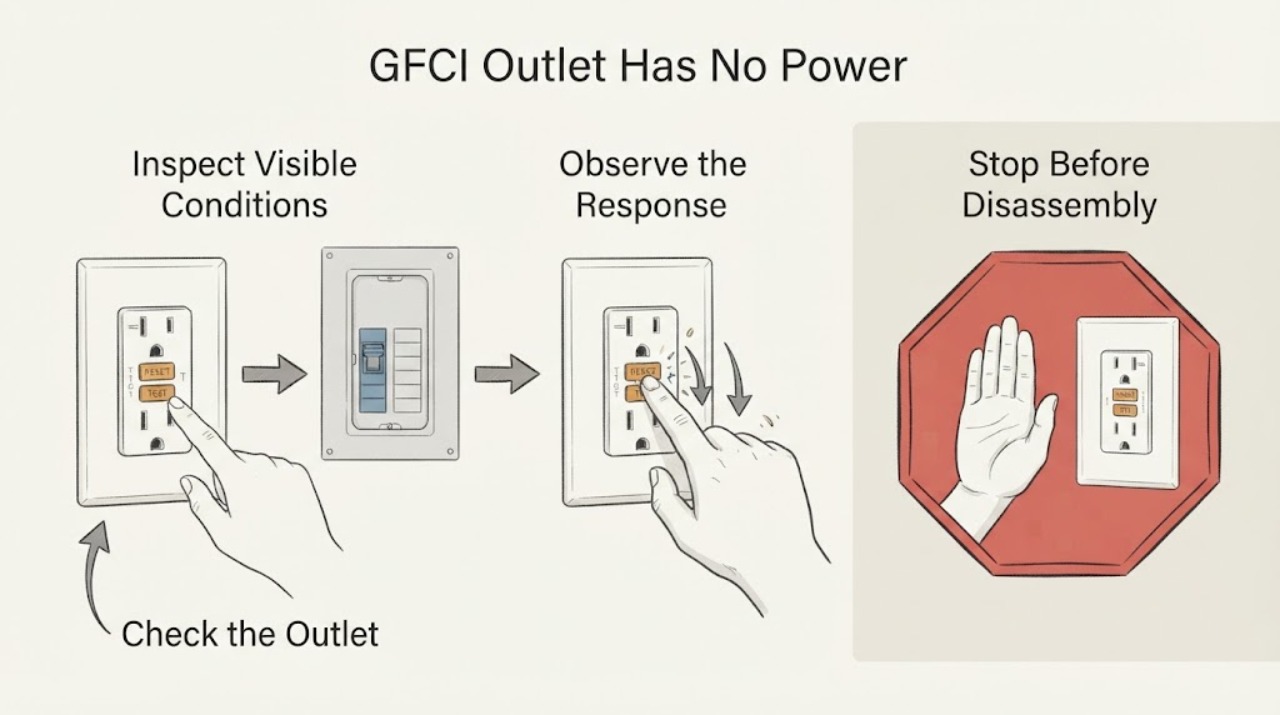
GFCI Outlet Has No Power: Check the Circuit Breaker Safely
A GFCI outlet with no power may have a popped RESET button, a tripped circuit breaker, another GFCI upstream that opened, a disconnected or failed load path, or a wiring or device fault. From a dry position, inspect the outlet's TEST and RESET buttons, check nearby and downstream outlets, and look only at the external position of a clearly labeled breaker.
-
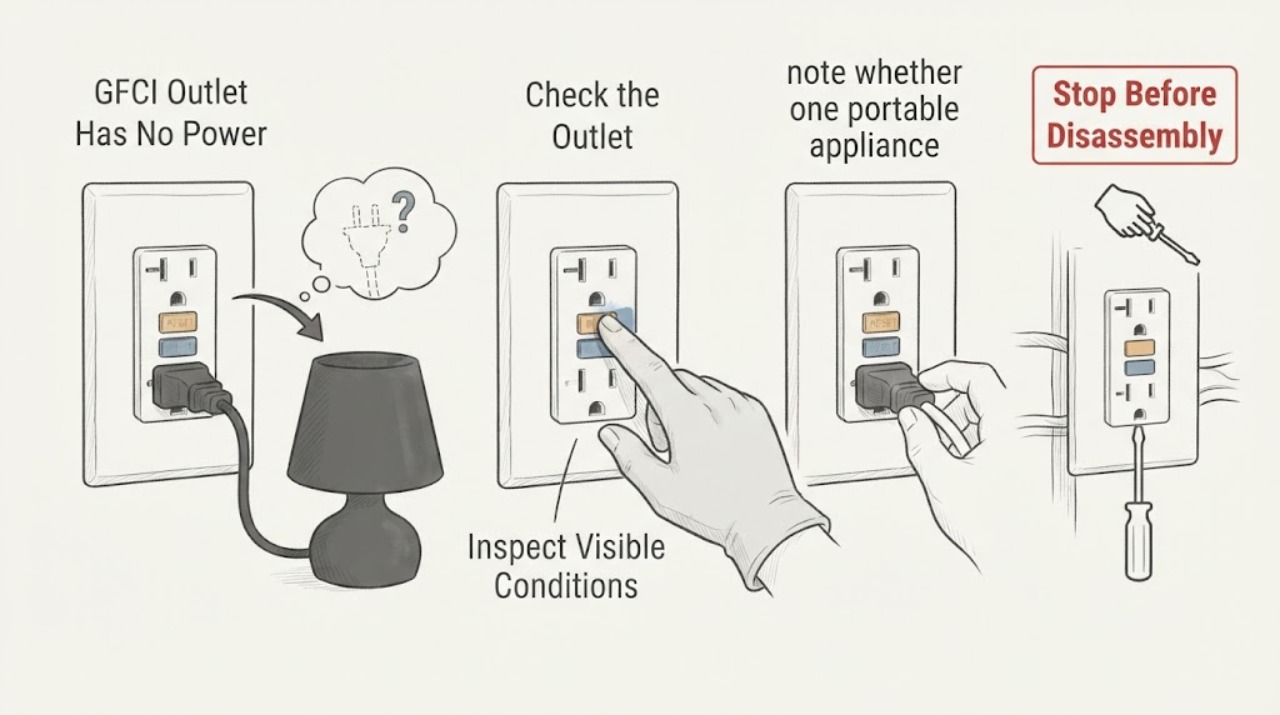
GFCI Outlet Has No Power: Check the Outlet and Wiring
A GFCI outlet with no power may be tripped, may have lost upstream power, or may be locked out because it detects a fault, is damaged, or was wired incorrectly. Do not open the outlet or panel.
-
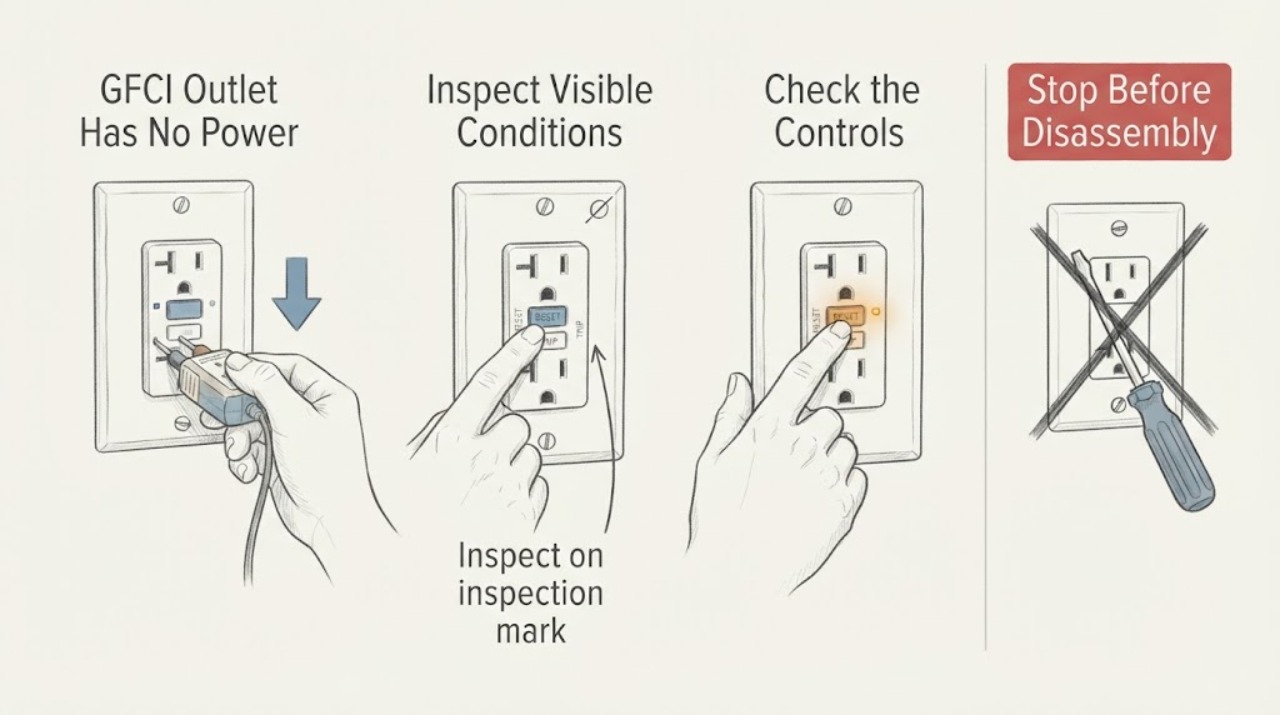
GFCI Outlet Has No Power: Check the Outlet Safely
A GFCI outlet with no power may have opened because of a ground fault, may be controlled by another upstream GFCI, or may have lost supply at the circuit breaker. From a dry position, look at the TEST and RESET buttons, check whether nearby or downstream outlets are also dead, and inspect the outlet, plug, cord, and surrounding area for visible damage or moisture.
-
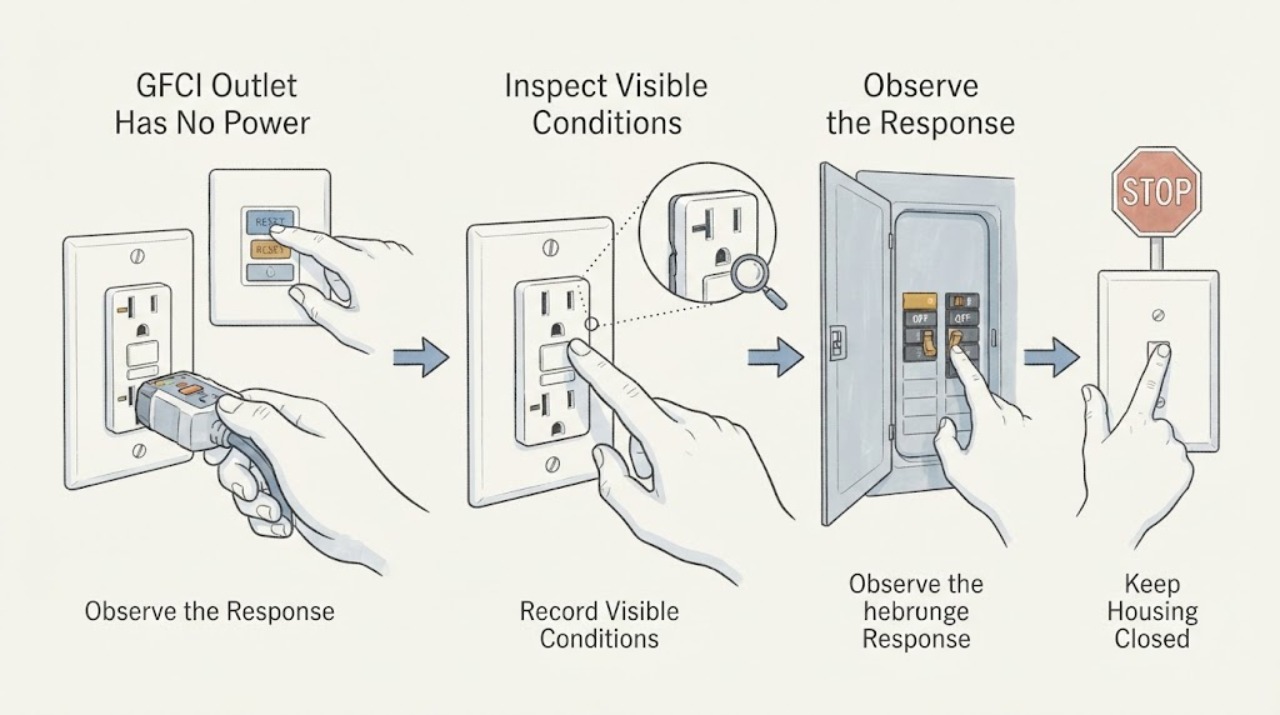
GFCI Outlet Has No Power: Check the Visible Circuit Clues Safely
When a GFCI outlet has no power, the cause may be a tripped GFCI, an upstream GFCI protecting this outlet, an open circuit breaker, a failed receptacle, a connected-load fault, or a wiring problem. From a dry, safe position, observe the outlet's indicator and button position, nearby outlets and lights, the visible state of the labeled breaker, moisture or damage, and what was connected when power disappeared.
-
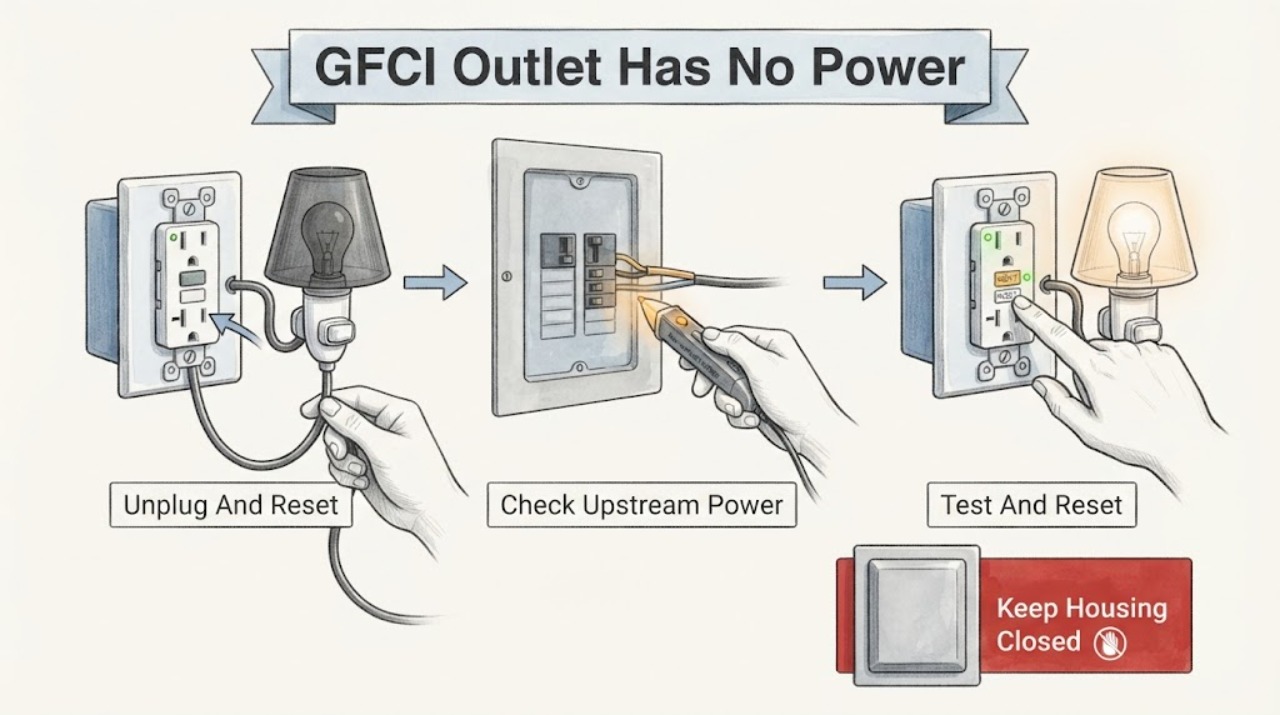
GFCI Outlet Has No Power: Reset It Safely and Find the Fault
A GFCI outlet with no power is commonly tripped, without incoming power, protecting against a continuing ground fault, or unable to reset because the device or its wiring has a problem. With dry hands and no cover removal, unplug connected loads, press RESET once, check for a tripped breaker and other upstream GFCIs, then test the receptacle with a small lamp or nightlight.
-
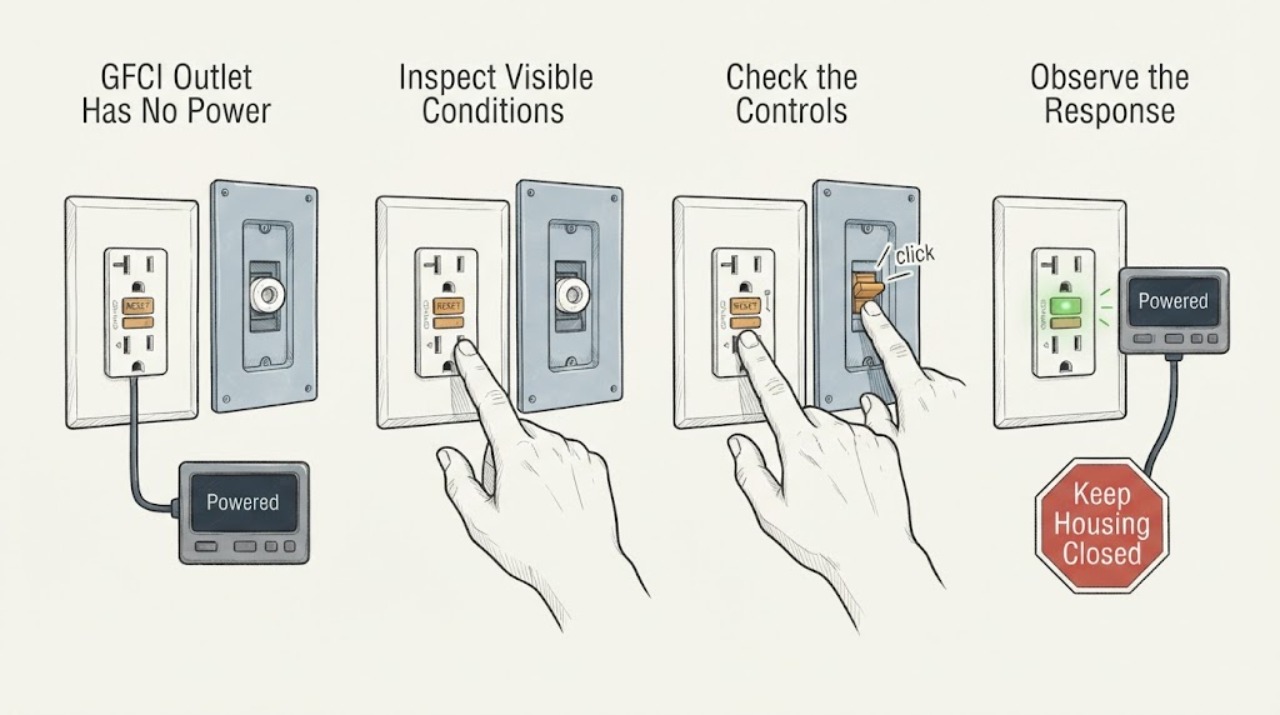
GFCI Outlet Has No Power: Safe Checks for the Fuse and Outlet
A GFCI outlet with no power may be tripped, unpowered because of an upstream device or fuse, locked out by its self-test protection, or defective. From a dry position, unplug loads, inspect only the visible RESET and TEST state, and perform at most one manufacturer-appropriate reset when there is no damage or moisture.
-
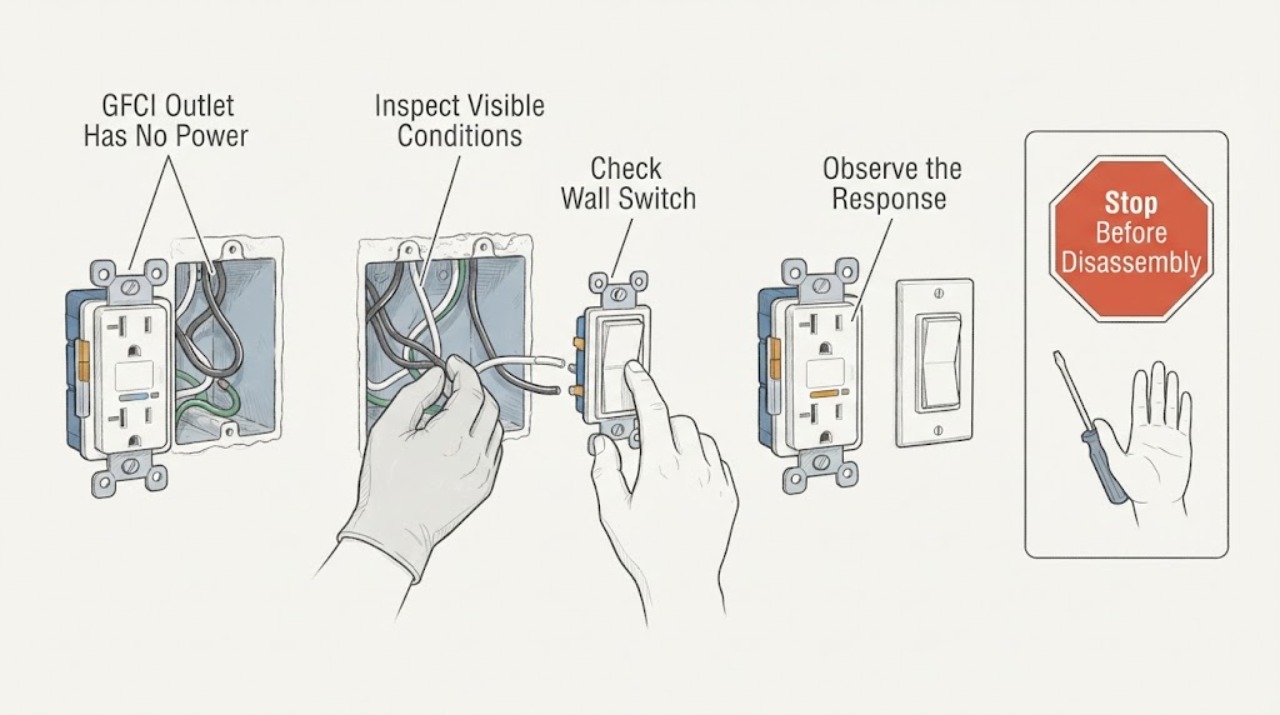
GFCI Outlet Has No Power: Safe Checks for the Outlet and Switch
A GFCI outlet with no power may be tripped, unpowered because an upstream breaker is off, affected by a switch or upstream GFCI, unable to reset because of a continuing ground fault, or faulty or incorrectly wired. From a dry, safe position, record the RESET position and indicator, map which outlets or lights are affected, and check only the visible state of the related breaker.
-
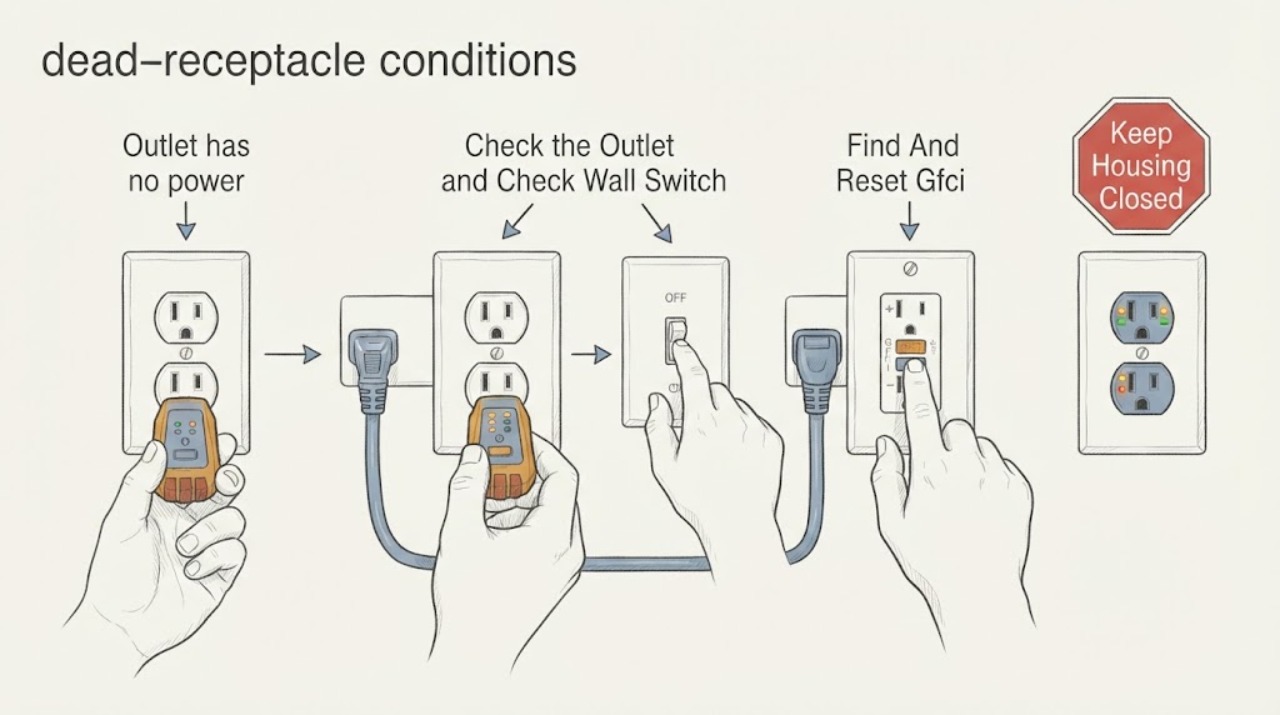
Outlet has no power: check the GFCI and circuit before calling an electrician
An outlet with no power may be a tripped GFCI, a tripped breaker, a switched or controlled receptacle, a failed upstream outlet, a loose connection, or a damaged branch circuit. First compare the dead outlet with a known-working device and nearby outlets, and note whether the room is wet or whether other outlets lost power.
-
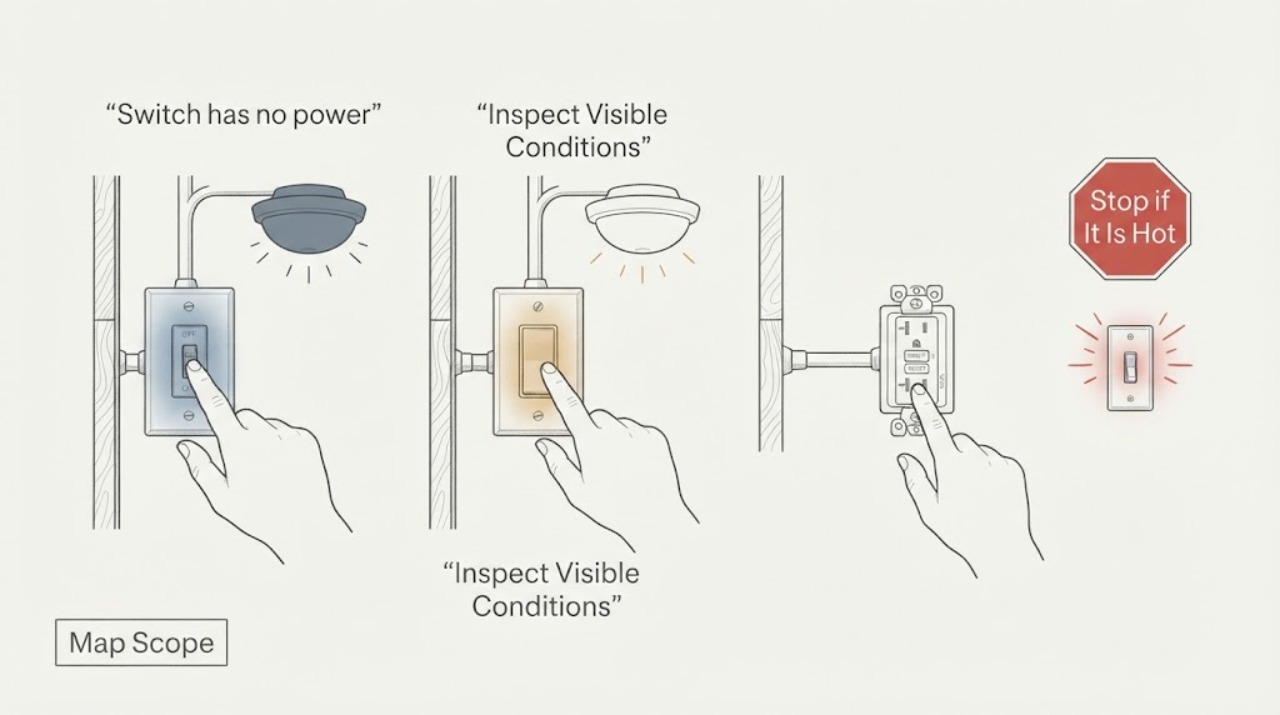
Switch has no power: check the circuit safely before calling an electrician
When a wall switch has no power, first determine whether only its light is out or whether other devices on the circuit are also dead. A failed switch, bulb or fixture, tripped breaker, upstream GFCI, loose connection, or wider wiring fault can all produce the same symptom.
-
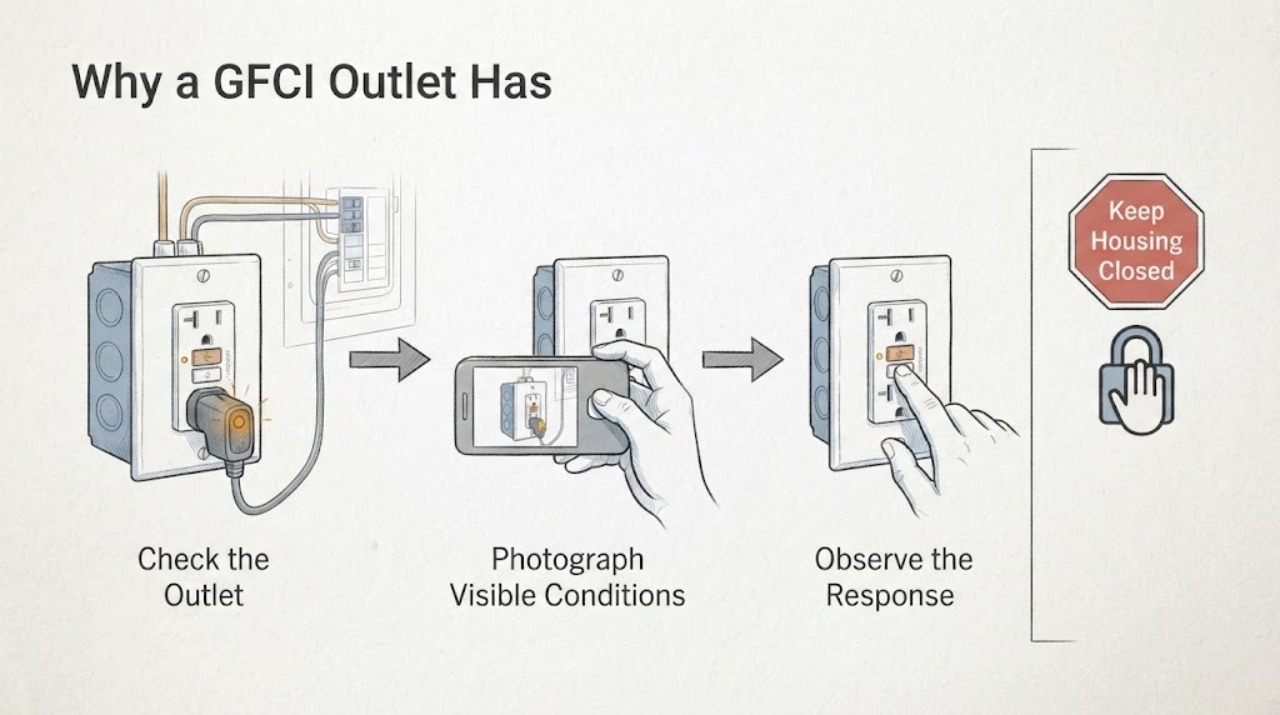
Why a GFCI Outlet Has No Power
A GFCI outlet with no power may be tripped, supplied by a tripped upstream breaker or GFCI, affected by moisture or a damaged connected device, incorrectly wired after recent work, or internally failed. Treat the loss of power as a protective response: do not remove a cover, touch wiring, measure voltage, bypass protection, or keep resetting devices.
-
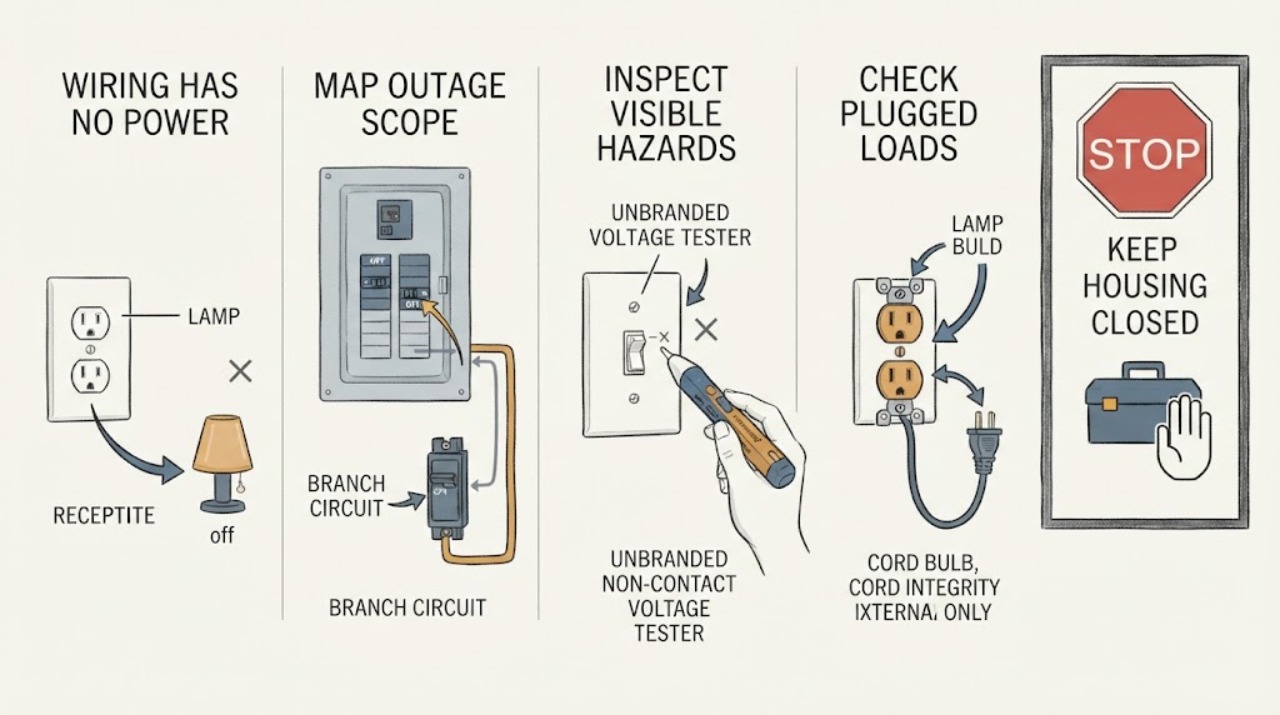
Wiring Has No Power: Safe Checks and Next Steps
If part of a home has no power, first determine whether the outage affects the whole property, one circuit, or one switch, outlet, or appliance. From a dry and safe position, check for visible damage, burning odor, heat, smoke, water, sparks, or a tripped breaker or residual-current device.