
Repair problem
Not Cleaning Troubleshooting Guides
Published FixGraph guidance for diagnosing and responding to not cleaning.
Matching published guides
Choose a guide that matches the service, equipment, and conditions you are seeing.
-
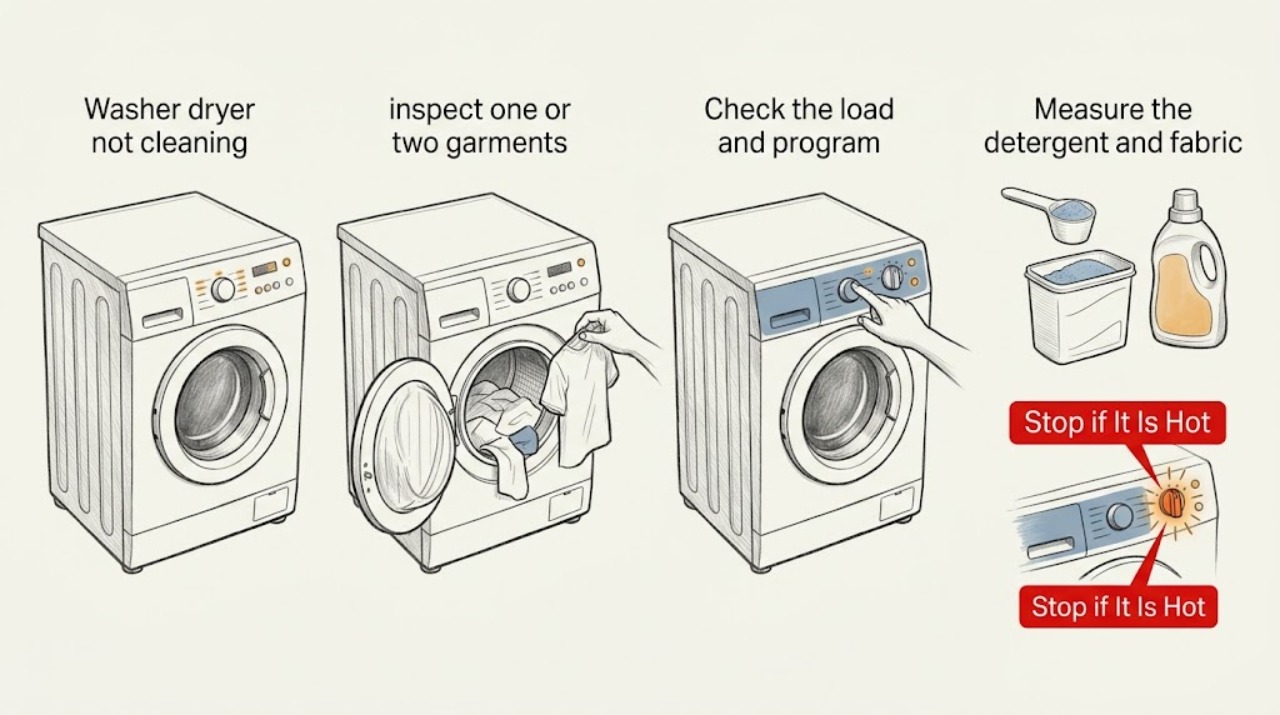
Aeg washer dryer not cleaning: improve the wash without guessing at parts
Start by deciding whether the problem is dirt left on the fabric, detergent residue, odor, or a dryer-only issue. Use a program suited to the soil and fabric, do not overload the drum, and measure detergent according to the product and AEG manual.
-
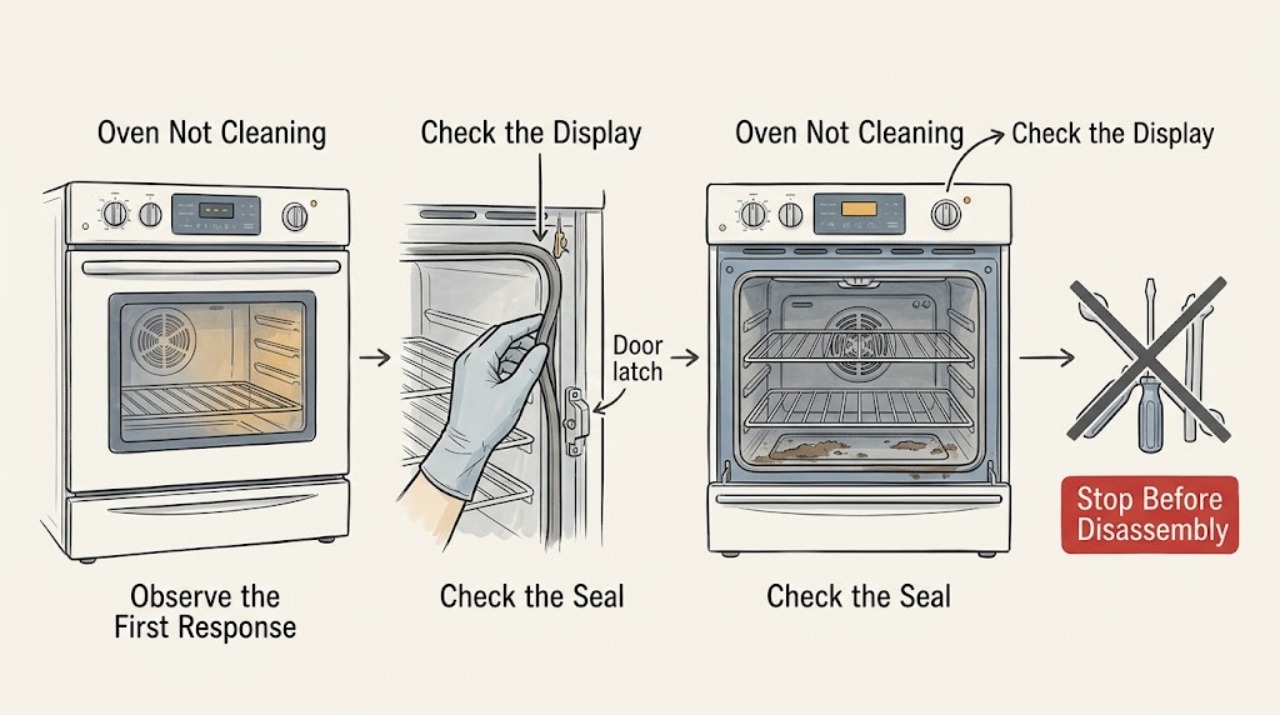
Amana Oven Not Cleaning: Check the Cycle Type, Temperature, Door, and Soil
First identify whether your Amana uses a high-temperature Self-Clean cycle or AquaLift cleaning, then follow that model's instructions. A high-temperature cycle will not start unless the door is fully closed and should be prepared by removing racks, foil, and loose soil; AquaLift requires a cool cavity and the model-specified water-only process.
-
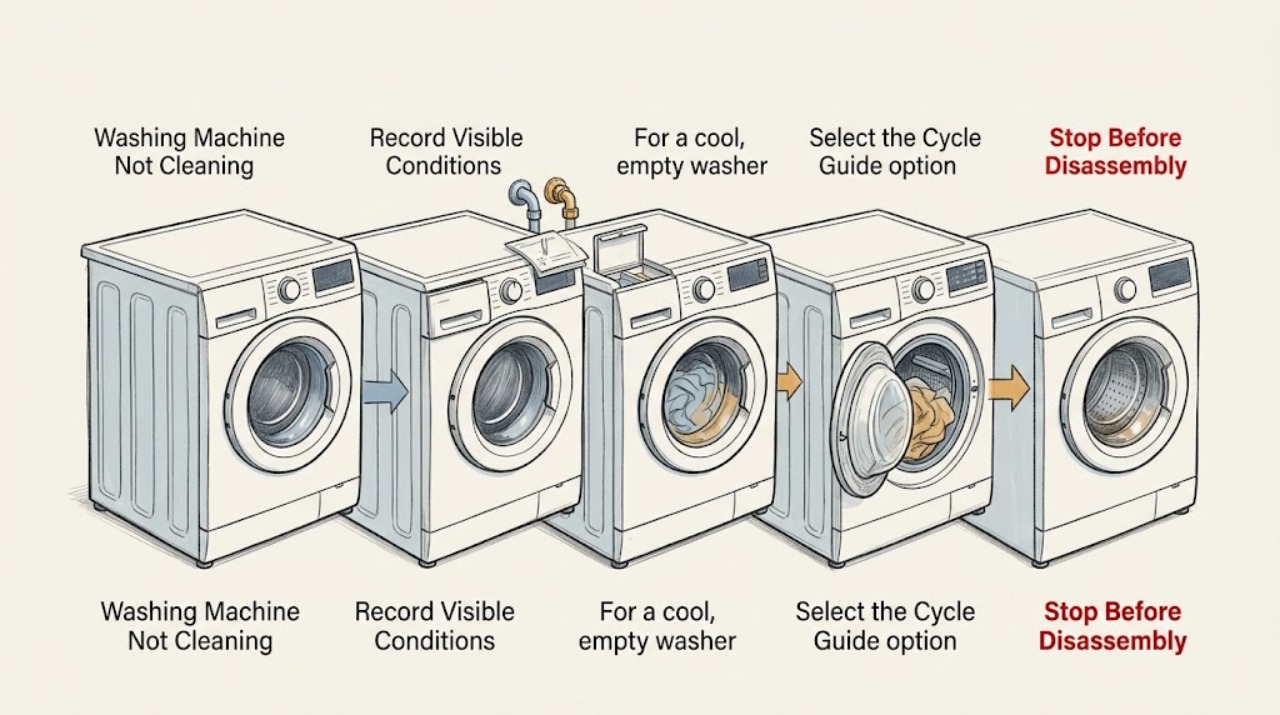
Amana Washing Machine Not Cleaning: Fix Load, Detergent, Water, and Cycle Issues
Start by deciding whether the problem is poor stain removal, detergent residue, dye transfer, or a machine that is not filling or moving the load normally. Amana's guidance points first to a correctly sized and sorted load that can move freely, the right cycle and fabric-safe temperature, and measured HE detergent.
-
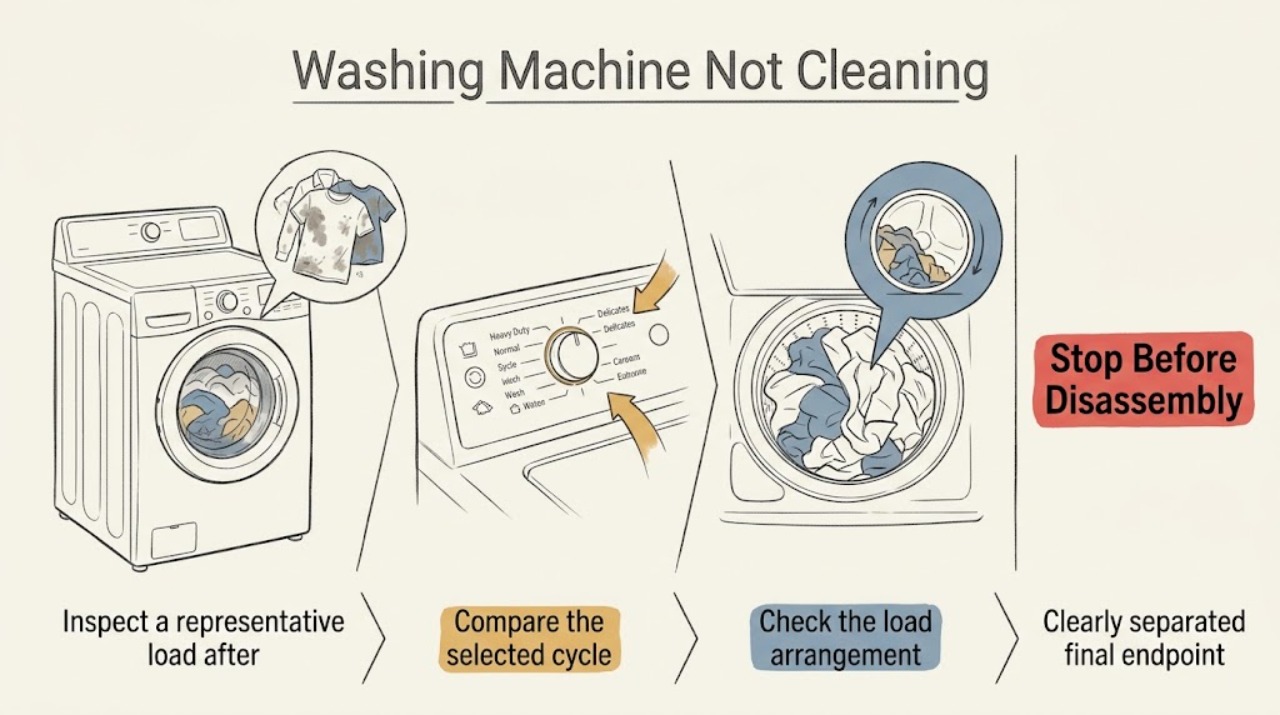
Electrolux Washing Machine Not Cleaning
When an Electrolux washing machine is not cleaning, first separate a cycle or load problem from a machine fault. Use a cycle suited to the fabric and soil, load the drum so clothes can move, use the correct high-efficiency detergent in the correct location and amount, and verify that both water supplies are open.
-
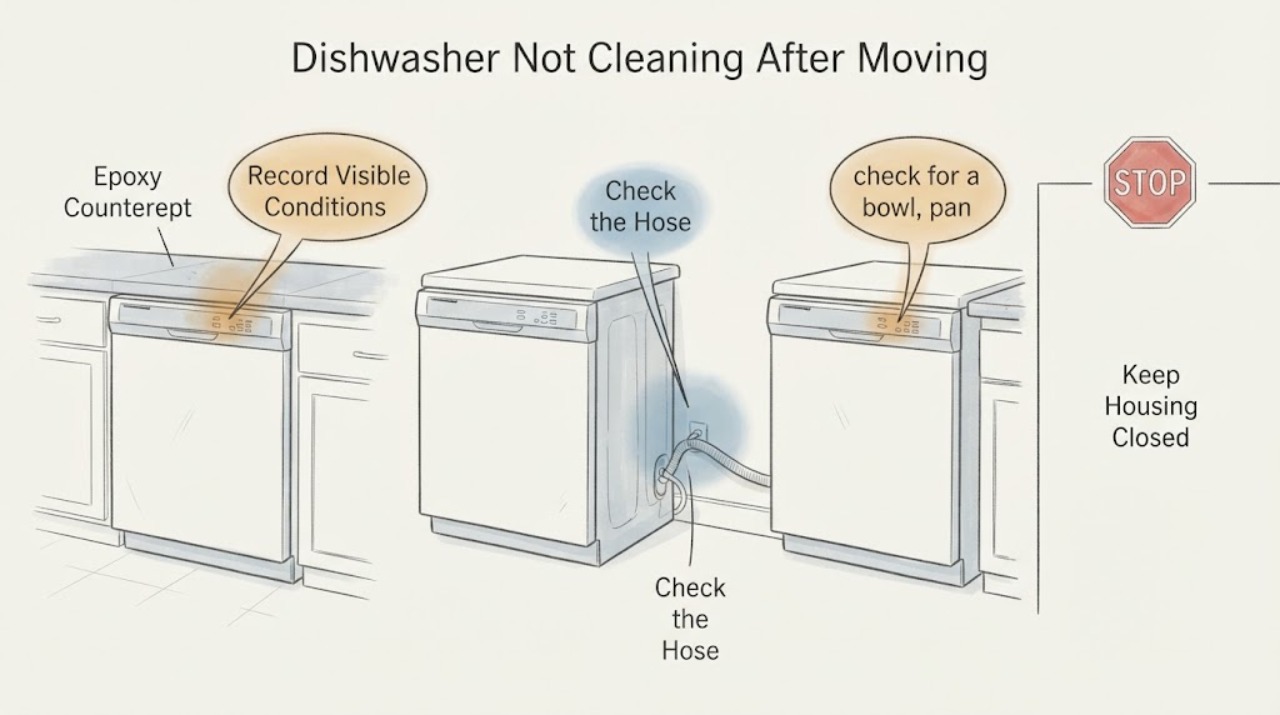
Frigidaire FFCD2413UB3A Dishwasher Not Cleaning After Moving: Recheck the Installation First
Because the Frigidaire FFCD2413UB3A was moved for countertop work, first treat this as a possible installation change, not as proof that the pump or control failed.
-
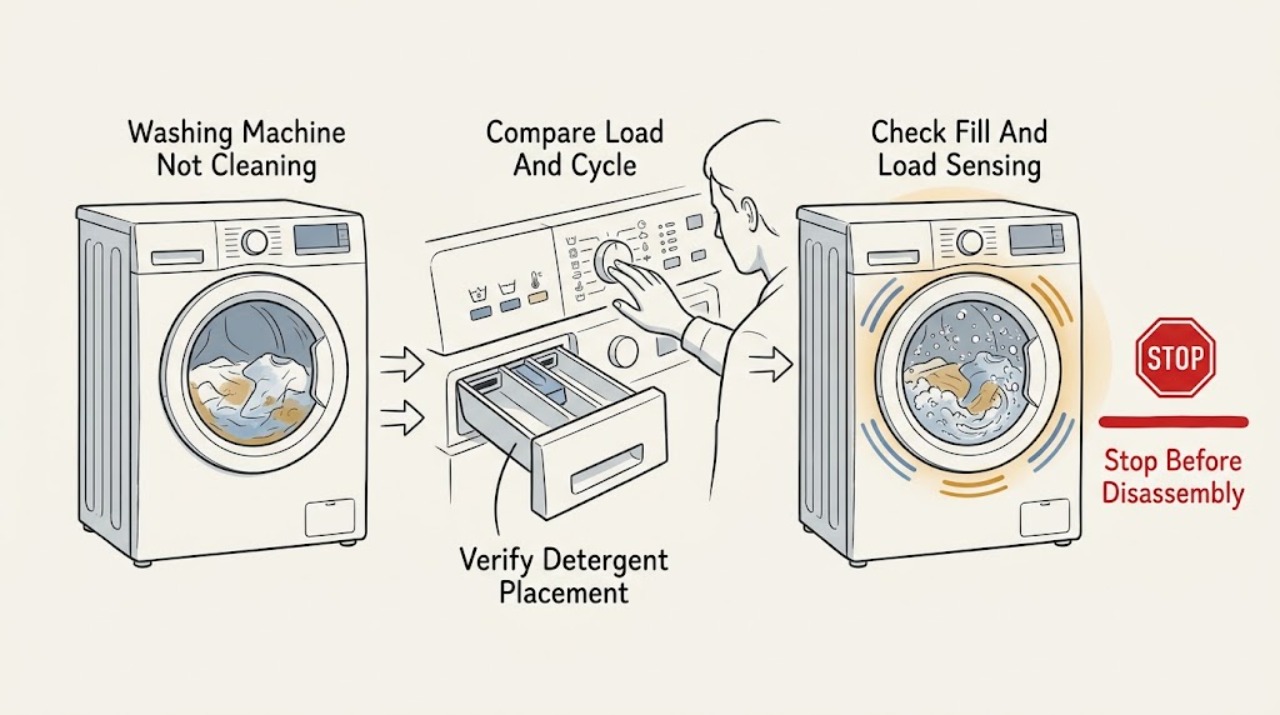
Frigidaire Washing Machine Not Cleaning
When a Frigidaire washing machine leaves clothes dirty, first check whether the load, cycle, detergent, water level, or tub condition matches the model's instructions. Use the cycle and options intended for the fabric and soil, avoid overloading, use the recommended high-efficiency detergent without exceeding the dispenser line, and place detergent packs directly in the drum when the guide requires it.
-
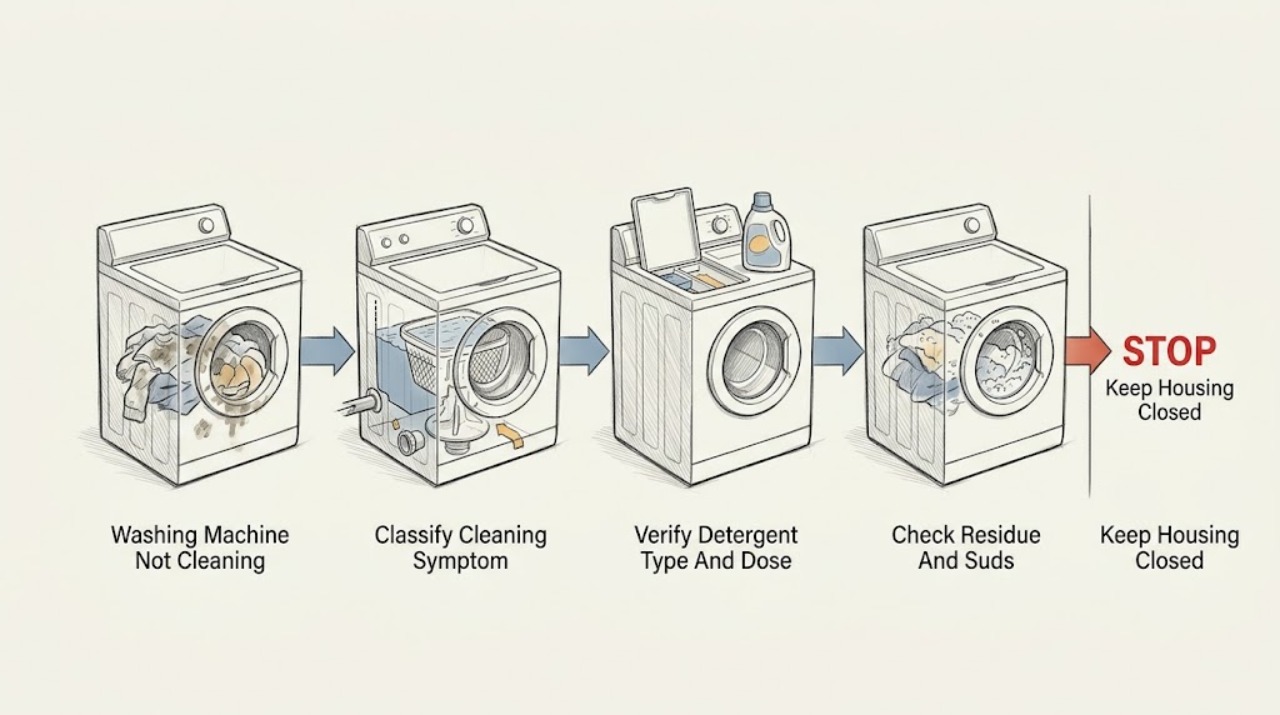
GE Washing Machine Not Cleaning
Start with the load and detergent before assuming a failed washer. Use the detergent type and measured amount specified for the exact GE model, avoid excess suds, load dry clothing loosely so it can move, and match the water level to the load.
-
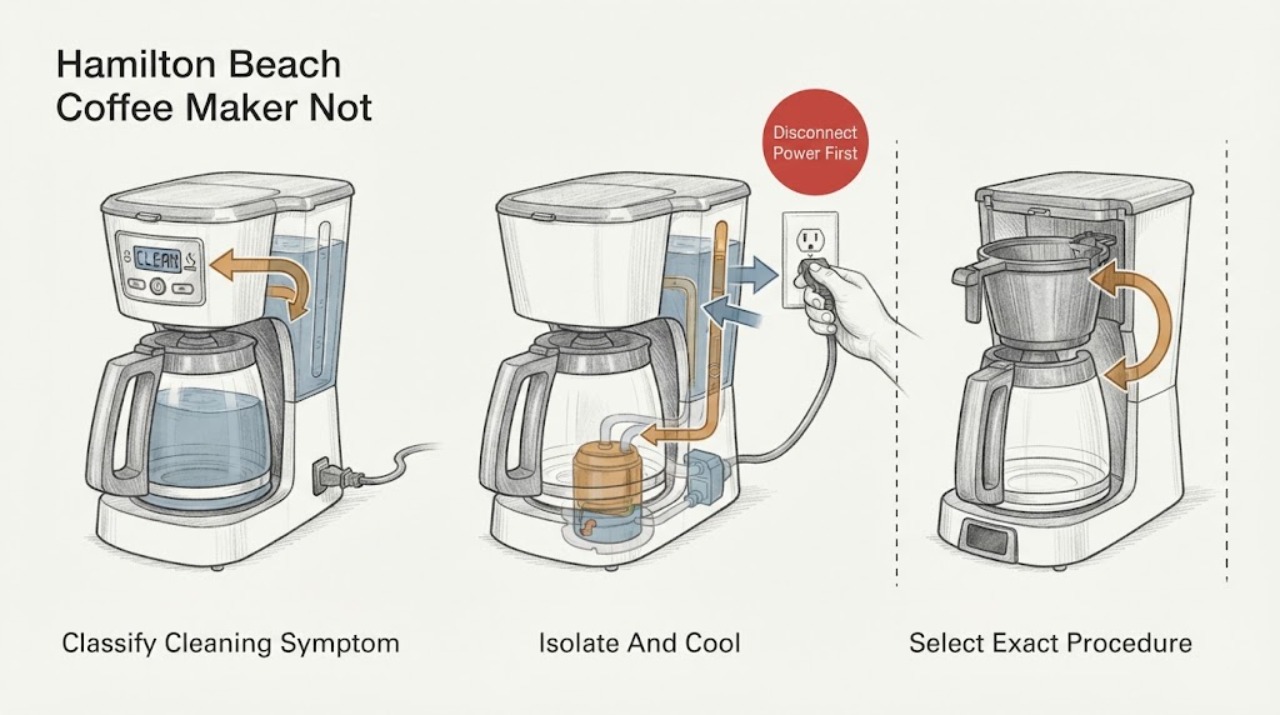
Hamilton Beach Coffee Maker Not Cleaning: Match the Clean Cycle to Your Model
First identify which cleaning problem you have: a CLEAN message or icon that has not cleared, a clean cycle that appears inactive during its documented soak, or slow or incomplete flow caused by mineral buildup. Find the complete model number on the rating label and use that model's Use & Care guide; do not copy another Hamilton Beach model's button sequence.
-
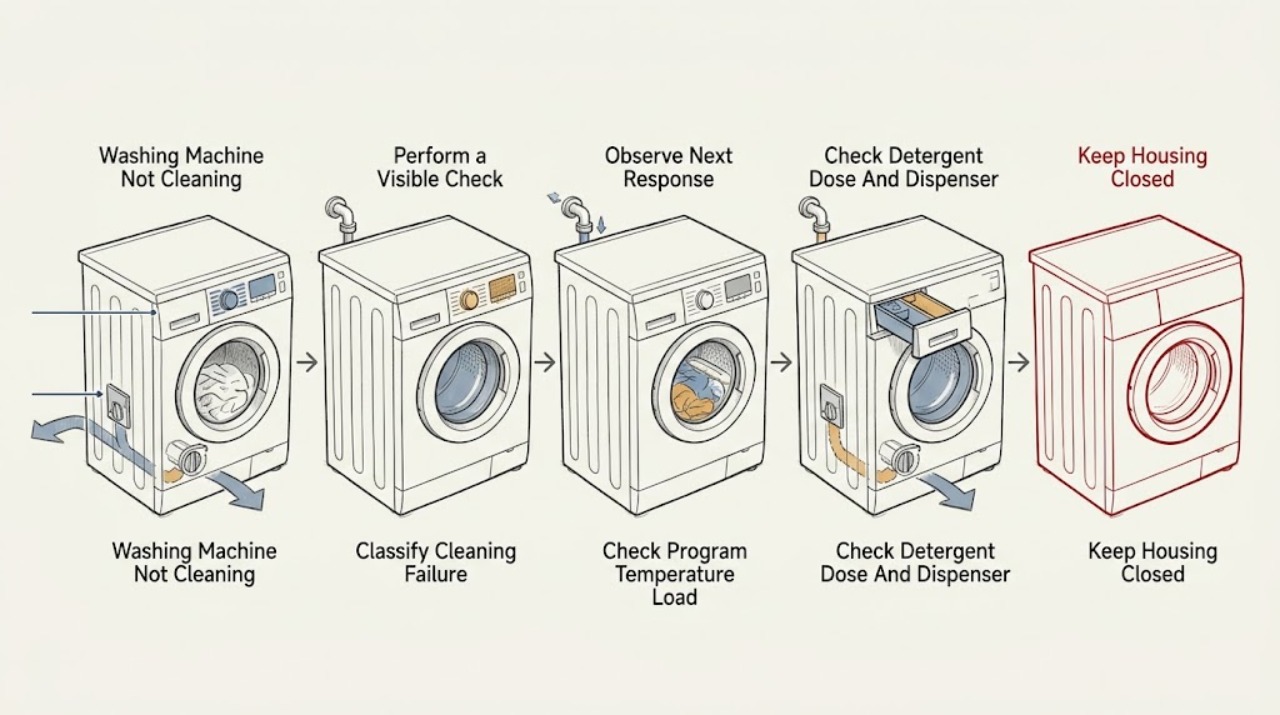
Hisense Washing Machine Not Cleaning: Fix Program, Load, Detergent, and Drum Issues
If a Hisense washing machine finishes but the clothes are still dirty, first stop for any leak, wet electrical area, burning smell, smoke, unusual heat, sparks, or a breaker trip. With no hazard, compare the selected program and temperature with the care label and soil level, reduce an overloaded or tightly packed load, and use the detergent type and dose specified for that model and the detergent maker.
-
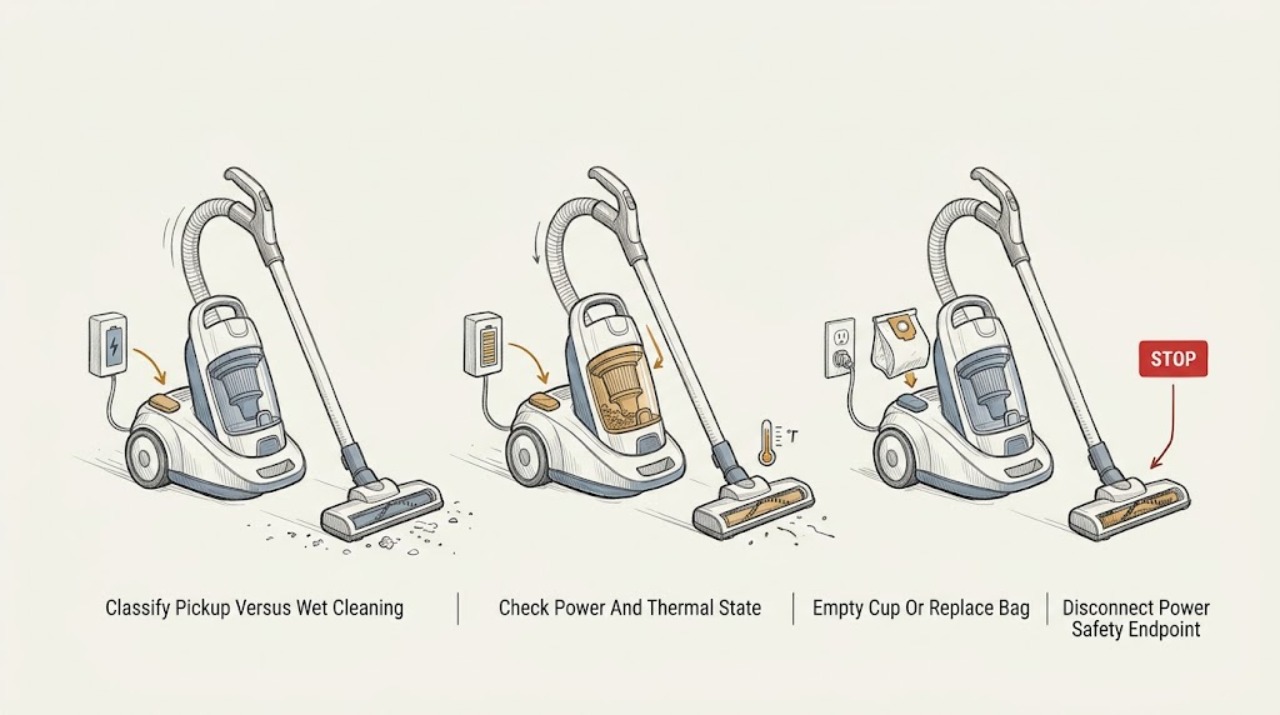
Hoover Vacuum Cleaner Not Cleaning: Restore Pickup Without Mixing Model Types
Treat “not cleaning” as a pickup or airflow problem unless the appliance is a Hoover carpet washer with a separate wet-cleaning complaint. Turn the vacuum off and disconnect the nozzle or remove the battery before checking whether the dust cup or bag is full, the filter is clogged, the hose or floor nozzle is blocked, or the brush is jammed.
-
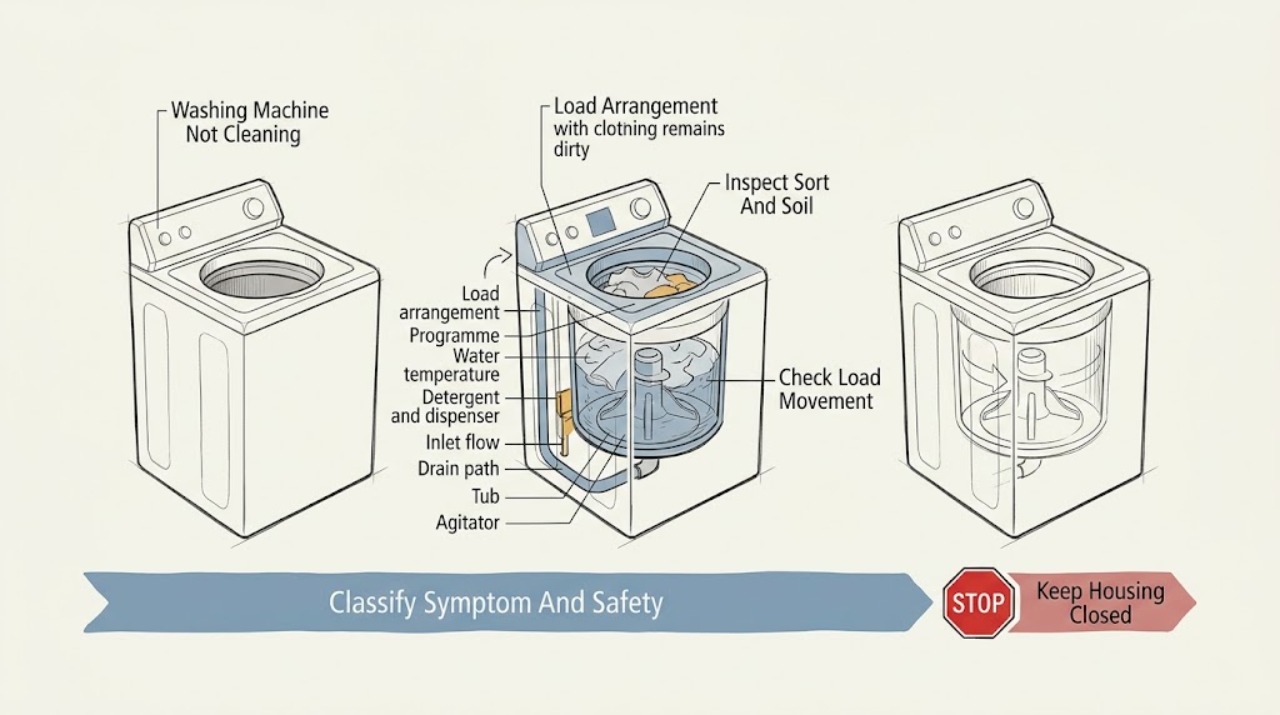
Kenmore Washing Machine Not Cleaning
If a Kenmore washer leaves clothes dirty, first separate a load problem from a washer-maintenance problem. Sort the load by color, fabric, and care-label temperature, pre-treat stains, leave enough room for the garments to move, and select a cycle and soil or temperature setting that fits the load.
-
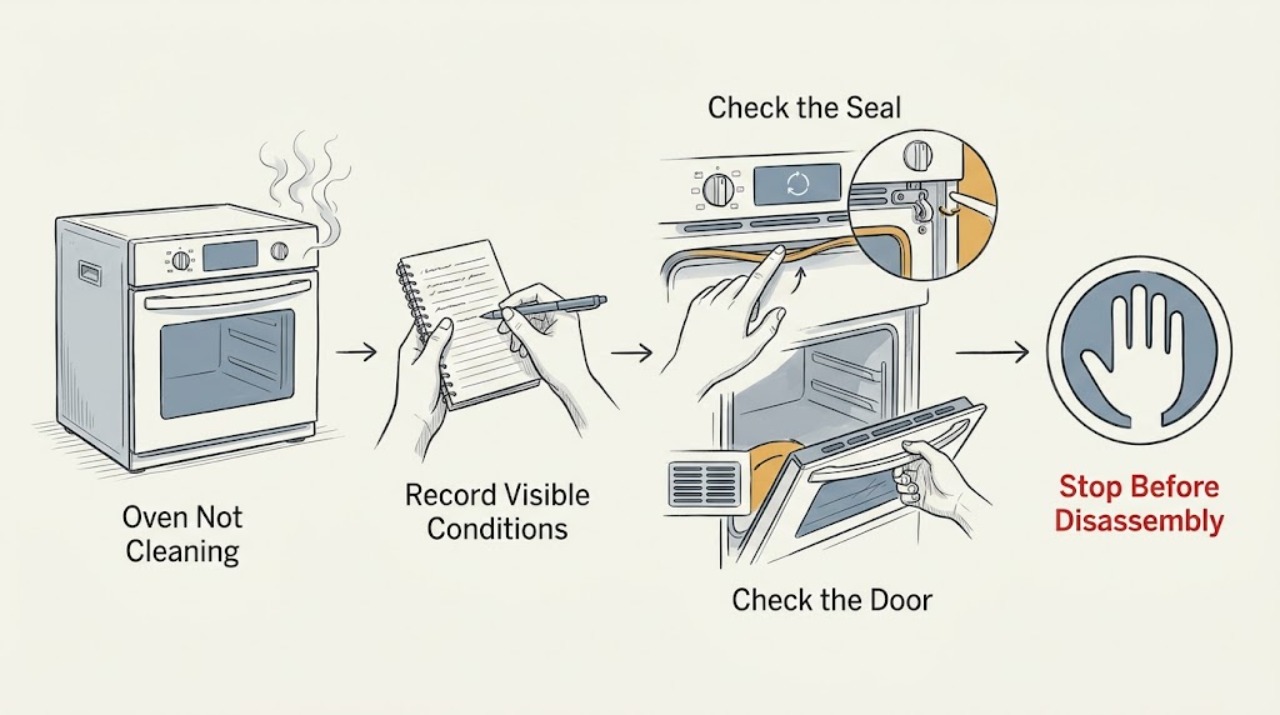
KitchenAid Oven Not Cleaning: Choose the Right Cycle and Prepare It Safely
A KitchenAid oven may appear not to clean because the model has Self-Clean, AquaLift, or Steam Clean and the wrong procedure was selected, the cavity is too hot, the door is not fully closed or locked, excess soil was left inside, or the cycle has finished but still needs a cool-down and wipe-down. Identify the cleaning feature from the control panel and Use and Care Guide, remove racks and loose soil, and follow that feature's water or no-additive rule.
-
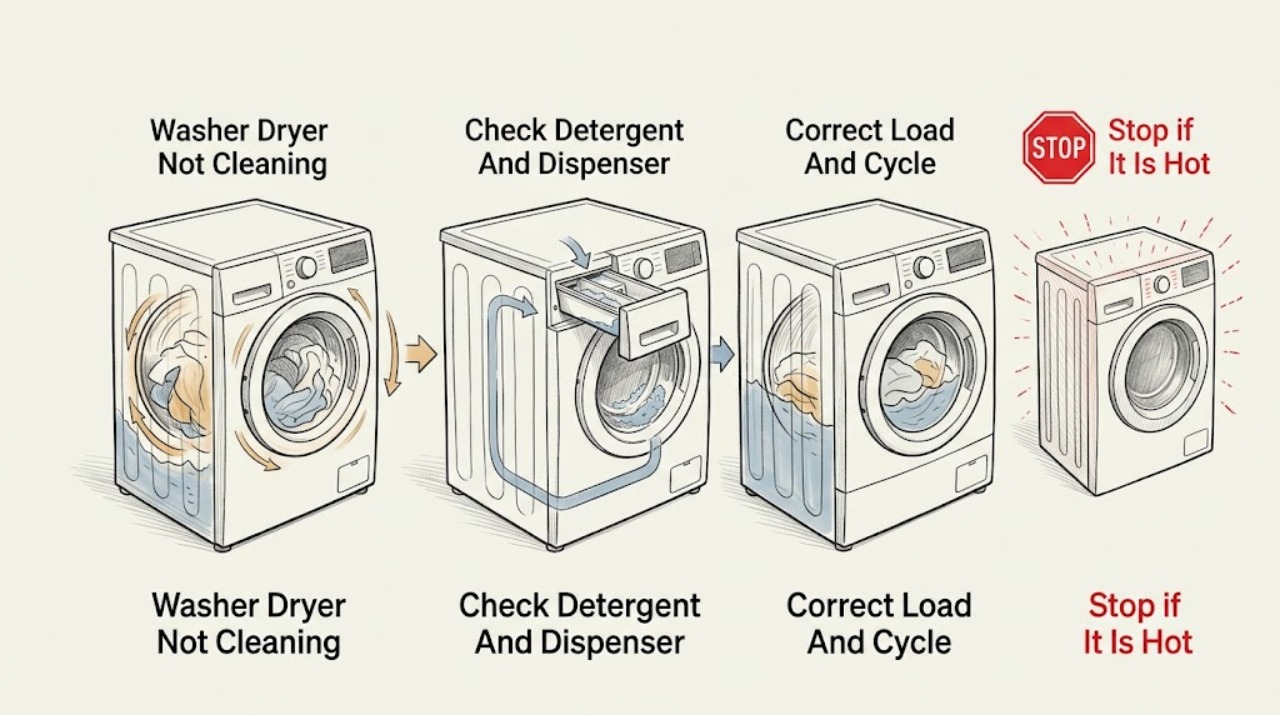
LG Washer Dryer Not Cleaning: Improve the Wash Result Safely
Start by defining what is wrong: visible stains remain, dirt or residue transfers onto clean laundry, odors remain, or the wash cycle does not complete normally. LG identifies an oversized load, a cycle that is too gentle or short for the soil, detergent left in a clogged dispenser, undissolved detergent in cold water, and residue inside the tub as common causes of poor cleaning.
-
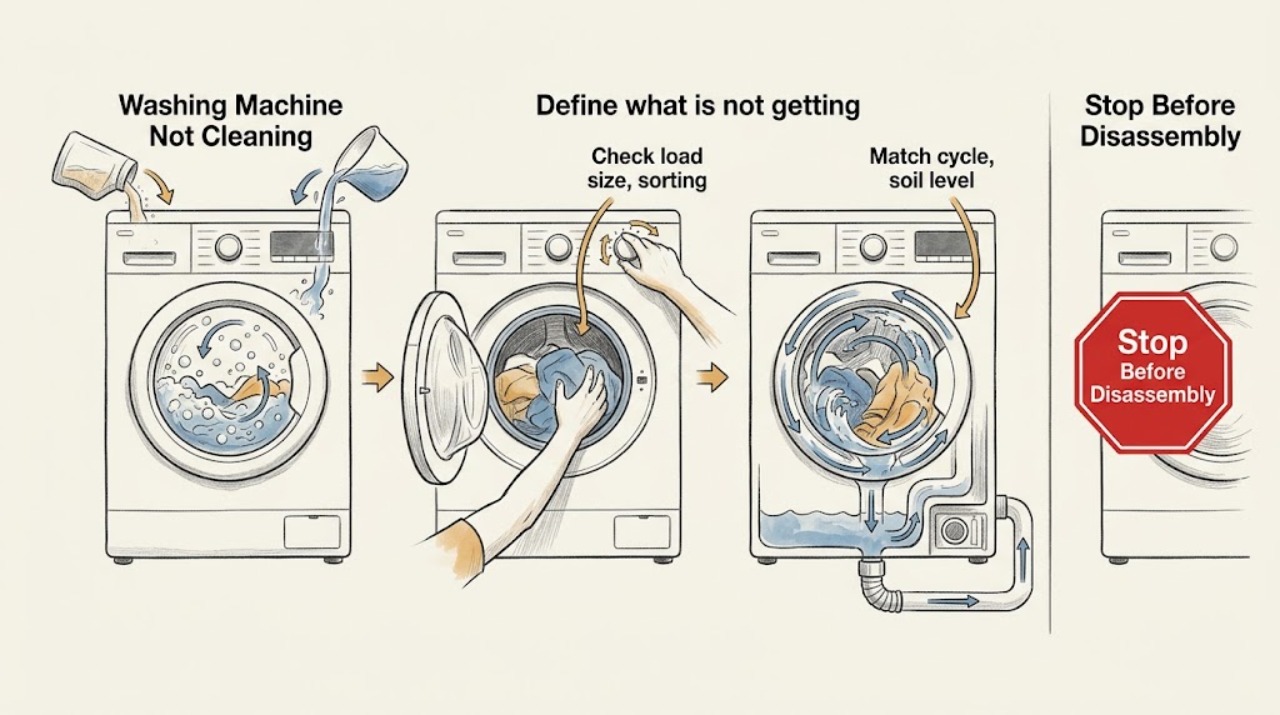
LG Washing Machine Not Cleaning: Check the Load, Detergent, and Tub
If an LG washing machine leaves clothes dirty, first decide whether the problem is poor clothing care or residue, odor, or buildup inside the machine. Check that the load is not too full and can move or become submerged, use a cycle and soil level suited to the fabric, and use the model-approved amount of HE detergent in the correct dispenser compartment.
-
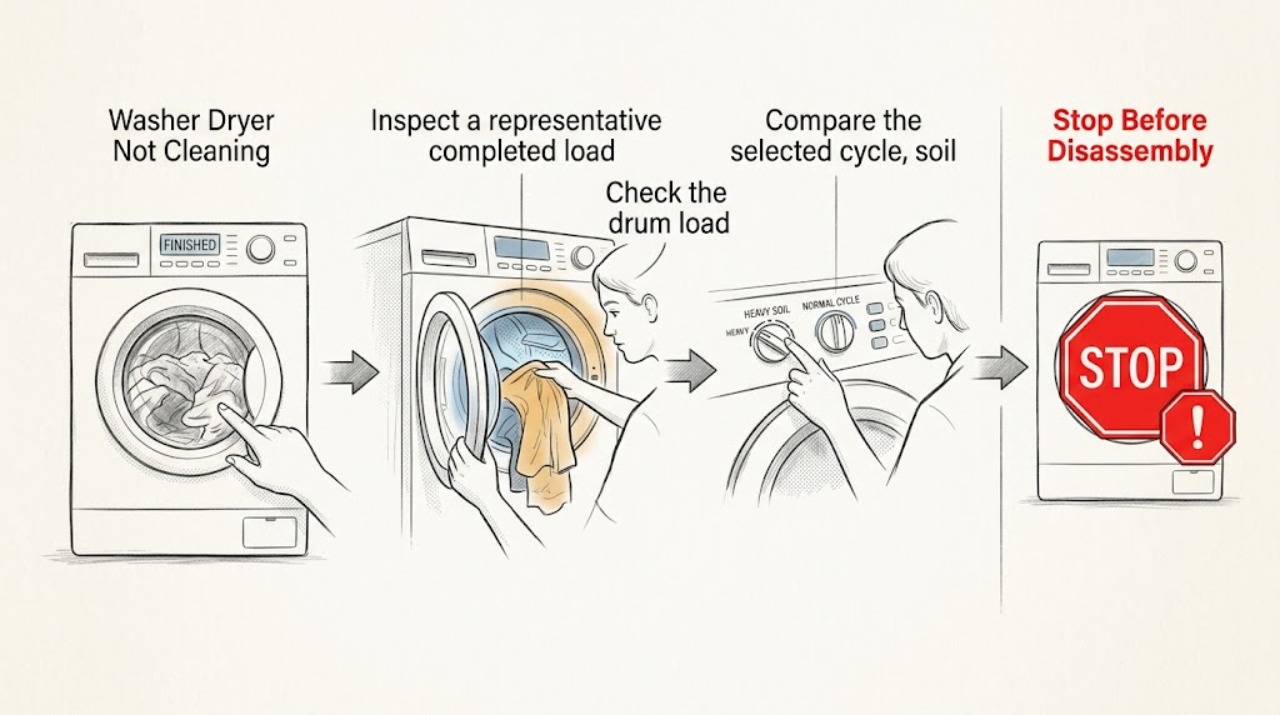
Maytag Washer Dryer Not Cleaning
When a Maytag washer-dryer is not cleaning, first decide whether the problem is unchanged soil, detergent residue, poor rinsing, or a cycle that does not complete. Maytag's guidance points first to the cycle and temperature, load size and sorting, high-efficiency detergent and dosage, and routine washer cleaning.
-
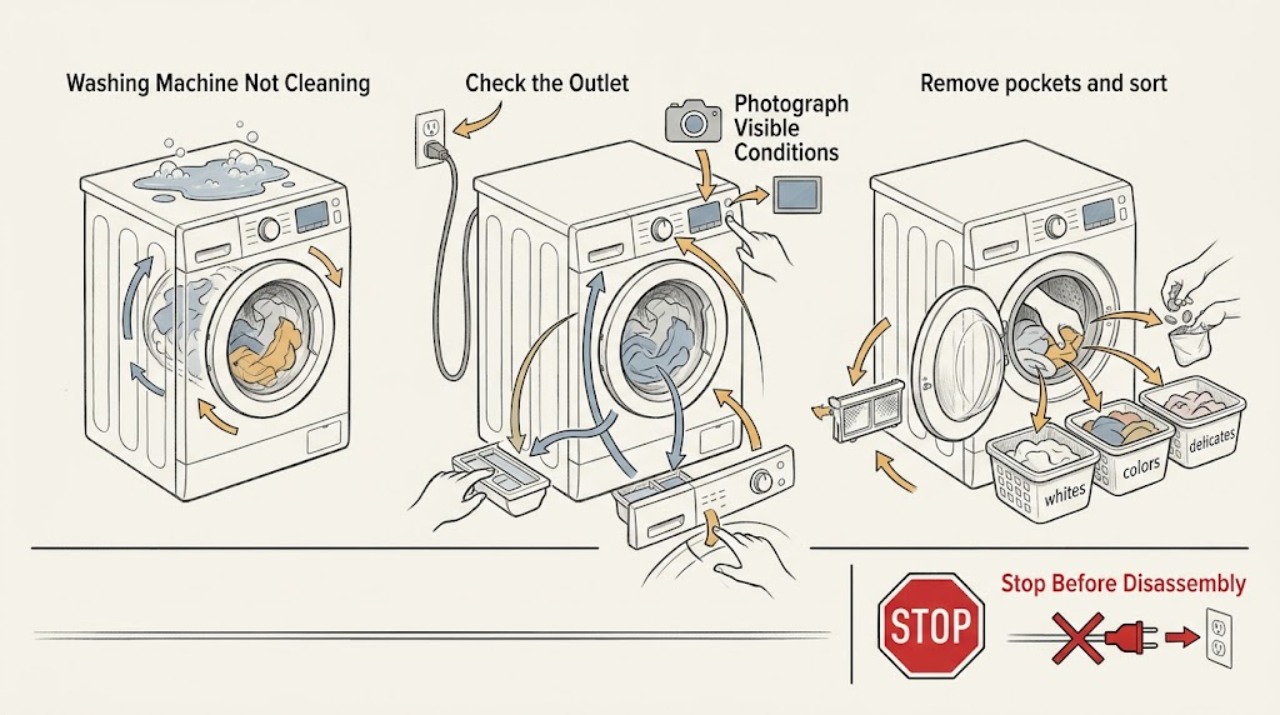
Maytag Washing Machine Not Cleaning: Improve Results Safely
Start by describing the result precisely: stains remain, colors transfer, residue is left behind, the load smells, or the washer is not moving clothes through water. Then check the load size and sorting, choose a cycle and temperature that suit the fabric and soil, use the measured amount of HE detergent, and make sure the dispenser and water supplies work.
-
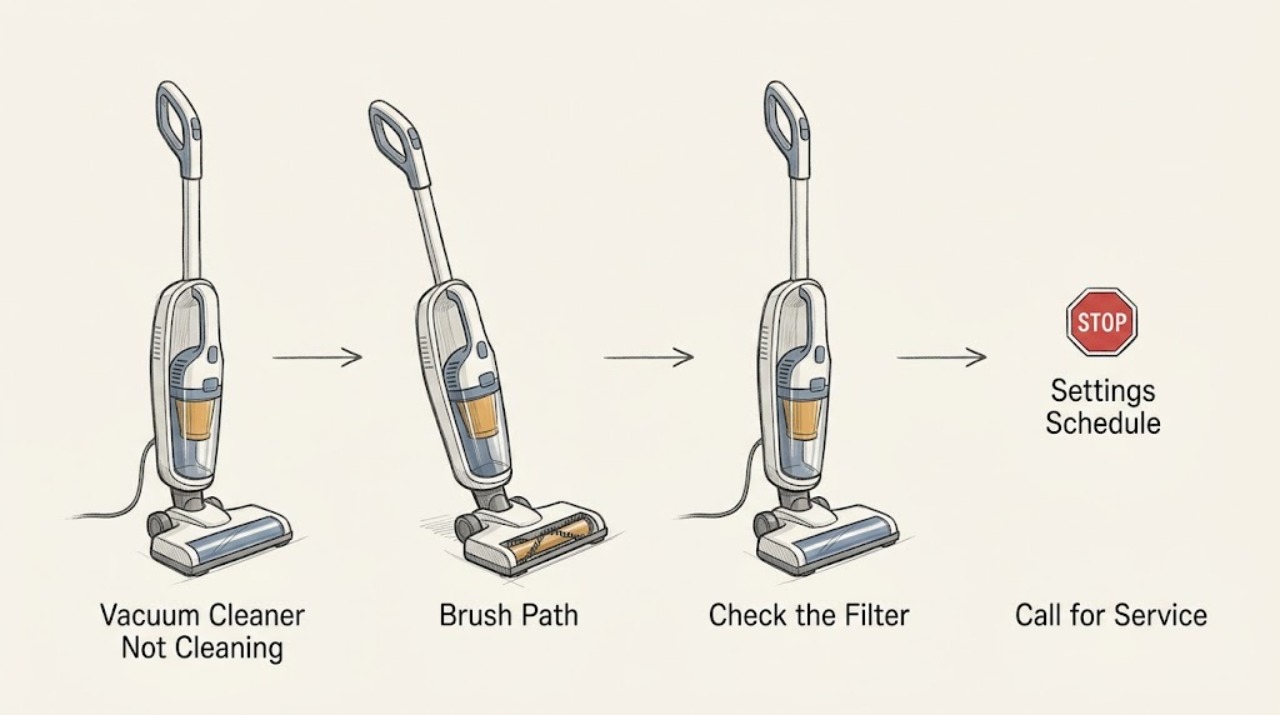
Roomba Vacuum Cleaner Not Cleaning: Check Bin, Filter, Brushes, and the Cleaning Path
Check the dustbin and filter first, then the vacuum path, main brushes, side brush, and cleaning settings. iRobot says a full bin, dirty or blocked filter, hair on the rubber brushes, or a blocked vacuum path can cause poor pickup or leave debris behind; care steps vary by Roomba series. Empty and clean only the accessible parts, keep washable items completely dry before reinstalling, and request support if suction or movement does not recover.
-
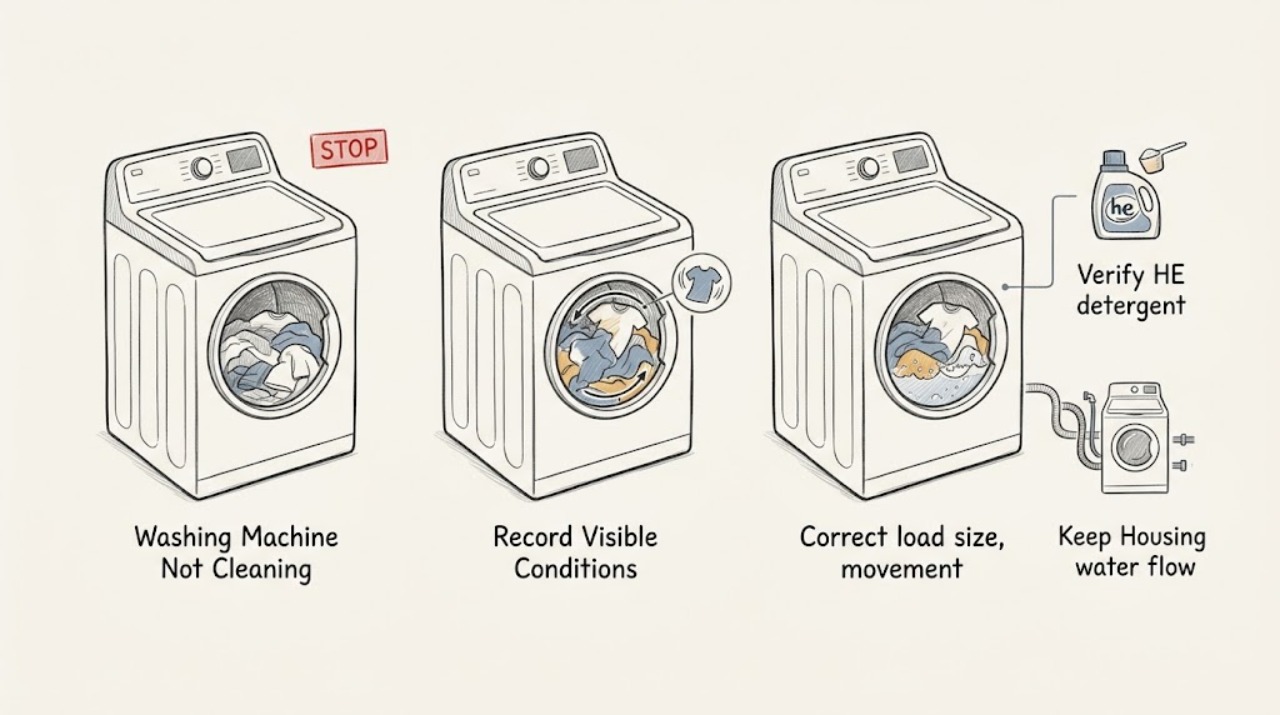
Roper Washing Machine Not Cleaning: Safe Checks That Improve Wash Results
If a Roper washer is running but clothes are not getting clean, first identify whether the result is soil left behind, detergent residue, dye transfer, or a cycle that does not complete. Sort the load and leave room for items to move freely, use only HE detergent, and measure the amount for the load and soil level instead of adding more.
-
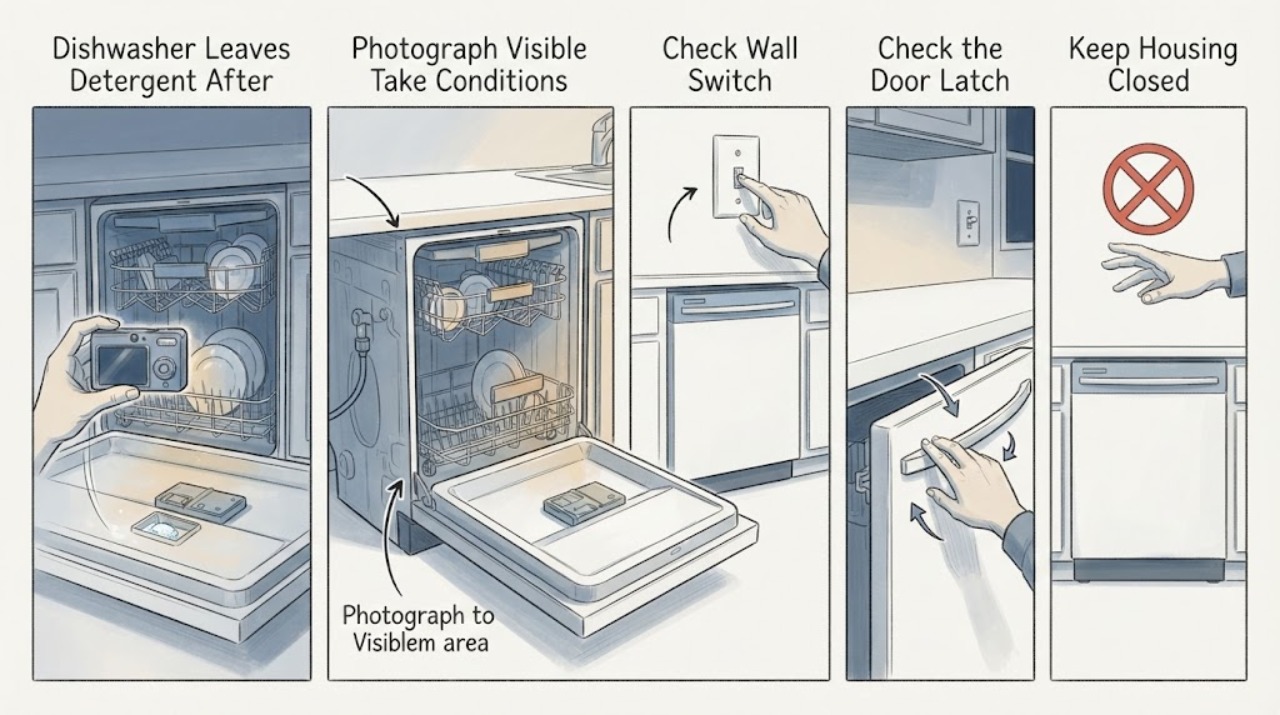
Samsung DW80J3020UW Dishwasher Leaves Detergent After a Cycle and Shows LEB
Treat the display as unconfirmed until you identify the characters from a photo: Samsung's official error lists define LE and LC as leakage indications, but the opened model-specific support and error pages do not establish a separate LEB code. Because this report also includes water in the drip tray and detergent left after the cycle, resolve the possible leak indication first and do not keep running overnight cycles.
-
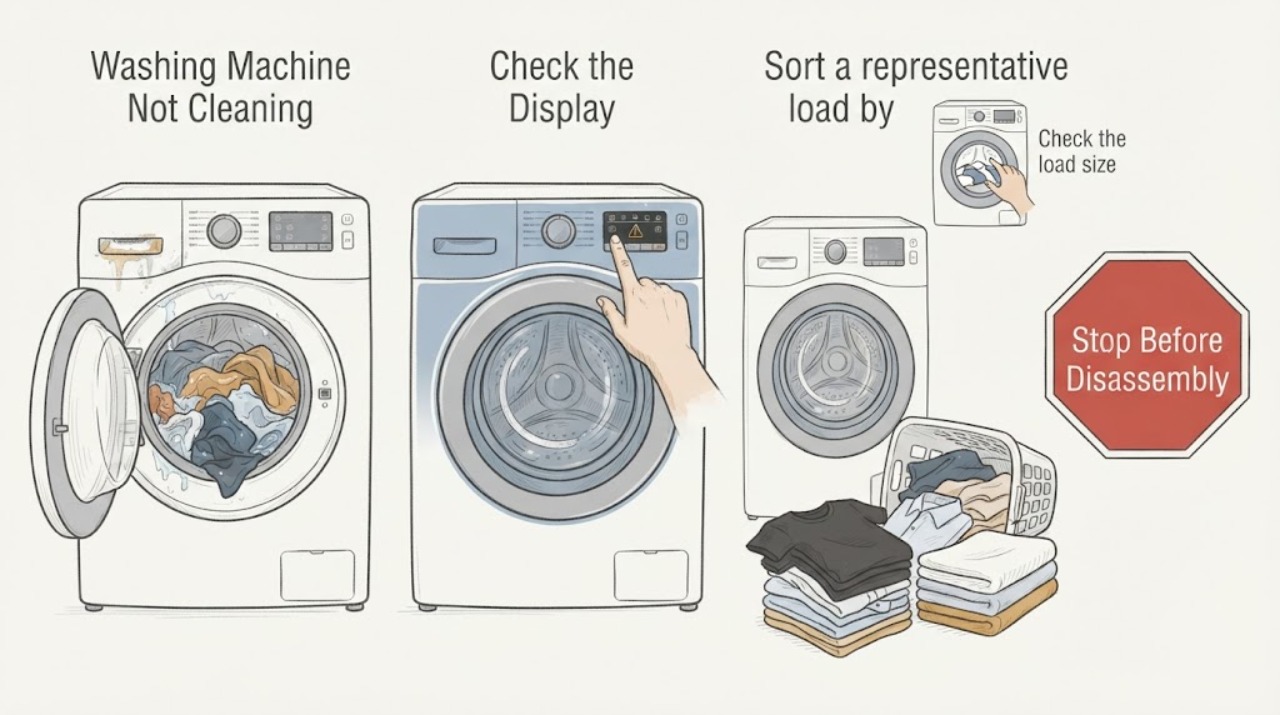
Samsung Washing Machine Not Cleaning: Fix the Cycle, Load, Detergent, and Water Path
First decide whether the issue is dirty clothes, residue or odor in the washer, or a real filling, draining, spinning, or error problem. For dirty clothes, use a cycle and temperature suited to the fabric, sort and pretreat stains, avoid overloading, and use the correct amount of HE detergent in the model's correct compartment.
-
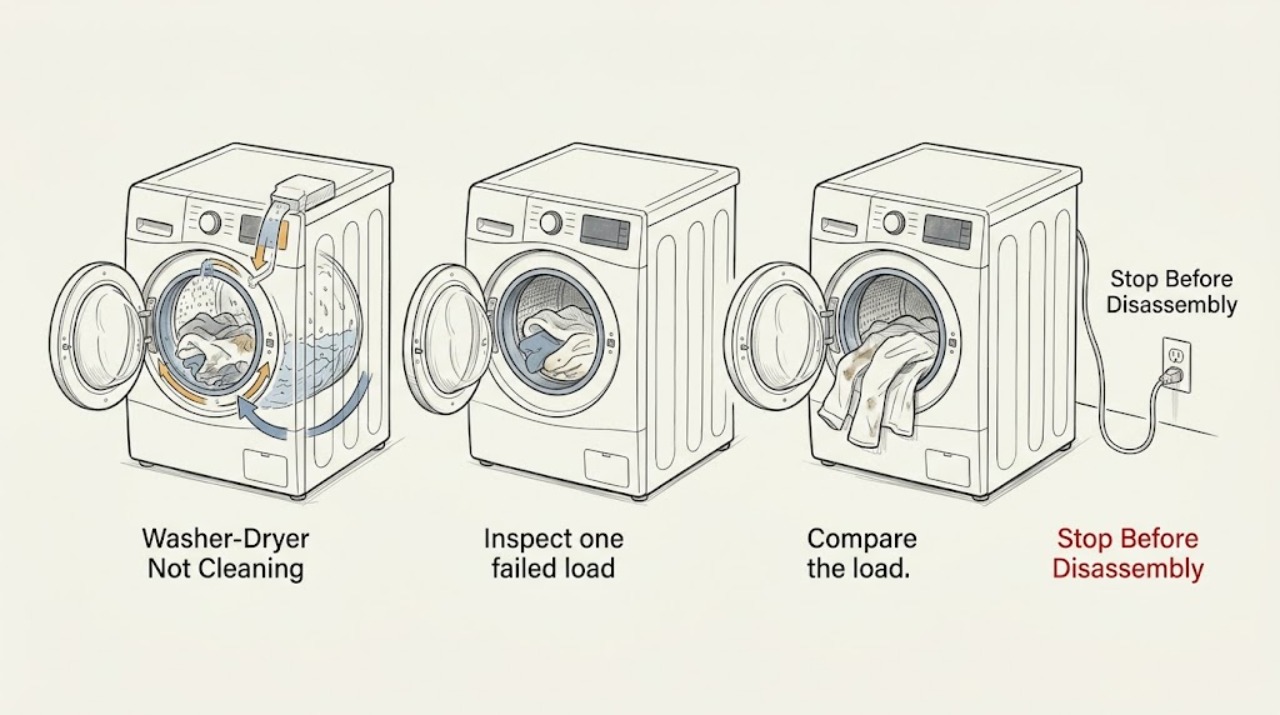
Speed Queen Washer-Dryer Not Cleaning: Checks That Change the Wash Result
When a Speed Queen washer-dryer is not cleaning, first confirm that the washer—not the dryer—is leaving the clothes dirty. Then check the load size and soil level, selected cycle and water temperature, detergent type and amount, dispenser condition, fill and drain behavior, and the cleanliness of the door seal or tub.
-
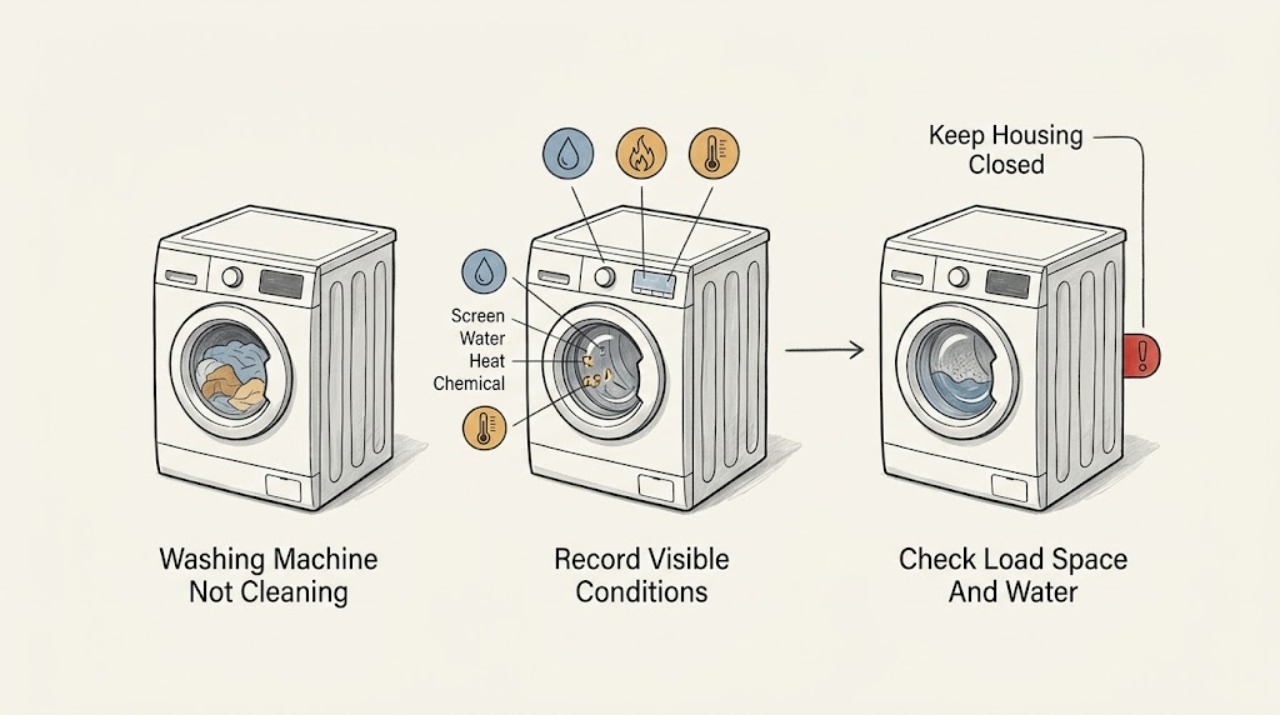
Speed Queen Washing Machine Not Cleaning: Check Load, Water, Detergent, and Cycle
When a Speed Queen washing machine is not cleaning well, first compare the result with the selected cycle, water temperature, load size, and detergent instructions. Speed Queen guidance says clothes need room to circulate, water level must fit the load, and the wash temperature should match both the soil and the fabric label.
-
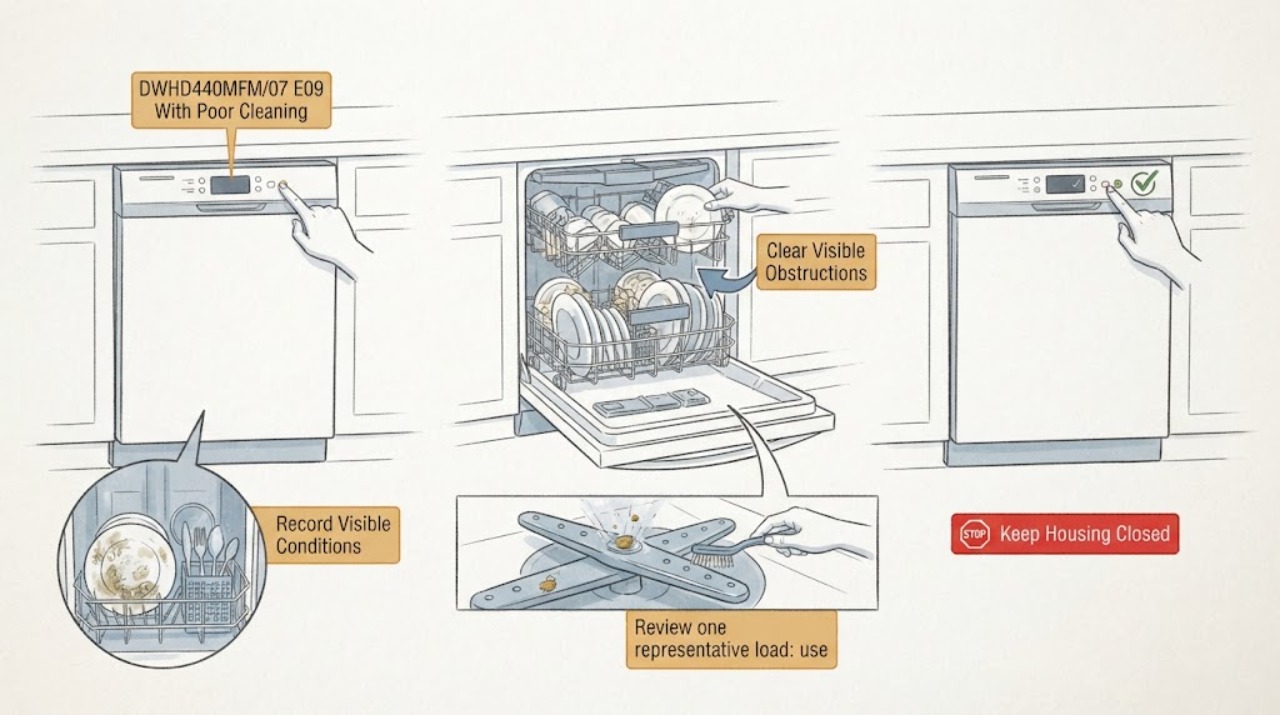
Thermador DWHD440MFM/07 E09 With Poor Cleaning and Odor: What to Check
For the Thermador DWHD440MFM/07, E09 is not defined in the current Thermador dishwasher error-code list or in the opened DWHD440MFM-family use-and-care manual. Do not assume that E09 identifies a heater, heat pump, control board, or a replacement part.
-
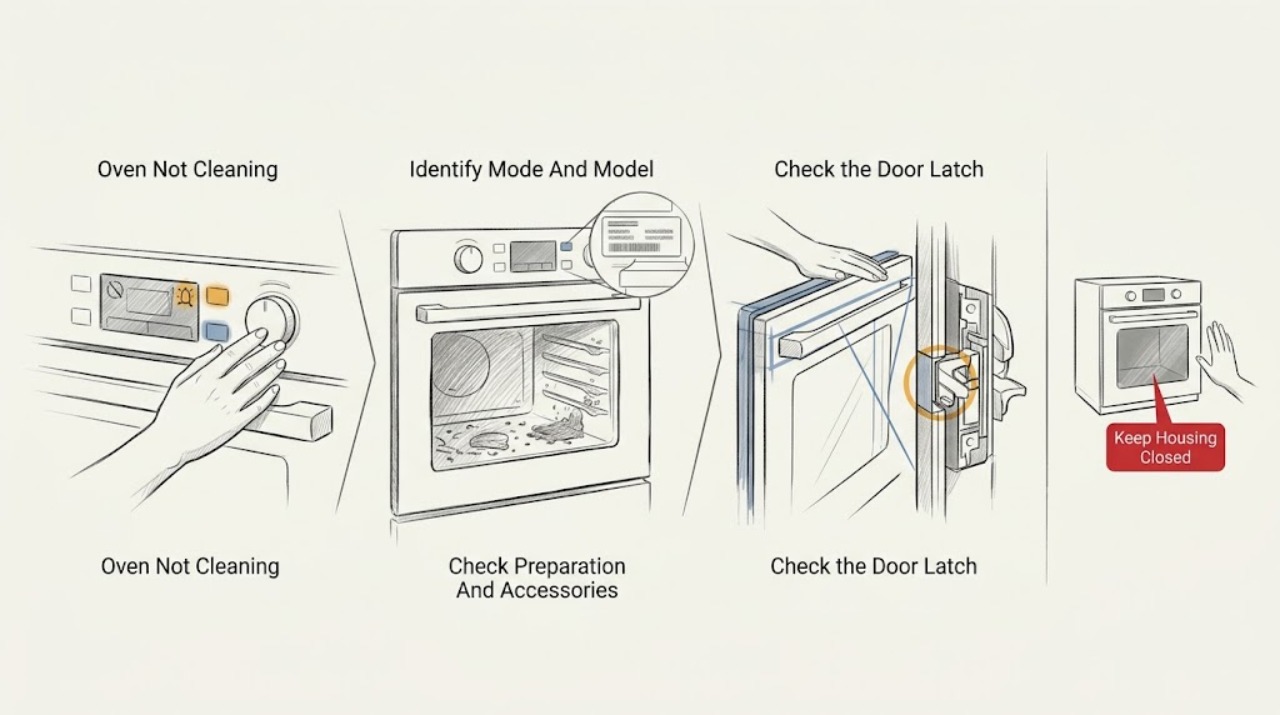
Thermador Oven Not Cleaning: Check the Cleaning Mode, Door Lock, and Residue Safely
First identify the Thermador appliance and the cleaning mode: conventional oven self-clean, a range steam-clean program, or a steam oven's cleaning or descaling mode. Check the exact model manual, remove accessories that the manual excludes, clear loose spill residue only after the cavity is cool, and confirm the door can close and lock normally.
-
Vacuum cleaner not cleaning
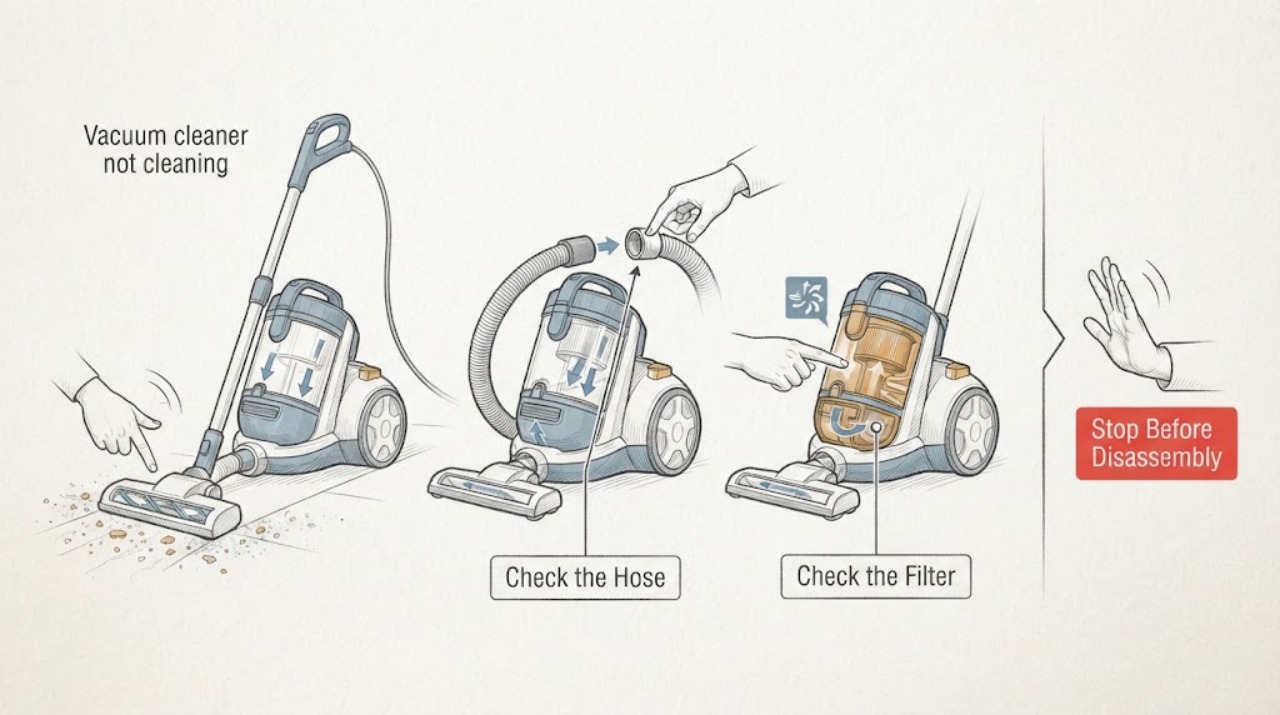
A vacuum cleaner that is not cleaning usually has a full dust cup, blocked hose/nozzle, dirty filter, jammed brushroll, wrong tool/mode, or loss of battery power. Turn it off and unplug or remove the battery before clearing accessible parts. If suction remains poor after filters are fully dry and paths are clear, arrange service.
-
Viking Oven Not Cleaning: Safe Checks for Manual and Self-Clean Models
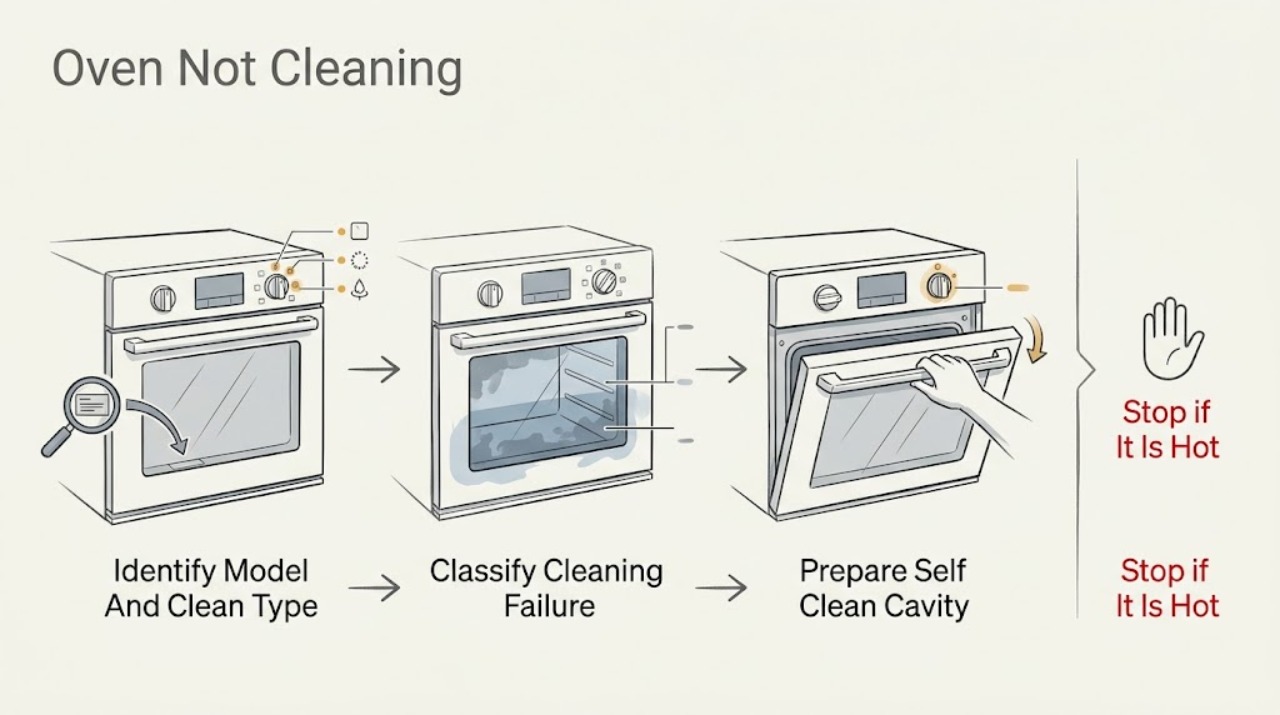
A Viking oven that is not cleaning may be a manual-clean model, a self-clean model whose controls or door latch were not accepted, a cycle that was interrupted before cooling finished, or an oven with soil that needs hand cleaning before or after the cycle. First identify the exact model and whether its manual describes manual, self-clean, or another cleaning program; Viking says cleaning instructions depend on the oven type and model.
-
Washing Machine Not Cleaning: Fix the Load, Detergent, and Cycle First
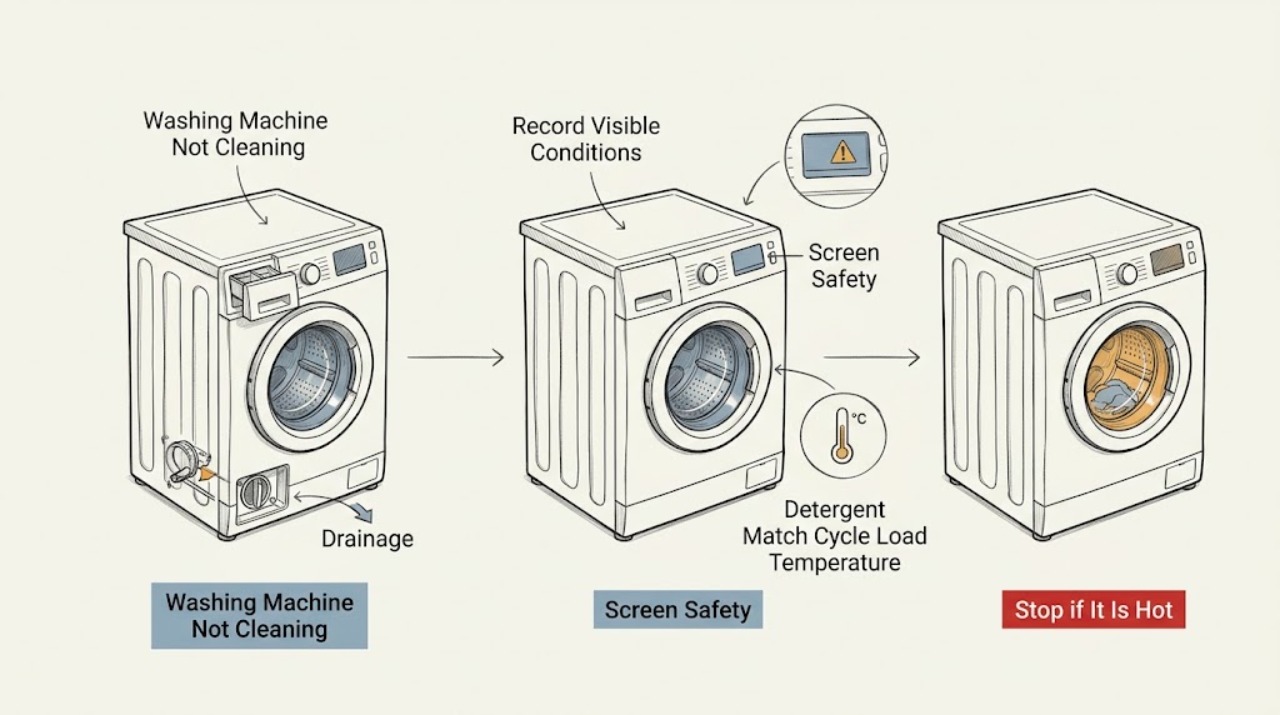
When a washing machine leaves clothes dirty, first separate a cycle or load problem from a water, detergent, dispenser, drainage, or mechanical fault. Use the exact model manual to choose a cycle and a temperature safe for the fabric, load items loosely rather than packing the drum, and use the detergent type and amount specified for that machine and water conditions.
-
Whirlpool Ice Maker Not Cleaning: Safe Checks
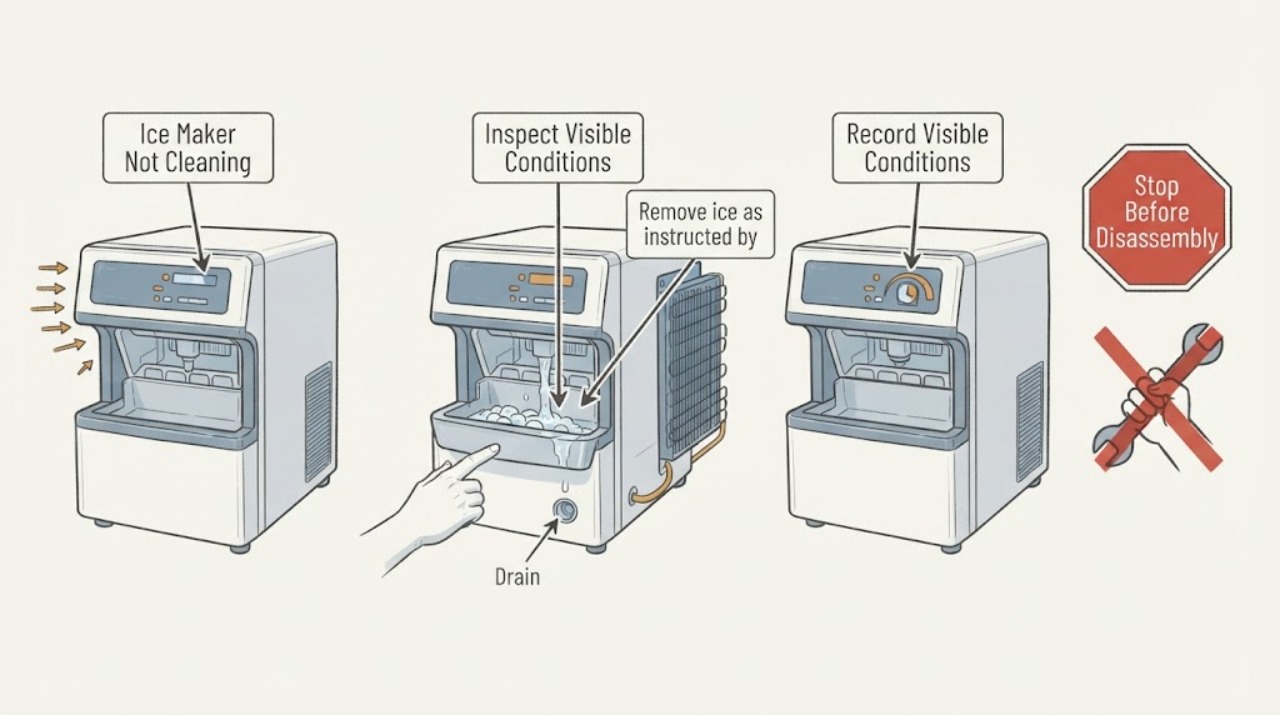
If a Whirlpool freestanding ice maker will not complete or resume cleaning, read the Clean indicator, confirm the water pan and drain cap, start or resume the model-specific Clean cycle, and clean the accessible condenser with power disconnected. A blinking light may mean the cycle was interrupted, while scale, drainage, or airflow problems can reduce production. Leaks, electrical heat, or a cycle that repeatedly fails need service.
-
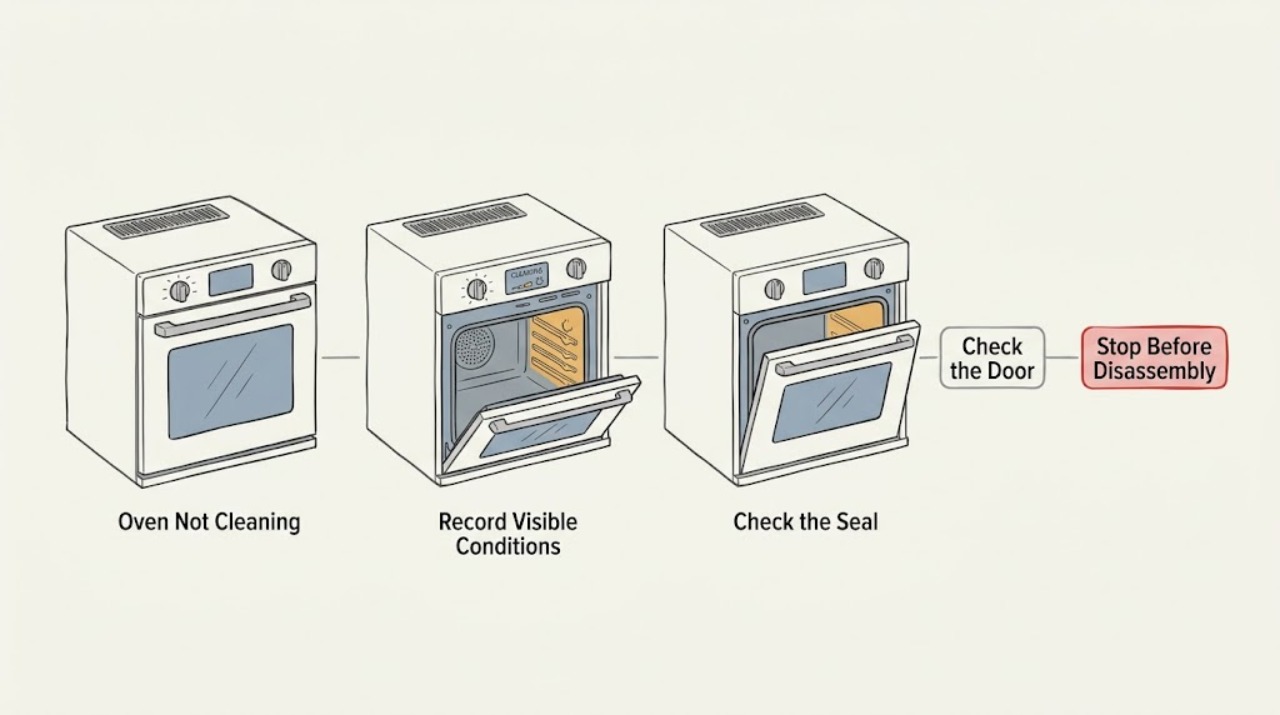
Whirlpool Oven Not Cleaning: Choose the Right Safe Cleaning Path
First identify whether the problem is a hand-cleaned spill that remains, a steam or AquaLift cycle that does not remove heavy soil, or a high-temperature self-clean cycle that will not start or stops. Whirlpool cleaning features are model-specific: the exact manual determines whether the oven has Steam Clean, AquaLift, or high-temperature Self-Clean, what water or cleaner is allowed, and how the door behaves.
-
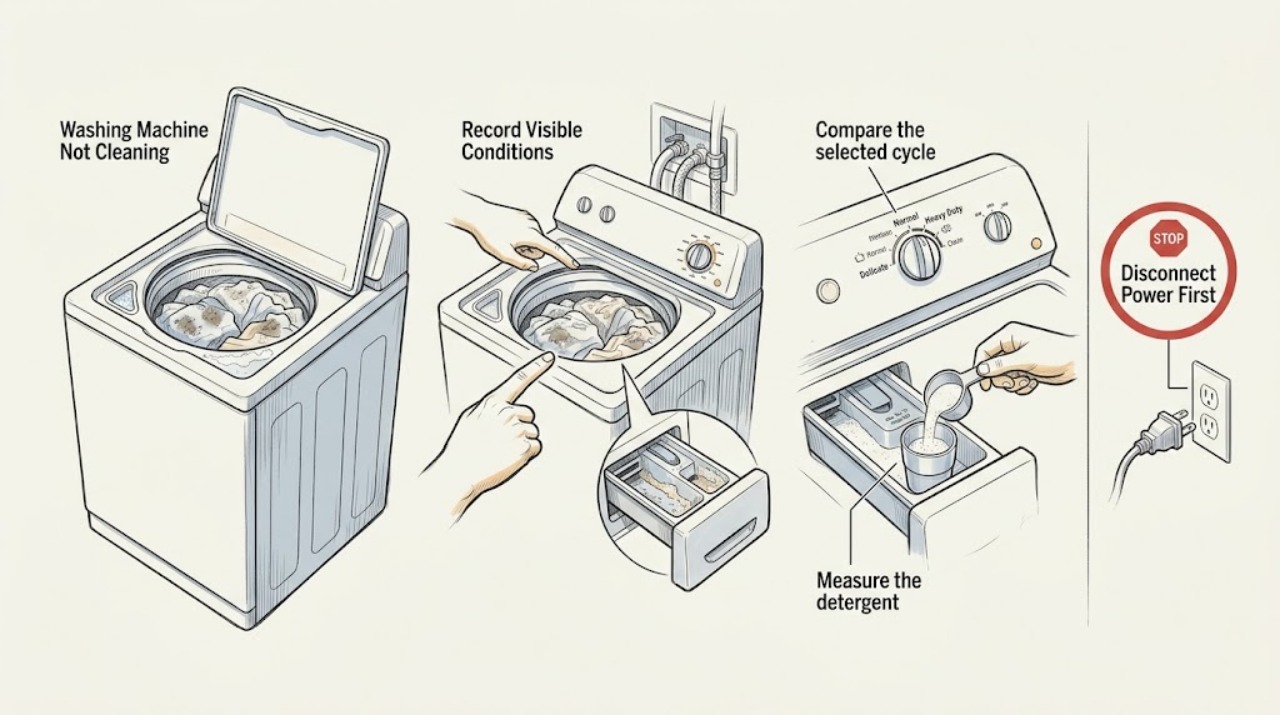
Whirlpool Washing Machine Not Cleaning: A Practical Diagnostic Guide
If a Whirlpool washer leaves soil or residue behind, first reduce and sort the load, choose the cycle and warmest fabric-safe temperature that match the soil, and use the measured amount of HE detergent. Confirm both water supplies are open where the model uses hot and cold inlets, and clean the dispenser only as the model manual allows.