
Repair problem
Not Starting Troubleshooting Guides – Page 3
Published FixGraph guidance for diagnosing and responding to not starting.
Matching published guides
Choose a guide that matches the service, equipment, and conditions you are seeing.
-
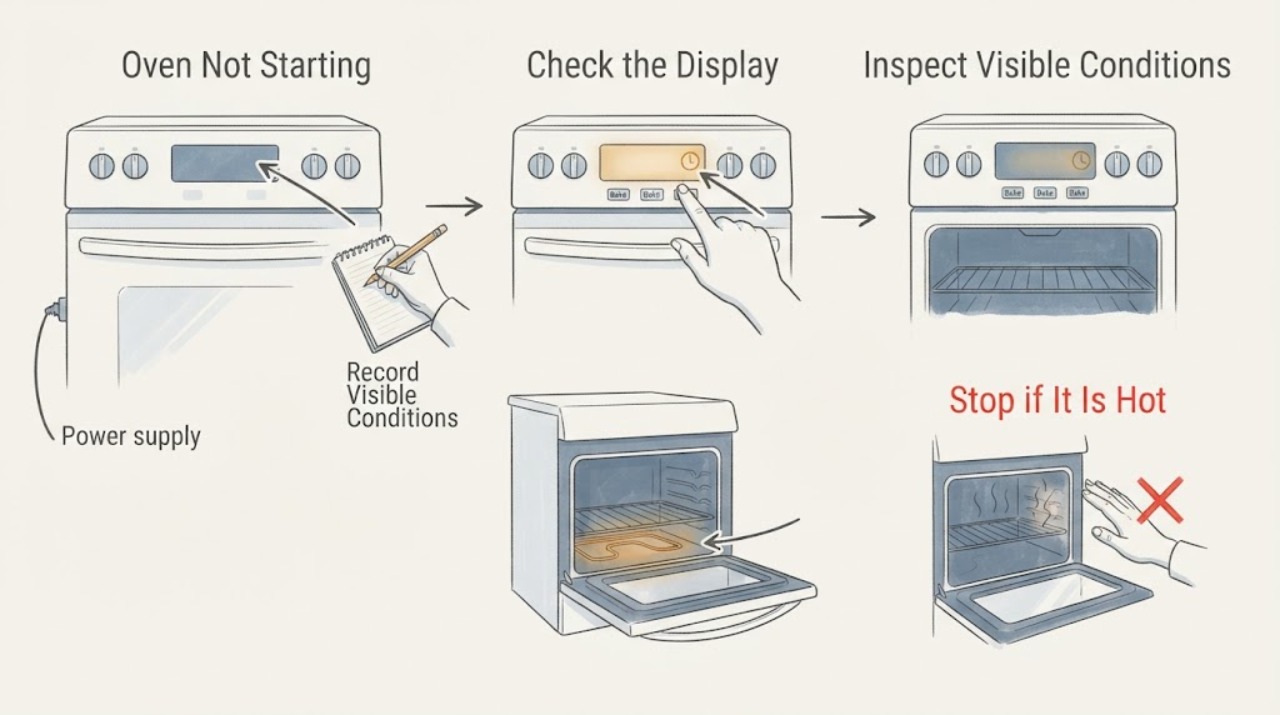
Kenmore Oven Not Starting: Check Power, Controls, and Fuel Safely
First determine whether the Kenmore oven has no display at all, has a display but will not accept a command, enters a cycle without heating, or is a gas model that does not ignite. Confirm the range or wall oven has power, the clock and controls are set, Control Lock or a delayed/Sabbath mode is not active, and the door is fully closed.
-
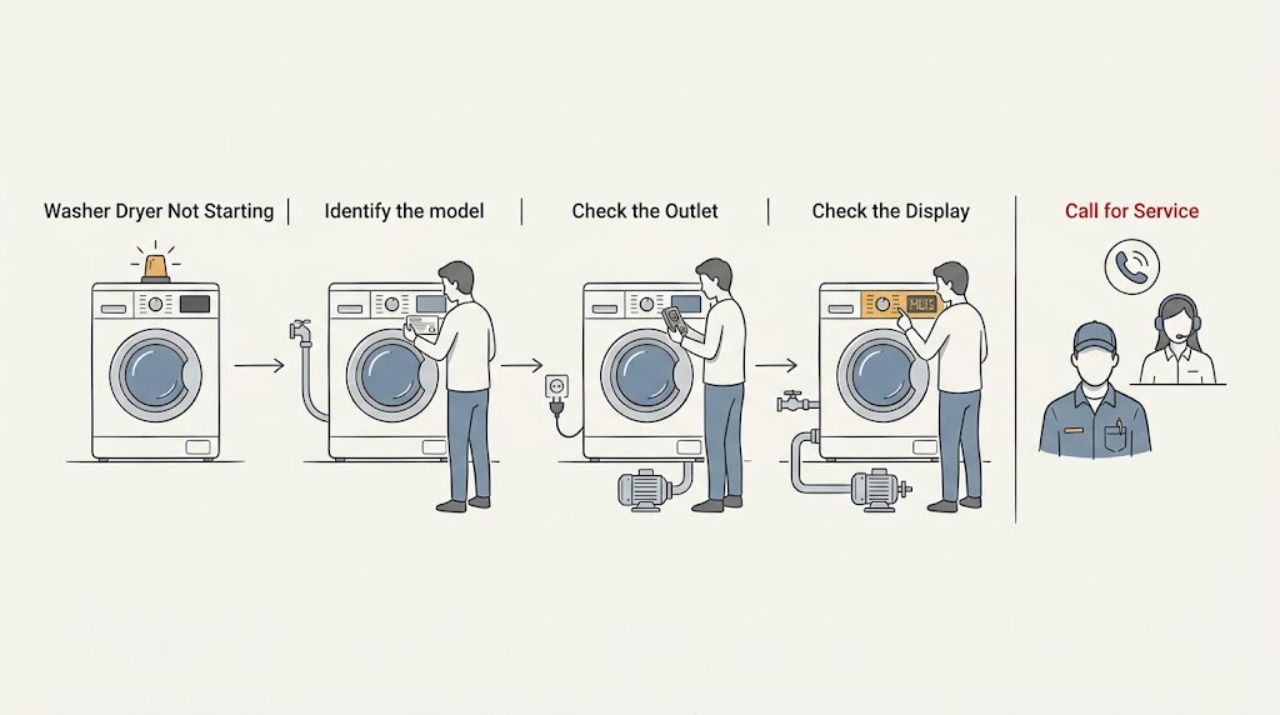
Kenmore Washer Dryer Not Starting: Safe Checks
First identify whether your Kenmore appliance is a stacked laundry center, a washer-dryer combo, or separate washer and dryer units; the start conditions differ by model. Record the full model number and use Kenmore's official manual lookup, which requires the model to find the correct owner documentation.
-
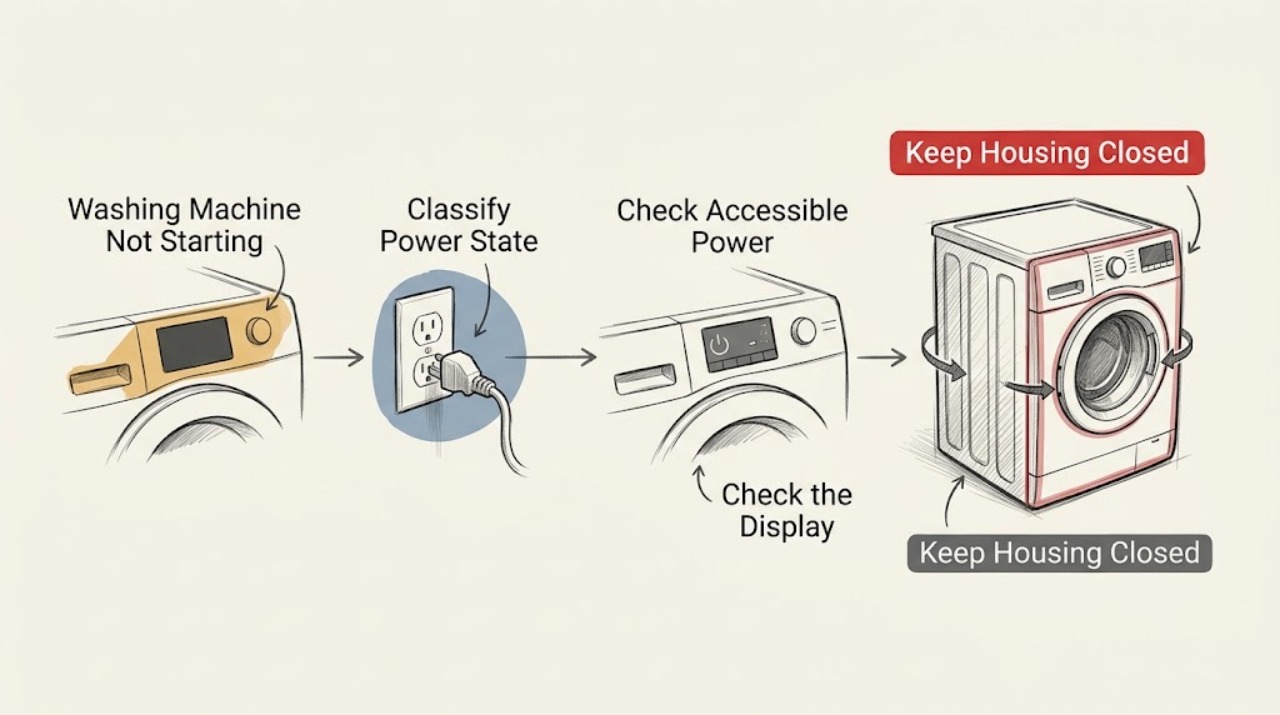
Kenmore Washing Machine Not Starting: Separate Power, Lid, Water, and Control Checks
First separate a Kenmore washer with no lights from one whose controls light up but the cycle will not begin. Check the normal supply and breaker from a safe position, then look for Control Lock, a cycle selector that is not on a valid program, a lid or door that is not fully latched, a Start button that needs a brief hold, or an exact model message about water or fill.
-
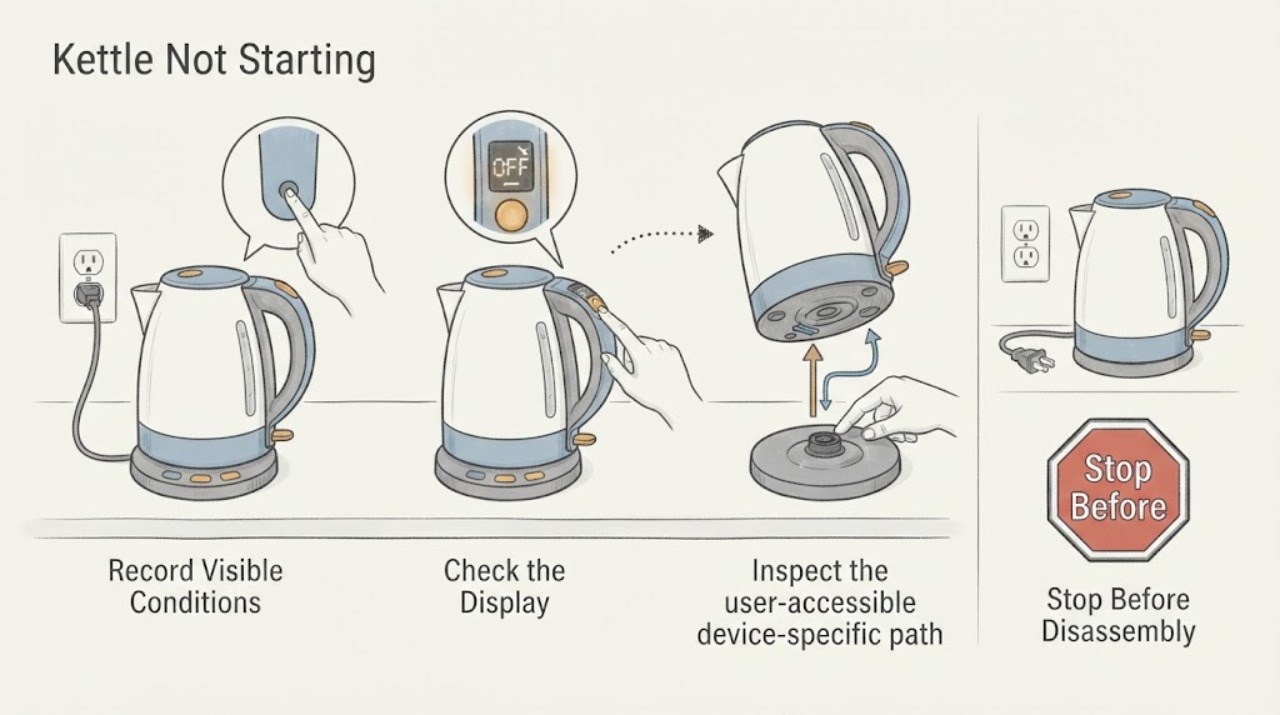
Kettle Not Starting
If a kettle will not start, verify the kettle body is fully seated on its base, the outlet works, the lid is closed, and the minimum fill and controls match the manual. Hamilton Beach notes some kettles will not start without the body on the base. Stop for a damaged cord, leaking base, or burning odor.
-
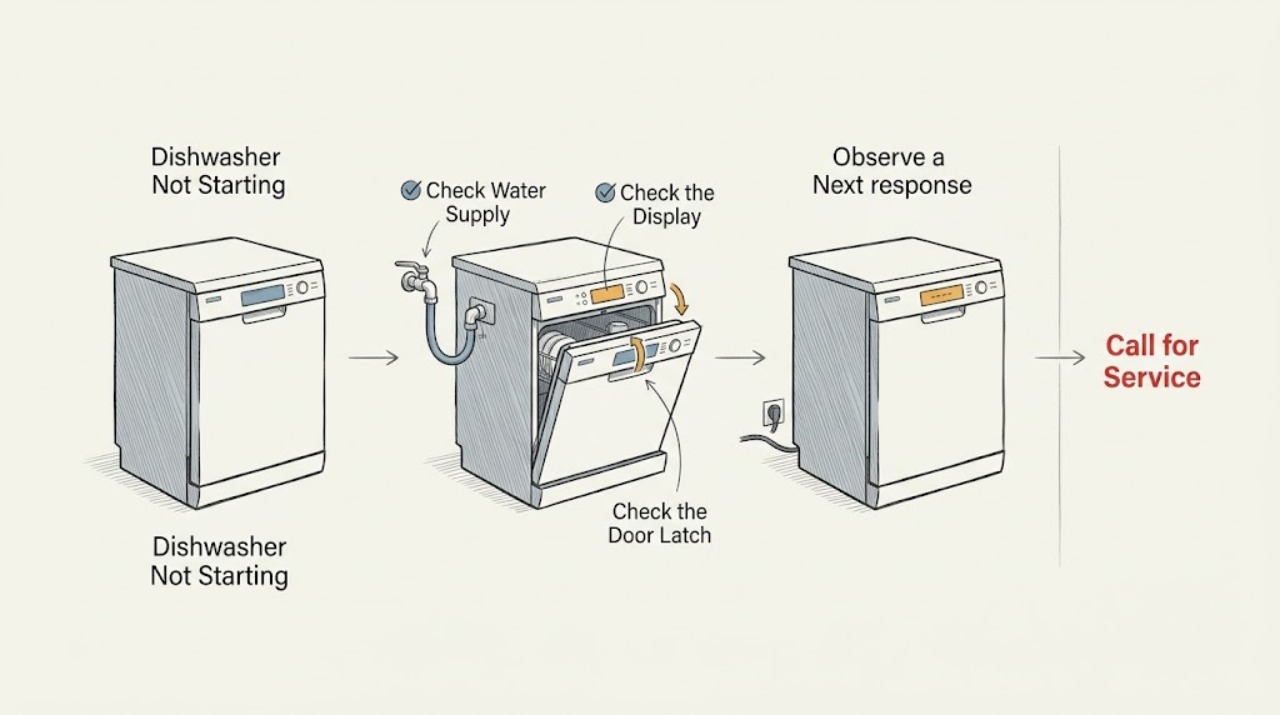
KitchenAid Dishwasher Not Starting: Check Water, Controls, Door, and Power
Check the external conditions in order: confirm the water valve under the sink is open, look for a lit control-lock indicator, wake the dishwasher or cancel Delay Wash, and close the door until the latch engages. KitchenAid says a door that is not fully latched can prevent a cycle from starting or resuming, and some models also use a lower rack position or door-opening feature that affects closure.
-
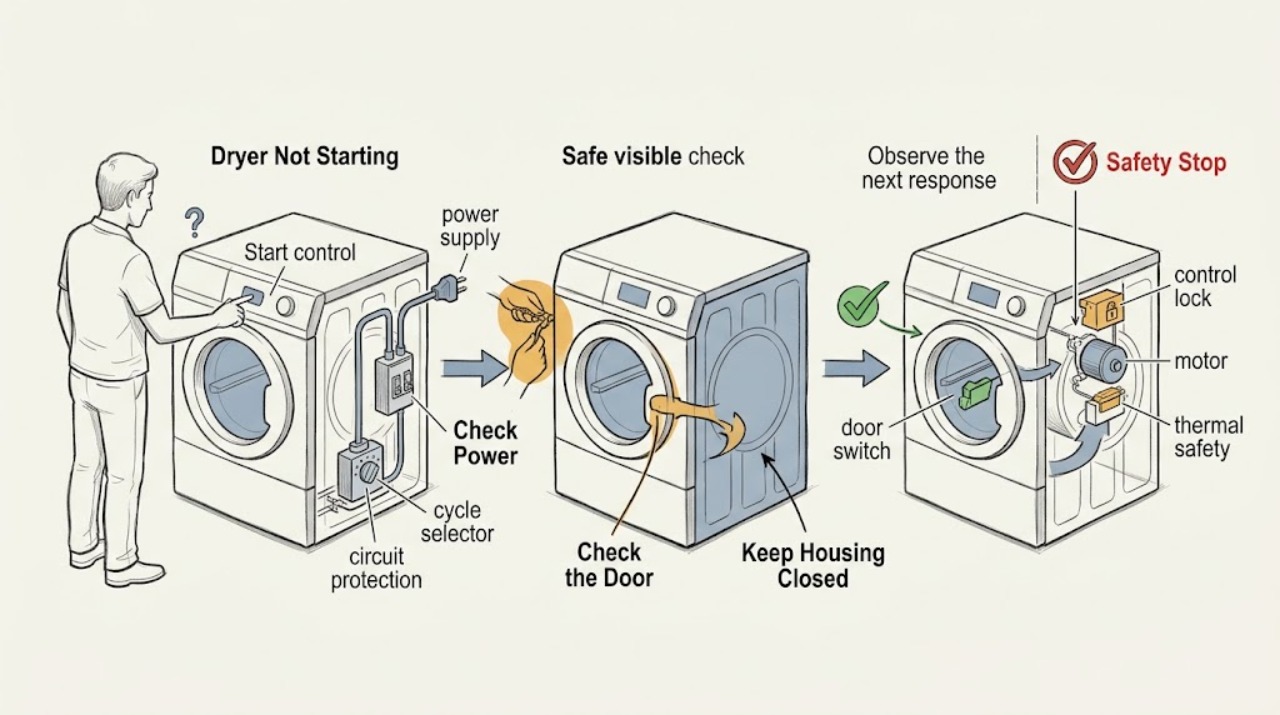
Kitchenaid Dryer Not Starting
If a KitchenAid dryer will not start, check the power cord and household breaker or fuse, make sure the door is firmly closed, select a cycle, and press or hold Start exactly as the model manual requires. Older KitchenAid manuals list these as the basic no-run checks and show that some models need Start held for about three seconds.
-
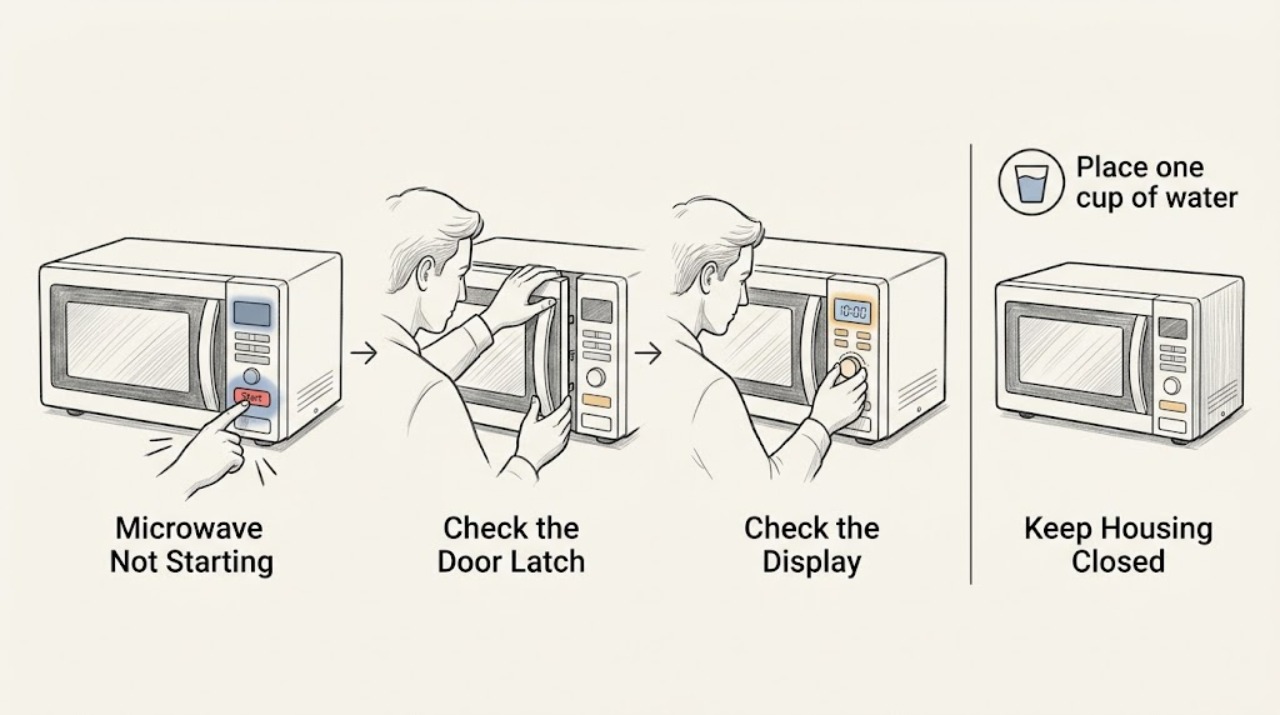
KitchenAid Microwave Not Starting
Firmly close the door, clear any obstruction, turn off Control Lock or Demo mode if enabled, and try a short timed cycle with a cup of water. If the timer runs without heat or the oven stays unresponsive after a power check, stop and request qualified service.
-
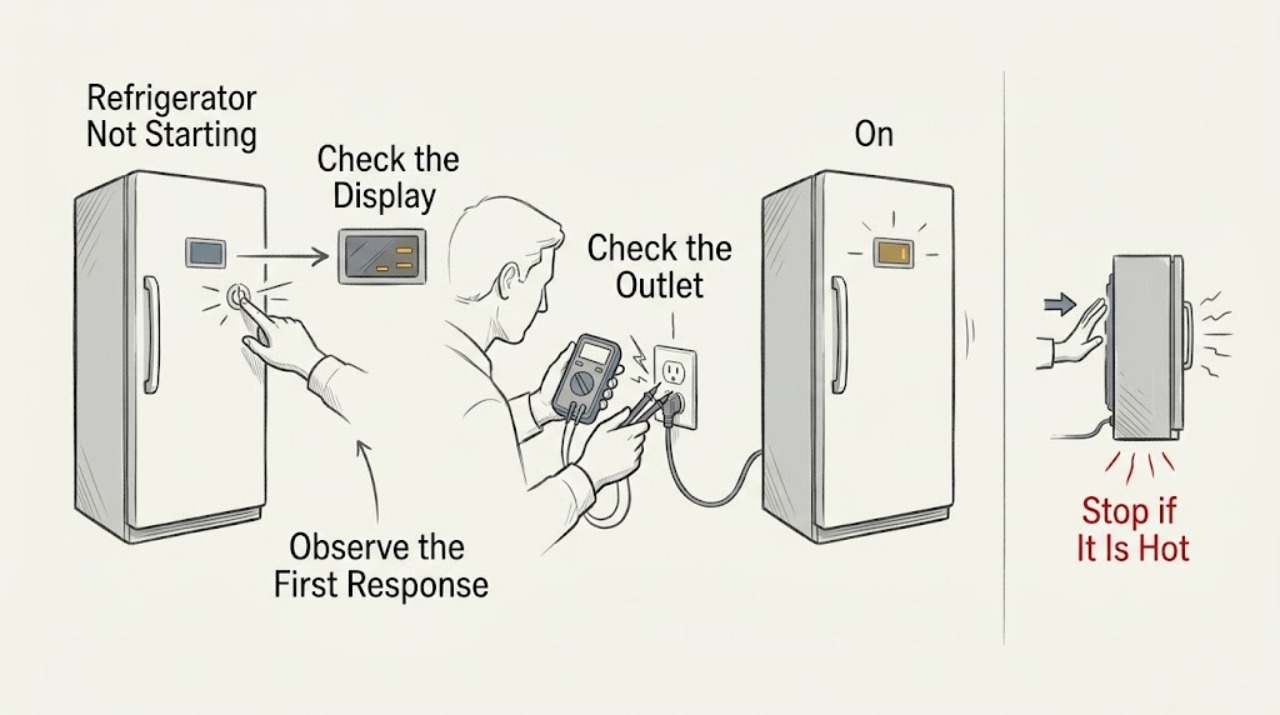
KitchenAid Refrigerator Not Starting
Check whether the interior light and display work, confirm normal cooling controls, and verify the outlet and breaker. If power and controls are normal but the unit stays silent or clicks repeatedly, stop and arrange service.
-
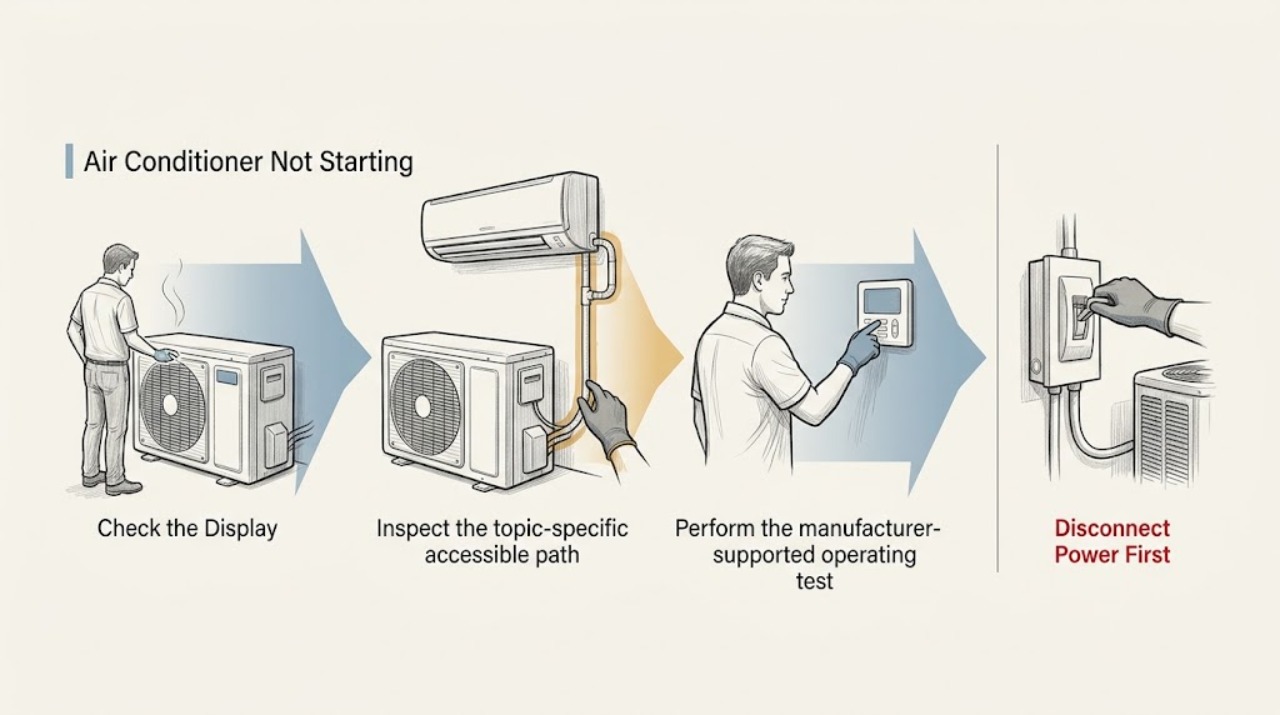
LG Air Conditioner Not Starting
Start by separating a dead unit from a command that is not reaching the unit: check whether the indoor display or indicator responds, confirm the remote has working batteries and a compatible signal, and check the dedicated air-conditioner breaker. If a code or repeating LED pattern appears, record it before resetting.
-
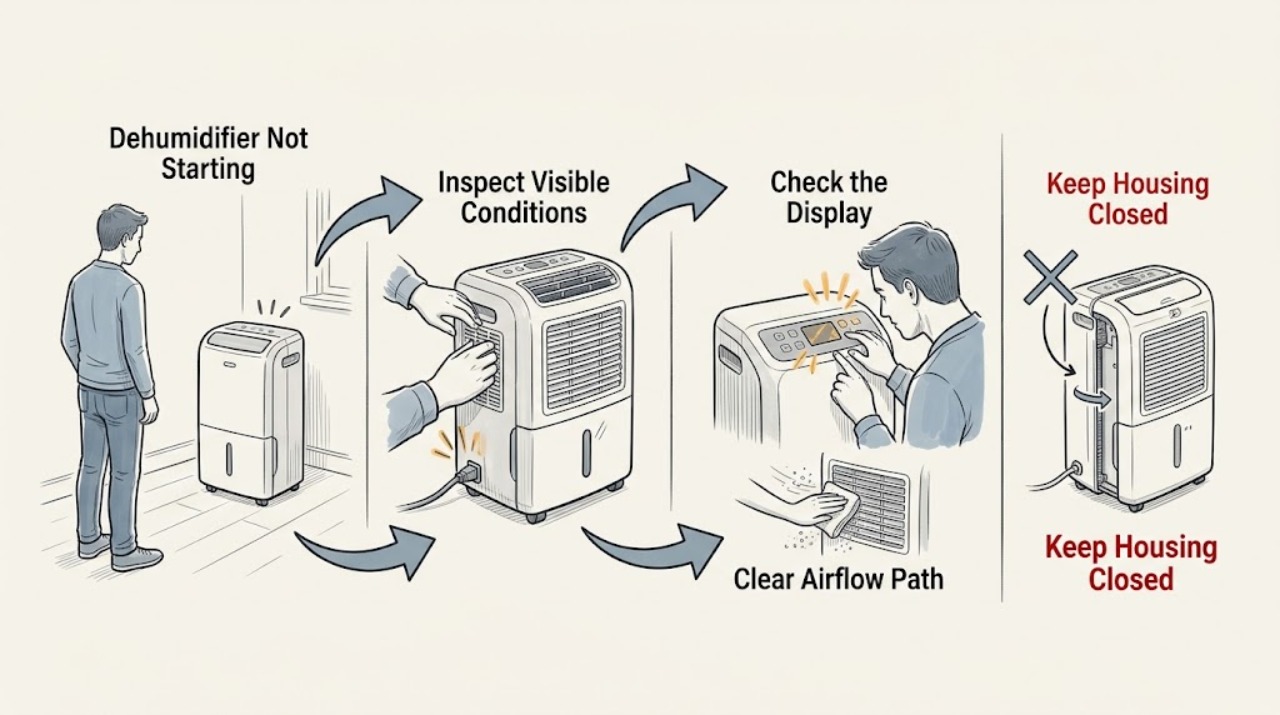
LG Dehumidifier Not Starting
Check power, the water bucket, timer, filter, and airflow. After an immediate restart allow the compressor's protective delay. If the unit remains dead or a CH/CH24 code returns, stop and request service.
-
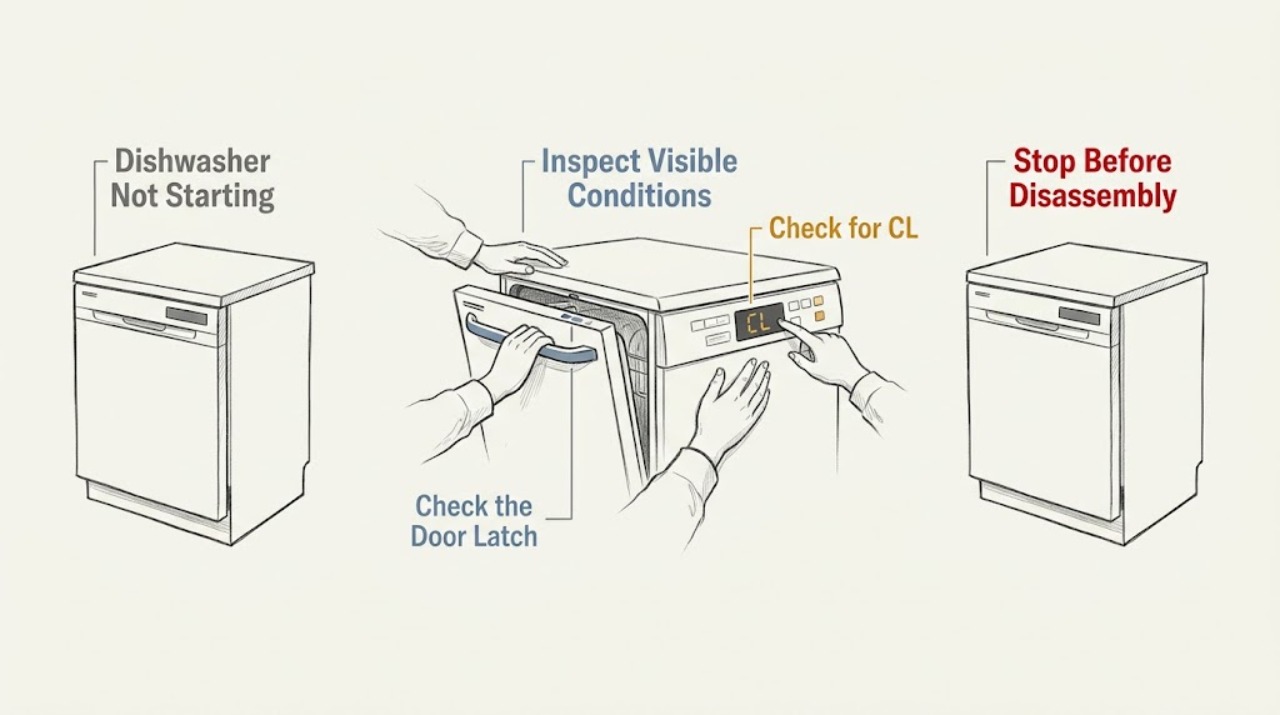
LG Dishwasher Not Starting
Check power and the door latch, make sure Control Lock is off, and confirm that a previous cancellation or drain sequence has finished. If the dishwasher powers on but will not start after these checks, record any code and request service.
-
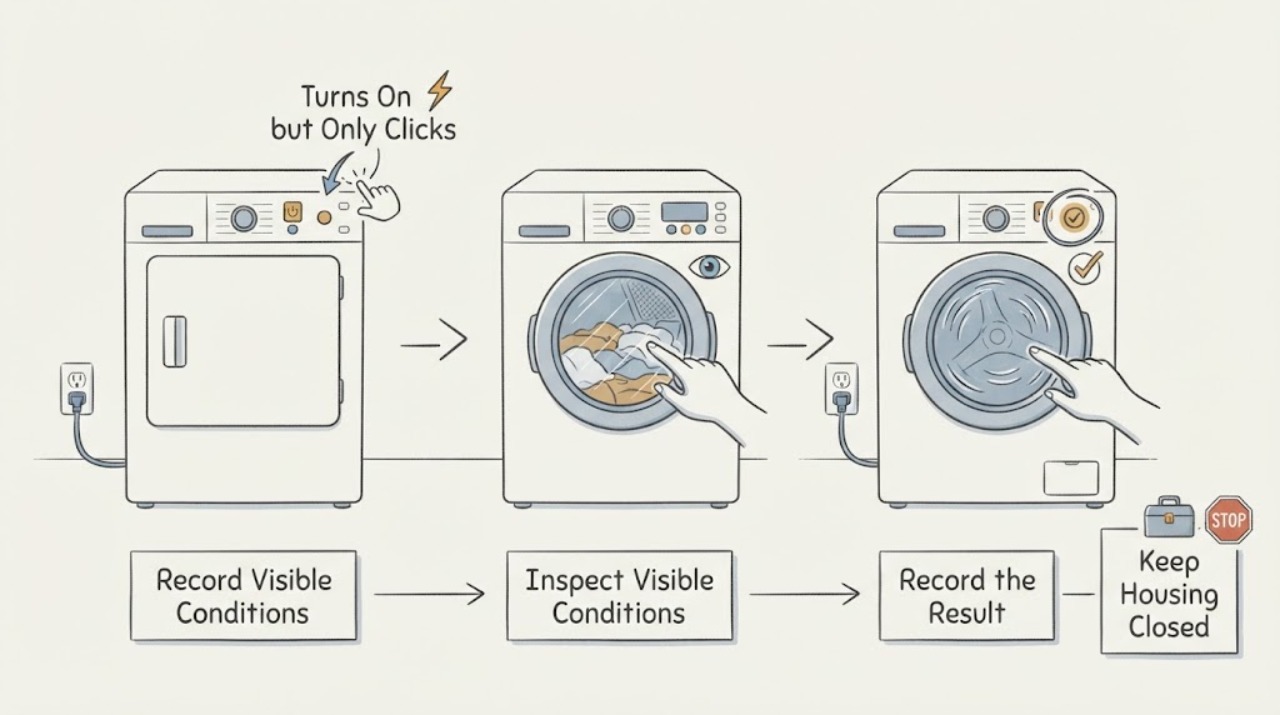
LG DLE4801W Turns On but Only Clicks When Start Is Pressed
For an LG DLE4801W that powers on but only clicks when Start is pressed, do not identify a relay or motor from the sound alone. LG's exact support page identifies DLE4801W.ABWEEUS, and the model specification identifies it as a 7.1 cu.
-
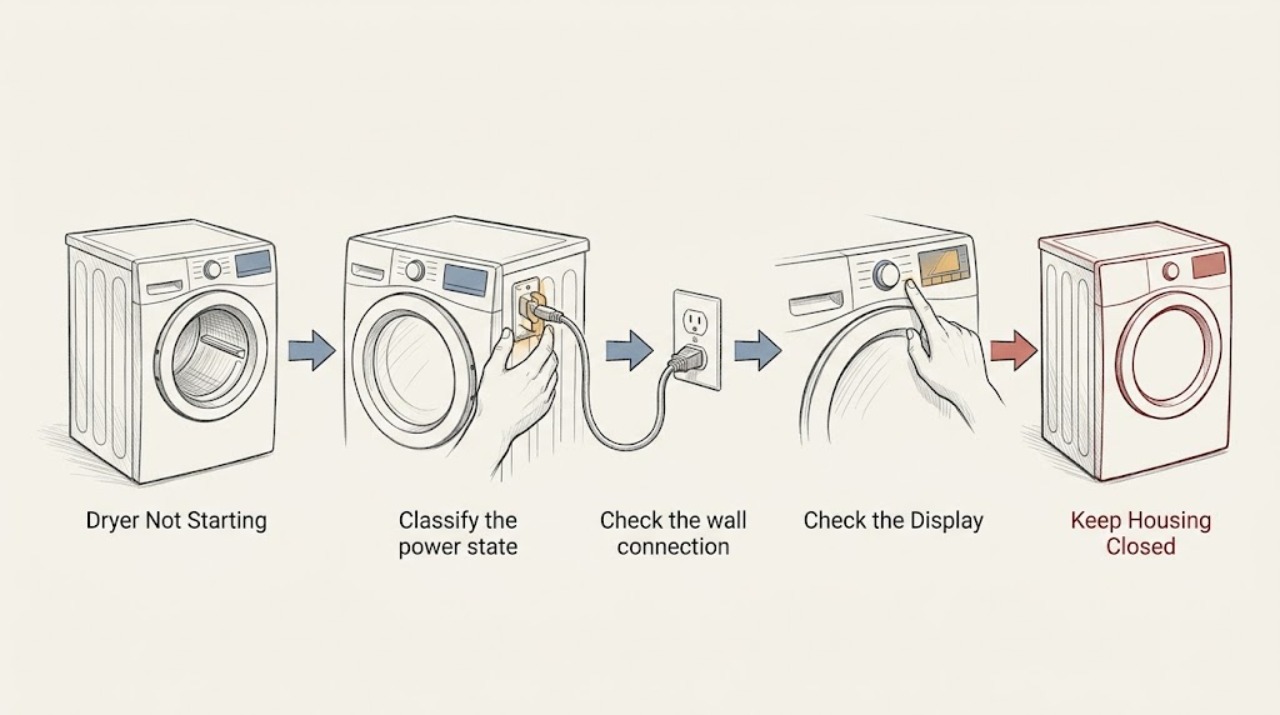
LG Dryer Not Starting: Check Power, the Door, and the Control State
Separate an LG dryer with no display from one that powers on but will not run. With the dryer cool and dry, check the drum light or display, the wall connection and breaker, Child Lock or Control Lock, the door and lint-filter seating, the selected cycle, and the required Start or Start/Pause action.
-
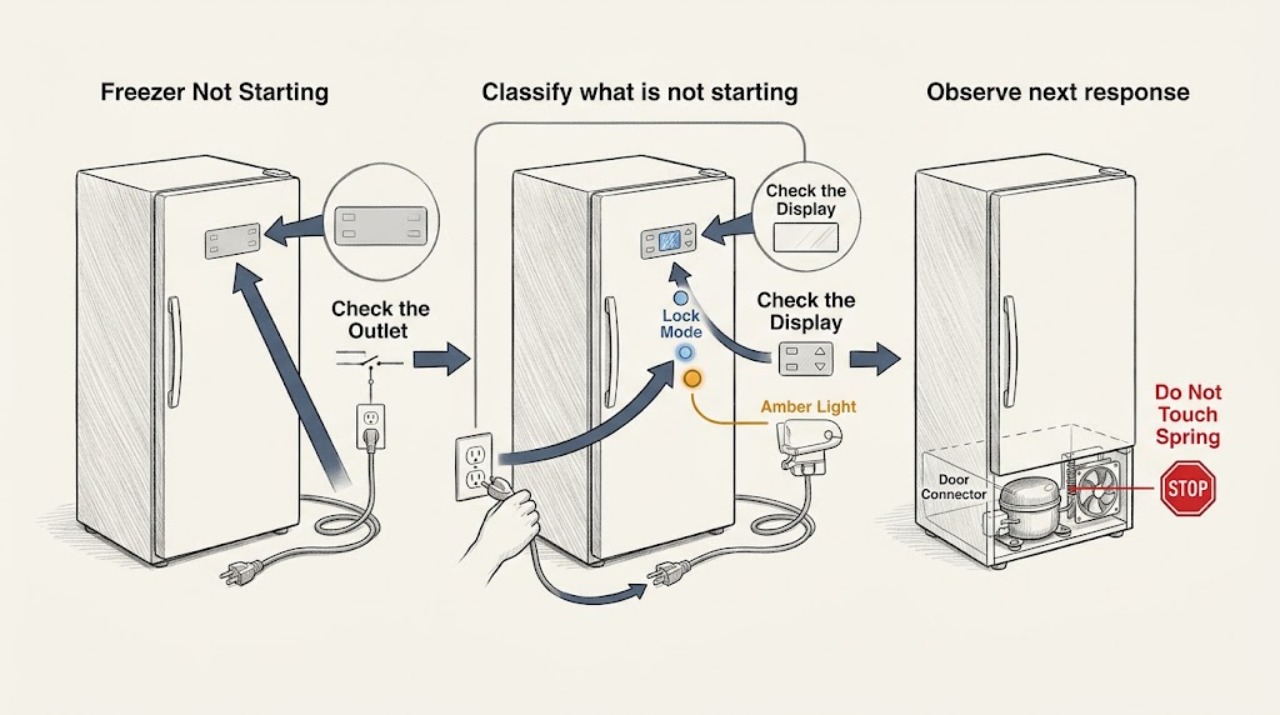
LG Freezer Not Starting
First determine whether the LG freezer is completely without power, whether only the display seems off, or whether the lights and controls work but the freezer is not cooling. Confirm the power cord is fully seated, test the outlet from a dry position, and check the appropriate breaker without repeatedly resetting it.
-
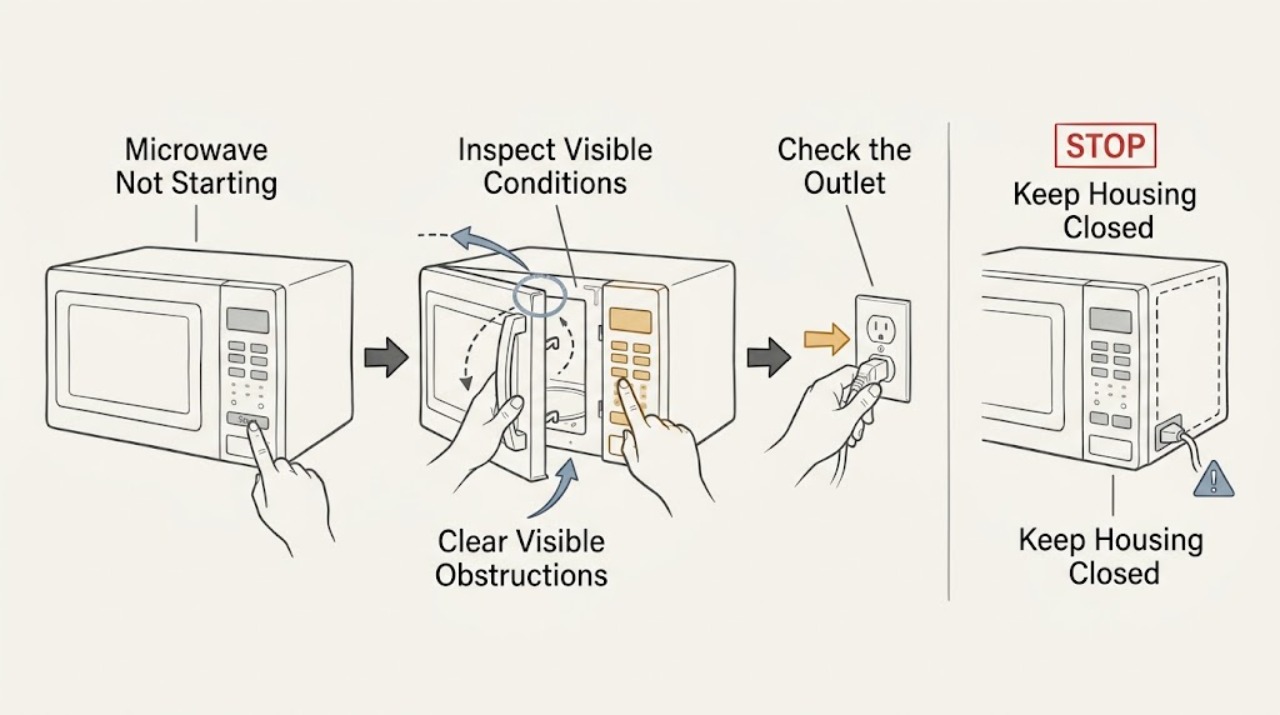
LG Microwave Not Starting: Check the Door, Lock, and Power Path
Check the LG microwave door for an obstruction, confirm the latch engages, and see whether other buttons produce a chime or display response. A control lock, a door-state problem, or a power interruption can prevent starting. If the door is damaged, an error remains, or the unit still will not start after one documented reset, stop and arrange service.
-
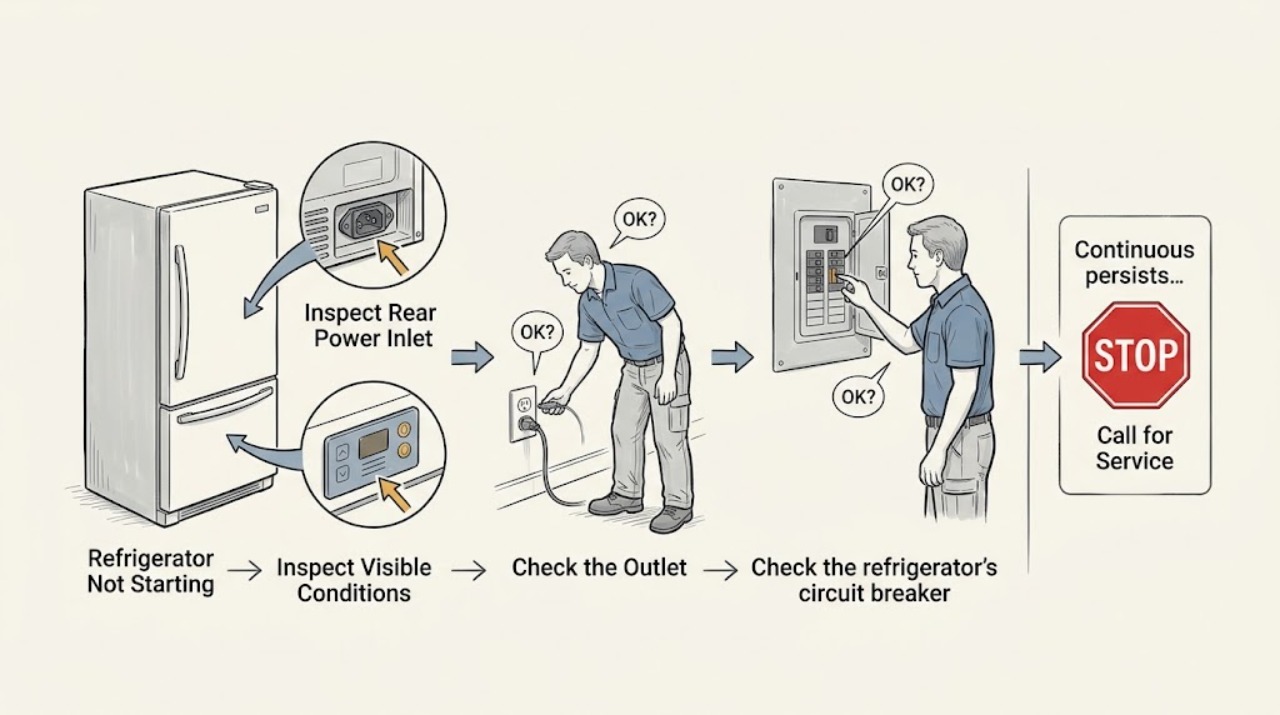
LG Refrigerator Not Starting: Check the Outlet and Breaker Safely
Determine whether the refrigerator has no power at all or has power but the compressor has not started. Check the plug, outlet, and breaker once using dry hands. If the outlet works but the refrigerator remains dead, or the breaker will not reset, stop troubleshooting and use LG or qualified electrical service.
-
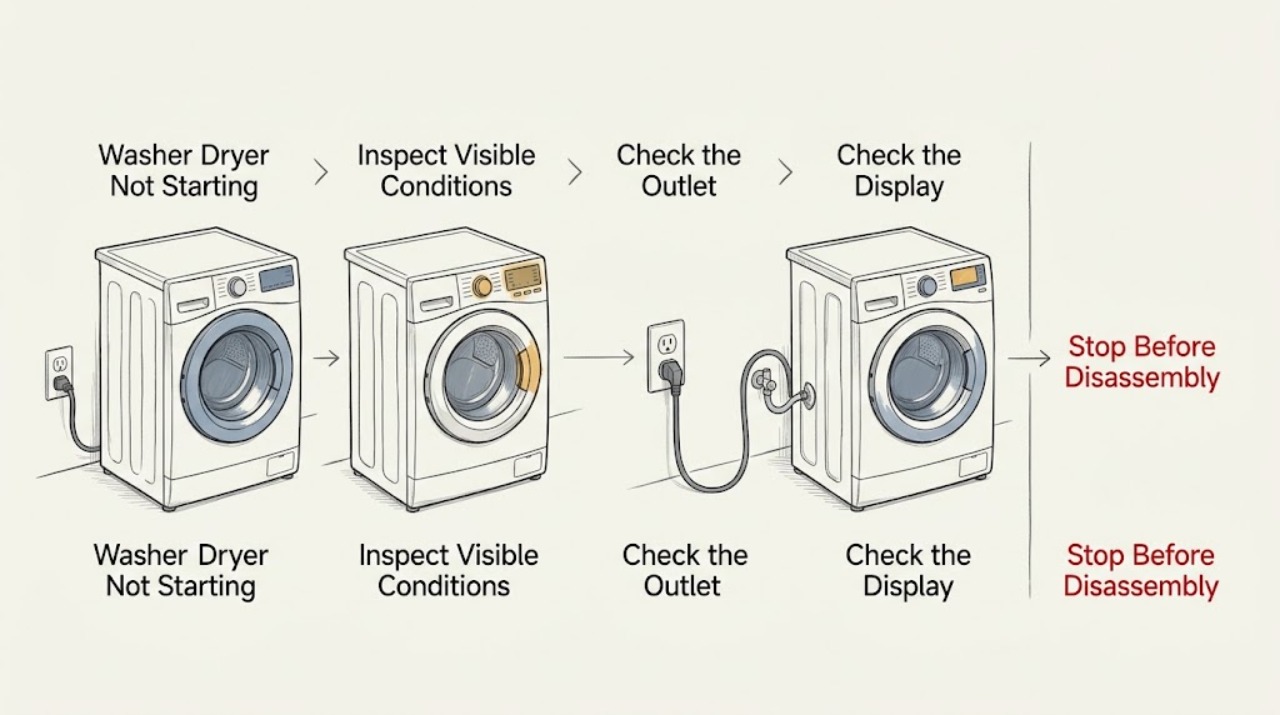
LG Washer Dryer Not Starting
If an LG washer dryer will not start, first decide whether the display is completely dead or the machine has power but refuses the selected cycle. For no power, confirm the cord is fully seated, check the wall outlet with a safe low-risk appliance, and check for a tripped household breaker without opening the electrical panel beyond normal user operation.
-
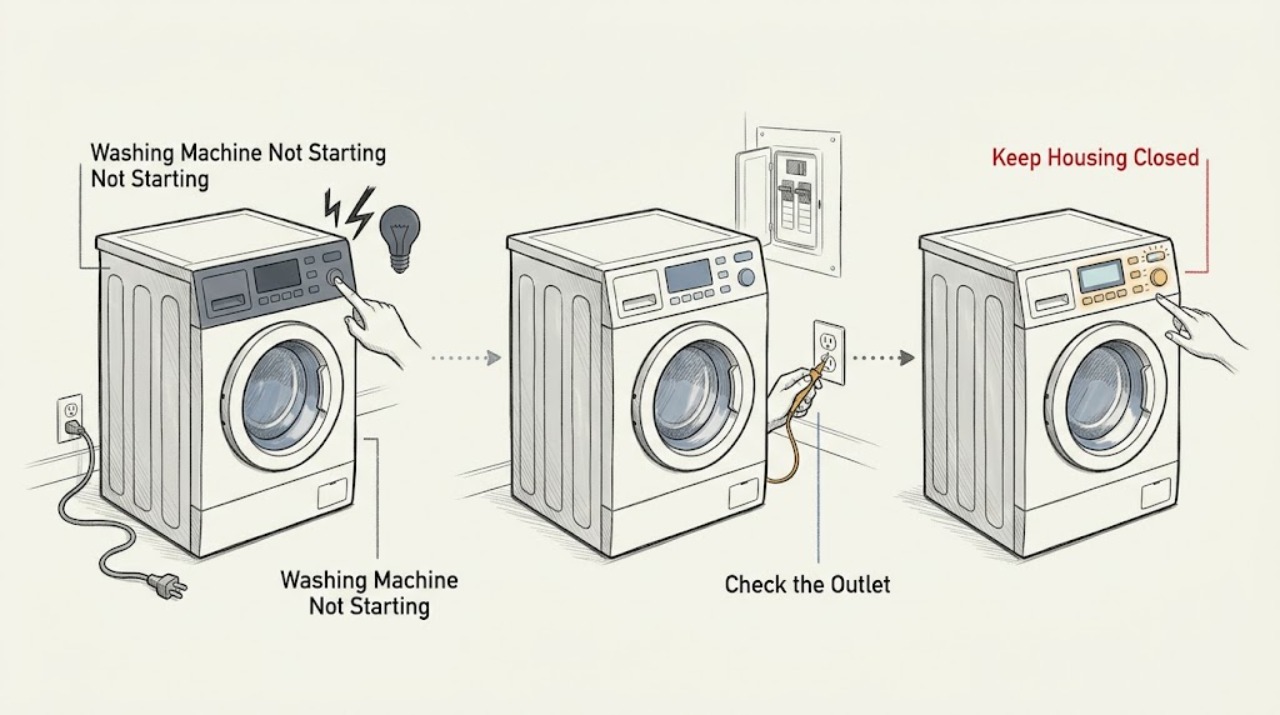
LG Washing Machine Not Starting
First separate an LG washer with no display or response from one whose display works but which will not begin a cycle. If the area is dry and there is no leaking water near electrical parts, smoke, burning smell, sparks, a hot outlet, damaged cord, or repeated tripping, check that the washer is plugged directly into a sound wall outlet and inspect the household breaker or GFCI as safely accessible.
-
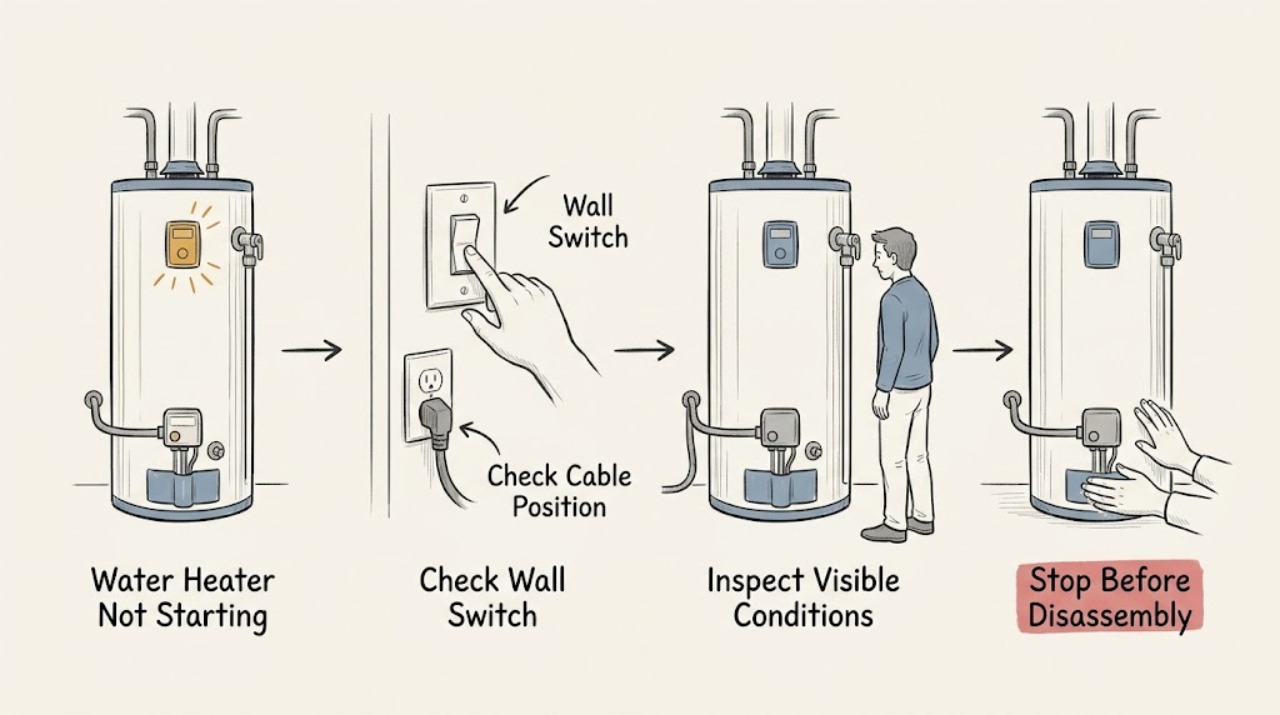
LG Water Heater Not Starting: Check Power and Safe Startup
When an LG water heater will not start, first confirm that the tank is full, the cold-water valve is open, and the dedicated breaker has power. Check the display and external air path without opening the unit. A breaker that will not hold, a damaged cord, water intrusion, smoke, or an unexplained dead display requires qualified service.
-
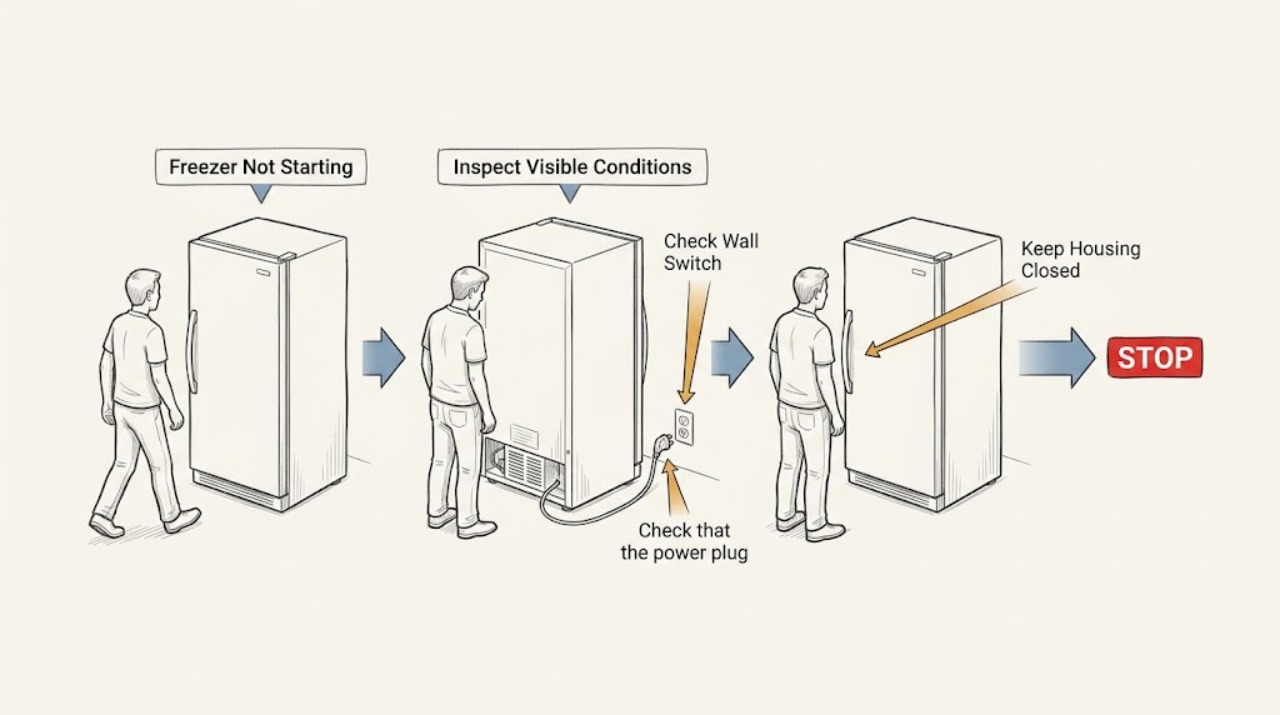
Liebherr Freezer Not Starting: Safe Power and Temperature Checks
If a Liebherr freezer is not starting, first check whether it is switched on, whether the plug and appliance connector are seated, and whether the wall outlet fuse or breaker is supplying power. A power failure can leave the freezer apparently off, so keep the door closed and protect the food rather than repeatedly opening it.
-
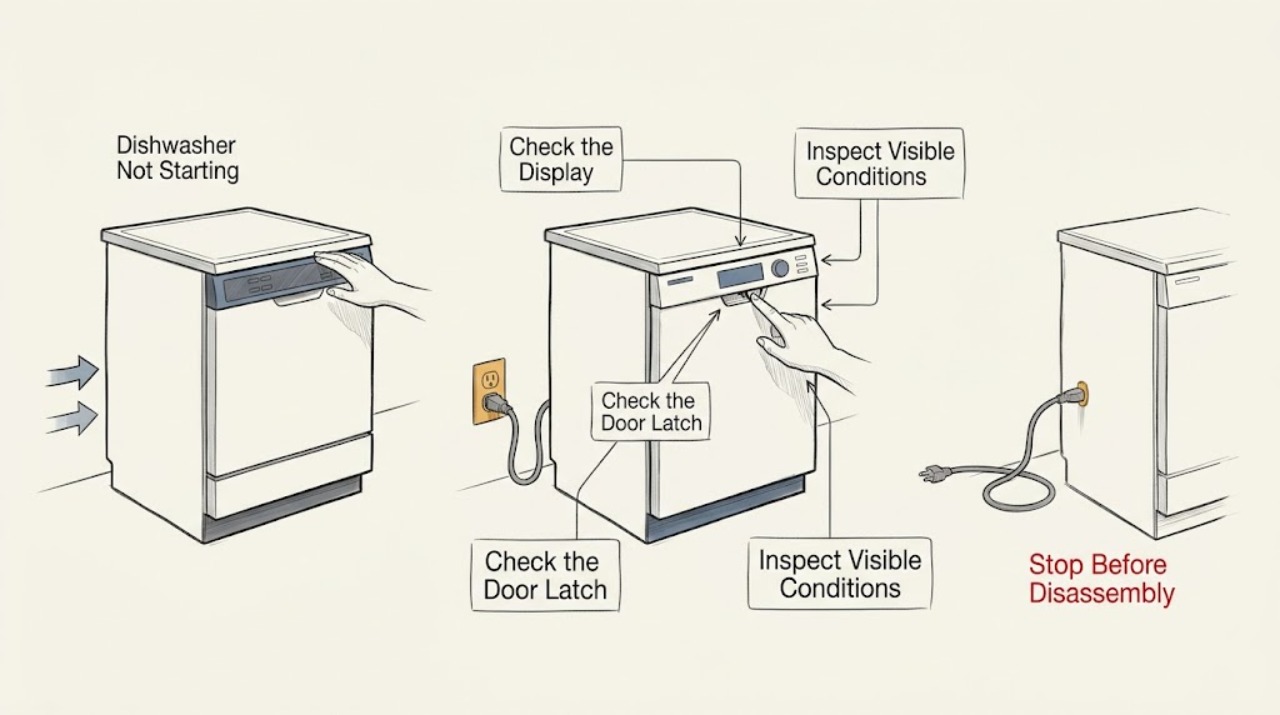
Magic Chef Dishwasher Not Starting
Check whether the display has power, whether the selected program accepts input, and whether the door closes and latches fully. Magic Chef models differ in controls and installation, so use the exact manual for lock, delay, and start behavior; do not force the latch or open electrical panels.
-
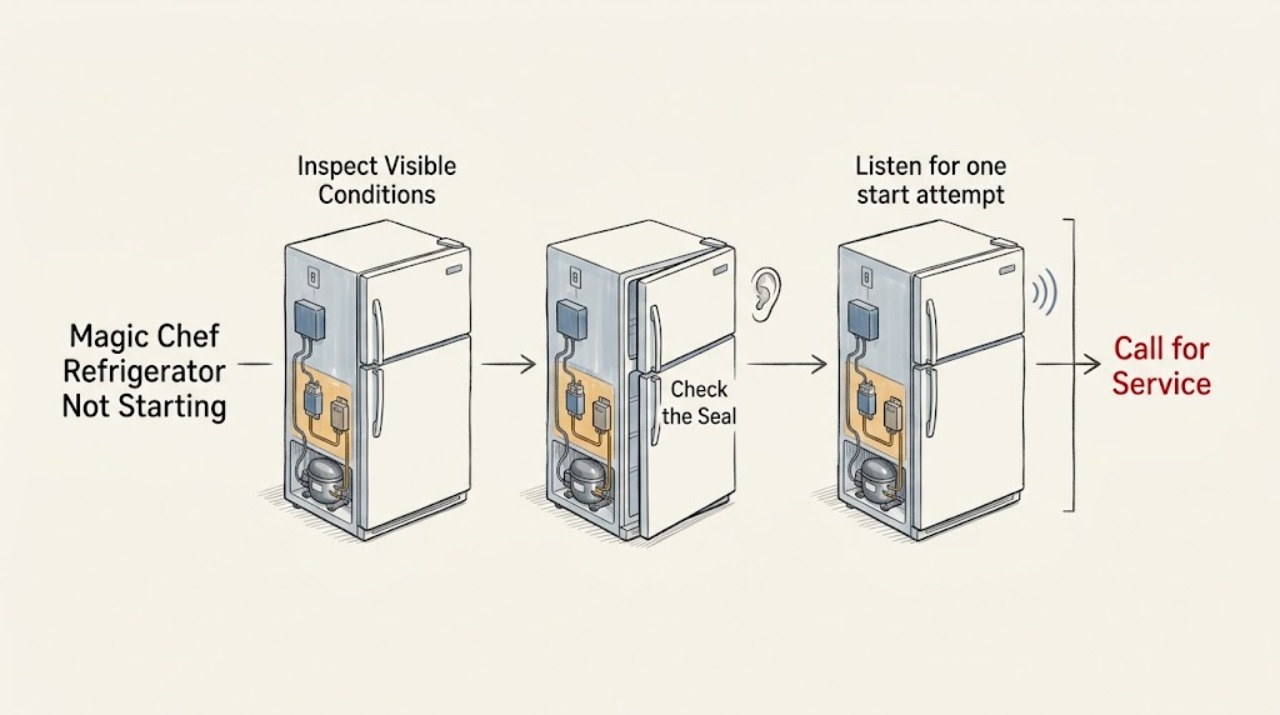
Magic Chef Refrigerator Not Starting: Check Power and Controls Before Service
For a Magic Chef refrigerator that will not start, first determine whether the interior light or control display has power. Check the plug, breaker, temperature control, and door position from a dry safe location, then listen for a click or hum without opening the cabinet. A repeat breaker trip, burning smell, damaged cord, or silent refrigerator with correct power requires qualified service.
-
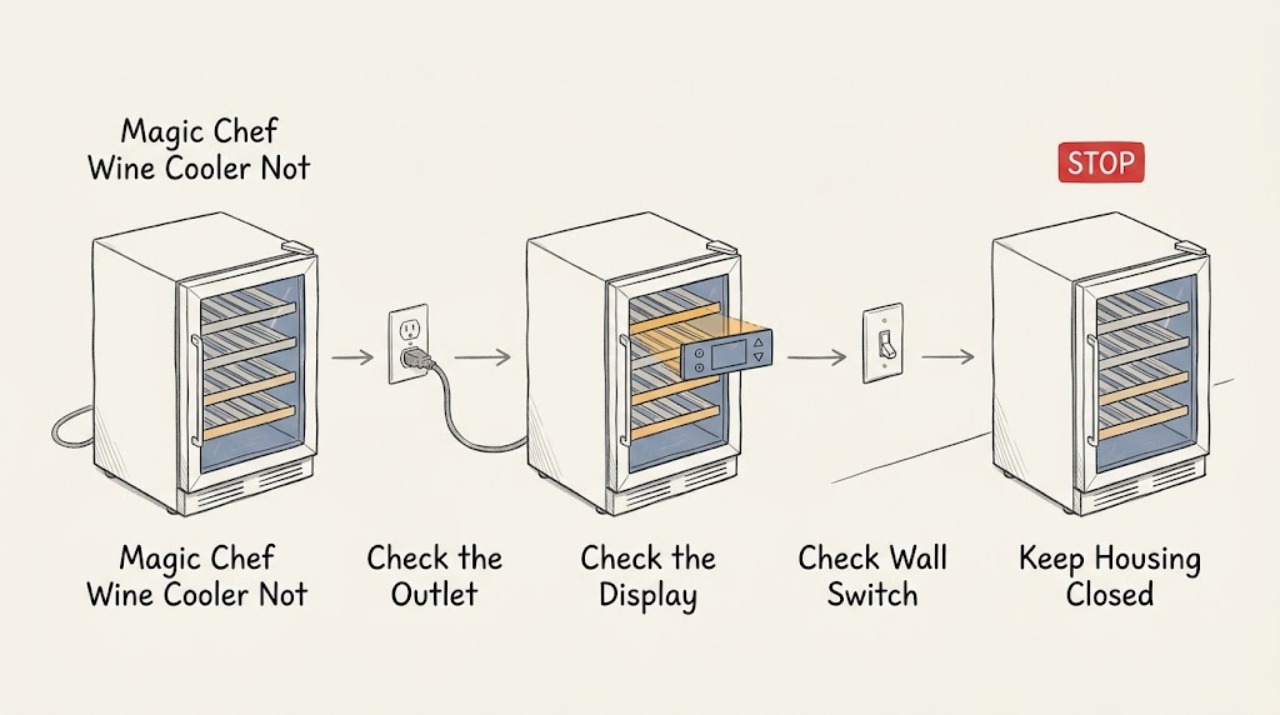
Magic Chef Wine Cooler Not Starting: Trace the Power Path Safely
Start with the outlet, plug, and accessible control rather than the compressor. Confirm the Magic Chef wine cooler is receiving power, the control is not in an off or locked state described by the manual, and the door is fully closed. If a breaker trips again, there is a burnt odor, or the display stays dead with a known-good outlet, leave the unit off and arrange service.
-
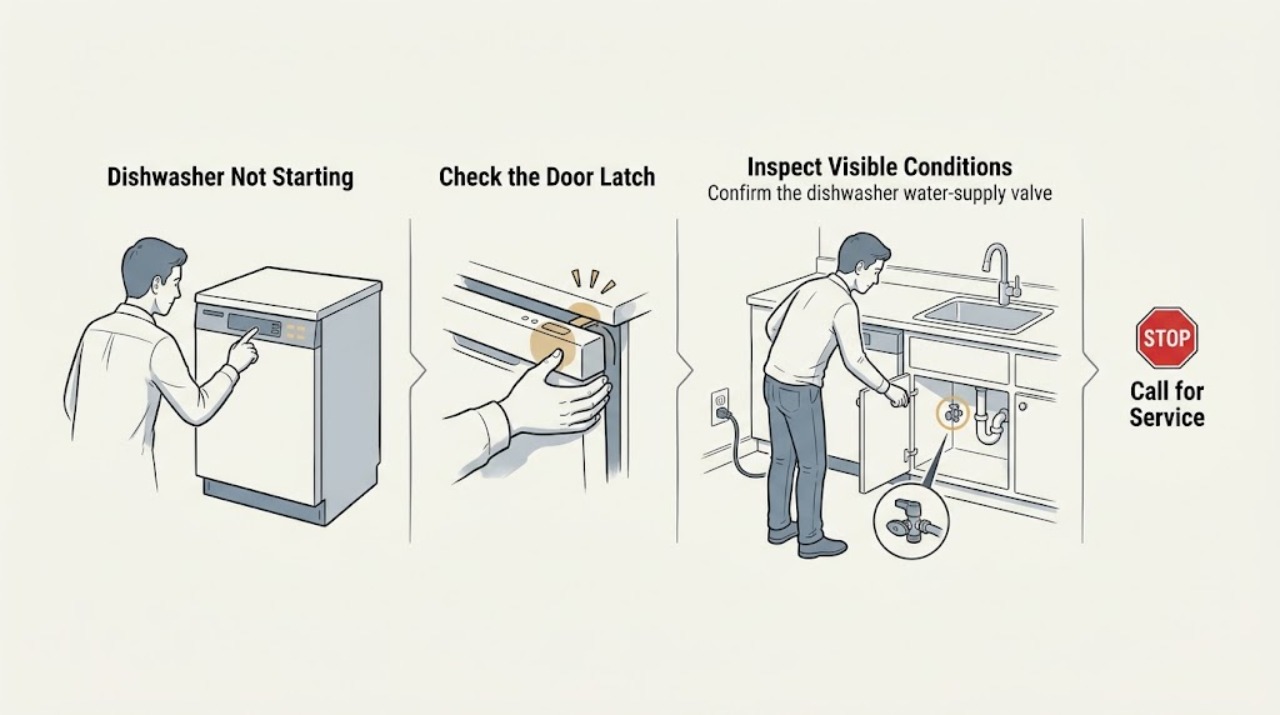
Maytag Dishwasher Not Starting: Check the Door, Controls, and Water Path
A Maytag dishwasher that will not start may be waiting for a closed latch, water, an unlocked control panel, or the end of a delay-start setting. Check the door and lower-rack position, look for a control-lock indicator, confirm the water supply is open, and cancel any delay. If the panel remains unresponsive after one safe one-minute reset, arrange service.
-
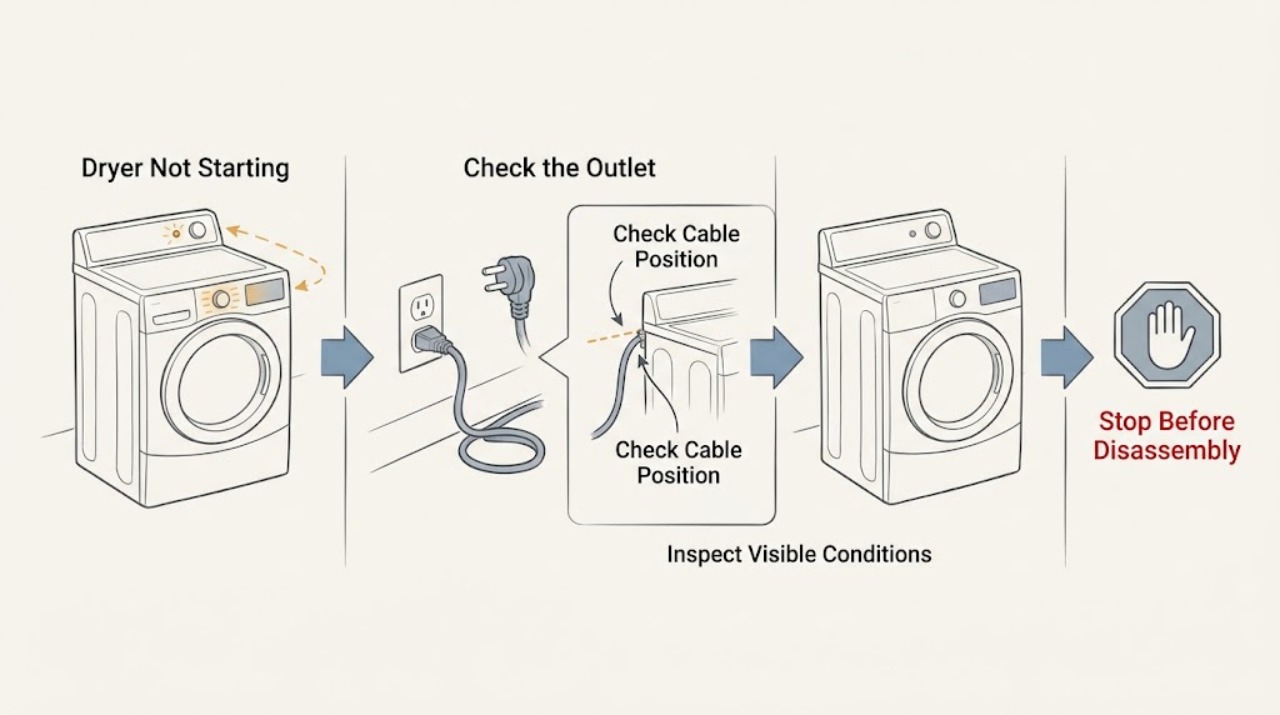
Maytag Dryer Not Starting: Safe Checks Before Service
First decide whether the Maytag dryer is completely blank or has power but will not begin a cycle. Maytag's support sequence is to check power, control lock, a firmly held Start button, the door latch, the selected cycle, and any obstruction at the latch.
-
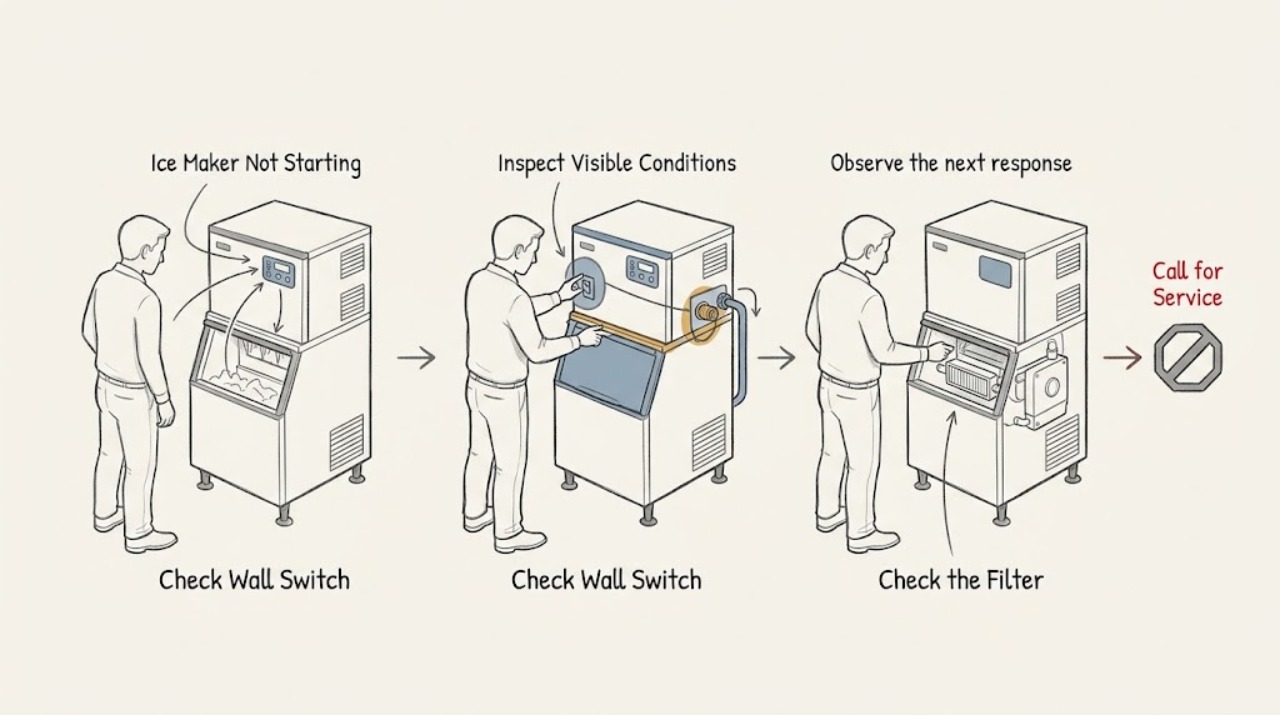
Maytag Ice Maker Not Starting: Tell a Shutoff Setting From a Water or Temperature Problem
If a Maytag ice maker is not starting a cycle, check the on/off control or shutoff arm first, then look for a jam in the ejector area. After that, verify water supply, filter seating, and freezer temperature. Do not force the ejector or disassemble the module; a cycle that stays inactive after these checks needs model-specific service.
-
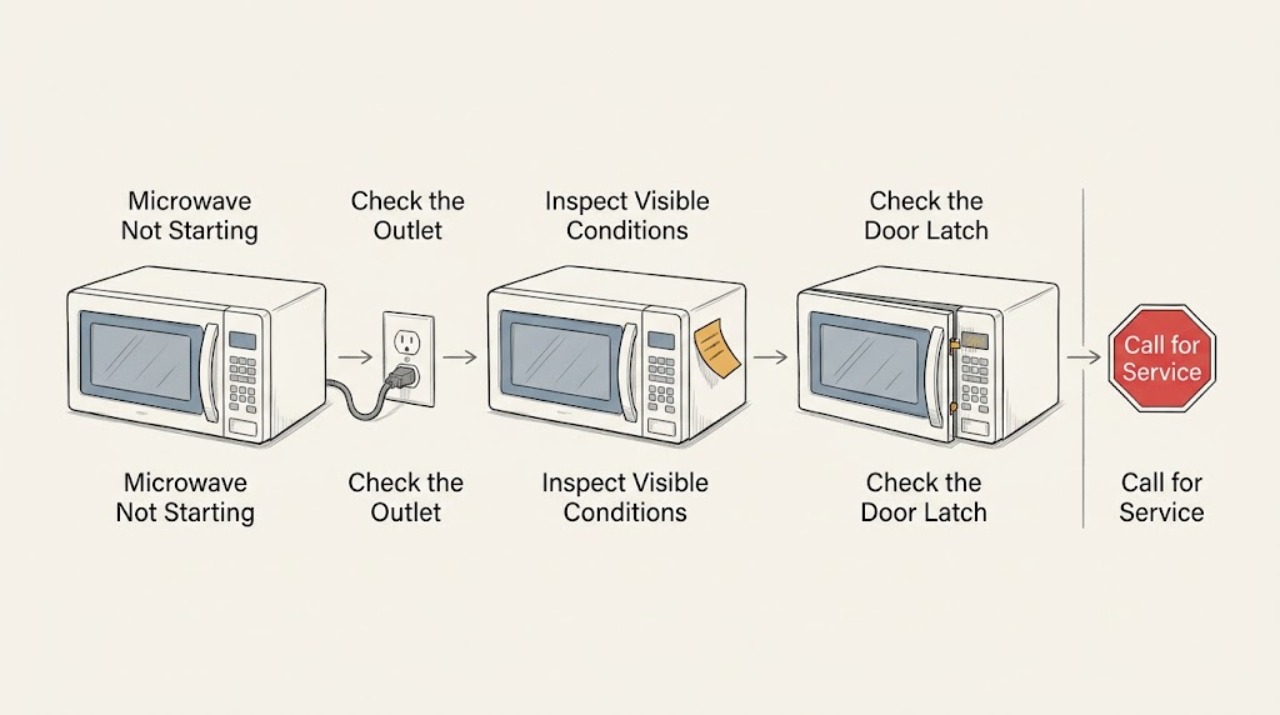
Maytag Microwave Not Starting: Check the Outlet, Lock, Timer, and Door
If a Maytag microwave will not start, verify it is plugged directly into a working wall outlet, then check Control Lock, Timer mode, and complete door closure. Select a cooking function and press Start as the model requires. If the outlet is good but the controls still will not start a cycle, or the breaker trips, stop and arrange qualified service.
-
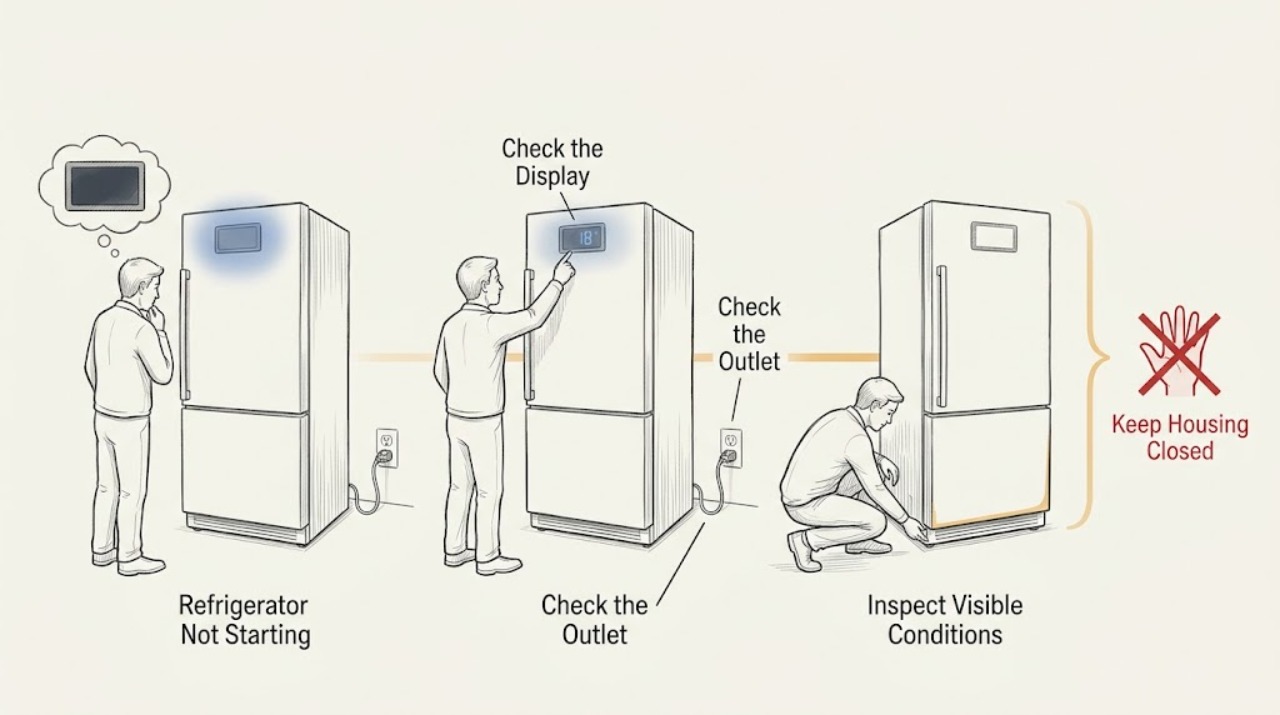
Maytag Refrigerator Not Starting: Check Power and Cooling Controls
If a Maytag refrigerator is not starting, first separate a complete no-power symptom from a refrigerator that has lights but is not cooling. Check the plug, outlet, breaker or GFCI, and the control settings from a safe, dry position. A refrigerator can have interior lights while Cooling Off or Showroom mode prevents cooling. If power is available but the compressor or fans do not start, or a breaker trips again, stop and arrange service.
-
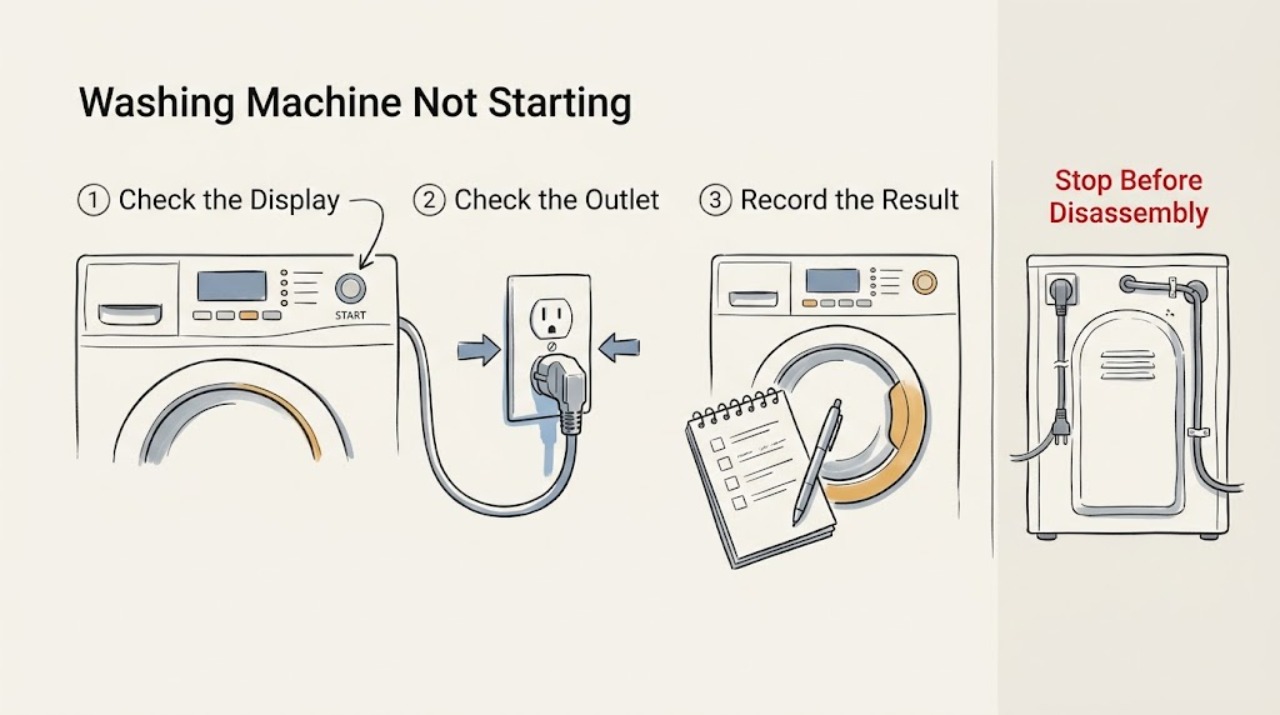
Maytag Washing Machine Not Starting: Power, Lock, and Cycle Checks
First separate a completely dead washer from one that has lights but will not begin. For no display, check the grounded outlet, household breaker or GFCI, and fuse without using an extension cord; a recurring trip, hot outlet, smoke, burning smell, arcing, water near electrical parts, or a moving machine requires immediate shutdown and qualified help.
-
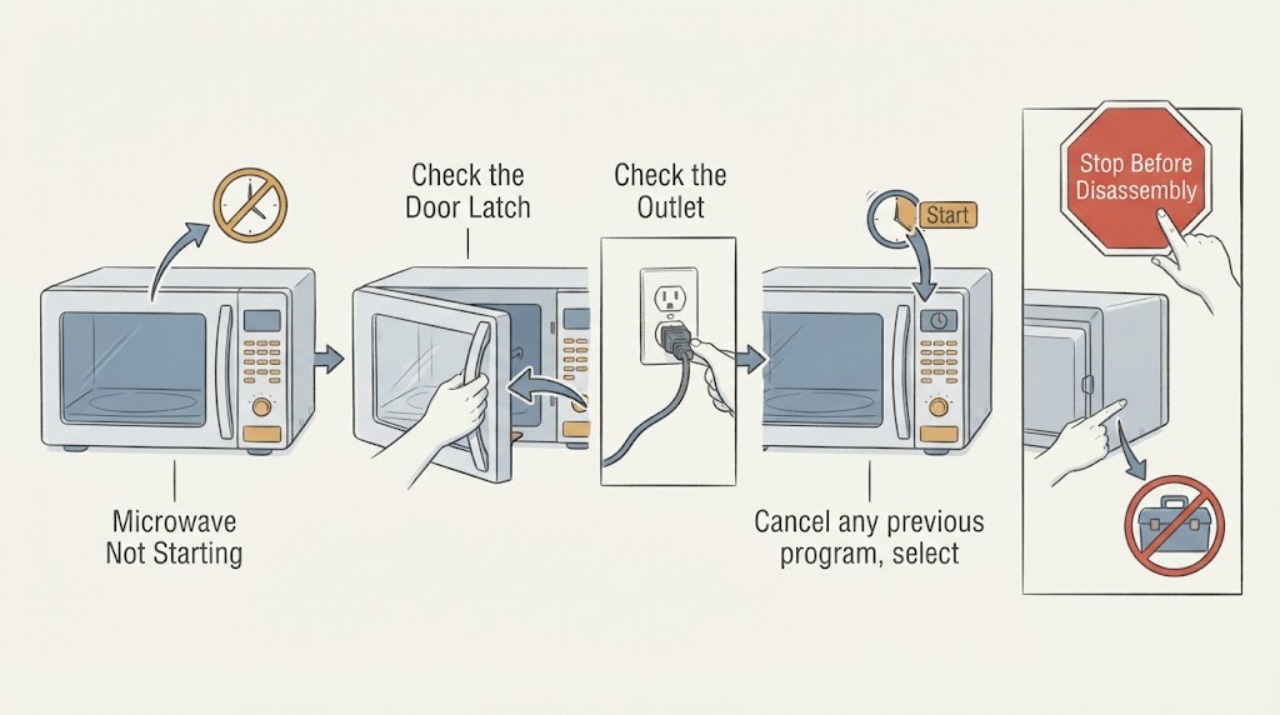
Microwave Not Starting
For a microwave that will not start, separate loss of power from a door or control condition. Check the outlet and breaker from outside, confirm the door closes fully and the program is selected, and use the exact manual for lock or reset steps. Do not bypass door interlocks or remove the cover.
-
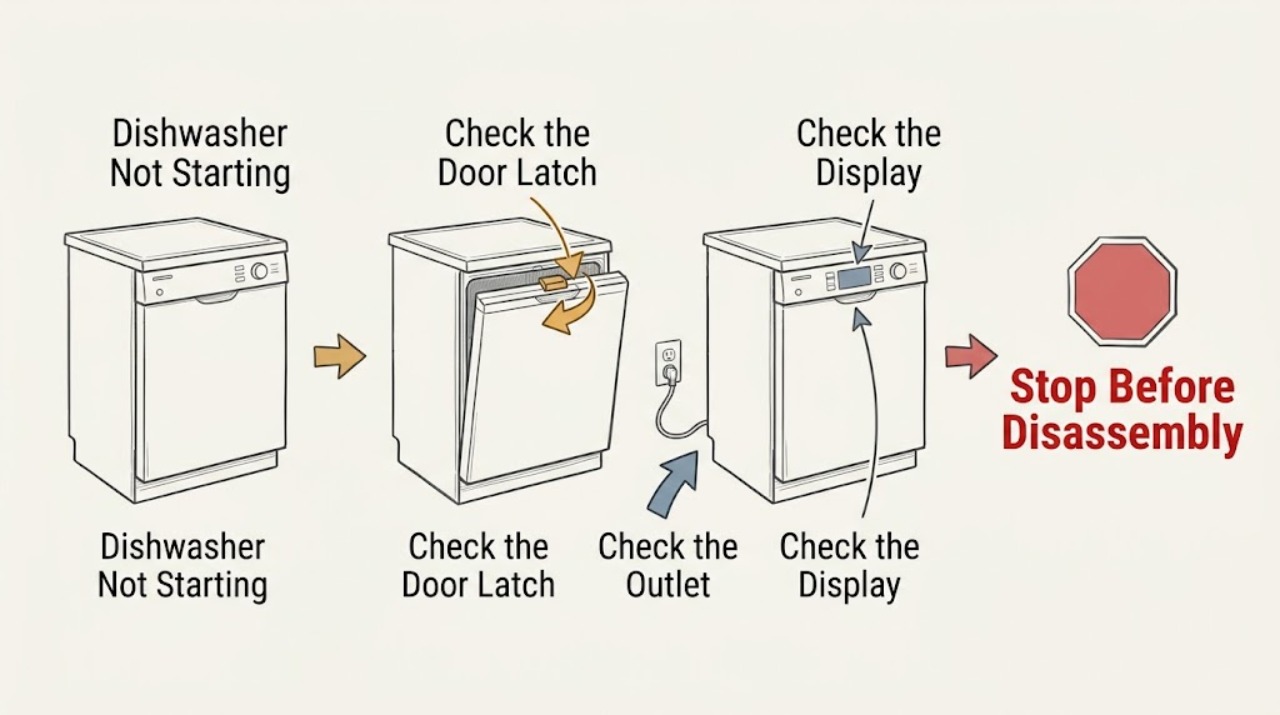
Miele Dishwasher Not Starting: Check the Door, Program, and Water Supply
When a Miele dishwasher will not start, check the door, power, selected program, and faucet in that order. Miele lists an improperly closed door, unplugged appliance, tripped breaker, missing program selection, and closed faucet as ordinary start barriers. Correct one accessible condition and retry once; a recurring failure, code, smell, leak, or breaker trip needs service.
-
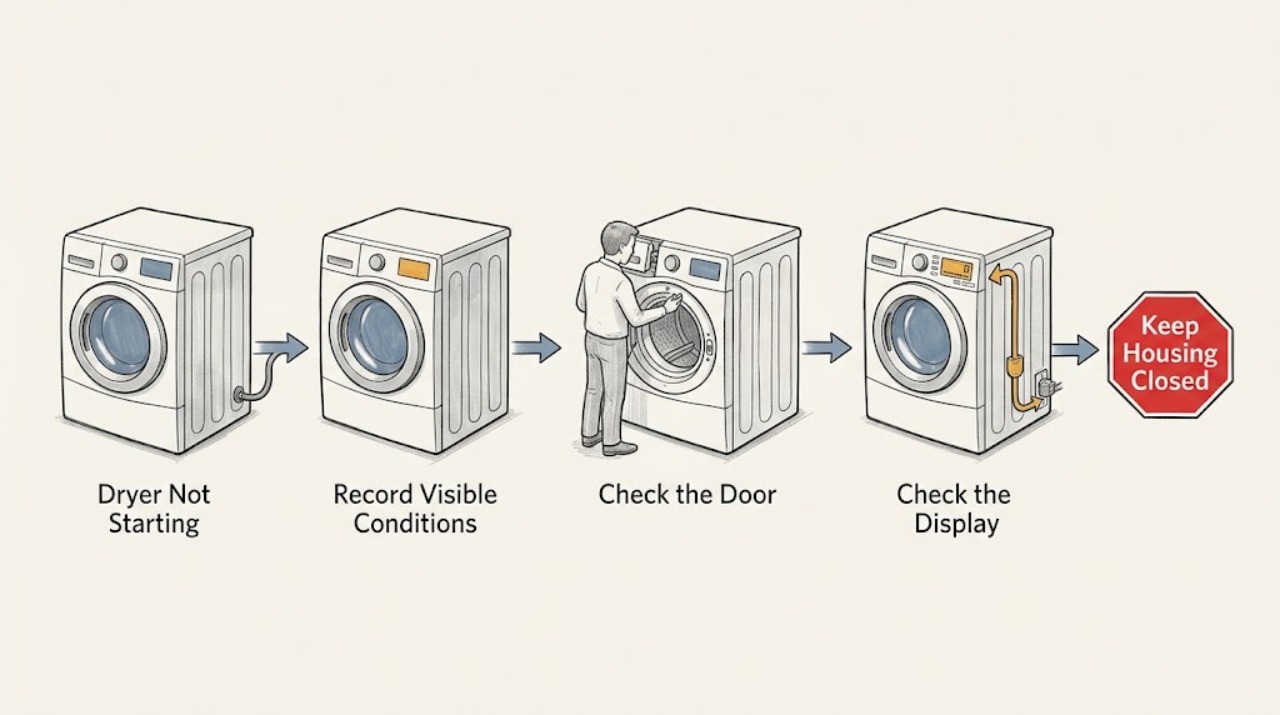
Miele Dryer Not Starting: Check the Door, Delay and Safe Power Path
Start with the exact Miele model and the display state, then check the door, selected program, delay start, lock indicator, accessible plug and breaker. Miele identifies an improperly closed door, an active delay-start function and an activated lock function as model-dependent reasons a program may not start.
-
Miele Refrigerator Not Starting: Check Power and Control State Safely
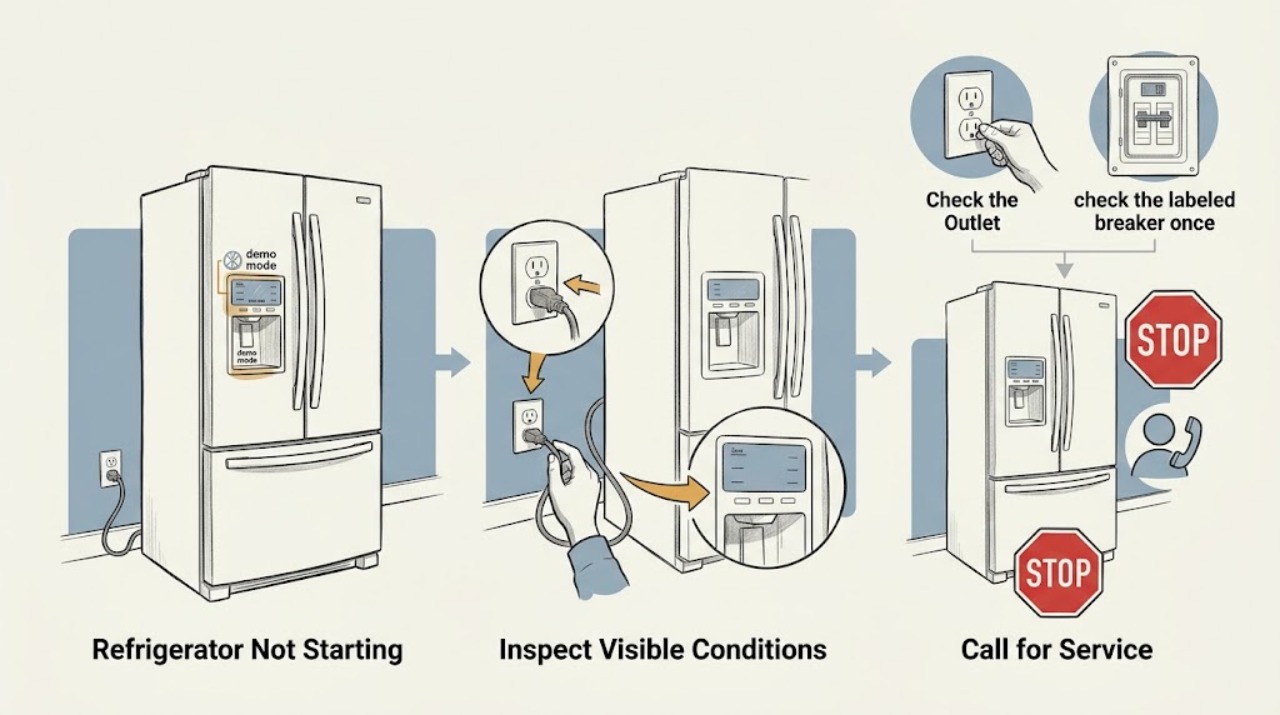
Check whether the appliance has a lit display, whether the plug and dedicated circuit are available, and whether a refrigerator zone is switched on. If controls are unresponsive, Miele permits one power interruption/restart; a returning failure or breaker trip needs Miele Service or a qualified electrician. Do not open the cabinet to test live parts.
-
Monogram Refrigerator Not Starting: Check Controls, Power, and Cooling Demand
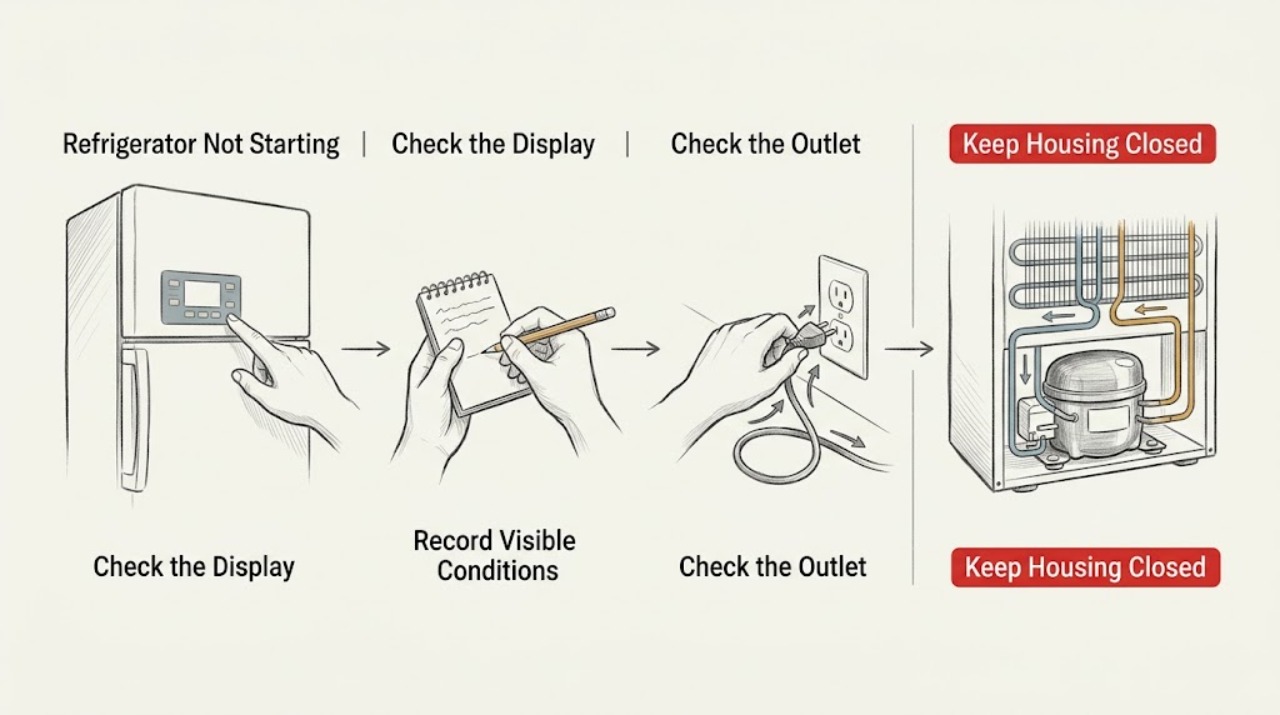
A Monogram refrigerator can appear not to start while its display is asleep or while the compressor is between normal cycles. Wake the controls, check the interior light and temperature, and listen for a normal fan or compressor cycle. If the cabinet is warm and there is no response at a live outlet, or a breaker trips again, stop and arrange qualified service.
-
Oven Not Starting: Separate a Power Problem from a Setting or Safety Lock
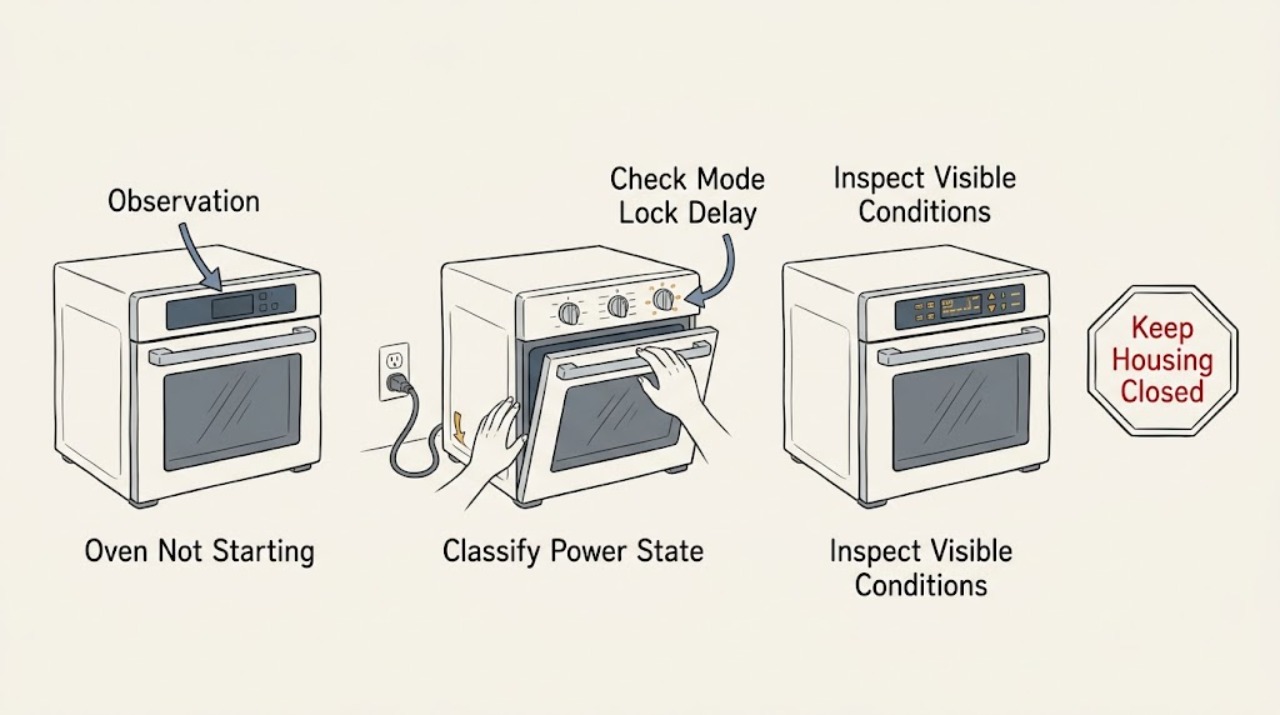
When an oven will not start, first separate a blank display from a powered oven that ignores Start. With the oven safe and cool, check for a local power interruption, the correct cooking mode, an active Control or Child Lock, a delayed start or timer, and a door that is not fully closed.
-
Panasonic Microwave Not Starting
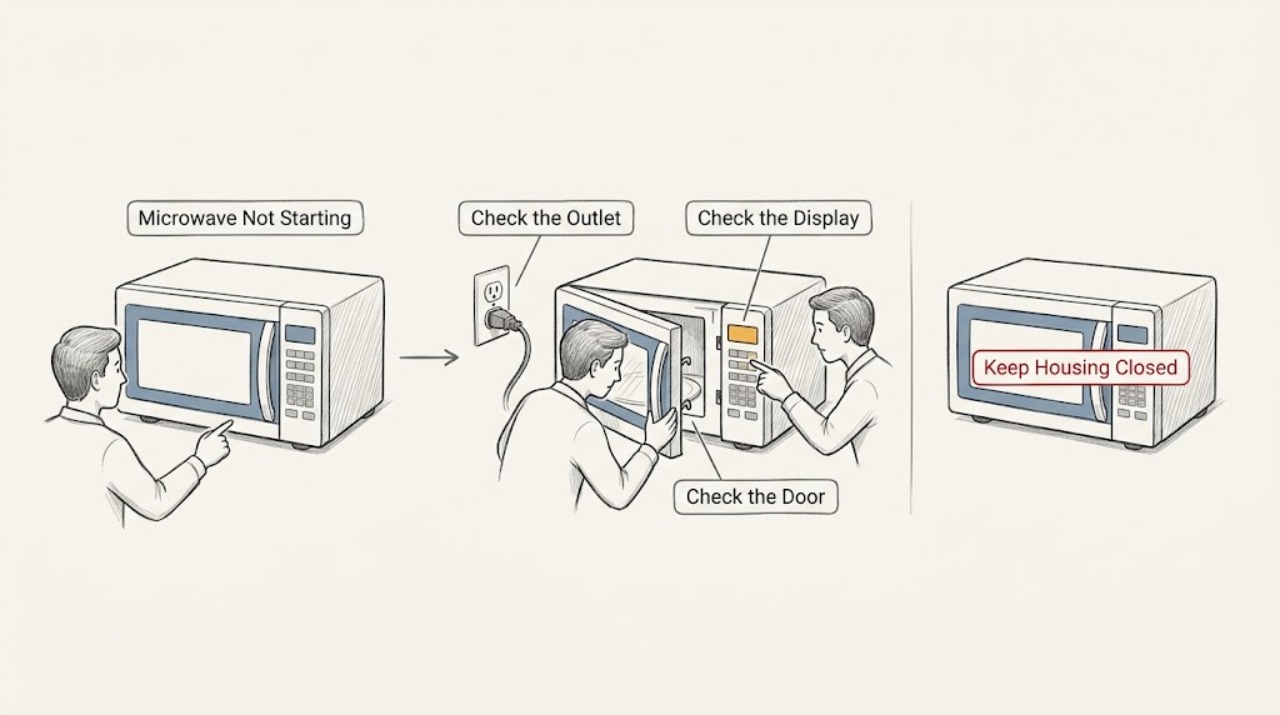
For a Panasonic microwave that will not start, check the outlet and breaker, wake the display if it is in standby, close the door securely, and press Start after entering the programme. Clear a stored programme with Stop/Reset once. If the display, keypad, or timer remains unresponsive, or the breaker trips, stop and arrange service.
-
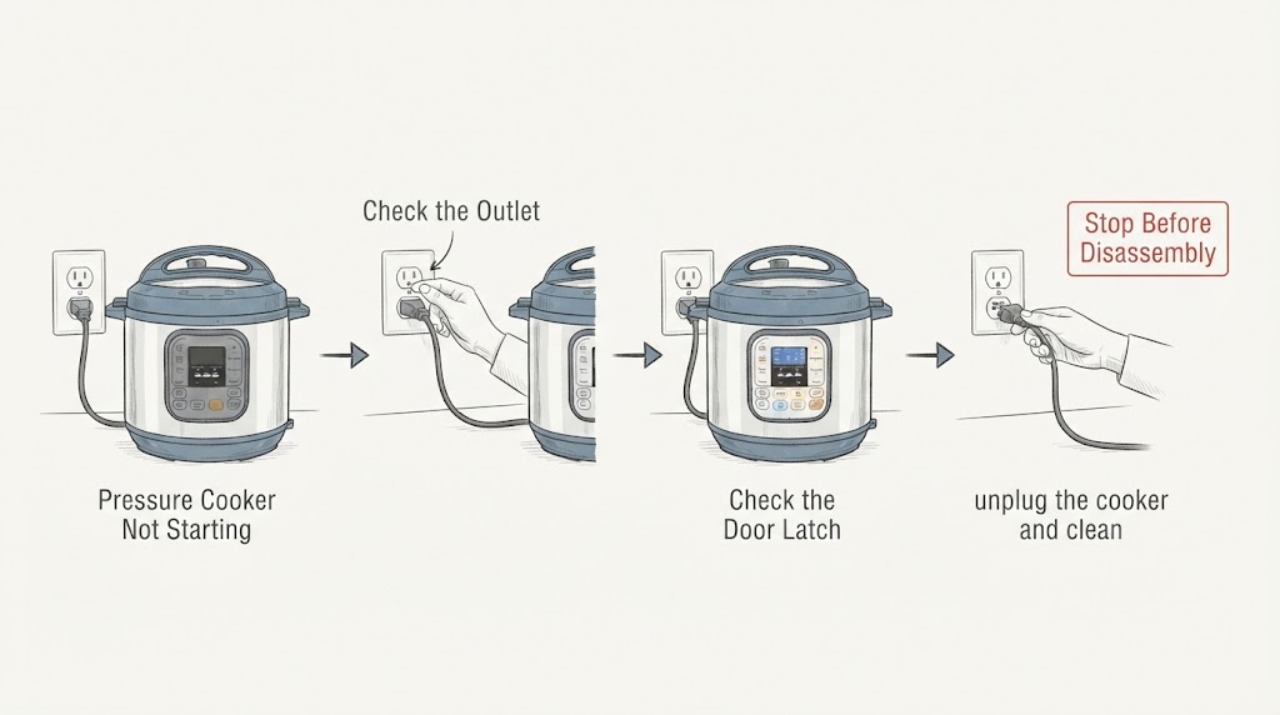
Pressure Cooker Not Starting
A pressure cooker that will not start should be checked for a firm power connection, a correctly seated inner pot and lid, and the correct sealing or vent position for the selected program. Do not force the lid or bypass a safety lock. If the display stays dead, the cooker was exposed to liquid, or an error returns after the safe checks, stop using it and arrange service.
-
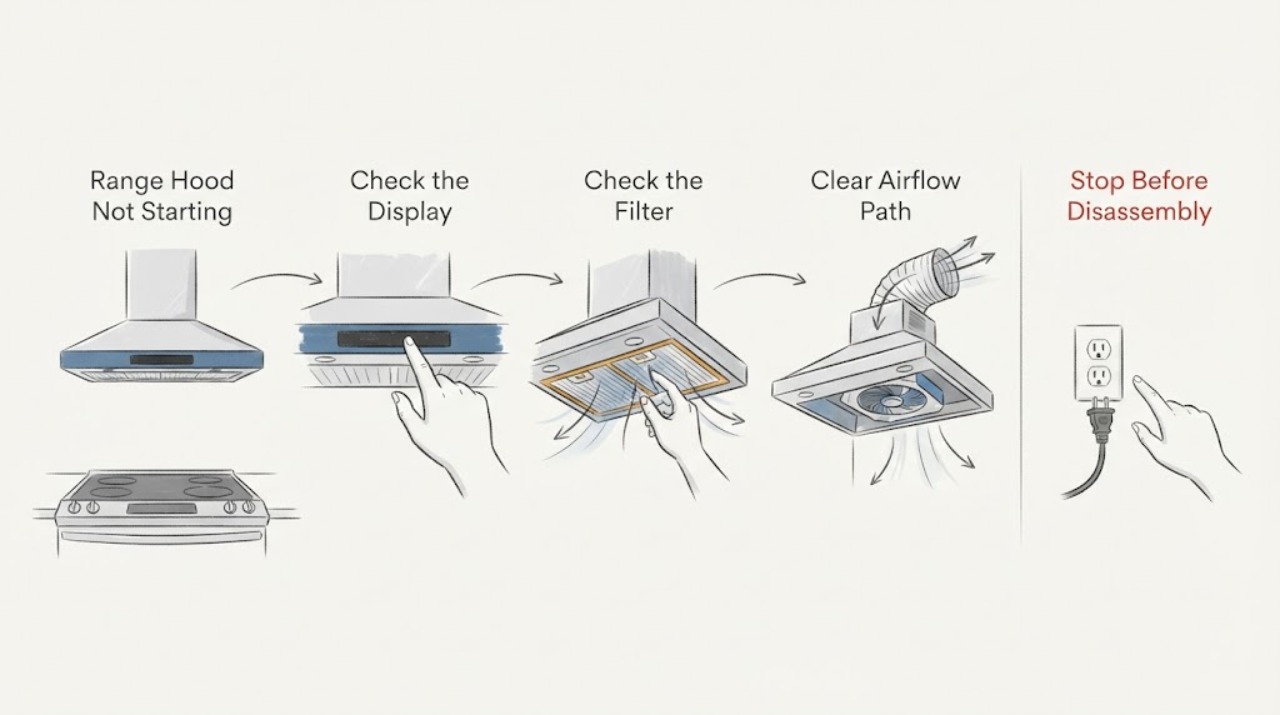
Range Hood Not Starting
A range hood that will not start needs a split between no power to both lights and blower, a blower-only failure, and a control or motor fault. GE’s opened guidance checks the breaker and routes mis-wired or persistent no-power conditions to an electrician; if lights work but the blower does not, it identifies the blower connector as a model-specific check after power is disconnected.
-
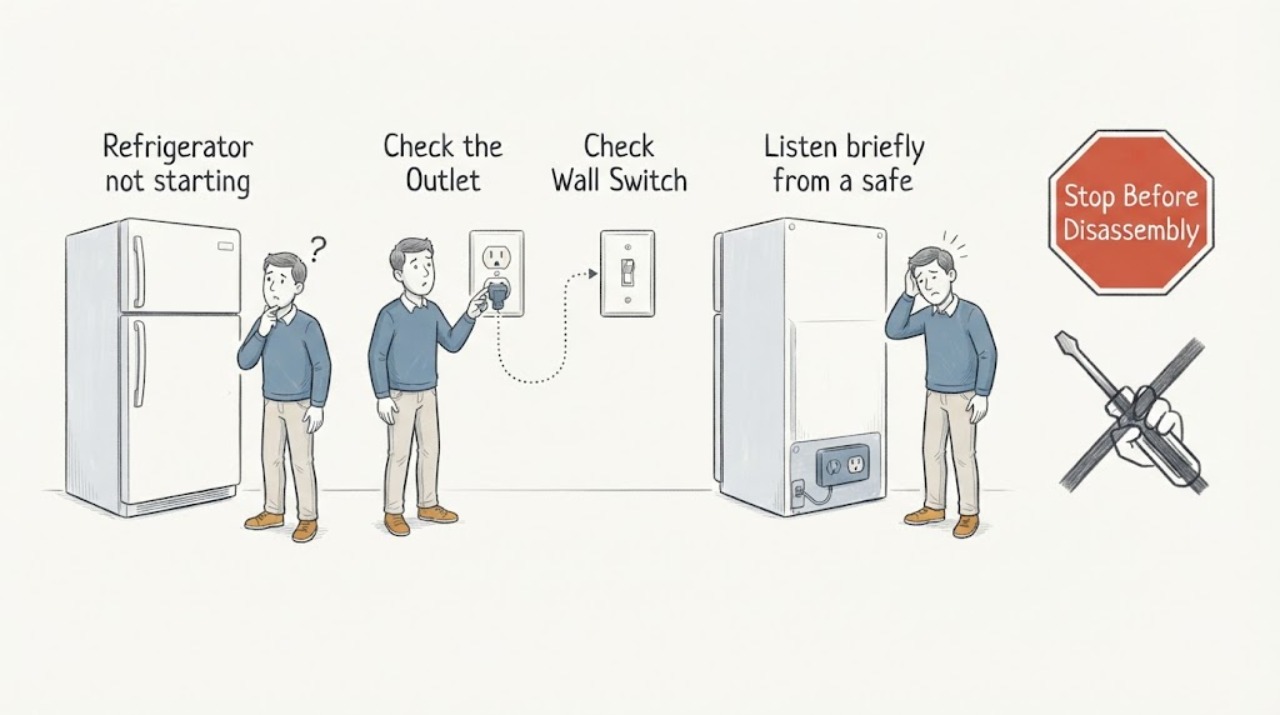
Refrigerator not starting
A refrigerator that is not starting should be checked for household power, a firmly seated plug, control setting/lock, door closure, and whether the compressor or fans respond. Check the outlet and breaker once without repeatedly cycling power. If the display is dead with confirmed supply, the compressor only clicks, or the unit trips, heats, or smells burnt, arrange qualified service.
-
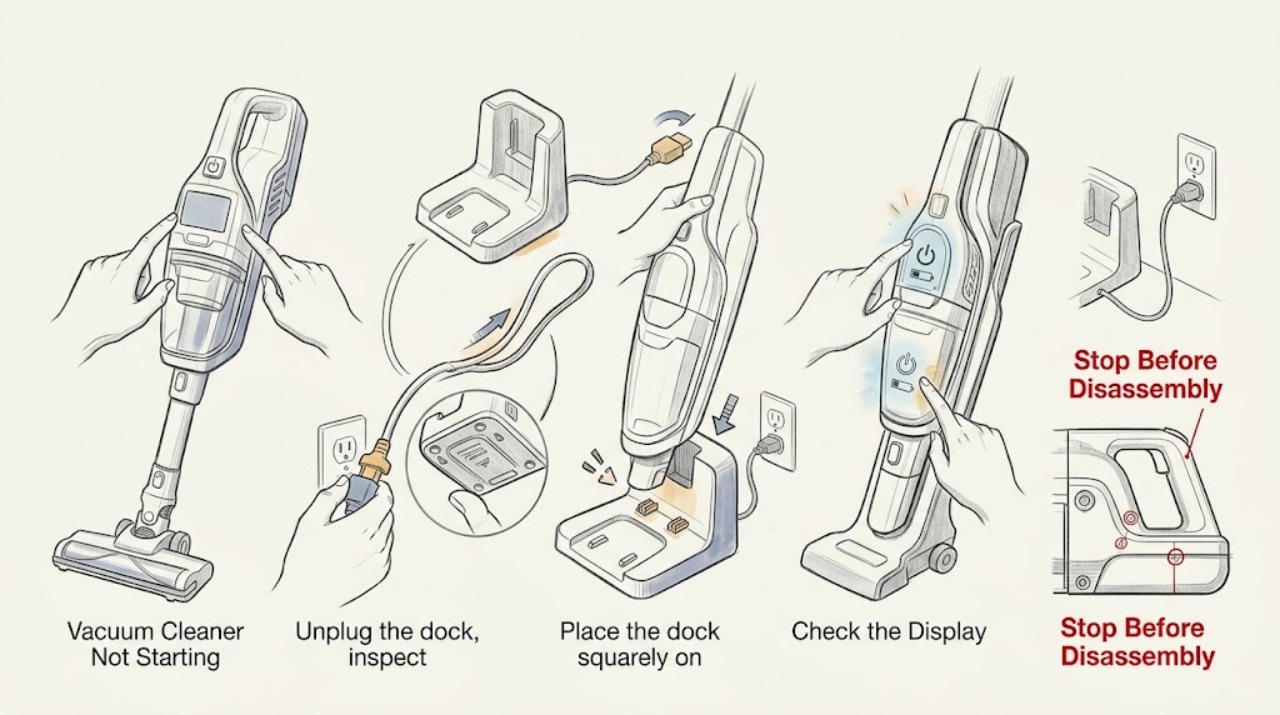
Roomba Vacuum Cleaner Not Starting: Check Dock Power, Battery State, and Error Messages
A Roomba that will not start may be too low to run, not recognized by its dock, or stopped by a brush, bin, wheel, or charging error. Check the dock and charging contacts first, note any app or light message, and perform the model-appropriate reboot only once. If it still will not start after a full charge, arrange iRobot support.
-
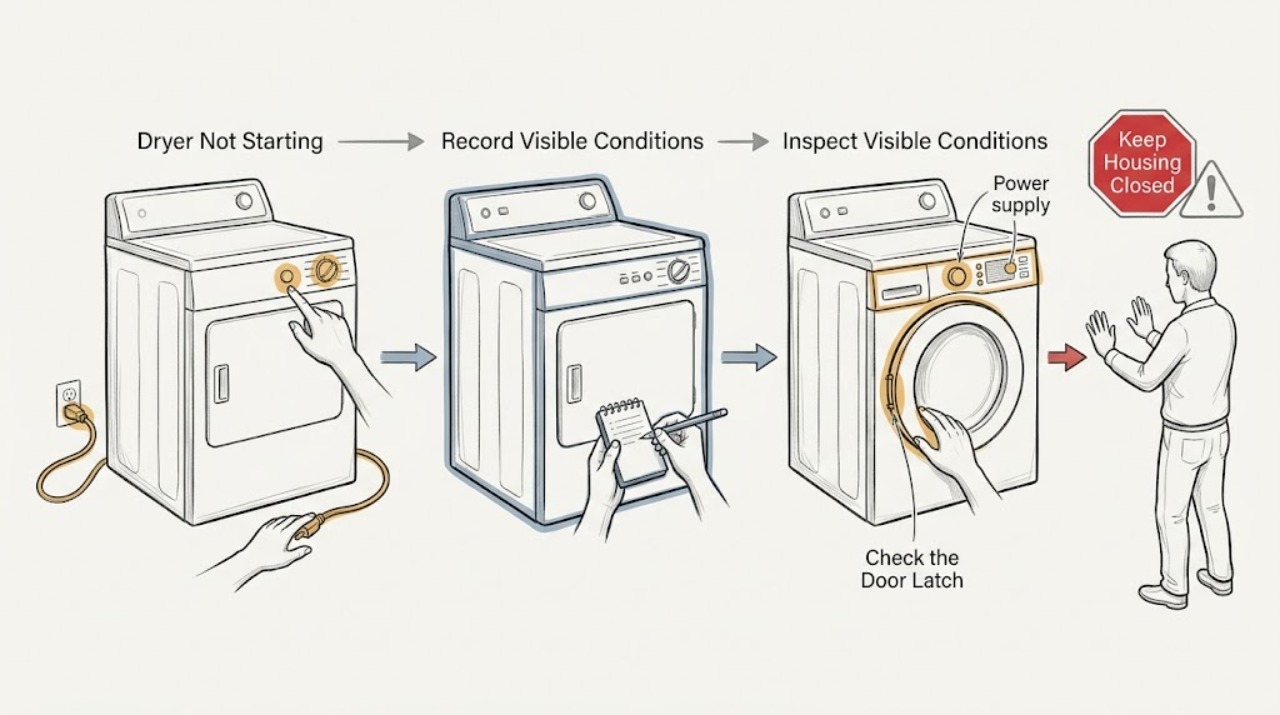
Roper Dryer Not Starting: Check the Door, Start Control and Power Safely
A Roper dryer that will not start usually falls into one of four paths: no power, a door or Start-control condition, a locked or invalid cycle, or a protective stop related to heat and airflow. First stop if there is a burning smell, smoke, sparks, melting, abnormal heat, gas odor or a breaker that trips again.
-
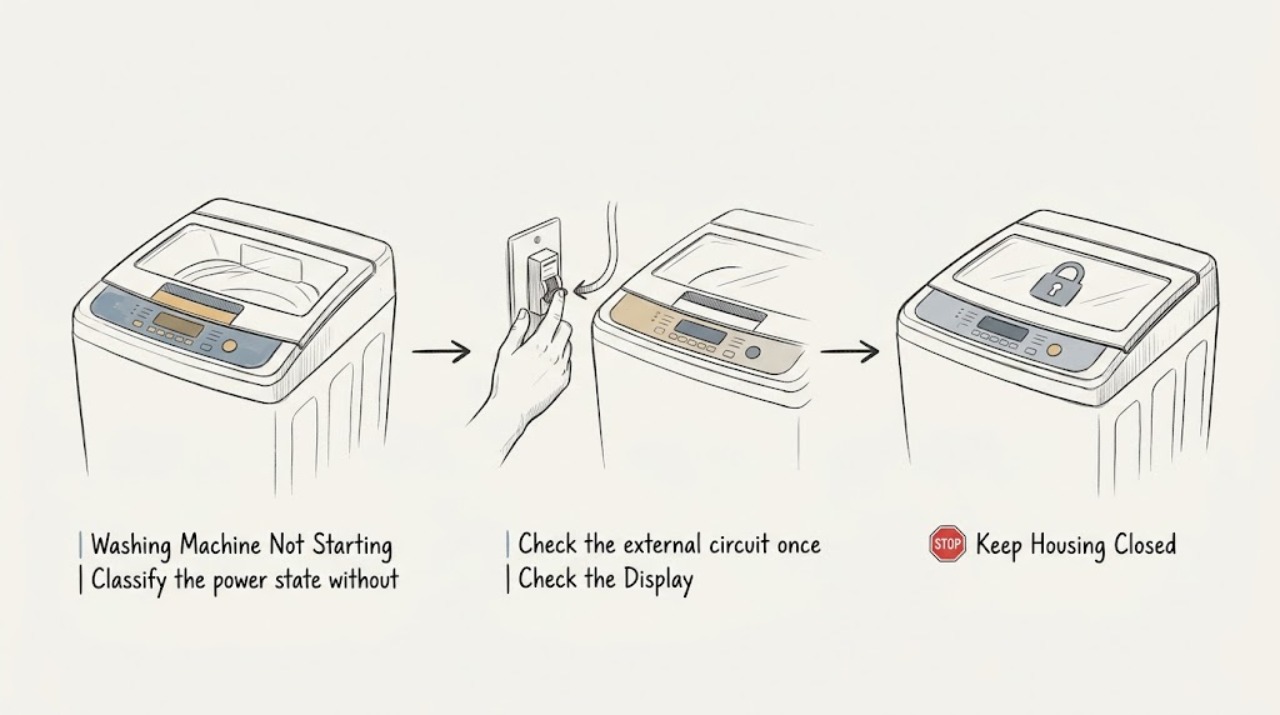
Roper Washing Machine Not Starting: Safe Checks Before Service
When a Roper washing machine will not start, first separate a completely dead control panel from a washer that has power but will not begin a cycle. From a dry, safe position, check the grounded outlet and household breaker or GFCI without repeatedly resetting a circuit.
-
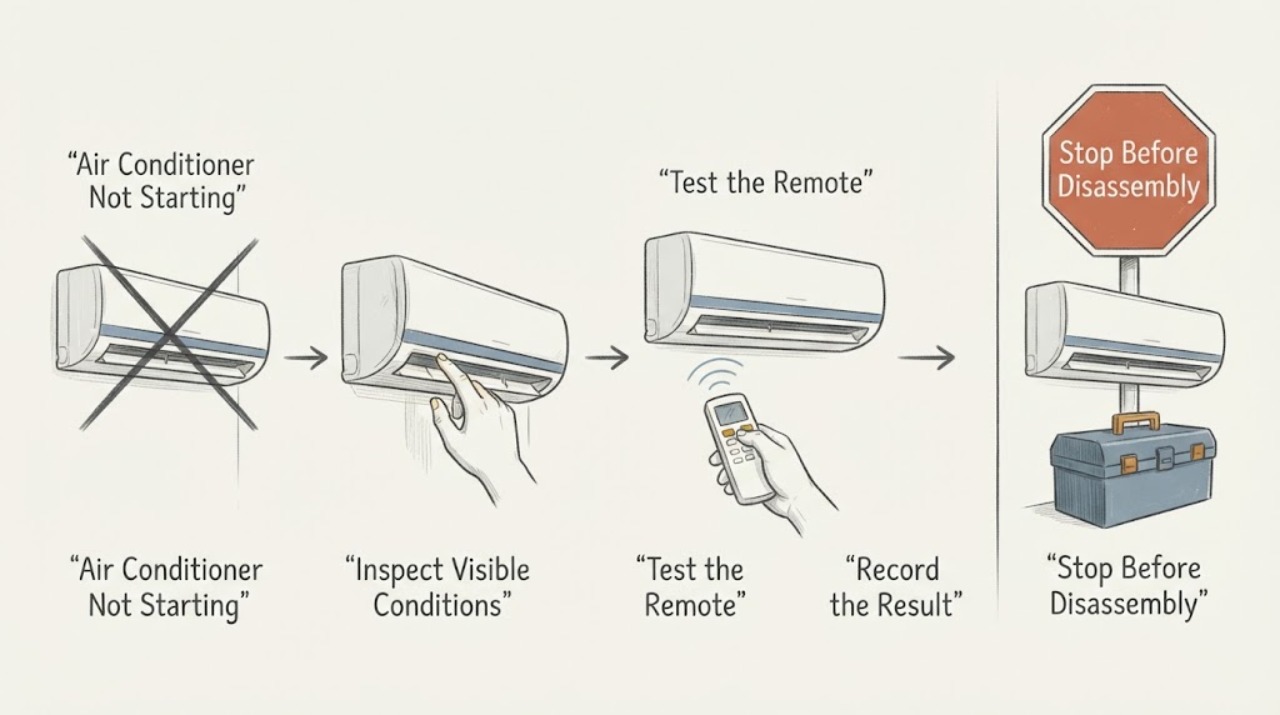
Samsung Air Conditioner Not Starting: Separate Power, Remote, and Protection Stops
If a Samsung air conditioner will not start, first determine whether the unit has no power, the remote is not sending a command, or the unit is showing a protection or error condition. Check the outlet and breaker from a safe position, replace remote batteries if needed, and note any indicator or code. A code that returns after one restart, a repeated breaker trip, a damaged cord, or no response at a working supply calls for Samsung service rather than cabinet disassembly.
-
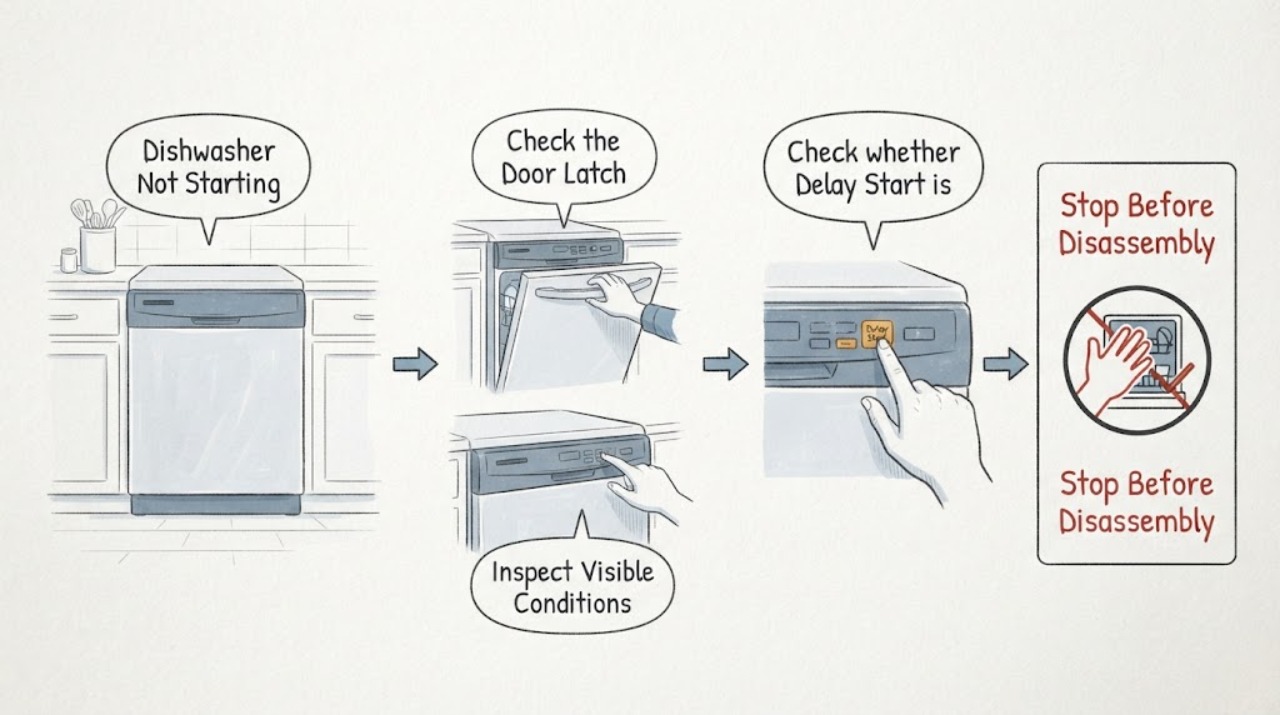
Samsung Dishwasher Not Starting
If a Samsung dishwasher will not start, check the door latch, Control/Child Lock, Delay Start, and whether the first short drain phase is being mistaken for a delay. Press Start briefly rather than holding it, because holding it can cancel the cycle. If the panel is completely dead, use the separate power and breaker checks; if the panel works but the cycle still will not begin, request service.
-
Samsung Dryer Not Starting: Check the Door, Controls, and Power Safely
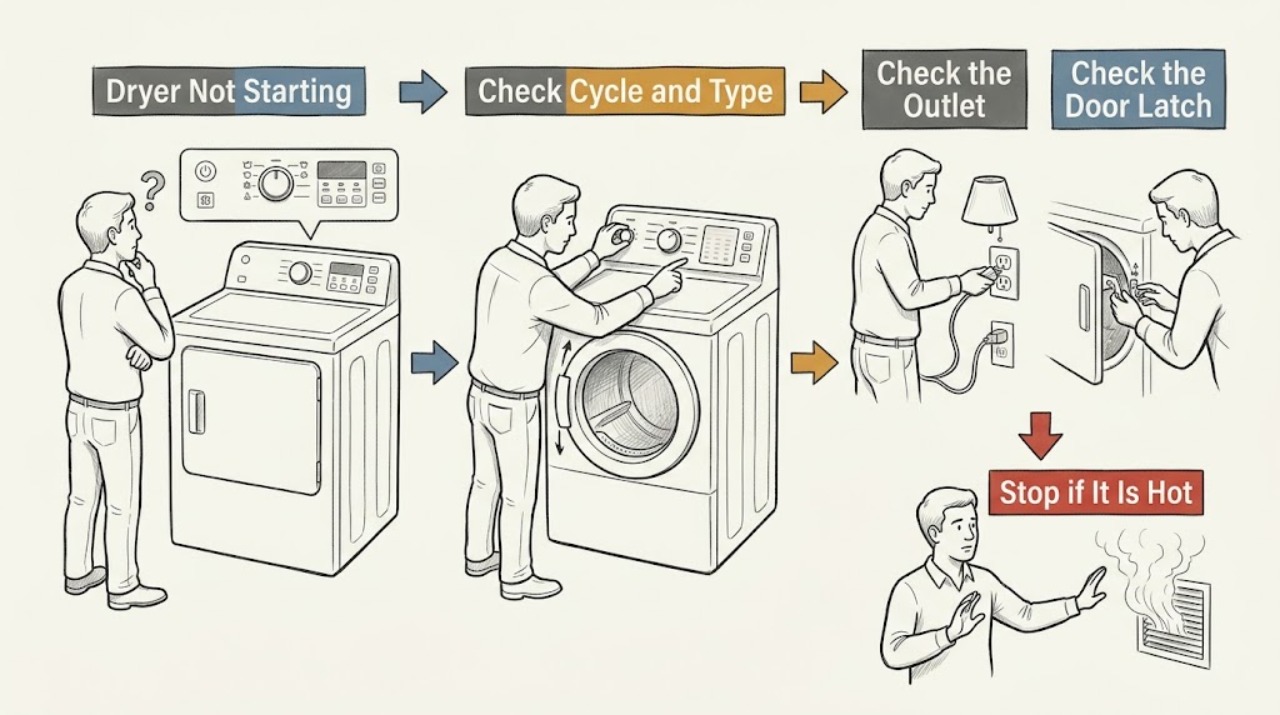
First separate a completely dead dryer from one whose display works but will not start. Check the power connection and breaker from a dry, safe position, then confirm the door is closed and latched, Child Lock is off, the intended cycle is selected, and Start is pressed or held as the model requires.
-
Samsung Microwave Not Starting: Check Power, Lock, Door, and Controls
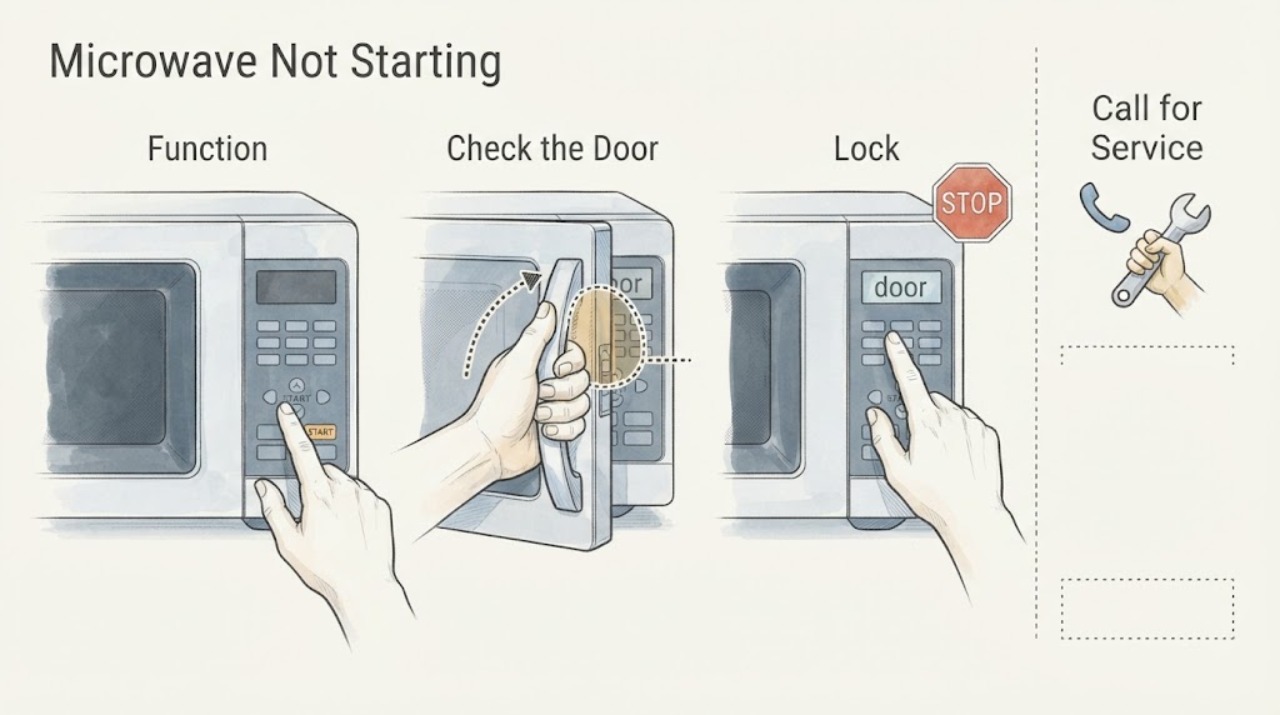
If the display is lit but a Samsung microwave will not begin a cooking cycle, check that the control lock is off, the door and latch close fully, and the panel registers a normal bare-finger press. Confirm that you selected a cooking cycle rather than a timer. If the display is completely dark, use the separate power-supply checks for a microwave that will not turn on; if the panel remains unresponsive after one 60-second power cycle, request service.
-
Samsung Oven Not Starting: Check Power, Settings, Door, and Gas Safely
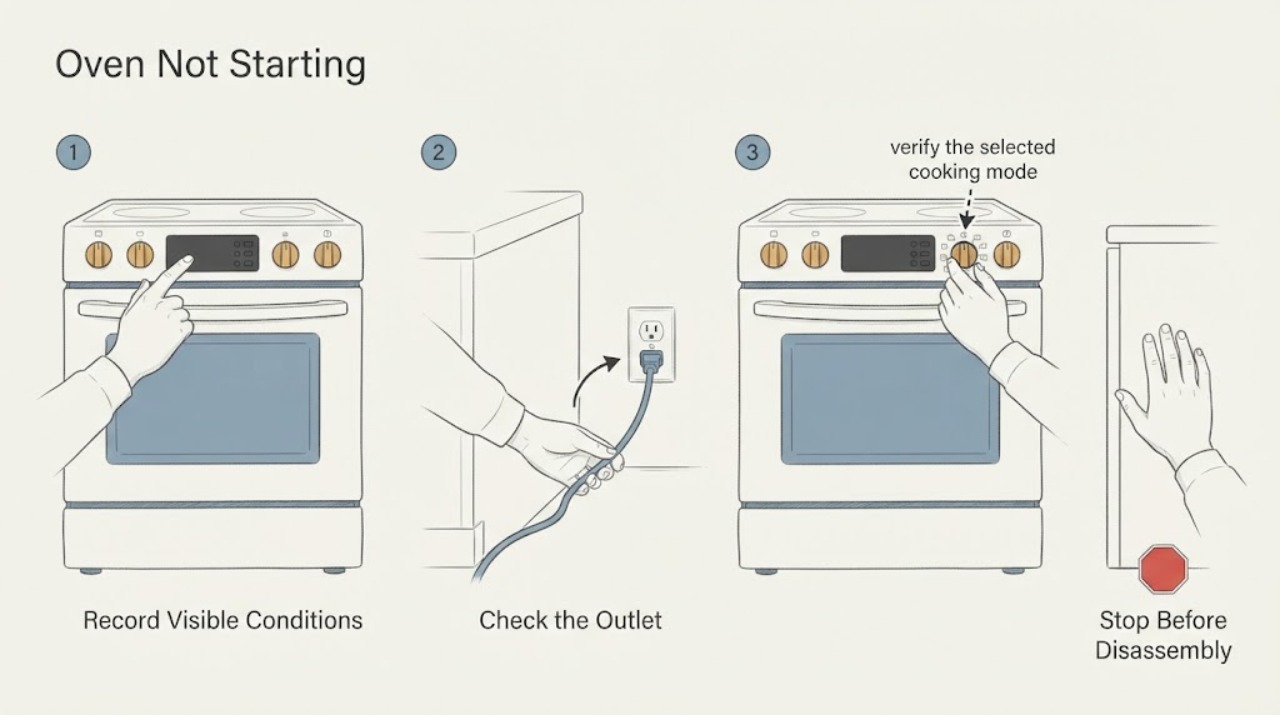
A Samsung oven that will not start can have no power at all, or it can have a live display but be held by a control lock, Demo mode, delayed start, timer, door condition, or an error. First record the model, display, mode, and whether the cooktop also works.
-
Samsung Vacuum Cleaner Not Starting: Power and Safety Checks
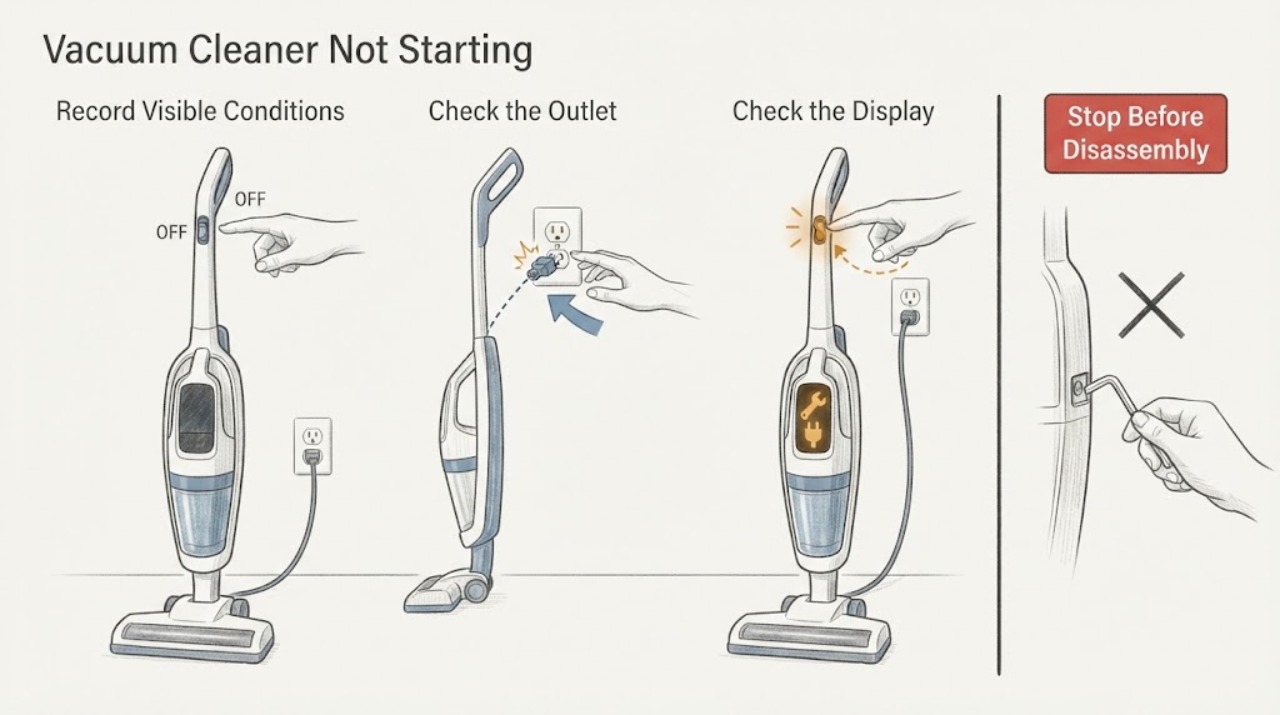
Start by identifying which Samsung vacuum you have, because a corded canister or upright, a cordless Jet or Jet Stick, and a Jet Bot use different no-start checks. For a corded vacuum, confirm the cord is fully inserted into a working outlet.