
Repair problem
Not Starting Troubleshooting Guides – Page 2
Published FixGraph guidance for diagnosing and responding to not starting.
Matching published guides
Choose a guide that matches the service, equipment, and conditions you are seeing.
-
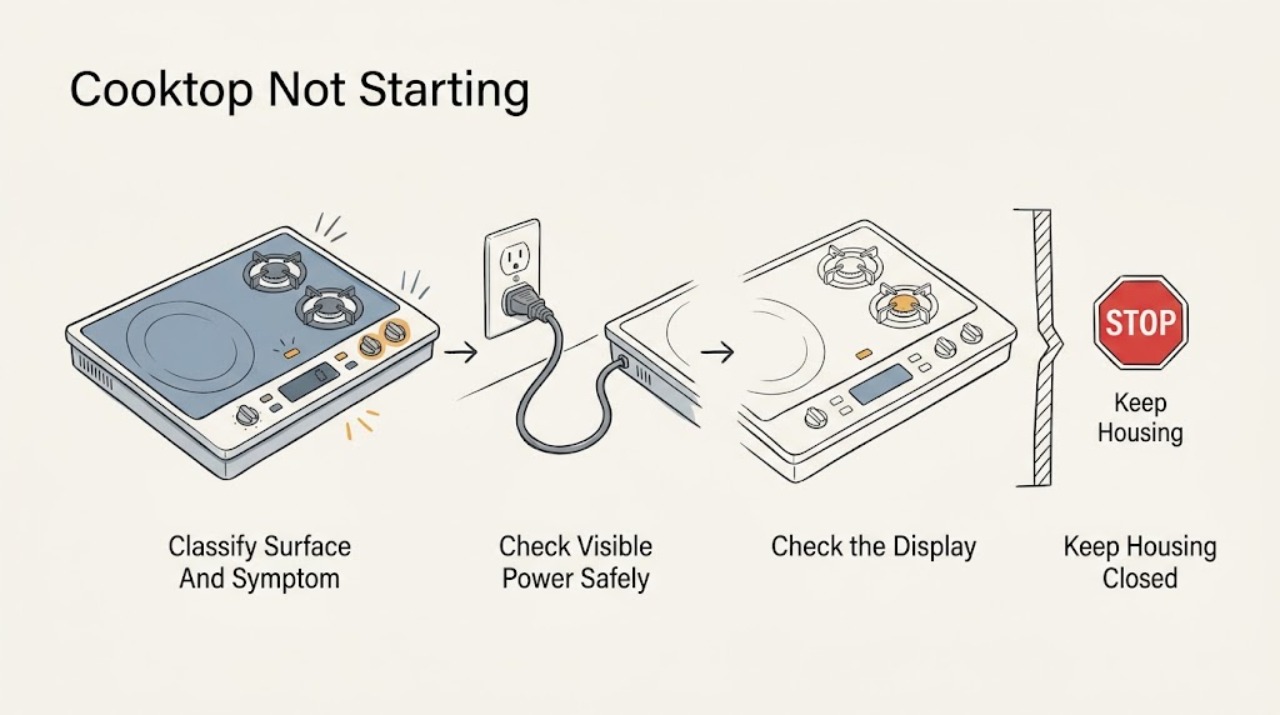
Frigidaire Cooktop Not Starting: Safe Power, Control, and Burner Checks
Start by separating a blank display from a cooktop whose display or indicators work. If the display is blank, look at the household breaker and any visible, user-accessible power connection without opening the appliance; a breaker that trips again is a stop-and-service condition.
-
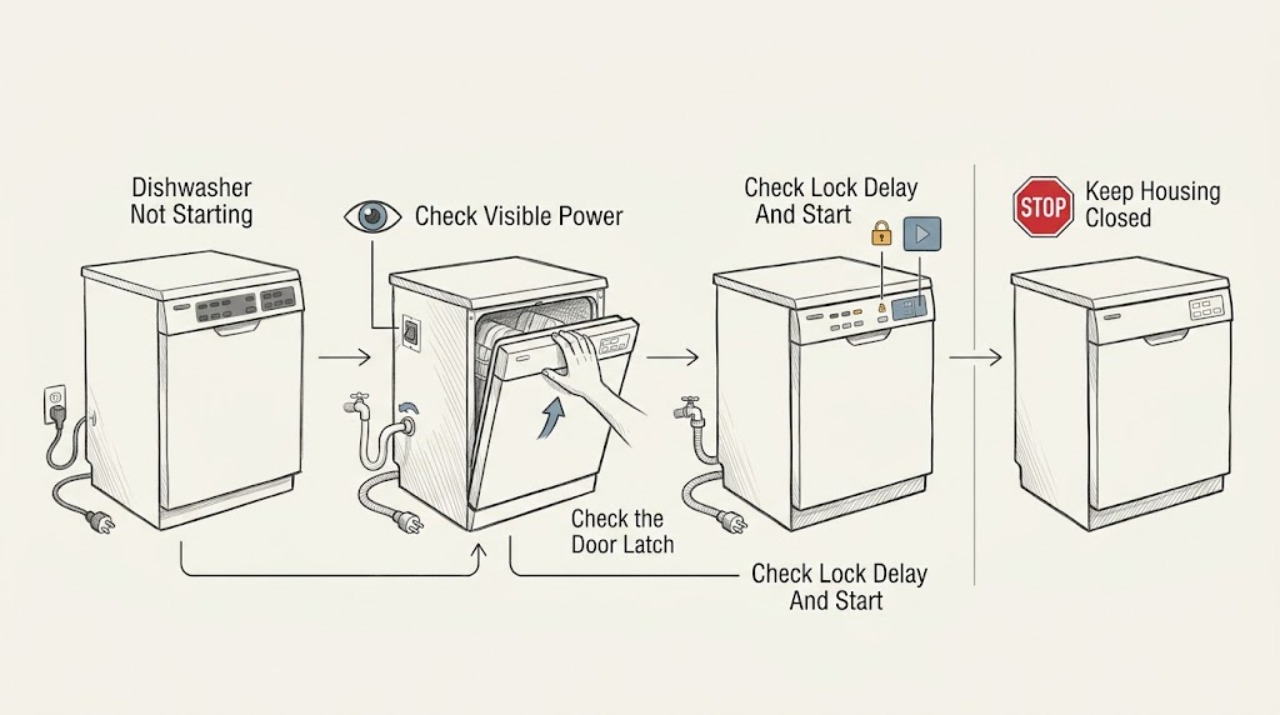
Frigidaire Dishwasher Not Starting: Separate Power, Door, Controls, Water, and Codes
Start with the split that matters: a dark panel suggests power or supply, while a lit panel with no wash action points to the door latch, Start command, Control Lock or Delay Start, water supply, drain condition, or an exact display/indicator code. Frigidaire says the door must be securely closed and latched, water must be available, and a selected cycle must receive the model's Start/Cancel command.
-
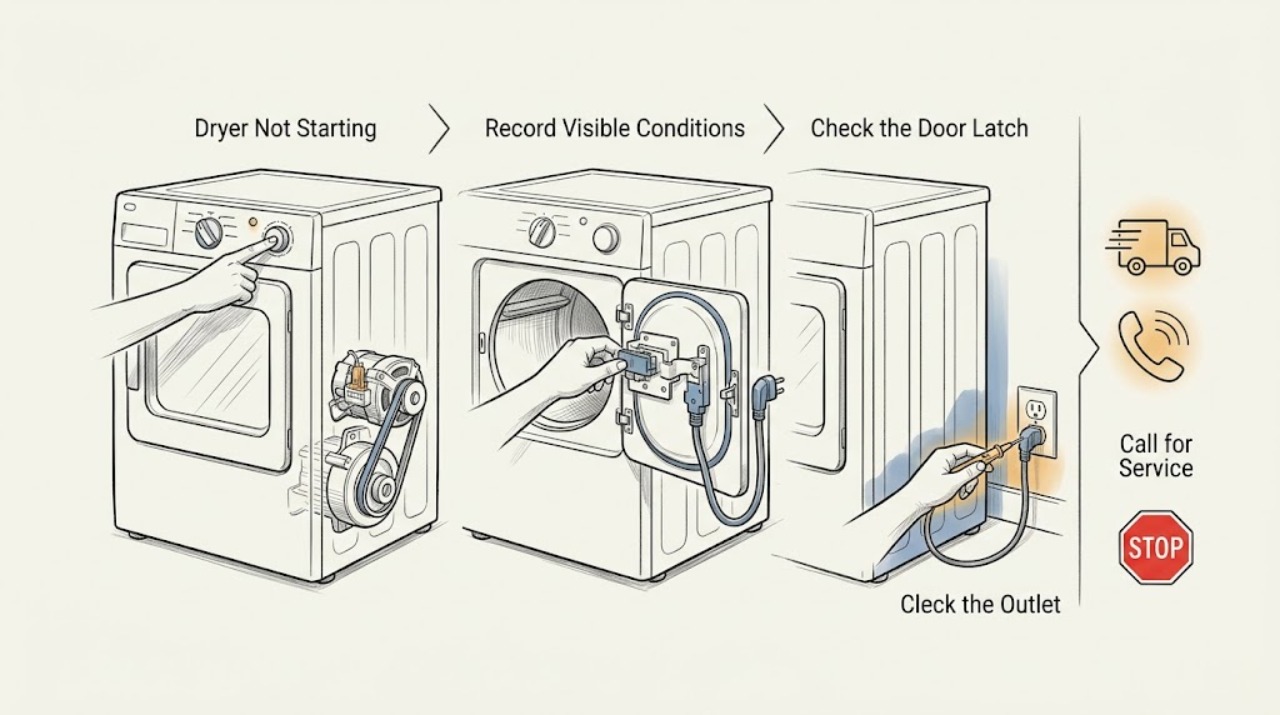
Frigidaire Dryer Not Starting
If a Frigidaire dryer will not start, check the cycle selector, close the door fully, hold Start for the time your model requires, and verify the visible plug and breaker. Do not use an extension cord or keep resetting a breaker.
-
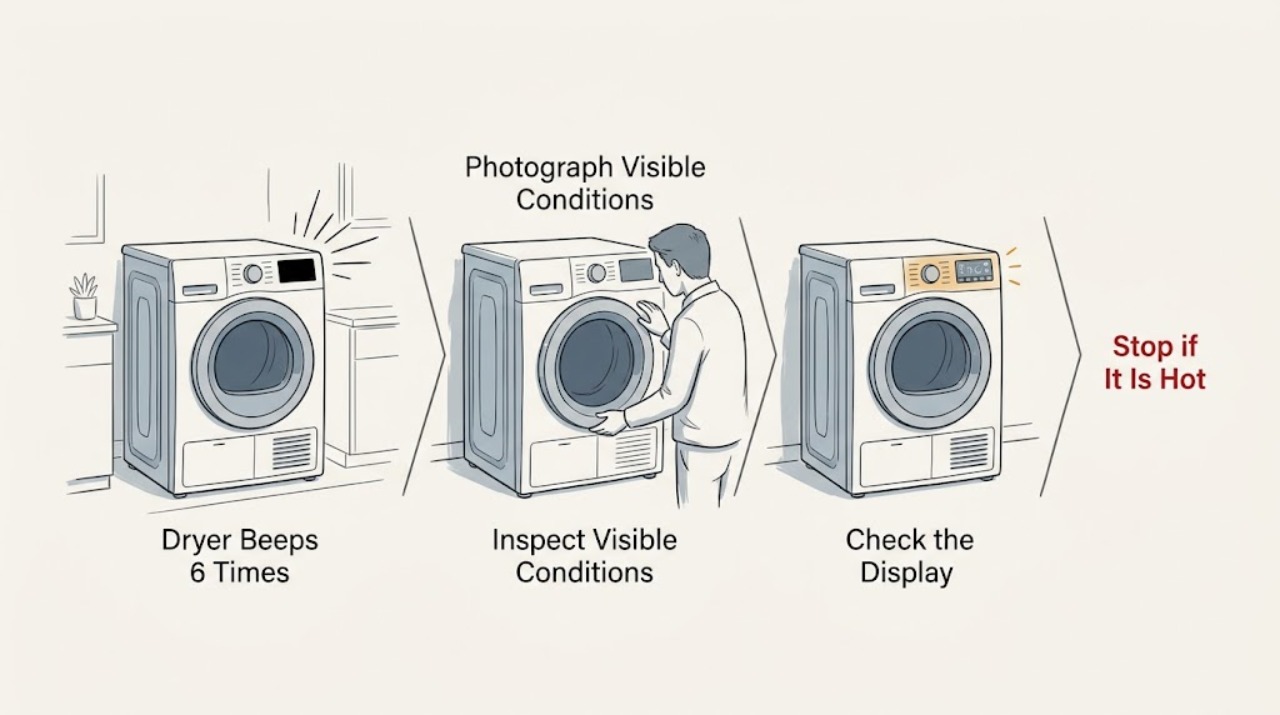
Frigidaire FEQ1442ES0 Dryer Beeps 6 Times and Stops: Safe Checks Before Service
Six beeps followed by a stop on a Frigidaire FEQ1442ES0 dryer should be treated as an unresolved start or stop alert, not as proof of a bad door switch, keypad, or control board.
-
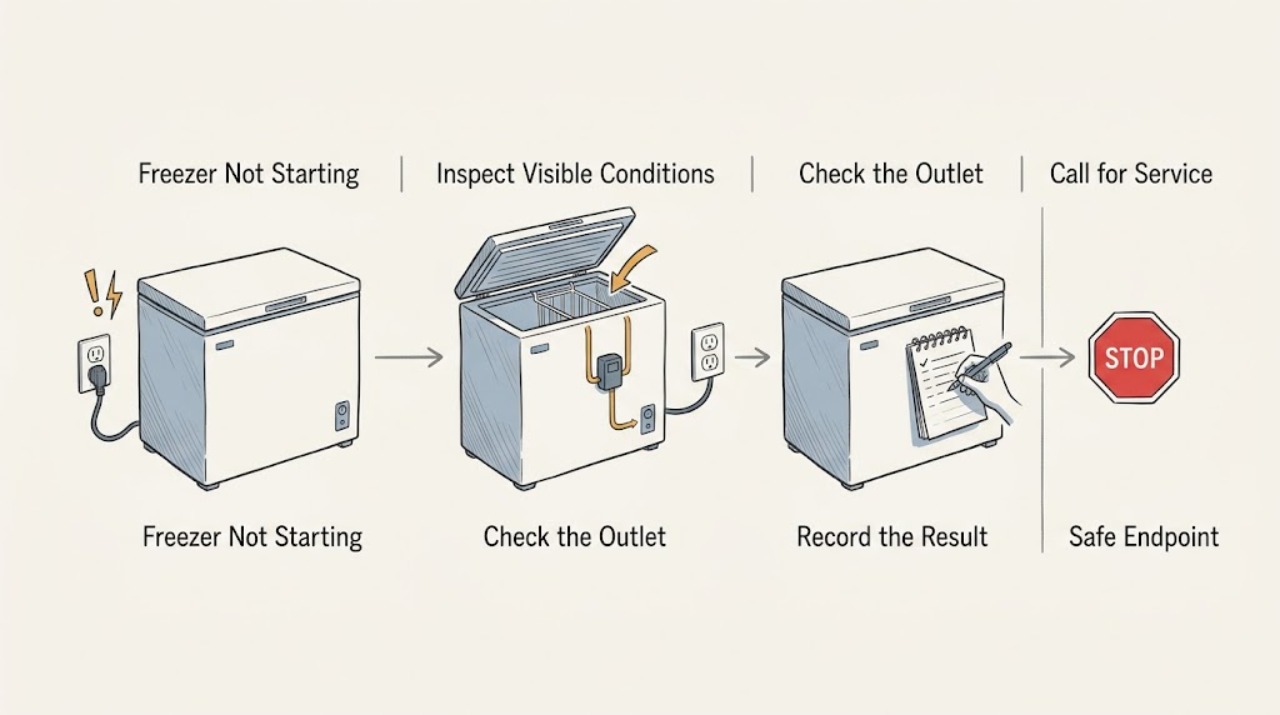
Frigidaire Freezer Not Starting
If a Frigidaire freezer is not starting, first confirm that its control is ON and that the outlet is supplying power. Check for interior or control lights, inspect the plug without using an extension cord, and check the matching breaker or GFCI.
-
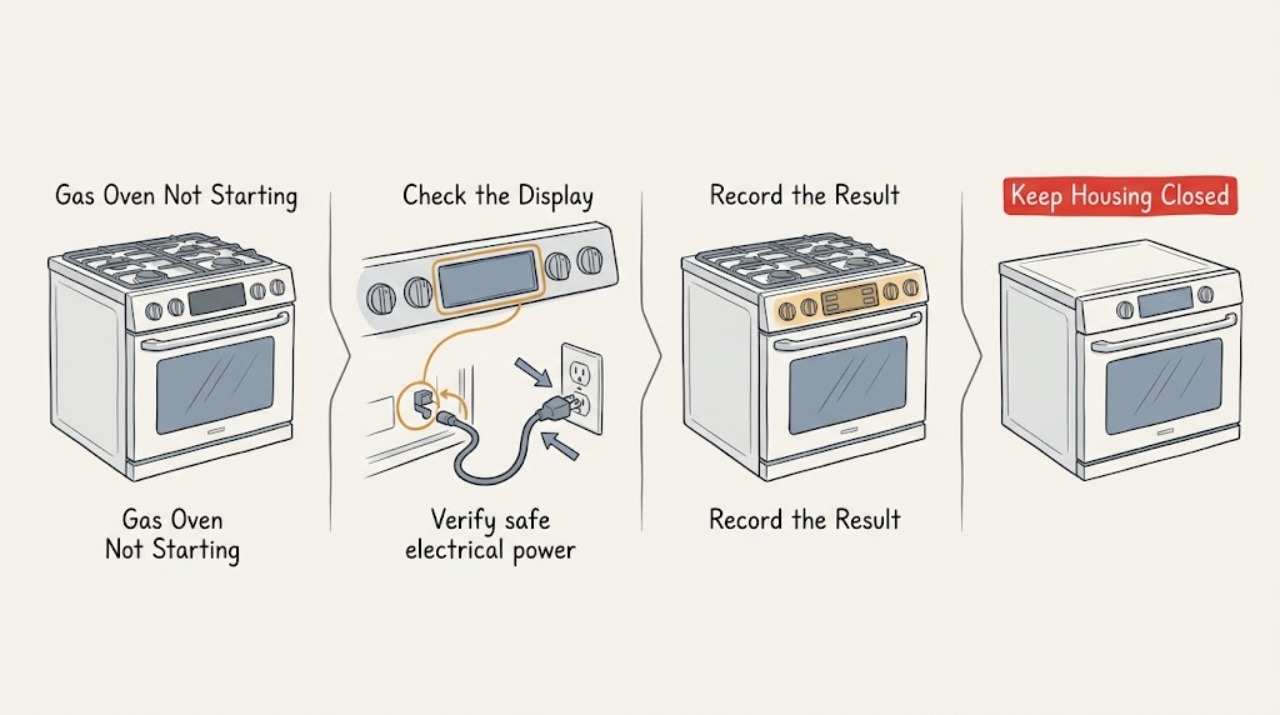
Frigidaire Gas Oven Not Starting
If a Frigidaire gas oven will not start, first separate a dead display from a control or ignition problem. Confirm the range has safe electrical power, use the model's normal Bake sequence, check for a lock or demo state and any displayed code, and note whether the oven attempts to ignite.
-
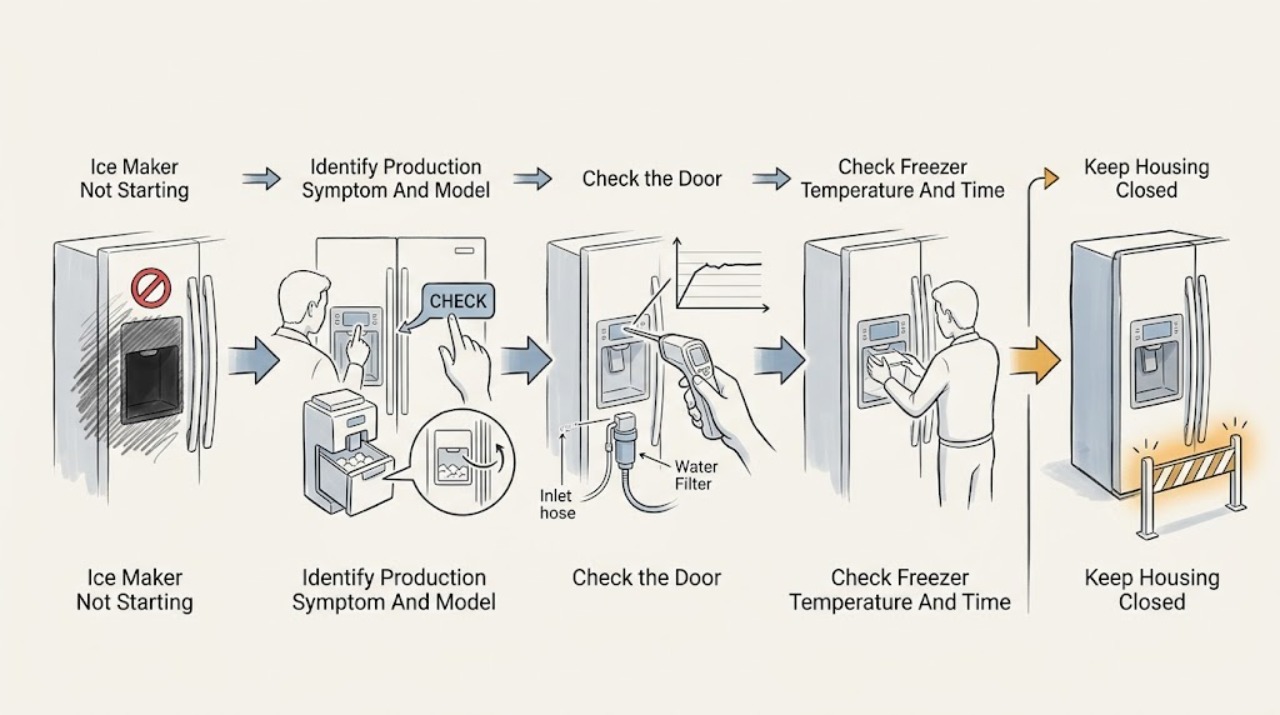
Frigidaire Ice Maker Not Starting: Check the Cycle Conditions First
First confirm that the complaint is no ice production, not a dispenser jam. Read the exact refrigerator model and use its manual to verify that the ice maker is enabled; do not assume every Frigidaire uses the same switch, signal arm, display, bin, or ice-maker location.
-
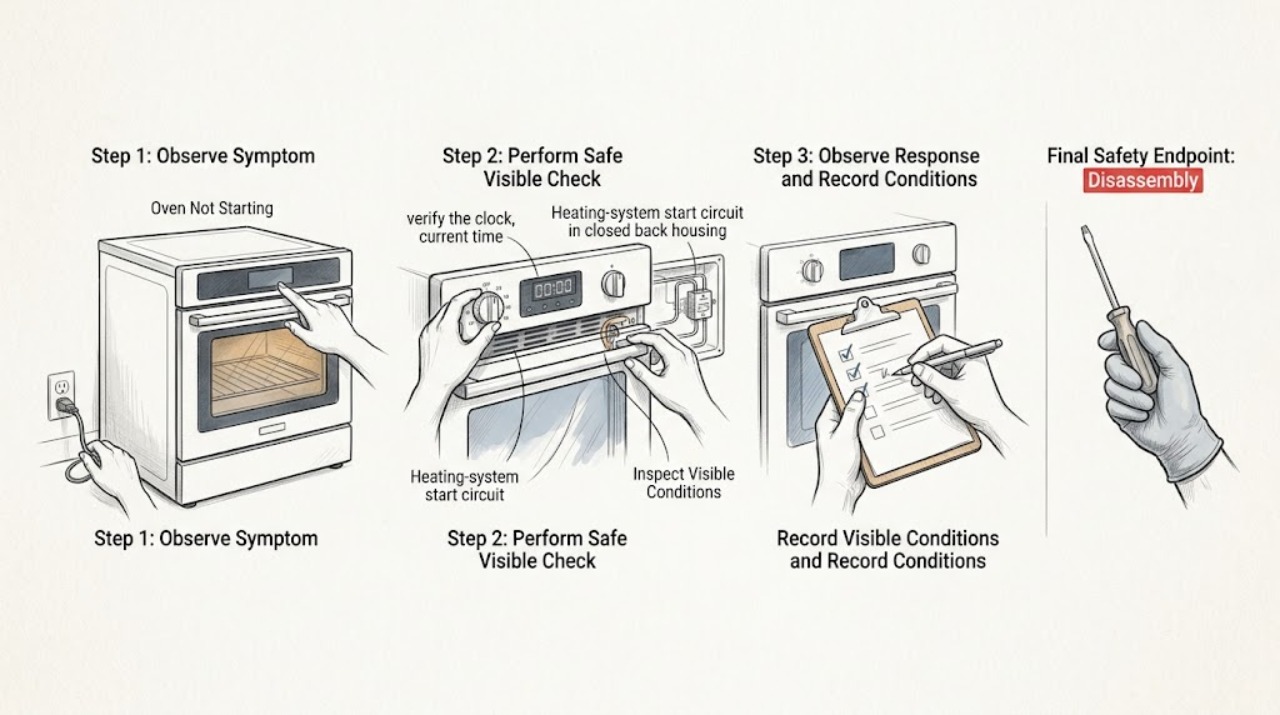
Frigidaire Oven Not Starting: Control, Lock, Power, and Safe Reset Checks
If your Frigidaire oven will not start, first check whether the display is dead, the controls accept selections but do not begin Bake, a lock or timer is active, or an error code is shown. Confirm the clock and mode using the exact Owner's Manual, cancel any active delay or lock feature, and press Start once with the oven empty.
-
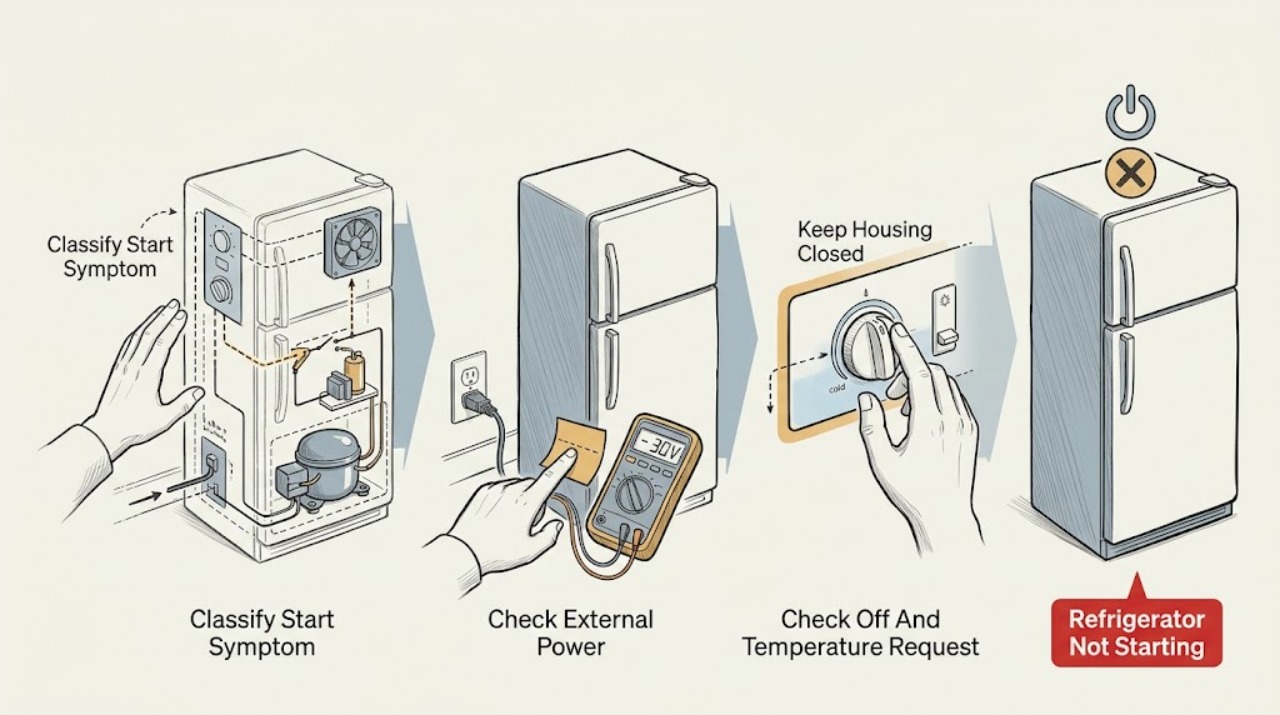
Frigidaire Refrigerator Not Starting: Check Power, Mode, and Restart Delay
First define what “not starting” means: a dark display and no interior light, a powered refrigerator whose compressor or fans have not begun, or a refrigerator that is running but has not yet reached temperature. From outside the appliance, check the breaker, securely seated plug, indicator lights, and interior light; Frigidaire also lists an OFF control setting, a tripped breaker, an unplugged cord, and a recent outage as reasons a freezer or refrigerator may not run.
-
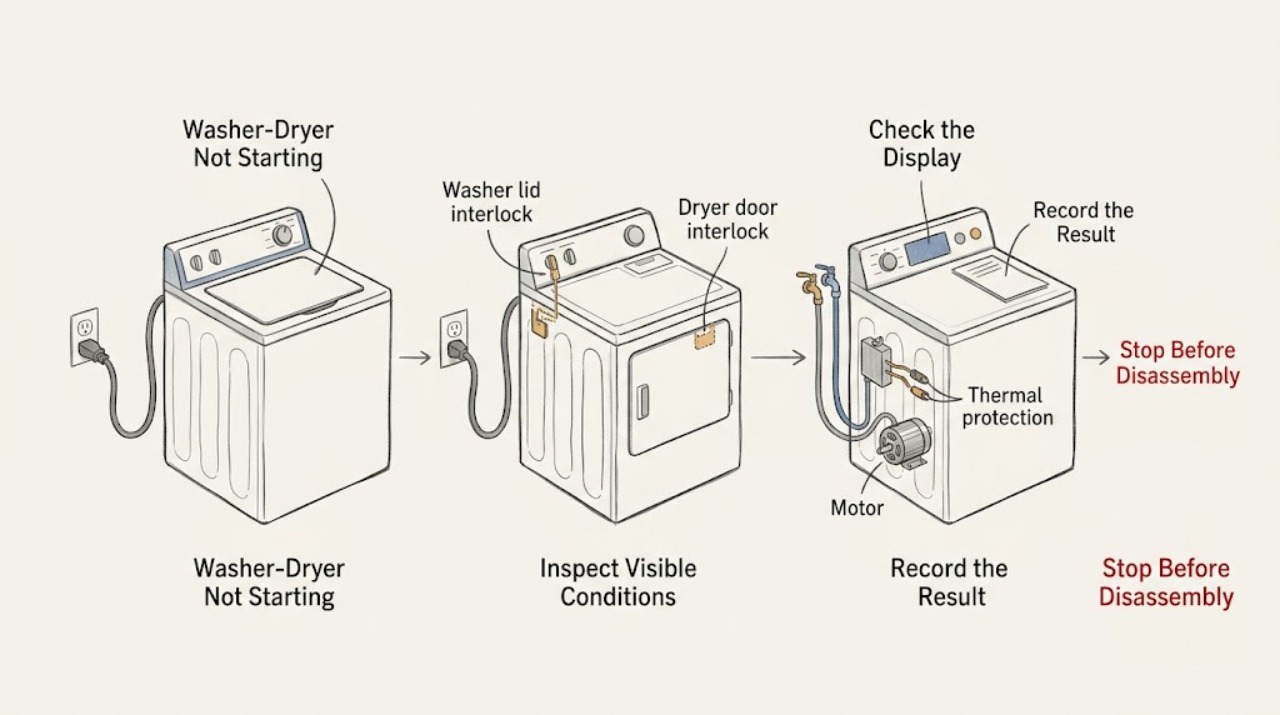
Frigidaire Washer-Dryer Not Starting: Check Power, Doors, Water, and Start Controls
First determine whether the Frigidaire washer-dryer has no power, accepts settings but will not start, or starts and appears to pause. Check the normal user-accessible power source, then close the washer lid or dryer door fully, choose a cycle, and press the correct Start or Start/Pause control.
-
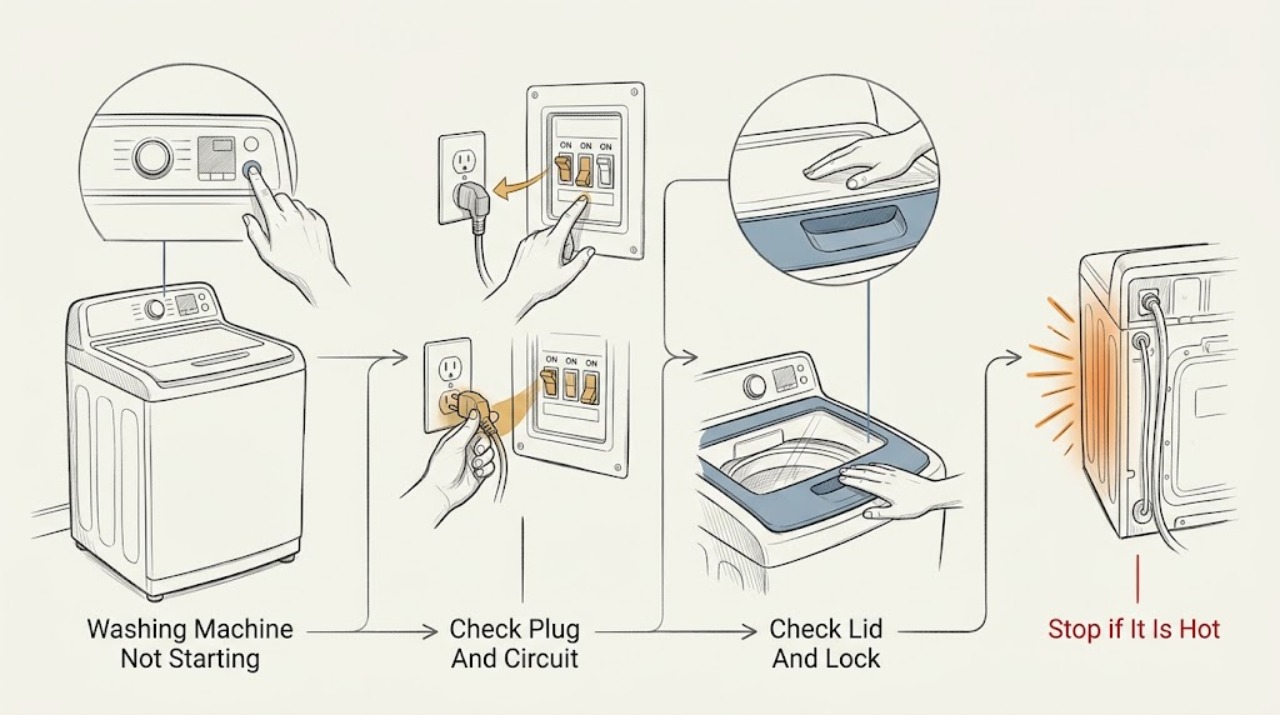
Frigidaire Washing Machine Not Starting: check power, lid, settings, and water
If a Frigidaire washing machine will not start, first check whether the display has power and whether the cycle is actually paused or sensing the load. Confirm the plug fits tightly, the breaker or fuse is sound, the washer is level, both water valves are on, the lid is fully closed, and Start or Start/Pause was pressed after choosing the cycle and options.
-
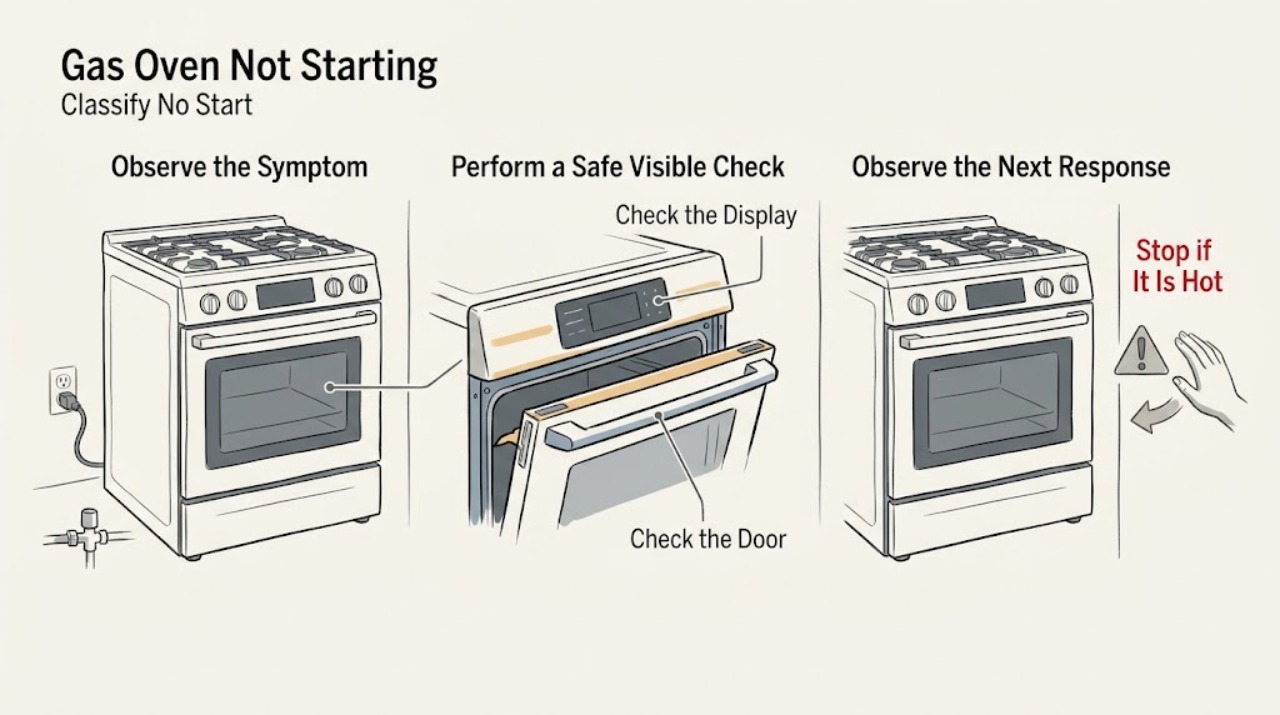
Gas Oven Not Starting: Safe Checks for Power, Controls, and Ignition
A gas oven that will not start can have a blank or locked control, a delayed-start or demo setting, a door or mode issue, a missing electrical supply, a closed gas shutoff, or an ignition fault. First record the exact model, fuel arrangement, display state, selected mode, and whether the surface burners work.
-
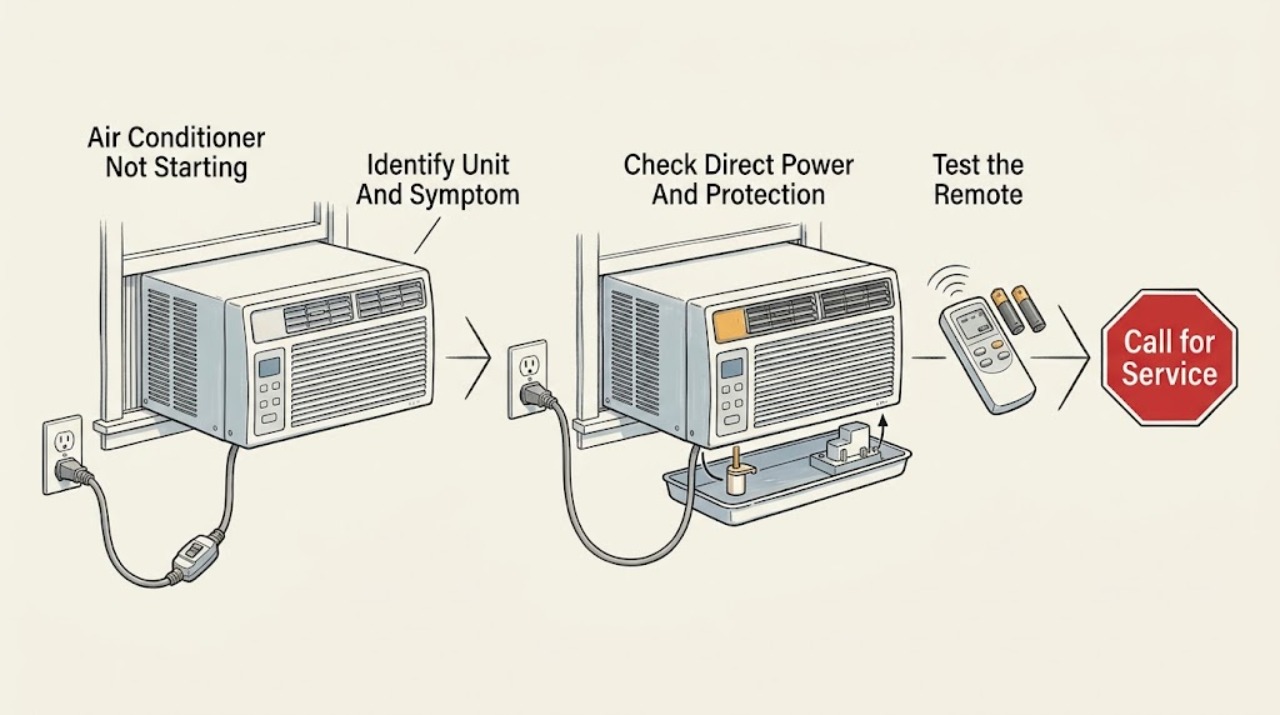
GE Air Conditioner Not Starting: Check Power, Controls, and Start Delays Safely
First determine whether the GE air conditioner is completely dark, has a lit display but no airflow, starts and stops, or shows a code. Check the direct, properly grounded wall connection, the selector or power control, thermostat/mode setting, and whether the outlet has power.
-
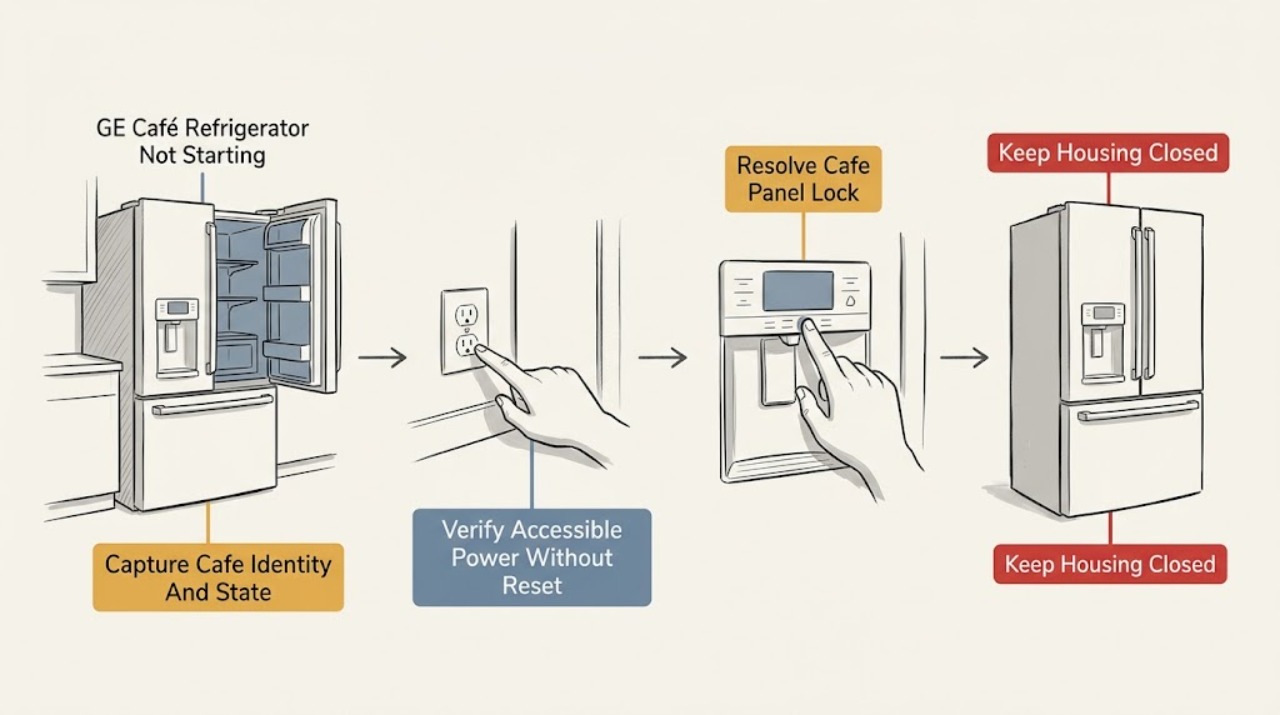
GE Café Refrigerator Not Starting: Read the Display Before Calling It a Failure
Start by classifying the symptom: a dark interior and dark controls suggest a power path; a lit interior with a quiet compressor may be an automatic defrost or post-outage pause; lights and controls with no cooling make temperature settings or demo/showroom mode worth checking. On a Café with an electronic dispenser, the dispenser panel may also control temperature or appliance power, and a lock can make a working refrigerator look unresponsive.
-
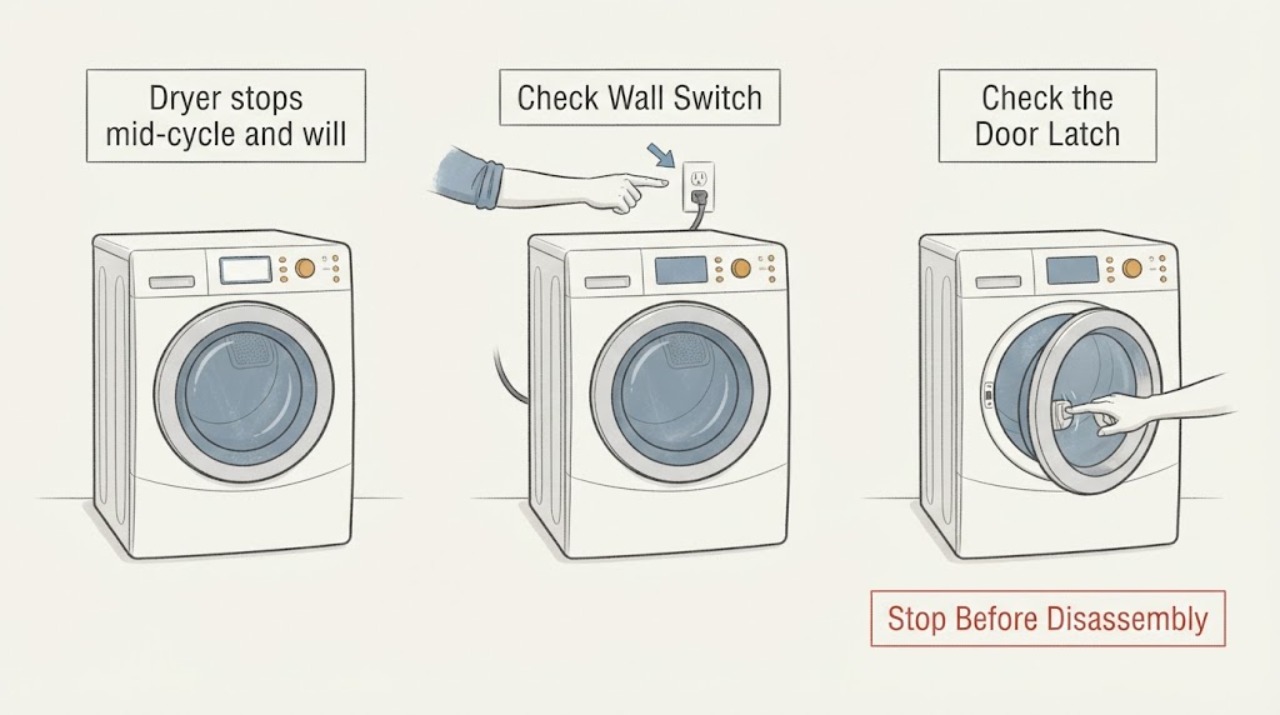
GE DBSR463EG6WW dryer stops mid-cycle and will not restart
For a GE DBSR463EG6WW that stops during a load and then will not start, first establish whether the dryer lost all power, the door opened or no longer latches, the control is still in a cycle, or the load stopped after a hot or restricted-airflow run.
-
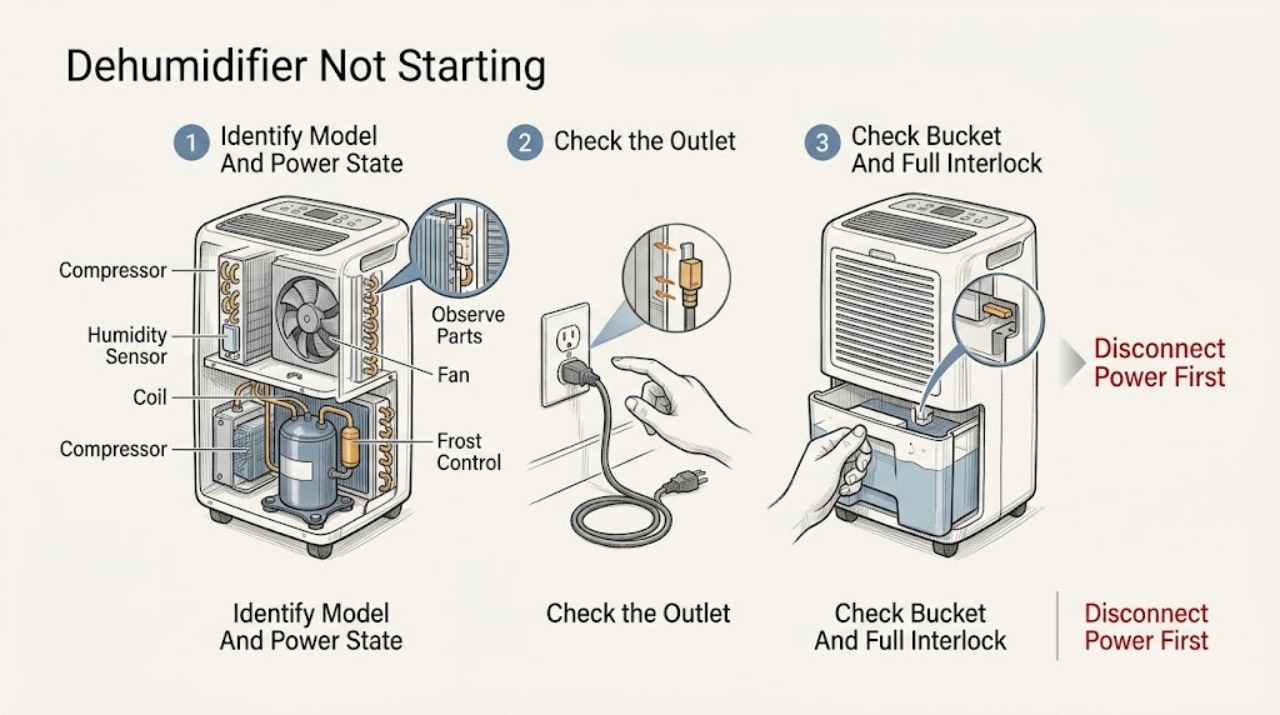
GE Dehumidifier Not Starting
If a GE dehumidifier will not start, first decide whether it is completely dead or has power but is waiting for the humidity set point, a bucket/full-water interlock, a defrost cycle, or a model-specific fault. GE provides model-specific Owner Centers and says the manual controls the temperature limits, controls, bucket arrangement, and reset procedure.
-
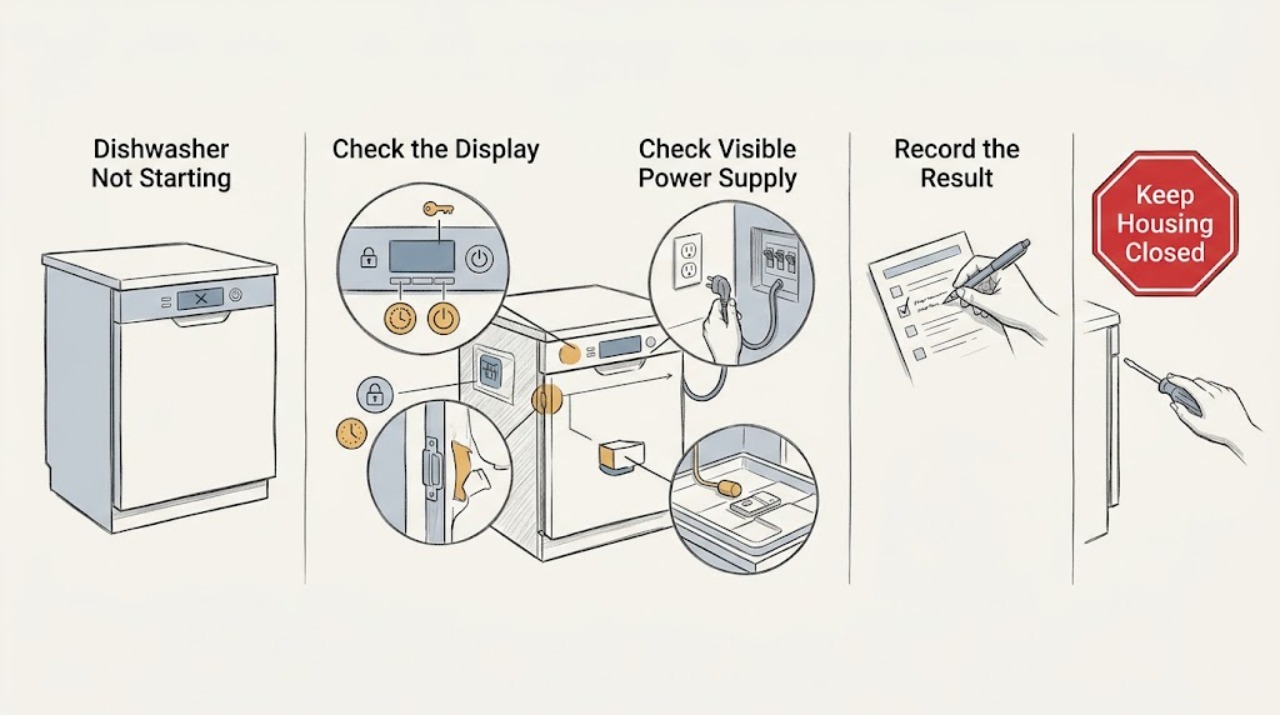
GE Dishwasher Not Starting: Check Power, Latch, Lock, and Delay State
First separate a dead dishwasher from one that has lights or sounds but will not run. If there are no lights or button responses, check the visible supply: a cord in the adjacent cabinet, a GFCI reset, a wall switch, or the dishwasher breaker, without opening the appliance.
-
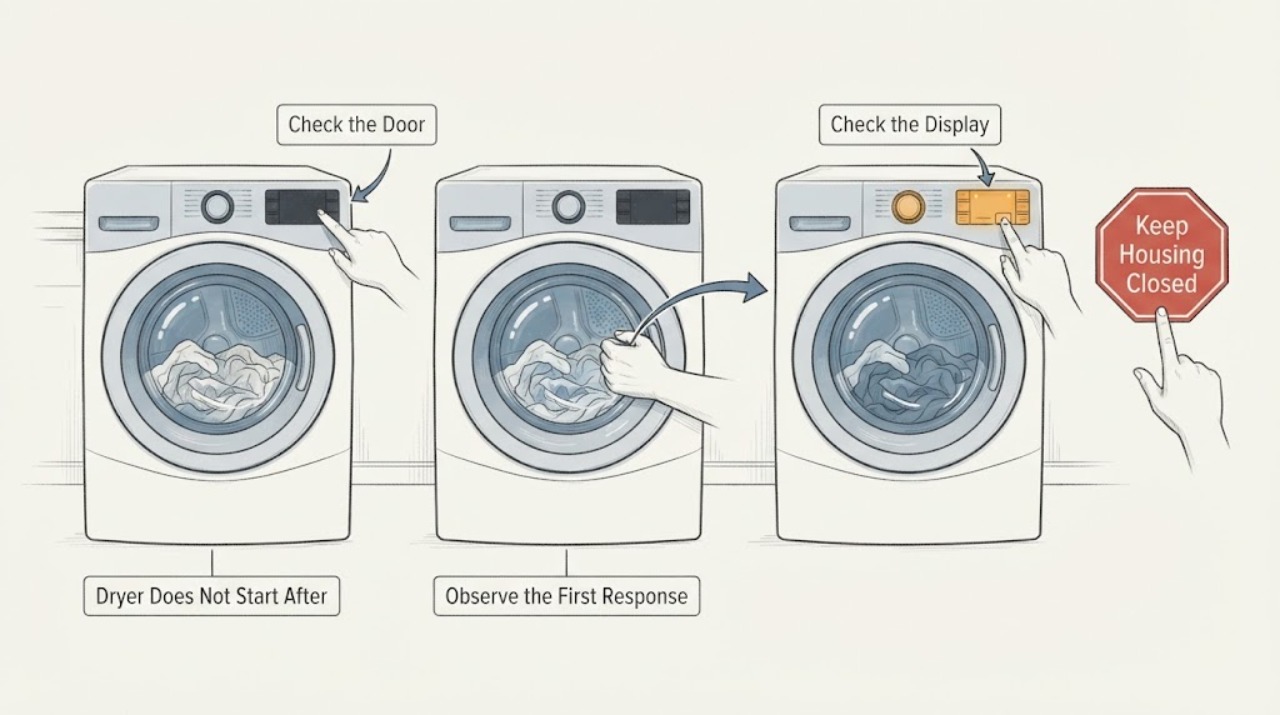
GE DPSE810EG5WT Dryer Does Not Start After a Particularly Damp Load
A particularly damp load is a timing clue, not proof that a fuse, motor, control, or moisture sensor failed. The exact user report for GE DPSE810EG5WT says the display and countdown appeared, but pressing Start produced no drum movement or heat.
-
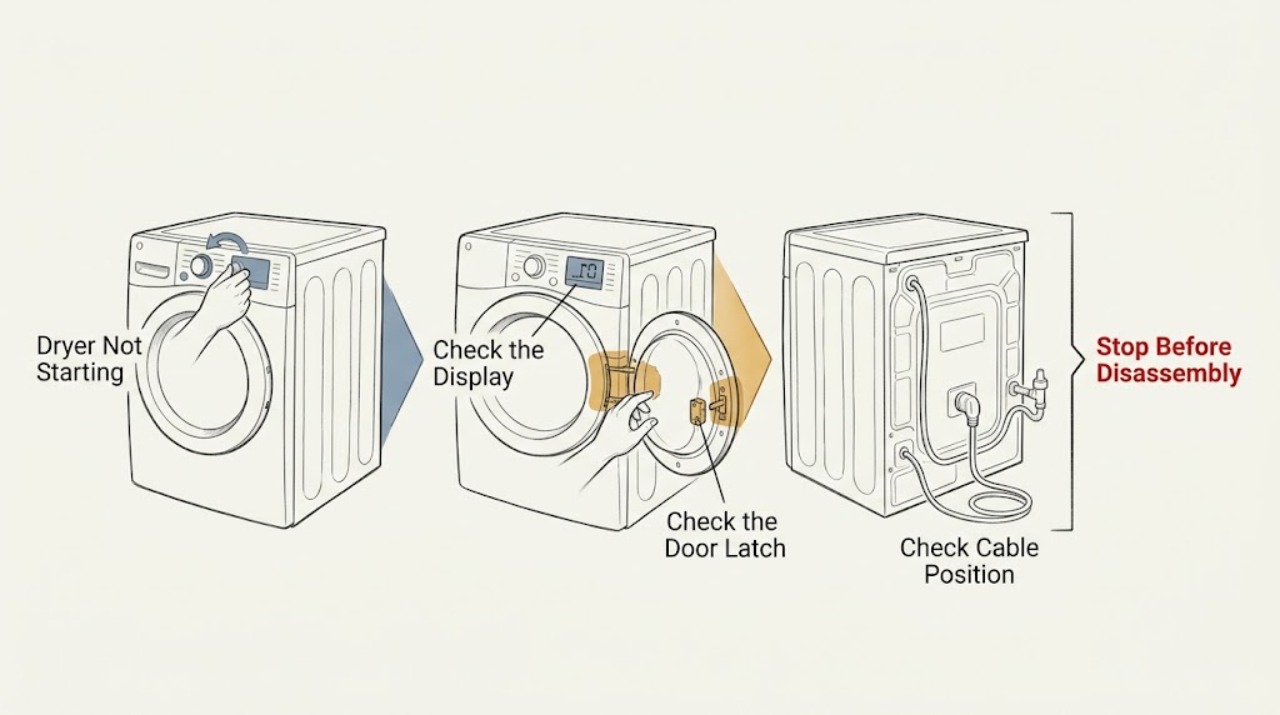
GE Dryer Not Starting: Check the Door, Controls, and Power Safely
A GE dryer may not start because the door is not fully closed, clothing or lint is preventing the latch from engaging, the cycle or start control is wrong, the control panel is locked or asleep, or the dryer has lost power. A recently moved or installed dryer may also have a model-specific configuration or connection issue.
-
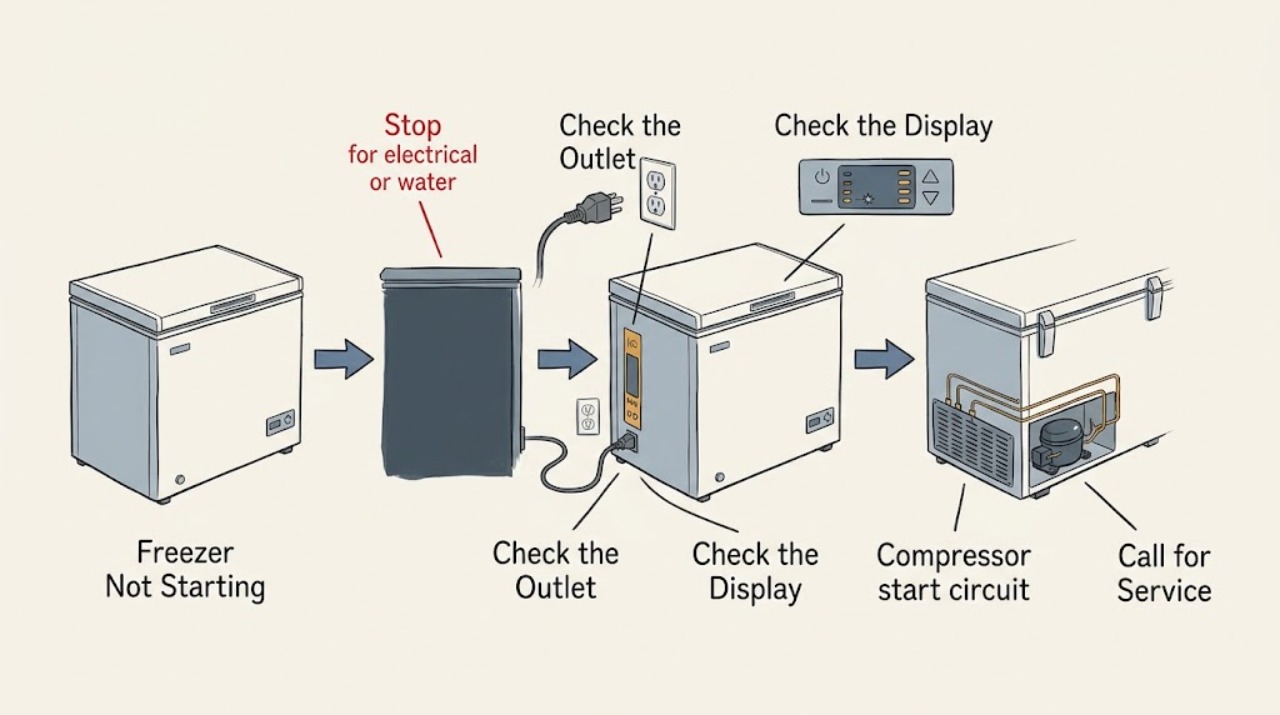
GE Freezer Not Starting: Safe Checks
If a GE freezer is not starting, first protect people and food: stop for a burning smell, damaged cord, water near electrical parts, smoke, or a breaker that trips again. Without opening the appliance, check that the plug is seated, the outlet and breaker have power, and the temperature control is not set to OFF.
-
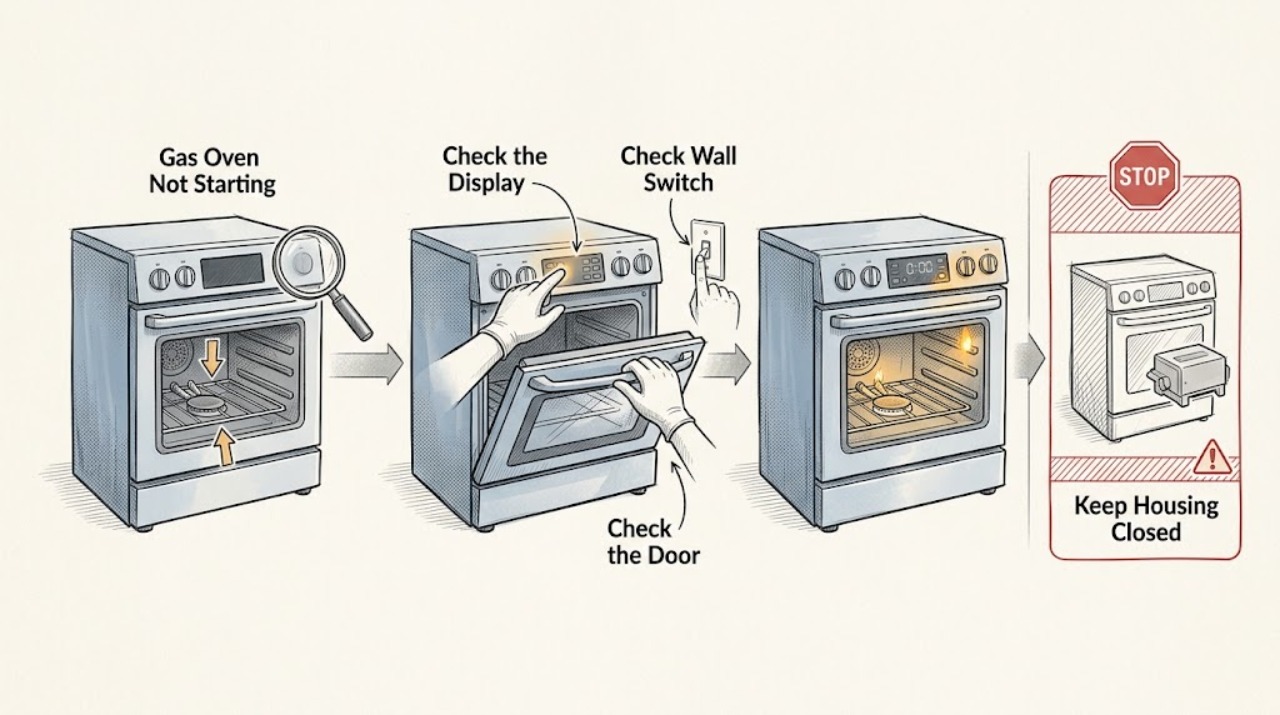
GE Gas Oven Not Starting: Check the Start Sequence
A GE gas oven that is not starting should be classified by what happens after you request Bake or Broil: does the control accept the command, does the oven have electrical power, and does the Glo-Bar begin to glow? Select the function and temperature and press Start on electronic controls, then make one normal start attempt.
-
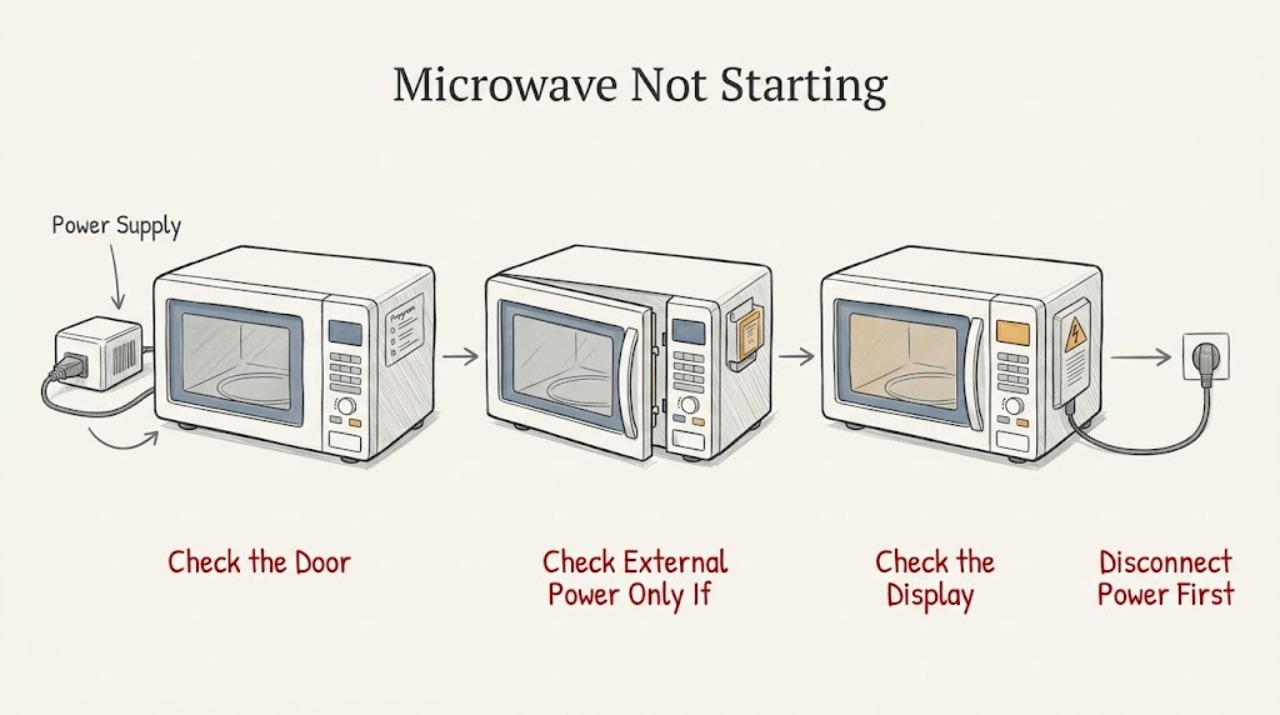
GE Microwave Not Starting: Separate Power, Controls, and Door Safety
First separate a dark appliance from a lit panel. If the display and cavity light are both off, check only the plug, receptacle, and breaker from a dry, safe position; stop for a hot or damaged cord/outlet, smoke, sparks, or repeated tripping.
-
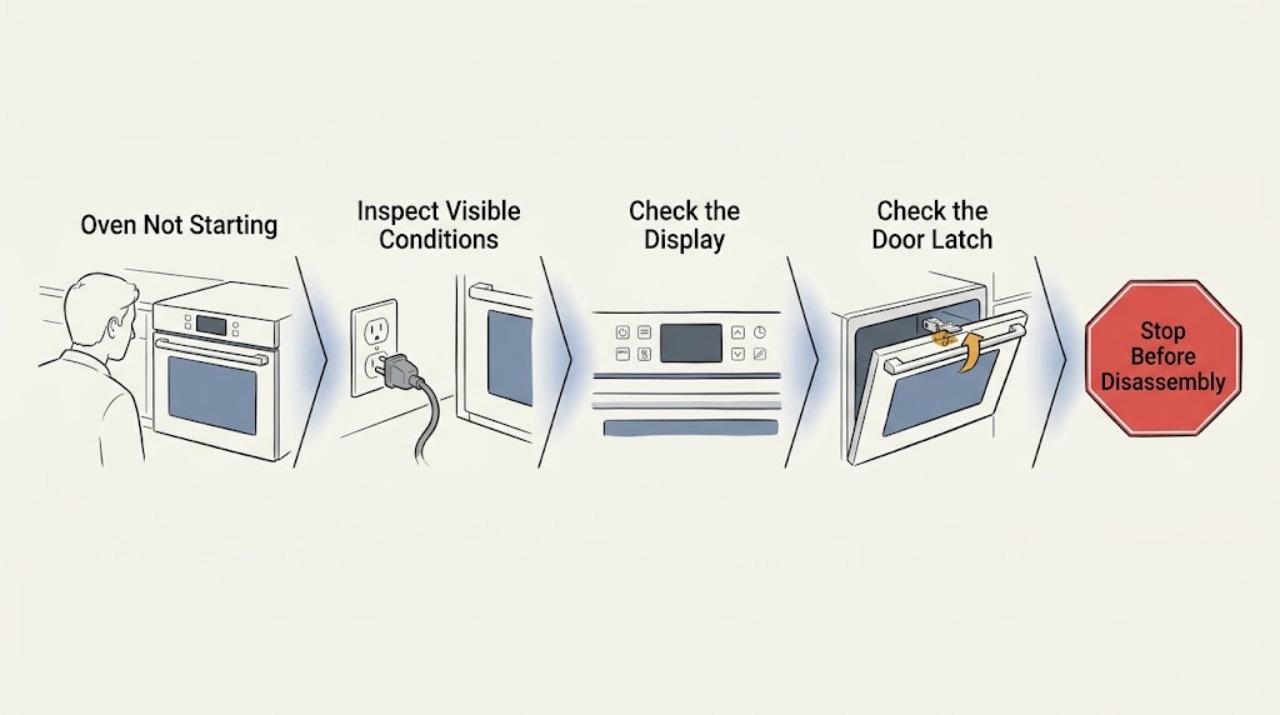
GE Oven Not Starting: Check Power, Controls, and Ignition Safely
When a GE oven will not start, first decide whether the panel is completely dead or has power but will not begin a cycle. If the display is on, check the selected Bake or Broil function, required Start press, Control Lock, Delay Start, Sabbath mode, and a self-clean door latch according to the model manual.
-
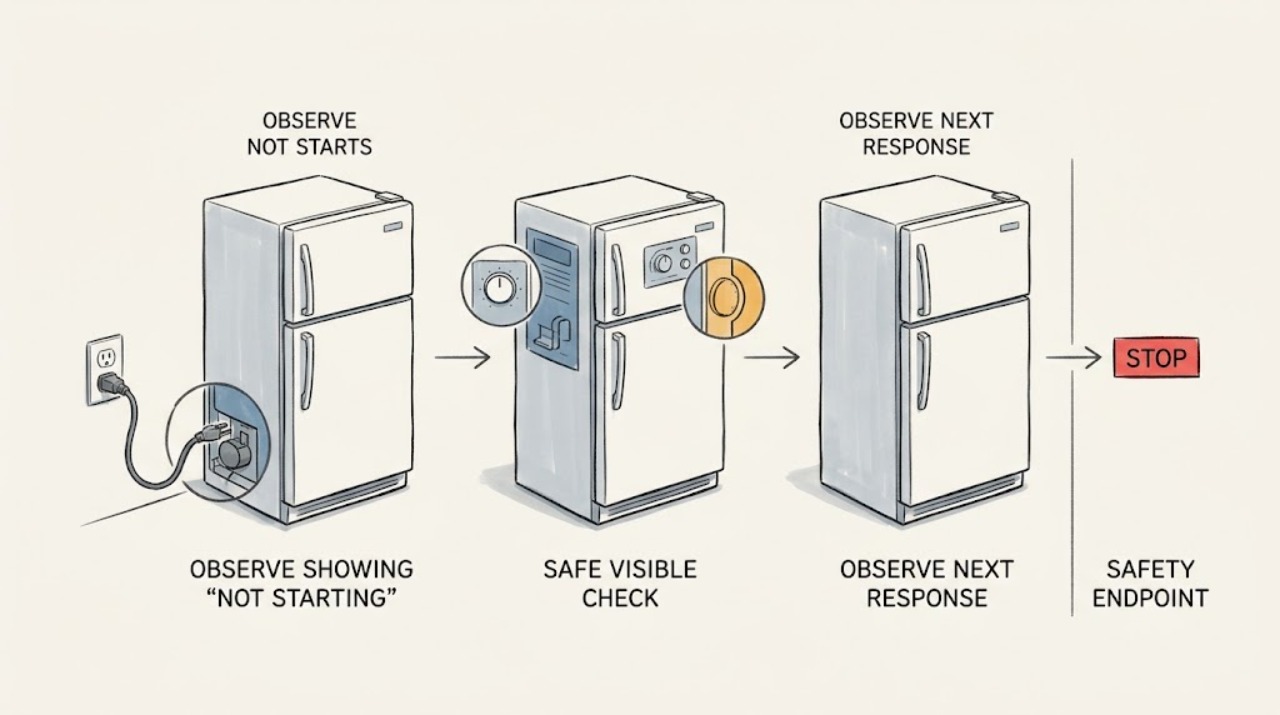
GE Profile Refrigerator Not Starting
If a GE Profile refrigerator will not start, first separate a completely dead cabinet from a powered cabinet whose compressor and fans are temporarily stopped. Check the interior light or display, the plug and household outlet, and the exact model's temperature controls.
-
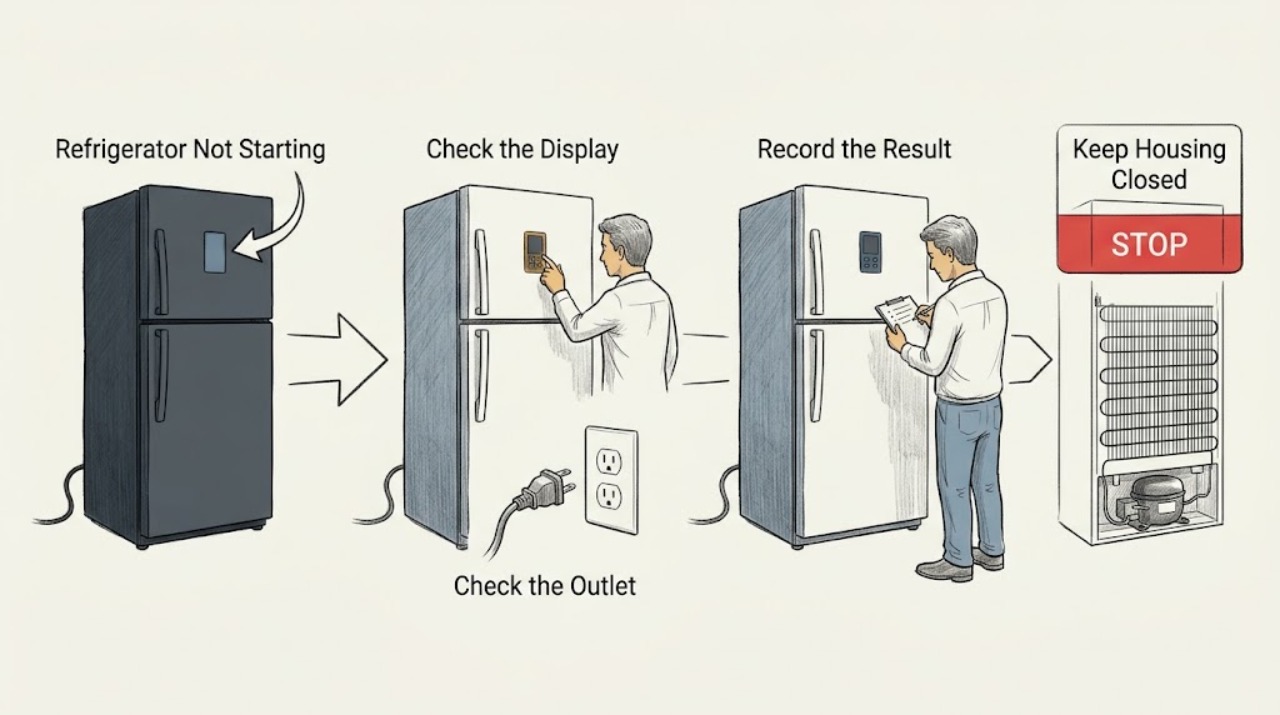
GE Refrigerator Not Starting: Separate Power, Modes, and Normal Pauses
First open the fresh-food door and note whether the interior light and any control or dispenser display are working. No light can mean the refrigerator is not receiving power; a lit refrigerator with a quiet compressor can instead be in automatic defrost or waiting after a power interruption.
-
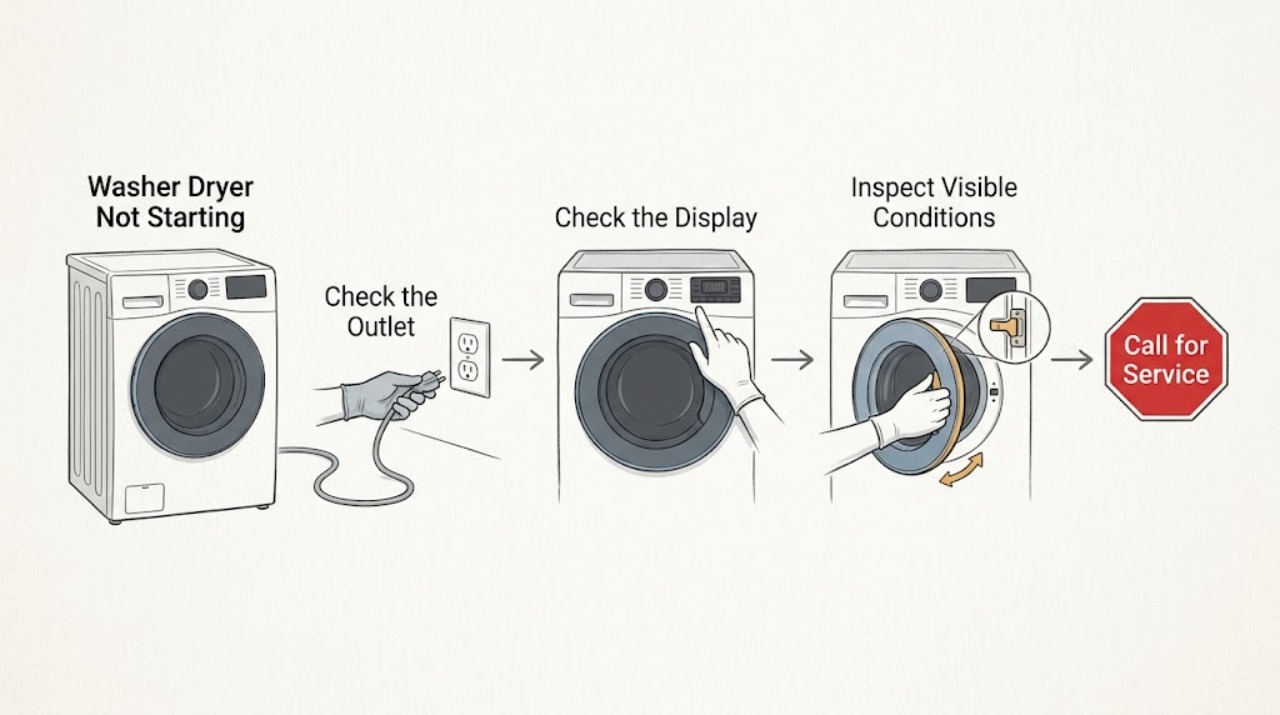
GE Washer Dryer Not Starting
When a GE washer-dryer will not start, first separate a no-power condition from a powered control that will not run. Check the wall outlet, plug, breaker, and door or lid closure, then confirm that a cycle and Start command were actually selected.
-
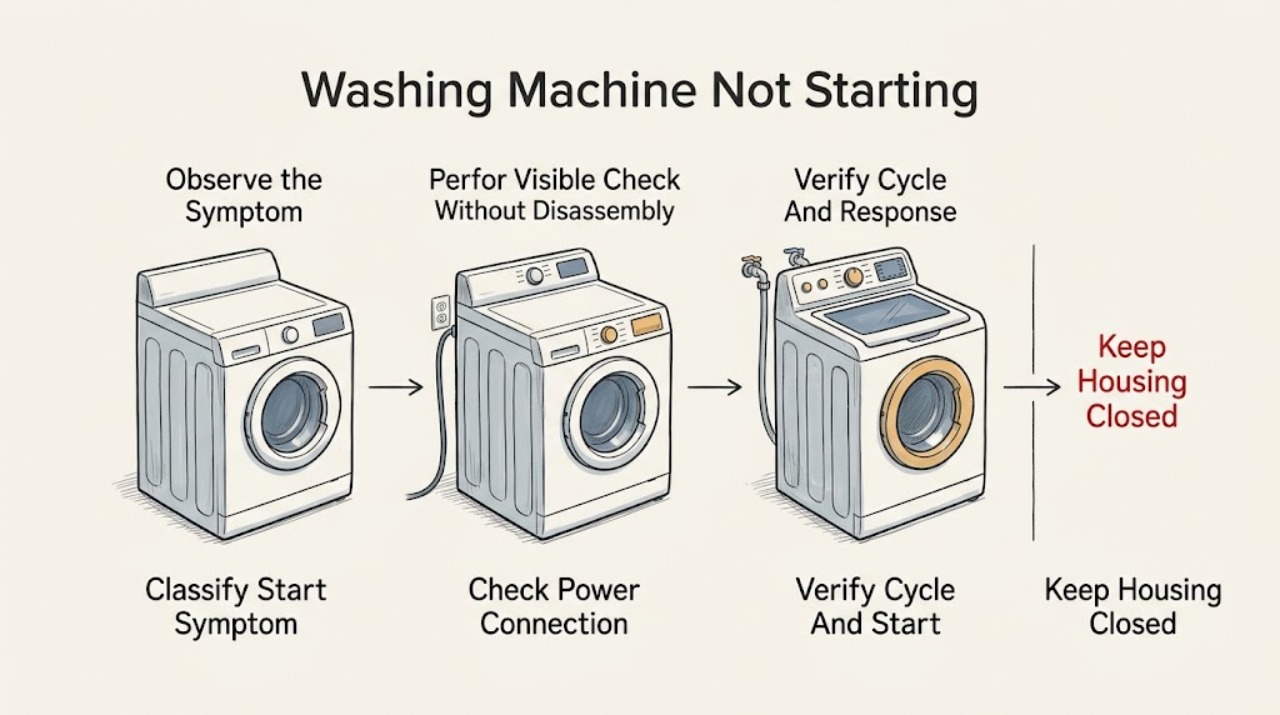
GE Washing Machine Not Starting: Check Power, Controls, Lid, and Water Safely
If a GE washing machine will not start, first check the plug, breaker or fuse, selected cycle, and Start control, then make sure the lid or door is fully closed and both hot and cold faucets are open. A top-load washer may pause or refuse to start when the lid is not sensed, while a front-load model may wait for its door lock or a model-specific control sequence.
-
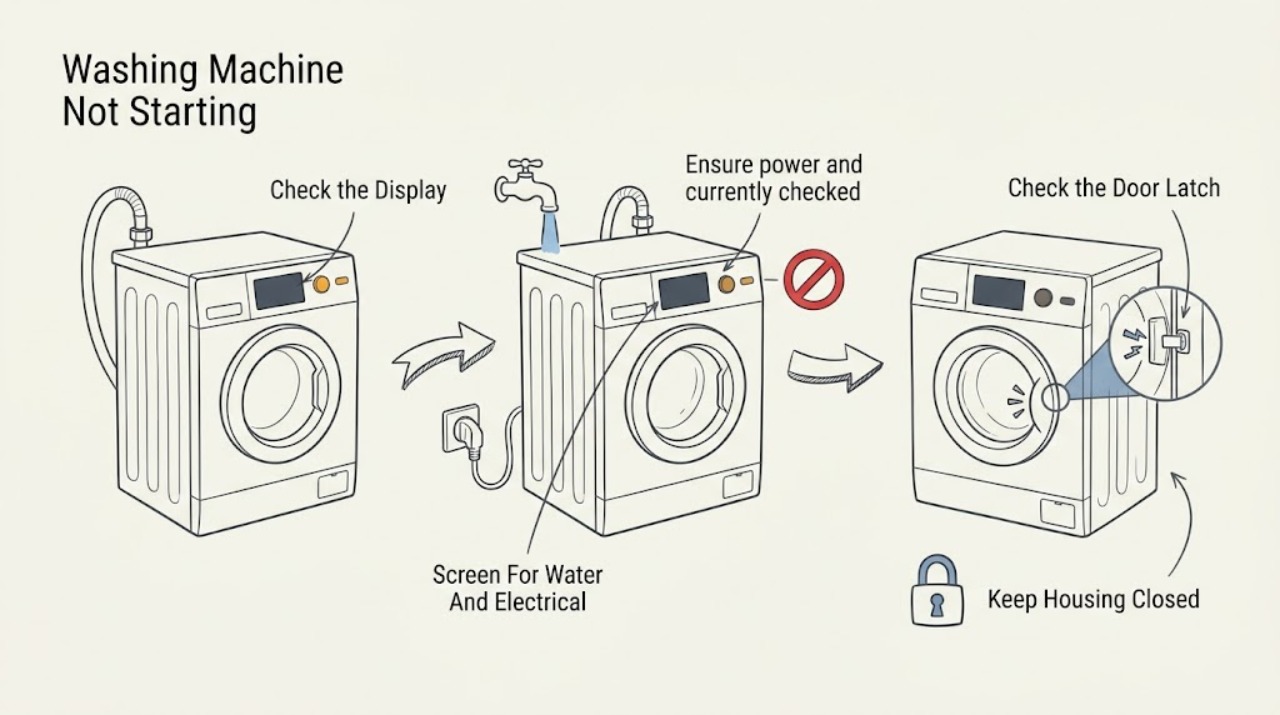
Gorenje Washing Machine Not Starting: Check Power, Door Lock, Program, and Water
If a Gorenje washing machine will not start, first check that the area is dry and there is no leak, burning smell, spark, smoke, or repeated breaker trip. Keep the washer unused and obtain qualified help for those hazards.
-
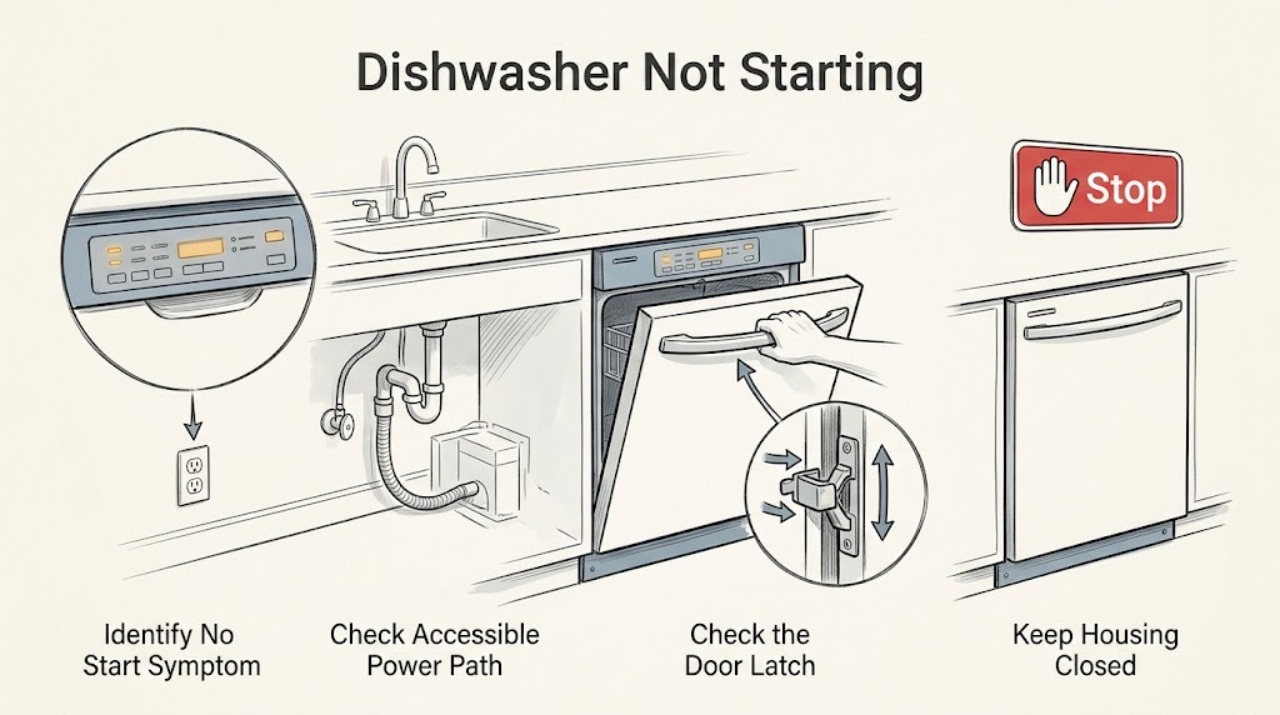
Haier Dishwasher Not Starting: Separate Power, Door, Cycle, and Water Problems
First identify whether the Haier dishwasher is completely dark, has a powered panel but will not start, starts and pauses, or starts without filling. Haier's official no-start guidance lists a door that is not fully latched, the main power switch being off, a tripped breaker, and a water supply that is off; some models also pause several minutes at the beginning of a cycle or briefly during washing.
-
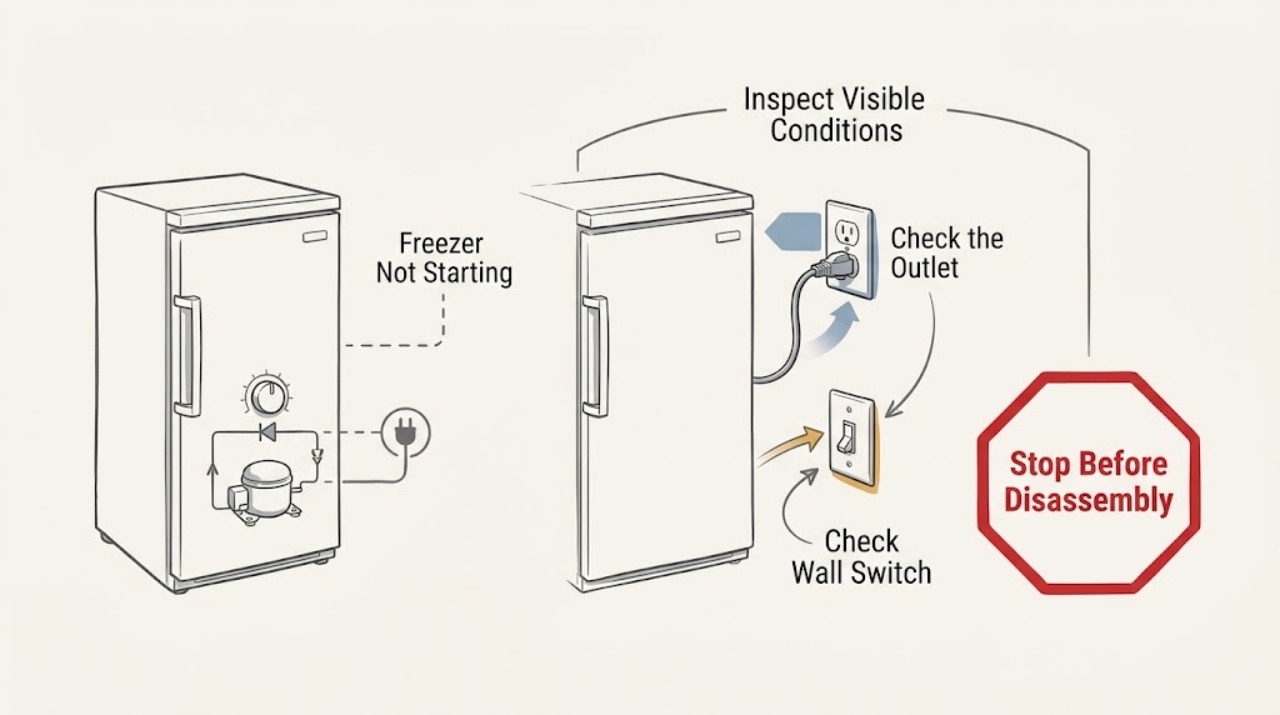
Haier Freezer Not Starting: Safe Power and Restart Checks
If a Haier freezer is not starting, first determine whether the cabinet is completely dead or the compressor is simply between cycles. Check the plug and wall outlet without opening the appliance, confirm that the unit is on and the thermostat is set to a cold setting, then wait 30–40 minutes for a possible compressor restart.
-
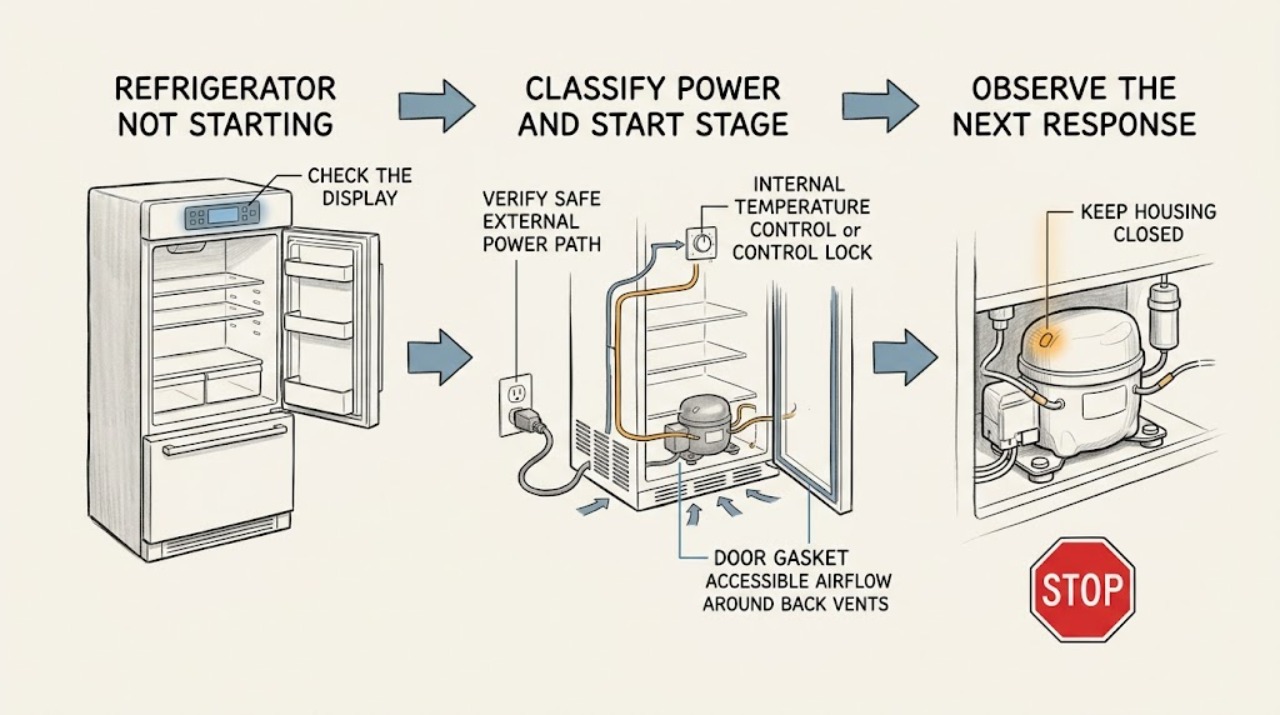
Haier Refrigerator Not Starting: Separate Power, Controls, and Cooling Start Problems
First decide which stage failed. If there are no lights or display, verify the plug and wall outlet without opening the appliance; Haier also says the refrigerator must be switched on and its temperature control set to a cooling position.
-
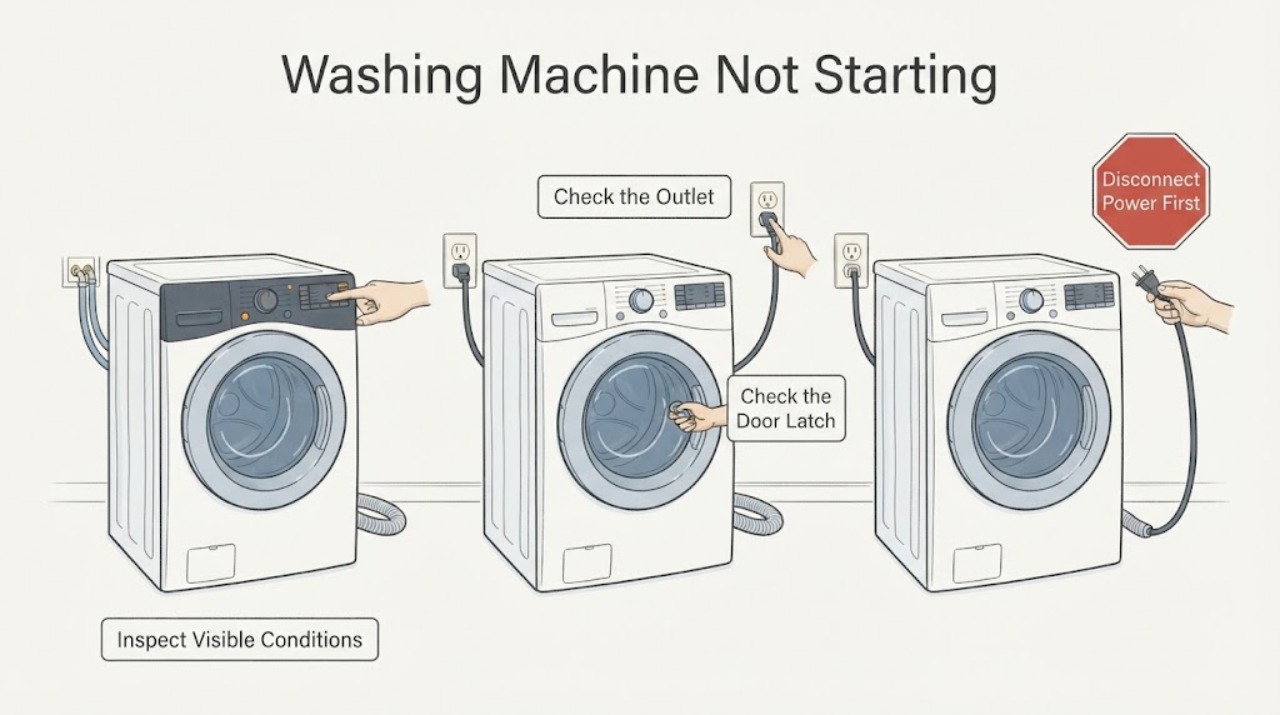
Haier Washing Machine Not Starting: Check Power, Lock, and Cycle Settings
If a Haier washing machine will not start, first check for water near electrical parts, then confirm the plug, outlet, power button, and any breaker or GFCI are safe and working. Close the door or lid until its lock indicator responds, and check that Child Lock, Delay, Soak, or another non-wash programme is not holding the cycle.
-
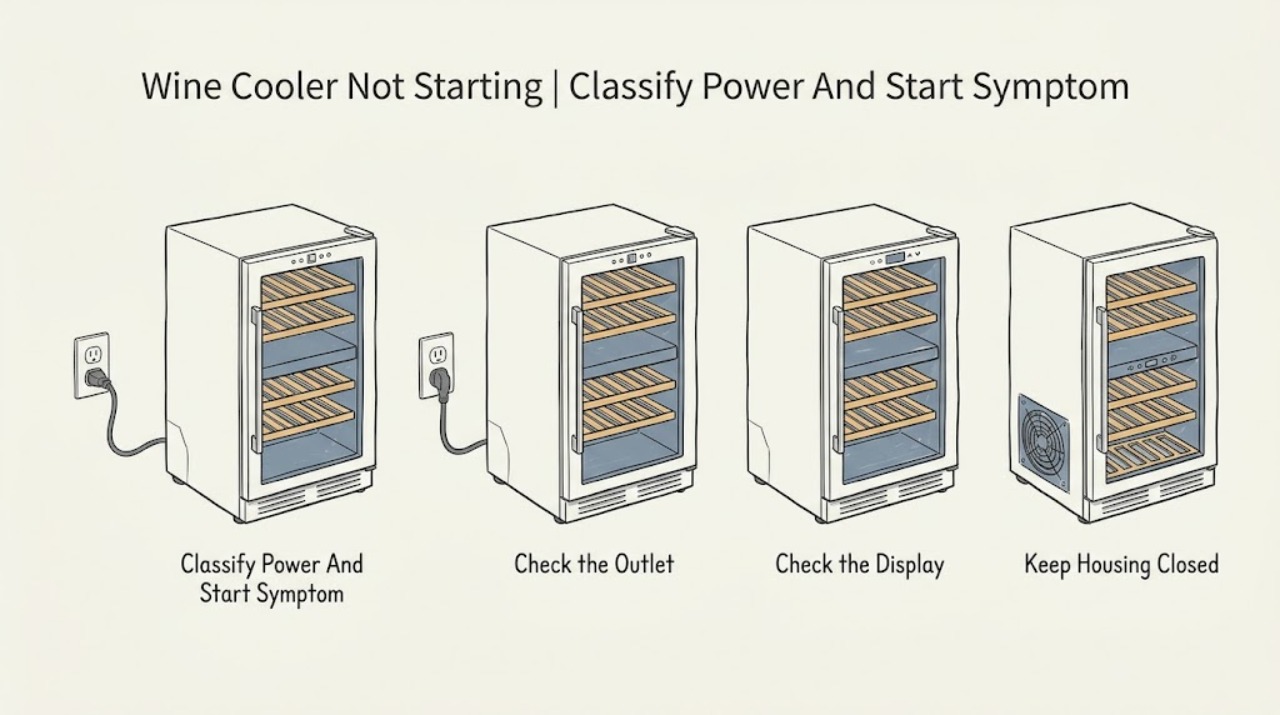
Haier Wine Cooler Not Starting: Separate Power, Setting, and Ambient Conditions
First distinguish a completely dark wine cooler from a powered unit whose fan or display works but whose cooling cycle has not begun. Record the exact model because Haier's wine-cellar designs and temperature behavior differ.
-
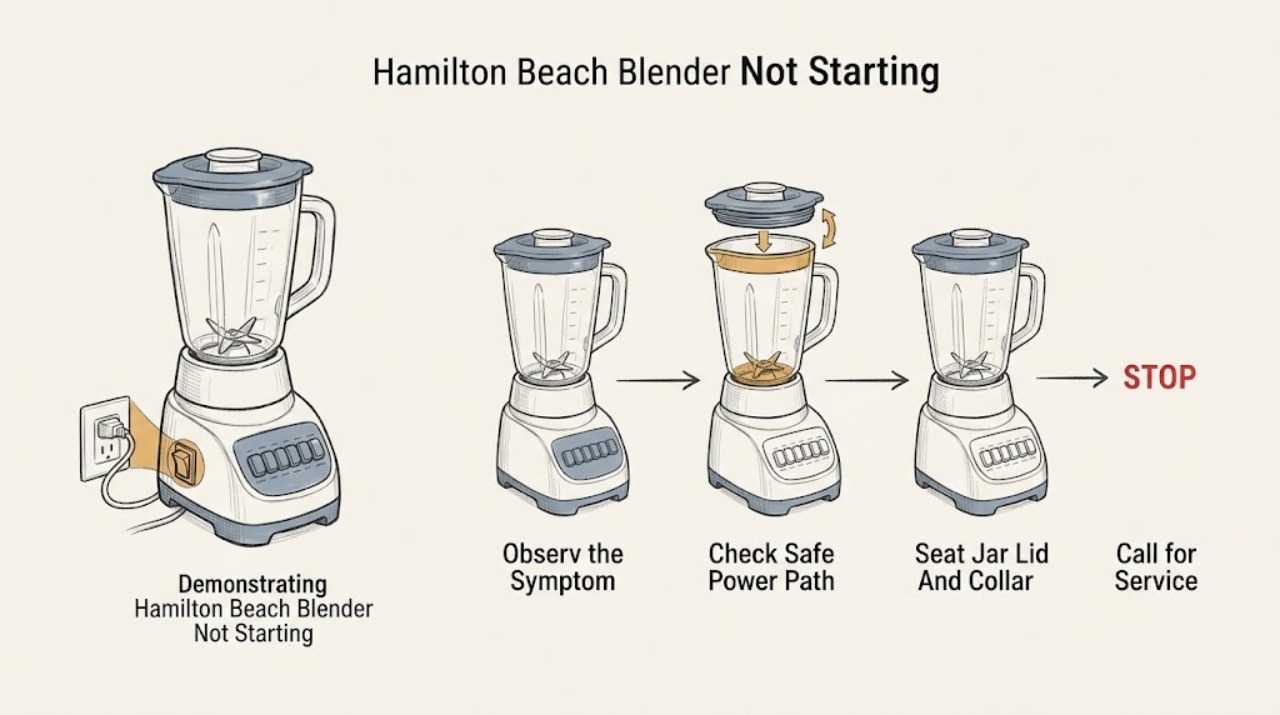
Hamilton Beach Blender Not Starting: Check Power, Jar Seating, and Thermal Protection
Start with the symptom: a completely dark blender points to the power switch, plug, outlet, fuse, or breaker, while an illuminated control that will not run points first to model-specific jar, collar, lid, or control conditions. Hamilton Beach's consumer Use & Care guidance says the jar must be securely seated and the lid secured before blending; some models also stop after overheating and document unplugging for about 15 minutes before retrying.
-
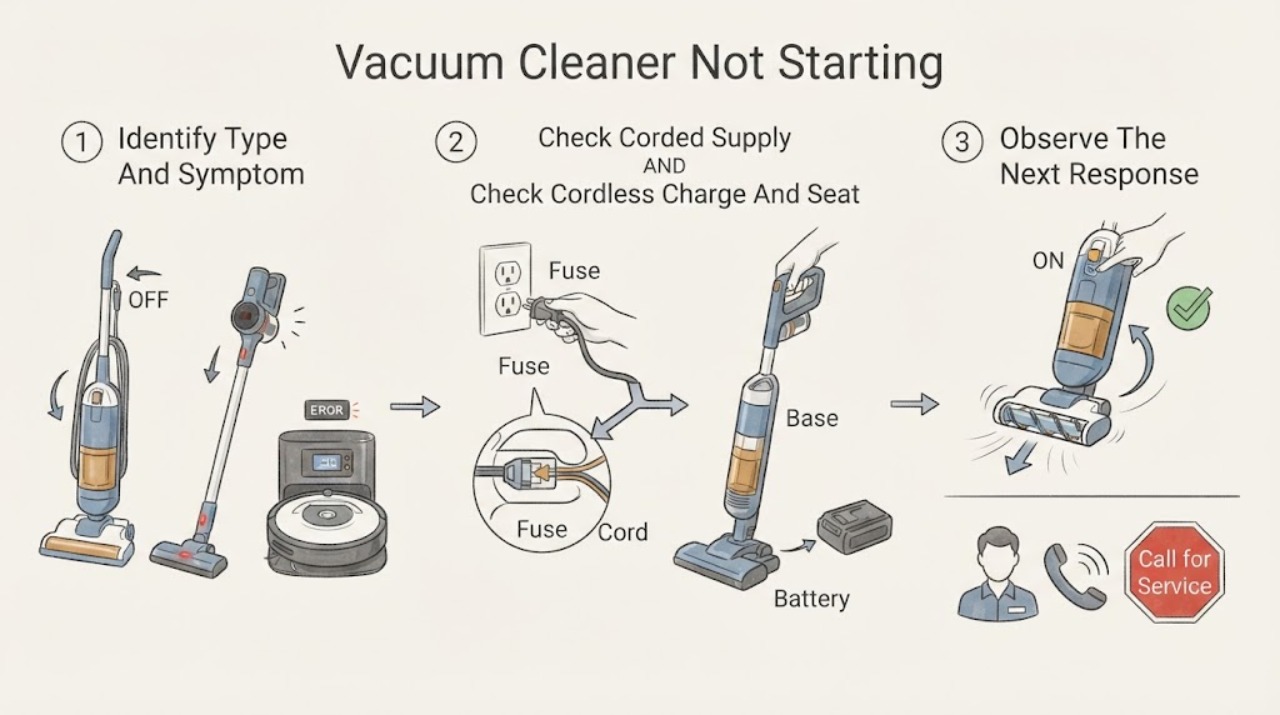
Hoover Vacuum Cleaner Not Starting
First identify whether this Hoover is corded, cordless, or a robot, because the safe checks are different. For a corded cleaner, check the switched socket with another safe appliance and inspect the accessible plug and supply; Hoover's official no-power guidance says to use a different socket or a competent electrician when the outlet supply is the problem.
-
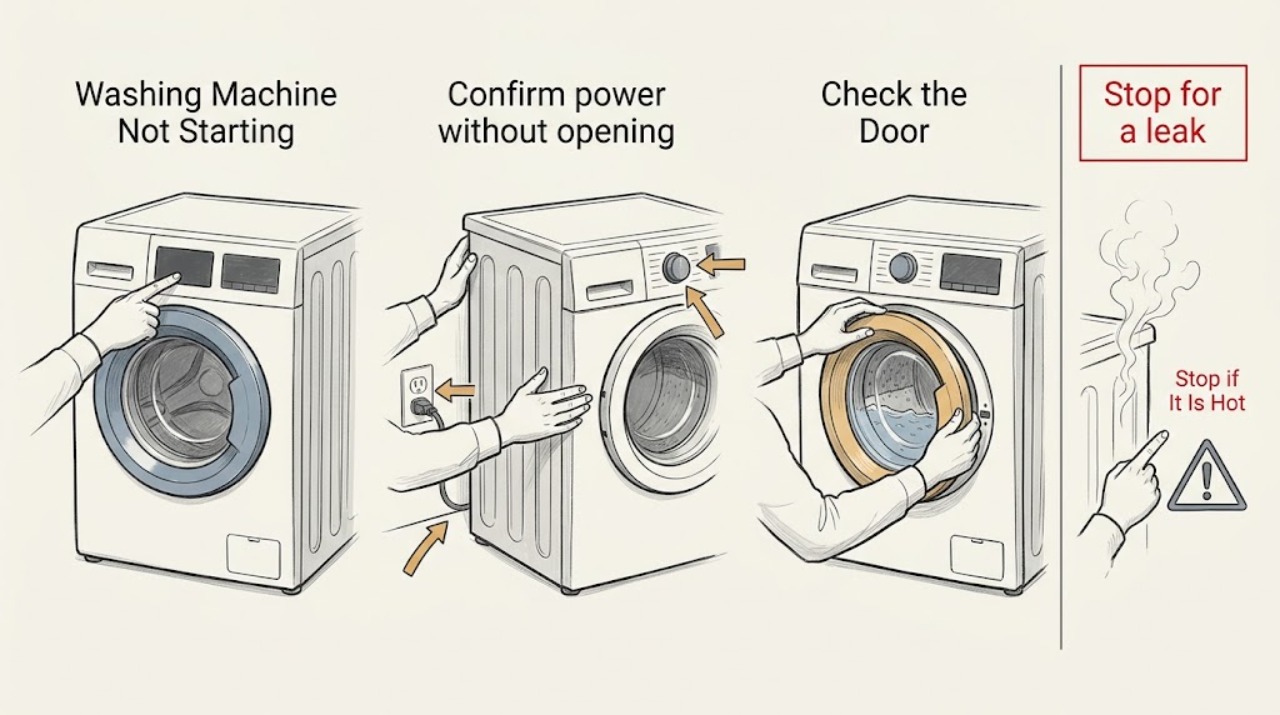
Hoover Washing Machine Not Starting
If your Hoover washing machine will not start, stop first for a leak near the plug or controls, standing water you cannot safely avoid, burning smell, smoke, sparks, overheating, or a breaker that trips again. With no hazard, check that the washer has power, the door closes and locks, a real programme is selected, Start has been pressed, and Child Lock, Delay Start, Pause, or Demo mode is not preventing the cycle.
-
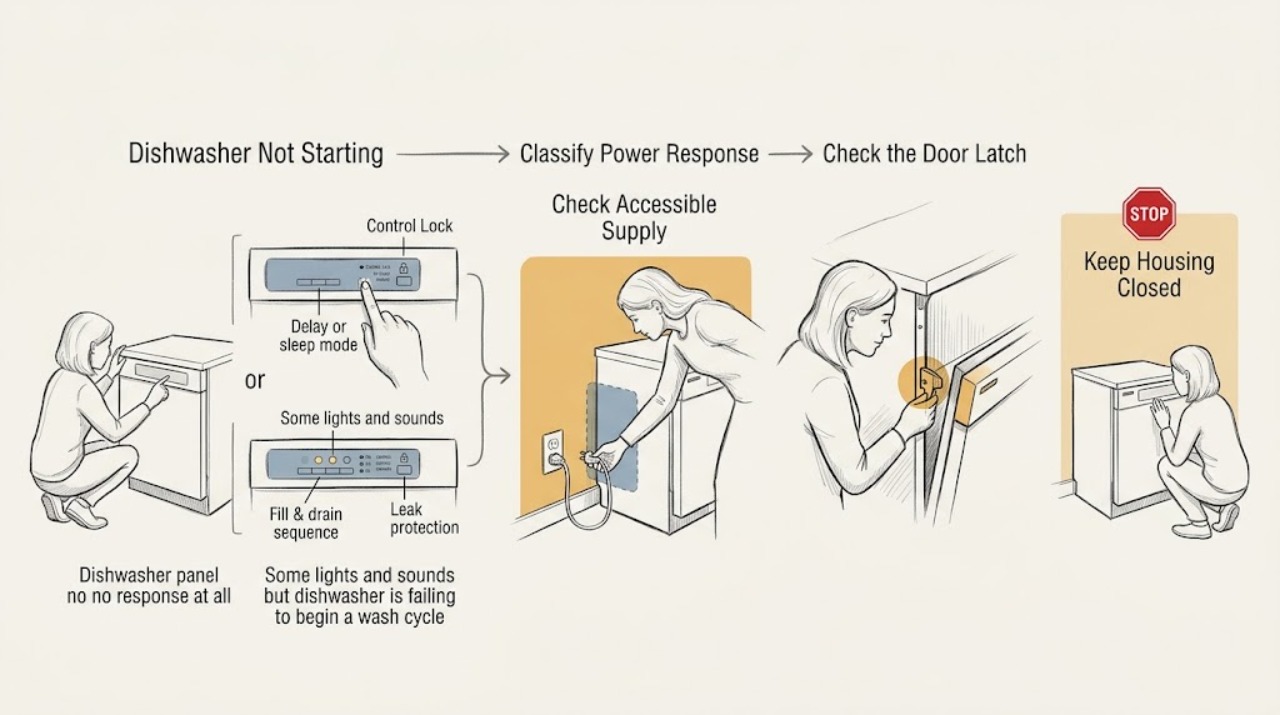
Hotpoint Dishwasher Not Starting: Separate Power, Door, and Control Lock Problems
First separate a completely dead Hotpoint dishwasher from one that has lights or sounds. With no display or button response, check the appliance's accessible supply path: a tripped breaker or fuse, a switched outlet, a GFCI reset, or a loose plug where the installation uses a cord.
-
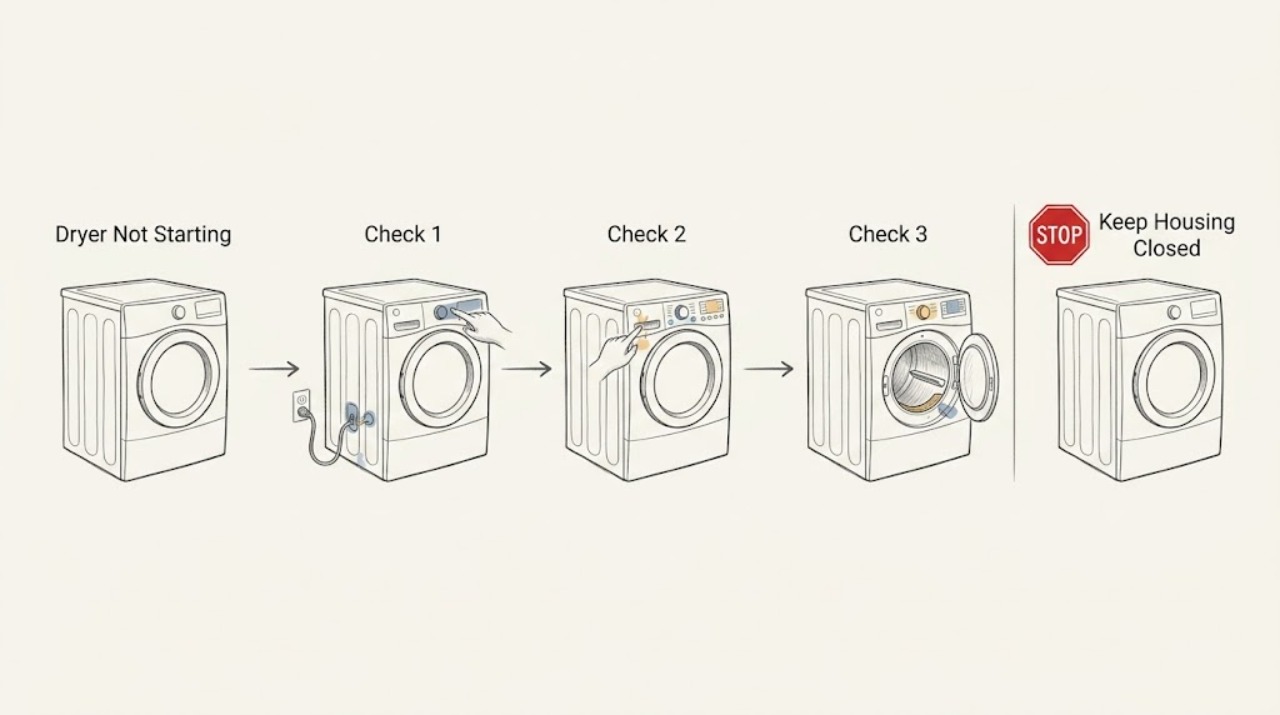
Hotpoint Dryer Not Starting: Check Power, Door Lock, and Safe Service Boundaries
When a Hotpoint tumble dryer will not start, first note whether the display and indicators are completely dead or whether the controls light but the programme will not run. Check only accessible basics: a sound power connection, a household breaker that has tripped, the heat switch or programme selection, and whether the door closes and the latch engages without obstruction.
-
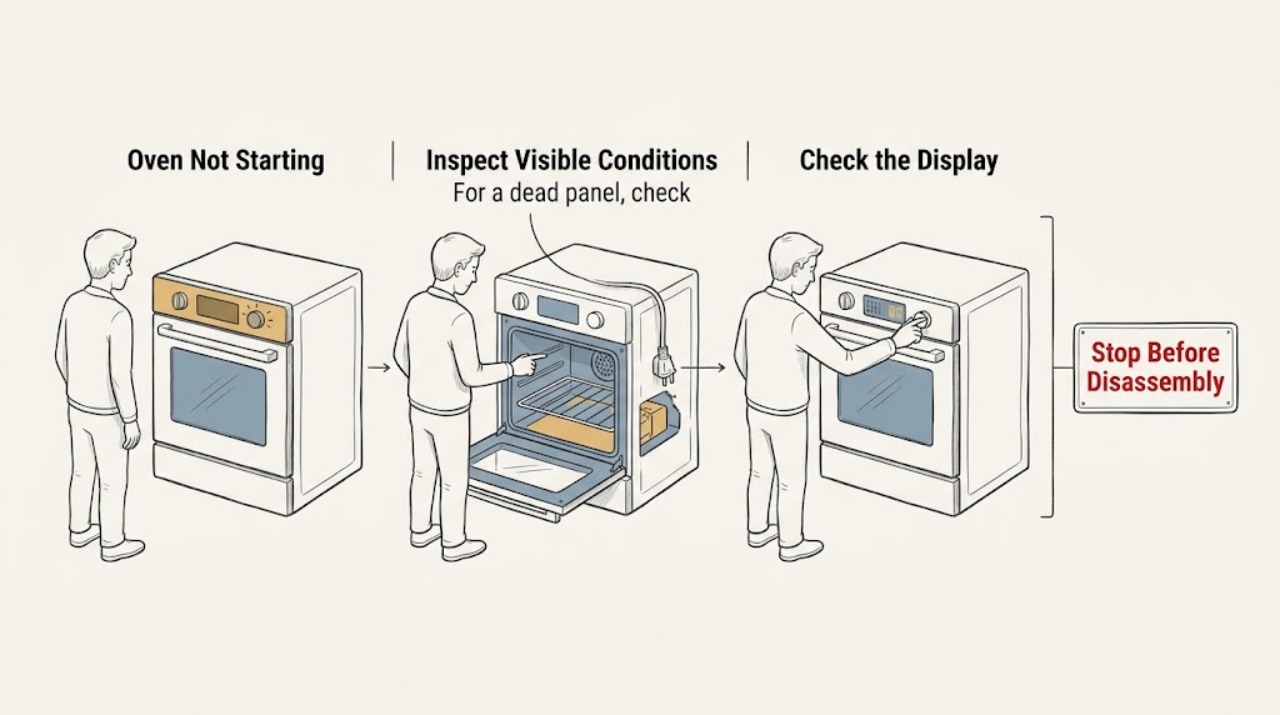
Hotpoint Oven Not Starting
If a Hotpoint oven will not start, first decide whether the control panel has power. A blank display or dead oven light points to the supply, while a powered display usually calls for a clock, control-lock, delay, function, temperature, Start-button, door-latch or self-clean check.
-
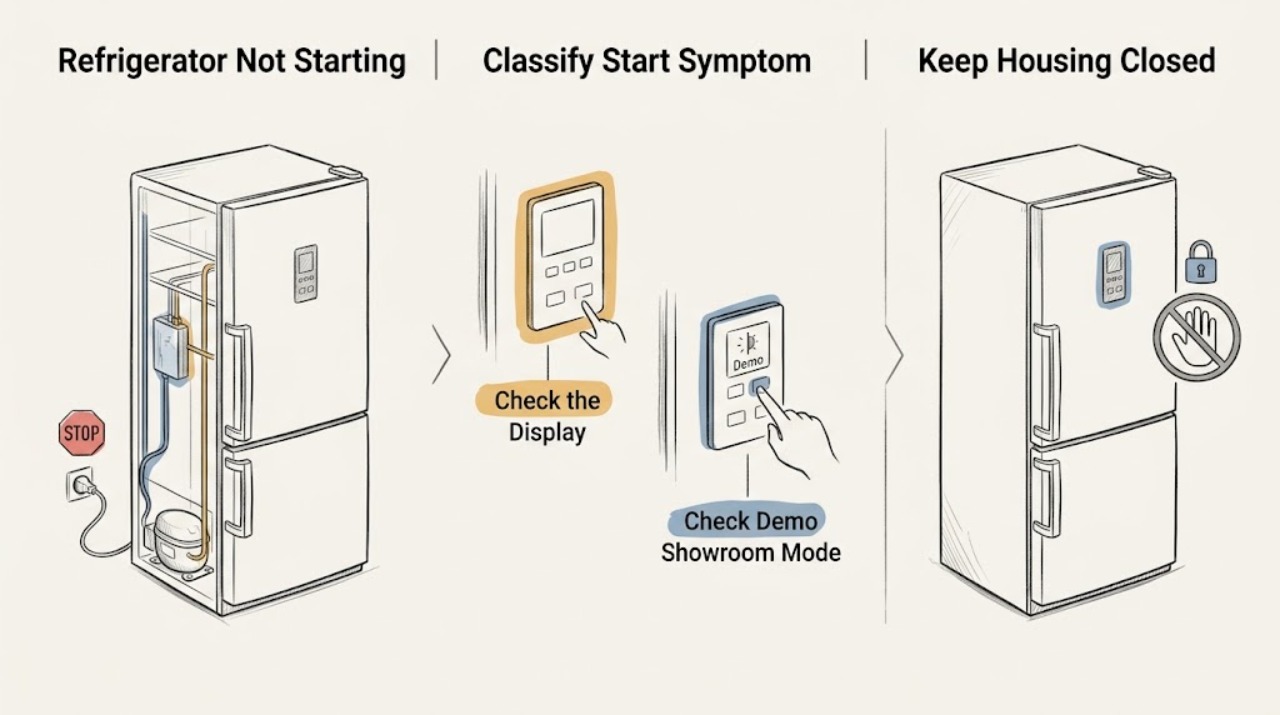
Hotpoint Refrigerator Not Starting: Check Power, Demo Mode, Defrost, and Startup Delay
Define the symptom before touching a control. If the interior light, display, or other functions are completely dead, this is a not-turning-on/power problem.
-
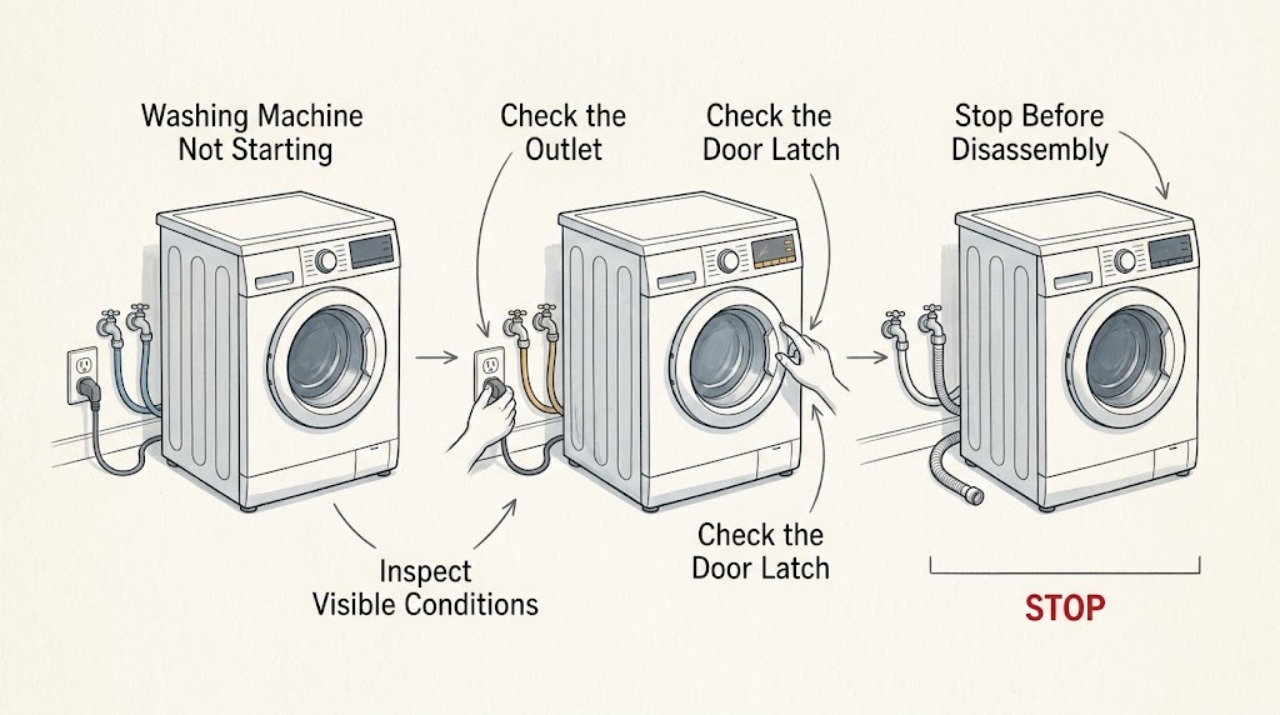
Hotpoint Washing Machine Not Starting: Check Power, Door Lock, and Program Settings
Start by separating a dead display from a washer that has power but will not accept Start. If it is safe and dry, check the outlet, plug, fuse or breaker, and any extension lead, then make sure the door is fully closed and no clothing is caught in the seal or latch.
-
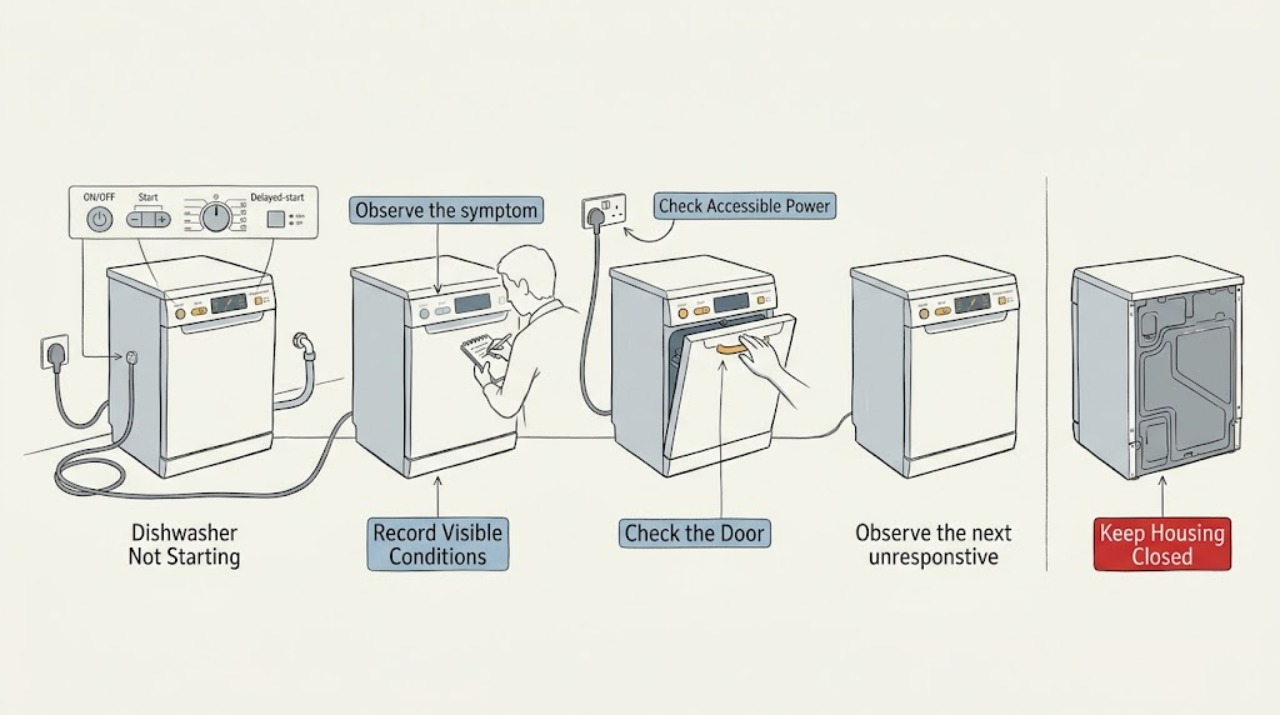
Indesit Dishwasher Not Starting: Power, Door, Delay, and Water Checks
Separate a completely dead dishwasher from one that has lights but will not begin. If there is no display or response, check only the accessible plug and socket state from a dry position; do not repeatedly reset a fuse or breaker.
-
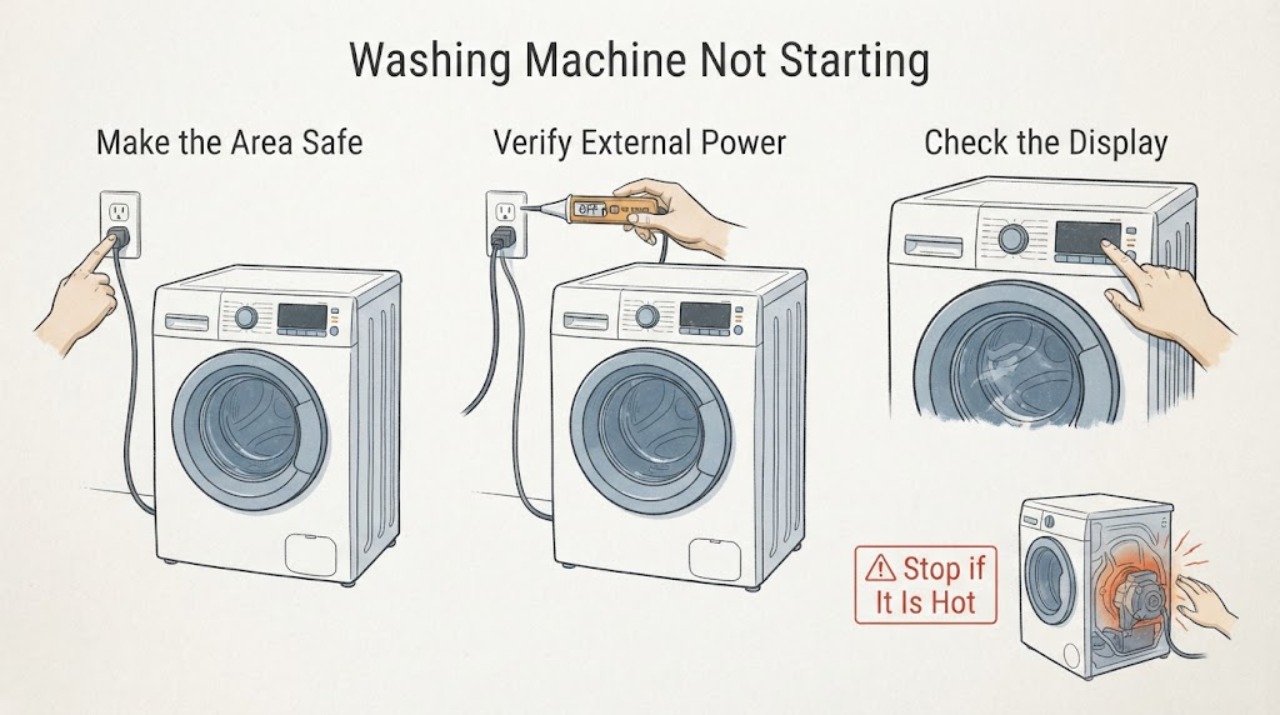
Indesit Washing Machine Not Starting: Check Power, Door Lock, and Cycle Setup
If an Indesit washing machine will not start, first check whether it has any electrical response, then confirm the power control, programme, delay setting, and firmly closed door. The machine may wait for the door lock, water supply, or a drain condition before it begins.
-
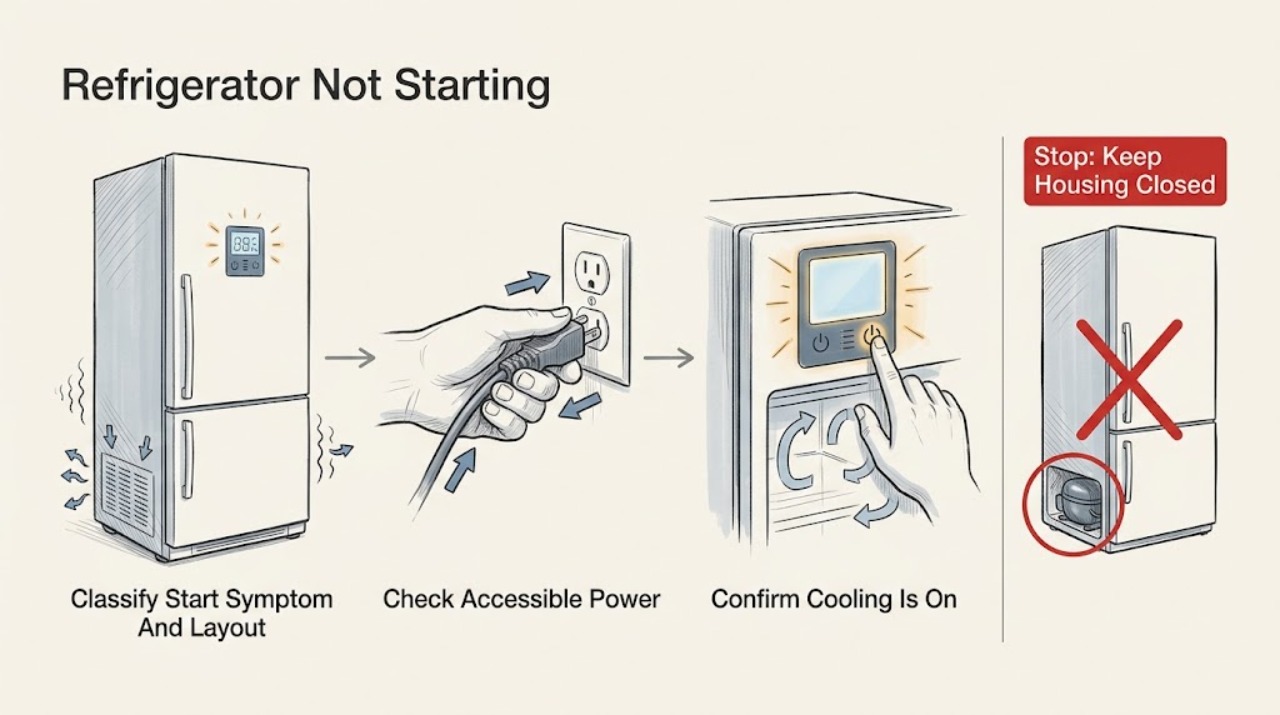
JennAir Refrigerator Not Starting: Check Cooling Mode, Demo Mode, and Power
Treat “not starting” as a control or cooling-start symptom, not automatically as “no power” or “not cooling.” First record the model and whether the light, display, alarms, and controls work. JennAir's official no-operation guidance starts with the grounded supply, breaker/GFCI or fuse, and controls; its undercounter guidance also documents a model-specific Cooling On command.
-
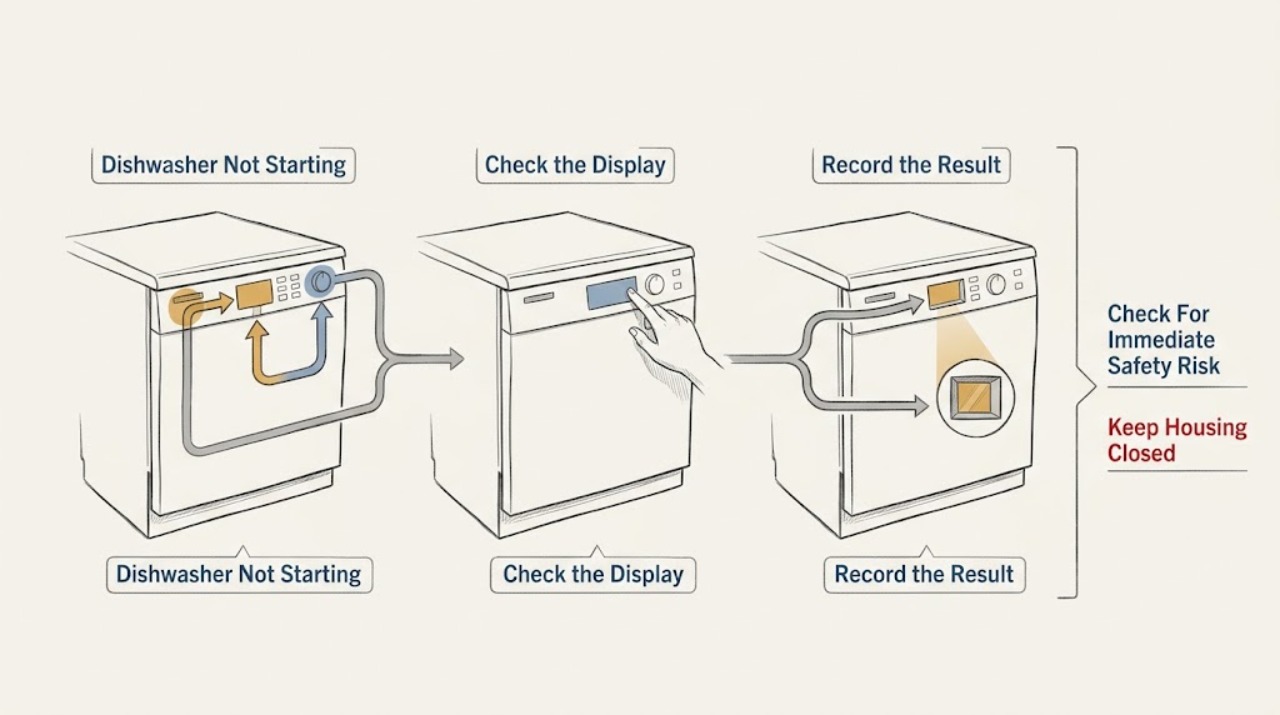
Kenmore Dishwasher Not Starting: Check the Start Path Safely
First separate a completely dead dishwasher from one that lights up but will not begin. From a dry, safe position, check whether the display or indicators respond and whether the household breaker or accessible GFCI has tripped; do not open the dishwasher or perform a live electrical test.
-
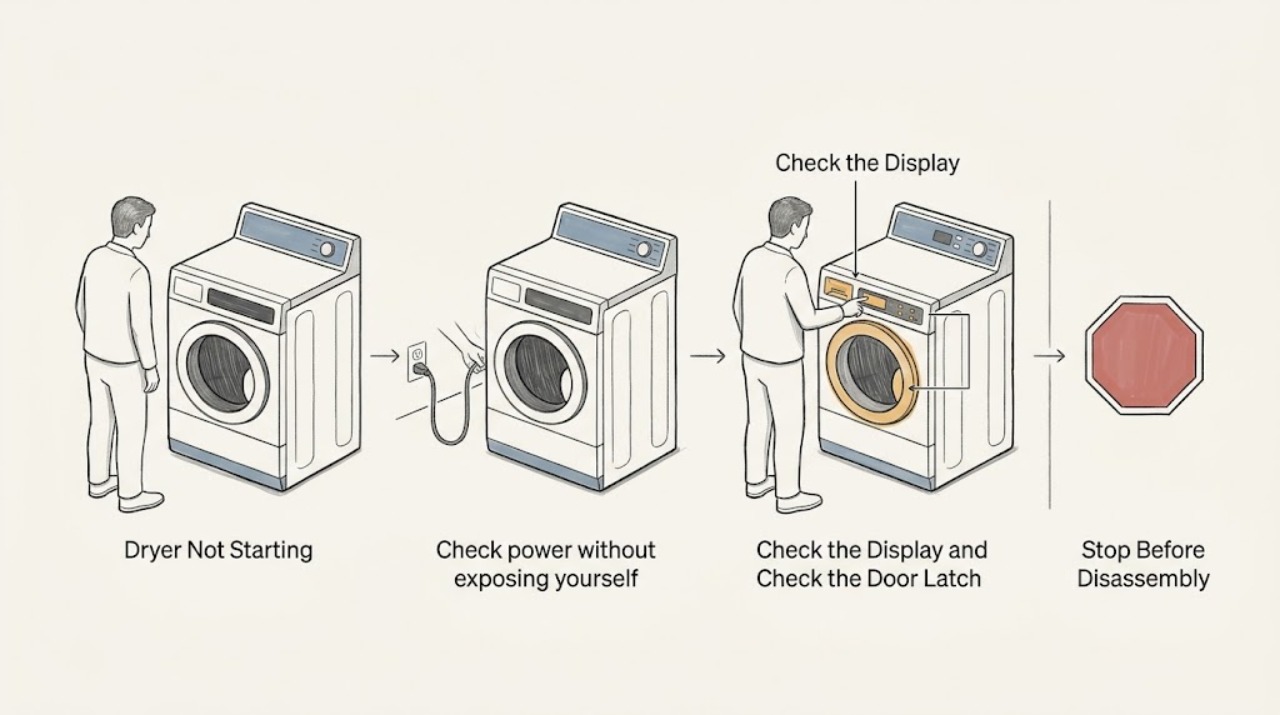
Kenmore Dryer Not Starting
When a Kenmore dryer will not start, first confirm that the outlet and breaker are safe and supplying power, the controls are not locked, a valid cycle is selected, the door is fully latched, and Start is pressed as that model requires. Clean the lint screen and check the visible vent connection, but do not open the cabinet or bypass a safety device.
-
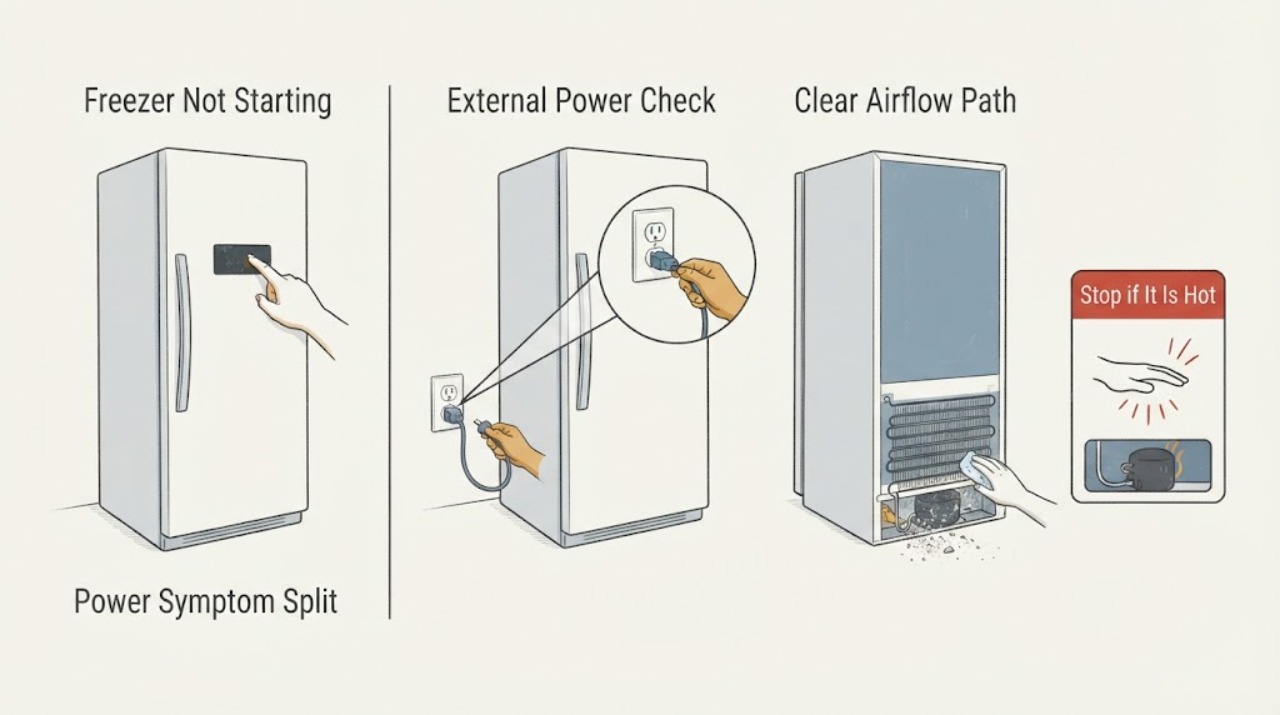
Kenmore Freezer Not Starting
If a Kenmore freezer will not start, first check whether the interior light or control responds and listen for a compressor or fan sound without opening the cabinet. With the freezer safe to access, confirm the plug, outlet, breaker, temperature control, and door closure, then check the appliance thermometer and keep the door closed to protect the food.
-
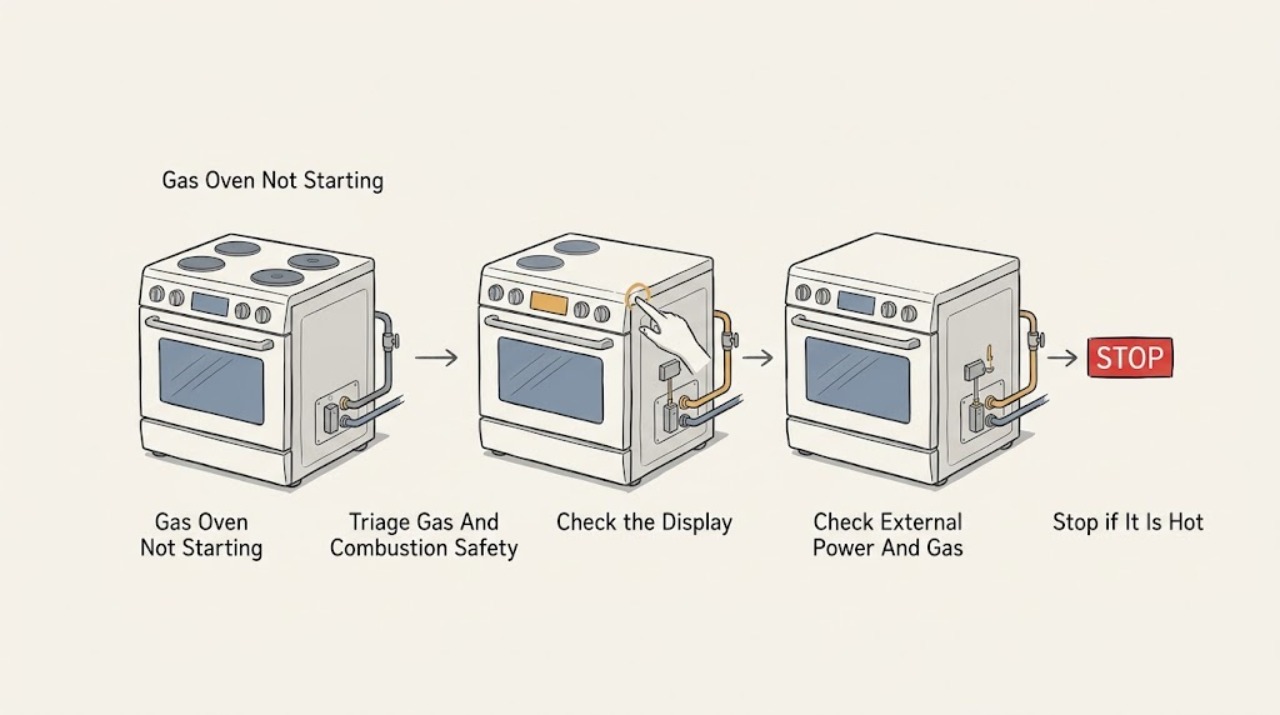
Kenmore Gas Oven Not Starting: Safe Checks for Power, Controls, and Ignition
If a Kenmore gas oven will not start, first stop if you smell gas, see smoke, or have sparking or repeated breaker trips. Otherwise confirm the model-specific start sequence, clock or control-lock state, and external power; then check only whether the home's gas appliances have supply. A gas oven that has power but does not begin an approved ignition sequence needs model-specific service, not repeated ignition attempts or internal gas work.