
Repair problem
Not Working Troubleshooting Guides – Page 5
Published FixGraph guidance for diagnosing and responding to not working.
Matching published guides
Choose a guide that matches the service, equipment, and conditions you are seeing.
-
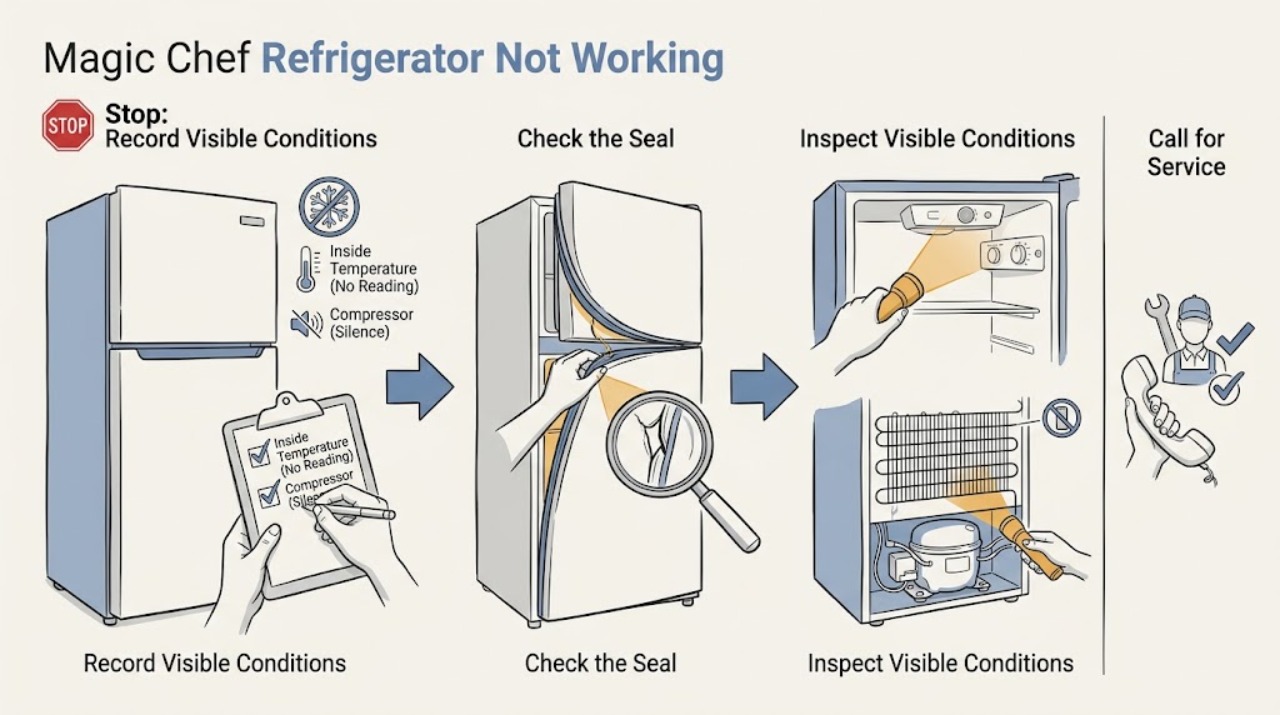
Magic Chef Refrigerator Not Working: Classify the Failure Before Choosing a Fix
“Not working” can mean no power, no cooling, no ice, or a door or dispenser problem on a Magic Chef refrigerator. Start by naming the failed function, protect perishable food, and check only the matching controls, airflow, seals, and accessible supply conditions. A broad symptom that persists, or any smoke, burning odor, water near electricity, or repeated trip, needs qualified service rather than a guessed part.
-
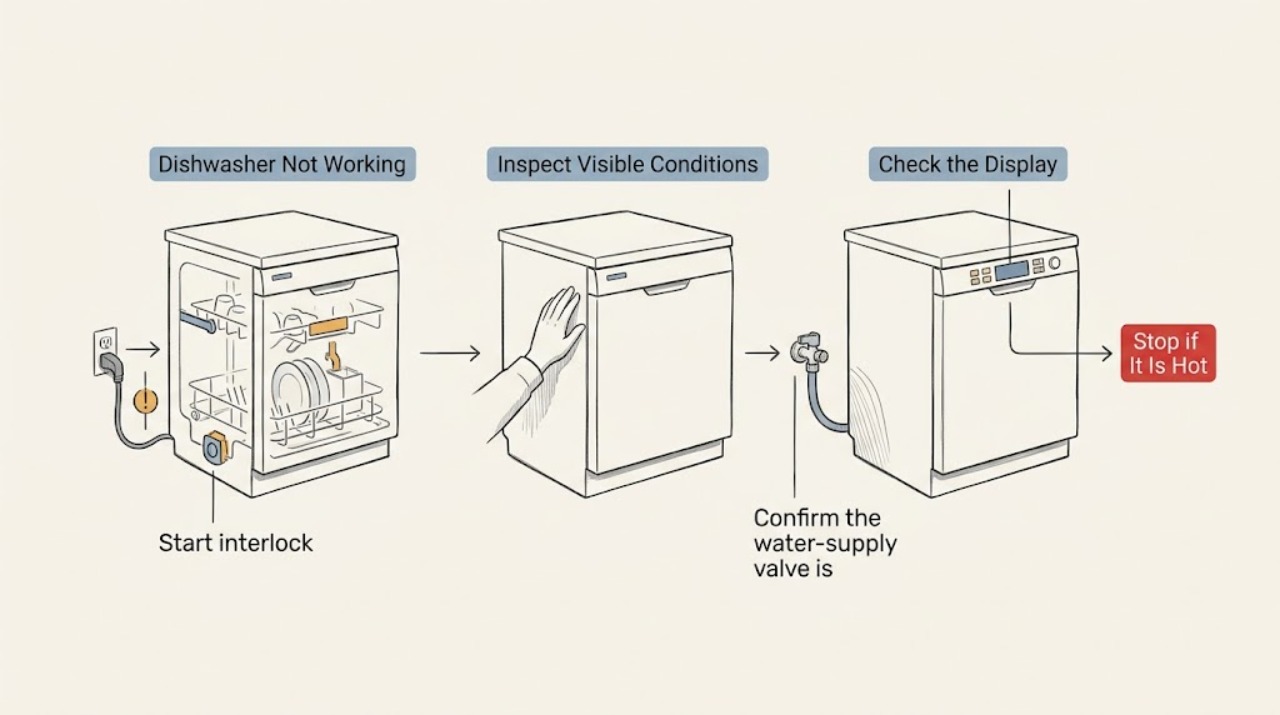
Maytag Dishwasher Not Working: Identify Whether It Is Power, Start, or Wash Performance
“Not working” is broader than a dishwasher that will not start. First decide whether the Maytag panel has power, whether the door and controls allow a cycle to start, and whether a running cycle has a wash-performance symptom. Check only the plug, breaker, latch, control lock, water supply, and visible response; stop for repeat trips, damage, leaks, or a fault code.
-
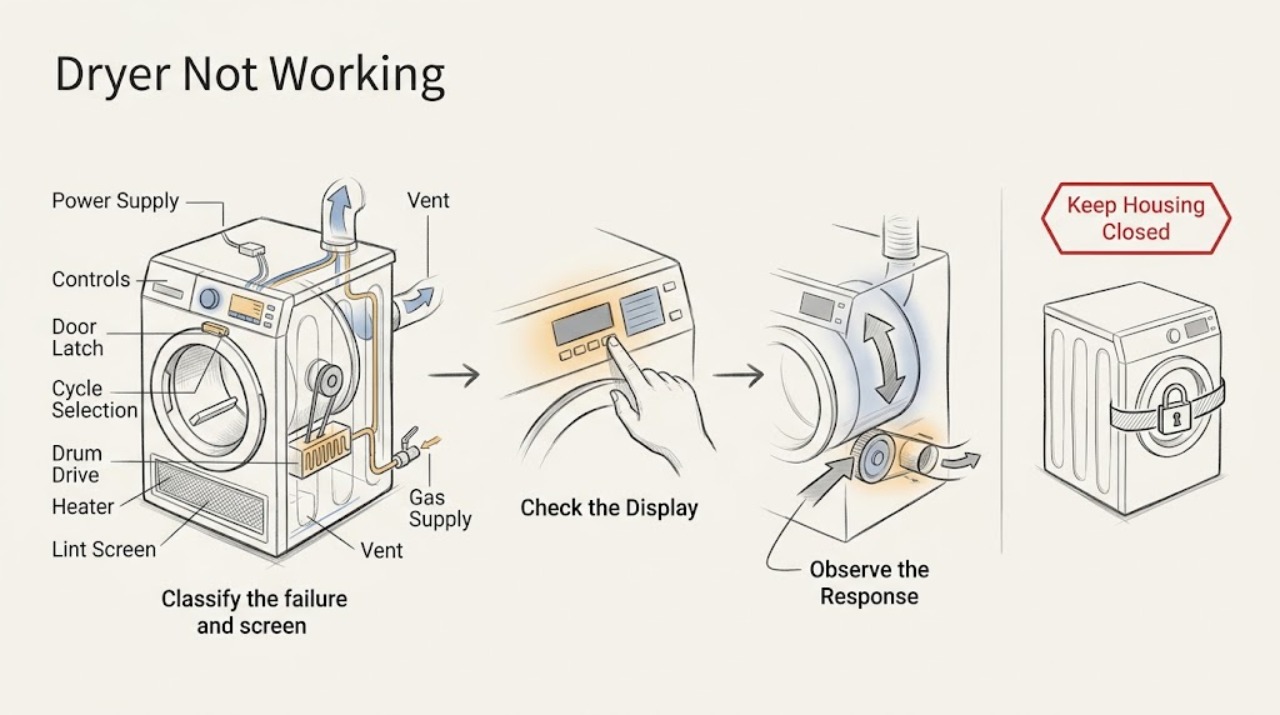
Maytag Dryer Not Working: Separate Power, Start, Drum, Heat, and Airflow Faults
Start by separating a Maytag dryer with no display from one that powers on but will not run, runs without heat, or stops with an error. Check the visible power state, Control Lock, the selected cycle and Start action, door and latch, lint screen, and the exact model's code guide.
-
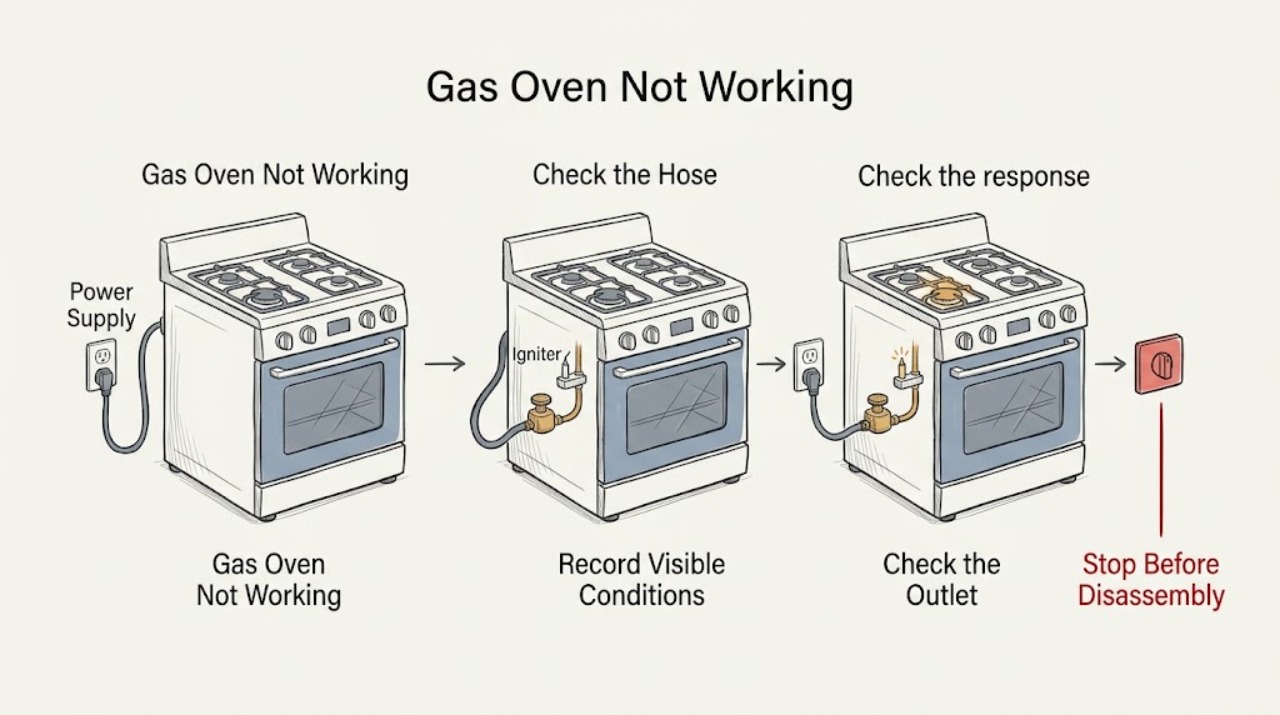
Maytag Gas Oven Not Working: Check Power, Controls, Gas, and Ignition Safely
Define what ‘not working’ means before testing: a dark display, controls that will not start, a door or lock issue, no ignition, a flame that goes out, or an oven that ignites but does not heat. Record the exact model and code, then check only the accessible grounded outlet, household breaker or fuse, control lock/delay/demo state, door closure, and main gas supply as the Maytag model instructions permit.
-
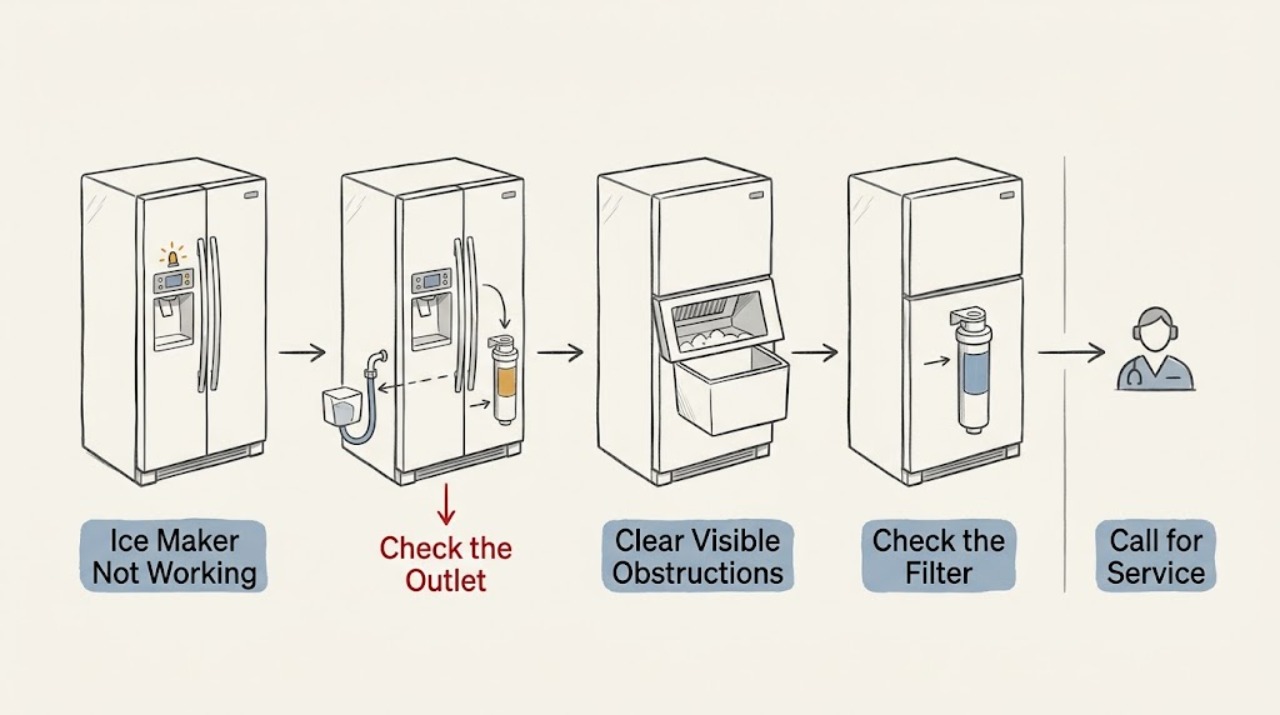
Maytag Ice Maker Not Working: A Safe Check of the Control, Water Path, and Freezer
For a Maytag ice maker that is not working, separate a stopped ice cycle from slow production or a jam. Confirm the control is on, clear only visible loose ice, check the water line and filter, and verify the freezer is cold enough. Persistent failure, leaks, or an inaccessible jam should go to qualified service.
-
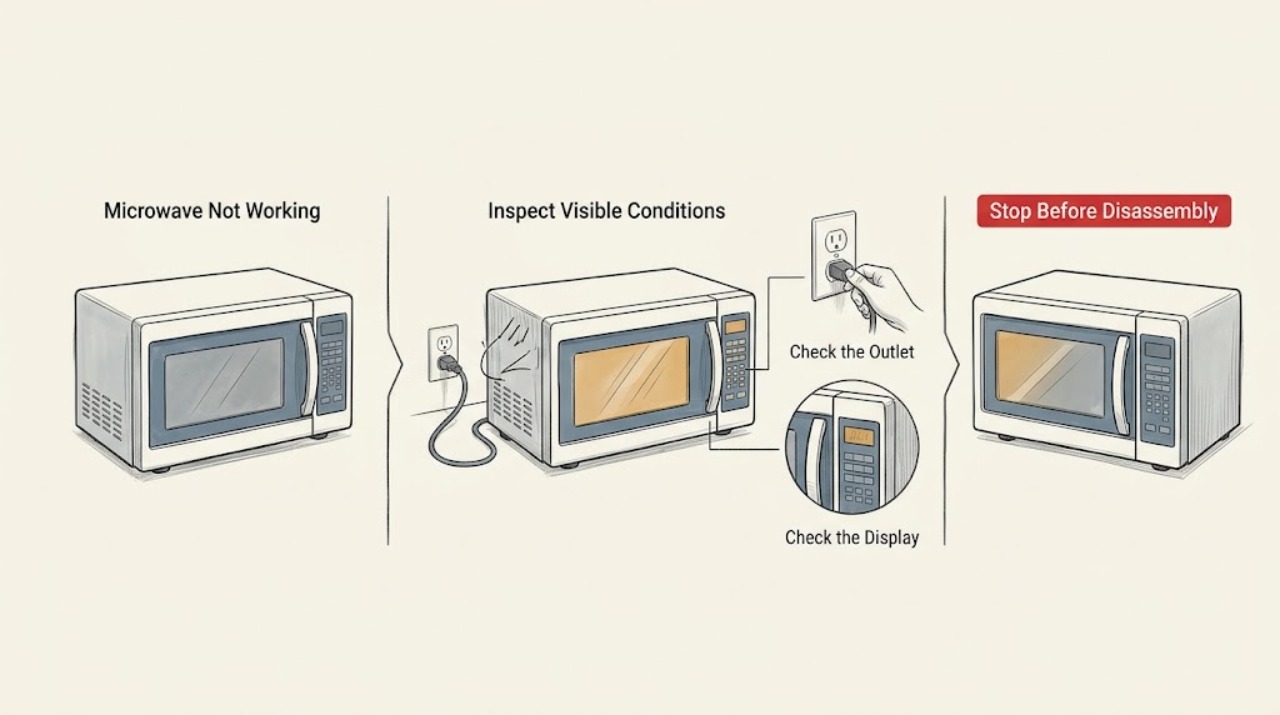
Maytag Microwave Not Working: Separate No Power From a Control or Heating Fault
Maytag microwave ‘not working’ can mean a dead display, a cycle that will not start, or a running cycle that does not heat. Check the outlet and breaker from a safe position, wake the controls and confirm Control Lock or Demo mode is off, close the door fully, then run the model-approved water test. If the breaker trips again, the door is damaged, or the water remains cold after the external checks, stop and arrange qualified service.
-
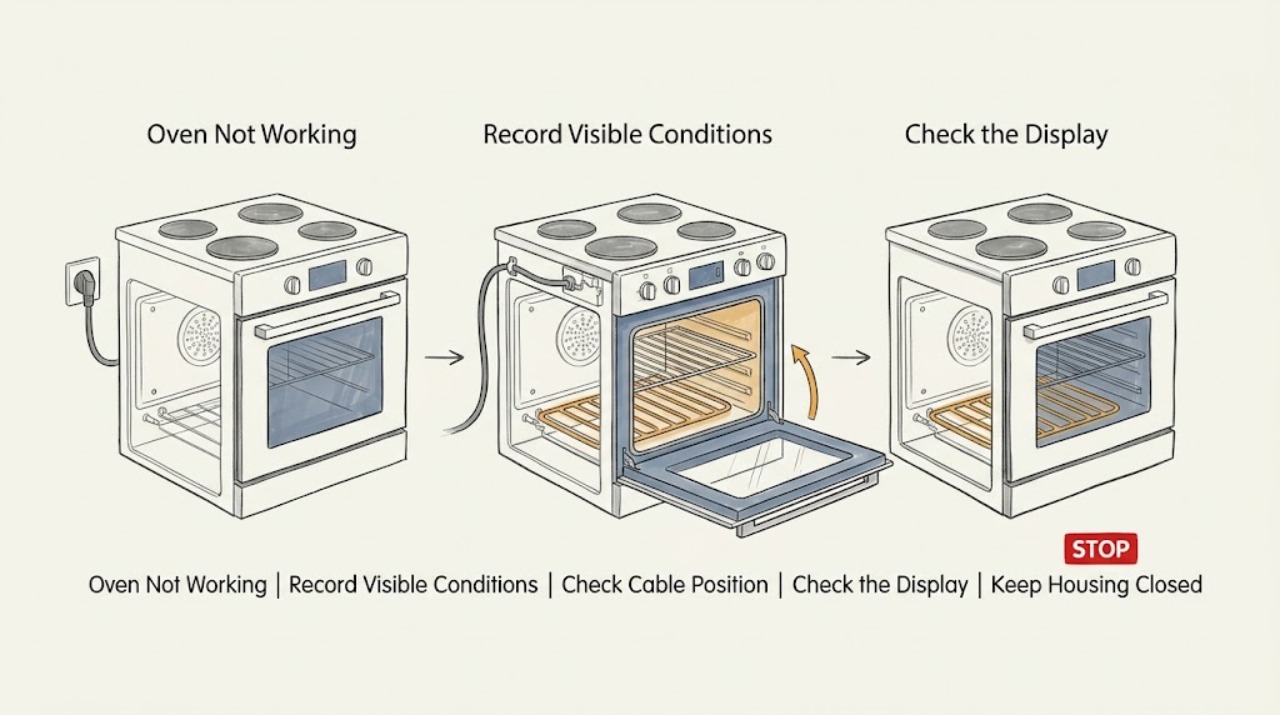
Maytag Oven Not Working: Power, Controls, Heat, and Gas Checks
First decide which symptom you have: no display or no response, a display that will not start a cycle, no heat, a gas oven that will not ignite, or a fault code. If there is a gas odor, smoke, burning smell, arcing, uncontrolled heat, a hot damaged door, or repeated breaker tripping, stop immediately; do not light anything, operate electrical switches, or keep testing.
-
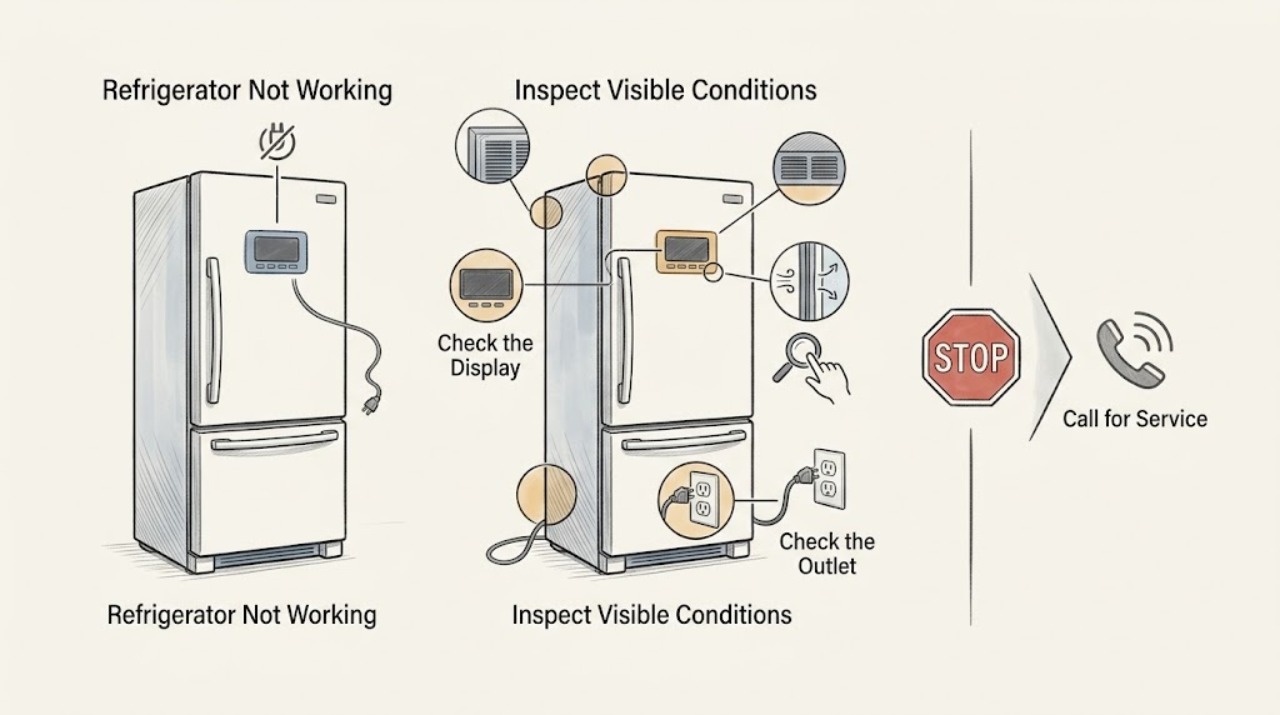
Maytag Refrigerator Not Working: Triage the Symptom Safely
“Not working” is a broad symptom, so begin by identifying whether the Maytag refrigerator has no power, has power but is warm, has a control/display issue, or is leaking or noisy. Check only visible controls, the outlet, airflow, door seal, and temperature; do not open panels. A live outlet with persistent failure, repeated breaker trips, a hot compressor area, or food-safety temperatures requires qualified service.
-
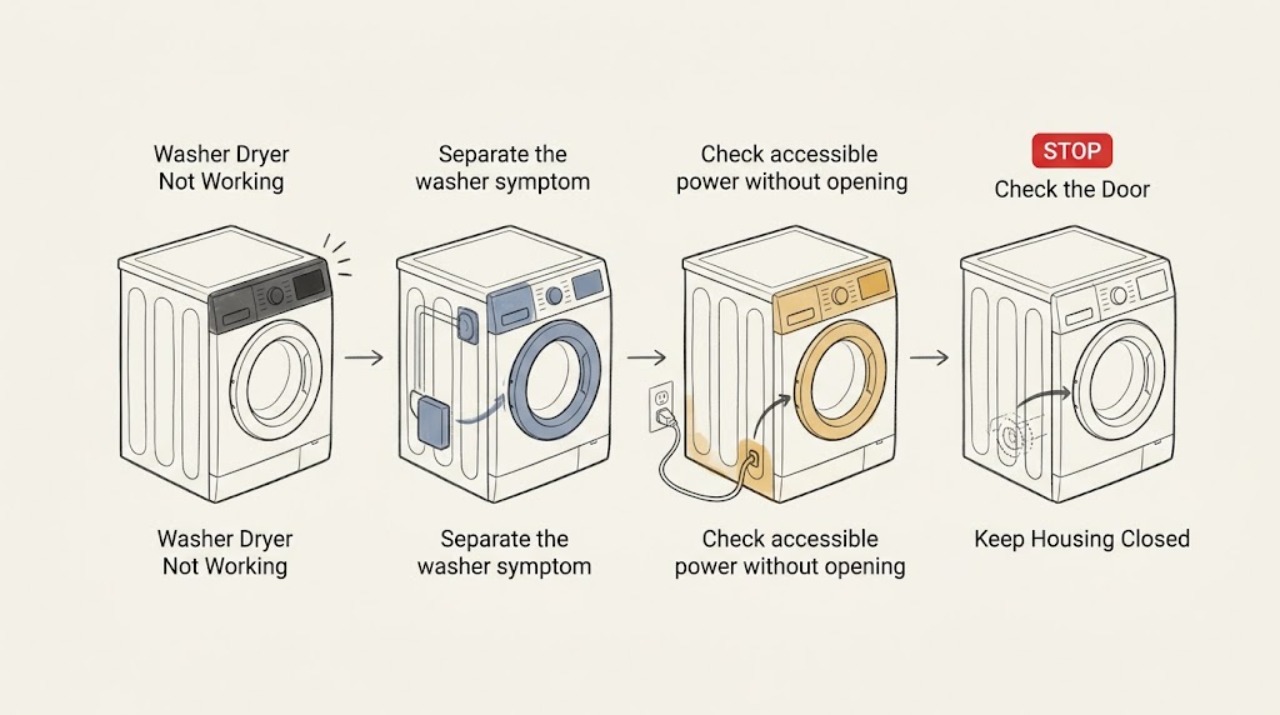
Maytag Washer Dryer Not Working
First identify whether the washer side, the dryer side, or both parts of your Maytag washer-dryer are not working. For a blank washer display, check the grounded power connection and accessible household breaker or GFCI conditions.
-
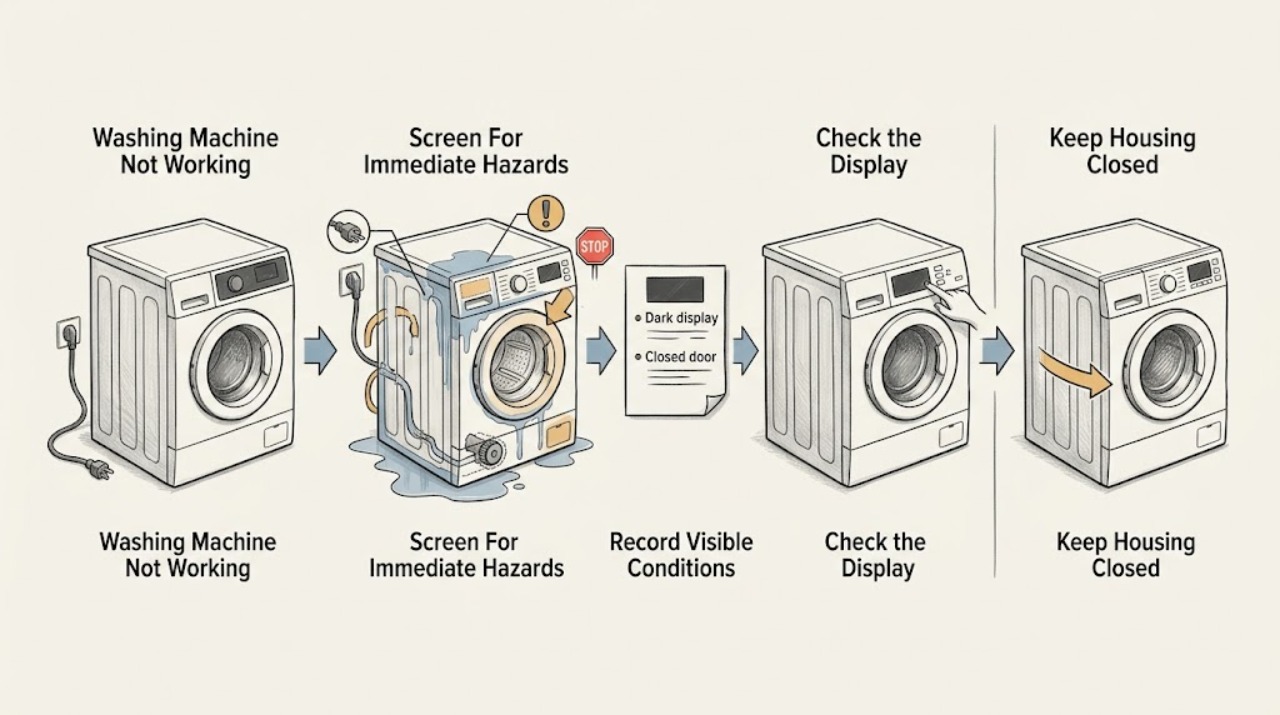
Maytag Washing Machine Not Working: Split the Fault Into Safe Checks
A Maytag washing machine that is not working should first be classified as no power, no start, no fill, no drain, no wash or spin, leaking, or displaying a code. Record whether it is a top-load or front-load model, the exact cycle and stage, the display or flashing lights, lid or door-lock state, remaining water, and whether the basket is moving.
-
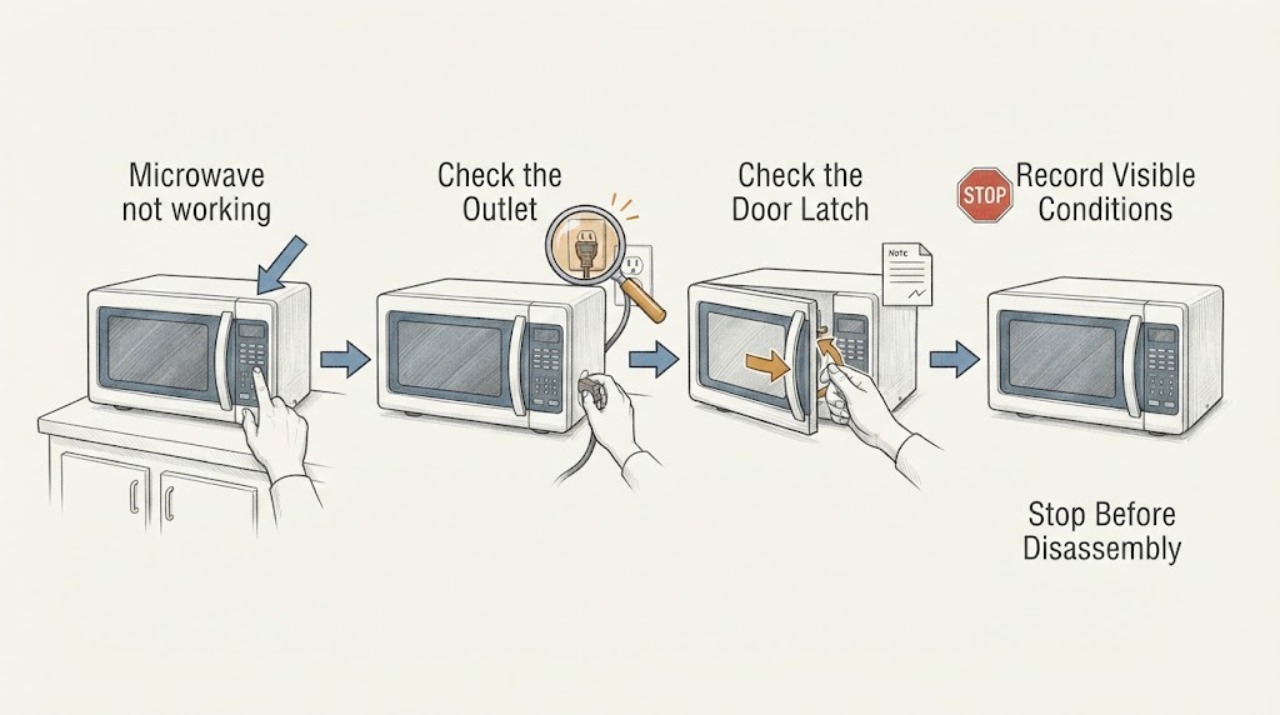
Microwave not working
A microwave that is not working should be checked for household power, the control/display state, door closure, and a model-specific error. Verify the outlet or breaker without repeatedly resetting it, then use the exact manual’s clear/reset procedure once. Never remove the cabinet. Stop for sparks, smoke, burning odor, damaged cord, or a unit that trips the breaker and arrange qualified service.
-
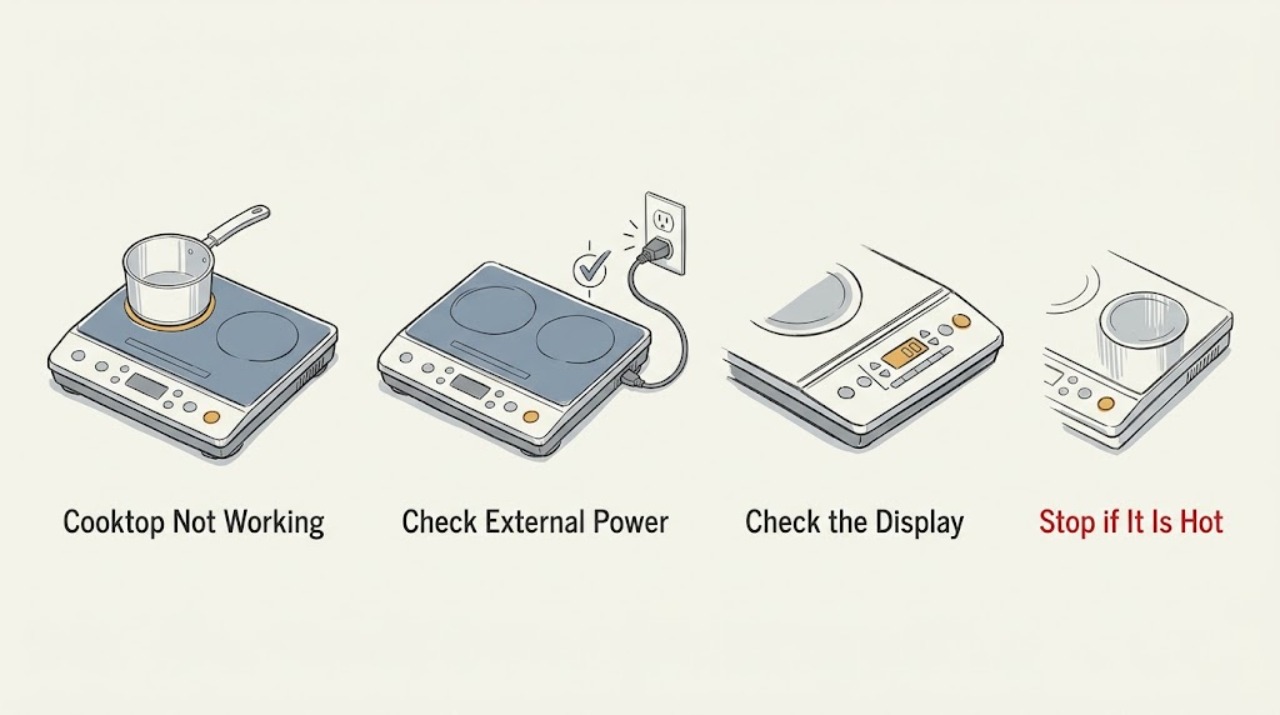
Miele Cooktop Not Working: check power, controls, cookware, and fault states
When a Miele cooktop will not work, first determine whether the whole surface is dead, the controls are unresponsive, or a zone turns on but does not heat. Check the relevant breaker or residual-current device, remove cookware and spills from the control area, and deactivate a system lock or safety lock only as described in the operating instructions.
-
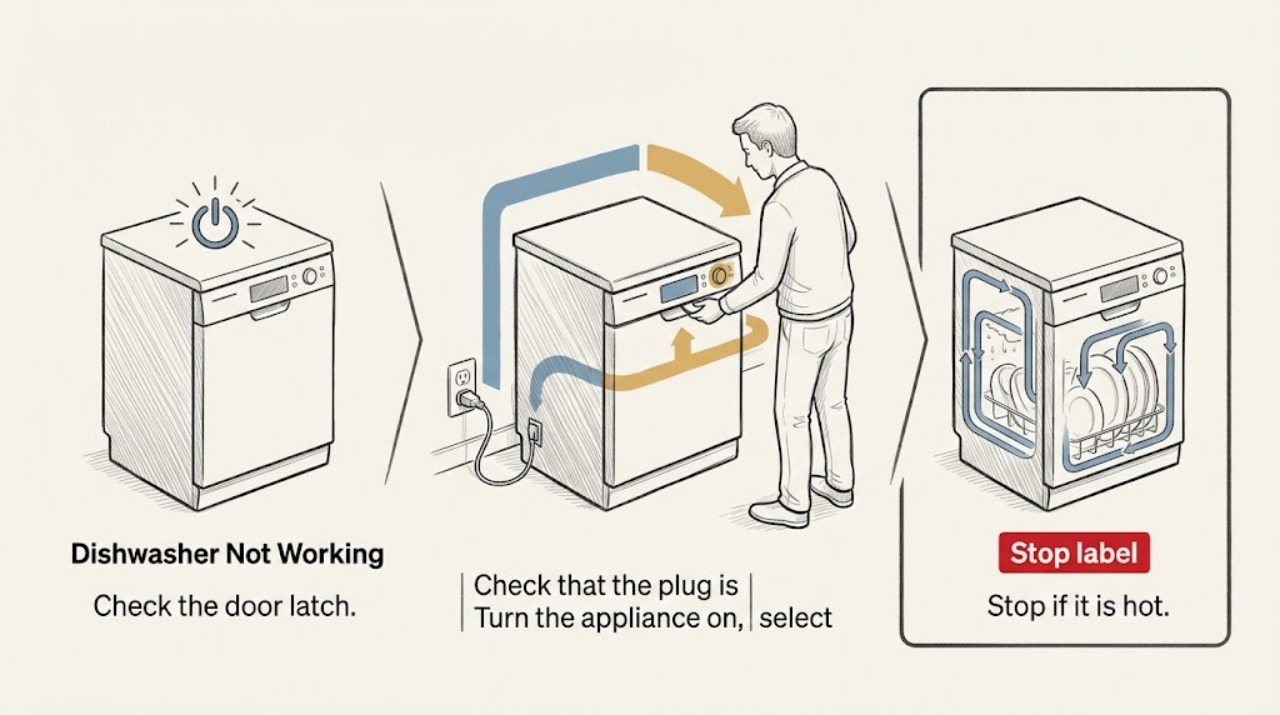
Miele Dishwasher Not Working
If a Miele dishwasher is not working, first check the door, electrical supply, and control state before assuming an internal failure. Miele's start guidance also calls out the selected program, Start/Stop control, and water faucet. If the breaker trips again, the display shows a fault, or the appliance is wet or damaged, stop and arrange Miele service.
-
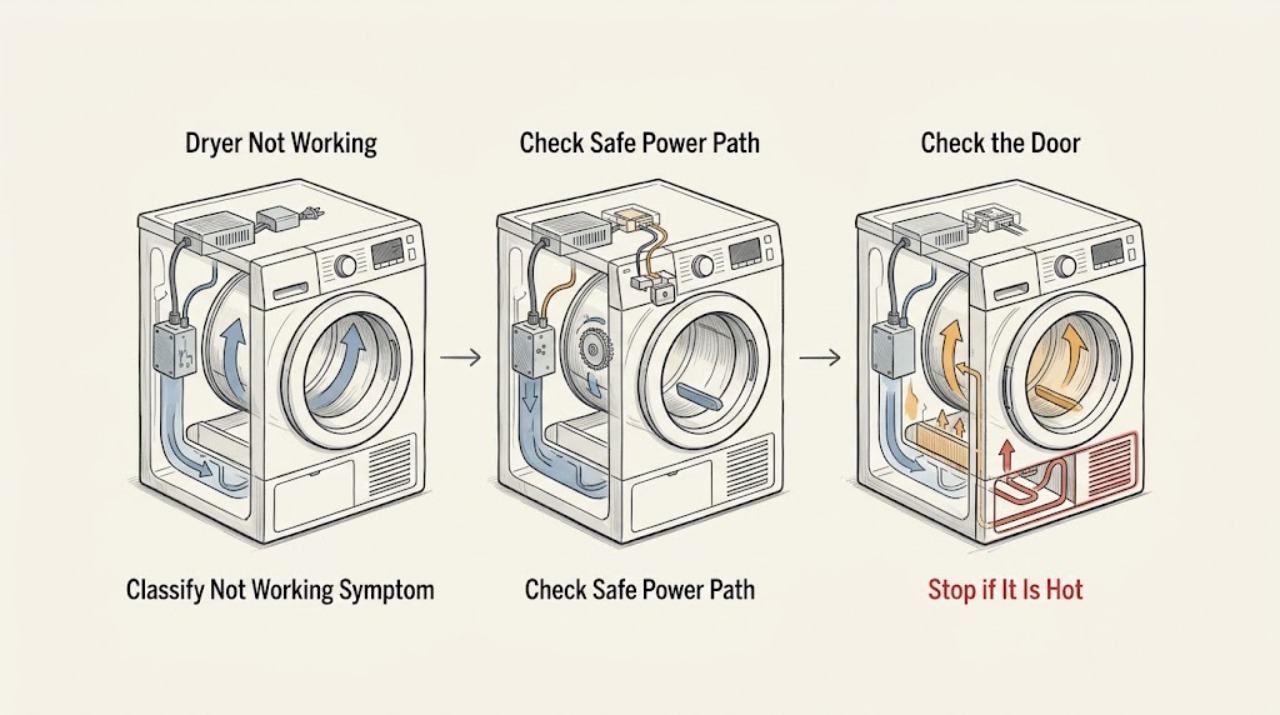
Miele Dryer Not Working: Separate Power, Start, Airflow, and Heating Faults
“Not working” can mean no display, no start, no drum movement, no heat, or a cycle that stops early. First stop the dryer if there is smoke, a burning smell, abnormal heat, sparking, or a tripped breaker.
-
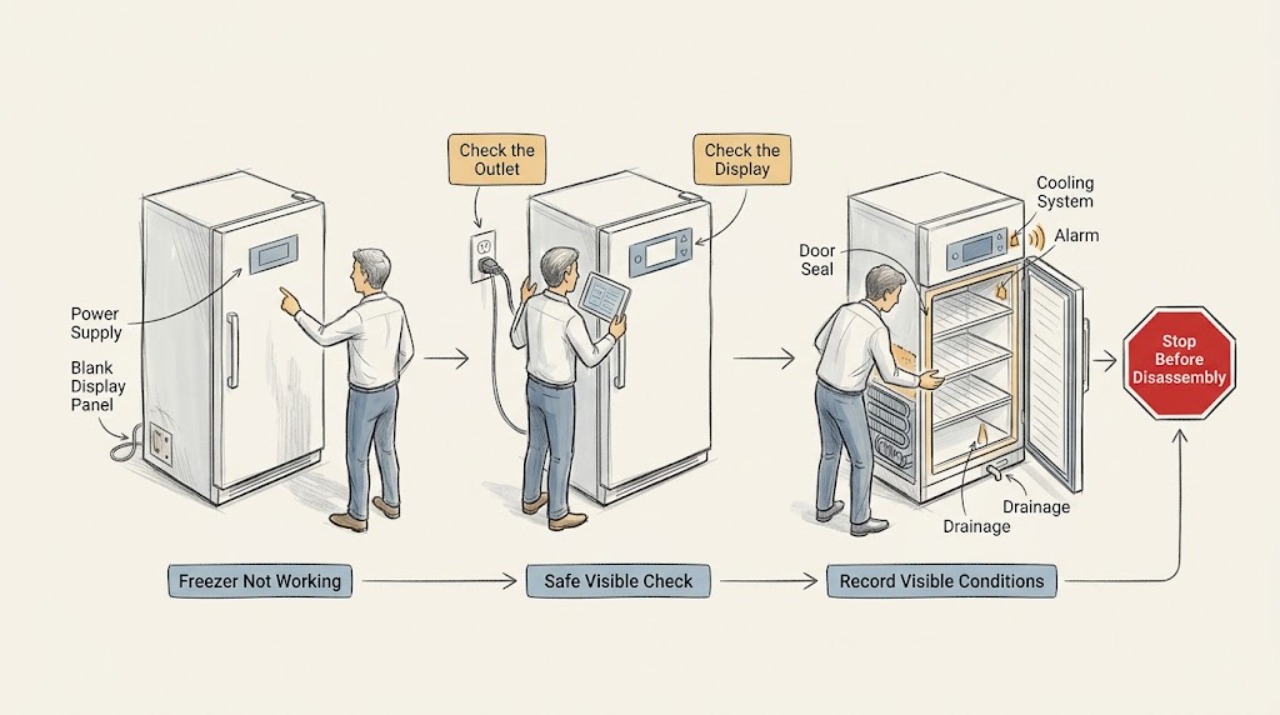
Miele Freezer Not Working: Check Power, Cooling, Alarms, Frost, and Food Safely
When a Miele freezer is not working, first decide whether the display is dark, the freezer zone is switched off, the appliance has power but is not cooling, or an alarm is reporting a temperature rise. Check only the accessible plug, the labeled breaker, the freezer-zone setting, door closure, ventilation openings, and any visible frost or water; use the exact model manual for controls.
-
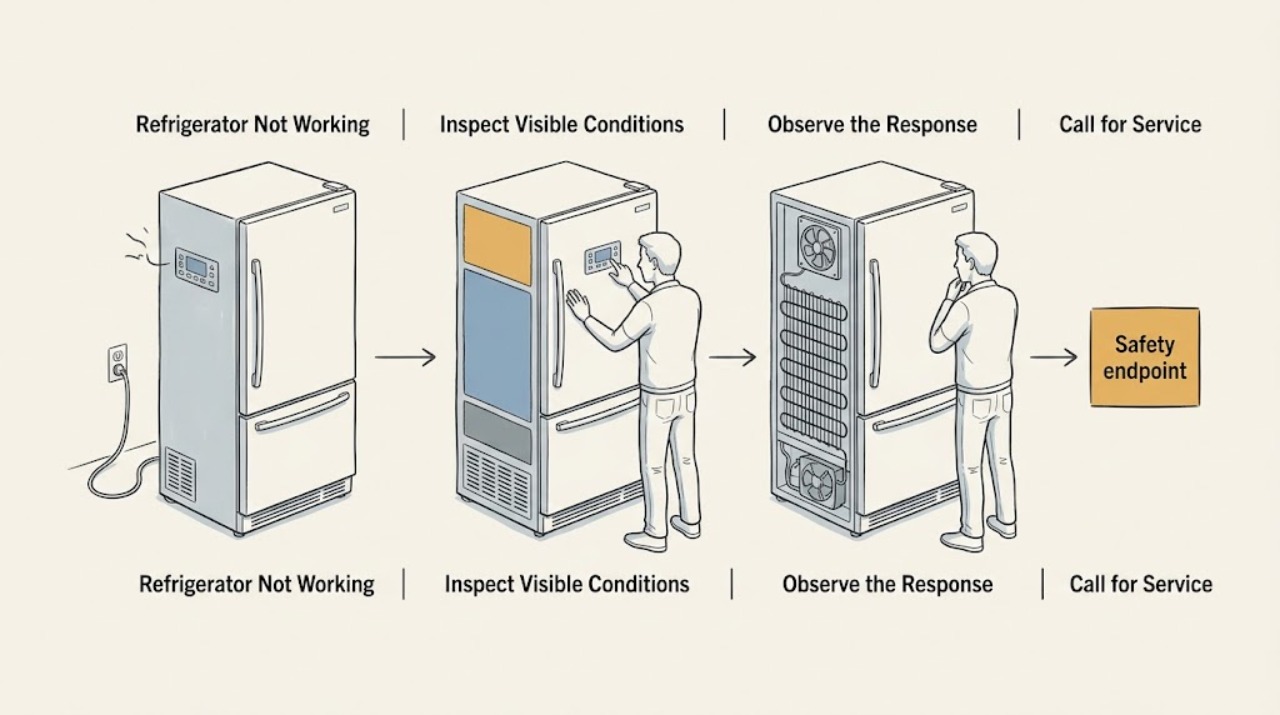
Miele Refrigerator Not Working: Narrow Down Power, Cooling, or Controls
Start by describing what has stopped: the display, one zone, cooling, lighting, ice maker, or all functions. Check the enabled zone, plug, breaker, demo mode, door closure, and accessible ventilation. If the circuit trips, controls stay unresponsive, or cooling does not return after these checks, stop and contact Miele Service.
-
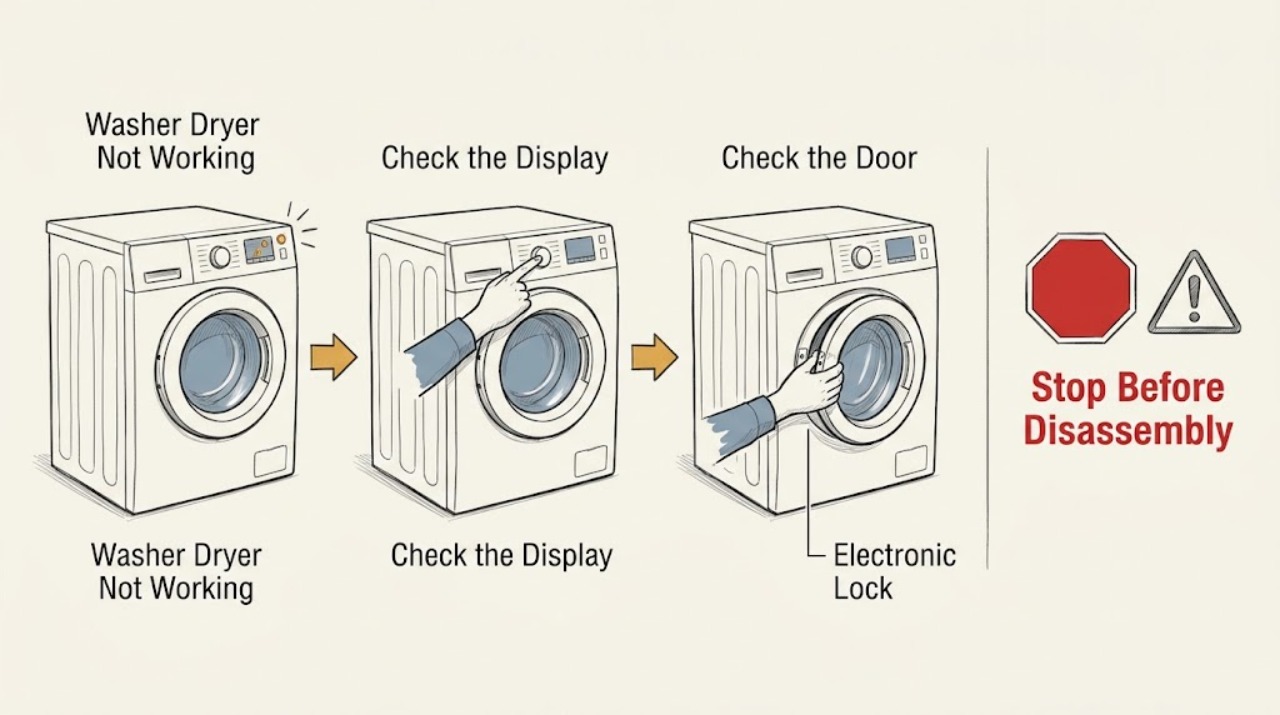
Miele Washer Dryer Not Working
A Miele washer-dryer that is not working should be separated into a power/display problem, a start or door-lock problem, a control lock, or a displayed technical fault. First note whether the display and indicator lights respond, then check the On/Off control, plug, and breaker without repeatedly resetting a breaker that trips.
-
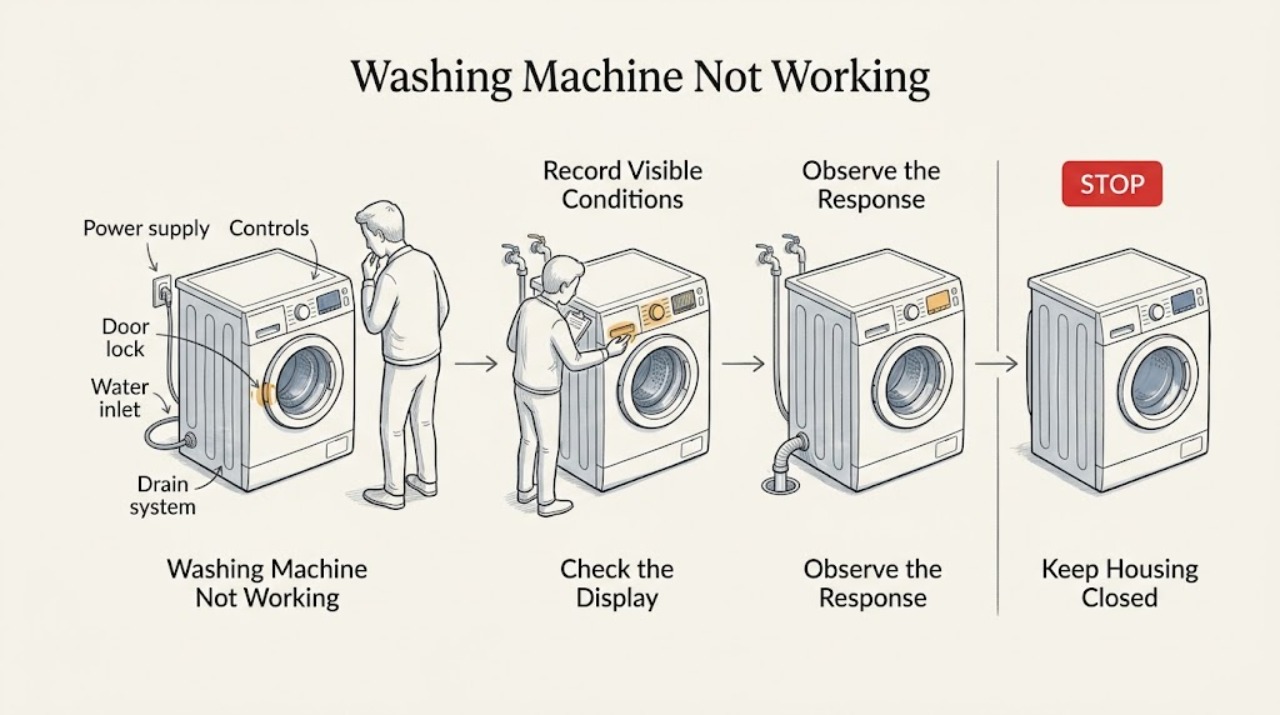
Miele Washing Machine Not Working: Check Power, Door, Water, and Fault Messages
Treat Miele washing machine not working as a symptom to classify, not as one failed part. First note whether the display is dark, the display is on but Start does nothing, a program stops during filling or draining, the drum will not spin, water is underneath, the Waterproof system is shown, or a fault code appears.
-
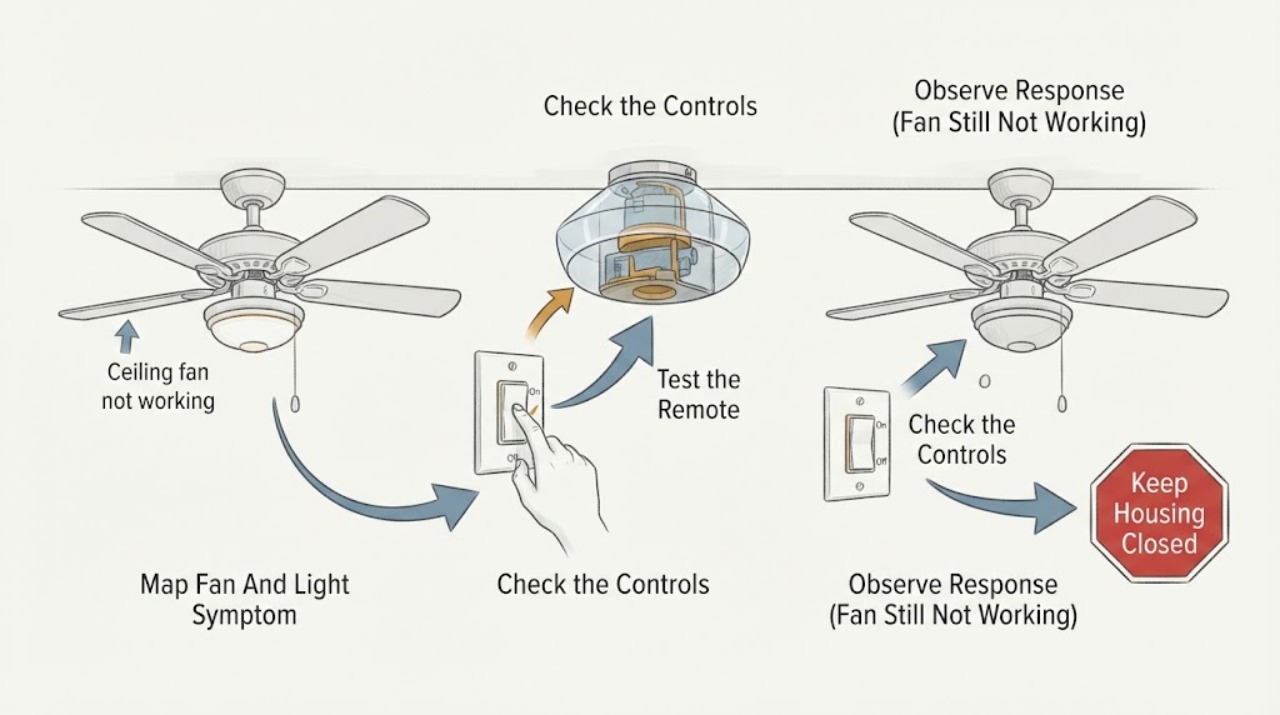
Minka Aire ceiling fan not working: What to Check and What to Do Next
Start by identifying whether both the fan and light are dead, whether the light still works, or whether the remote or wall control is the only part that fails. Check the accessible wall switch, remote batteries and buttons, and the relevant breaker without opening the ceiling canopy.
-
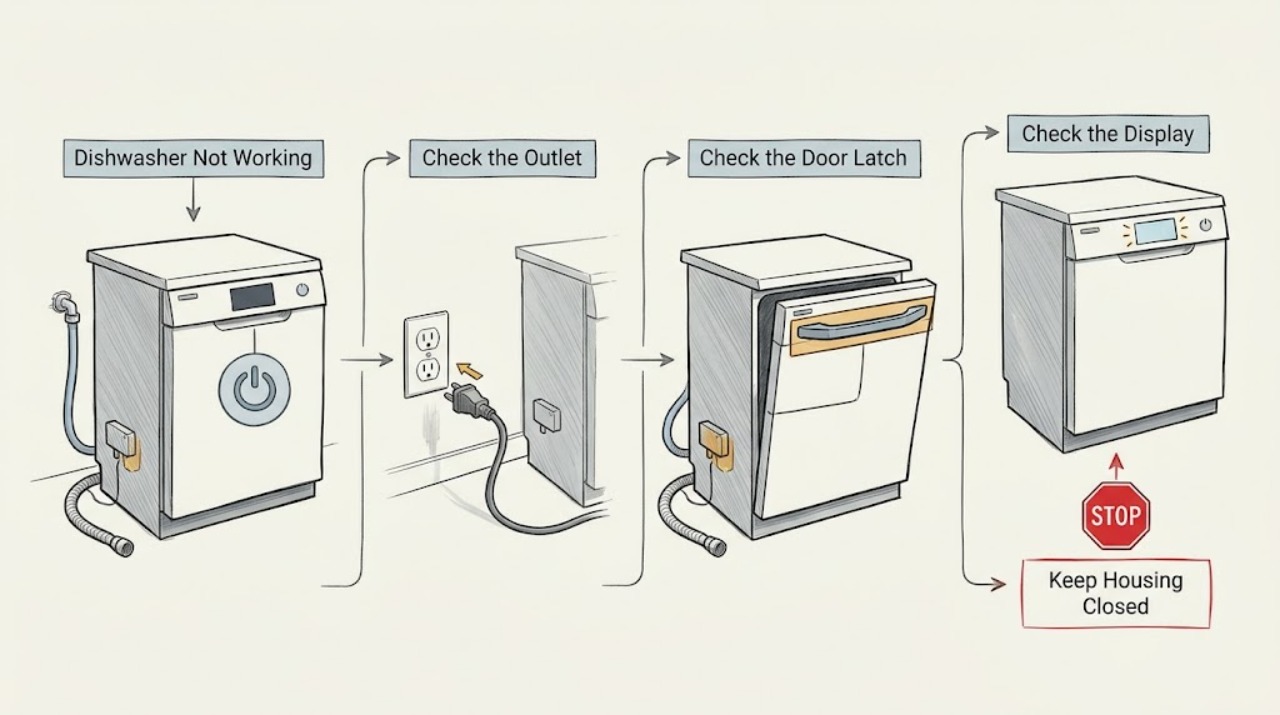
Monogram Dishwasher Not Working: Separate No Power From a Door or Water Problem
Check whether the Monogram dishwasher is completely dark or has lights/sounds but will not run. For a dark panel, check the outlet and breaker safely. For a powered panel, check the door latch, control lock/delay state, water/drain symptoms, and any displayed code using the exact model manual. Do not bypass the latch, use drain cleaner, or open electrical panels.
-
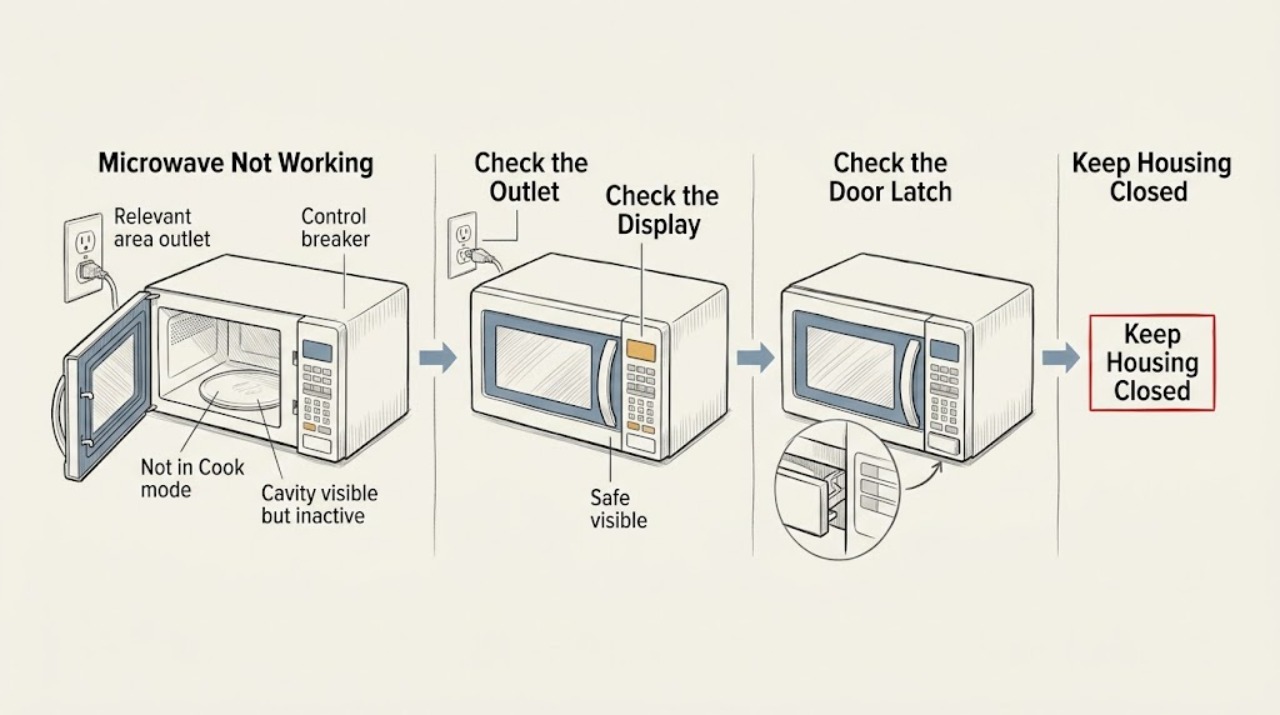
Monogram Microwave Not Working: Separate Power, Controls, Door, and Heat
Start by classifying the failure: a dark display suggests power, an illuminated display with unresponsive controls suggests a control or lock state, and a running cycle with cold food suggests a heating problem. Check only the outlet, normal controls, door closure, and visible cavity. Stop for sparks, smoke, burning odor, door damage, or any need to open the cabinet; use authorized service.
-
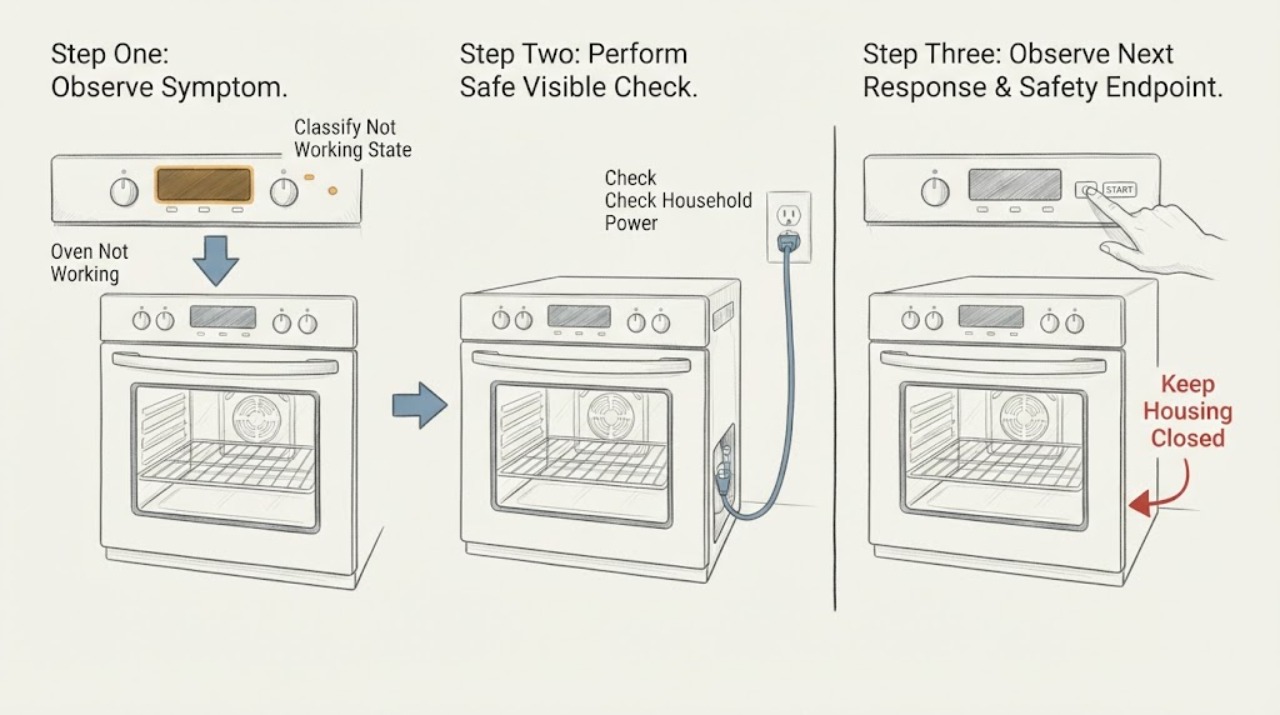
Monogram Oven Not Working: Find the Safe Fault Path
Treat Monogram Oven Not Working as a symptom to split, not a single part diagnosis. First record whether the display is dead, the display works but a cycle will not start, the cycle starts without heat, only one mode fails, or a steam or combination feature fails.
-
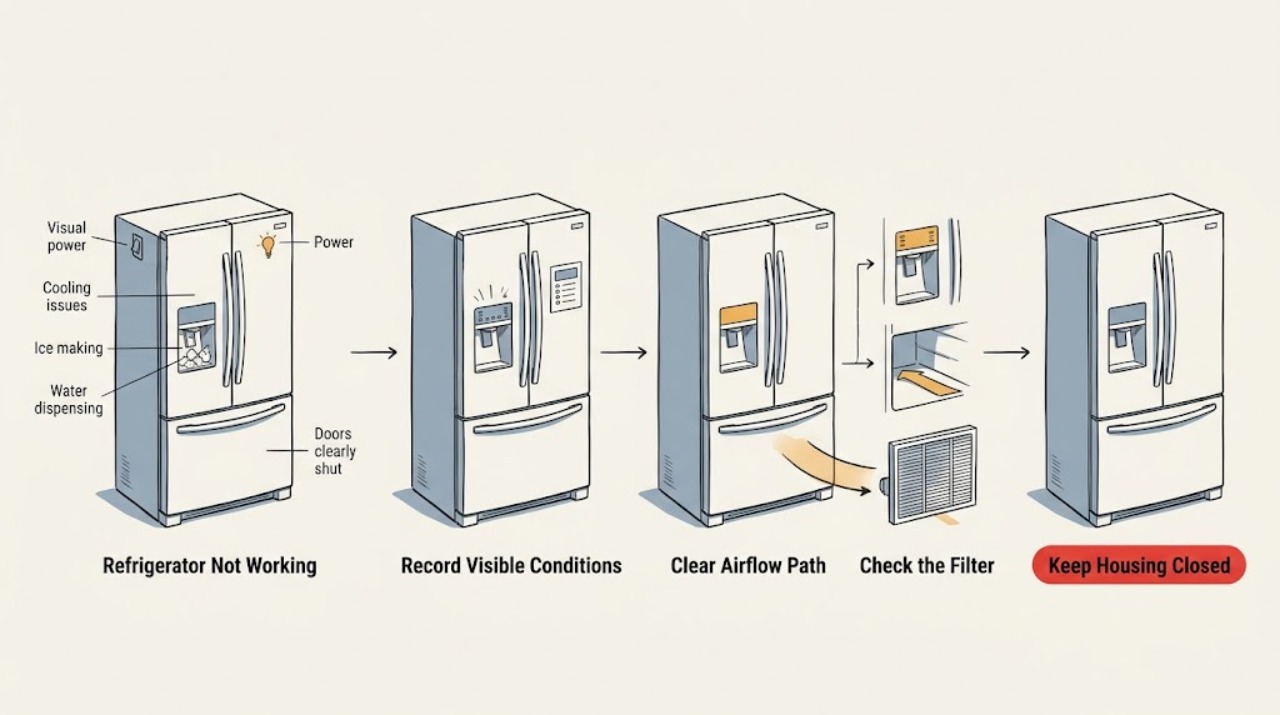
Monogram Refrigerator Not Working: Identify the Failed Function Before Testing
“Not working” is too broad to identify a part. Note whether the Monogram refrigerator is dark, warm, not making ice, not dispensing, leaking, or failing to close. Check the matching external condition—power, temperature, airflow, water supply, or door seal—one at a time. Stop for service if the cabinet is warm with stable power, a breaker repeats, water reaches electrical parts, or the symptom is not narrowed.
-
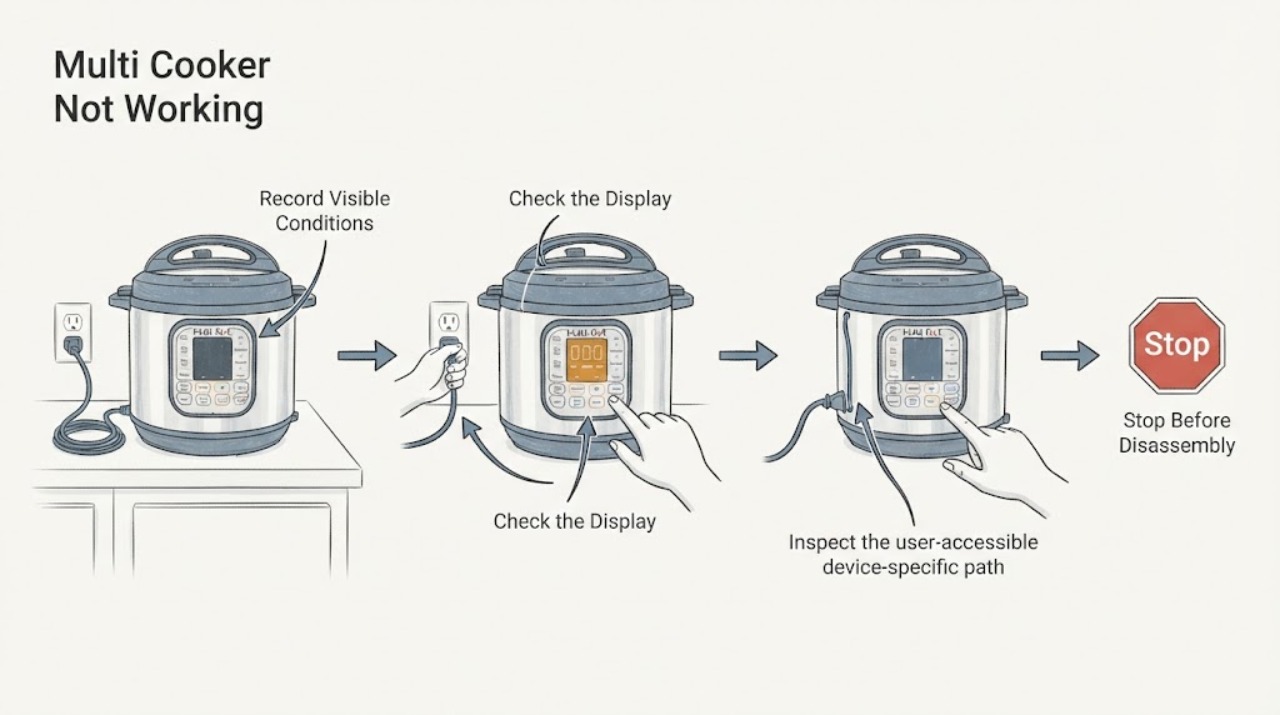
Multi Cooker Not Working
For a multi-cooker that will not work, check the outlet, cord, lid and inner-pot seating, control response, and any safety lock. Do not force the lid or bypass pressure protection. Stop for steam leakage, damaged cord, bulging vessel, or repeated failure and arrange service.
-
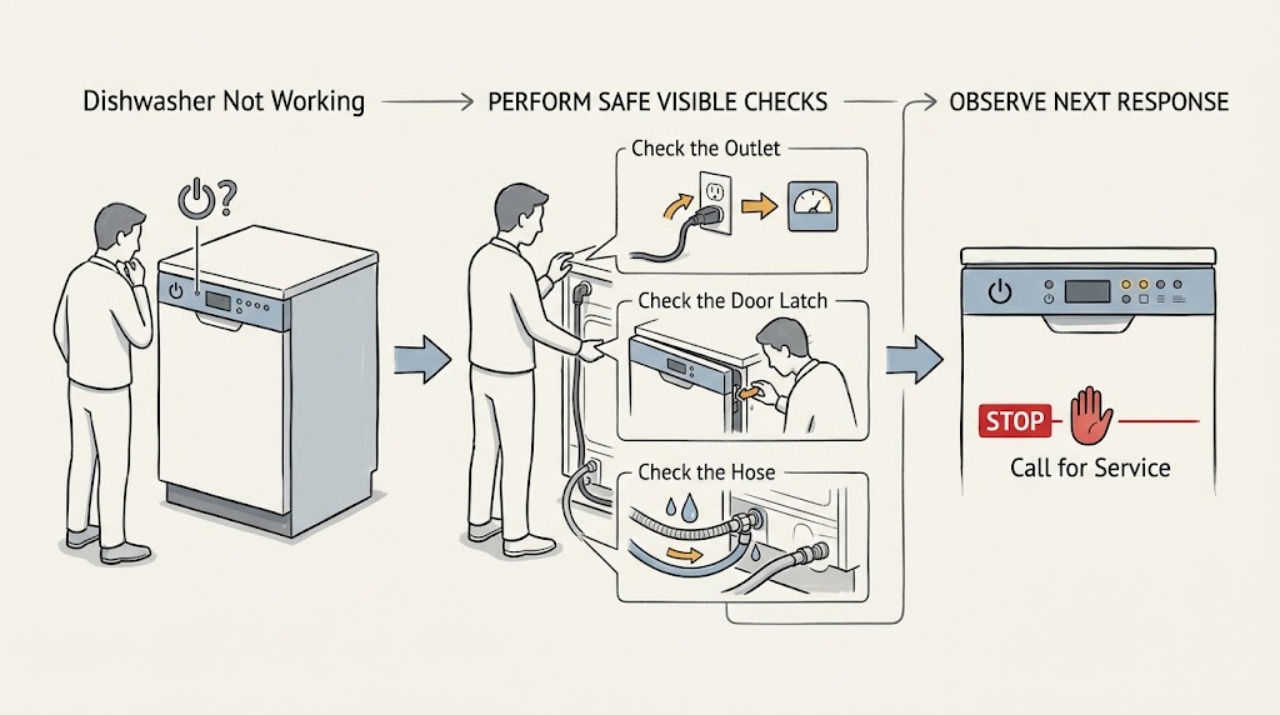
Neff Dishwasher Not Working
When a Neff dishwasher will not work, first separate a dark control panel from a cycle that starts and then stops. Check the power connection, door closure, water tap, accessible filter and drain path, and any displayed code. Use the exact E-Nr manual for the final interpretation; recurring faults or leaks need a Neff engineer.
-
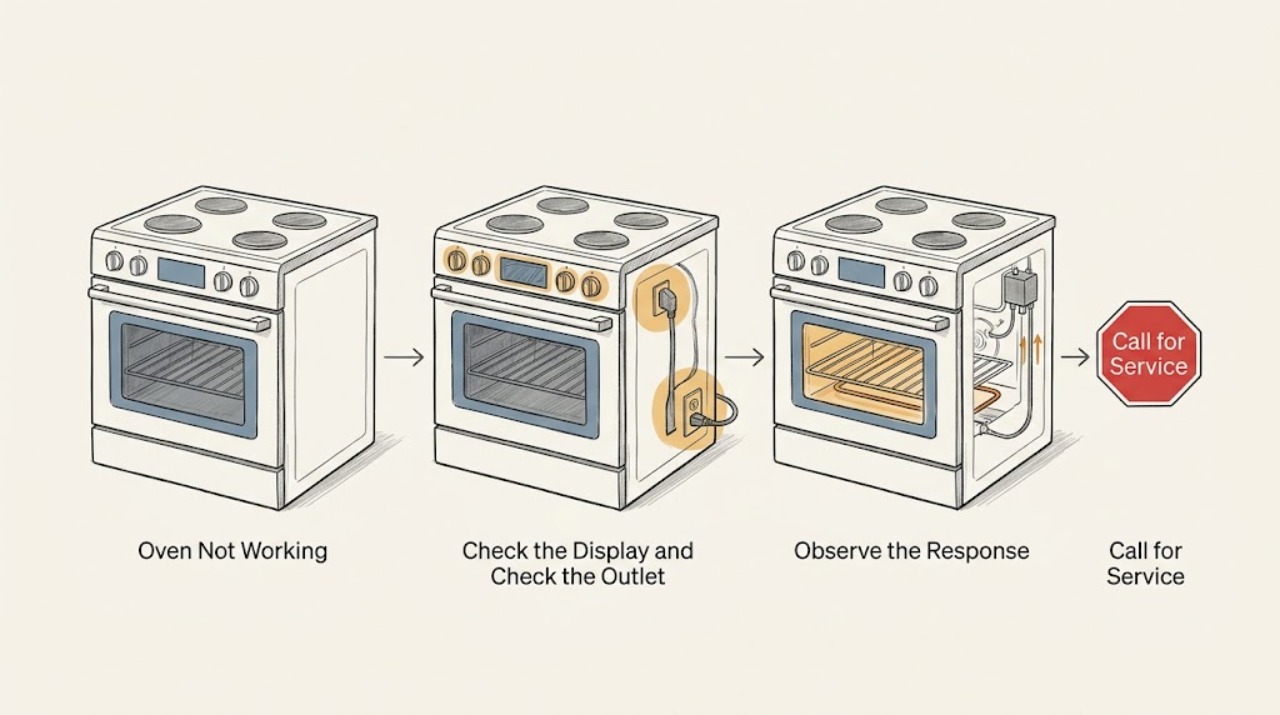
Oven Not Working: Safe Checks for Power, Heat, Ignition, Locks, and Errors
First identify whether the oven is electric, gas, or dual-fuel and describe what has failed: no display, no start, no heat, no ignition, a locked door, or an error message. From a safe position, check the user controls, clock or delay setting, control lock, door closure, and the breaker without opening the appliance.
-
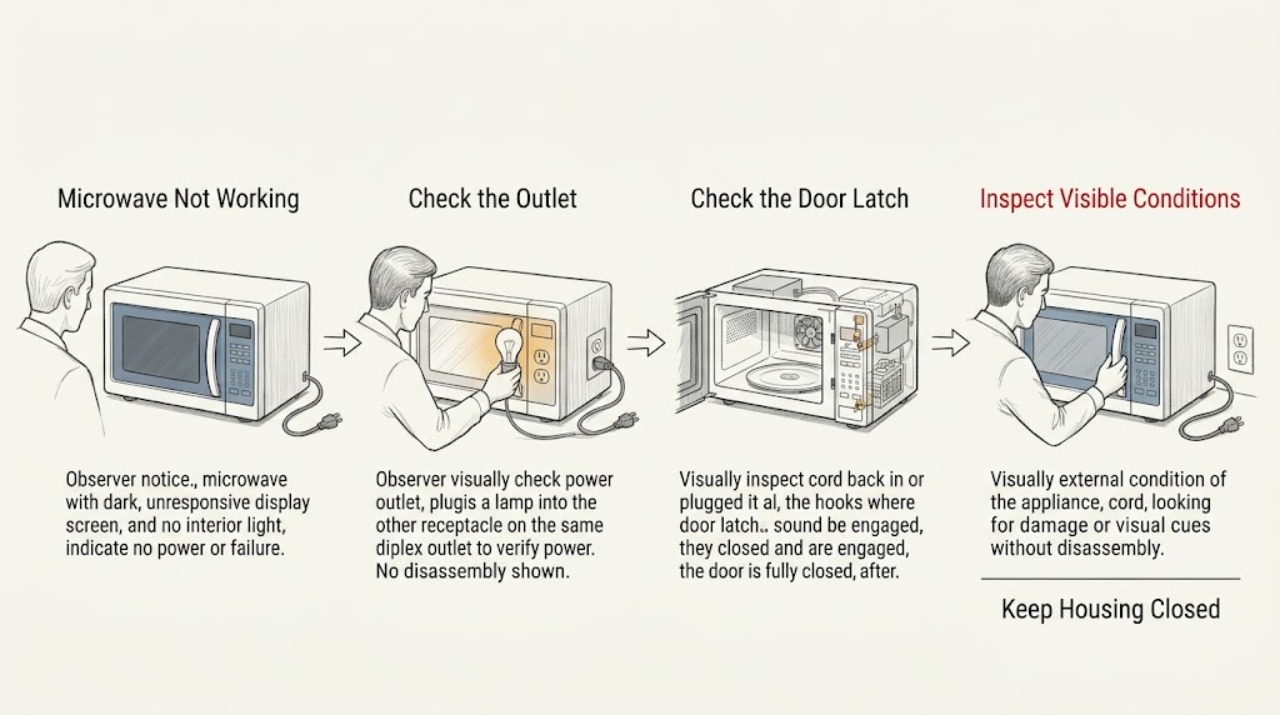
Panasonic Microwave Not Working: Check Power, Controls, and the Door Safely
First determine whether the display is blank, the controls respond but cooking will not start, or the oven runs with an unsafe symptom. Panasonic recommends a direct suitable outlet, a fully closed door, cancelling an old program, and checking for Demo mode where applicable. Stop using the oven for arcing, a fan or turntable that runs with the door open, repeated breaker trips, or an error code; do not open the cabinet.
-
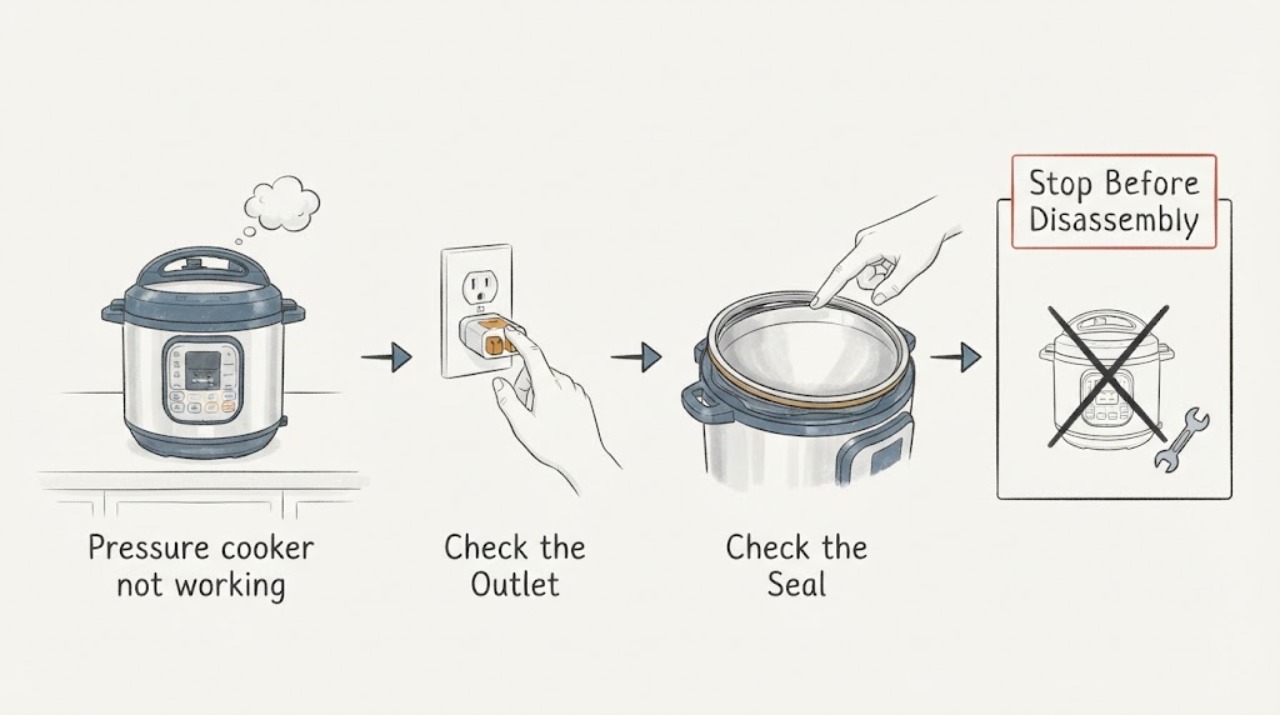
Pressure cooker not working
A pressure cooker that is not working should be checked for a firm power connection, a dry base/control panel, correct lid seating, enough liquid, and a model-specific display message. Never force a lid while the float valve is up or pressure may remain. If the cooker stays unresponsive, shows a persistent fault, or has liquid/oil inside the base, stop using it and contact the manufacturer or qualified service.
-
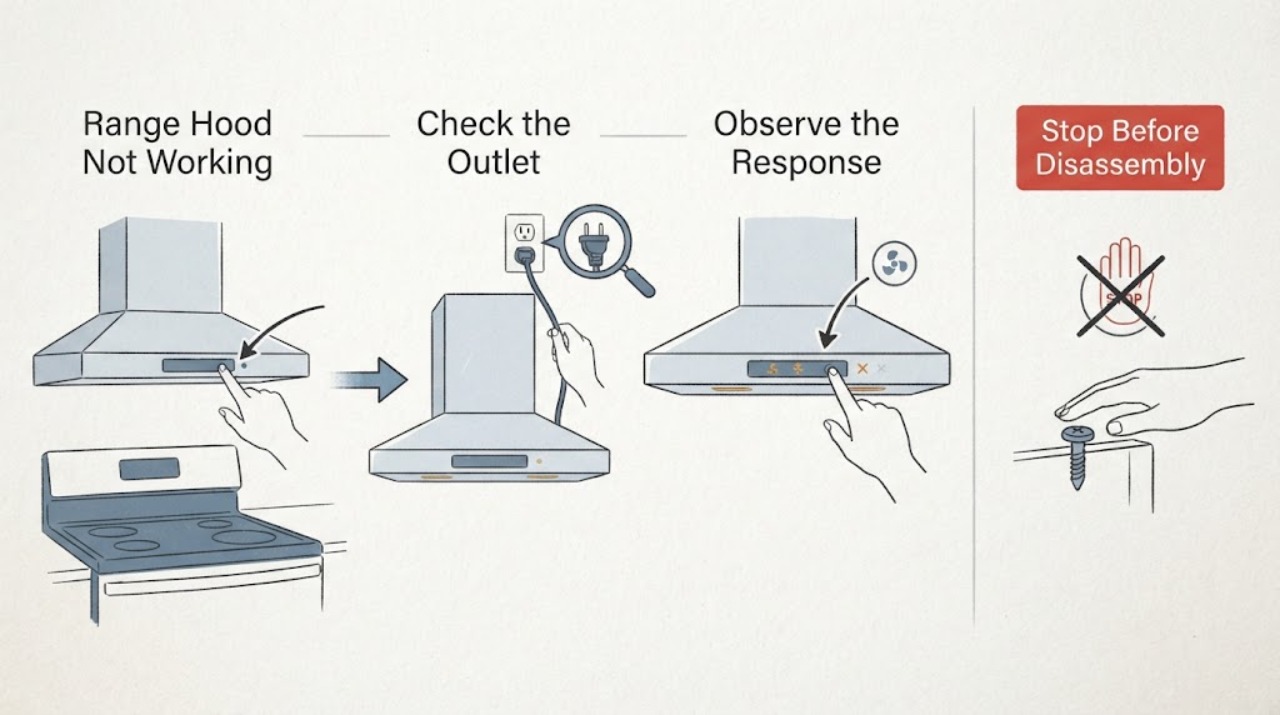
Range Hood Not Working
A range hood that is not working should be split into power, controls, blower, and light symptoms. Check the household supply and the hood’s visible switch or control state, then inspect only accessible filters and the exterior vent for blockage. Heat-sentry behavior and model-specific controls vary. If the hood is dead with power present, smells hot, sparks, or has damaged wiring, stop and use qualified service.
-
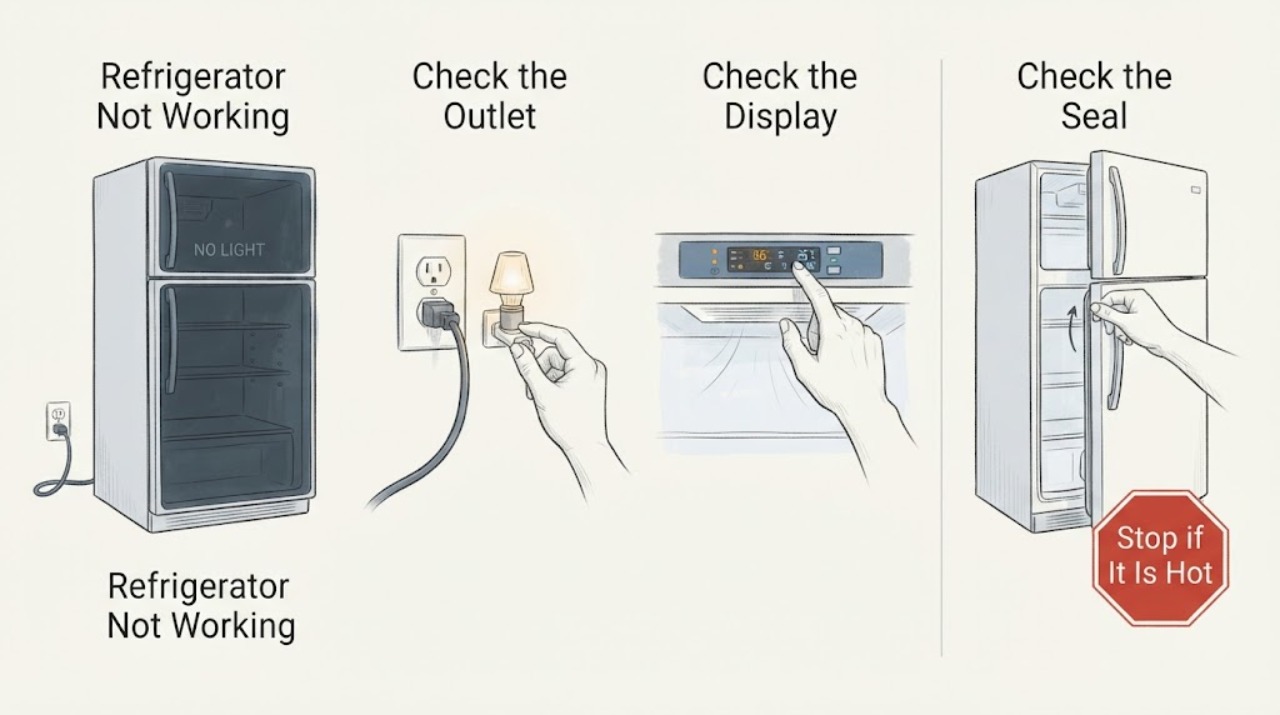
Refrigerator Not Working
“Not working” can mean no power, lights but no cooling, or cooling that stopped after a move, outage, or large load. Check the outlet and breaker, confirm cooling is enabled rather than Demo mode, keep vents clear, and verify doors and seals close. Allow the stabilization period in the manual after installation or a large load; arrange service for persistent warmth, no power with a good outlet, unusual heat/odor, or a failed compressor/fan symptom.
-
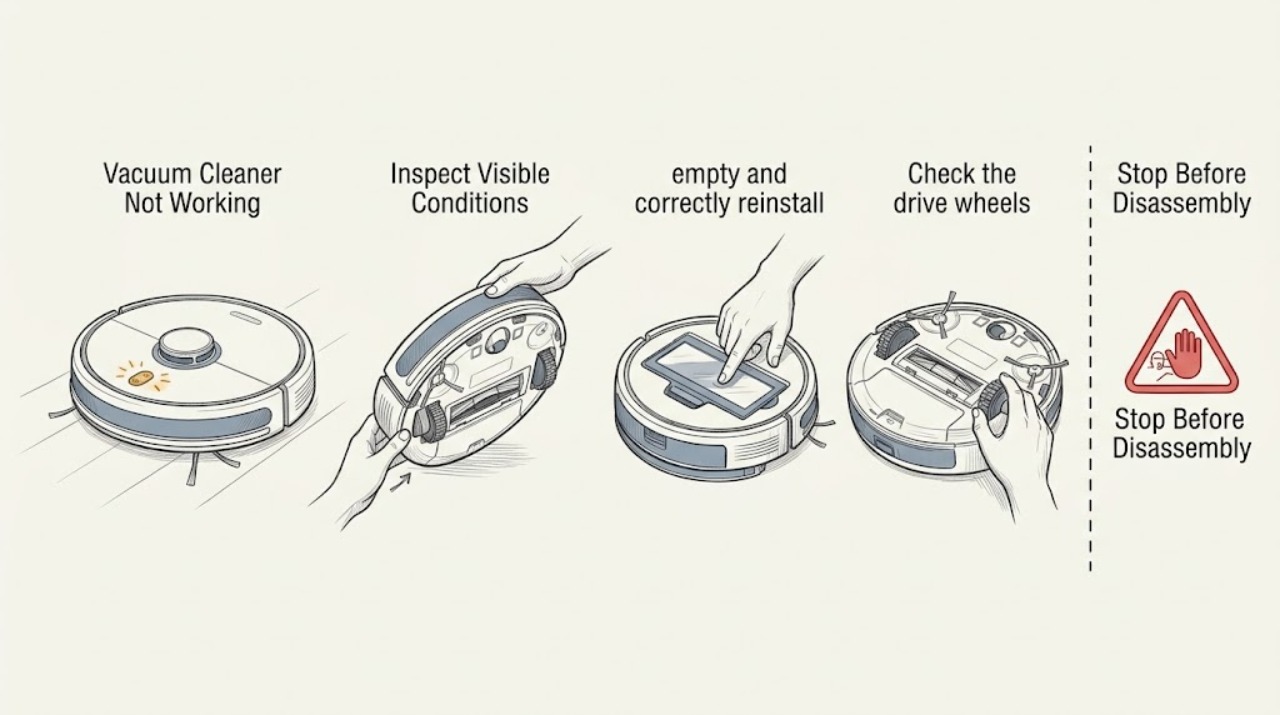
Roomba Vacuum Cleaner Not Working: Use the Error Message to Choose the Safe Next Check
“Not working” is too broad to diagnose until you note whether the Roomba is dark, refuses to leave the dock, drives without cleaning, or stops with an error. Read the app or spoken message, check only accessible bin, brush, wheel, and dock conditions, then reboot once. Persistent or damaged conditions require iRobot support.
-
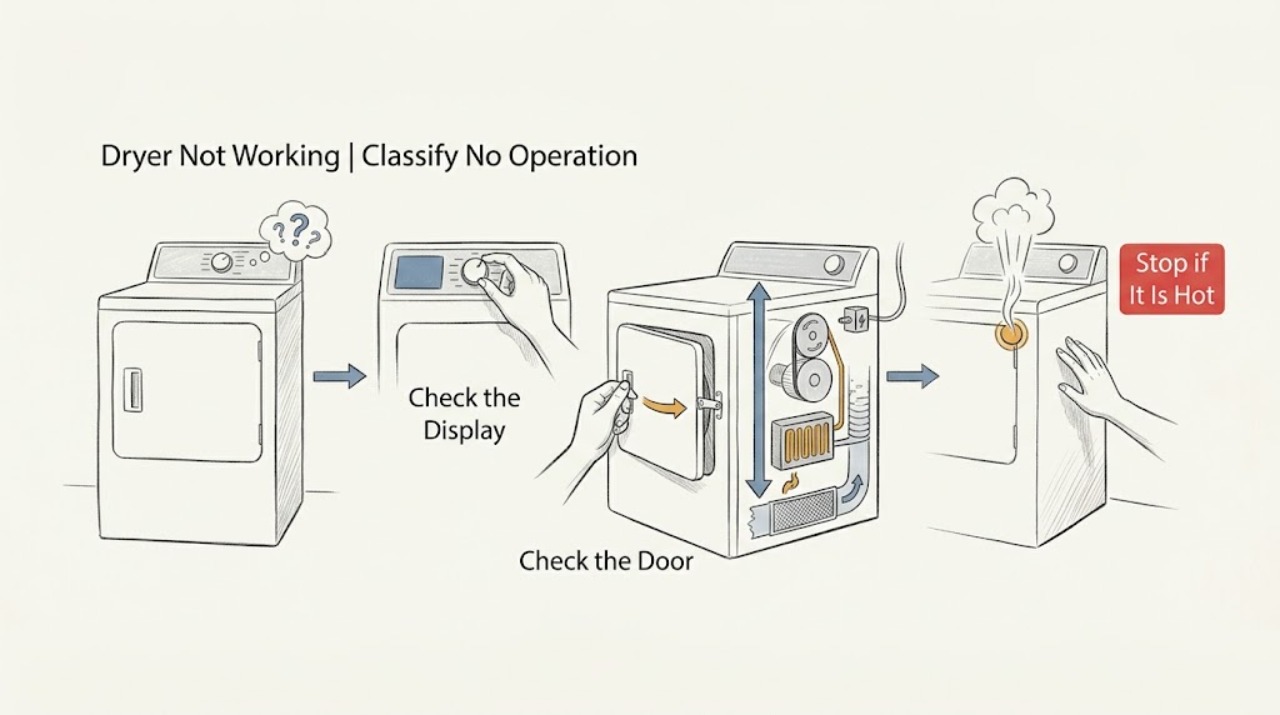
Roper Dryer Not Working: Separate No Power, No Start, No Heat, and Mid-Cycle Stops
First define what not working means on the Roper dryer: no display or drum light, controls on but no start, drum not tumbling, no heat, or a cycle that stops early. Check the exact model guide for the control sequence, door latch, cycle, and gas or electric configuration.
-
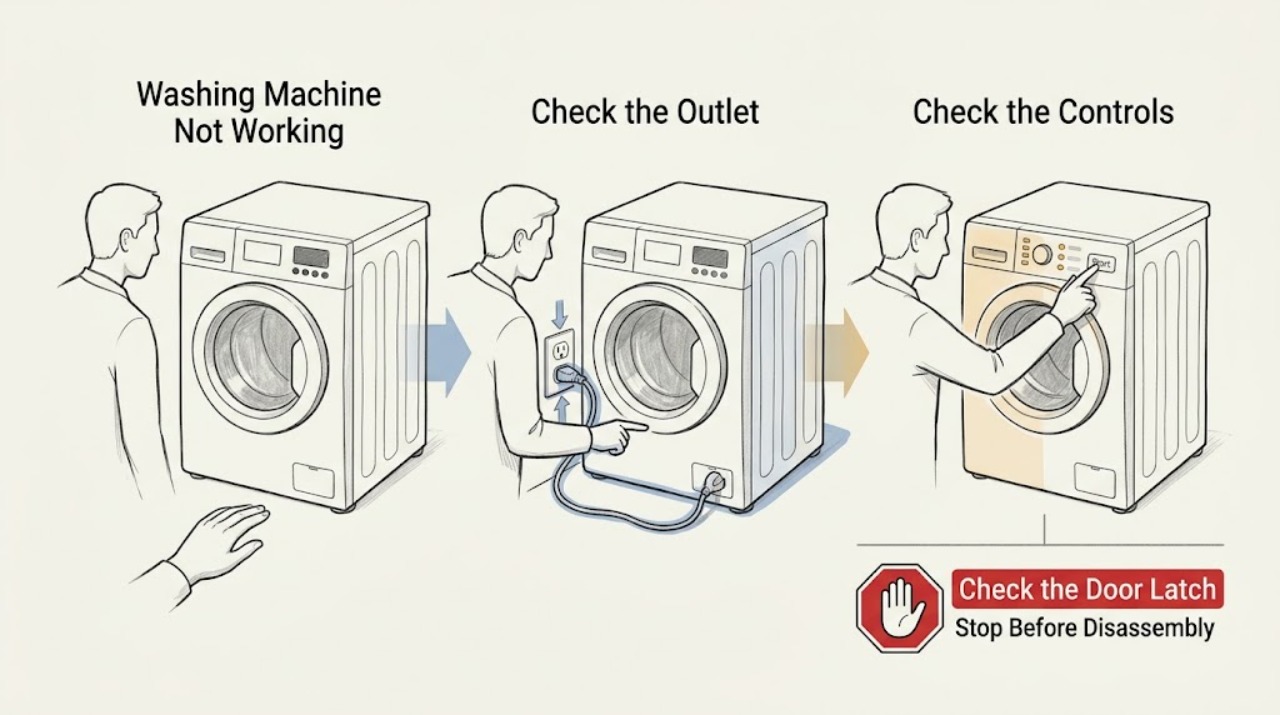
Roper Washing Machine Not Working: Find the Failed Stage Safely
Start by separating a completely dead Roper washer from one that has power but will not start, fill, drain, spin, or stay dry. Identify the exact model and the last stage that worked, then check the outlet and controls, the closed lid, both water faucets and inlet hoses, the visible drain hose and household drain, and the load balance.
-
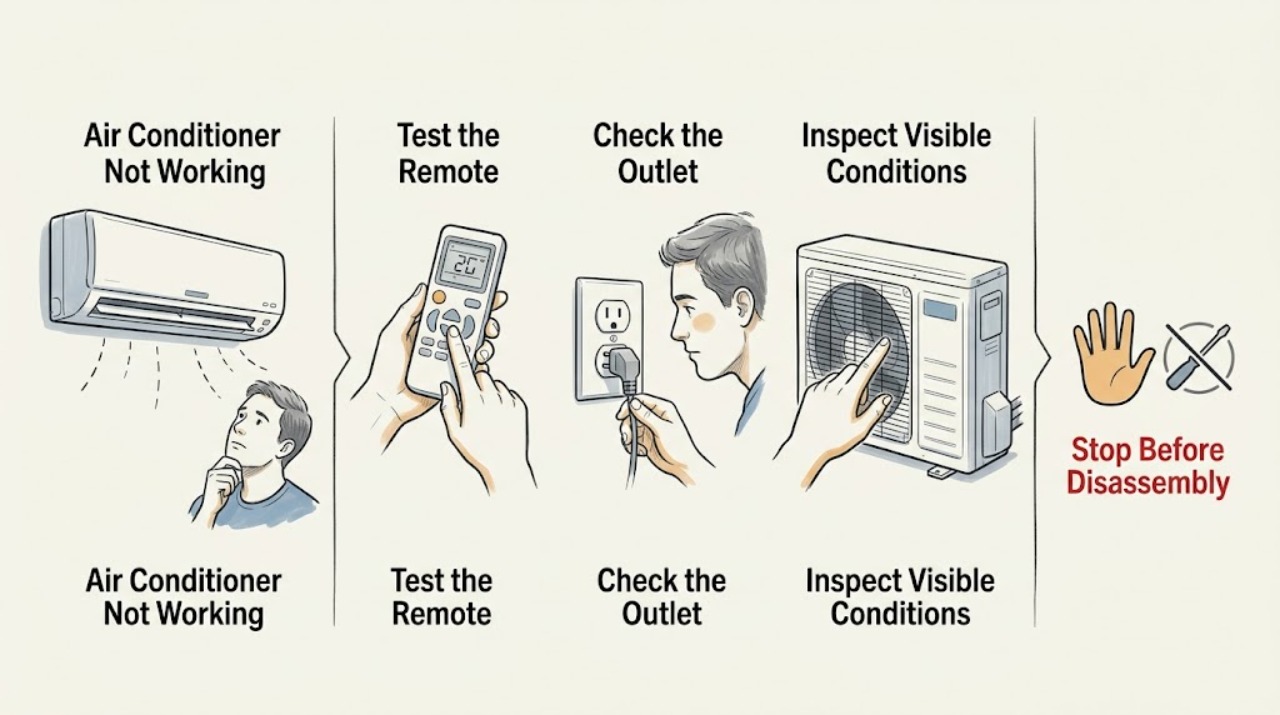
Samsung Air Conditioner Not Working: Identify Which Function Failed
‘Not working’ is too broad to diagnose on a Samsung air conditioner: the unit may have no power, may not cool, may not respond to the remote, or may stop with an indicator or error. Identify the failed function first, then check the matching supply, remote, setting, filter, and airflow conditions. Persistent faults, recurring codes, repeat breaker trips, or electrical damage require Samsung or qualified professional service.
-
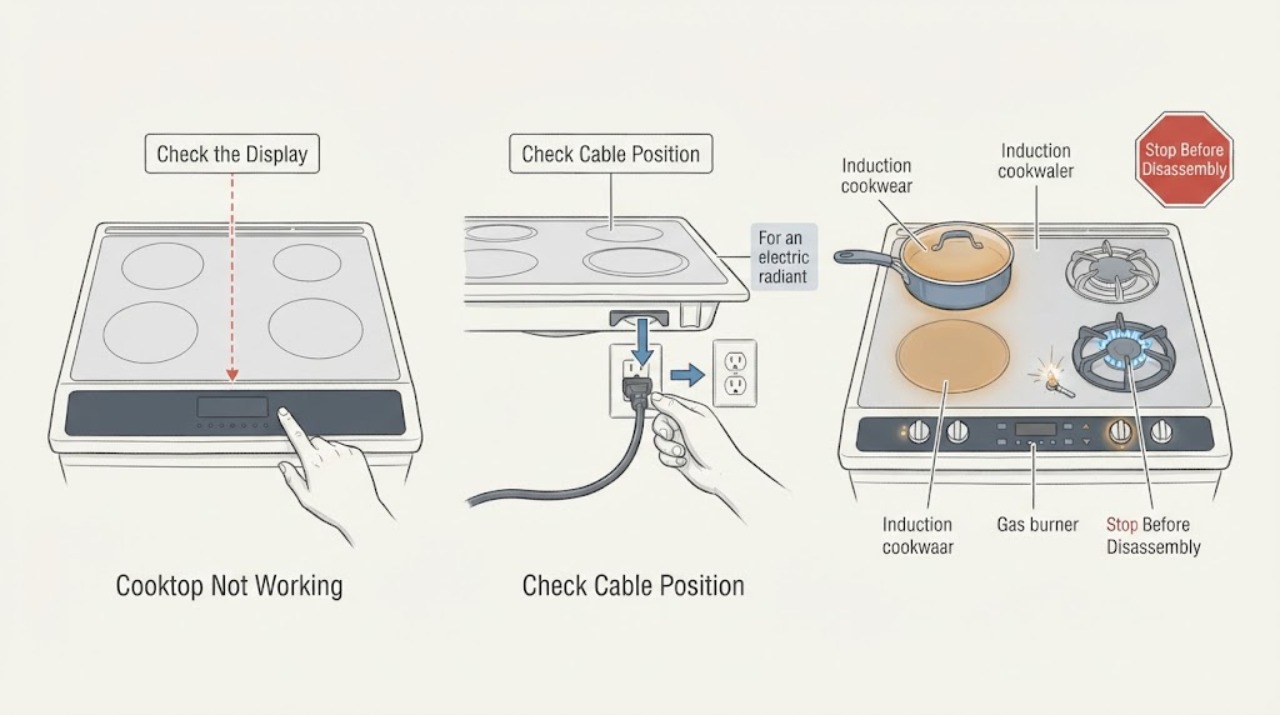
Samsung Cooktop Not Working: Check Power, Controls, and Burner Type
First determine whether the Samsung cooktop is gas, electric radiant, or induction, and whether one zone or the whole cooktop is affected. For a cooktop with no display or response, check only the user-accessible power connection and breaker, then make sure the controls are unlocked, clean, and dry.
-
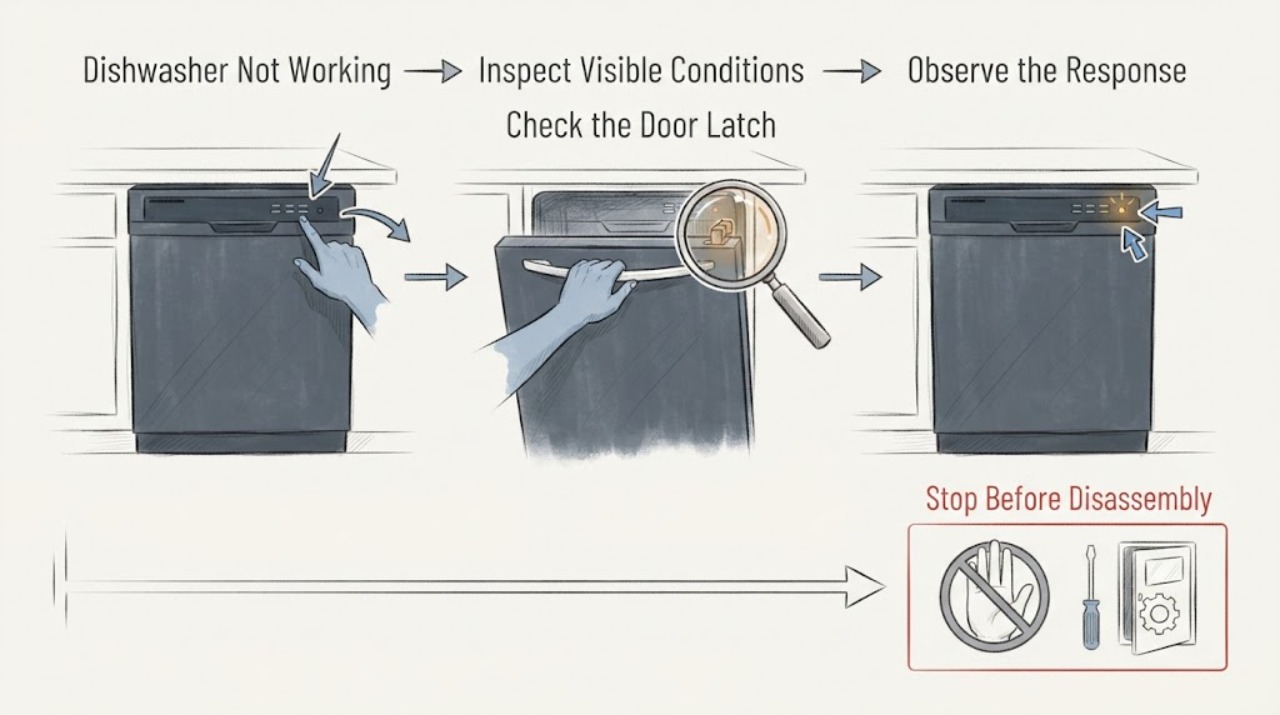
Samsung Dishwasher Not Working
“Not working” can mean a dark panel, a powered panel that will not start, a cycle that stops, or a wash that finishes poorly. Separate those behaviors first: test Power, observe the door and controls, note codes or blinking lights, and check whether it fills, washes, drains, and completes. Use only accessible checks; a recurring fault, leak, burning smell, or repeat breaker trip needs qualified service.
-
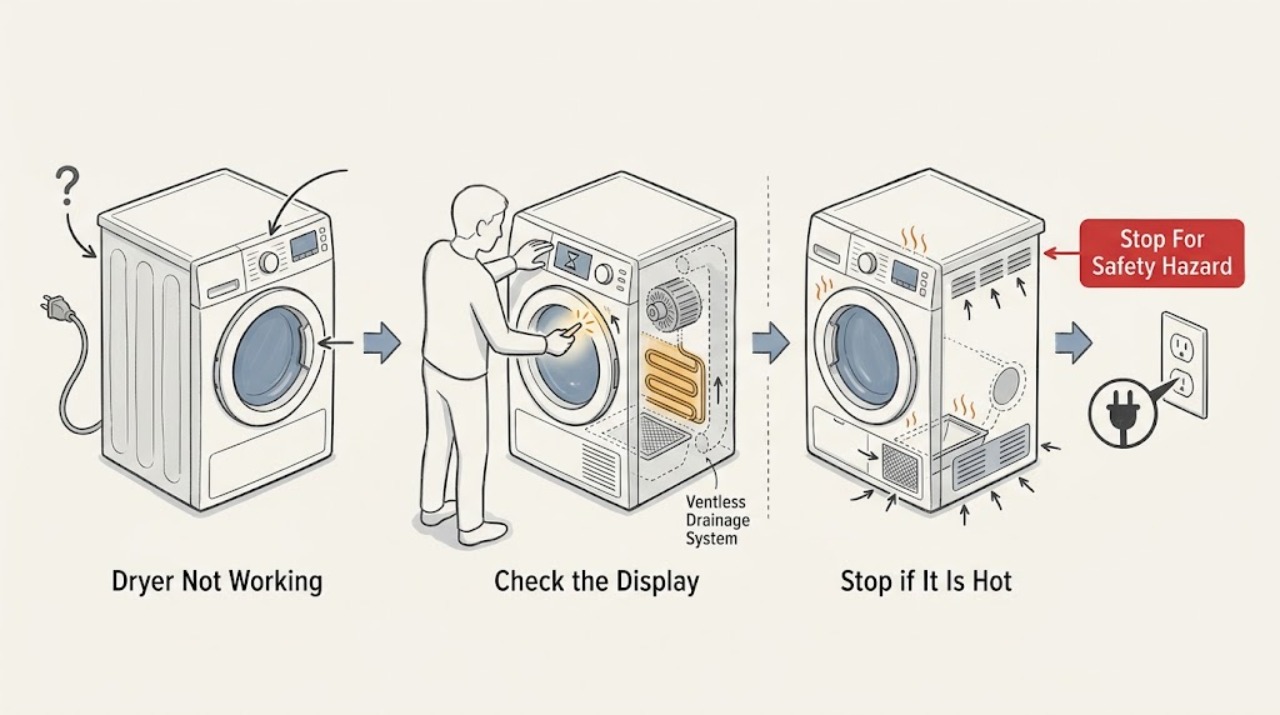
Samsung Dryer Not Working: Separate No Power, No Heat, and Mid-Cycle Stops
First decide whether the Samsung dryer has no display or light, turns on but will not start or tumble, tumbles without heat, or stops during a cycle. From a dry, safe position, check the power connection and breaker, door closure, Child Lock or cycle state, and the selected programme.
-
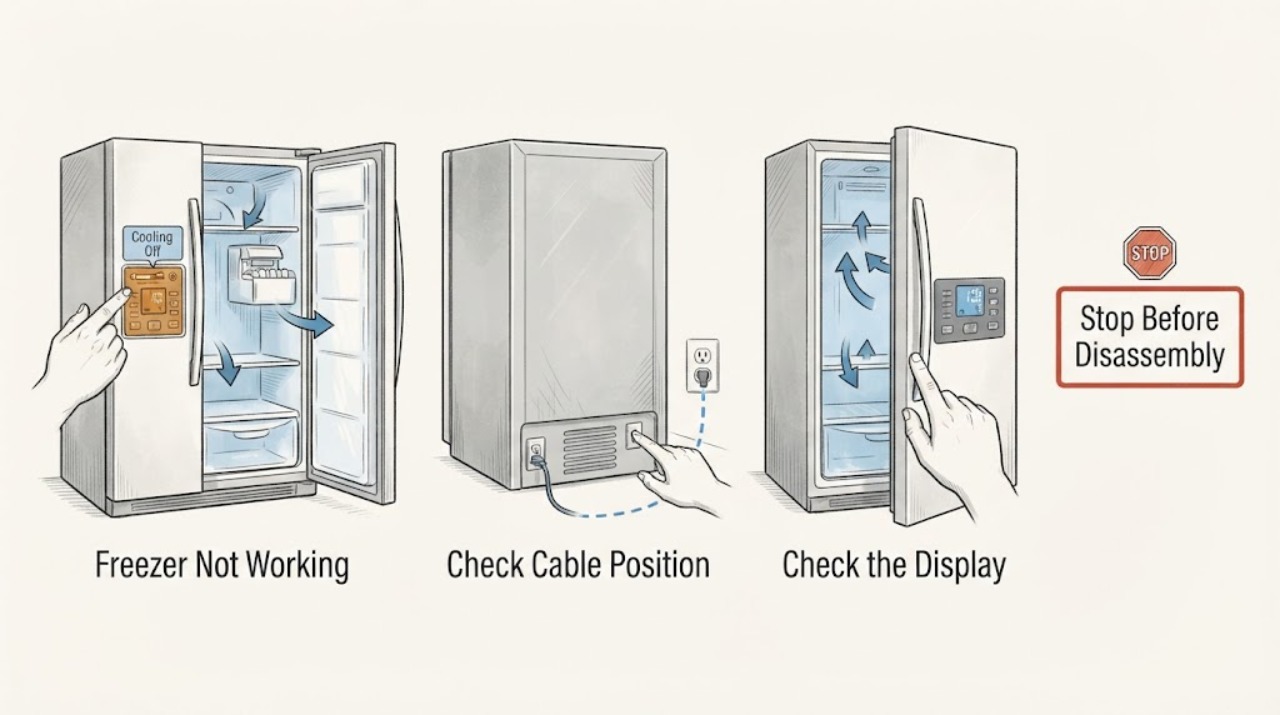
Samsung Freezer Not Working: Check Power, Cooling Mode, Frost, and Food Safety
A Samsung freezer that is not working can mean a dark display, a locked or disabled control, Cooling Off or Demo mode, weak cooling, frost blocking airflow, an ice-maker or water issue, unusual noise, or a true refrigeration fault. First protect food if it is warming, then check the accessible power, door seal, displayed temperature, error or Cooling Off indication, and the space around vents.
-
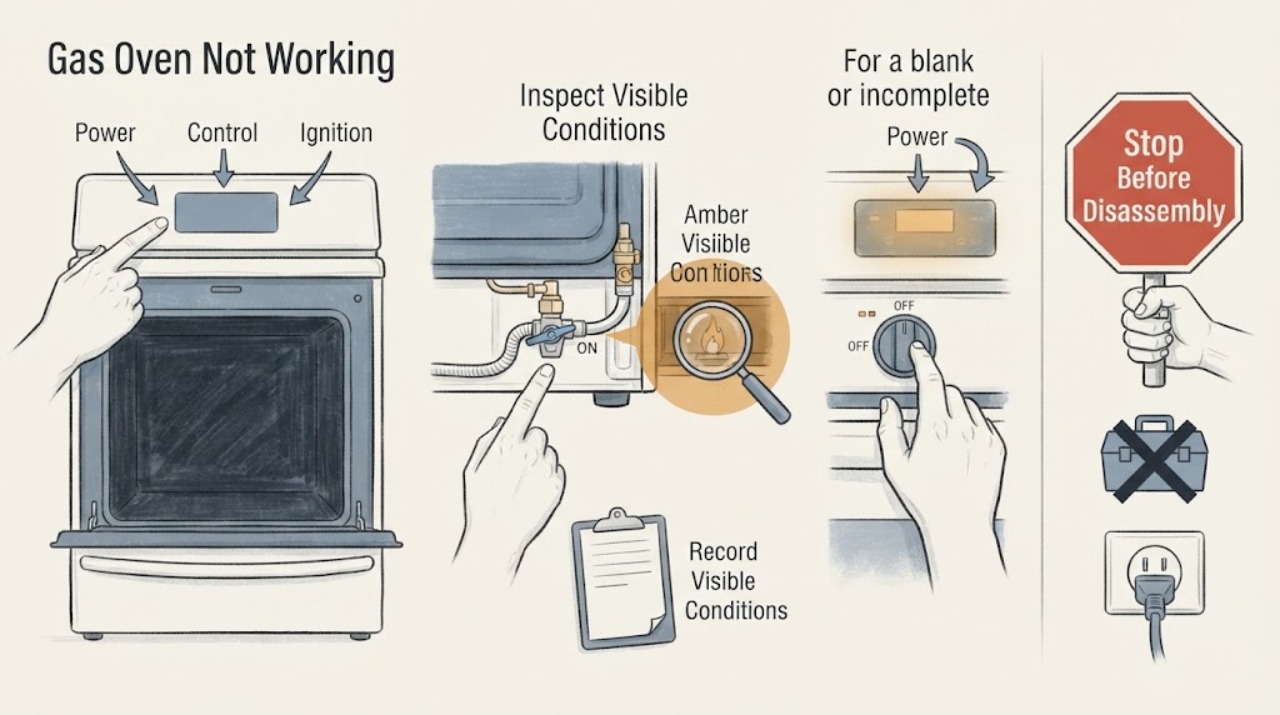
Samsung Gas Oven Not Working: Separate Power, Start, Ignition, and Heat Faults
First decide which failure you actually have: a blank panel means power or display, a lit panel that will not start points to settings, lock, door, or an error, a start with no flame points to gas or ignition, and a flame that does not heat the cavity points to the heating sequence or service. Samsung ranges vary by model and fuel configuration, so record the exact display and use the matching manual.
-
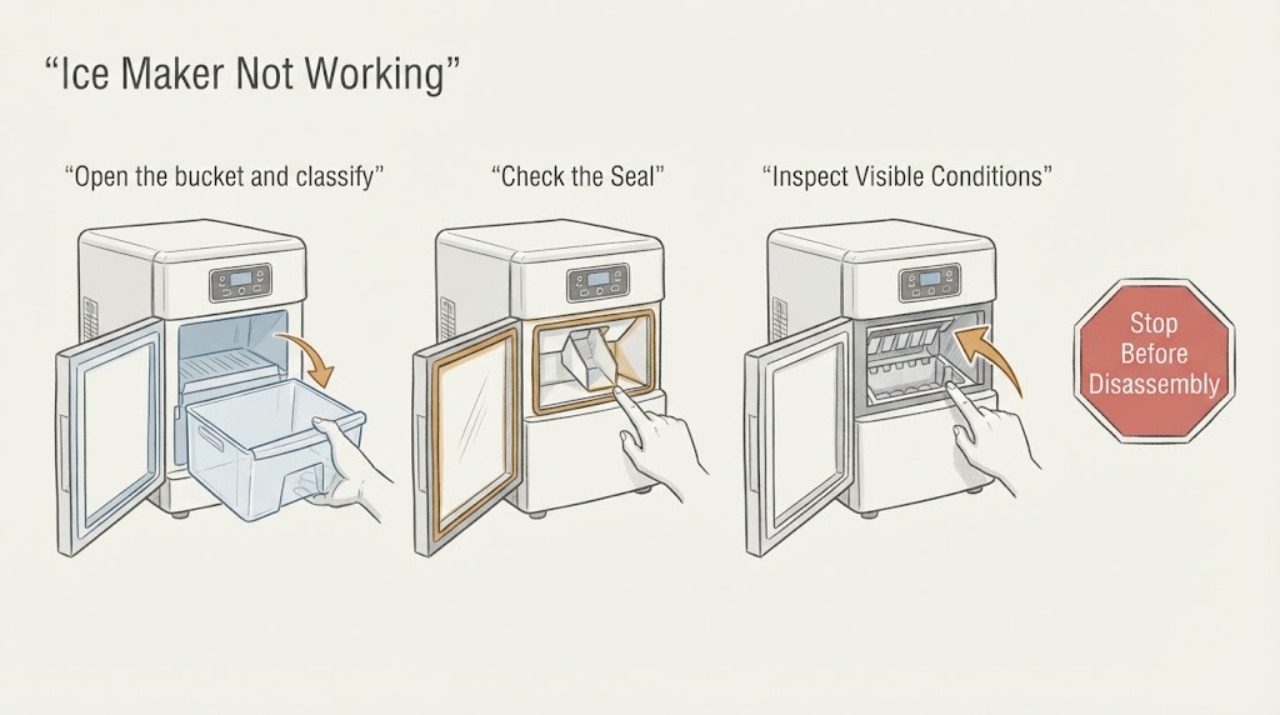
Samsung Ice Maker Not Working
‘Samsung ice maker not working’ can describe no ice, slow production, a stuck bucket, poor ice quality, or a dispenser that will not move cubes. Start by classifying the symptom, then check freezer temperature, Ice Off status, the bucket, water delivery, and the Test result. The branch determines whether to wait, correct a restriction, troubleshoot dispensing, or request service.
-
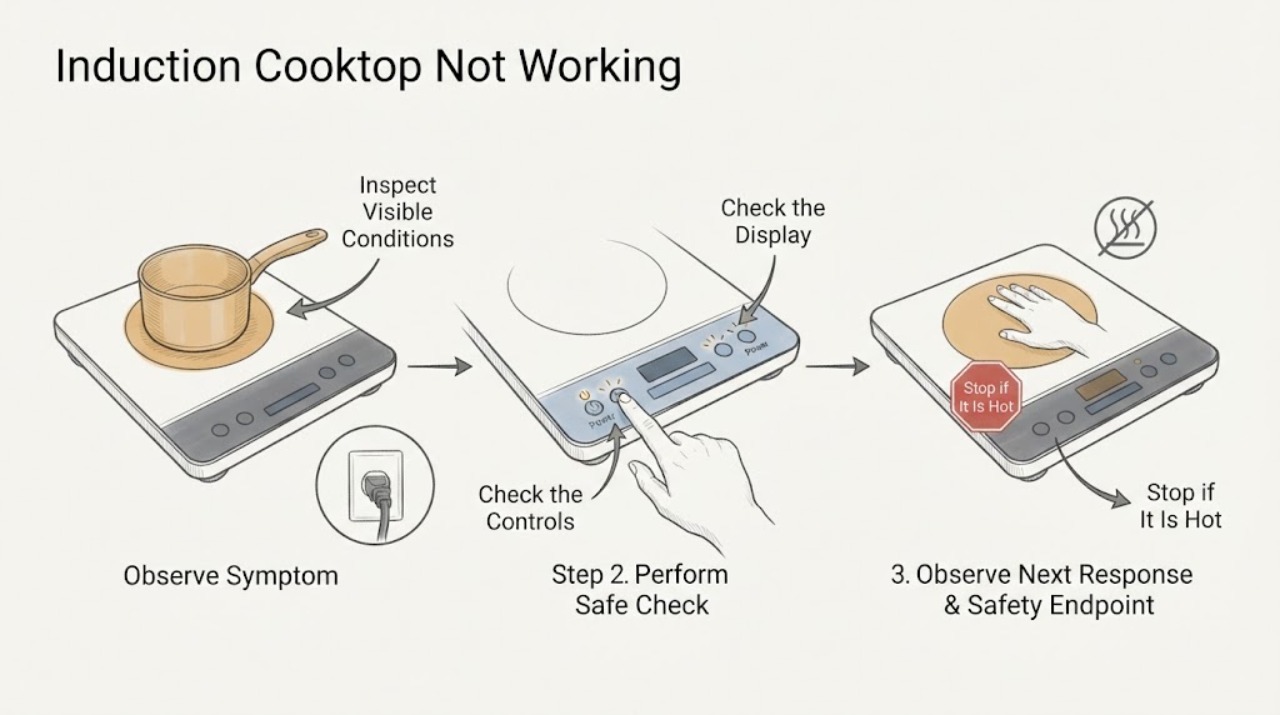
Samsung Induction Cooktop Not Working: Safe Checks and Next Steps
If a Samsung induction cooktop is not working, first stop if there is a cracked glass surface, smoke, burning smell, exposed wiring, or water near the controls. Otherwise confirm that the cooktop has power, Control Lock is off, and the dry control panel responds.
-
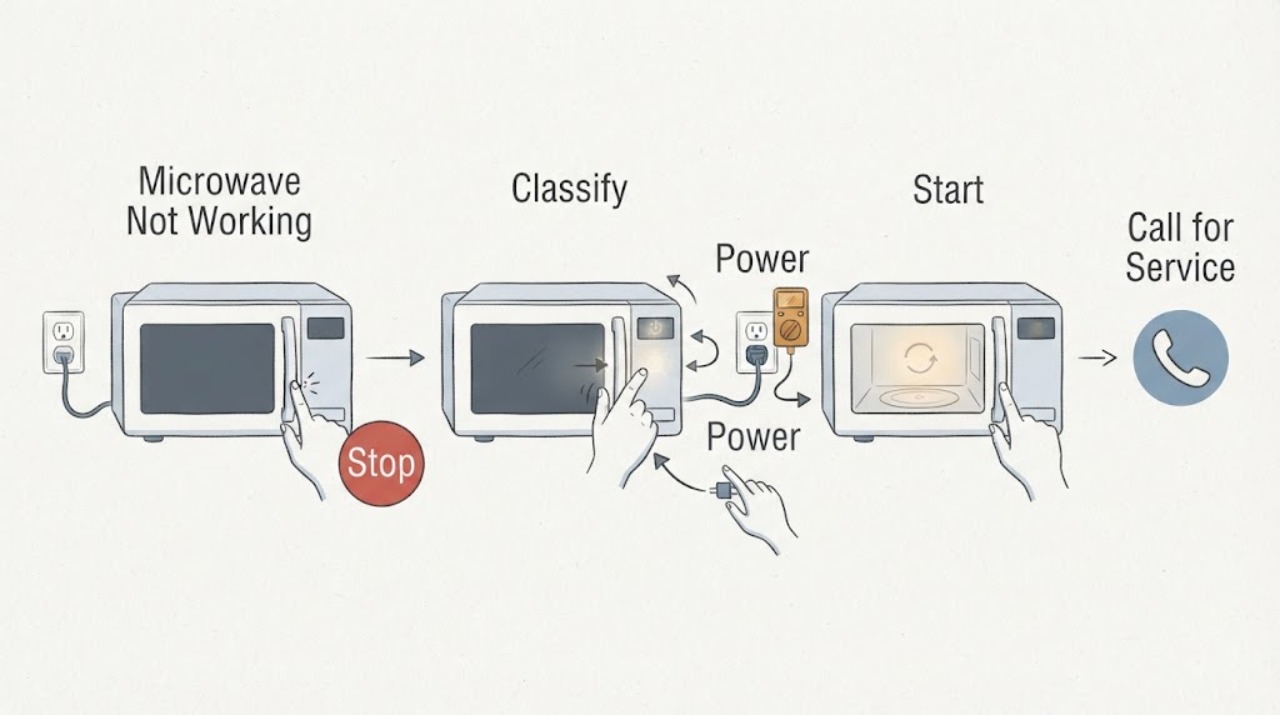
Samsung Microwave Not Working: Classify the Symptom Before Calling for Service
“Not working” can mean a dark display, a lit display that will not start, a running cycle that does not heat, a turntable or fan issue, or unsafe self-starting. Start by identifying which function fails, then check the corresponding external condition: outlet/breaker, control lock and door, cooking mode, tray/filter/venting, or a supervised cup-of-water test.
-
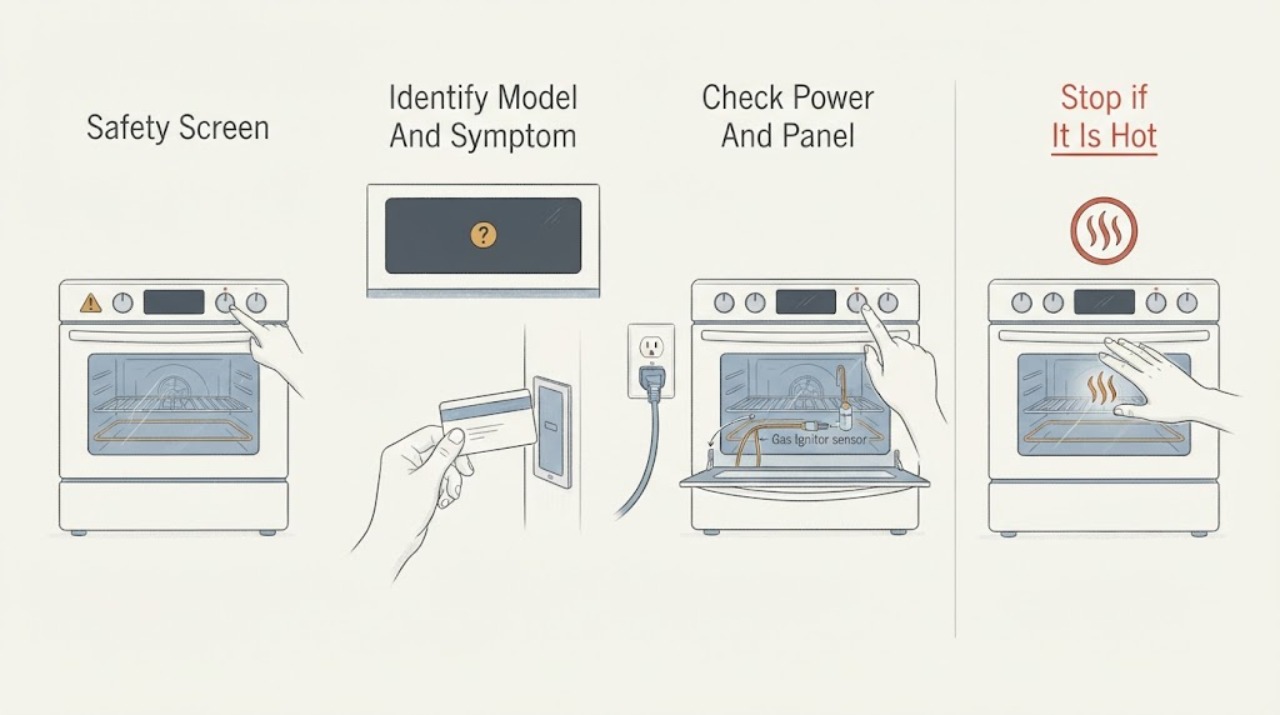
Samsung Oven Not Working
Break a Samsung oven that is ‘not working’ into the actual symptom: a blank panel, a panel that will not accept a start command, no heat, a gas oven that will not ignite, an error or lock, or a cycle that stops. From a dry, safe position, check the intended power connection and breaker once, confirm the door is fully closed, verify the mode and timer settings, and check the exact model manual for Demo or Child Lock.
-
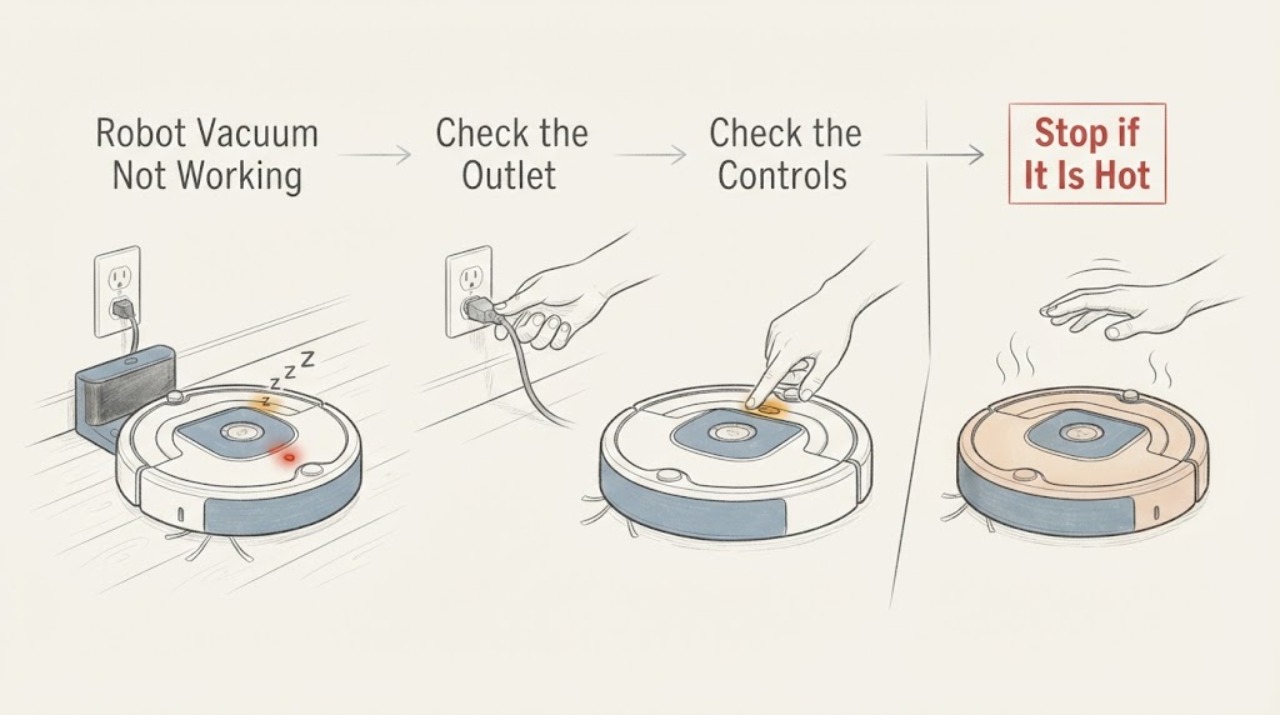
Samsung Robot Vacuum Not Working
First separate a Samsung robot vacuum that has no power from one that powers on but will not start, move, or follow a command. Turn off the power switch on the underside, wait at least five seconds, and start the vacuum from its own Start/Stop button.
-
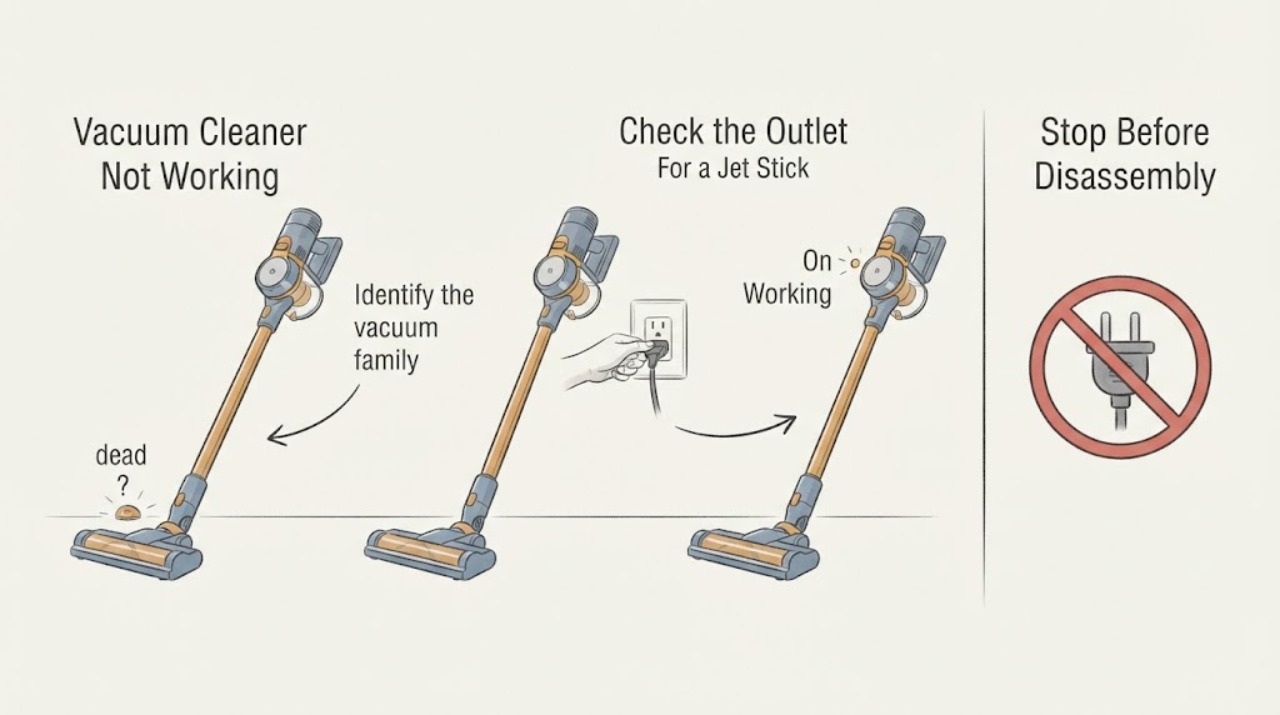
Samsung Vacuum Cleaner Not Working
Start by identifying whether your Samsung vacuum is a corded canister or upright, a cordless Jet Stick, or a Jet Bot robot, because the first check differs. For a corded vacuum, test the wall outlet and fully seated power cord.
-
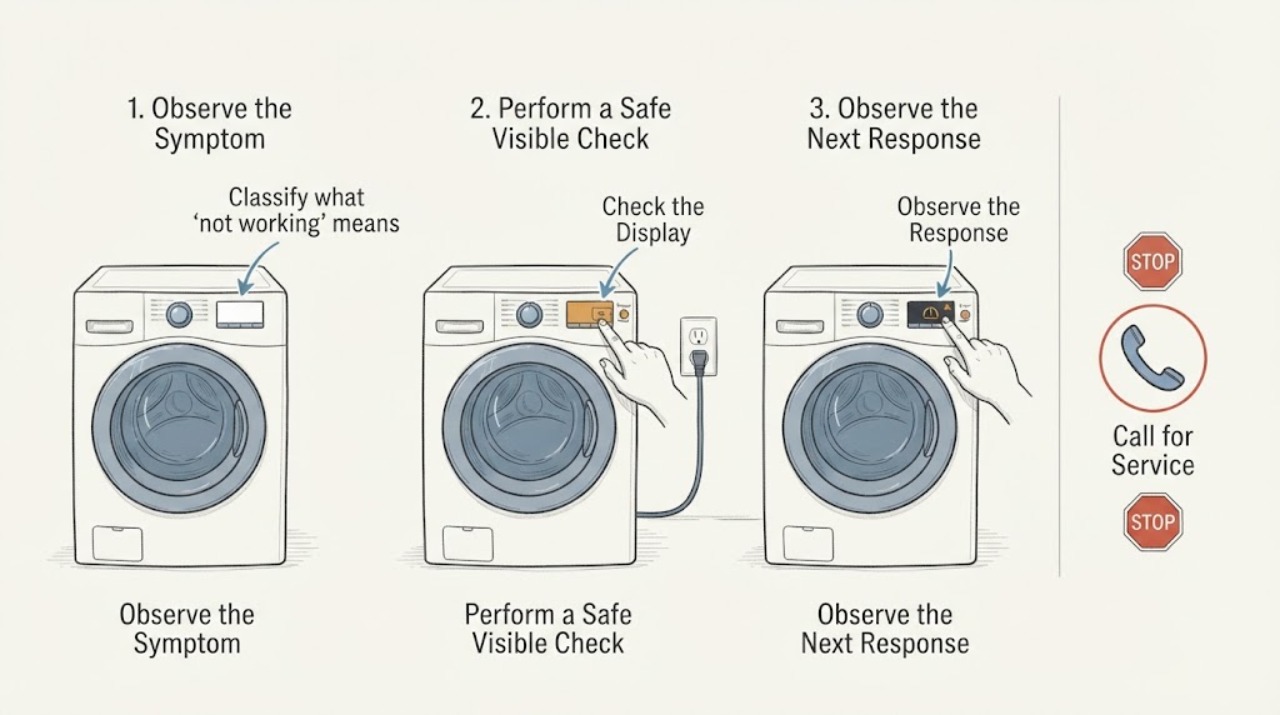
Samsung Washer Dryer Not Working: Check Power, Water, and the Cycle State
When a Samsung washer-dryer is not working, first separate a dead appliance from a powered appliance that will not start or has stopped mid-cycle. Check the correct Power control, direct power connection and breaker, displayed code, door and Child Lock state, water supply, drain condition, load, and any model-specific filter or software message.
-
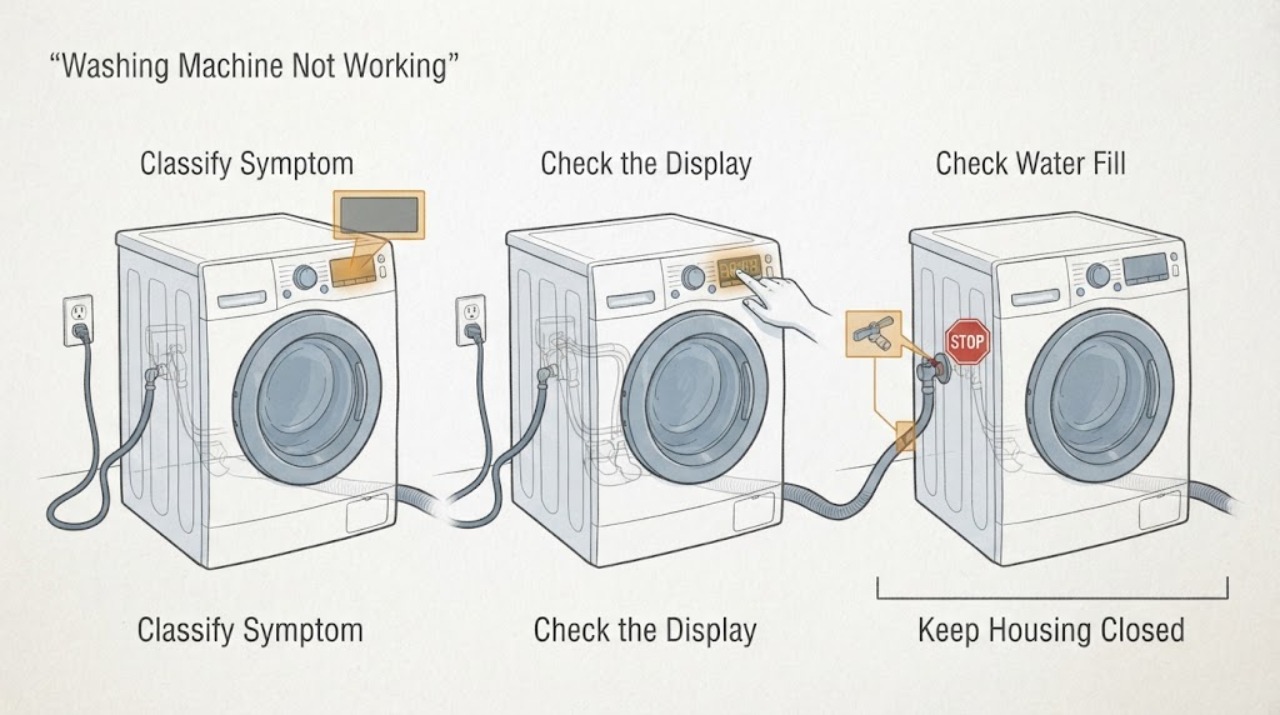
Samsung Washing Machine Not Working: Split No-Power, Fill, Drain, Spin, and Leak Faults
A Samsung washing machine that is not working needs to be split into a symptom, not treated as one generic failure. First record whether the display is blank, the controls respond but a cycle will not start, water will not enter, the washer will not drain or spin, or water is leaking.
-
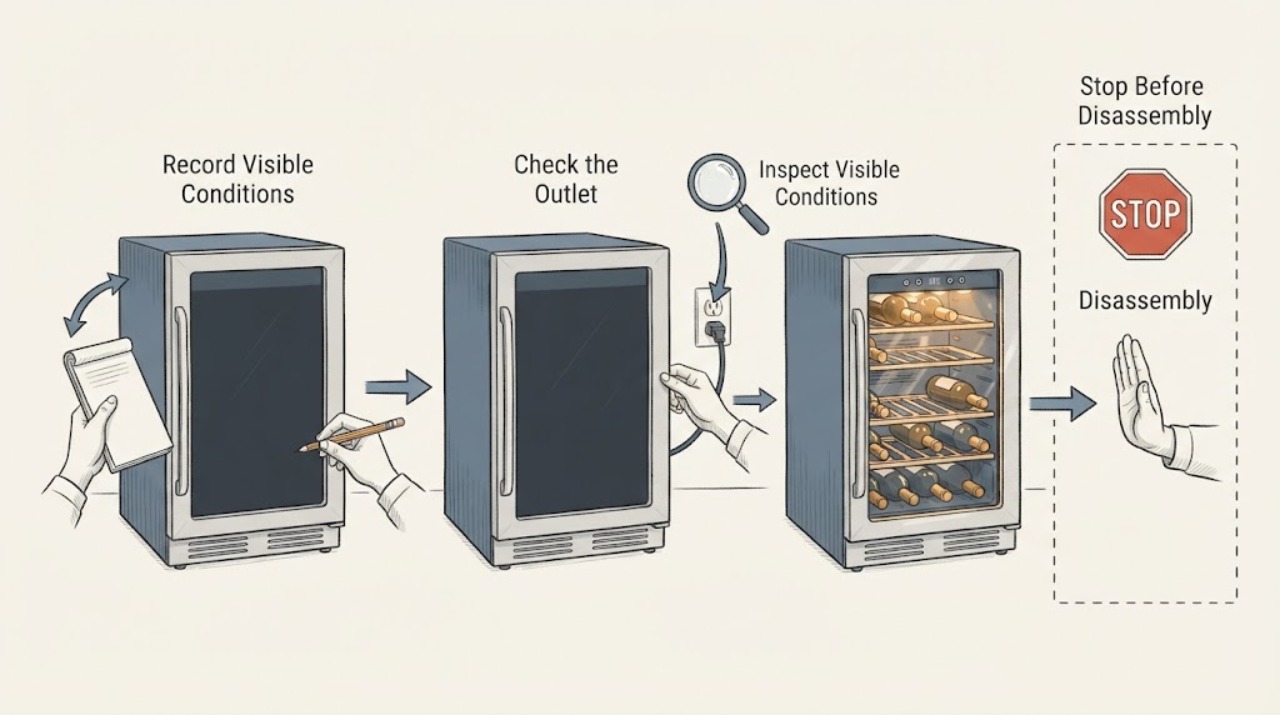
Samsung Wine Cooler Not Working
For a Samsung wine cooler that is not working, note whether the display, light, fan, and compressor sounds are absent. Check the accessible outlet and door state once when safe; do not open the sealed system. Recurring no-operation needs service.