
Repair problem
Not Working Troubleshooting Guides – Page 4
Published FixGraph guidance for diagnosing and responding to not working.
Matching published guides
Choose a guide that matches the service, equipment, and conditions you are seeing.
-
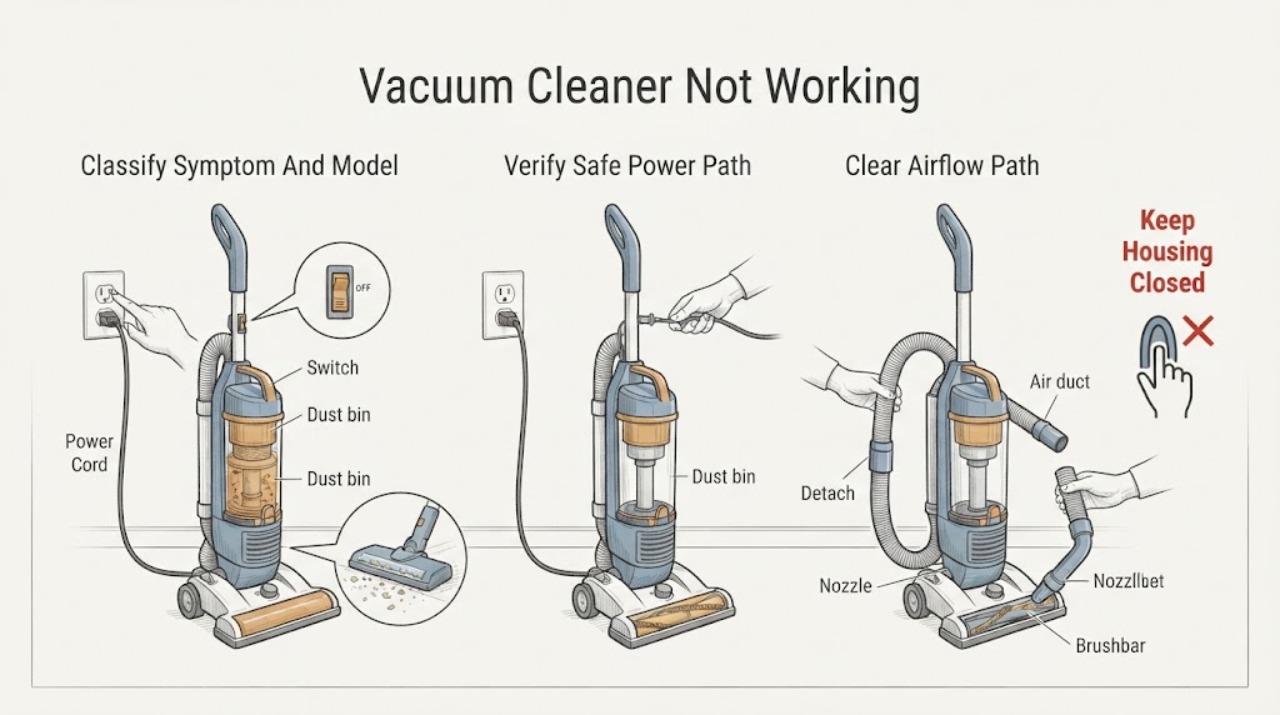
Hoover Vacuum Cleaner Not Working: Find the Failure Mode Safely
First decide what not working means: no light or motor, a motor that starts and stops, a running cleaner with poor pickup, a brushbar that does not turn, or a cleaner that has just cut out. Record the exact Hoover model and whether it is corded, cordless, upright, stick, or handheld.
-
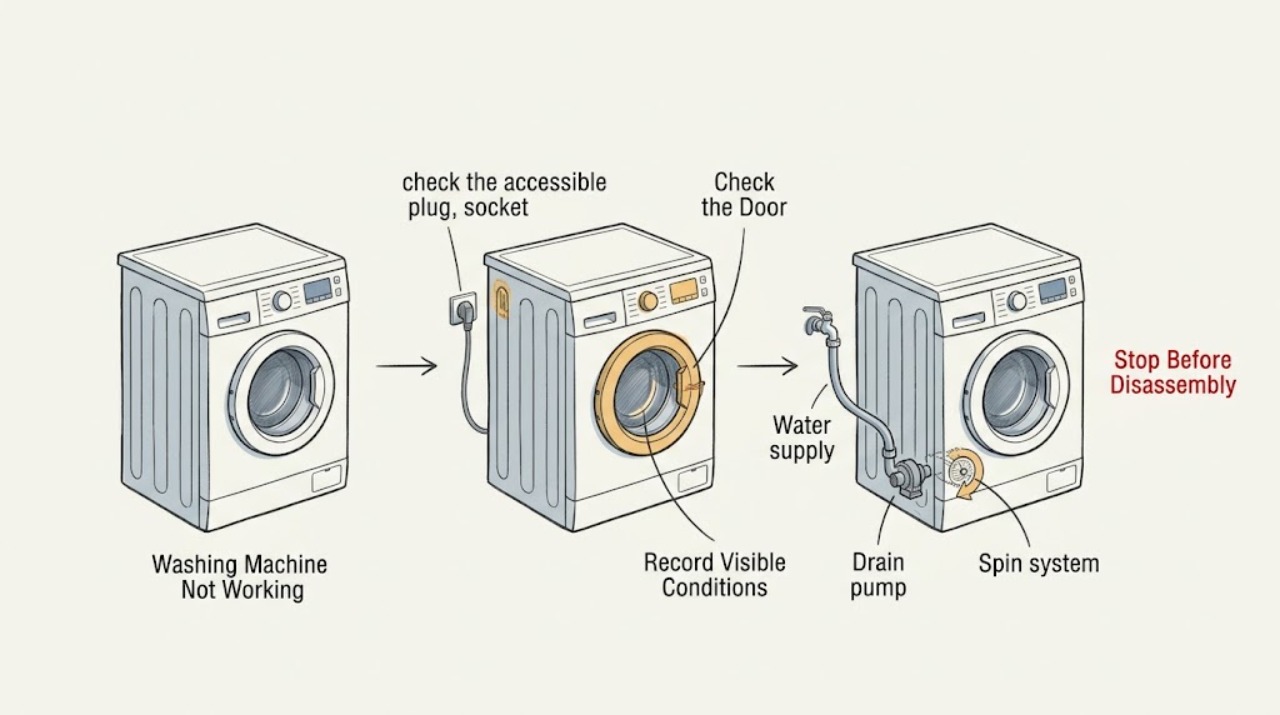
Hoover Washing Machine Not Working
Define what “not working” means before trying a reset: no display or lights, buttons that do not respond, a programme that will not start, no water entering, water left in the drum, or a washer that will not spin. Record the full Hoover product code and any exact display message, then check the accessible socket, plug, isolator, and breaker from a dry position.
-
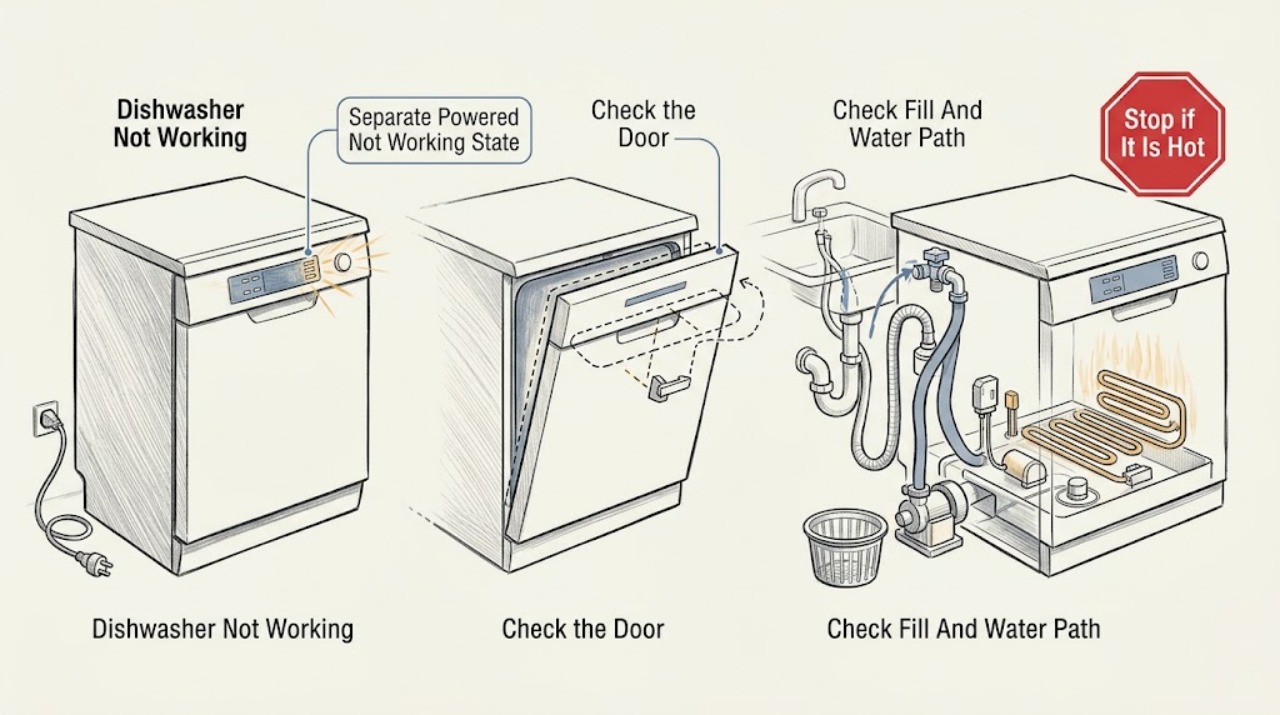
Hotpoint Dishwasher Not Working
Use this page for a powered Hotpoint dishwasher that behaves incorrectly—such as not filling, not emptying, not washing, or showing a broad operating problem. It is not the same as a completely dark appliance (not turning on), a programme that never launches after Start (not starting), or a programme that begins and then stops early (cycle not completing).
-
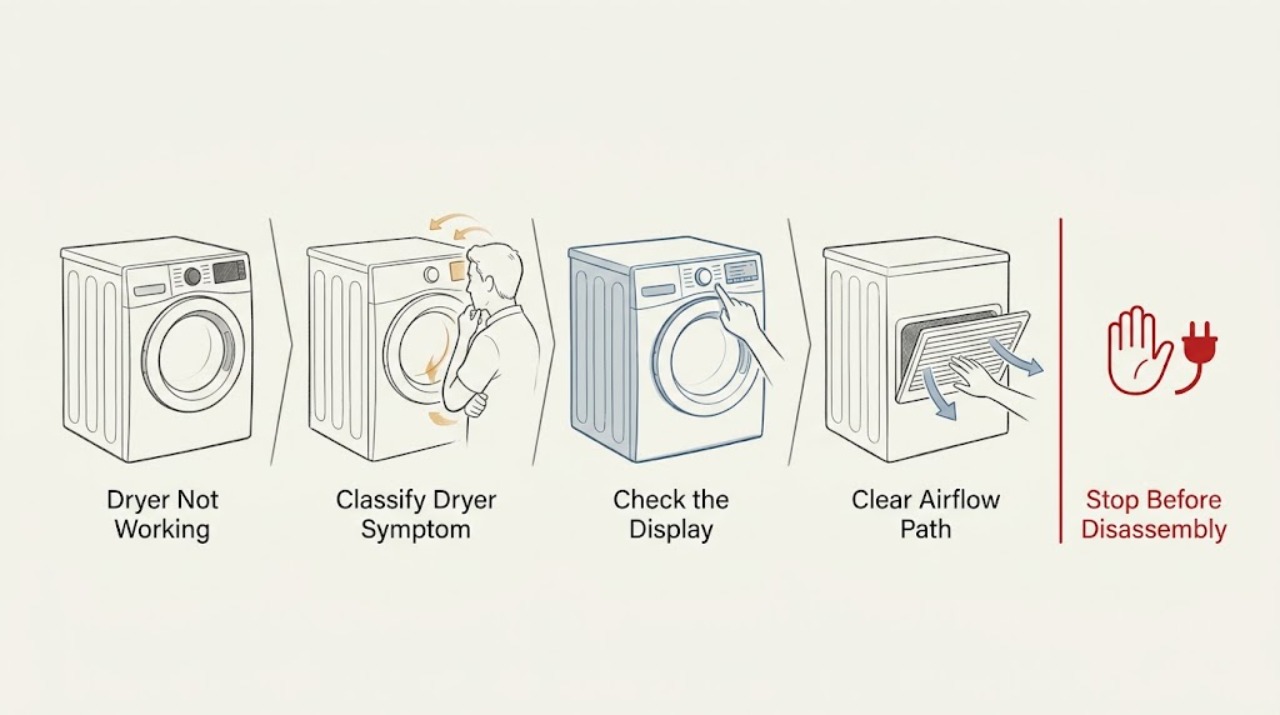
Hotpoint Dryer Not Working
First identify whether your Hotpoint dryer has no power, powers on but will not start, turns without heating, stops during a cycle, or shows a code or flashing lights. Check the plug and household supply only from the outside, confirm the door closes, clean the fluff filter, empty a condenser dryer's water container, and check a vented model's hose for crushing or blockage.
-
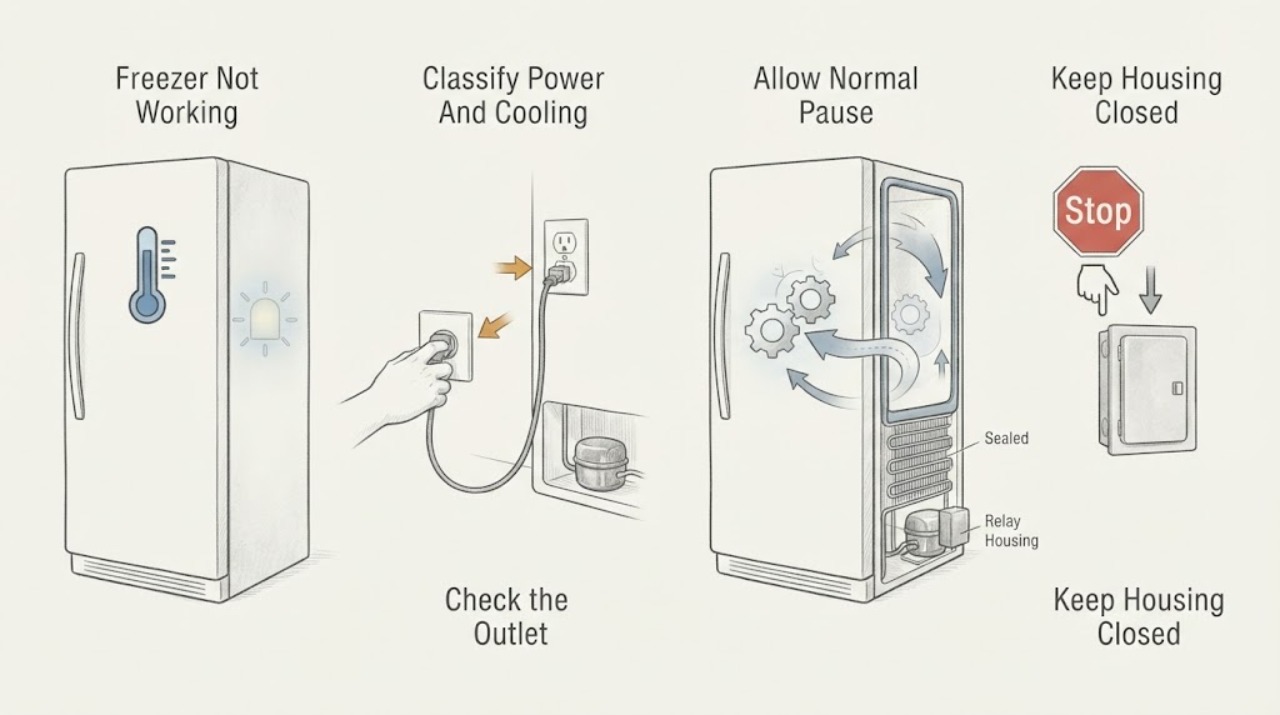
Hotpoint Freezer Not Working: Check Power, Controls, Defrost, and Cooling Safely
Start by separating a freezer with no power from one that has lights but is not cooling. Check the outlet and plug only from a safe, dry position, confirm the temperature control was not set to Off or a demo mode, and listen for the normal pause of a defrost cycle or the short delay after a power interruption.
-
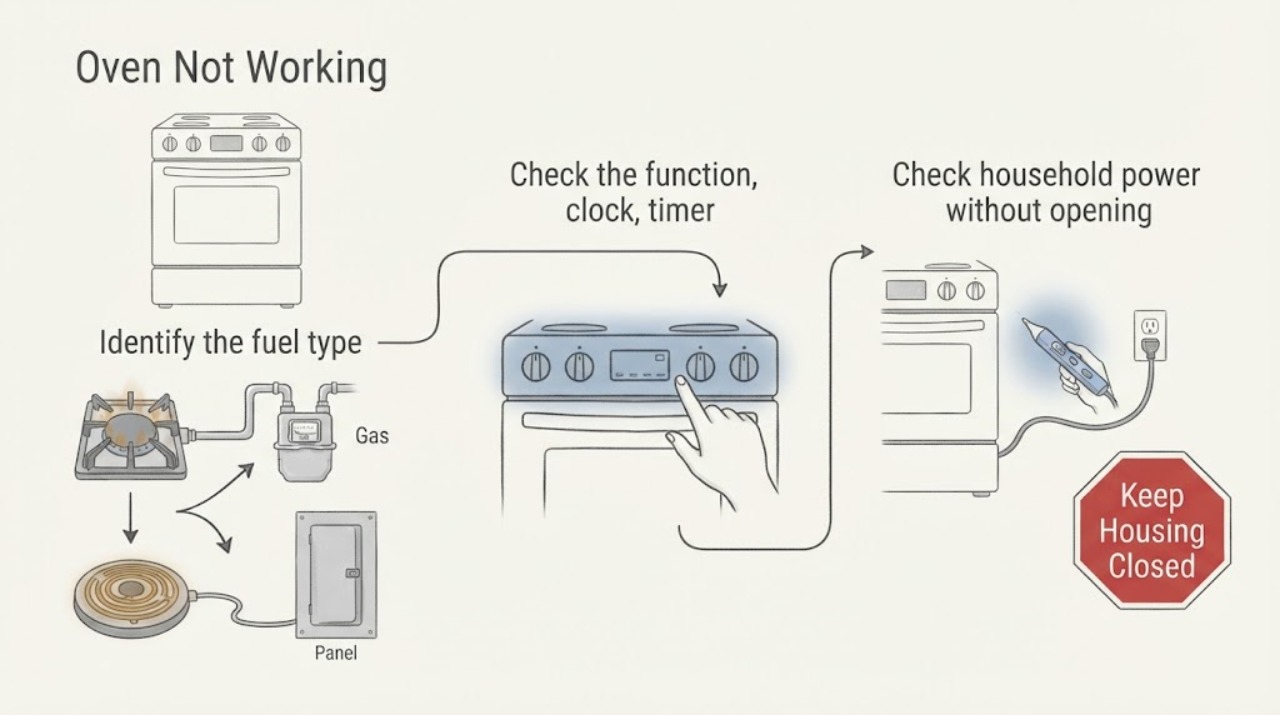
Hotpoint Oven Not Working: Separate the Control, Power, and Heating Fault
First identify whether the Hotpoint oven is gas or electric and whether it is completely dead, powers on but will not start, or runs without producing normal heat. Check the model manual for the required function, temperature, clock or timer, Start action, and any special mode, then check the household supply and any self-clean latch without opening the appliance.
-
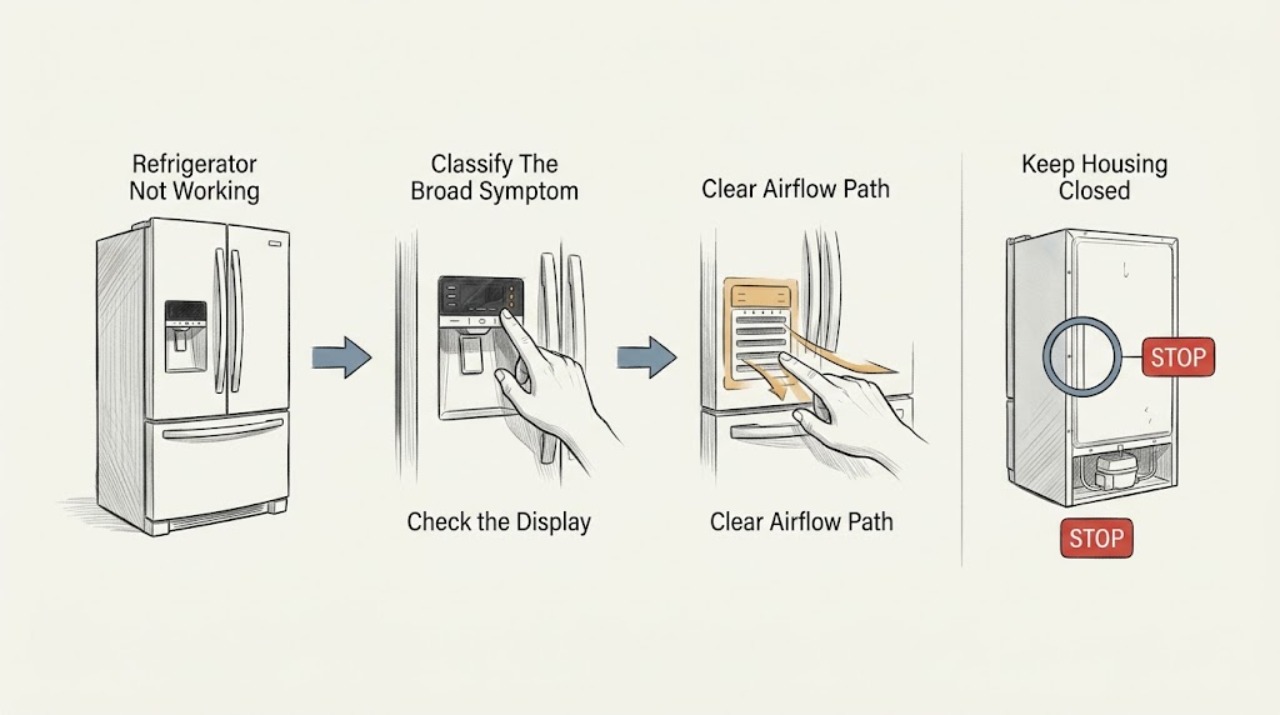
Hotpoint Refrigerator Not Working: Route the Symptom Before Repair
“Not working” is a symptom router, not a diagnosis. First decide whether the refrigerator is completely dead, has power but is not cooling, is cooling unevenly, is noisy, leaking, frosting, or showing a code.
-
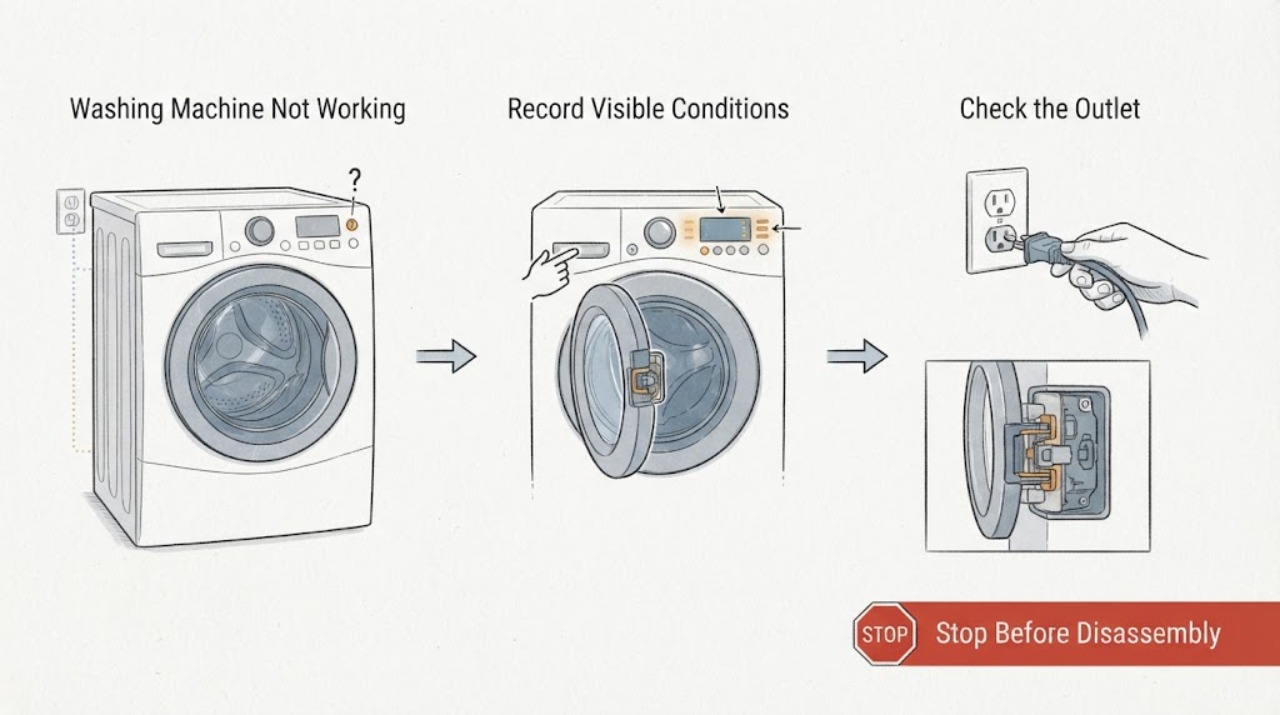
Hotpoint Washing Machine Not Working: Separate Power, Door, Water, and Spin Faults
“Not working” is several different symptoms, so first note whether the display is blank, the panel is lit but Start is ignored, water is not entering or leaving, the drum will not turn, or the washer stops mid-cycle. If the floor and plug are dry, check the outlet, plug, breaker or fuse, and door seating; do not keep resetting a breaker.
-
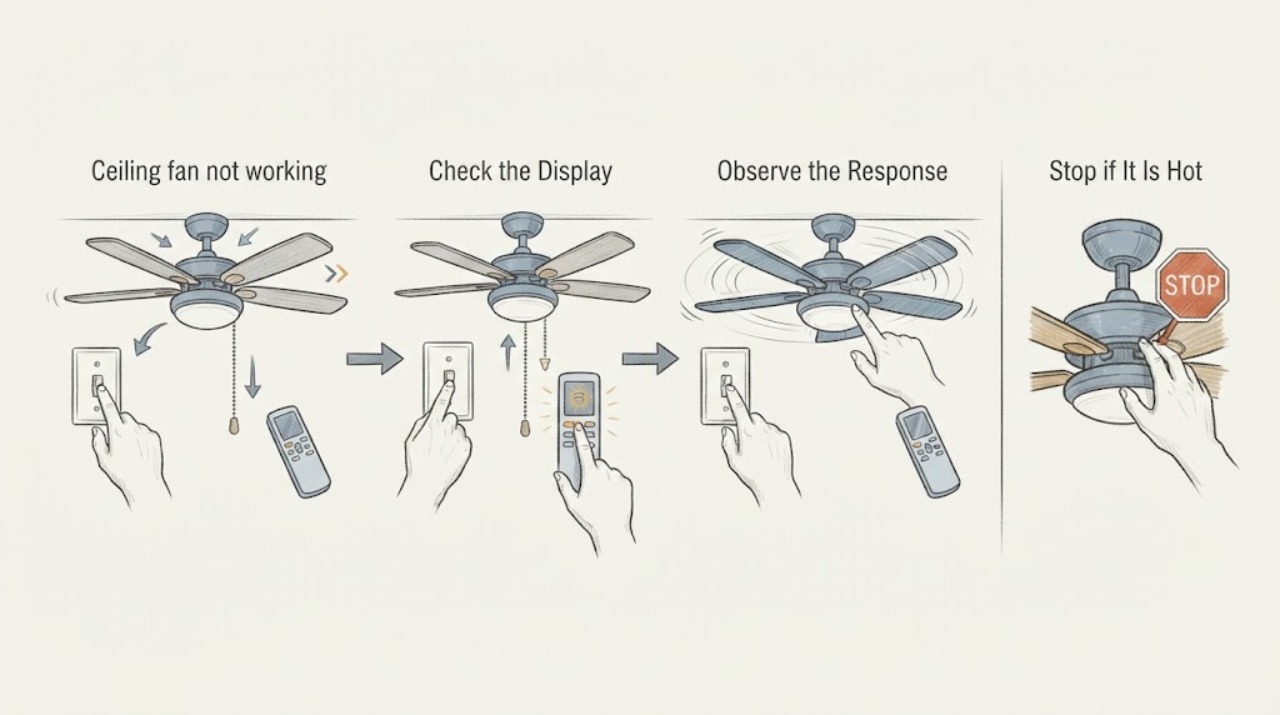
Hunter ceiling fan not working: What to Check and What to Do Next
When a Hunter ceiling fan is not working, first confirm the wall switch supplies power and use the control intended for that fan: a pull chain for a pull-chain model or the remote's on command for a remote model. Then check the labeled breaker, make sure a reverse switch is fully engaged rather than centered, and with power off confirm the blades are not physically stuck.
-
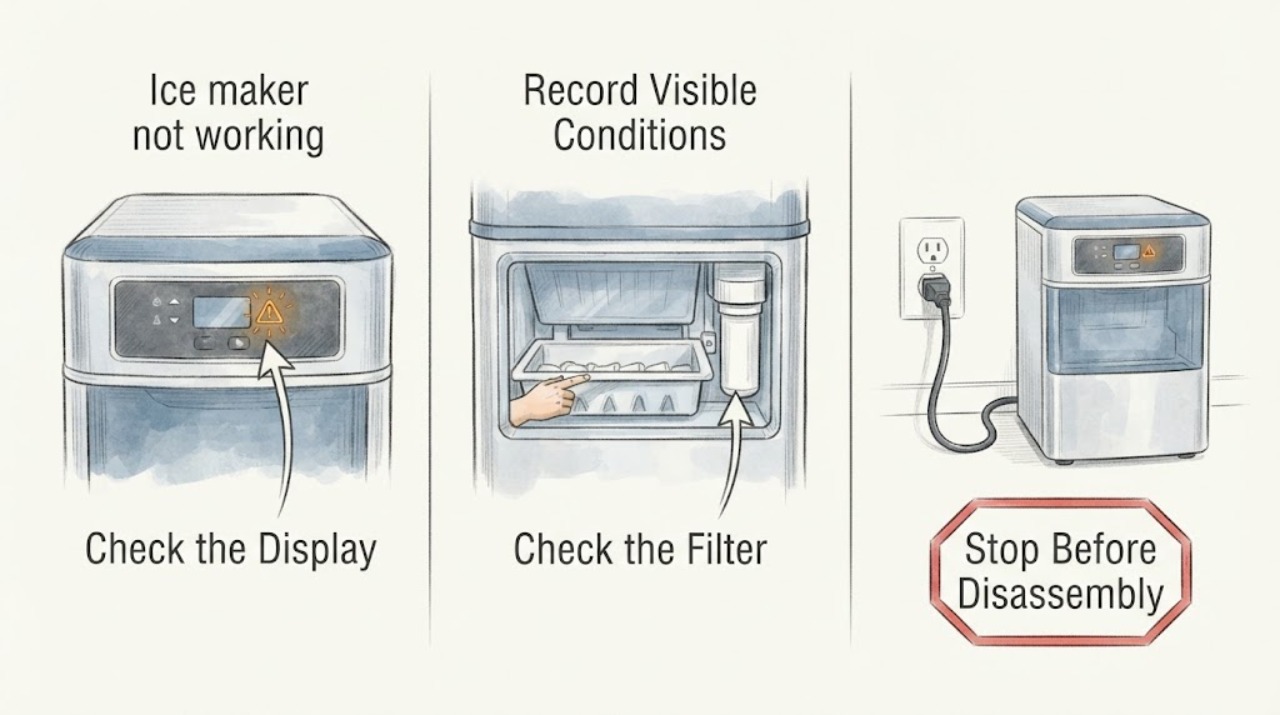
Ice maker not working
An ice maker that is not working should be checked for an enabled maker, correct bin position, a closed refrigerator door, a cold freezer, and an available water supply. Clear only an accessible ice jam as the model manual allows. If the maker remains inactive after those checks, or the water line leaks, arrange qualified refrigerator service.
-
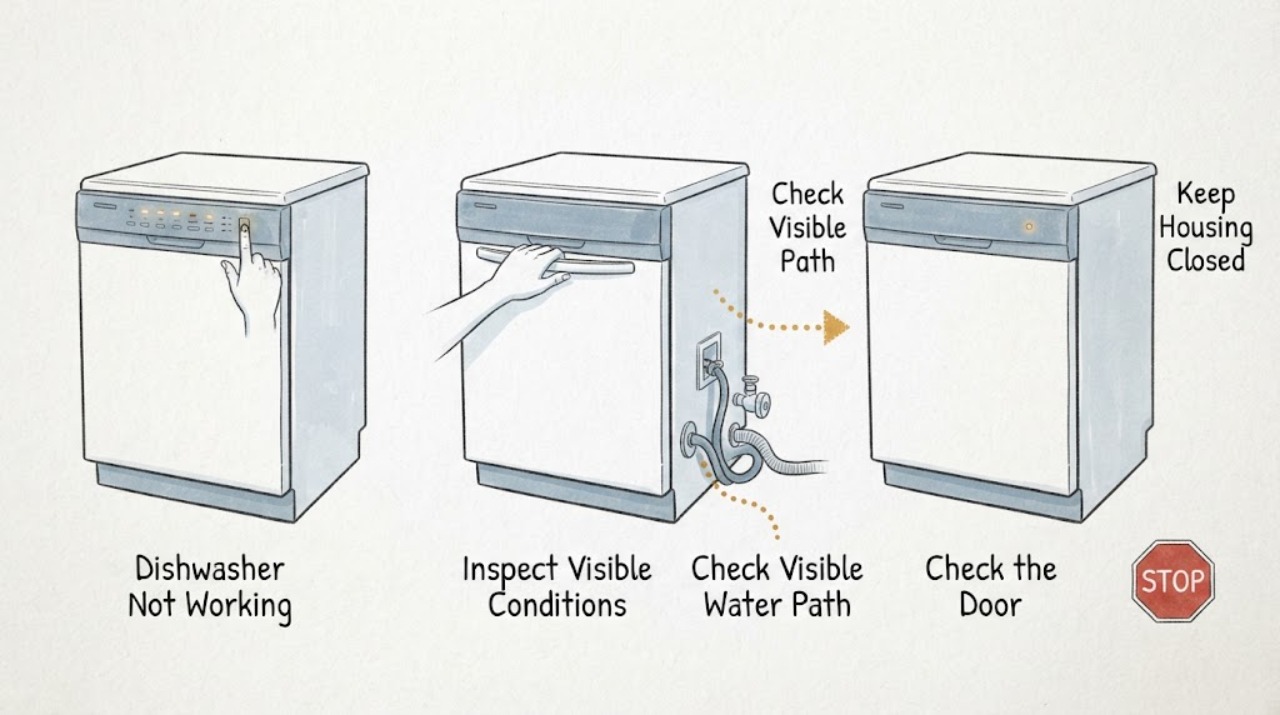
Indesit Dishwasher Not Working: Find the Right Symptom Route
“Not working” is a symptom-routing problem, not one universal Indesit dishwasher fault. First observe what the machine actually does: no lights or response, lights on but no program start, a door that will not latch, no water entering, water left inside, a program that stops before completion, or a displayed light sequence or code.
-
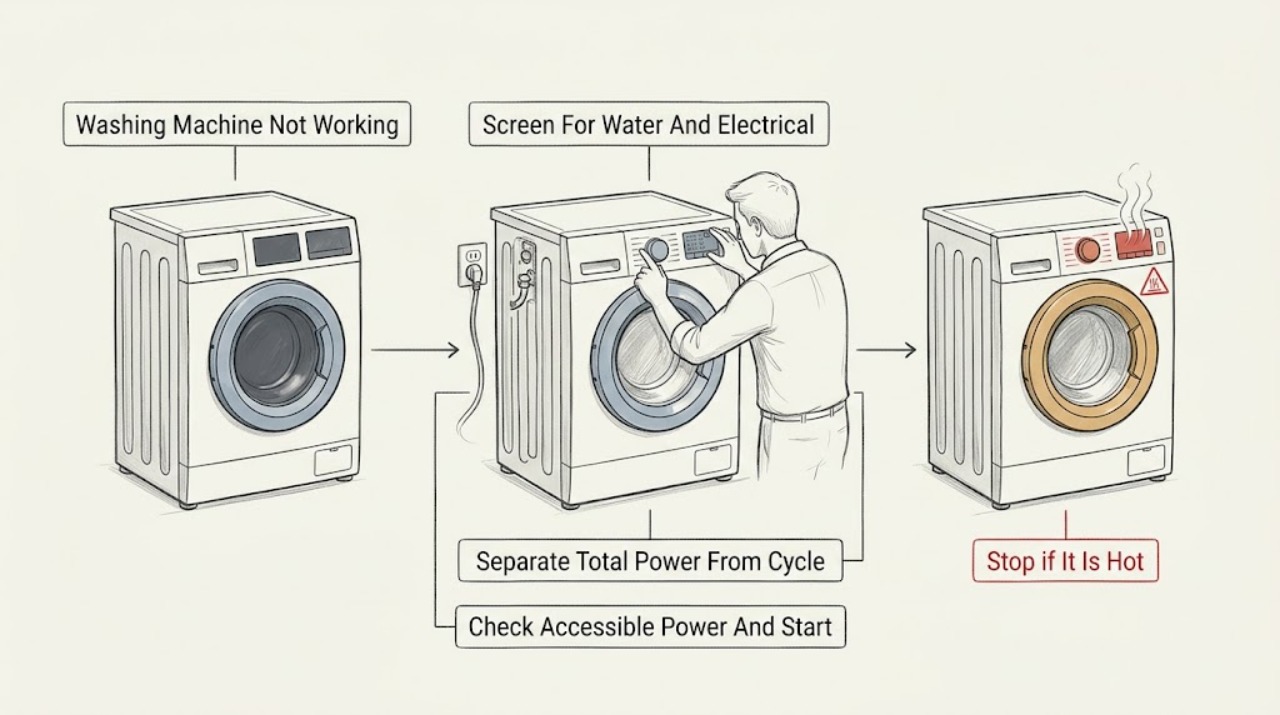
Indesit Washing Machine Not Working: Check Power, Door, Water, and Drainage
When an Indesit washing machine is not working, first stop for a leak, standing water near electrics, a burning smell, smoke, sparks, a damaged cord, violent movement, or a repeated breaker trip. If there is no hazard, separate a blank display from a cycle that will not start, fill, drain, or spin.
-
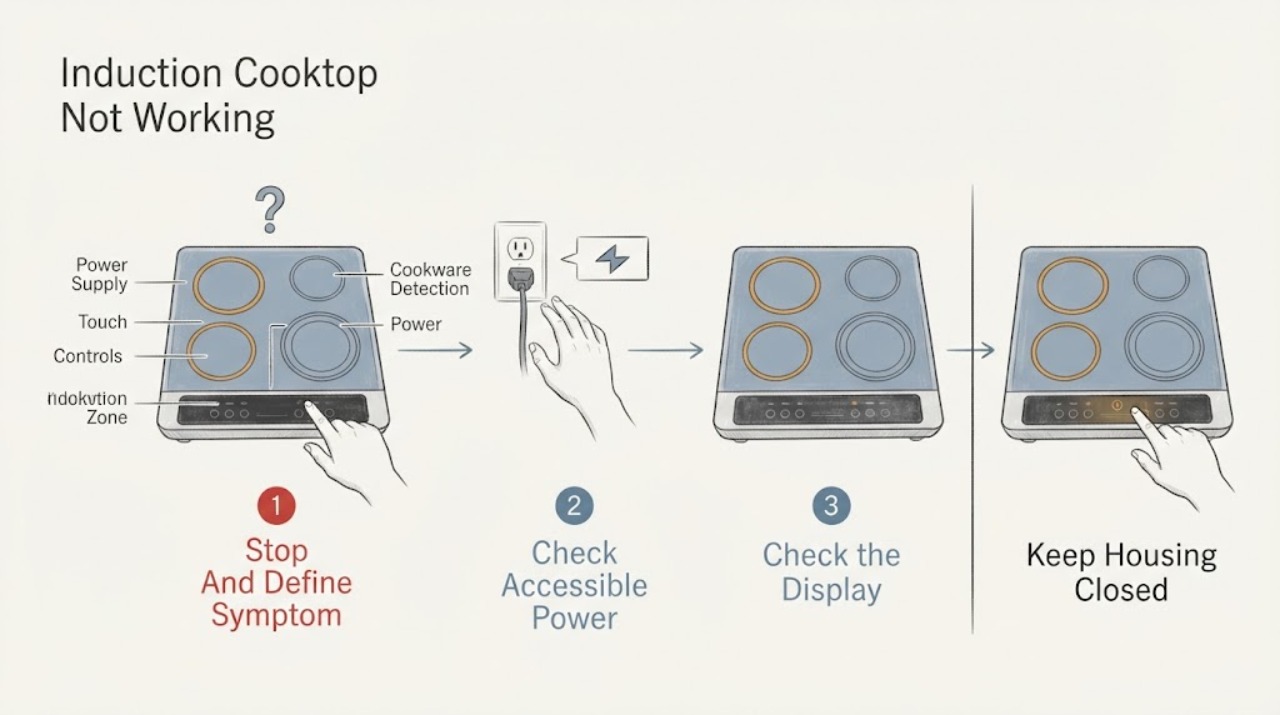
Induction Cooktop Not Working: Power, Pan Detection, and Error Checks
First decide whether the induction cooktop has no display at all, has a locked or wet control panel, detects no pan, or powers a zone without heating. Induction has no gas igniter: it heats a suitable magnetic pan through an electrical coil.
-
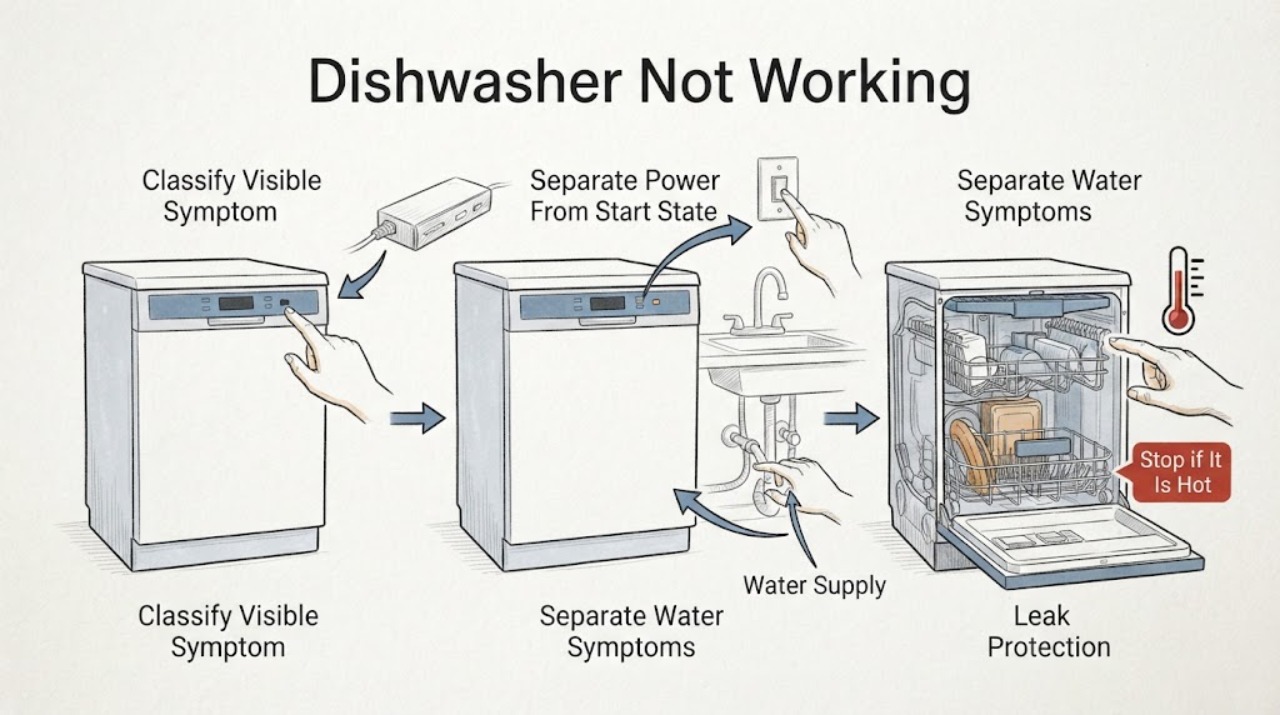
JennAir Dishwasher Not Working: Find the Right Troubleshooting Route
Treat "not working" as a symptom to classify, not as one failed part. First note whether the panel is completely dark, the panel lights but Start does nothing, the cycle stops, water is on the floor, water remains at the end, or a code or flashing pattern appears.
-
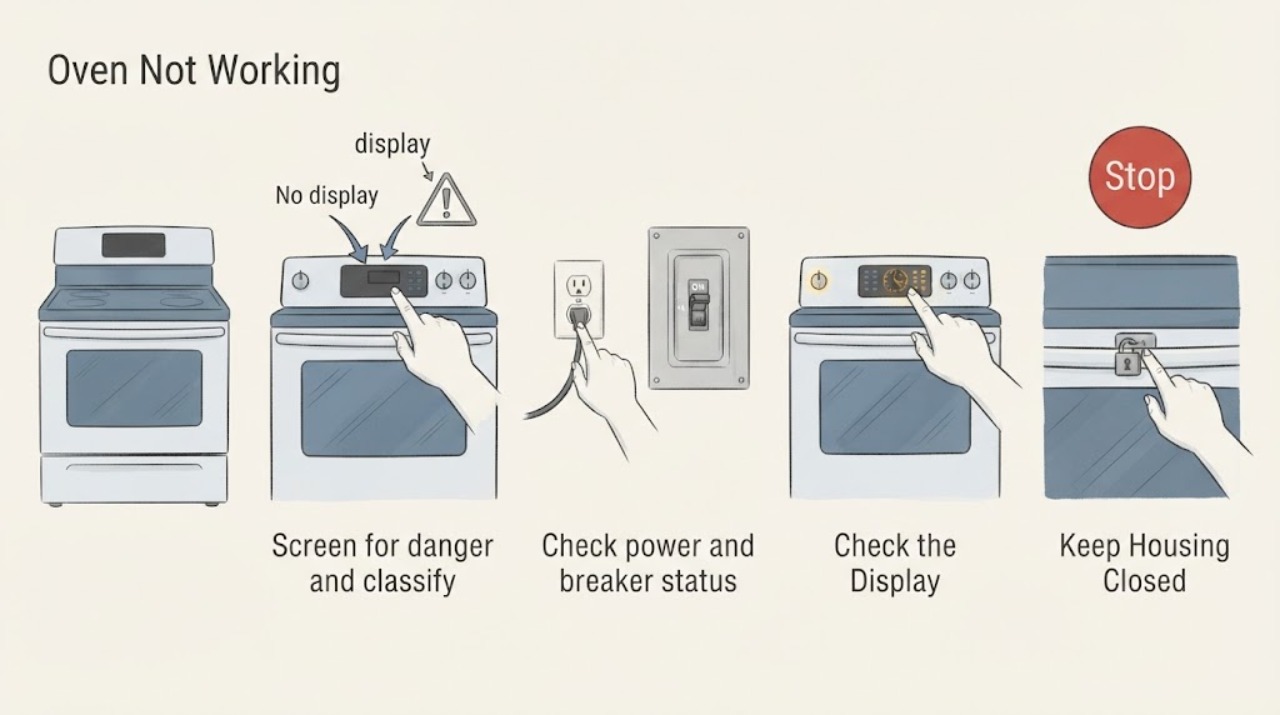
JennAir Oven Not Working: Check Power, Controls, Door, and Heat Safely
Separate a JennAir oven with no display from one that powers on but will not start, one that starts but does not heat, and a gas oven that clicks without a safe flame. Check the model's power and breaker requirements, Control Lock or demo mode, clock and delayed-start state, selected mode and temperature, Start action, and door position.
-
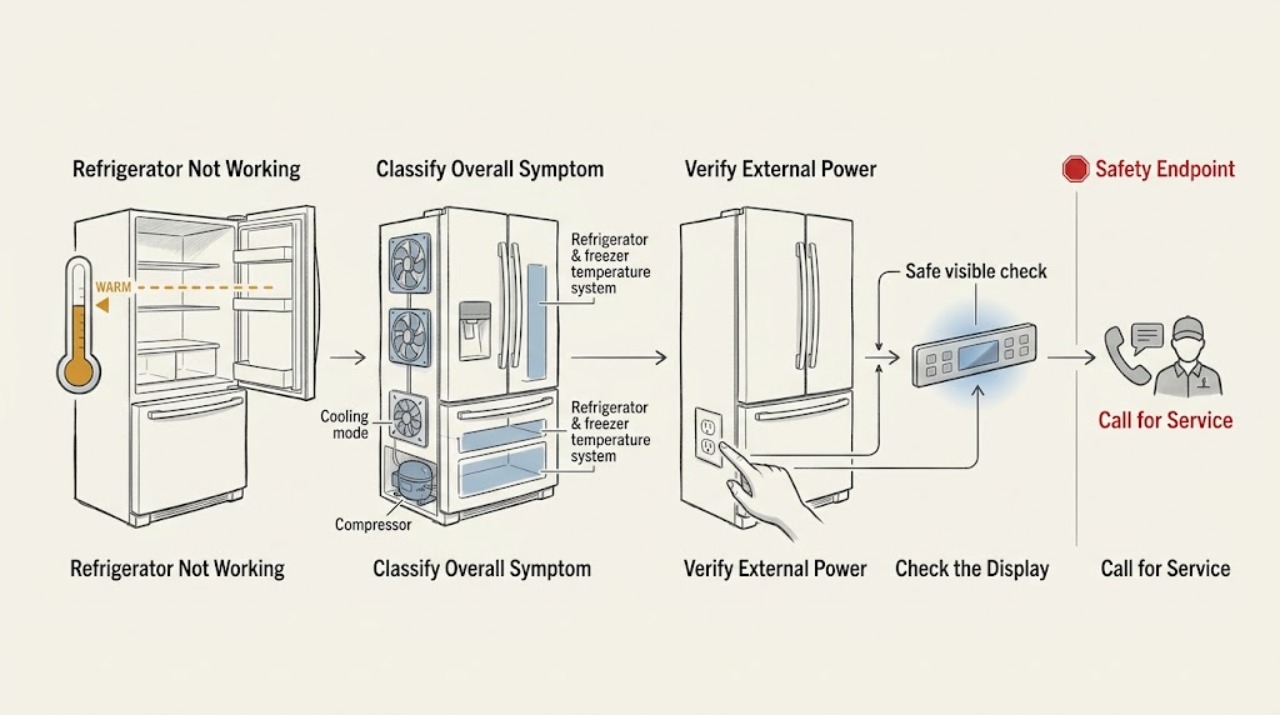
JennAir Refrigerator Not Working
Treat “not working” as a symptom router, not a single repair diagnosis. First decide whether the refrigerator has no lights or display, has power but cooling is intentionally off or the controls do not respond, or has power and is running but the compartments are too warm.
-
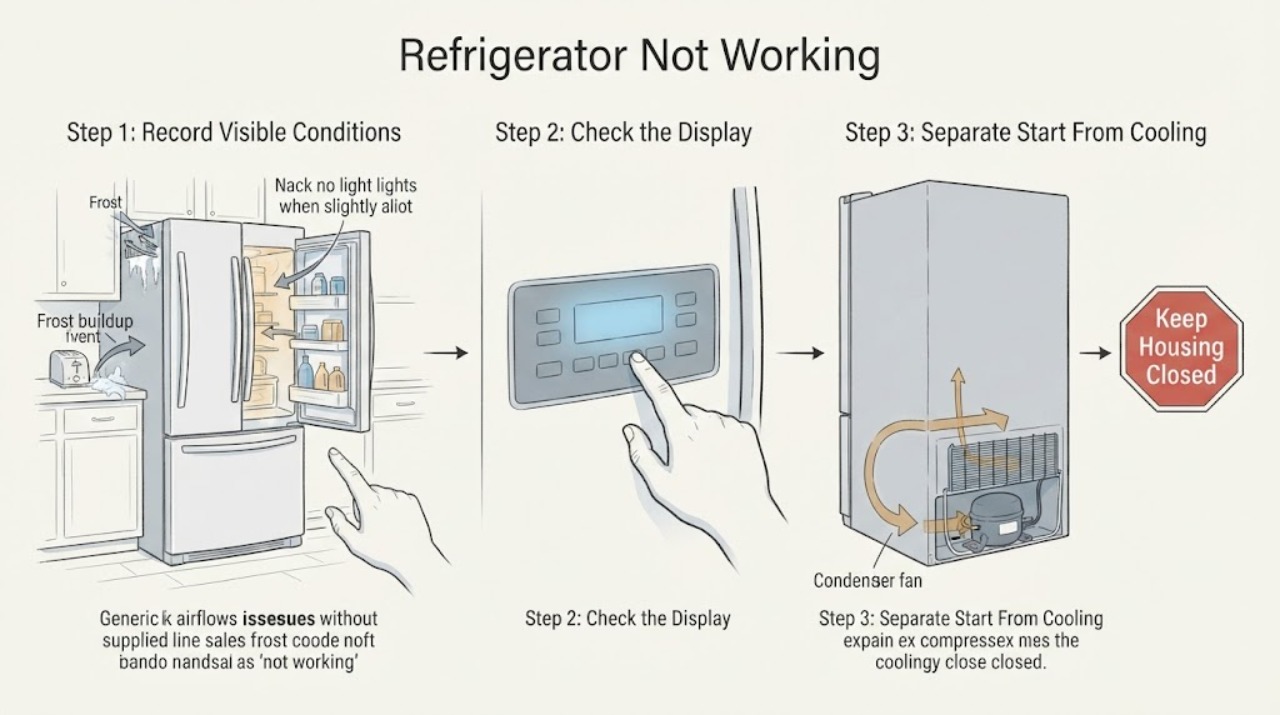
Kelvinator Refrigerator Not Working: Choose the Right Symptom Guide
“Not working” is too broad to identify one refrigerator fault. First record the exact Kelvinator model and choose the most visible symptom: no light or control response, lights on but no cooling cycle, running but warm, frost or ice, water, a door that will not close, a dispenser/ice issue, or an unusual sound.
-
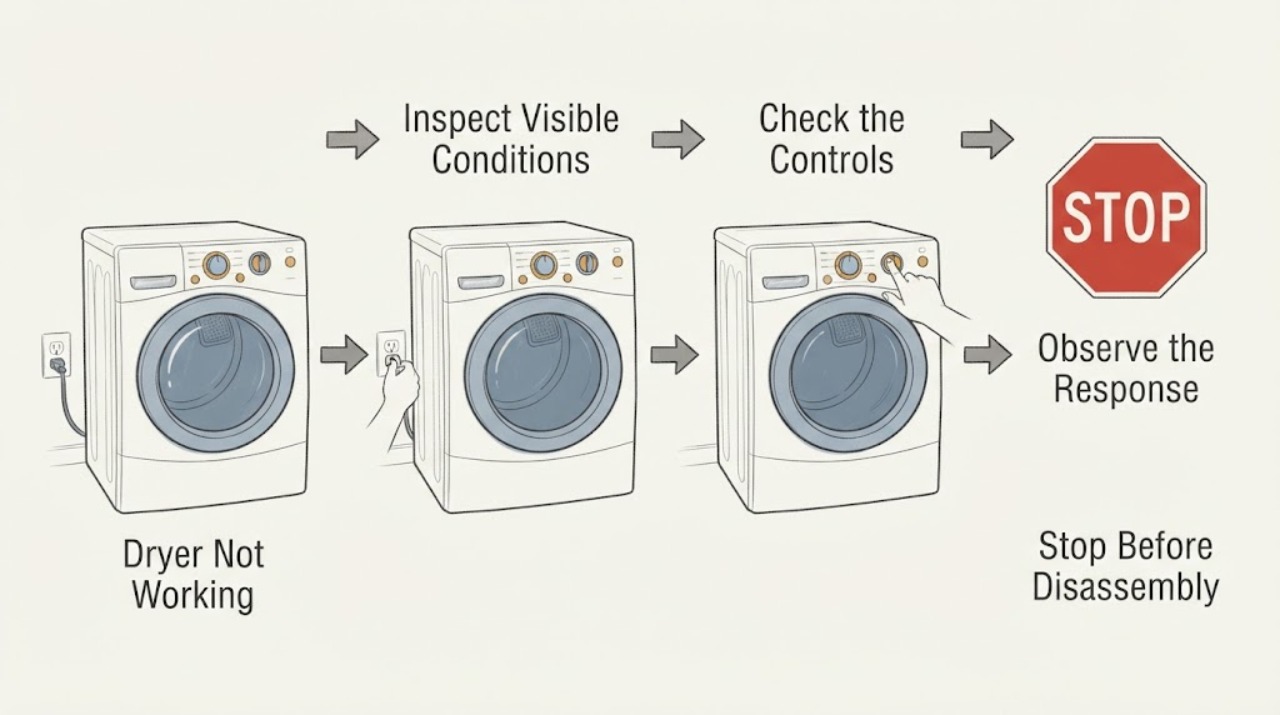
Kenmore Dryer Not Working: Separate Power, Start, Spin, and Heat Faults
Treat “Kenmore dryer not working” as four different symptoms: a blank panel, a powered panel that will not start, a running dryer whose drum does not turn, or a turning dryer that does not heat. With the dryer and floor dry, check the accessible plug, breaker or fuse, door closure, cycle controls, Start control, lint filter, and visible exhaust path using the exact model manual.
-
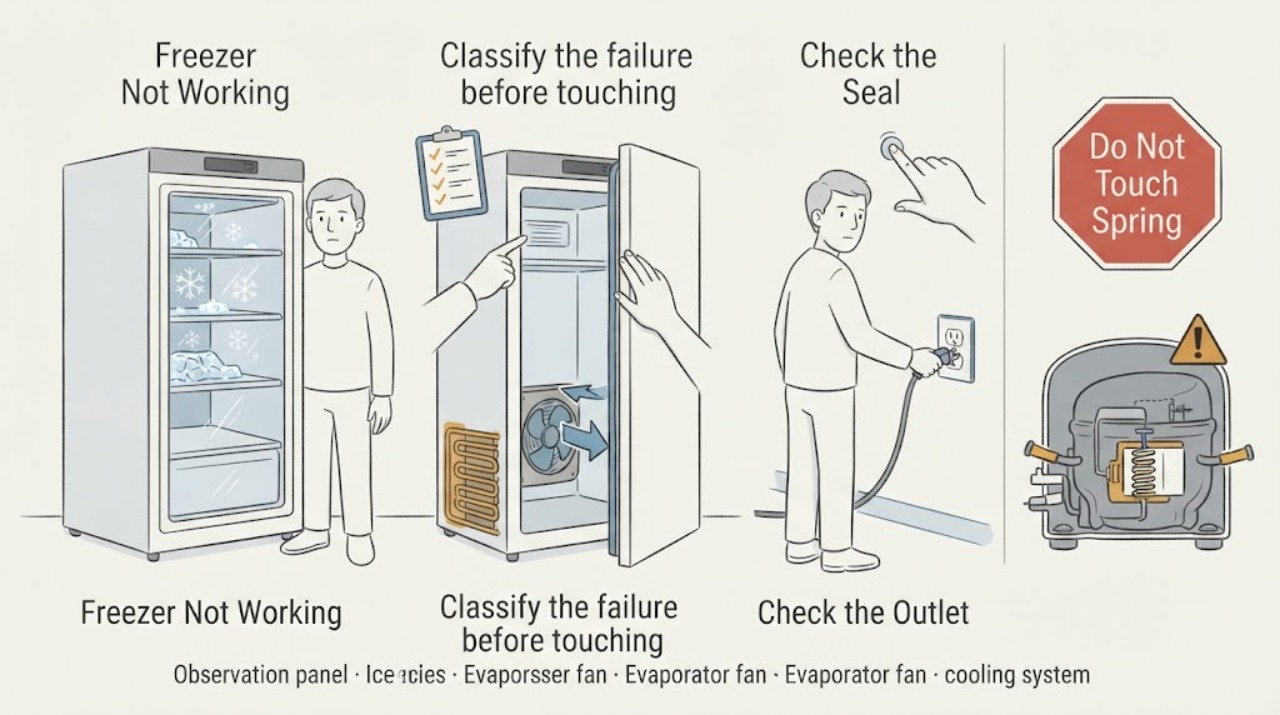
Kenmore Freezer Not Working
First decide whether the Kenmore freezer has no power, has power but is warm, or is running without maintaining temperature. Check the outlet and breaker without opening the appliance, confirm the control is set correctly, make sure the door closes and the gasket seals, and look for blocked vents or heavy frost.
-
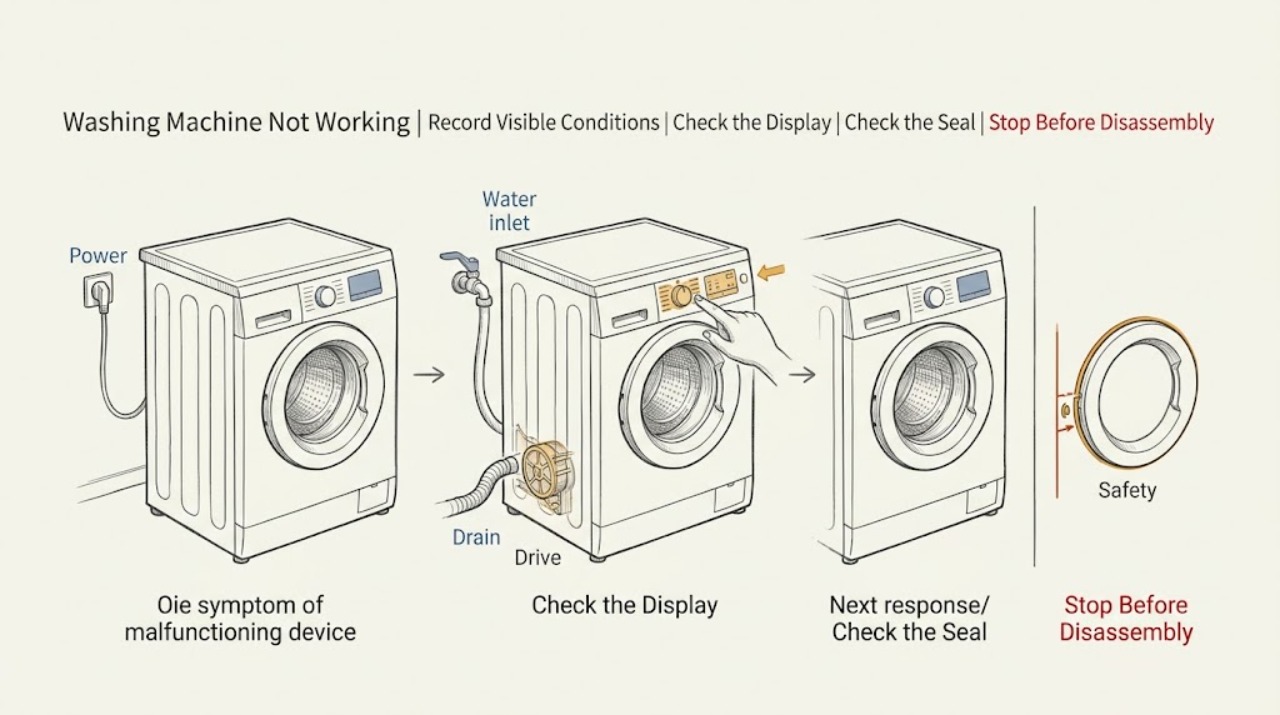
Kenmore Washing Machine Not Working: Find the Failed Stage Safely
A Kenmore washing machine that is not working should be narrowed by the stage that fails: no display or no response, no start after a command, no fill, no drain, no rotation or spin, a leak, or an error message. Do not keep testing if water reaches the outlet, the cabinet moves violently, or there is a burning smell, smoke, arc, shock, abnormal heat or a repeated breaker trip.
-
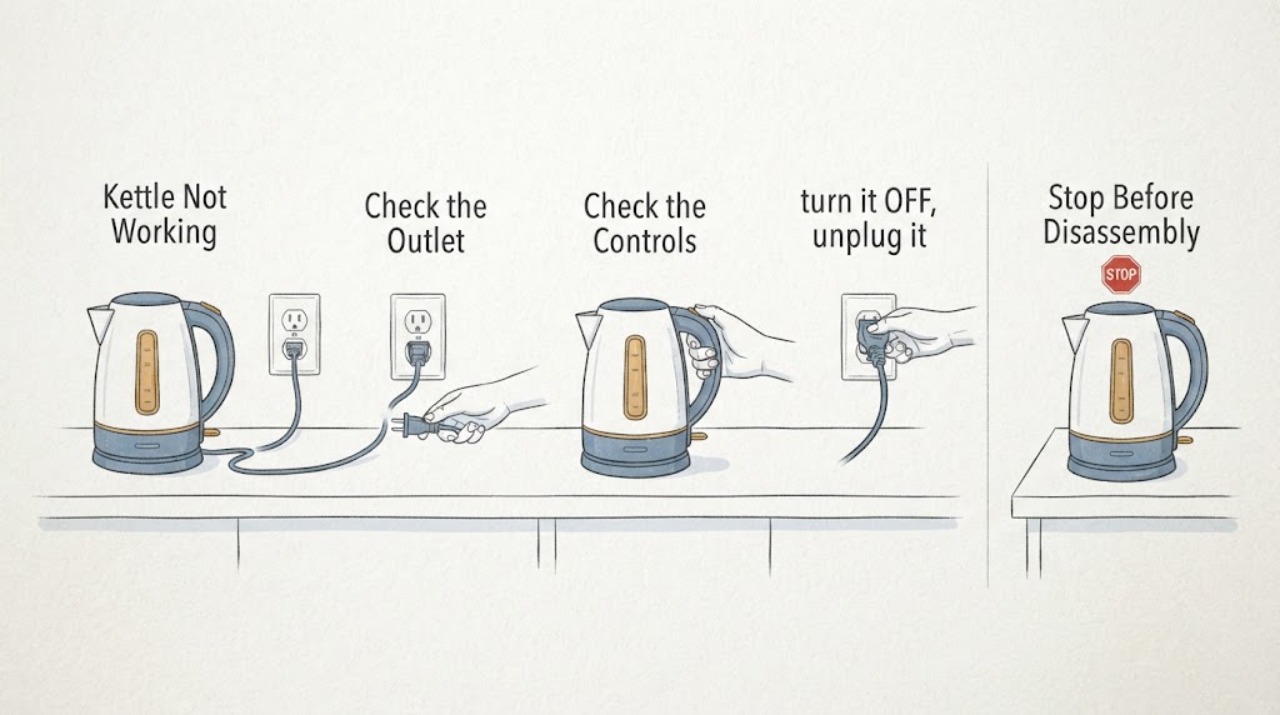
Kettle Not Working
Unplug the kettle and check the outlet, switch, and—for cordless models—the kettle seating on its base. If it was switched on empty or boiled dry, leave it off and unplugged while it cools, then refill between the marked limits and retry once. If it heats but does not boil, scale may be restricting heat transfer. A damaged cord, plug, base, burning smell, or failure after these checks requires replacement or qualified service.
-
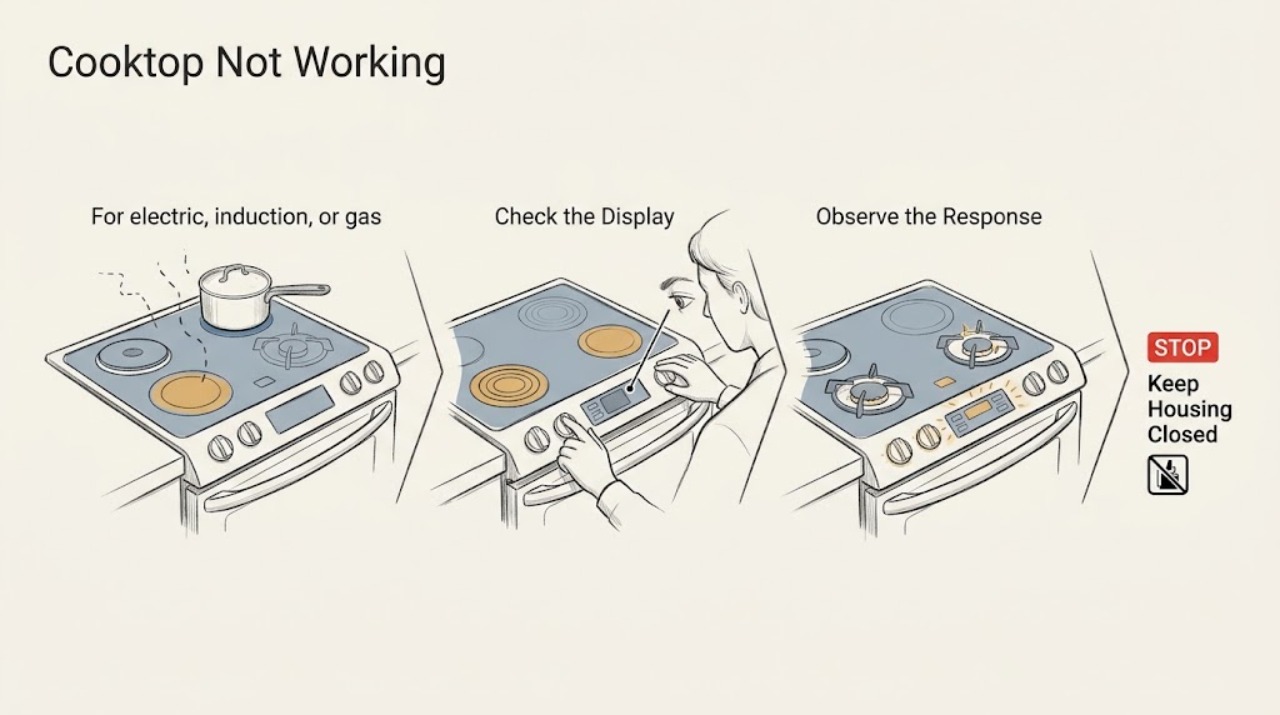
KitchenAid Cooktop Not Working: Find the Power, Lock, Gas, or Burner Fault
First identify whether your KitchenAid cooktop is gas, radiant electric, or induction. For any type, clear the control area, check the house breaker, and look for a control lock.
-
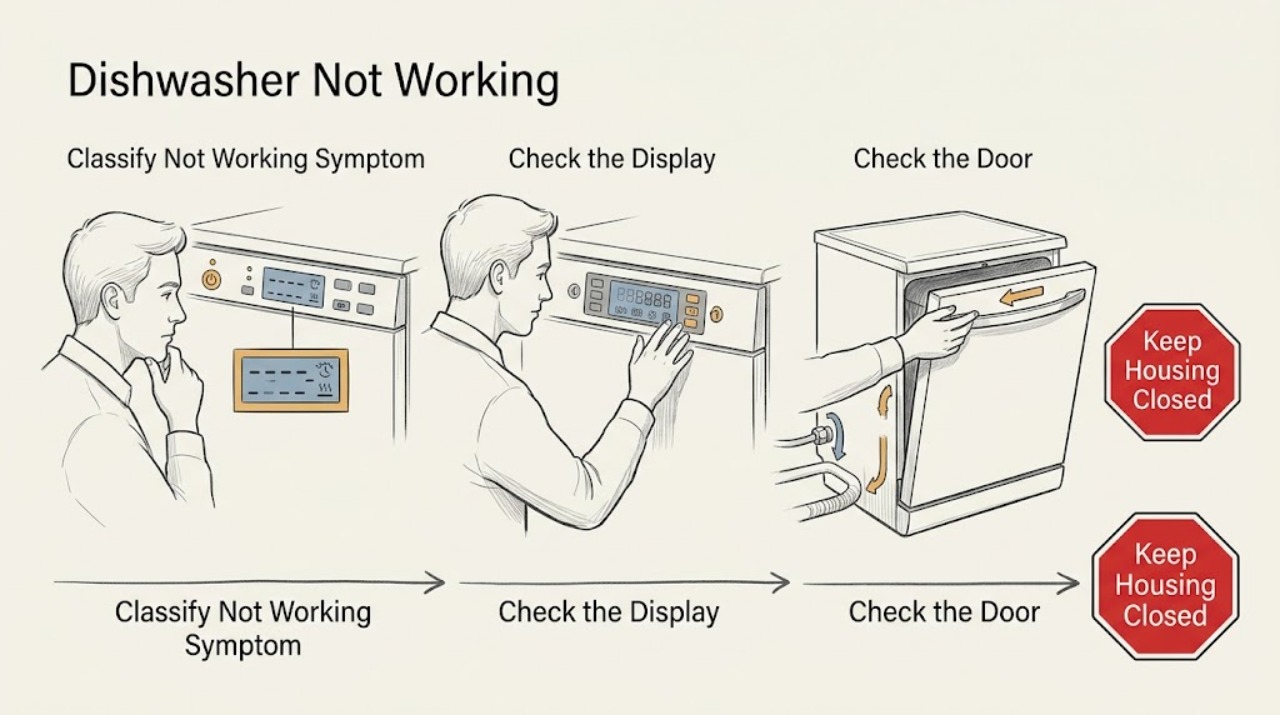
KitchenAid Dishwasher Not Working: Route the Symptom Before Troubleshooting
Treat “not working” as a routing symptom, not a single diagnosis. First record the KitchenAid model number and decide which of these is actually happening: no lights or power, lights on but controls do not respond, a cycle will not start, a cycle stops partway, water remains, or a code or repeating light pattern appears.
-
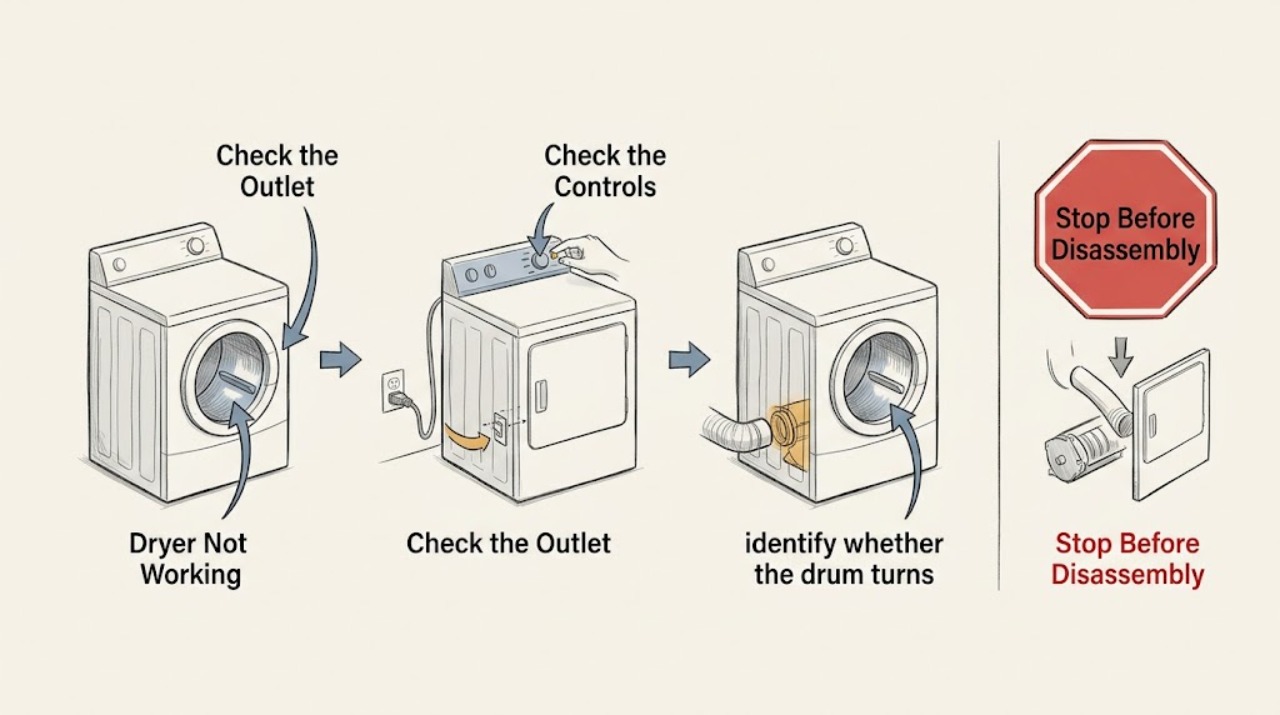
KitchenAid Dryer Not Working: Diagnose No Start, No Heat, and No Tumble
When a KitchenAid dryer is not working, first identify whether the panel is dead, the drum will not turn, the drum turns without heat, or clothes stay damp despite a running cycle. From a dry, safe position, check the door, controls, plug, outlet, and breaker, then confirm that Air Only was not selected and that the lint screen and visible exhaust path are clear.
-
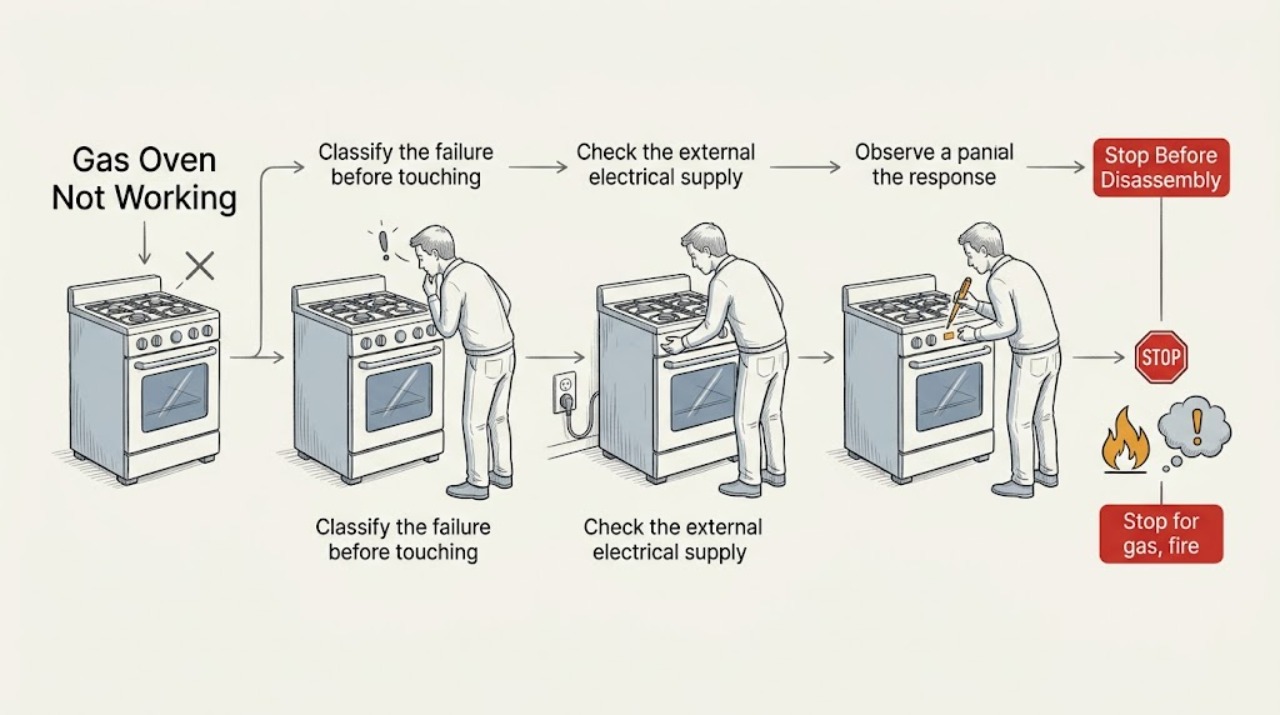
KitchenAid Gas Oven Not Working: Separate Power, Controls, Gas, and Ignition
Start by separating a blank KitchenAid control from an oven that powers up but will not start, click, or heat. Stop immediately for gas odor, delayed ignition, abnormal flame, smoke, sparks, a hot or damaged connection, or a breaker that trips again; do not keep trying to light it.
-
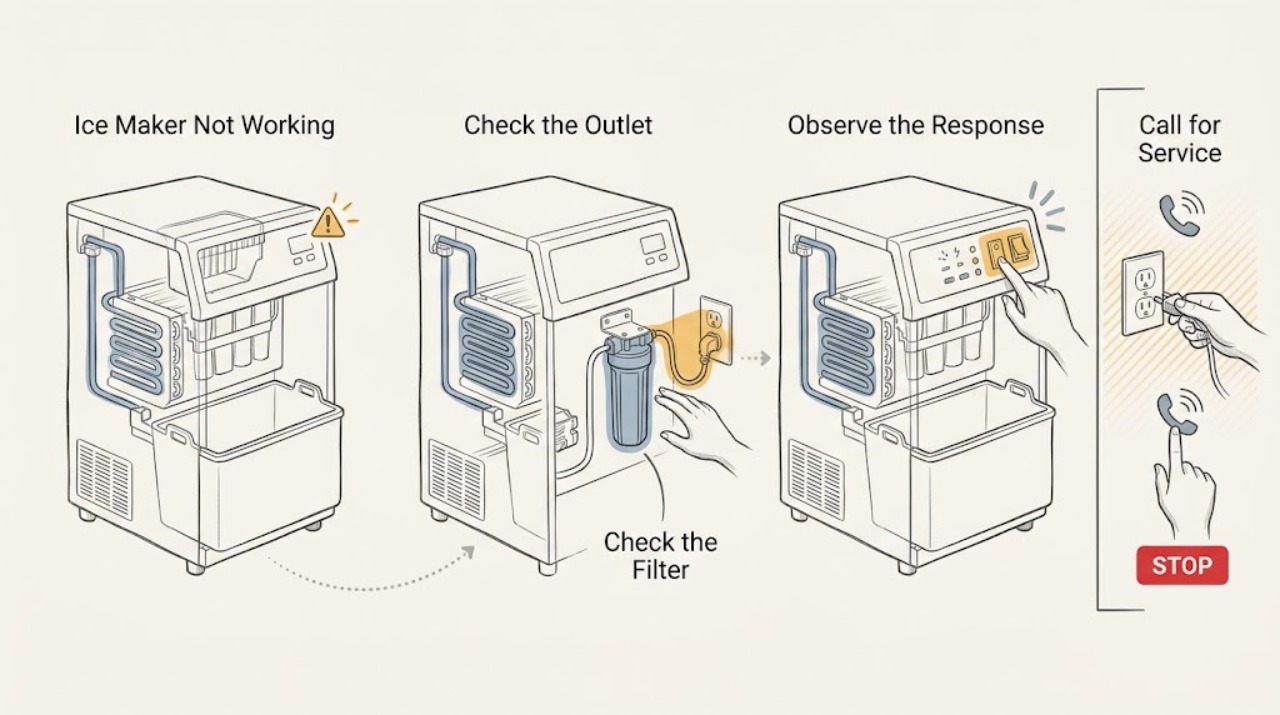
KitchenAid Ice Maker Not Working
Check that the KitchenAid ice maker is on, its shutoff arm or control is in the operating position, the water valve is open, and the freezer is near 0°F. If it still does not cycle after a model-appropriate reset and waiting period, arrange service rather than forcing the tray or replacing a part without a model match.
-
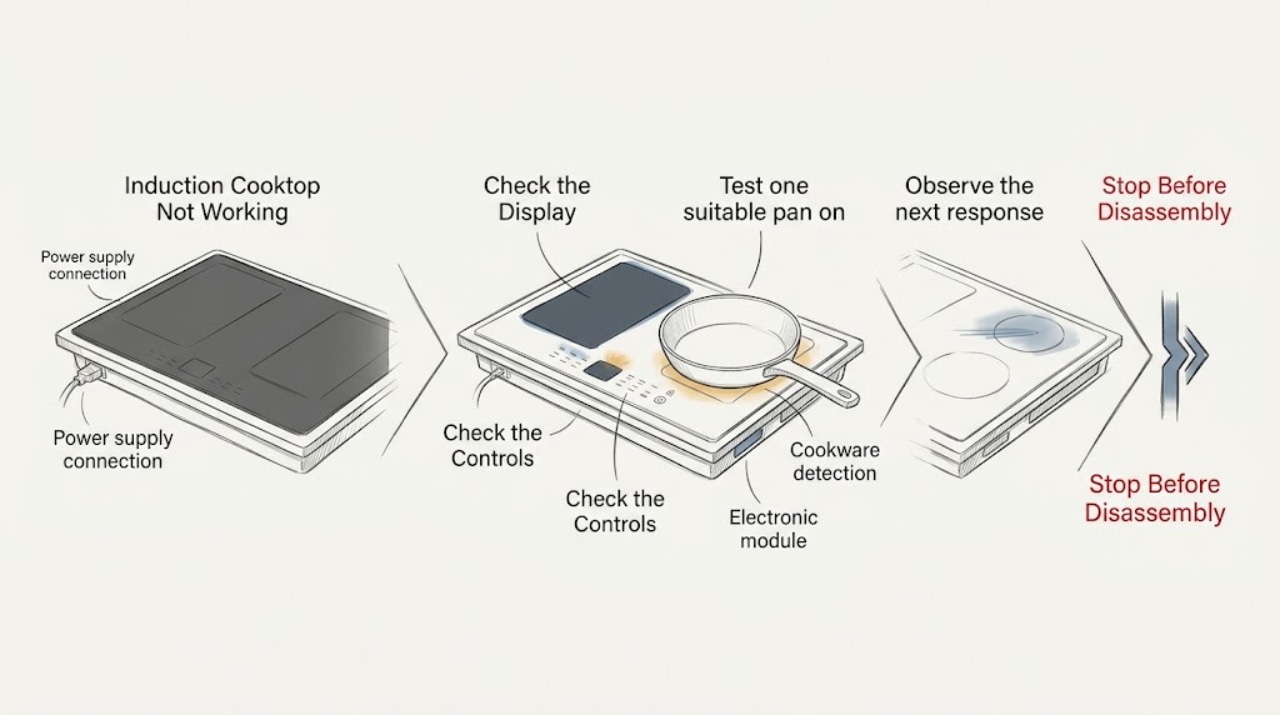
KitchenAid Induction Cooktop Not Working: Check Pan Detection, Controls, and Power
First separate a completely dead cooktop from a zone that is powered but does not detect cookware. If nothing operates, KitchenAid directs you to check the household fuse or circuit breaker and the installation wiring; continuing trouble needs an electrician or service.
-
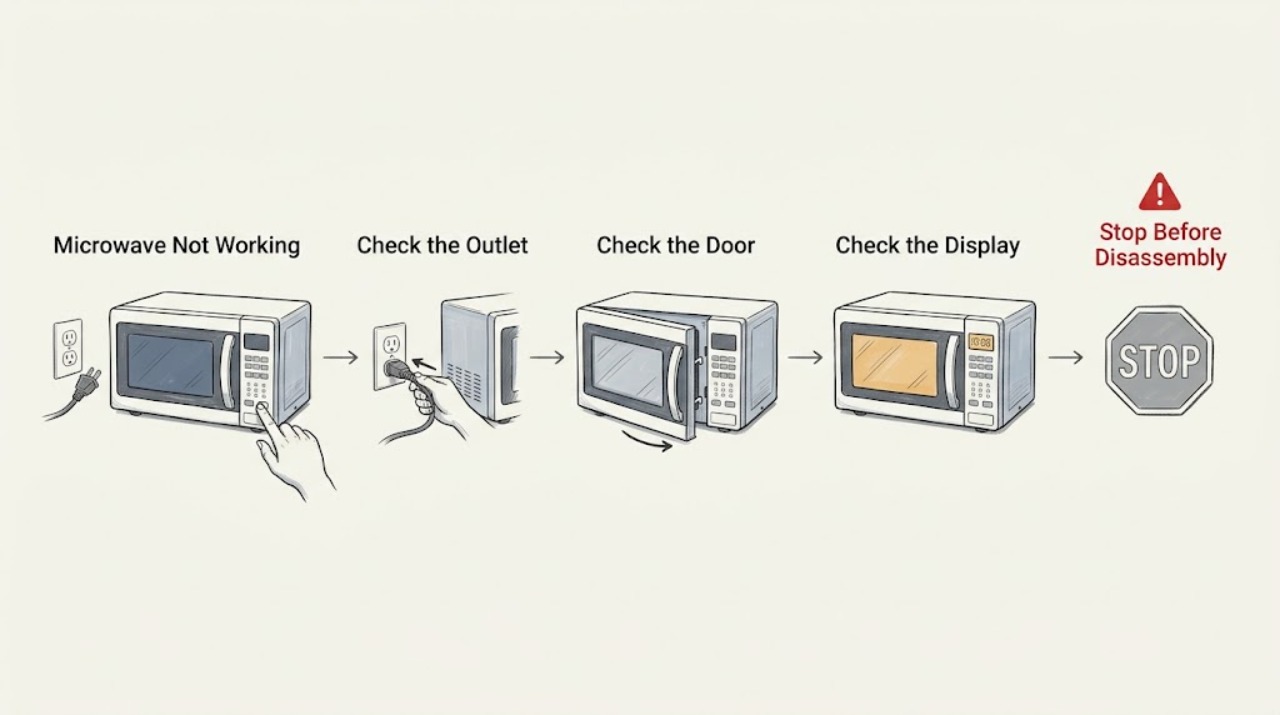
KitchenAid Microwave Not Working
Check household power, the door closure, the control lock, and the selected cooking function before assuming an internal failure. If the oven has power but does not heat a cup of water, stop using it and arrange service; do not remove the microwave cabinet.
-
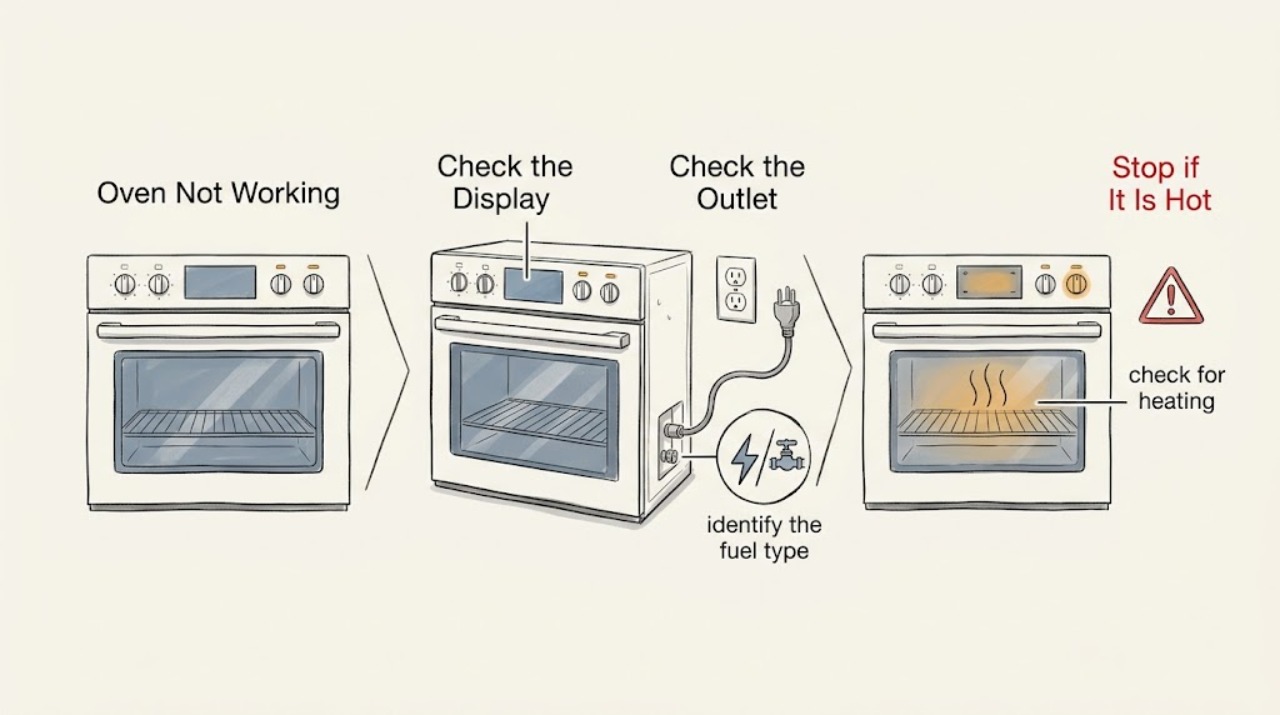
KitchenAid Oven Not Working: Find the Safe Power, Control, or Heating Fault
Start by separating a completely dead KitchenAid oven from one that has a live display but will not start, heat, or ignite. Confirm the exact model and whether it is electric, gas, or dual fuel.
-
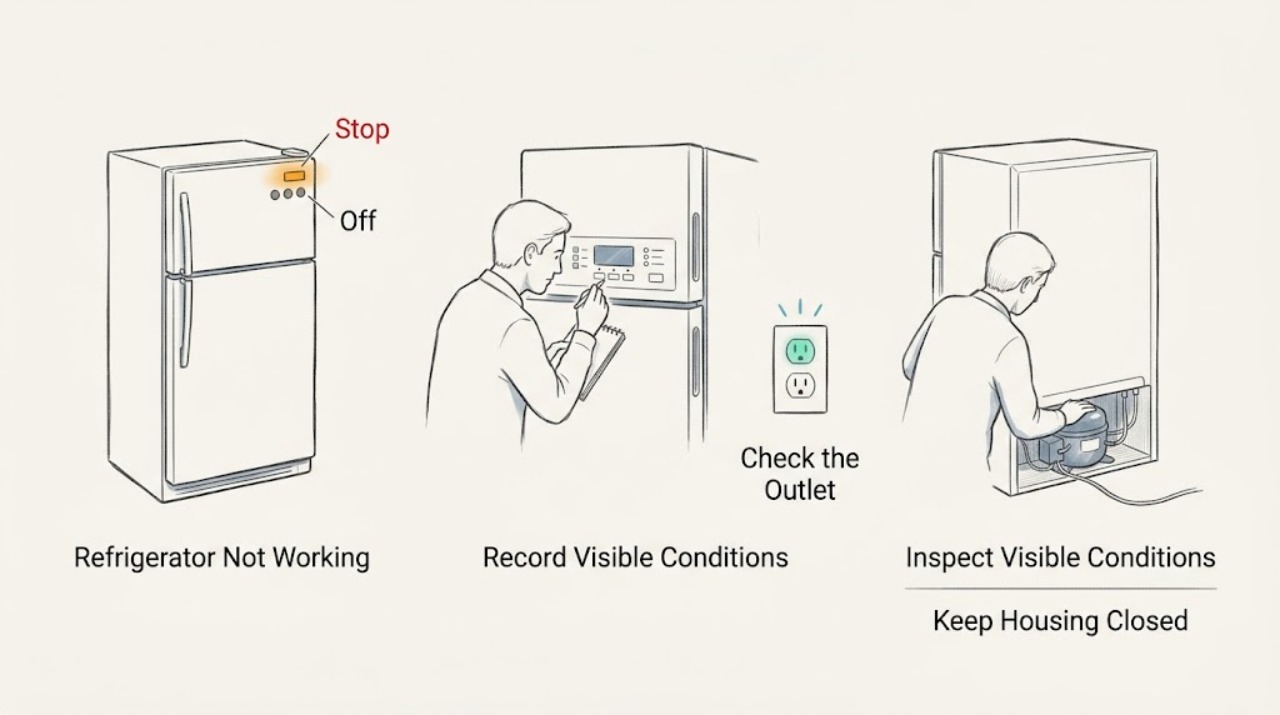
KitchenAid Refrigerator Not Working
For a KitchenAid refrigerator that appears completely dead, first separate loss of household power from a refrigerator control that is off. Check the outlet, cord, breaker or GFCI, and the refrigerator controls using the owner's manual. If the outlet works but the refrigerator still has no lights, display, sounds, or response, stop before opening panels and arrange service; a powered refrigerator that is merely warm follows a different cooling diagnosis.
-
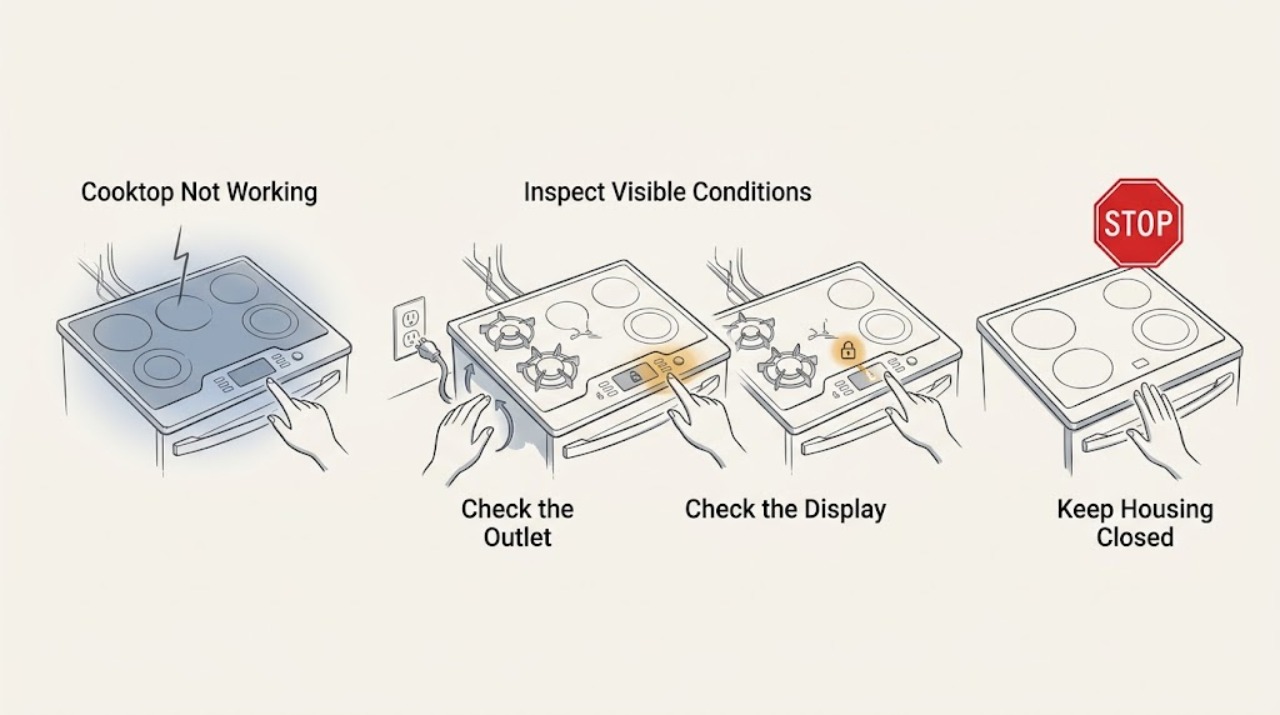
LG Cooktop Not Working: Check Power, Lock, Burner, and Cookware Conditions
First identify whether the whole LG cooktop is dead or only one burner or zone will not heat. Check the visible power connection and circuit breaker once, use a known-working device to confirm an accessible outlet where applicable, and do not use an extension cord or change breaker wiring.
-
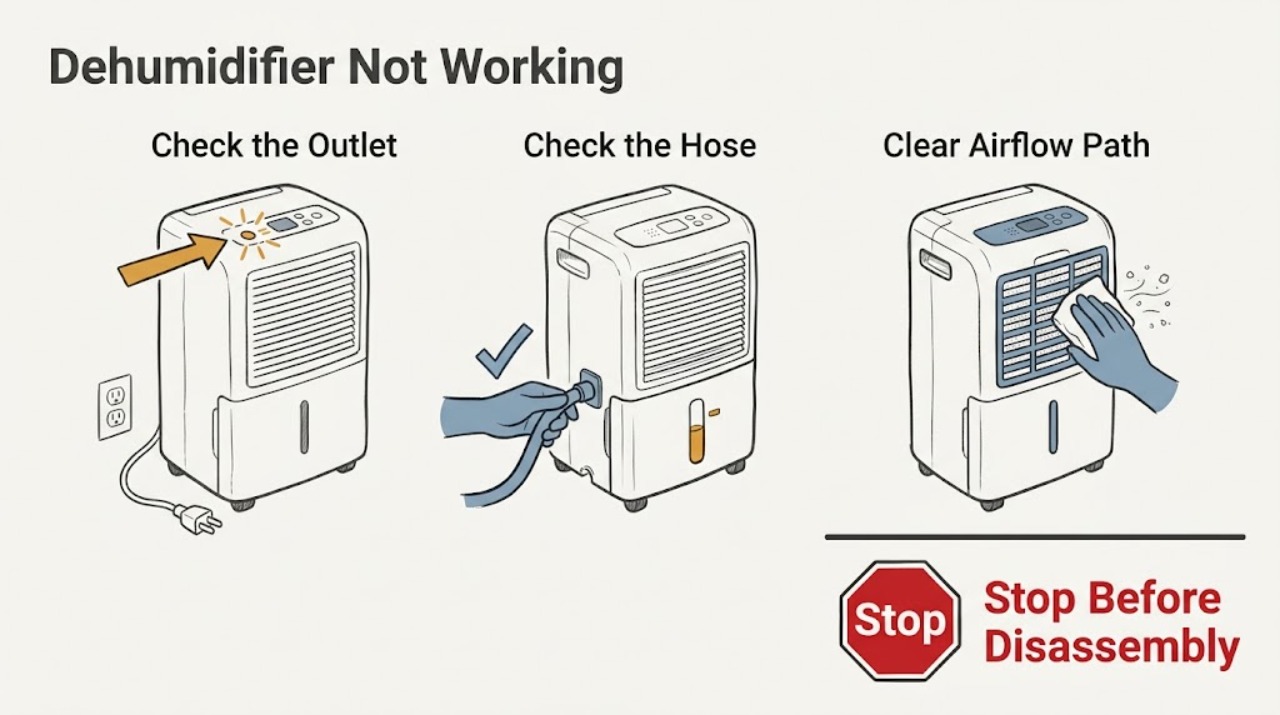
LG Dehumidifier Not Working
Start by confirming the LG dehumidifier has power, an unobstructed air path, and a correctly seated bucket or drain hose. If a CH code returns after the model-specific reset, stop troubleshooting and arrange service because the code may indicate a sensor, fan, pressure, or electronic fault.
-
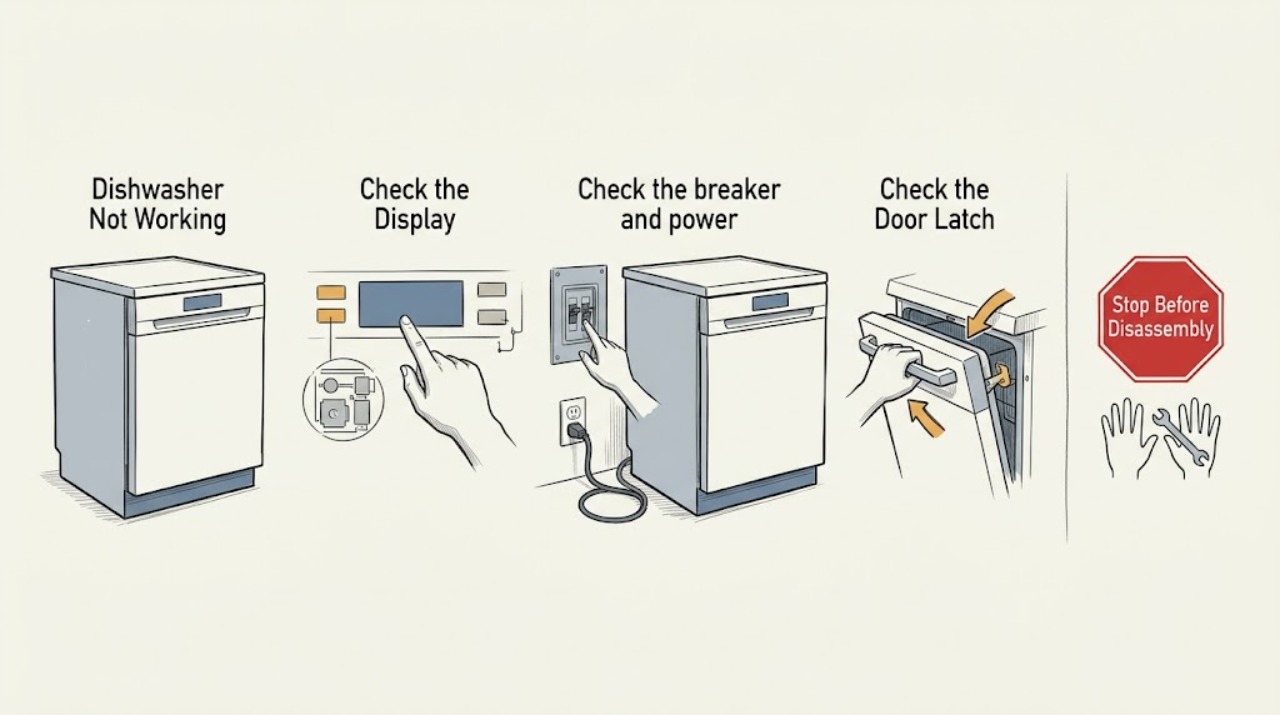
LG Dishwasher Not Working
Separate a blank panel, locked controls, a door that will not latch, and a cycle that stops. Check power and Control Lock, close the door fully, and verify the water supply. Stop and arrange service for leaks, repeated breaker trips, or a persistent fault.
-
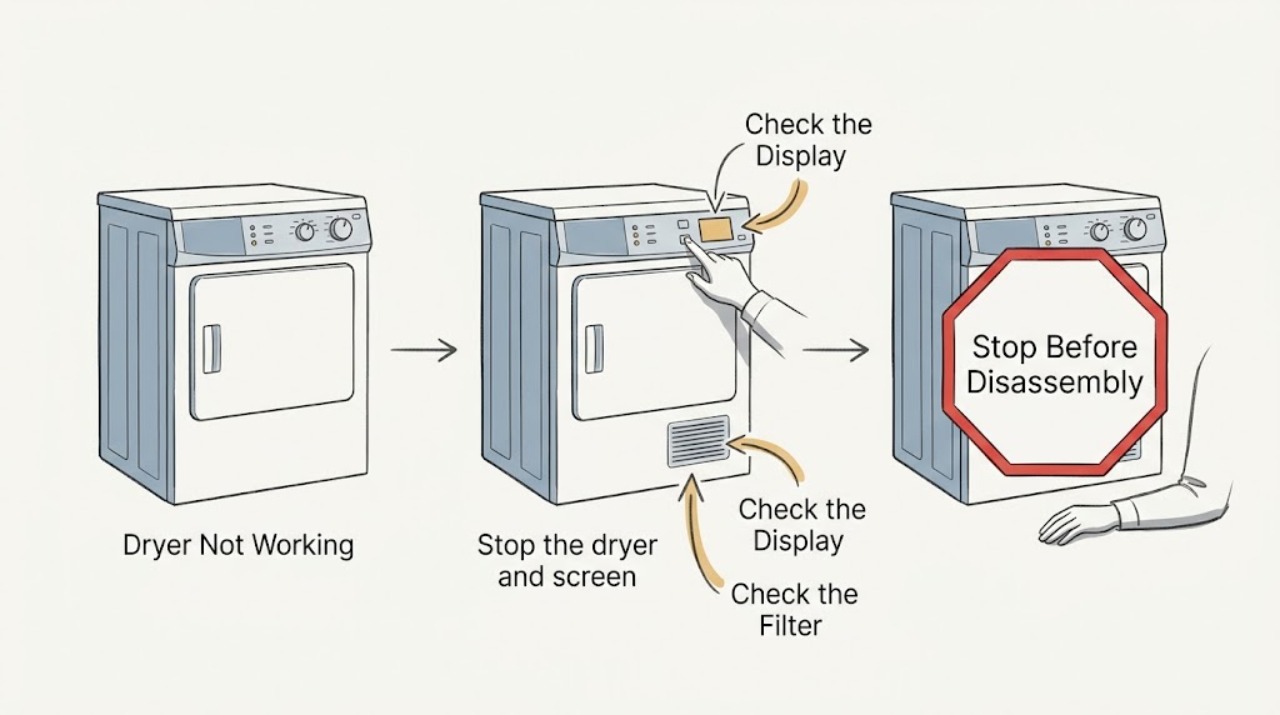
LG Dryer Not Working: Check Power, Controls, Door, and Airflow
First separate a completely dead LG dryer from one that powers on but will not start, tumbles without heat, or stops early. If there is smoke, a burning or gas odor, sparking, unusual heat, a damaged cord, water near electrical parts, or a breaker that trips again, stop using it and do not keep resetting it.
-
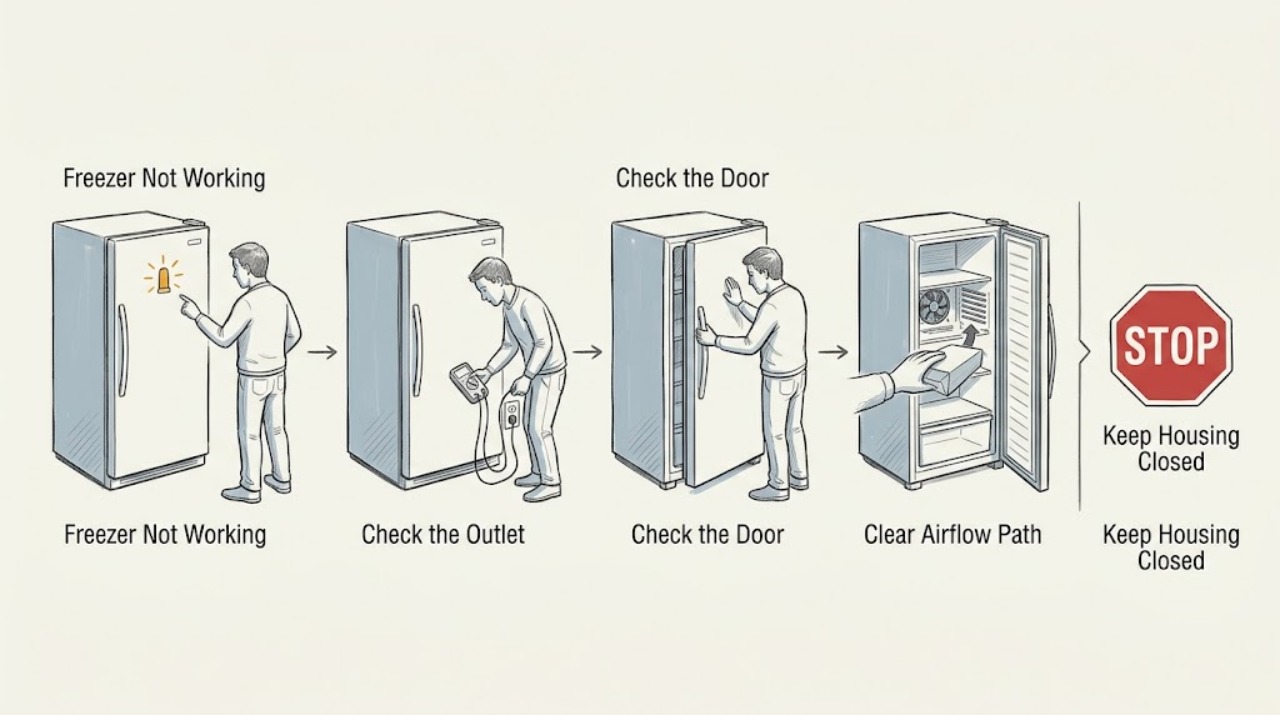
LG Freezer Not Working: Safe Power, Airflow, and Cooling Checks
When an LG freezer is not working, first decide whether it has no power at all or has power but is warm. Check the plug and household breaker, confirm that the display or interior light responds, and make sure the door closes fully without food blocking the seal or cold-air outlet.
-
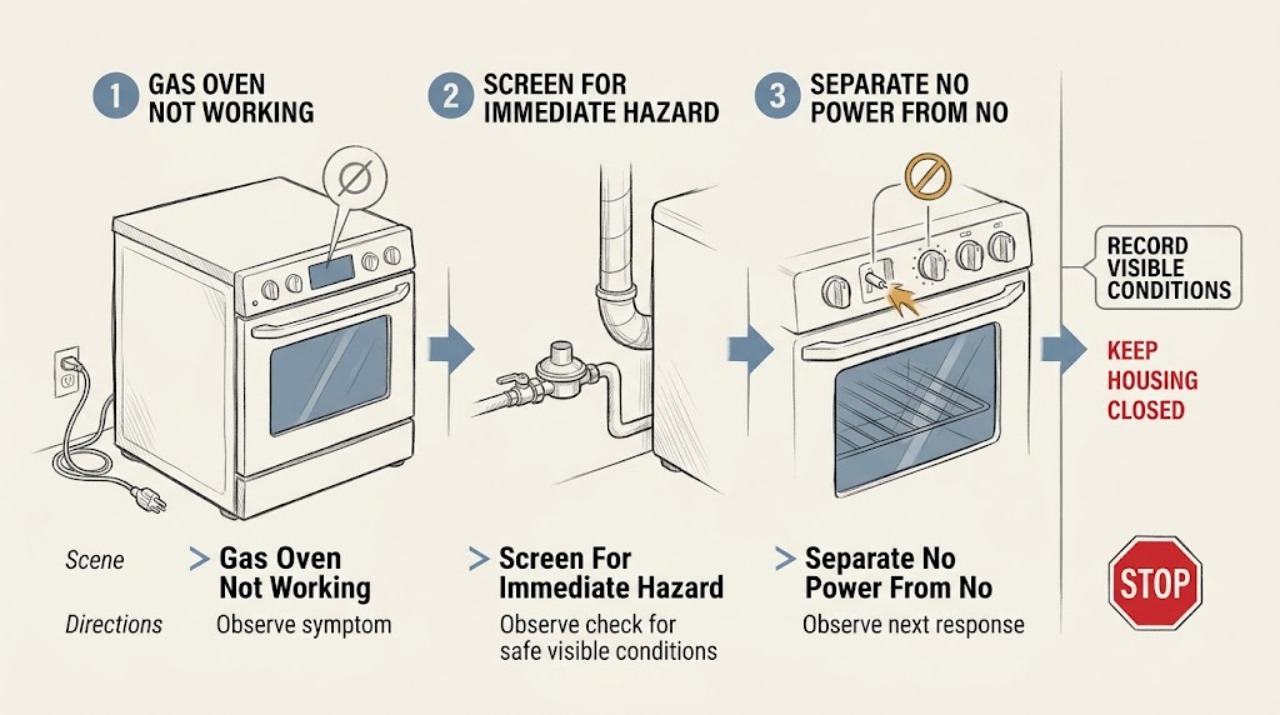
LG Gas Oven Not Working
Start by separating an LG gas oven with no display from one that has power but will not start, ignite, heat, or complete a cycle. If there is any gas smell, delayed ignition, popping, abnormal flame, smoke, burning odor, carbon-monoxide alarm, sparking, or repeated breaker trip, stop immediately, leave for a suspected gas emergency, and contact emergency services or the gas supplier from outside; do not relight or repeat the test.
-
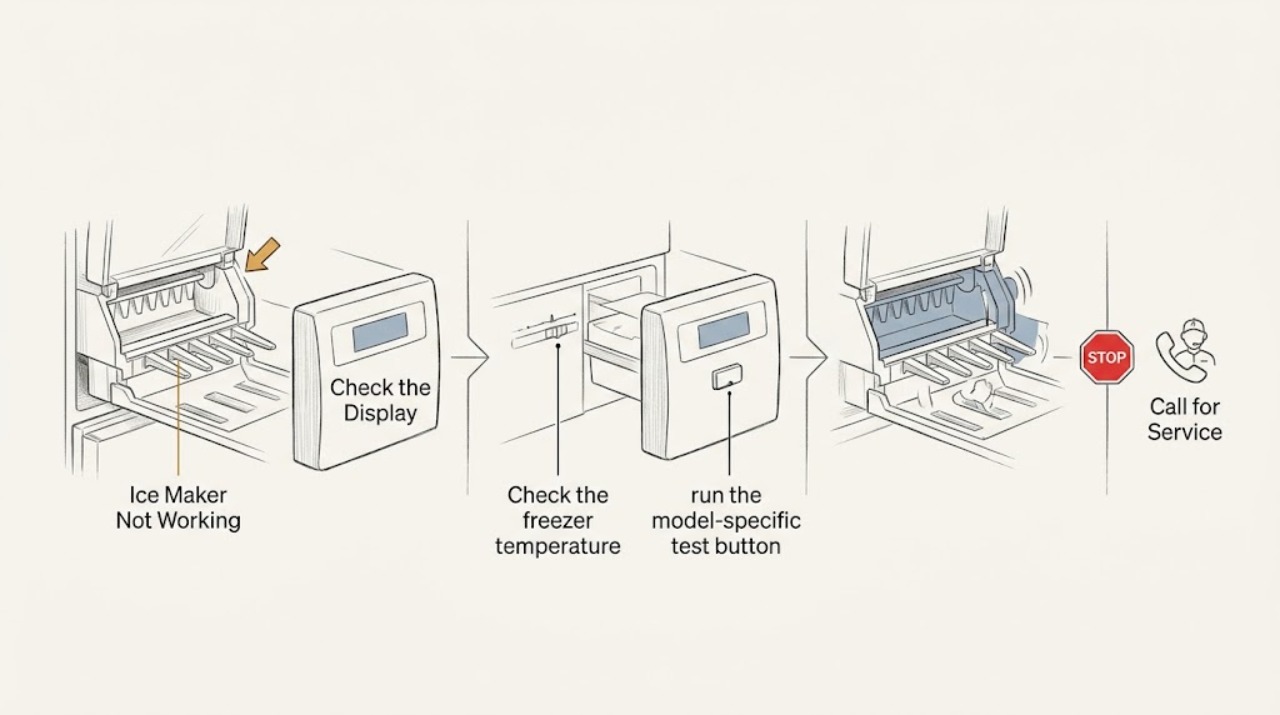
LG Ice Maker Not Working
Confirm the ice maker is on, the freezer is cold enough, water is available, and the unit has had time to stabilize. If a model-specific test fails or ice does not return after the reset and waiting period, arrange service instead of forcing the mechanism.
-
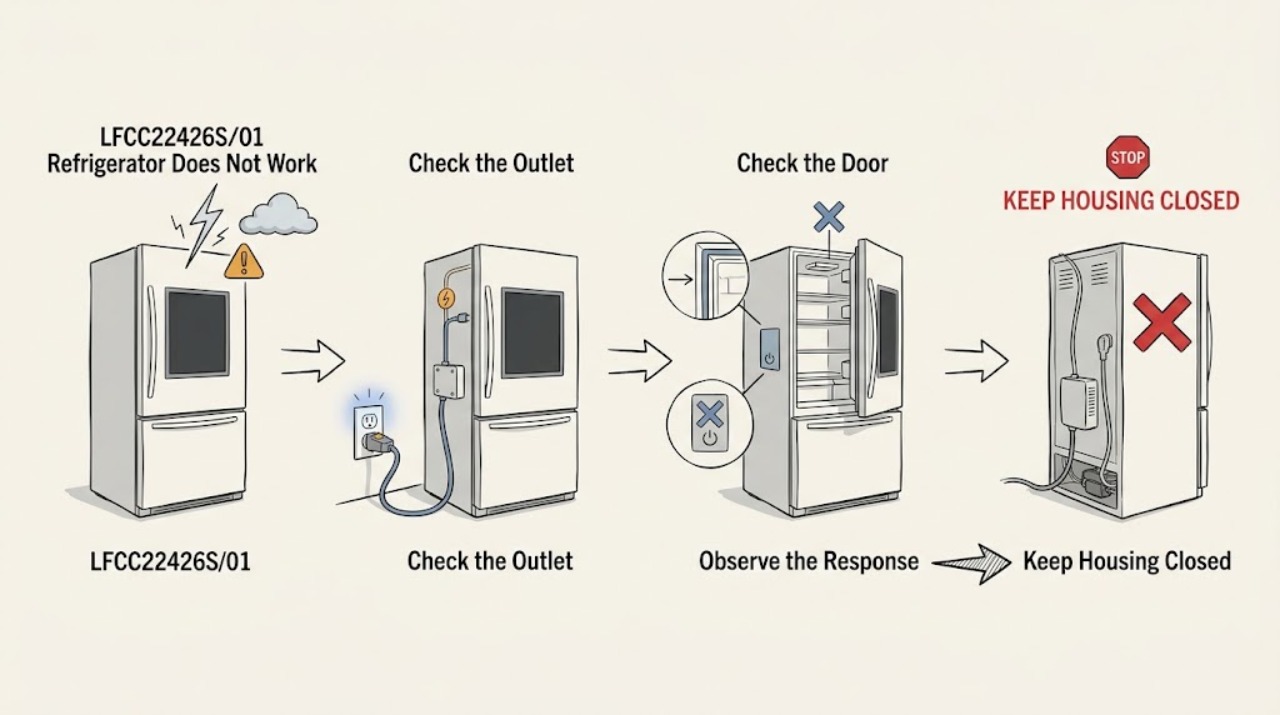
LG LFCC22426S/01 Refrigerator Does Not Work After a Lightning Strike
If the LG LFCC22426S/01 stopped working after a lightning strike, treat it as a possible electrical and food-safety event, not as proof that one control board or compressor failed. Keep the refrigerator and freezer doors closed, do not repeatedly restore power, reset the breaker, or open the cabinet, and keep away from a wet, hot, scorched, sparking, or smoking connection.
-
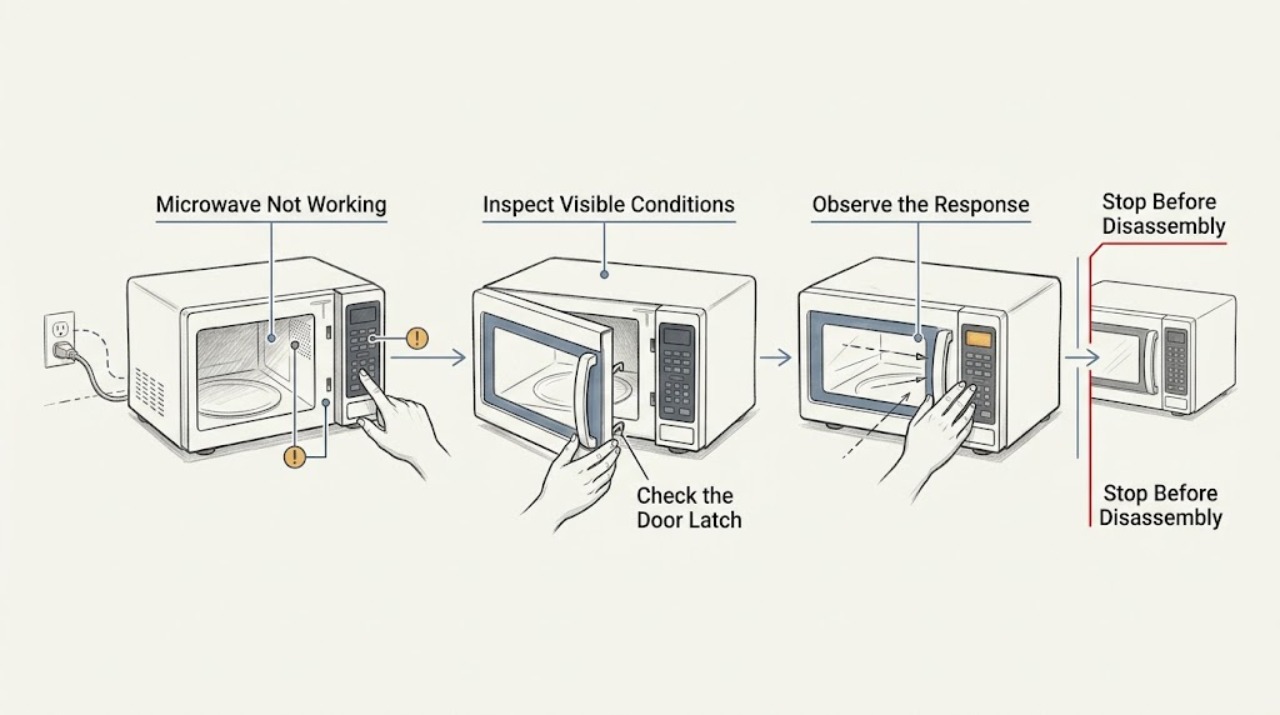
LG Microwave Not Working: Classify the Failure Before Service
Classify the LG microwave problem as no display, no response, no start, or a running cycle with no heat. Check the visible power connection, door/latch, control lock, and a cup-of-water test only when the unit starts normally. Stop for smoke, arcing, a damaged door, repeat breaker trips, or a cold water test.
-
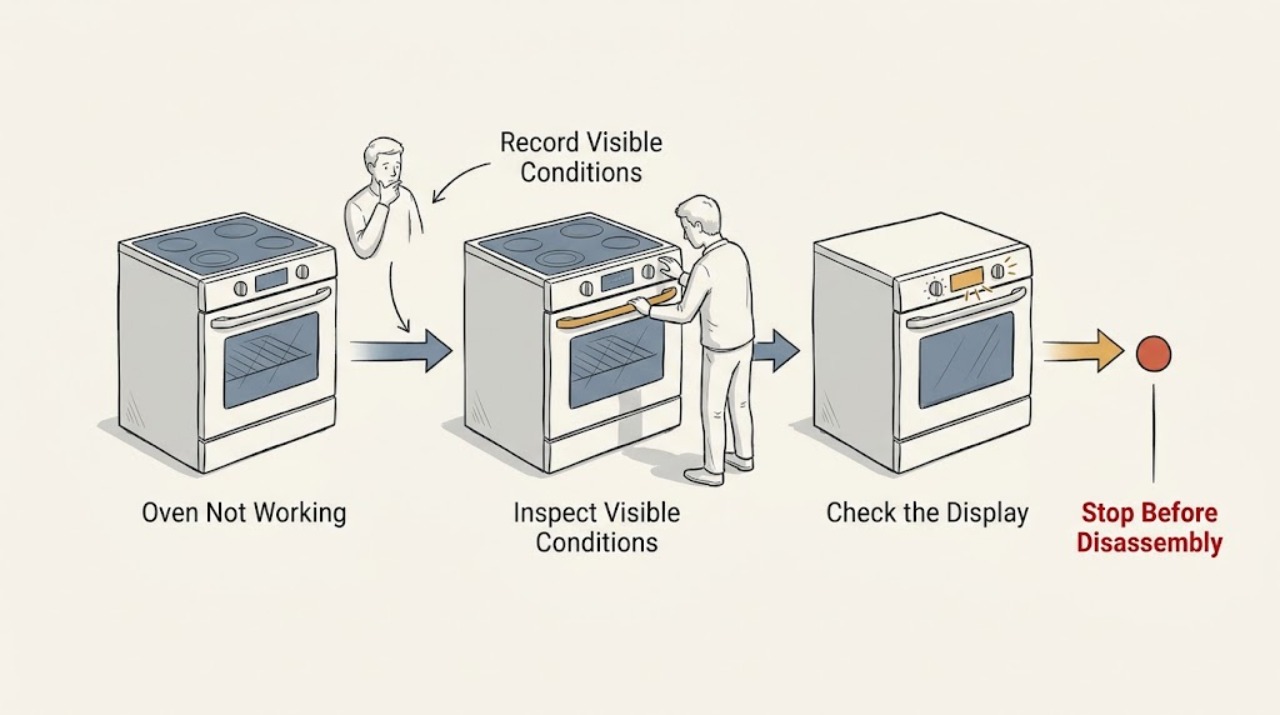
LG Oven Not Working: Separate Power, Controls, Heating, and Error Codes
An LG oven that is not working can have no incoming power, power with a locked or delayed control, a model-specific error, or a heating or ignition problem. First identify whether the display is completely blank or responds to controls.
-
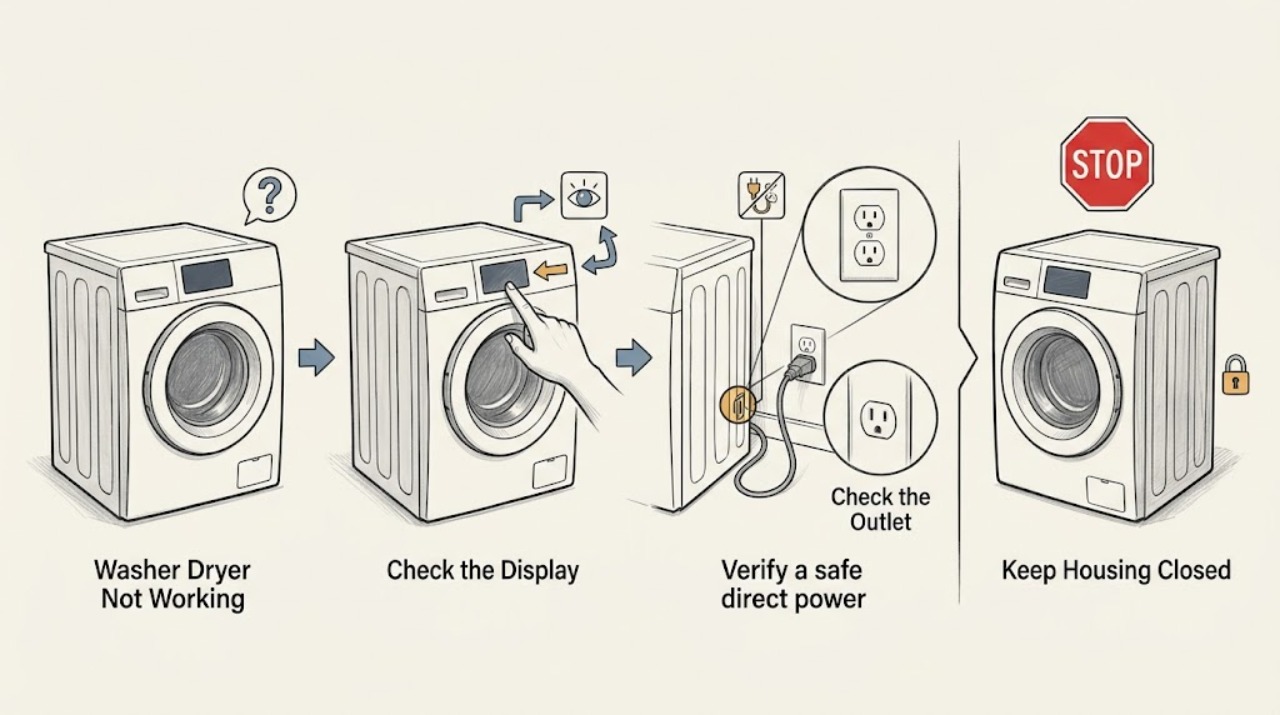
Lg Washer Dryer Not Working
If an LG washer-dryer will not work, first determine whether the display is completely dark or the controls light up. With the appliance dry and safe to reach, connect it directly to a working wall outlet, check the outlet and breaker once, then clear Control Lock or a post-outage state if the panel responds.
-
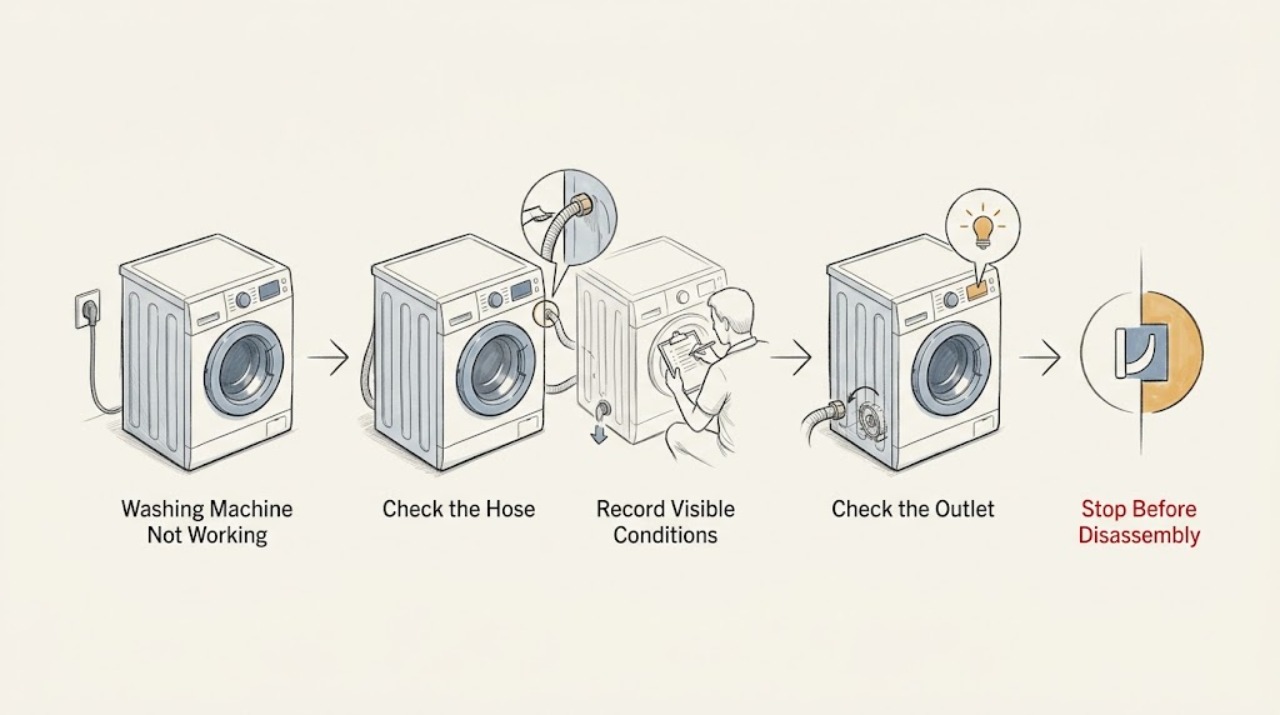
LG Washing Machine Not Working: Separate Power, Lock, Water, and Spin Faults
First describe what ‘not working’ means on the LG washer: no display, an unresponsive Power or Start control, a door that will not lock, no water entering, a cycle that stops with water inside, or a tub that will not spin. Record the exact model and any code, then check only the accessible outlet, breaker, controls, door, water taps and hoses, drain path, load, and model-specific filter.
-
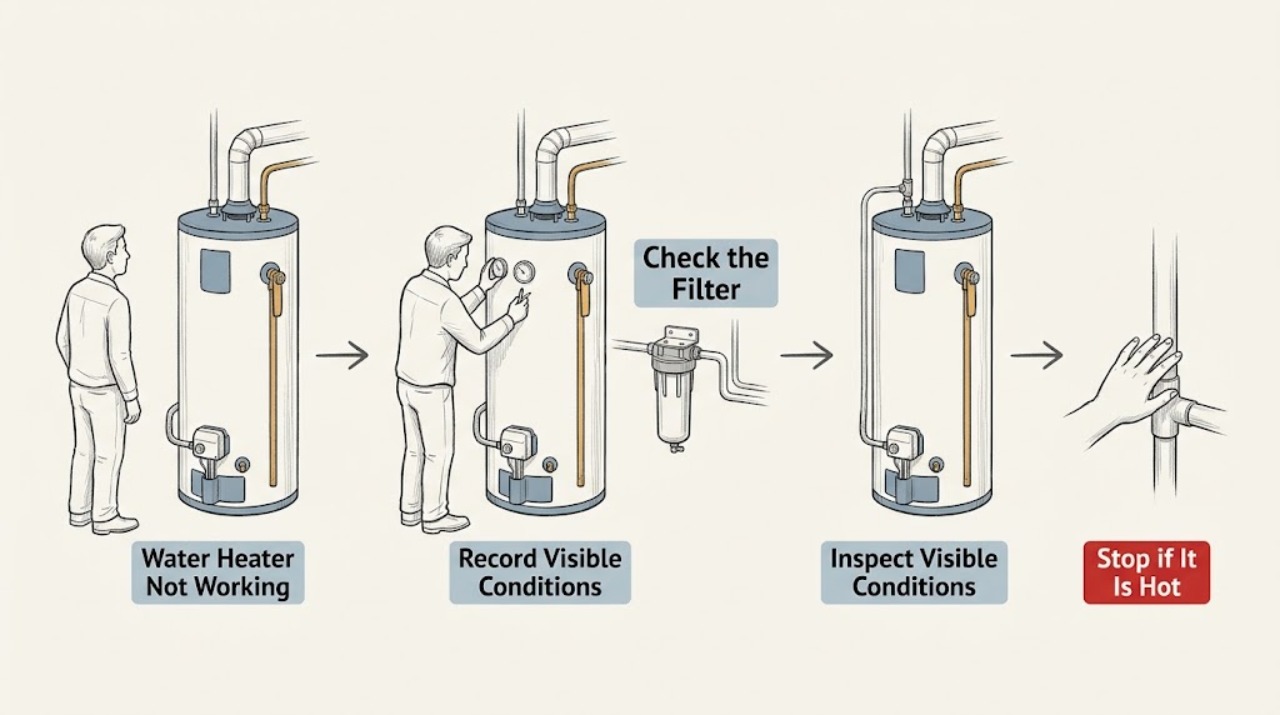
LG Water Heater Not Working: Identify the Symptom First
“Not working” on an LG water heater can mean no display, no hot water, low recovery, noise, or a leak. Separate those symptoms before changing settings: check the tank and water supply, display/mode, breaker, air filter and clearance, then look for leaks or unusual sounds. Stop using the unit for smoke, odor, flood damage, repeated breaker trips, or internal repair needs.
-
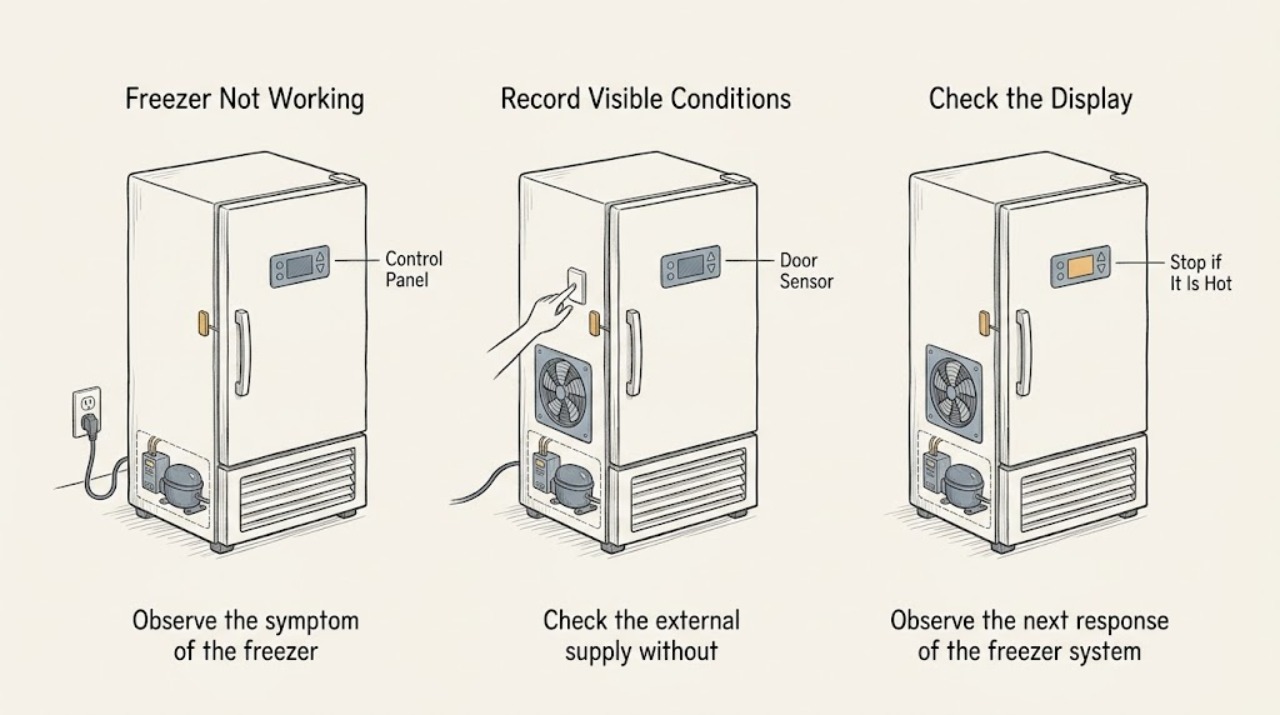
Liebherr Freezer Not Working: Check Power, Controls, and Fault Messages Safely
When a Liebherr freezer is not working, first decide whether the appliance is completely dead, powered but not cooling, or showing a fault message. Check the external power connection, the accessible breaker or fuse, and whether the freezer compartment was switched off or placed in a special mode; then use the exact model instructions for the controls.
-
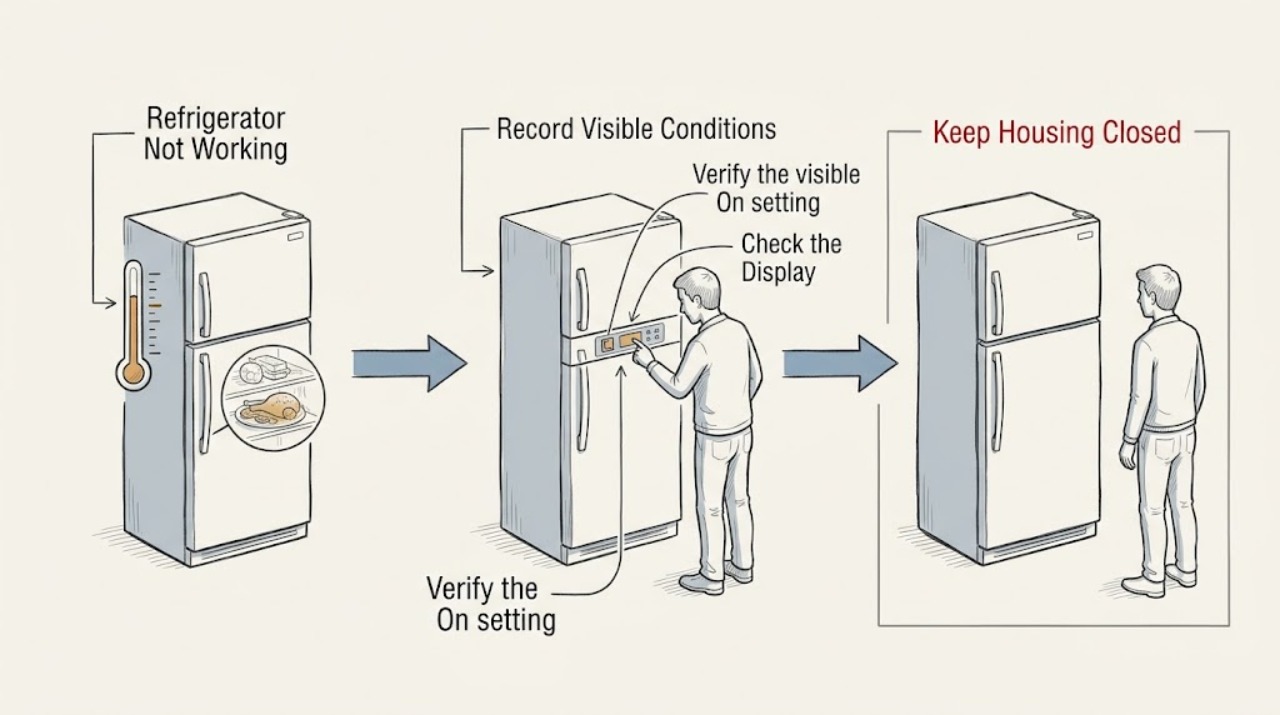
Liebherr Refrigerator Not Working
When a Liebherr refrigerator is not working, first describe what has actually stopped: the display, cooling, interior light, IceMaker, or one control. Check the visible power connection and look for a fault or temperature message before changing settings. If the appliance remains dead, shows a fault, or warms food, keep the doors closed, protect perishables, and arrange qualified service rather than opening the cabinet.
-
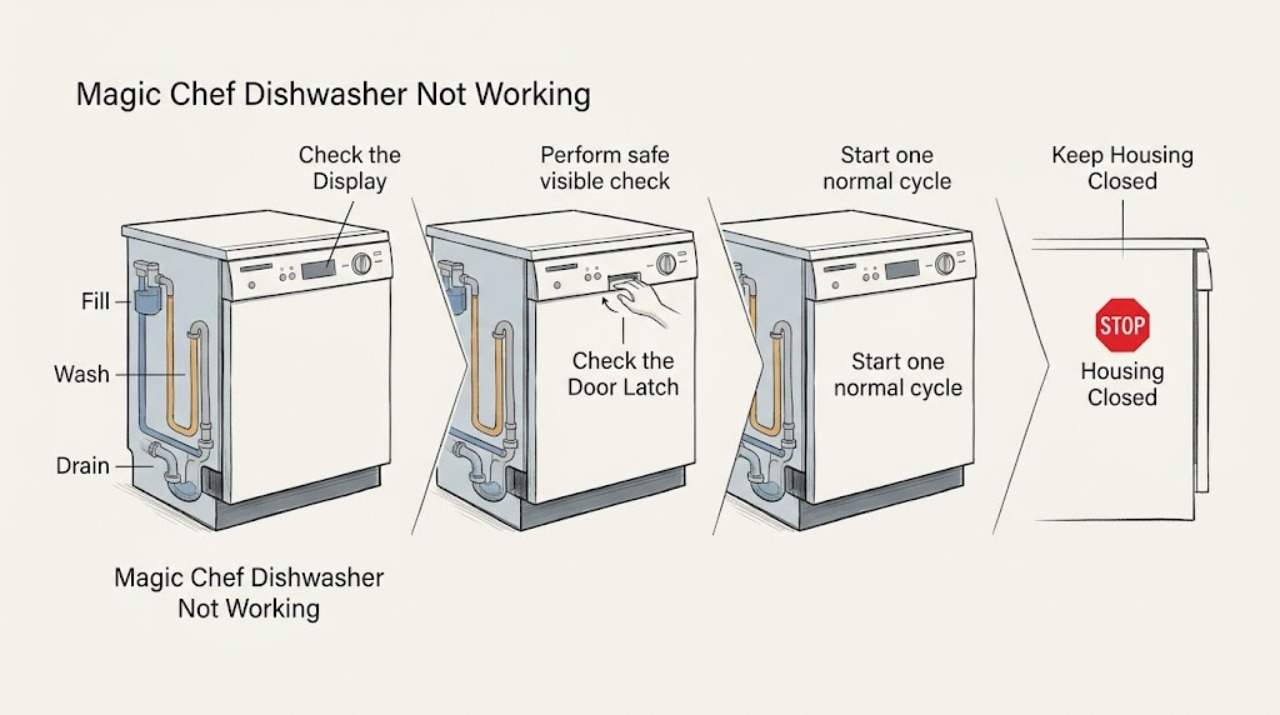
Magic Chef Dishwasher Not Working: Find Which Stage Stops
First decide whether the Magic Chef dishwasher has no response, starts but does not fill or wash, or completes with water left inside. Check power and controls, then the closed-door and water-supply path before interpreting the sounds and end-of-cycle result. Do not run repeated cycles if the breaker trips, water leaks, or a burning smell appears; arrange qualified service.
-
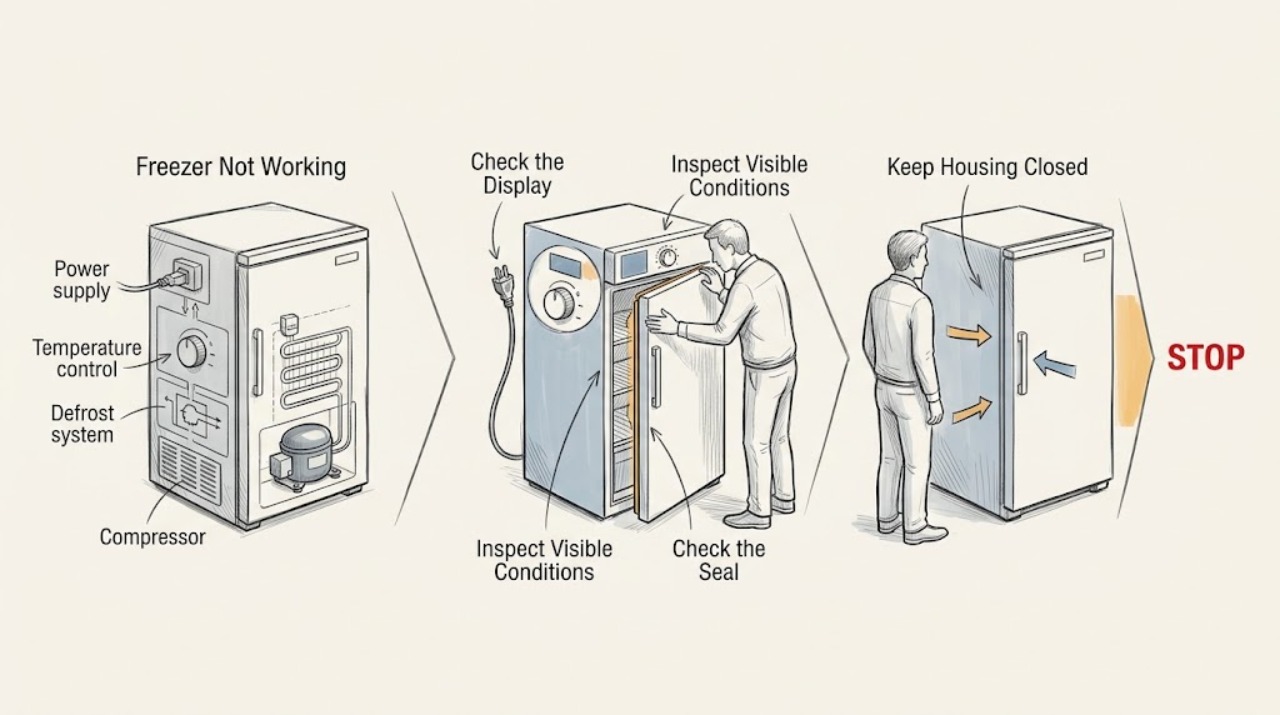
Magic Chef Freezer Not Working: Check Power, Cooling, and Controls
Clarify what not working means before replacing anything: a dark control or light suggests power, while a running freezer that is warm points toward settings, airflow, frost, door sealing, or a cooling-system fault. Check the outlet and breaker safely, confirm the model's temperature control is set correctly, make sure the door or lid closes fully, and inspect for heavy frost or a blocked airflow path.
-
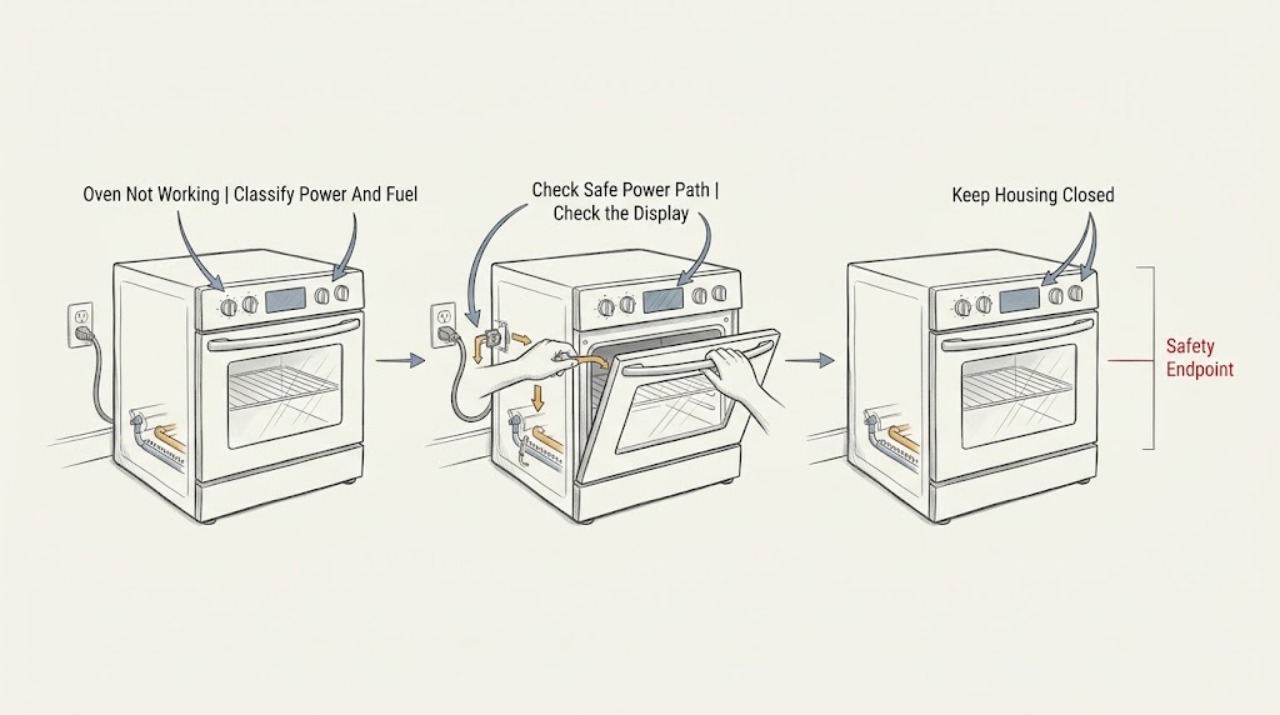
Magic Chef Oven Not Working: Separate No Power from No Heat
First identify whether the Magic Chef oven has no power, has power but will not start, or starts but does not heat. Read the rating label or the exact Magic Chef manual to distinguish gas, dual-fuel, and electric construction without moving the range.