
Repair problem
Not Working Troubleshooting Guides – Page 6
Published FixGraph guidance for diagnosing and responding to not working.
Matching published guides
Choose a guide that matches the service, equipment, and conditions you are seeing.
-
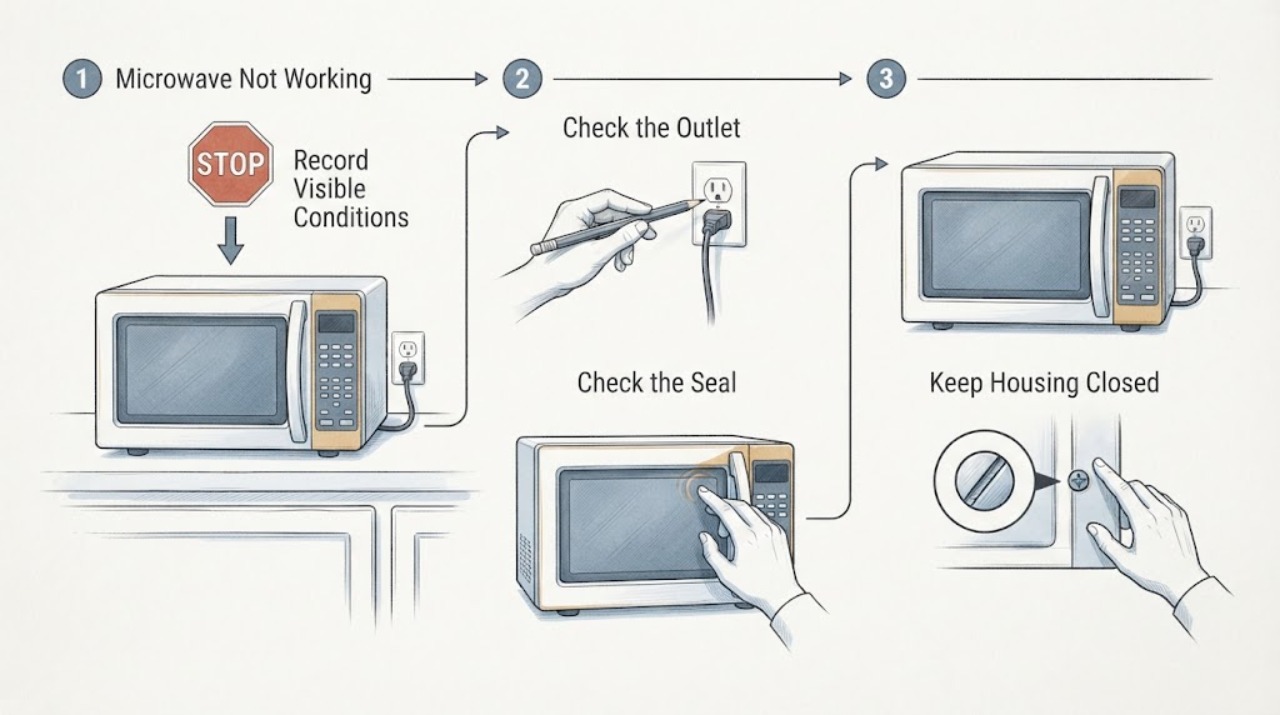
Sharp Microwave Not Working: Check Power, Door, and Controls Safely
If your Sharp microwave is not working, first separate a blank display from a control-panel, door, or heating symptom. Check that the power cord is securely connected and that the household fuse or breaker has not tripped, then clear the program, set a cooking time, and close the door firmly.
-
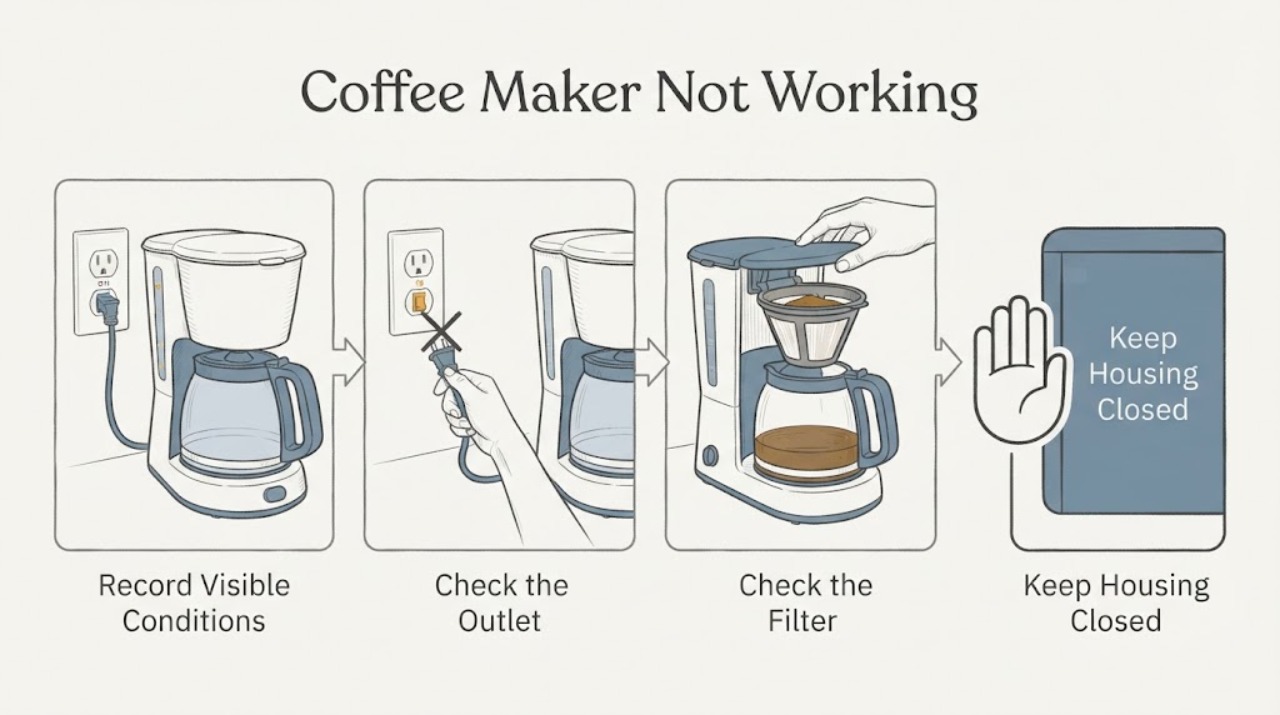
Siemens Coffee Maker Not Working: Safe Checks Before Service
When a Siemens coffee maker is not working, identify the exact symptom first: no display, no drink, only water, a blocked brewing unit, no milk froth, a leak, or an error message. Find the machine's complete E-Nr.
-
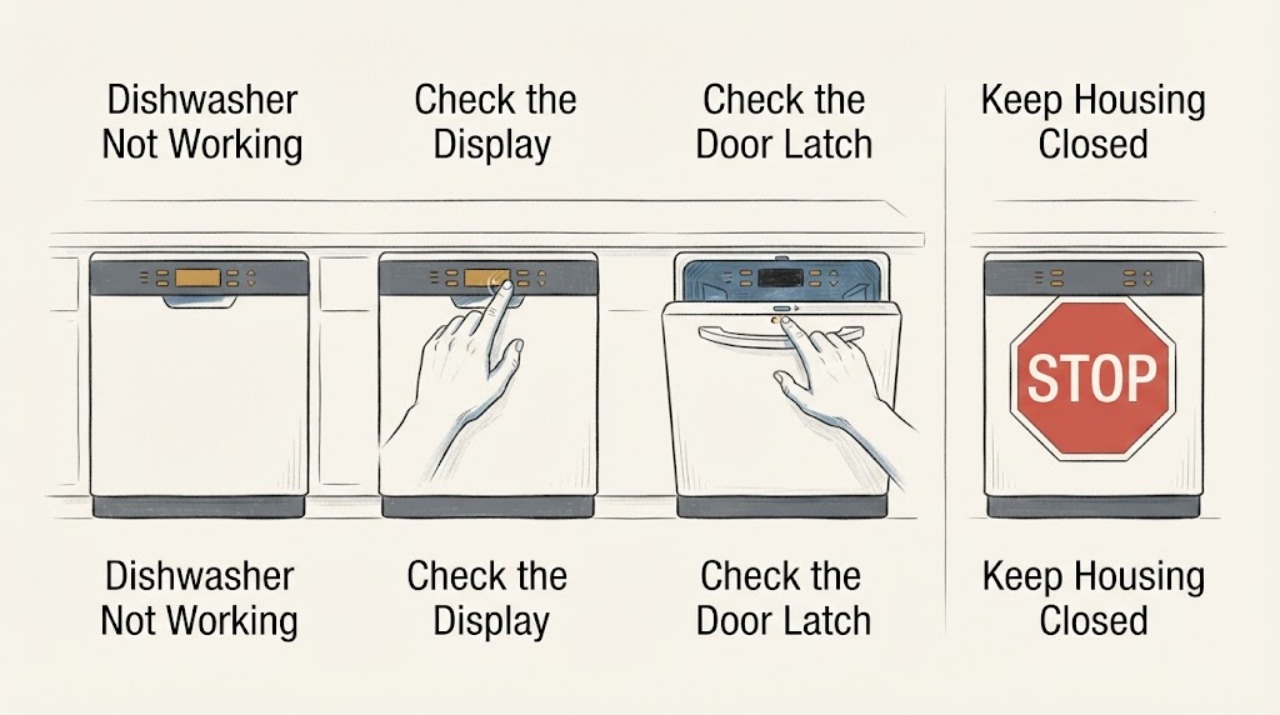
Siemens Dishwasher Not Working
First separate a Siemens dishwasher with no lights from one that has power but will not start, and from one that starts but cannot fill. If the display is dark, check the accessible plug and socket only if safe.
-
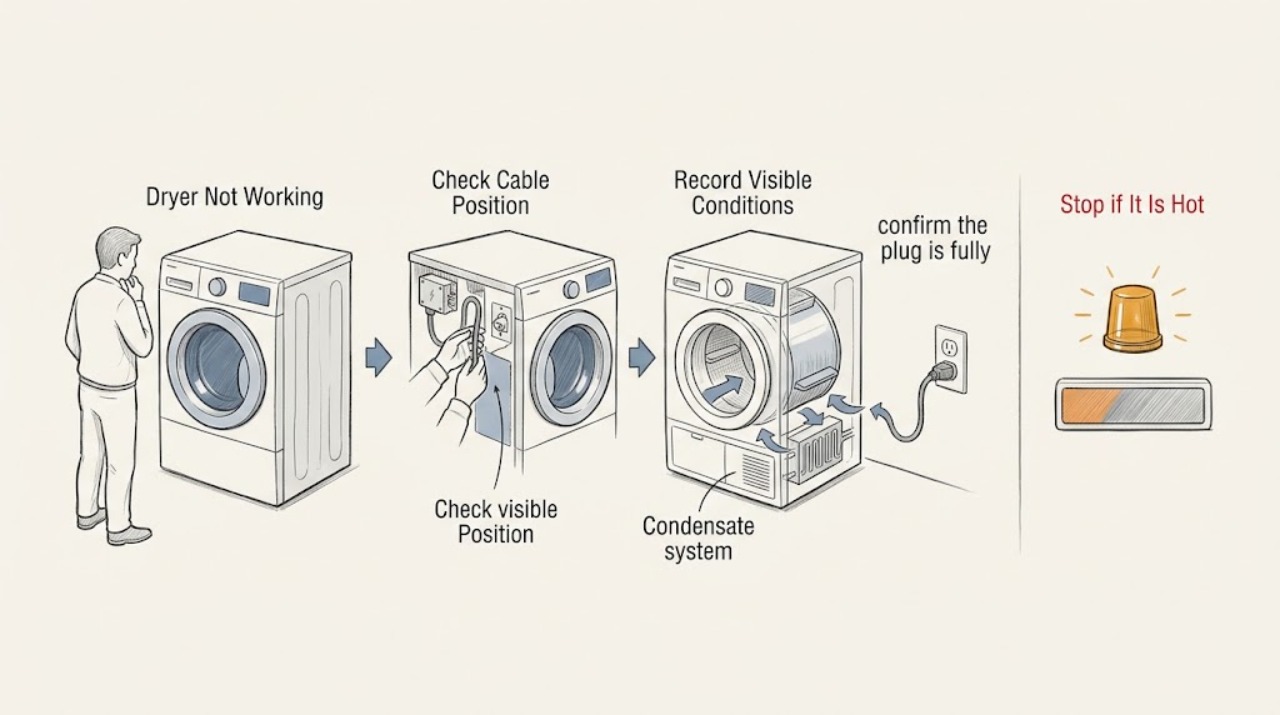
Siemens Dryer Not Working: Check Power, Start, Drum, Heat, and Error Messages
Treat “Siemens dryer not working” as several different symptoms: no display, a cycle that will not start, a drum that will not turn, no heat or poor drying, a full condensate or filter warning, or an error message. Find the dryer’s E-Nr.
-
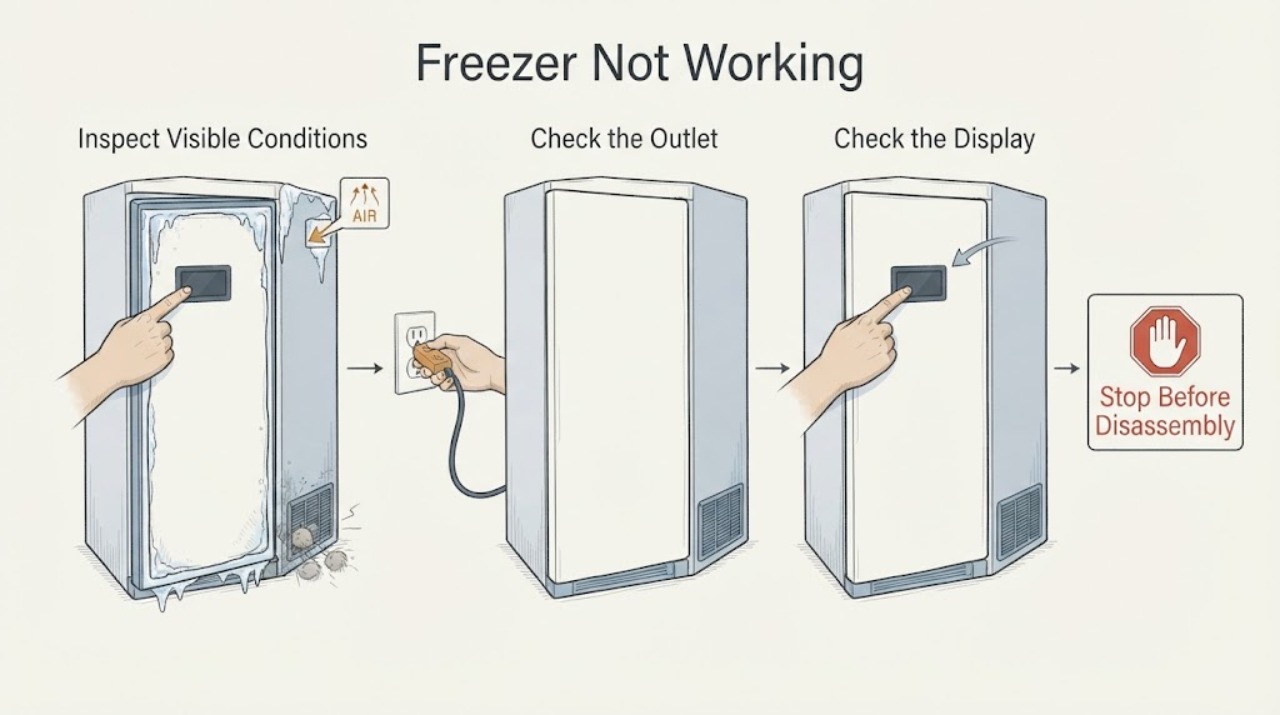
Siemens Freezer Not Working: Check Power, Settings, Airflow, and Alarms
First separate a completely dark freezer from one whose display is on but which is not cooling. For a dark display, check the plug, the household outlet, and the relevant fuse or breaker without opening the appliance.
-
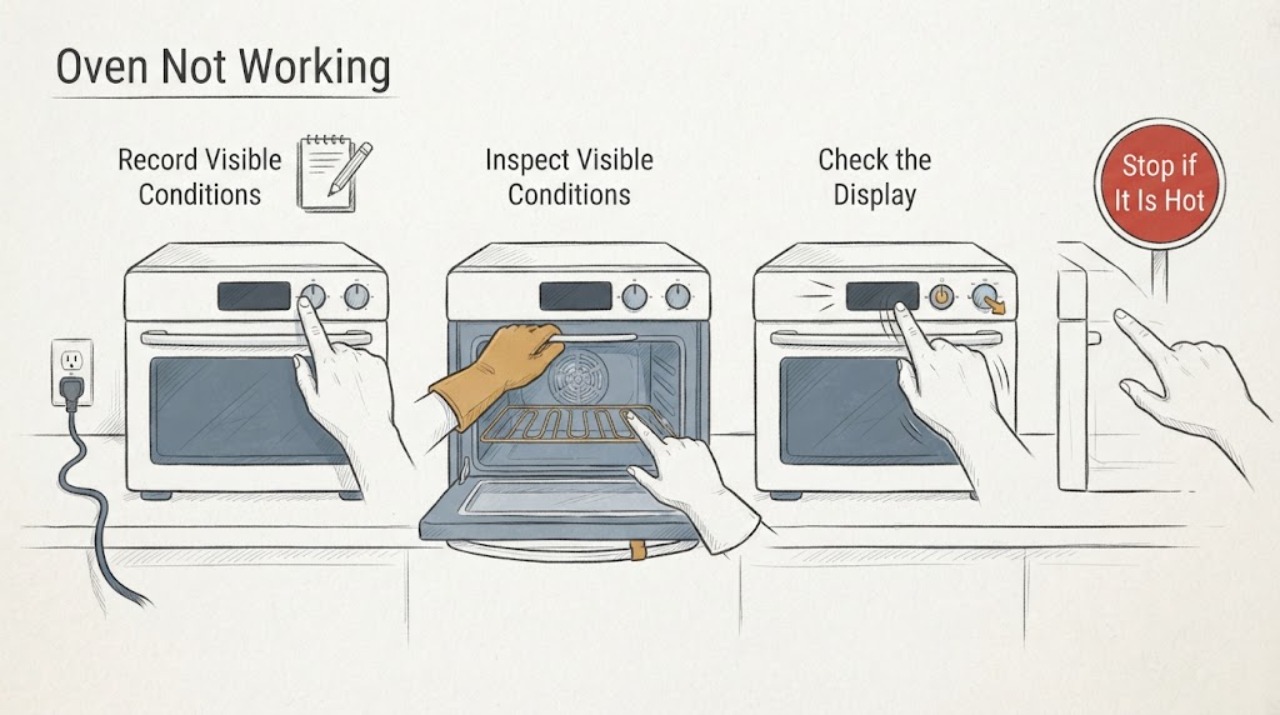
Siemens Oven Not Working: Check Power, Settings, and Safe Heat Paths
First decide whether the Siemens oven is completely without power, has a display but will not start, or starts but does not heat. Check the visible power and control state, the exact mode and timer, the door, and any complete error message.
-
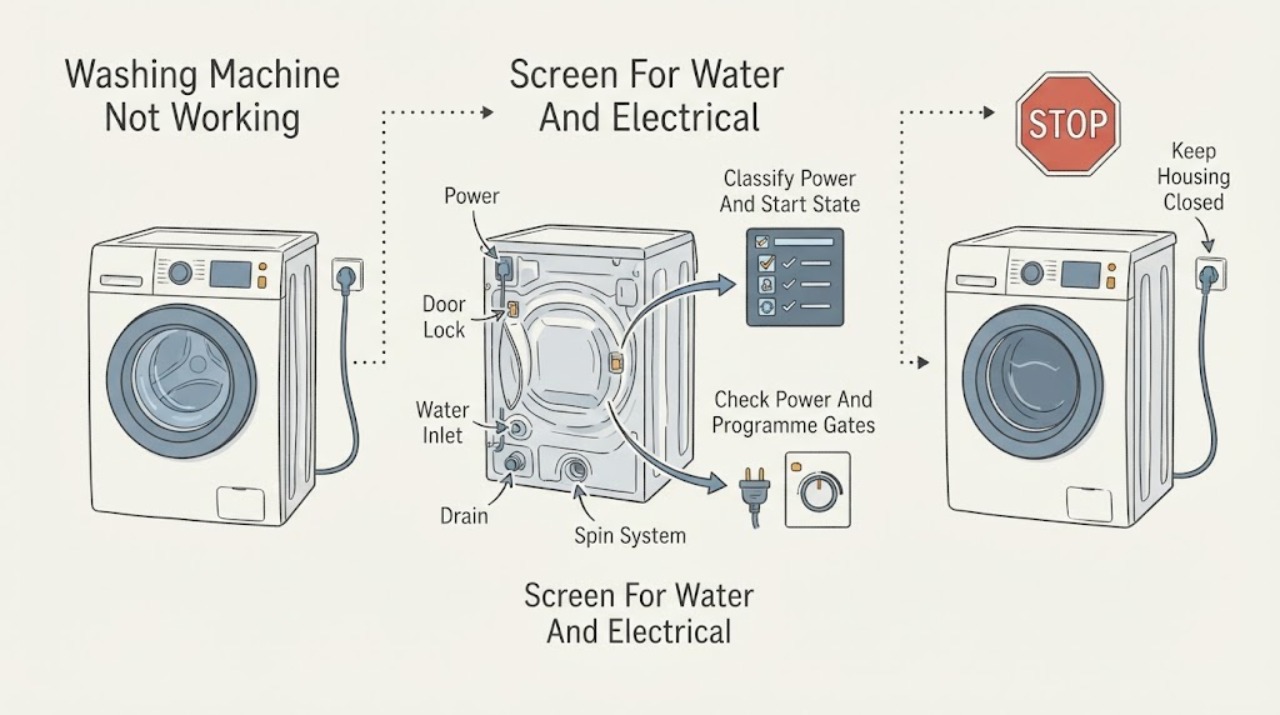
Siemens Washing Machine Not Working: Check Power, Water, Drainage, and Safety States
First separate a completely dead Siemens washing machine from one that powers on but will not start, fill, drain, spin, or finish. Check only safe external items: the plug and household circuit, whether the display or indicators work, the Start control, door closure, childproof lock, delayed-start setting, water tap and inlet hose, and the drain hose for an obvious kink.
-
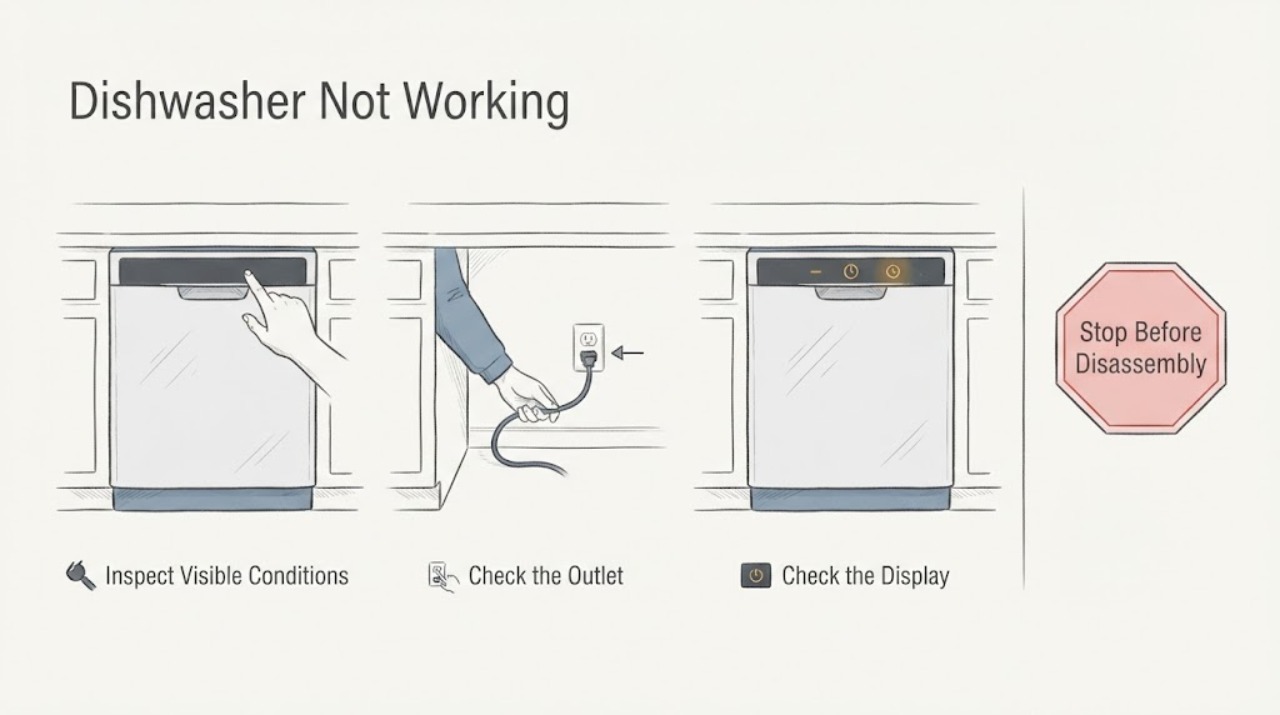
Smeg Dishwasher Not Working: Safe Checks
When a Smeg dishwasher is not working, first check whether the on/off indicator or display is blank, whether a cycle is selected, and whether the door is fully closed. Then verify the outlet and breaker, open water tap, program selection, and any delay-start or fault indication.
-
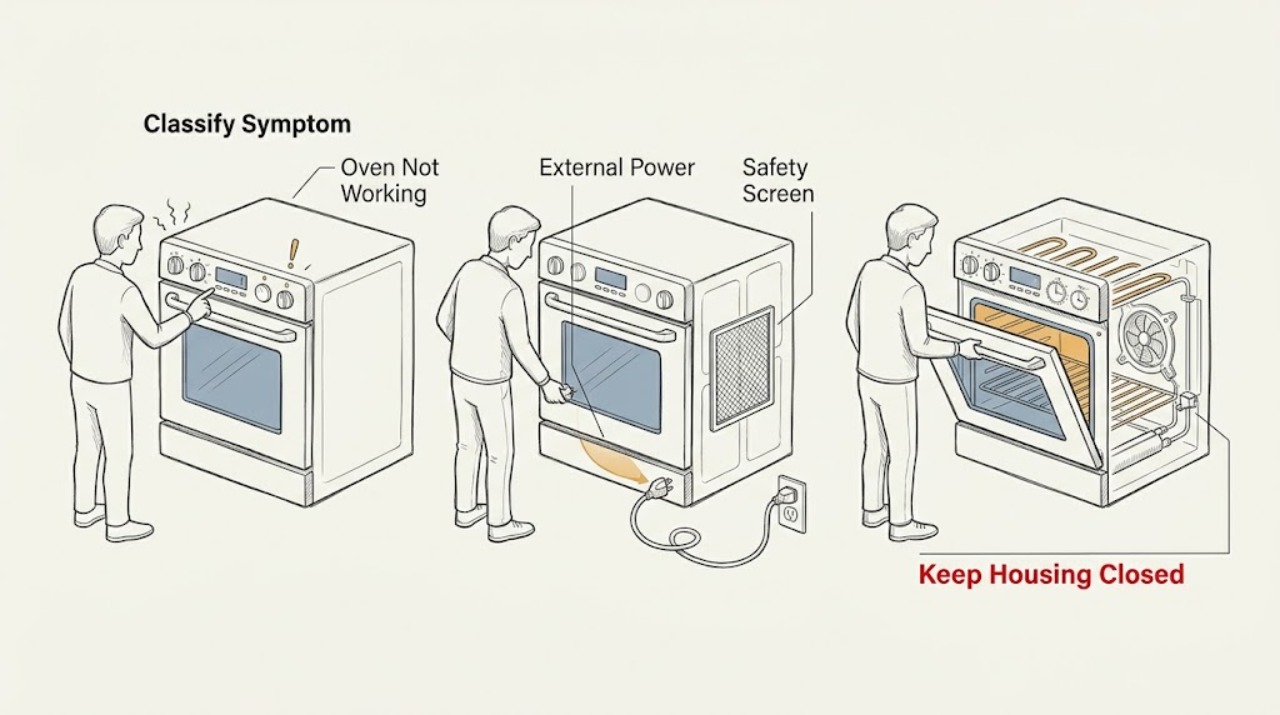
Smeg Oven Not Working: Separate Power, Start, Heating, and Safety Faults
Smeg oven not working is too broad to diagnose as one failed part. First record the exact model, country or market, built-in or range configuration, fuel type, and whether the display is blank, the controls are lit but a program will not start, the oven starts but does not heat, or an error or lock is shown.
-
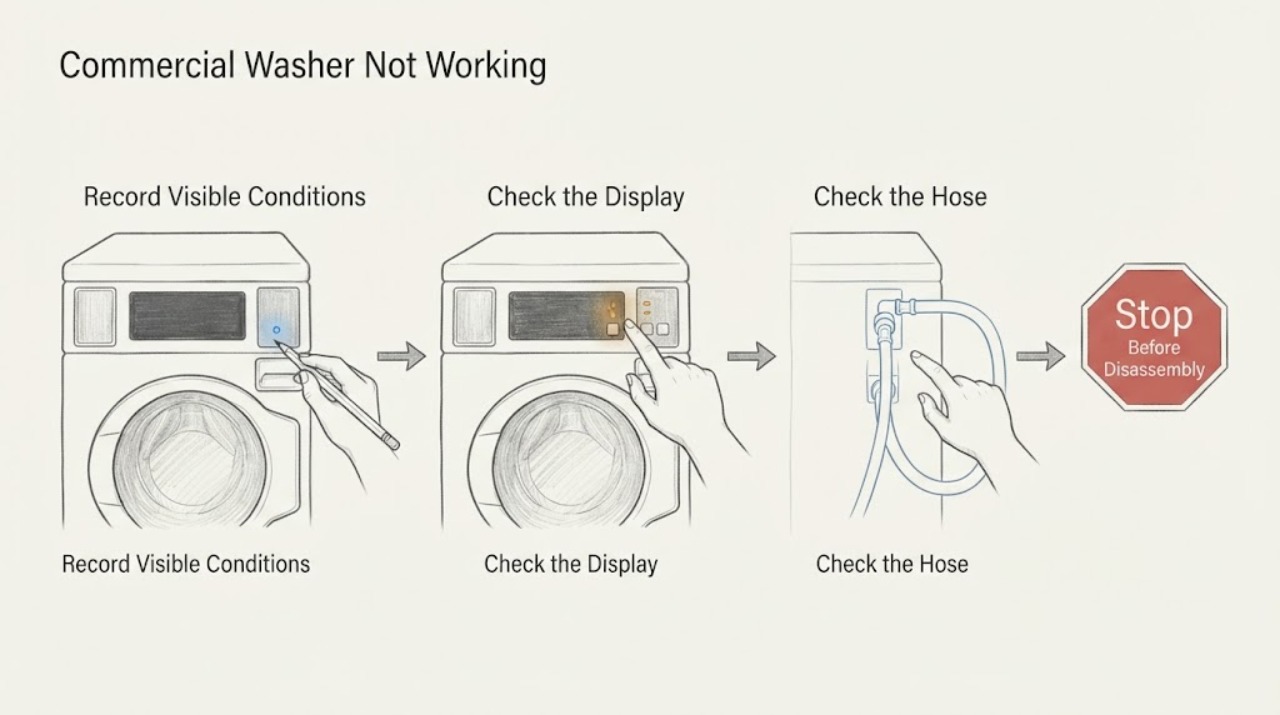
Speed Queen Commercial Washer Not Working: Identify the Stopped Function
When a Speed Queen commercial washer is not working, identify whether it will not fill, start, drain, spin, or complete a cycle. Check the door, controls, power, faucets, hoses, load balance, and visible drain path according to the guide. A repeated code, water remaining, or failure after the external checks needs qualified service.
-
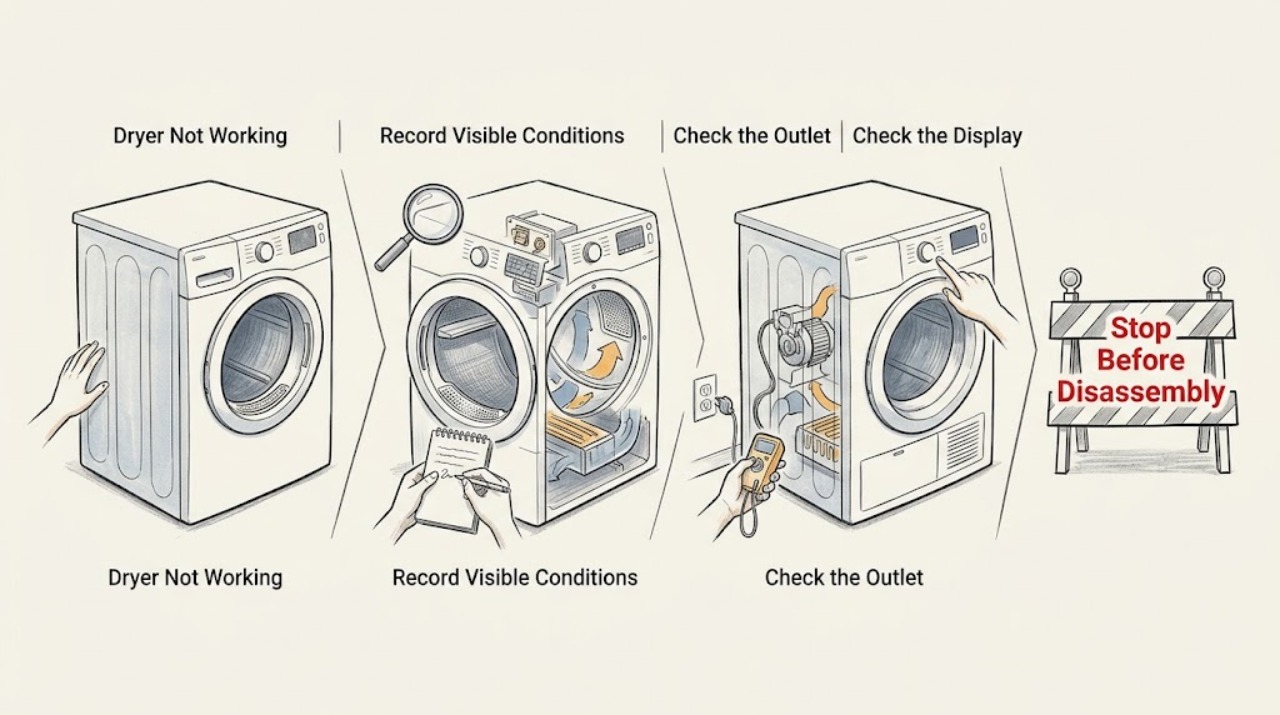
Speed Queen Dryer Not Working: Separate Power, Start, Heat, and Airflow Faults
A Speed Queen dryer that is not working must first be classified as no power, no start, no drum movement, no heat or poor drying, or a code or protection stop. Record the complete model and exact symptom, then use the model guide for only cool, dry, external checks: plug and outlet condition, door closure, selected cycle, lint filter, and visible exhaust path.
-
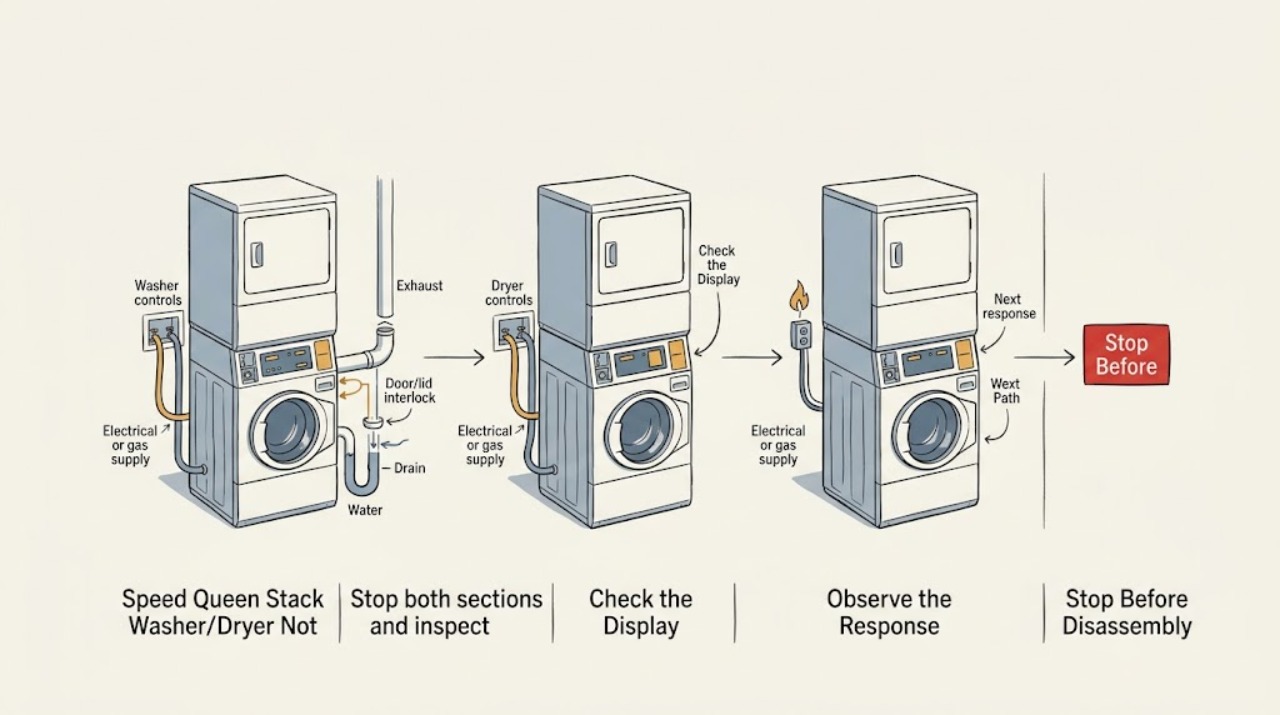
Speed Queen Stack Washer/Dryer Not Working: Isolate the Washer, Dryer, or Shared Power
A Speed Queen stacked washer/dryer contains two operating sections, so first identify whether the washer, dryer, or both are affected. Stop immediately for smoke, sparking, gas odor, flooding, a hot or damaged cord, or a drum that will not stop.
-
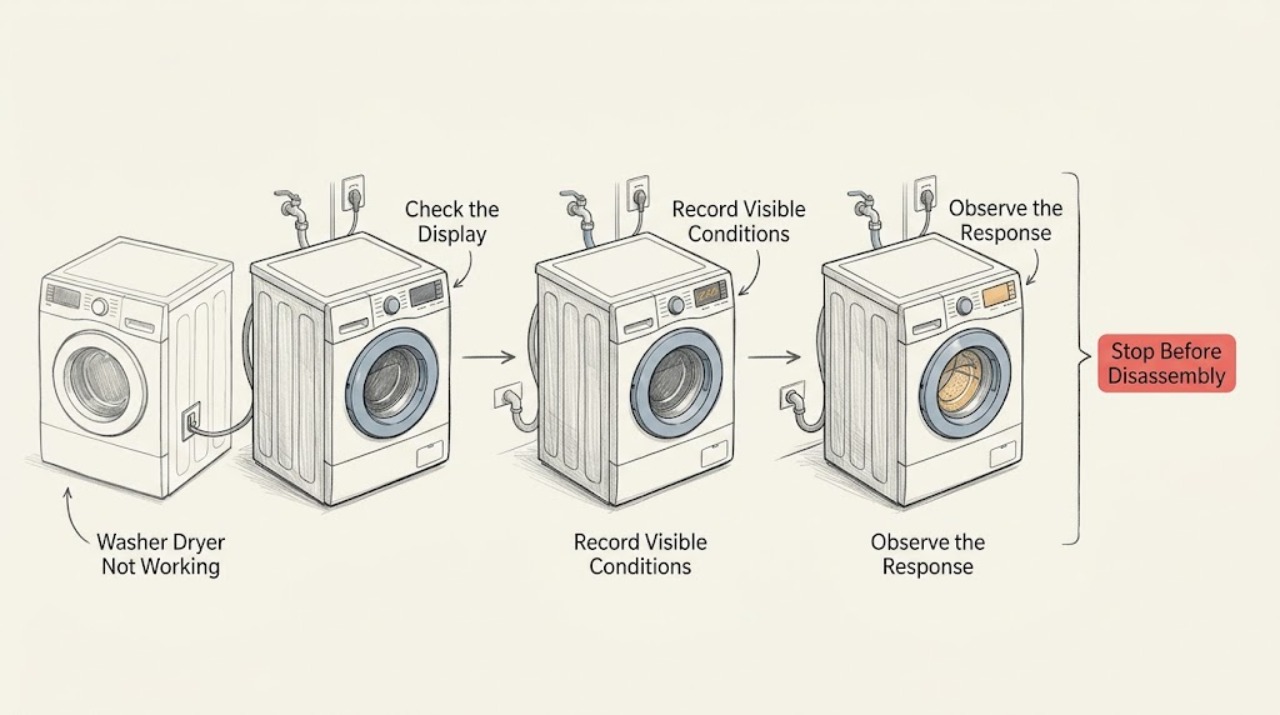
Speed Queen Washer Dryer Not Working: Separate the Washer, Dryer, and Shared Power Checks
For a Speed Queen stacked washer-dryer that is not working, first decide whether the washer, dryer, or both units fail. If the display is dark, both sides are unresponsive, a burning smell or smoke is present, the cord or outlet is warm, water is near controls, or a breaker trips again, stop using the appliance and arrange qualified service.
-
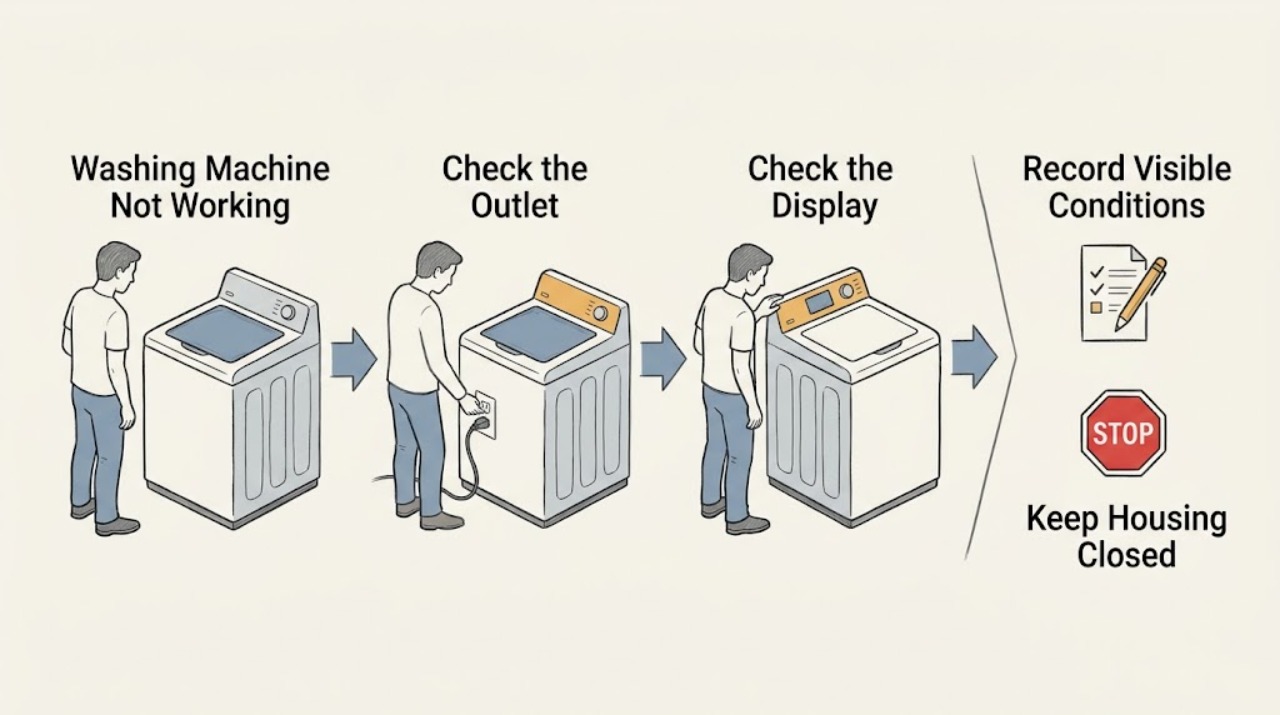
Speed Queen Washing Machine Not Working: Split No-Start, Fill, Drain, and Spin Faults
“Not working” is not one fault on a Speed Queen washer. First note whether the machine has no display or power, has power but will not start, fills incorrectly, stops with water, will not agitate or spin, leaks, or pauses during a normal stage.
-
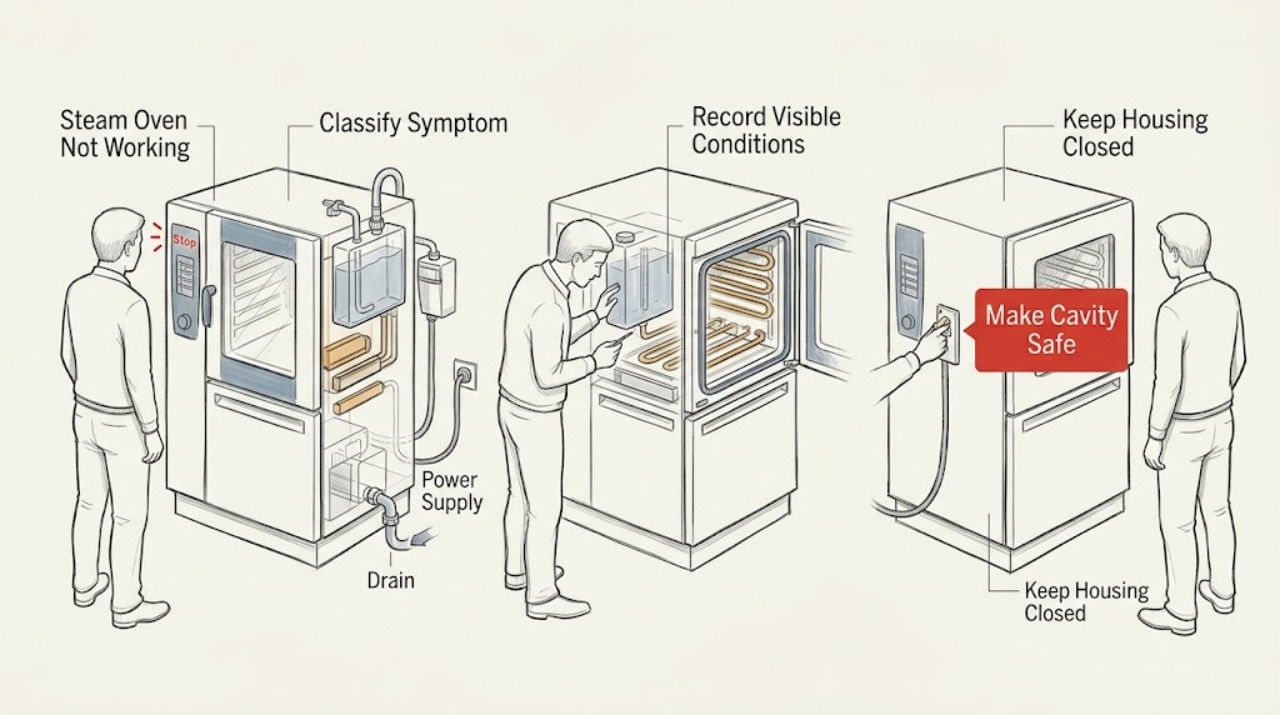
Steam Oven Not Working: Separate Power, Steam, Water, Door, and Control Faults
A steam oven that is not working should first be classified as no power, powered but not starting, not heating or steaming, unable to fill or drain, locked at the door, or showing an error. Record the exact model, region, complete display message, selected mode, and point in the program before clearing anything.
-
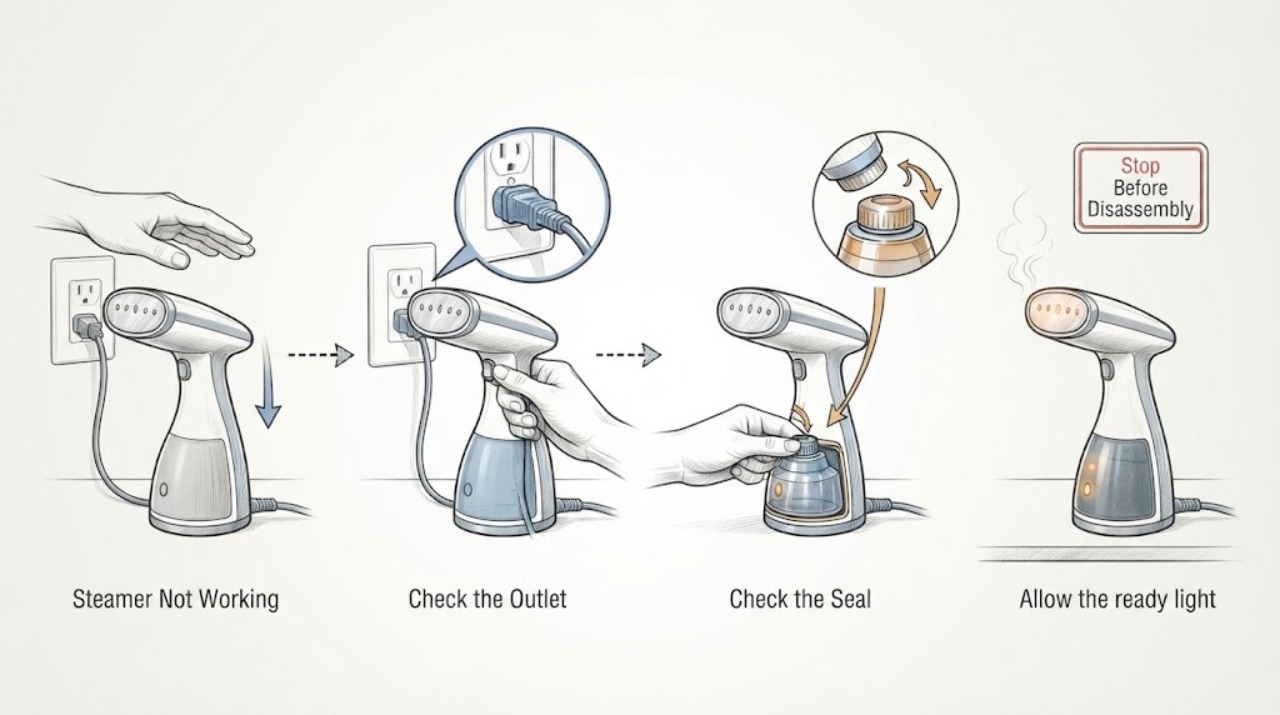
Steamer Not Working
For a steamer that is not working, separate no power or no heat from no steam. Check the outlet and controls, fill and seat the tank, allow the model’s heat-up period, and keep a standing steamer upright so condensation can return through the hose. Unplug and cool it before descaling or handling the tank.
-
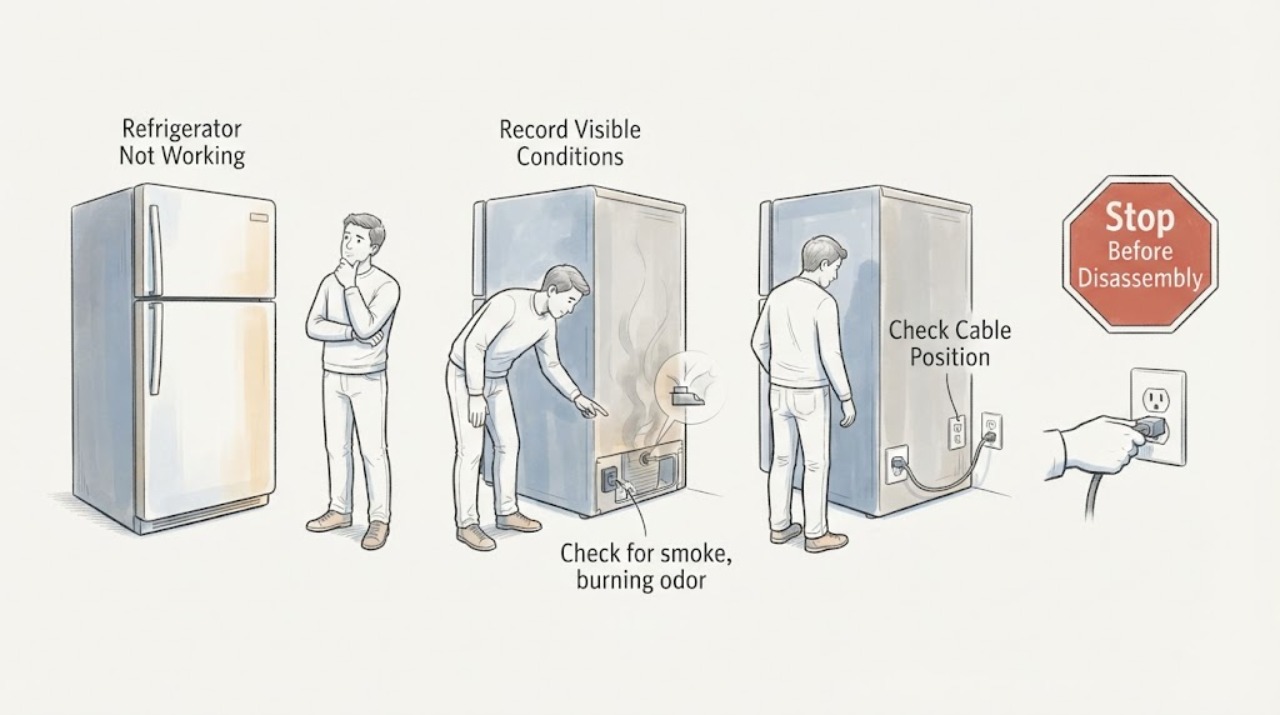
Sub-Zero Refrigerator Not Working: Safe Checks and Service Boundaries
For a Sub-Zero refrigerator not working, record the model and complete symptom, check visible safety and external conditions, and use the exact model guide. The official reset is a single 30-second breaker cycle when safe; recurring symptoms need Factory Certified Service.
-
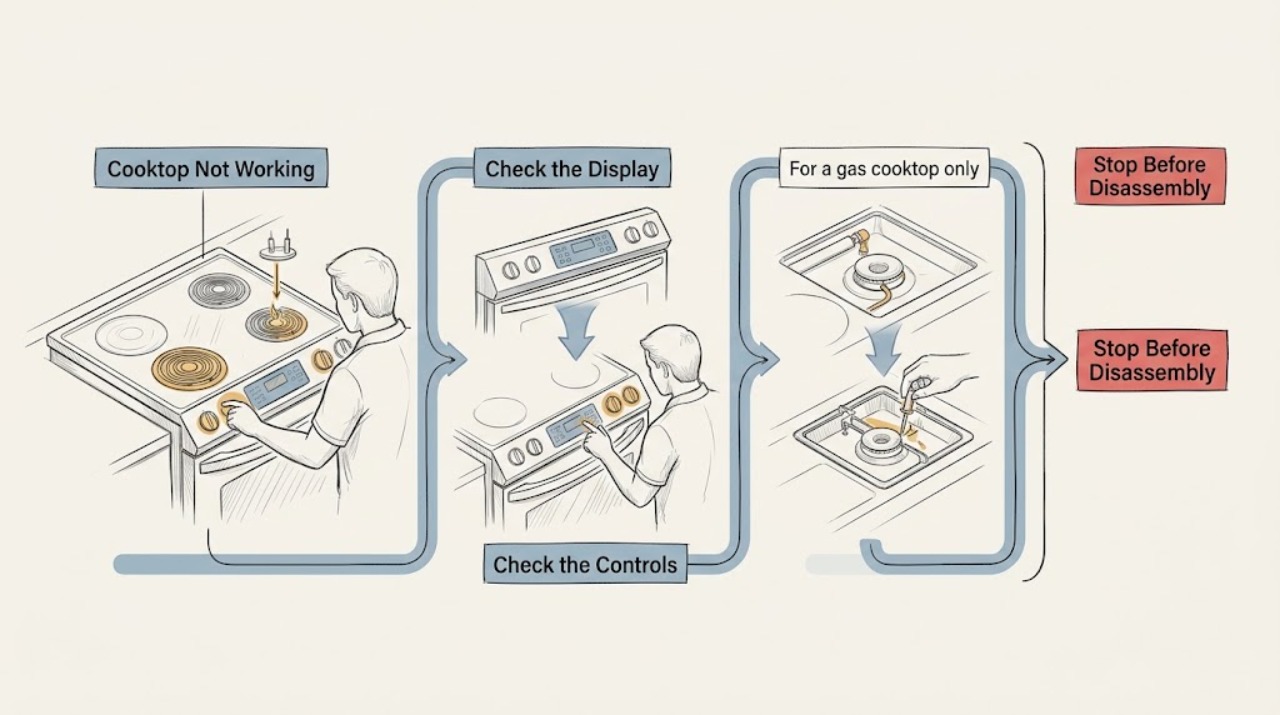
Thermador Cooktop Not Working: Split the Diagnosis by Power, Heat, and Fuel
A Thermador cooktop that is not working must first be identified as gas, electric, induction, or an unknown configuration. Check only external controls and power: confirm the main switch and accessible breaker or fuse, note whether the display is dark or shows an error, and make sure the cooking zone or gas control is actually selected.
-
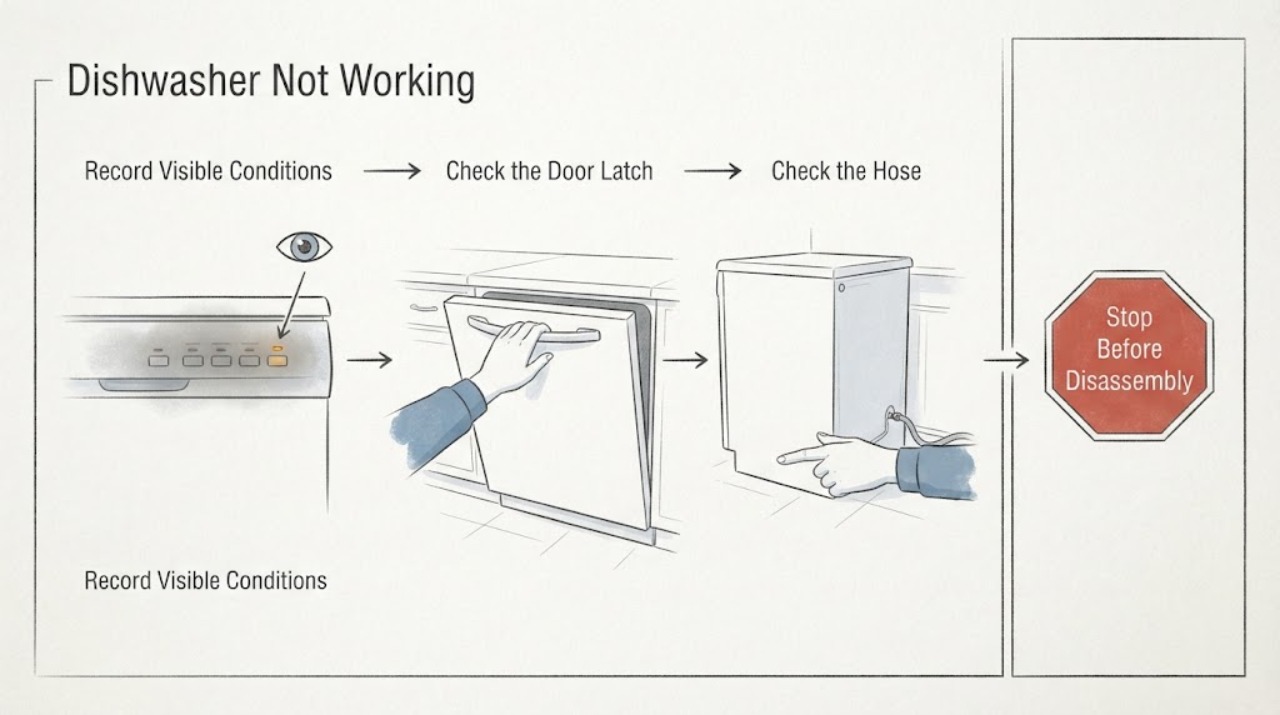
Thermador Dishwasher Not Working: Check the Door, Power, Water, and Drain
When a Thermador dishwasher is not working, first identify whether the display is dark, a cycle is selected but will not start, or a running cycle stopped. Check the model's power switch and display behavior, latch the door, cancel any delay start, verify the water valve and inlet line, and use the owner's manual for a reset.
-
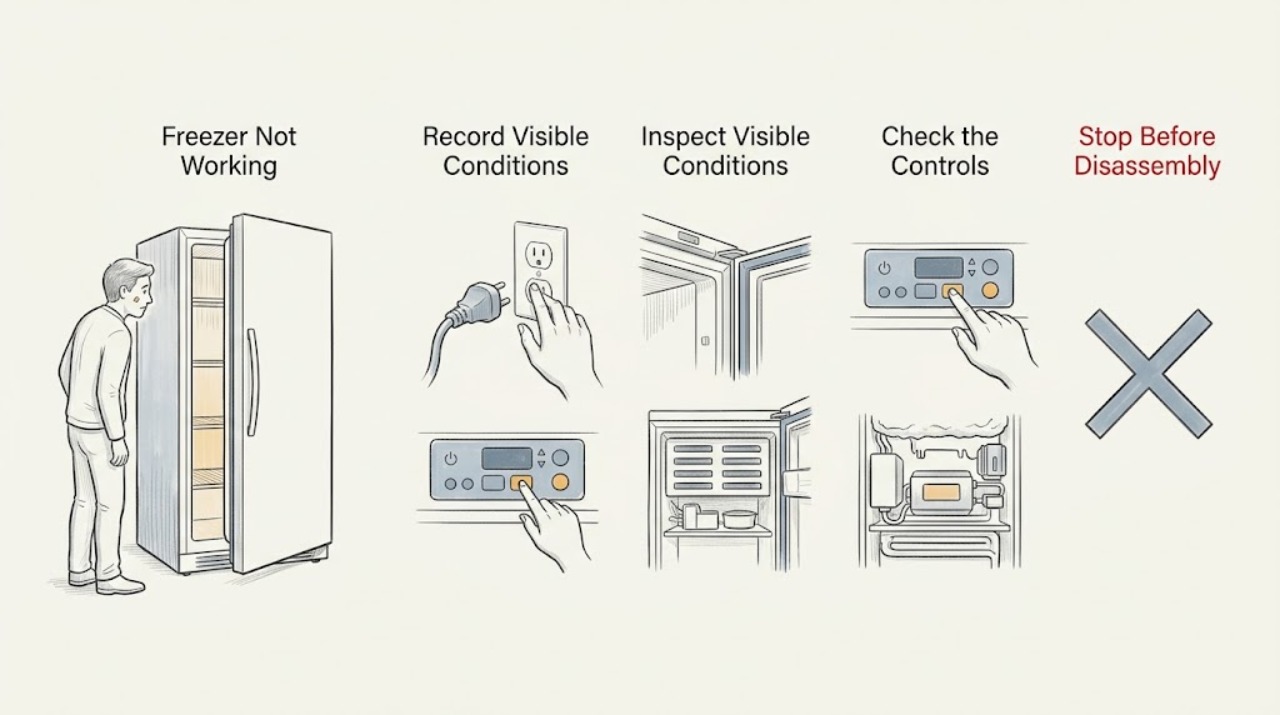
Thermador Freezer Not Working
First determine what “not working” means: no lights or display, controls that do not respond, a freezer that is on but warm, an alarm or code, a door or drawer that will not close, or an ice maker that has stopped. Record the full Thermador model and exact display message before changing settings, because Thermador says controls and features vary by model.
-
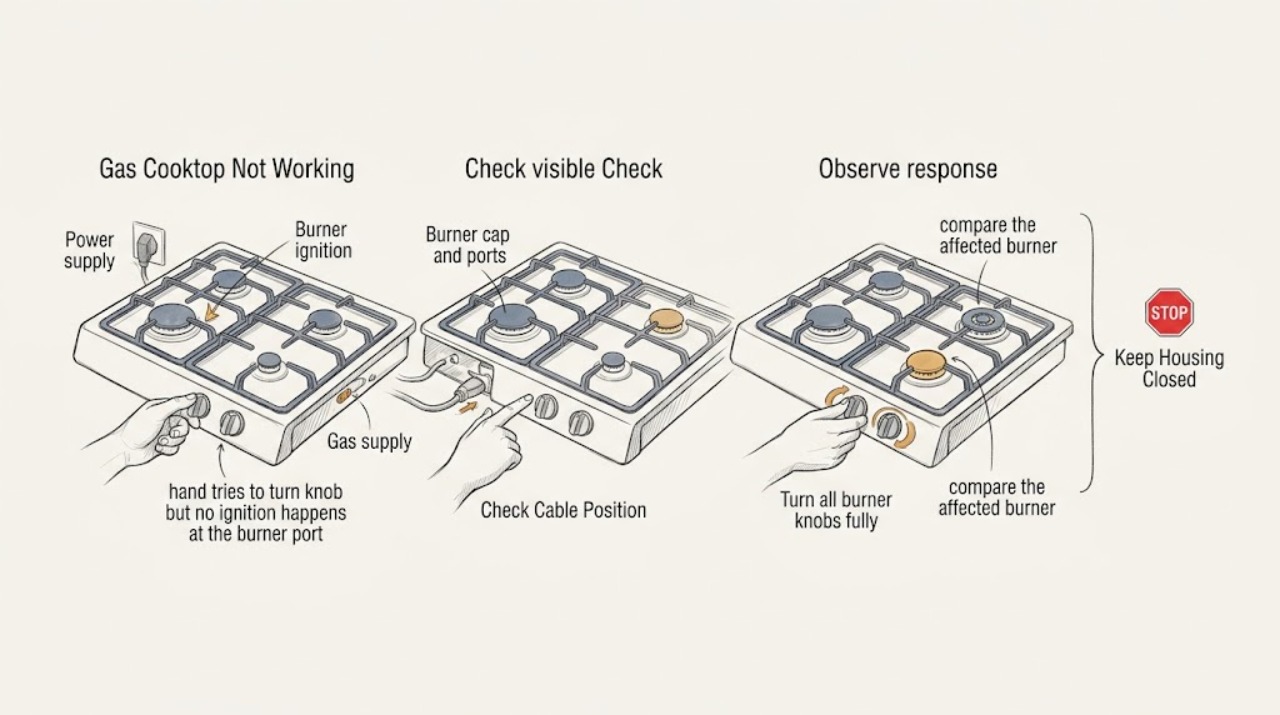
Thermador Gas Cooktop Not Working: Separate Power, Ignition, Flame, and Control Faults
When a Thermador gas cooktop is not working, first identify whether every burner is affected or only one, and whether you have power, clicking or sparking, gas flow, and a stable flame. Check only external items: the plug or breaker, the gas shutoff, cooled and correctly seated burner caps, dry and clear igniters and ports, and drafts.
-
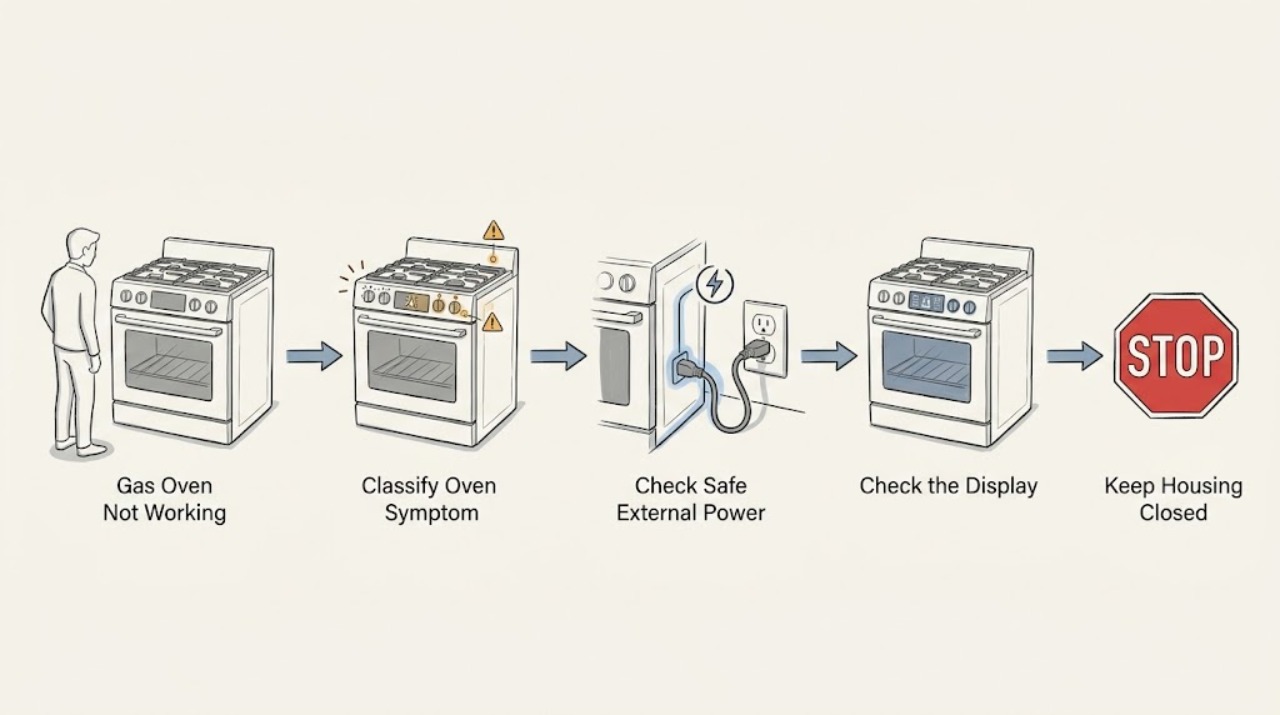
Thermador Gas Oven Not Working: Separate Power, Ignition, and Heating Faults
Treat a Thermador gas oven that is not working as one of three different symptoms: no display or response, a display that accepts no cooking command, or a selected mode that does not ignite or heat. First record the model and exact display message, then make only ordinary external checks from a dry, stable position.
-
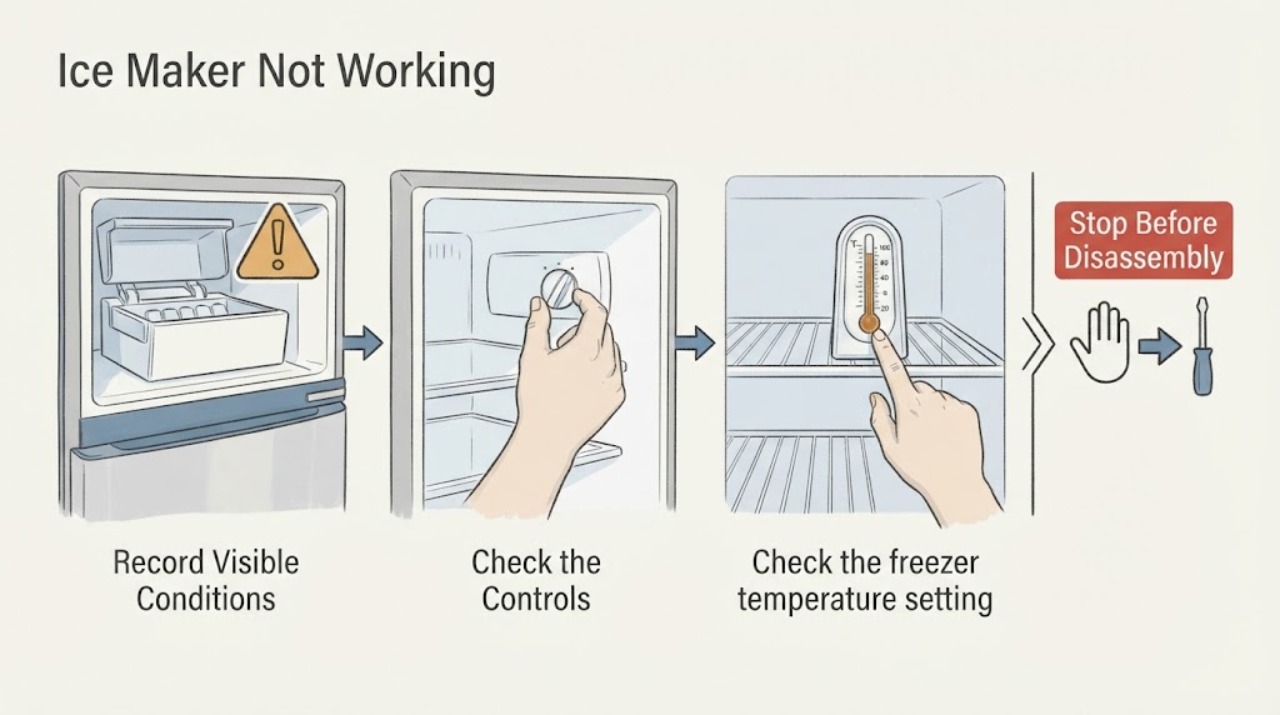
Thermador Ice Maker Not Working: Production and Bin Checks
For a Thermador ice maker that is not working, first establish whether the bin is empty, cubes are jammed at the level sensor, or production is simply still ramping after startup. Then verify the ice maker is enabled, the freezer is cold enough, the filter and water supply are suitable, and a built-in bin is seated to engage its detection switch. If the mechanism remains inoperative after model-appropriate checks, use qualified service.
-
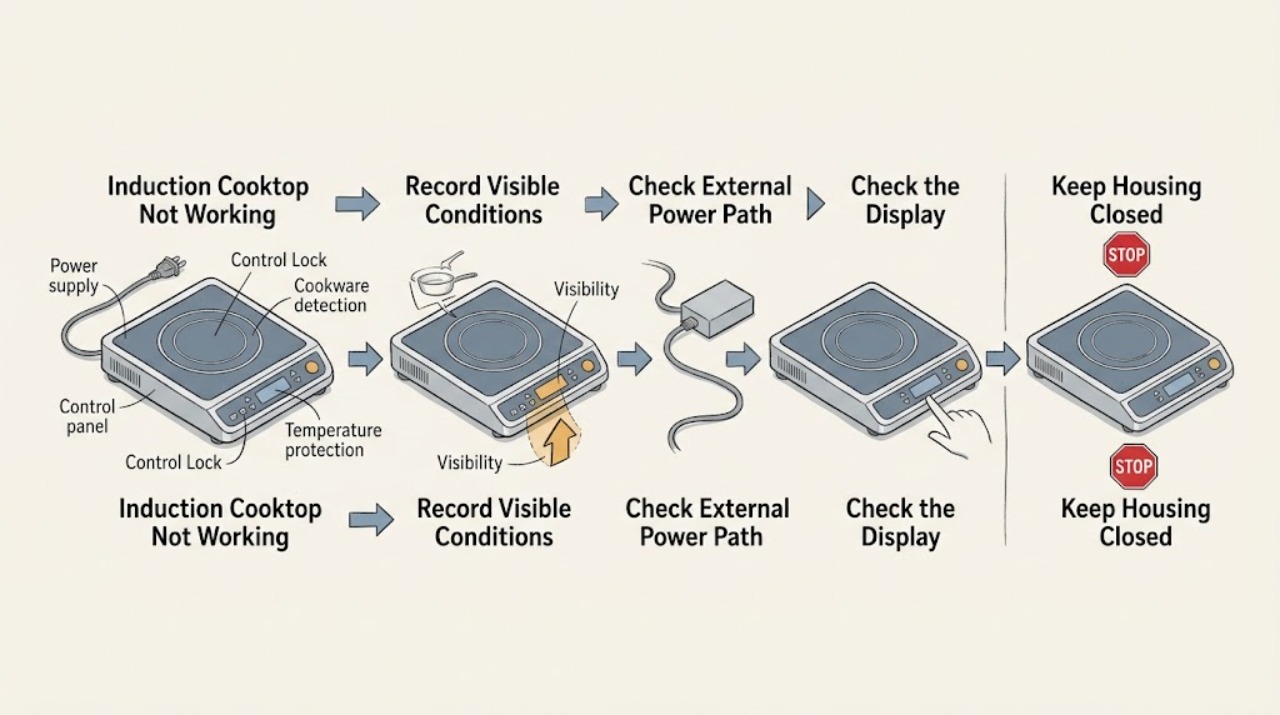
Thermador Induction Cooktop Not Working: Check Power, Controls, and Cookware
A Thermador induction cooktop that is not working may have no incoming power, a locked or wet control panel, cookware that the zone cannot detect, an overheat condition, or a model-specific fault. First classify whether the whole cooktop is blank, the controls are lit but locked or unresponsive, or only one zone fails.
-
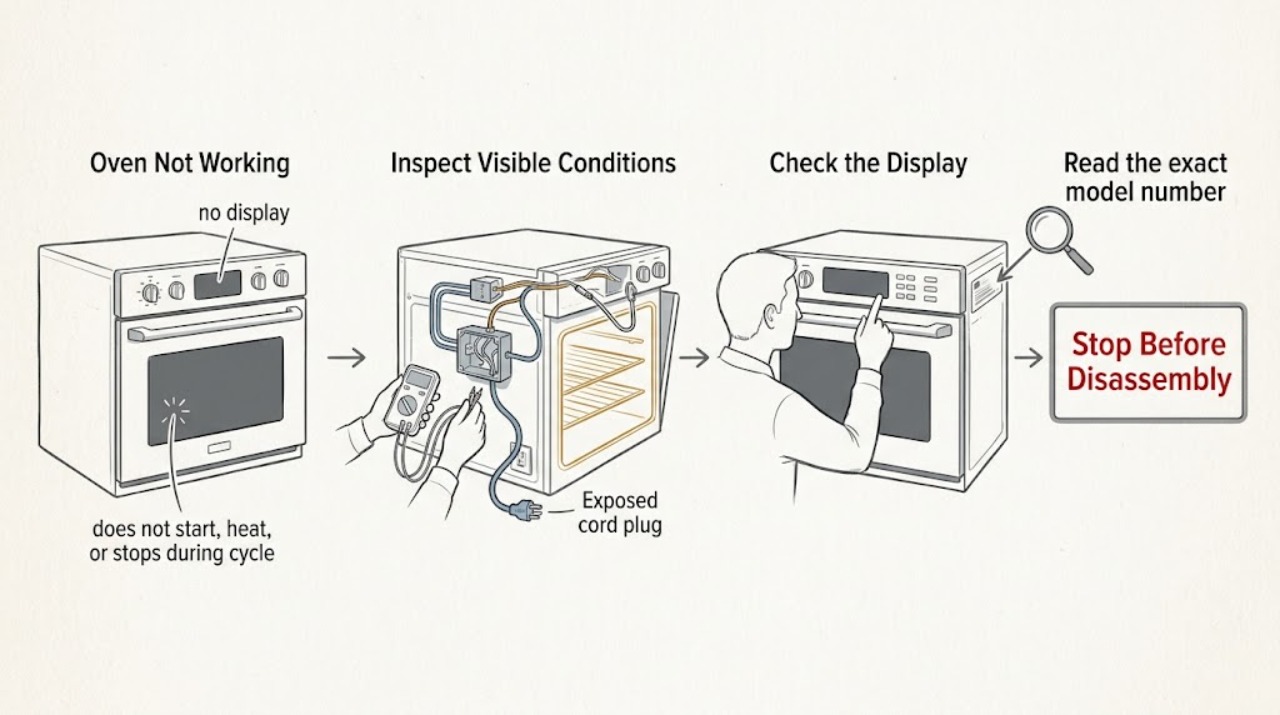
Thermador Oven Not Working: Separate Power, Start, Heat, and Safety Faults
Treat Thermador Oven Not Working as several different symptoms: a dead display, a powered control that will not start, a cycle that starts without heat, or a cycle that stops with a message. Check for smoke, a burning odor, gas odor, abnormal flame, arcing, a damaged door, or repeated breaker trips before touching any control.
-
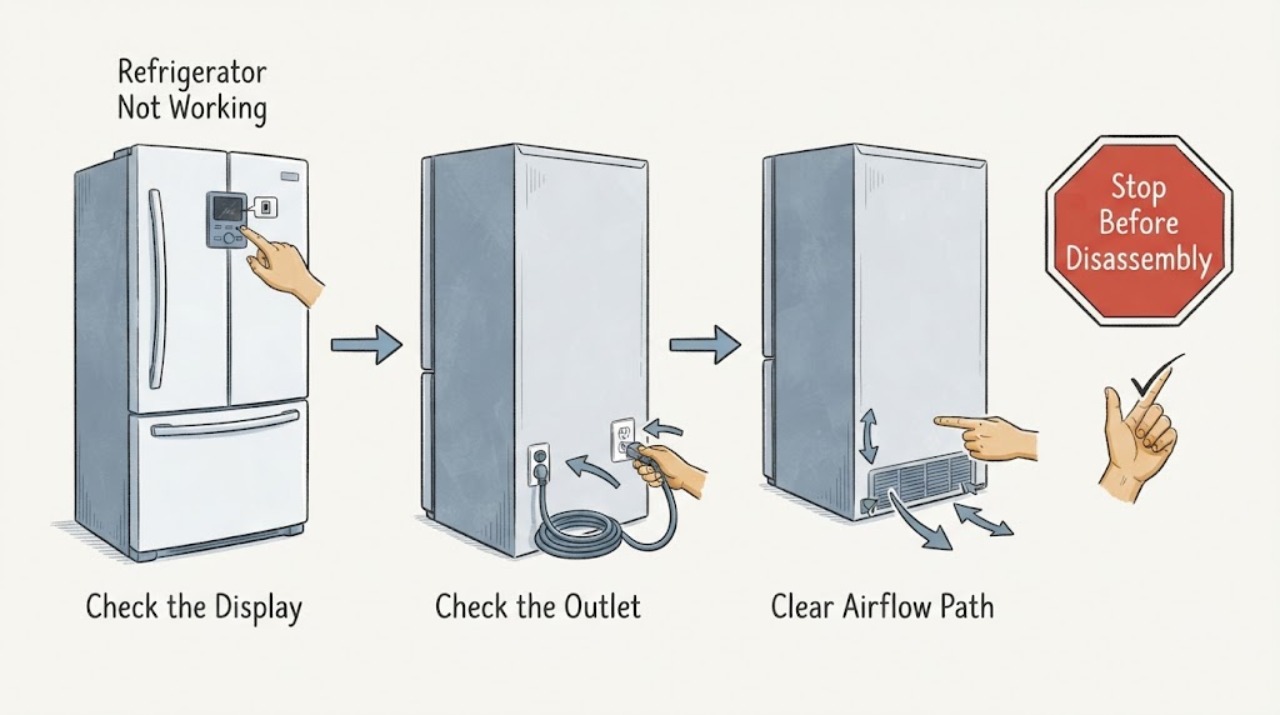
Thermador Refrigerator Not Working
For a Thermador refrigerator that is not working, first classify whether the problem is power, cooling, water, ice, lighting, or controls. Make only the matching external checks and arrange qualified service for a persistent or hazardous fault.
-
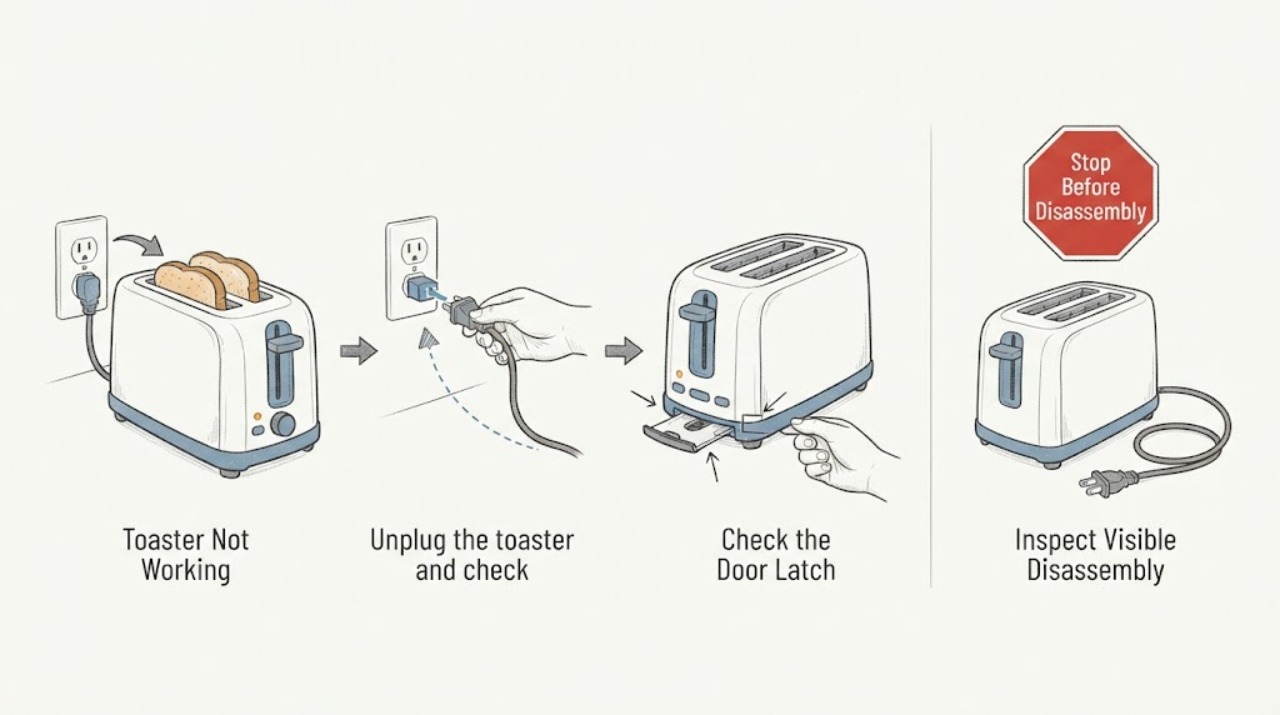
Toaster Not Working
A toaster that will not work usually needs a simple power, latch, control, or jam check. Confirm the grounded outlet and plug, make sure the bread lifter can latch, and inspect for a jam only after unplugging and cooling. Never reach into a plugged-in toaster; a damaged cord, repeated trip, burning odor, or failed control requires service.
-
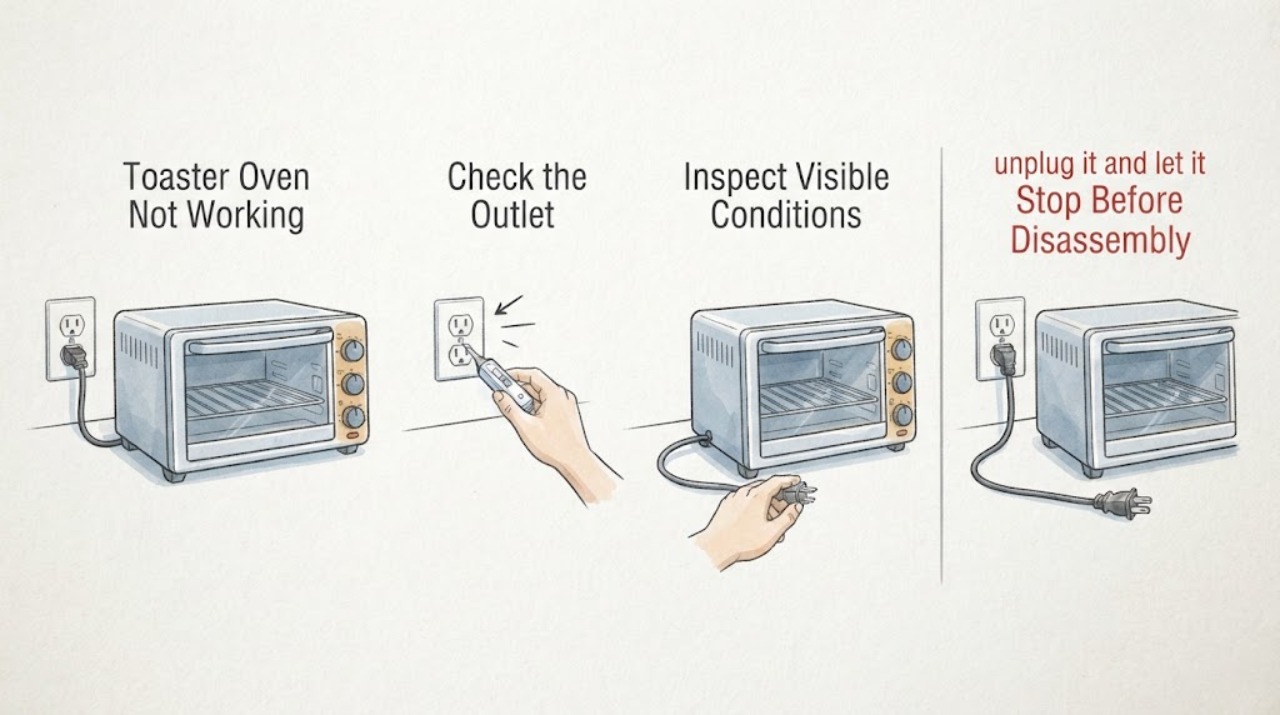
Toaster Oven Not Working
A toaster oven that is not working should be separated into no power, no heat, and an error or over-temperature condition. Check the outlet and controls, allow a hot oven to cool, and record any display code. Breville’s manual routes non-resettable codes to support and warns against continued use when a fault persists.
-
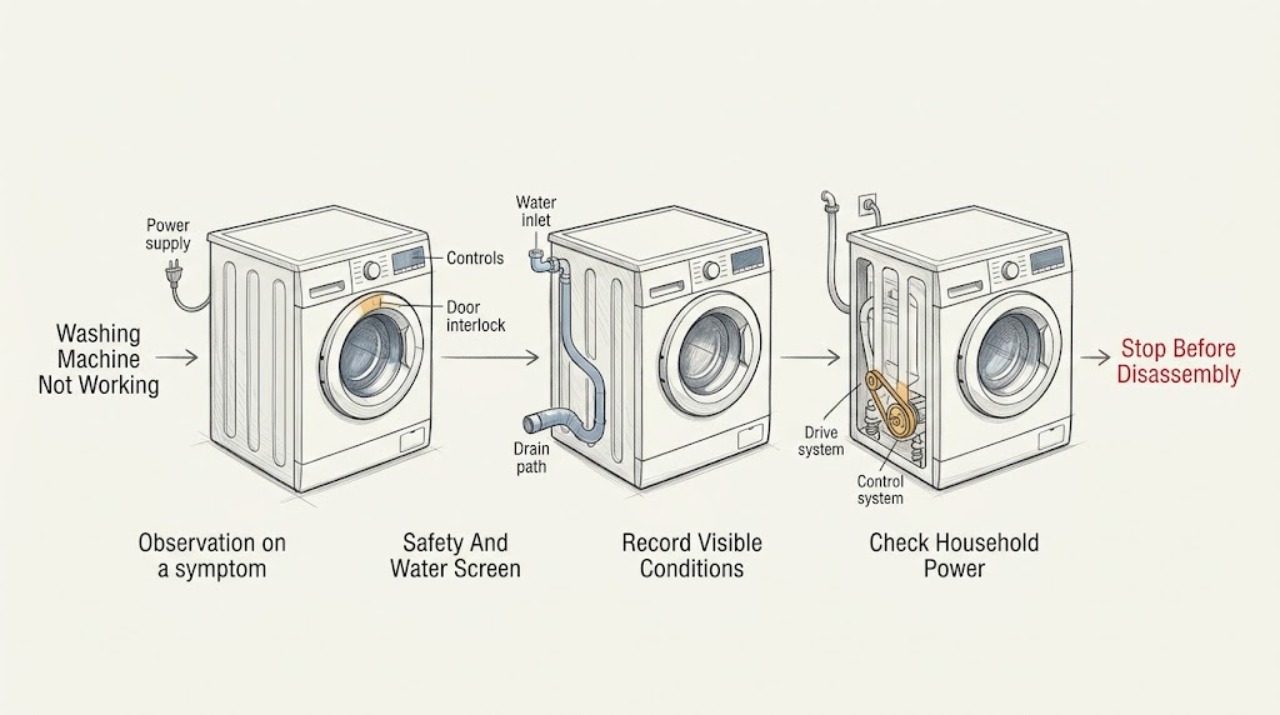
Toshiba Washing Machine Not Working
Start by defining what ‘not working’ means: no display or response, a programme that will not start, no water entering, no drain or spin, a leak, severe movement, or a code. With the washer dry and safe, check the plug, household supply, breaker, power switch, selected programme, Start or Start/Hold command, delay or preset setting, and the door or lid closure.
-
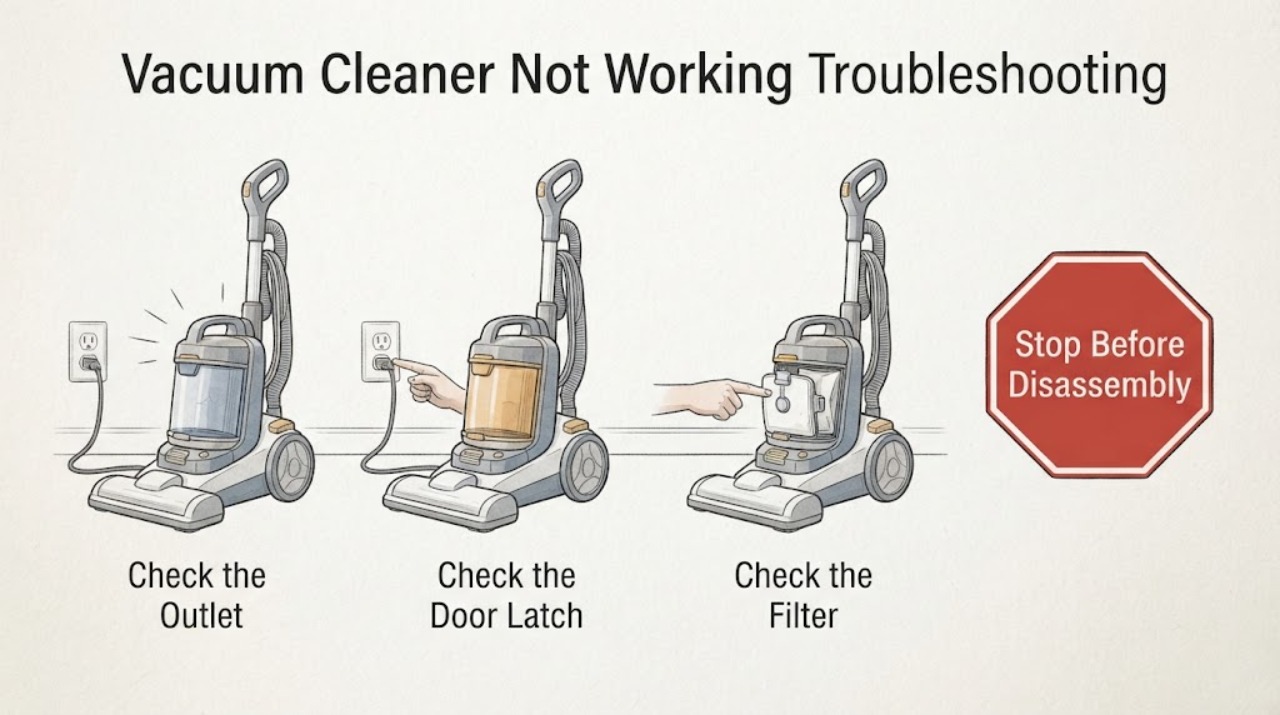
Vacuum Cleaner Not Working Troubleshooting Guide
A vacuum cleaner that will not work should be separated into no power or indication, a protection stop after brief running, and a control that lights but will not start. Check the exact model's power and charging path, then inspect only the accessible wand, head, bin, brush bar, and dry filter for blockage or seating. If it remains dead after those checks, repeatedly stops, or shows heat, odor, or cord or battery damage, stop using it and arrange Dyson or qualified service.
-
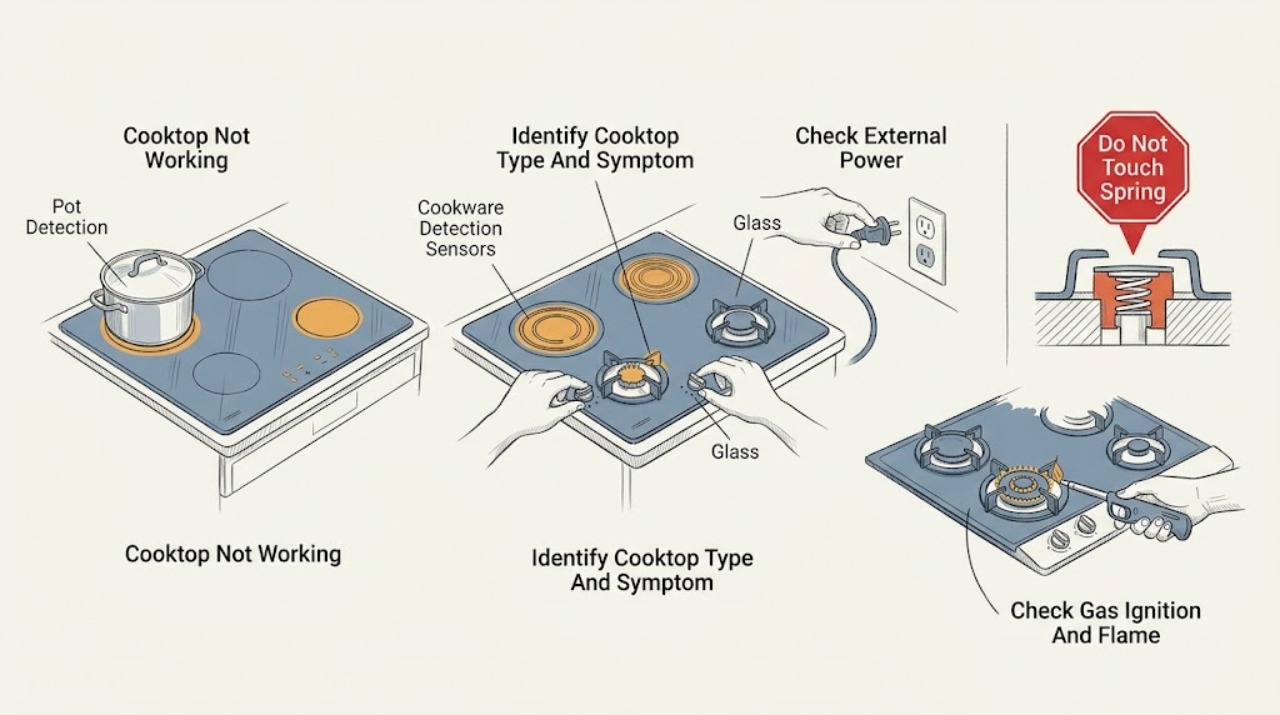
Viking Cooktop Not Working: Check Power, Fuel Type, and Surface Controls
A Viking cooktop that is not working must first be identified as gas, electric radiant, induction, or a combination model. For every type, check whether the whole unit is without power or only one element or burner fails, and record the exact model and any indicator pattern.
-
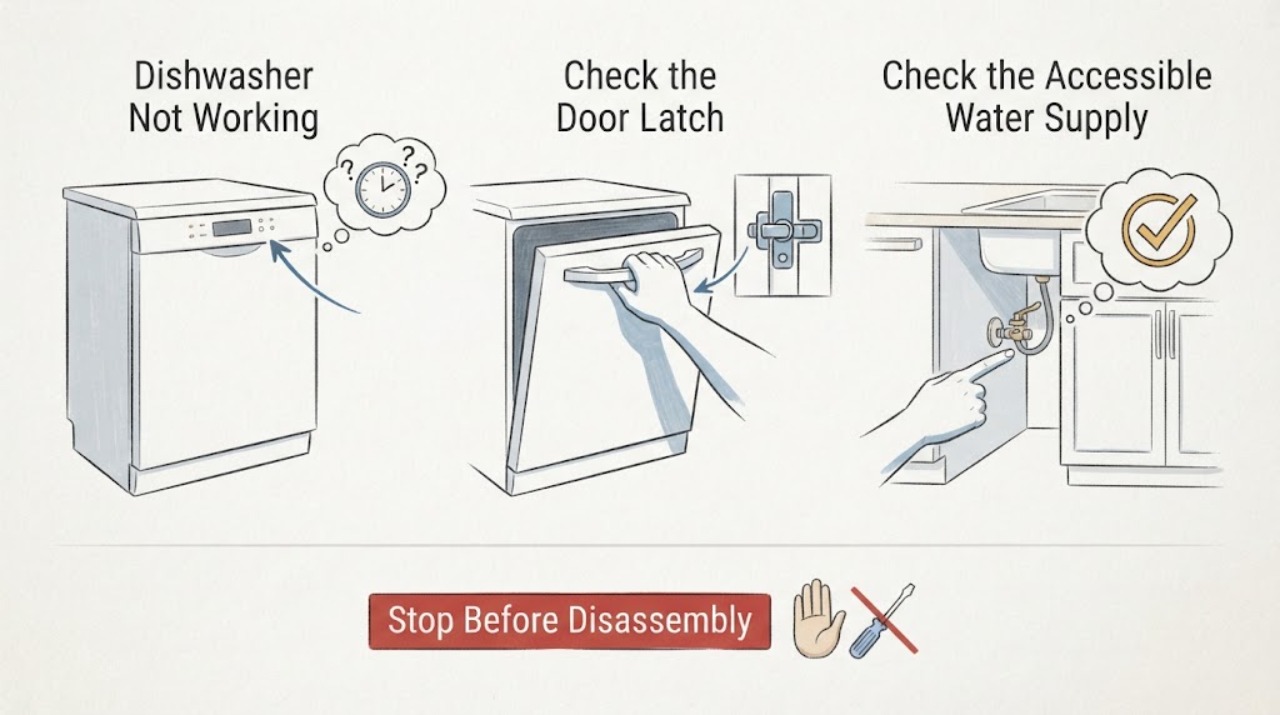
Viking Dishwasher Not Working
A Viking dishwasher that is not working may be stopped by the door, a delay setting, missing water supply, power protection, or a fault indication. Viking’s official use-and-care material starts diagnosis with the door and delay option, then water and power checks, filters, and the displayed fault pattern.
-
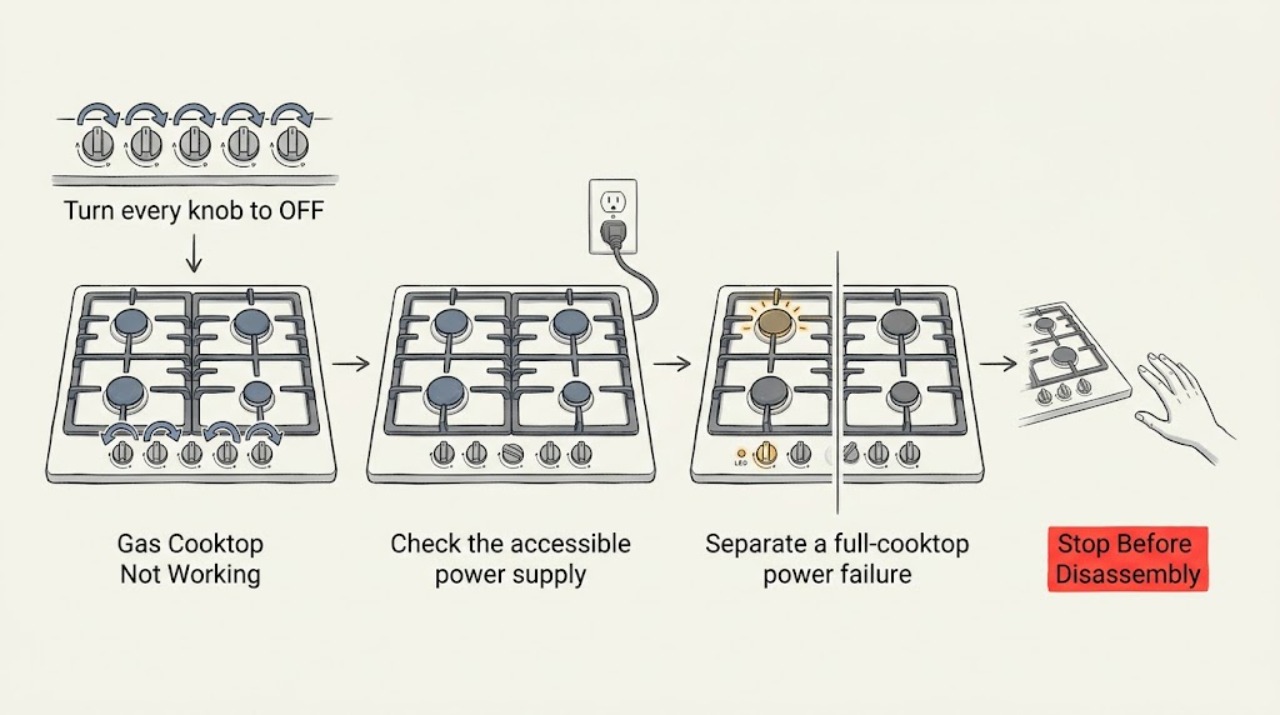
Viking Gas Cooktop Not Working: Check Power, Gas, and Burner Ignition
Break a Viking gas-cooktop failure into four observations: no power or no clicking, clicking with no flame, one burner failing while others work, or a flame that is abnormal or will not stay lit. Viking gas cooktops use electric spark ignition, so a full-cooktop failure can involve the accessible supply, breaker, grounding, or shared ignition system, while a single-burner failure can involve the cap, ports, electrode, or valve path.
-
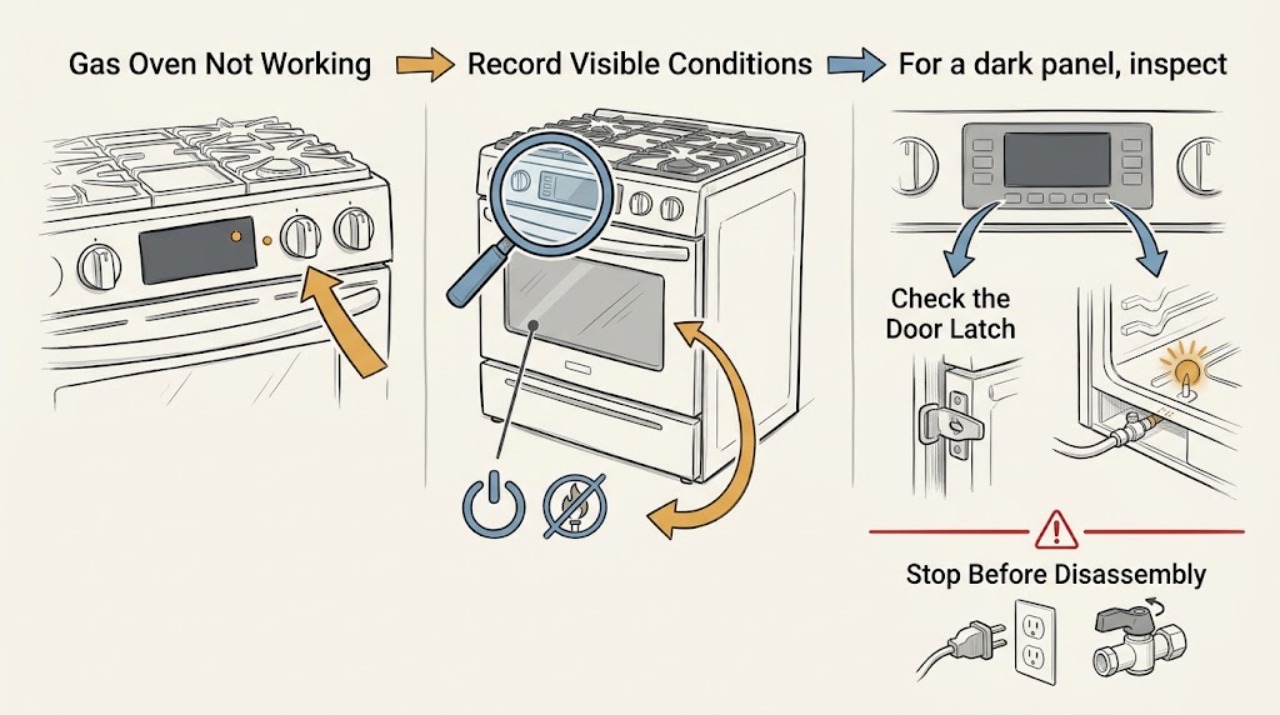
Viking Gas Oven Not Working: Separate Power, Ignition, and Heat Faults
Break a Viking gas oven that is not working into the symptom you can observe: a completely dark panel, a lit panel that will not start, a start with no ignition, ignition with no heat, or an error or control problem. Check only safe external conditions: power and breaker status, door and control settings, the selected mode, and the model-specific manual.
-
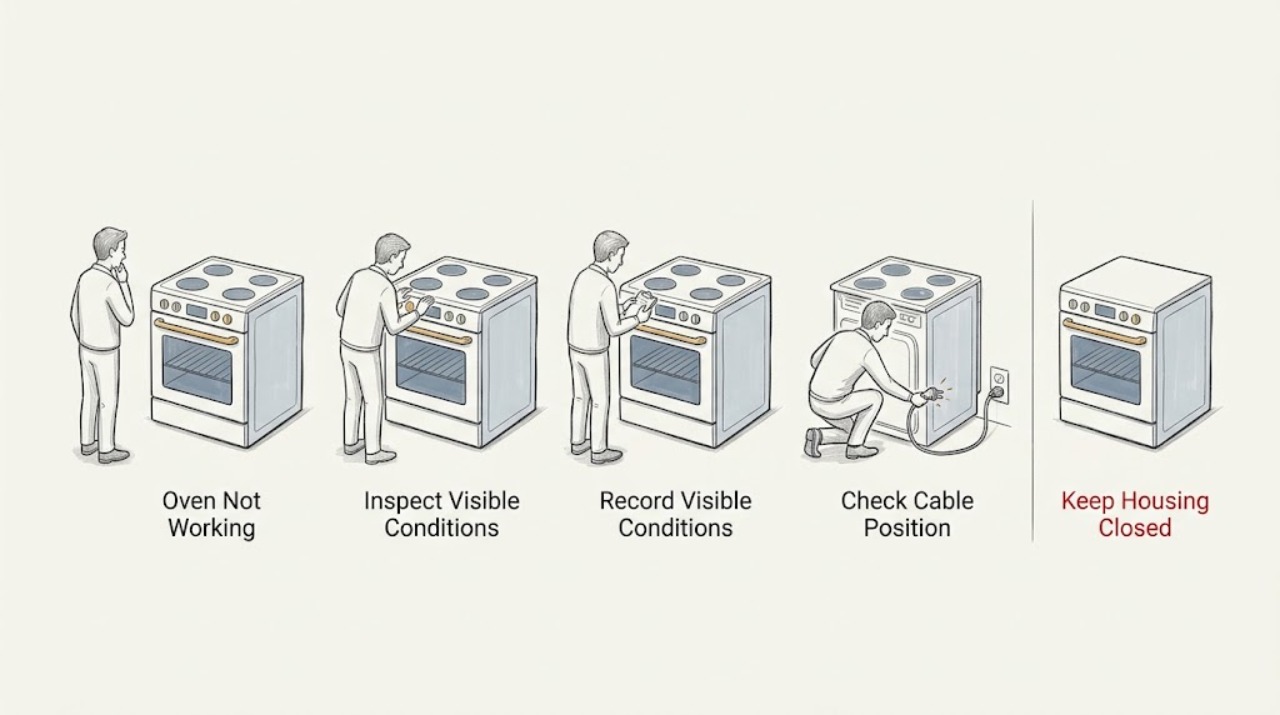
Viking Oven Not Working: Check Power, Controls, Heat, and Gas Safely
A Viking oven that is not working needs to be split into the right symptom before any repair is attempted: a completely dead display, a powered oven that will not start, no heat on an electric model, failed ignition on a gas model, a control or door state, or a model-specific fault message. Confirm the exact model and whether it is electric, gas, or dual fuel, then use its Viking manual for controls and code meanings.
-
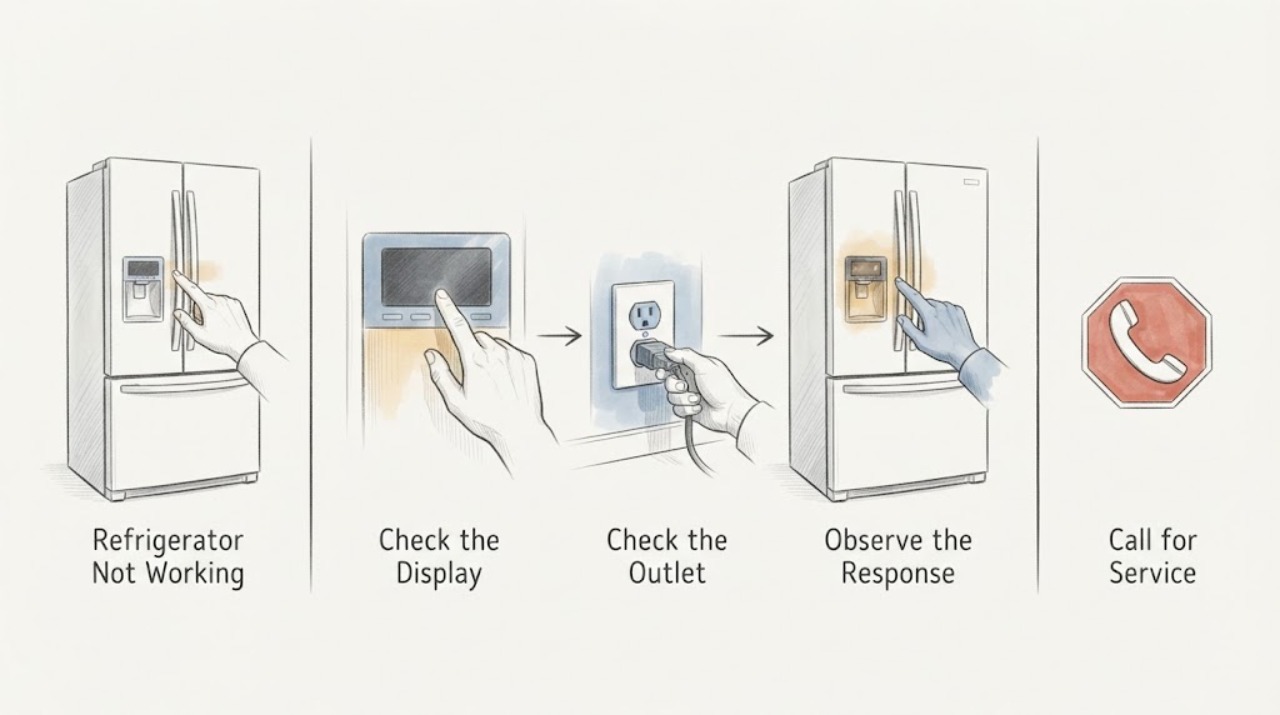
Viking Refrigerator Not Working
A Viking refrigerator that is not working should first be separated into a dark unit with no power, a powered unit that is not cooling, or a one-compartment, door, airflow, or control problem. Check the safe outlet and breaker path, verify the exact model’s controls and cool-down guidance, then inspect visible door, grille, and condenser conditions without removing panels.
-
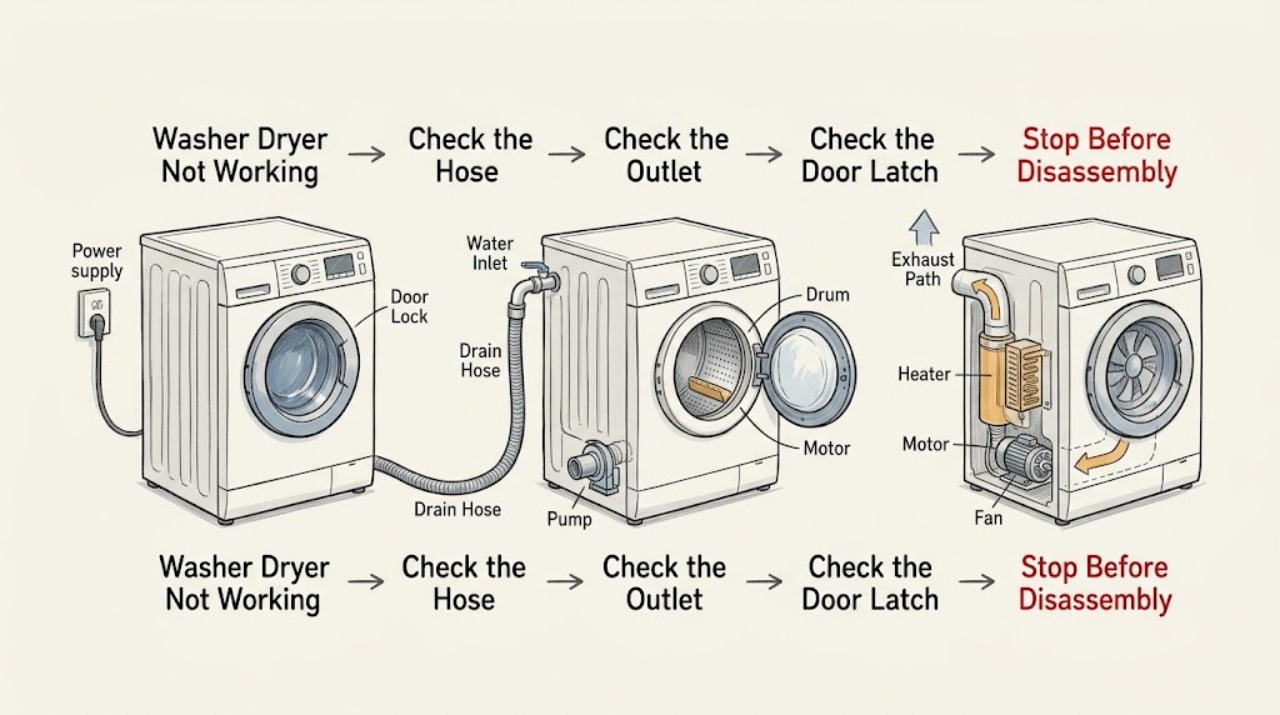
Washer Dryer Not Working: Split the Power, Wash, and Drying Faults
First decide whether the whole washer dryer is dead, the display works but a cycle will not start, the wash side stops with water, the drum will not drain or spin, or the dry side tumbles without heat or airflow. Check only the accessible plug, wall outlet, breaker or protective outlet, door closure, water taps, hoses, drain path, load, and lint screen as the model manual permits.
-
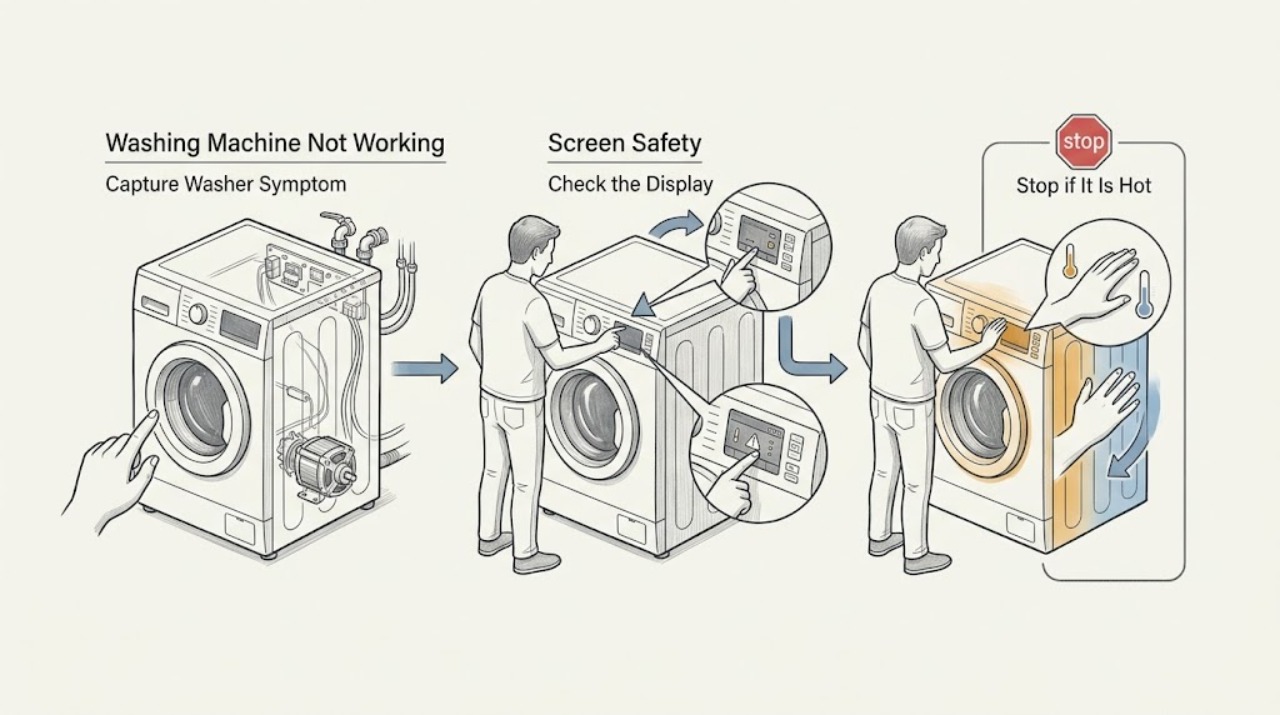
Washing Machine Not Working: Find Whether It Is Power, Water, Drain, or a Lock
“Not working” is not one washer fault. First record whether the machine is completely without power, has a display but will not start, fills but stops, retains water, will not spin, leaks, or shows an error.
-
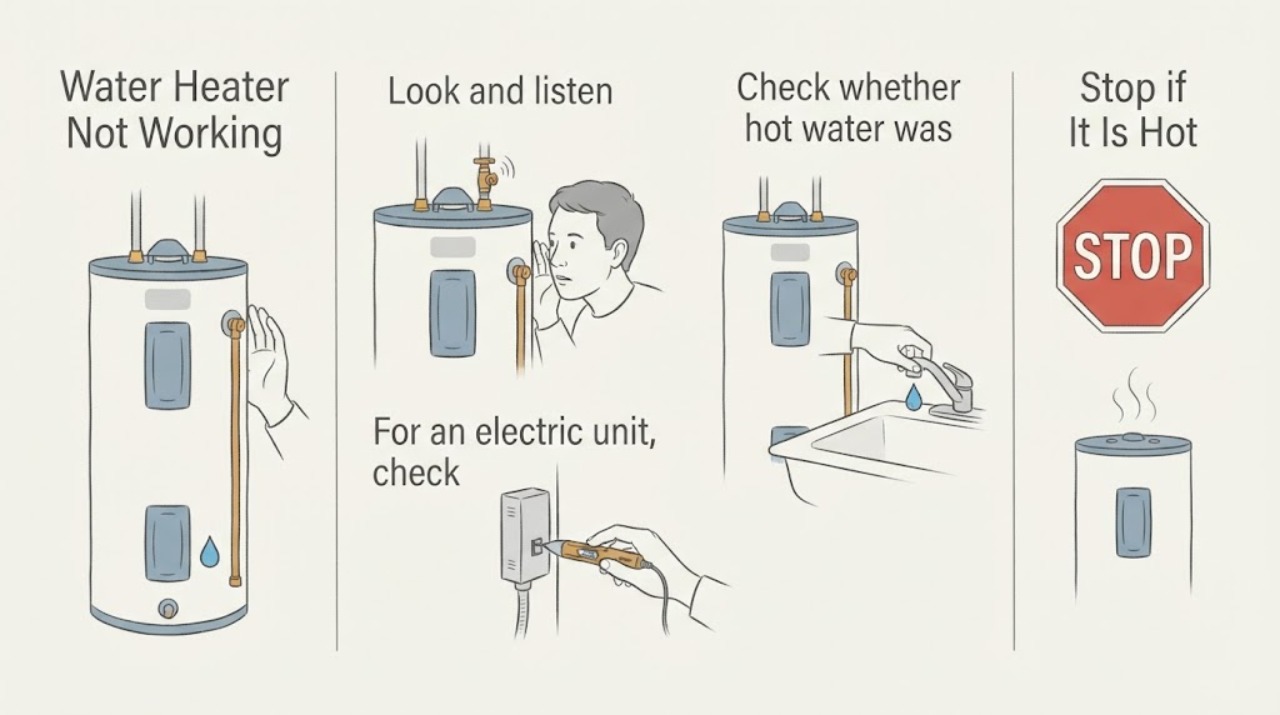
Water Heater Not Working
For a water heater that is not working, first identify whether the symptom is no hot water, a leak, a tripped breaker, or a gas/combustion issue. Check only the exterior power/disconnect and visible water conditions; never open electrical panels or service gas controls without the required qualification.
-
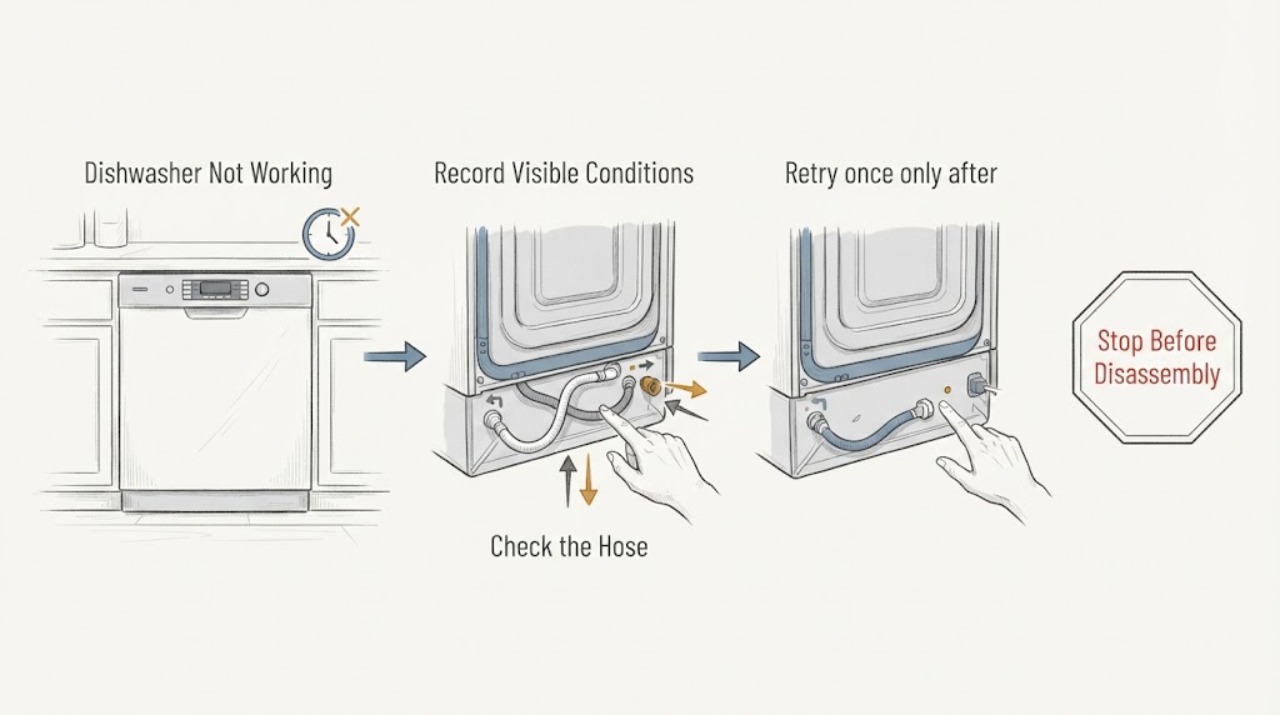
Westinghouse Dishwasher Not Working
A Westinghouse dishwasher that is not working should be separated into power, door, inlet, drain, and control symptoms using the model manual.
-
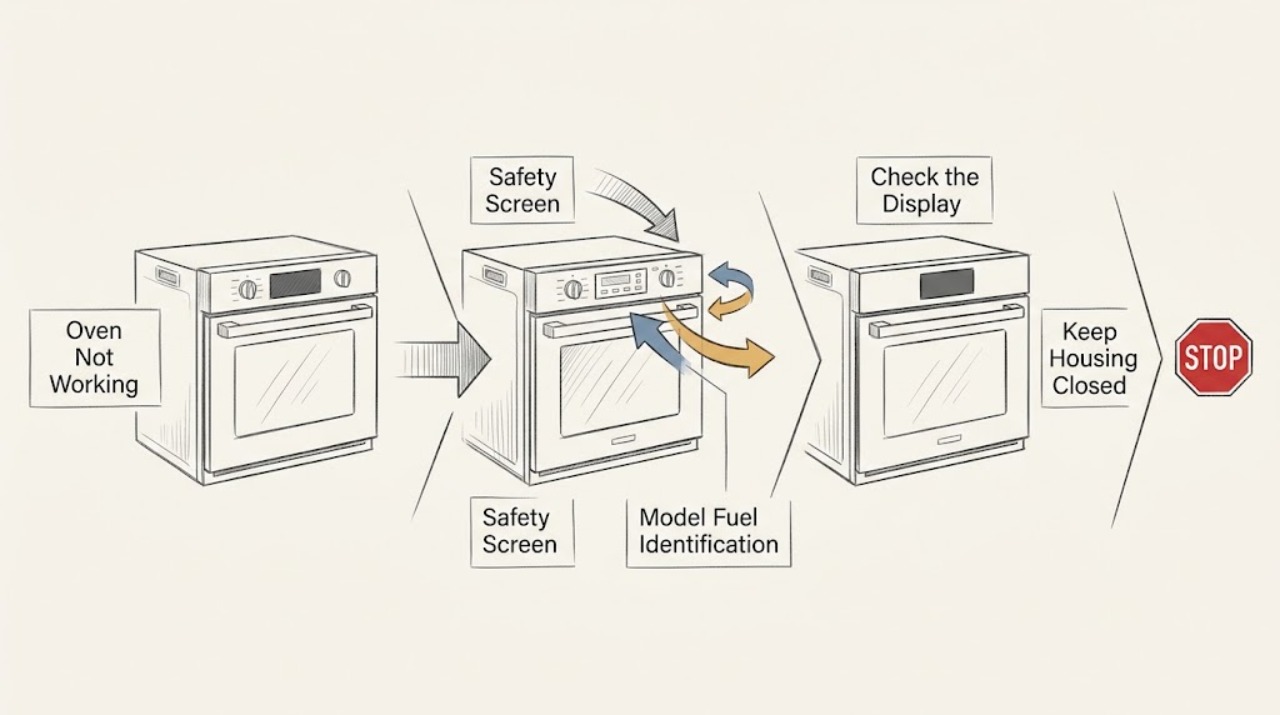
Westinghouse Oven Not Working
Define what ‘not working’ means on the Westinghouse oven: a completely dark display, a powered oven that will not start, no heat, or a gas oven that will not ignite. From a cool, dry, safe position, check the visible household supply, timer or clock, mode and temperature controls, child lock or demo state, door, and—only where applicable—the gas supply.
-
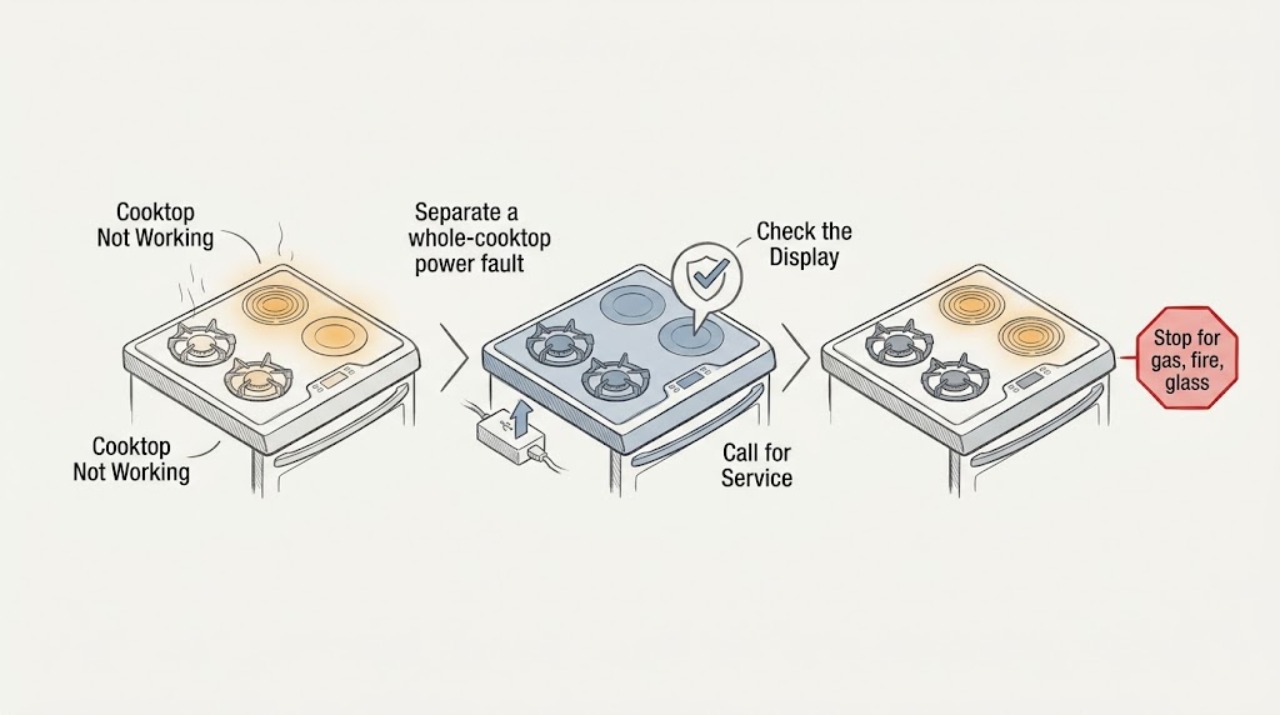
Whirlpool Cooktop Not Working
First identify whether the Whirlpool cooktop is gas, radiant electric, or induction. If you smell gas, see an abnormal flame, smoke, an arc, cracked glass, or a breaker trips again, stop immediately and keep away from the hazard; do not light, switch, unplug, or open the appliance.
-
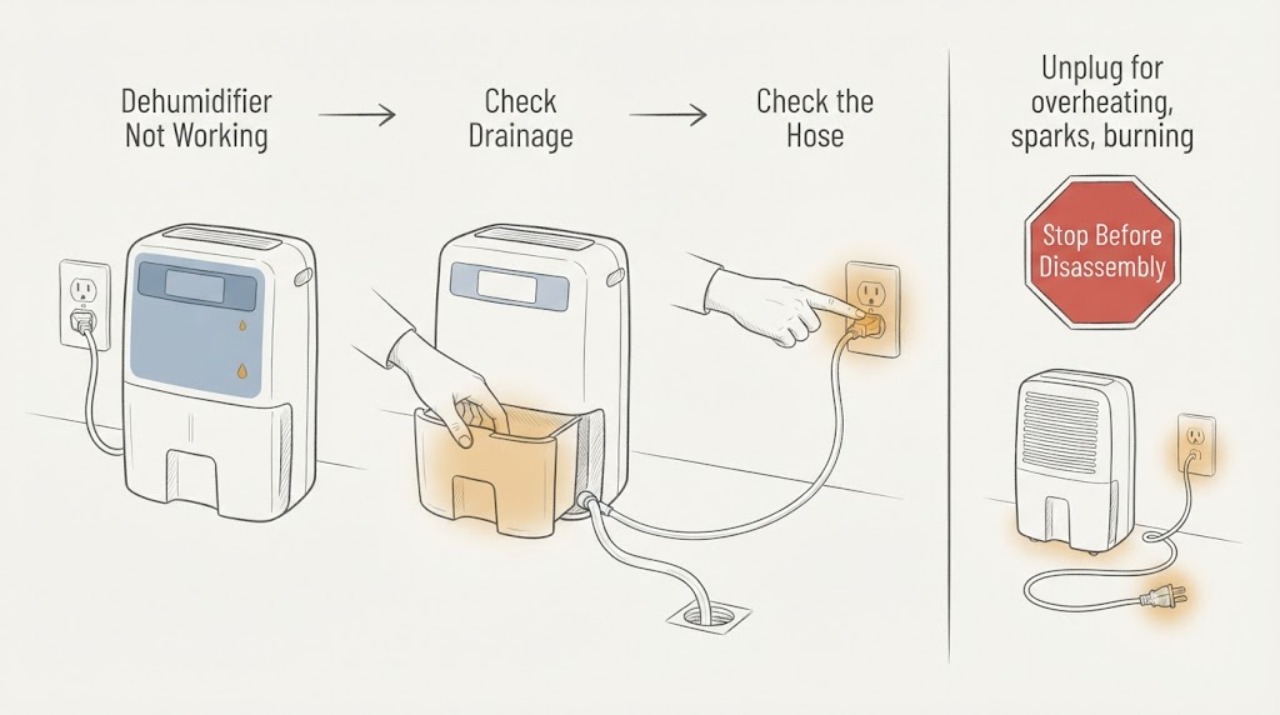
Whirlpool Dehumidifier Not Working
A Whirlpool coffee maker that is not working should be split into power, water, heating, dispensing, and cleaning symptoms before service.
-
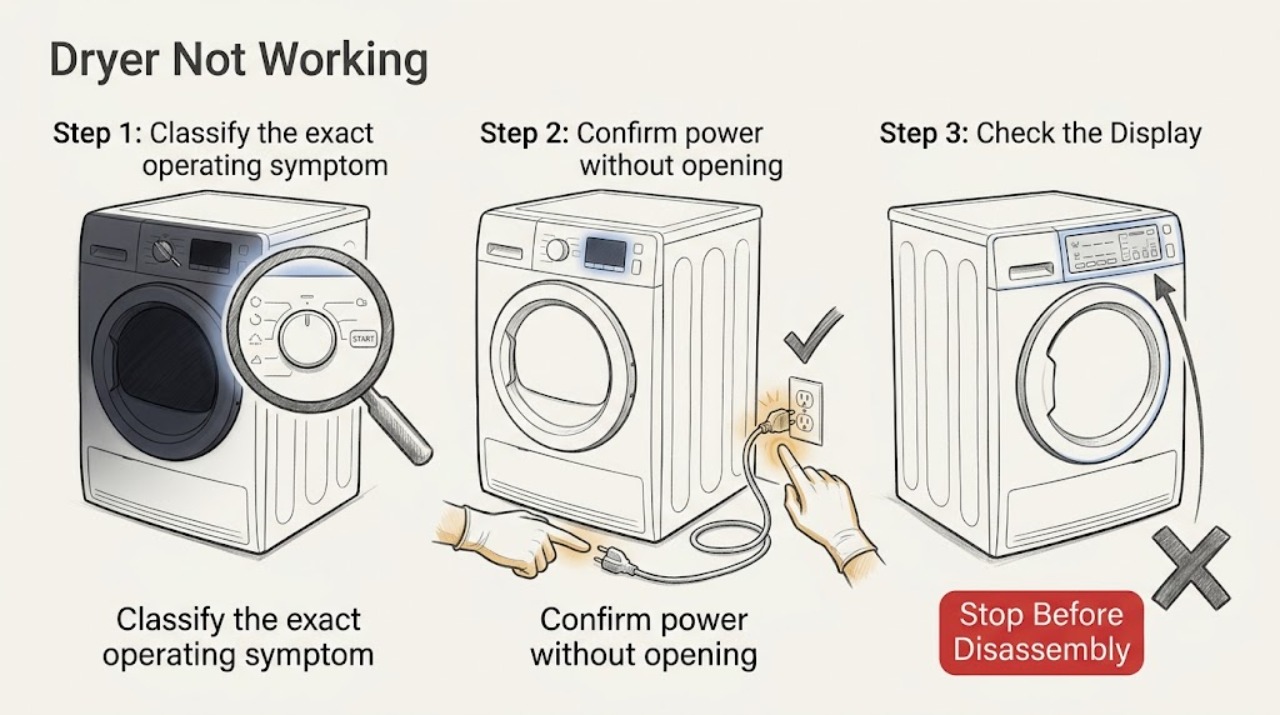
Whirlpool Dryer Not Working: Find the Safe Starting Point
First classify what ‘not working’ means on the Whirlpool dryer: no display or drum light, controls that do not respond, a cycle that will not start, a drum that will not tumble, or a cycle that runs without heat. Check the door latch, control lock, cycle selection, Start button, and visible power condition before anything else.
-
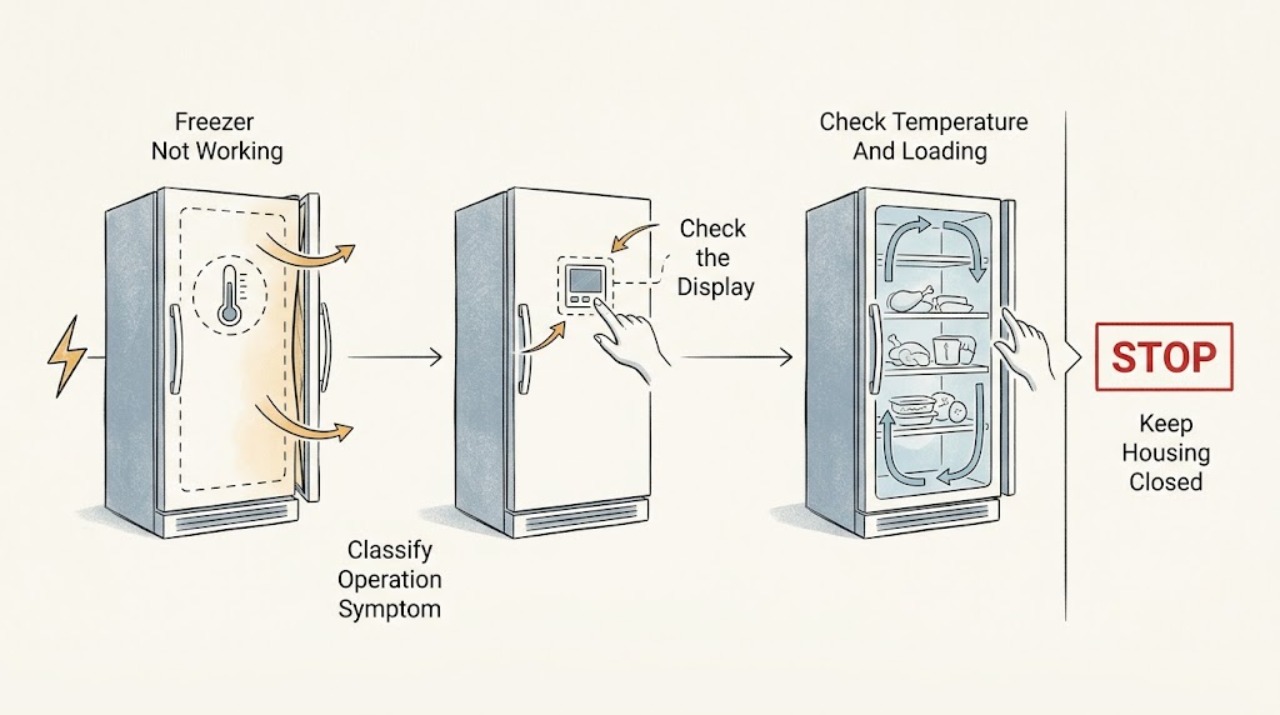
Whirlpool Freezer Not Working
A Whirlpool freezer that is not working may be completely without power, turned off at its controls, running but too warm, unable to seal, blocked by frost or airflow, or experiencing a refrigeration or component fault.
-
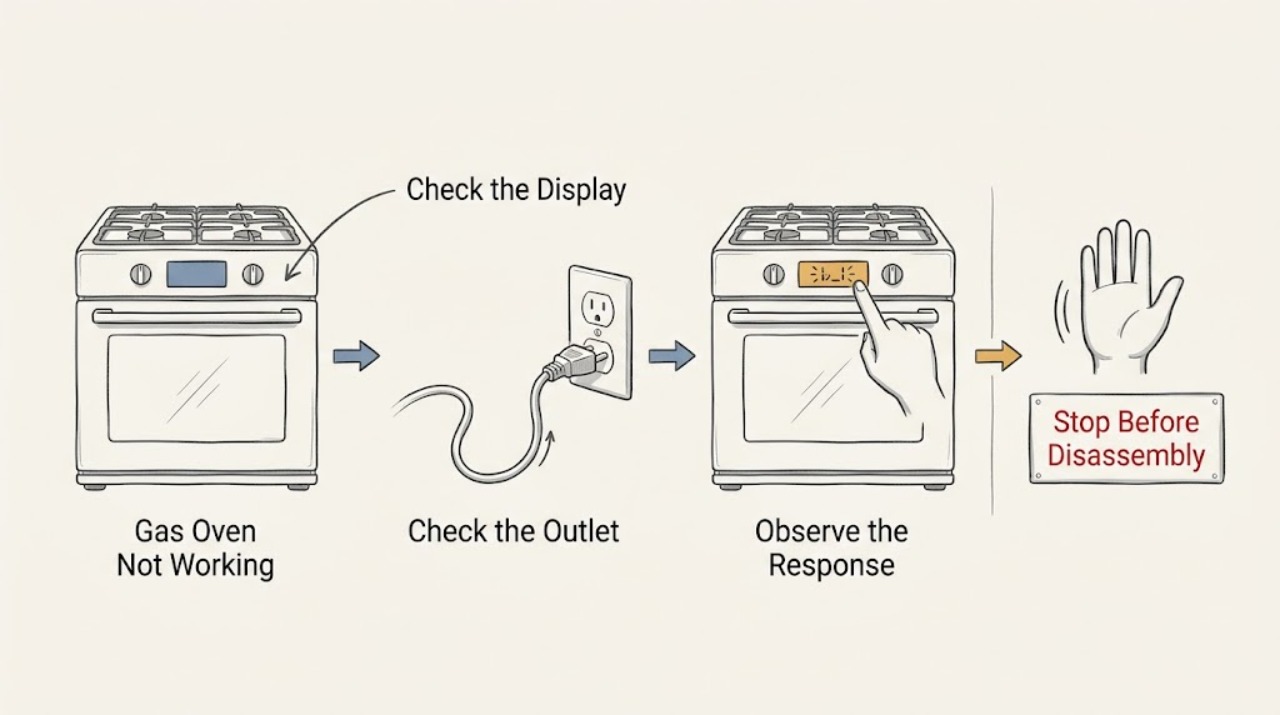
Whirlpool Gas Oven Not Working: Safe Checks by Symptom
First separate a completely dead Whirlpool gas oven from an oven with power that will not start, will not ignite, or will not heat. If you smell gas, hear hissing or delayed ignition, see an abnormal flame, smoke, arcing, or a carbon-monoxide alarm, stop immediately, leave the area, and use emergency or gas-supplier guidance from a safe location.
-
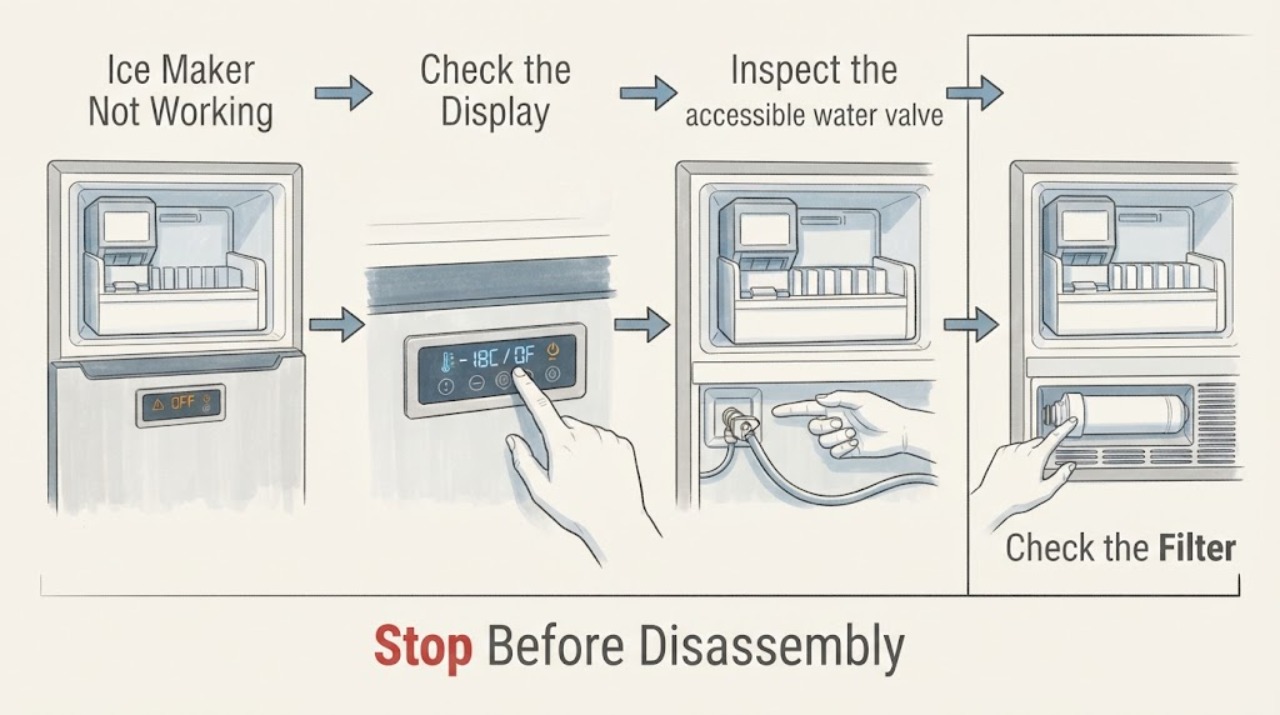
Whirlpool Ice Maker Not Working: Safe Checks
When a Whirlpool ice maker is not working, check the water supply and line, freezer temperature, ice-maker ON state, and water filter before assuming the ice maker itself failed. Whirlpool identifies restricted water, a freezer that is too warm, an ice maker that is turned off, and filter installation as common causes.
-
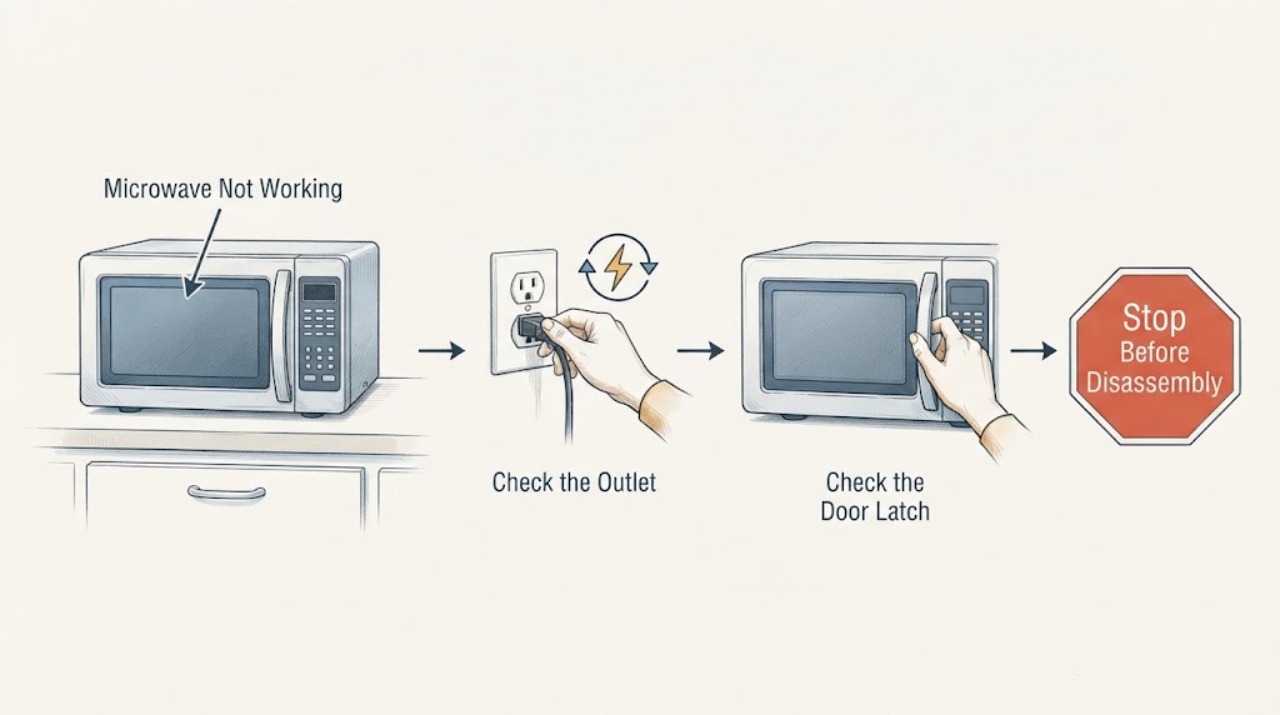
Whirlpool Microwave Not Working
For a Whirlpool microwave that will not work, first separate a dead display from a display that counts down without heating. Check the household fuse or breaker, the plug and grounded outlet, the door and latch area, and whether Control Lock or Demo mode is active. Use the exact model manual for the control sequence; if the door is damaged, the breaker trips again, the oven is damaged, or it still will not operate, stop and arrange qualified service.