
Repair problem
Keeps Tripping Troubleshooting Guides
Published FixGraph guidance for diagnosing and responding to keeps tripping.
Matching published guides
Choose a guide that matches the service, equipment, and conditions you are seeing.
-
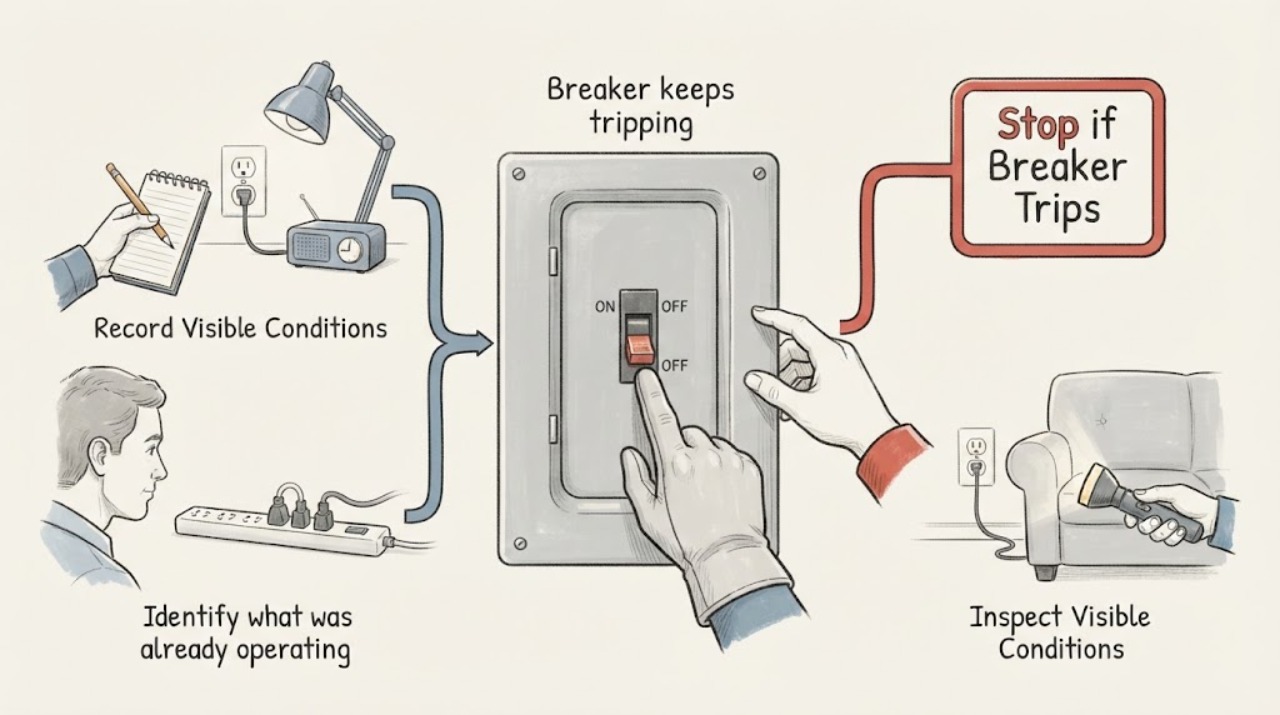
Breaker keeps tripping: What to Check and What to Do Next
A breaker that keeps tripping is a warning, not a nuisance to work around. Do not repeatedly reset it, open the panel cover, replace the breaker, install a larger breaker, or bypass it.
-
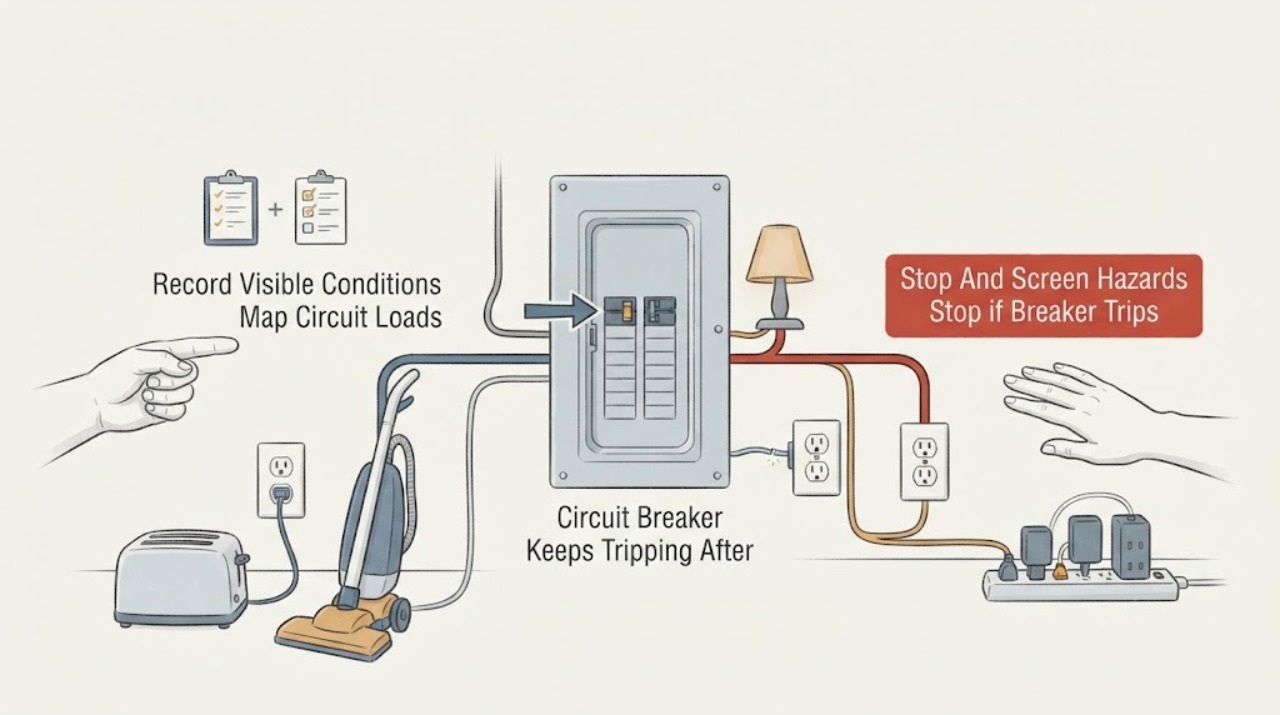
Circuit Breaker Keeps Tripping After 10 Minutes: Track the Load Before Resetting
A breaker that trips after about 10 minutes is responding to a time-dependent condition, but the timing alone does not prove overload, a defective appliance, a wiring fault, or a bad breaker. Stop repeatedly resetting it.
-
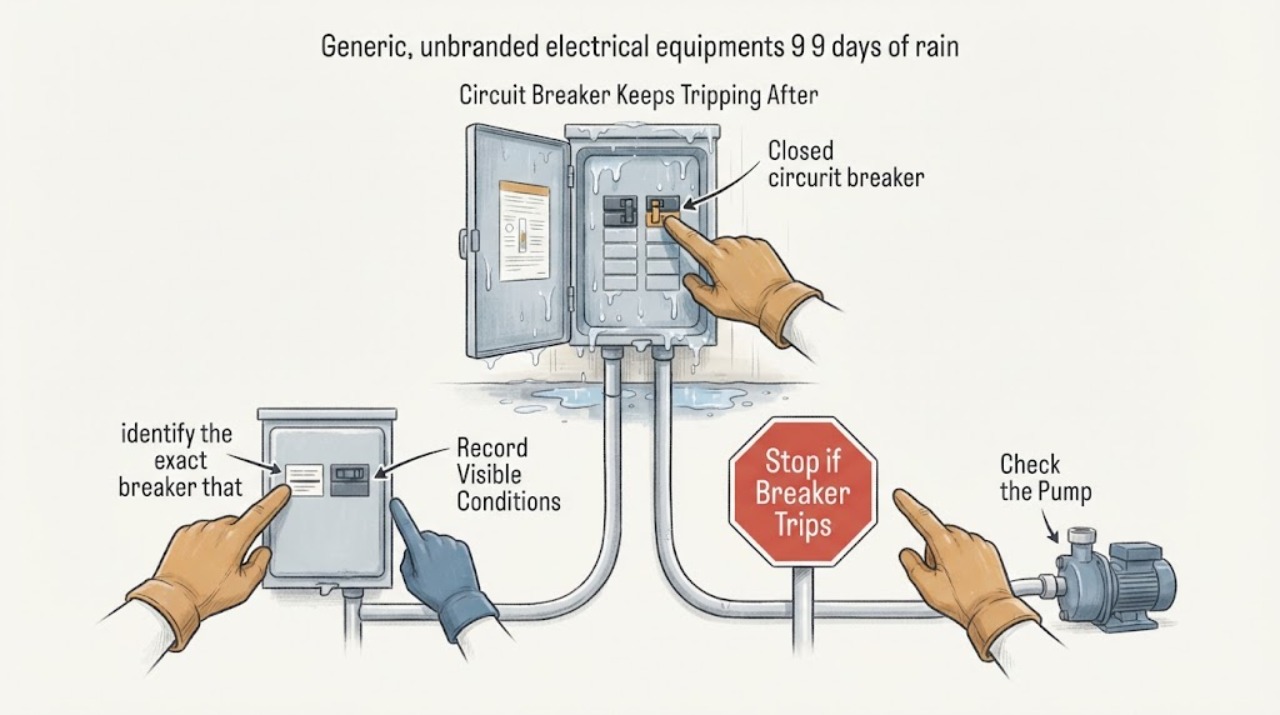
Circuit Breaker Keeps Tripping After 9 Days of Rain
A breaker that started tripping after nine days of rain should be treated as a possible moisture or water-intrusion fault until a qualified electrician rules that out. Do not keep resetting it. From a dry location, note which breaker and connected area are affected, look only for safe external signs such as wet outlets or water near equipment, and leave the circuit off if the trip repeats or any water, heat, odor, buzzing, or damage is present.
-
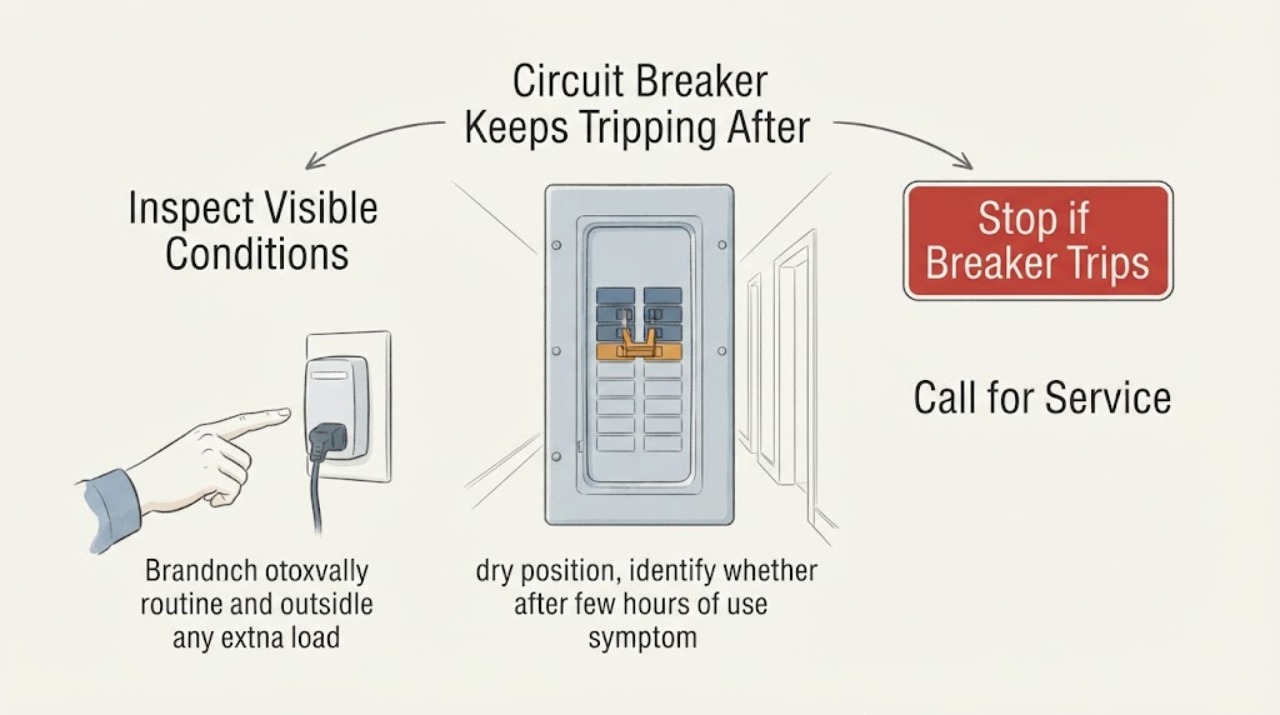
Circuit Breaker Keeps Tripping After a Few Hours of Use
A circuit breaker that trips only after a few hours is still signaling a fault or an overload; the delay can reflect a load that warms the circuit, an appliance that fails after running, or a connection or wiring problem that becomes unsafe with heat. Do not keep resetting it to restore service or leave the breaker energized while a warning sign is present.
-
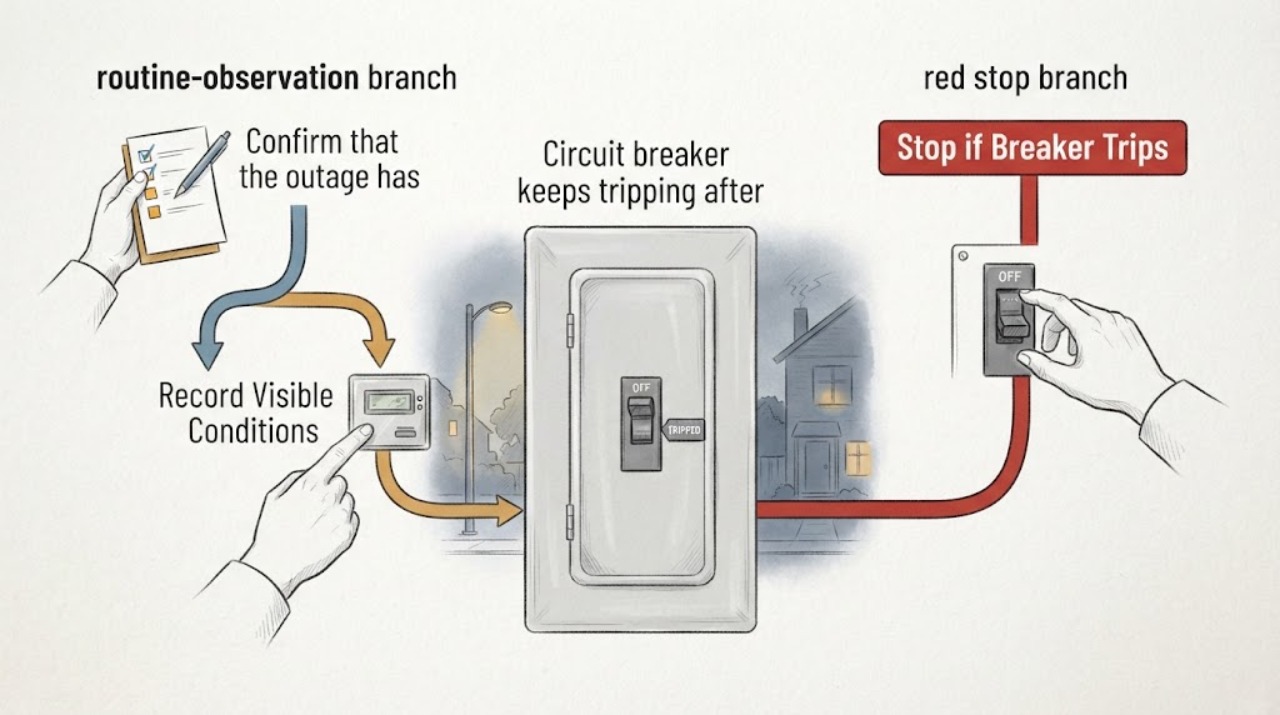
Circuit breaker keeps tripping after a power outage
A breaker that keeps tripping after an outage may be protecting against a fault, an overloaded circuit as appliances restart, damaged or wet equipment, or a problem with the utility supply. Wait until the outage is clearly over, then from a dry and safe position turn off or unplug accessible loads and note whether one circuit or the whole home is affected.
-
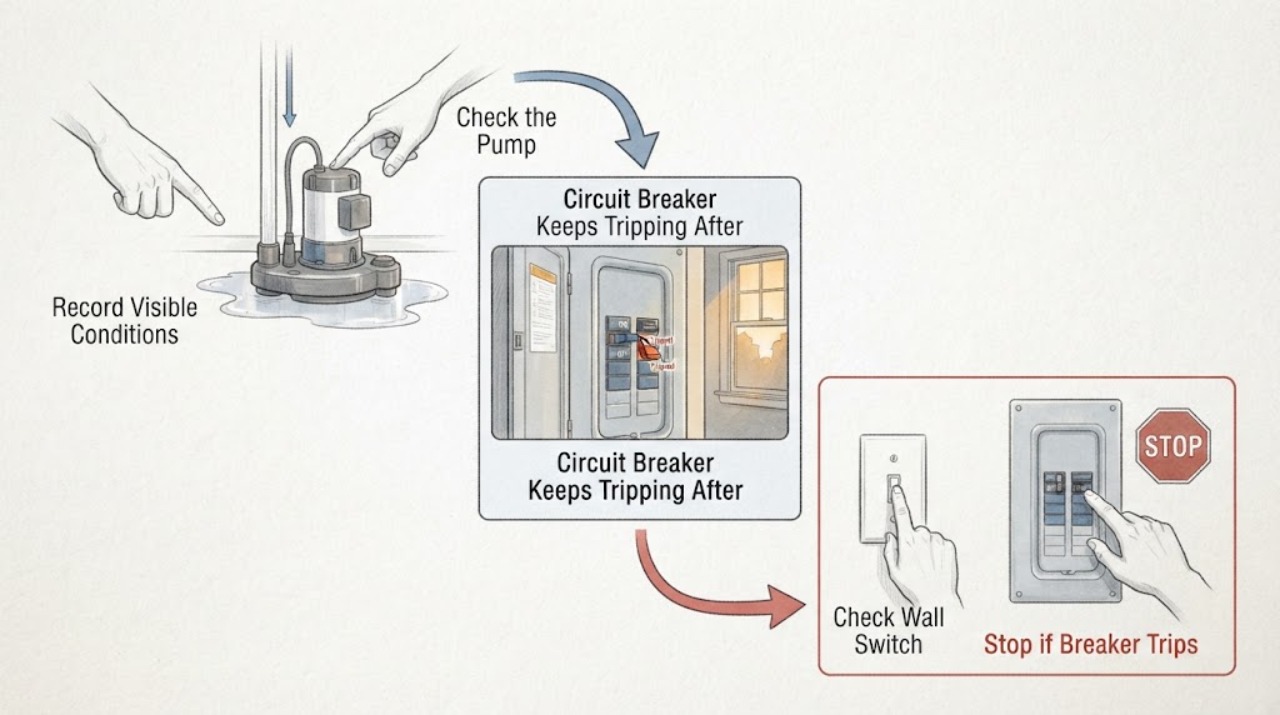
Circuit Breaker Keeps Tripping After Hours: Safe Diagnosis
A breaker that trips only after a circuit has run for hours often indicates heat building from an overload, a worn or damaged load, or a high-resistance connection; an immediate trip points to a different fault. Stop resetting it repeatedly.
-
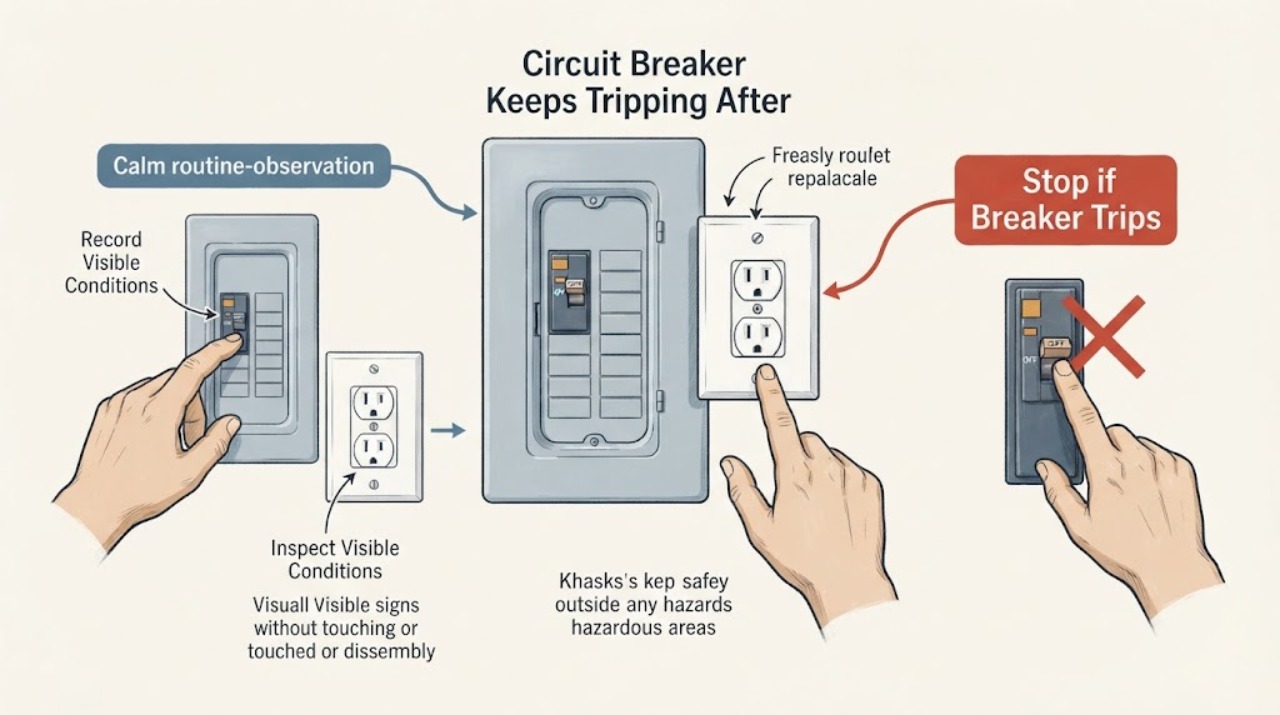
Circuit Breaker Keeps Tripping After Replacing an Outlet
If a circuit breaker keeps tripping after an outlet was replaced, leave that circuit off and treat the replacement, the connected wiring, or an existing appliance fault as unresolved. The new receptacle may be the wrong type or rating, have an incorrect or loose connection, be affected by a neutral, ground, or downstream fault, or simply have exposed an existing problem; the timing does not prove which one.
-
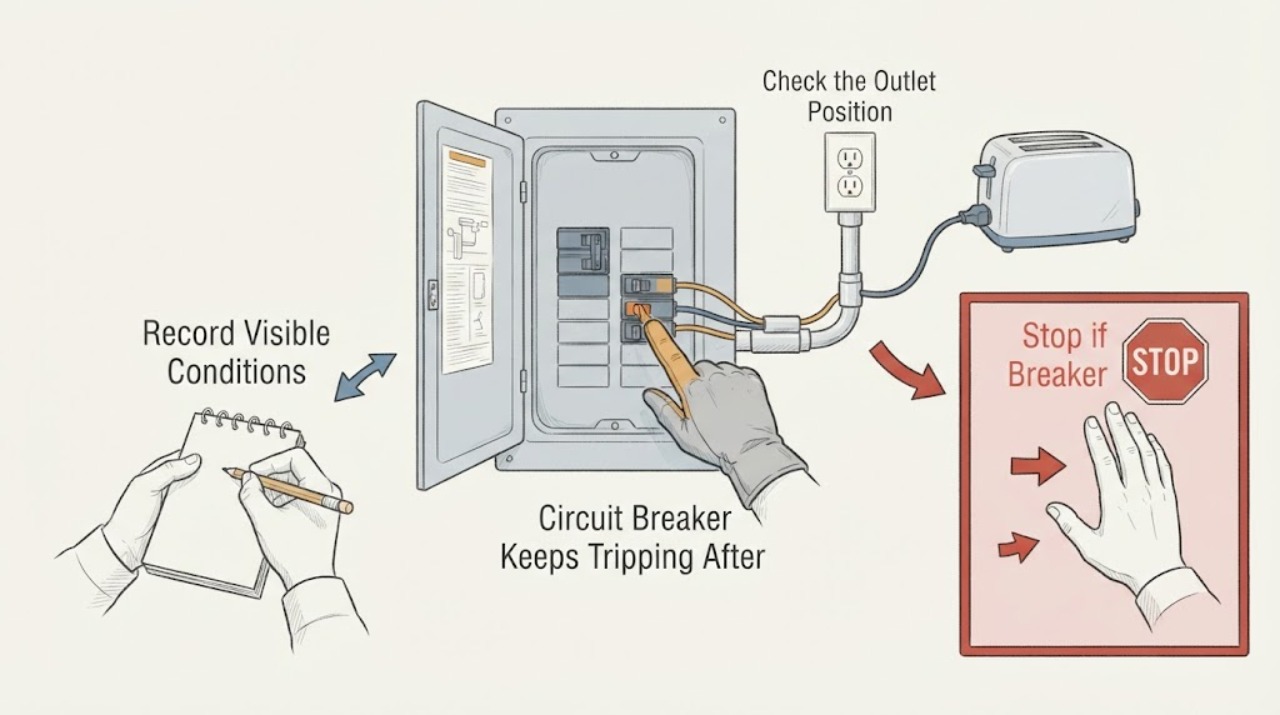
Circuit Breaker Keeps Tripping After Resetting It
If a circuit breaker trips again after it has been reset, stop resetting it. A breaker may be responding to an overload, short, ground fault, arc fault, failing appliance, or wiring problem; a second trip is not a safe invitation to keep trying.
-
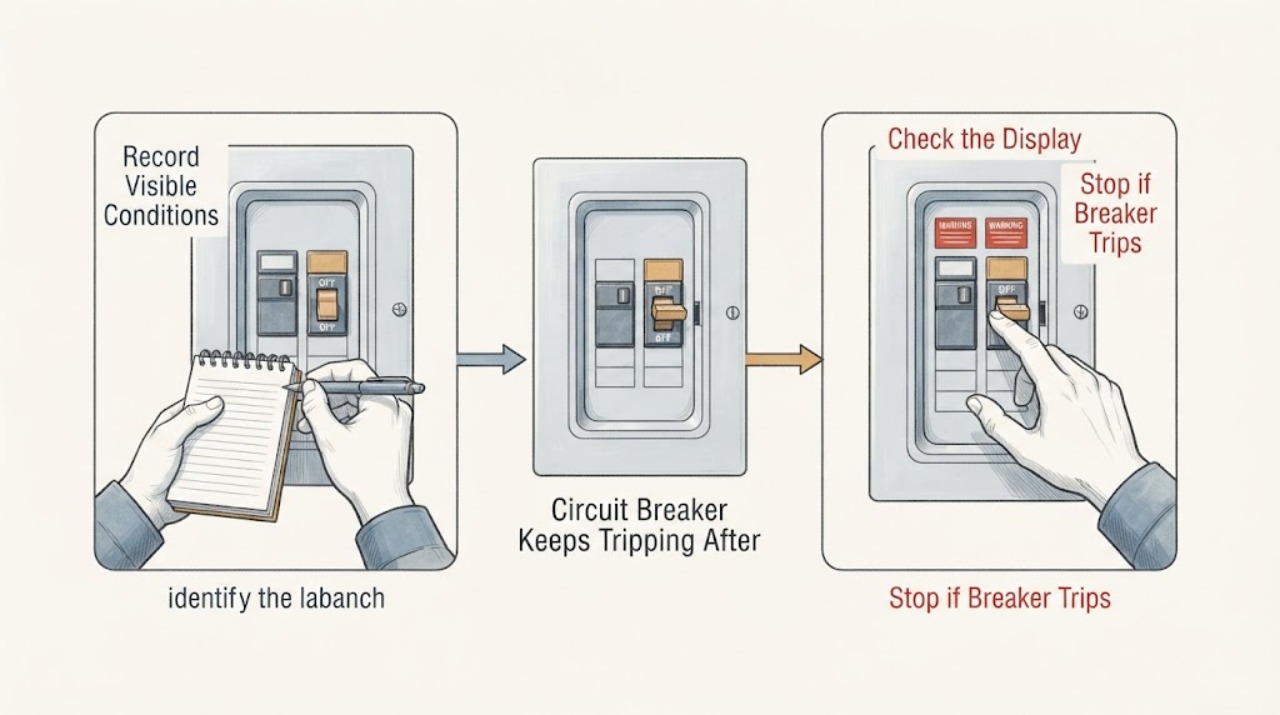
Circuit Breaker Keeps Tripping After Running Several Hours
A breaker that trips only after equipment has run for several hours often reflects heat building from a sustained or near-capacity load, but a worn appliance, loose or overheated connection, damaged wiring, or a faulty breaker can look the same. Treat the delayed timing as a thermal warning, not as permission to keep resetting the breaker.
-
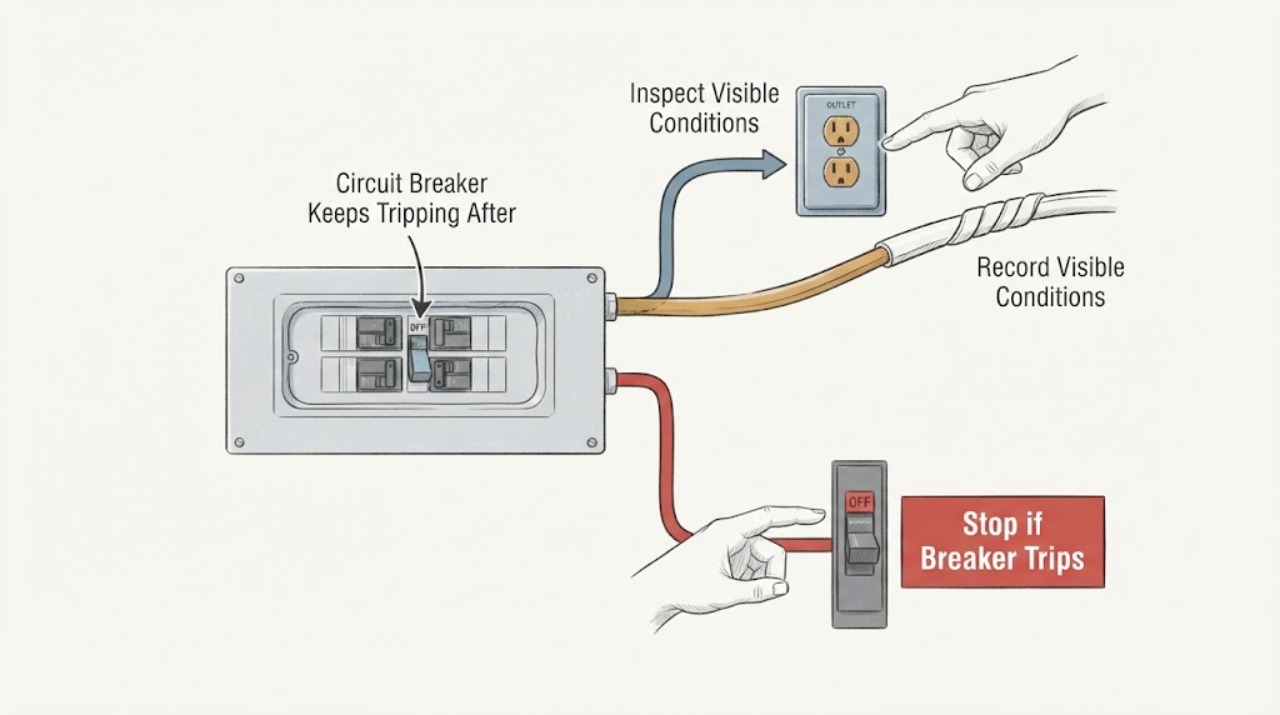
Circuit Breaker Keeps Tripping After Several Hours: Find the Load or Wiring Risk Safely
A breaker that trips only after a circuit has been on for several hours should be treated as a possible sustained overload, heat-related connection problem, or equipment fault—not as a nuisance to reset. Stop adding load and do not repeatedly restore the breaker.
-
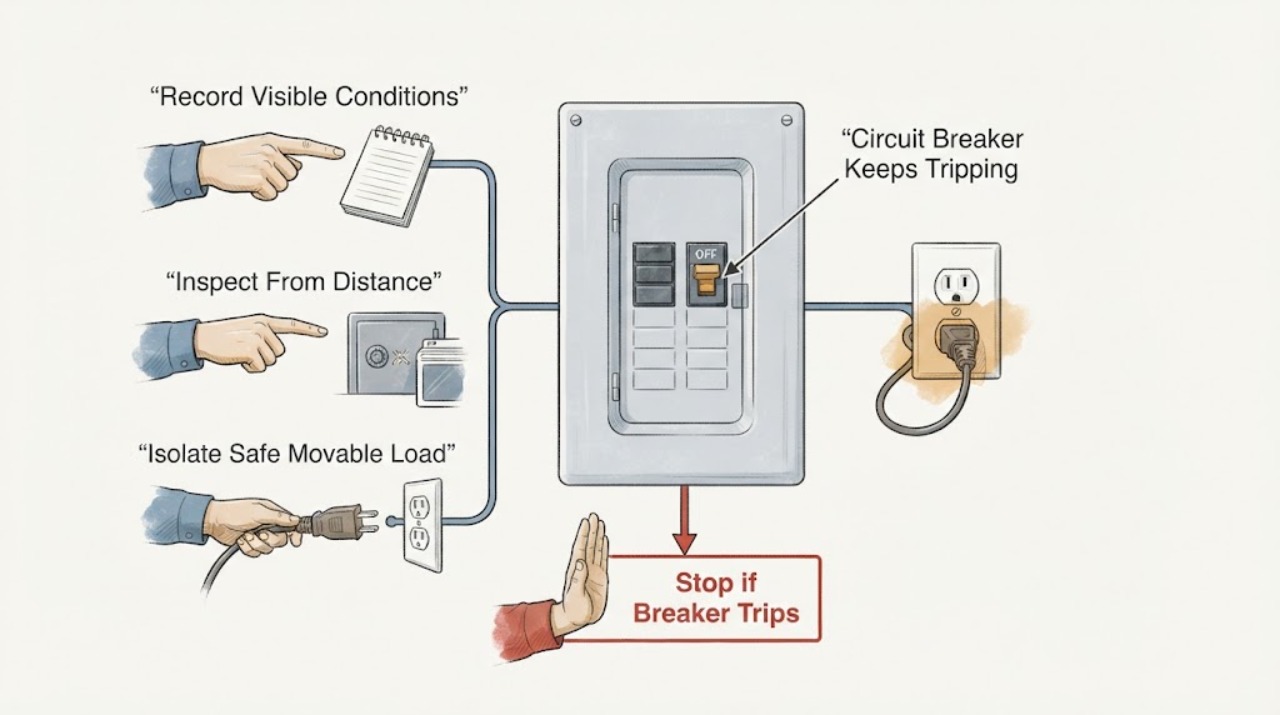
Circuit Breaker Keeps Tripping at an Outlet: Isolate the Load Safely
A breaker that keeps tripping is protecting against an overload, short circuit, ground fault, arc fault, or a problem with an appliance, cord, outlet, or wiring. First stop using the affected outlet and note whether the trip occurs when one device starts, when several loads run, immediately after reset, or across more than one circuit.
-
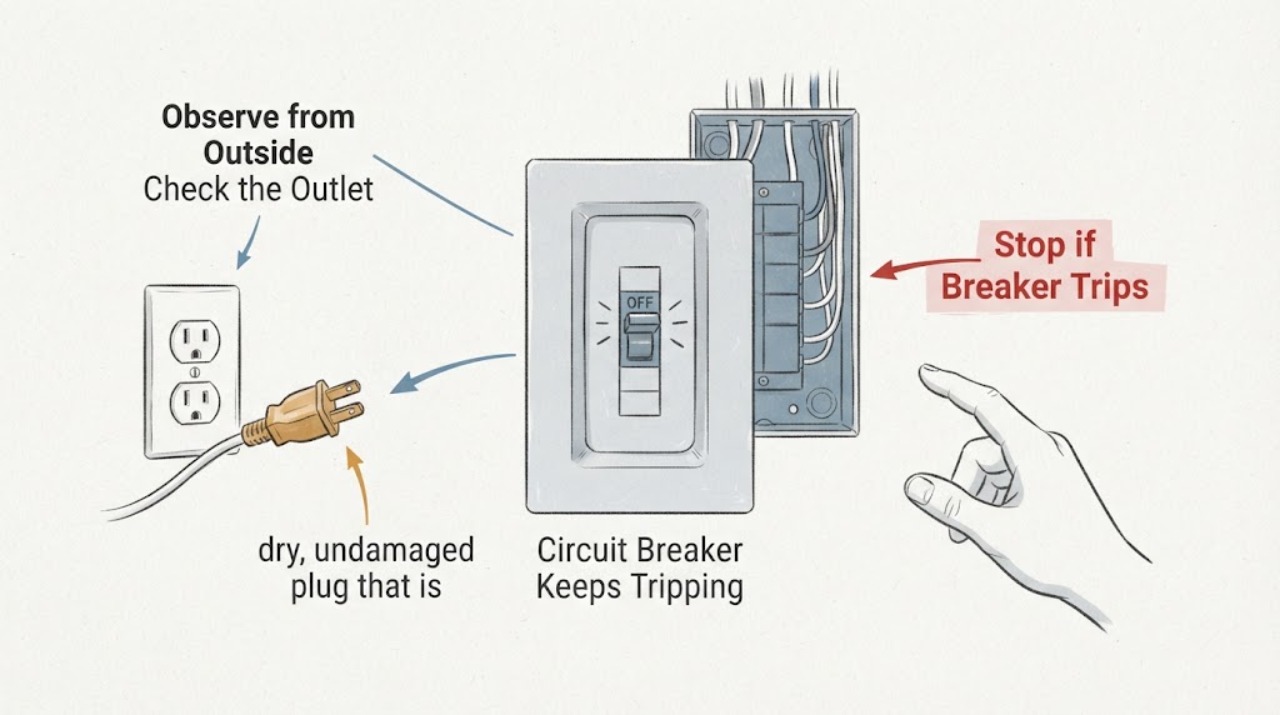
Circuit Breaker Keeps Tripping at Outlet Wiring: Safe Triage
A breaker that keeps tripping when outlet wiring is involved is protecting against an overload, a short or ground fault, a defective connected appliance, moisture, or an outlet or wiring defect. Stop repeatedly resetting it.
-
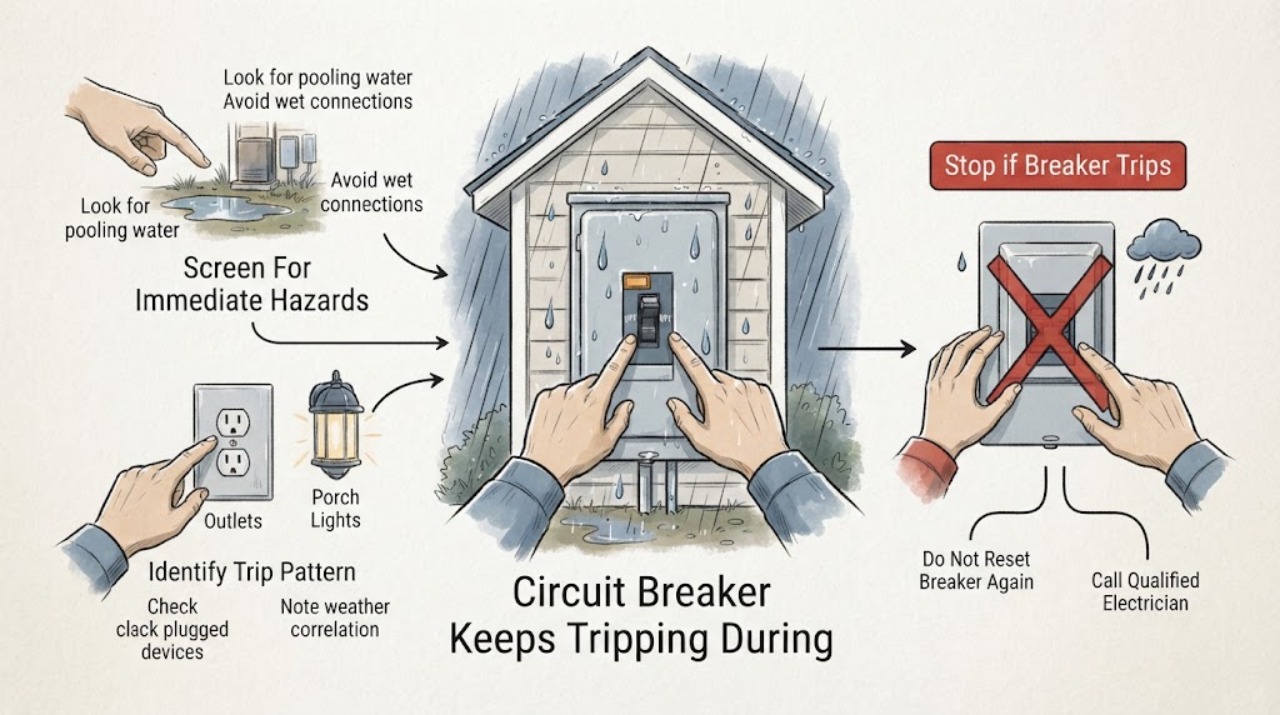
Circuit Breaker Keeps Tripping During Heavy Rain: Safe Checks
A breaker that trips during heavy rain may be responding to water entering an outdoor device, a damp receptacle or cable, a ground fault, a surge, or a separate circuit overload that happens at the same time. Treat the rain pattern as a safety clue, not proof of one cause.
-
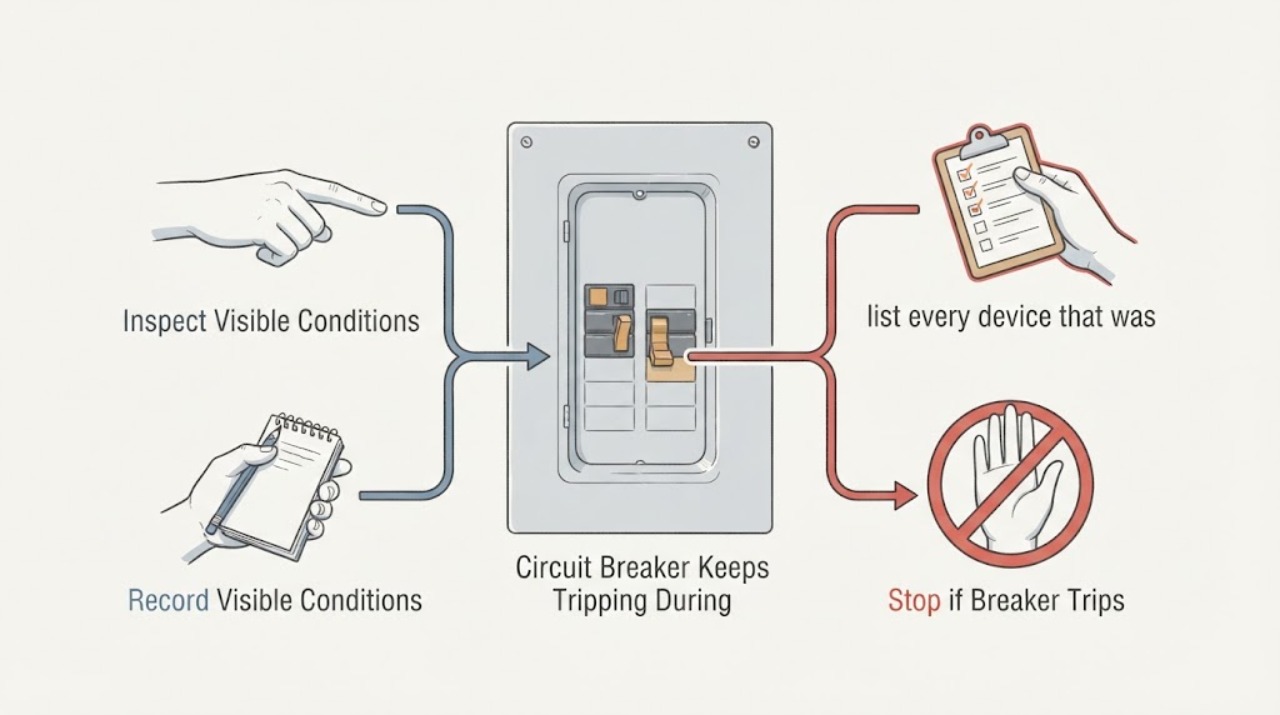
Circuit Breaker Keeps Tripping During Use: Safe Electrical Checks
A circuit breaker that trips while a device is operating is interrupting current because of an overload, short circuit, ground fault, arc-fault condition, wiring problem, or a failing appliance. Do not keep resetting it or raise its rating.
-
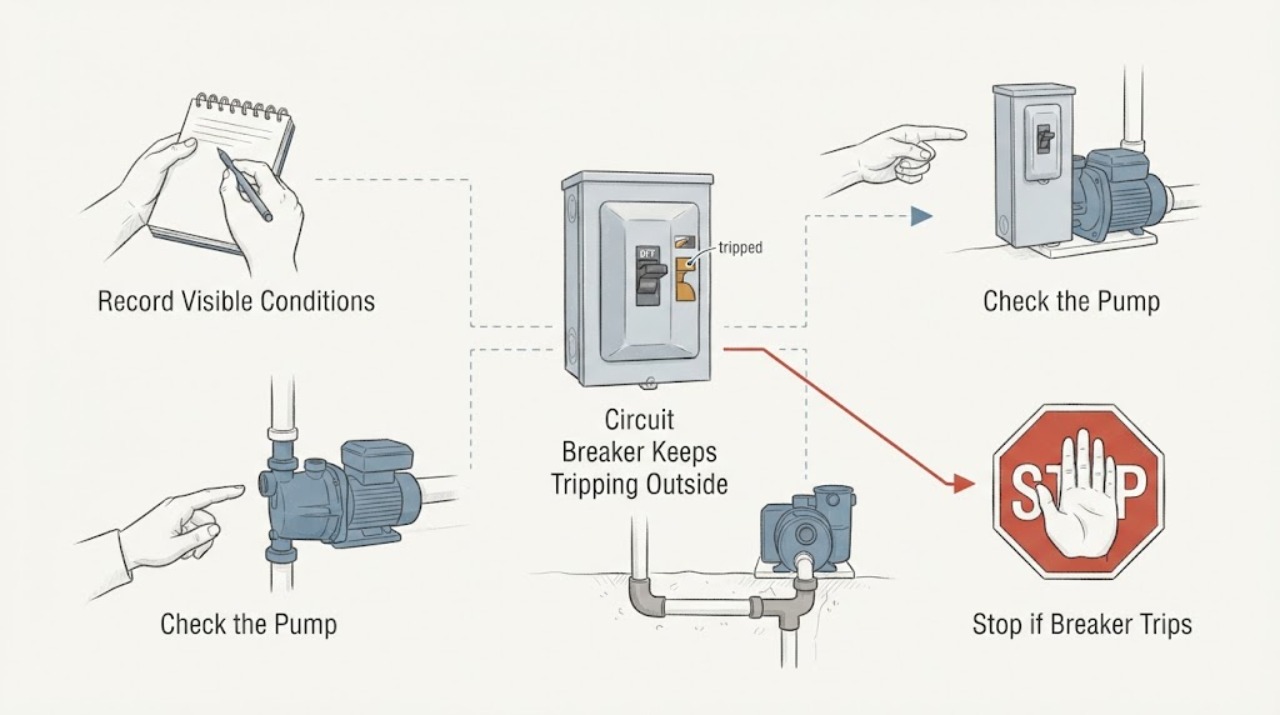
Circuit Breaker Keeps Tripping Outside: Weather, Moisture, and Load Checks
An outdoor breaker that keeps tripping can be reacting to an overloaded branch, a faulty outdoor appliance, moisture in an enclosure or connection, or a wider supply problem. Treat the outdoor location as a safety clue, not permission to open the box: from a dry position, identify the exact breaker, note whether trips follow rain, an appliance start, or a long run, and observe only visible signs.
-
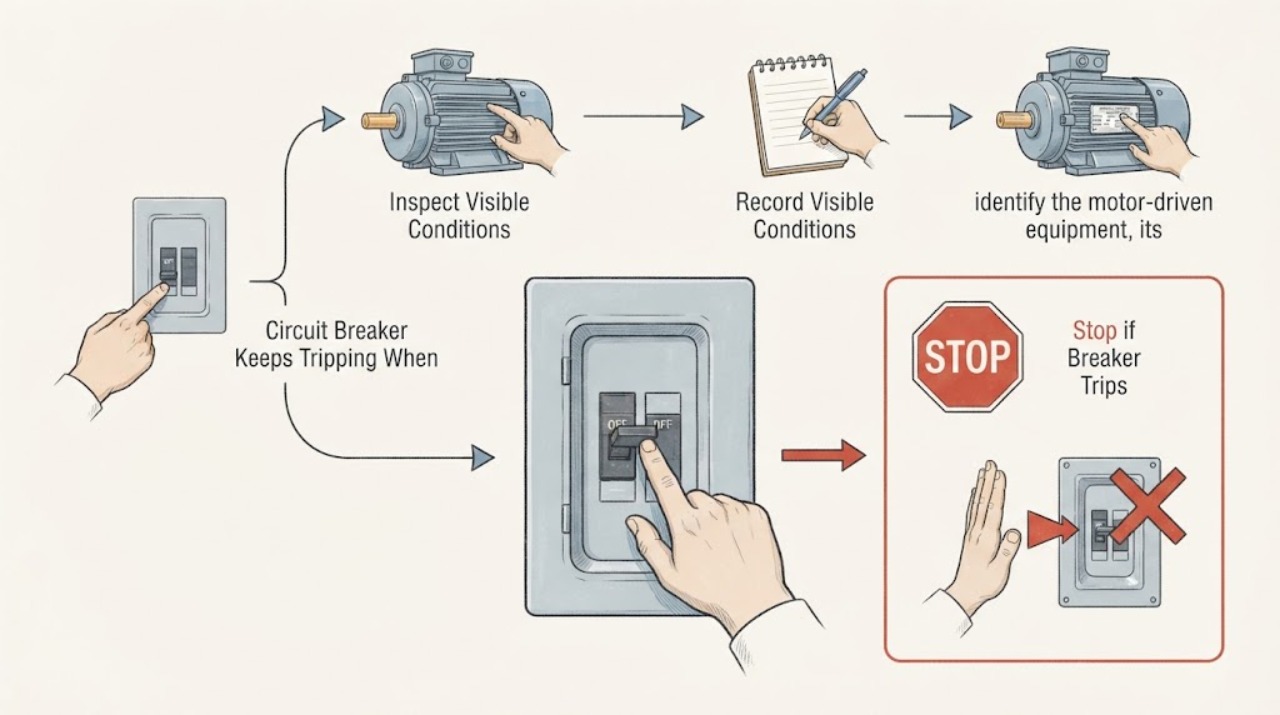
Circuit Breaker Keeps Tripping When a Motor Runs: Identify the Load Safely
If a breaker trips when a motor starts or runs, the motor's starting or running demand may be interacting with an overloaded branch, another load, a mechanical stall, a damaged cord, or a short or ground fault. The trip is a protection response, not proof that the breaker itself is bad.
-
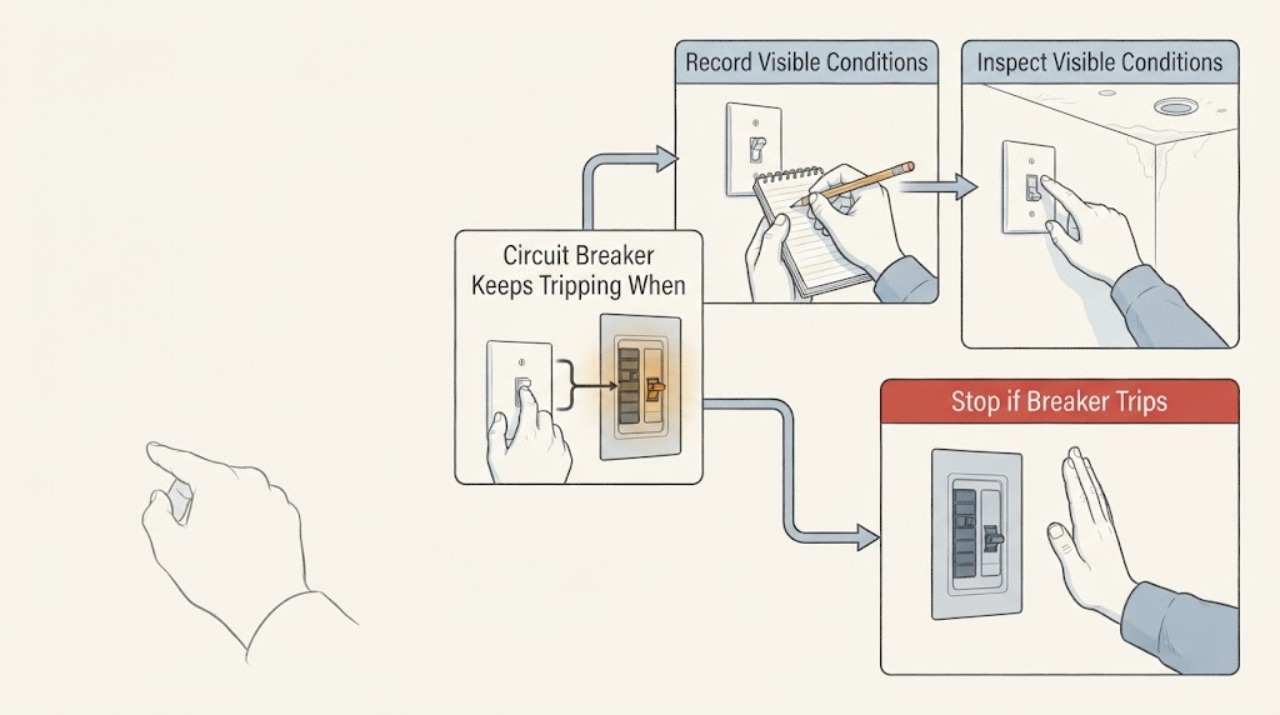
Circuit Breaker Keeps Tripping When a Newly Added Light Switch Is Turned Off
A breaker that trips when a newly added light switch is turned off is not normal switch behavior. Treat the new switch, light fitting, permanent wiring, or a shared circuit fault as unproven and leave the affected circuit out of service; do not keep resetting the breaker or open the switch box or panel.
-
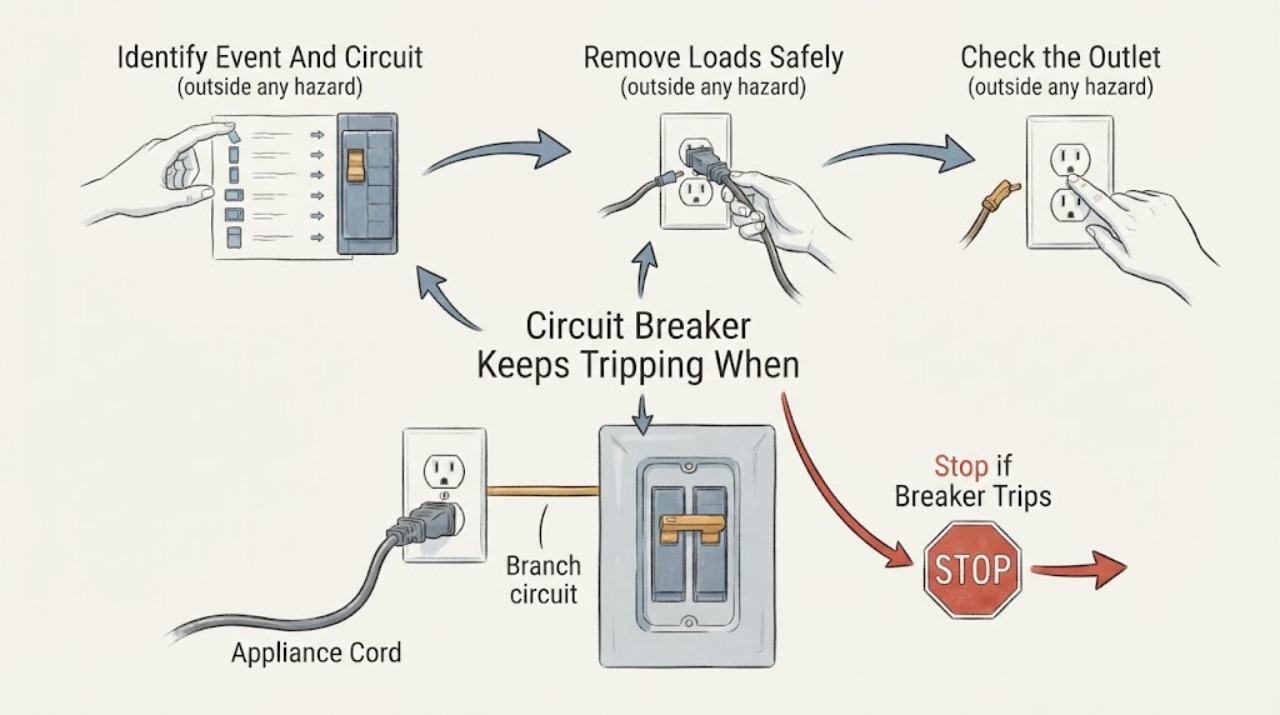
Circuit Breaker Keeps Tripping When an Appliance Is Plugged In
If a circuit breaker trips when one appliance is plugged in, leave that appliance disconnected and do not keep resetting the breaker. The pattern can indicate an appliance defect, a damaged cord or plug, a faulty receptacle, a ground-fault or arc-fault condition, or an overloaded branch circuit.
-
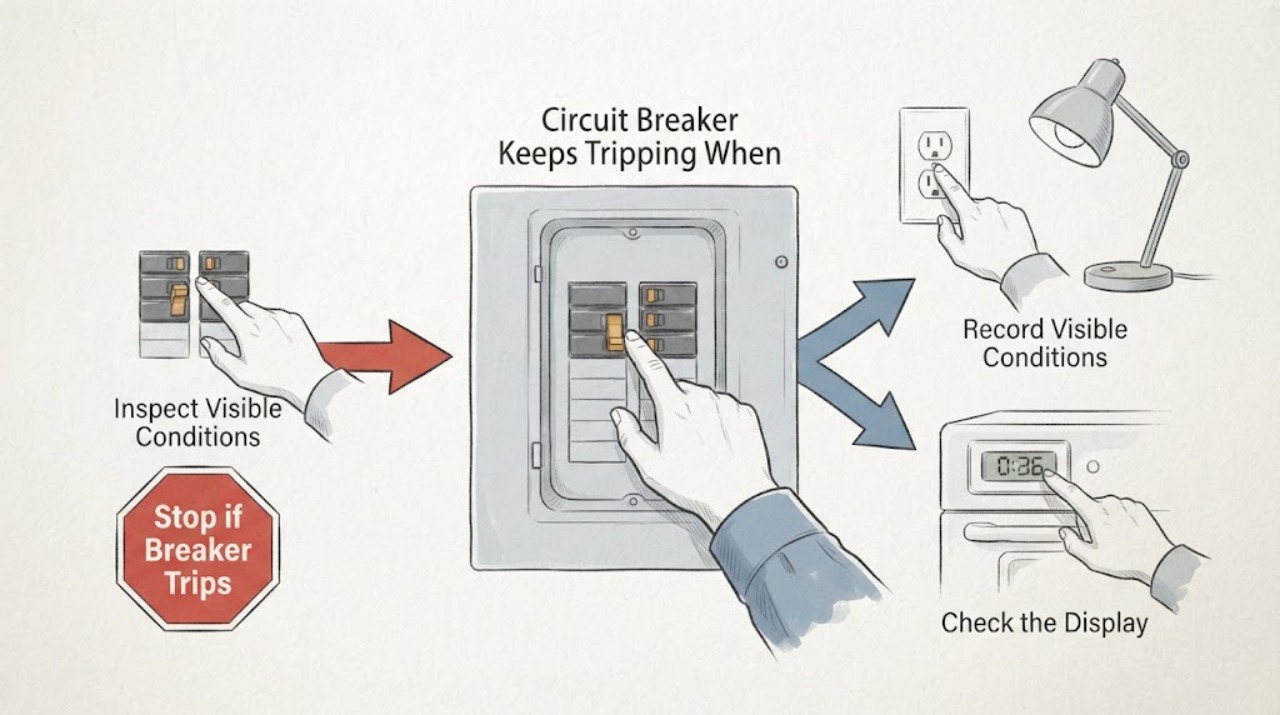
Circuit Breaker Keeps Tripping When Flipped Off and On Again
A breaker that trips again after you flip it off and on is signaling an unresolved overload, short, ground fault, arc fault, defective device, or wiring problem. Do not keep resetting it.
-
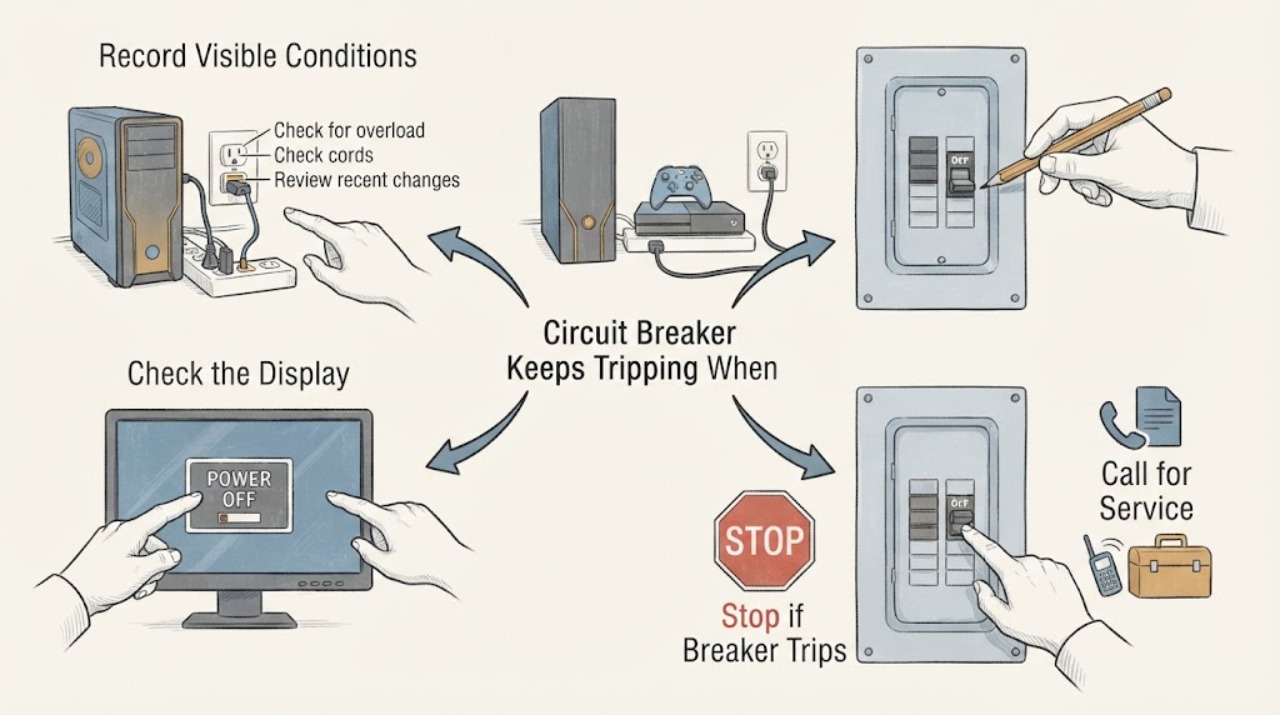
Circuit Breaker Keeps Tripping When Gaming: Separate the Gaming Load Safely
A breaker that trips during gaming may be reacting to the combined demand of a gaming PC or console, graphics hardware, display, speakers, chargers, lights, and other equipment on the same branch. It can also indicate a failing power supply, damaged cord or power strip, a ground fault, a hot receptacle, or fixed-wiring trouble.
-
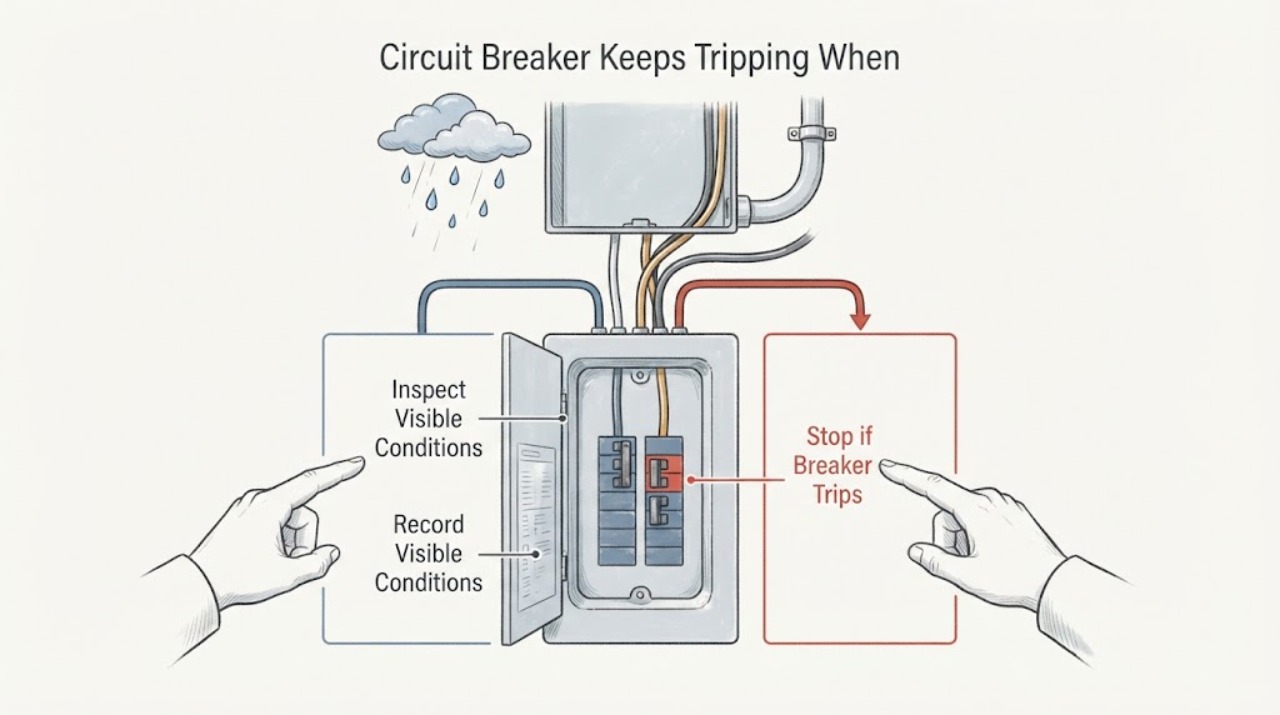
Circuit Breaker Keeps Tripping When It Rains: Find the Moisture Boundary Safely
A breaker that trips during rain may be responding to moisture entering an outdoor outlet, disconnect, cable, junction, light, appliance, or another part of the circuit, but rain can also coincide with an ordinary overload or a separate fault. Treat the weather pattern as a safety clue, not a diagnosis.
-
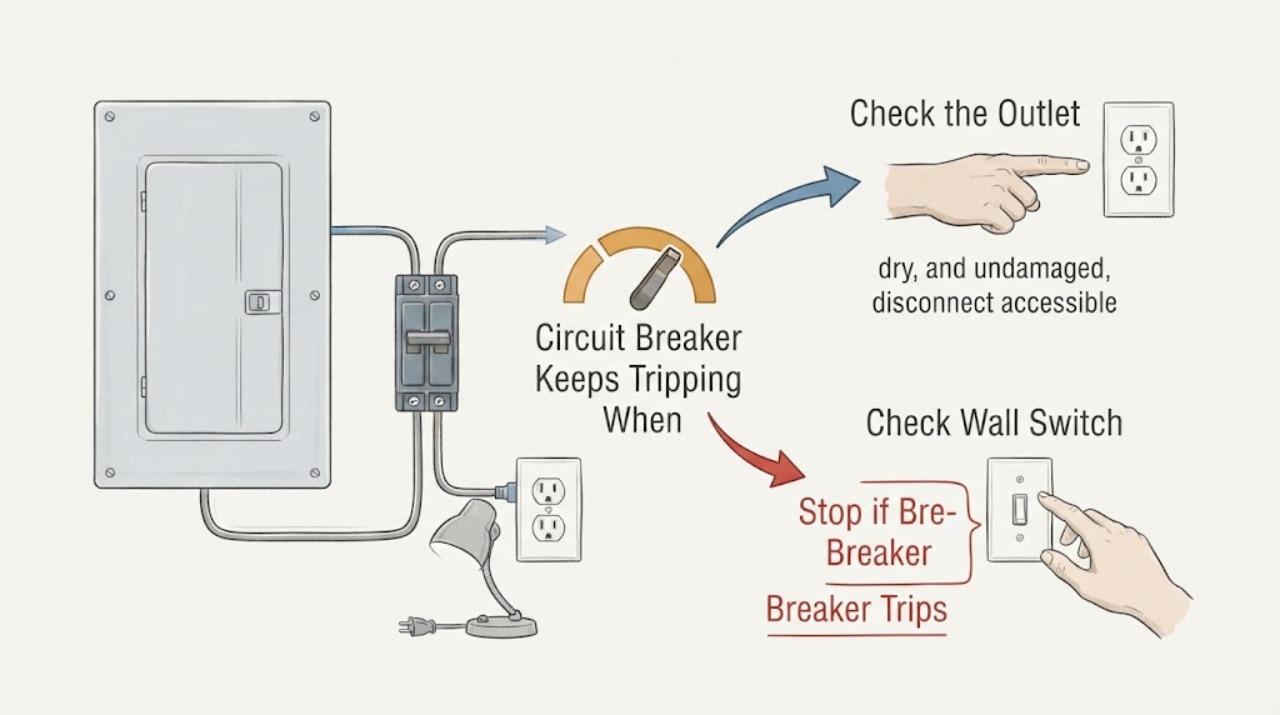
Circuit Breaker Keeps Tripping When Minimal Things Are Plugged In
If a circuit breaker keeps tripping even when only a few things are plugged in, the cause may be a single faulty appliance or cord, a fixed wiring or receptacle fault, moisture or ground leakage, an AFCI or GFCI protective trip, a hidden load on the same branch, or a breaker that needs professional evaluation. The small visible load does not prove the circuit is safe.
-
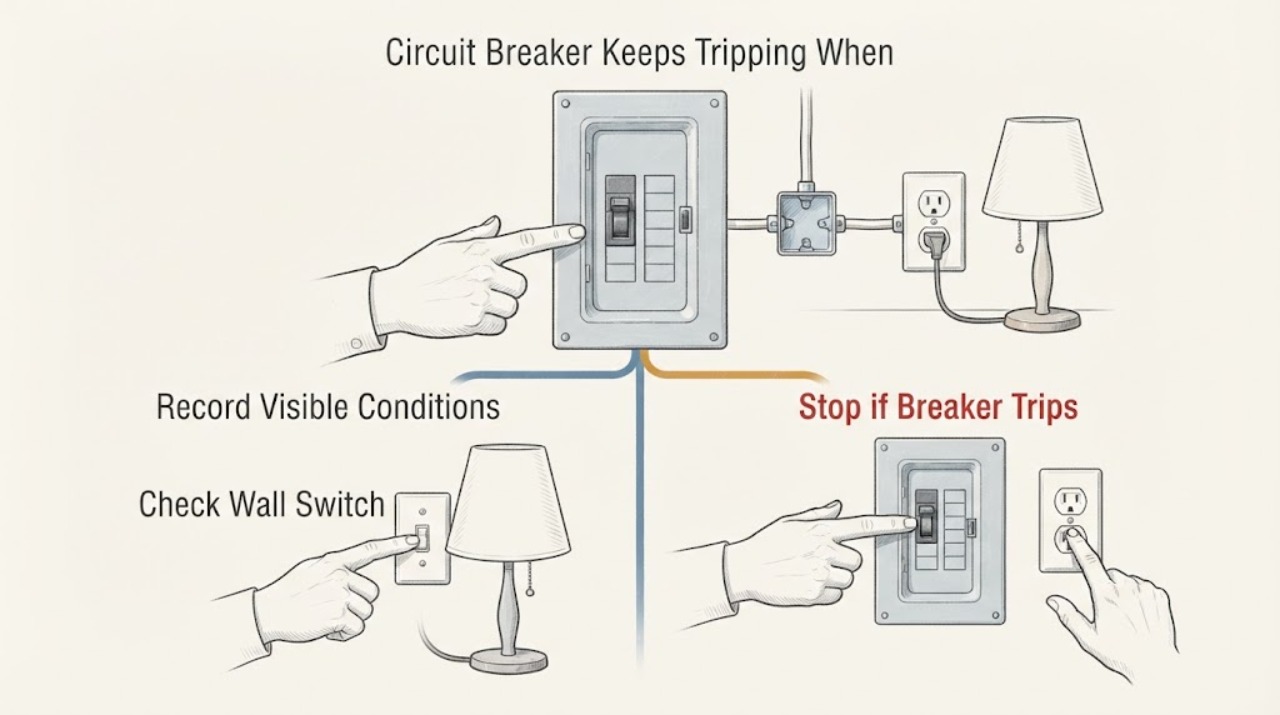
Circuit Breaker Keeps Tripping When One Outlet Is Used: Safe Checks
If the breaker trips even though this is the only outlet on the circuit, do not assume the breaker itself is bad or keep resetting it. A single outlet can still have an overloaded or failing appliance, damaged plug or cord, a ground fault, a worn receptacle, a loose connection, or a branch-wiring problem.
-
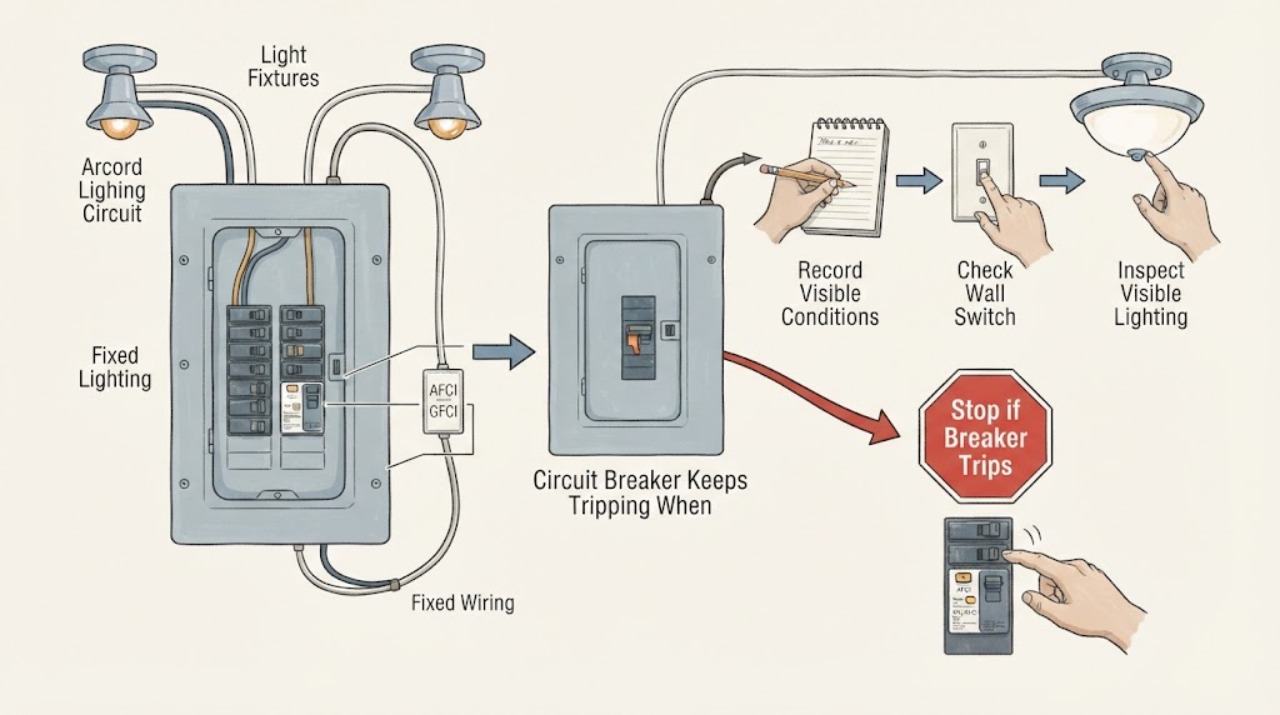
Circuit Breaker Keeps Tripping When Only the Lights Are On: Safe Checks
If a breaker trips when only the lights on that breaker are on, do not assume the load is simply too large. The pattern can point to one light fixture, switch or dimmer, a lighting connection, moisture or damage, a protective breaker, or another fault on the branch circuit.
-
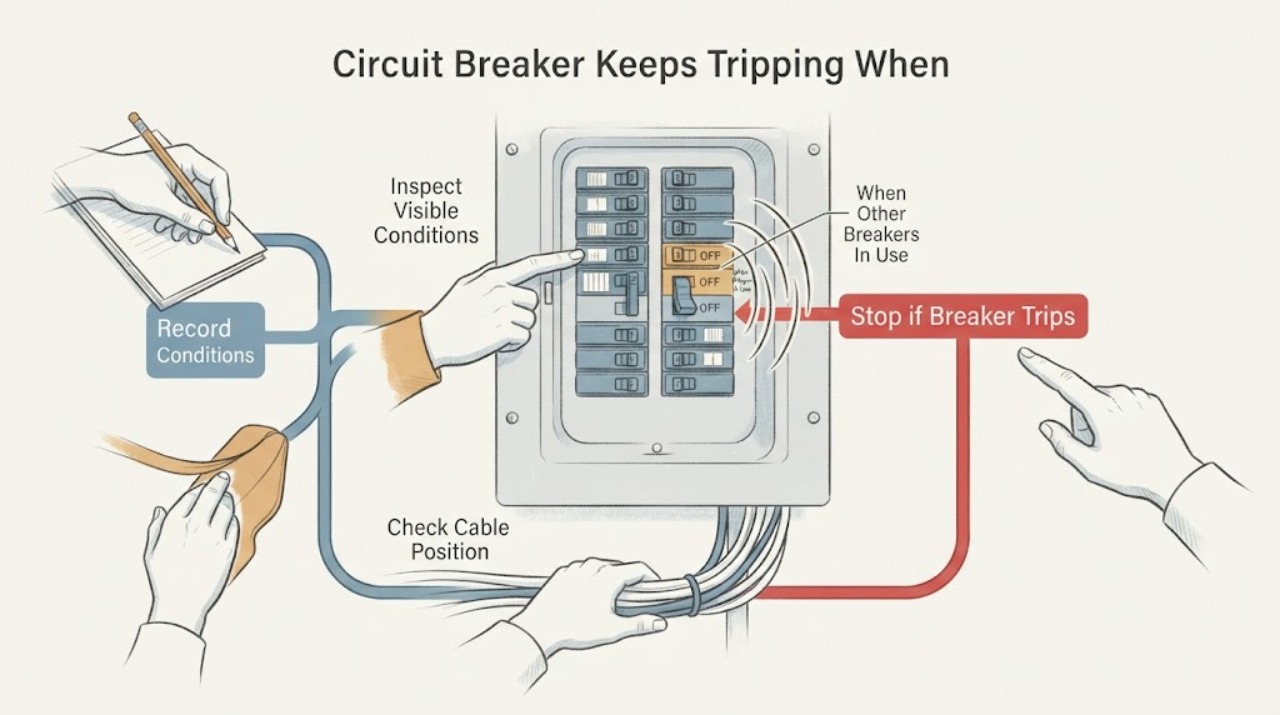
Circuit Breaker Keeps Tripping When Other Breakers Are Being Used
A breaker that trips when other breakers or their loads are active may be responding to a high combined load, a shared feeder or main-service limit, a fault in one device, or a fixed-wiring problem. Do not keep resetting it.
-
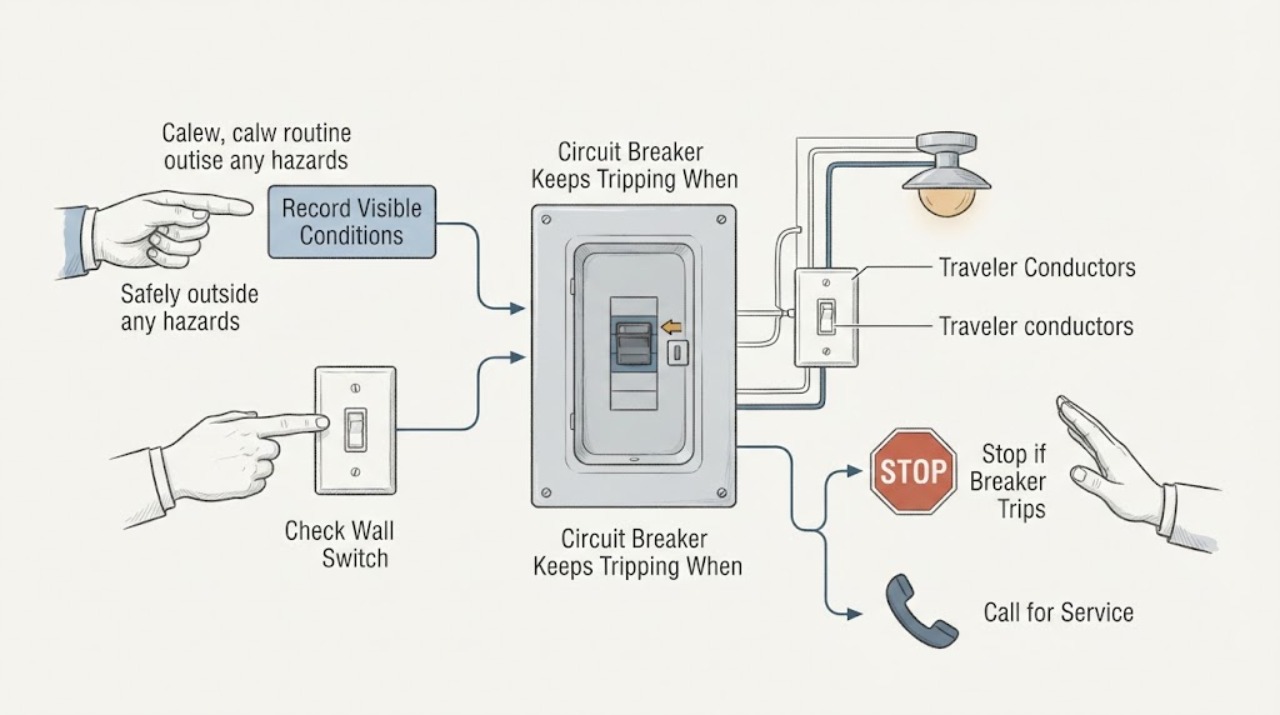
Circuit Breaker Keeps Tripping When the Opposite 3-Way Switch Is Triggered
A breaker that trips when the other switch in a 3-way circuit is operated is a fault signal, not normal 3-way behavior. Stop operating both switches and do not keep resetting the breaker to reproduce the event.
-
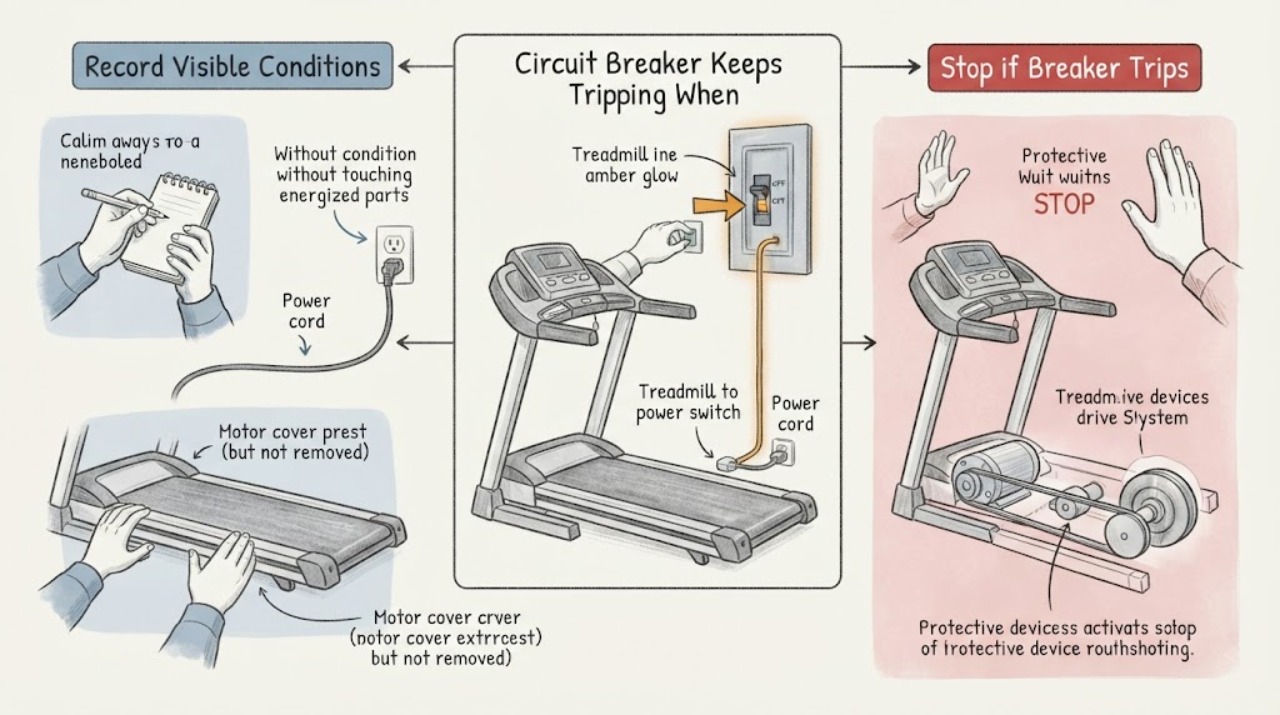
Circuit Breaker Keeps Tripping When Turning On a Treadmill
A breaker that trips when a treadmill is turned on can be reacting to the treadmill's startup or running load, a shared or unsuitable circuit, a damaged cord or receptacle, a ground or arc fault, or a treadmill motor or control fault. Leave the treadmill off and disconnected after the trip; do not keep resetting the breaker or start it again to compare symptoms.
-
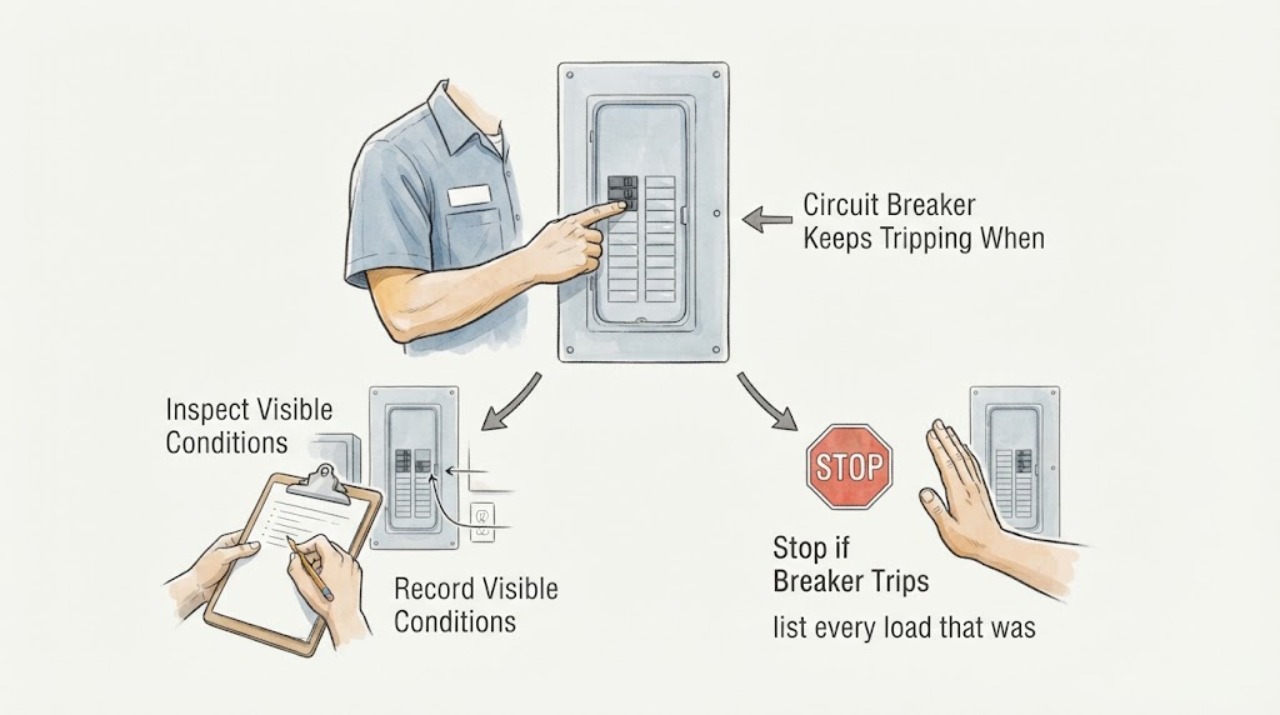
Circuit Breaker Keeps Tripping When “3A” Is the Only Load: What That Does and Does Not Prove
A reported “3A” load does not prove that a circuit is safe or that overload is impossible. The value may be a label, an estimate, a reading taken after the trip, or a device reading that misses startup current, other loads, leakage, an arc-fault condition, or an intermittent wiring fault.
-
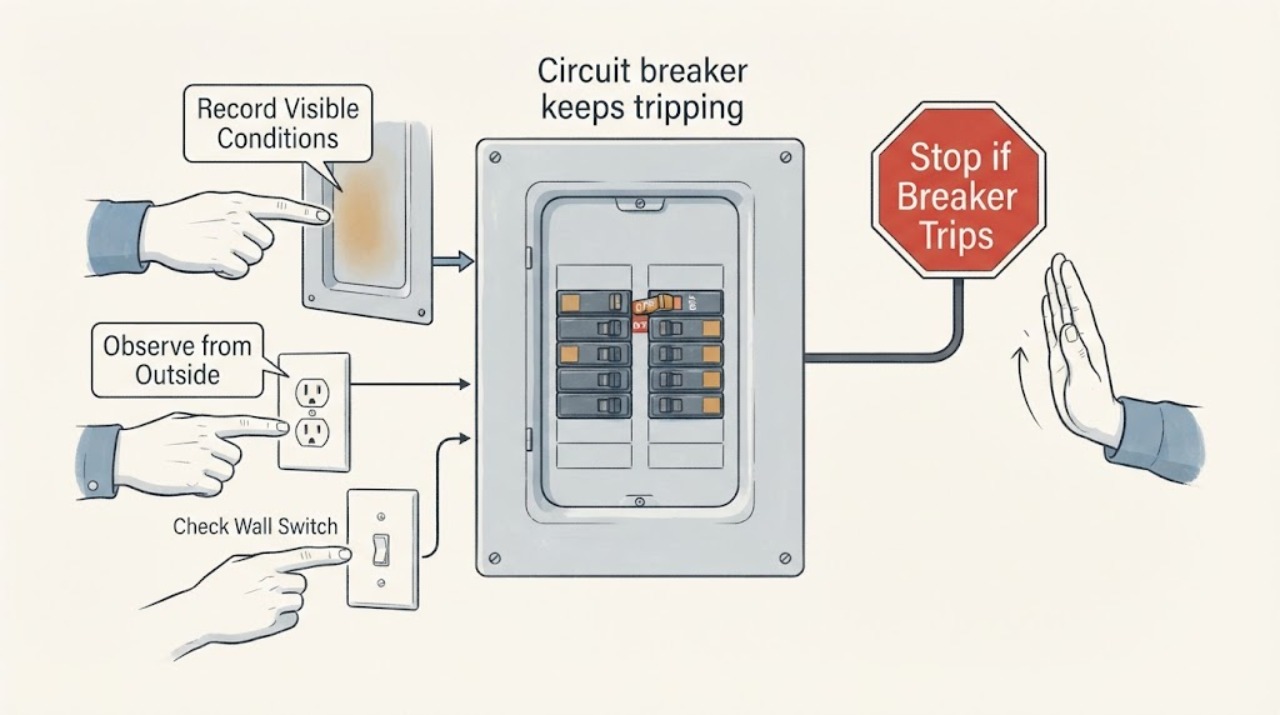
Circuit breaker keeps tripping: safe checks before an electrician
A circuit breaker that keeps tripping is a protective warning, not a reason to fit a larger fuse or keep resetting it. From a dry, safe position, identify whether the panel uses a breaker, a fuse, or a fused disconnect; note which circuit is affected, what load was running, and whether the trip is immediate or follows one appliance.
-
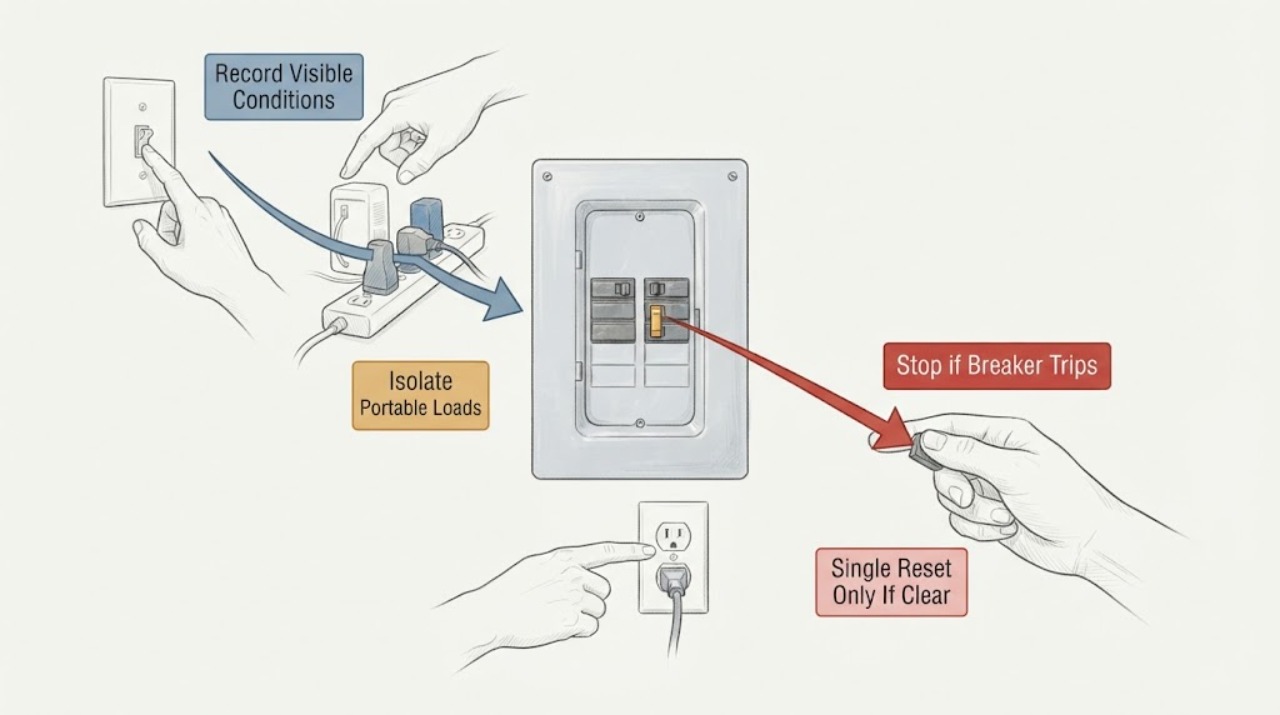
Circuit Breaker Keeps Tripping: Trace the Load Safely
A circuit breaker that keeps tripping is reporting a condition that needs diagnosis, not repeated resets. From a dry, safe position, record which breaker or circuit is affected, what load was connected, what operation preceded the trip, and whether the trip was immediate or delayed.
-
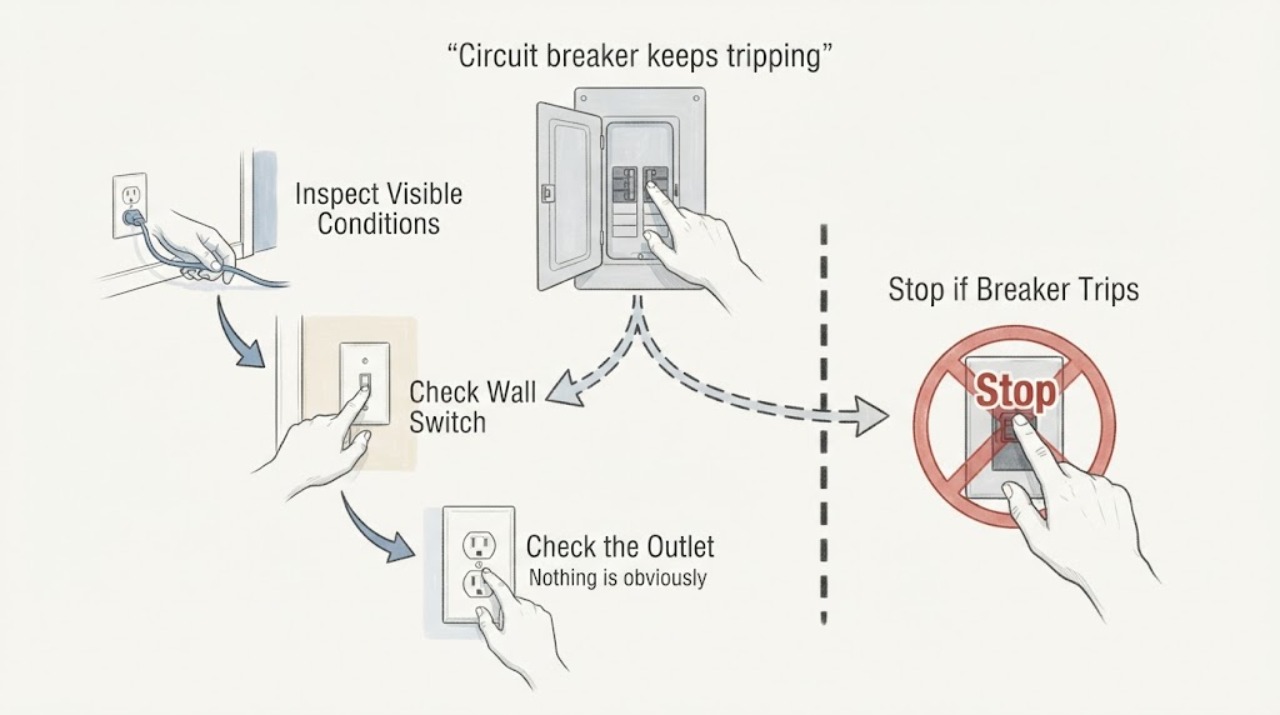
Circuit breaker keeps tripping: moving outlets to their own breaker
Moving outlets to a different breaker can reduce an overload only after a qualified electrician confirms the circuit design, wire size, breaker type, box capacity, grounding, and local code. A tripping breaker is a protective response to overload or a fault, not permission to install a larger breaker or move conductors yourself.
-
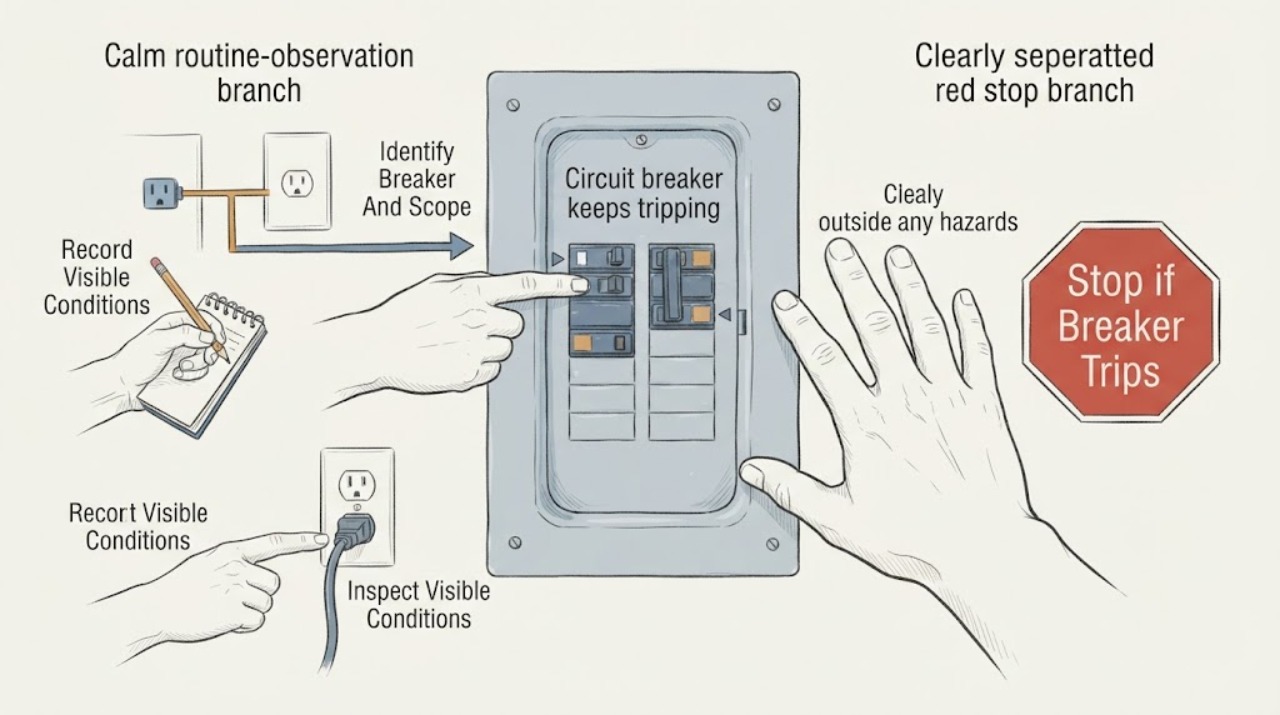
Circuit breaker keeps tripping: What to Check and What to Do Next
A circuit breaker that keeps tripping is opening to interrupt a condition it considers unsafe; it is not a reset-and-ignore symptom. From a safe position, record which breaker opens, which rooms and devices lose power, whether it trips immediately or only when a particular load starts, and whether there is heat, discoloration, buzzing, burning odor, water, smoke, or a shock.
-
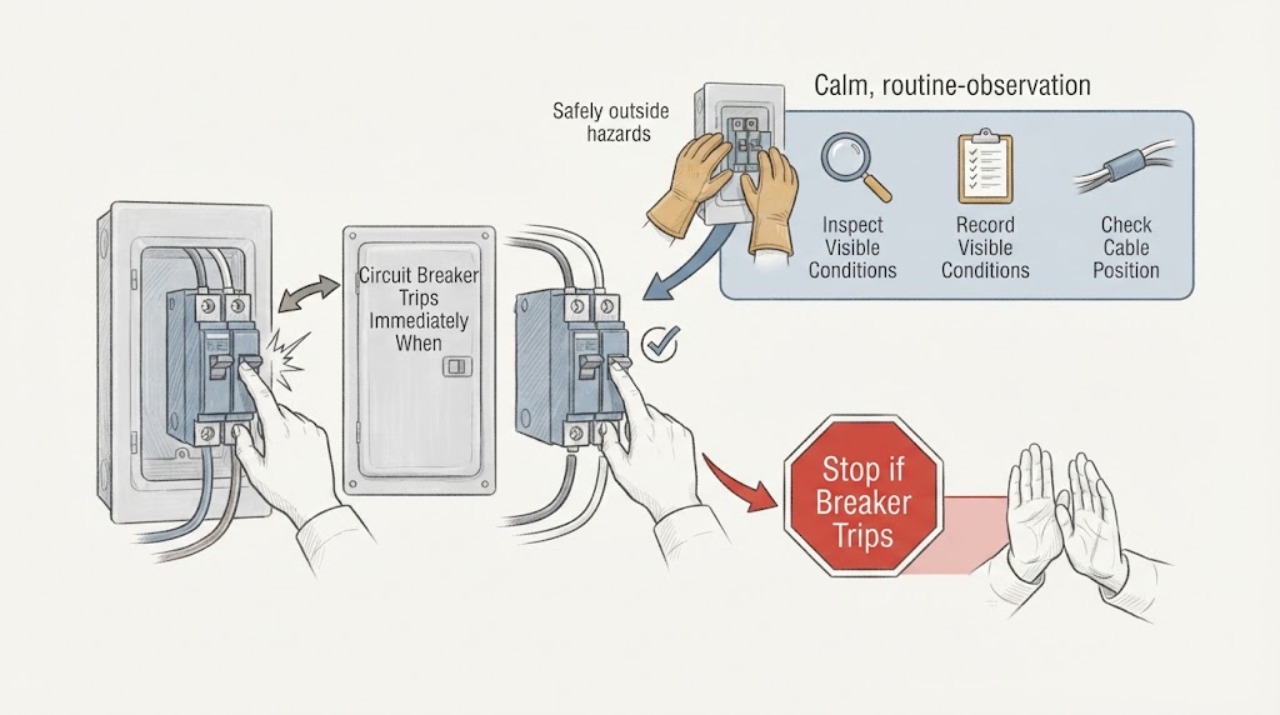
Circuit Breaker Trips Immediately When a Device Is Wired In: Safe Next Steps
If a breaker trips immediately when a device is connected but stays set when the device is disconnected, the difference shows that the fault appears when the load or its wiring is brought into the circuit. Possible causes include a short circuit, ground fault, damaged insulation, incorrect connection, a faulty switch or device, moisture, or an arc-fault condition; the pattern does not identify which one.
-
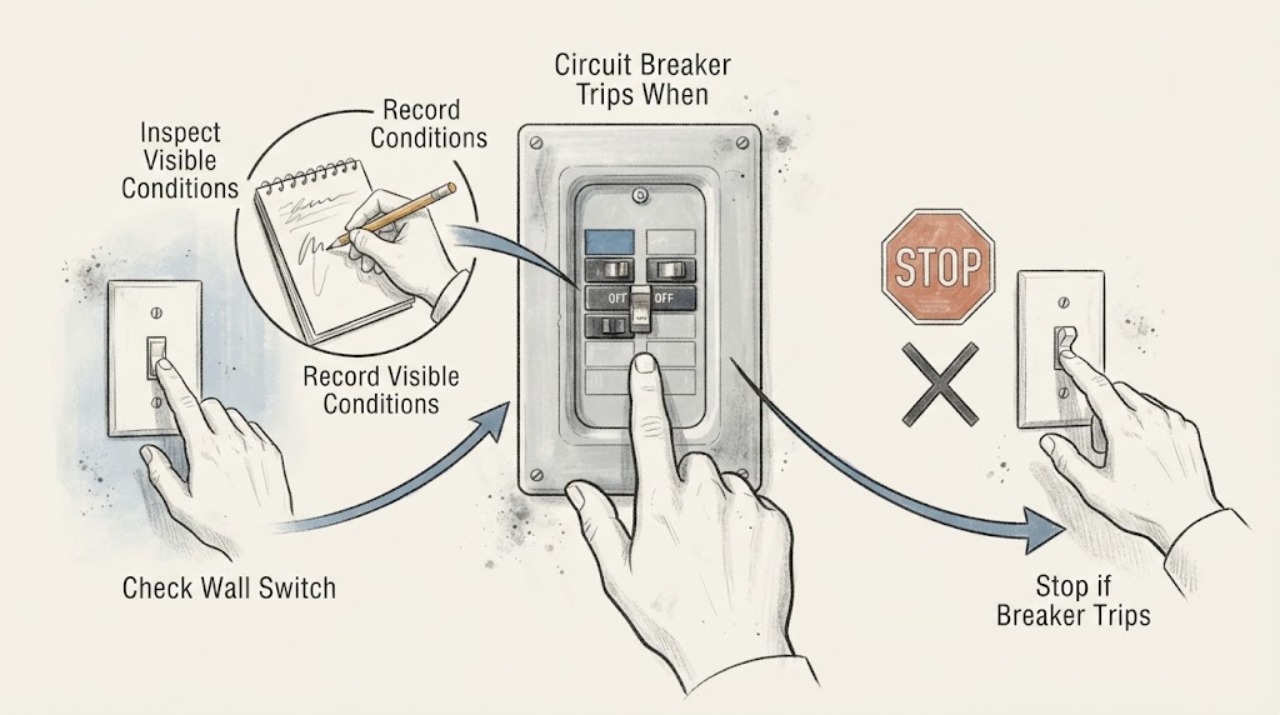
Circuit Breaker Trips When a Switch Turns On: Identify the Load Without Repeated Resets
If a breaker trips when a particular switch is turned on, leave it off and do not keep resetting the breaker. The switch may control a light, fan, appliance, motor, or fixed wiring fault; the breaker may also be responding to overload, short circuit, ground fault, or damaged connections.
-
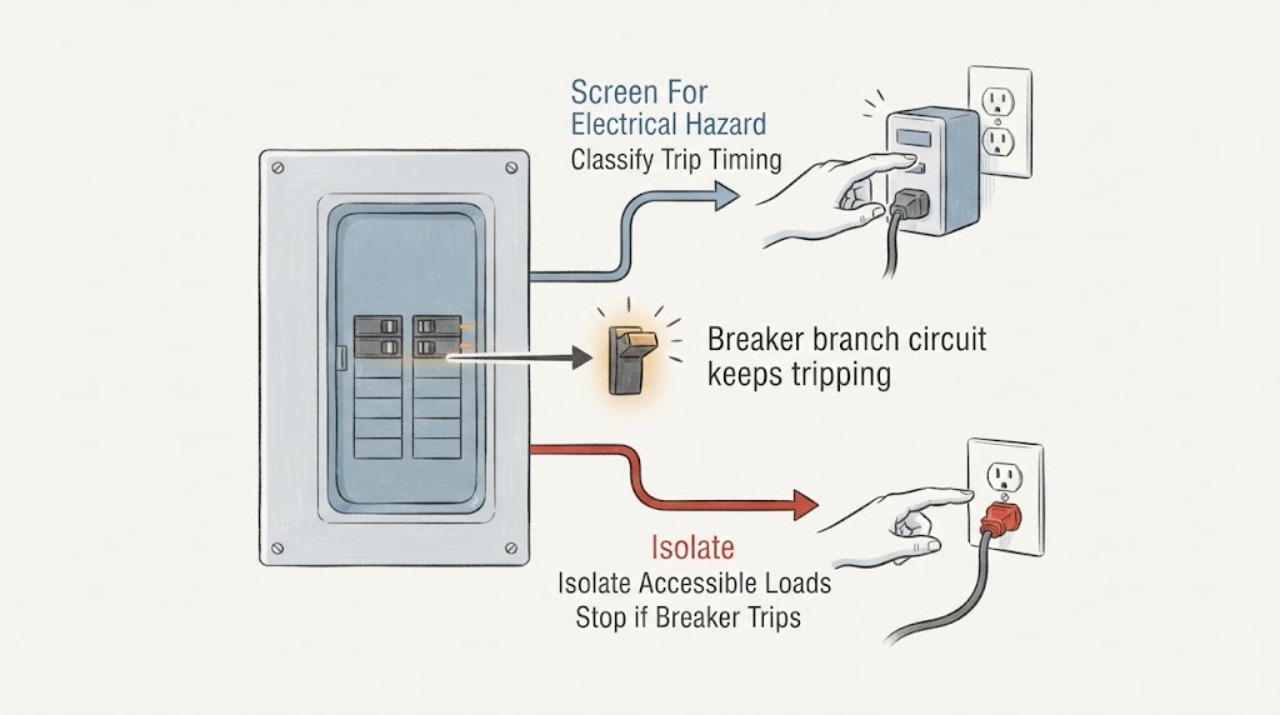
Eaton breaker branch circuit keeps tripping: What to Check and What to Do Next
An Eaton breaker that keeps tripping is interrupting a branch circuit because it has detected, or may be responding to, an overload, short circuit, arc fault, ground fault, or another fault condition; repeated resetting is not a repair. First note whether it trips immediately, only when a particular appliance or light is used, or after several minutes of combined load.
-
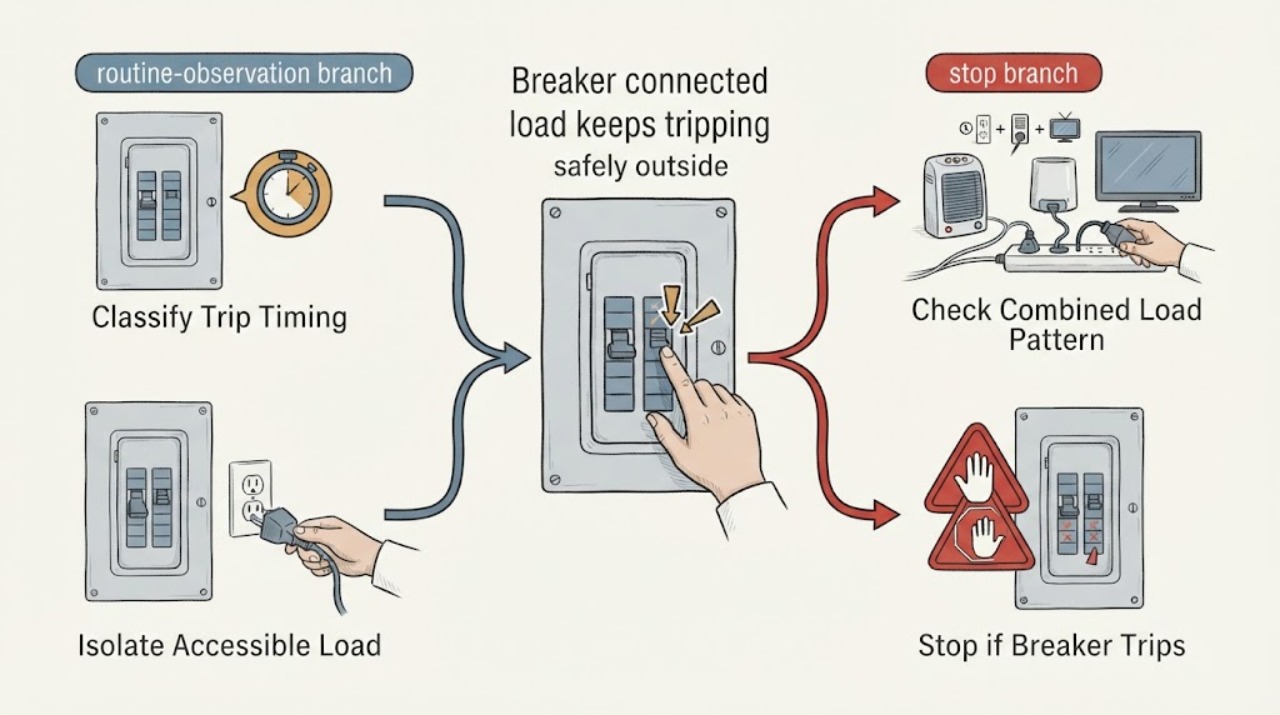
Eaton breaker connected load keeps tripping: What to Check and What to Do Next
An Eaton breaker that trips with a connected load is reacting to an electrical condition, not simply refusing to stay on. First note whether it trips immediately or only after the load runs, then stop using the suspected appliance or circuit and look for a repeatable pattern at accessible plugs, switches, and controls.
-
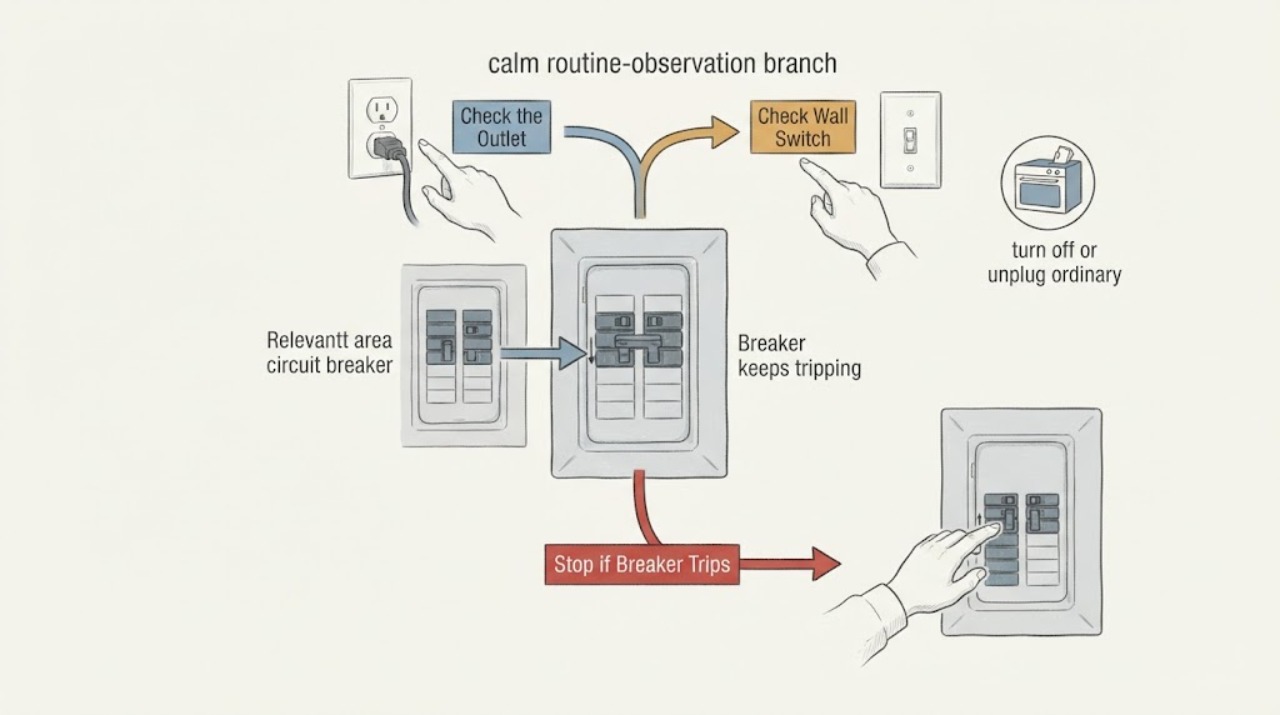
Eaton breaker keeps tripping: What to Check and What to Do Next
A breaker trips to disconnect a circuit when current or a detected fault exceeds what the circuit can safely carry. Repeated trips can come from too many loads, a faulty appliance, a short circuit, a ground or arc fault, a wiring or connection problem, or a breaker problem.
-
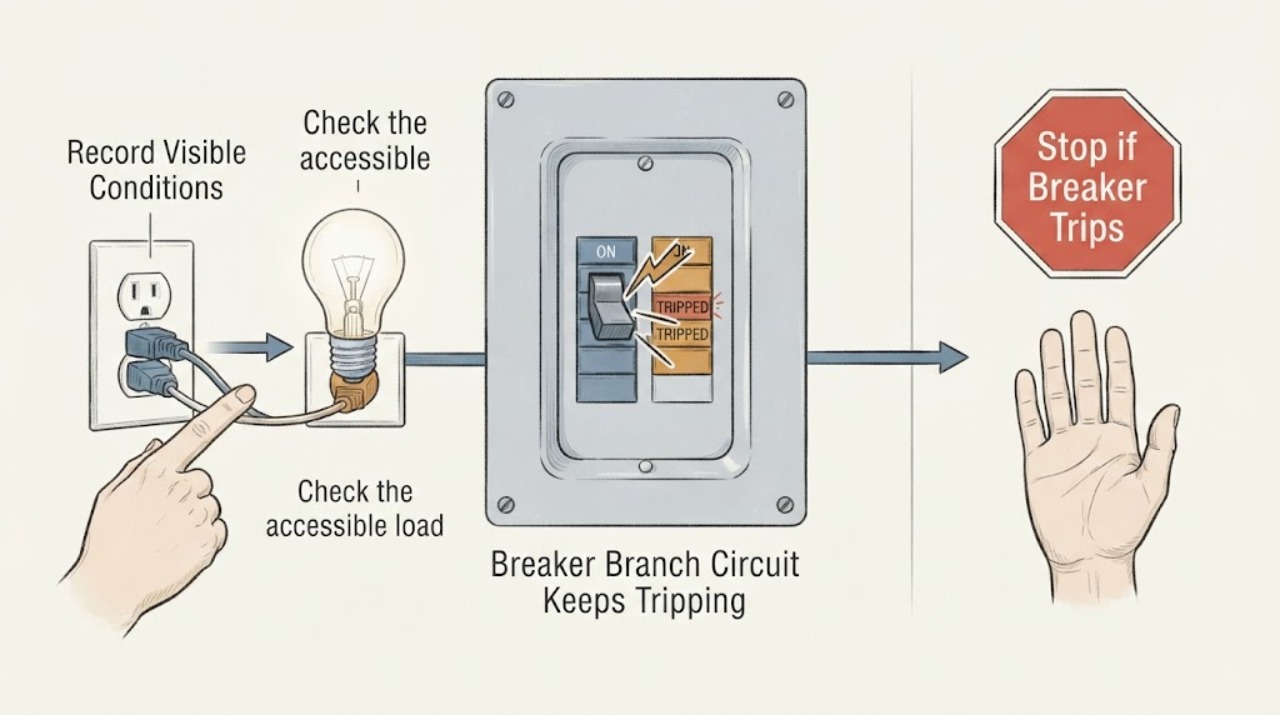
GE Breaker Branch Circuit Keeps Tripping: What to Check and What to Do Next
A GE branch-circuit breaker that keeps tripping is interrupting power because of an overload, a fault in one connected appliance, a ground-fault or arc-fault protective trip, or a wiring or breaker problem. First note whether it trips immediately with loads disconnected or only when one GE appliance starts or when several loads run together.
-
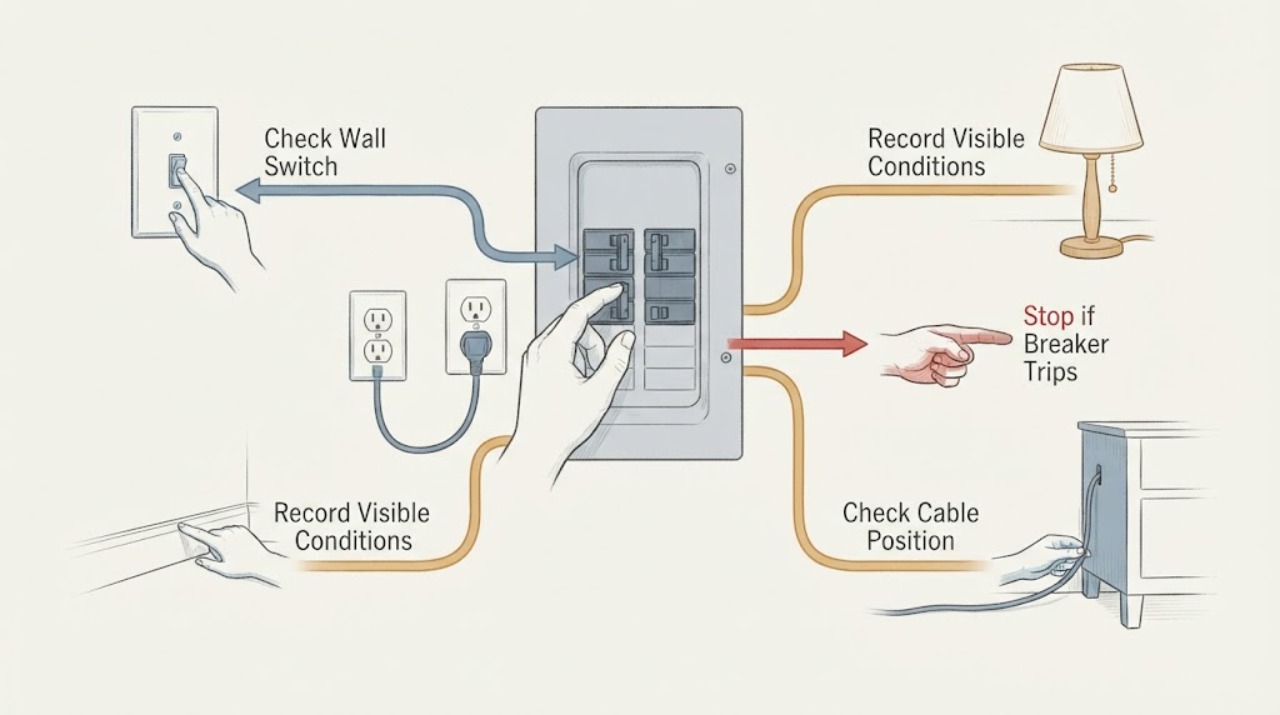
GE Breaker Keeps Tripping: What to Check and What to Do Next
A GE-labeled breaker that keeps tripping is opening the circuit because it detects an overload, fault, ground leakage, arc signature, or a problem in the breaker or wiring; the trip itself is not a diagnosis. Stop repeatedly resetting it.
-
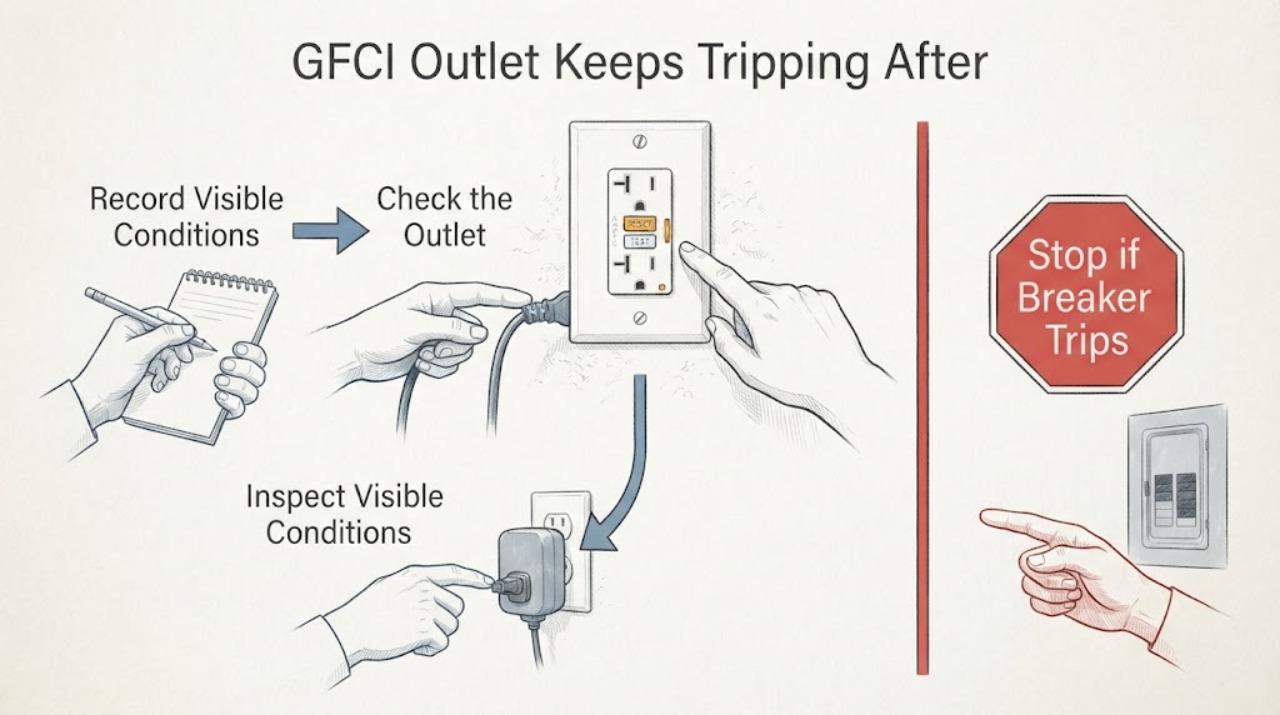
GFCI Outlet Keeps Tripping After Several Hours: Safe Electrical Checks
A GFCI circuit that trips only after several hours is still detecting a fault or overload condition; the delay does not make it safe to keep resetting. First record whether the GFCI outlet, the panel breaker, or both have opened, what was running, and whether the event follows moisture, heat, or a particular appliance cycle.
-
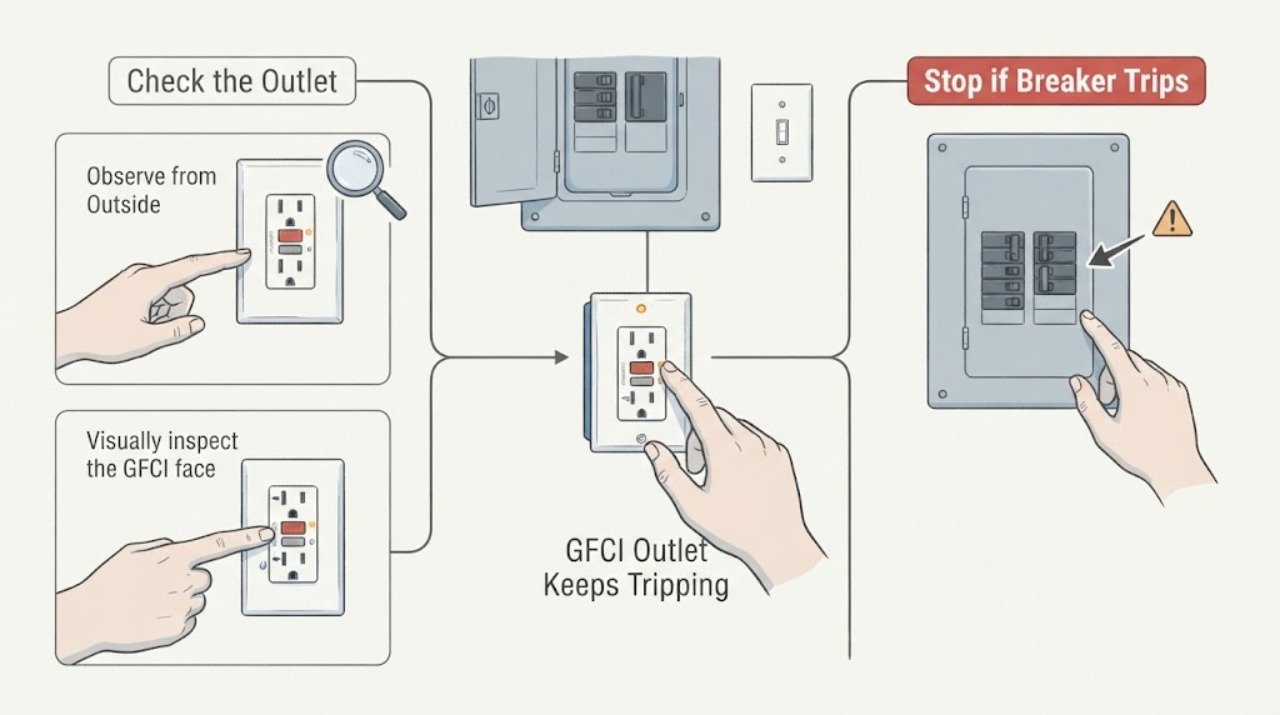
GFCI Outlet Keeps Tripping: Safe Non-Contact Checks
A GFCI outlet keeps tripping because it is detecting a ground-fault condition, a wet or damaged load, a downstream problem, an installation or wiring fault, or a failed device. Start with non-contact observations: identify whether the GFCI outlet or the GFCI breaker trips, note the indicator and RESET position, unplug accessible loads by their plug bodies if everything is dry, and inspect the outlet, cords, and downstream area for visible damage.
-
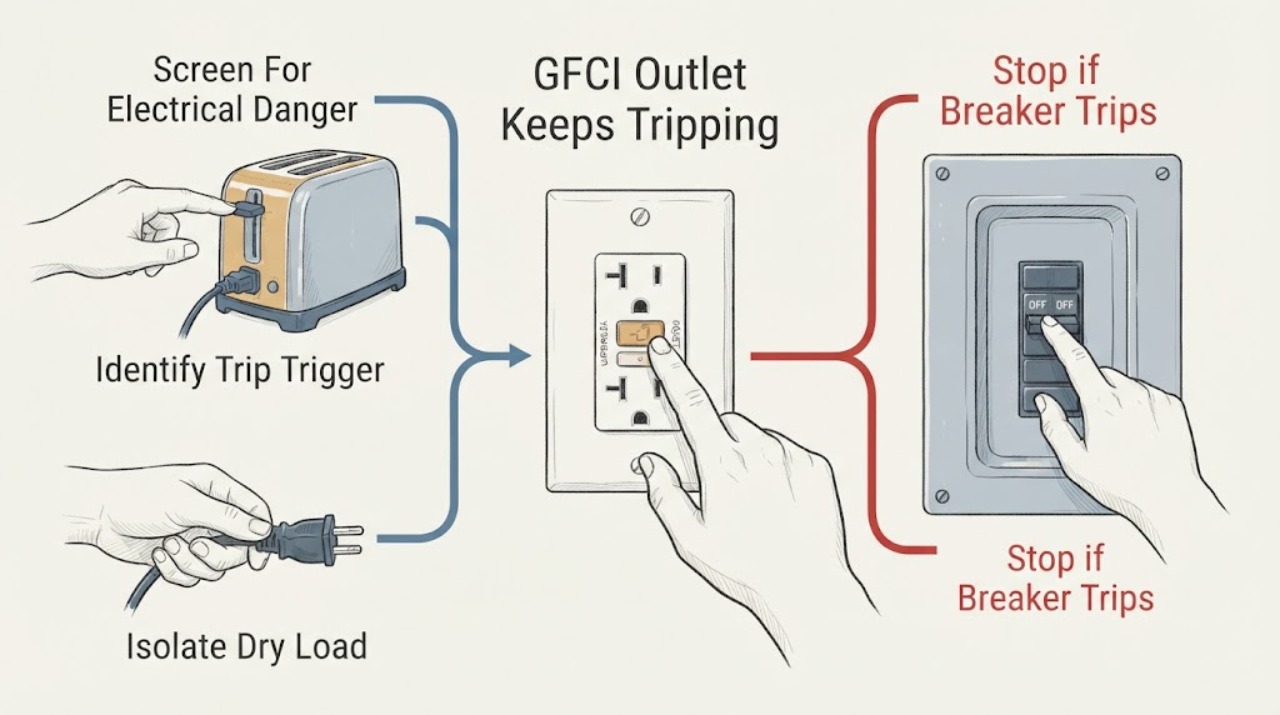
GFCI Outlet Keeps Tripping: Isolate the Load Without Opening the Wiring
A GFCI outlet keeps tripping when it detects current leaving the intended circuit path. Moisture, a damaged cord or appliance, a downstream outlet or load, a defective GFCI, or wiring trouble can all be involved.
-
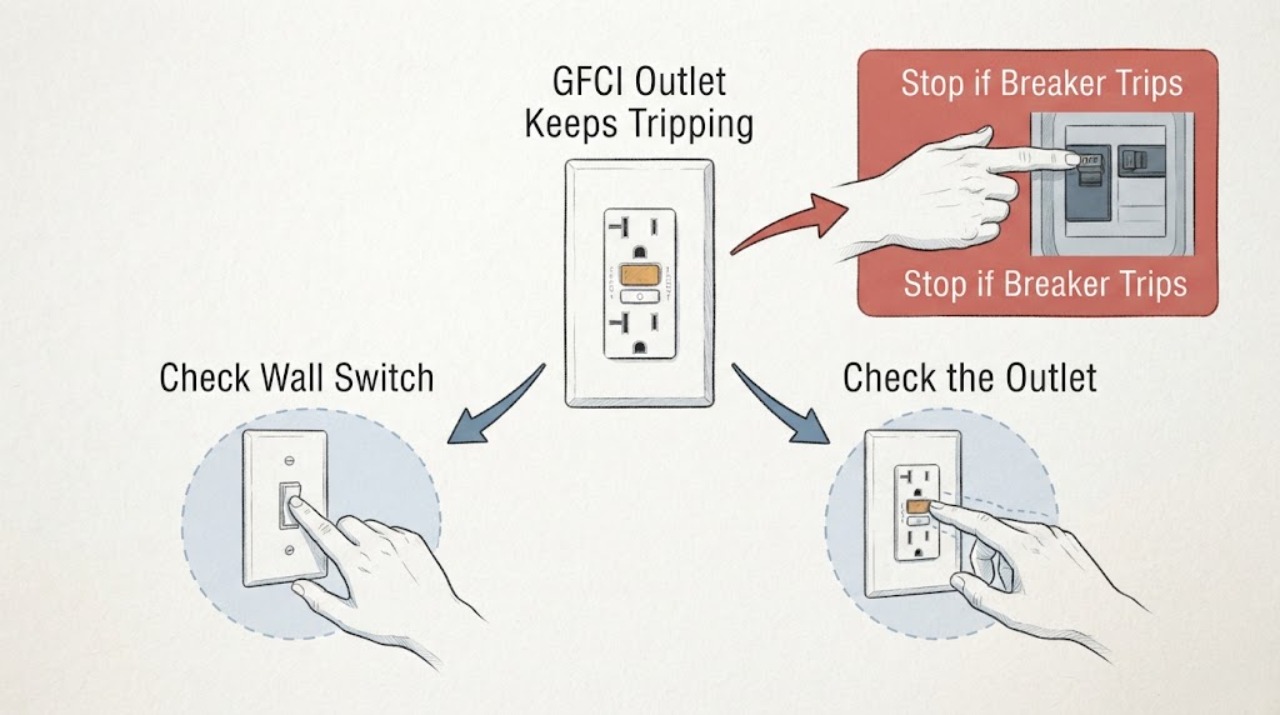
GFCI Outlet Keeps Tripping: Safe Checks for the Breaker and Wiring
A GFCI outlet keeps tripping when it detects current taking an unintended path. Moisture, a damaged cord or appliance, a downstream load, a GFCI device fault, a breaker issue, or wiring trouble can all be involved.
-
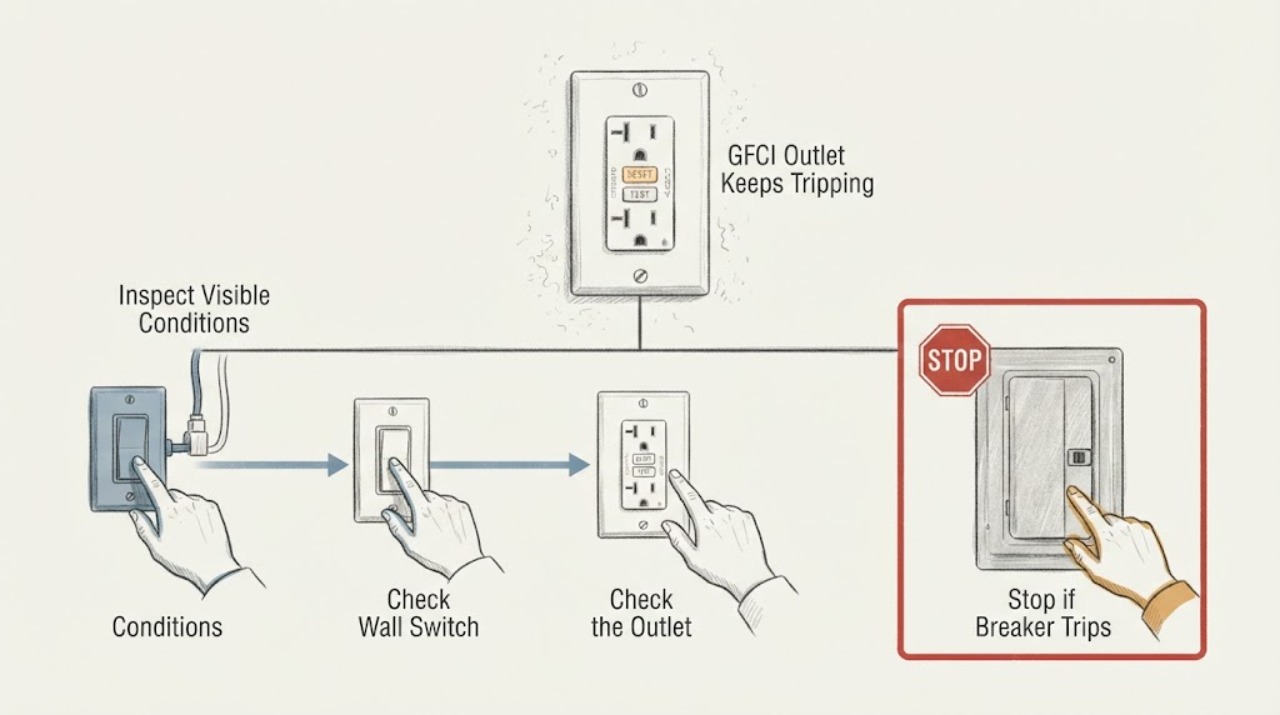
GFCI Outlet Keeps Tripping: Safe Receptacle Checks
A GFCI outlet keeps tripping because it is detecting a possible ground fault, often involving moisture, a damaged cord or appliance, a downstream load, or a fault in the receptacle or circuit. From a dry, safe position, record the RESET position, visible indicator, what was plugged in, and which downstream outlets lost power.
-
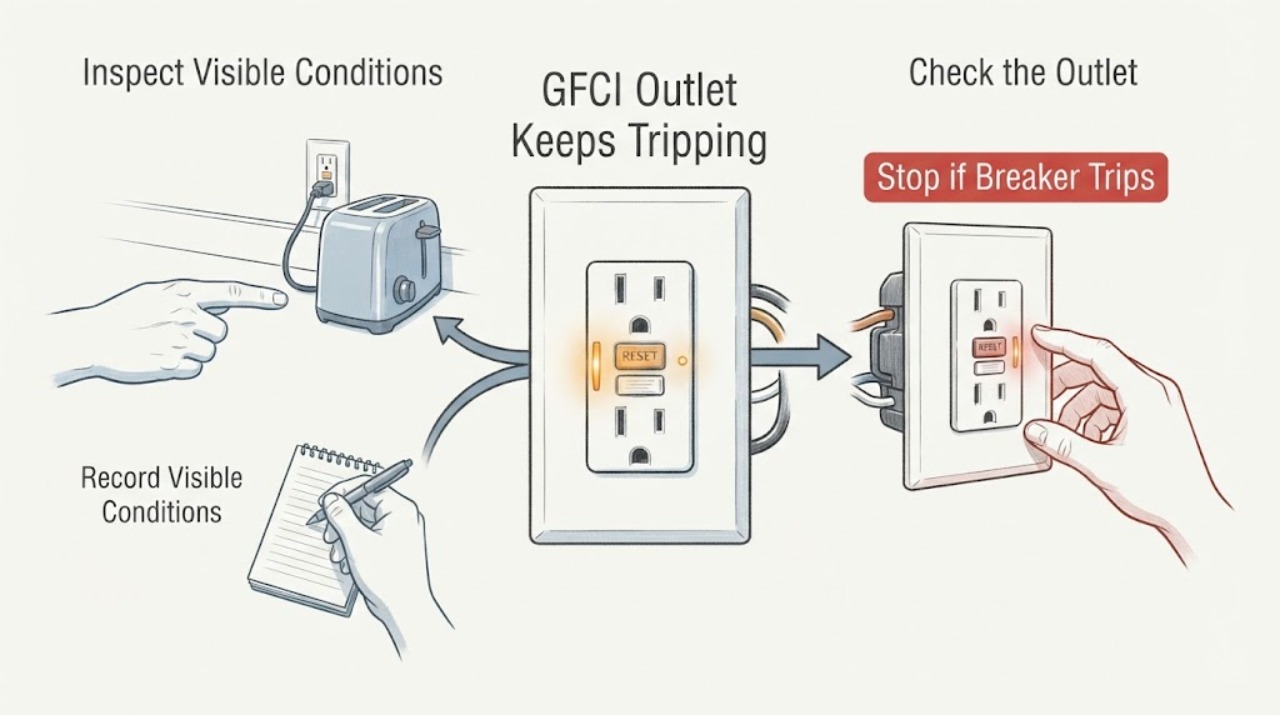
GFCI Outlet Keeps Tripping: Safe Checks Before Electrical Service
A GFCI that keeps tripping is detecting a possible ground fault, moisture path, damaged load, wiring problem, overload interaction, or a failed device. Do not repeatedly press RESET, open the outlet or panel, touch wiring, unplug equipment, or measure voltage.
-
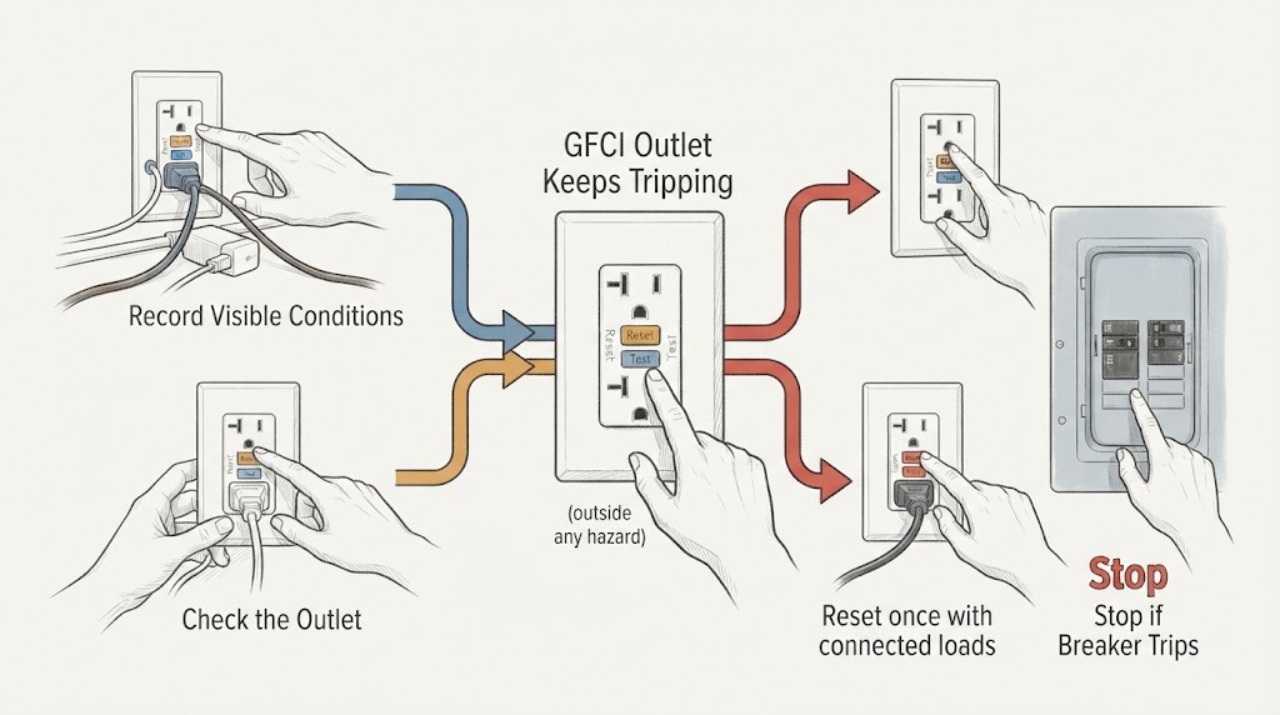
GFCI Outlet Keeps Tripping: Reset, Load, and Safety Checks
A GFCI outlet keeps tripping because it is detecting a ground fault or another condition it cannot safely clear; common clues include moisture, a damaged appliance or cord, a downstream device, incorrect wiring, or a worn outlet. Note what was plugged in and inspect the outlet, plugs, cords, and nearby area without touching exposed conductors.
-
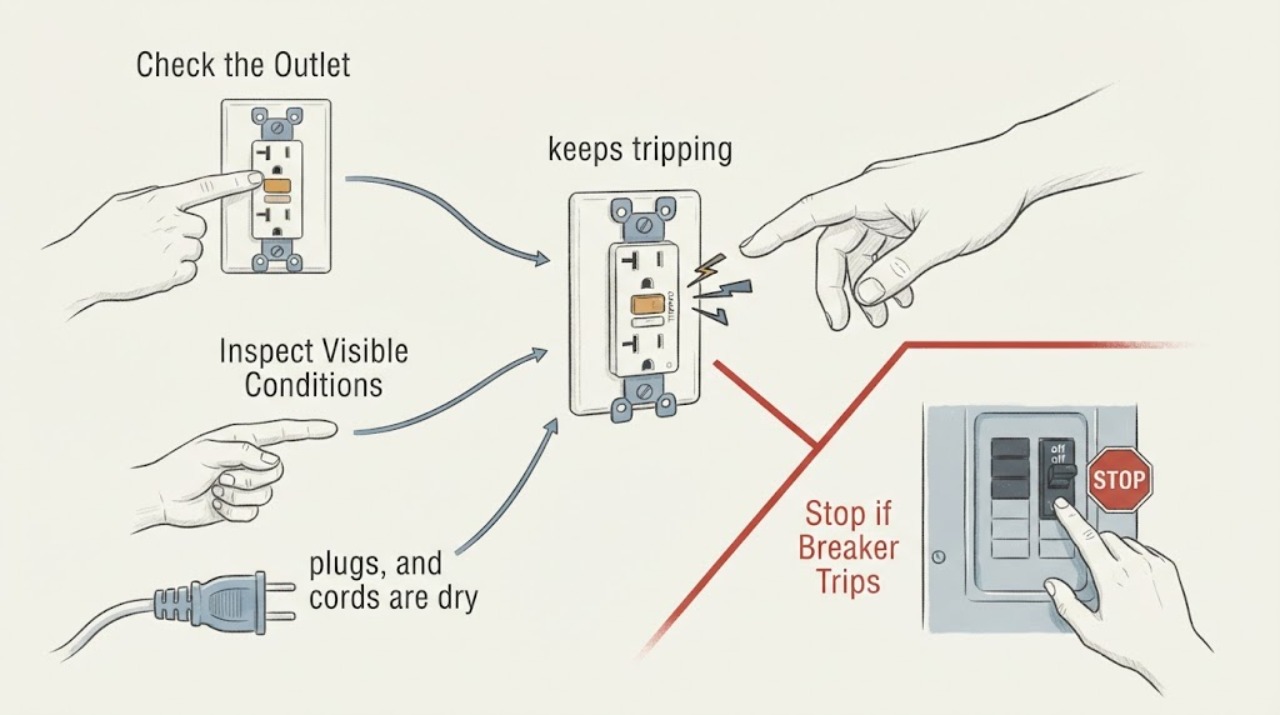
GFCI Outlet Trips the Circuit Breaker: Safe Checks
A GFCI outlet trips when it detects current taking an unintended path, including through water or damaged equipment. Treat repeated trips as a protective warning: first identify whether the reset button is on the outlet or at the panel, then inspect from a safe distance for moisture, heat, discoloration, loose plugs, damaged cords, or a device that was in use when the trip occurred.
-
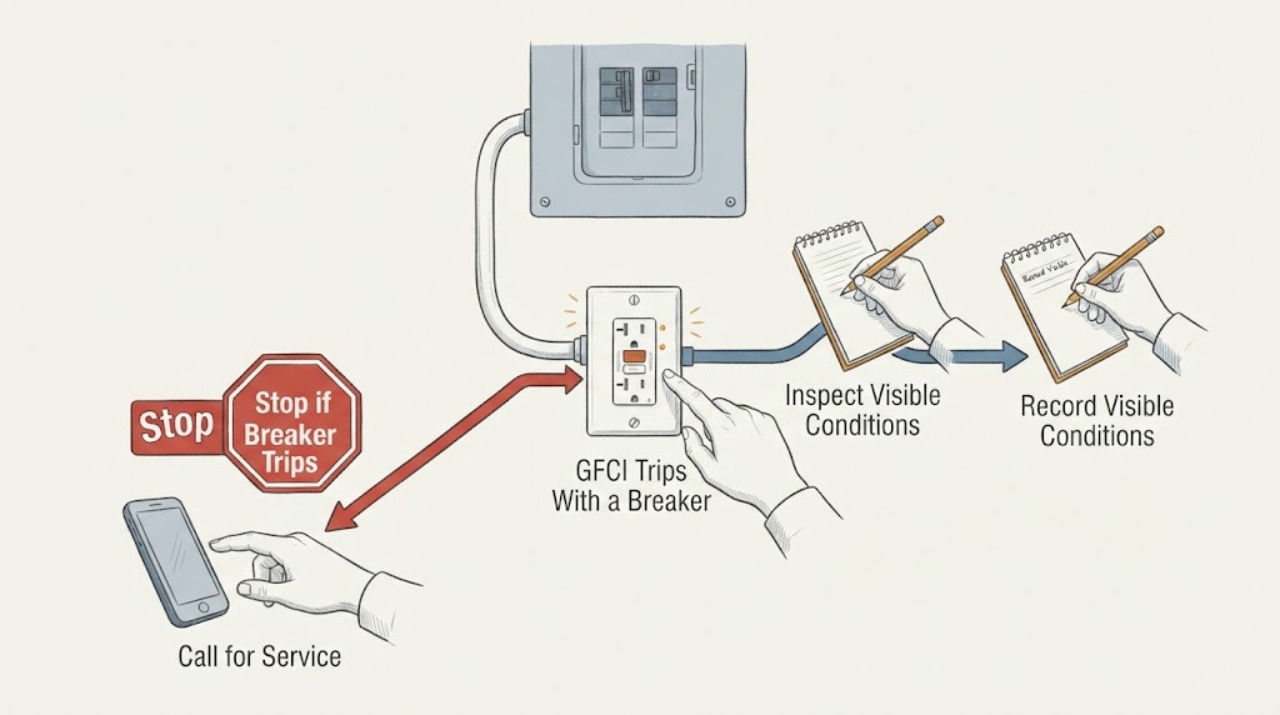
GFCI Trips With a Breaker or Outlet: What to Check
Treat a GFCI outlet that keeps tripping as a protective warning, not an inconvenience to defeat. From a dry position, note whether the trip happens with no device connected, with one appliance, or after moisture appears; inspect only the plug, cord, outlet face, nearby water, and visible breaker position.