
Repair problem
Cycle Not Completing Troubleshooting Guides – Page 2
Published FixGraph guidance for diagnosing and responding to cycle not completing.
Matching published guides
Choose a guide that matches the service, equipment, and conditions you are seeing.
-
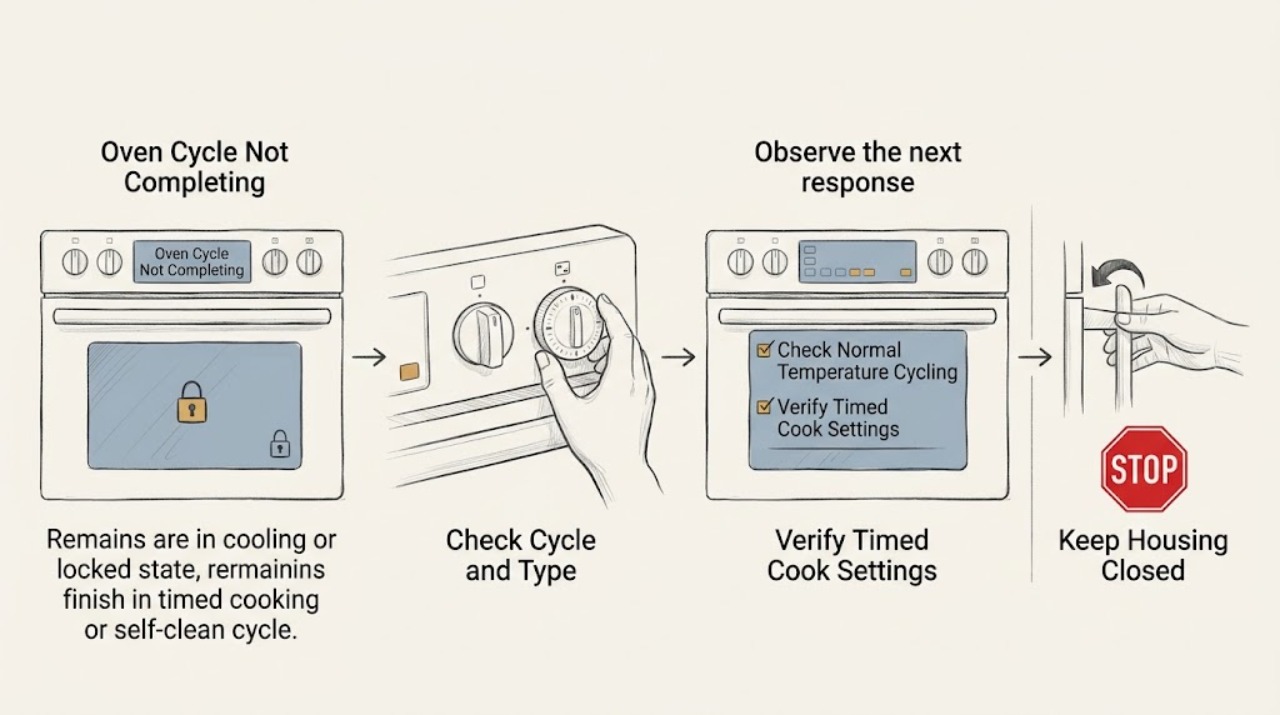
GE Oven Cycle Not Completing
First identify which cycle is affected and record the display, remaining time, door-lock state, and whether the oven is still heating. A normal bake can cycle the elements on and off; a delay-start program may turn the oven on but not turn it off unless Cook Time or Time Bake is set.
-
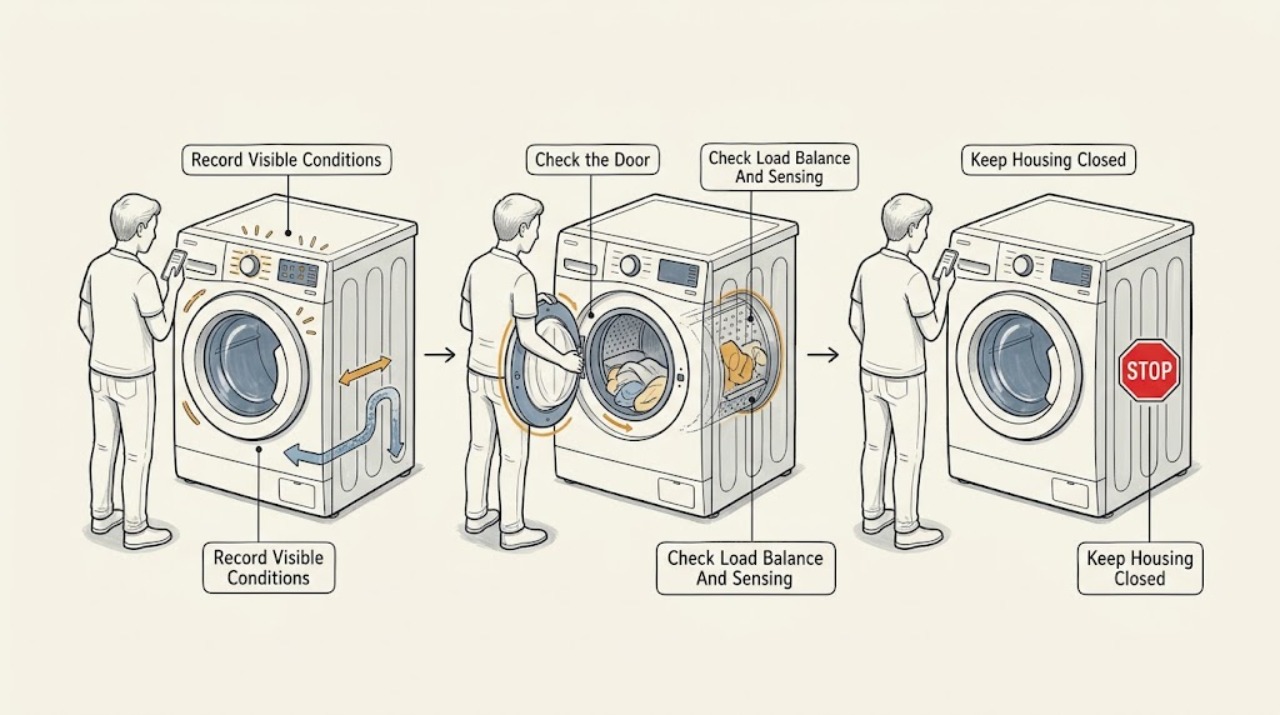
GE Washer-Dryer Cycle Not Completing: Identify the Stop Safely
Record the stage and exact display message before changing anything. A GE washer-dryer may pause while sensing or correcting an unbalanced load, and a GE Profile UltraFast Combo can intentionally pause between wash and dry when Wash Complete is selected.
-
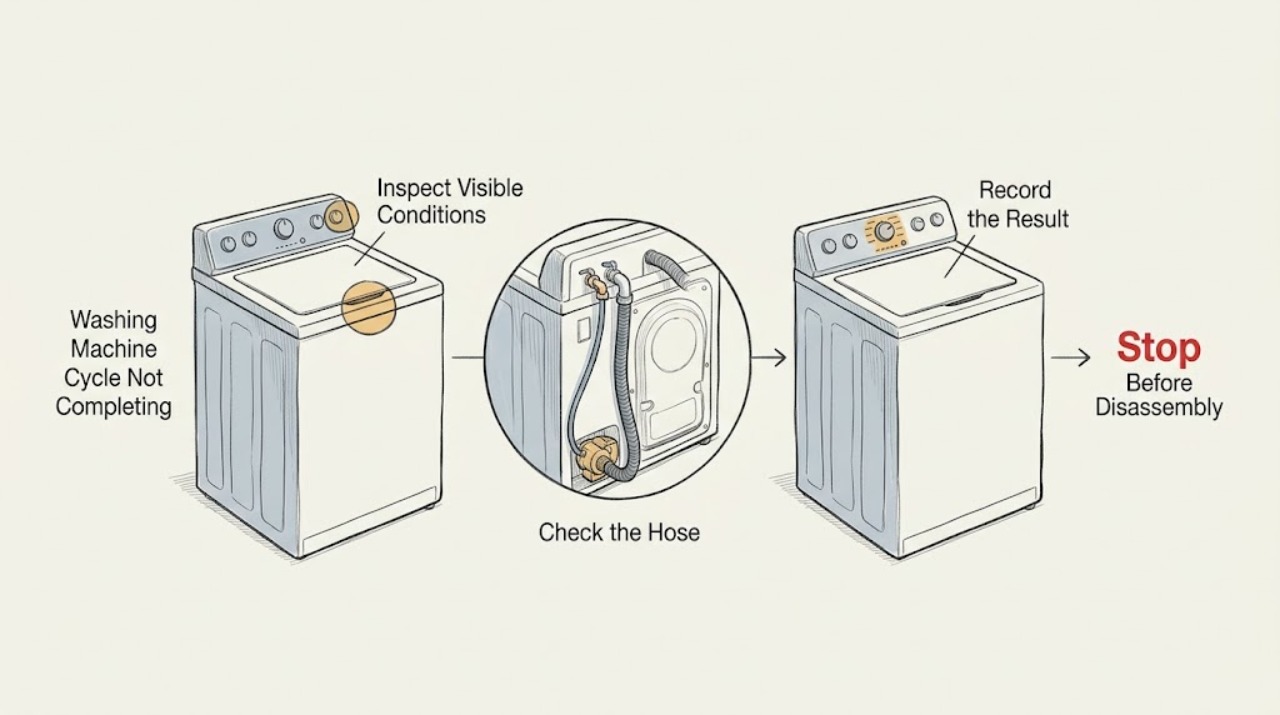
Ge Washing Machine Cycle Not Completing
A GE washer that appears stuck may be in a normal pause, correcting an unbalanced load, waiting to drain, or holding a control lock after an interruption. Note the stage, display message, water level, and whether the basket is spinning before changing anything.
-
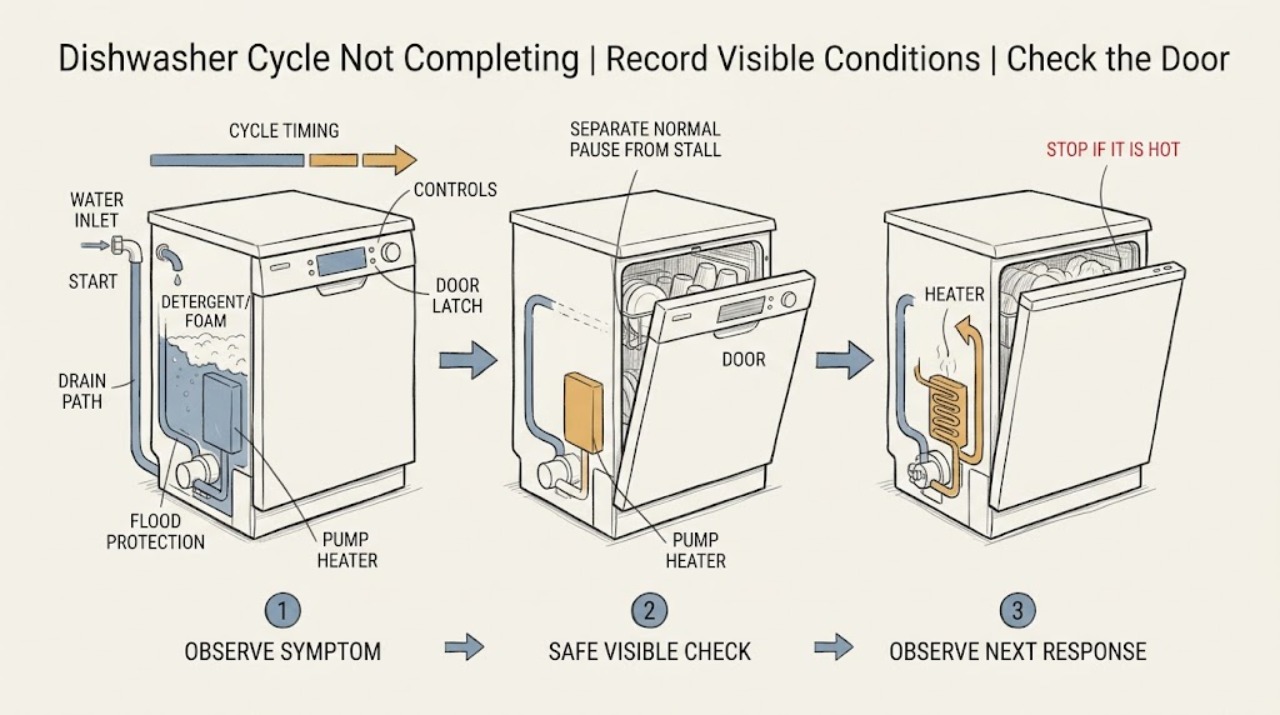
Haier Dishwasher Cycle Not Completing: Find the Stop Phase
First record the exact Haier model, selected cycle and options, display or light pattern, remaining time, water level, and the point at which the program stopped. Do not treat every pause as a failure: Haier says some models pause about five minutes near the start to soak dishes, certain cycles pause 15–65 seconds during the main wash, and a cycle can take up to 120 minutes depending on the selected program.
-
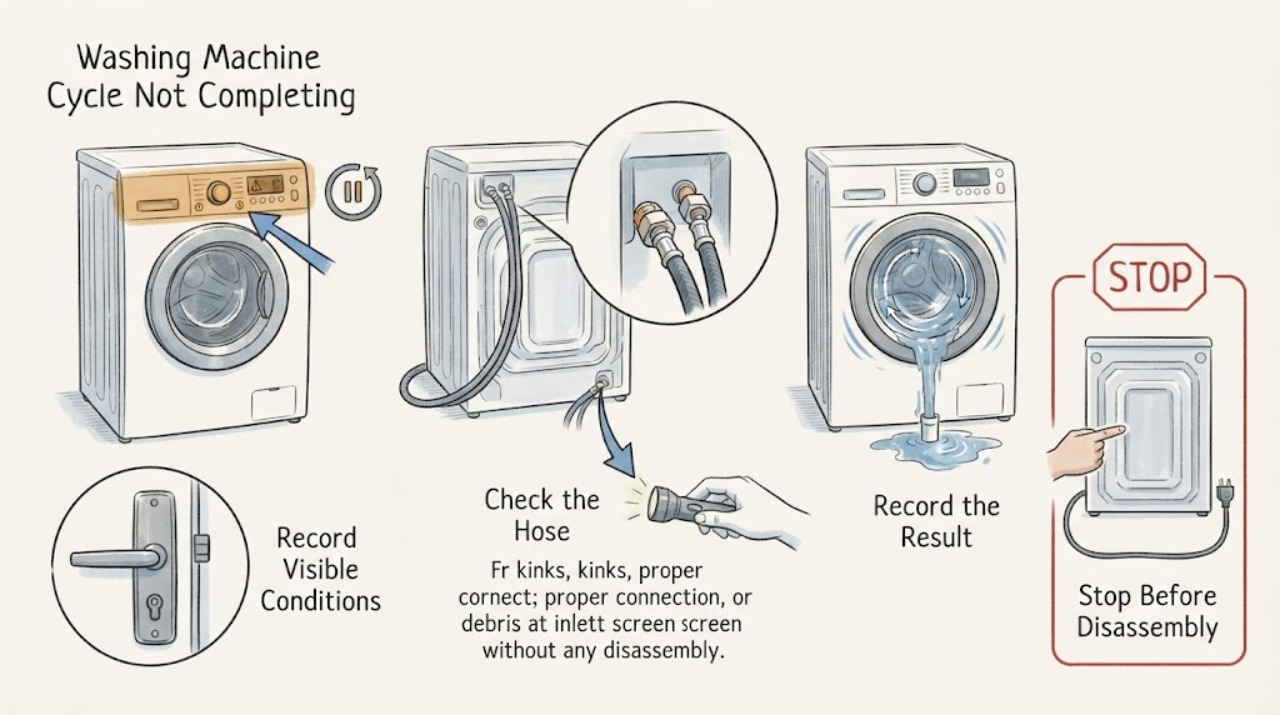
Haier Washing Machine Cycle Not Completing: Find the Stuck Stage
When a Haier washing machine does not complete a cycle, note the exact stage where it stops: start, fill, wash, drain, or spin. Check pause, delay, child lock, door or lid closure, and the display code first.
-
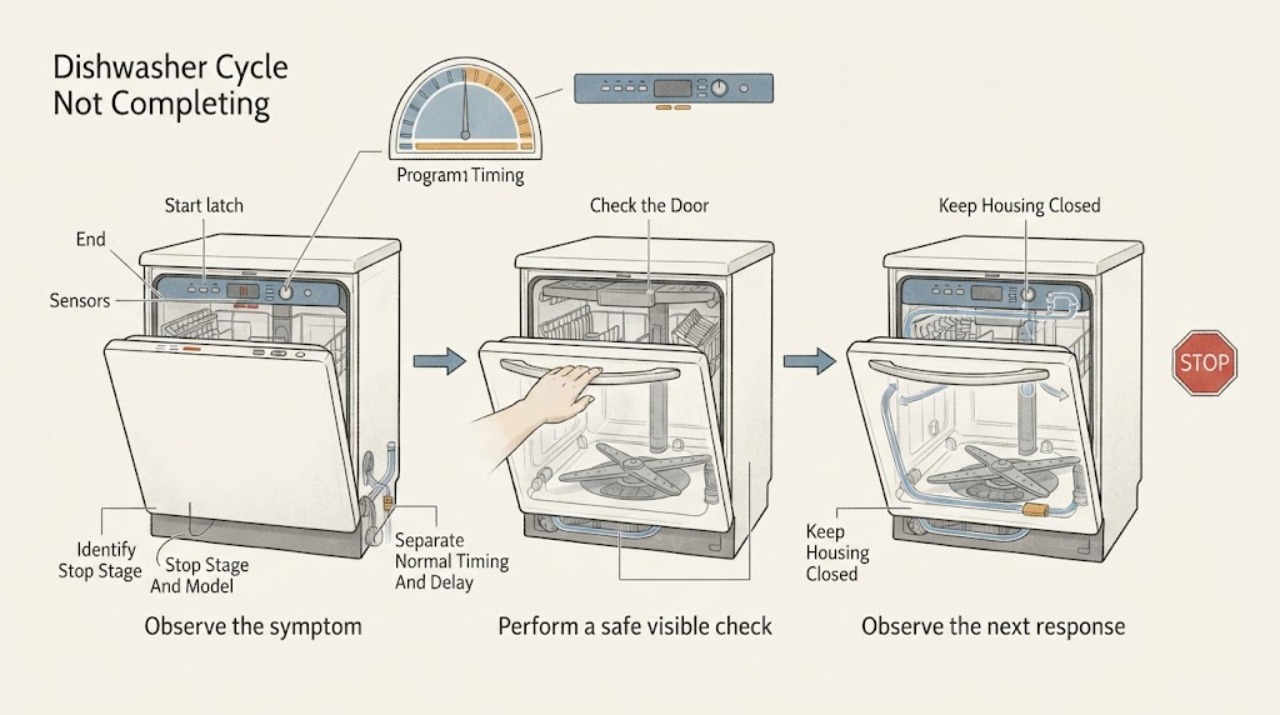
Hisense Dishwasher Cycle Not Completing: Find the Stage Where It Stops
First note the exact Hisense model, the displayed time or code, the phase where the cycle stops, whether the door was opened, and whether water remains in the tub. A changing timer is not by itself proof of a fault: a Hisense manual says remaining time can update after heating and vary with inlet temperature, load, and ambient conditions.
-
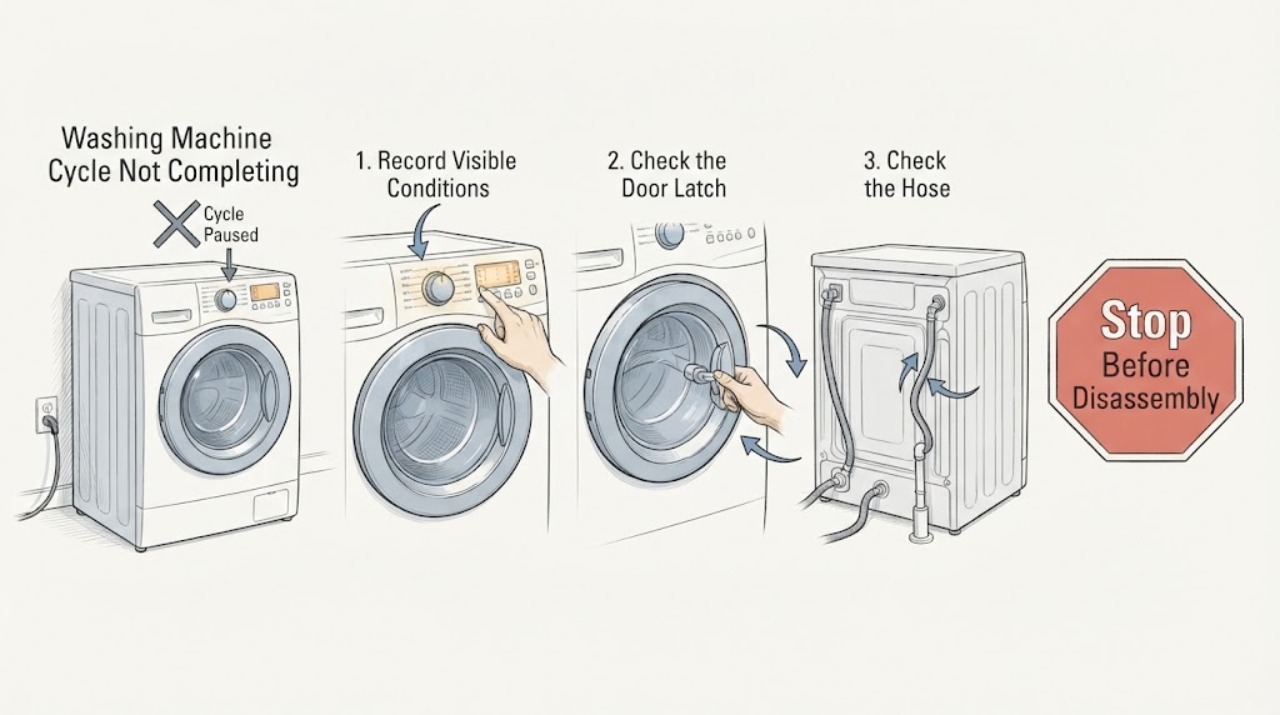
Hisense Washing Machine Cycle Not Completing
If a Hisense washing machine does not complete its cycle, first note where it stopped and any message on the display. Check that the door is fully closed, the machine is not paused or locked, and the load is not badly unbalanced.
-
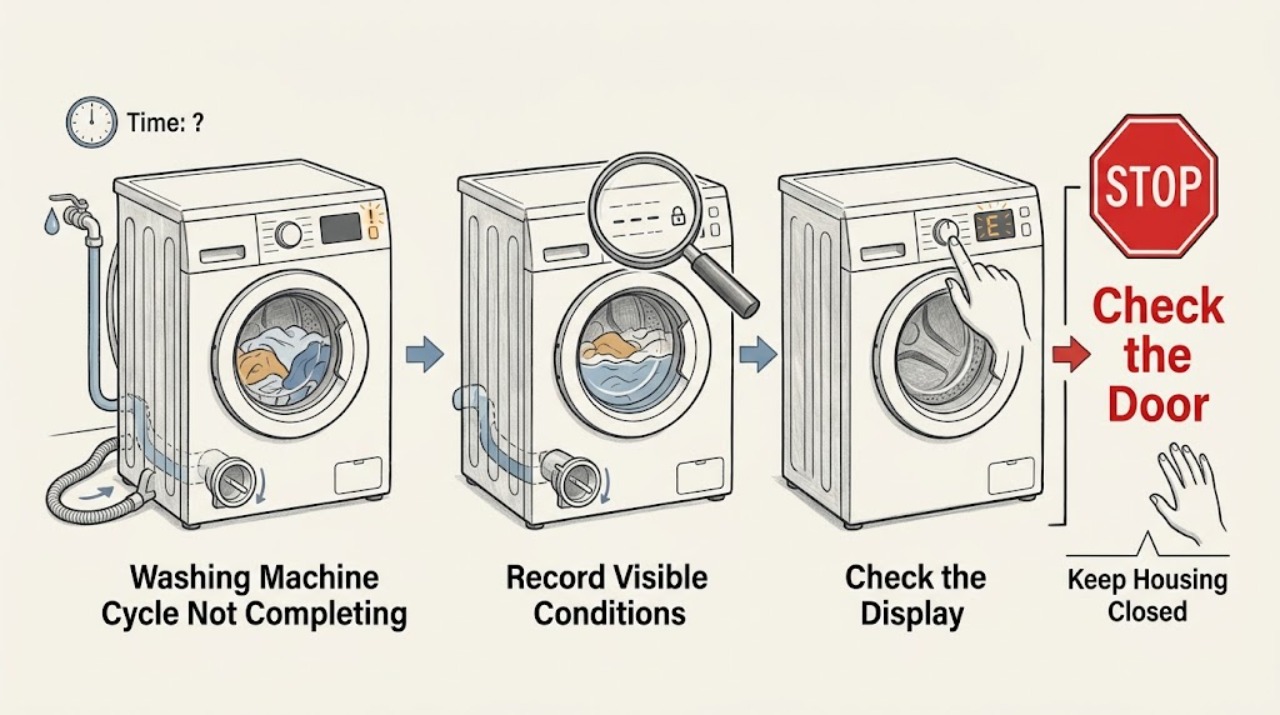
Hoover Washing Machine Cycle Not Completing: Find the Stop Point
First note whether the Hoover washing machine stops while filling, washing, draining, or spinning, and whether water remains in the drum. A delay-start or rinse-hold option can make a cycle appear unfinished; a small or uneven load can also end without a final spin.
-
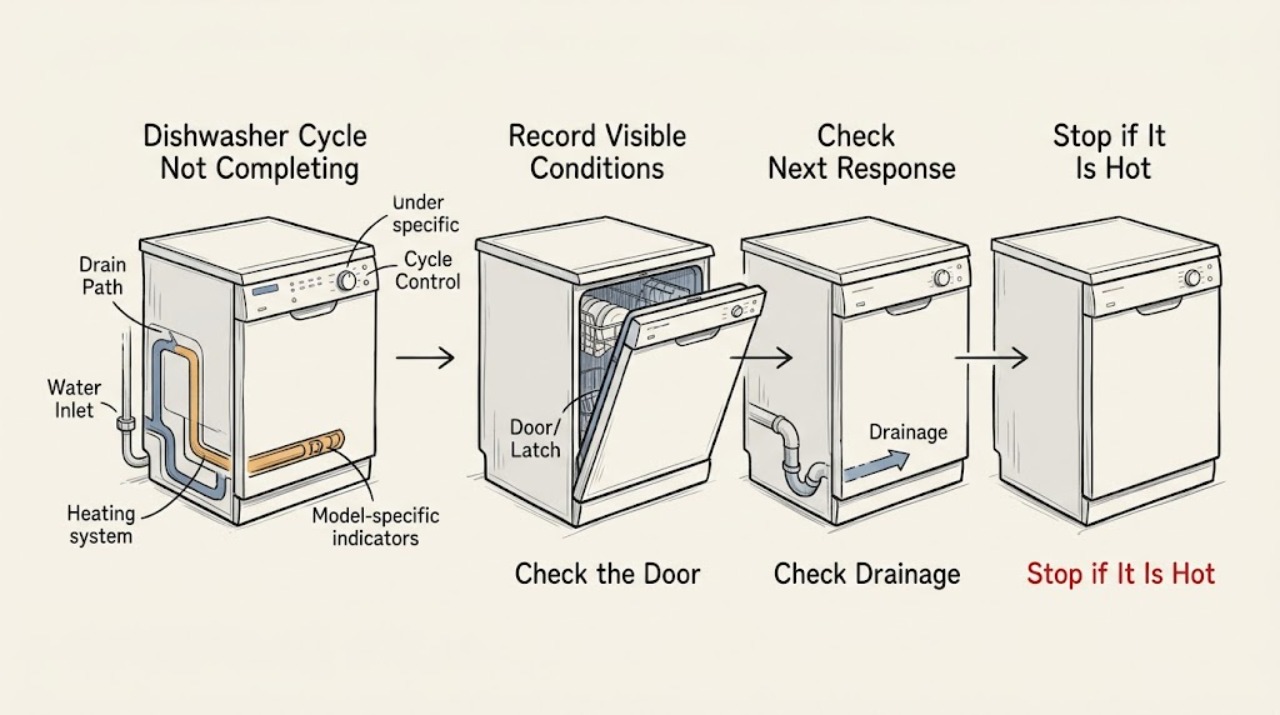
Hotpoint Dishwasher Cycle Not Completing: Find Where the Program Stops
Do not treat every long program as a failed cycle. Note the exact point where the Hotpoint dishwasher stops, whether the display or LEDs show a code or pattern, whether water remains in the tub, and whether the dishes are warm or dry.
-
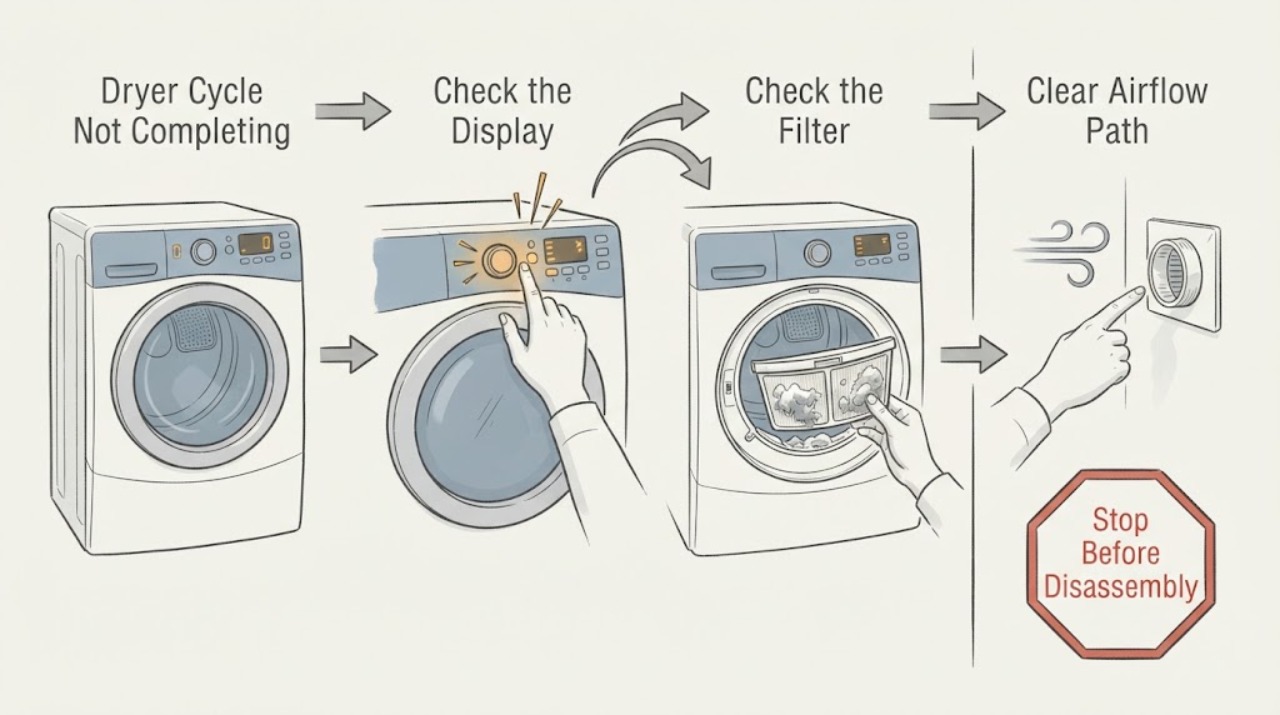
Hotpoint Dryer Cycle Not Completing: What to Check
First determine whether the dryer is actually stuck or is using a normal sensor, crease-care, or progress-indicator behavior. On some Hotpoint models the programmer dial does not rotate and indicator lights show progress; on other sensor cycles the time display or knob can advance in pauses.
-
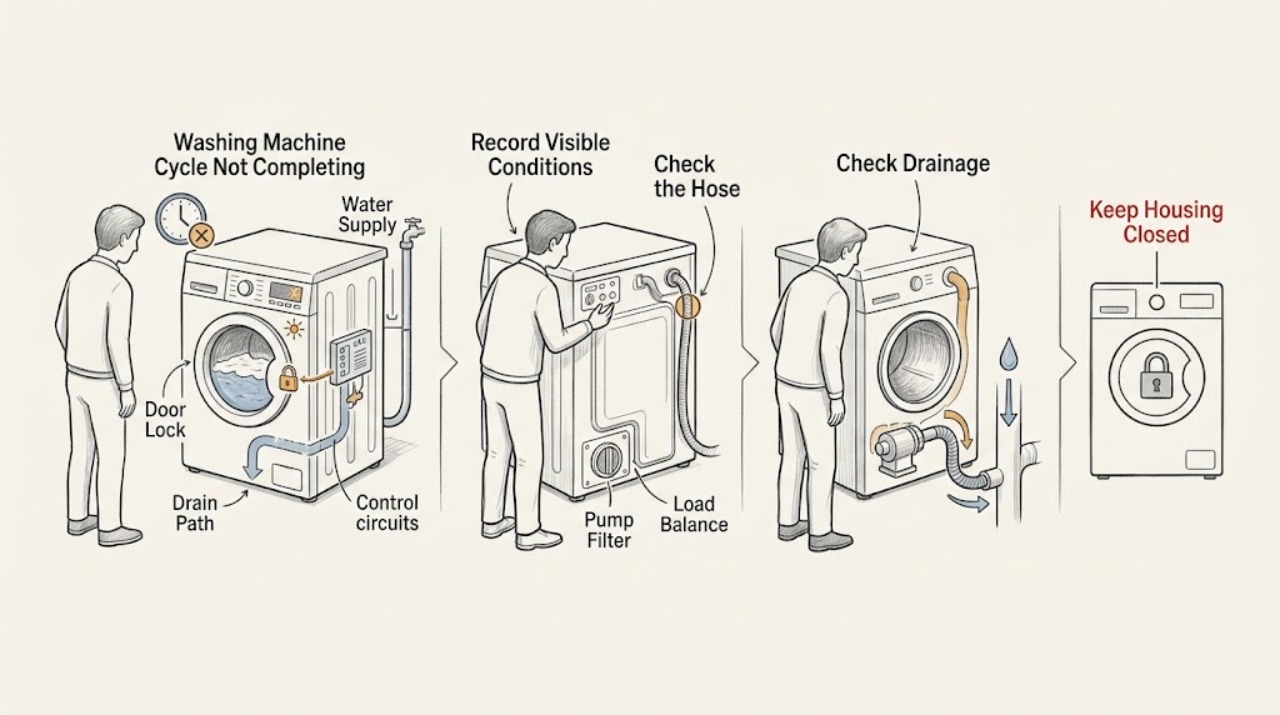
Hotpoint Washing Machine Cycle Not Completing: Check Water, Drainage, Load Balance, and Codes
First note exactly where the Hotpoint washing machine stops: filling, washing, rinsing, draining, or spinning. Record the model, display or flashing lights, whether water remains in the drum, whether the door or lid is locked, and whether the load is soaking wet.
-
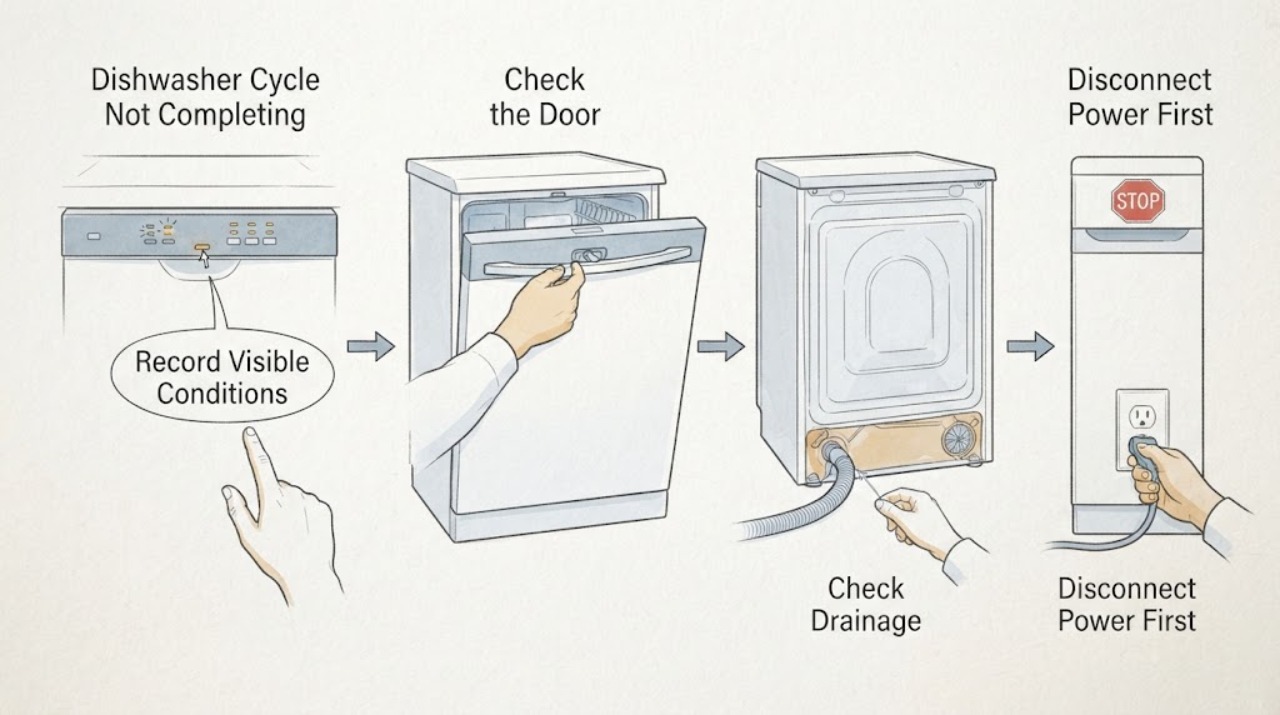
Indesit Dishwasher Cycle Not Completing
First note where the Indesit dishwasher stops: before filling, during washing, while waiting to heat, during draining, or after the display appears to finish. A door opening or power cut can pause a cycle on some Indesit models, and the exact manual should show whether it resumes after the door is shut or power returns.
-
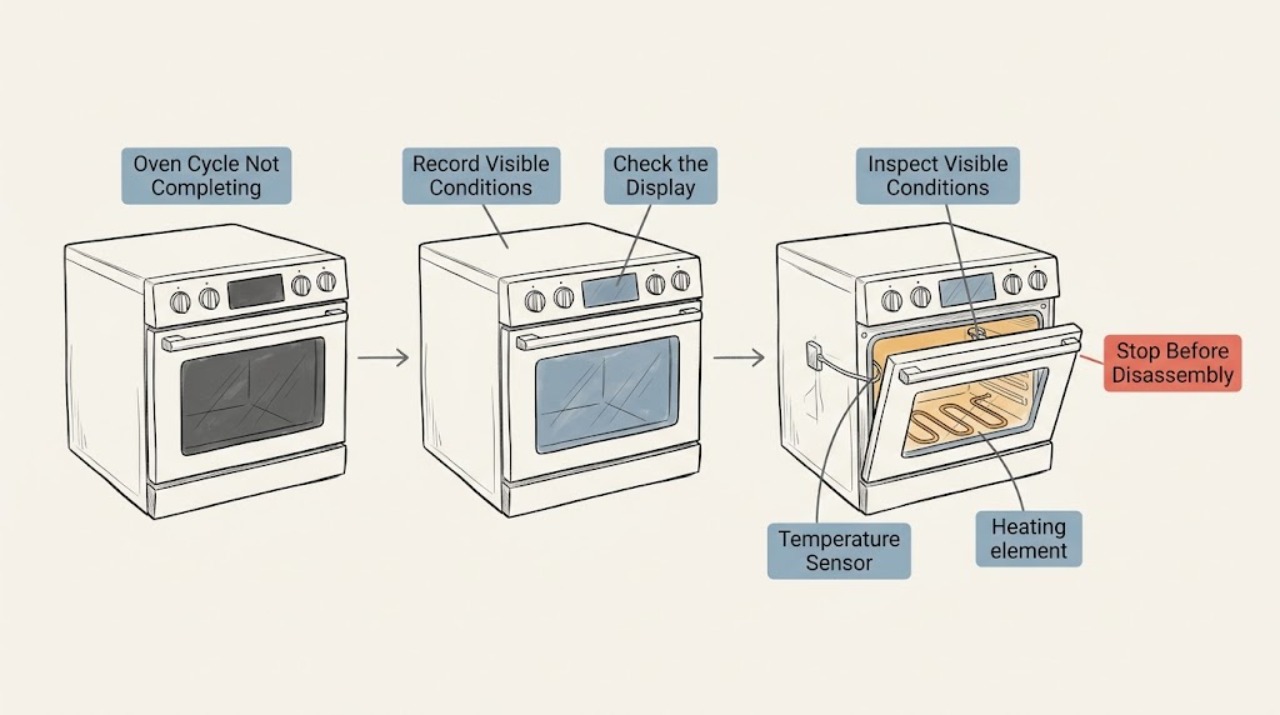
Kenmore Oven Cycle Not Completing: Check the Stop Point, Door Lock, and Heat Safely
When a Kenmore oven cycle does not complete, first record which cycle is running, where it stops, and every display message or error code. A bake cycle that stops before the oven reaches temperature points toward a control, heating, sensing, or power problem; a self-clean cycle may remain locked during its normal cool-down.
-
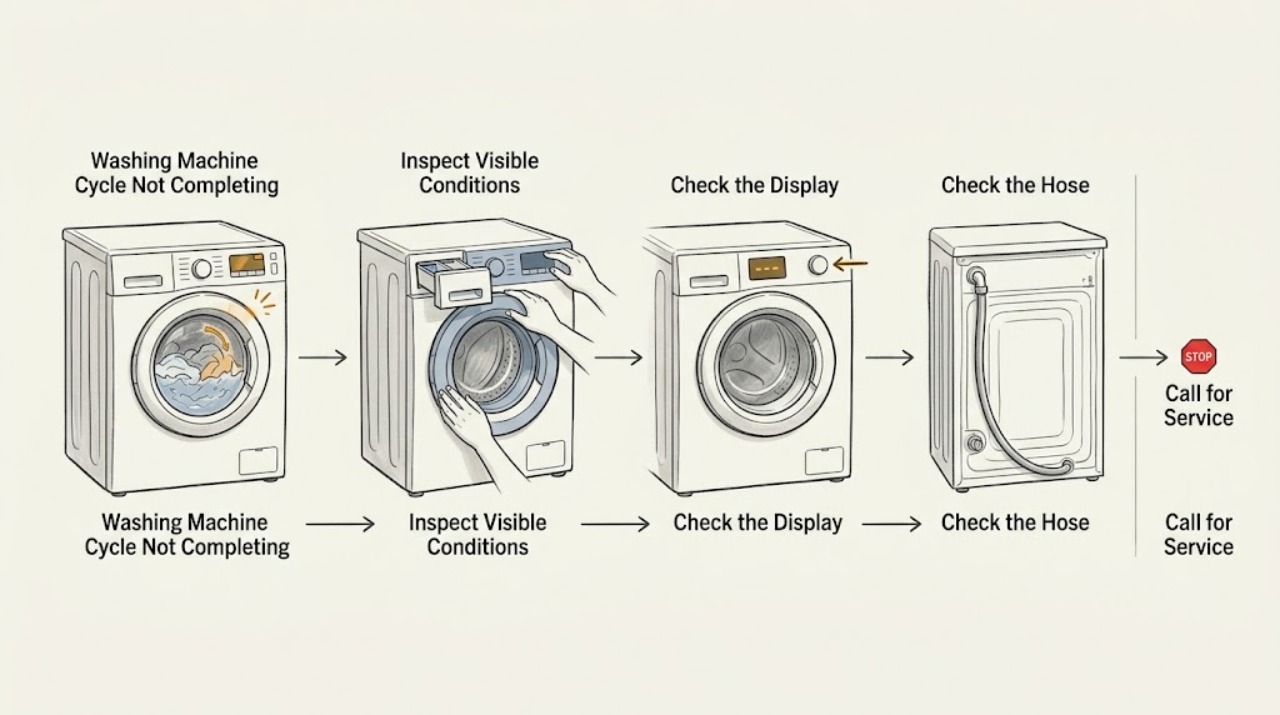
Kenmore Washing Machine Cycle Not Completing: Find the Stalled Stage Safely
A Kenmore washer that does not finish is usually waiting on one stage: filling, washing, draining, spinning, or the lid/door lock. Note the stage, the displayed code, and whether water remains; then check only the matching external cause, such as a closed supply valve, a kinked hose, an unbalanced load, or a blocked accessible drain path.
-
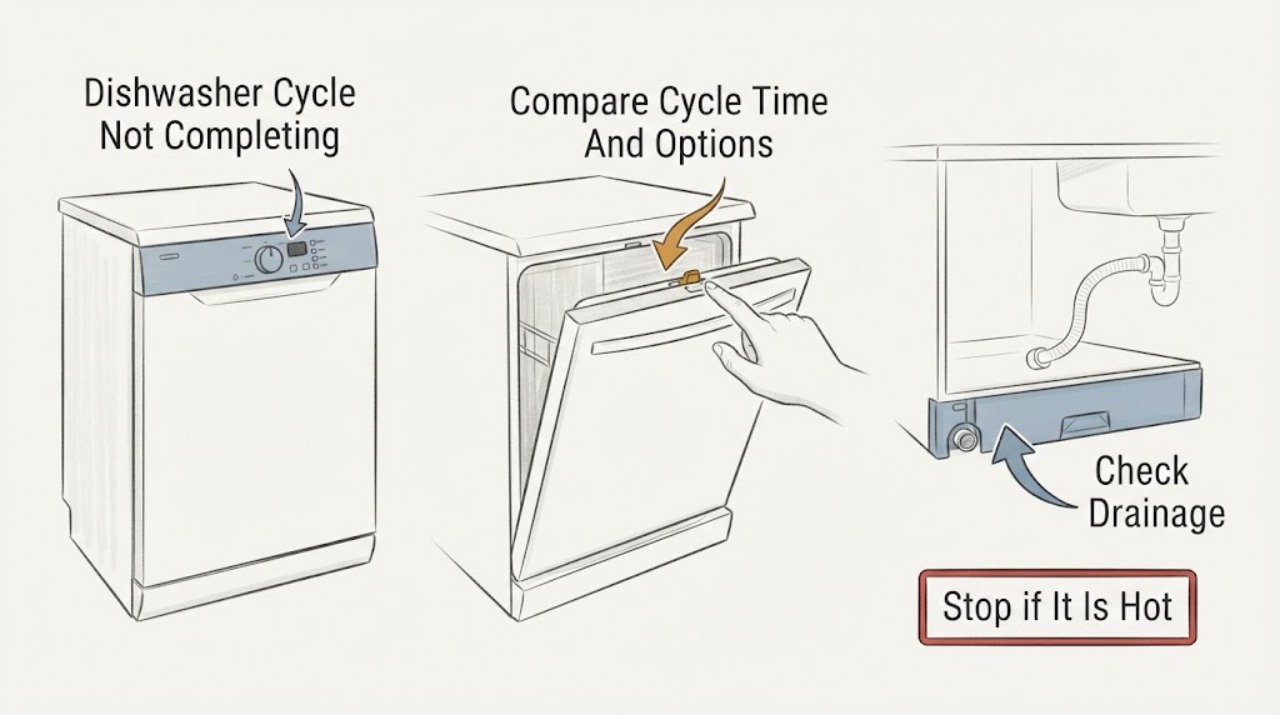
KitchenAid Dishwasher Cycle Not Completing: Check Pause, Drainage, and Controls
First compare the elapsed time with the selected cycle and options: KitchenAid says cycle length can vary with soil level, water temperature, sensors, and Heated Dry or Sani Rinse, and typical cycles range from about 1.5 to 4 hours. If the cycle stopped, check whether the door was opened, power was interrupted, Start/Resume is flashing, or a delay or control lock is active.
-
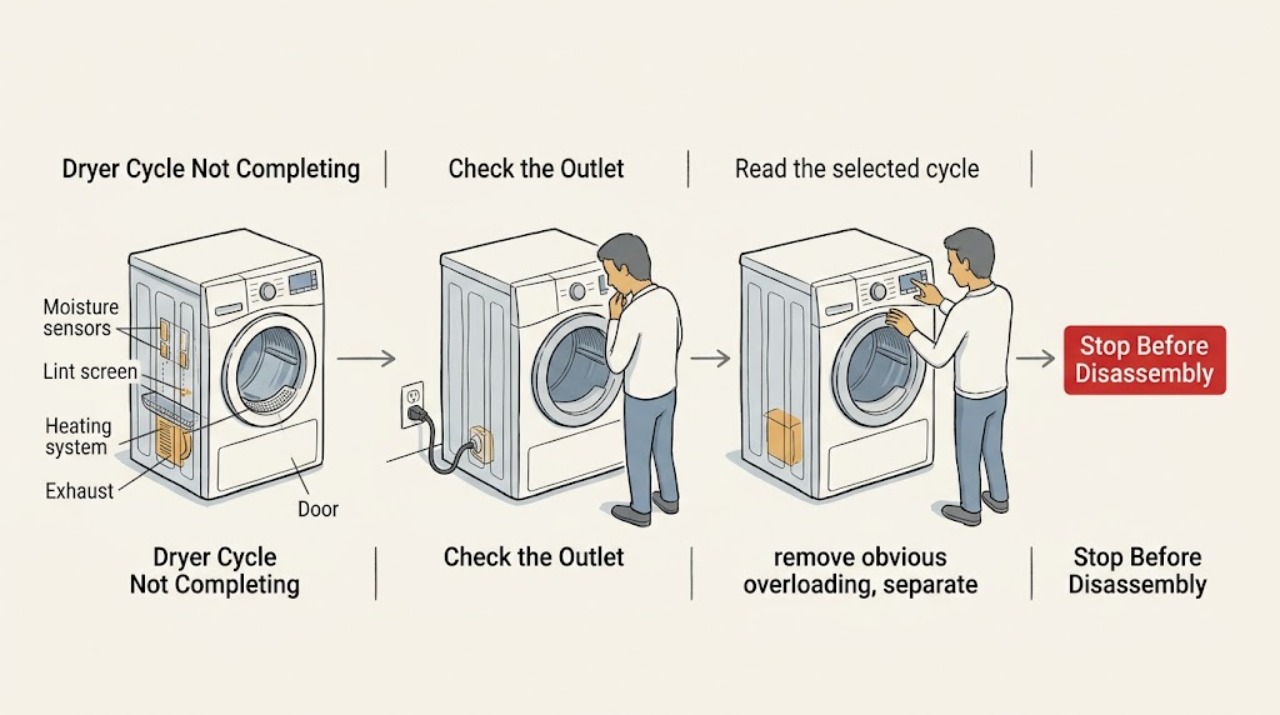
KitchenAid Dryer Cycle Not Completing: Check the Load, Sensors, and Airflow
A KitchenAid dryer that does not complete its cycle can be ending early because a sensor cycle is not seeing a representative load, or it can be running too long because the load, exhaust airflow, heat, power, or door signal is wrong. First identify whether the drum stops early, never reaches the end, or stops before the cool-down portion.
-
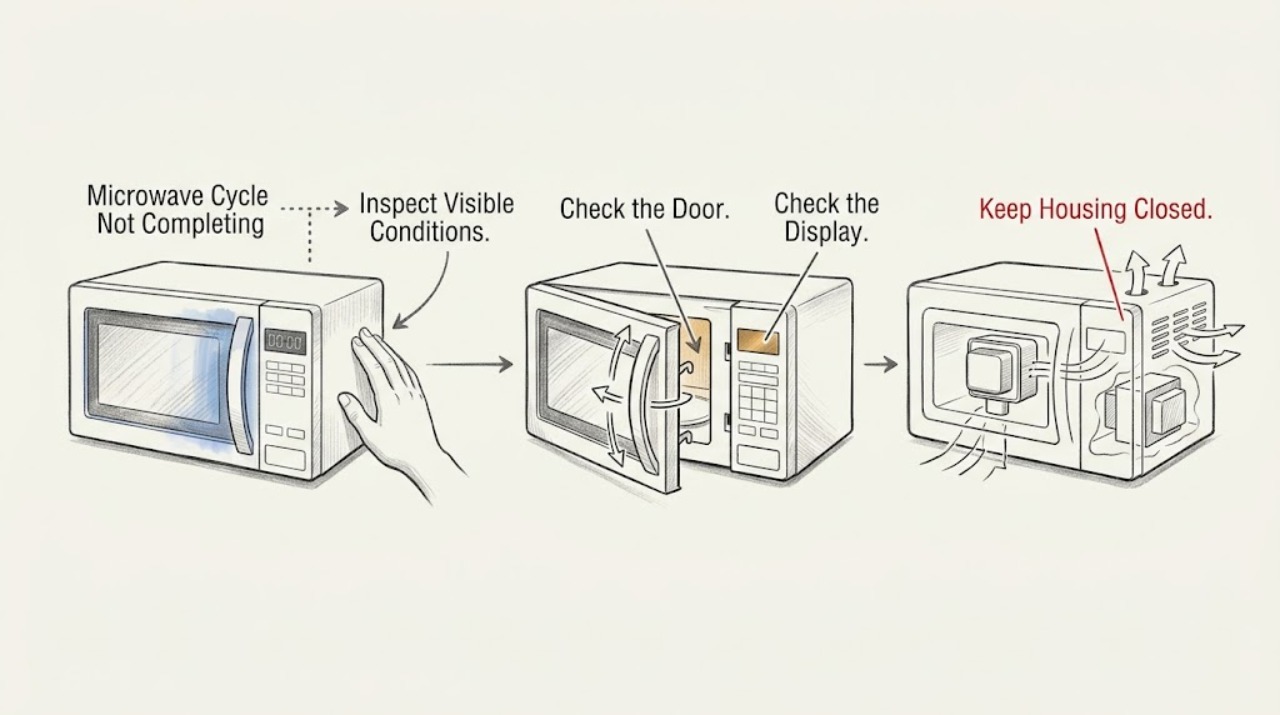
KitchenAid Microwave Cycle Not Completing: Identify the Stop Point
First decide whether the KitchenAid microwave truly stops early or has reached END and is only running its post-cooking fan. If the display countdown stops when the door opens, press Start to resume a non-sensor cycle; if the display shows a timer rather than a cooking cycle, cancel the timer because it does not control cooking. A repeat stop with blocked vents, a returning code, no heat, smoke, or a breaker trip needs qualified service.
-
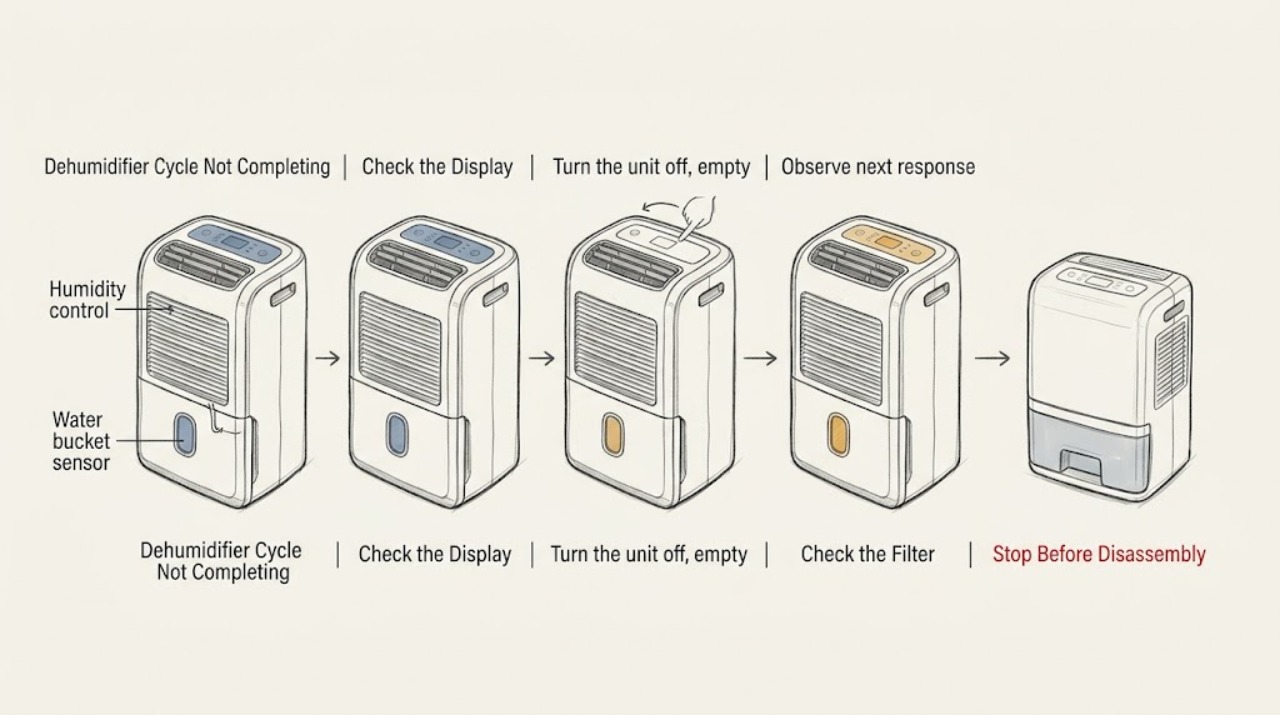
LG Dehumidifier Cycle Not Completing
A dehumidifier can stop normally when its timer ends, the target humidity is reached, or the bucket is full or mispositioned. Check those conditions before treating a stop as a failed compressor or control.
-
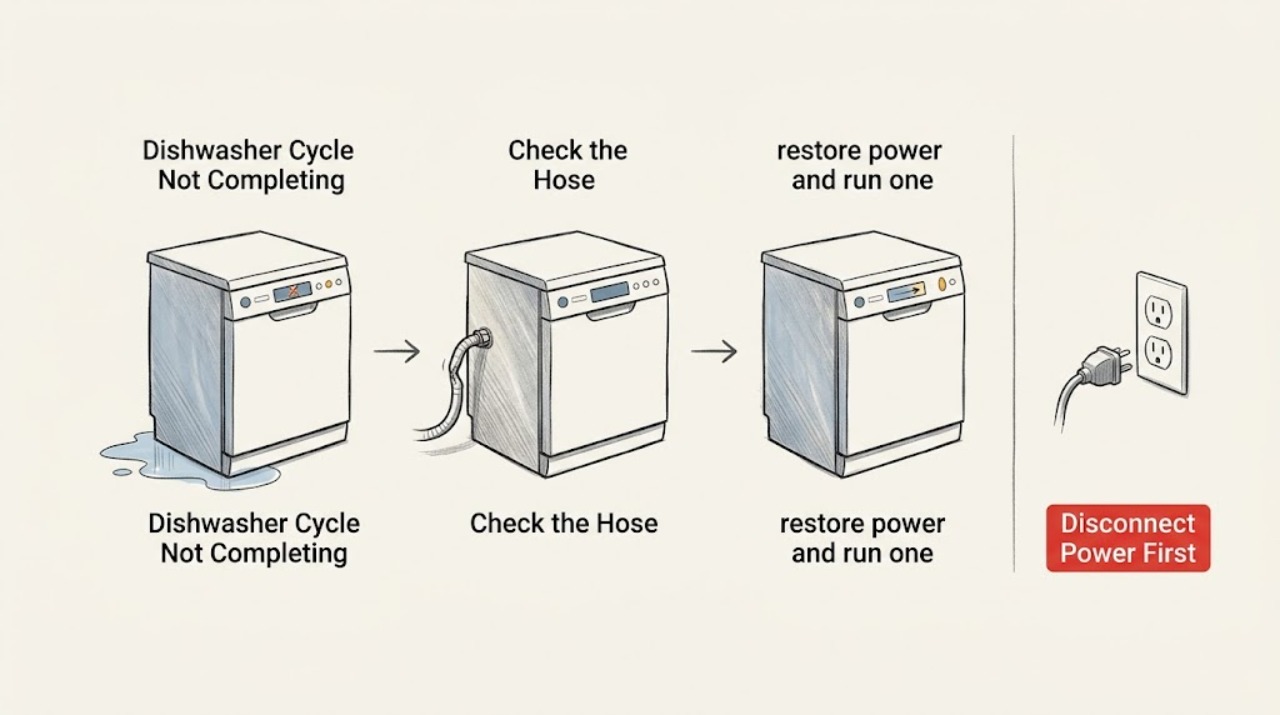
LG Dishwasher Cycle Not Completing
First note exactly where the LG dishwasher stops and what is on the display. Dashes after holding Start can mean the cycle is being cancelled and the tub is draining; standing water after the cycle points to an outlet problem; an HE, tE, or other recurring code needs model-specific service. A dark or unresponsive panel should be separated from a cycle that stops while washing.
-
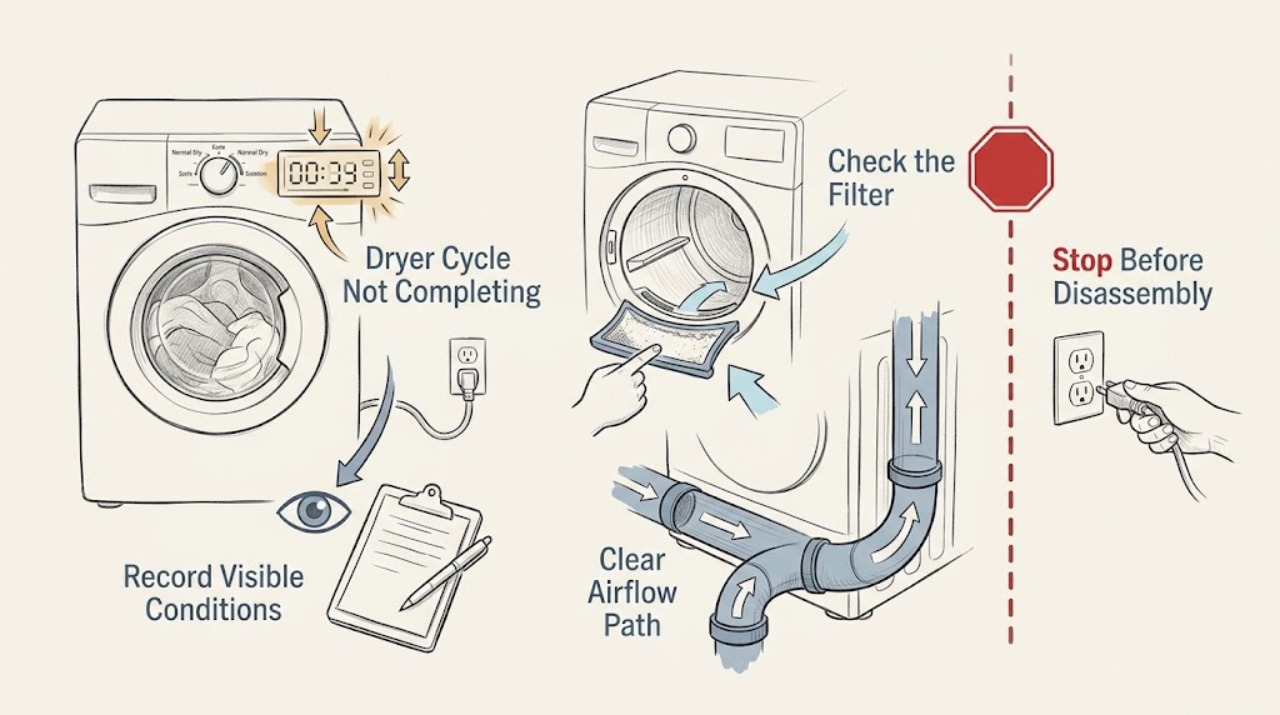
LG Dryer Cycle Not Completing: Check Load, Sensors, Airflow, and Power
If an LG dryer stops before the selected cycle finishes, first note whether it is ending early with damp clothes, shutting off completely, or showing a code. A Sensor Dry cycle can end early when a very small load does not contact the moisture sensors, when the dry level is intentionally low, or when residue prevents sensing; LG recommends a suitable load or Time Dry for a small load and cleaning the sensors when an HS code appears.
-
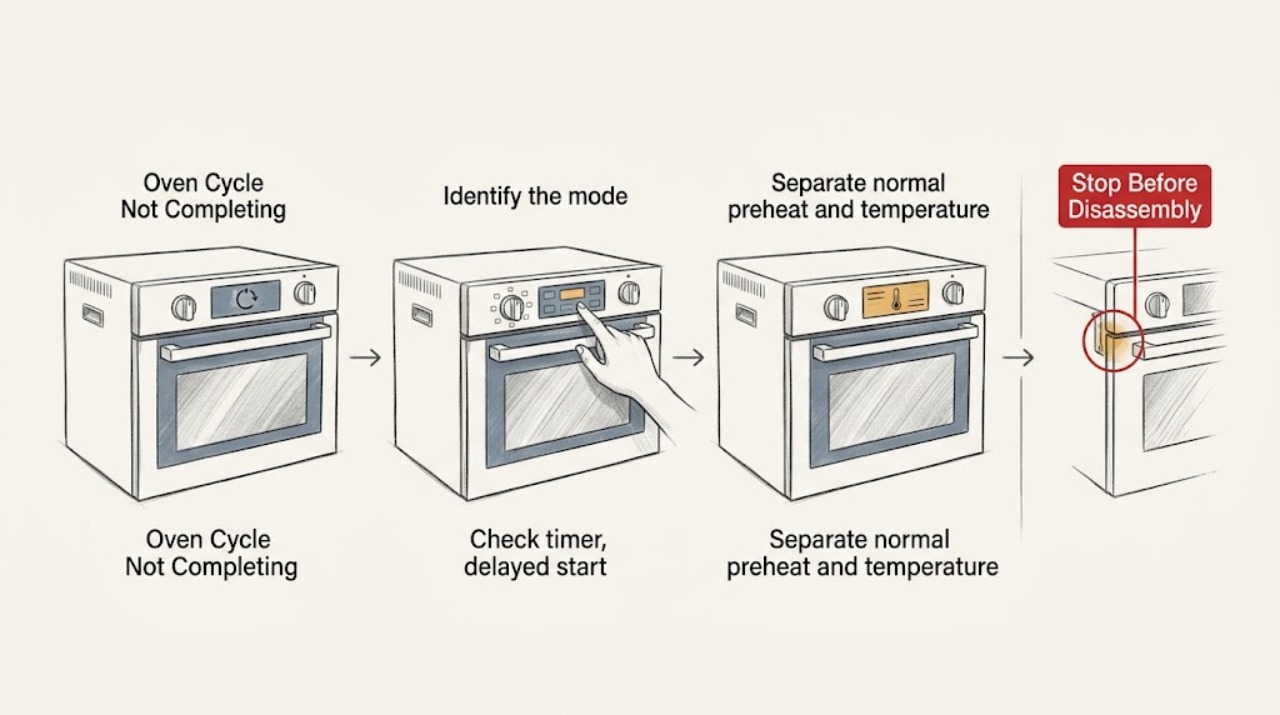
LG Oven Cycle Not Completing: Check the Mode, Timer, and Safety Lock
When an LG oven cycle does not complete, first record the exact mode, whether a cook-time or delayed-start setting is active, what the display shows, and whether heat is still present. A delayed or timed cycle can look inactive, a self-clean cycle can keep the fan running and the door locked while the oven cools, and Sabbath mode changes normal off behavior on supported models.
-
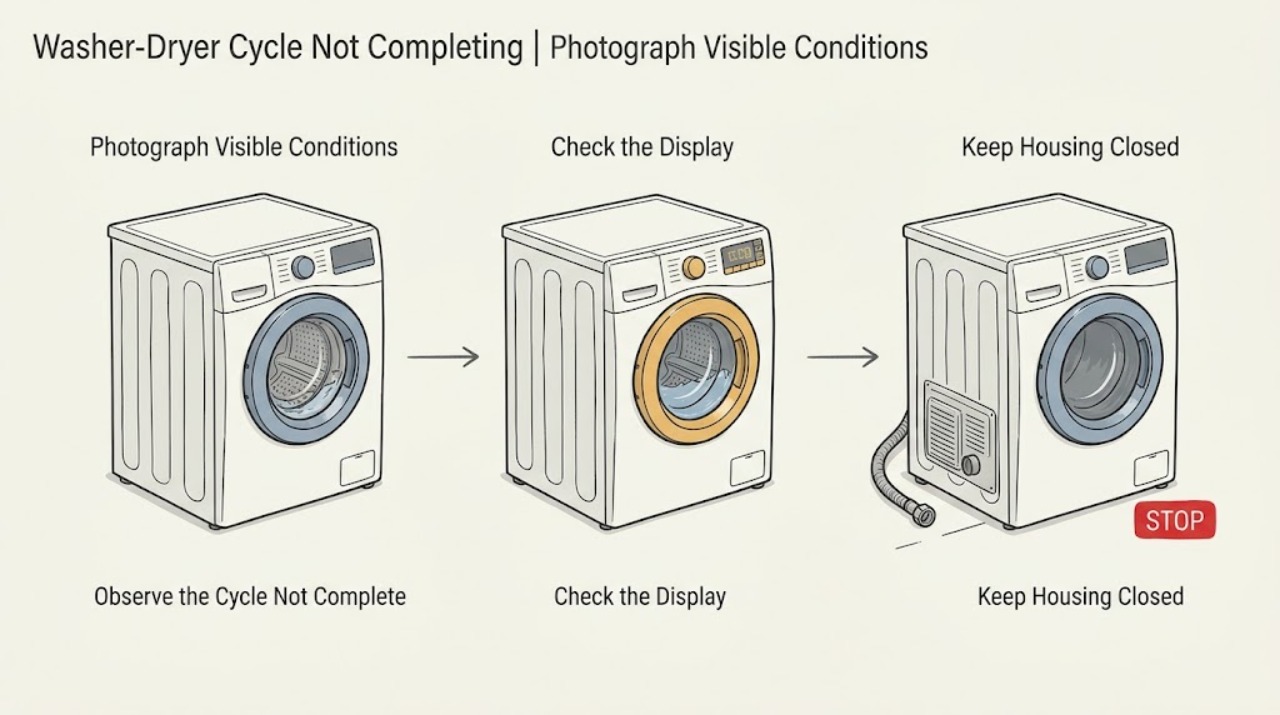
LG Washer-Dryer Cycle Not Completing: Check the Load, Drain, Door, and Drying System
Note which phase stops: fill, wash, spin, or dry, and record any code before resetting the appliance. A wash or spin cycle that ends with water or very wet clothes usually needs a drain-hose, pump-filter, or load-balance check.
-
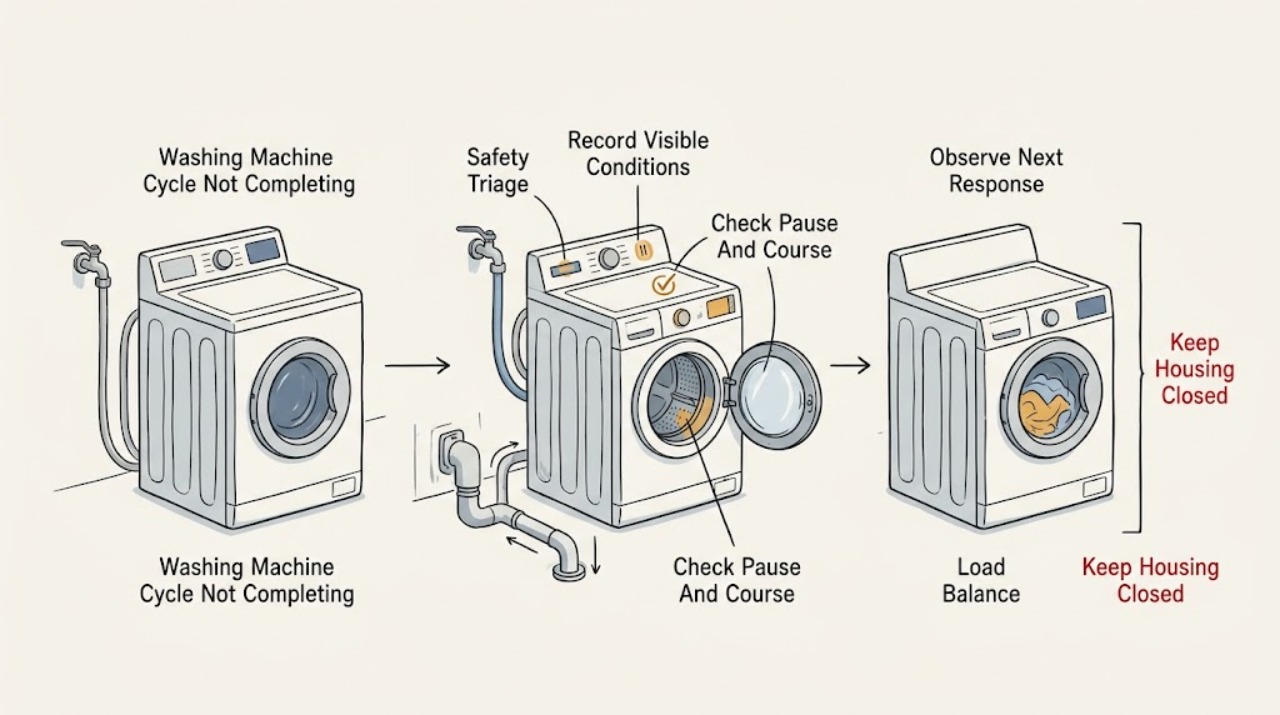
LG Washing Machine Cycle Not Completing: Trace the Stage Before Resetting
When an LG washer does not complete a cycle, first write down the exact stage, elapsed time, water level, display code, and whether the machine is paused, powered off, filling, draining, or repeatedly redistributing the load. A pause can stop operation, a soak or wash-only selection can intentionally leave water until a later cycle, and an unbalanced load can extend or stop spin.
-
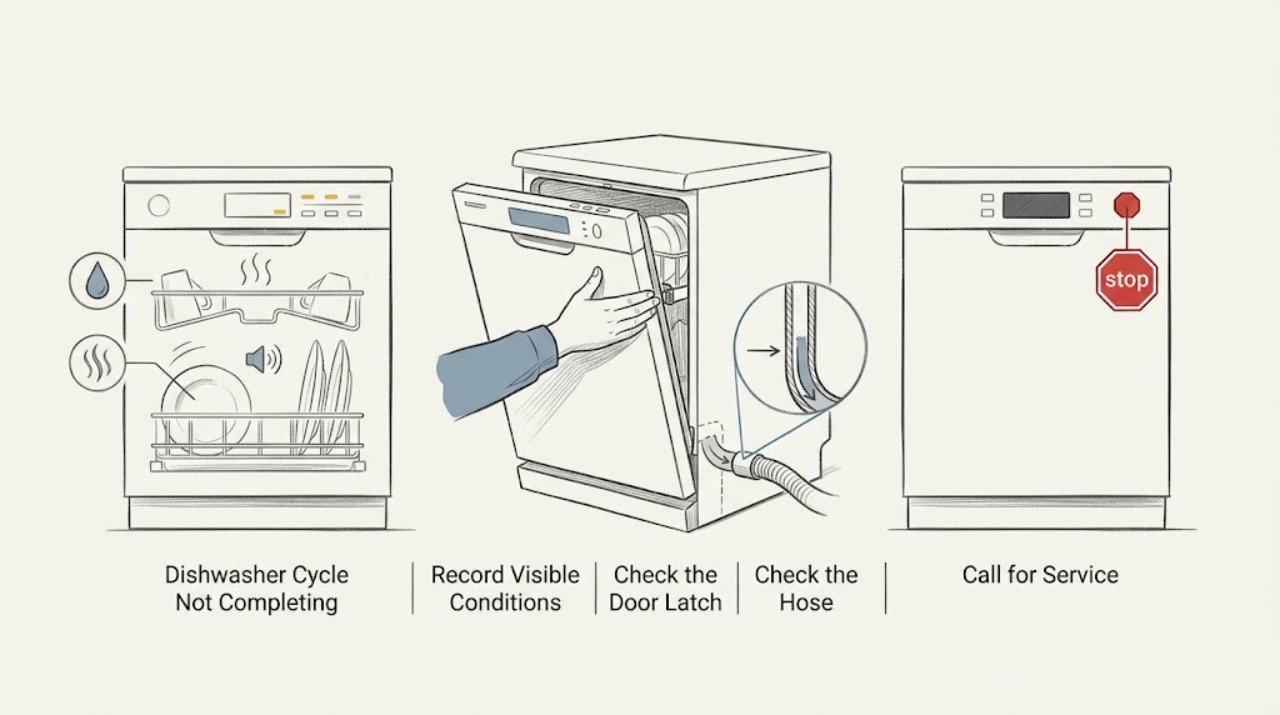
Magic Chef Dishwasher Cycle Not Completing
Note exactly where the Magic Chef dishwasher stops: before filling, during washing, during heating/drying, or while draining. Check the door closure, visible water connections, and end-of-cycle water level, then use the exact model manual for delay, lock, and cycle meanings instead of repeatedly restarting it.
-
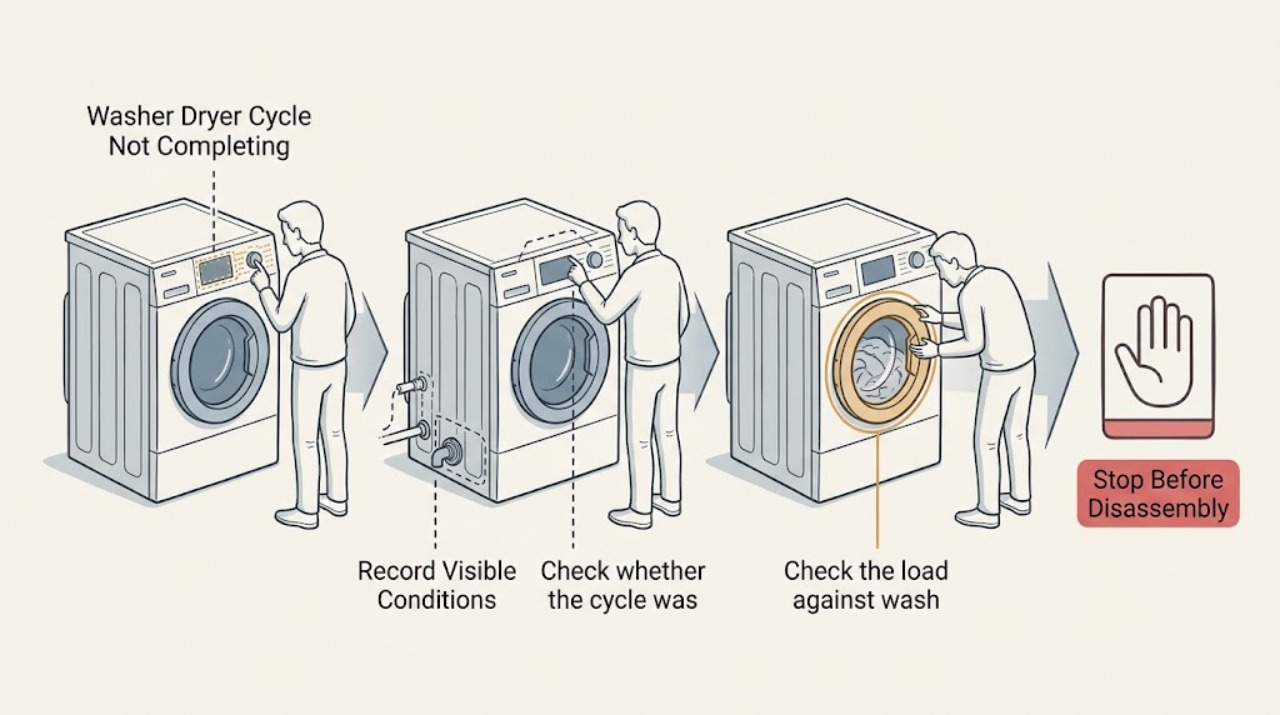
Magic Chef Washer Dryer Cycle Not Completing: Safe Drain, Door, and Load Checks
A Magic Chef washer-dryer combo may appear stuck while it is paused, waiting for Start/Pause, draining, or cooling after a ventless dry cycle. First record the display and whether the drum contains hot water or wet clothes; do not force a locked door.
-
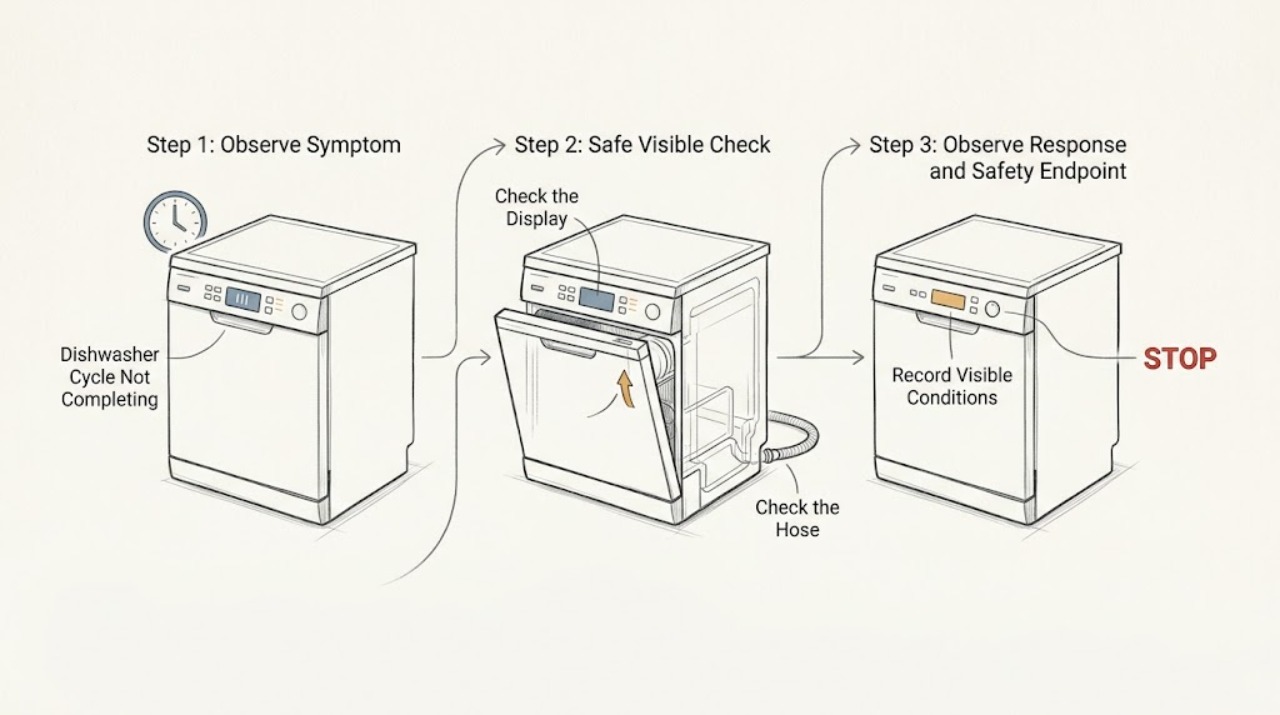
Maytag Dishwasher Cycle Not Completing
A Maytag dishwasher that stops before the clean indication may have had its door opened, lost power, failed to drain, or entered an error state. Check whether the door is latched, inspect the filter and accessible drain path, note any code, and only then perform the model-appropriate control reset. A recurring stop or standing water needs service rather than repeated restarts.
-
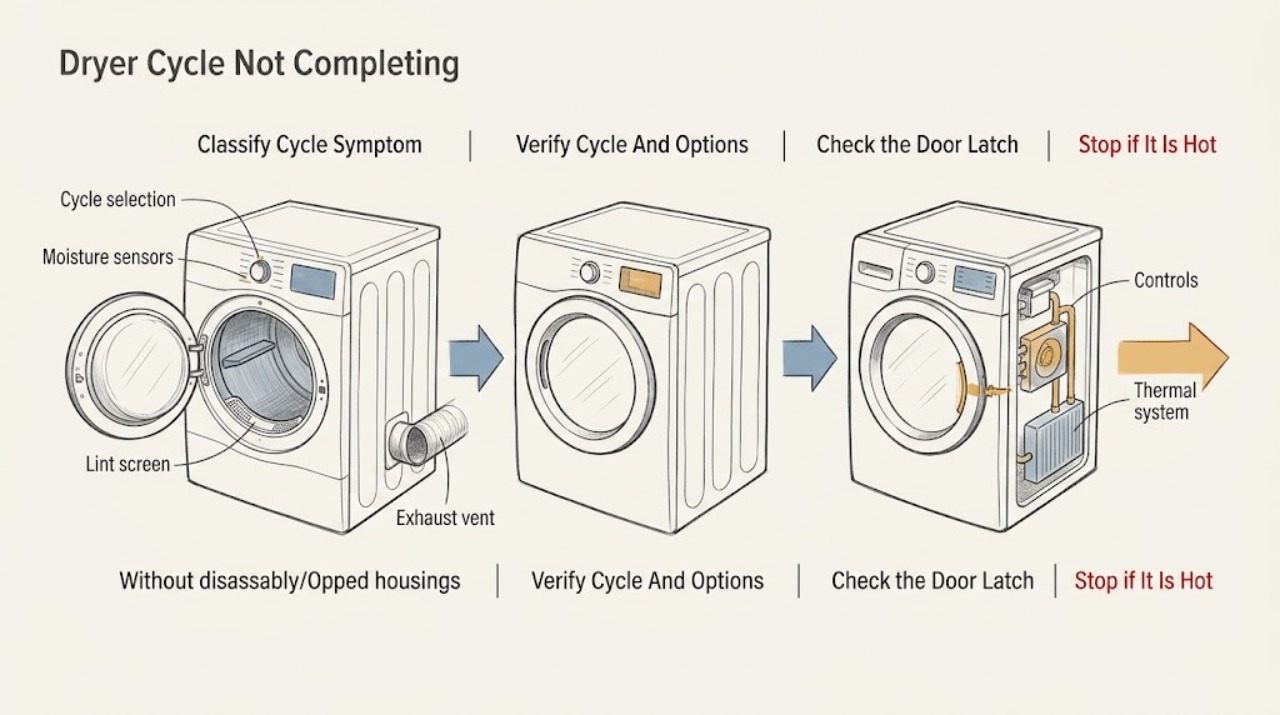
Maytag Dryer Cycle Not Completing: Check the Cycle, Load, Airflow, and Controls
A Maytag dryer that appears not to complete its cycle may be following a sensor-cycle decision, stopping because of a door, control, power, or airflow problem, or running an option such as Wrinkle Prevent after the main dry cycle. First record whether the dryer stops early, keeps extending the remaining time, leaves clothes wet, or tumbles after the end signal.
-
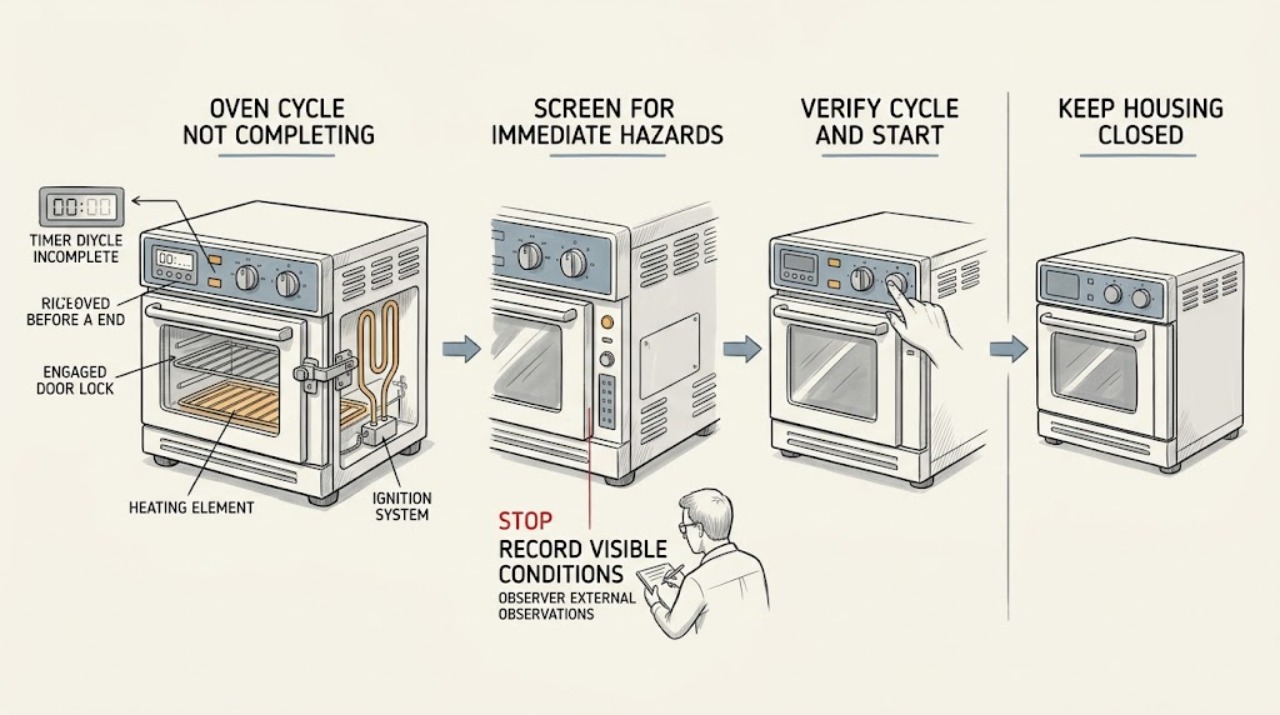
Maytag Oven Cycle Not Completing: Find Where It Stops
A Maytag oven that does not complete a cycle is easiest to diagnose by recording exactly when it stops: before starting, during preheat, after the timer, during Self-Clean, after a door-lock event, or after a code or power loss. First rule out a delayed start, wrong cycle, Control Lock or Demo Mode, an incompletely closed door, and a one-time power interruption.
-
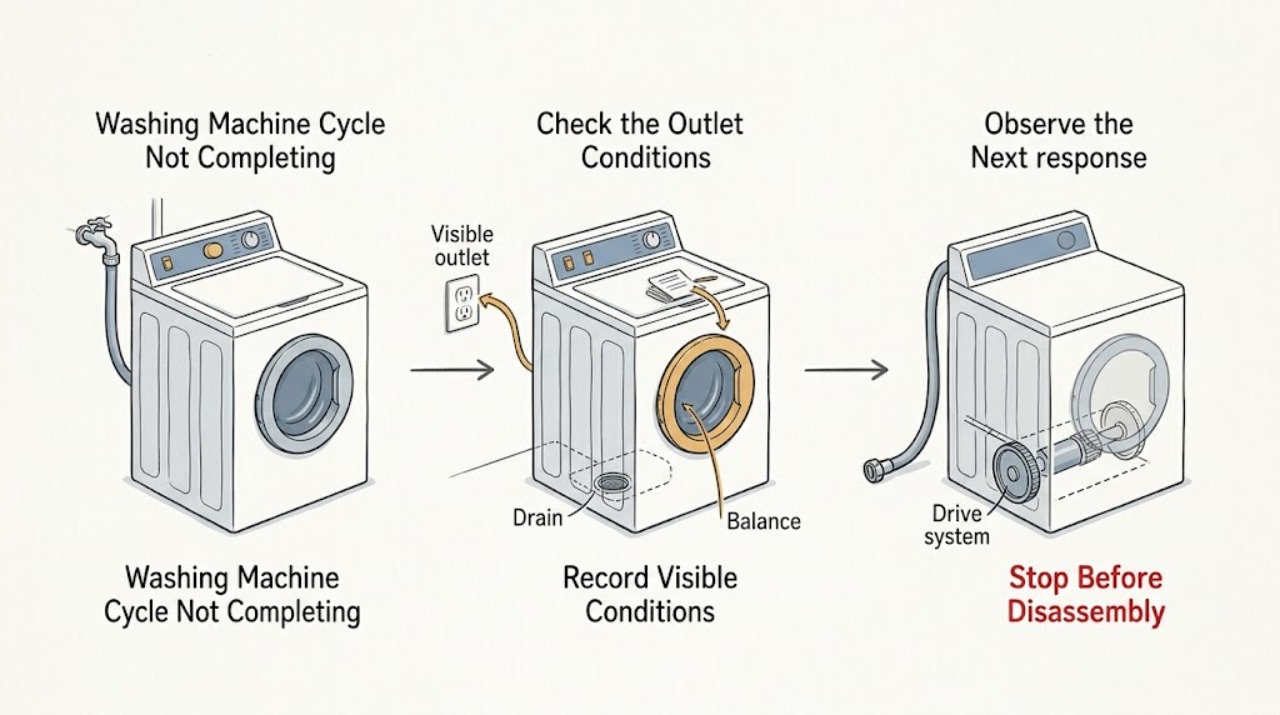
Maytag Washing Machine Cycle Not Completing: Find the Stage That Stops
First note whether the Maytag washer stops while filling, washing, rinsing, draining, spinning, or at the end, and record any displayed code and whether the door or lid is locked. A pause can be normal during sensing, soaking, or suds removal, but a persistent stop usually points to water flow, a lock, drainage, excess suds, an unbalanced load, or a model-specific fault.
-
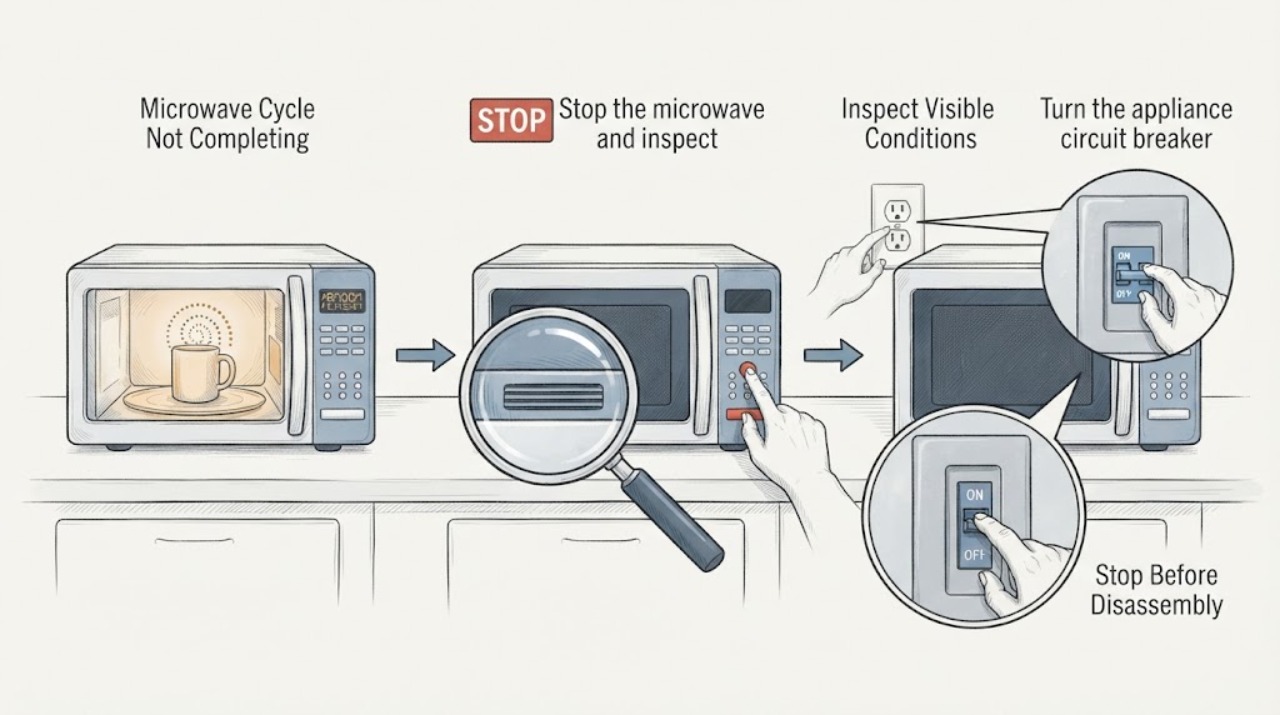
Microwave Cycle Not Completing
If a microwave starts but stops before the programmed time, first note whether the display also resets, whether the cooling fan is blocked, and whether the stop happens only on long or repeated cycles. Clear only accessible ventilation openings and reset the appliance circuit once for 30 seconds. Stop using it for smoke, burning odor, abnormal heat, sparks, or repeated premature stops; internal switches, thermal cutouts, wiring, and control faults require qualified service.
-
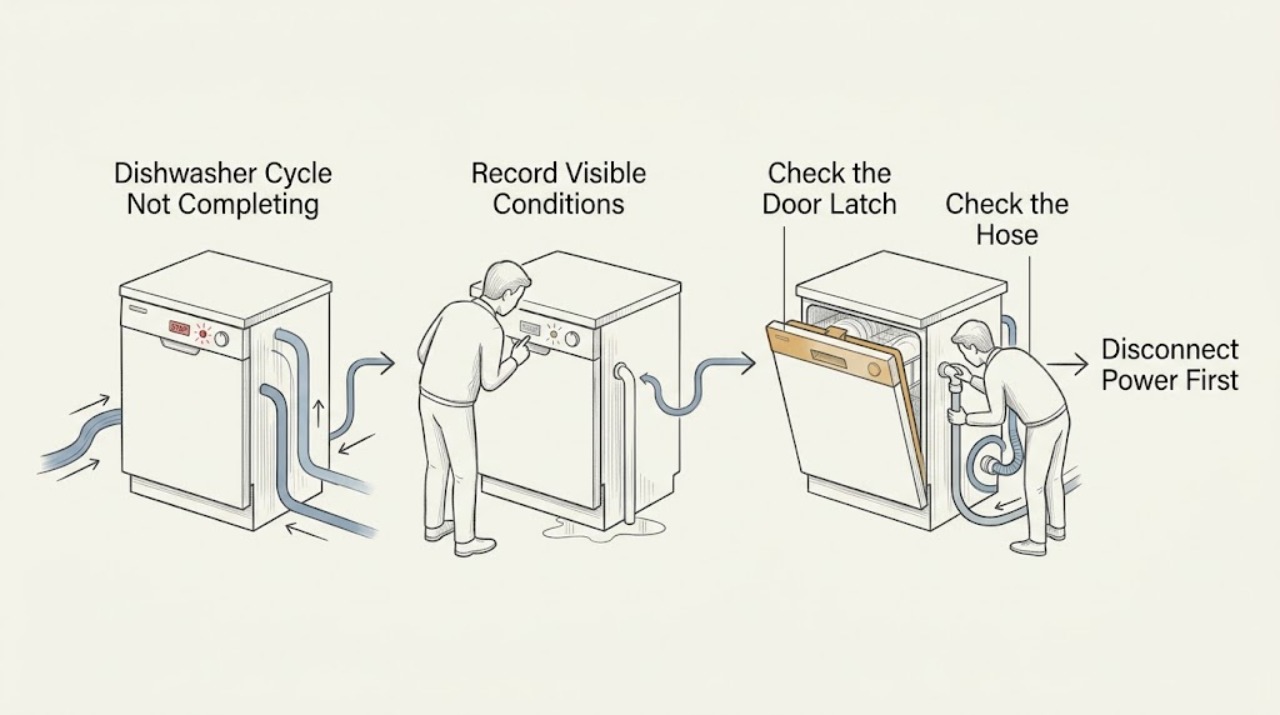
Miele Dishwasher Cycle Not Completing: Use the Stop Point as a Clue
Note exactly when the Miele dishwasher stops: before filling, during washing, while draining, or near the end. A closed-door or faucet condition can prevent a start, while water remaining in the cabinet points toward drainage. If the cycle stops with a fault code, leak, repeated alarm, or an electrical trip, stop using the dishwasher and arrange service.
-
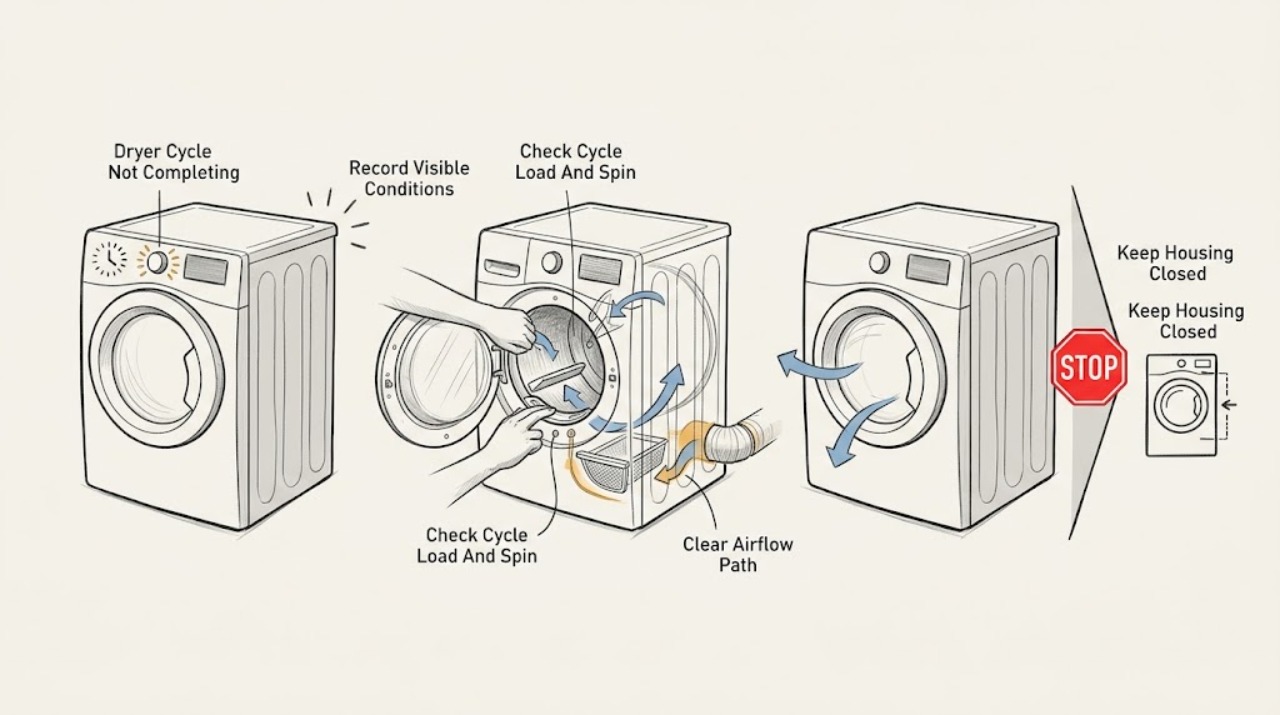
Miele Dryer Cycle Not Completing: Check the Load, Airflow and Water Path
First decide whether the Miele dryer is showing a normal time estimate or has actually stopped. Miele says a time display can pause at 10 minutes while drying continues, while an empty or nearly empty load can interrupt a sensor program.
-
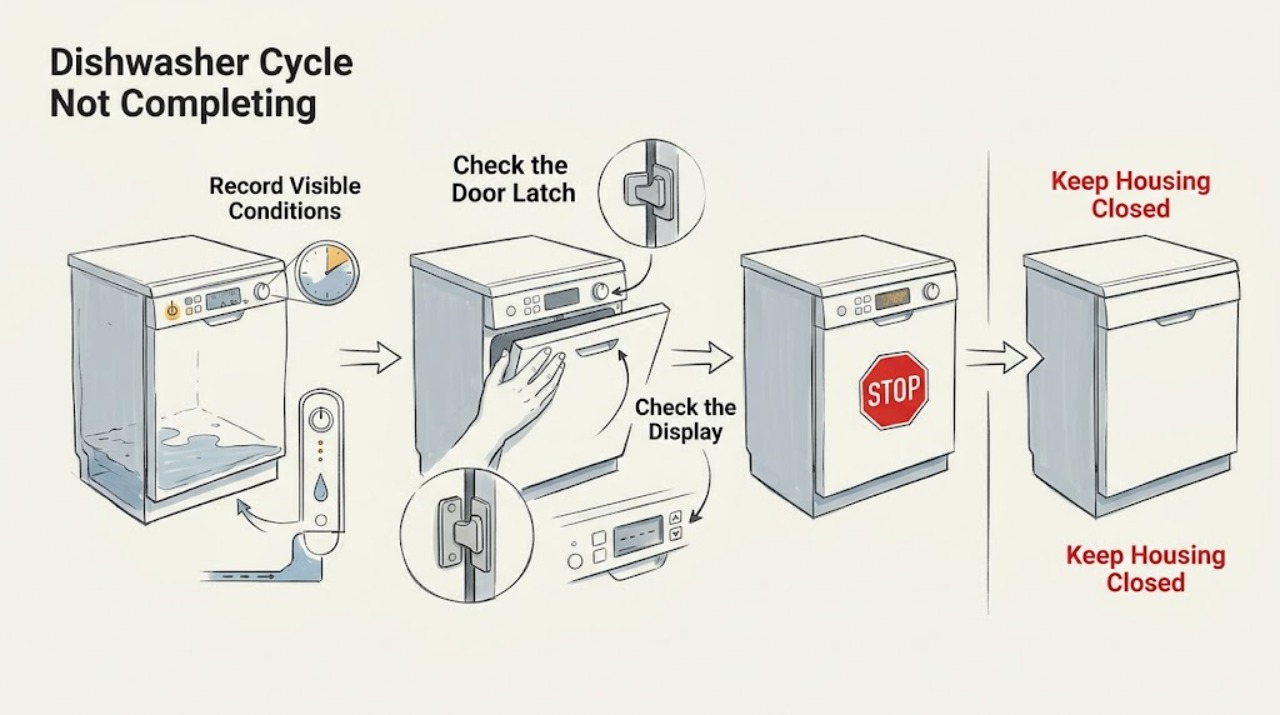
Monogram Dishwasher Cycle Not Completing: Find the Stage Where It Stops
Note whether the Monogram dishwasher stops during fill, wash, drain, or dry, and whether water remains. Check that the door latches, the control is not locked or delayed, and the visible drain/air-gap path is clear. Monogram guides describe model-dependent cycle and reset behavior; recurring stopping, leaks, or a code should be handled with the exact manual or service.
-
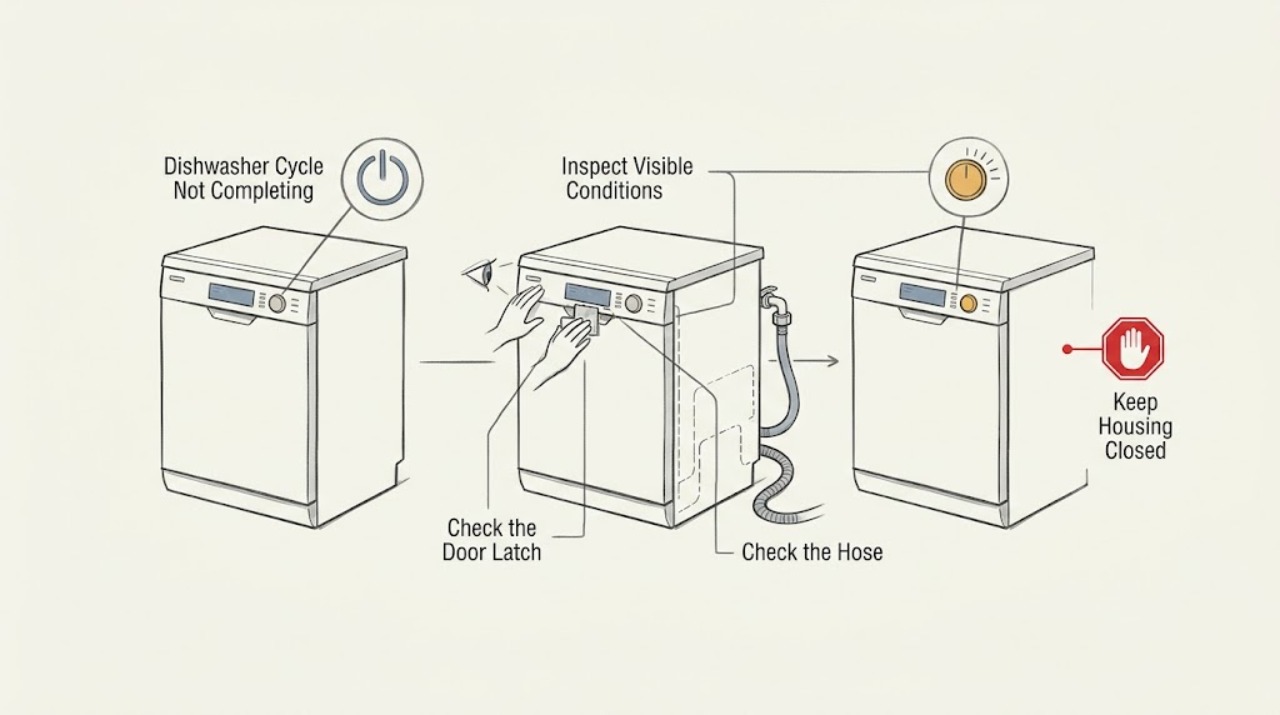
Neff Dishwasher Cycle Not Completing: Check the Programme and Drain Path
If a Neff dishwasher stops before the cycle finishes, note whether it shows an error, leaves water inside, or simply pauses. Check that the door is latched, the selected programme is not waiting for a setting, the water tap is open, and the filters and drain area are clear. Neff lists programme-sequence, water-inlet, and drain problems as separate troubleshooting paths; recurrent stopping or an inaccessible blockage needs model-specific service.
-
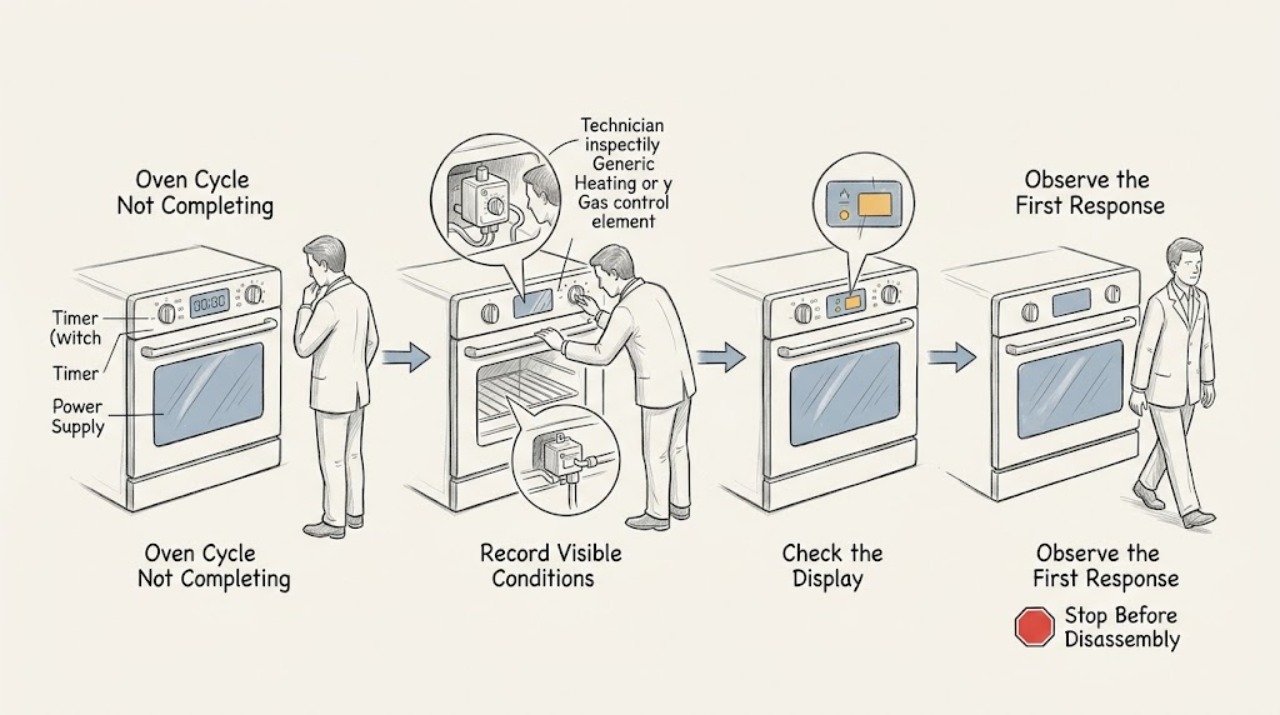
Oven Cycle Not Completing
An oven cycle that does not complete can be a setting or state issue, a normal cooling or door-lock delay, or a fault that stops the cycle. First note exactly where it stops: before starting, during delay, during preheat, while baking, during self-clean, or after the timer reaches its end.
-
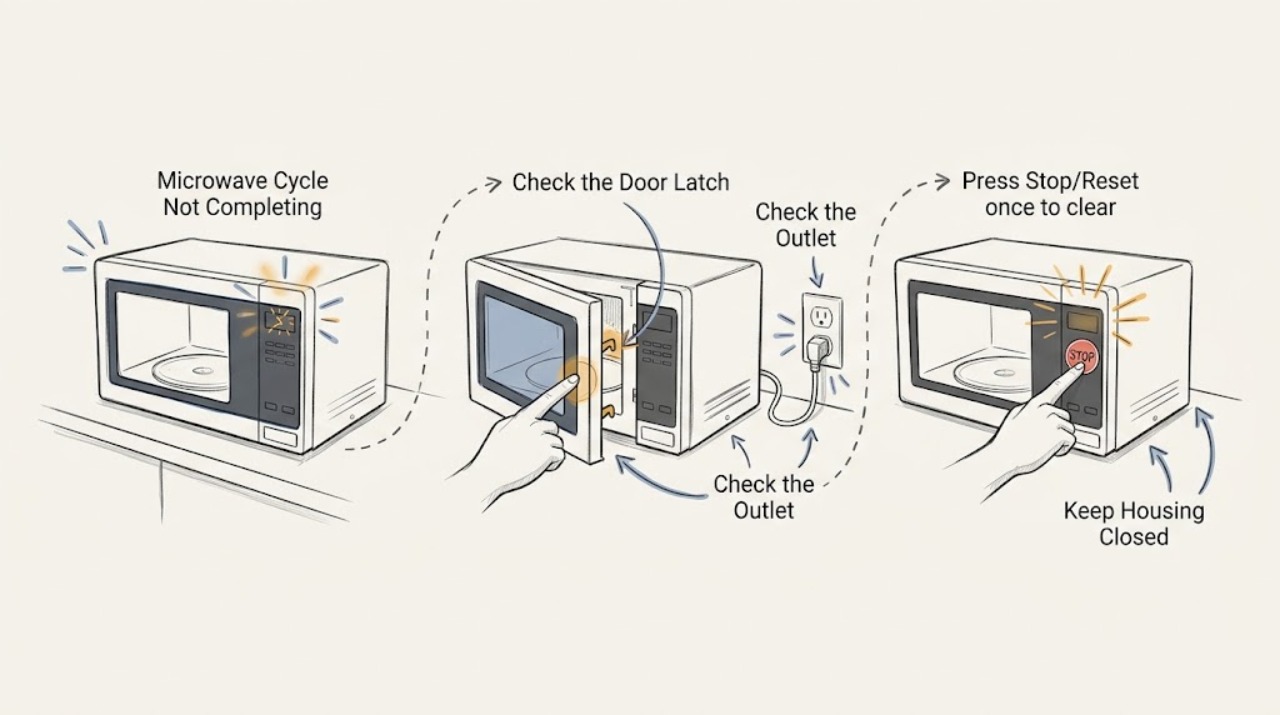
Panasonic Microwave Cycle Not Completing
If a Panasonic microwave stops before its programmed cycle ends, check whether the door was opened, Stop/Reset was pressed, another programme is stored, or the oven entered standby or demo mode. Confirm the power connection and restart the exact model programme once. A recurring stop, frozen display, or operation with the door open needs service.
-
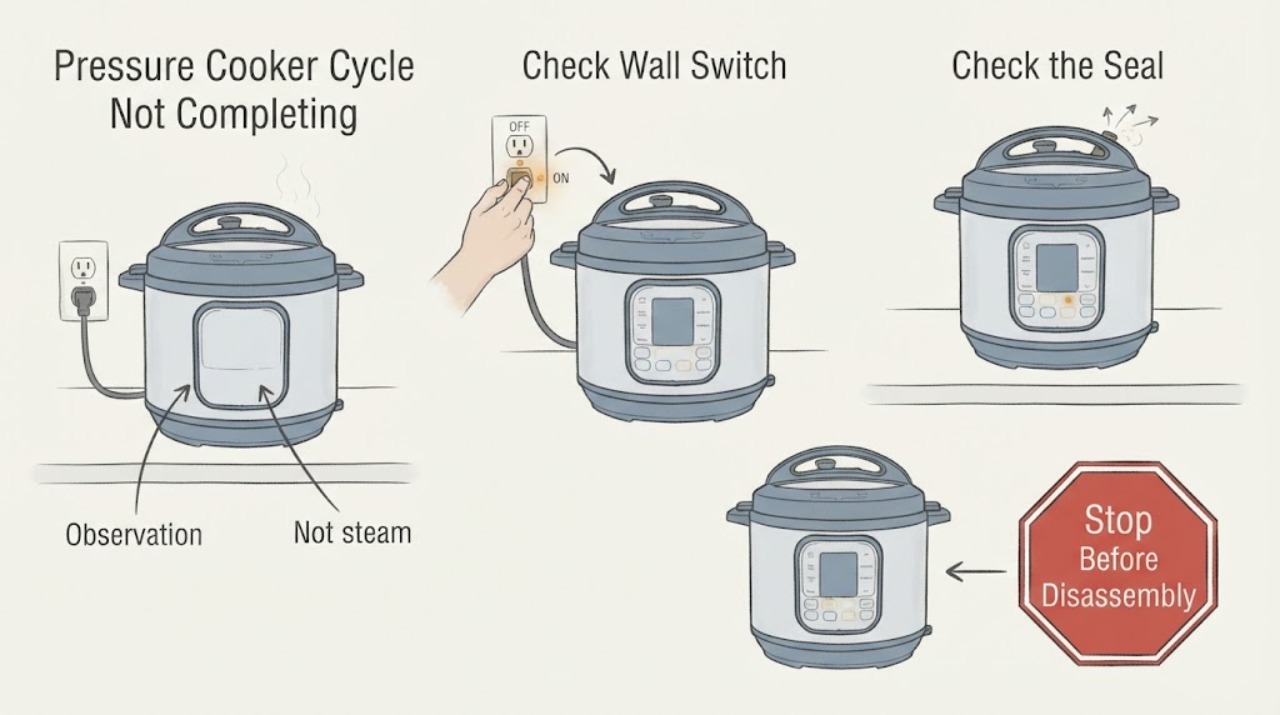
Pressure Cooker Cycle Not Completing
First determine whether the cooker completed and entered Keep Warm or truly stopped before finishing. After pressure is safely released and the unit is cool, check the sealing ring, float valve, steam-release position, inner pot, and lid seating; repeated early stops or prolonged steam leakage require service.
-
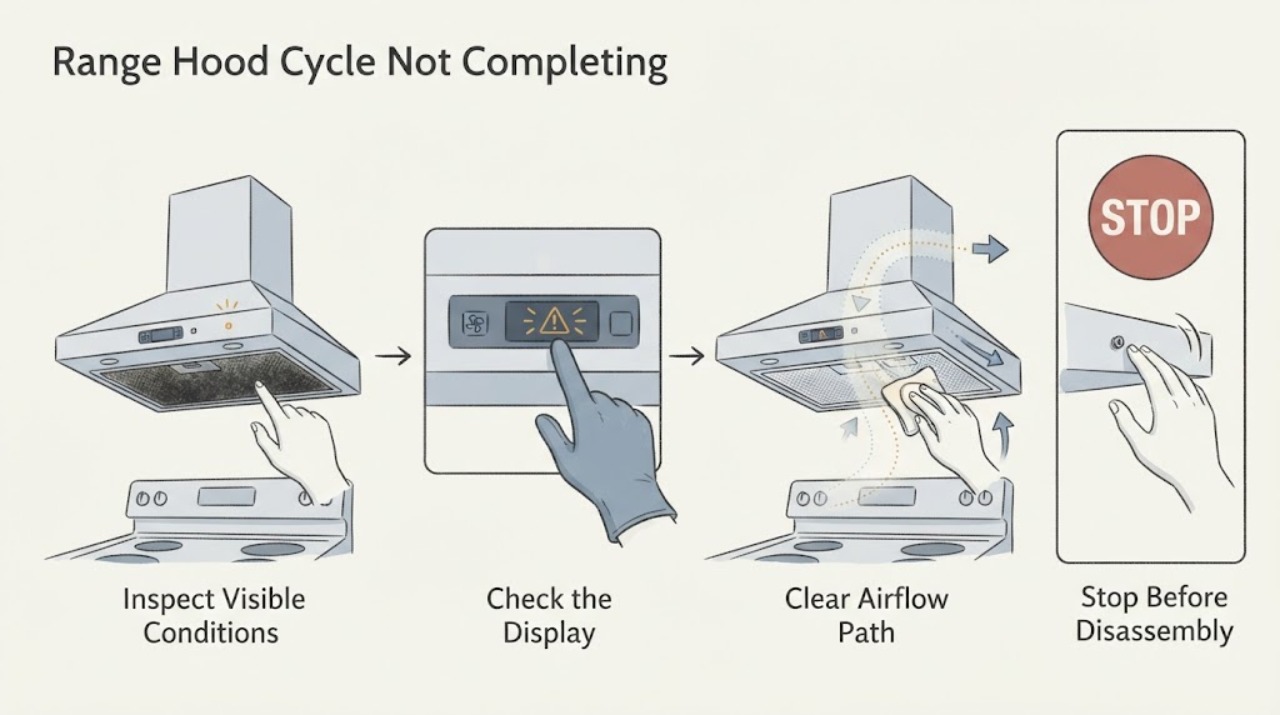
Range Hood Cycle Not Completing
If a range hood cycle does not complete, determine whether Heat Sentry is responding to cooking heat or the fan is stuck after cooling. Broan-NuTone says Heat Sentry can run the blower high until temperature drops, then turn off or return to the last setting. A cool hood that ignores controls, smells hot, or makes abnormal noise needs service.
-
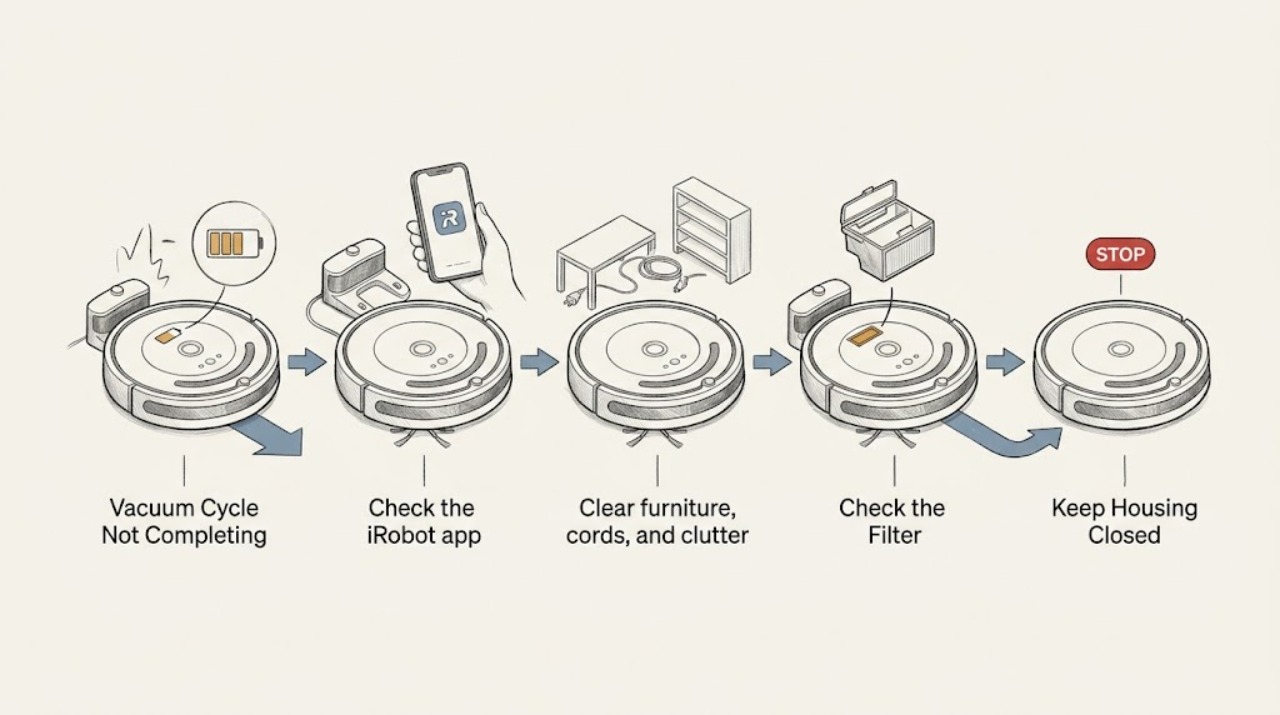
Roomba Vacuum Cycle Not Completing: Check Battery, Dock Access, and Cleaning Stops
If a Roomba cleaning cycle does not complete, first check whether it is returning to charge, stopping with an app/error message, or ending in place. iRobot says supported models can recharge and resume when they start from the Home Base, while a blocked dock or a robot not started from the dock can end the job. Check dock access, battery charge, bin, brushes, and wheels before a reboot; use the exact model guidance.
-
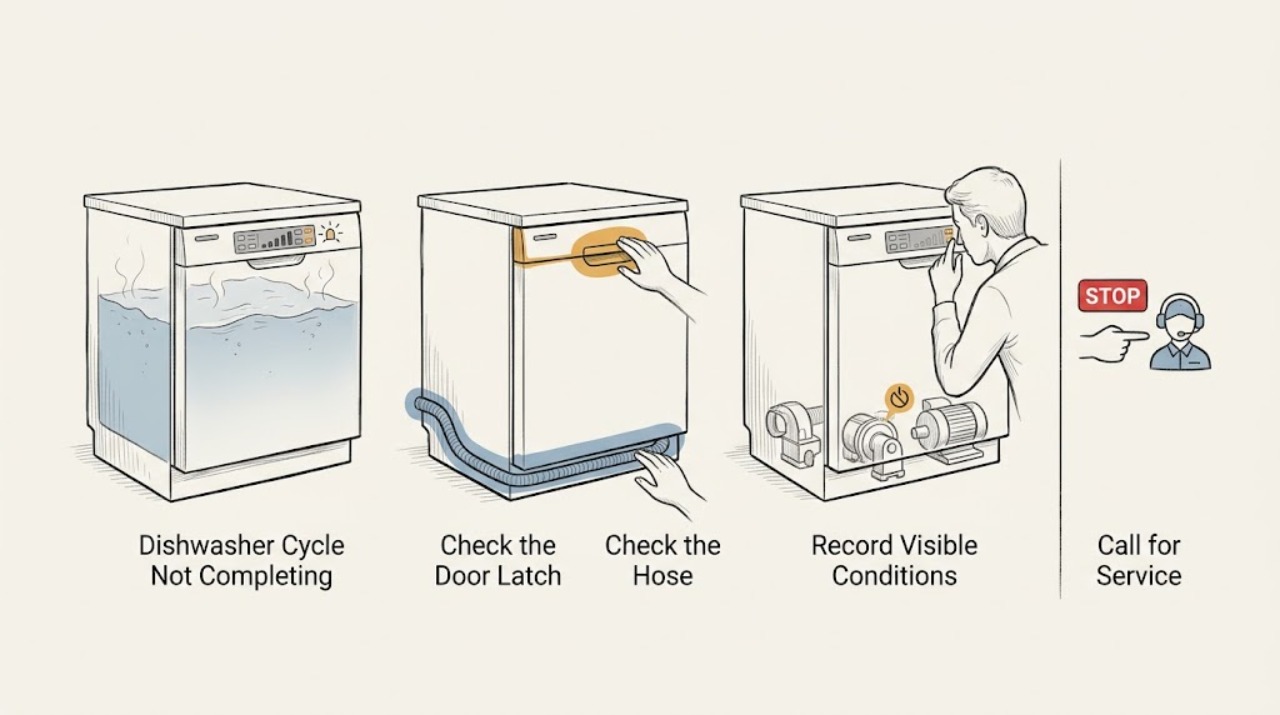
Roper Dishwasher Cycle Not Completing
A Roper dishwasher that stops before the cycle completes may have been interrupted by the door or a power outage, may be unable to drain, or may have stored an error. Close and resume the cycle, check the accessible filter and drain hose, record any code, and use one model-appropriate reset. A recurring stop or standing water needs service.
-
Roper Dryer Cycle Not Completing: Check the Program, Airflow, and Heat
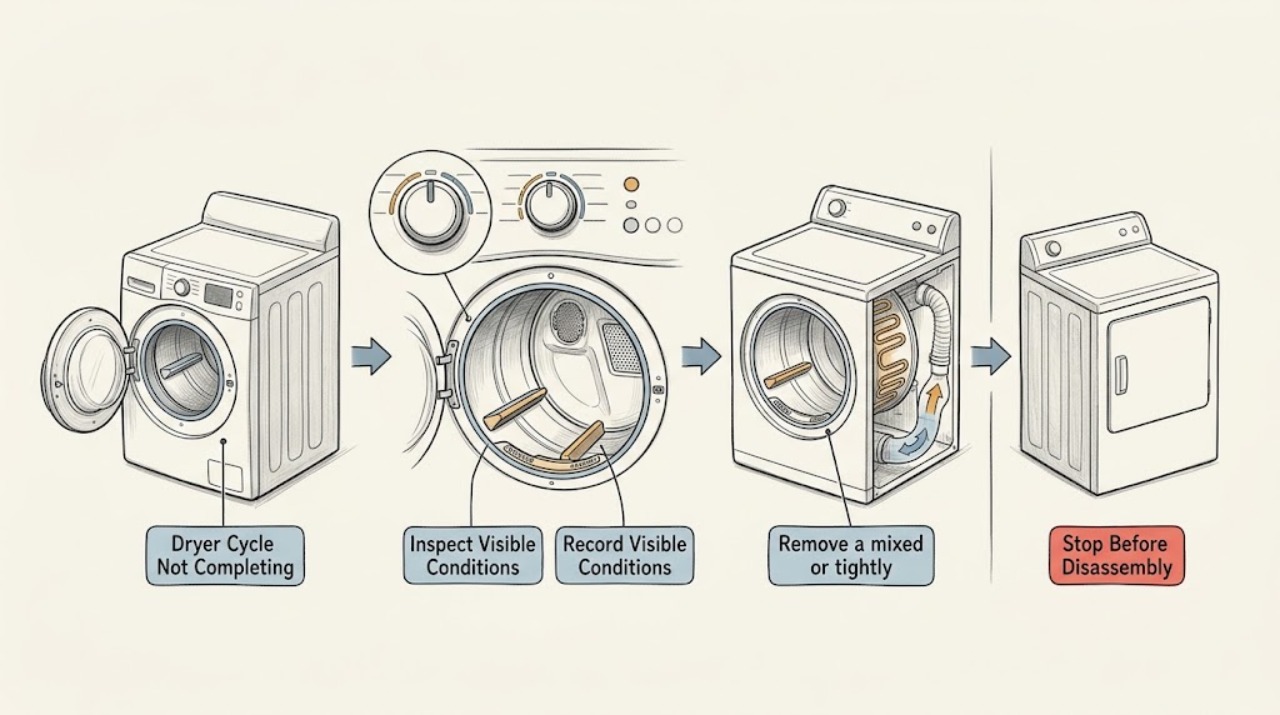
A Roper dryer that does not complete a cycle needs to be classified first: does it stop while the drum is tumbling, stop after heating, finish early with damp clothing, or lose power? The common paths are an unsuitable cycle or load, a blocked lint screen or exhaust, moisture-sensor contact, a door or control state, or an electrical or heat fault.
-
Roper Washing Machine Cycle Not Completing: Find Where It Stops
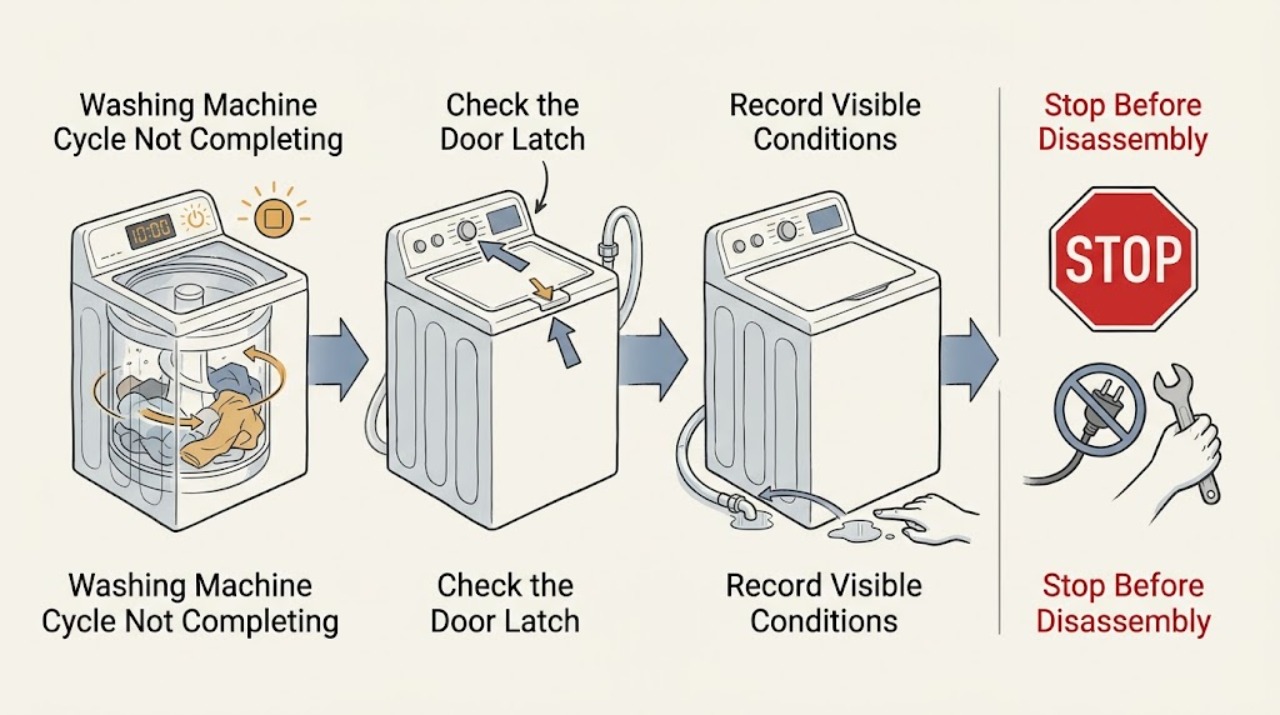
When a Roper washing machine does not complete its cycle, record whether it stops during fill, wash, rinse, drain, or spin and save any flashing light or code. A pause can be normal, but a closed lid, adequate hot and cold water supply, clear inlet hoses, a balanced load, and a drain path are required for the cycle to advance.
-
Samsung Dishwasher Cycle Not Completing
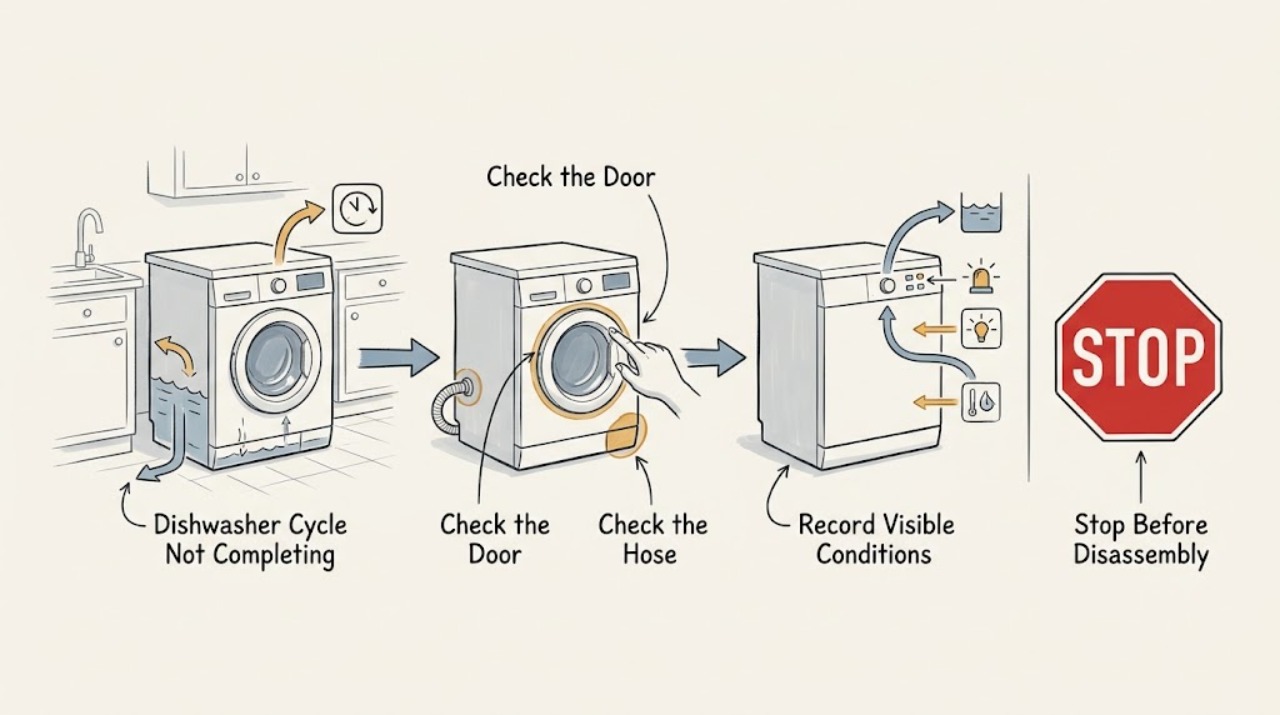
A Samsung dishwasher that stops before the end needs its displayed code or blinking lights checked first. Then distinguish a drain problem, water-supply problem, door interruption, or drying-phase issue. Check the sink/drain hose, door and loading, and detergent/filter condition; request service if the same stop repeats or a code returns.
-
Samsung Dryer Cycle Not Completing: Find the Stop Stage Safely
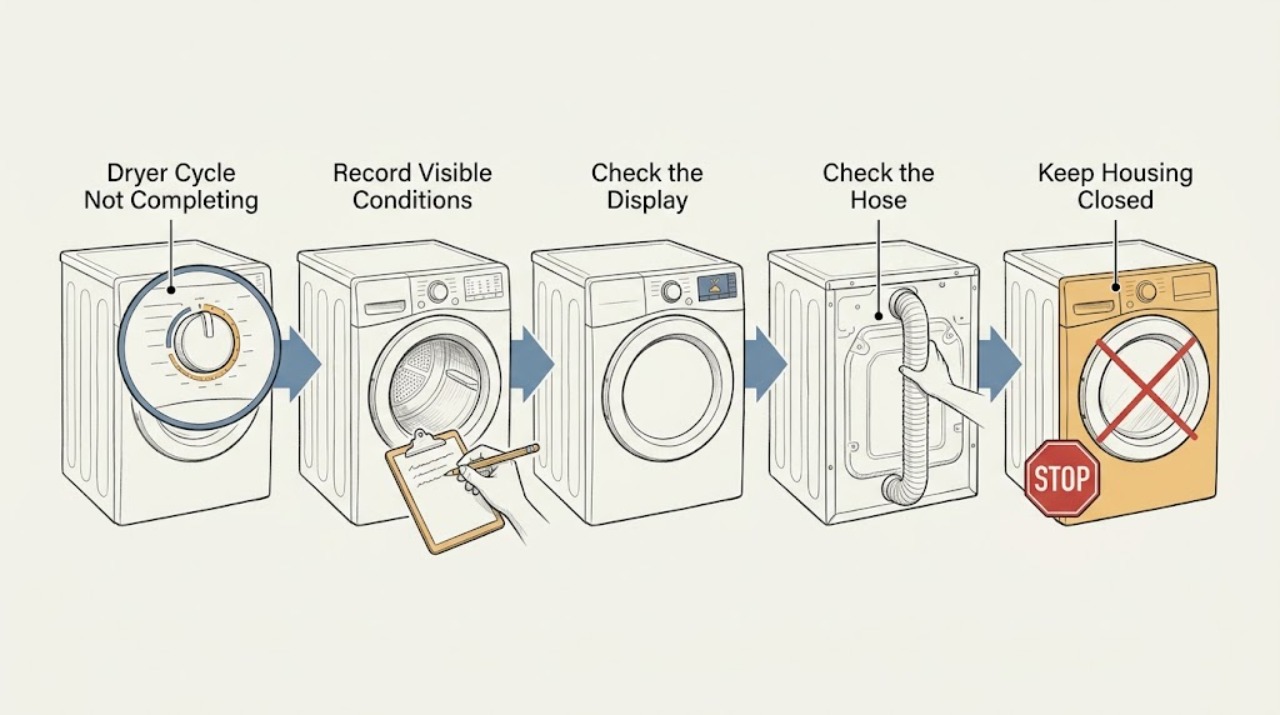
First identify what ‘not completing’ means: the dryer may be stopping early, stopping mid-cycle, leaving clothes damp, or continuing to tumble after END. Samsung says Wrinkle Prevent can tumble without heat after a cycle, while an actual failure to stop, repeated mid-cycle shutdown, an error or a cycle that ends too soon needs a different path.
-
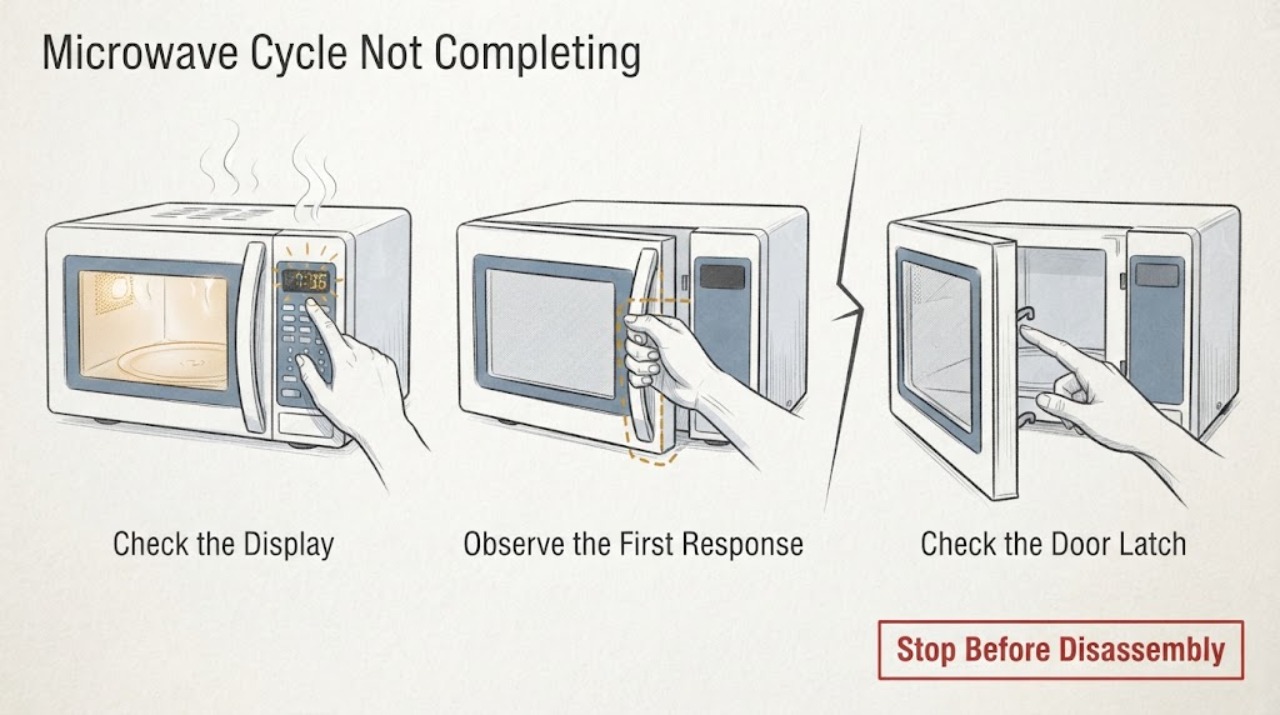
Samsung Microwave Cycle Not Completing
If a Samsung microwave cycle does not complete, first determine whether the door was opened for a turn or pause, the countdown is a normal sensor or defrost behavior, or the unit actually stops, loses power, shows an error, or repeatedly shuts down. Use the model manual for control behavior, power-cycle an error once, and stop using the microwave if it shuts off with smoke, sparking, a burning smell, or a returning fault.
-
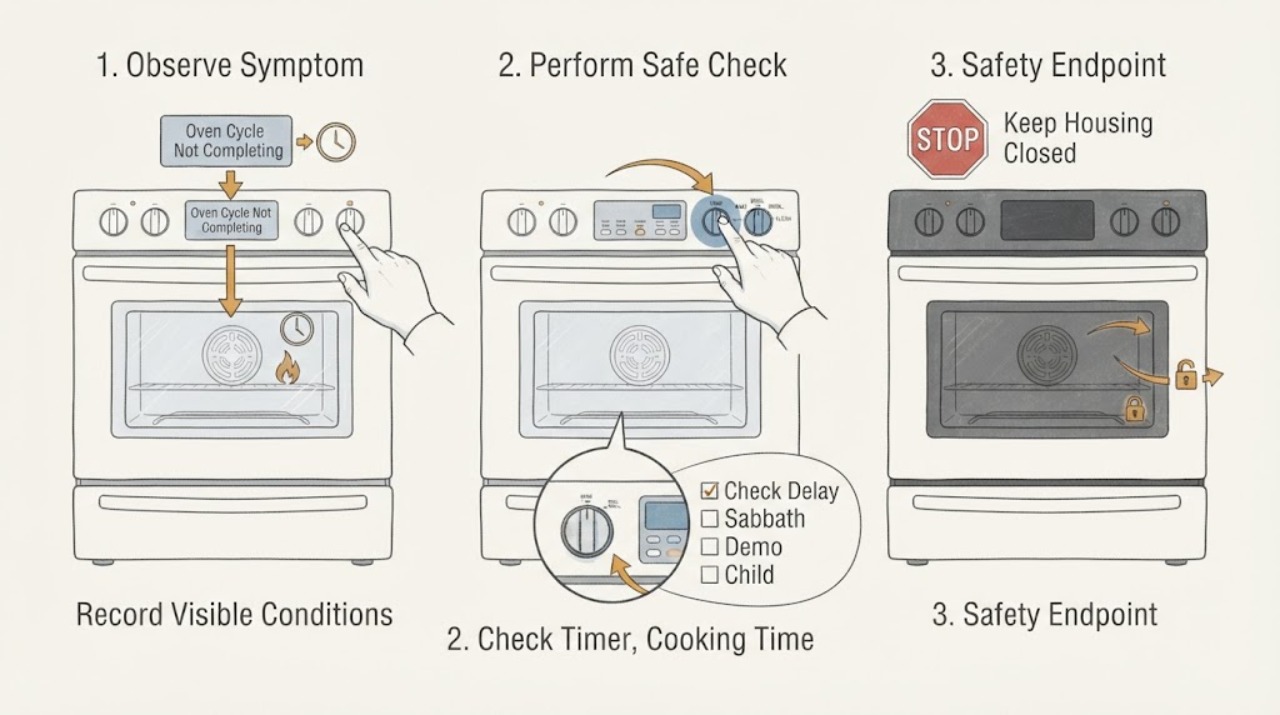
Samsung Oven Cycle Not Completing: Check Timers, Modes, and Safety Stops
If a Samsung oven cycle does not complete, first determine whether it stopped at the programmed end time, never started because Delay Start or a mode was selected, or stopped unexpectedly while heat was still needed. The kitchen timer only counts down and beeps; it does not start or stop cooking.
-
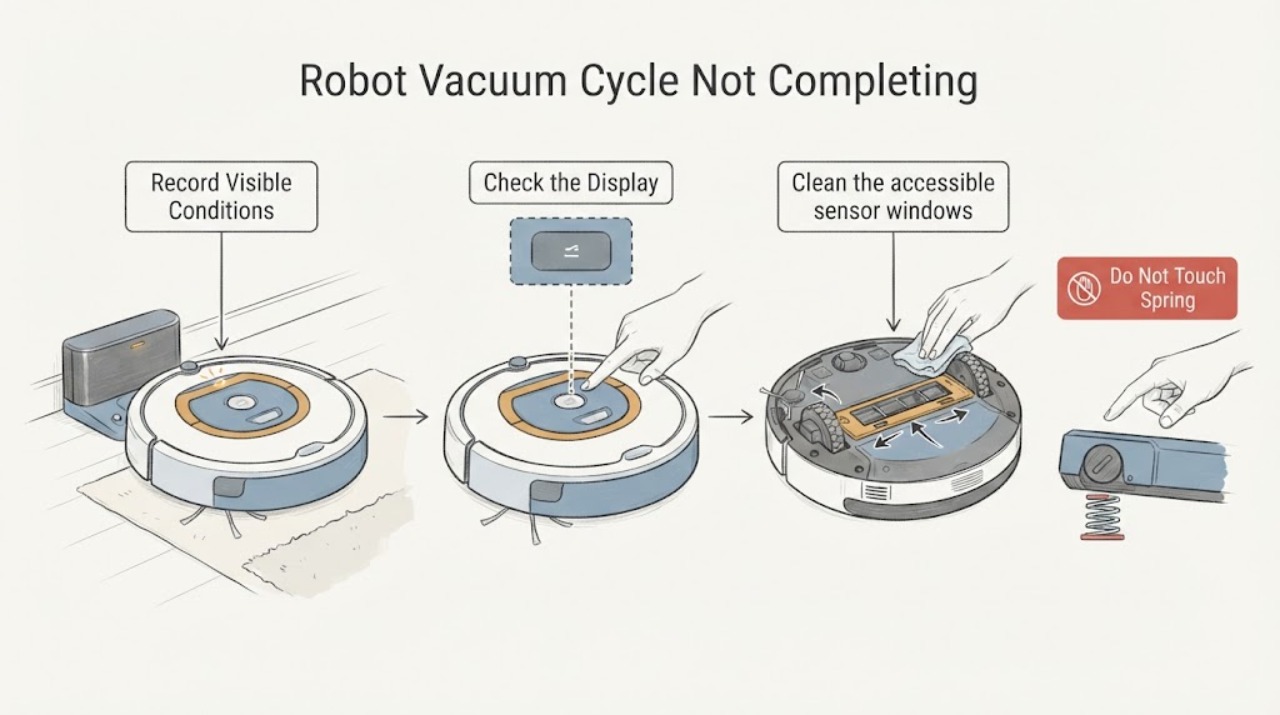
Samsung Robot Vacuum Cycle Not Completing: Check Charging, Obstacles, and Sensors
A Samsung robot vacuum that does not complete a cleaning cycle may be recharging as designed, unable to reach its dock, trapped by an obstacle, unable to see a dark or cluttered area, or stopped by debris or a model-specific error. First check the SmartThings history or status and note whether the vacuum returned to the dock, shows a low-battery or red-error indication, or stopped in one location.
-
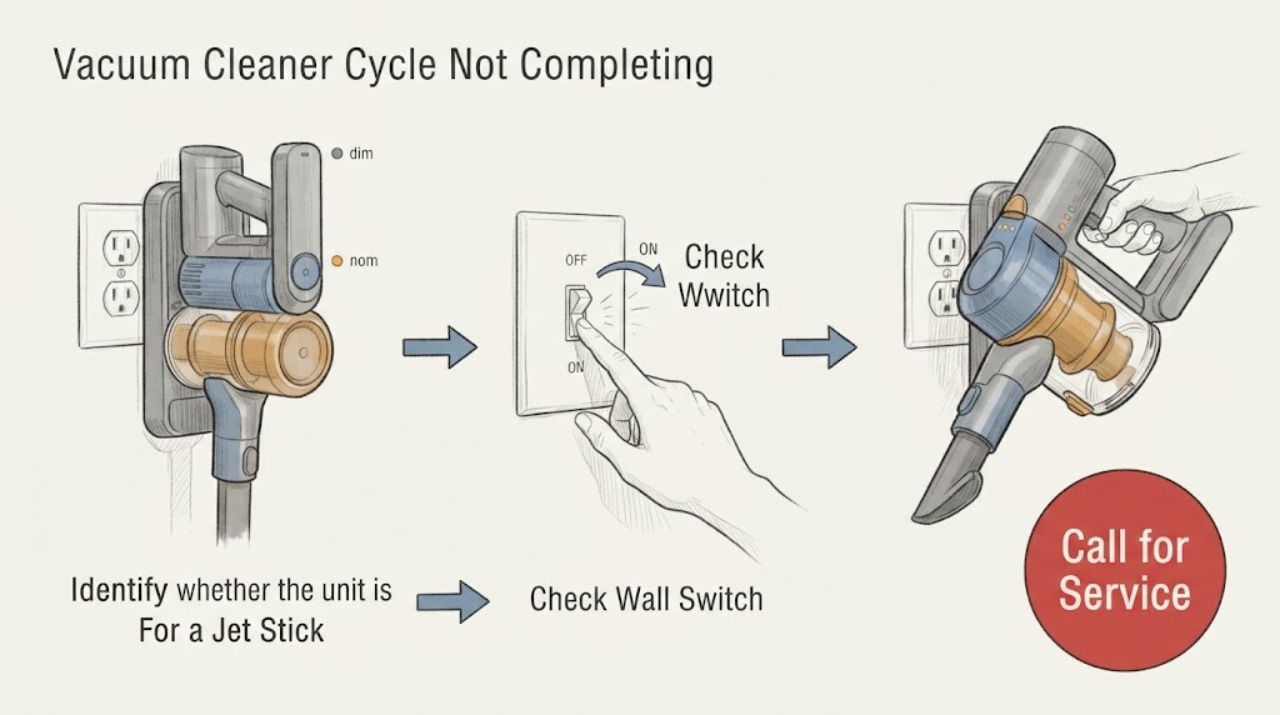
Samsung Vacuum Cleaner Cycle Not Completing: Identify the Vacuum First
First identify the Samsung vacuum. A cordless Jet Stick that stops in your hand is following a different path from a Jet Bot robot that returns to its dock.