
Repair problem
Not Turning On Troubleshooting Guides – Page 2
Published FixGraph guidance for diagnosing and responding to not turning on.
Matching published guides
Choose a guide that matches the service, equipment, and conditions you are seeing.
-
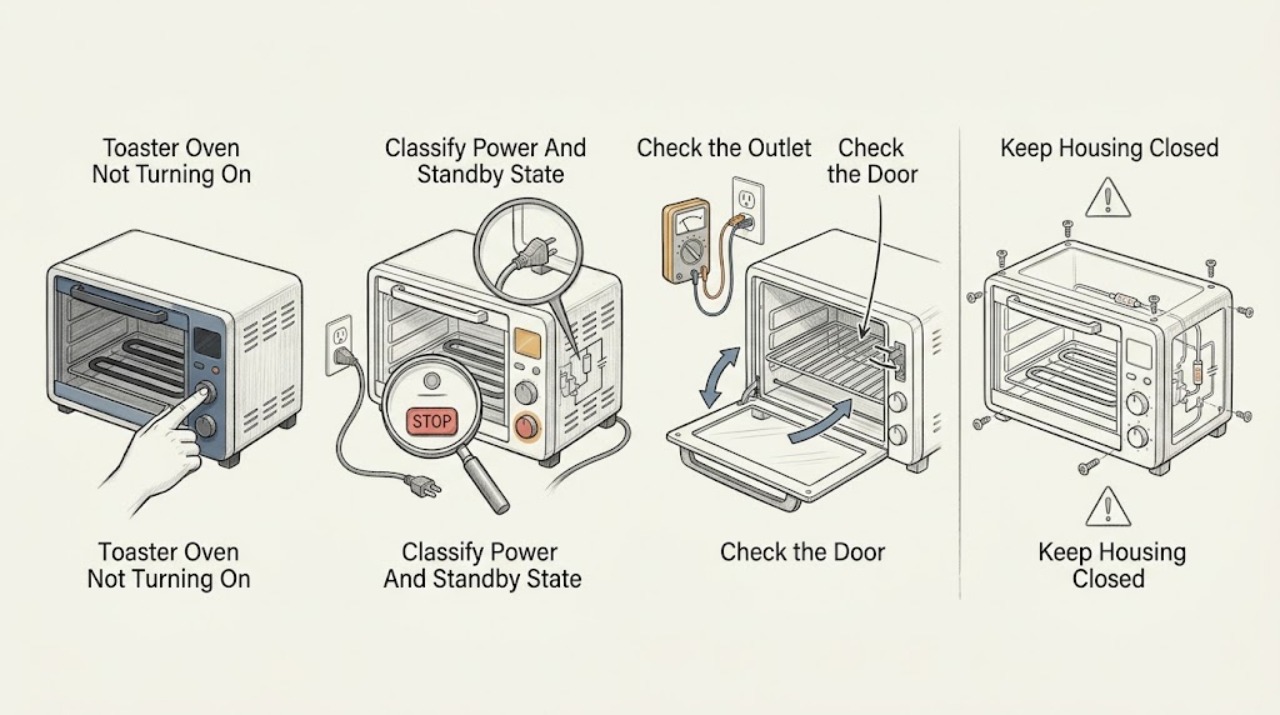
Breville Toaster Oven Not Turning On: Safe Checks and Next Steps
If a Breville toaster oven will not turn on, first separate a completely dark oven from an LCD that is dark because the oven is in standby. On supported Smart Oven models, pressing START/CANCEL or turning a dial reactivates standby; the exact control depends on the model.
-
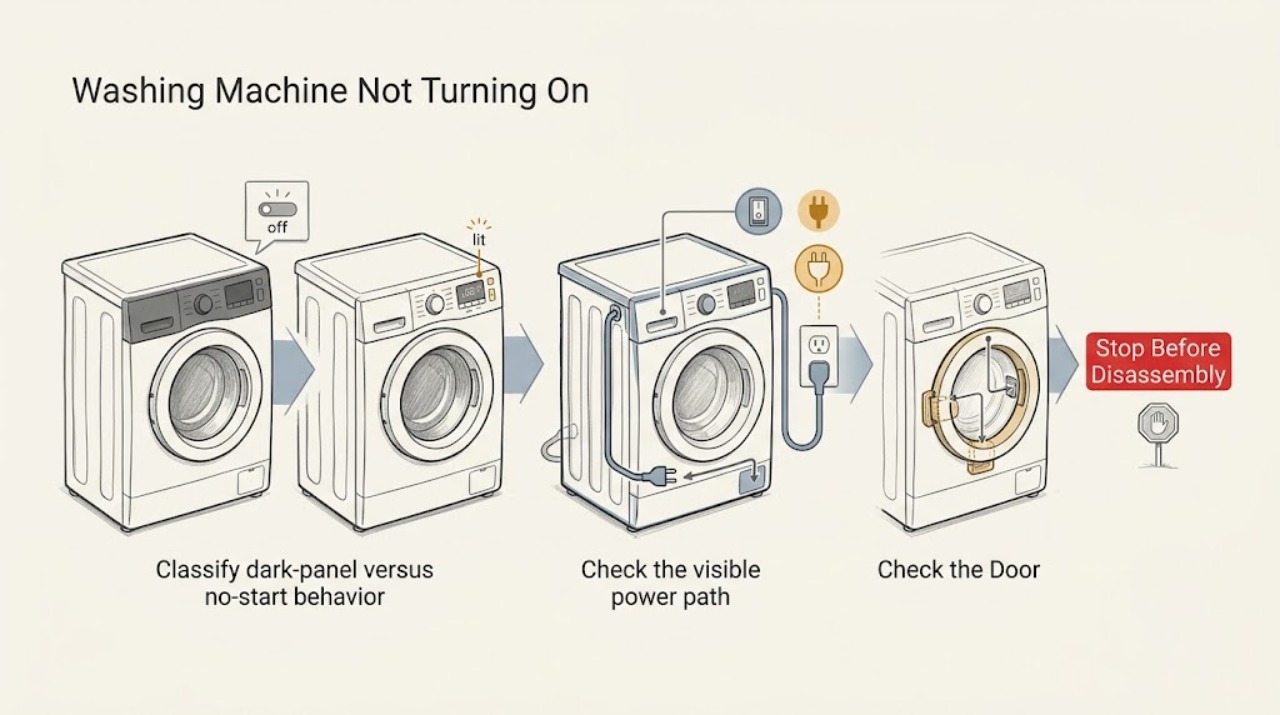
Candy Washing Machine Not Turning On: Check Power, Lock, and Controls
First separate a completely dead machine from one that has power but will not start. Check the wall outlet and visible cord, then confirm the door is fully closed and the control panel is not in Child Lock.
-
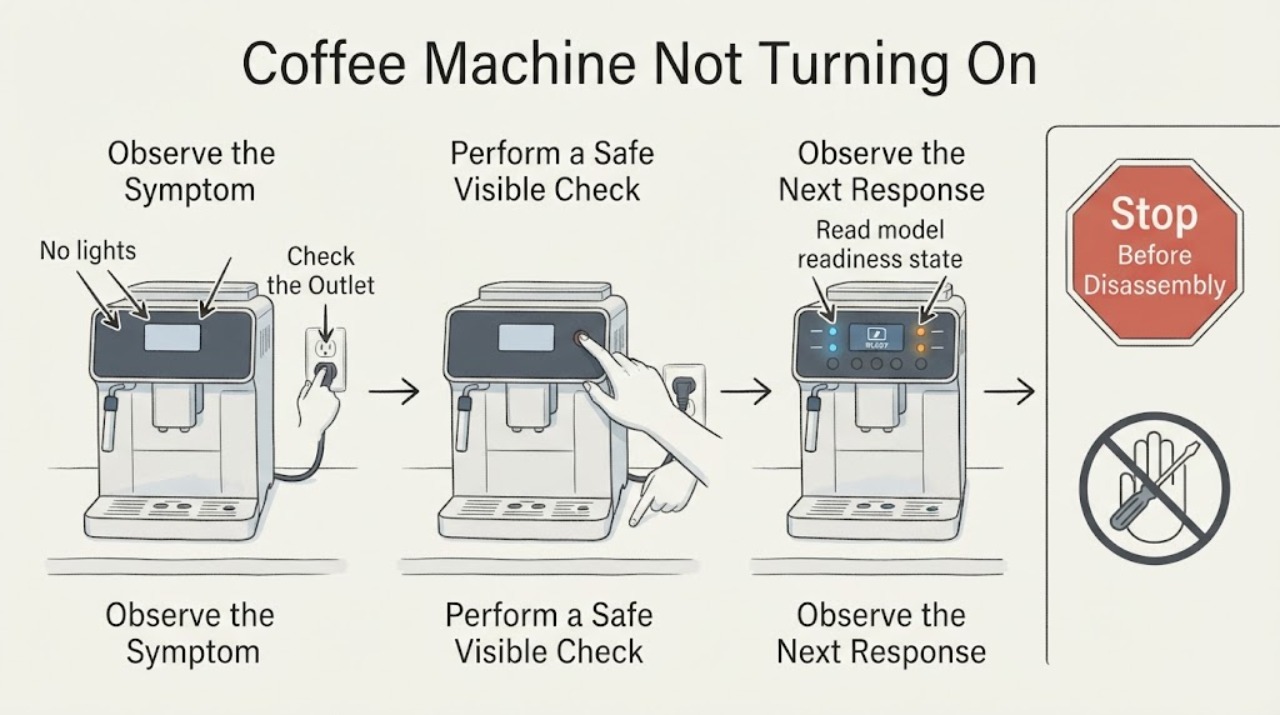
Coffee Machine Not Turning On
For a coffee machine that will not turn on, check the outlet, plug, water tank, power switch, control lock, and exact model readiness state. De'Longhi says its machine may wait until it is ready after impurities are detected. Persistent no power or a hot cord needs service.
-
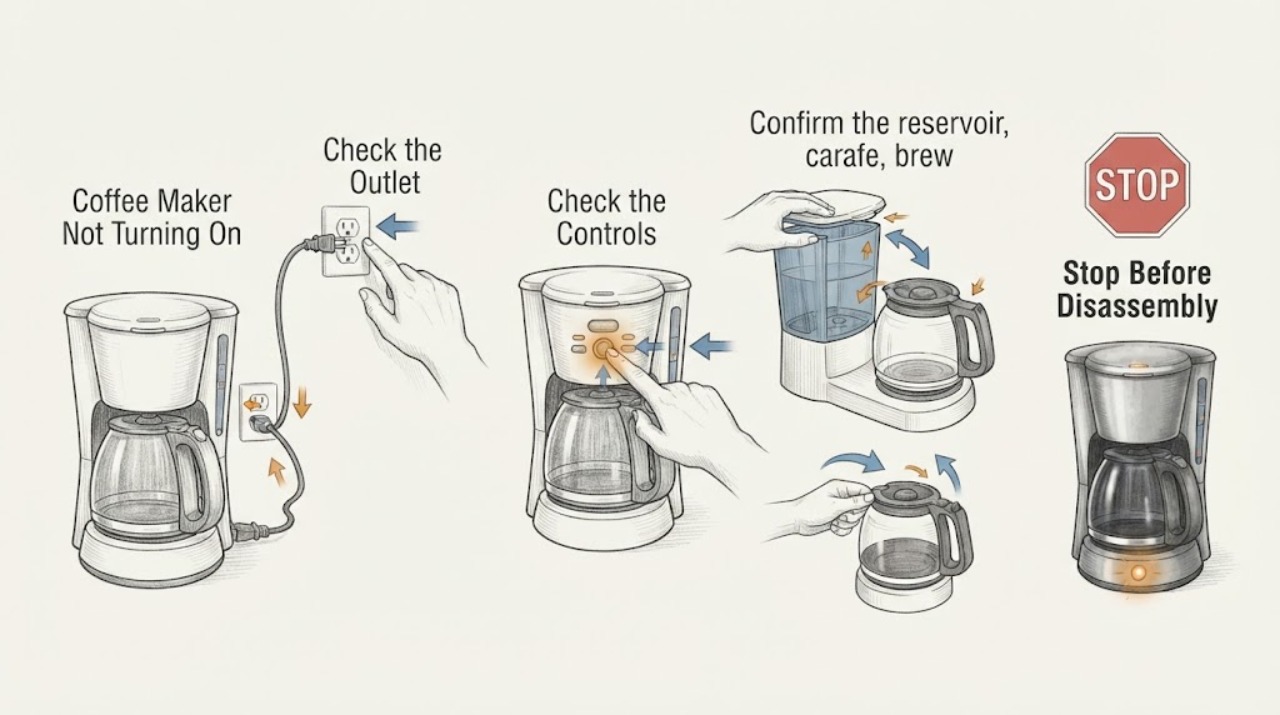
Coffee Maker Not Turning On: Check the Outlet, Seating, and Thermal Stop
If a coffee maker will not turn on, check the dry outlet, plug, power button, and any correctly seated reservoir or brew part required by the model. Try one known-good outlet or safe breaker reset; do not keep cycling a machine with a hot smell, damaged cord, liquid, or repeated tripping. If the outlet works but the coffee maker stays dark, use manufacturer service because internal wiring, a fuse, or a control fault needs qualified diagnosis.
-
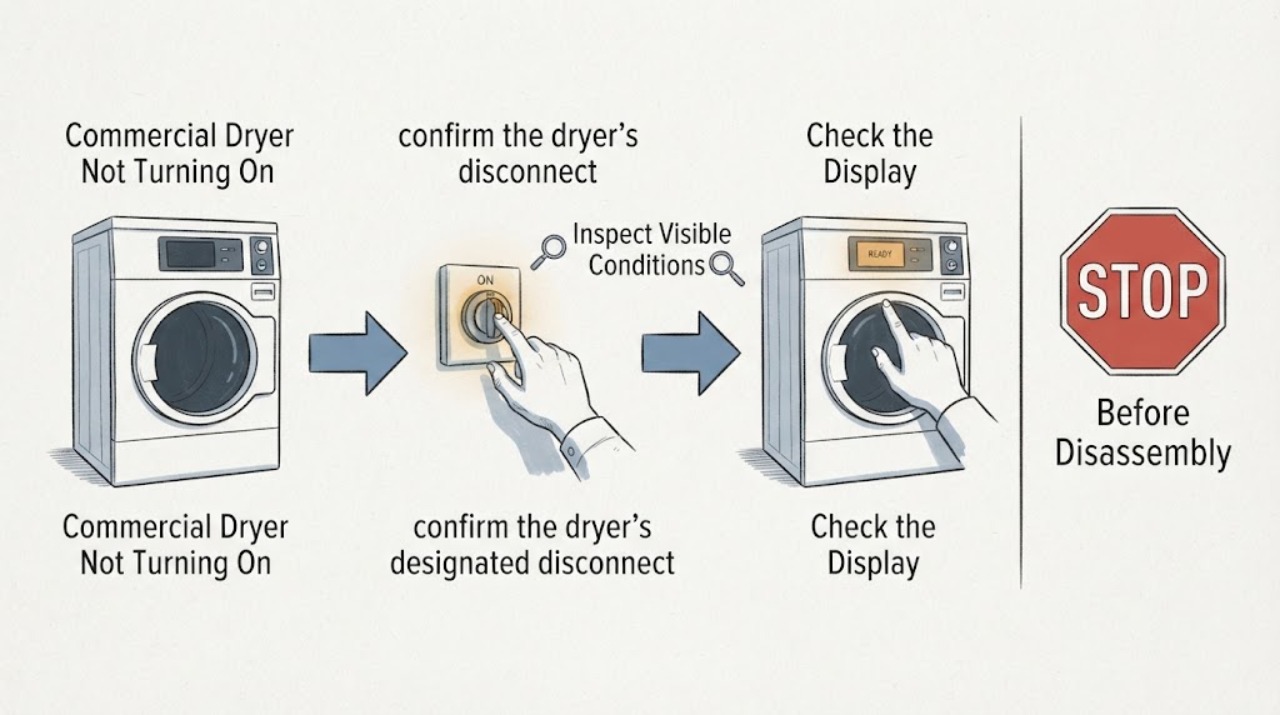
Commercial Dryer Not Turning On: Safe Checks
For a commercial dryer that will not turn on, separate a dark control from a machine that has power but will not start the motor. Check the designated supply, door closure, timer or cycle selection, and any owner-visible status indication. Alliance’s troubleshooting flow also considers motor overload protection, but internal motor, switch and wiring checks belong to qualified service. Stop for a hot connection, burning odor, smoke, repeated trips or a damaged cord.
-
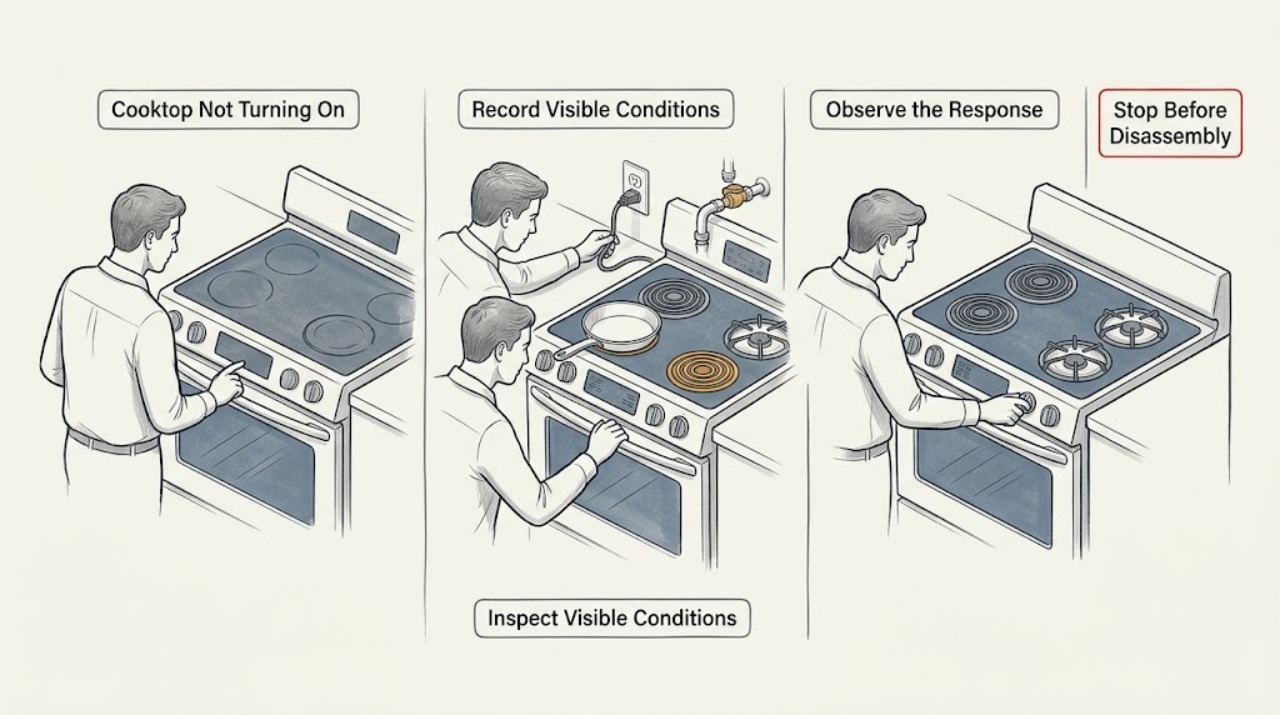
Cooktop Not Turning On: Separate Power, Lock, Gas, and Induction Causes
First identify whether the appliance is gas, radiant electric, or induction; do not assume that a blank display, a locked touch panel, a burner that will not ignite, and an induction pan warning have the same cause. For an electric or induction cooktop, check the model instructions for the On/Off control, then inspect the dry, accessible control panel for a lock icon, spill, object, or error display.
-
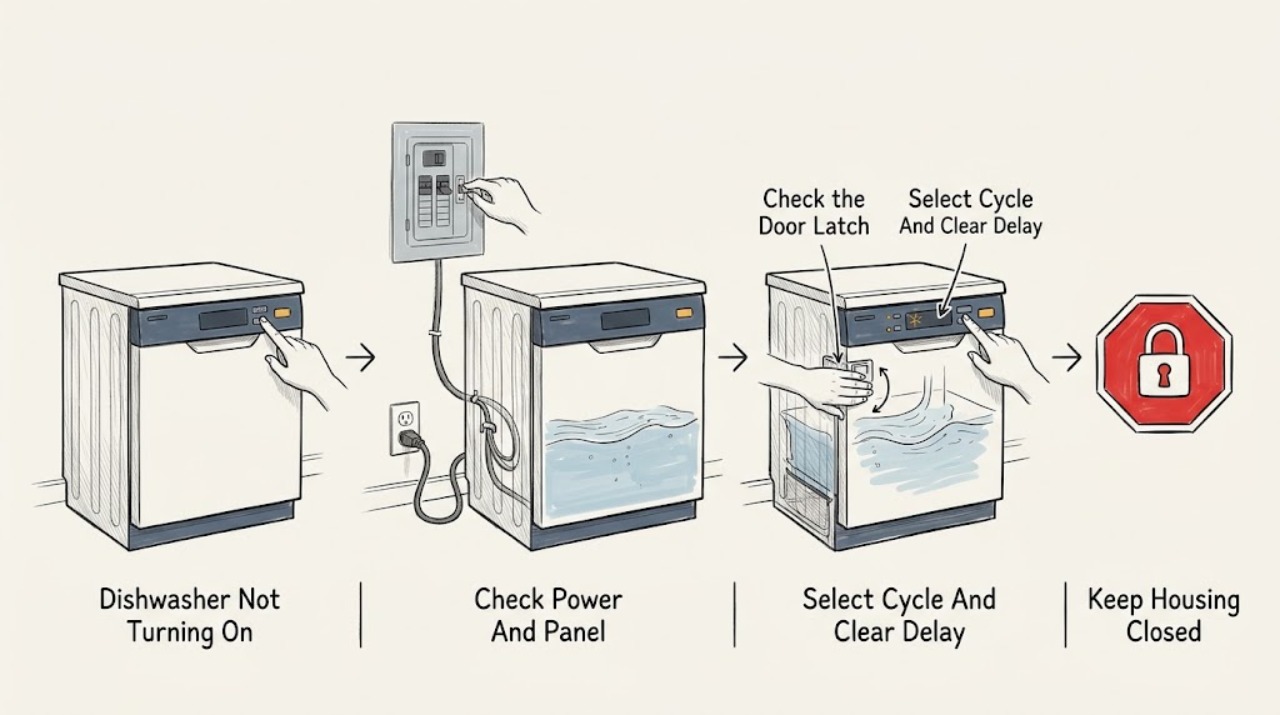
Crosley Dishwasher Not Turning On
A Crosley dishwasher that appears not to turn on may have no usable household power, an unlatched door, a selected delay or control lock, an incomplete Start command, or a water-supply condition that prevents the cycle from proceeding. Start with the exact model and manual because Crosley uses different controls, delay ranges, and indicators across dishwasher families.
-
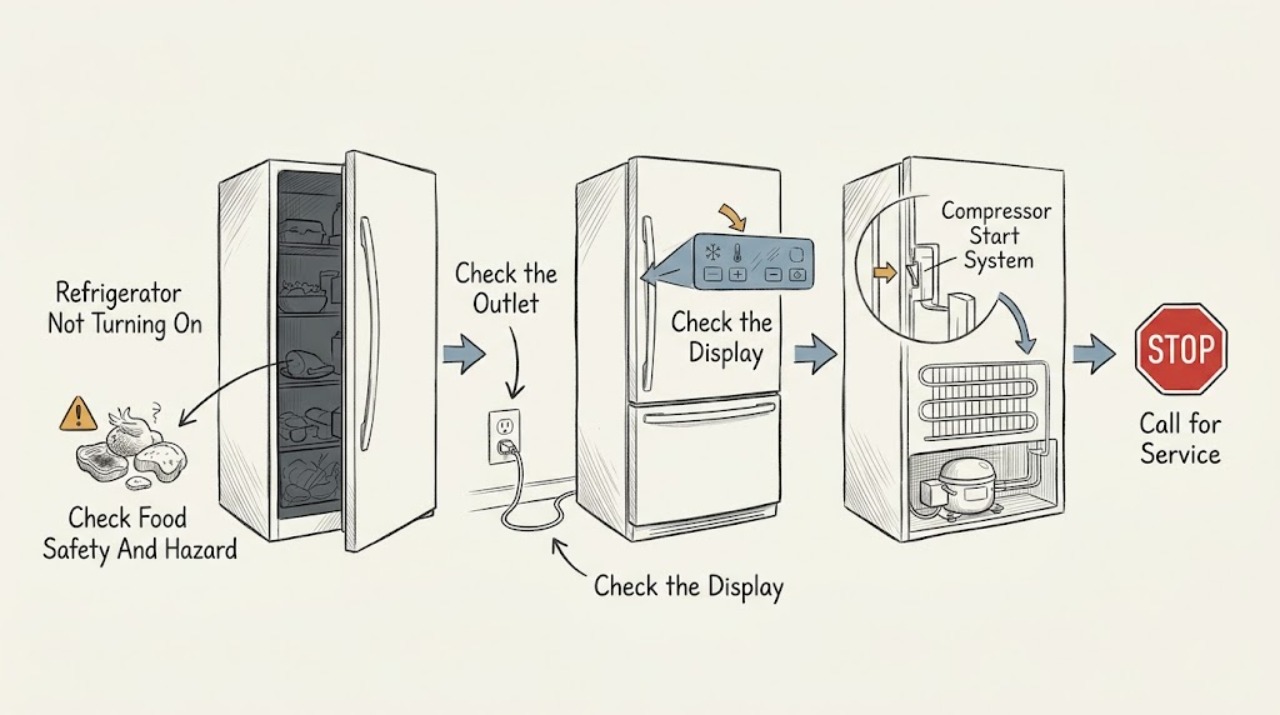
Crosley Refrigerator Not Turning On: Power, Mode, and Cooling Checks
Start by separating a completely dead refrigerator from one that has lights or a display but is not cooling. From a dry, safe position, check the plug, outlet, and household breaker, then identify whether the exact Crosley model has mechanical controls, electronic controls, a POWER button, Demo/Cooling Off mode, Holiday mode, or a delay/defrost state.
-
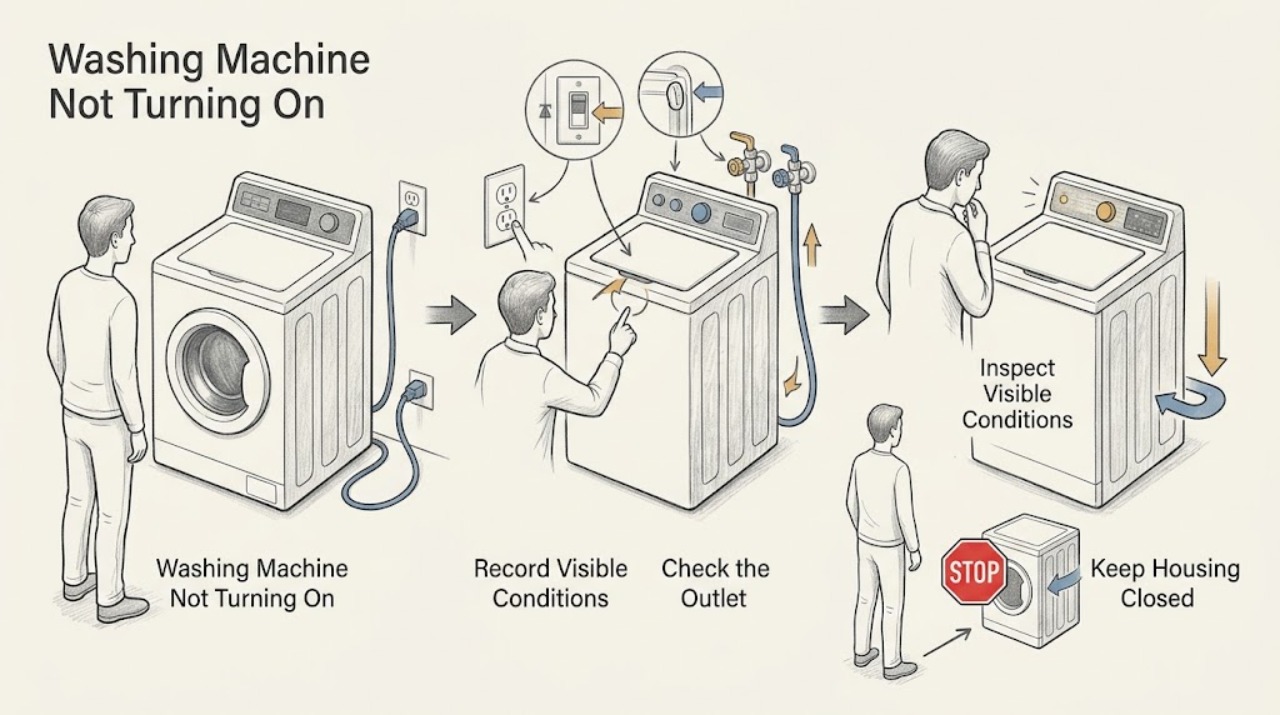
Crosley Washing Machine Not Turning On
When a Crosley washer appears dead, first separate a completely dark panel from a washer that lights but will not start. Check the cord and outlet, then the household breaker or fuse, using only normal external controls.
-
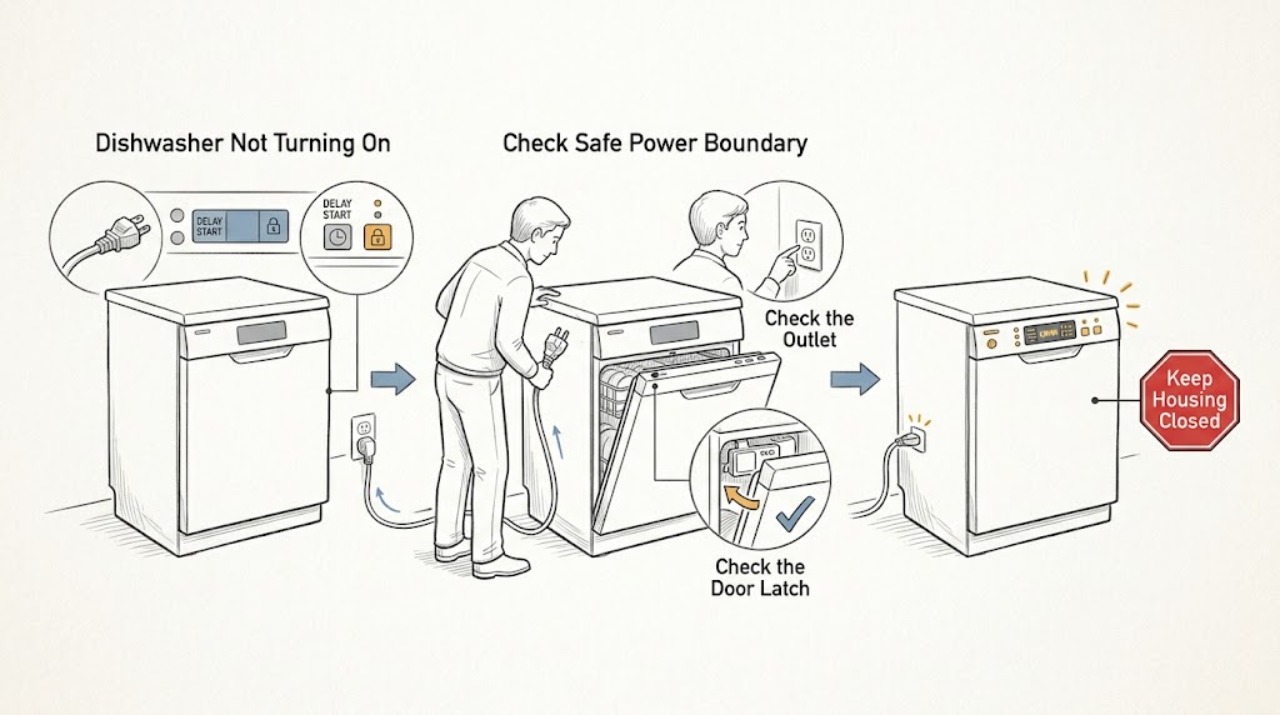
Danby Dishwasher Not Turning On: Power, Door, and Control Checks
Separate a completely dead Danby dishwasher from one whose display or indicators work but which will not start. From a dry, safe position, check the accessible plug or supply switch, the household breaker or fuse once, and whether the exact model's display responds.
-
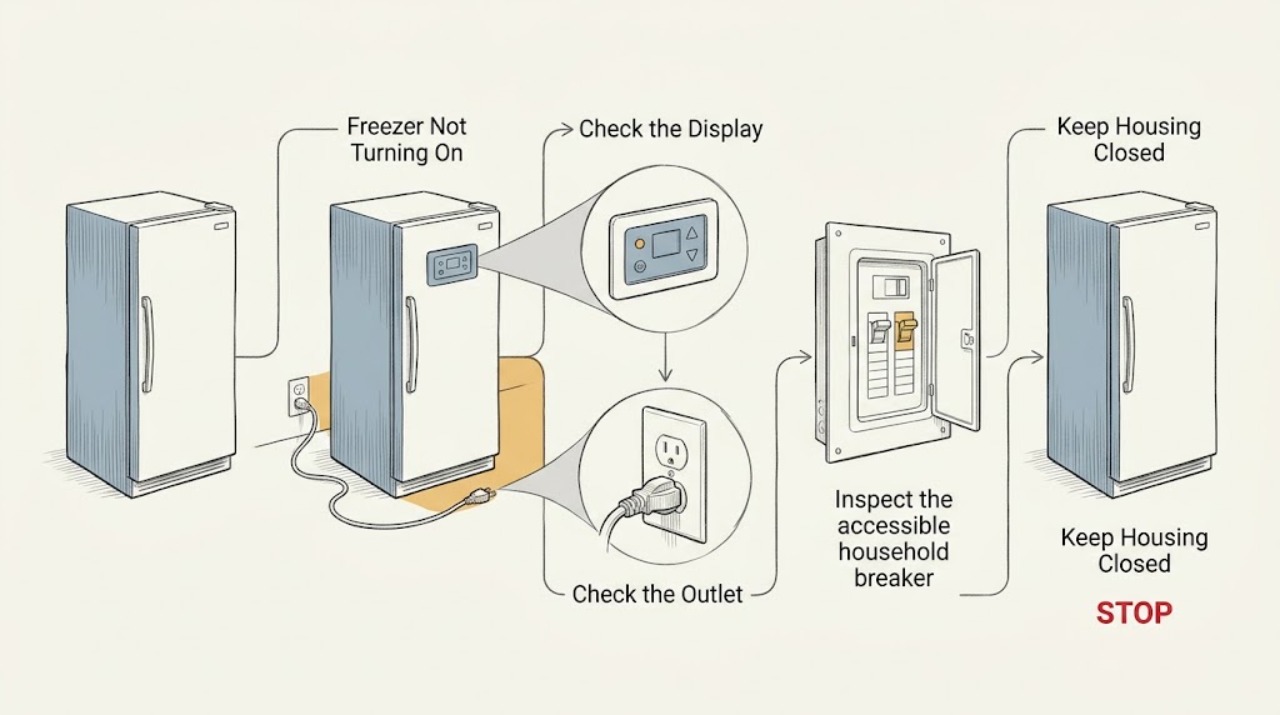
Danby Freezer Not Turning On: Safe Power and Startup Checks
Start by separating a completely dead freezer from one that has power but is not cooling. Check that the cord is fully inserted, the accessible outlet and breaker are on, and the freezer’s control is not set to OFF.
-
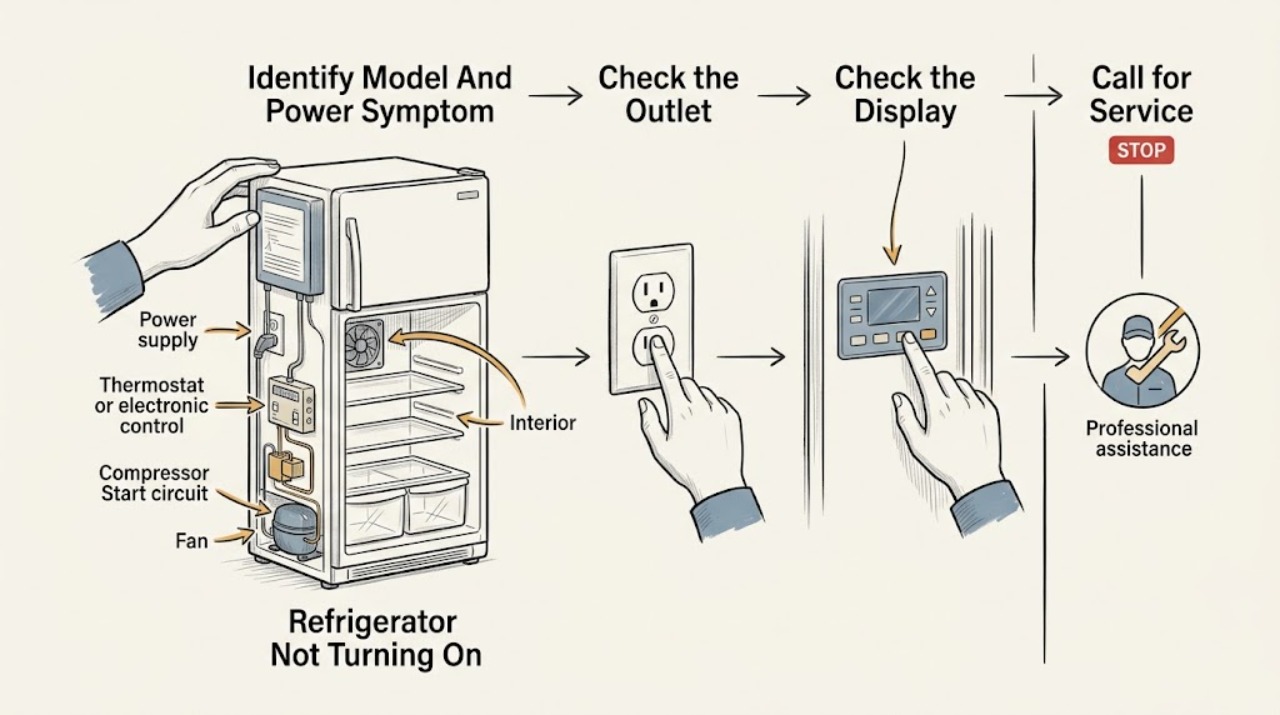
Danby Refrigerator Not Turning On: Separate a Power Loss from a Cooling Start Problem
First decide which symptom you have: no interior light or display at all, or a light/display that works while the refrigerator does not cool or make its normal operating sounds. Read the rating-label model and check that the cord is fully seated, the outlet has power, and any breaker or GFCI has not tripped; do not keep resetting protection or use the appliance if the cord, plug, outlet, or surrounding area is hot, wet, scorched, or damaged.
-
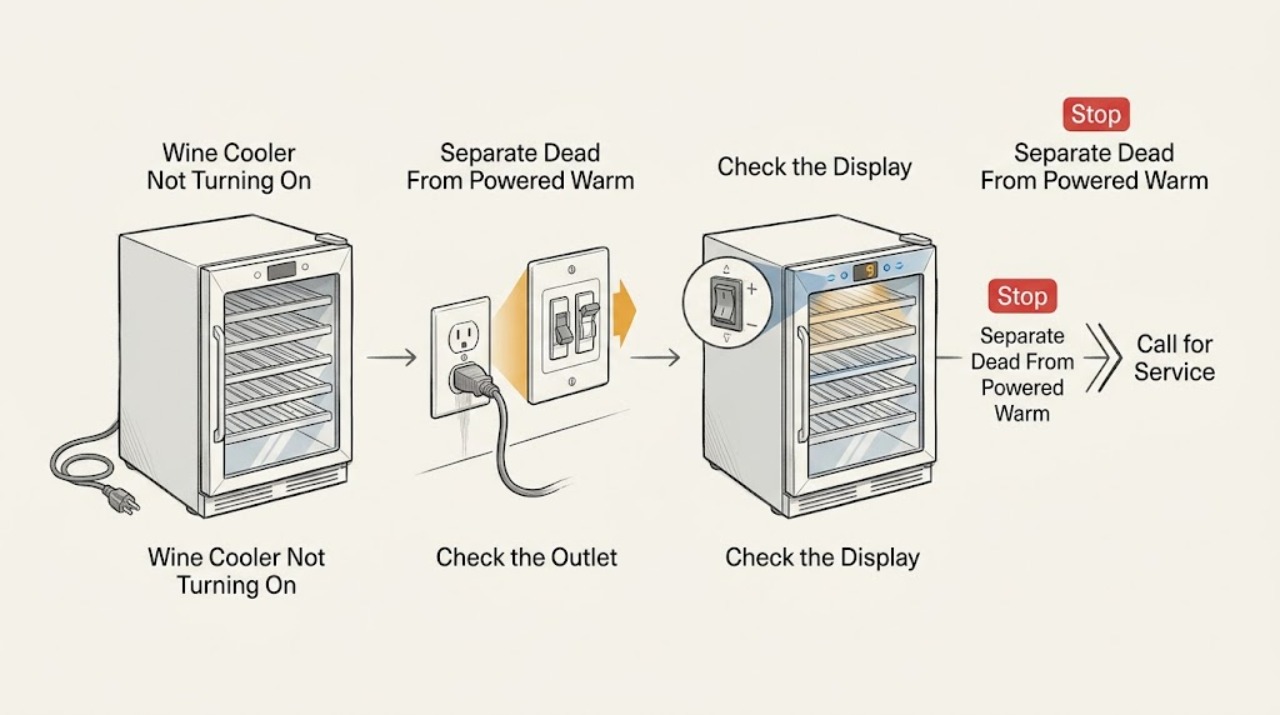
Danby Wine Cooler Not Turning On: Power, Controls, and Safe Service Checks
First separate a Danby wine cooler with no power at all from one whose display or interior light works but whose cabinet is not cooling. From a dry position, check that the plug is fully inserted, the outlet and breaker are available, and the exact model's control is not OFF, standby, or set outside its operating range.
-
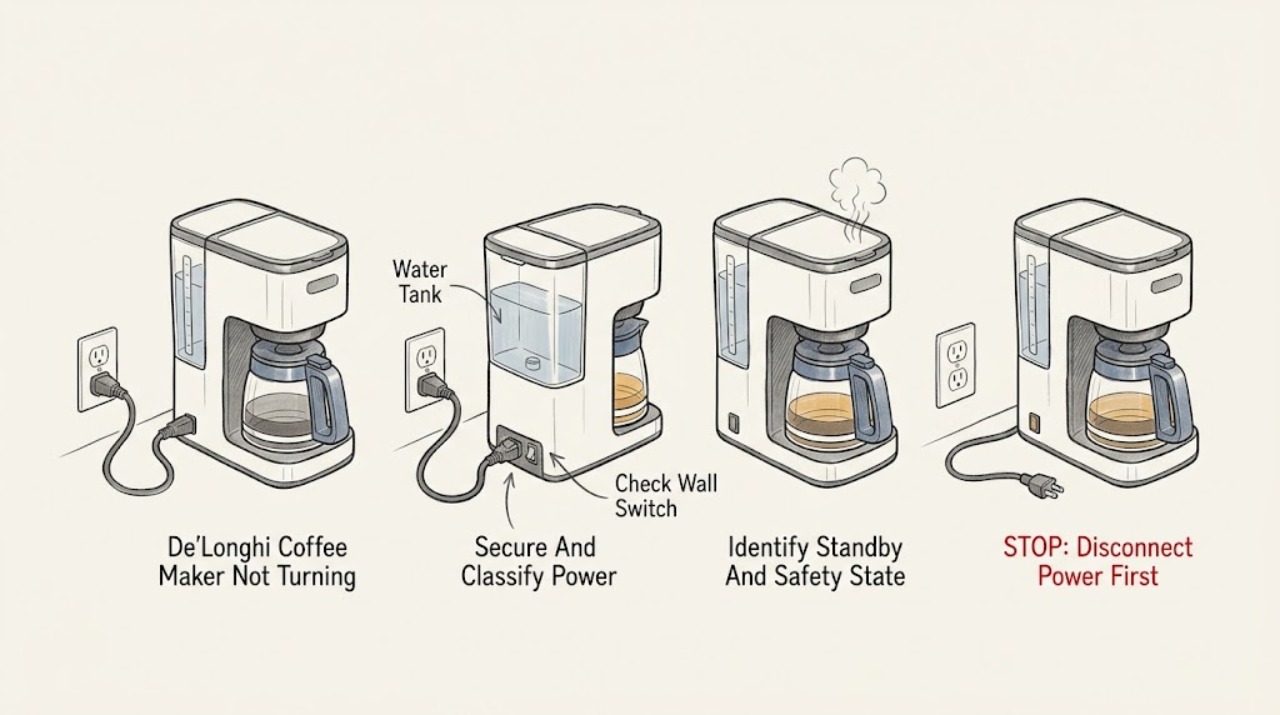
De'Longhi Coffee Maker Not Turning On: Power, Standby, and Safe Checks
First separate a completely dead machine from one that has power but is asleep or refusing a start condition. Check the outlet and plug from the outside, then the model's rear or main switch, and wake an auto-off or standby machine with the button named in its manual.
-
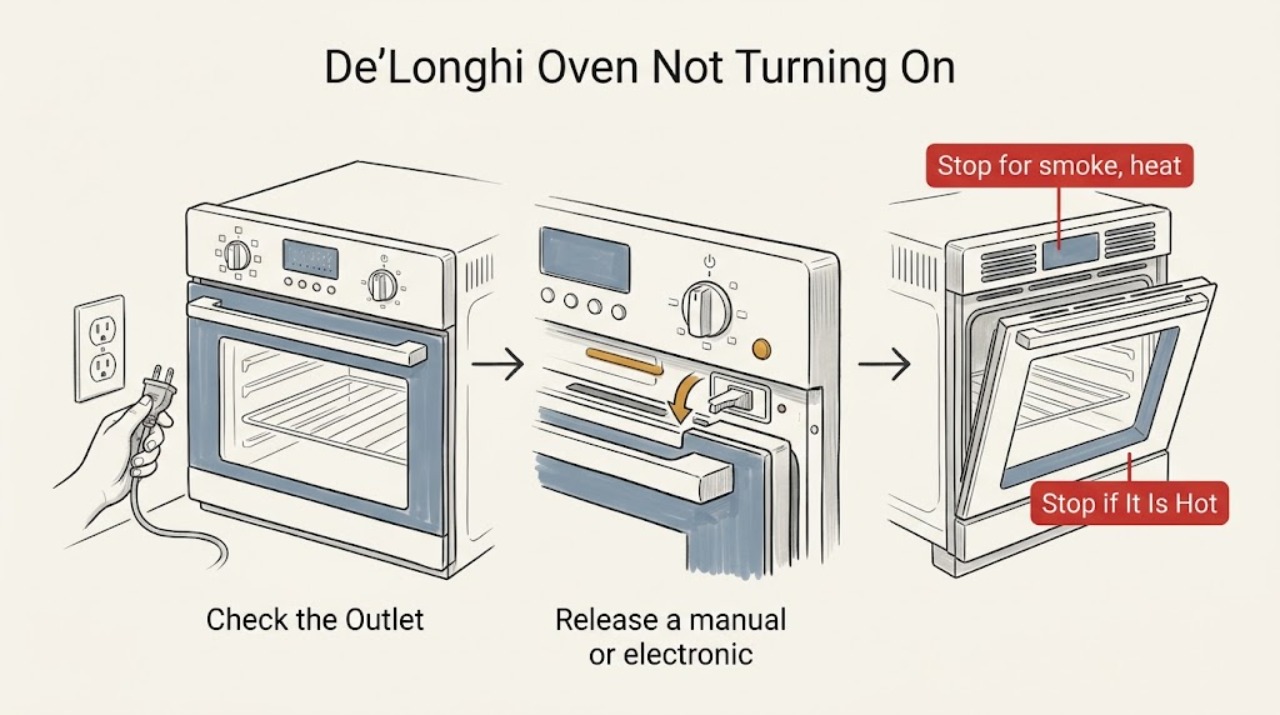
De'Longhi Oven Not Turning On: Safe Checks
If a De'Longhi oven is not turning on, stop for smoke, a burning or melting smell, a hot or damaged cord, arcing, water near the controls, or a breaker that trips again. If the appliance is cool and dry, check the plug and working outlet, then confirm the power switch, selector, thermostat, timer, clock, and manual or electronic start state are set as the model manual requires.
-
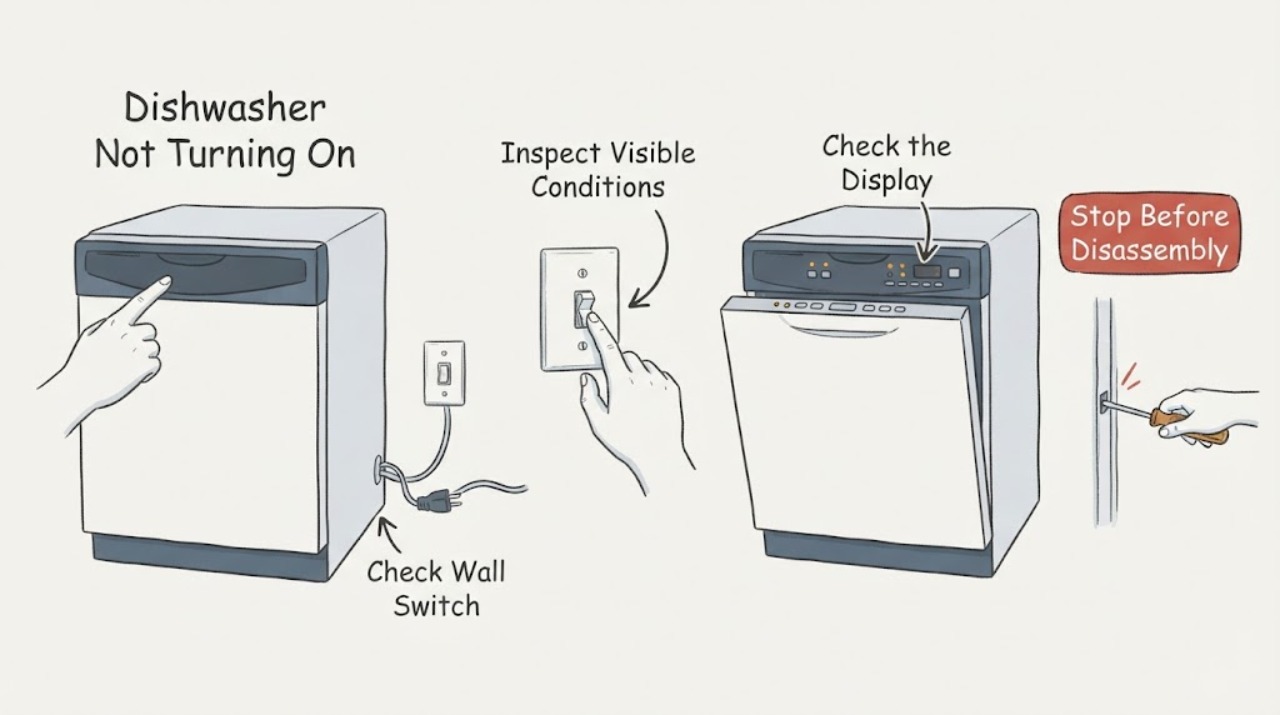
Dishwasher Not Turning On
Check a dishwasher from external power to panel and door interlock. Verify plug/switch from a dry position, check the breaker once, and use the model manual if the panel lights but a cycle will not start.
-
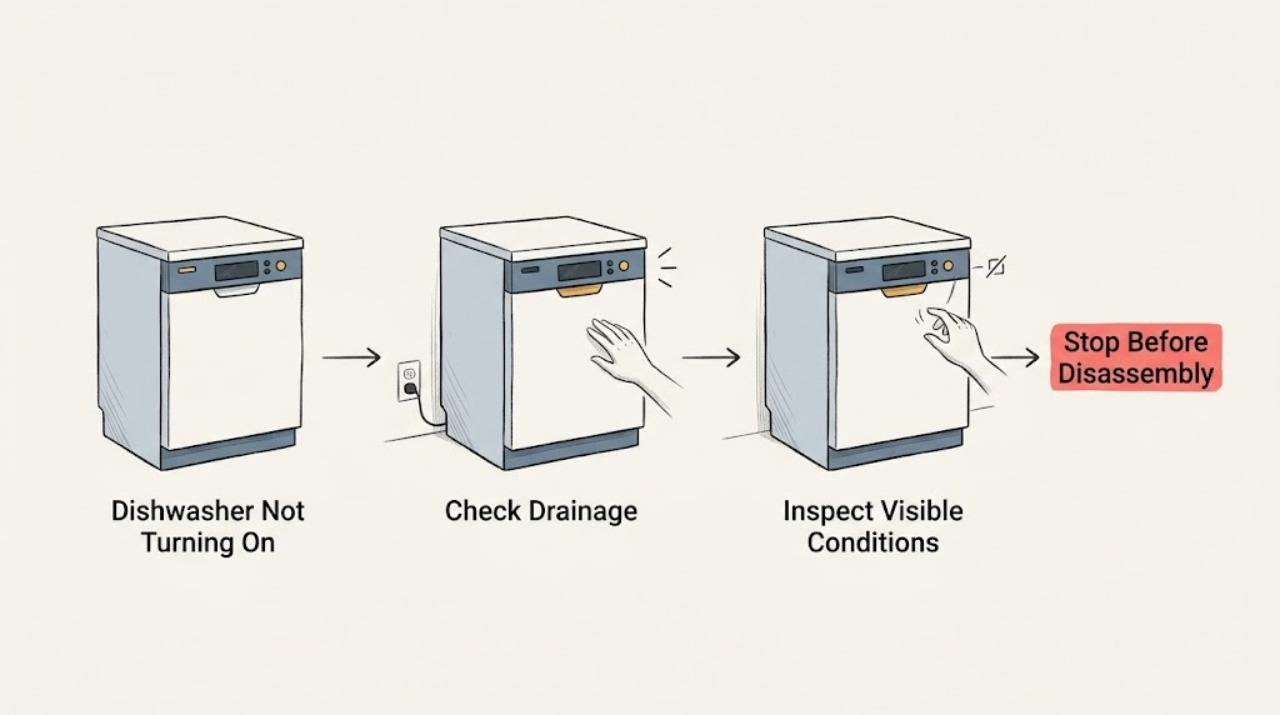
Dishwasher Not Turning On: Safe Checks and Service Boundaries
For a Zanussi dishwasher not turning on, record the full display and model/PNC, then check the documented external cause for this symptom. The opened Zanussi guidance covers programme selection, filters, drainage, door closure, reset, water leaks, and heating; recurring faults need authorised service.
-
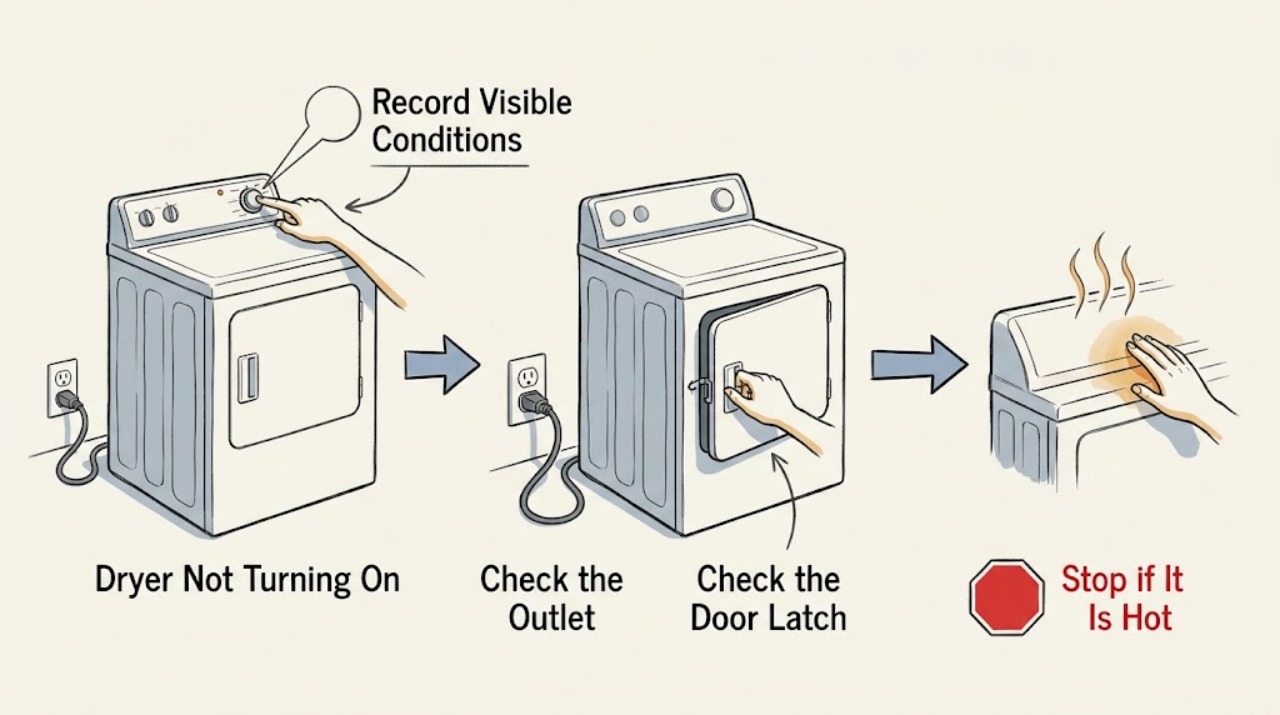
Dryer Not Turning On: Separate No Power from a No-Start Control Problem
When a dryer is not turning on, first separate a completely blank appliance from a dryer whose display or drum light works but will not start. For no power, inspect only the accessible plug, cord, outlet, and breaker or fuse status; major appliances should use a direct wall connection.
-
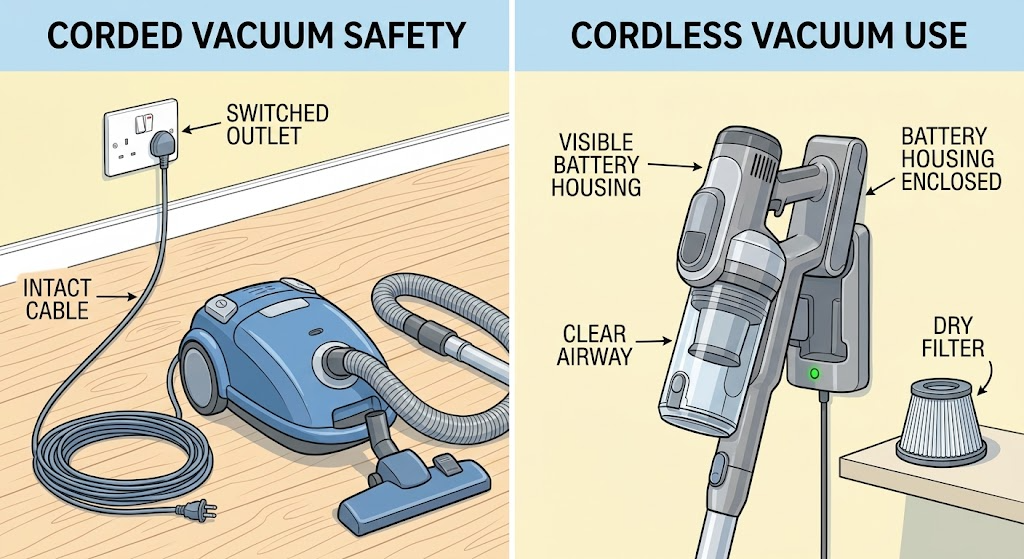
Dyson Vacuum Cleaner Not Turning On: Separate Power, Battery, and Blockage Causes
First identify whether your Dyson vacuum is corded or cordless, because the safe first checks differ. For an upright or cylinder model, inspect the cable from outside, try the switched wall socket, and check the plug or fuse only as the model instructions allow; do not plug in a damaged cable.
-
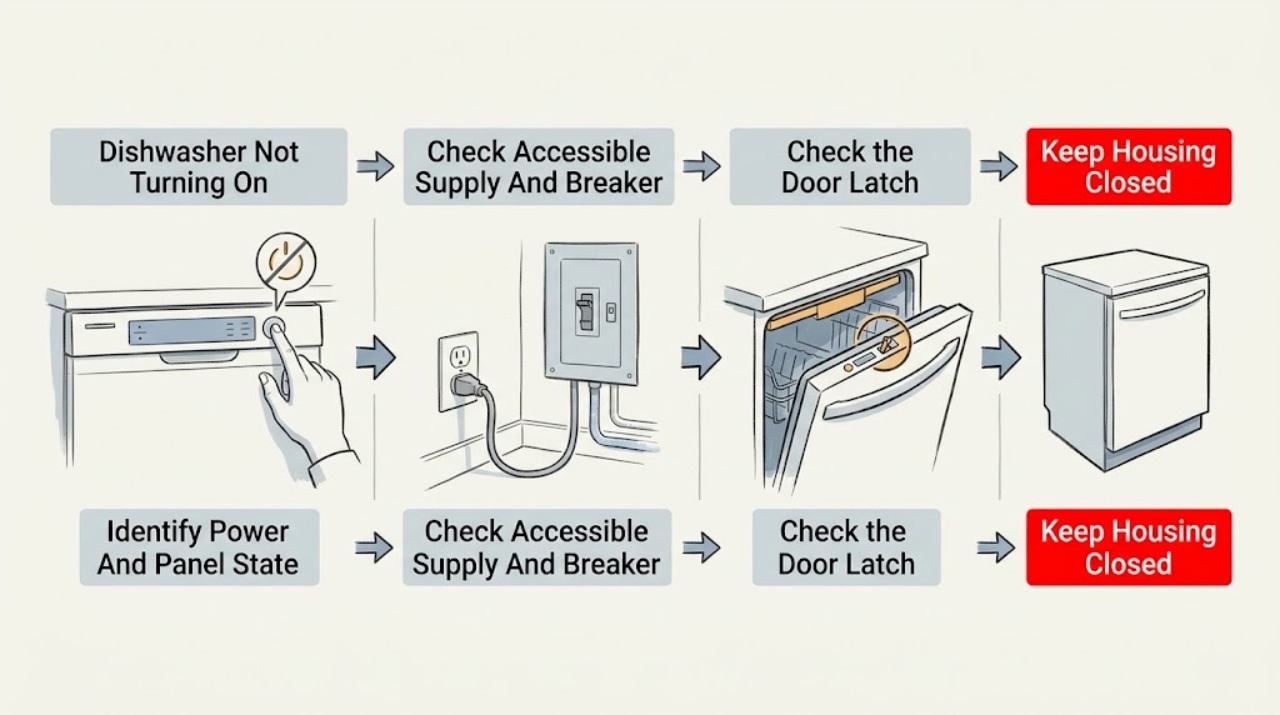
Electrolux Dishwasher Not Turning On: Separate No Power from a Door or Control Lock
First separate a completely dark Electrolux dishwasher from one whose panel lights up but will not begin a cycle. For a dark unit, check the accessible plug, outlet, and breaker or fuse from a safe, dry position; a hardwired connection and any repeated trip require qualified electrical service.
-
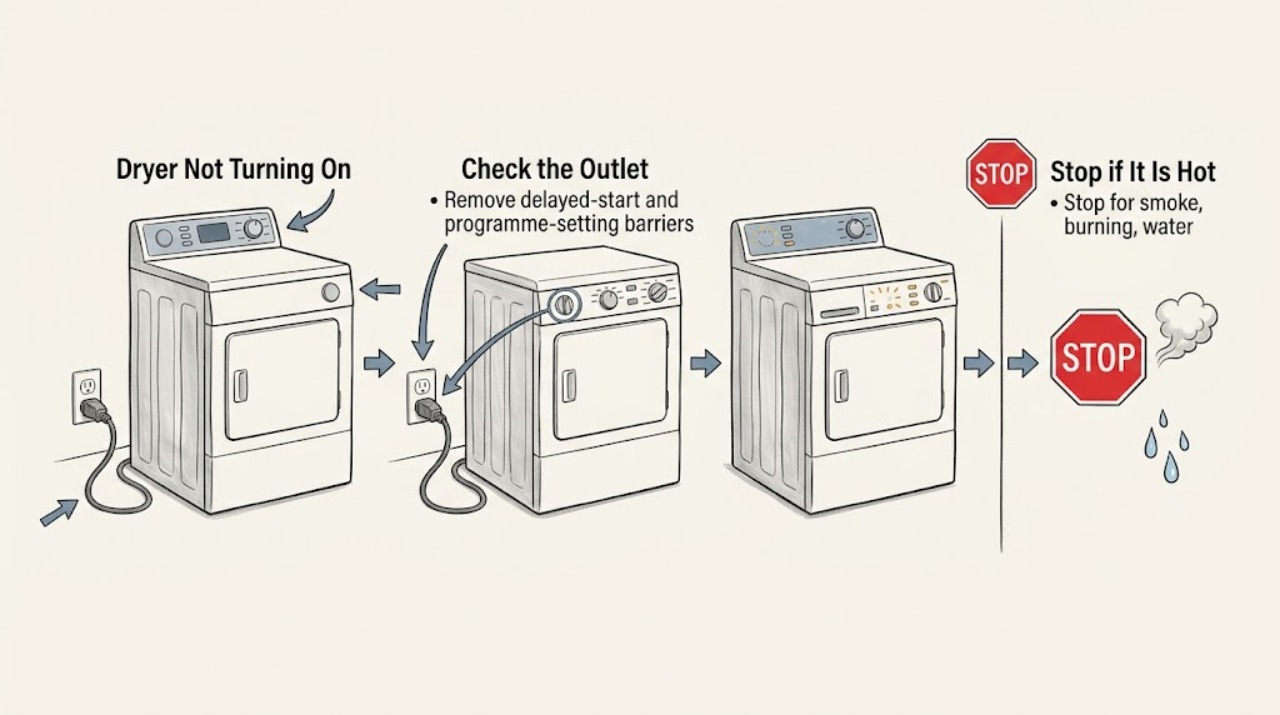
Electrolux Dryer Not Turning On: Safe Checks
If an Electrolux dryer is not turning on, stop for a burning smell, smoke, a hot or damaged cord, water near electrical parts, or a breaker that trips again. Otherwise, check the plug, outlet, breaker, selected cycle, delay start, door closure, and child lock without opening the cabinet.
-
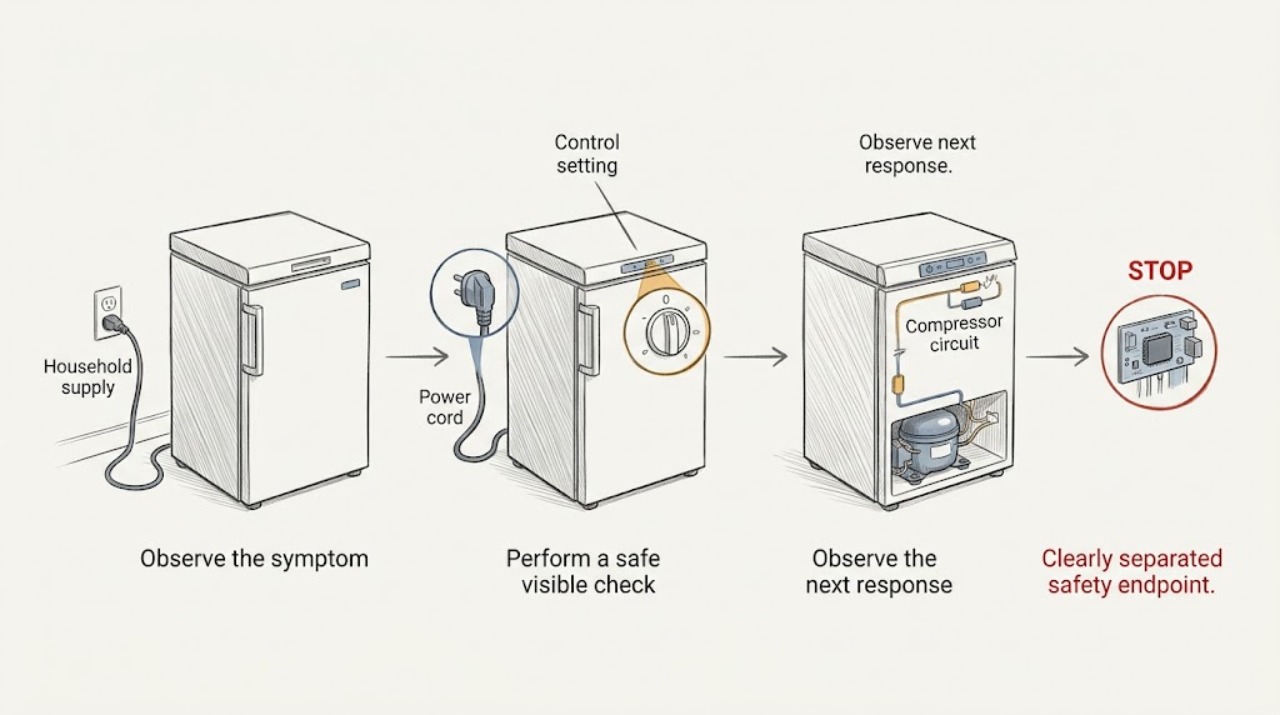
Electrolux Freezer Not Turning On: Safe Power and Control Checks
If an Electrolux freezer will not turn on, first note whether the interior light and display are dark, or whether the controls respond but cooling does not begin. From a dry, safe position, check that the plug is firmly seated, the household fuse or breaker has not operated, and the freezer's control is not set to OFF.
-
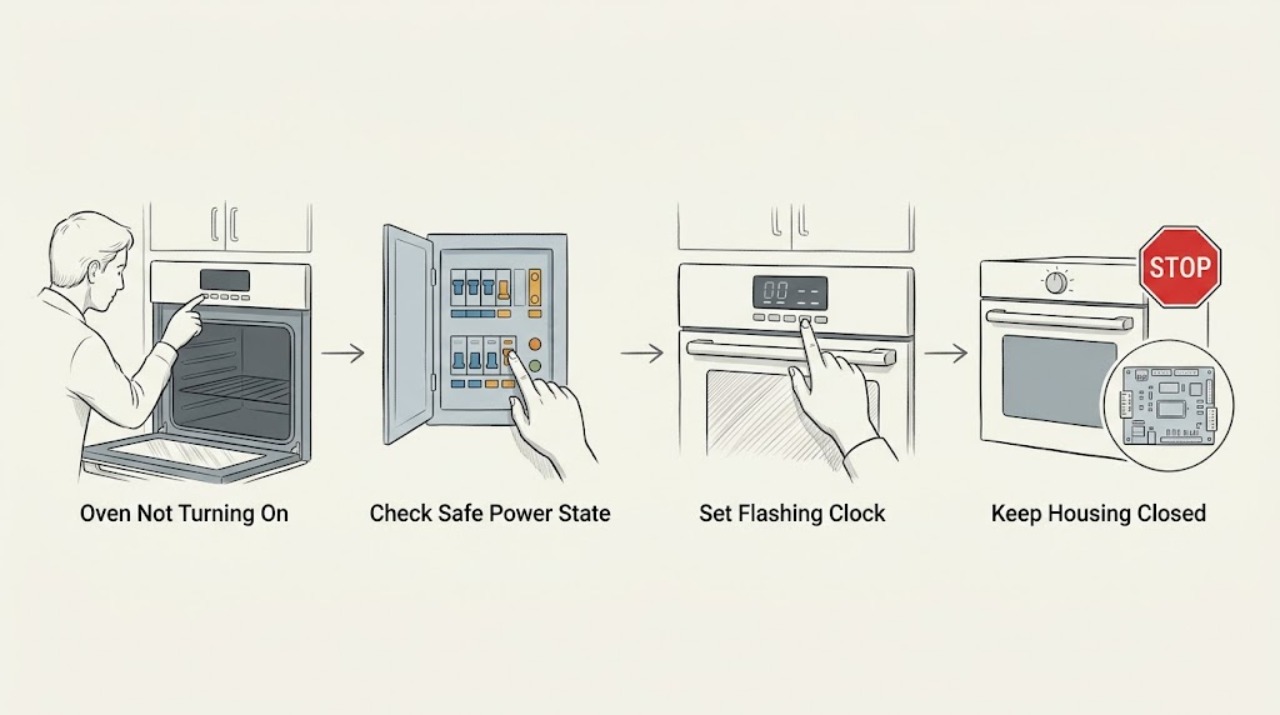
Electrolux Oven Not Turning On
If an Electrolux oven will not turn on, first separate a blank display from a display that works but will not start a cooking function. If the display is blank, look from a safe position for a tripped fuse or RCD and note whether the problem began after installation or a power interruption; do not open the oven or repeatedly reset a breaker.
-
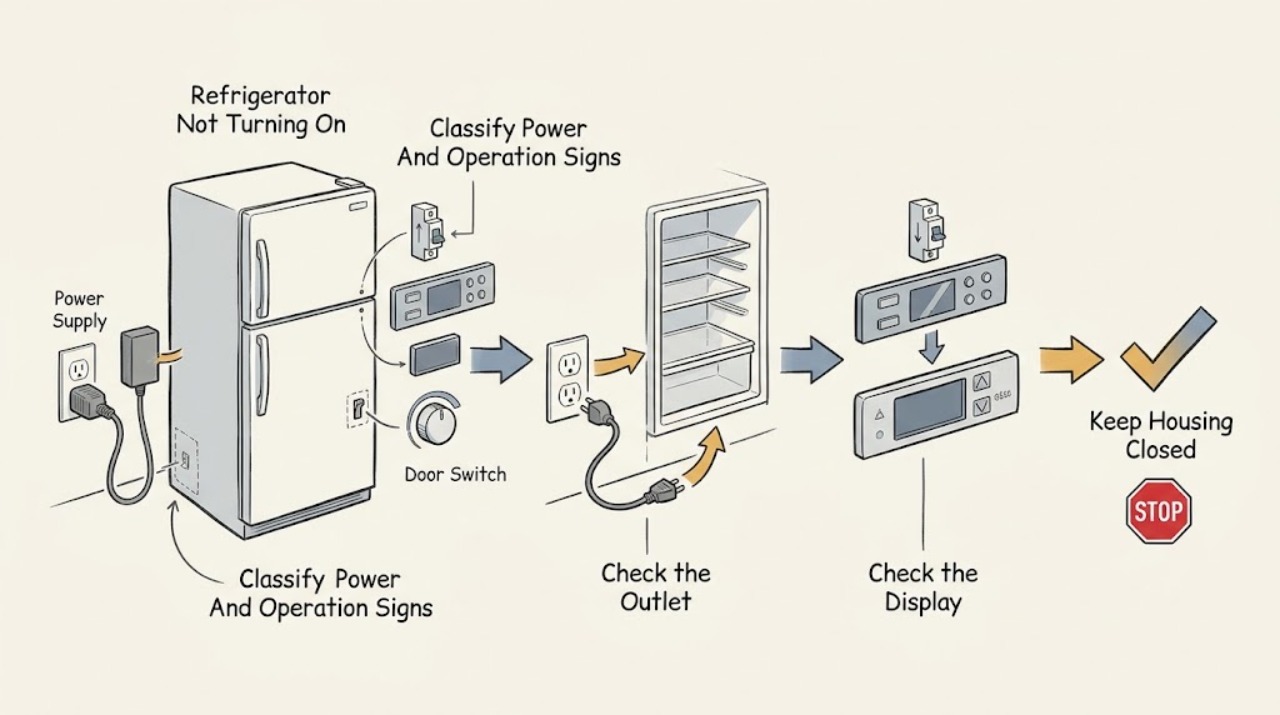
Electrolux Refrigerator Not Turning On: Power, Display, and Mode Checks
First separate a refrigerator with no signs of power from one whose display or interior light works but whose cooling does not start. For a completely dark appliance, check the plug, the dedicated outlet, and the refrigerator circuit breaker or fuse from a dry, safe position; Electrolux says to confirm an outlet with another appliance and not to use an extension cord.
-
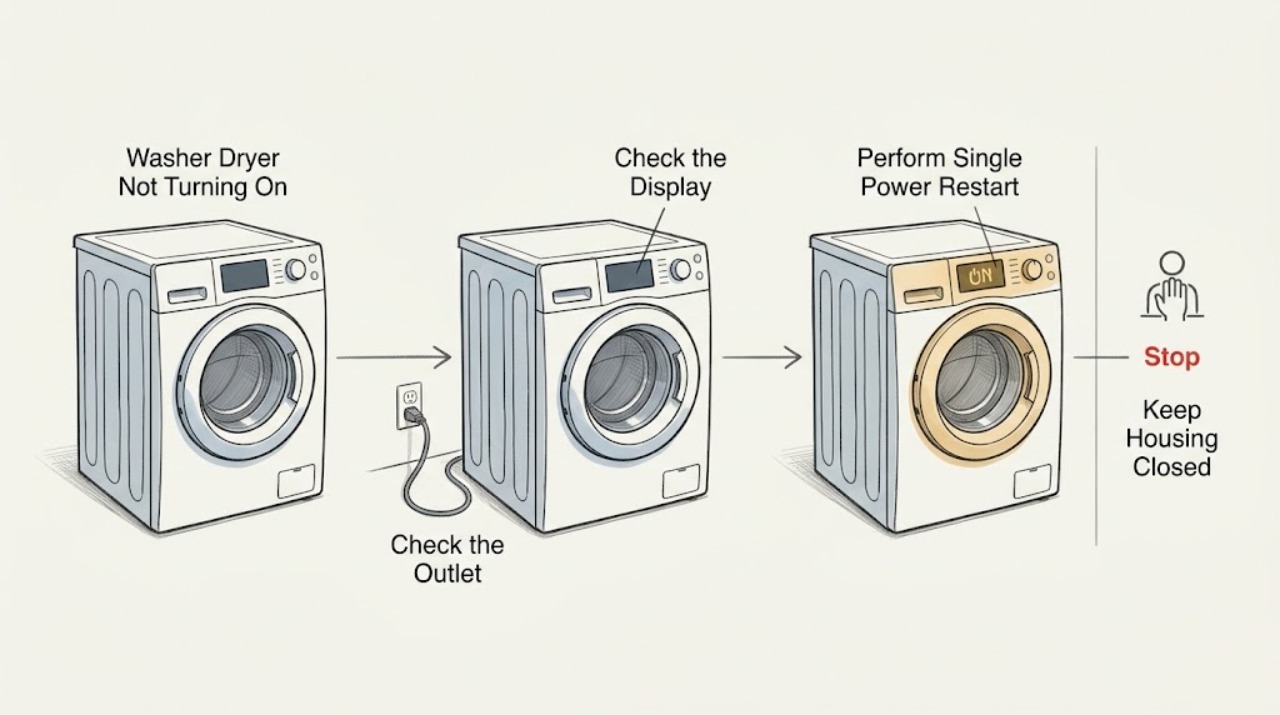
Electrolux Washer Dryer Not Turning On: Safe Checks and Next Steps
If an Electrolux washer dryer is completely blank or does not respond, first check the plug, outlet, and household breaker or safety switch from a dry, safe position. Note whether the display or indicator lights work.
-
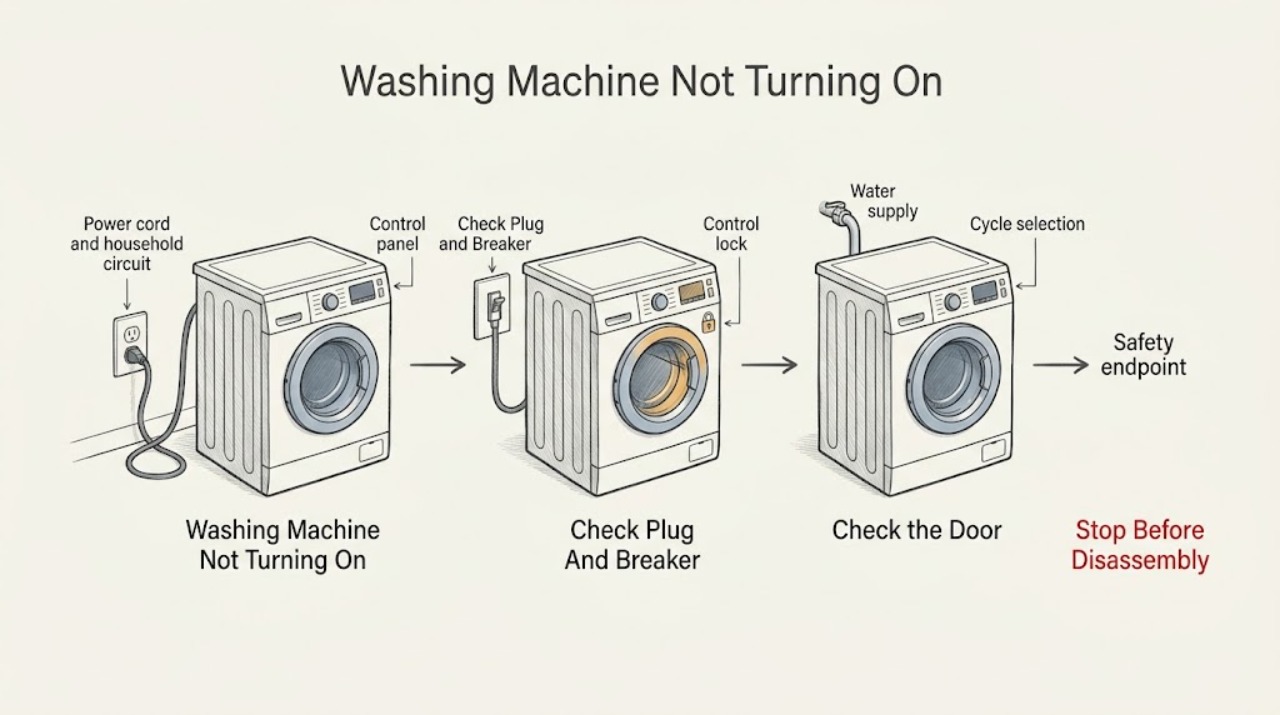
Electrolux Washing Machine Not Turning On
First separate a completely dark Electrolux washer from a powered washer that will not start. Check the plug and household breaker from ordinary access, do not use an extension cord, and confirm the washer's door or lid is fully closed.
-
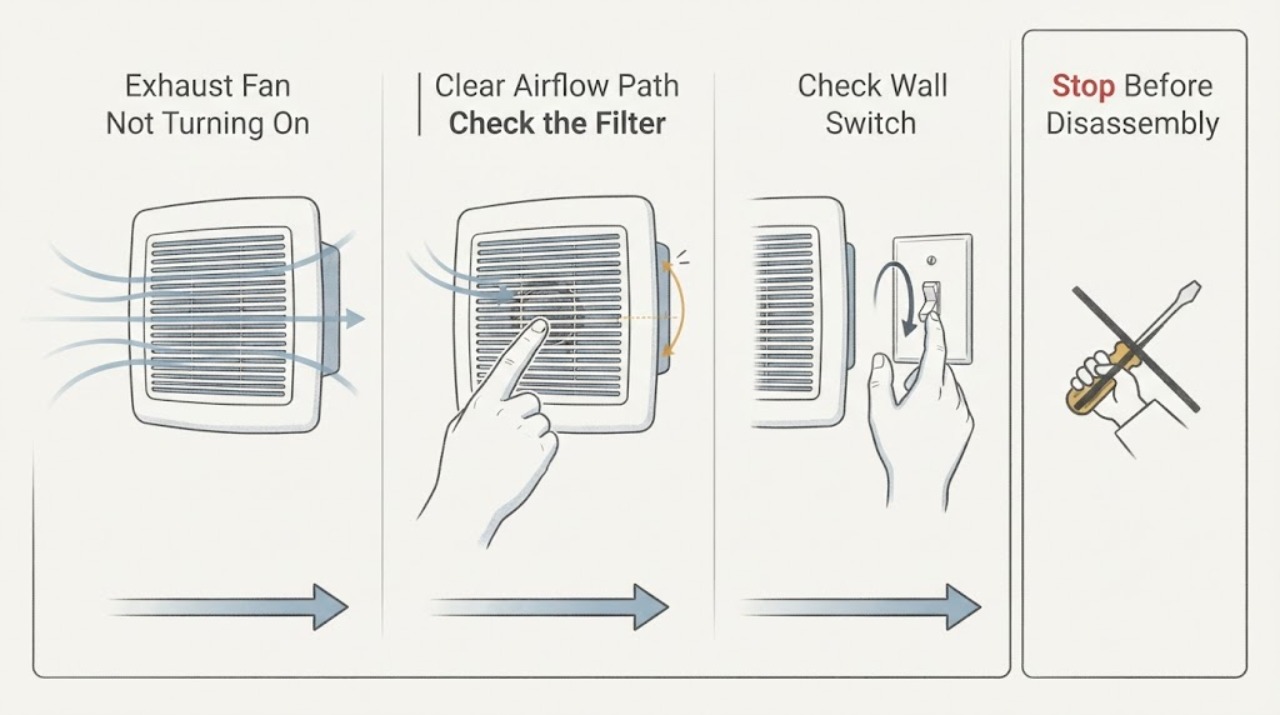
Exhaust Fan Not Turning On
To troubleshoot a exhaust fan that is not turning on, first identify the exact stage and accompanying signs, then make only the safe external checks supported by the owner guidance. Stop for hazards or recurrence and arrange qualified service.
-
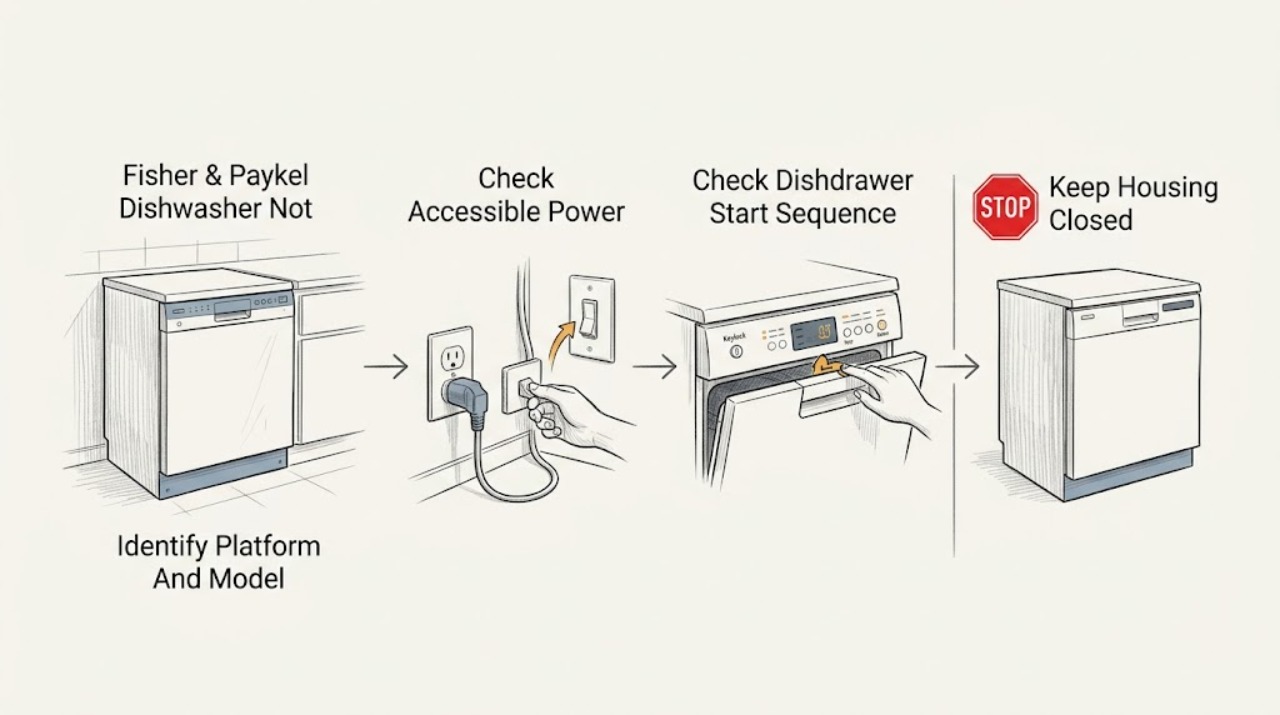
Fisher & Paykel Dishwasher Not Turning On
First separate a completely dark dishwasher from one whose panel or drawer indicators are lit. Fisher & Paykel sells two distinct dishwasher platforms: DishDrawer models with one or two independently operated drawers, and traditional drop-door models.
-
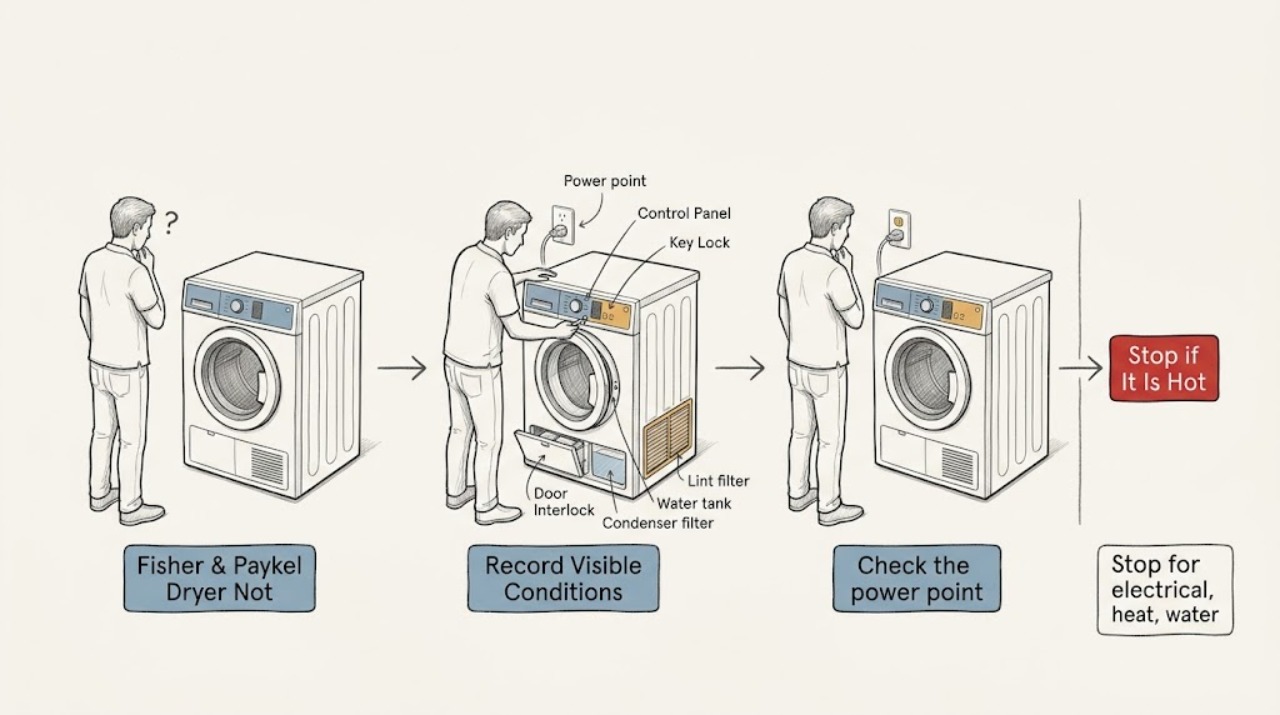
Fisher & Paykel Dryer Not Turning On
First record the exact model, serial information, display state, and any alert or fault code. Do not operate the dryer for smoke, a burning smell, a hot or damaged cord, water near electricity, a damaged cabinet, or other fire or shock warning; isolate power only from a safe dry location and arrange service.
-
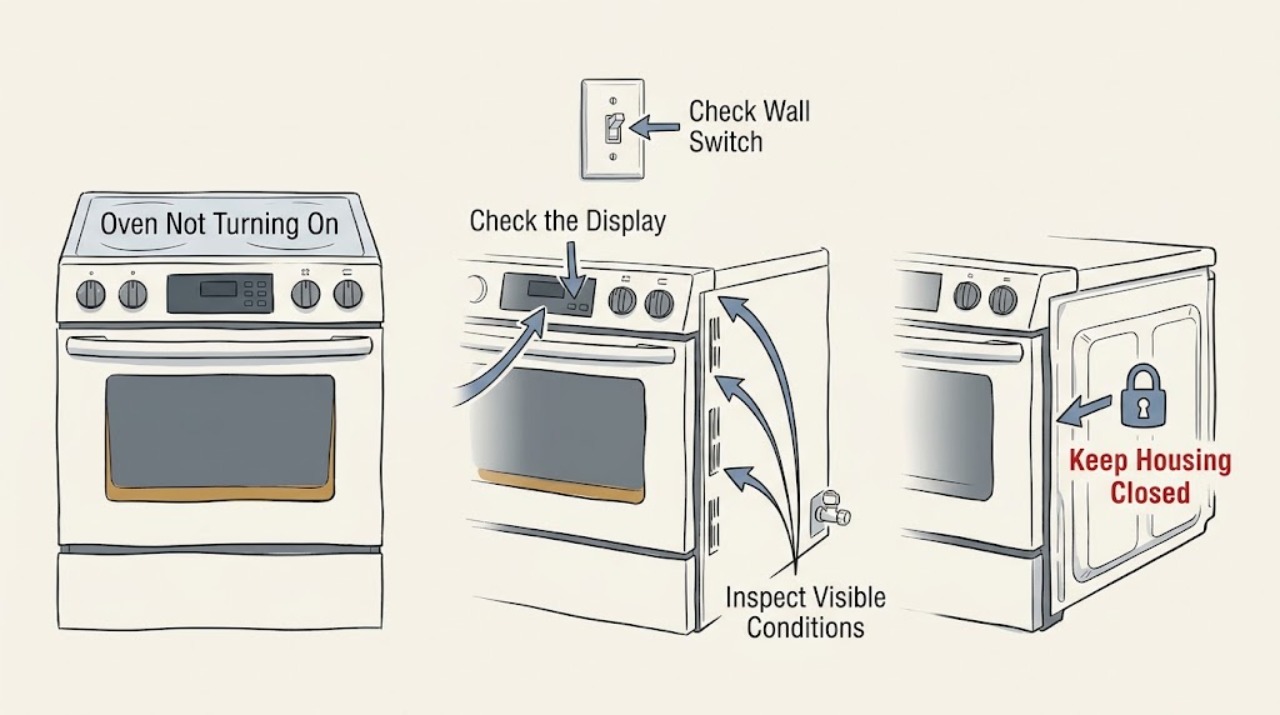
Fisher & Paykel Oven Not Turning On: Check Power, Controls, and Safety
First separate a completely dead oven from an oven whose display works but will not start heating. Check the visible wall switch, plug or isolator, and household breaker or fuse once, without opening the cabinet.
-
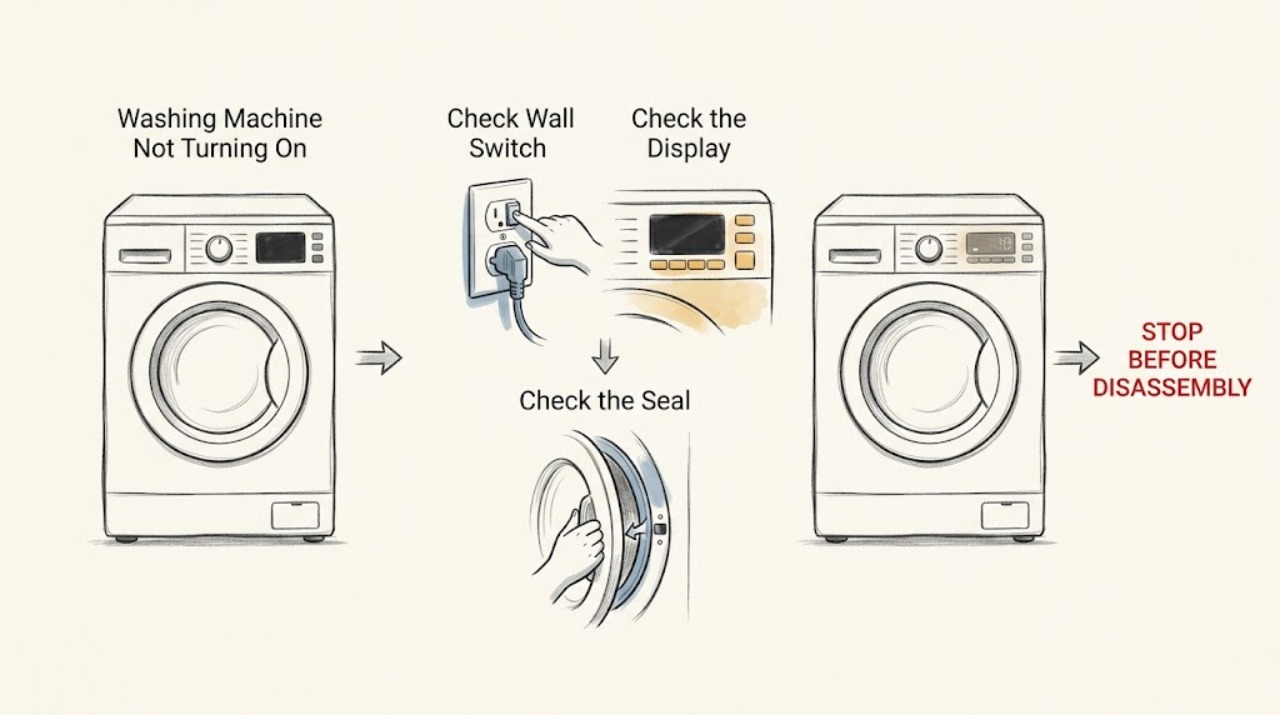
Fisher & Paykel Washing Machine Not Turning On: Check Power and Controls
If a Fisher & Paykel washing machine will not turn on, confirm the wall power switch is on and test the outlet with another small appliance from a safe, dry location. Press POWER once, then check whether a keylock is active and whether the panel shows a fault or delayed-start status.
-
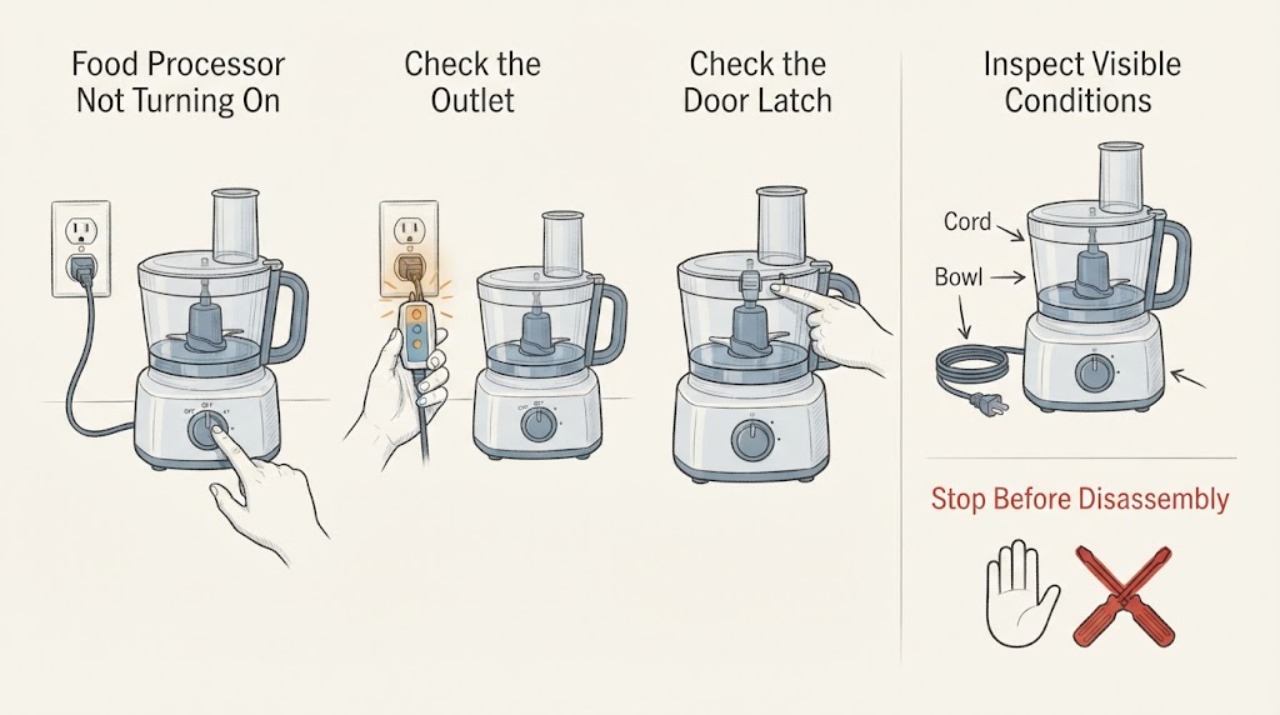
Food Processor Not Turning On
Start with a working outlet, then reseat the bowl and lid until the safety interlock is fully engaged. If power and locking are confirmed but the processor stays silent, hums, trips the supply, or smells hot, unplug it and arrange service.
-
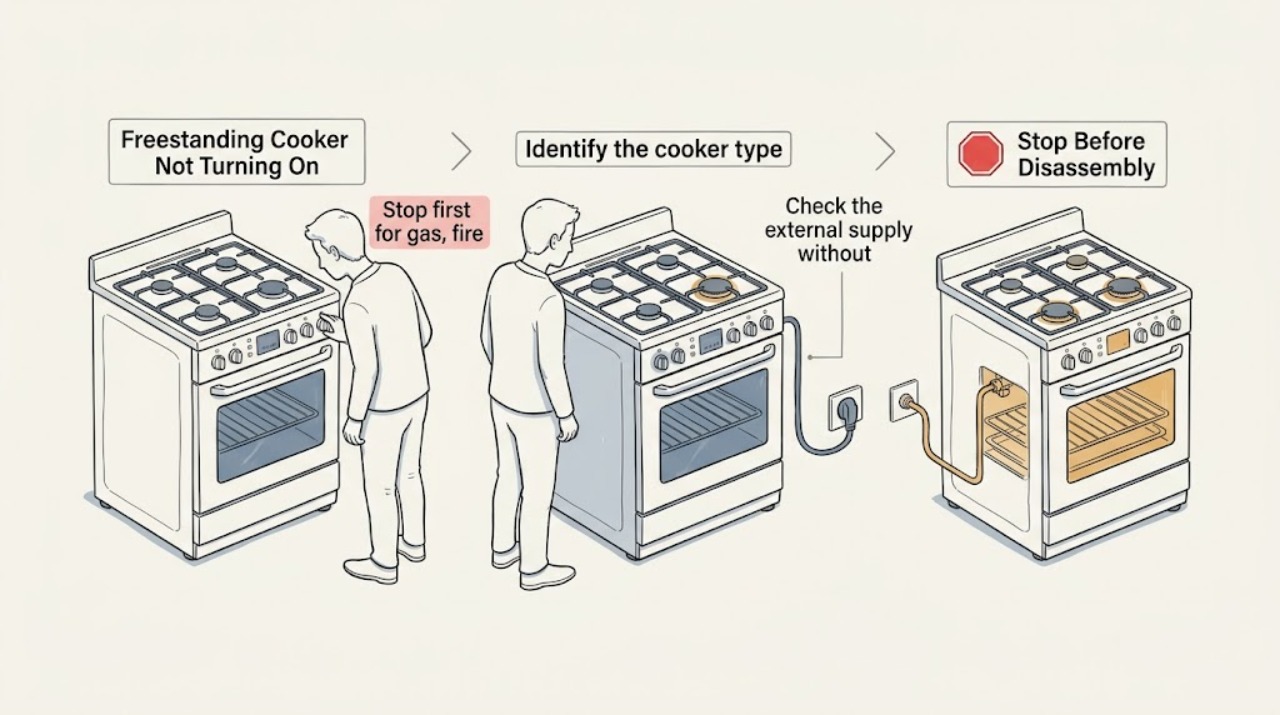
Freestanding Cooker Not Turning On: Check Power, Controls, and Fuel Safely
First identify whether the freestanding cooker is gas, electric, induction, or dual-fuel, then stop if there is a gas odor, smoke, flame where it should not be, sparking, a hot or damaged cord, repeated breaker trips, or visible heat damage. With the appliance cool and the area dry, check the wall supply and breaker, the display or clock, control lock, demo or Sabbath mode, selected function, timer or delayed start, and any door-latch indication.
-
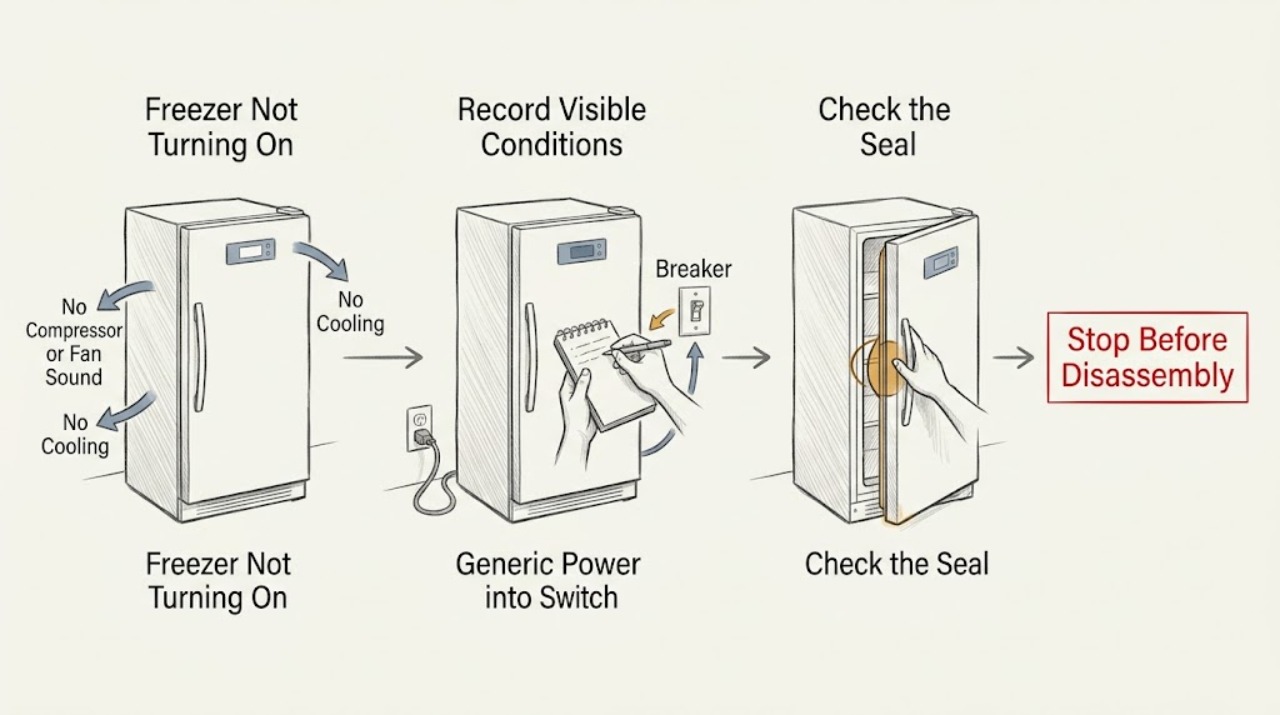
Freezer Not Turning On: Check Power, Controls, Temperature, and Food Safety
First separate a truly unpowered freezer from one that has power but is set too warm, is in an off/demo mode, is between compressor cycles, or has not yet pulled down to temperature. Check the plug, switched outlet, dedicated circuit, breaker or GFCI only from a dry, safe position; do not use an extension cord or open the electrical compartment.
-
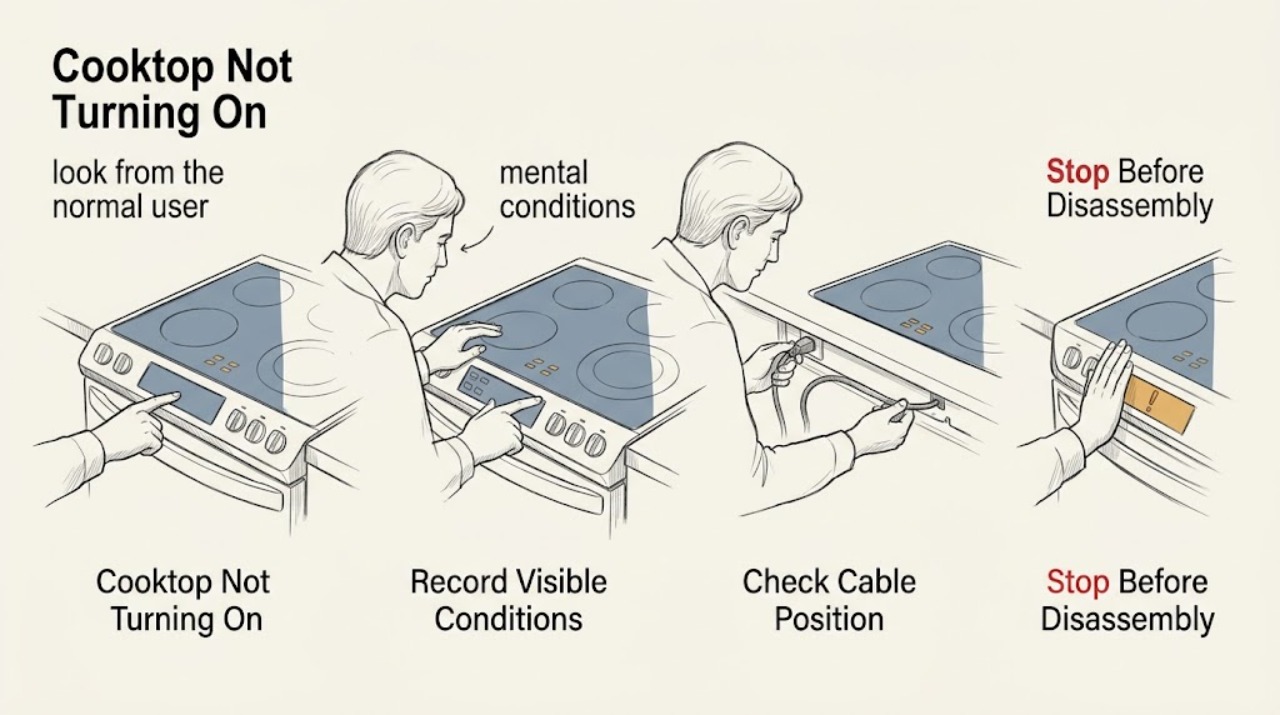
Frigidaire Cooktop Not Turning On: Check Lock, Power, and Burner Type
First check whether the whole Frigidaire cooktop is blank or only one zone fails, then identify whether it is electric, induction, or gas. For an electric cooktop, verify the normal user-accessible power source and look for a lock or dash indication; Frigidaire documents a power reset for cooktop lockout.
-
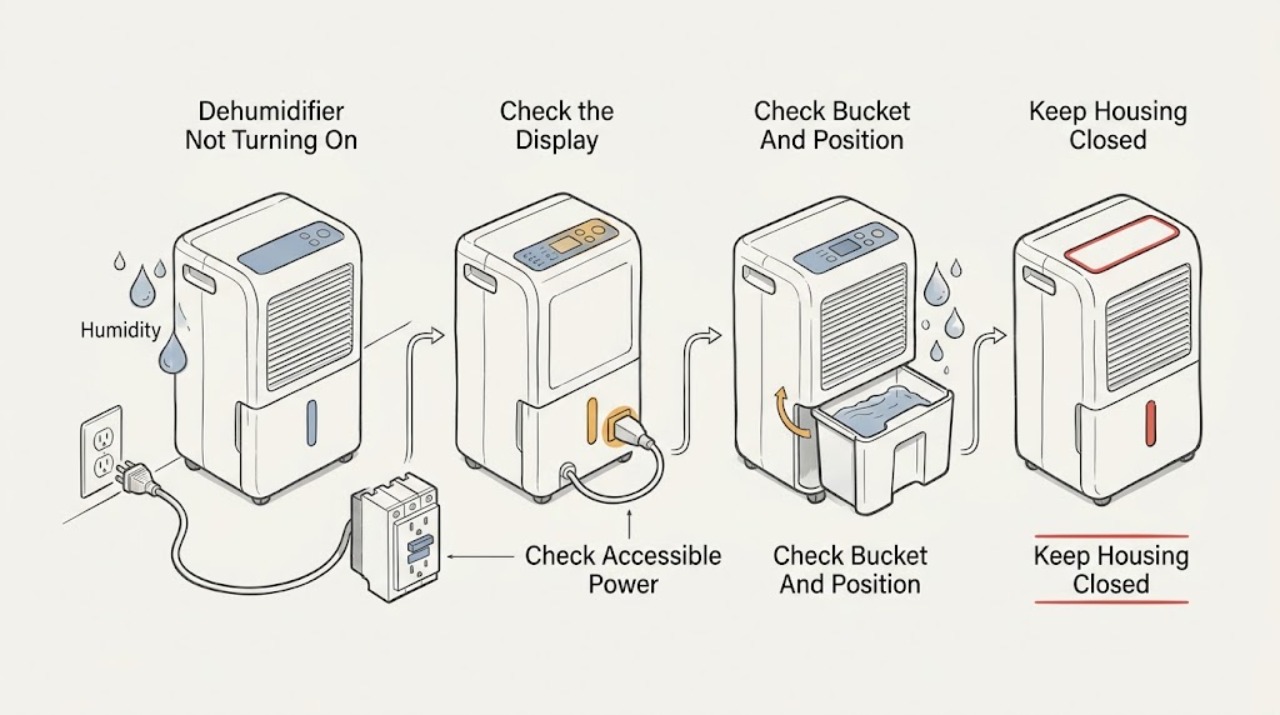
Frigidaire Dehumidifier Not Turning On
Start with the exact model and separate a completely dark unit from one whose display is lit. For Frigidaire dehumidifiers, check the accessible grounded receptacle, plug, cord, breaker and GFCI/AFCI once; use no extension cord or power strip.
-
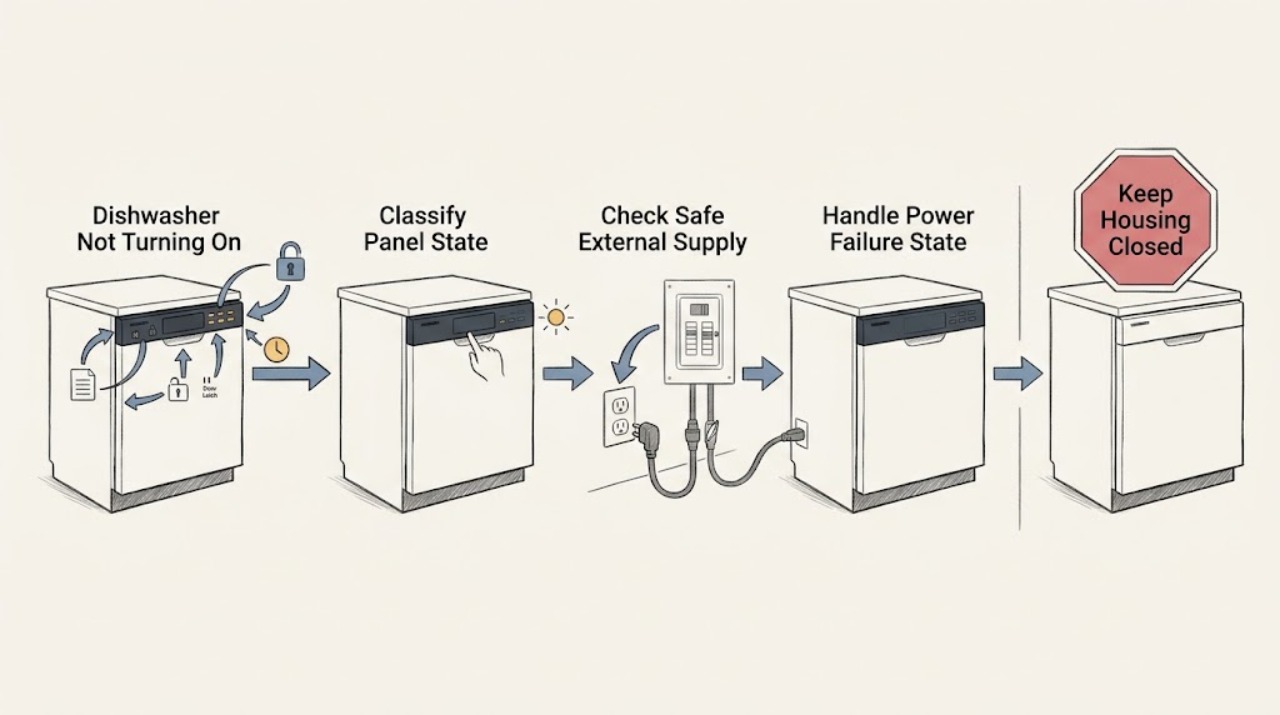
Frigidaire Dishwasher Not Turning On: Check Power, Lock, Door, and Delay States
Separate a blank dishwasher from a dishwasher that has a lit panel but will not begin a cycle. If the panel and indicators are completely dark, check the breaker and any accessible plug or wall switch from outside the appliance; do not remove electrical covers or use live tests.
-
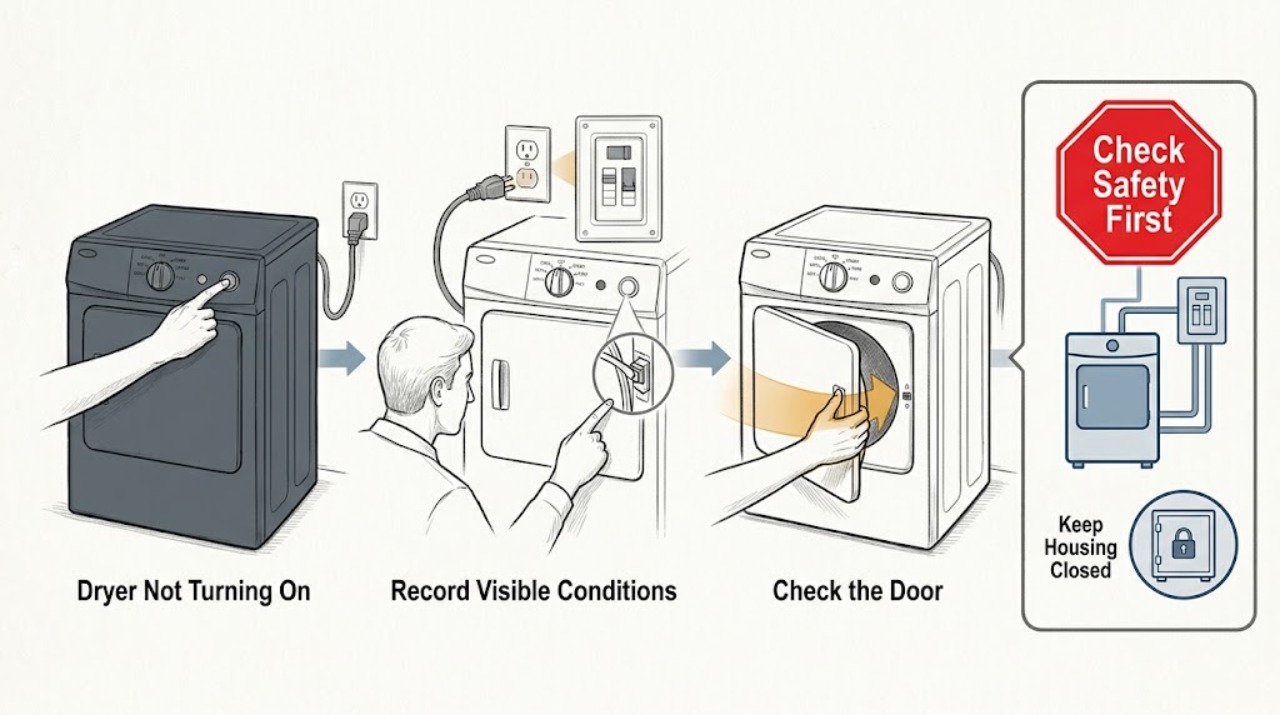
Frigidaire Dryer Not Turning On
First determine whether the Frigidaire dryer is completely dead or has power but will not begin a cycle. Stop for gas odor, smoke, sparks, scorching, a hot or damaged cord or receptacle, standing water near electrical parts, or a drum that will not stop safely.
-
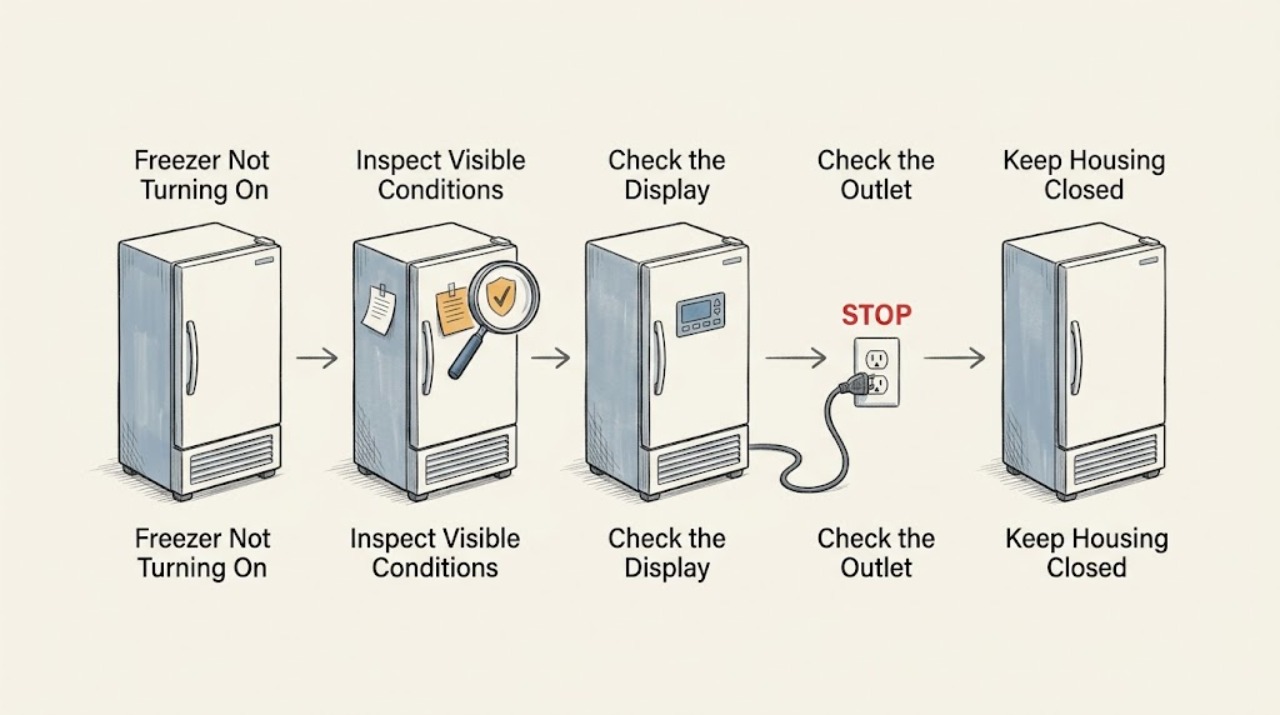
Frigidaire Freezer Not Turning On
Start by separating a no-power problem from a freezer that has power but is not cooling. Check whether the control is set to ON, confirm the plug is firmly in a suitable wall outlet, look for a tripped breaker or GFCI, and check for a household outage.
-
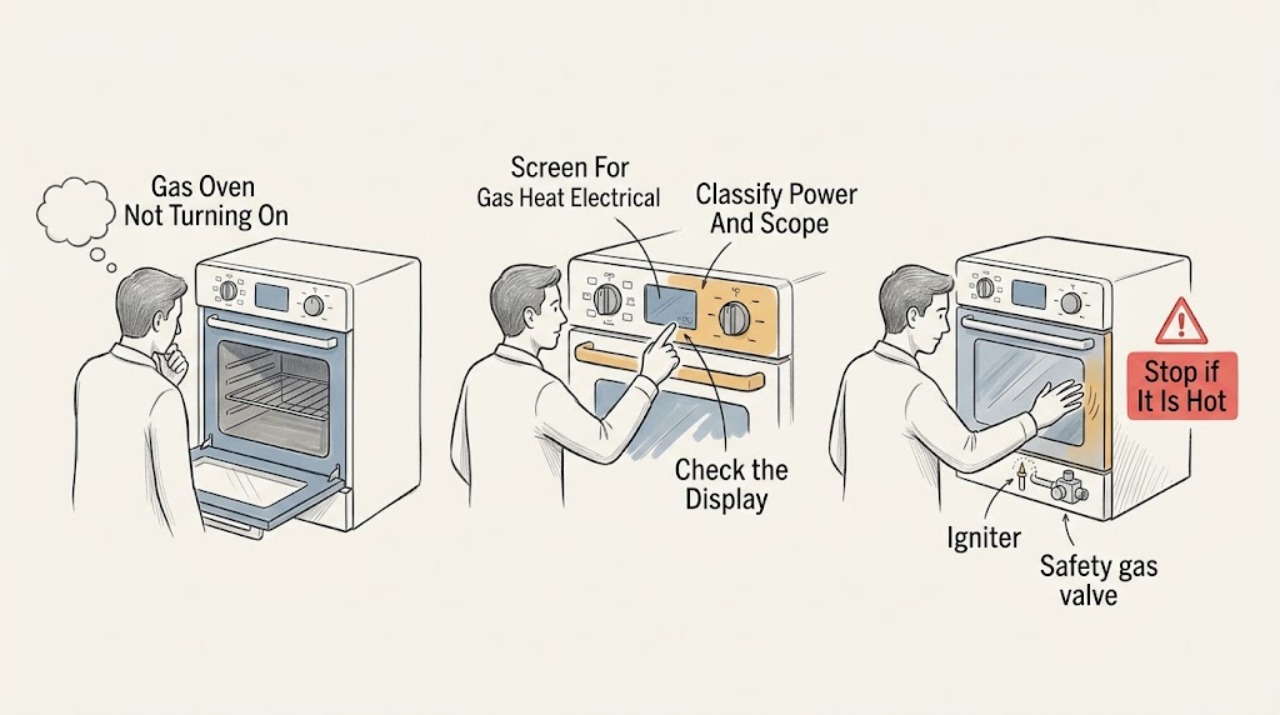
Frigidaire Gas Oven Not Turning On: Check Power, Gas, and Controls Safely
First decide whether the Frigidaire range is completely dead, whether the display works but the oven will not start, or whether the oven starts a preheat cycle without producing heat. If you smell unburned gas, see smoke or flames outside the oven, hear unusual sparking, see a damaged power connection, or the breaker trips again, leave the appliance off, ventilate without operating switches, and use qualified gas or electrical help.
-
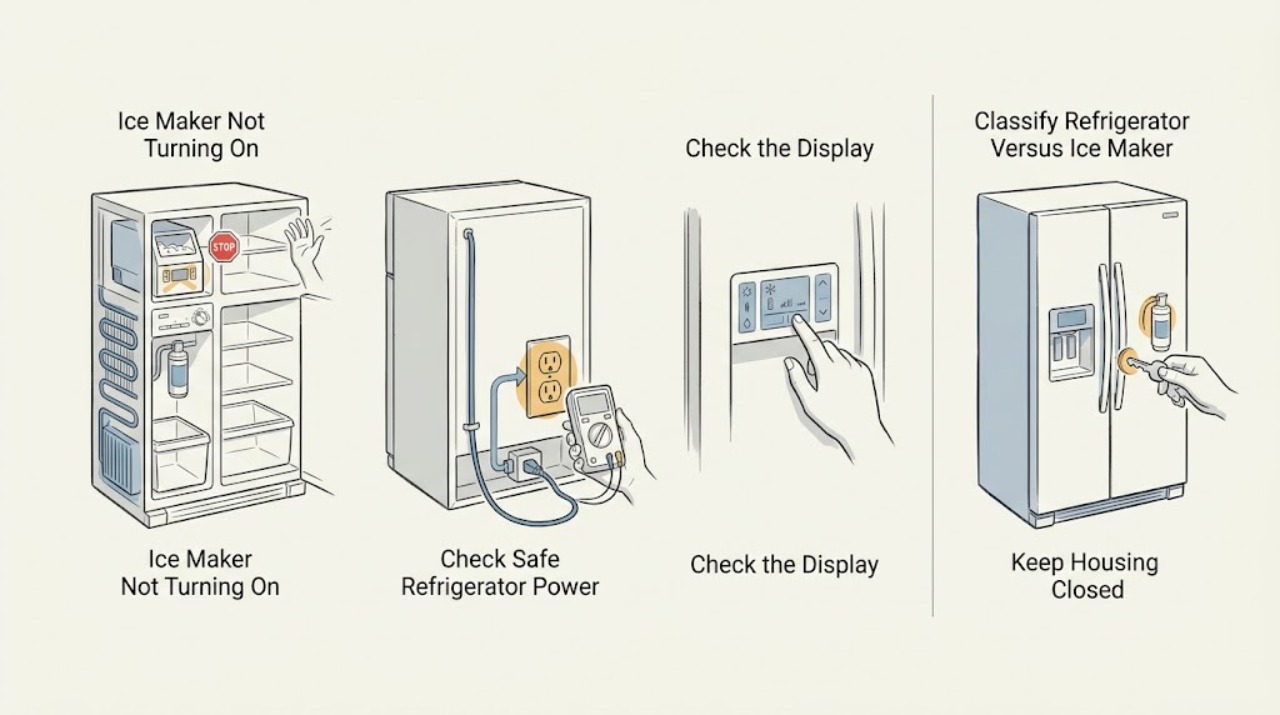
Frigidaire Ice Maker Not Turning On: Control, Power, and Model Checks
Frigidaire ice makers are integrated into refrigerator models with different control layouts. First decide whether the refrigerator itself has power and whether the ice-maker function is disabled.
-
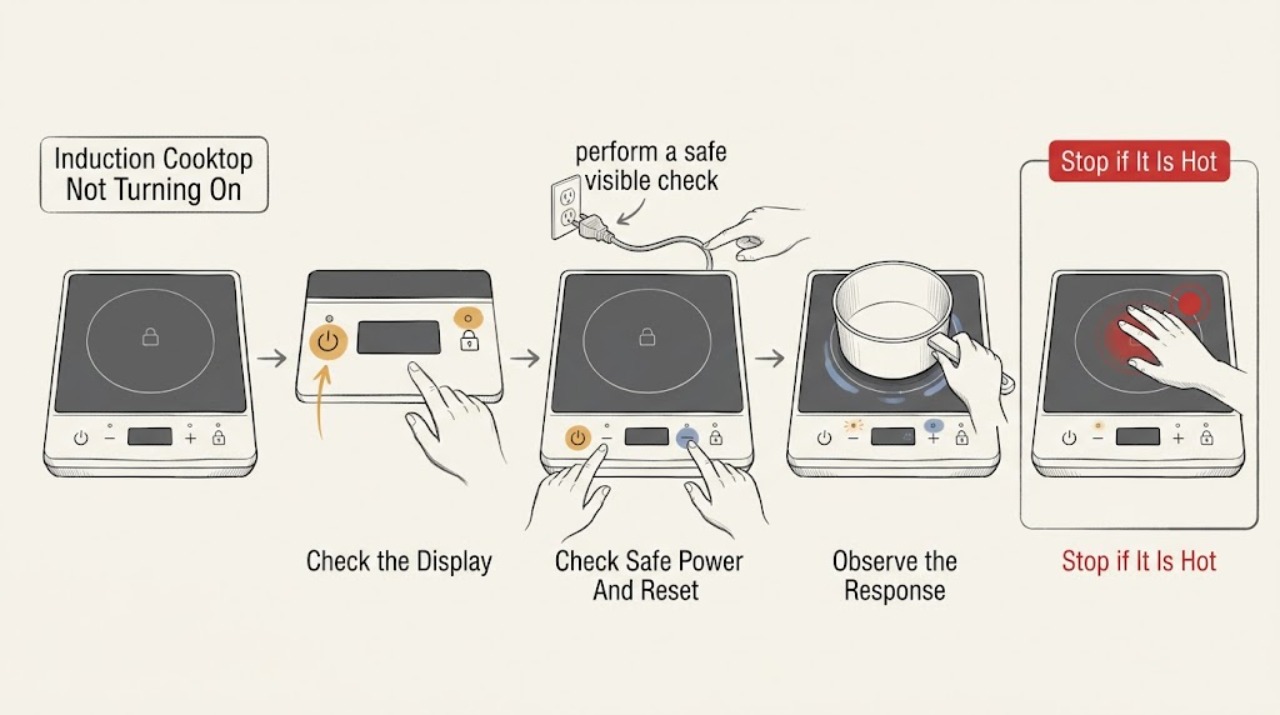
Frigidaire Induction Cooktop Not Turning On: Check Power, Lock, Controls, and Pan Detection
First separate a completely dark Frigidaire induction cooktop from one whose display responds but will not heat a zone. From a safe, dry position, check the dedicated power supply and any visible lock or dash indication, then follow the exact model’s control sequence.
-
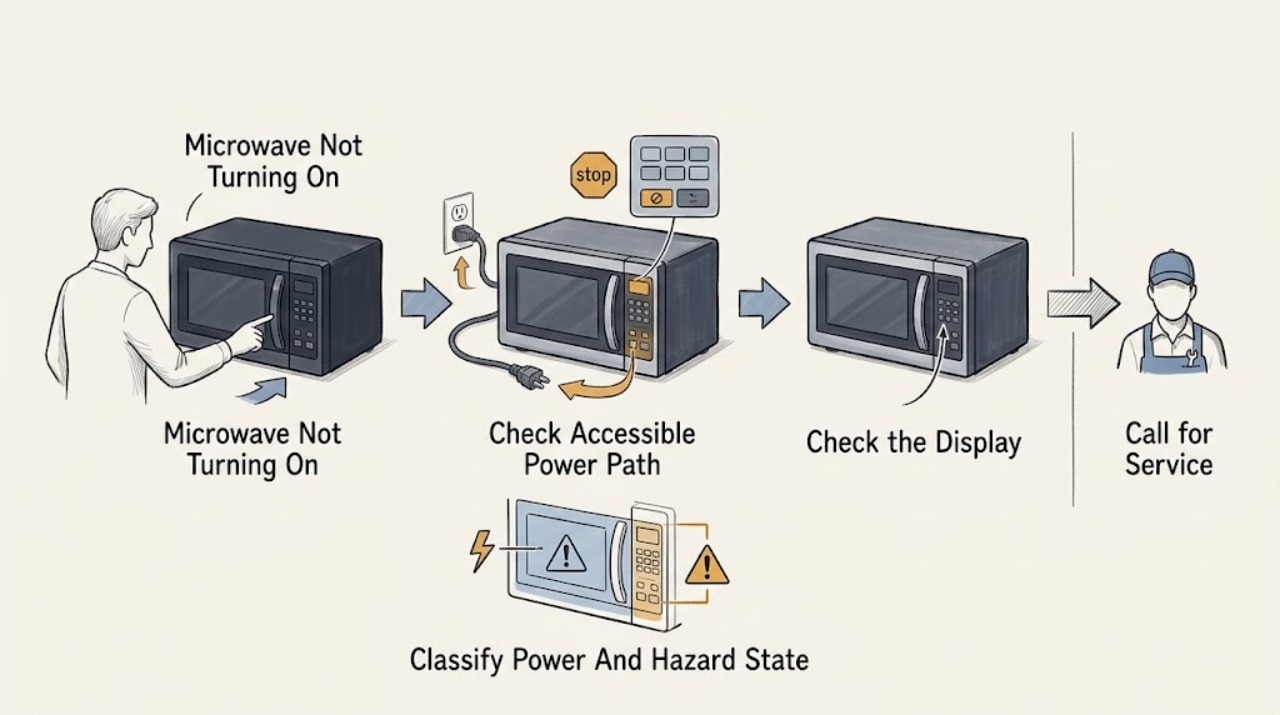
Frigidaire Microwave Not Turning On: Separate Power, Control, and Door-Start Faults
First decide which symptom you actually have: a dark display and cavity light, a lit display that will not respond to Start, or a unit whose fan or surface light works while microwave cooking does not. For a completely dark unit, check the accessible plug, outlet, household breaker, and any GFI/GFCI protection from a dry, safe position; Frigidaire says a recent surge can trip the breaker and that its microwave should use a dedicated non-GFI circuit.
-
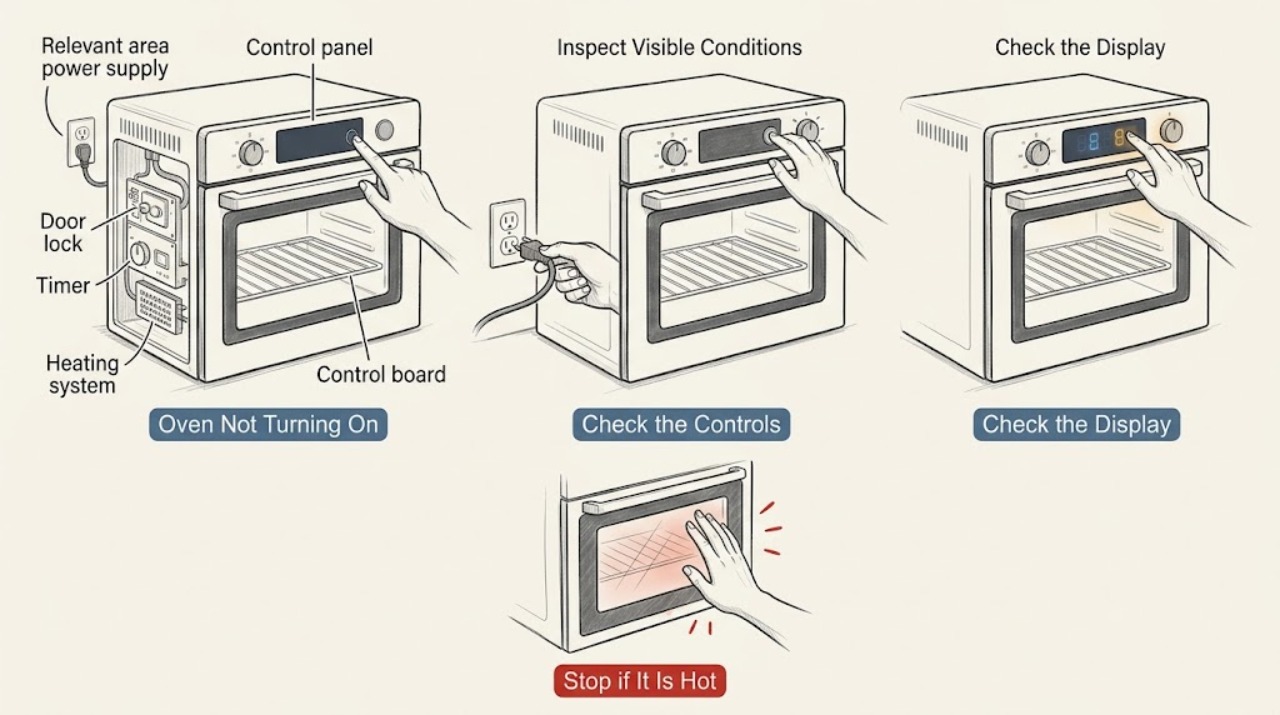
Frigidaire Oven Not Turning On: Check Power, Controls, and Safe Start Conditions
When a Frigidaire oven will not turn on, first decide whether the whole appliance is without power or whether the display works but the oven refuses a start command. Check the breaker and visible power connection without opening panels, then confirm the intended cooking function, temperature, timer, and Start sequence.
-
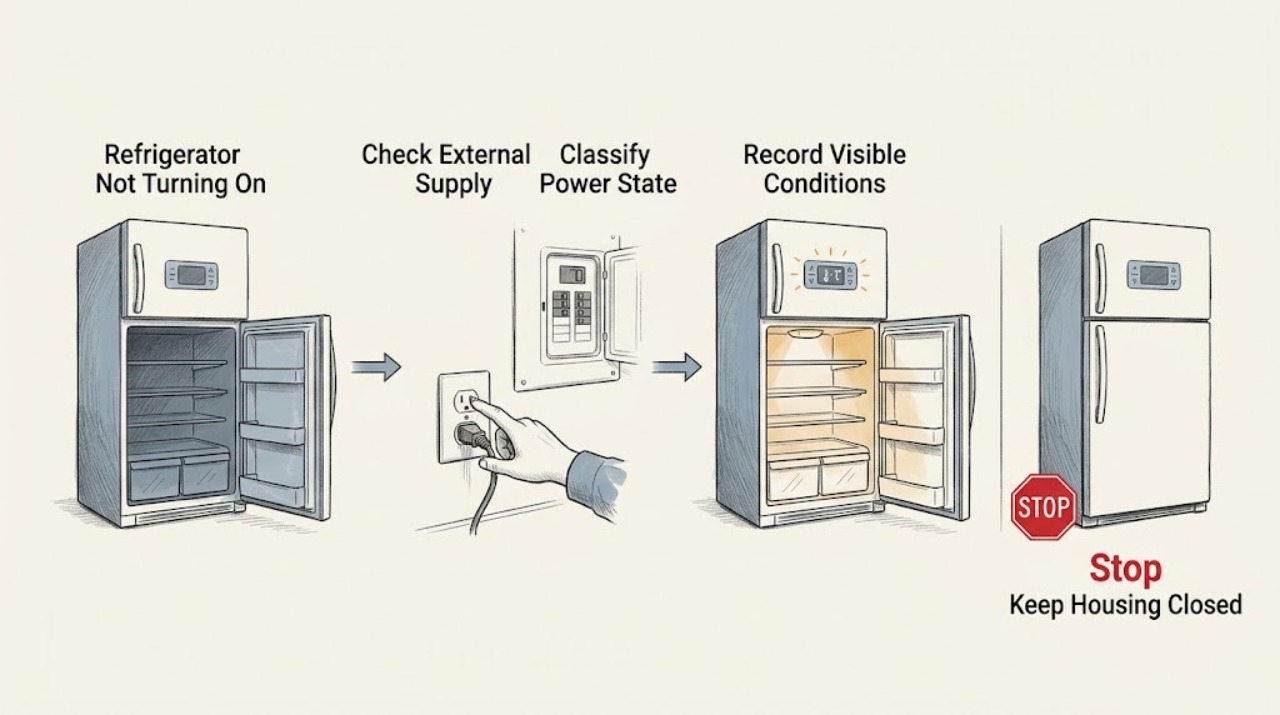
Frigidaire Refrigerator Not Turning On: Separate No Power From No Cooling
First separate a totally unpowered refrigerator from one that has lights or a display but is not cooling. If the display and interior light are both dead, make only safe external checks: confirm the plug is seated, check whether the refrigerator breaker or GFI has tripped, and—only if the outlet and appliance are dry and undamaged—confirm the outlet with a normal appliance.
-
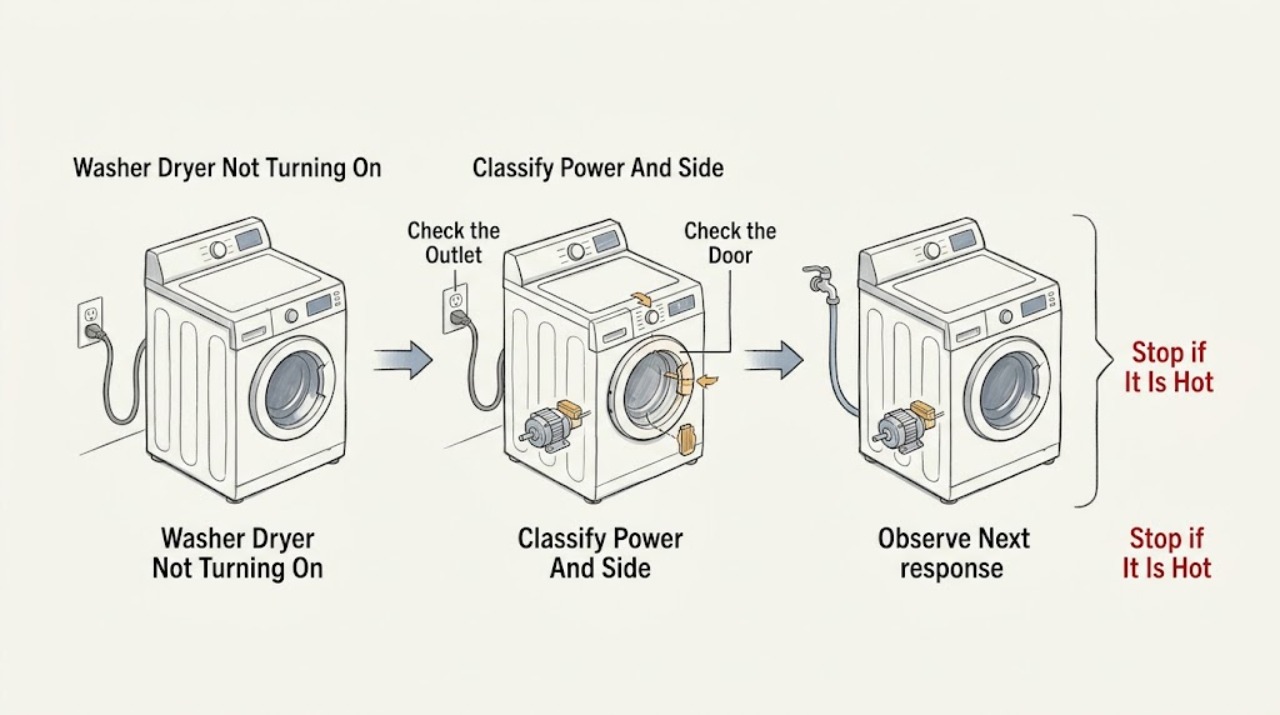
Frigidaire Washer Dryer Not Turning On: Check Power, Doors, Controls, and Water
First distinguish a Frigidaire Laundry Center with no display or power from one that has power but will not begin a washer or dryer cycle. Check that the cord fits tightly in the wall outlet, the unit has the required dedicated supply, the control is not paused or delayed, the washer lid and dryer door are fully closed, and Start or Start/Pause was pressed after selecting a cycle.
-
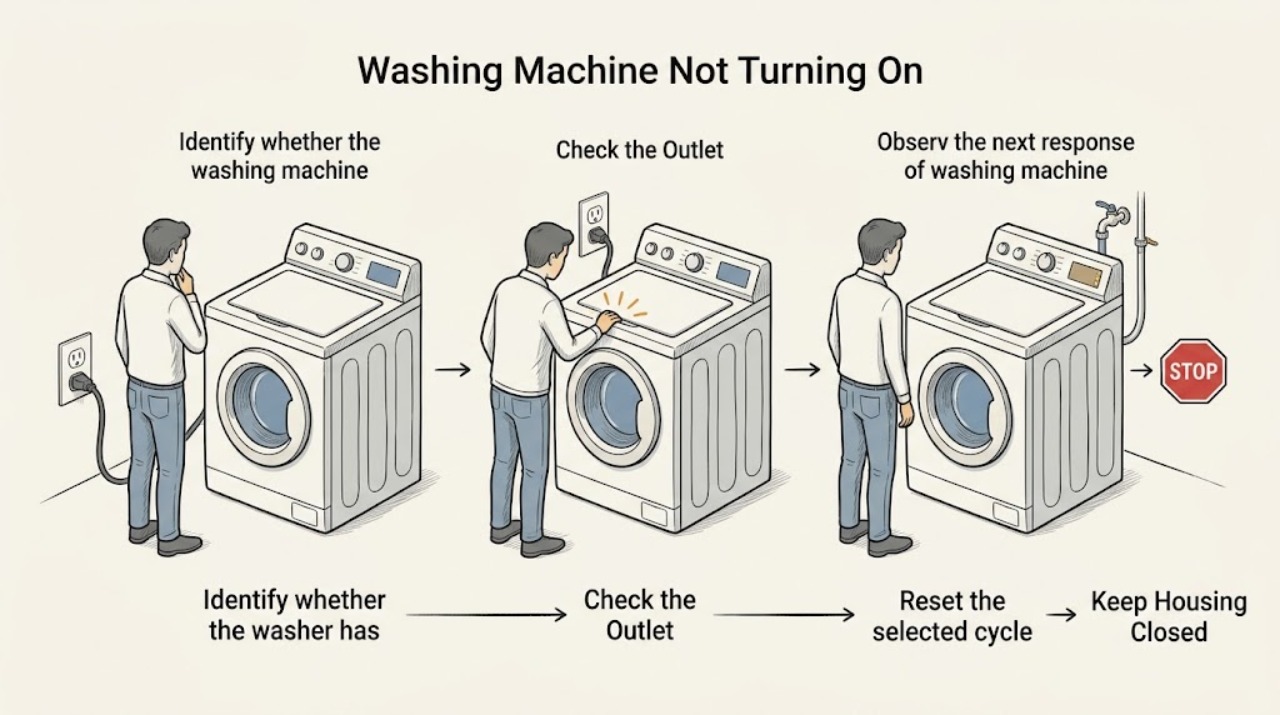
Frigidaire Washing Machine Not Turning On: Separate Power from a No-Start Condition
First separate a completely dead Frigidaire washing machine from a washer that has power but will not begin a cycle. Check that the cord is firmly seated in a working wall outlet, look for a tripped breaker or blown fuse, and do not use an extension cord.
-
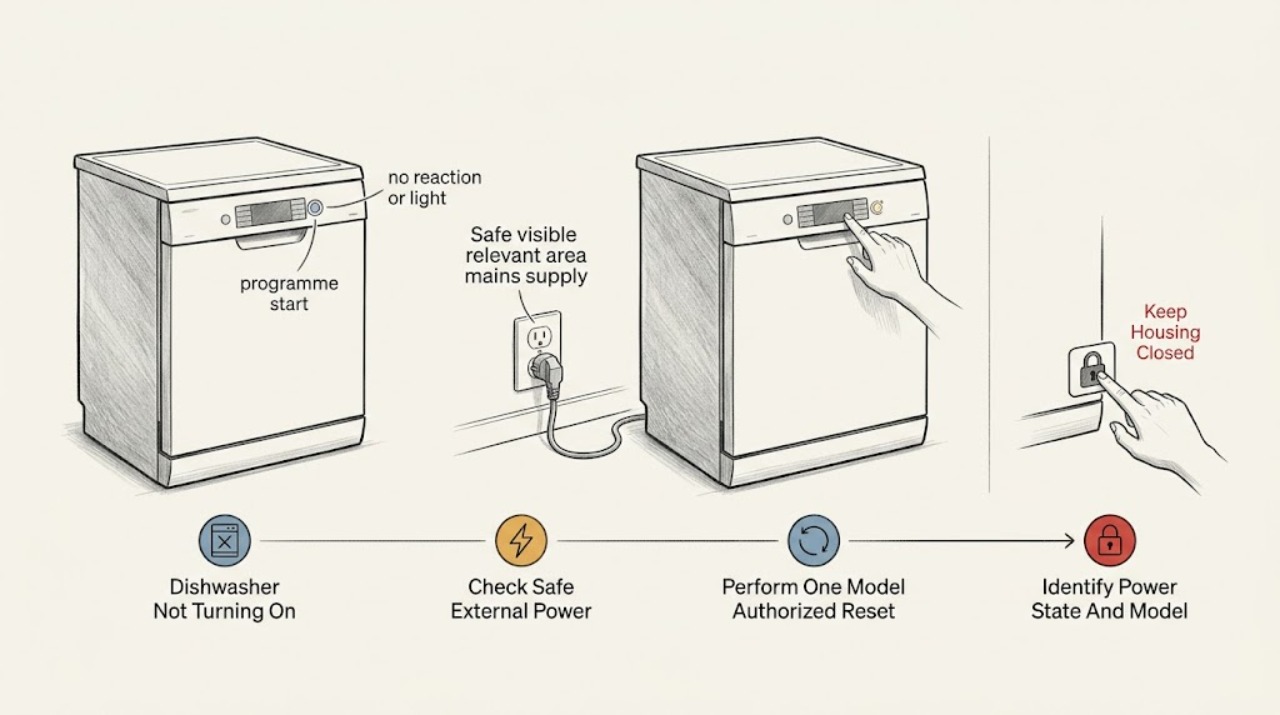
Gaggenau Dishwasher Not Turning On: Separate Power, Door, and Start Problems
First separate a completely dark dishwasher from one whose display or indicators light but will not start. Use the Gaggenau E-Nr to open the matching manual, then check the accessible power connection, the household fuse or breaker, and whether a safe outlet works.